
This guide will walk you through:
Capturing Lead Activities: Connect DealerRater with WiserNotify using a webhook to fetch real-time Lead data
This guide will walk you through:
Capturing Lead Activities: Connect DealerRater with WiserNotify using a webhook to fetch real-time Lead data
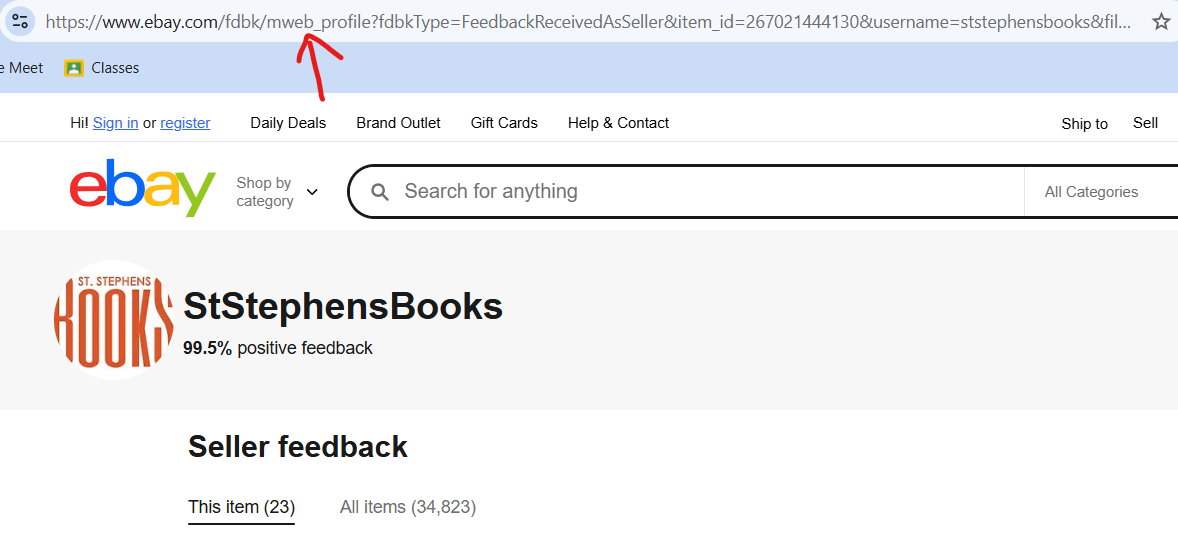
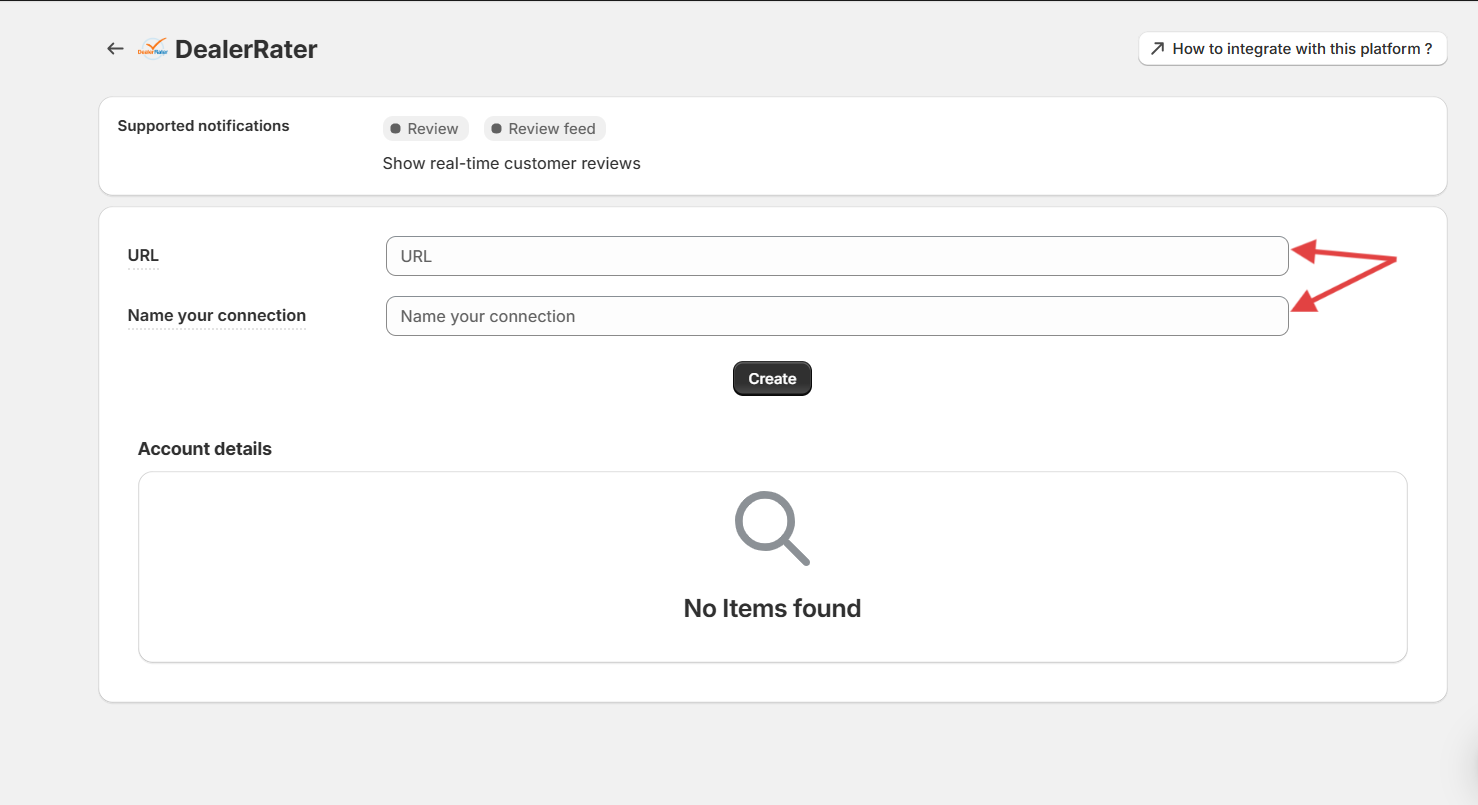
Step 3
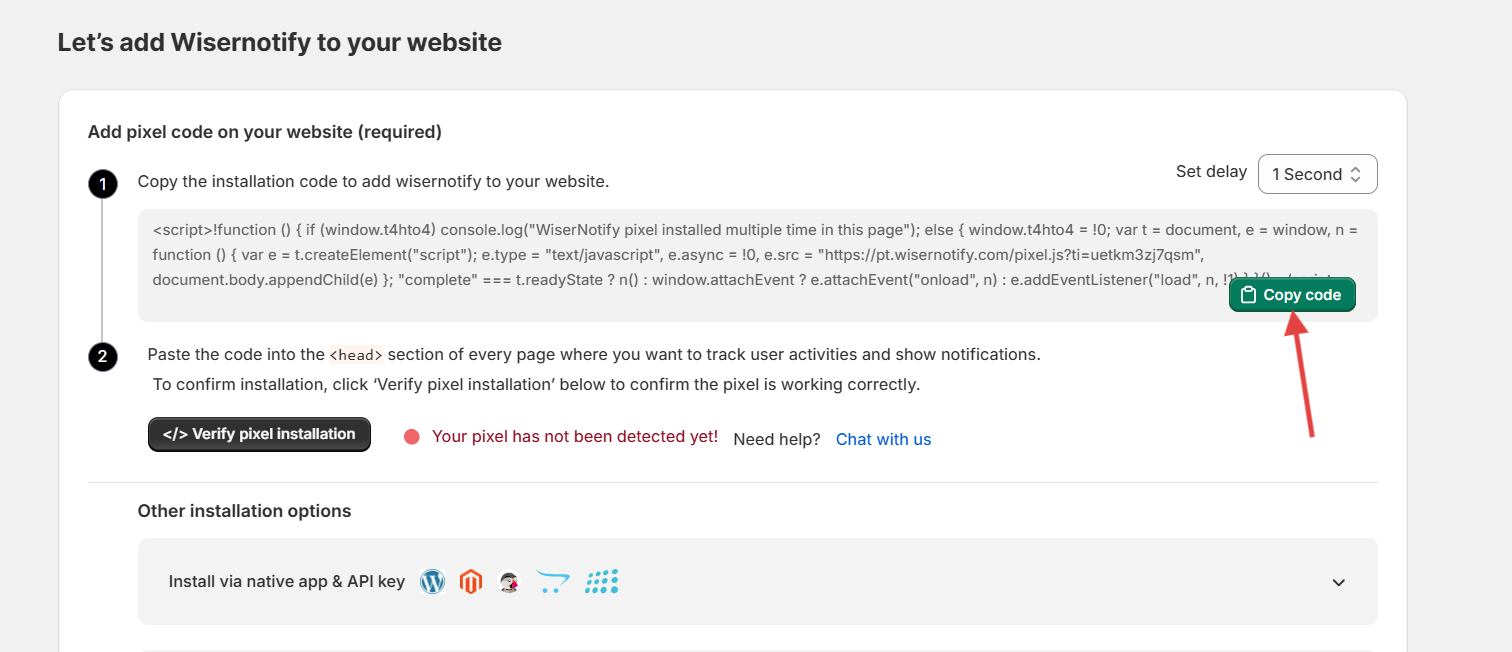
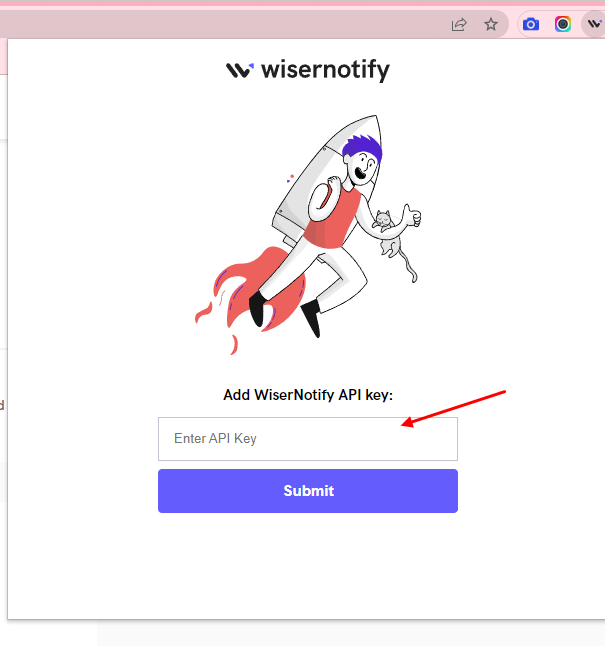
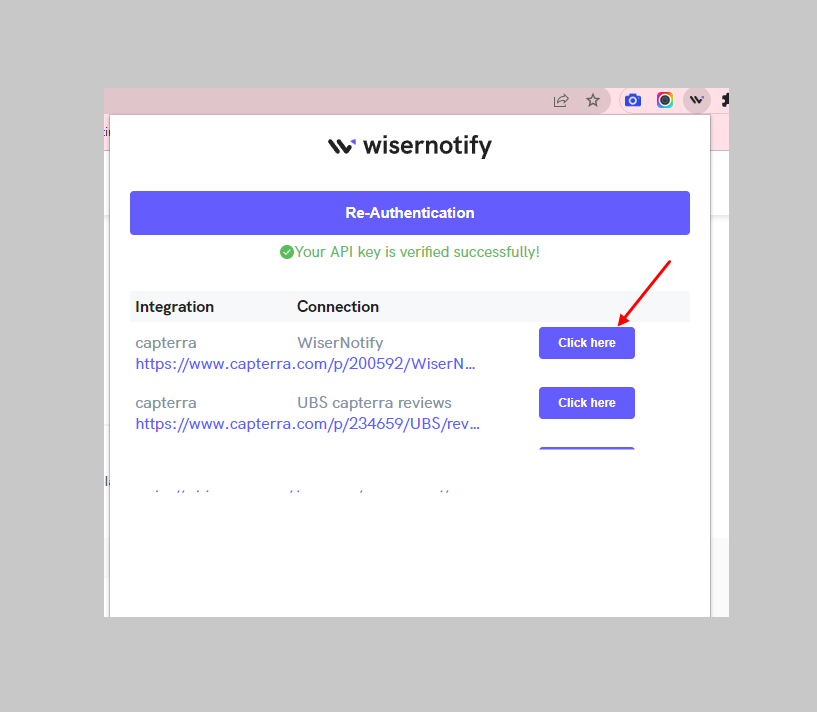
Wait for progress & Then visit the WiserNotify- Dashboard Data page. Here, You can see all the captured/ received data with its source name.
Watch this video on how to use chrome extension.
 Still stuck? We'll set it up with youLive chat or a free screen-share call, every day of the year.Chat with support
Show your visitors what others are doing right now, and turn hesitation into checkout.




 Capterra