
9 Best WordPress Review Plugins for 2026 (Free and Paid)

Reviews do two jobs on a WordPress site. They help visitors trust you, and they give search engines rating data that can put stars next to your listing.
WordPress has no review system of its own, so the plugin you choose decides how reviews are collected, moderated and shown. Some plugins focus on product reviews, some on testimonials, and some on simple star ratings for posts.
Below, we compare nine WordPress review plugins by what they do best, so you can match one to your site.
Key takeaways
- For product reviews on a store, look for automated review requests and photo reviews.
- For service businesses, a testimonial plugin is often a better fit than a product review plugin.
- For blogs, a lightweight star rating plugin adds reader ratings without a full review system.
- WP Review, WP Product Review and Taqyeem were left out: the first two are closed on WordPress.org and Taqyeem has not been updated since 2023.

Show Real Reviews That Build Trust
Collect and display photo, video, and text reviews with full design control.
WordPress Review Plugins Compared
| Plugin | Best for | Free version | Verdict |
|---|---|---|---|
| WiserReview | Stores collecting product reviews | No, 7-day trial | Most complete for automated requests and display widgets |
| WP Customer Reviews | Business review pages | Yes | Simple, free and spam-resistant |
| Customer Reviews for WooCommerce | WooCommerce stores on a budget | Yes | Solid free reminders, WooCommerce only |
| Site Reviews | Reviews on any post type | Yes | Most flexible free option, needs setup time |
| Strong Testimonials | Service businesses and agencies | Yes | Best pick for testimonials, not product reviews |
| kk Star Ratings | Blogs wanting reader ratings | Yes | Lightweight star ratings, no written reviews |
| Rate My Post | Blogs wanting ratings plus feedback | Yes | Adds private feedback to star ratings |
| Ultimate Reviews | Custom review forms | Yes | Flexible fields, small user base |
| WP Business Reviews | Showing Google, Yelp and Facebook reviews | No | Good for importing reviews, not collecting them |
What a Review Plugin Should Do
Before looking at individual plugins, know which jobs you need covered:
- Collect reviews: forms on your site or automatic requests after a purchase.
- Moderate them: approve, reply to and filter spam before reviews go live.
- Add schema: JSON-LD markup so eligible pages can show stars in Google.
- Display them well: sliders, grids and badges that load fast. See how to show reviews on your website.
9 Best WordPress Review Plugins for 2026
1. WiserReview
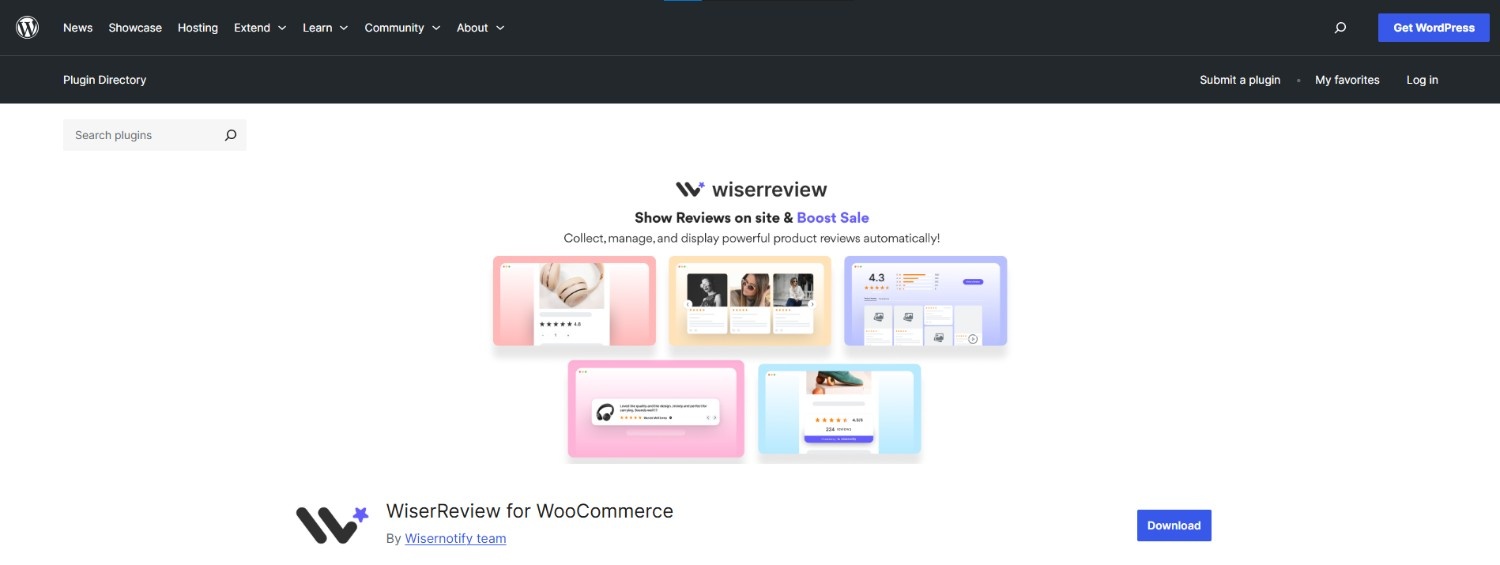
WiserReview connects your WordPress or WooCommerce site to a hosted review platform. It collects reviews through several channels, moderates them in one dashboard and shows them with ready-made widgets.
It fits stores that want review collection to run on its own after each order.
Multi-Channel Review Collection
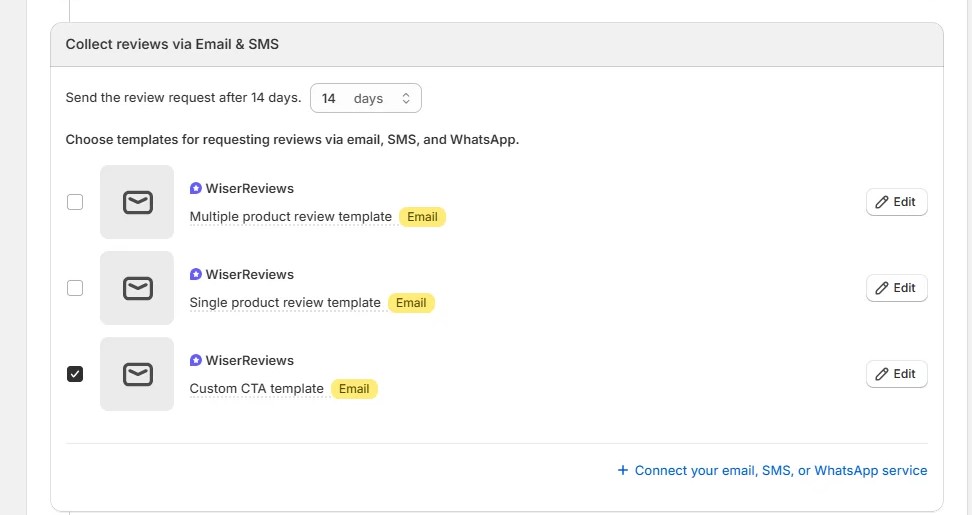
Collects reviews by email, SMS, QR code and on-site forms.
Automatic Review Requests
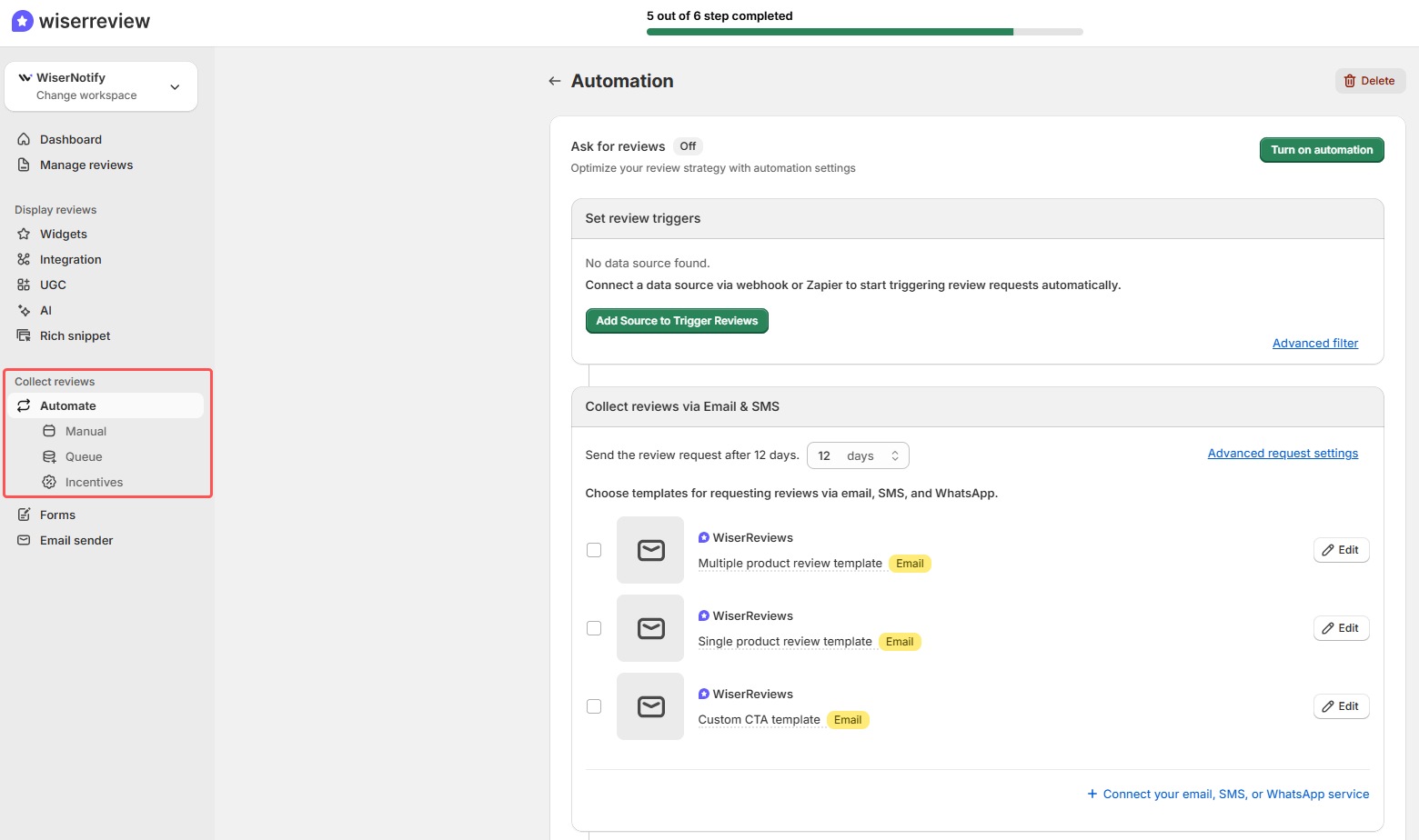
Sends requests and reminders after a purchase without manual work.
Display Widgets

Carousels, badges, popups and product review sections you can place anywhere.
Moderation Tools
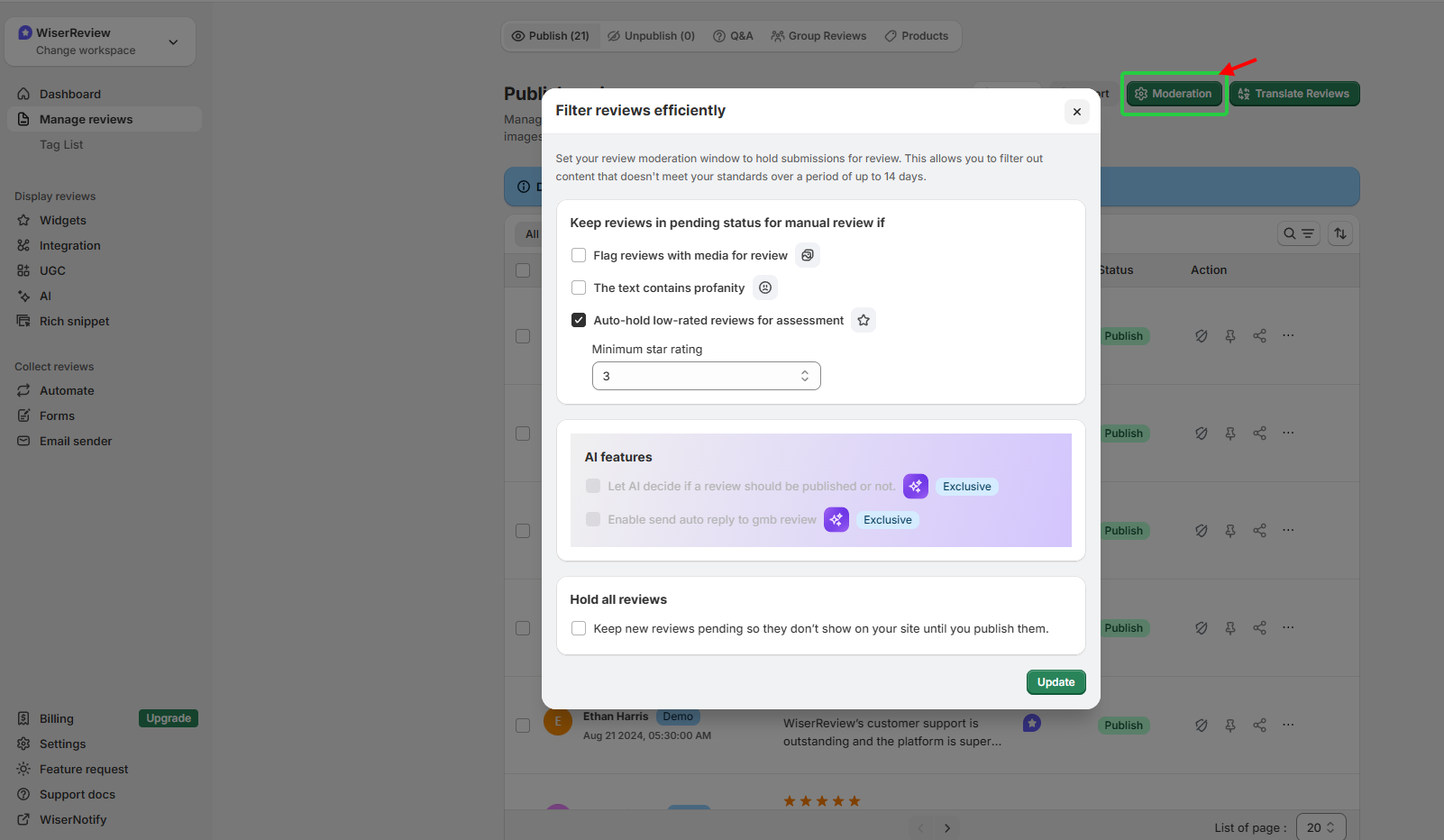
Approve, reply to or feature reviews before they go live.
Multi-Store Sync
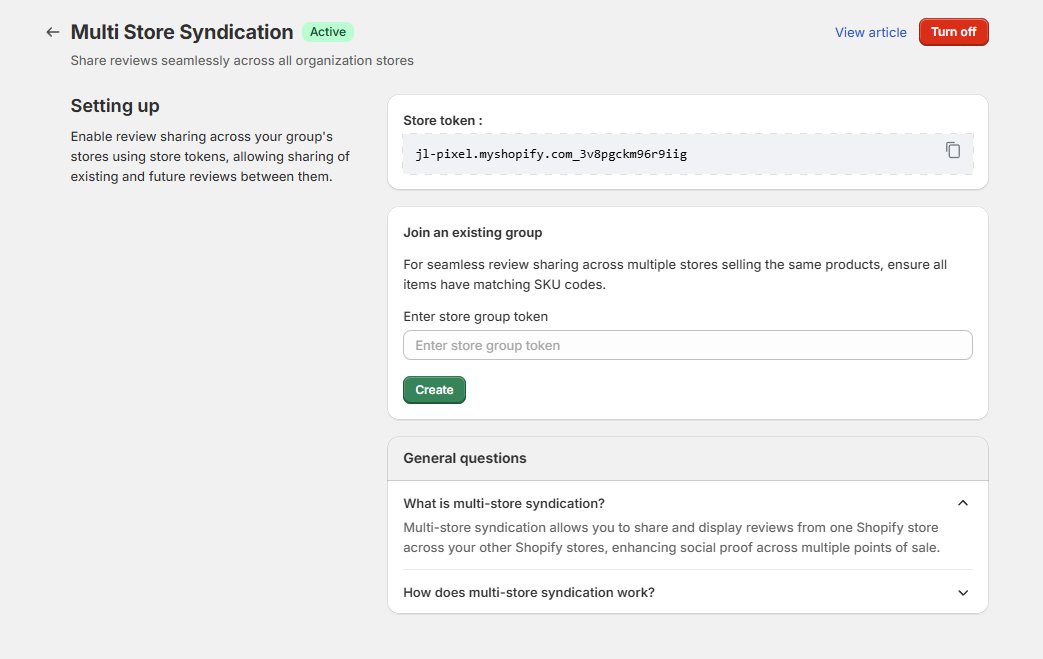
Manage reviews for several WooCommerce or Shopify stores from one account.
AI Review Summaries
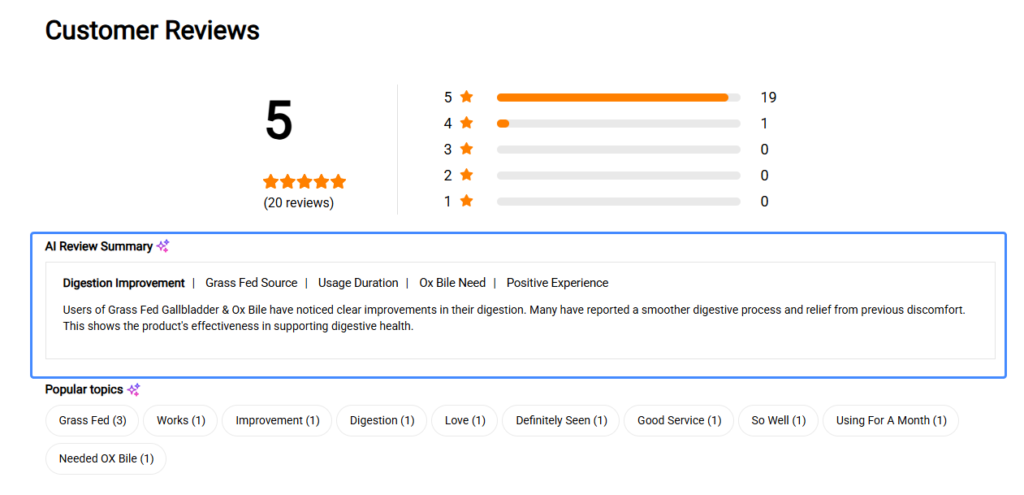
Turns many reviews into a short summary shoppers can scan.
WiserReview Plans
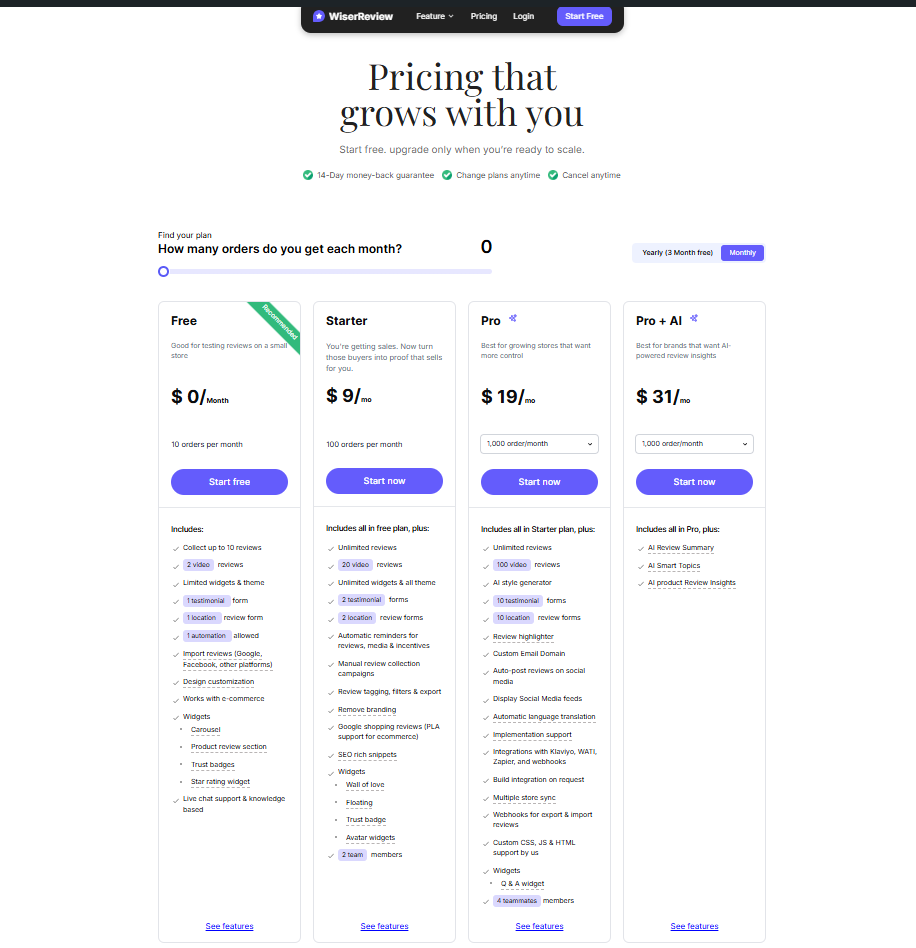
Pricing: Starter from $6.75/month billed yearly for 100 review requests a month; Pro $19/month for 1,000 requests; 7-day free trial.
2. WP Customer Reviews
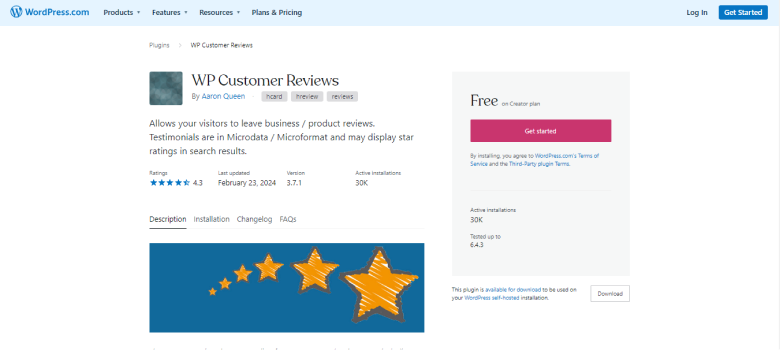
WP Customer Reviews gives you a dedicated review page with a submission form, admin approval and schema markup. It has 20,000+ active installs and works on multisite setups.
It suits local and service businesses that want a simple review page without extra services.
Moderation and Replies
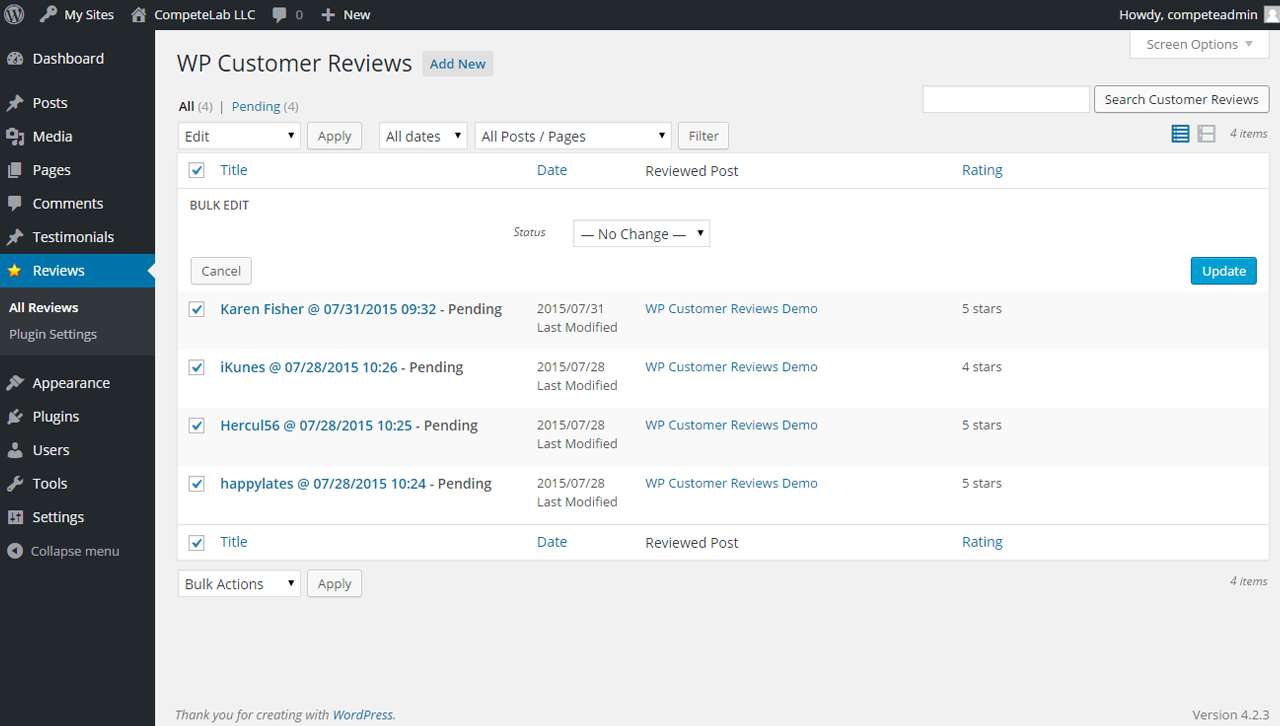
Approve, edit or trash reviews and post public admin replies.
Review Schema
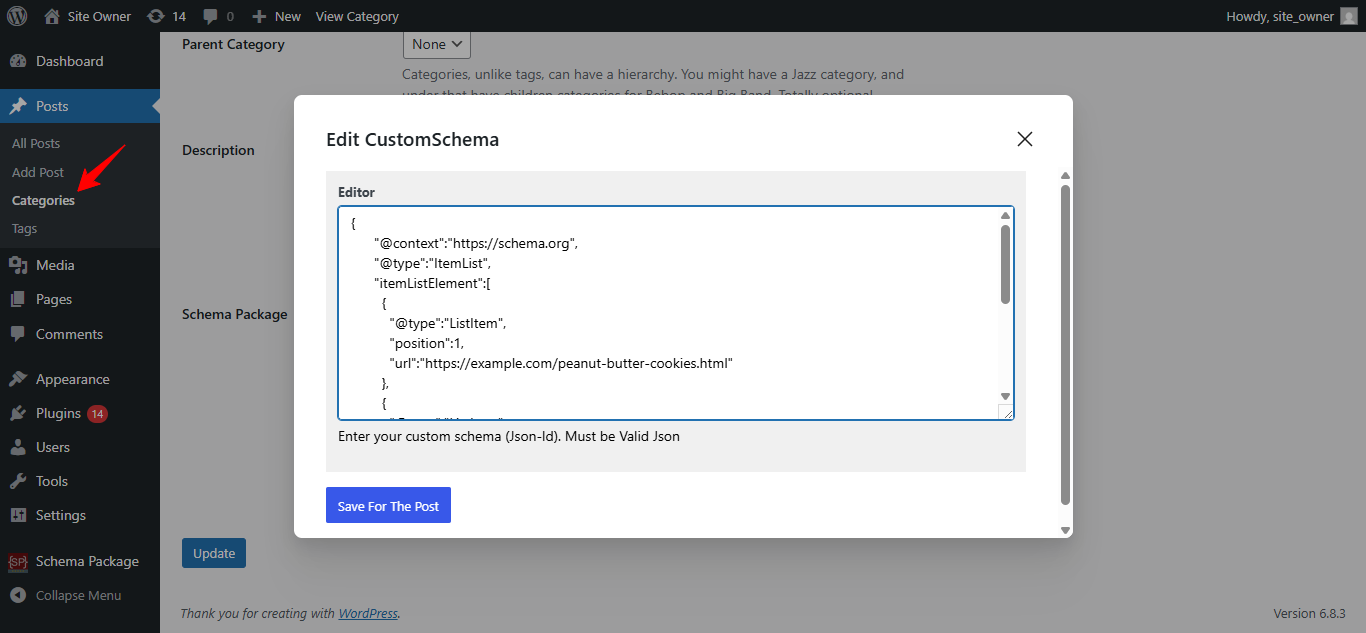
Adds structured data so eligible pages can show star ratings.
Custom Form Fields
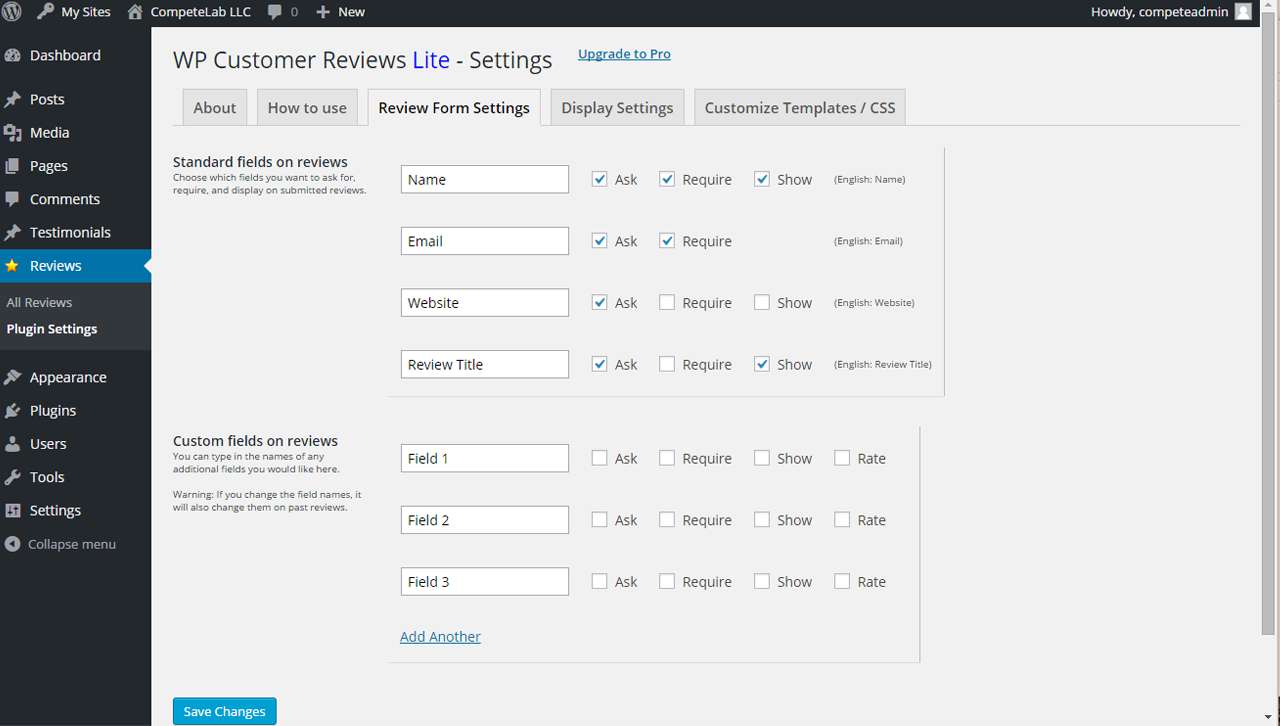
Choose which fields to show or require, and add your own.
Anti-Spam Checks
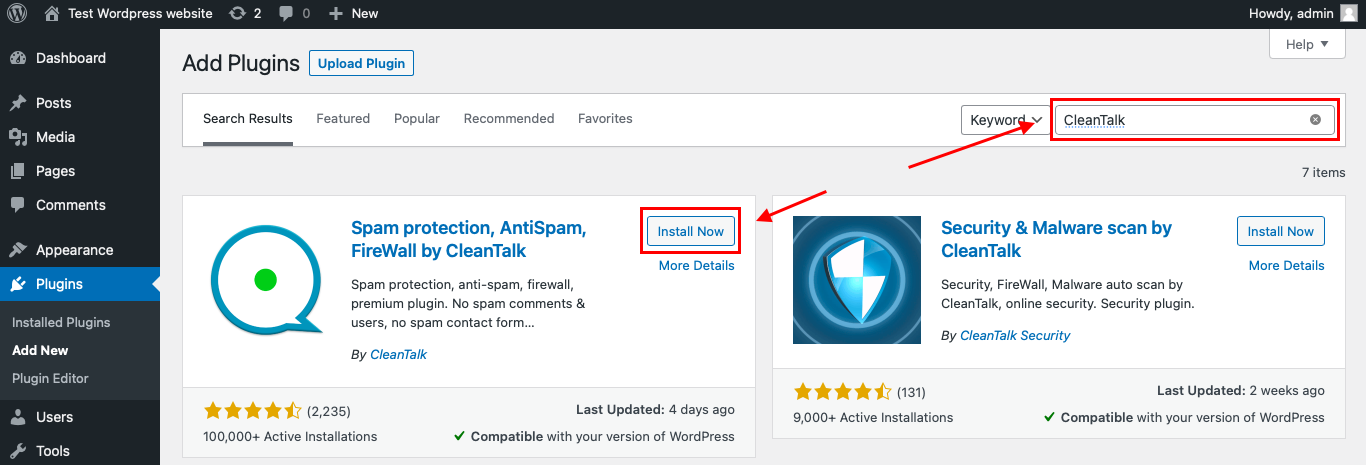
Built-in checks block spambots without a CAPTCHA.
Pricing: Free on WordPress.org.
3. Customer Reviews for WooCommerce
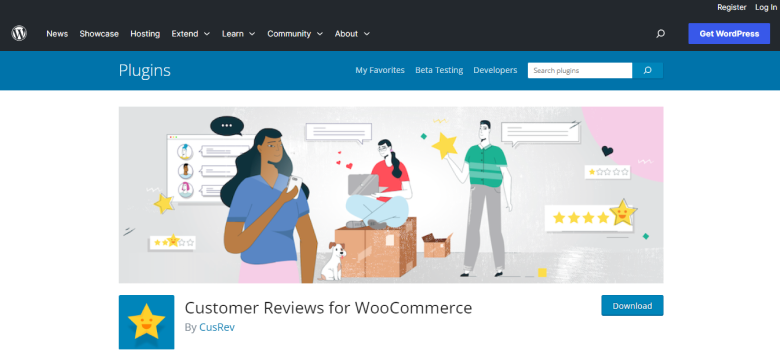
Customer Reviews for WooCommerce adds review reminders, photo and video reviews and a Q&A section to WooCommerce products. It only works on WooCommerce stores.
Review Reminder Emails
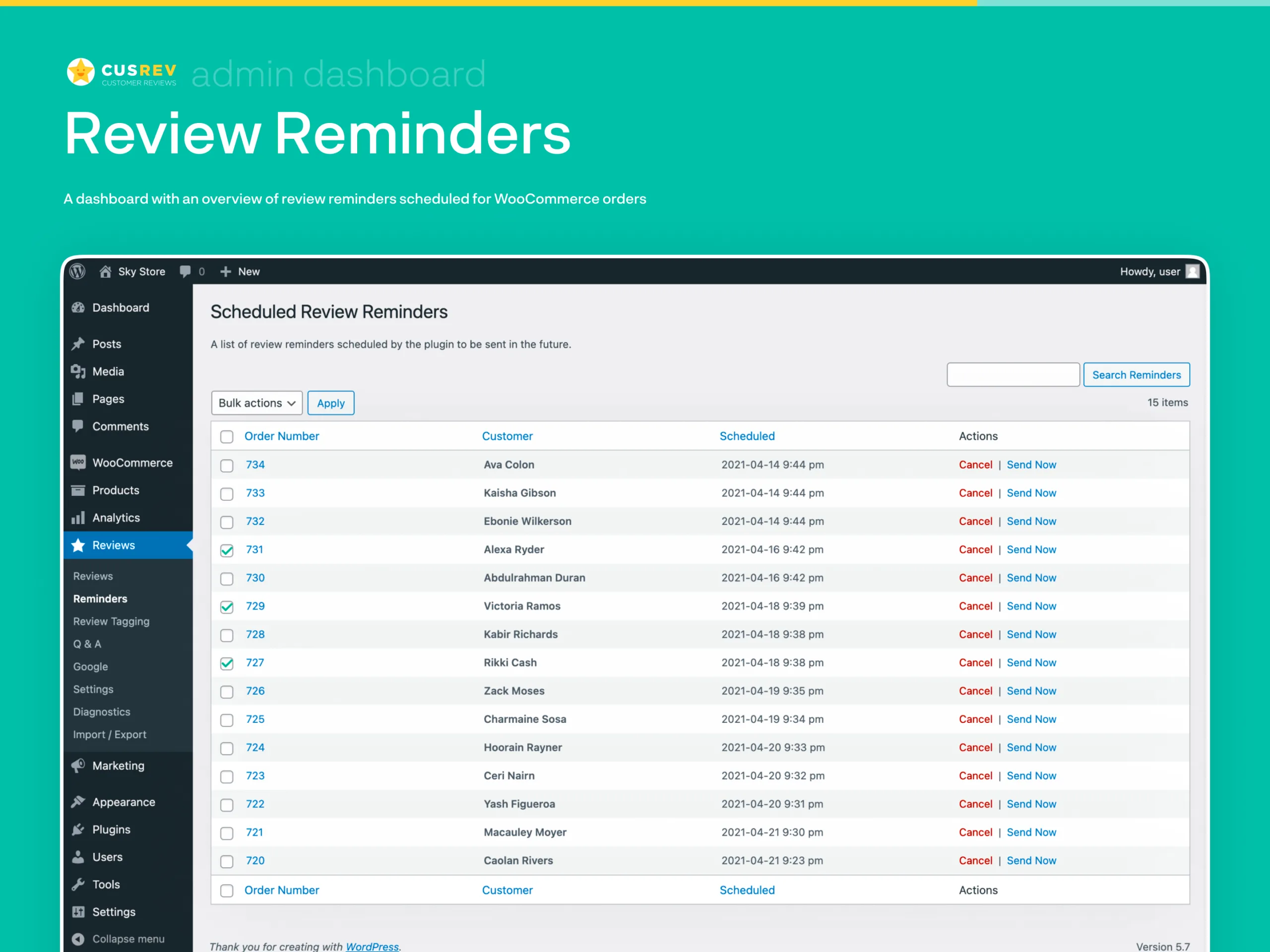
Emails buyers after each order to ask for a review.
On-Site Review Forms
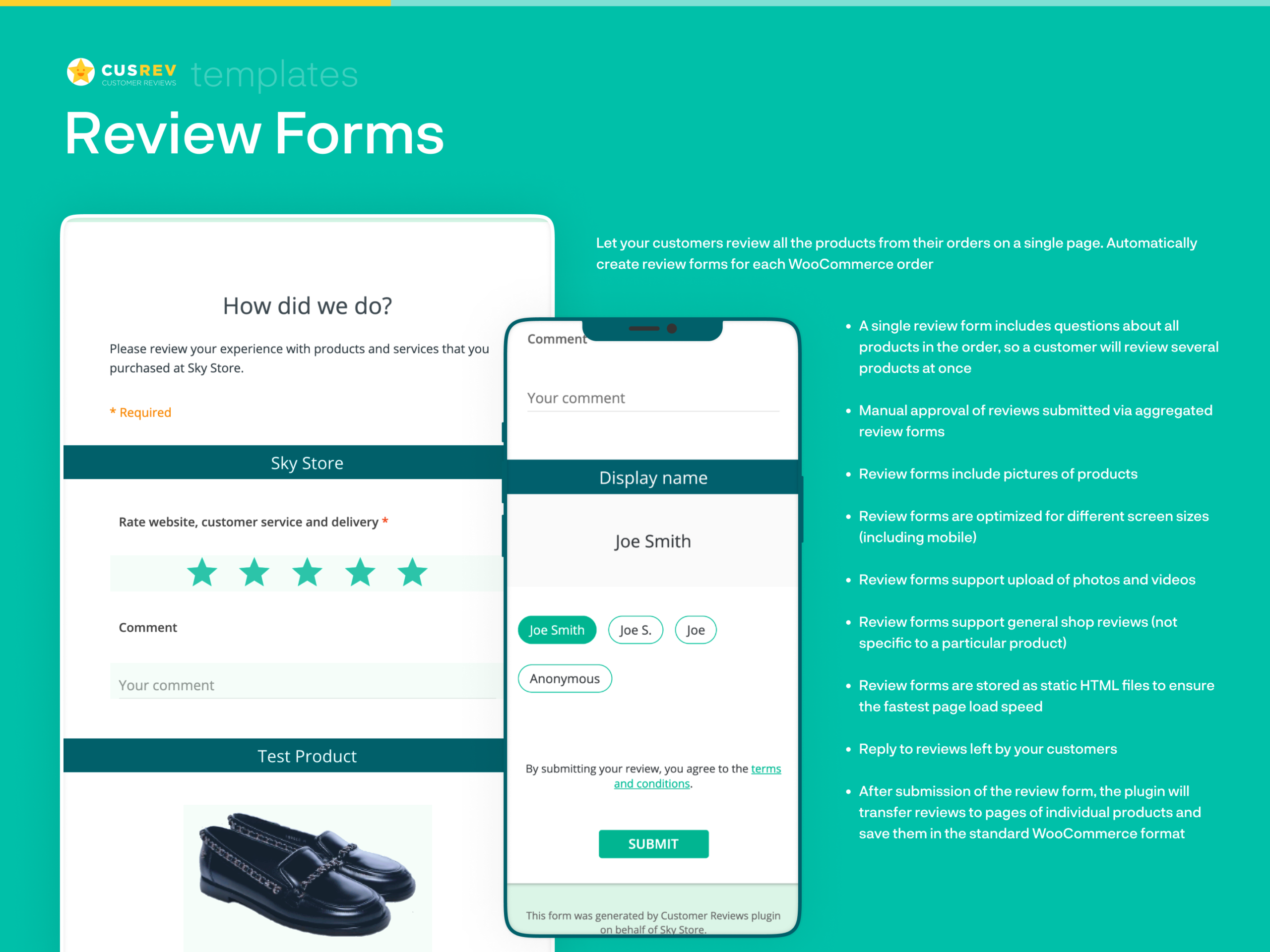
Buyers can review directly on product pages.
Google Shopping Integration

Sends product reviews to Google Shopping for star ratings in ads and listings.
Review Widgets

Grids and sliders to show reviews across your site.
Pricing: Free on WordPress.org; premium $59.99 per year or $7.99 per month.
For store-specific options, see our list of WooCommerce review plugins.
All your reviews in one place
Collect reviews, manage every response, and display them where they matter most.
4. Site Reviews
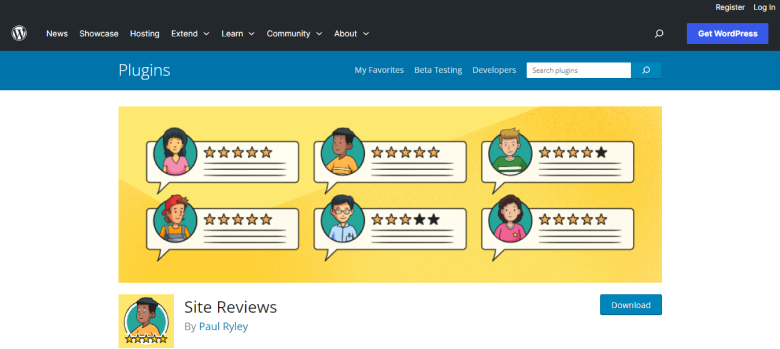
Site Reviews collects and shows reviews on posts, pages, products or users. With 60,000+ active installs, it is the most flexible free review plugin here, though it takes longer to set up.
Review Assignment
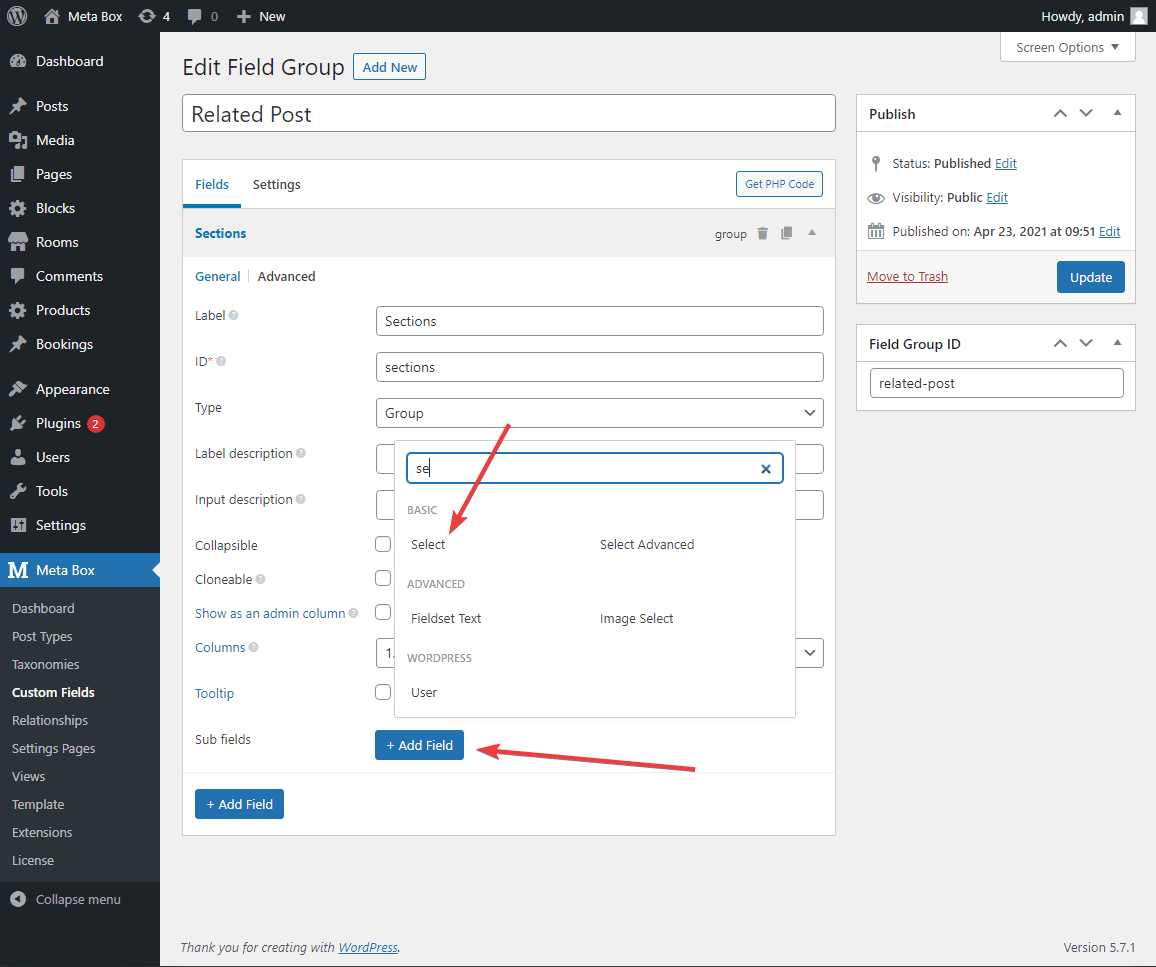
Pin reviews to a specific post, page, product or user.
Moderation and Blocklists
Hold reviews for approval and block words, emails or IP addresses.
JSON-LD Schema
Outputs rating schema for eligible pages.
Developer Hooks
Hooks and filters let developers change forms, output and workflows.
Pricing: Free on WordPress.org; images, reminders and extra themes need paid add-ons.
5. Strong Testimonials

Strong Testimonials is built for testimonials rather than product reviews. It has 80,000+ active installs and suits agencies, coaches and service businesses that want a page of client quotes.
- Submission forms: clients can send testimonials through a custom form.
- Display views: sliders, grids and lists built from one settings screen.
- Field control: reorder name, photo, URL and text fields by drag and drop.
- Imports (paid): pull in reviews from Google, Facebook, Yelp or WooCommerce.
Pricing: Free on WordPress.org; Basic $78/year for 1 site (currently $39 for the first year as a promo).
See more options in our roundup of WordPress testimonial plugins.
6. kk Star Ratings
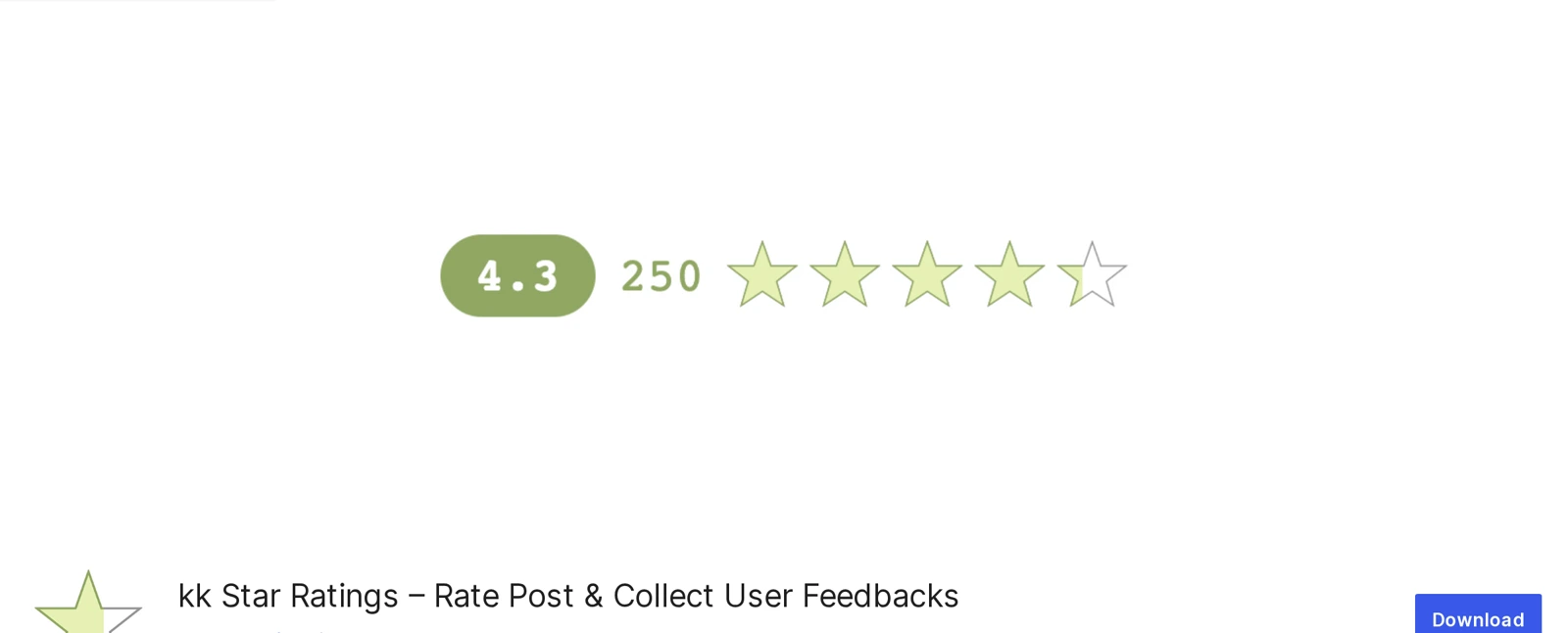
kk Star Ratings adds a one-click star rating to posts and pages. It has 70,000+ active installs and suits blogs that want reader ratings without written reviews.
- Placement control: show ratings on posts, pages or custom post types.
- Structured data: choose the schema type for rating snippets.
- Vote limits: restrict voting to one vote per IP address.
- Guest voting: allow ratings without an account.
Pricing: Free on WordPress.org.
7. Rate My Post

Rate My Post by FeedbackWP adds star ratings to posts and lets readers send private feedback. It has 20,000+ active installs and suits content sites that want to learn why a post missed the mark.
- Star ratings: readers rate posts with one click.
- Private feedback: low ratings can open a feedback form.
- Rich snippets: structured data that follows Google’s guidelines.
- Top rated widget: list your best-rated posts in a sidebar.
Pricing: Free on WordPress.org; FeedbackWP Premium adds a schema selector and more options.
8. Ultimate Reviews
Ultimate Reviews lets visitors review products, events or services through custom forms. It has a small user base of about 400 active installs but is updated often.
Custom Review Criteria
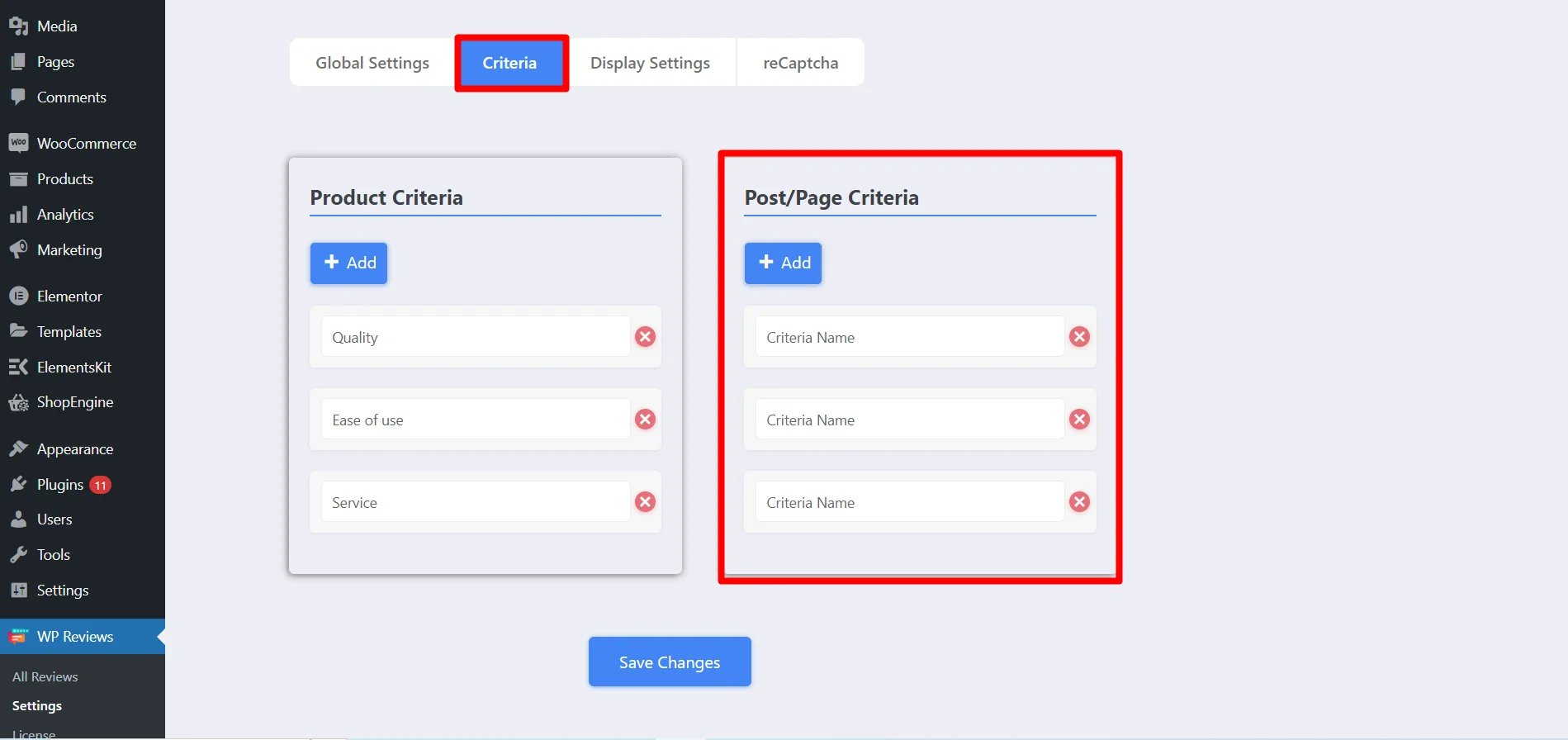
Add rating categories such as quality, value or service.
Author and User Reviews
Both you and your visitors can leave reviews.
Rating Styles
Stars, points or percentages in responsive layouts.
Spam Protection
reCAPTCHA blocks bot submissions (premium).
Pricing: Free on WordPress.org; WooCommerce integration and reCAPTCHA need the premium version.
9. WP Business Reviews

WP Business Reviews pulls reviews from Google, Yelp and Facebook into WordPress. It is a display tool for reviews you already have, not a way to collect new ones. For more options, see our list of Google review WordPress plugins.
Multi-Platform Imports
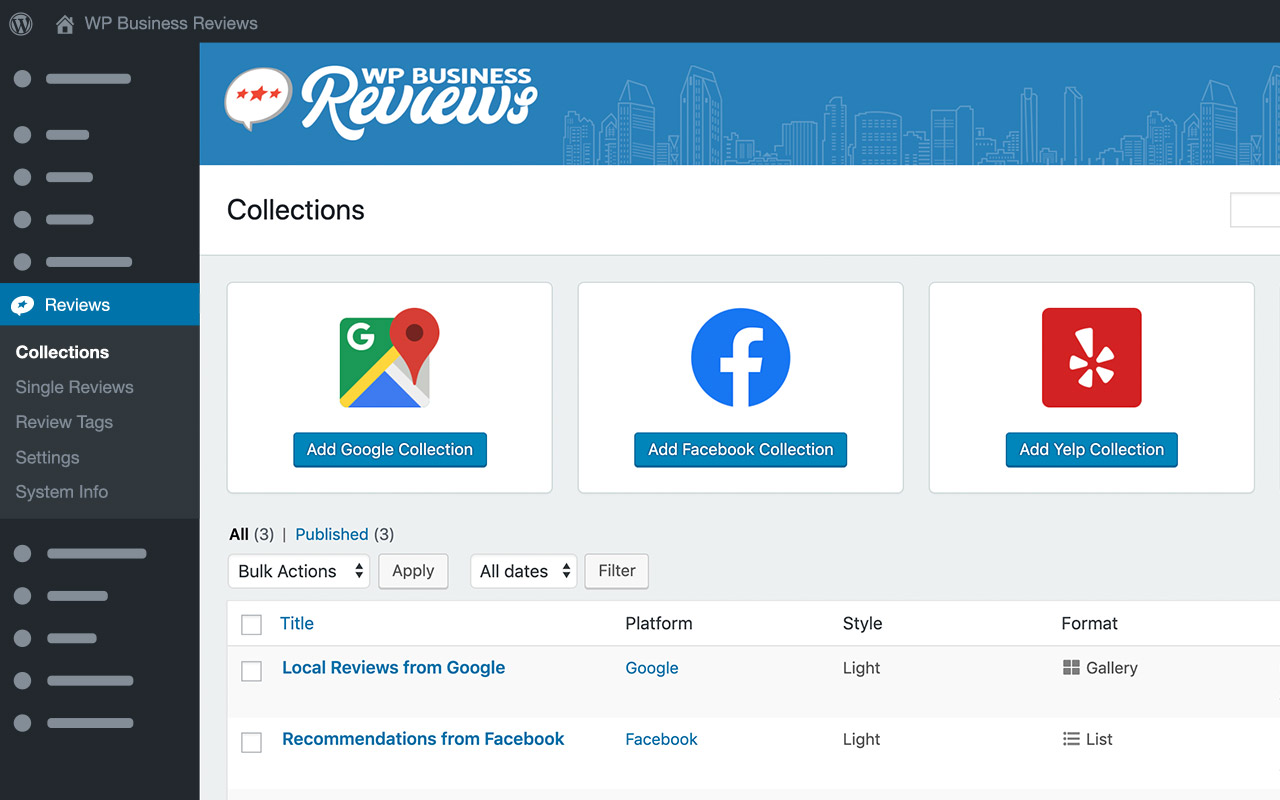
Group reviews from several platforms into one collection.
Manual Review Entry
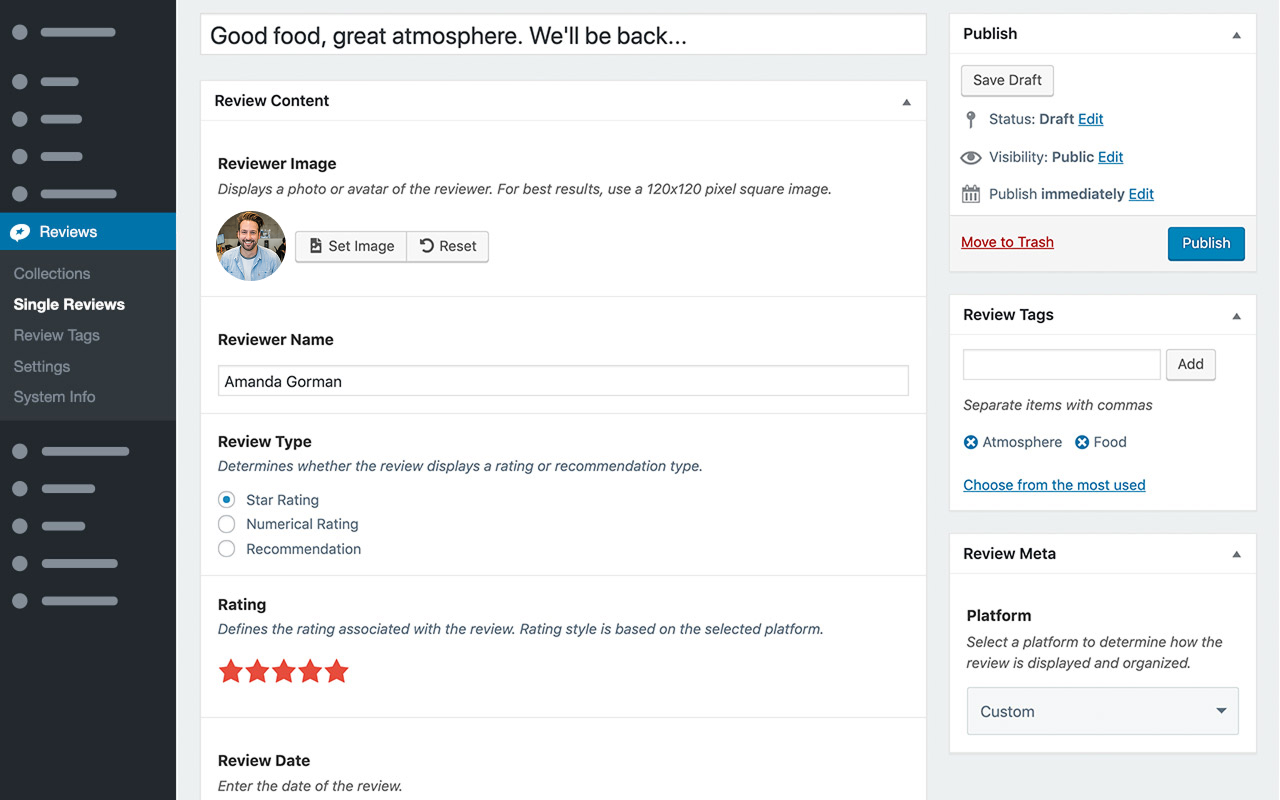
Add reviews you received elsewhere by hand.
Filters
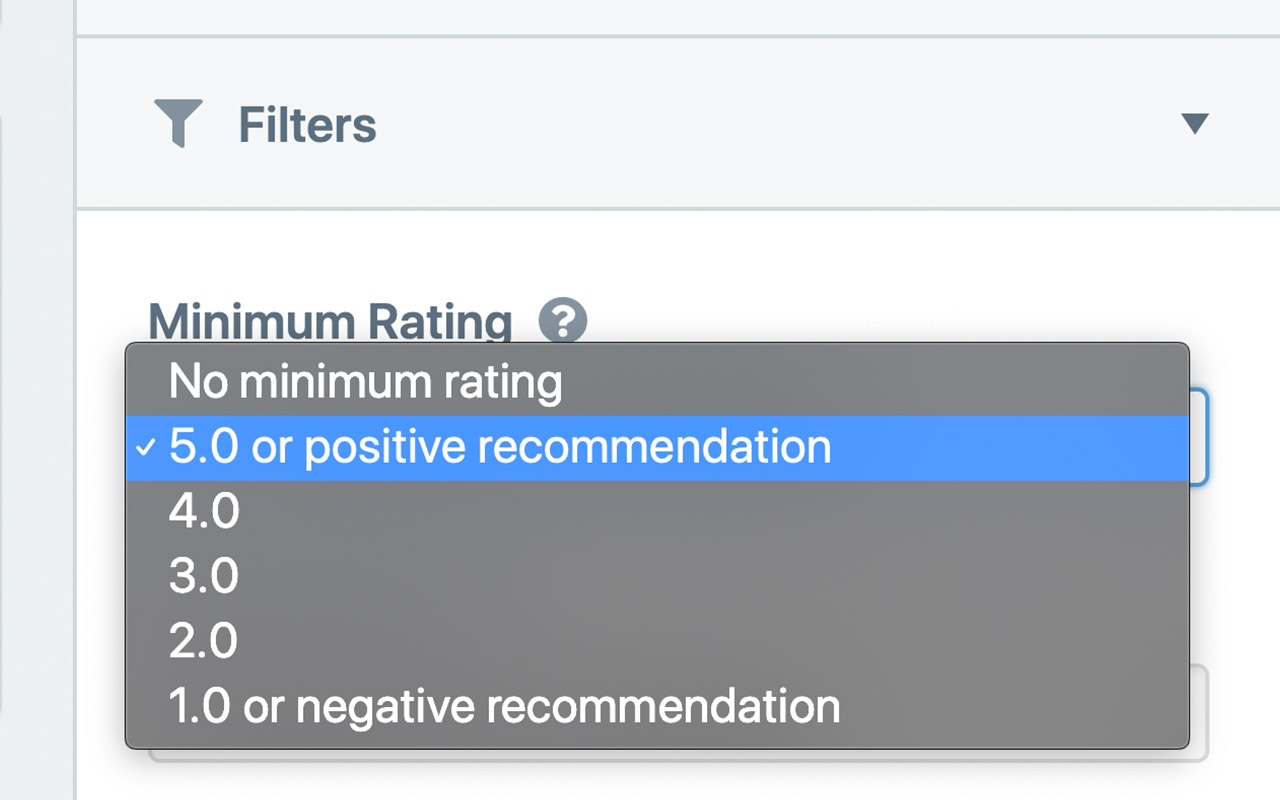
Filter by rating or date; showing only top ratings can look selective to visitors.
Featured Reviews
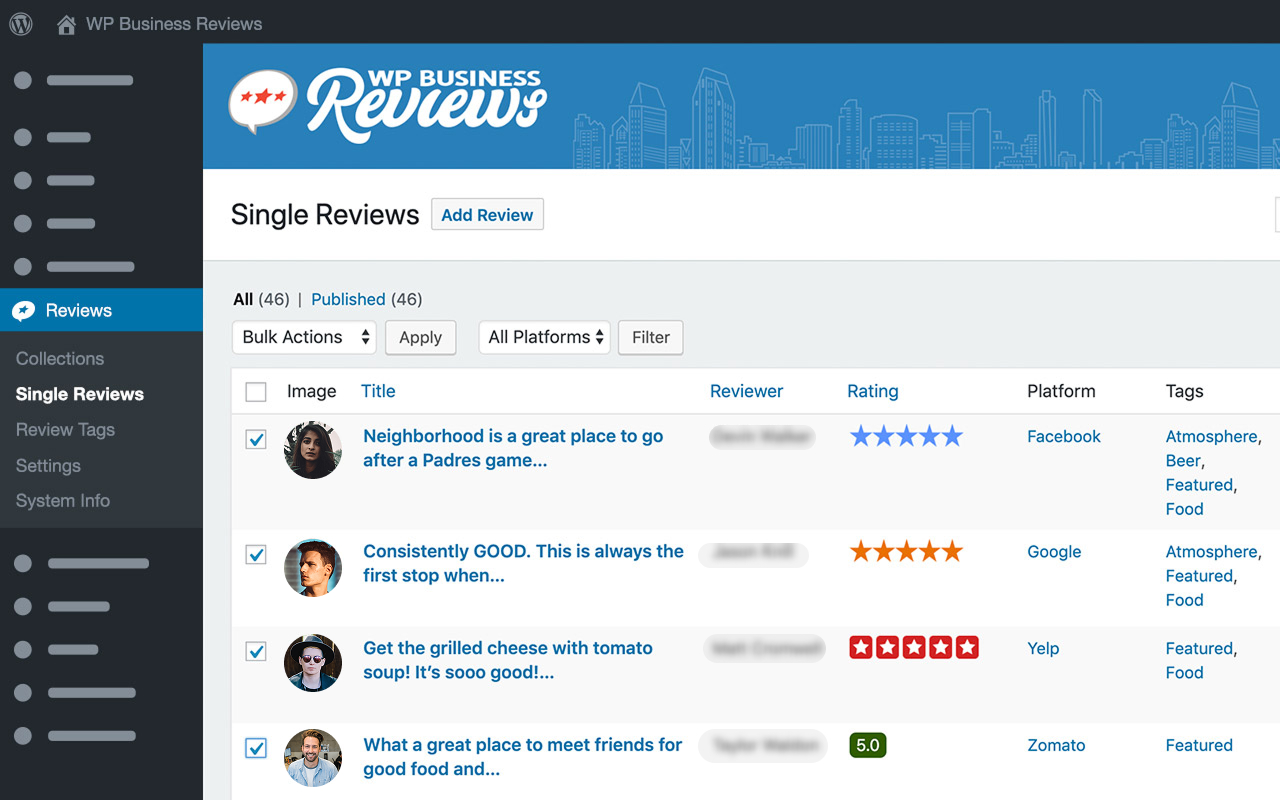
Tag strong reviews to show them first.
WP Business Reviews Plans
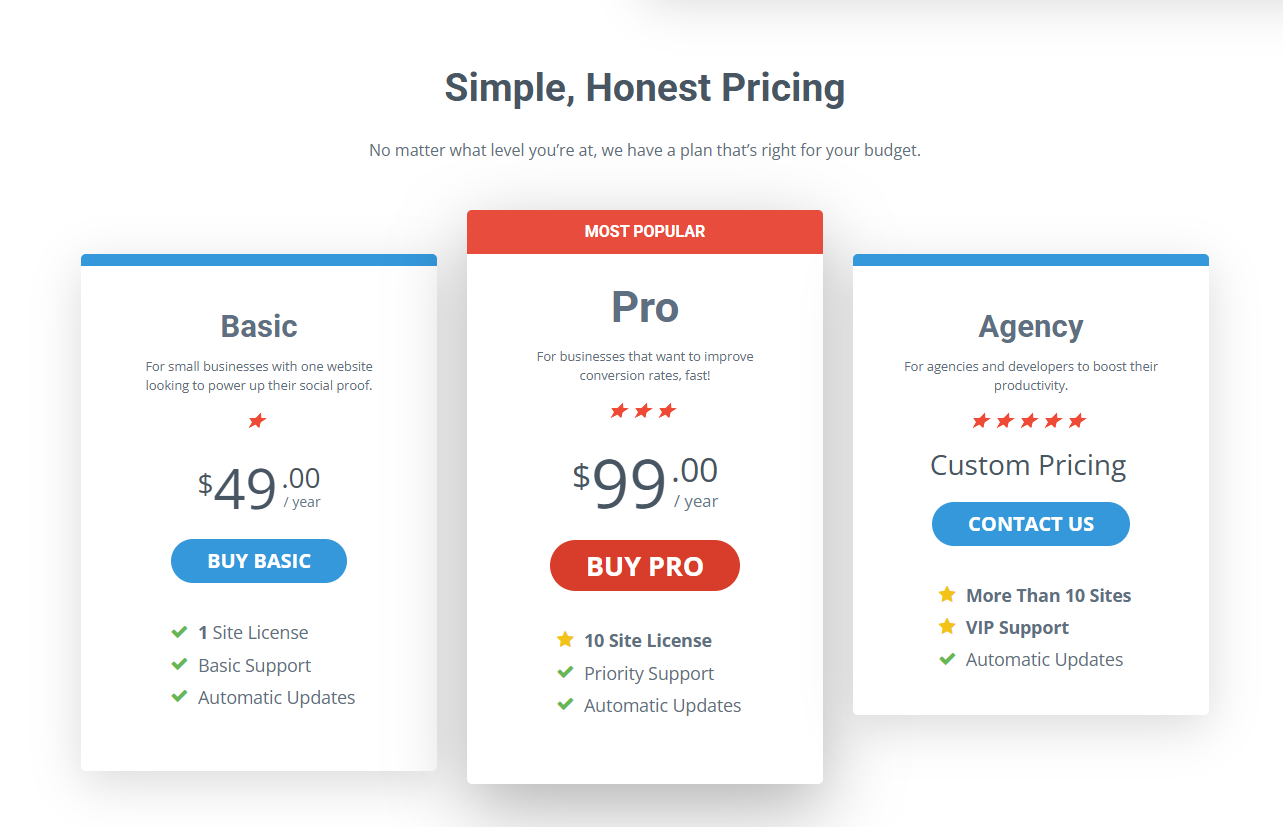
Pricing: Basic $99/year for 1 site (currently $49 as a promo); Pro $149/year for 10 sites (currently $99).
How to Choose the Right Review Plugin

Start with the kind of reviews you need:
- Product reviews on a store: WiserReview or Customer Reviews for WooCommerce.
- Reviews on any page or post type: Site Reviews or WP Customer Reviews.
- Client testimonials: Strong Testimonials.
- Reader ratings on a blog: kk Star Ratings or Rate My Post.
- Reviews you already have on Google or Yelp: WP Business Reviews.
Then check the plugin’s WordPress.org page. Pick one updated in the last six months and tested with your WordPress version.
Avoid plugins closed on WordPress.org, especially for security reasons, and never use pirated copies.
Review Rules to Follow
Whichever plugin you use, keep your reviews honest:
- Ask every customer, not only the ones you expect to be happy.
- Do not hide negative reviews just because they are negative.
- Never offer rewards tied to a positive rating.
- Only mark up reviews shown on the page, or Google may ignore your stars.
The US FTC’s 2024 rule on consumer reviews bans fake reviews and suppressing negative ones.
Wrap Up
The right review plugin depends on what you are rating. Product stores need automated requests, service businesses need testimonials, and blogs need simple star ratings.
Pick one that is actively maintained, keep your reviews honest, and ask for them every time.
Frequently Asked Questions
What is the best free WordPress review plugin?
Site Reviews and WP Customer Reviews are strong free options for reviews on any page, and Customer Reviews for WooCommerce suits stores.
What is the difference between a review plugin and a testimonial plugin?
Review plugins collect ratings from any customer, while testimonial plugins show hand-picked quotes from clients.
Do review plugins add star ratings to Google?
Most add review schema, but Google decides whether stars appear and only shows them for eligible page types.
Where can I read reviews of WordPress plugins?
Each plugin’s page on WordPress.org has a Reviews tab with ratings from real users.

Krunal Vaghasiya is a marketing tech expert who boosts e-commerce conversion rates with automated social proof and FOMO strategies. He loves to keep posting insightful posts on online marketing software, marketing automations, and improving conversion rates.




 Capterra