
How to Get More Sales on Shopify: 13 Tips (2026)
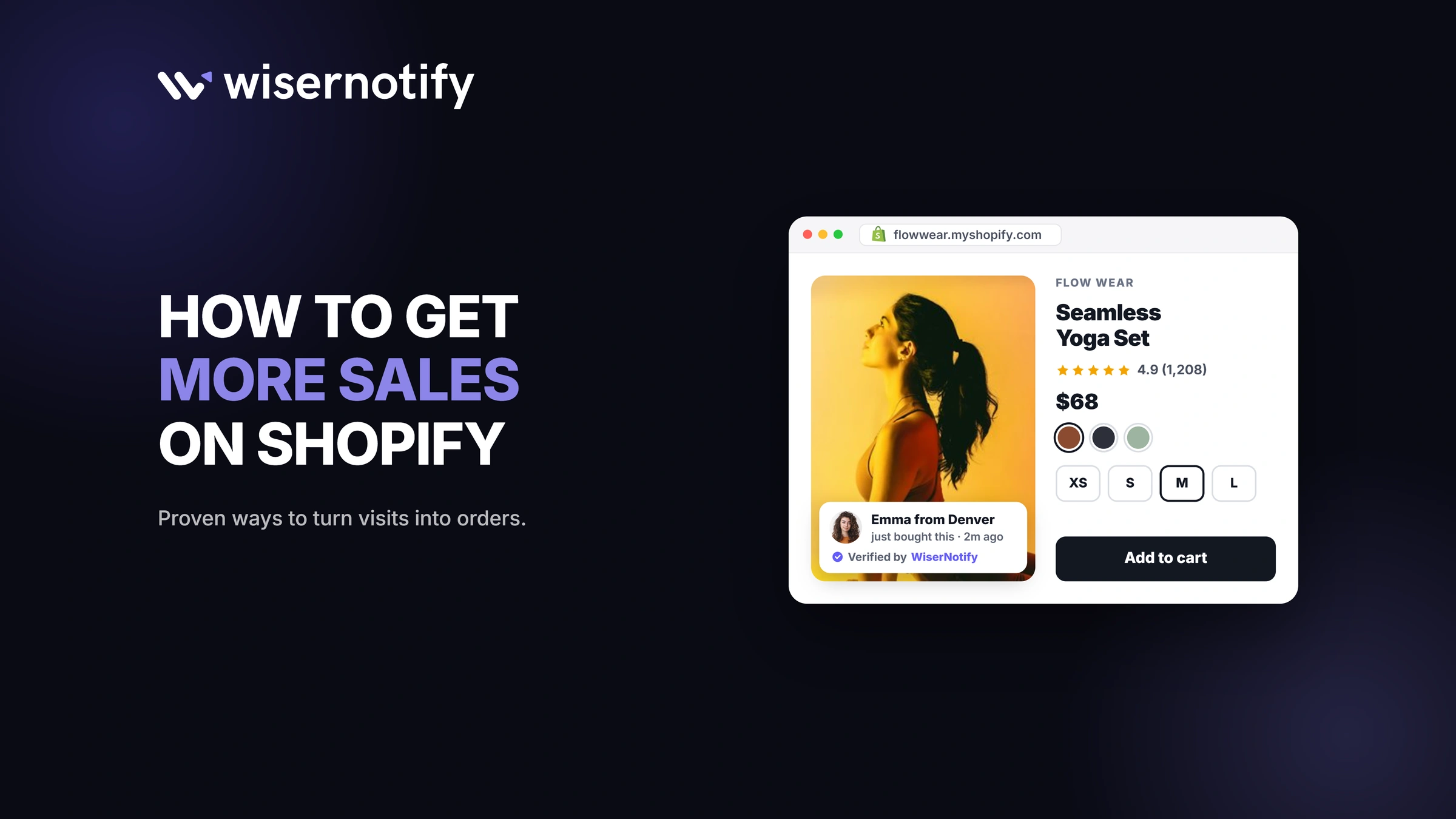
To get more sales on Shopify, fix the store before you pay for more traffic. These five changes lift sales fastest.
- Turn on Shop Pay. Shopify reports it converts up to 50% better than guest checkout.
- Show shipping costs early. Extra costs are why 40% of shoppers abandon checkout, per Baymard.
- Speed up your theme. A 0.1-second faster mobile site lifted retail conversions 8.4% in a Google study.
- Add reviews and live social proof. 19% of shoppers abandon because they don't trust the site.
- Send abandoned checkout emails. Automated flows drive 41% of email revenue from 5.3% of sends, per Klaviyo.
Below are all 13 tips, each tied to the Shopify setting or app that does the job.
Build trust & FOMO
Highlight real-time activities like reviews, sales & sign-ups.


Which Shopify Changes Pay Off Fastest?
Start at the top. The first changes take minutes in your Shopify admin; the last ones take weeks to pay off.
| Tip | Where in Shopify | Effort | Expected lift |
|---|---|---|---|
| 1. Turn on Shop Pay | Settings › Payments | Low | High |
| 2. Show shipping costs early | Settings › Shipping and delivery | Low | High |
| 3. Speed up your theme | Online Store › Themes | Medium | Medium |
| 4. Fix on-site search | Search & Discovery app | Low | Medium |
| 5. Improve product pages | Products | Medium | Medium |
| 6. Collect product reviews | Review app | Low | High |
| 7. Show live social proof | Social proof app | Low | Medium |
| 8. Bundle and recommend products | Shopify Bundles, Search & Discovery | Low | Medium |
| 9. Run time-bound offers | Discounts | Low | Medium |
| 10. Send abandoned checkout emails | Shopify Messaging | Low | High |
| 11. Build a welcome email flow | Shopify Forms, Shopify Messaging | Medium | Medium |
| 12. Answer questions with live chat | Shopify Inbox | Low | Medium |
| 13. Grow traffic that converts | Sales channels, Shopify Collabs | High | High over time |
Key takeaways
- Most fixes use free Shopify tools, so test them before paying for apps or ads.
- Checkout and trust fixes come first, because more traffic into a leaky store wastes ad spend.
- Check results weekly in Shopify Analytics and keep only what moves conversion or order value.
How Do You Turn More Visitors Into Buyers?
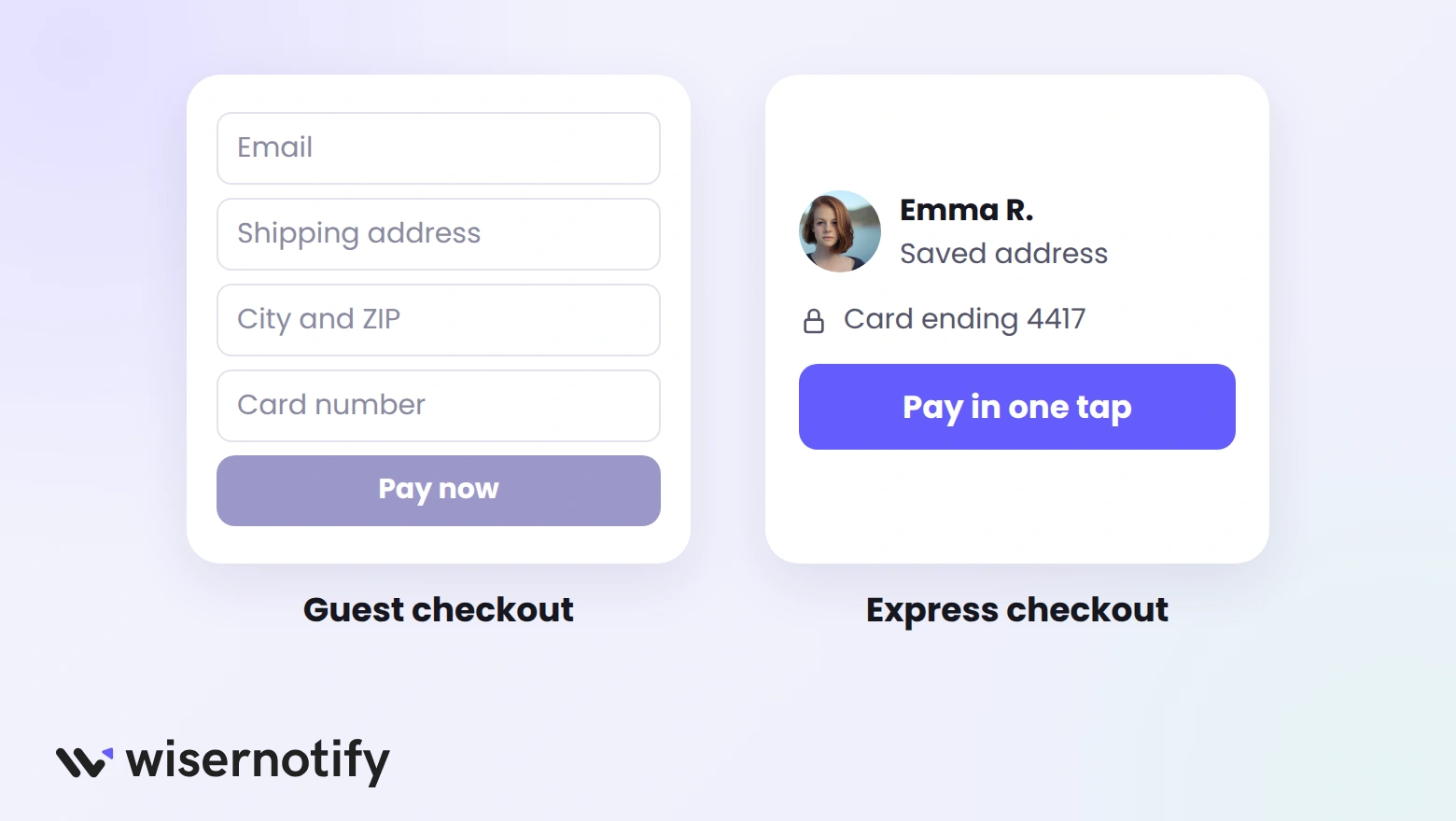
These four fixes remove friction between “add to cart” and “order placed.” For a deeper checklist, see how to increase conversion rate on Shopify.
1. Turn On Shop Pay
Shop Pay saves a shopper's address and card, so returning buyers check out in one tap. Even shoppers who don't use it convert slightly better when the button is visible.
- Go to Settings › Payments and activate Shopify Payments, which turns on Shop Pay.
- Keep the express checkout buttons on product pages and in the cart.
- Turn on Shop Pay Installments if your average order is above about $50, so shoppers can split payments.
2. Show Shipping Costs Early
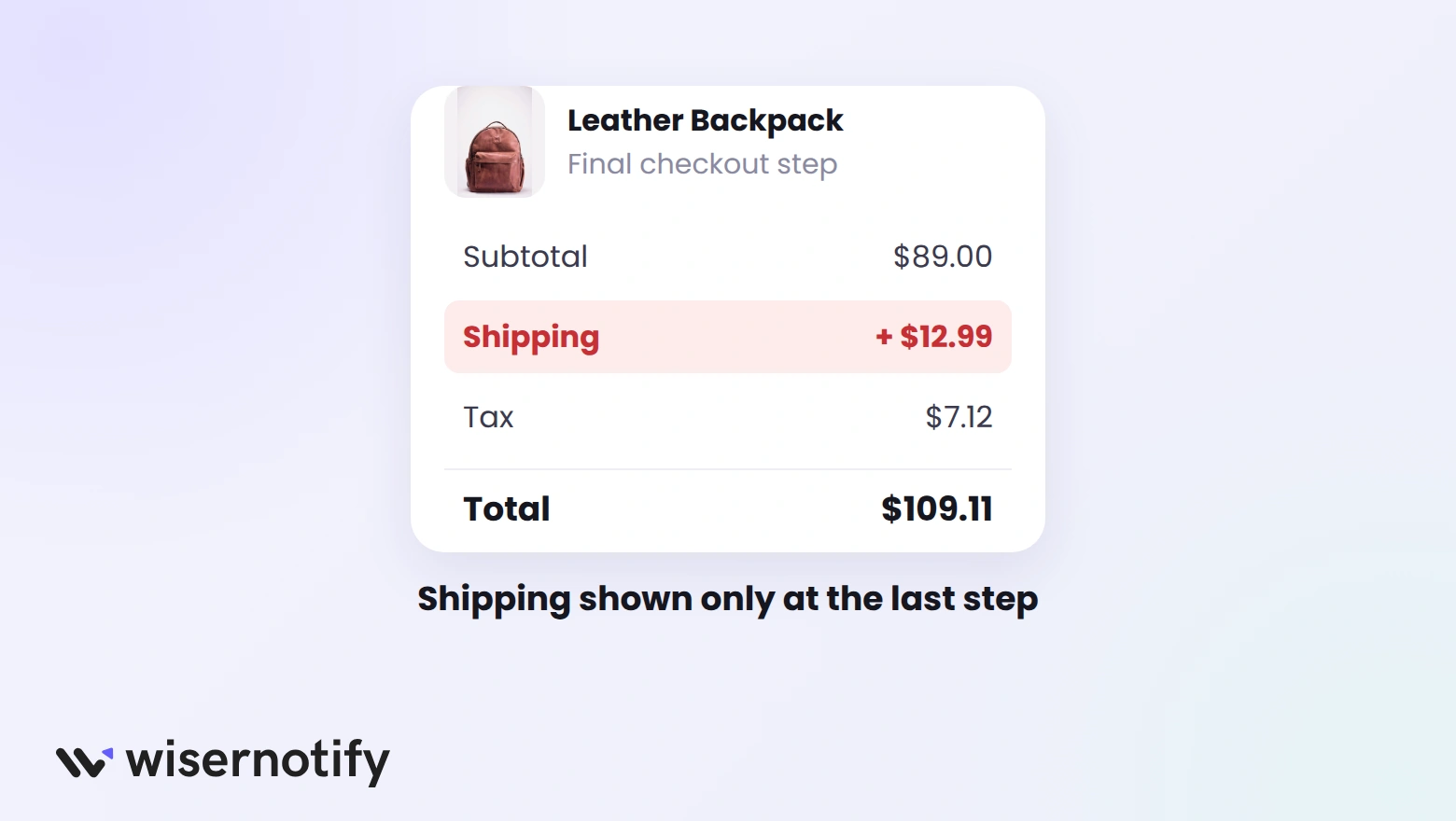
Surprise costs at the last step are the top reason shoppers leave. Show them before checkout, not after.
- Put your shipping price or free-shipping threshold in the announcement bar.
- Add a delivery estimate under the price and a shipping line in the cart drawer.
- Set the free-shipping threshold a little above your average order value to raise basket size.
Our cart abandonment statistics break down the other reasons shoppers leave.
3. Speed Up Your Shopify Theme
Most Shopify traffic is mobile, and slow pages lose shoppers before they see a product.
- Check your store's Core Web Vitals in the web performance report in your Shopify admin.
- Remove apps you no longer use, since many leave scripts behind.
- Compress large images and use fewer homepage sliders and videos.
- Switch to a current Online Store 2.0 theme if yours is several years old.
The full checklist is in this guide to Shopify speed optimization.
4. Fix On-Site Search
Shoppers who search usually know what they want. Shopify's free Search & Discovery app makes sure they find it.
- Filters: let shoppers narrow by size, color, price, or type.
- Synonyms: match shopper words to yours, like “sneakers” and “trainers.”
- Boosts: push bestsellers to the top of search results.
- No-result searches: check them monthly and add products or synonyms to fill the gaps.
How Do You Build Trust on a Shopify Store?
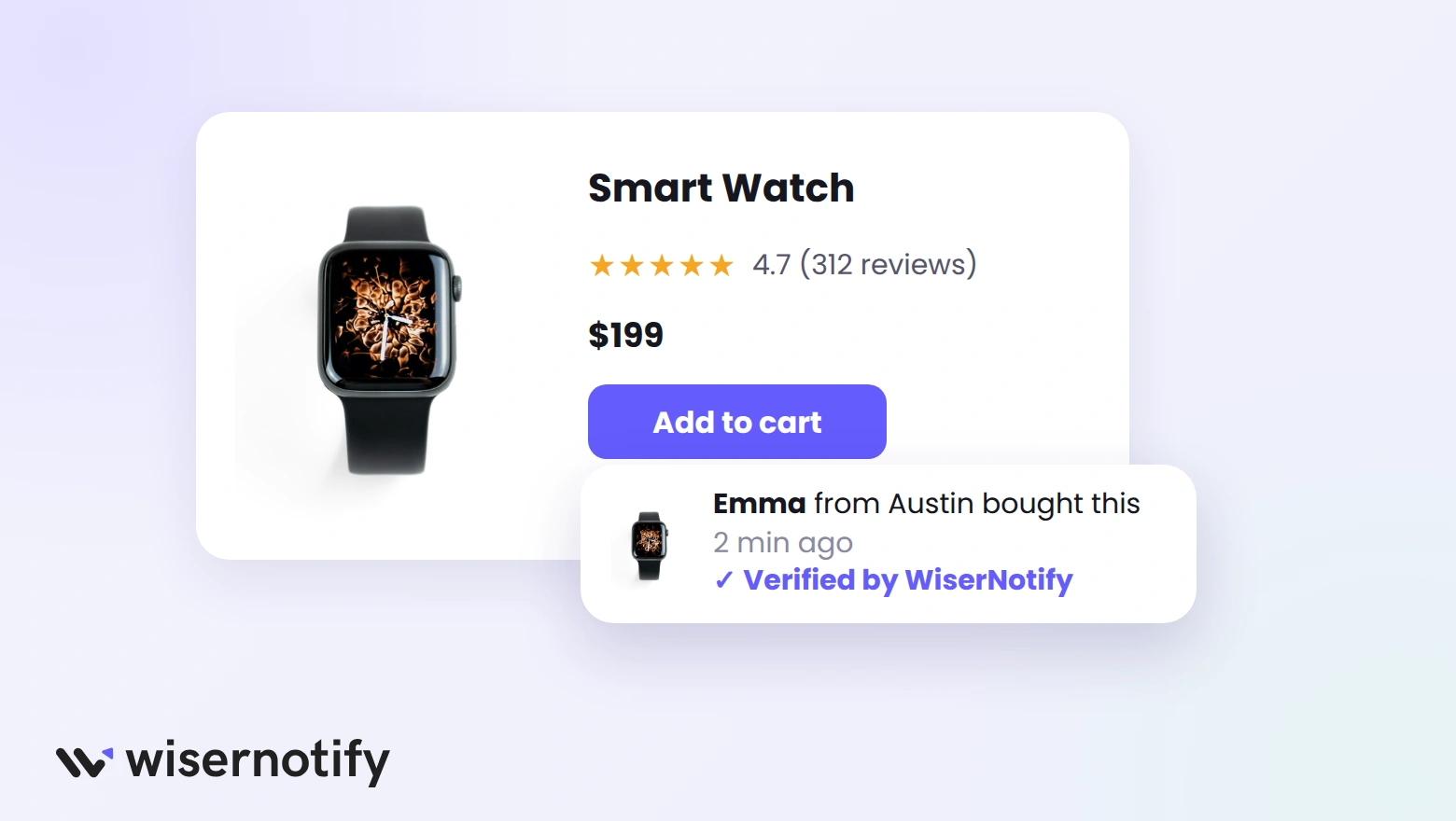
New visitors don't know your brand. Clear product pages, reviews, and proof that others are buying close that gap.
5. Answer Questions on Product Pages
A product page has to do the job a store clerk would. Answer the questions shoppers would ask in person.
- Lead with who the product is for and the main benefit, then list specs.
- Show several photos from different angles, plus one of the product in use.
- Add a size chart, materials, and care details where they apply.
- Put shipping time and return policy near the add to cart button.
6. Collect and Show Product Reviews
Shopify shut down its own Product Reviews app in May 2024, so reviews now need a dedicated app. WiserReview sends review requests after each order and shows the reviews on product pages, with a free plan on the Shopify App Store.
- Ask for a review a few days after delivery, not at purchase.
- Request photos, since shoppers trust customer photos over studio shots.
- Show the star rating under the product title and the full reviews below the details.
- Reply to negative reviews calmly and publicly.
Compare more options in this list of Shopify product review apps.
7. Show Live Social Proof
WiserNotify shows small notifications of real store activity, like recent purchases, live visitor counts, and low-stock alerts. Seeing that others are buying right now reassures first-time visitors.
- Show recent purchases on product and collection pages.
- Use low-stock messages only when stock is low.
- Keep notifications to one at a time and away from the add to cart button.
On the Shopify App Store, WiserNotify has a free plan for 1,000 visitors a month with one active notification, and paid plans from $5 a month. Here is how to add a sales popup in Shopify.
Build trust & FOMO
Highlight real-time activities like reviews, sales & sign-ups.

How Do You Raise Average Order Value?
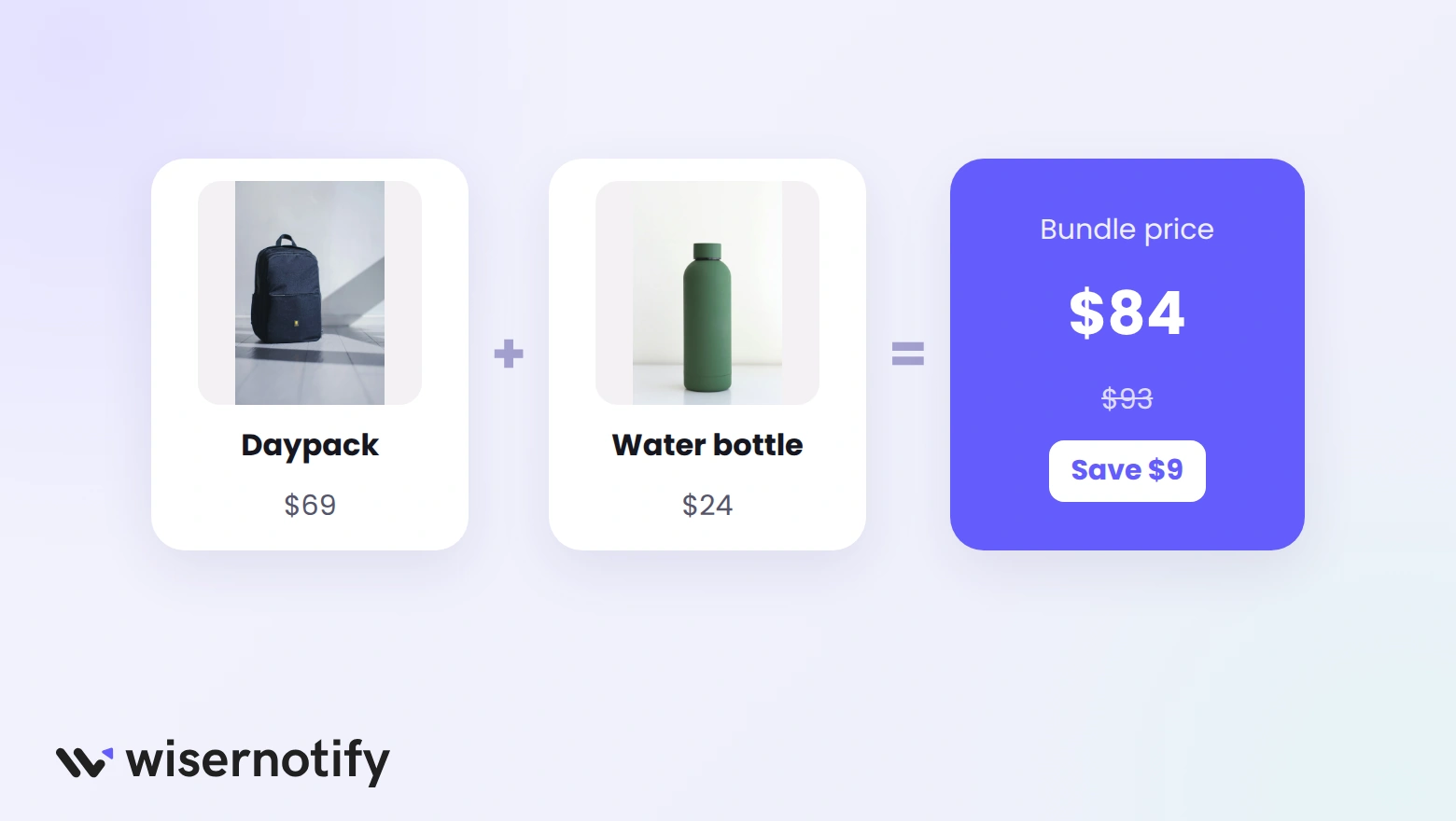
More orders aren't the only path to more sales. Getting each shopper to add one more item works too.
8. Bundle and Recommend Products
- Use the free Shopify Bundles app to sell fixed bundles and multipacks at a small discount.
- Set complementary products in Search & Discovery › Recommendations, so your theme shows “pairs well with” items.
- Recommend cheaper add-ons in the cart, not pricier swaps.
These upsell and cross-sell strategies show more ways to raise basket size.
9. Run Time-Bound Offers
A deadline gives shoppers a reason to buy now instead of “later.” Create discounts in Discounts in your Shopify admin.
- Use automatic discounts so shoppers don't need to type a code.
- Set a clear end date and show it with a countdown timer.
- Offer “buy 2, save 10%” deals to lift order value instead of flat site-wide cuts.
For apps that handle tiered and volume deals, see these Shopify discount apps.
How Do You Win Back Shoppers Who Leave?
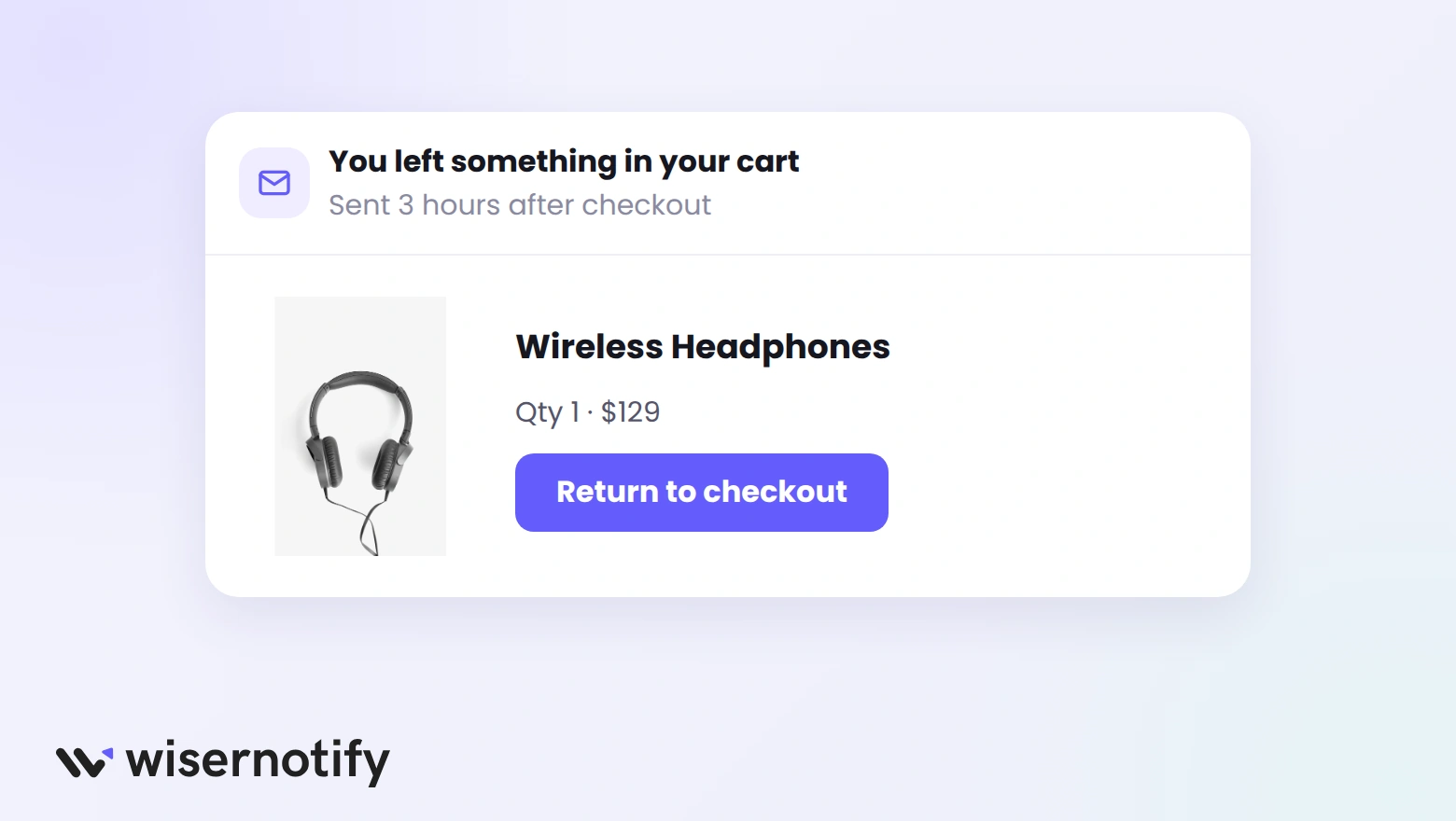
Most visitors leave without buying. Email and chat bring a share of them back.
10. Send Abandoned Checkout Emails
Shopify Messaging, formerly Shopify Email, sends abandoned checkout emails for free, and they don't count toward your monthly email allowance.
- Turn on the abandoned checkout automation in Marketing › Automations.
- Send the first email within a few hours and a reminder a day later.
- Show the exact products left behind, with a photo and a button back to checkout.
11. Build a Welcome Email Flow
New subscribers are often close to a first purchase. Shopify Messaging includes 10,000 free emails a month on every main plan.
- Add a signup form with the free Shopify Forms app, offering a first-order discount or free shipping.
- Send a welcome email right away with the offer and your bestsellers.
- Follow up with your story and top reviews over the next week.
In Omnisend's 2026 report, welcome and cart emails together drove 76% of all automated email orders.
For what to send after the welcome email, see these tips for a Shopify newsletter.
12. Answer Questions With Live Chat
A shopper with an unanswered question about sizing or shipping often leaves. The free Shopify Inbox app adds chat to your store.
- Set instant answers for your most common questions.
- Share products and discount codes right in the chat.
- Reply from the Inbox mobile app so no chat waits for hours.
How Do You Get More Traffic to Your Shopify Store?
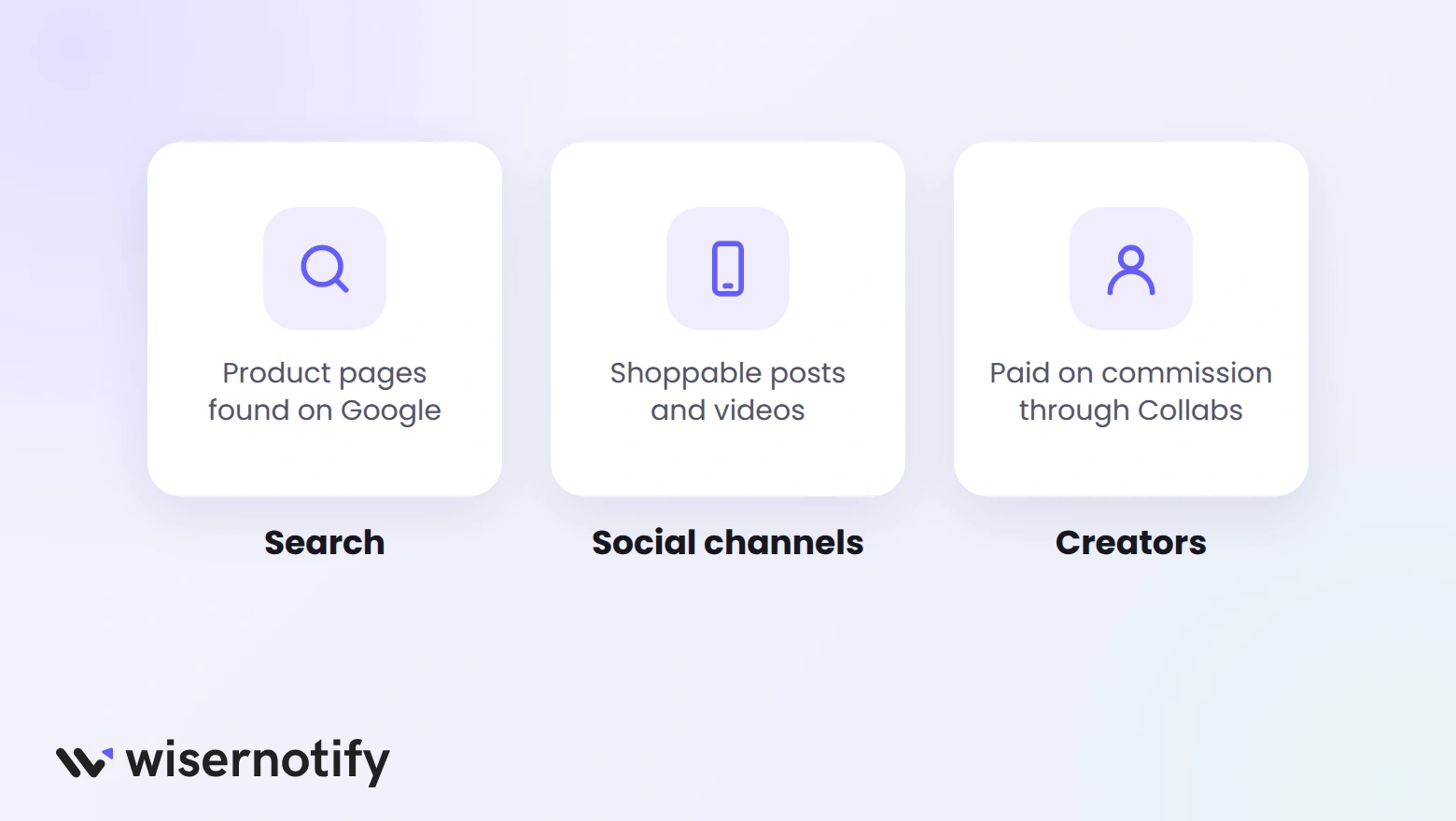
Once your store converts, more traffic turns into more sales instead of more bounces.
13. Grow Traffic That Converts
- Search: write unique product and collection titles and descriptions using the words shoppers search, and submit your sitemap in Google Search Console.
- Social channels: connect the Facebook & Instagram, TikTok, and Google & YouTube sales channels so your products are shoppable there.
- Creators: use the free Shopify Collabs app to find creators and pay them commission on the sales they drive.
- Retargeting: show ads to people who viewed a product but didn't buy.
Which Metrics Show Your Sales Are Improving?
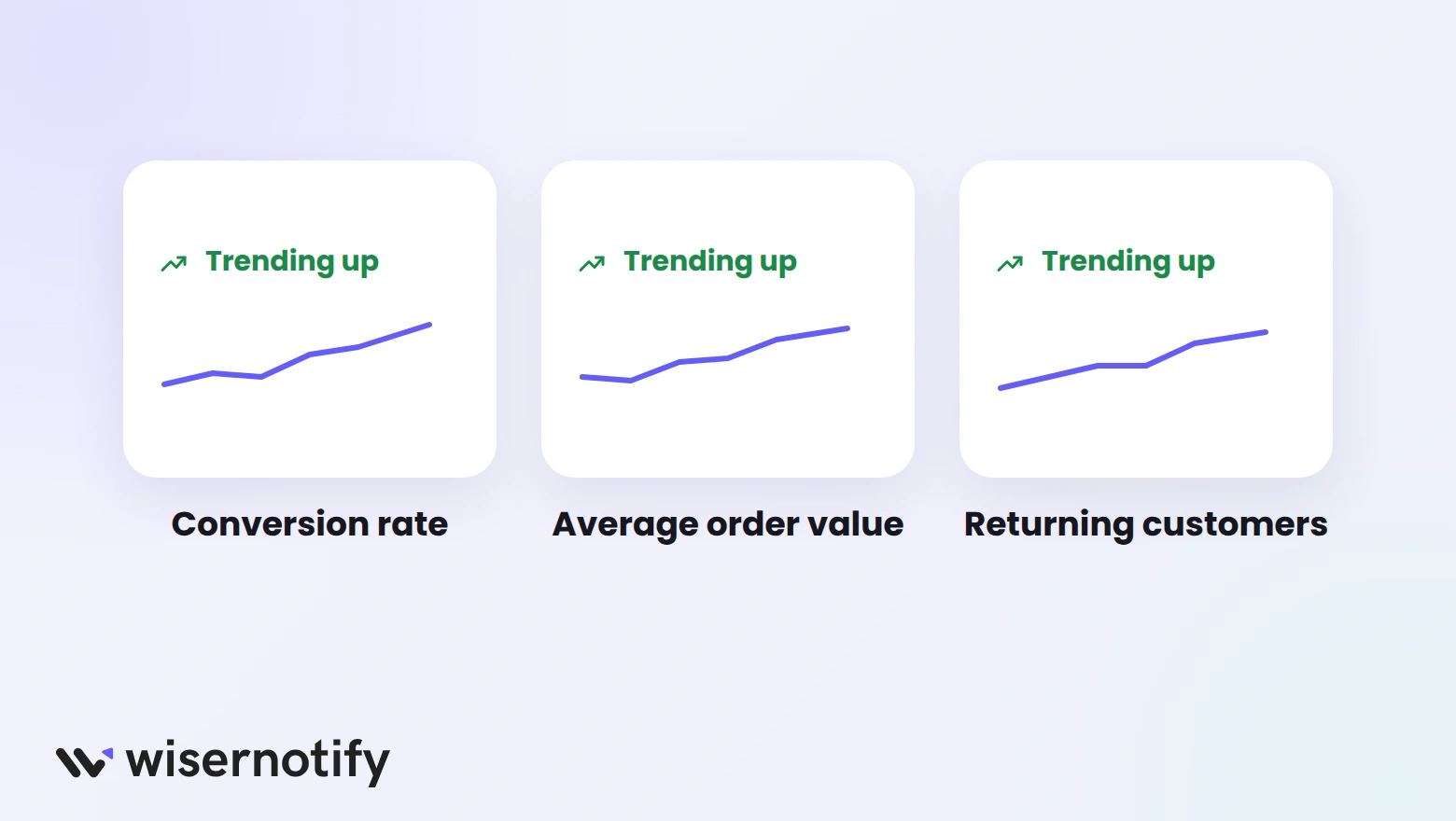
Check these in Analytics in your Shopify admin each week, and change one thing at a time so you know what worked.
- Conversion rate: the share of sessions that end in an order.
- Average order value: watch it after adding bundles or a free-shipping threshold.
- Returning customer rate: shows whether email and reviews bring buyers back.
- Abandoned checkouts: should fall after the shipping and checkout fixes.
- Sessions by source: tells you which channels send buyers, not just visitors.
What Mistakes Hold Back Shopify Sales?
- Buying traffic first: ads into a slow, untrusted store burn budget.
- Too many apps: every extra script slows the store.
- Fake urgency: timers that reset and false stock counts make shoppers stop trusting you.
- Hidden costs: shipping that appears only at checkout.
- No reviews: a product page with zero reviews makes first-time buyers wait.

Boost Conversion Instantly
Add Social Proof & Urgency to your website
Wrap Up
More Shopify sales usually come from fixing the store you have, not from more traffic. Start with checkout and shipping, then add trust signals, then work on order value and email.
Make one change at a time, give it a couple of weeks, and keep what moves your numbers.
Frequently Asked Questions
How do I get my first sale on Shopify?
Fix checkout and trust first, then share your store with people who already know you and run a small, targeted ad or creator test.
Why is my Shopify store getting traffic but no sales?
Usually hidden shipping costs, slow pages, or no reviews. Check your checkout and product pages before buying more traffic.
Does Shop Pay increase sales?
Shopify reports Shop Pay converts up to 50% better than guest checkout, and it’s free with Shopify Payments.
Are Shopify's sales tools free?
Many are. Search & Discovery, Bundles, Forms, Inbox, and abandoned checkout emails in Shopify Messaging cost nothing extra.
How long does it take to see more Shopify sales?
Checkout and shipping fixes can show results within weeks. SEO and creator programs take a few months.

Krunal Vaghasiya is a marketing tech expert who boosts e-commerce conversion rates with automated social proof and FOMO strategies. He loves to keep posting insightful posts on online marketing software, marketing automations, and improving conversion rates.




 Capterra