
Coaching Business Automation: 5 Workflows, 10 Tools (2026)
Coaching business automation starts with five workflows. Booking, onboarding, payments, session follow-up, and review requests. Paperbell or Satori runs all five for a solo coach, CoachAccountable suits program work, and Zapier connects the tools you already pay for.
Automation here means a trigger and an action. A client books, the intake form goes out. A session ends, the notes and the next step land in their inbox. You set it once and stop doing it by hand.
This guide is for the coach who is the whole back office. Each tool below carries its price, the unit that grows the bill, and the kind of practice it suits.
Which coaching automation tool fits you?
Pick by how you charge and how many clients you carry. Flat-fee platforms suit a growing roster, per-client pricing suits a small one, and point tools suit a coach who only wants one job handled.
- Best all-rounder for solo coaches: Paperbell, $57 a month for unlimited clients.
- Best for accountability and program work: CoachAccountable, from $20 a month for 2 clients.
- Best cheap start: Simply.Coach, from $9 a month billed yearly.
- Best for enrollment and sessions in one flow: Satori, from $33 a month.
- Best for proposals and contracts: HoneyBook, from $29 a month billed yearly.
- Best for custom client workflows: Dubsado, from $35 a month.
- Best free booking link: Calendly, free, then $10 per seat a month.
- Best for session notes: Fathom, free, then $16 per user a month.
- Best connector between tools: Zapier, free for 100 tasks a month.
- Best when marketing is the bottleneck: GoHighLevel, from $97 a month.
What to automate first
Automate in the order a client moves through your business. Booking first, then onboarding, then payments, then follow-up, then reviews. Each one hands work to the next.
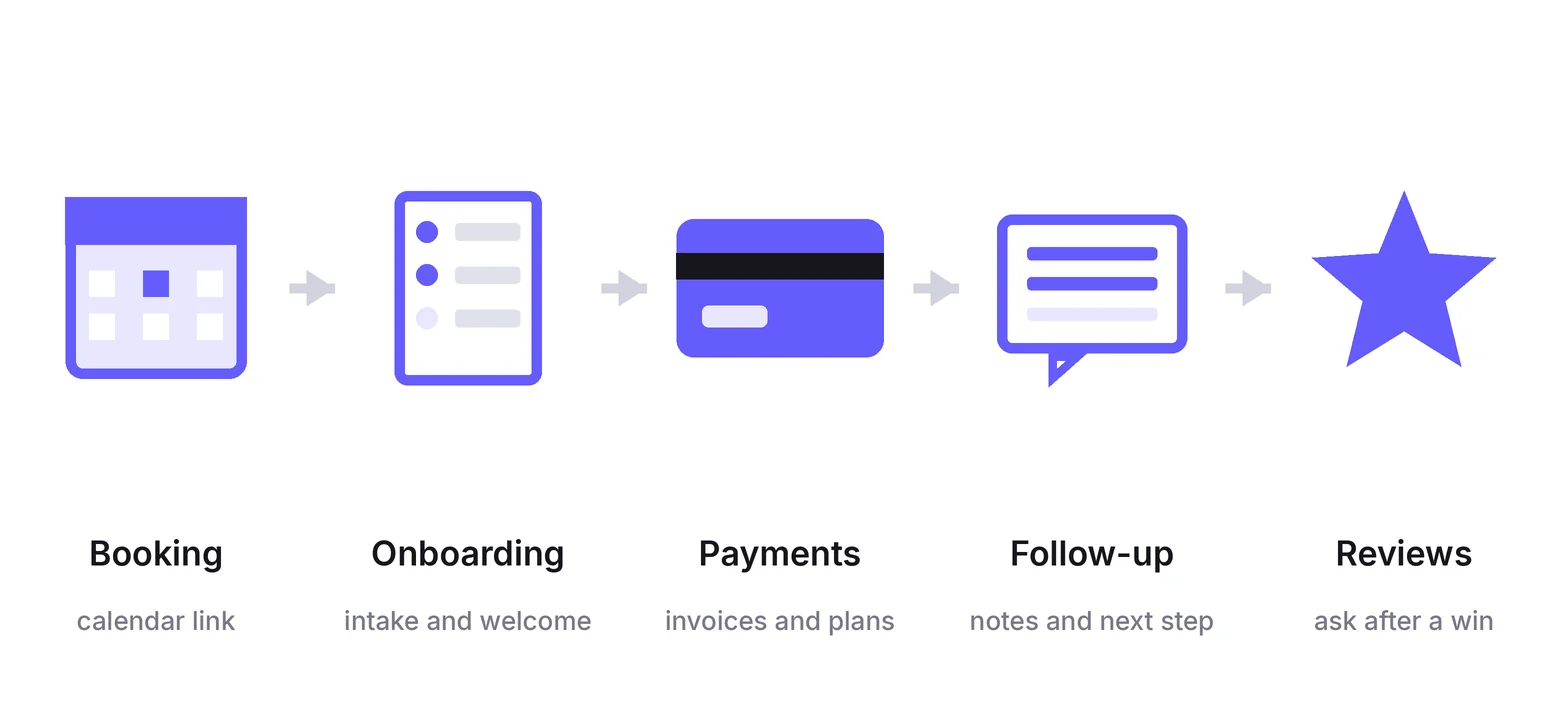
1. Booking and reminders
Send one link instead of trading times. The tool shows your real availability, books the slot, adds the call link, and sends reminders before the session.
Put the same link on your site with a booking widget for website so a visitor can book without emailing you first.
Set your buffer and notice periods properly. A booking link with no rules fills your calendar in ways you will regret by Wednesday.
Build trust & FOMO
Highlight real-time activities like reviews, sales & sign-ups.


2. Client onboarding
A paid client should get everything without you typing. The welcome email, the intake form, the agreement, the portal login, the first session link.
Map the sequence on paper first: pay, sign, intake, book, welcome. Then build it once in whichever platform holds your packages.
Onboarding is where all-in-one platforms earn their fee, because each step triggers the next without a connector.
3. Payments and renewals
Recurring packages need recurring invoices. Set the plan once, and the charge, the receipt, and the failed-payment retry run without you.
Failed cards are the quiet leak. Pick a tool that retries and emails the client, rather than one that waits for you to notice.
4. Session follow-up
The notes, the action items, and the next booking should go out the same day. An AI notetaker drafts the summary, and your platform sends it with the agreed actions attached.
Read the draft before it goes. The summary is a starting point, not a transcript your client should receive raw.
5. Review and referral requests
Ask after a win, not after a random session. Trigger the request when a program ends or a goal is marked complete.
Send a google review link in the same message, because a review on a public profile is worth more to a new client than a quote you type yourself.
The 10 tools compared side by side
| Tool | Automates | What you pay for | Public price | Free start | Watch out for |
|---|---|---|---|---|---|
| Paperbell | Scheduling, packages, contracts, payments | Flat fee | Yes | Free trial | One price whether you have 2 clients or 40 |
| CoachAccountable | Session notes, worksheets, client actions | Active clients | Yes | 30-day trial | The bill climbs with every client you add |
| Simply.Coach | Programs, goals, group coaching | Plan tier | Yes | 14-day trial | Cheapest tiers cap contracts and forms |
| Satori | Enrollment, sessions, invoices | Active clients and sessions | Yes | Free trial | Essentials caps you at 10 active clients |
| HoneyBook | Proposals, contracts, invoices, pipeline | Plan tier | Yes | Free trial | Scheduler and automations start on Essentials |
| Dubsado | Workflows, forms, client portals | Plan tier | Yes | Free to start | Conditional workflows sit on the higher plan |
| Calendly | Booking and reminders | Seats | Yes | Free plan | The notetaker is a paid add-on |
| Fathom | Session recording and AI notes | Seats | Yes | Free plan | Team plans need two users minimum |
| Zapier | Connecting the tools you already use | Tasks per month | Yes | Free plan, 100 tasks | Task counts grow fast once flows multiply |
| GoHighLevel | Funnels, email, SMS, pipelines | Plan tier | Yes | 14-day trial | Far more machine than a solo coach needs |
Prices, plans, and trials checked on September 22, 2026, on each vendor’s own pricing page.
How much does coaching automation cost?
Coaching automation costs from $0 on free plans to about $97 a month for a marketing platform, with most coaching platforms between $9 and $57 a month. CoachAccountable and Satori price by how many active clients you carry.
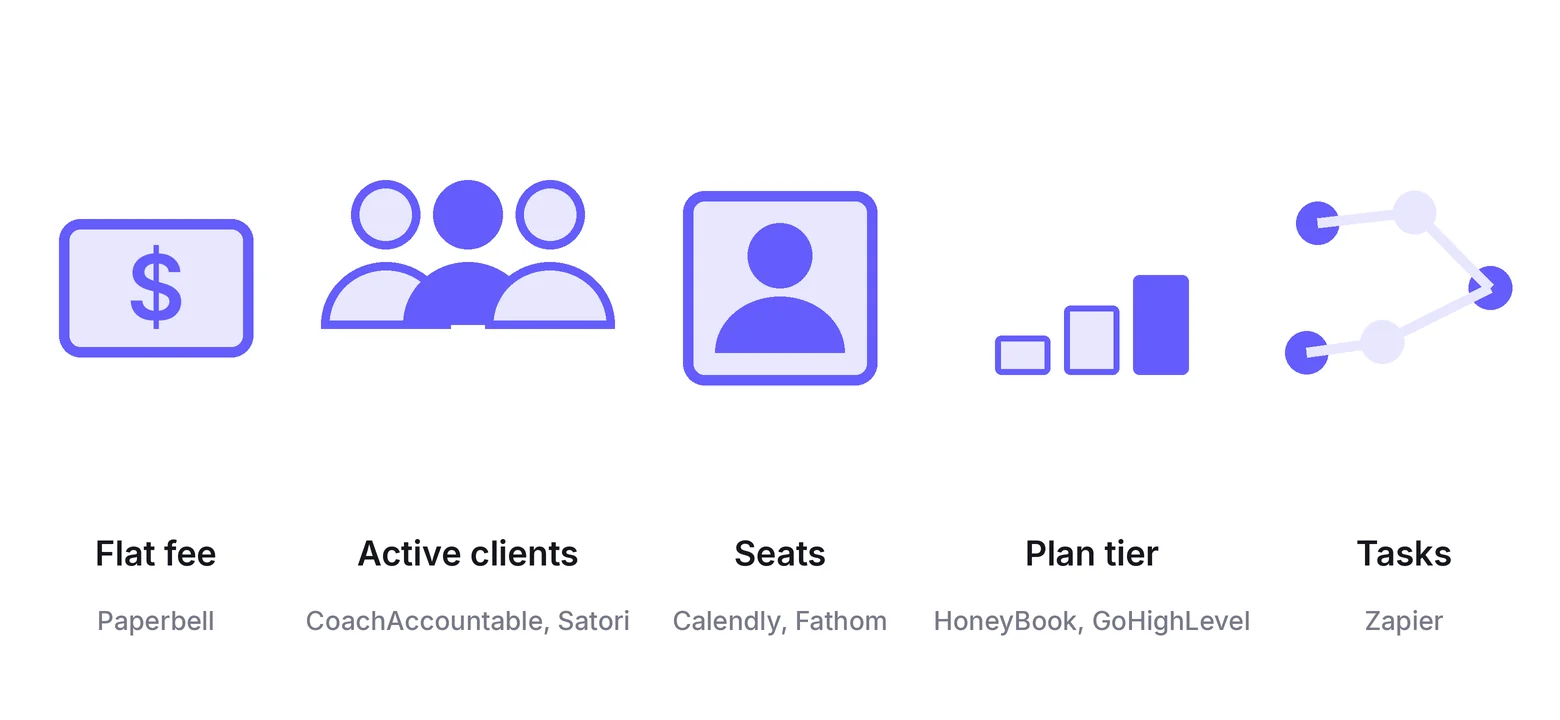
The meter matters more than the monthly number, because the meter is what grows.
- Flat fee: Paperbell charges one price for unlimited clients and sessions.
- Active clients: CoachAccountable runs from $20 for 2 clients to $250 for 50, and Satori caps clients per tier.
- Seats: Calendly and Fathom charge per person who hosts or records.
- Plan tier: HoneyBook, Dubsado, Simply.Coach, and GoHighLevel gate features rather than volume.
- Tasks: Zapier counts every action a flow runs, so one busy workflow can outgrow a plan.
Per-client pricing is cheapest while you are small and the most expensive thing on your list once you are full.
All-in-one coaching platforms
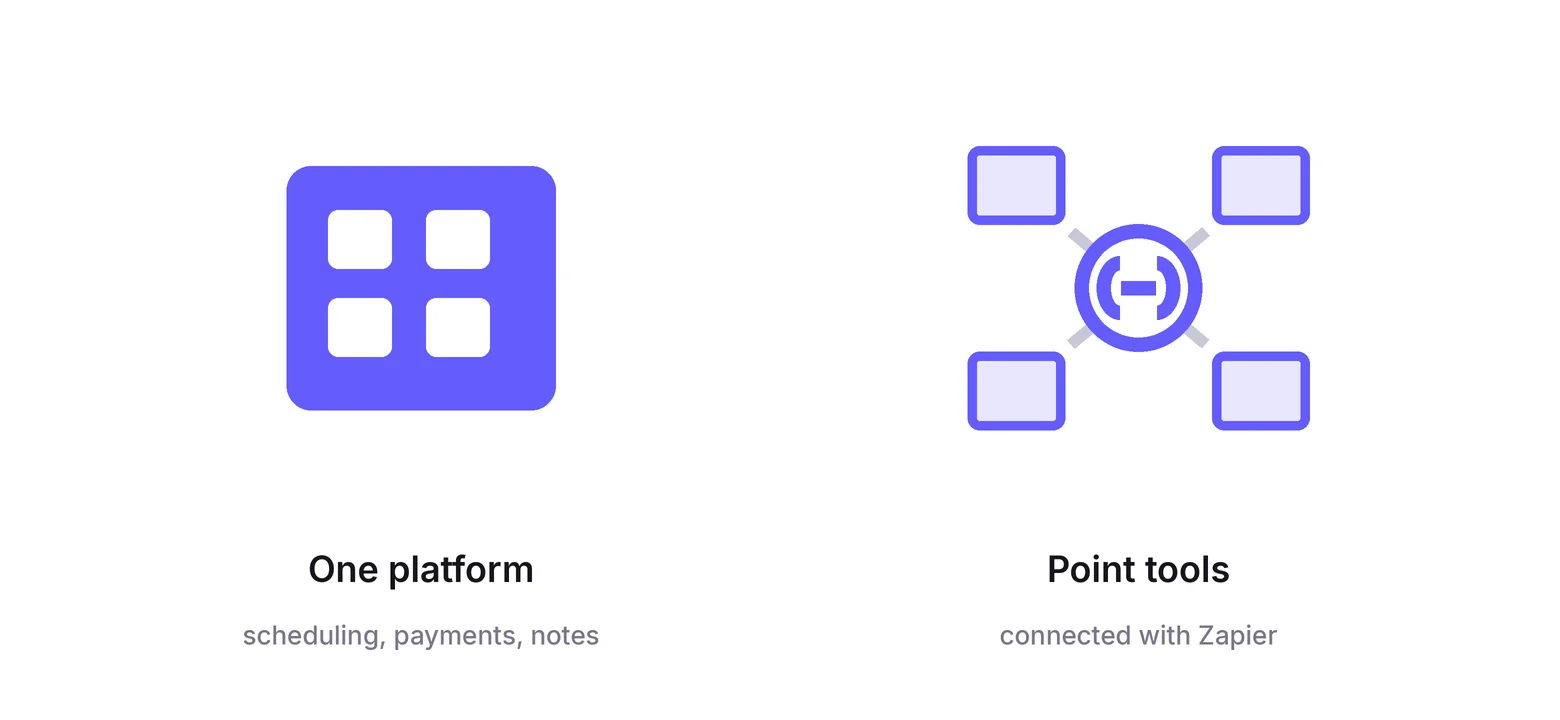
These four hold packages, scheduling, payments, and client records in one login. The trade is that you run your business the way the platform expects.
1. Paperbell: Best all-rounder
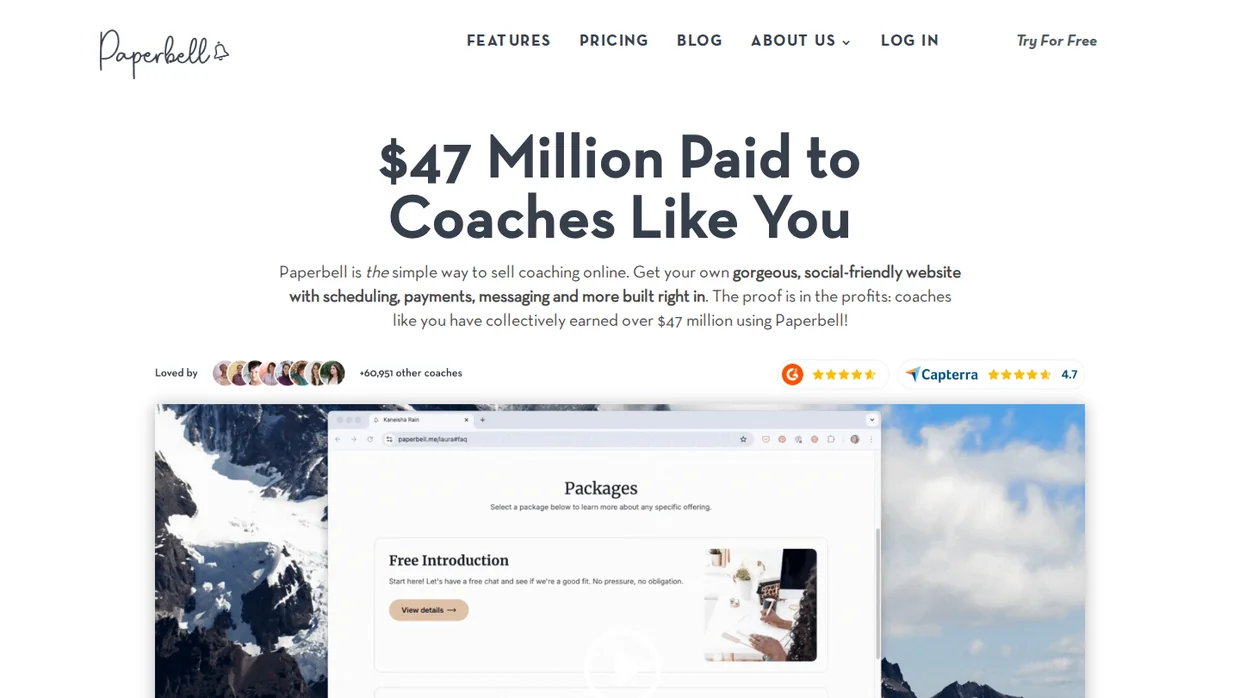
Paperbell is the closest thing to a default for solo coaches. Packages, scheduling, contracts, payments, and a client portal come in one plan, and so does a simple coaching website.
The pricing is the draw. One flat fee covers unlimited clients, sessions, files, and packages, so a good quarter does not raise your bill.
Paperbell puts every feature on that one plan. There is no upgrade path to unlock contracts or group coaching, which removes the usual guessing game.
The built-in site is basic. For a fuller site, compare the website builders made for a coaching business before you settle for it.
Key features
- Packages with scheduling, payment, and contract in one flow.
- Client portal with secure notes and file sharing.
- Client email workflows and surveys.
- Group coaching and appointment types.
- A coaching website builder included.
Pricing $57 a month, or $570 a year with two months free, flat fee for unlimited clients, free trial and a 30-day money-back guarantee.
- Good fit when you want one tool to run the business side and you plan to grow past a handful of clients.
- Not a fit if you carry two or three clients, where per-client pricing costs less.
2. CoachAccountable: Best for programs
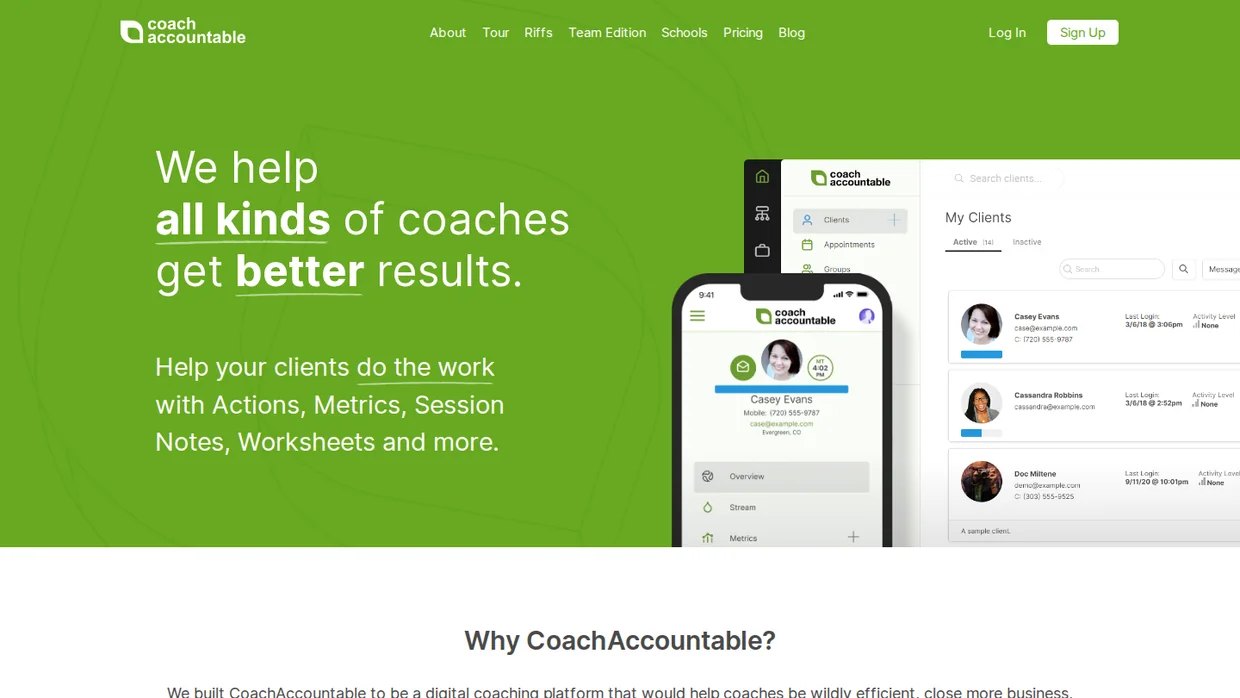
CoachAccountable is built around what happens between sessions. Actions, metrics, worksheets, and session notes keep a client moving when you are not on a call.
That makes it the pick for accountability coaching and structured programs, where the work lives in assignments rather than in the calendar.
Pricing scales with active clients, so it starts cheaper than the flat-fee platforms and passes them once your roster fills.
Key features
- Client actions with due dates and reminders.
- Metrics the client logs between sessions.
- Worksheets and course modules.
- Session notes shared to the client portal.
- Team edition for multi-coach practices.
Pricing Starter $20 a month for 2 clients, $40 for 5, $70 for 10, $120 for 20, $250 for 50, metered by active clients, 30-day free trial.
- Good fit when your coaching runs on assignments and progress tracking between calls.
- Not a fit if you carry 30 or more clients, where the flat-fee platforms are cheaper.
3. Simply.Coach: Best cheap start
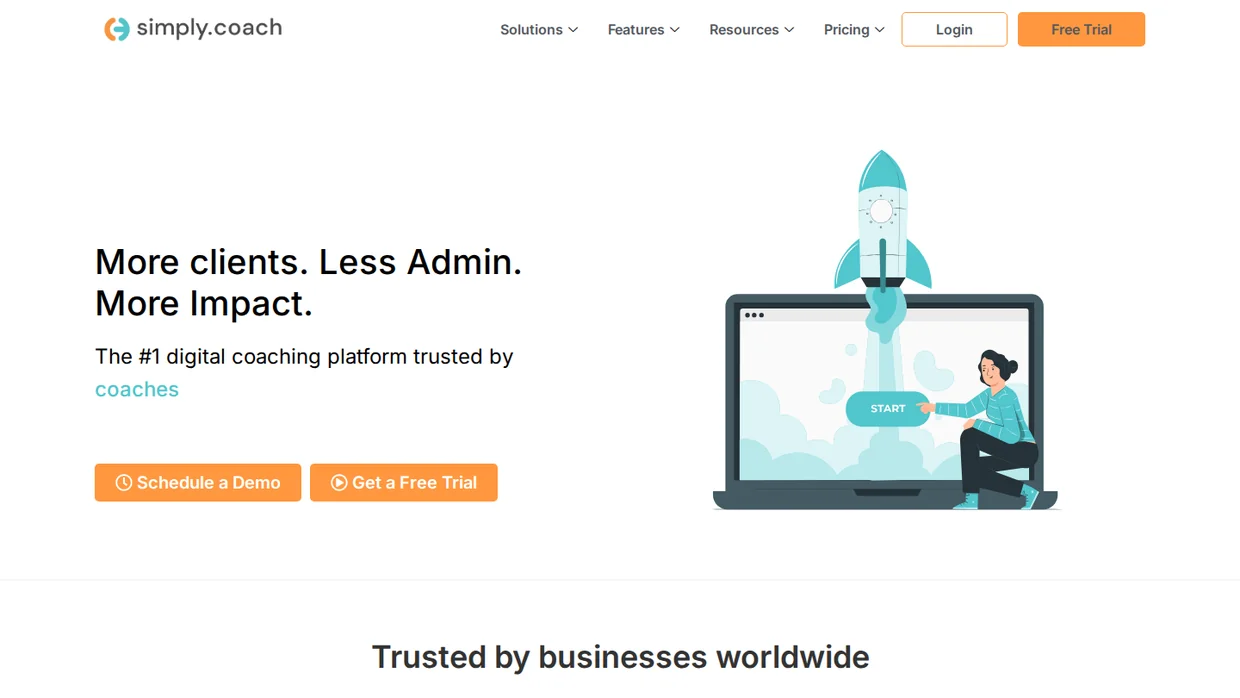
Simply.Coach has the lowest entry price of any full platform here. The Starter tier covers one-to-one and group coaching for the price of a coffee run.
Higher tiers add contracts, multiple calendars, and a white-labelled platform, so the ladder is about features rather than client count.
Read the tier limits before you commit. Contracts are capped on Essentials, which catches coaches who sign every client on paper.
Key features
- One-to-one and group coaching sessions.
- Goals, action items, and session notes.
- Contracts and forms from Essentials up.
- Multiple calendar connections from Growth.
- White-labelled platform on the top tier.
Pricing Starter $9, Essentials $29, Growth $49, Leap $69 a month billed yearly, metered by plan tier, 14-day free trial.
- Good fit when you are testing a coaching practice and want a real platform for a small monthly cost.
- Not a fit if you need every feature on day one, since the cheap tiers hold most of them back.
4. Satori: Best for enrollment
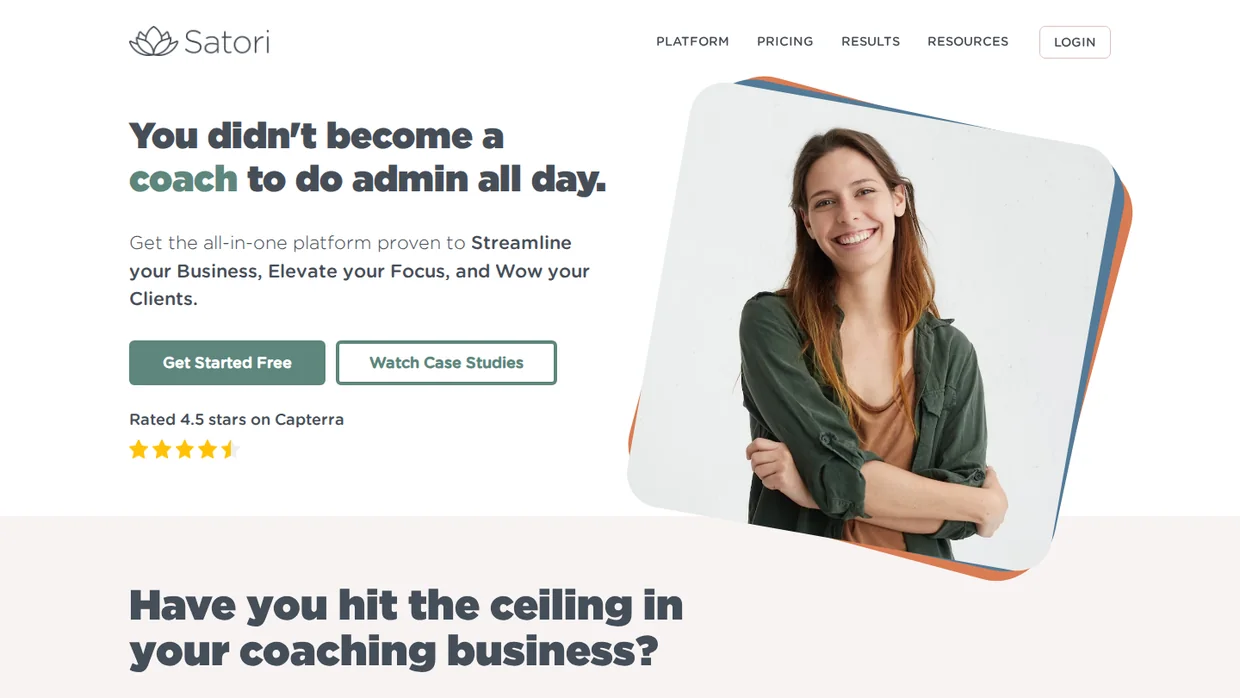
Satori runs the path from enquiry to enrolled client. Discovery call, proposal, agreement, payment, and the session schedule sit in one sequence.
Plans cap active clients, coaching programs, and session bookings together, so pick the tier by the busiest month you expect.
Satori also offers a free plan for coaches studying for certification, with unlimited pro bono clients.
Key features
- Enrollment flow from discovery call to signed client.
- Coaching programs with set session counts.
- Invoices and payment plans.
- Client portal with shared notes.
- Free Scholar plan for coaches in certification.
Pricing Essentials $33 a month (10 active clients, 3 programs, 60 bookings), Pro $49 (50 clients, 10 programs, 120 bookings), Leader $124, two months free on annual billing.
- Good fit when most of your admin sits in turning enquiries into signed clients.
- Not a fit if you run high volumes of short sessions, where booking caps bite.
Build trust & FOMO
Highlight real-time activities like reviews, sales & sign-ups.

Client-flow tools built for service businesses
These two are not coaching-specific, and that is the point. They handle proposals, contracts, and invoices for any service business, and many coaches prefer their flexibility.
5. HoneyBook: Best for proposals
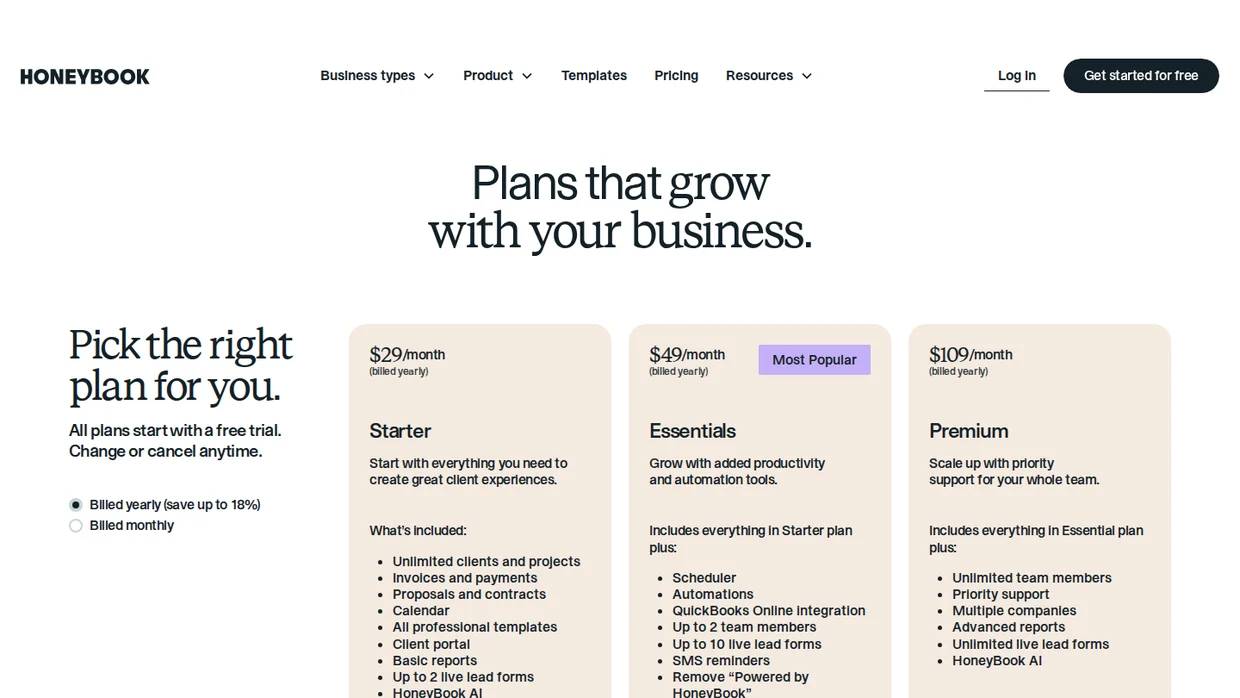
HoneyBook turns an enquiry into a signed, paid project. Proposal, contract, and invoice travel as one link, and the pipeline shows where every prospect stands.
It fits coaches who sell bespoke engagements rather than fixed packages, because each proposal can be built to order. The pipeline view is the part that helps you convert leads into sales.
Read the tiers before you pick. The scheduler, automations, and QuickBooks sync start on Essentials, so Starter is invoicing and paperwork only.
The catch is that nothing in it knows what coaching is. There are no session notes, no goals, and no client progress views.
Key features
- Proposals, contracts, and invoices in one flow.
- Client pipeline with stages.
- Scheduler and automations from Essentials up.
- Recurring payments and payment plans.
- AI drafting for client messages.
Pricing Starter $29 a month, Essentials $49, Premium $109, billed yearly, metered by plan tier, free trial, up to 18% off annual billing.
- Good fit when you quote each engagement and want the paperwork handled in one link.
- Not a fit if you want session notes and progress tracking in the same tool.
6. Dubsado: Best for custom workflows
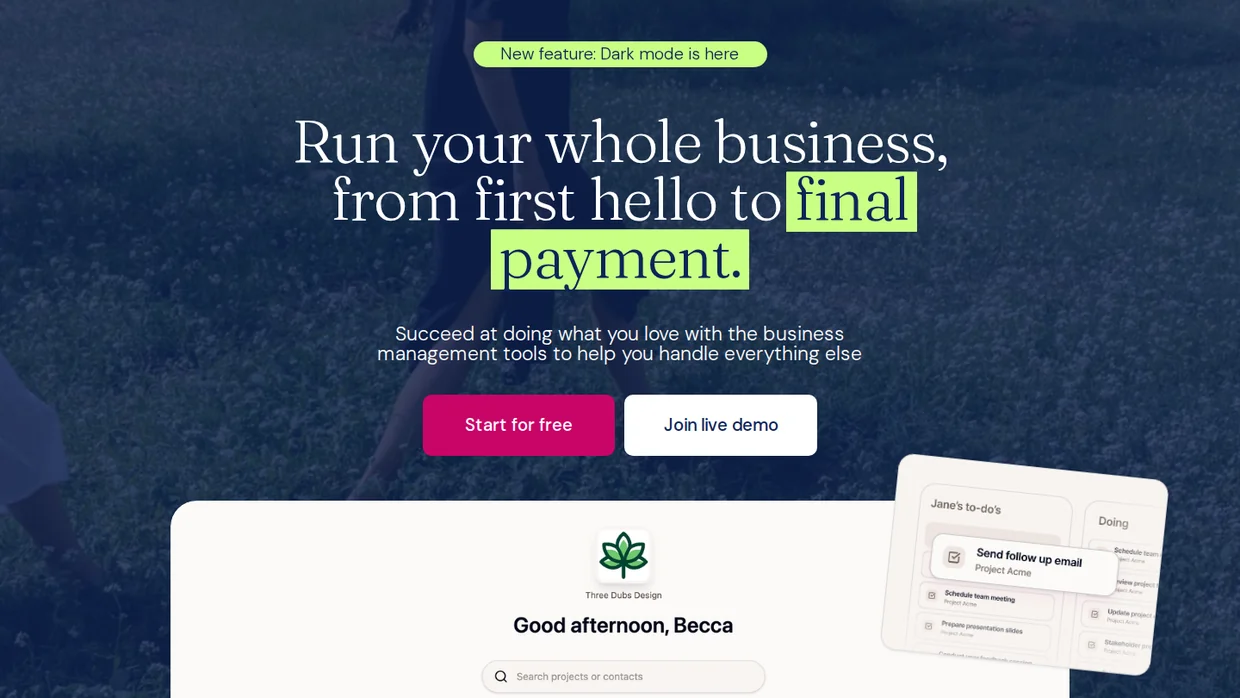
Dubsado is the tool for a coach who wants the process to follow their own rules. Forms, emails, and tasks fire on triggers you define.
Starter covers unlimited projects and clients with invoicing, forms, and email templates. The conditional workflows that make Dubsado famous sit on the Premier plan.
You can start for free and upgrade when the manual work returns.
Key features
- Unlimited projects and clients on every plan.
- Lead capture forms and questionnaires.
- Invoicing with payment plans.
- Scheduling and client portals.
- Automated workflows on Premier.
Pricing Starter $35 a month or $335 a year, Premier $55 a month, metered by plan tier, two months free on annual billing, free to start.
- Good fit when your client process is specific and you want to build it yourself.
- Not a fit if you want something running this afternoon, because setup takes real time.
Point tools and marketing automation
These four each do one job well. A coach on a platform still uses one or two of them, usually for booking, notes, or connecting the rest.
7. Calendly: Best free booking link
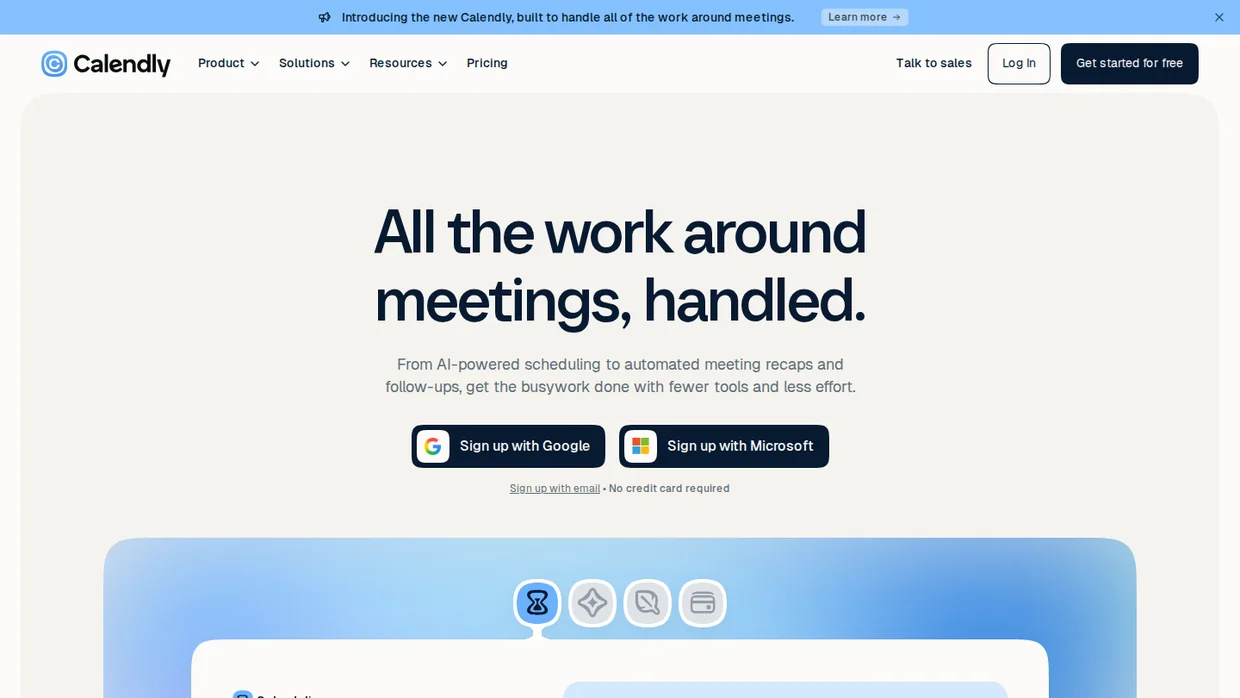
Calendly is the booking link most clients have already used. Availability rules, buffers, time zones, and reminders all work on the free plan for one event type.
Standard is where coaching needs land. Unlimited event types, multiple calendars, reminders, and workflow automations.
The AI notetaker and assistant are a paid add-on rather than part of the plan, which matters if session notes were the reason you were looking.
Key features
- Availability rules with buffers and daily limits.
- Unlimited event types on Standard.
- Automated reminders and follow-ups.
- Payment collection through Stripe and PayPal.
- Routing forms on the team plans.
Pricing Free plan, Standard $10 per seat a month, Teams $16 per seat a month, Enterprise from $15,000 a year, metered by seats, up to 20% off annual billing.
- Good fit when booking is the only part you need fixed today.
- Not a fit if you also want packages, contracts, and payments, which a coaching platform bundles.
8. Fathom: Best for session notes
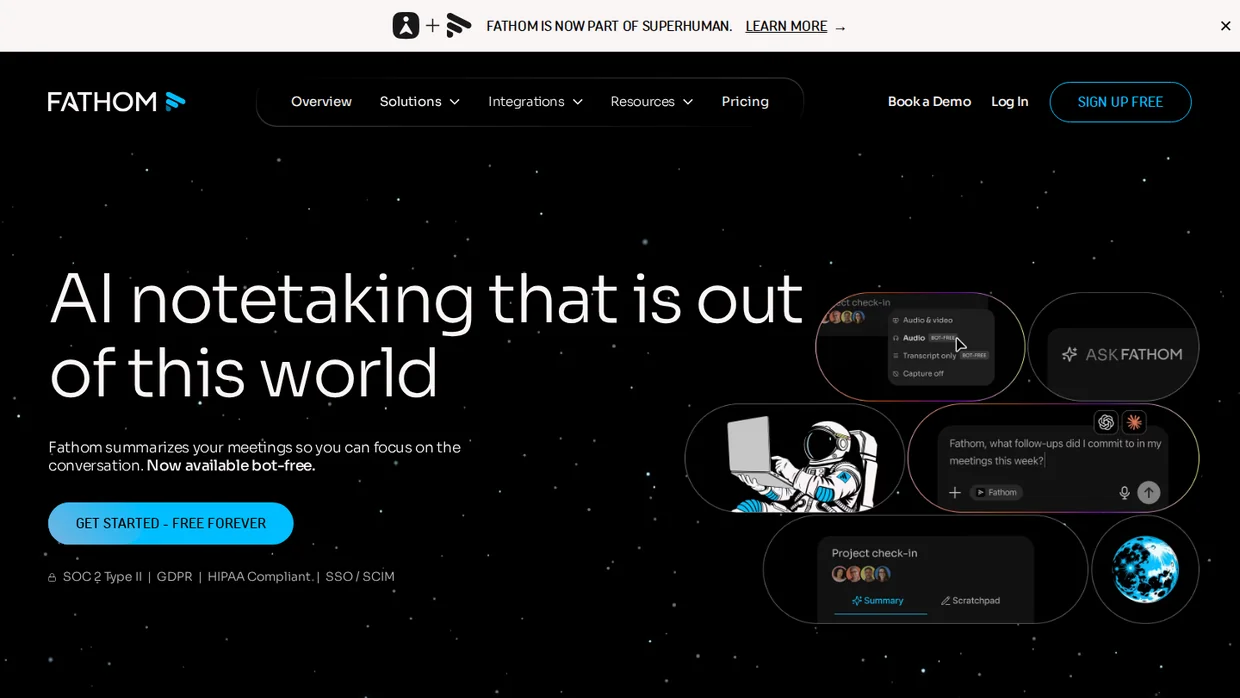
Fathom records the session and writes the summary. For coaches, that turns the twenty minutes after every call into a review and a send.
The free plan is unusually complete, with unlimited recordings and instant summaries, which is enough for a solo practice.
Ask consent before recording, every time. A coaching conversation is not a sales call, and the recording notice should come from you rather than from a bot joining the room.
Key features
- Unlimited recordings and AI summaries on the free plan.
- Action items pulled out of the conversation.
- Ask Fathom for answers across past sessions.
- CRM and note integrations.
- Team plans for multi-coach practices.
Pricing Free plan, Premium $16 per user a month billed yearly, Team $15 per user a month with a two-user minimum, Business $25, metered by seats.
- Good fit when you write notes after every session and want a draft waiting.
- Not a fit if your clients would rather not be recorded, which is common in personal coaching.
9. Zapier: Best connector
Zapier is the glue for a stack that grew tool by tool. A booking in Calendly creates a client in your CRM, a payment in Stripe triggers the onboarding email, a tag adds someone to a program.
The free plan runs 100 tasks a month, which covers one or two simple flows and lets you test the idea before paying.
Tasks are the meter, and every step in a flow counts as one. Multi-step flows that run on every booking add up faster than most people expect.
Key features
- Connects 9,000 or so apps without code.
- Multi-step flows with filters and paths.
- Tables and forms for simple client data.
- Scheduled flows for weekly check-ins.
- AI steps inside the same task pricing.
Pricing Free for 100 tasks a month, Pro from $19.99 a month, Team from $69 a month, metered by tasks.
- Good fit when your tools work well on their own and only need to talk to each other.
- Not a fit if one platform could replace three of those tools, which is cheaper and simpler.
10. GoHighLevel: Best for marketing
GoHighLevel is a marketing machine with a CRM attached. Funnels, email, SMS, pipelines, and booking sit in one account with unlimited contacts and users.
It suits the coach whose problem is lead flow rather than admin, and coaches who run programs for other coaches often end up here.
It is heavy. Expect a setup project, not an afternoon, and read our marketing automation strategy with examples before you build sequences in it.
Key features
- Funnels and landing pages.
- Email and SMS campaigns.
- Pipelines and appointment booking.
- Unlimited contacts and users on every plan.
- Sub-accounts for running client businesses.
Pricing Starter $97 a month, Unlimited $297, Agency Pro $497, metered by plan tier and sub-accounts, 14-day free trial.
- Good fit when you are buying traffic and need funnels, follow-up, and booking in one place.
- Not a fit for a coach with a full roster who just wants the admin handled.
Build trust & FOMO
Highlight real-time activities like reviews, sales & sign-ups.

What AI agents can run in a coaching business
AI agents can run the coaching admin that follows a script: answering repeat questions, drafting session summaries, chasing check-ins, and qualifying enquiries before they reach your calendar.
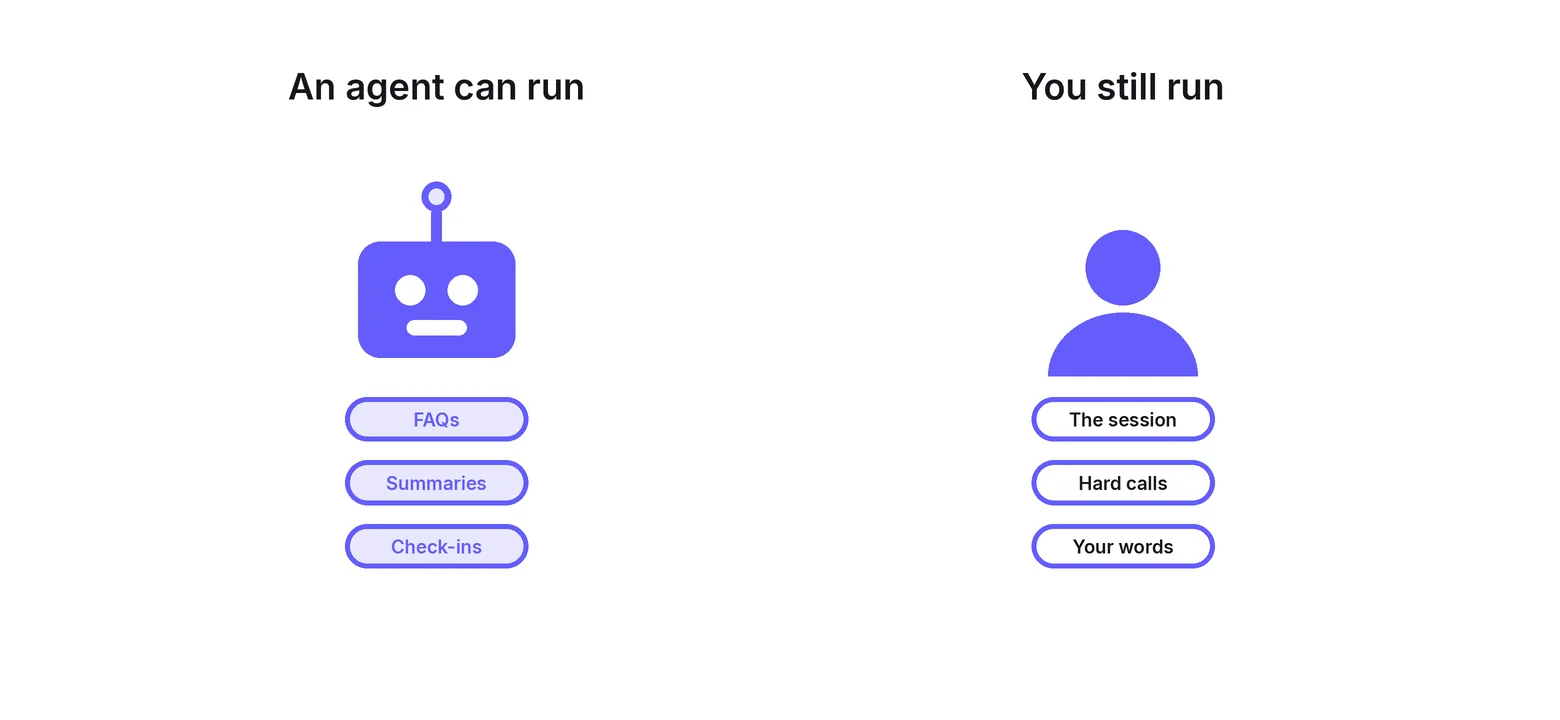
The difference from plain automation is small but useful. An automation follows a fixed path, so the same email goes out every time. An agent picks the wording, or the next step, inside limits you set.
Most of this already sits in the tools above rather than in a separate agent product.
- Session summaries. Fathom drafts the recap and the action items, and Ask Fathom answers questions across past sessions.
- Meeting admin. Calendly sells Notetaker and its Callie assistant as an add-on to the Standard and Teams plans.
- Lead conversations. GoHighLevel lists Conversation AI and Voice AI as paid AI Employee add-ons, not as part of the base plan.
- Drafting. HoneyBook lists HoneyBook AI on every plan for drafting client messages.
- Glue with judgment. Zapier now bills AI steps inside a flow as ordinary tasks, so an agent step costs the same as any other.
Price the AI separately. Every named feature above is an add-on or a higher tier, so the quiet AI upgrade is the part that moves your monthly bill.
The standalone agents, including Coachvox, Delphi, Lindy, and Zapier Agents, are compared with checked prices in our roundup of ai agents for coaches.
Build agents around your own material, not around a generic model. An agent answering FAQs should draw on your program documents and your wording, or it will confidently invent a policy you never wrote.
Keep the agent away from the coaching itself. It can answer what time the call is and what week four covers. It should not tell a client what to do about their business or their health.
Two coaching platforms that closed
Check that a platform still exists before you migrate to it. Two popular ones shut down in the last year, and plenty of roundups still list them.
Practice, at practice.do, closed on November 3, 2025 after an acquisition fell through. Coaches had a few weeks to export client data.
Profi, at profi.io, wound down at the end of December 2025. Its domain no longer resolves.
Ask any vendor how exports work before you move your client records in. A platform that cannot hand back your data is a platform you cannot leave.
Where WiserNotify fits

Every tool above works after someone decides to work with you. The page where they decide is still your website, and a cold visitor has nothing to go on.
WiserNotify shows recent bookings, signups, and reviews as small notifications while that visitor reads. It runs on any coaching site that accepts a script, next to whichever platform you picked.
Disclosure, WiserNotify is our product. It does not book, invoice, or track a client, which is why it is not in the ranked ten. It runs on top of them.
Our page on social proof for an online coaching business covers the placements that suit coaches. Pricing starts at $16 a month on Pro, with a $59 a year Basic plan and a 7-day free trial.
Automation fills the calendar you already have. Proof fills the calendar you want.
Build trust & FOMO
Highlight real-time activities like reviews, sales & sign-ups.

What not to automate
Some parts of coaching stop working the moment they feel machine-made. Keep these manual.
- The first reply to an enquiry. A short personal note converts better than a sequence, and it takes two minutes.
- Difficult conversations. Missed sessions, slow progress, and refunds need your voice, not a template.
- Session summaries sent unread. Edit the AI draft before your client sees it.
- Testimonial wording. Ask for the review, then leave the words alone.
- Anything you have not tested on yourself. Run every sequence on your own email first.
Wrap Up
Automate in the order clients move through your business, and stop when the next step would take away something personal.
For most solo coaches, one platform plus a notetaker covers it. Paperbell if your roster is growing, CoachAccountable if the work lives between sessions, Simply.Coach or Satori if you want a cheaper start.
Add Zapier only when two tools you like refuse to talk. Once the admin runs itself, put the hours back into the work that grows the practice, which our guide to grow coaching business covers next.
Frequently Asked Questions
What is coaching business automation?
It is using software to run repeatable steps for you, such as booking, intake forms, invoices, session summaries, and review requests, each triggered by something a client does.
What should a coach automate first?
Booking, because it removes the back-and-forth on every enquiry. Onboarding and payments come next, then session follow-up and review requests.
What is the best coaching automation software?
Paperbell suits most solo coaches at one flat fee. CoachAccountable suits program and accountability work, and Simply.Coach is the cheapest full platform.
Is there free coaching automation software?
Calendly, Fathom, and Zapier all have free plans that cover booking, session notes, and simple connections between tools.
Do I need a coaching platform or separate tools?
A platform is simpler when onboarding and payments must chain together. Separate tools suit a coach who only needs one job handled, connected by Zapier.
How much does coaching automation cost?
Most coaching platforms cost under $60 a month. Marketing platforms such as GoHighLevel cost several times that.
Does automation make coaching feel impersonal?
Only if you automate the wrong parts. Keep first replies, difficult conversations, and testimonial wording manual, and let software handle the admin.
Is Practice.do still available for coaches?
No. Practice.do closed in November 2025 and Profi wound down that December, so check a platform is still running before you migrate.

Krunal Vaghasiya is a marketing tech expert who boosts e-commerce conversion rates with automated social proof and FOMO strategies. He loves to keep posting insightful posts on online marketing software, marketing automations, and improving conversion rates.




 Capterra