
AI Agents for Coaches: 10 Tools Checked and Priced (2026)
The AI agents worth a coach’s money in 2026 take session notes, answer client questions between sessions, qualify leads, and clear the inbox. Fathom does the first job free, Coachvox and Delphi cover the second, and Lindy runs the admin.
An AI agent differs from plain automation in one way. An automation follows a fixed path you built. An agent reads the situation and picks the next step within boundaries you draw, with no rule needed for every case.
I wrote this for the coach who is also the front desk, the bookkeeper, and the marketing department. Every price below was checked on the vendor’s own site on September 23, 2026, with the unit that grows the bill named.
Key takeaways
- Start with a notetaker. Fathom and Fireflies both run free, and session notes are the hours you feel first.
- A client-facing agent needs your material. Coachvox and Delphi are only as good as the content you train them on.
- Meters differ. Seats, conversations, activities, credits, and training words all grow at different speeds.
- Get consent in writing before any agent records a session or reads client notes.
What is an AI agent for coaches?
An AI agent for coaches is software that handles a defined job, such as session notes, client questions, or lead follow-up, and chooses its own next step inside rules the coach sets.
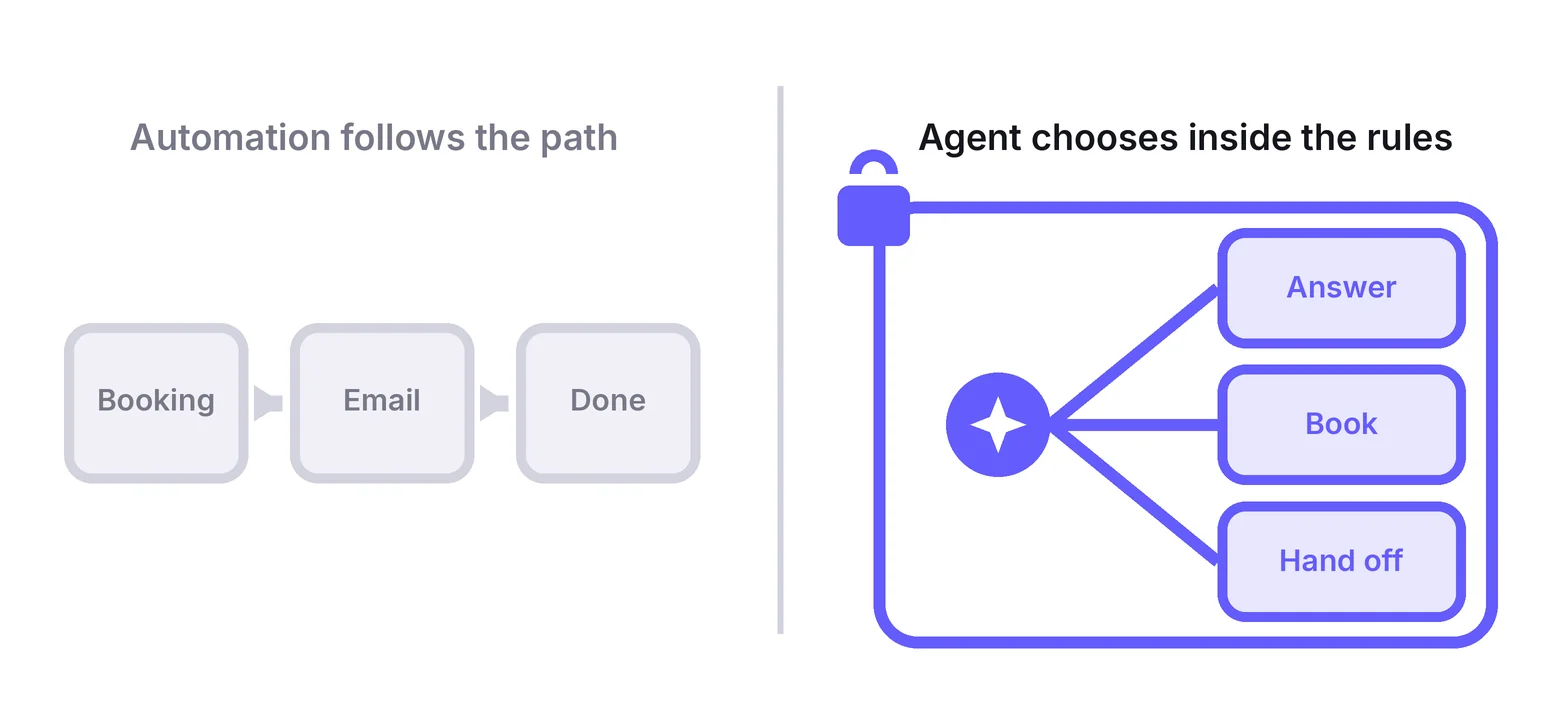
Plain automation is a corridor. A booking triggers a welcome email, the same email, every time. Useful, cheap, and blind to context.
An agent is a room with a door you locked. Inside it, the software reads the message, checks your program notes, and decides whether to answer, book, or hand off to you.
That difference is the whole reason to pay for one. A rule cannot handle “my client asked whether week four covers pricing.” An agent trained on your program outline can.
It also sets the limit. An agent can be wrong in a way a rule cannot, so every tool below is judged on how it keeps you in the loop, not on how clever it sounds.
The order still matters. The plain workflows come first, and our guide to automate your coaching business covers those five. This post starts where that one ends.
Which AI agent should a coach start with?
Most coaches should start with a free notetaker such as Fathom, then add a client-facing agent once they have enough written material to train one on.
- Best free notetaker: Fathom, free forever with unlimited recordings and summaries.
- Best for searching past sessions: Fireflies, free, then $10 per seat a month billed yearly.
- Best AI clone for coaches: Coachvox, $99 a month or $83 billed yearly.
- Best free clone to test: Delphi, free with 1 million training words.
- Best for intake and booking questions: Jotform AI Agents, free for 100 conversations a month.
- Best if you already run GoHighLevel: AI Employee add-on, $50 or $97 a month plus usage.
- Best for the inbox: Fyxer, from $22.50 per user a month billed yearly.
- Best all-round assistant: Lindy, from $29.99 per user a month.
- Best free start for workflows: Zapier Agents, free for 400 activities a month.
- Best for coaches who like to build: Make AI Agents, free for 1,000 credits a month.
If you are still deciding what to sell, agents can wait. Read how to start a coaching business first, because an agent trained on nothing answers with nothing.
The 10 AI agents compared side by side
| Tool | Job it runs | What you pay for | Free start | Watch out for |
|---|---|---|---|---|
| Fathom | Session recording, summaries, action items | Seats | Free plan | Action items and the assistant start on Premium |
| Fireflies | Transcripts and search across sessions | Seats | Free plan | Free plan limits AI summaries and storage |
| Coachvox | AI version of you for leads and clients | Flat fee | 14-day trial, card required | One plan, so there is no cheaper tier to start on |
| Delphi | Chat and voice clone with paid access | Training words and embed locations | Free plan | SMS and WhatsApp sit on the custom tier only |
| Jotform AI Agents | Intake, FAQs, booking by chat, phone, SMS | Conversations per month | Free plan | 100 free conversations run out fast on a busy site |
| GoHighLevel AI Employee | Lead replies, voice calls, content | Add-on per sub-account plus usage | 14-day trial | Needs the $97 base plan first |
| Fyxer | Inbox triage, drafts, meeting notes | Seats | 7-day trial | Starter covers one inbox only |
| Lindy | Inbox, meetings, follow-ups, routines | Seats and credits | Free trial | Big tasks eat hundreds of credits each |
| Zapier Agents | Multi-step tasks across your apps | Activities per month | Free plan | Every lookup and browse counts as an activity |
| Make AI Agents | Agents inside visual workflows | Credits per month | Free plan | Still in beta and needs a scenario built around it |
Prices, plans, and trials checked on September 23, 2026, on each vendor’s own pricing page.
How much do AI agents for coaches cost?
AI agents for coaches cost from $0 on free tiers to about $100 a month per tool. Fathom, Fireflies, Delphi, Jotform, Zapier Agents, and Make all start free, while Coachvox runs $83 to $99.
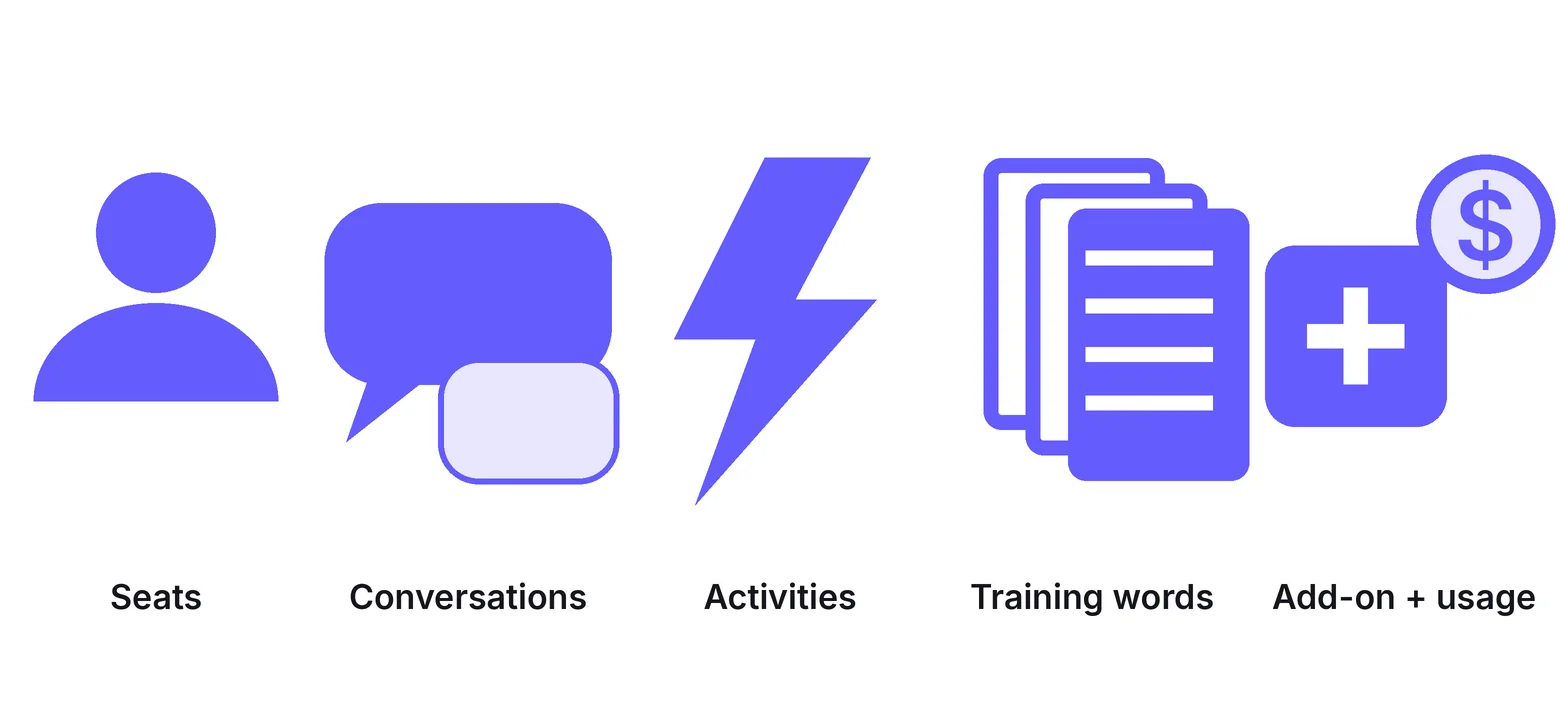
The sticker price matters less than the meter, because the meter is what moves once the agent is doing real work.
- Seats: Fathom, Fireflies, Fyxer, and Lindy charge per person. A solo coach pays for one.
- Conversations: Jotform counts every chat, call, or text thread an agent handles.
- Activities or credits: Zapier, Make, and Lindy count each action the agent takes, so a busy week costs more than a quiet one.
- Training words: Delphi caps how much of your material the clone can learn from.
- Add-on plus usage: GoHighLevel bills the AI Employee per sub-account and then charges per call minute and per message.
Only 19% of coaches invested in new technology such as AI last year, and 53% run no digital platform, per the ICF’s 2025 Global Coaching Study.
A free notetaker is the cheapest way to leave that group.
Price the agent by the busiest month you expect, not the quiet one you are in.
Agents that take the session notes
These two join the call, transcribe it, and write the recap. The agent part is what happens after, when you ask a question across every session you have ever recorded.
1. Fathom: Best free notetaker
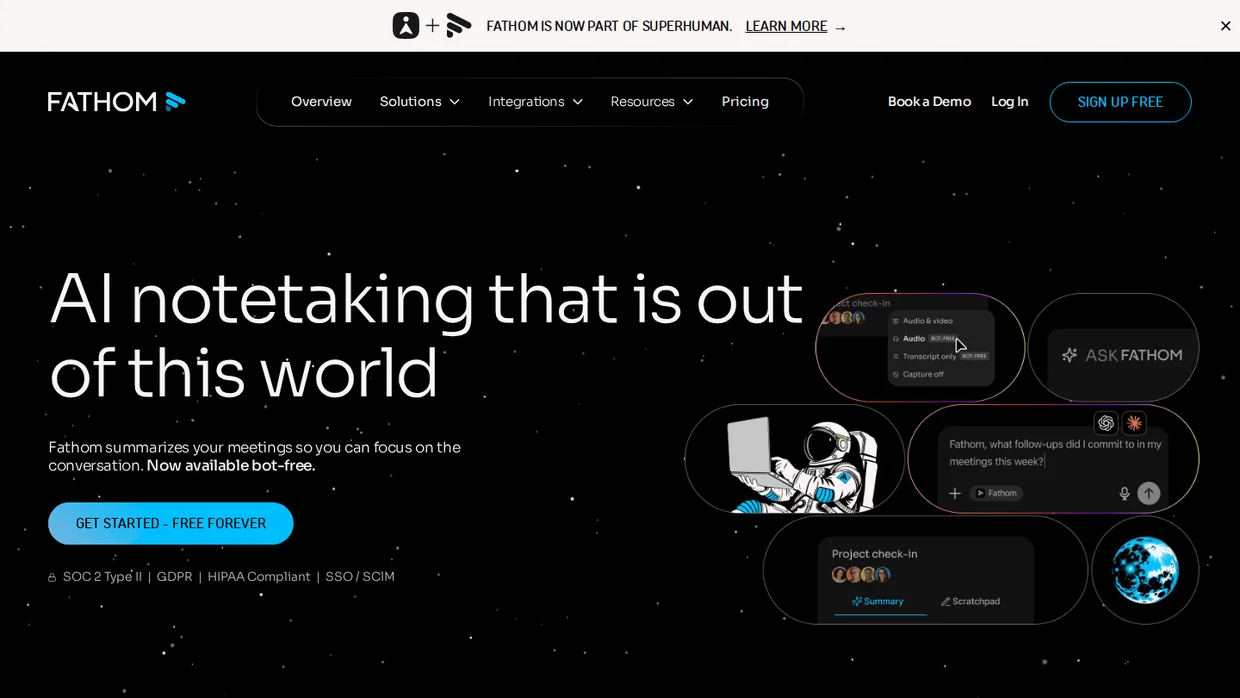
Fathom is the notetaker most coaches try first because the free plan has no catch. Unlimited recordings, unlimited transcription, and an instant summary after every call.
The paid layer is where it becomes an agent. Premium adds AI action items, advanced summary templates, and a conversational assistant you can ask about any past call.
Fathom is also testing bot-free capture on Mac, so the recorder does not appear as a third participant on the call. That matters to clients who tense up when “Fathom Notetaker” joins the room.
Key features
- Unlimited recordings and transcripts on the free plan.
- AI action items and 15+ summary templates on Premium.
- Conversational assistant that answers questions across calls.
- Bot-free capture in beta on Mac.
- Clips, playlists, and search across every session.
Pricing Free forever, Premium $16 per user a month billed yearly ($20 monthly), Team $15 ($19) with a two-user minimum, Business $25 ($34), metered by seats.
- Good fit when you want notes handled today at no cost and might pay later for action items.
- Not a fit if you need transcripts in many languages, where Fireflies covers more ground.
2. Fireflies: Best for session search
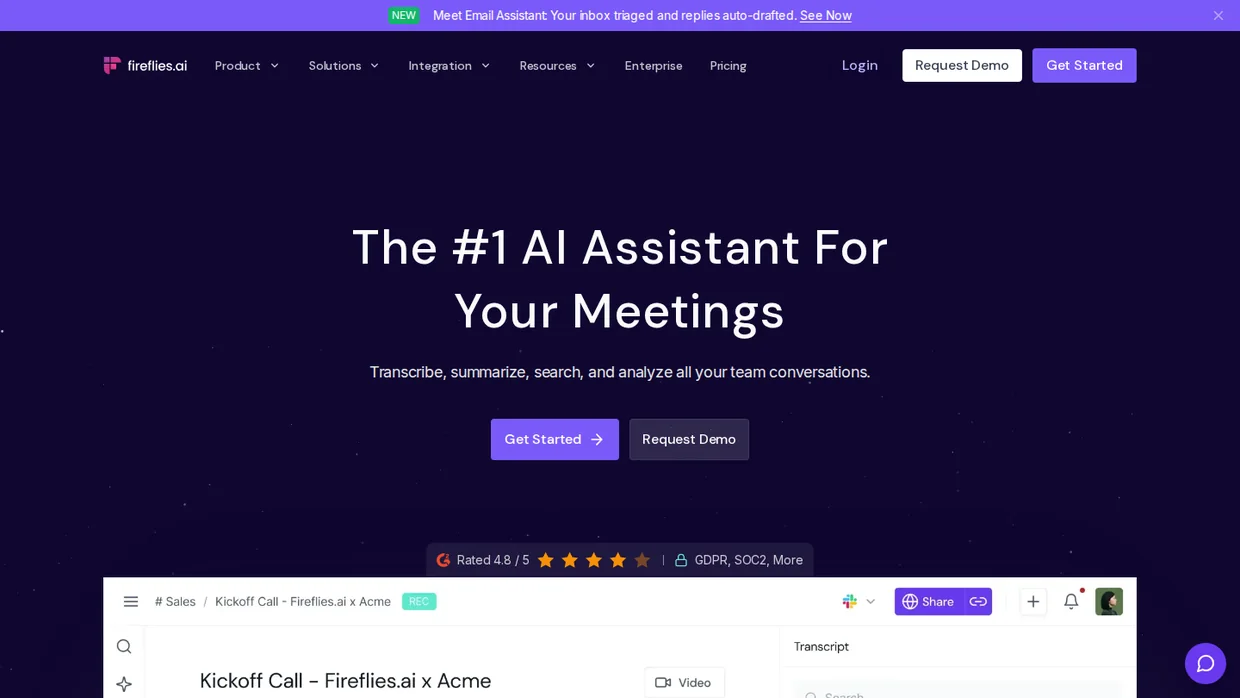
Fireflies records the same calls and adds a search layer called AskFred. Type “what did Maria commit to in August” and it answers from the transcripts.
The free plan transcribes without limit but caps AI summaries and stores 400 minutes per team. Pro lifts the summary cap and gives each seat 8,000 minutes of storage.
Fireflies transcribes in 100+ languages, which makes it the pick for a coach whose clients switch between English and something else mid-call.
Key features
- Unlimited transcription in 100+ languages on every plan.
- AskFred answers questions from past meetings.
- Real-time notes and live transcription.
- Desktop, mobile, and Chrome extension.
- API access on the free plan.
Pricing Free plan, Pro $10 per seat a month billed yearly ($18 monthly), Business $19 ($29), Enterprise $39, metered by seats.
- Good fit when you coach in more than one language or want to search years of sessions.
- Not a fit if you never intend to pay, since the free summaries run out.
Build trust & FOMO
Highlight real-time activities like reviews, sales & sign-ups.


Agents that answer clients and leads
These four talk to people on your behalf. Two are trained on you and speak in your voice. Two handle the practical questions, the intake, and the phone.
None of them should coach anyone. They answer what week four covers, they do not tell a client whether to fire a business partner.
If your clients live on WhatsApp, our roundup of the best whatsapp chatbots covers that channel in more depth than the two intake tools below.
3. Coachvox: Best AI clone for coaches
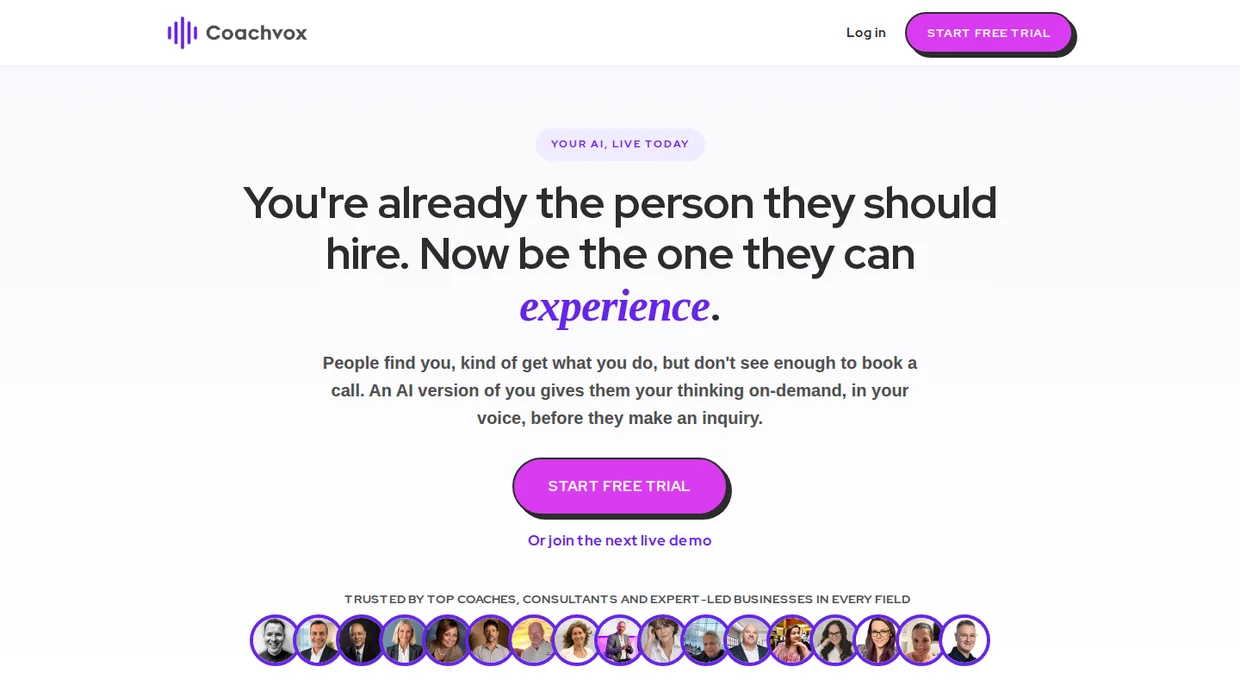
Coachvox builds an AI version of you from your articles, books, courses, and posts. Visitors talk to it on your site, it answers in your style, and it collects contact details when someone is ready.
The transcripts are the quiet win. Every conversation shows what prospects ask and where clients get stuck, which is market research you did not have to run.
You can charge for access. Coachvox lets you put your AI behind a weekly or monthly subscription with trial days and coupon codes, so the clone becomes a product rather than a cost.
Key features
- Training by upload, drag and drop, or LinkedIn import.
- Unlimited chats with transcripts and insights.
- Lead notifications from the client dashboard.
- Paid access with subscriptions, trials, and coupons.
- Embed anywhere that accepts HTML, plus a share page.
Pricing One plan at $99 a month or $83 a month billed yearly, flat fee with unlimited chats, 14-day free trial with card details required.
- Good fit when you have a content library and an audience larger than your calendar.
- Not a fit for a new coach with three blog posts, because the clone has nothing to say yet.
4. Delphi: Best free clone to test
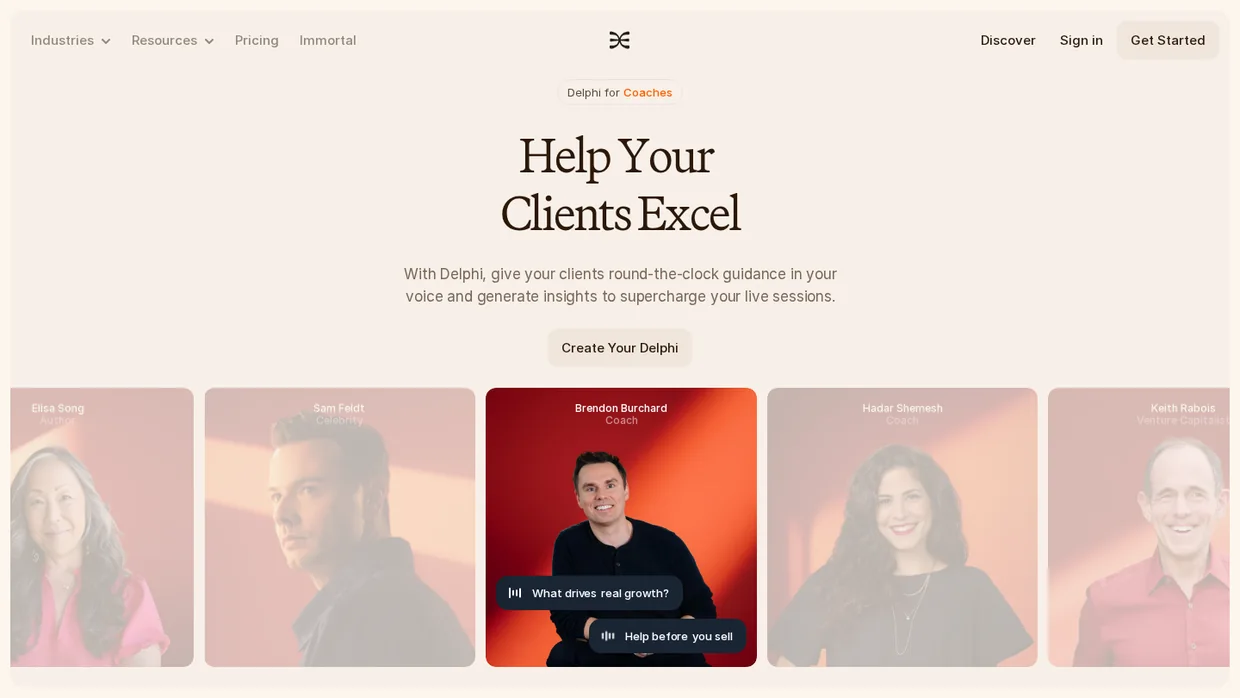
Delphi calls its product a Digital Mind. You connect documents, your site, social accounts, and videos, record a ten-second audio sample, and the clone chats and takes voice calls in your voice.
The free tier is the reason it ranks here. One million training words, chat, and voice calling cost nothing, which is enough to find out whether your audience will use one before you spend a cent.
Builder adds product recommendations, custom alerts, Slack, and two embed locations. Scaler adds contact import, custom workflows, and your own branding.
Key features
- Chat and voice calling on every tier, including free.
- Training from documents, websites, social accounts, and video.
- Paid memberships to gate access to the clone.
- Custom alerts and Slack integration on Builder.
- Custom workflows and branding on Scaler.
Pricing Free with 1 million training words, Builder $99 a month or $79 billed yearly (5 million words, 2 embeds), Scaler $349 or $299 (12 million words, 10 embeds), Immortal custom, metered by training words and embed locations.
- Good fit when you want to test a clone free and like the idea of clients calling it.
- Not a fit if you need SMS or WhatsApp, which sit on the custom tier with API access.
5. Jotform AI Agents: Best for intake
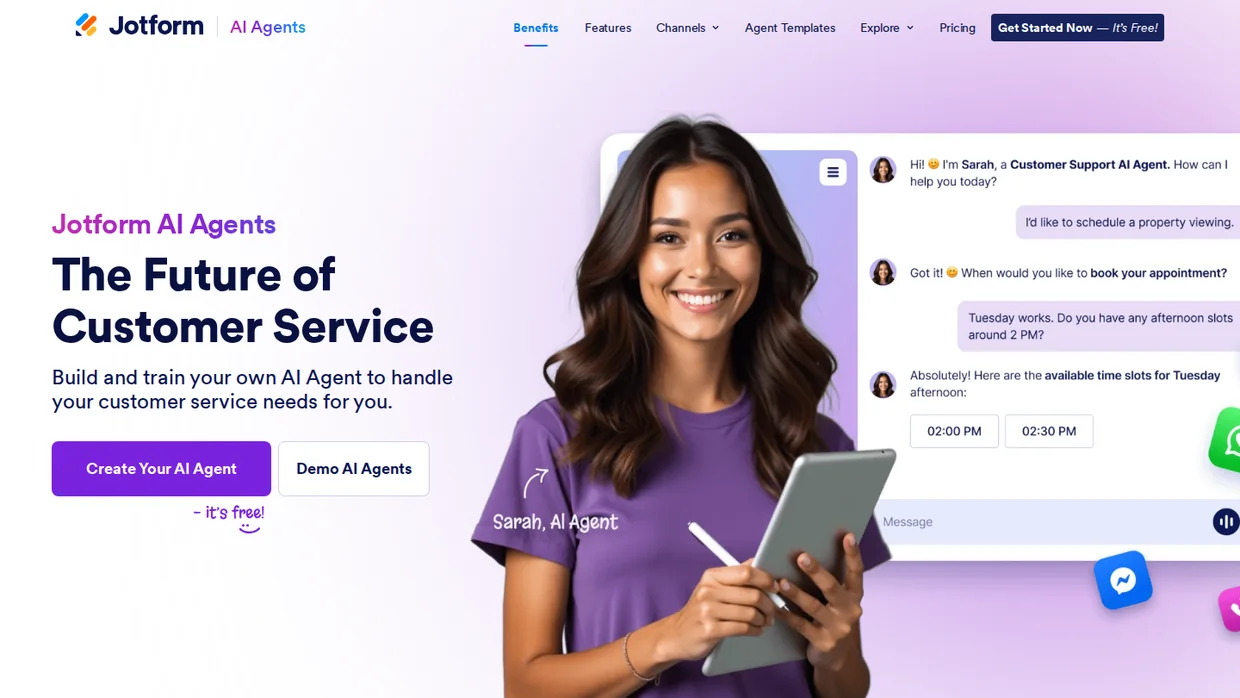
Jotform AI Agents turn a form into a conversation. Instead of a client filling twelve fields, the agent asks, follows up on vague answers, and books the slot at the end.
It runs on your site as chat, on a phone number as a voice agent, and over SMS, WhatsApp, and Messenger. For a coach that covers the discovery-call questions before the call.
The knowledge base is what stops it inventing answers. Load your program outline, pricing, and policies, and the agent quotes those instead of guessing.
Pair the agent with a booking widget for website and the conversation ends in a confirmed time rather than a form submission.
Key features
- Conversational intake built from any Jotform form.
- Chat, phone, SMS, WhatsApp, and Messenger channels.
- Knowledge base up to 10 million characters on the free plan.
- Appointment booking inside the conversation.
- Agent templates for coaching intake and check-ins.
Pricing Starter free (5 agents, 100 conversations, 50 voice minutes, 250 SMS a month), Bronze $34 a month billed yearly ($39 monthly) for 1,000 conversations, Silver $39 ($49) for 2,500, Gold $99 ($129) for 10,000, metered by conversations.
- Good fit when intake and booking questions are what fill your inbox.
- Not a fit if you want the agent to sound like you, since it sounds like a helpful form.
6. GoHighLevel AI Employee: Best on GHL
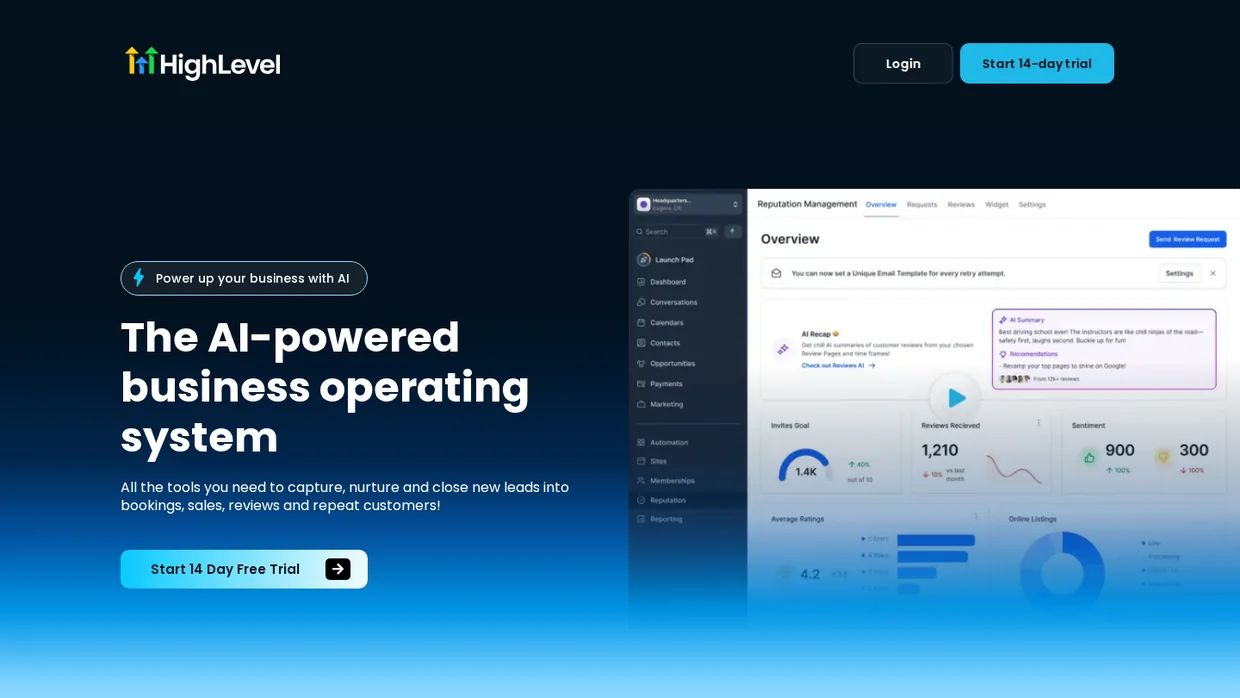
GoHighLevel sells its agents as an AI Employee add-on. Conversation AI replies to leads by chat, SMS, and email and books them in. Voice AI answers the phone when you are on a call.
Content AI, Funnel AI, and Reviews AI sit in the same bundle. It is the widest set of agents on this list, and the only one that needs a platform underneath it.
The bill stacks. You pay the base plan, then the AI add-on per sub-account, then usage on every call minute and message. Read the usage page before switching Voice AI on.
Read our guide to convert leads into sales before you let an agent chase anyone, because a fast reply to the wrong lead is still the wrong lead.
Key features
- Conversation AI for chat, SMS, and email replies with booking.
- Voice AI that answers inbound calls.
- Content AI for emails, posts, and funnel copy.
- Reviews AI for review replies.
- Funnel AI inside the page builder.
Pricing AI Employee Growth $50 a month per sub-account or Unlimited $97 a month per sub-account, on top of a base plan from $97, plus usage charges on Voice AI minutes and Conversation AI messages, 14-day free trial.
- Good fit when GoHighLevel already runs your funnels and missed calls cost you clients.
- Not a fit for a solo coach starting fresh, where three separate bills arrive for one job.
Build trust & FOMO
Highlight real-time activities like reviews, sales & sign-ups.

Agents that run the inbox and workflows
These four never talk to a client directly. They sit behind your email and your apps, draft what you would have typed, and move records so you do not.
7. Fyxer: Best for the inbox
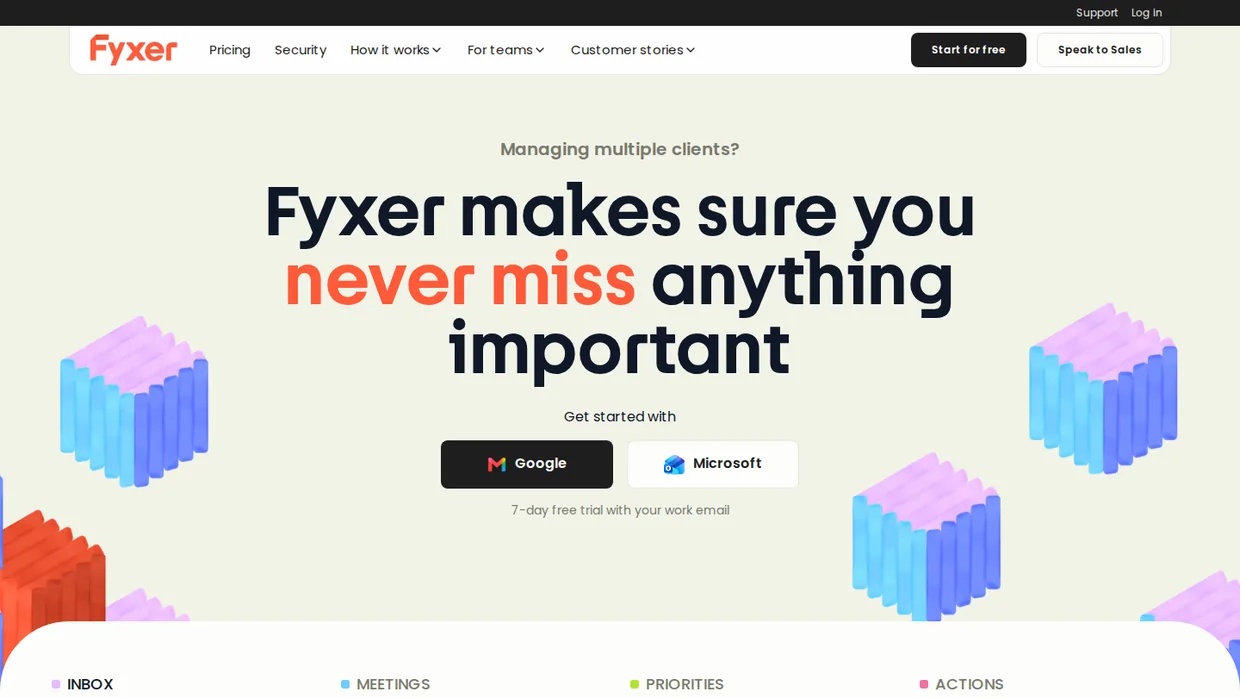
Fyxer connects to Gmail or Outlook, sorts every incoming message into a handful of labels, and writes a draft reply in your voice for anything that needs one.
You open the inbox, read the drafts, and send or delete. Nothing goes out on its own, which is the right default for a coach whose clients expect the person they hired.
Professional adds a notetaker, scheduling across time zones, several inboxes, and Fyxer Chat, which answers questions from your mail and meeting notes.
Key features
- Inbox triage into priorities and categories.
- Draft replies in your voice, never auto-sent.
- Notetaker that joins meetings.
- Meeting scheduling across calendars on Professional.
- HubSpot integration and file training on Professional.
Pricing Starter $22.50 per user a month billed yearly ($30 monthly) for one inbox and calendar, Professional $37.50 ($50) for multiple inboxes, 7-day free trial, metered by users.
- Good fit when email is the job you dread and you want drafts waiting each morning.
- Not a fit if the agent needs to act in your CRM or course platform, which Fyxer does not touch.
8. Lindy: Best all-round assistant
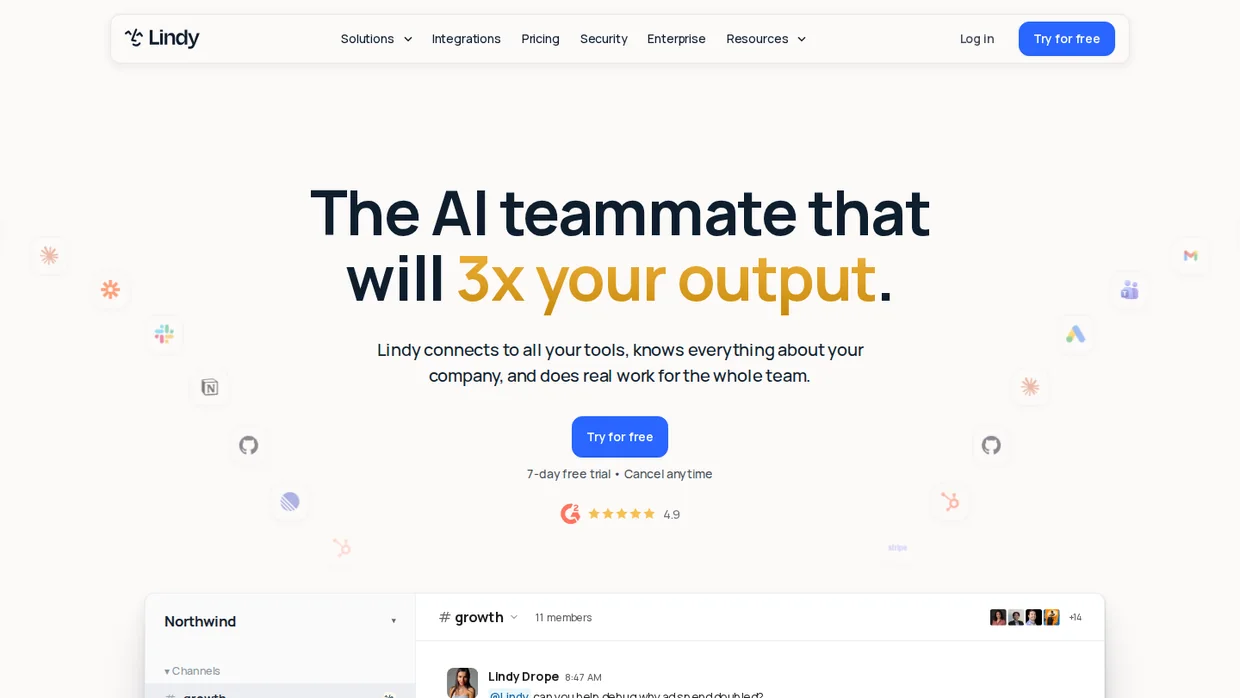
Lindy is the closest thing here to hiring an assistant. It manages up to five inboxes, records meetings, schedules and preps calls, sends daily briefs, and runs scheduled routines you describe in plain words.
Approvals are built in. You decide which actions Lindy takes alone and which it queues for a yes, and it messages you over Slack or iMessage when it needs one.
Credits are the meter. Answering a question or drafting a reply costs a few, while researching a competitor and writing the report runs into the hundreds.
Key features
- Inbox management across up to five inboxes.
- Meeting recording, notes, prep, and follow-up.
- Scheduled routines and daily briefs.
- Approvals before sensitive actions.
- Thousands of integrations plus MCP support.
Pricing Plus $29.99 per user a month with 3,000 credits, Pro $99.99 with 15,000, Max $199.99 with 35,000, free trial, metered by seats and credits.
- Good fit when you want one assistant for inbox, meetings, and follow-ups with a yes before it acts.
- Not a fit if your usage is unpredictable, because heavy weeks drain the credit pool.
9. Zapier Agents: Best free start
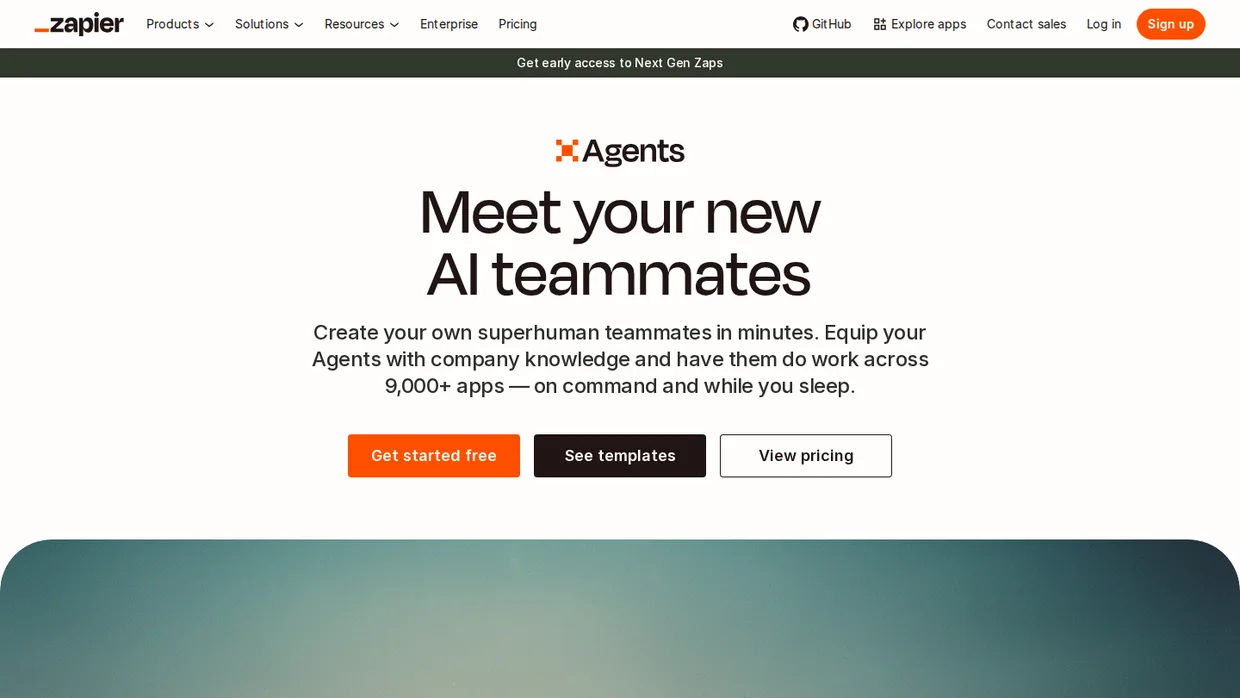
Zapier Agents add judgment to the Zaps you may already run. You describe a behavior, such as “when a discovery call is booked, research the person and draft a welcome note,” and the agent works across your connected apps.
It only touches apps you connected and actions you allowed, which keeps the blast radius small. The free plan runs 400 activities a month, enough to prove one behavior before paying.
Activities are the meter, and every lookup, browse, and action counts as one. A behavior that runs ten steps per booking spends ten activities per booking.
Key features
- Behaviors that trigger on events in your apps.
- Live data sources and web browsing.
- Chat with your agents in the Chrome extension.
- Actions limited to the apps and permissions you set.
- Shared activity pool on Team accounts.
Pricing Free for 400 activities a month, Pro $33.33 a month billed yearly ($400 a year) for 1,500 activities, Enterprise custom, metered by activities.
- Good fit when your tools already connect through Zapier and one step needs judgment.
- Not a fit for a fixed flow that runs the same way every time, where a plain Zap is cheaper.
10. Make AI Agents: Best for builders
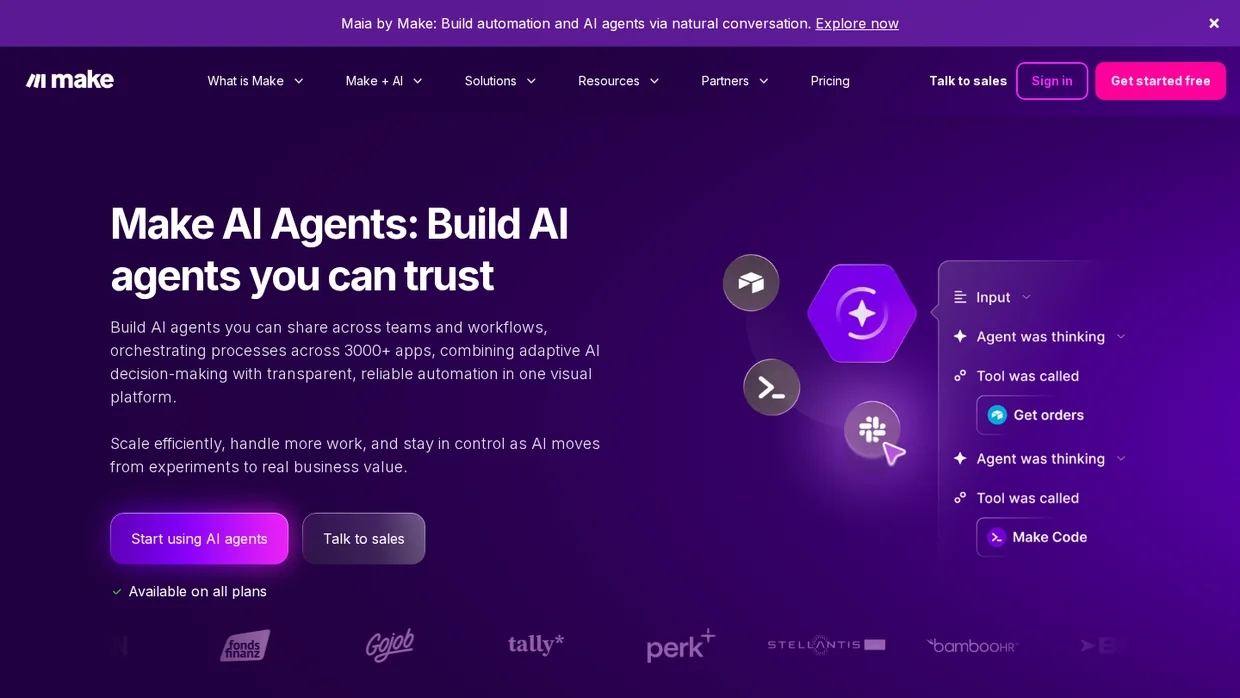
Make puts agents inside its visual workflow builder. You draw the scenario, drop an agent in the middle, and it decides which branch to take with a log of every choice it made.
Maia, Make’s own assistant, now builds scenarios and agents from a conversation, which lowers the bar for a coach who has never opened the canvas.
The credits are the cheapest on this list, and the free plan includes 1,000 a month with a 15-minute minimum interval between runs.
Key features
- Agents that pick a branch inside a visual scenario.
- Transparent logs of every decision.
- Make’s AI provider on every plan or your own LLM key.
- Maia builds workflows from plain-language requests.
- 3,000+ app connections.
Pricing Free for 1,000 credits a month, Core $12 a month billed yearly for 10,000 credits, Pro $21, Teams $38, monthly billing costs about 15% more, metered by credits.
- Good fit when you enjoy building and want the lowest cost per run.
- Not a fit if you want a finished product, since agents are in beta and need a scenario around them.
Build trust & FOMO
Highlight real-time activities like reviews, sales & sign-ups.

Two agent tools to skip for now
Check that an agent product exists before you plan around it. Two names that still appear in coaching roundups failed that check this month.
Relay.app shut down in September 2026. The site now carries a closing notice, and every account, workflow, and run history was deleted. Any guide that lists it is out of date.
Delenta, the coaching platform, lists an AI note-taker and an AI layer called Delenta ai on its pricing page with a “coming soon” mark.
Buy Delenta for its client management if you like it, not for agents it has not shipped yet.
Ask every vendor how you export transcripts, training data, and conversation logs. An agent you cannot leave is an agent that owns your client history.
Four checks before an agent sees client data
A coach should answer four questions before any agent records a session or reads client notes. Consent, where the data lives, whether the vendor trains on it, and how long it is kept.
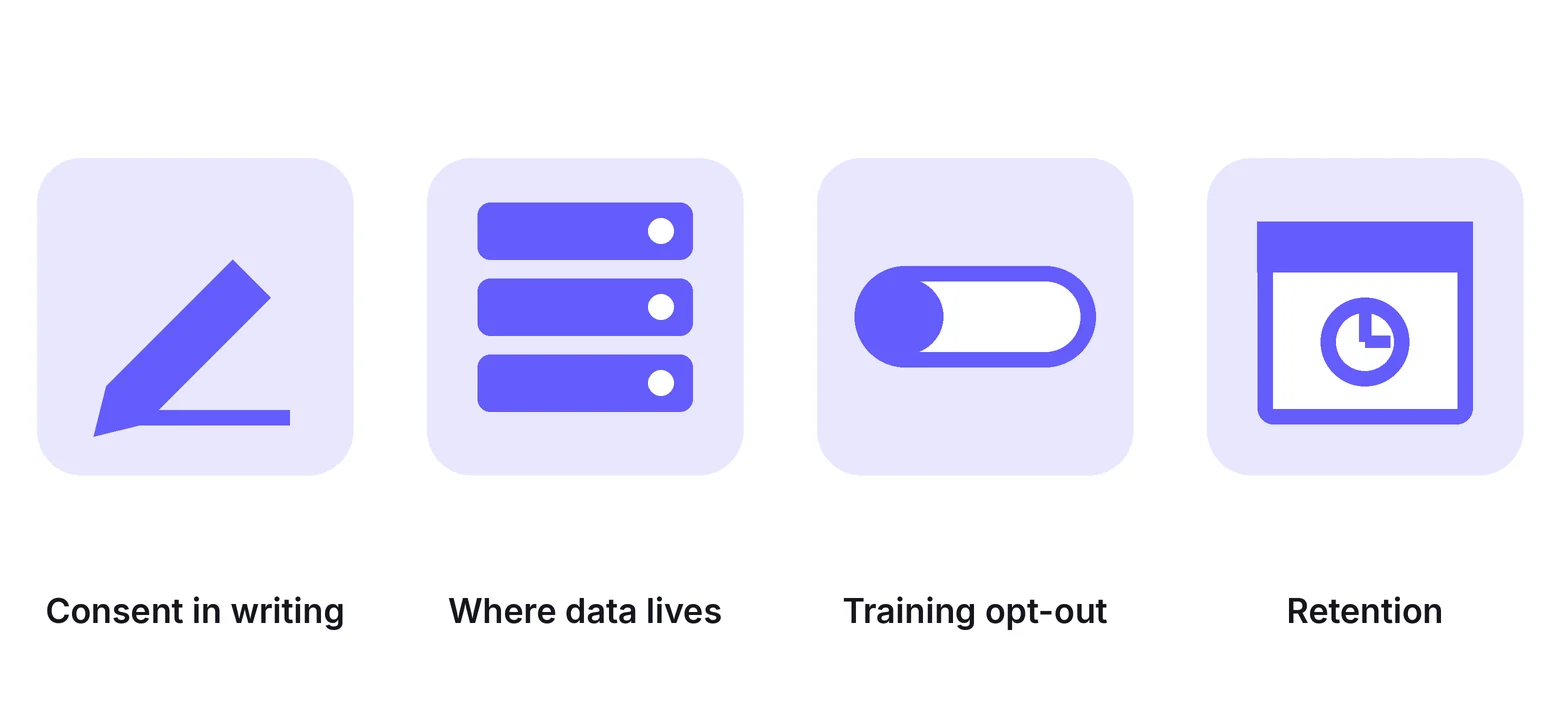
Consent in writing
Add a line to your coaching agreement that names the recording and the AI processing. A quick “mind if I record” at the start of a call is not enough.
Several US states, California among them, require every party’s consent to a recording, so ask every time.
Where the data lives
Find out where transcripts and training material are stored and who at the vendor can open them. A SOC 2 badge says the vendor has controls. It does not say where your client’s words sit.
Training opt-out
Ask whether the vendor trains its models on your content and whether you can switch that off. The answer belongs in the data processing agreement, not in a sales email.
Retention and deletion
Set how long recordings stay and confirm you can delete one client’s history on request. Keep less than you think you need.
If you cannot answer all four in a sentence each, the agent waits.
How to launch your first agent in a week
One agent, one job, seven days. The steps below get a notetaker or an inbox agent running with your rules before it meets a client.
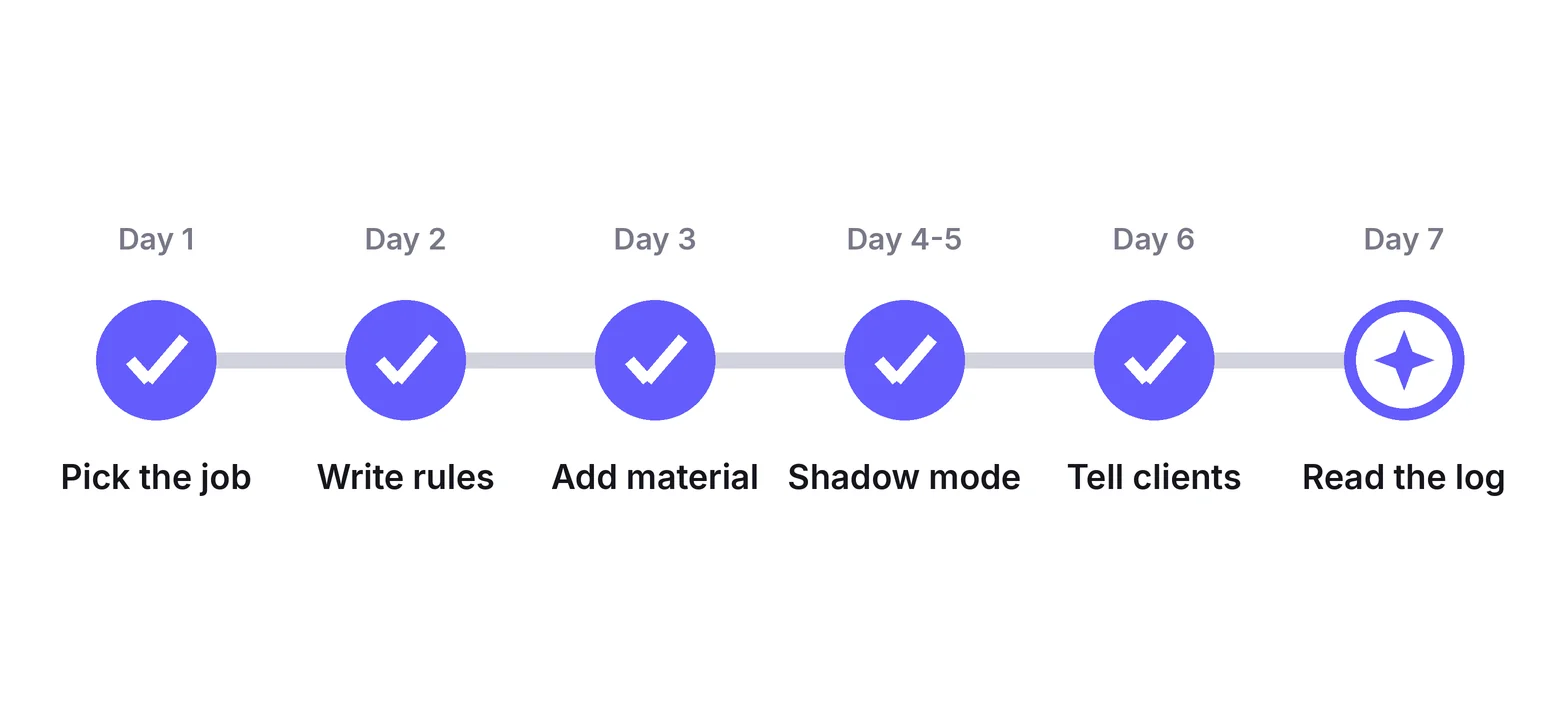
Day 1: Pick the job you resent
Choose the task you put off every Sunday, which for most coaches is notes or email. Do not start with the clone.
Day 2: Write the rules on one page
What the agent may do alone, what needs your yes, what it must never say, and what hours it works. One page, plain words.
Day 3: Give it your material
Program outline, pricing, policies, and your five most common replies. An agent trained on your words answers in them.
Day 4 and 5: Run it in shadow mode
Let the agent draft while you send. Read every draft and fix the pattern, not the sentence, when it gets something wrong.
Day 6: Tell your clients
One line in the welcome email and one in the agreement. Clients rarely object to a notetaker when the coach explains why it lets them stay present.
Day 7: Read the log and pick job two
Count what it handled, what it escalated, and what it got wrong. If the wrong column is short, let it send the easy replies and start on the next job.
Where WiserNotify fits next to an agent

An agent earns its keep once a visitor asks a question. Most never ask. They land on the program page from a podcast or a referral, read for forty seconds, and leave without typing a word.
WiserNotify works on that silent majority. A small notification shows that someone booked a discovery call an hour ago, that twelve people joined the group program this month, or what the last client wrote in a review.
It is not an agent. It never talks to anyone, holds no conversation, and needs no training material, which is why it can go live in an afternoon while a clone is still learning your voice.
Disclosure, WiserNotify is our product, and it is not one of the ranked ten because it does a different job. Connect it to your booking tool or course platform through one of 250+ integrations and it pulls the proof from there.
Pricing starts at $16 a month on Pro, with a $59 a year Basic plan and a 7-day free trial. Our page on social proof for an online coaching business shows the placements that fit a coaching site.
An agent answers the visitor who asks. Proof convinces the one who never does.
Build trust & FOMO
Highlight real-time activities like reviews, sales & sign-ups.

Wrap Up
AI agents for coaches split into three jobs, and each job has a free way in. Fathom or Fireflies take the notes, Delphi or Jotform answer the practical questions, and Zapier Agents or Make handle the admin behind them.
Pay for Coachvox when you have the content to feed it, and for Lindy or Fyxer when the inbox is what keeps you up.
Whichever you pick, get consent in writing, run it in shadow mode first, and keep the coaching itself for the person your clients hired.
The hours you win go into the work that will grow coaching business results, not into another tool.
Frequently Asked Questions
What is an AI agent for coaches?
Software that runs one defined job, such as session notes or client questions, and chooses its own next step inside rules the coach sets.
What is the difference between an AI agent and an automation?
An automation follows a fixed path every time. An agent reads the situation and picks the next step, so it needs rules and review instead of a trigger.
Which AI agent should a coach try first?
A notetaker such as Fathom, because it is free and removes the after-session write-up on day one.
Can an AI agent coach my clients between sessions?
It can answer questions about your program and point to your material. It should not give advice on a client’s own situation.
Do clients need to consent to an AI notetaker?
Yes. Put the recording and the AI processing in your coaching agreement, and ask again at the start of each call.
How much do AI agents for coaches cost?
From free on Fathom, Fireflies, Delphi, Jotform, Zapier Agents, and Make, up to about $100 a month for Coachvox or a GoHighLevel add-on.
Is it ethical for a coach to use an AI clone?
It is when clients know they are talking to an AI, the clone is trained on your own material, and anything personal comes back to you.
Are AI agents safe with client data?
Only if you know where the data is stored, whether the vendor trains on it, how long it is kept, and that you can delete a client’s history on request.

Krunal Vaghasiya is a marketing tech expert who boosts e-commerce conversion rates with automated social proof and FOMO strategies. He loves to keep posting insightful posts on online marketing software, marketing automations, and improving conversion rates.




 Capterra