
12 Best Shopify Trust Badge Apps to Increase Credibility in 2026
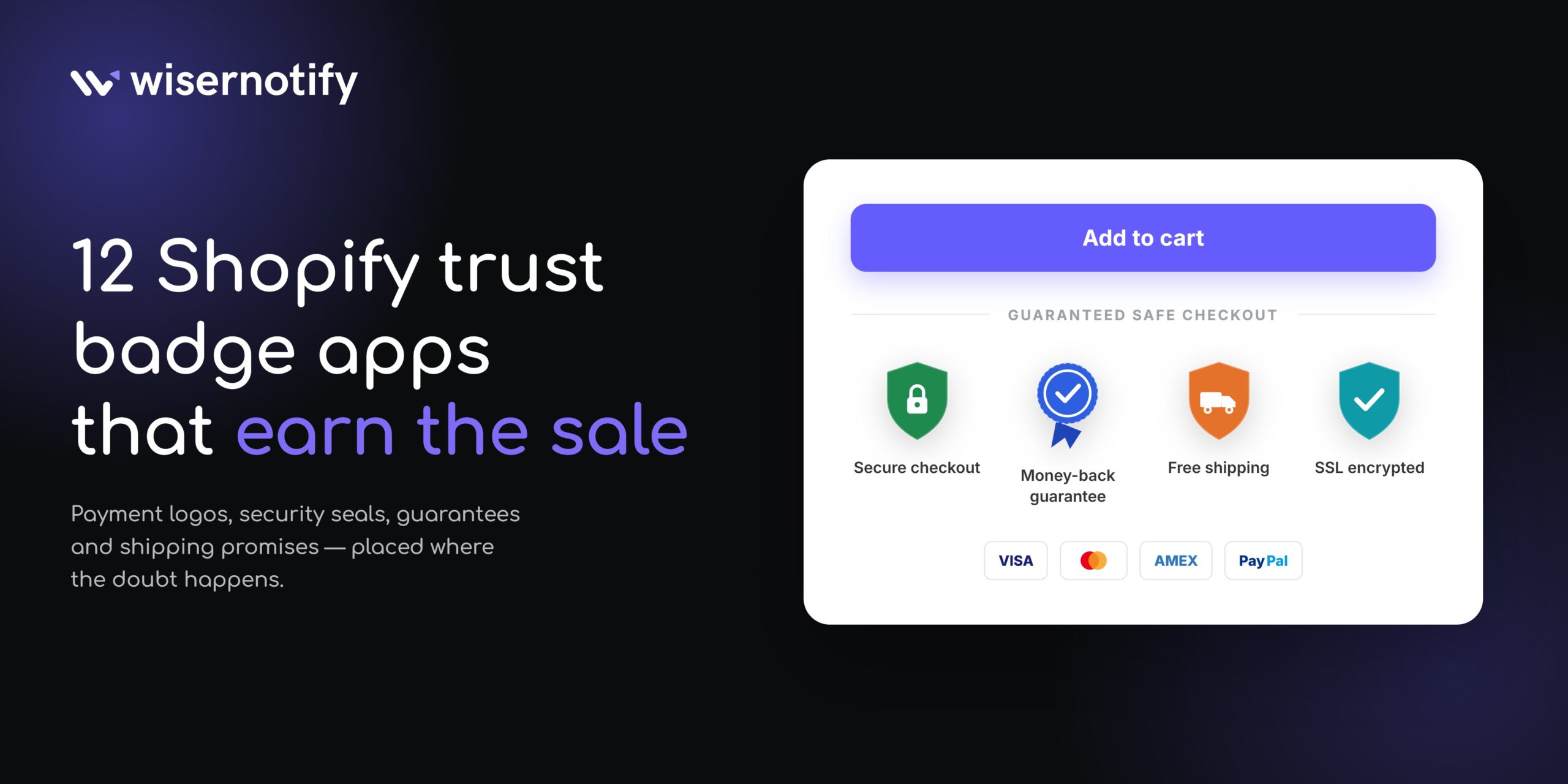
Most Shopify stores lose the sale long before checkout. A shopper lands on a product page, likes the item, then stalls because nothing on the page tells them the store is real.
Trust badges fix part of that hesitation. They put payment logos, security seals, guarantee icons, and shipping promises where the doubt happens.
In this guide, we’ll explore the 12 best Shopify trust badge apps that can help improve your store’s credibility, reduce cart abandonment, and increase sales.
These apps are easy to implement and designed to give your customers the confidence they need to complete their purchases.
What Is a Shopify Trust Badge?
A trust badge is a small visual marker that tells shoppers your store is safe to buy from. It can be a Visa logo, an SSL seal, a 30-day returns icon, or a verified-business mark.
Some badges are decorative. You pick an icon, style it, and place it on a page.
Others are earned. A third party checks your store, then issues a seal that shoppers can click and verify- the same idea behind digital badges in other industries.
That difference matters more than any feature list, and it decides which app you should install. You can place them anywhere on the homepage, landing pages, cart, and during checkout.
Types of Trust Badges Worth Using
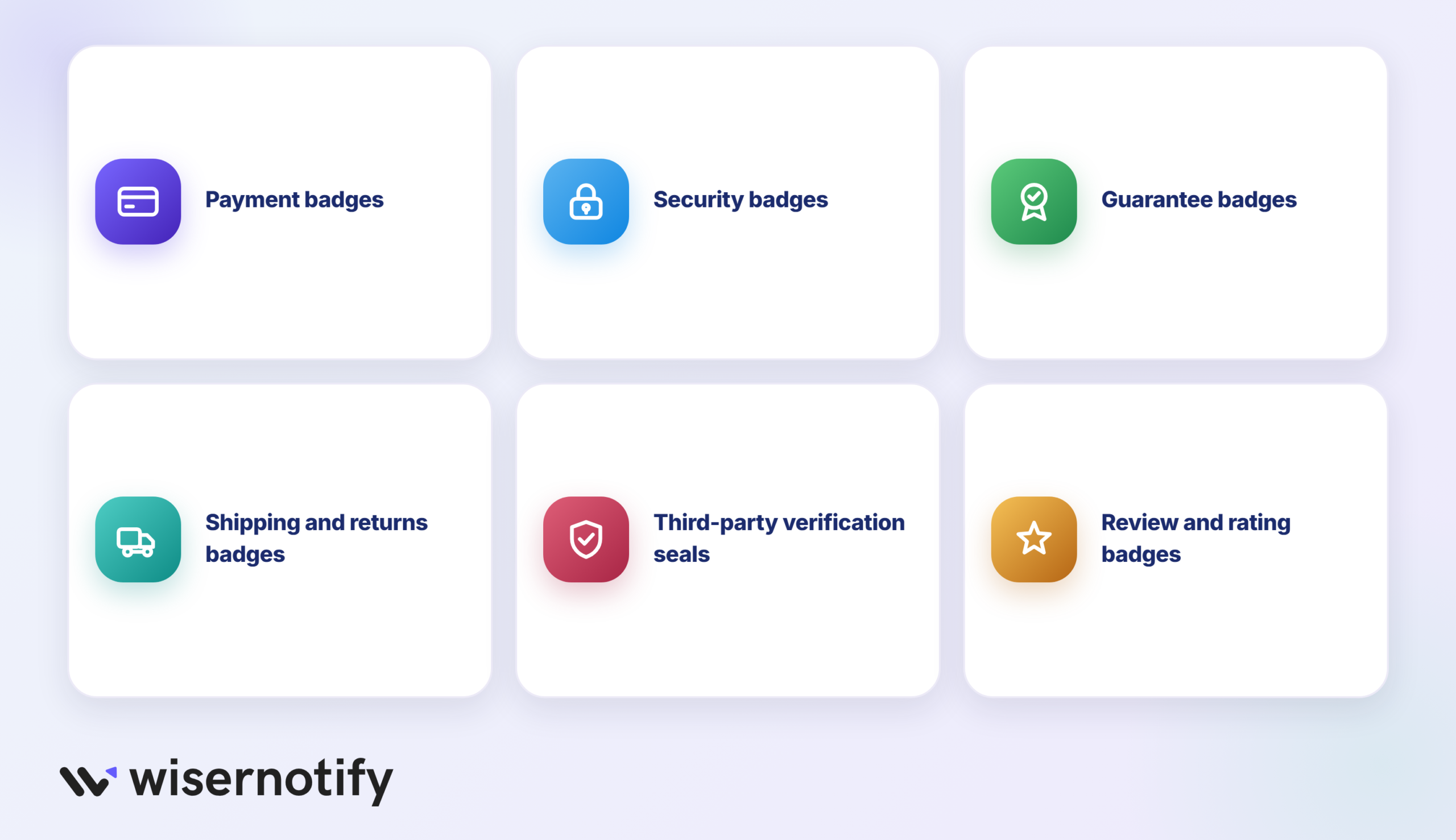
Not every badge carries the same weight. These are the ones that work on a Shopify store.
- Payment badges: Visa, Mastercard, PayPal, Apple Pay, and Shop Pay logos that confirm which methods you accept.
- Security badges: SSL and checkout-security icons that signal the payment step is encrypted.
- Guarantee badges: money-back promises, warranty marks, and satisfaction guarantees that remove the risk of trying you.
- Shipping and returns badges: free-shipping thresholds, delivery windows, and free-return icons.
- Third-party verification seals: earned marks from services like TrustedSite or Trusted Shops that shoppers can click to verify.
- Review and rating badges: star ratings and review counts pulled from a review platform.
Also See: Understanding Digital Badges: A Simple & Quick Guide
Quick Comparison of Trust Badge Apps
Ratings, review counts, and prices below were read from each Shopify App Store listing in September 2026.
| App | Rating (reviews) | Free plan limit | Starting paid price |
|---|---|---|---|
| WiserNotify Social Proof Popup | 5.0 (10) | 1,000 visitors a month, 1 notification | $5 a month |
| Essential Trust Badges & Icons | 5.0 (1,161) | 5,000 views a month, 1 banner or 3-icon block | $6.99 a month |
| SEOWILL Trust Badges & Icon | 4.9 (696) | Whole app is free | No paid tier |
| Hoppy Trust Badges & Icons | 4.9 (696) | Whole app is free | No paid tier |
| Conversion Bear Trust Badges | 4.9 (382) | Whole app is free | No paid tier |
| Iconito Trust Badges & Icons | 4.7 (181) | 5,000 page views a month, 3 icons per block | $4.99 a month |
| TrustedSite Trust Badges | 4.5 (240) | 500 visits a month | $39 a month |
| ShopClimb Trust Badges | 4.8 (152) | 250,000 page views a month, 145 badges | $5.99 a month |
| XB Trust Badges & Trust Icons | 5.0 (49) | Whole app is free | No paid tier |
| Trusted Shops Reviews and More | 3.9 (48) | Free to install, no free seal | From 119 euros a month |
| Trust Badges, Feature Icons | 5.0 (37) | 5,000 page views a month, 1 block | $3.99 a month |
| Hextom Upsell Sales Boost | 4.8 (1,536) | $200 lifetime attributed revenue, 1 campaign | $9.99 a month |
12 Best Shopify Trust Badge Apps
Here’s a list of the leading Shopify trust badge apps you can use to enhance trust and sales.
1. WiserNotify
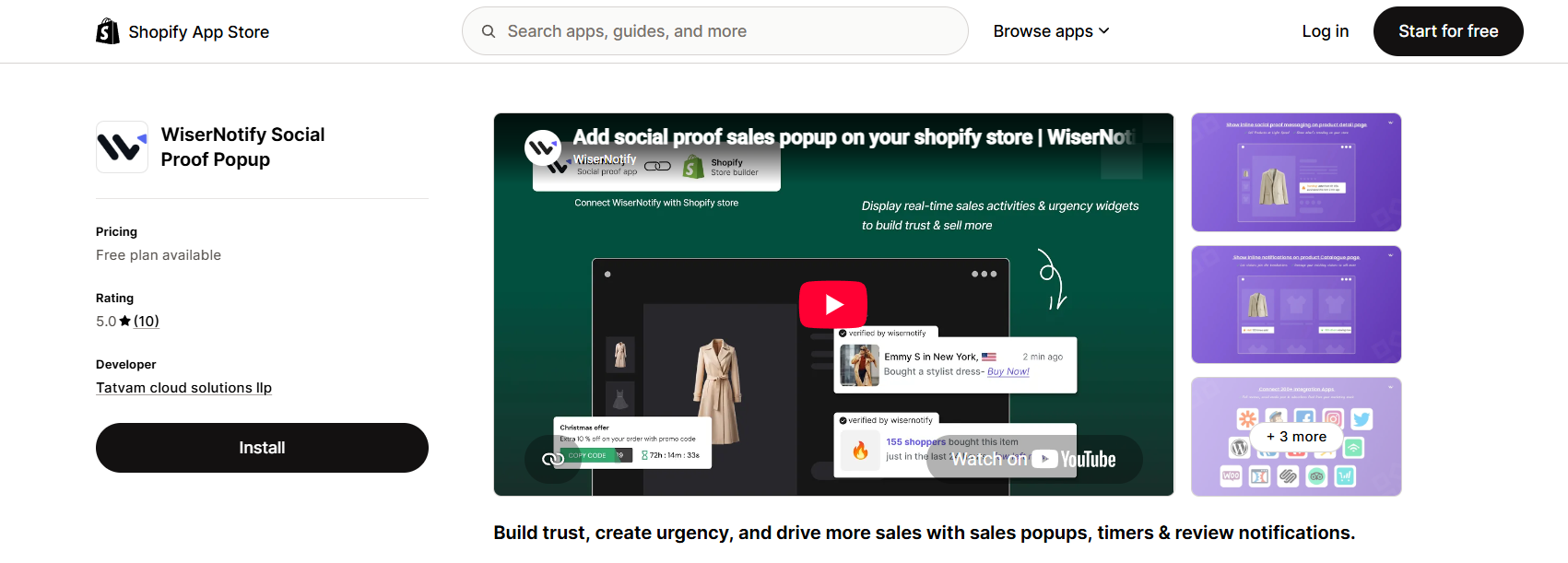
WiserNotify sits in a different lane from the rest of this list. Instead of drawing a static seal, it shows what other shoppers are doing on your store in real time.
Recent orders, live visitor counts, review notifications, and low-stock alerts all appear as small on-page messages. A first-time visitor sees proof that other people are buying, which is a harder signal to fake than an icon anyone can upload.
It pairs well with a badge app rather than replacing one. Static badges answer “is my card safe here”; social proof answers “is anyone else buying here”.
Setup runs through the Shopify app embed, and the widget library covers sales popups in Shopify, inline text, and live feeds.
Key features
- Social proof notifications: recent purchases, reviews, and live visitor counts pulled from your store data.
- Urgency widgets: low-stock alerts, countdown timers, and free shipping bars on the same page.
- Inline messaging: proof placed inside the product description instead of a floating corner popup.
- 250+ integrations: review apps, email tools, and forms feed the notification data.
- Goal tracking and A/B testing: measure which notifications drive clicks before you keep them.
Pricing: free plan covers 1,000 visitors a month with one active notification and WiserNotify branding, paid plans on the Shopify listing start at $5 a month for 5,000 visitors.

Boost Conversion Instantly
Add Social Proof & Urgency to your website
2. Essential Trust Badges & Icons
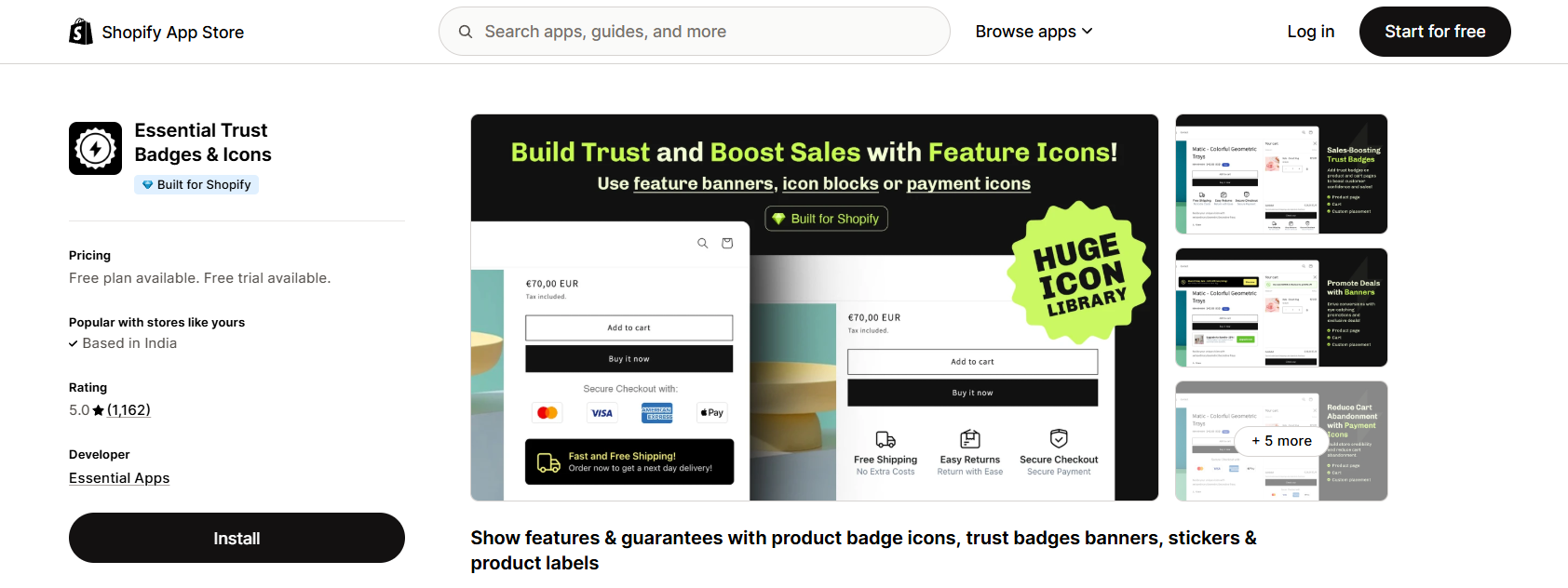
This is the app most stores land on when they compare libraries. It carries the Built for Shopify badge and the largest review count in the badge category.
The editor treats badges as blocks. You build a row of icons or a banner, style it, then drop it on a product page, cart, footer, header, or a custom section.
Icon coverage goes beyond payment logos to include guarantees, warranty, shipping, security, and social. You can upload your own art when your brand has its own mark.
Translations cover twenty languages, which matters if you sell across Europe or Asia from one store.
Key features
- Block-based builder: group several icons into one banner instead of placing them one at a time.
- Custom icon upload: use your own guarantee art so the row does not look stock.
- Product tag targeting: show a different badge row on specific collections from the Essential plan up.
- Geolocation targeting: serve local payment logos based on the visitor’s country.
- Twenty language translations: badge text follows the storefront language.
Pricing: free plan covers 5,000 monthly views with one banner or one three-icon block, paid plans start at $6.99 a month for 20,000 views and rise to $29.99 for unlimited.
Also See: How to Add Trust Badges to Website to Boost Credibility
3. SEOWILL Trust Badges & Icon
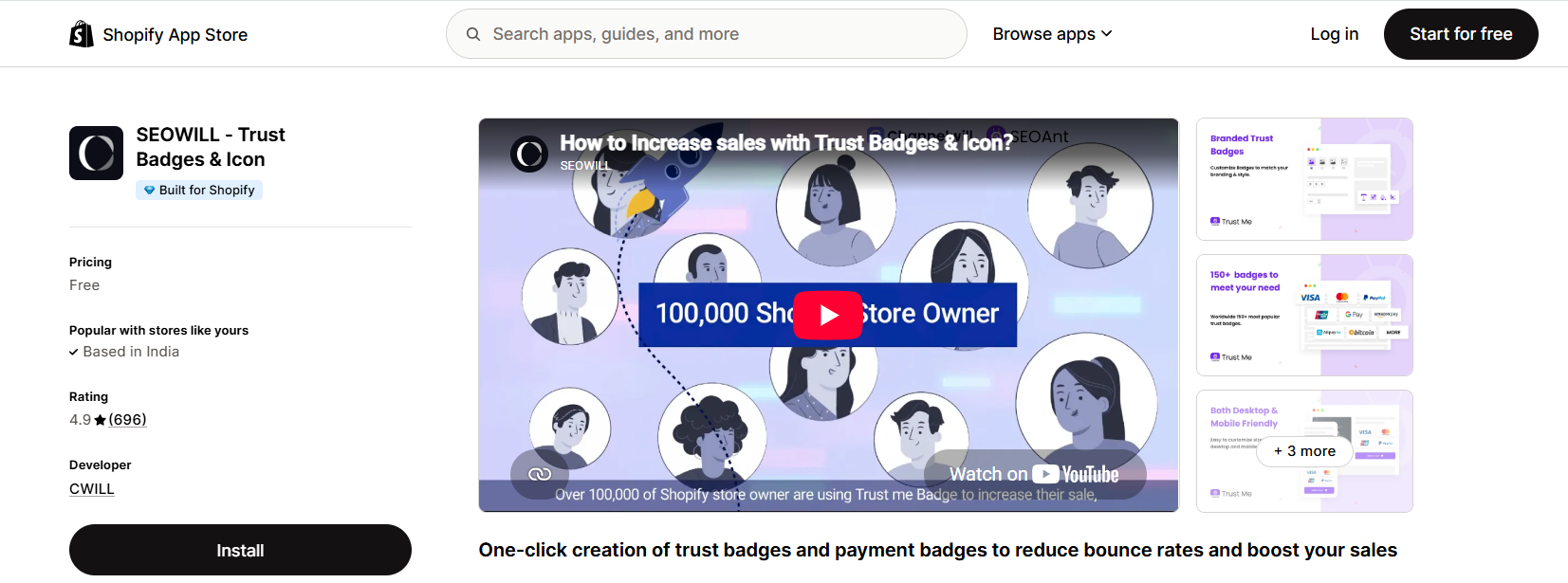
If you knew this app as Trust Me by SEOAnt, this is it. The developer is now CWILL, and the listing name has changed to SEOWILL, though the badge library and one-click setup are the same.
SEOWILL Trust Badges & Icon is a Shopify app designed to help online store owners add secure payment icons, guarantee banners, and trust seals to their websites
It is free with no paid tier, and it still holds the Built for Shopify badge across nearly 700 reviews.
For a store that wants payment and shipping badges under the buy button and nothing more, this is the shortest path.
The mobile preview is the part merchants keep mentioning. You can size icons separately for phone and desktop before publishing.
Key features
- One-click badge selection: pick from the library and place without a settings maze.
- Mobile sizing control: set icon size per resolution so the row does not wrap on phones.
- Shipping badge set: delivery and free shipping marks alongside the payment logos.
- Flexible placement: product page, cart, footer, or a custom position.
- Fourteen plus languages: badge labels follow the storefront locale.
Pricing: free, with no paid upgrade on the listing.
4. Hoppy Trust Badges & Icons
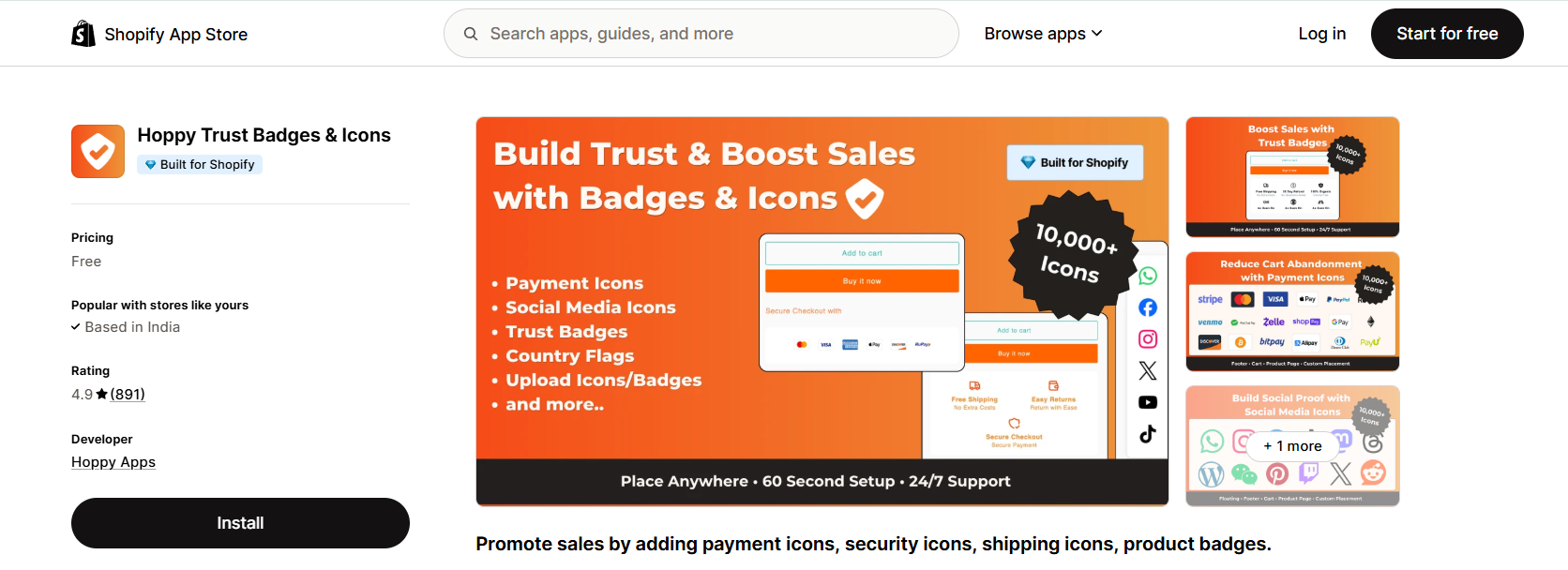
Hoppy launched in late 2024 and climbed to 890 reviews faster than anything else in the category. It carries the Built for Shopify badge and costs nothing.
The library is the headline. Ten thousand icons cover payment methods, country flags, social platforms, shipping, security, and guarantees, which is more than most stores will ever need.
Placement covers the cart drawer, which several older apps still miss. That matters on themes where the drawer is the last thing a shopper sees before checkout.
It is the app we would hand to a new store that wants badges live in ten minutes without a billing decision.
Key features
- 10,000+ icon library: payment, shipping, security, social, and country flag icons in one place.
- Cart drawer support: badges show in the slide-out cart, not just the cart page.
- Product badges included: sale and feature labels alongside the trust icons.
- Custom placement: drop a badge block anywhere with a section or a custom location.
- Free with no tier limit: no view cap to plan around.
Pricing: free, with no paid plan on the listing.
Build trust & FOMO
Highlight real-time activities like reviews, sales & sign-ups.


5. Conversion Bear Trust Badges
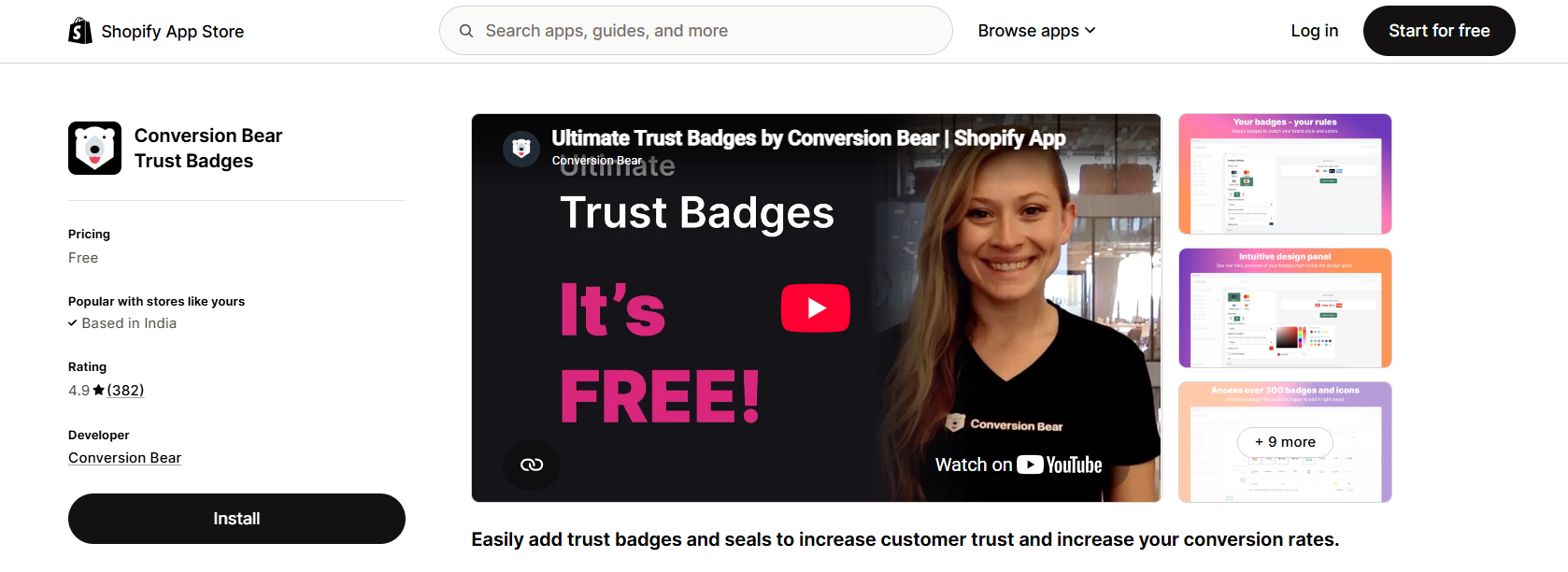
Conversion Bear Trust Badges is a popular, free Shopify app that boosts customer confidence and increases sales by displaying secure payment icons, guarantee seals, and shipping badges on e-commerce stores.
Conversion Bear does one thing better than anyone: weight. The badge script is under 30 KB, so it stays out of your Core Web Vitals report.
Around 300 badges cover the usual ground, and you can either keep the original brand colors or repaint everything to match your theme. Per-device sizing is built in.
Reviews are still coming in every month, so support is live.
Key features
- Under 30kb script: the lightest badge app we found, which protects page speed.
- 300+ badges: payment, security, and guarantee icons in original or custom colors.
- Per-device sizing: separate desktop and mobile dimensions.
- Any-page placement: product page, cart, or footer with a copy-paste block.
- Badge requests: the team adds missing payment logos on request.
Pricing: free, with no paid plan on the listing.
Also See: Top 15 Shopify Product Review Apps to Boost Sales in 2025
6. Iconito Trust badges & icons
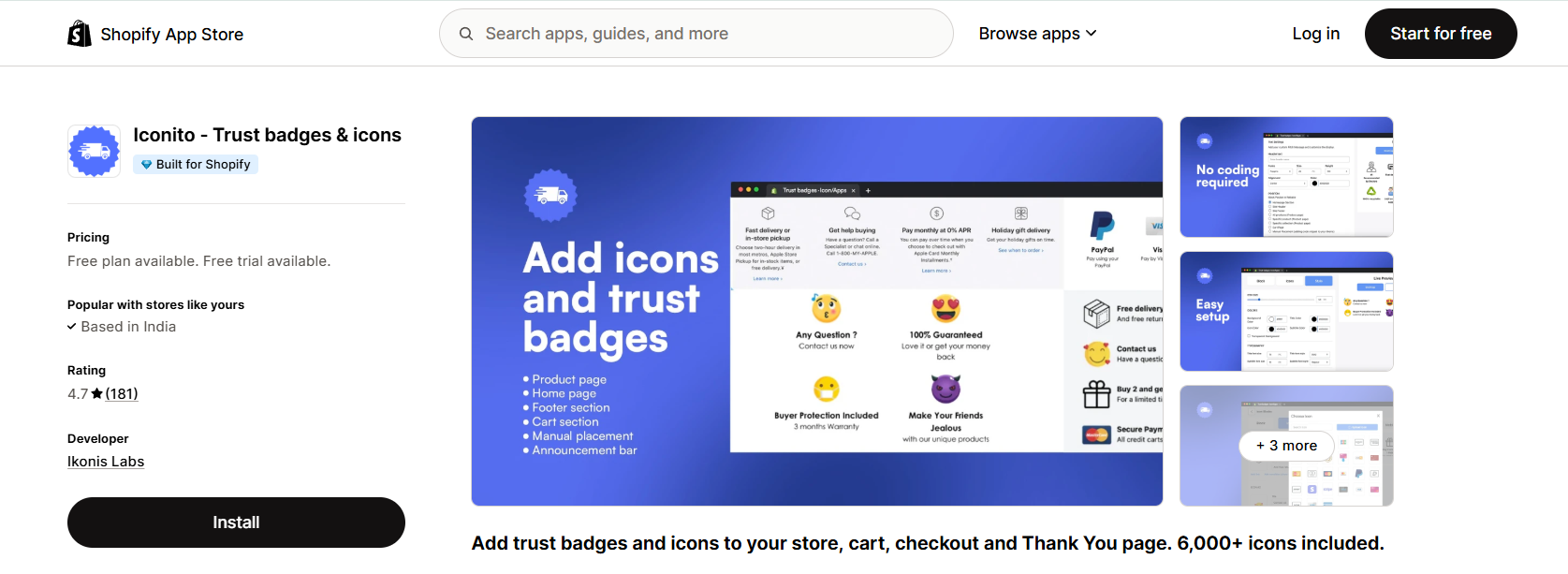
Iconito Trust badges & icons is a Shopify app that helps e-commerce stores build customer confidence and increase sales by adding visual trust symbols, payment logos, and guarantee badges.
Iconito is the new name for the old Incognito app. The developer and listing name both changed, and it now carries the Built for Shopify badge.
The reason to pick it over the free options is to reach past the cart. Iconito places icon blocks on the thank you page and the order status page, which is where returning-customer trust gets built.
The icon set runs to 6,000 designs in flat and 3D styles, and you can upload your own.
Product tag triggers on the top plan let you show a warranty badge only on the products that carry one.
Key features
- Thank you and order status pages: badges after the sale, not just before it.
- 6,000+ icons: flat and 3D sets with custom upload.
- Product tag triggers: show a badge only on matching products.
- Custom links on icons: point a guarantee badge at your returns policy.
- 24/7 live chat: on every plan, including free.
Pricing: free plan covers 5,000 page views a month with a maximum of three icons in a block, then $4.99 a month for 50,000 page views and $9.99 for unlimited.
7. TrustedSite Trust Badges
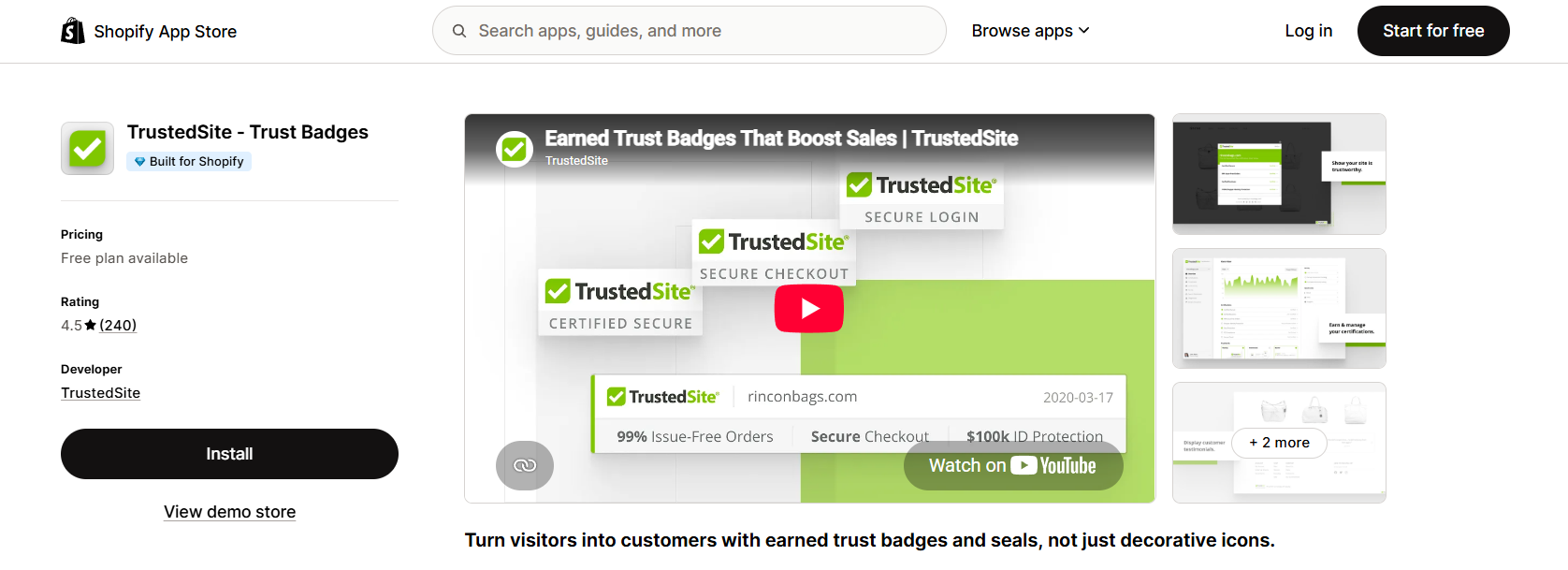
TrustedSite is the earned-seal option, and the only badge on this list that a shopper can click and verify. You were probably introduced to it as McAfee SECURE.
Certifications come from daily scans of your store plus a check of your business details. Pass, and you can display Certified Secure, Verified Business, and Issue-Free Orders marks.
That process is the value. Anyone can upload a padlock icon, and shoppers know it.
Two things to weigh. The metric is monthly visits, not page views, and the free tier is the tightest here at 500. About one in eight public reviews is a single star, and several merchants dispute how visits were counted.
Key features
- Earned certifications: daily malware scans and business verification behind the seal.
- Clickable verification: shoppers can open the certificate instead of trusting an icon.
- Full journey placement: product page, cart, checkout, and footer.
- Shopper identity protection: included from the first paid tier.
- Verified testimonials: collected and displayed alongside the badge.
Pricing: free plan covers 500 visits a month, then $39 for 2,000 visits, $75 for 5,000 and $125 for 10,000, with overage billed per extra 1,000 visits.
8. ShopClimb Trust Badges
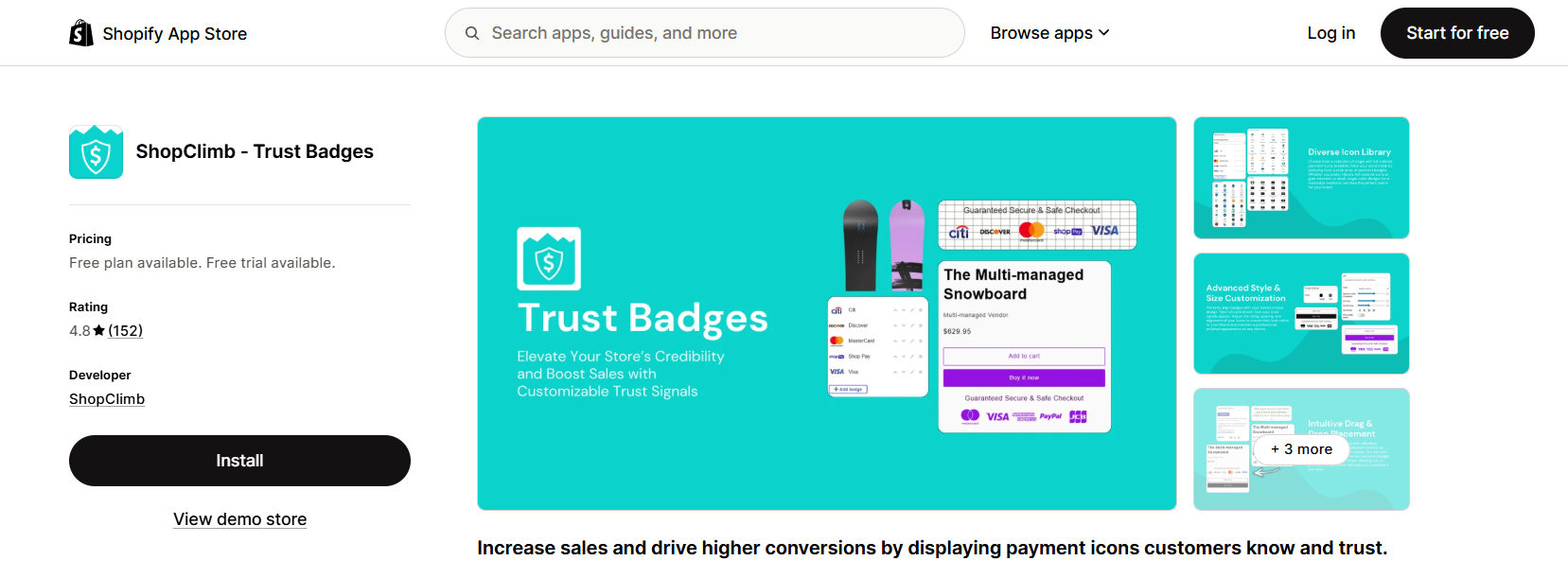
ShopClimb has the most generous free tier of any paid-plan app here. The free plan allows 250,000 page views a month with 145 payment badges and a drag-and-drop editor.
Geolocation is the standout feature. A visitor in Germany sees the payment marks Germans use, a visitor in the US sees theirs, without you building separate blocks.
The app is honest about one limit that the rest of the category tends to blur. Checkout placement is Shopify Plus only, and the listing says so.
Public reviews have slowed since 2024, so treat it as stable rather than actively growing.
Key features
- Geolocation badges: local payment logos by visitor country.
- 250,000 free page views: the largest free allowance on this list.
- Drag-and-drop editor: placement without touching theme code.
- 670+ premium badges: unlocked on the paid tiers.
- Checkout badges: available on the top plan for Shopify Plus stores.
Pricing: free for 250,000 page views a month, $5.99 a month for 2 million page views and premium badges, $19.99 for unlimited views and checkout placement.
9. XB Trust Badges & Trust Icons
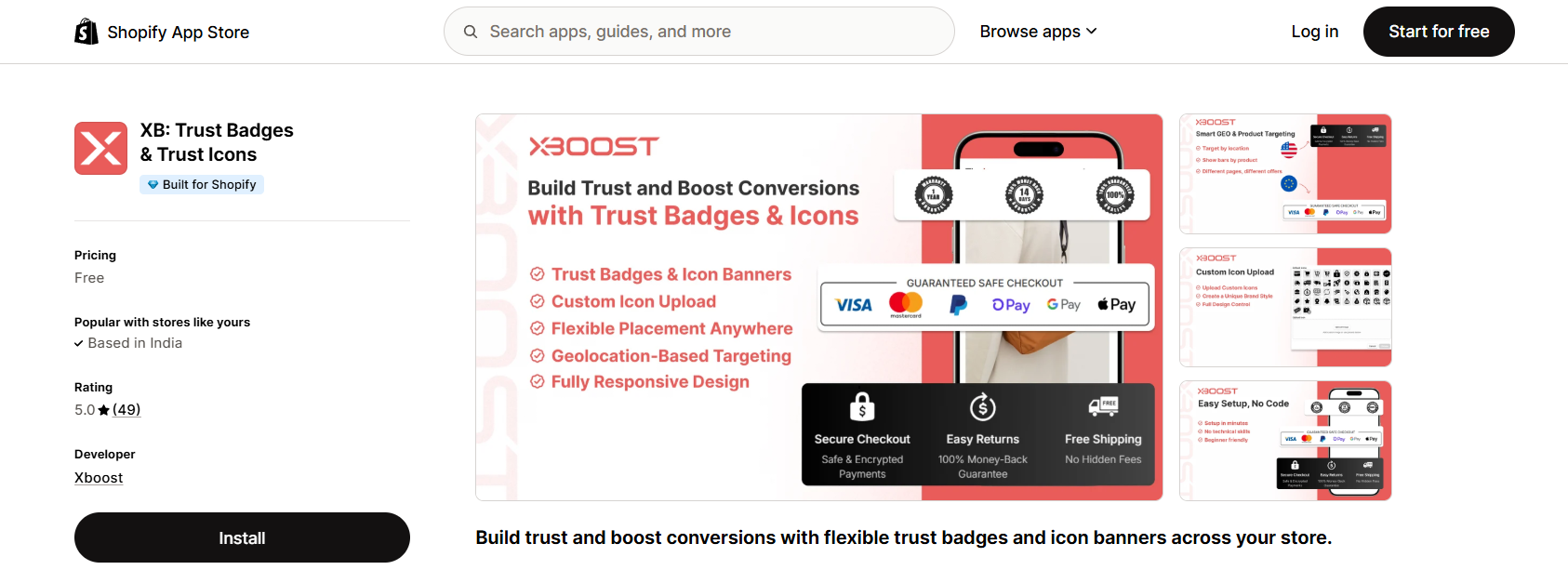
XB is the newest app on the list and the only free one that includes geolocation targeting. It shipped in December 2025 and already holds the Built for Shopify badge.
Separate desktop and mobile versions of each badge block are built in, so you are not fighting a row that looks right on one device and broken on the other.
Language coverage is wide for a new app, which helps if your storefront runs in more than English. Fifty reviews is a small sample. Treat it as promising, not proven.
Key features
- Free geolocation targeting: different badges by visitor location at no cost.
- Separate mobile versions: design the block twice instead of hoping it reflows.
- Custom icon upload: bring your own guarantee art.
- Header and footer placement: alongside product, cart, and custom pages.
- Thirteen plus languages: including Arabic, Hindi and Japanese.
Pricing: free, with no paid plan on the listing.
10. Trusted Shops Reviews and More
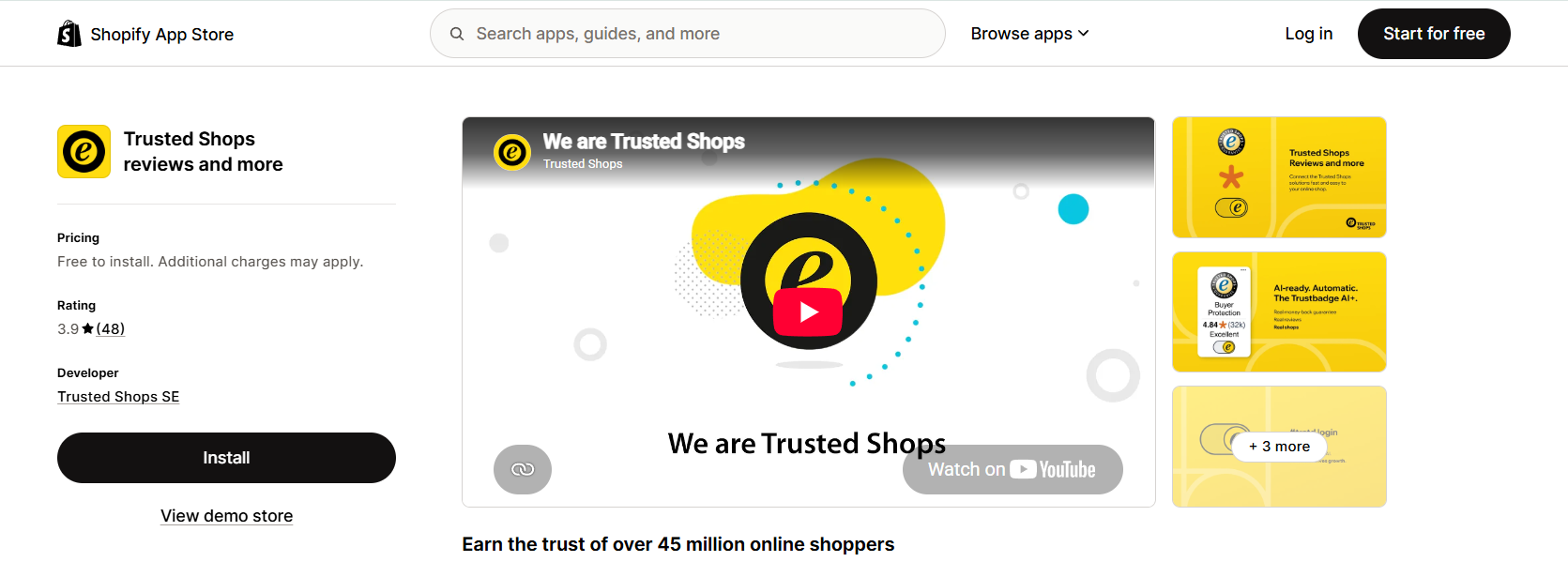
This is the app the old guide called Trustbadge. It is a European reviews and buyer-protection platform, and the badge is the visible end of it.
The seal is earned, not decorated. Trusted Shops checks your shop, then offers buyer protection to your customers, which is a strong signal in Germany, Austria, the Netherlands and Poland.
The pricing line in the old version of this guide said free. That was wrong, and it is the most important correction to flag here.
Installing the app is free. Trusted Shops bills the seal separately from your Shopify invoice, starting at 119 euro a month depending on company size.
Key features
- Earned quality seal: issued after a shop review, not on install.
- Buyer protection: extended to your customers as part of the package.
- Review collection: shop and product reviews gathered through the same platform.
- European reach: a mark 45 million shoppers across Europe already recognize.
- Seven languages: German, English, Dutch, Italian, Spanish, Polish and French.
Pricing: free to install, with Trusted Shops billing from 119 euro a month for the seal and services.
11. T: Trust Badges, Features Icons
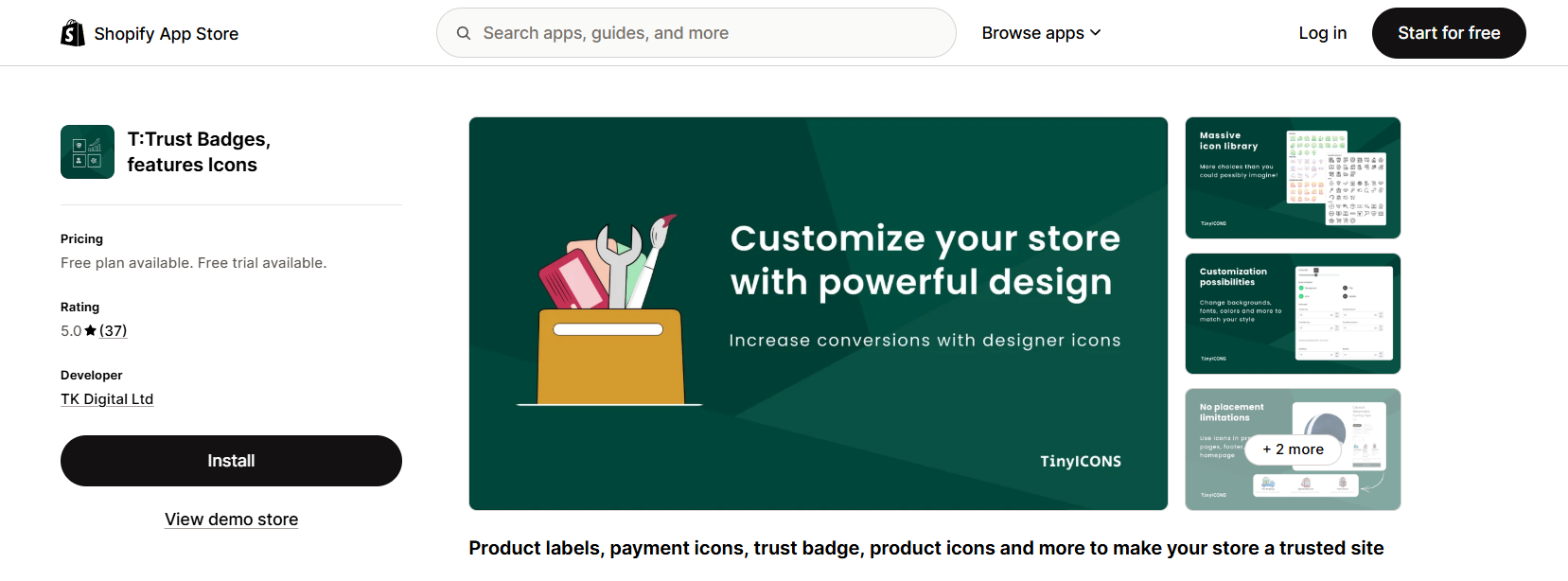
T: Trust Badges is the cheapest way to get past a free plan’s block limit. The first paid tier costs $3.99 a month and gives you three blocks with five icons each.
The tier ladder is unusually granular, which suits a store that wants one more block rather than a jump to unlimited.
Custom icon links let a guarantee badge open your returns page, turning a static mark into something a shopper can check.
Public reviews stopped in late 2024, so this is a maintained app rather than an active one.
Key features
- Granular tiers: pay for the number of blocks you need instead of a big jump.
- 2,500+ icons: available from the Lite plan up.
- Custom icon links: point a badge at a policy page.
- Live preview: check the row before it goes live.
- Upload your own icons: from the first paid tier.
Pricing: free plan covers 5,000 page views a month with one block of three icons, then $3.99 for 10,000, $6.99 for 25,000 and $9.99 for unlimited.
Build trust & FOMO
Highlight real-time activities like reviews, sales & sign-ups.

12. Hextom Upsell Sales Boost
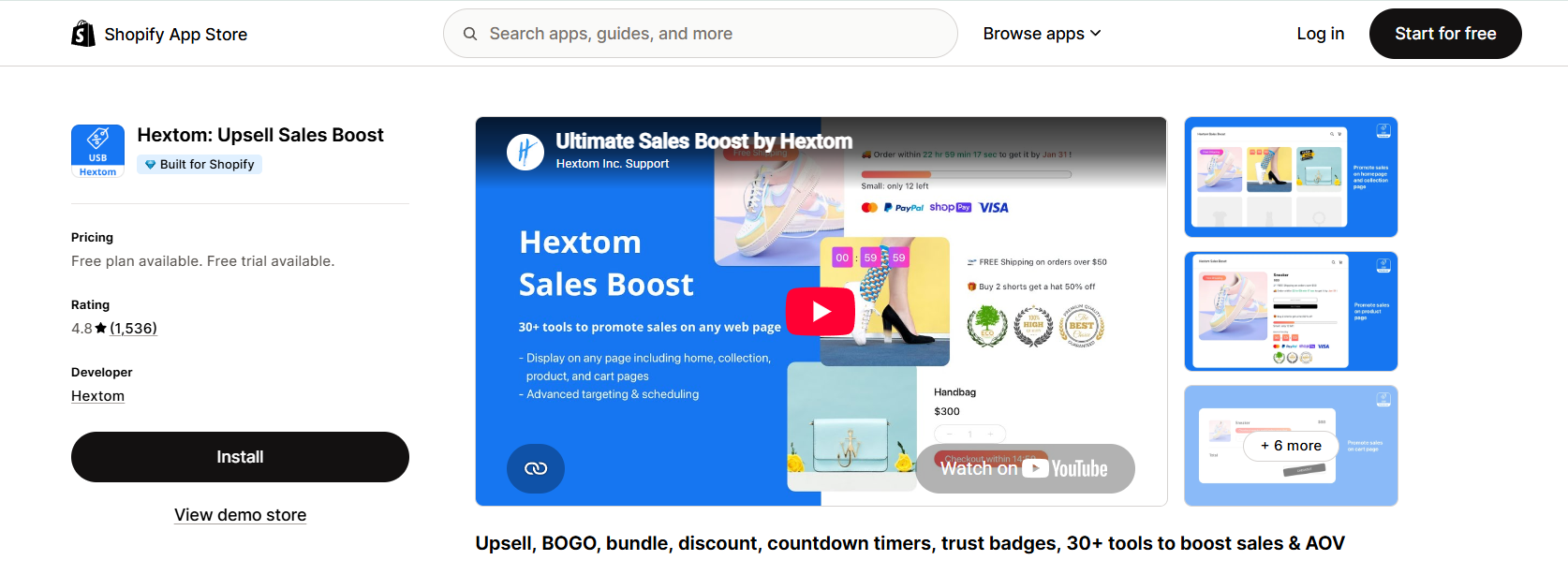
Hextom is not a badge app. It is a conversion suite that includes badges, and it earns a place here for stores that would rather run one app than four.
Payment badges, inventory countdowns, session timers, and free shipping bars all come from the same settings screen. Upsells and bundles sit alongside them.
The free plan includes payment badges and one active campaign, capped by $200 of lifetime attributed revenue rather than by traffic.
That meter is the catch. A store that converts well burns through the free allowance quickly, and advanced trust badges only unlock on the $9.99 tier.
Key features
- Badges plus urgency: payment icons, countdowns and stock timers in one app.
- Upsells and bundles: BOGO, volume discounts and recommendations included.
- Targeting rules: by product, customer, tag and schedule.
- Page builder support: works with the common Shopify page builders.
- Nine languages: across the storefront widgets.
Pricing: free plan capped at $200 lifetime attributed revenue with one campaign, then $9.99 a month for advanced trust badges, $29.99 and $79.99 above that.
Where to Place Trust Badges on Shopify
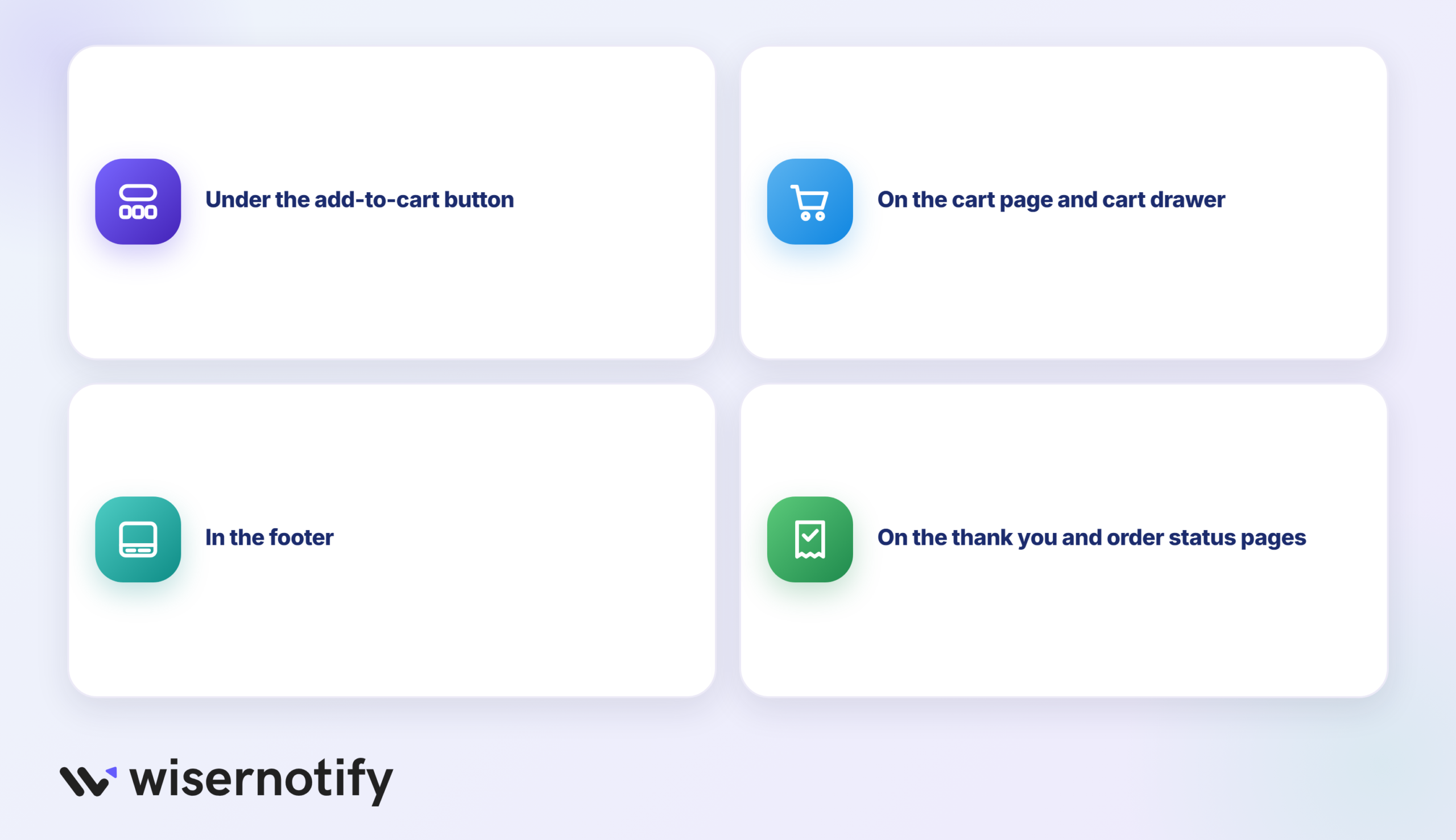
Placement decides whether a badge does anything. These are the four spots worth using.
Under the add-to-cart button: This is the moment of the decision. Payment logos and a returns or guarantee icon belong here, kept to a single row.
On the cart page and in the cart drawer: Shoppers reread the total here and look for a reason to stop. Free shipping thresholds and money-back marks work well.
In the footer: Security seals and verified-business marks sit here on almost every store, which is exactly why shoppers scroll down to check for them.
On the thank you and order status pages: Badges after the purchase reduce buyer regret and support tickets. Iconito is the app on this list that covers these pages.
One placement gets sold more often than it can be delivered.
Badges inside the Shopify checkout itself run on checkout UI extensions, and Shopify restricts extensions for the information, shipping, and payment steps to Shopify Plus. The thank you and order status pages are open to Basic plans and up.
If you are not on Plus, treat any app promising checkout badges as promising product, cart, footer, and post-purchase placement.
Mistakes That Make Trust Badges Backfire
Badges can cost you sales when they are used badly. These are the patterns we see most.
- Stacking ten icons in a row: A wall of seals reads as compensation. Three to five, chosen on purpose, outperform a full grid.
- Showing a security seal you did not earn: If the badge is not clickable and verifiable, a careful shopper treats it as decoration.
- Payment logos you do not accept: Displaying an Amex mark you cannot process creates a failed checkout and a support ticket.
- Badges that push the price below the fold on mobile: Check the phone view after placing a row, not just desktop.
- Loading a heavy badge script: Some apps ship hundreds of kilobytes for a few icons and drag your Largest Contentful Paint with them.
- Leaving a badge app installed after uninstalling it: Older apps injected theme code that stays behind, so check your theme files after removal.
- Treating badges as the whole trust strategy: Reviews, a real contact page, clear returns terms, and sales popups do more work than any icon.
Which is the best Shopify Trust Badge app?
For most stores, Essential Trust Badges & Icons. It has the deepest library, the strongest review record, the Built for Shopify badge and translations, and the free plan is enough to test placement before you pay.
Picking by situation gets you a better answer than picking by rank.
- You want badges live today for nothing: Hoppy Trust Badges & Icons.
- You care about page speed above all: Conversion Bear Trust Badges, under 30kb.
- You sell into several countries: XB Trust Badges for free geolocation, or ShopClimb if you also want a 250,000-page-view allowance.
- You want a seal shoppers can verify: TrustedSite, with a budget for the visit meter.
- You sell across Europe: Trusted Shops, with a budget for the monthly fee.
- You want badges on the thank you page: Iconito.
- You want one app for badges, timers, and upsells: Hextom.
- You want proof that other people are buying: WiserNotify social proof FOMO app for Shopify.
Most stores end up running two apps. One shows static badges, the other shows live activity, and each answers a different question in a shopper’s mind.
Boost Conversion Instantly
Add Social Proof & Urgency to your website
Conclusion
Trust badges are cheap to add and easy to get wrong. The apps worth your time are the ones still being maintained, and half the lineup from three years ago no longer qualifies.
Start with one free app, put a short badge row under the add-to-cart button, and check the mobile view before you call it done.
Then add the signal a static icon cannot carry. Real orders, real reviews, and real visitor counts tell a first-time shopper something an uploaded padlock never will.
Frequently Asked Questions
Are trust badges worth it?
Trust badges can increase customer credibility and trust, leading to higher conversion rates and sales. However, the effectiveness of trust badges can vary depending on various factors, such as the type of badges used and the target audience.
How do I add free trust badges to Shopify?
You can get free trust badges on the Shopify store by installing the trust badge apps available on the Shopify app store.
How do I add a discount badge on Shopify?
Adding a discount badge on Shopify is simple and easy. You can use built-in Shopify trust badges, an app that allows you to either add badges or create custom badges directly. From your Shopify admin panel, you can select the badges to display and add directly to your store.
Where to Add Trust Badges on Shopify Store?
To add trust badges to your Shopify store, you can install a trust badge app from the Shopify store app. Once you have installed the app, you can select the badges you want to display and customize their placement on your website.
Which Shopify Trust Badges are Most Crucial to Your Store?
The most crucial Shopify trust badges for your store are those that establish trust with your customers, such as security badges, payment badges, and satisfaction guarantee badges. Some popular badges include an SSL security badge, payment badges, and a money-back guarantee badge. However, the badges most important for your store may depend on your industry and customer base.

Krunal Vaghasiya is a marketing tech expert who boosts e-commerce conversion rates with automated social proof and FOMO strategies. He loves to keep posting insightful posts on online marketing software, marketing automations, and improving conversion rates.




 Capterra