
How to Increase Ecommerce Sales: 16 Proven Ways (2026)
The fastest ways to increase ecommerce sales are to fix your checkout, automate abandoned-cart and welcome emails, and show social proof on product pages.
Checkout fixes alone can go far. Baymard Institute’s testing found the average large store could lift conversions by 35% through better checkout design.
Social proof works for smaller businesses too. Schmicko, a WiserNotify customer, saw calls and messages from leads grow 18% in three months after it started showing recent bookings to new visitors.
Below are 16 ways to grow sales, grouped by the problem each one solves, with the effort and expected lift for every tactic.
Key takeaways
- Fix leaks before buying traffic. A smoother checkout and clearer product pages make every visitor worth more.
- Automated email flows drive a large share of email revenue from a small share of sends.
- Trust signals such as reviews and live purchase notifications help first-time visitors buy.
- Track conversion rate, average order value, and cart abandonment so you know which change worked.
16 Ways to Increase Ecommerce Sales at a Glance
| Tactic | Effort | Expected lift | What it fixes |
|---|---|---|---|
| 1. Simplify your checkout | Medium | High | Abandoned checkouts |
| 2. Make products easy to find | Medium | Medium | Visitors who can’t find items |
| 3. Write benefit-led product pages | Medium | Medium | Low add-to-cart rate |
| 4. Map and fix your sales funnel | Low | High | Not knowing where buyers drop |
| 5. Show reviews and customer photos | Low | High | Doubt about quality |
| 6. Add social proof notifications | Low | Medium | First-visit hesitation |
| 7. Partner with creators | Medium | Medium | Low brand awareness |
| 8. Run targeted discounts | Low | Medium | Price-sensitive first buyers |
| 9. Use honest urgency and scarcity | Low | Medium | “I’ll buy later” delays |
| 10. Use exit-intent offers | Low | Medium | Visitors leaving empty-handed |
| 11. Upsell and cross-sell | Medium | Medium | Small orders |
| 12. Set a free shipping threshold | Low | Medium | Shipping cost surprises |
| 13. Automate email and SMS flows | Medium | High | Shoppers who don’t return |
| 14. Retarget visitors with ads | Medium | Medium | Interest that fades |
| 15. Optimize product pages for search | High | High over time | Too little free traffic |
| 16. Sell through social and paid ads | Medium | Medium | Slow traffic growth |
If you only have time for three, start with 1, 5, and 13. They fix the biggest leaks for the least effort.
Make Buying Easier
Most stores lose sales to friction, not price. These four fixes remove the steps and doubts that stop people from finishing an order.
1. Simplify Your Checkout
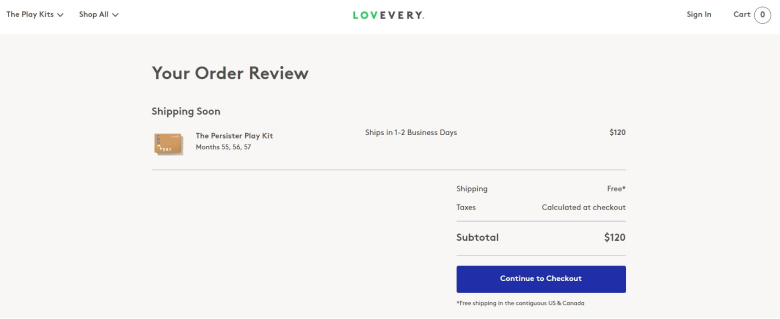
About 70% of online carts are abandoned before purchase. Many of those shoppers wanted to buy but hit a surprise fee, a forced account, or a long form.
Run through your own checkout on a phone and fix what slows you down:
- Offer guest checkout, so nobody has to create an account first.
- Show shipping costs on the product page or cart, not at the last step.
- Add express wallets such as Apple Pay, Google Pay, PayPal, or Shop Pay.
- Cut every form field you don’t need to ship the order.
- Show your return policy and security badges near the Pay button.
For layouts that convert, see these checkout page design examples.
2. Make Products Easy to Find
Shoppers who can’t find a product within a few clicks leave. Clear navigation and search turn browsing into buying.
- Logical categories: split “Men’s Clothing” into T-Shirts, Jackets, and Shoes.
- Search with suggestions: show matching products as people type.
- Filters: let shoppers narrow by size, color, price, and rating.
- Breadcrumbs: show where people are, so they can step back easily.
- Sticky menu: keep categories one tap away while scrolling on mobile.
3. Write Benefit-Led Product Pages
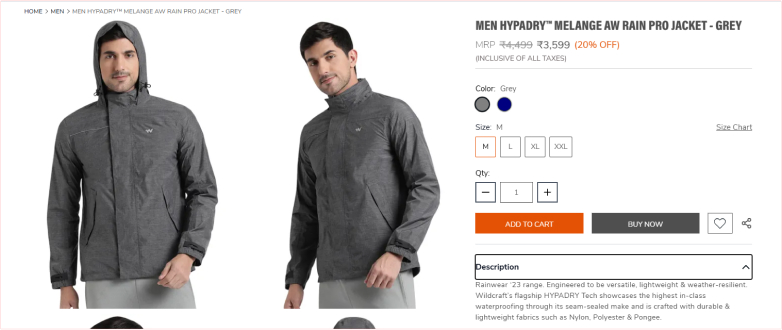
People don’t buy features. They buy what the product does for them. Turn each feature into a benefit the shopper can picture.
| Feature only | Feature plus benefit |
|---|---|
| “This jacket is waterproof.” | “Stay dry on your walk home, however hard it rains.” |
| “12-hour battery life.” | “Get through a full workday without a charger.” |
Pair the copy with photos from several angles, a short video, and a size guide. Browse these product description examples for more ideas.
4. Map and Fix Your Sales Funnel
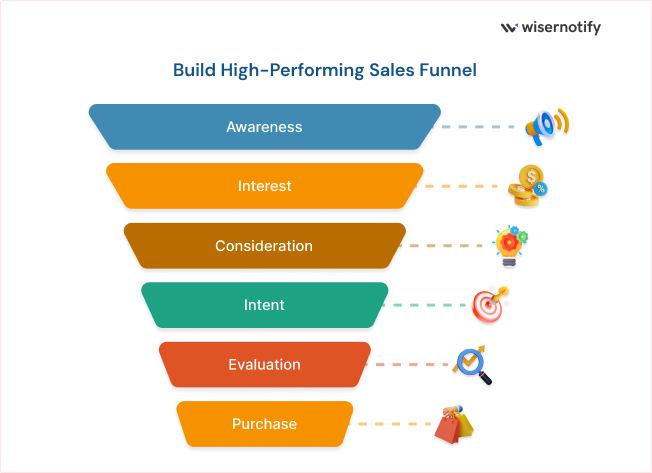
Before adding new tactics, find where shoppers drop off. Your analytics will show the stage with the biggest gap.
- Product views: if few visitors reach product pages, fix navigation and search.
- Add to cart: if views don’t turn into carts, improve product pages and trust signals.
- Checkout started: if carts stall, show shipping costs earlier and add urgency where it’s honest.
- Purchase: if checkouts don’t finish, simplify the form and payment options.
Fix the leakiest stage first. A small gain there is worth more than a big gain at a stage that already works.
Build Trust With New Shoppers
A first-time visitor has no reason to trust your store yet. These tactics borrow trust from other customers and creators.
5. Show Reviews and Customer Photos
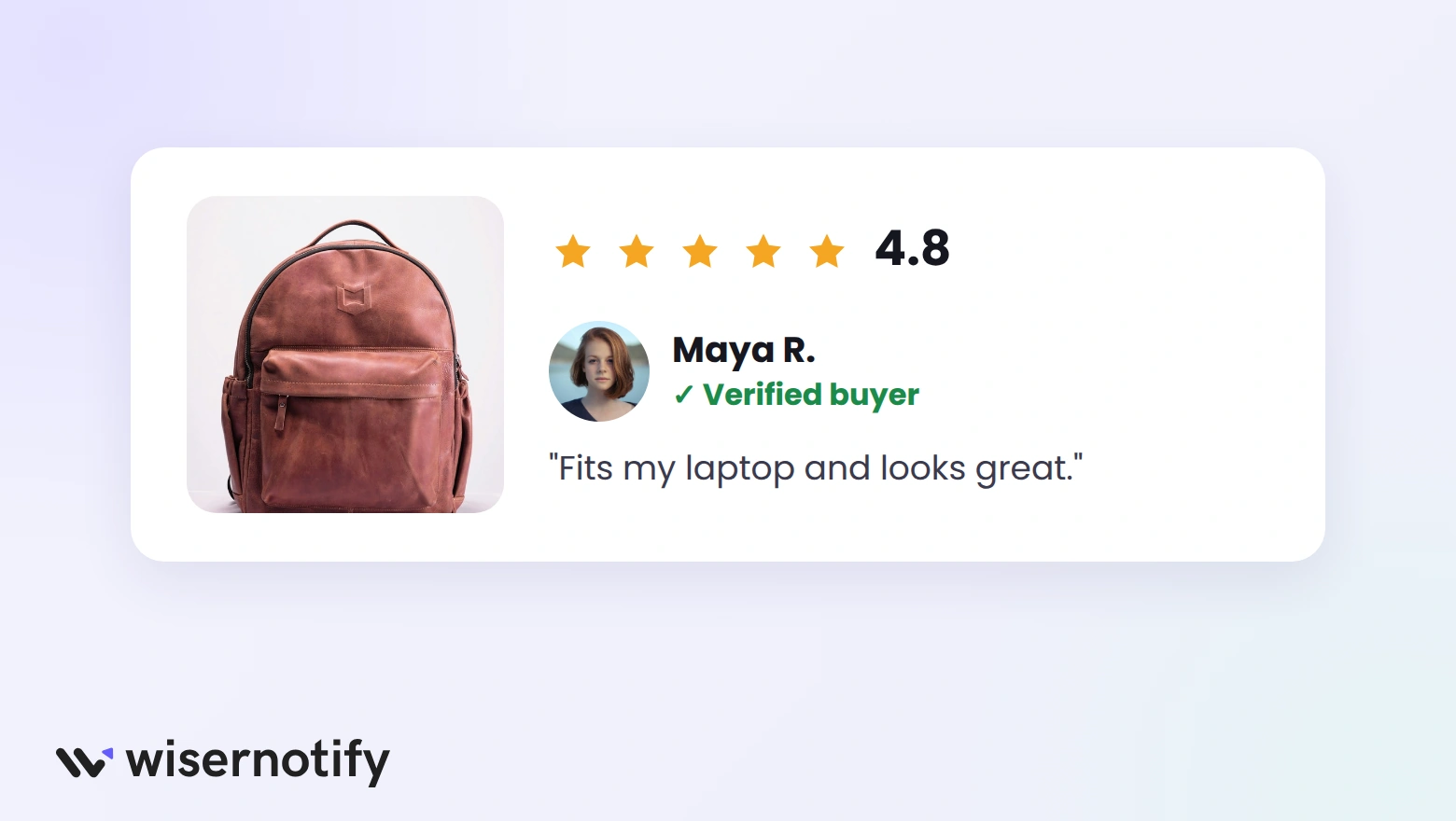
Reviews answer the question every new shopper has: is this any good? Photos from real customers answer it faster than any product shot.
- Show star ratings near the product title and reviews near the Add to cart button.
- Ask for a review a few days after delivery, when the product has been used.
- Invite customers to add photos or videos with their review.
- Reply to negative reviews calmly; it shows future buyers you care.
To collect and display customer content at scale, compare these UGC platforms.
6. Add Social Proof Notifications
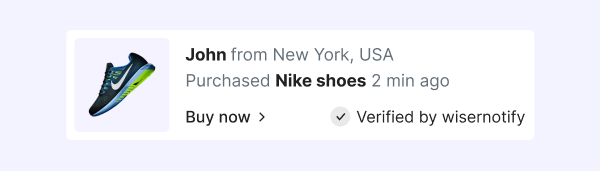
Small notifications such as “Sarah from Austin just bought this” show that other people are buying right now. That reassures visitors who are on the fence.
Three notification types work well on most stores:
- Recent purchases on product pages
- Live visitor counts on popular items
- New reviews on category and landing pages
Schmicko used recent booking notifications from WiserNotify and saw lead calls and messages grow 18% in three months.
These psychological sales triggers explain why notifications like these work.
7. Partner With Creators

Creators already have their followers’ trust. A short video of them using your product can do more than a polished ad.
- Pick creators whose audience matches your buyers, not just the biggest follower count.
- Smaller creators with engaged followers often sell better for niche products.
- Give each creator a unique discount code, so you can track their sales.
- Pay a commission per sale to keep good creators posting.
Build trust & FOMO
Highlight real-time activities like reviews, sales & sign-ups.


Give Shoppers a Reason to Buy Now
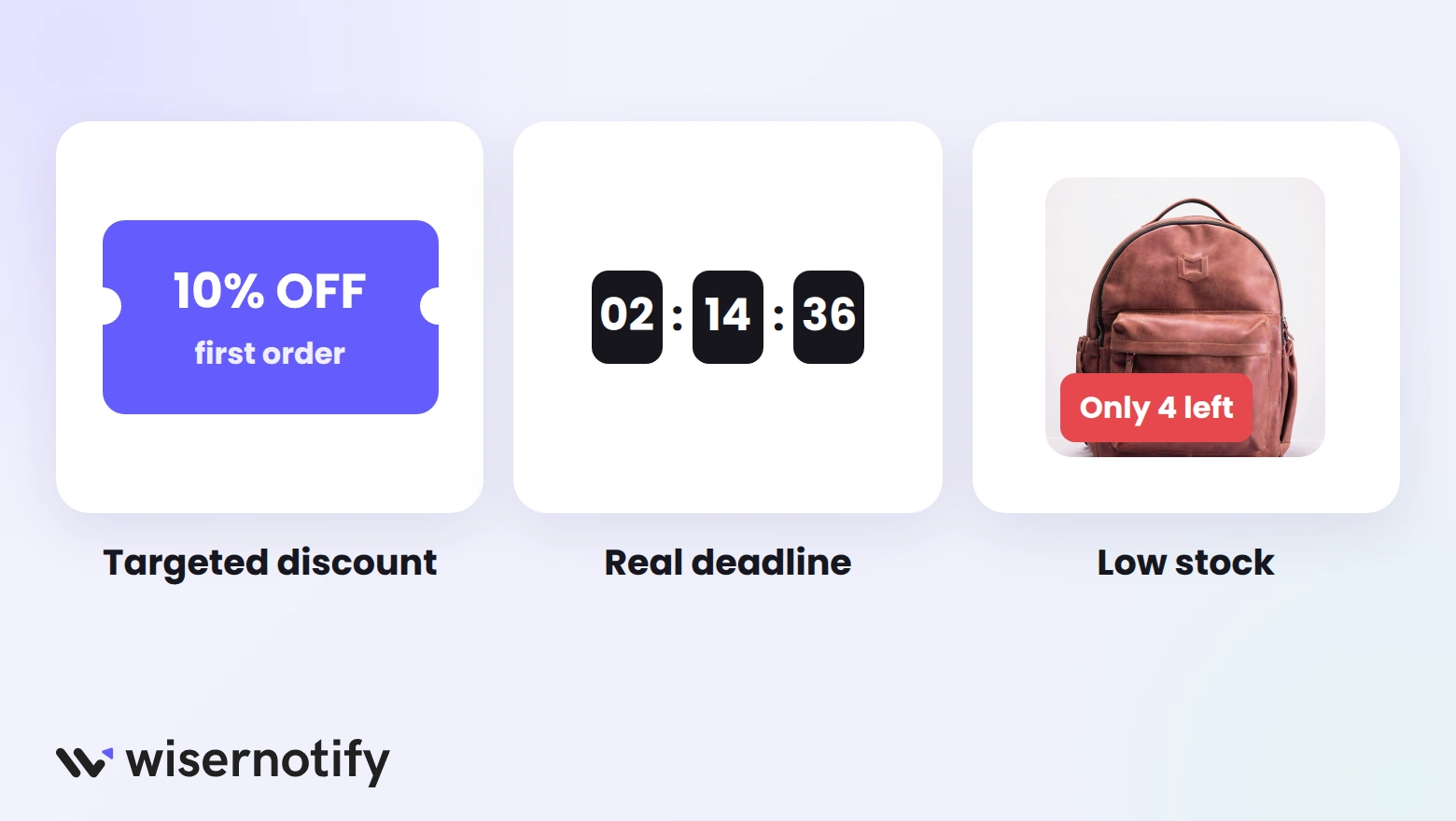
Many shoppers like your product and still leave to “think about it.” These tactics give them a fair reason to decide today.
8. Run Targeted Discounts
Discounts work best when they solve a specific problem. Store-wide sales every week teach customers to wait.
- First-order code: win new customers, for example 10% off for joining your email list.
- Seasonal sales: tie bigger offers to real events, such as Black Friday or end of season.
- Loyalty rewards: give repeat buyers points they can spend later.
- Win-back offers: send a one-time code to customers who haven’t bought in months.
Check your margins before every promotion. A discount that loses money on each order isn’t growth.
9. Use Honest Urgency and Scarcity
A real deadline or limited stock gives people a reason to stop delaying. A fake one teaches them to ignore you.
- Show a countdown timer only for sales with a real end date.
- Show low-stock alerts only when stock is low, using live inventory.
- Remove the timer when the sale ends, instead of resetting it.
These countdown timer examples show how stores display deadlines without feeling pushy.
10. Use Exit-Intent Offers
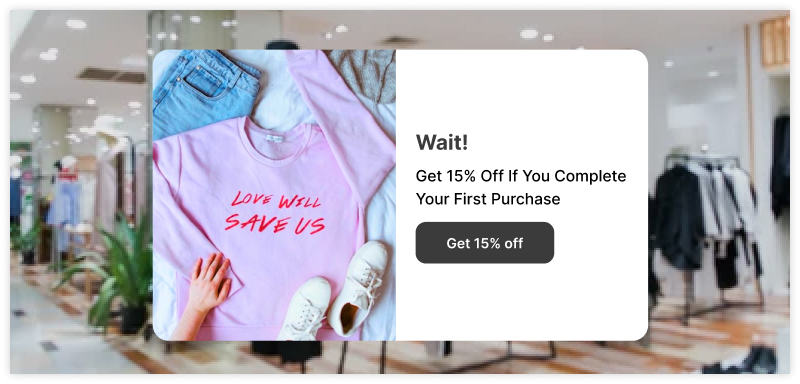
An exit-intent offer appears when a visitor moves to leave. It’s your last chance to save the sale or at least capture an email address.
- Offer something useful, such as free shipping or 10% off the first order.
- Show it once per visitor, not on every page view.
- On mobile, trigger it on scroll-up or after time on page, since there’s no cursor.
- Keep the form to one field: the email address.
For design ideas, see these exit-intent popup examples.
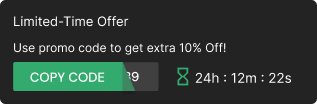
Build urgency
Add floating offers with countdown timer & coupon code.
Raise Your Average Order Value
Getting each customer to spend a little more grows revenue without finding new buyers.
11. Upsell and Cross-Sell
An upsell offers a better version. A cross-sell offers something that goes with it. Both work when the suggestion helps the shopper.
- Product page: show “Frequently bought together” items.
- Cart: suggest a small add-on, such as a case for a phone.
- Checkout: offer gift wrap or faster shipping.
- After purchase: recommend a refill or matching item by email.
Keep suggestions to two or three items. Our guide to upselling and cross-selling strategies covers more placements.
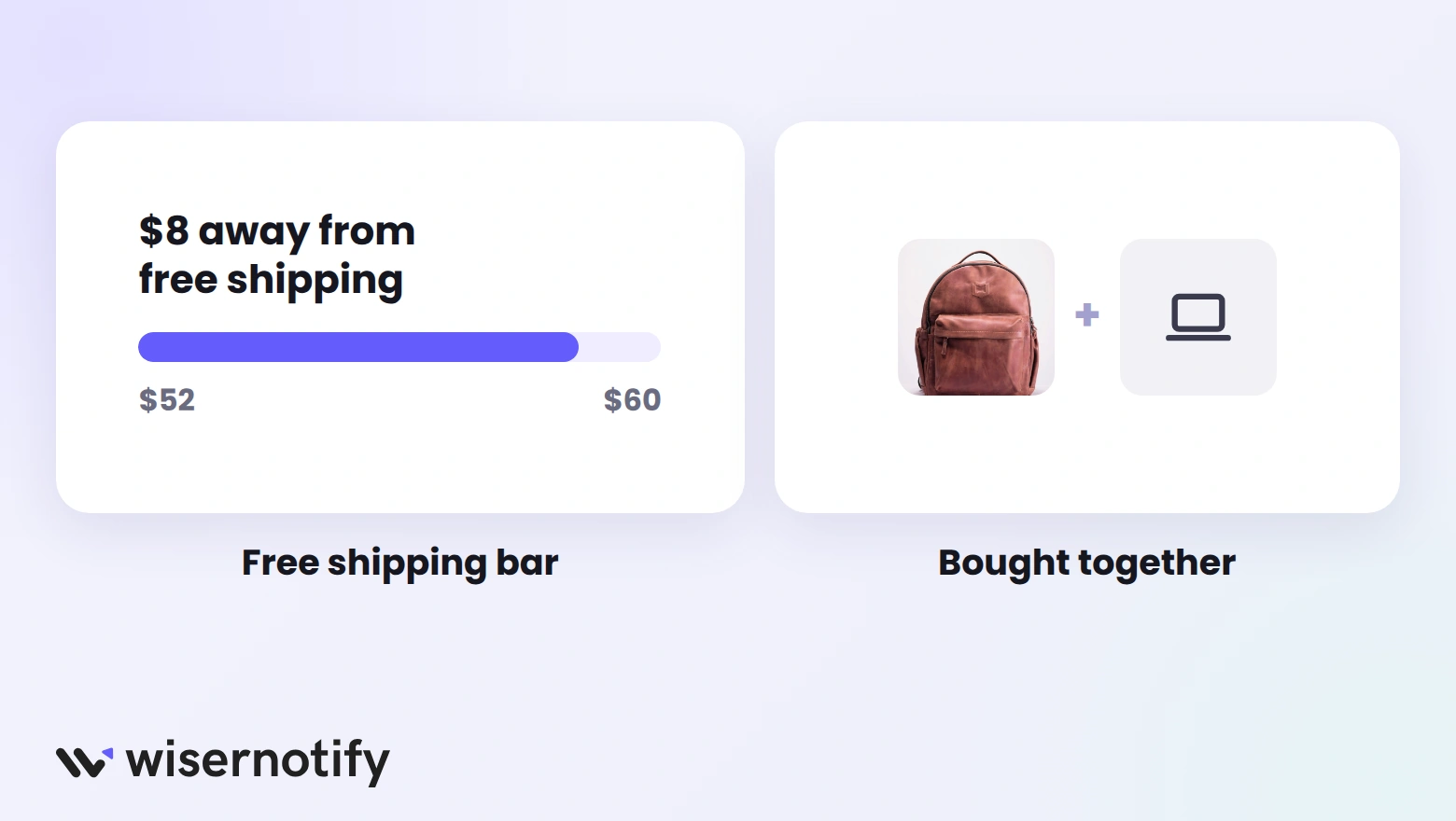
12. Set a Free Shipping Threshold
Unexpected shipping fees are one of the most common reasons shoppers abandon a cart. A free shipping threshold turns that cost into a reason to add more.
- Find your average order value in your store analytics.
- Set the threshold a little above it, for example $60 if most orders are $50.
- Show a progress bar in the cart, such as “You’re $8 away from free shipping.”
- Suggest low-cost items that close the gap.
Bundles work the same way. These product bundling examples show how stores package items to raise order value.
Bring Shoppers Back
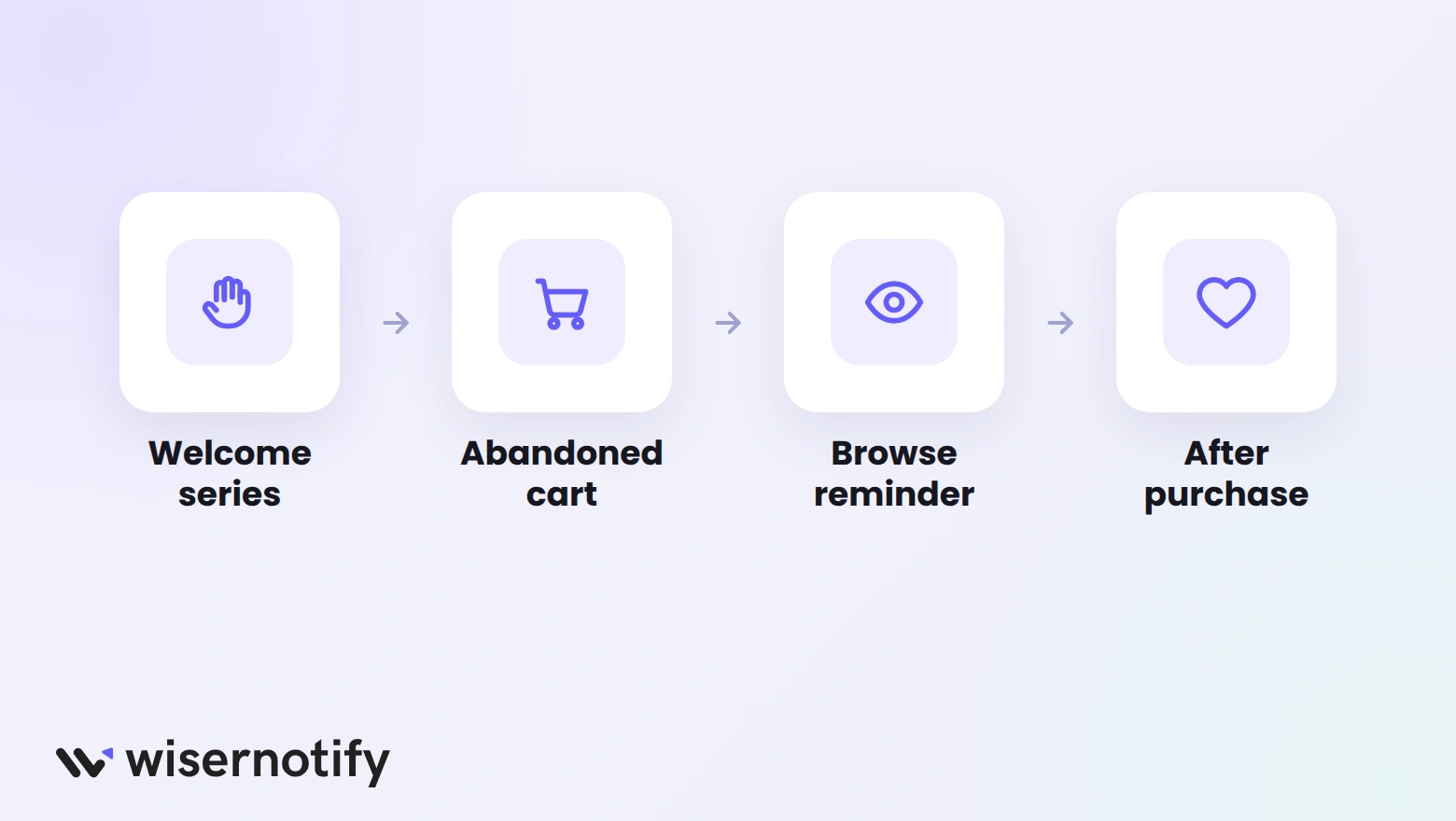
Most visitors don’t buy on their first visit. These channels remind them about your store when they’re ready.
13. Automate Email and SMS Flows
Automated flows send the right message at the right moment without extra work. Klaviyo’s benchmark data across more than 183,000 stores shows flows bring in about 41% of email revenue from only about 5% of sends.
Set up these four flows first:
- Welcome series: introduce your brand and deliver the first-order code.
- Abandoned cart: remind shoppers of items left behind, within a few hours.
- Browse abandonment: follow up on products someone viewed.
- Post-purchase: thank the customer, ask for a review, and suggest a next product.
Add SMS for time-sensitive reminders, but only to shoppers who opted in to texts.
14. Retarget Visitors With Ads
Retargeting ads show your products to people who already visited your store. They cost less per sale than ads to strangers because the interest is already there.
- Show cart abandoners the exact items they left behind.
- Show product viewers similar items from the same category.
- Exclude recent buyers, so you don’t pay to reach people who already ordered.
Get More of the Right Traffic
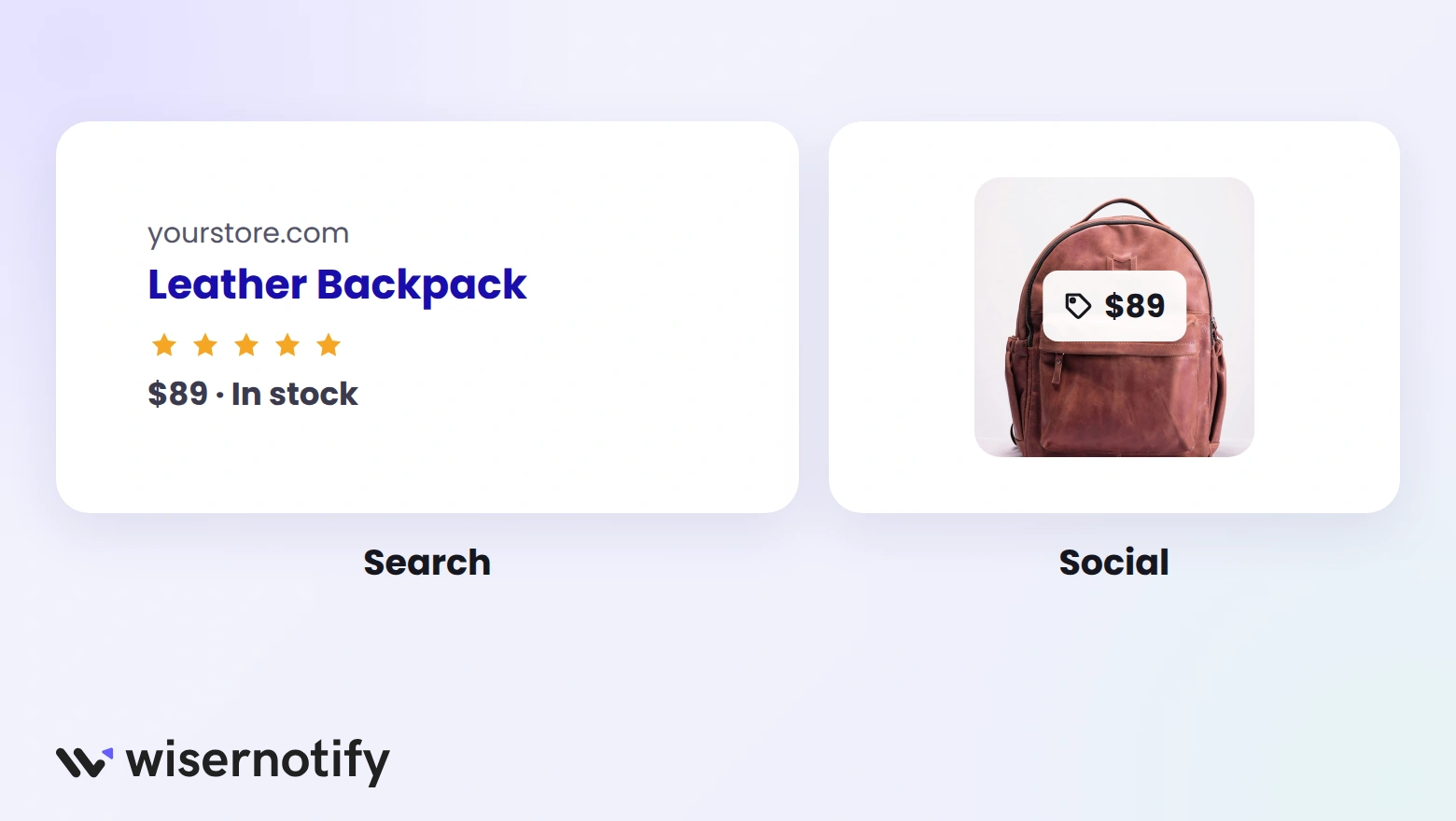
Once your store converts well, more traffic turns straight into more sales. These two channels bring in buyers, not just visitors.
15. Optimize Product Pages for Search
Search traffic is free once you rank, and searchers already know what they want. Focus on the pages that sell.
- Write product titles the way people search, such as “Men’s Black Leather Dress Shoes.”
- Write a unique description for every product instead of copying the supplier’s.
- Add product schema, so price, stock, and ratings can show in search results.
- Use short URLs and descriptive image alt text.
- Compress images, so pages load fast on mobile.
16. Sell Through Social and Paid Ads
Social platforms let people discover and buy without leaving the app. Paid search reaches shoppers at the moment they’re looking.
- Shoppable posts: tag products in Instagram, Facebook, TikTok, and Pinterest posts.
- Shopping ads: show product photos and prices in Google search results.
- Short videos: show the product in use; it beats a still photo on social feeds.
- Fast replies: answer comments and messages quickly, since many questions come right before a purchase.
If You Sell on Shopify
Every tactic above works on Shopify, and many have a built-in shortcut. Use these before installing extra apps.
- Shop Pay: turn on Shop Pay and other express checkouts so returning shoppers pay in a few taps.
- Abandoned checkout emails: switch on Shopify’s built-in abandoned checkout automation in the Marketing section.
- Search & Discovery app: add filters and product recommendations with Shopify’s free app.
- Shopify Collabs: find creators, send them products, and pay commission from one place.
- Analytics reports: track conversion rate, average order value, and returning customer rate in Shopify’s reports.
For reviews on Shopify, compare these Shopify product review apps.
How to Measure What’s Working
Change one thing at a time, so you know what moved the number. Give each change at least two weeks, longer for low-traffic stores.
- Conversion rate: the share of visitors who buy. It shows whether store fixes are working.
- Average order value: how much each order is worth. It shows whether upsells and thresholds work.
- Cart abandonment rate: the share of carts that don’t become orders. It shows checkout problems.
- Returning customer rate: the share of buyers who come back. It shows whether email and loyalty work.

Boost Conversion Instantly
Add Social Proof & Urgency to your website
Wrap Up
Start with the leaks. Fix your checkout, add reviews and social proof, and set up your email flows before spending more on traffic.
Then add one tactic at a time, measure it, and keep what works.
Frequently Asked Questions
How can I increase ecommerce sales fast?
Start with the biggest leaks: simplify your checkout, show reviews on product pages, and turn on abandoned-cart emails.
Why are my ecommerce sales low when I have traffic?
Usually friction or doubt. Check where shoppers drop off in your funnel, then fix that step first, often the checkout or product page.
Do discounts increase online sales?
Yes, when they target a specific goal like first orders or win-backs. Constant store-wide sales teach shoppers to wait for the next one.
How do I increase sales on Shopify?
Turn on Shop Pay, Shopify’s abandoned checkout emails, and product filters, then add reviews and social proof to product pages.
How long does it take to see results?
Checkout and product page fixes can show results within a few weeks, while SEO usually takes several months.
Which metrics show if a sales tactic works?
Conversion rate, average order value, cart abandonment rate, and returning customer rate, measured one change at a time.

Krunal Vaghasiya is a marketing tech expert who boosts e-commerce conversion rates with automated social proof and FOMO strategies. He loves to keep posting insightful posts on online marketing software, marketing automations, and improving conversion rates.




 Capterra