
9 High-Converting Black Friday Landing Page Examples
A Black Friday landing page that converts does three things. It sells one offer, not ten.
It shows a real countdown to when that offer ends. And it puts social proof next to the buy button, so shoppers see others buying before they decide.
The 9 examples below each nail at least one of those three, plus a design choice worth copying.
After the examples, you get 9 build tips, the tools to build the page, and the design flaws that cost the most sales.
Grab the deal: Top Black Friday SaaS Deals for 2026

Plan Your Black Friday Strategically
Get Our Proven Black Friday Marketing Calendar
Black Friday Landing Pages at a Glance
| Brand | Offer | Urgency element | CTA |
|---|---|---|---|
| BIKE24 | New deals every day of Black Friday Week | Countdown timer to each day’s deals | Shop deals, plus newsletter sign-up |
| Matalan | Up to 50% off | “Sale Event” framing with red type | Shop by category |
| Hostinger | Up to 81% off hosting | Countdown timer beside the offer | Claim deal, with money-back guarantee |
| Sundays | 30% off furniture | “Last Chance” banner | Shop Sale |
| GetResponse | Marketing tool bundle | Seasonal “holiday selling” hook | Unlock Essential Tools |
| EngageBay | 40% off for life | Notify-me list before launch | Email sign-up |
| XPro Elementor Addons | 50% off all plans | Countdown plus testimonials | Buy Now |
| WPZOOM | Lifetime access bundle | End date and “Hurry Up” copy | Get lifetime access |
| Karen Millen | Early access plus a £500 prize draw | Countdown to launch | Email sign-up |
9 Black Friday Landing Page Examples That Work
Each example below shows what the page does well and the one idea you can take for your own sale.
1. BIKE24
BIKE24, a German online bike and cycling-gear retailer, keeps its Black Friday page simple. A bold “Black Friday Week” heading sits next to a badge for daily deals, so visitors know right away that new discounts drop every day.
A countdown timer shows when the next set of deals goes live, and a newsletter sign-up catches anyone who isn’t ready to buy yet.
What to copy: pair a countdown with rotating daily deals. It gives shoppers a reason to come back to the page several times during the week, and each visit is another chance to buy.
Related: 15 Magnetic Landing Page Headlines That Hook Attention
2. Matalan
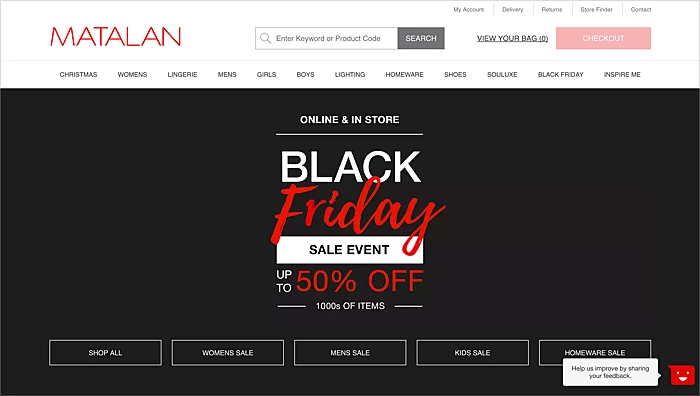
Matalan’s page uses a sleek background with bold white and red type. The headline, “Black Friday Sale Event up to 50% off,” tells shoppers the deal in one line.
Clear navigation sends visitors straight to Men, Women, Kids and Homeware deals. The page also covers both online and in-store offers, so nobody wonders where the sale applies.
What to copy: if you sell across many categories, let shoppers pick their department from the first screen instead of scrolling a long deal list.
Also see: 29 Proven Black Friday Marketing Ideas to Boost Sales
3. Hostinger
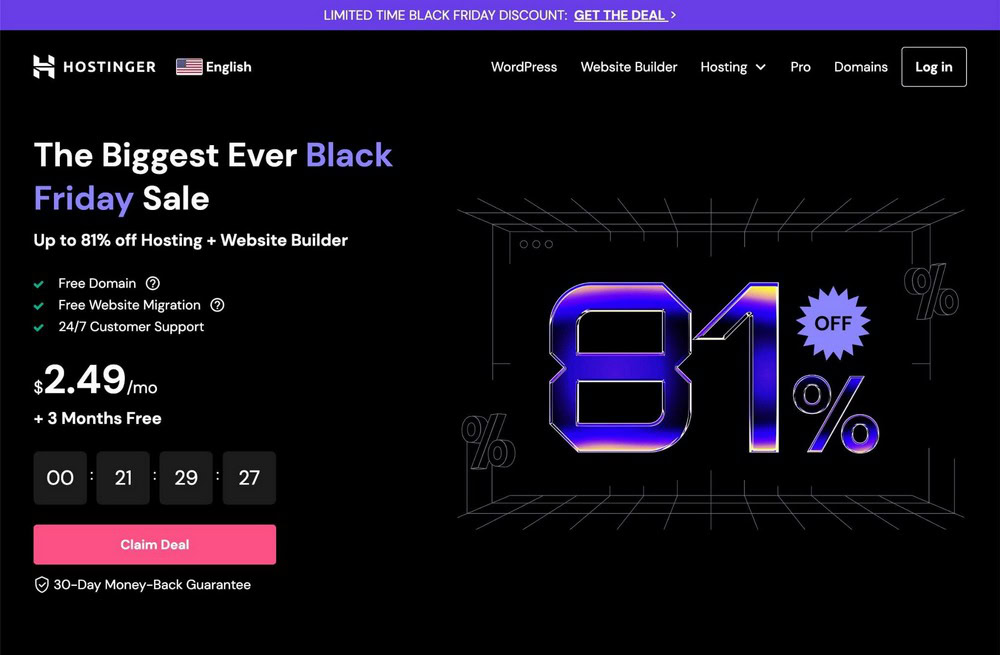
Hostinger’s futuristic page leads with up to 81% off hosting and website builder plans, framed as its “Biggest Ever Black Friday Sale.”
Key extras like a free domain, website migration and round-the-clock support are listed right under the offer. A countdown timer sits beside the CTA, and a 30-day money-back guarantee removes the last bit of risk.
What to copy: keep the timer, the CTA and the guarantee in the same view. Urgency pushes, and the guarantee makes it safe to act.
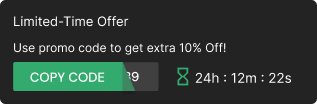
Build urgency
Add floating offers with countdown timer & coupon code.

4. Sundays
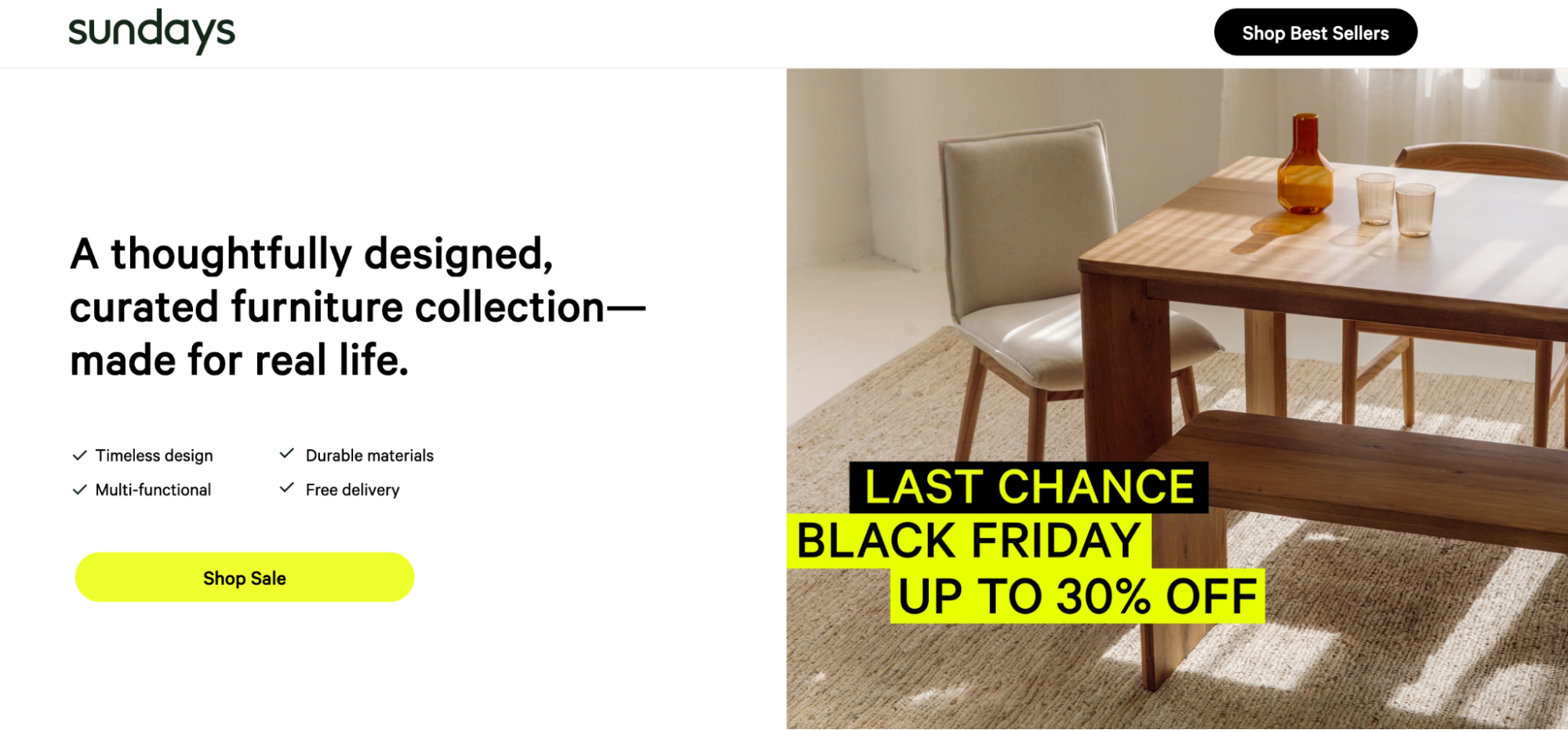
Sundays, a furniture brand, uses a minimalist page that matches its calm product style. The copy highlights timeless design, versatility and durability rather than shouting about the discount.
A yellow “Shop Sale” button stands out against the white space, and a “Last Chance Black Friday” banner with 30% off adds urgency late in the sale.
What to copy: your Black Friday page doesn’t have to look like everyone else’s. Keep your brand style and let one bright CTA do the work.
5. GetResponse
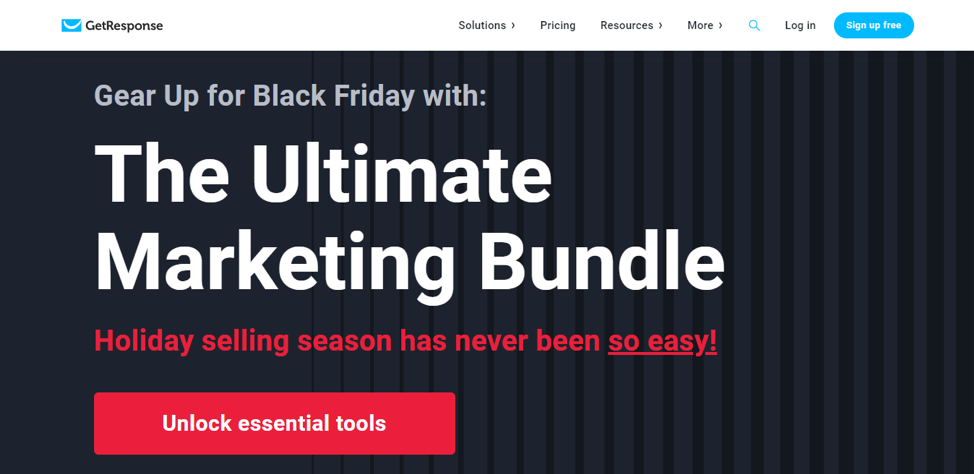
GetResponse sells “The Ultimate Marketing Bundle” with a clean, bold page. The hook speaks to a pain point, promising that holiday selling has “never been so easy.”
A red “Unlock Essential Tools” button stands out against the dark background and leads straight to the offer.
What to copy: for SaaS and tools, sell the outcome the buyer wants this season, not the feature list.
6. EngageBay
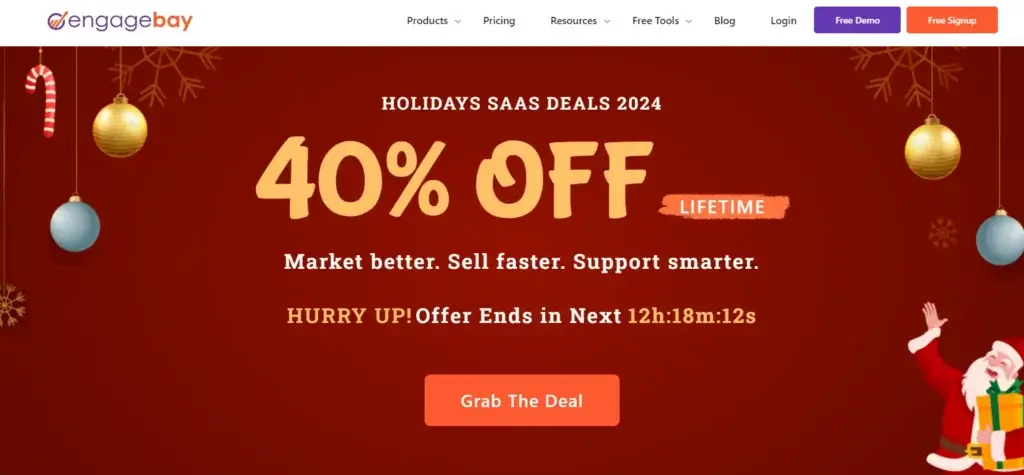
EngageBay rolled Black Friday, Cyber Monday and Christmas into one “Holiday SaaS Deals” campaign. One page, one message, and momentum that lasts the whole season.
The standout offer is 40% off for life. Before launch, visitors enter their email to be told when the deal goes live, which builds a list of ready buyers.
The copy stays tight: “Market better. Sell faster. Support smarter.” Three benefits, no clutter.
What to copy: run one campaign page for the whole holiday period instead of building three separate ones.
7. XPro Elementor Addons
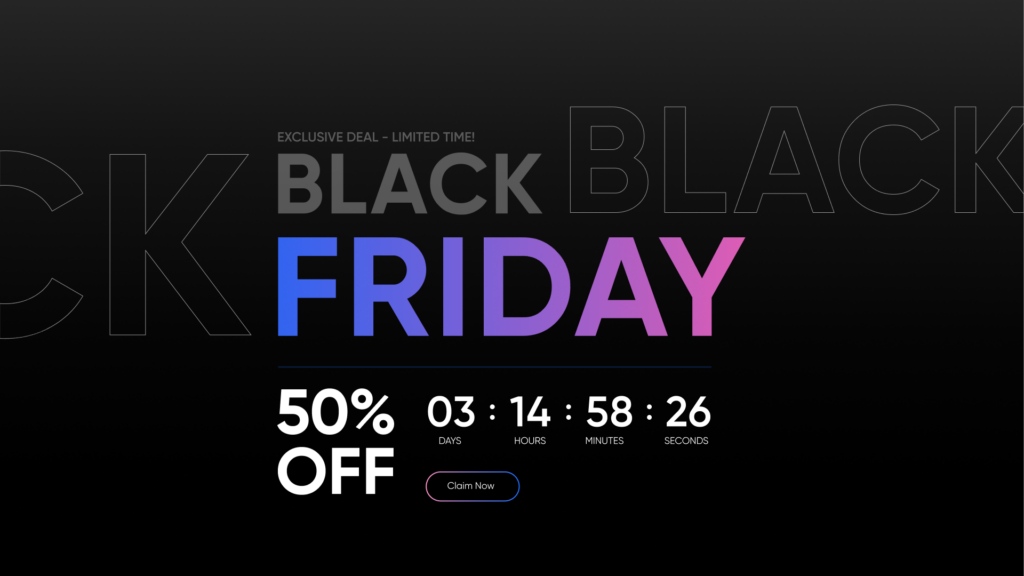
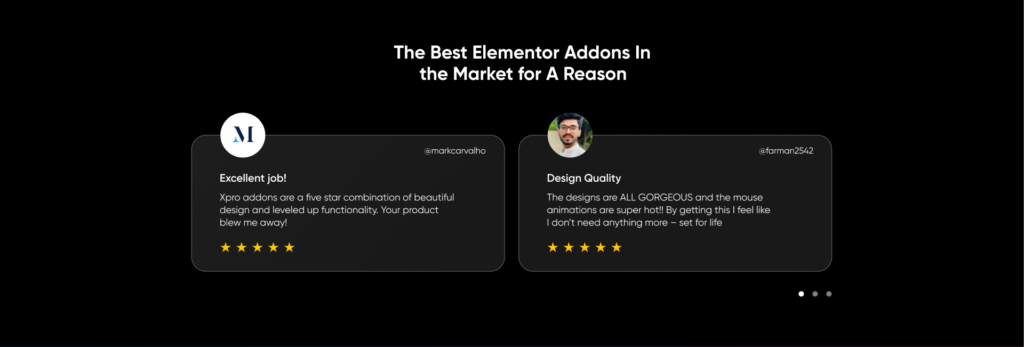
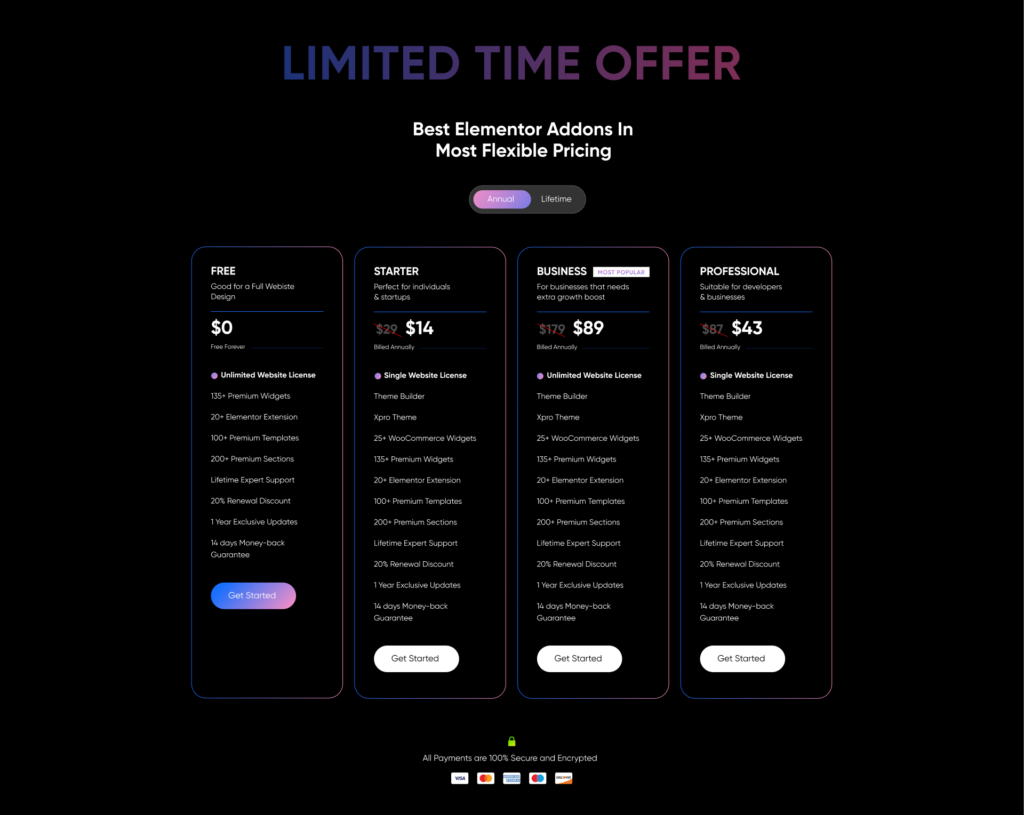
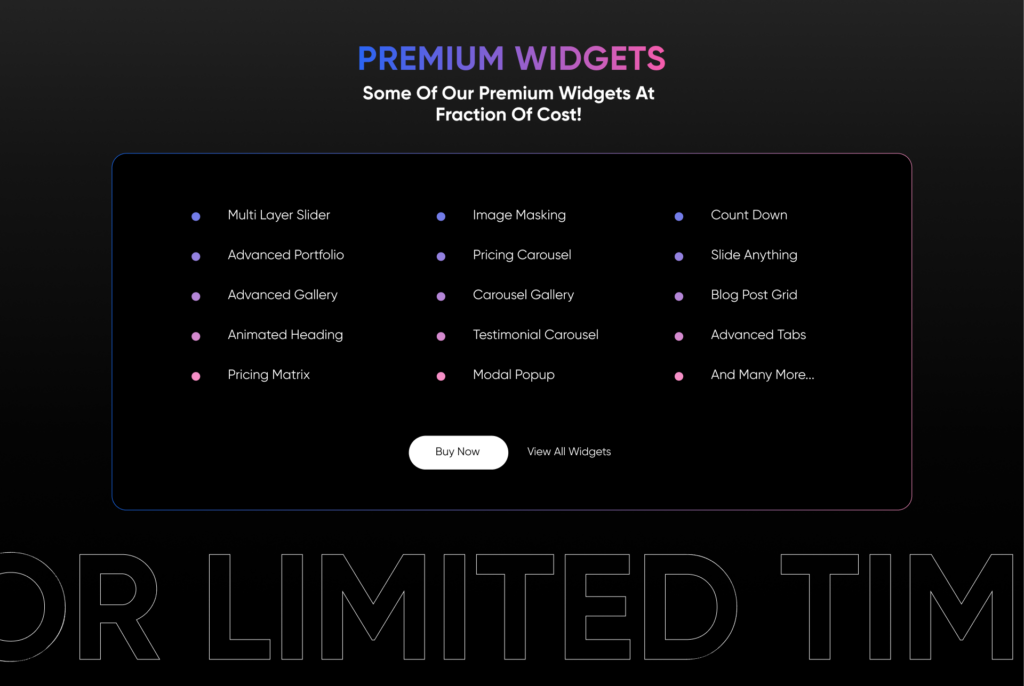
XPro’s page combines all three core elements. A 50% discount sits beside a countdown, testimonials build trust, and premium widgets are shown briefly without overwhelming visitors.
Clear pricing tiers let buyers pick what fits, and a bright “Buy Now” button closes the page.
What to copy: put testimonials between the offer and the pricing table. That is where doubt peaks, just before the buyer picks a plan.
8. WPZOOM
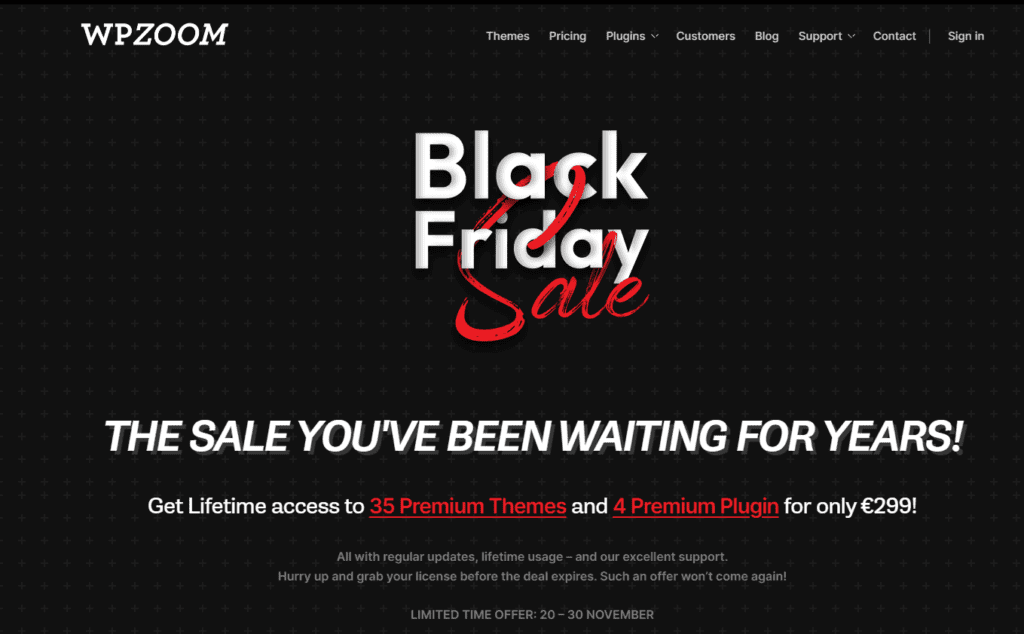
WPZOOM uses a black background, bold type and red and white accents. The headline, “The Sale You’ve Been Waiting for Years!”, positions the offer as rare.
The core deal is lifetime access to its premium themes and plugins for one price. A clear end date and “Hurry Up” copy push visitors to act before it closes.
What to copy: a lifetime or bundle deal makes the value obvious. Pair it with a hard end date so it feels truly rare.
9. Karen Millen
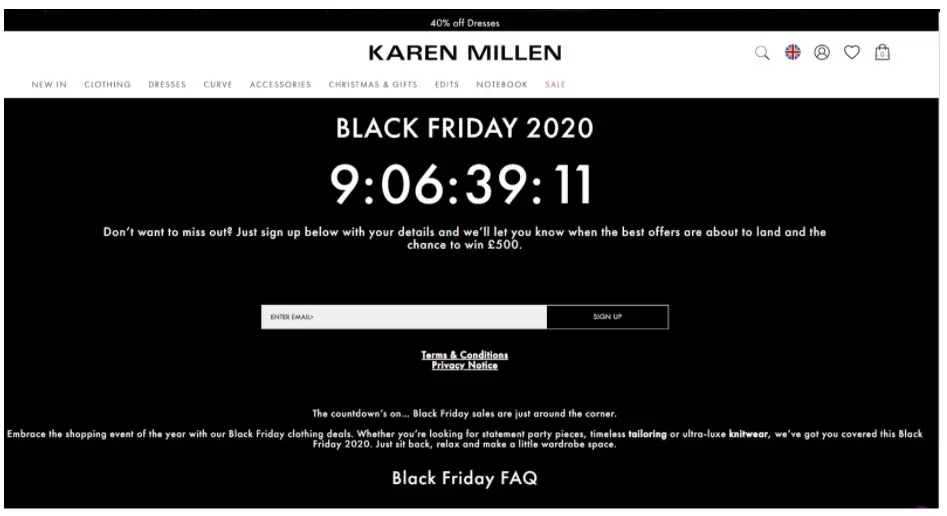
Karen Millen’s pre-sale page is minimal but bold. A countdown timer takes center stage, counting down to when the deals open.
Visitors sign up with their email to hear first, and a chance to win £500 gives them an extra reason to join. The copy stays on-brand, focused on tailoring and knitwear.
What to copy: use the weeks before Black Friday to build a list. A countdown plus a prize turns a “coming soon” page into a lead magnet.
9 Tips for Creating Black Friday Landing Pages
1. Write a Headline That Shows the Value
Your headline is the first thing visitors read. Keep it short and lead with the most exciting part of the offer.
“50% off, Black Friday Savings Start Now!” tells visitors the deal and pushes them to read on. Use a contrasting color and bold type. Soundstripe’s “The Biggest Sale of the Year, Save 50%” is a good model.

2. Focus on One Offer
Build each landing page around one main offer. Too many discounts or categories dilute the message and leave visitors unsure where to click.
If you run several offers, give each its own page. Keep the layout clean so the offer is the only thing competing for attention.
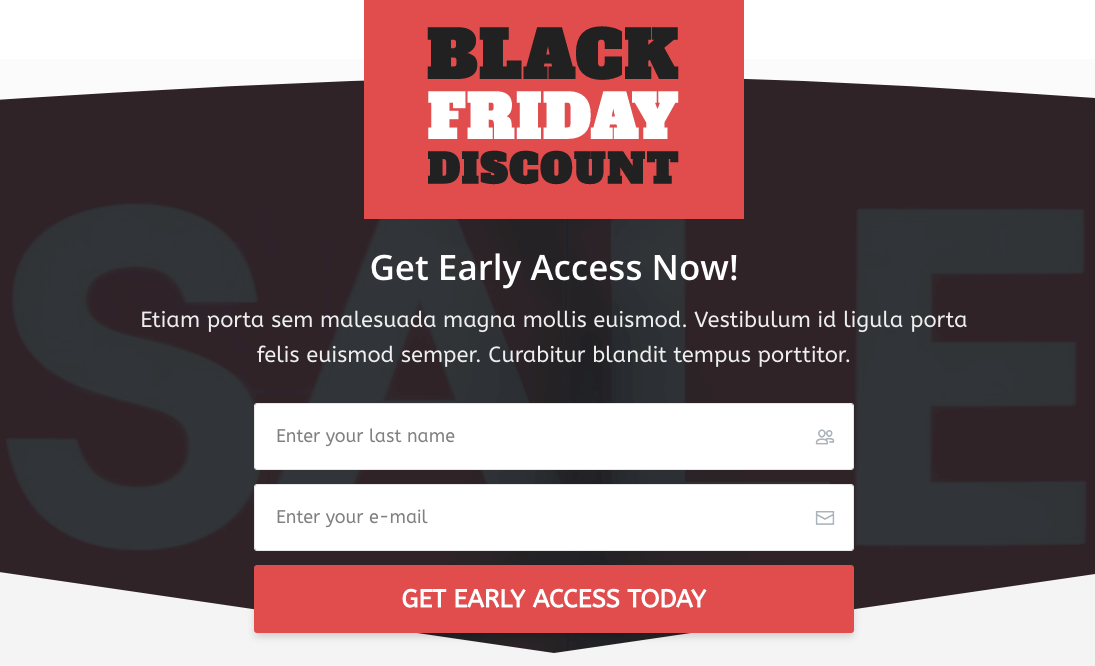
Here’s an example that asks shoppers to sign up for early access to Black Friday offers.
3. Use a Hero Shot That Sells
The deal is the hero of your page. It’s the reason shoppers came, so the banner has to show it clearly.
Use high-quality images of the product in use, so shoppers see how it solves their problem. Match the visuals to your brand, not just to the Black Friday color scheme.
4. Write Copy That Sells the Benefit
Speak to the buyer directly. Use benefit-driven language that is simple, clear and a little emotional.
Words like “Limited Time” or “Only a Few Left” add urgency when they are true. Don’t just say buy now; say what the product will do for them.

5. Make the CTA Impossible to Miss
Your call to action tells shoppers what to do next. Make the button bold, bright and easy to spot.
Use action words like “Grab the Deal Now” or “Claim Your 50% Discount.” Place the CTA in the first screen and repeat it lower down, so it is always one tap away.
6. Add Social Proof Next to the Offer
Shoppers trust other shoppers. Reviews, star ratings, testimonials and trust badges tell visitors they are making a safe choice.
On a busy sale page, live signals work best. A small notification showing that someone just bought, or that 40 people are viewing the deal, tells visitors the offer is real and moving.
Place landing page social proof near the CTA, where the decision happens.
Build trust & FOMO
Highlight real-time activities like reviews, sales & sign-ups.

7. Build for Mobile First
Most Black Friday browsing happens on phones, so your page has to work on a small screen first.
Trim sections that don’t help the sale, put the CTA at the top, and cut heavy media that slows loading. Fast and simple beats fancy on a phone.
8. Cut the Distractions
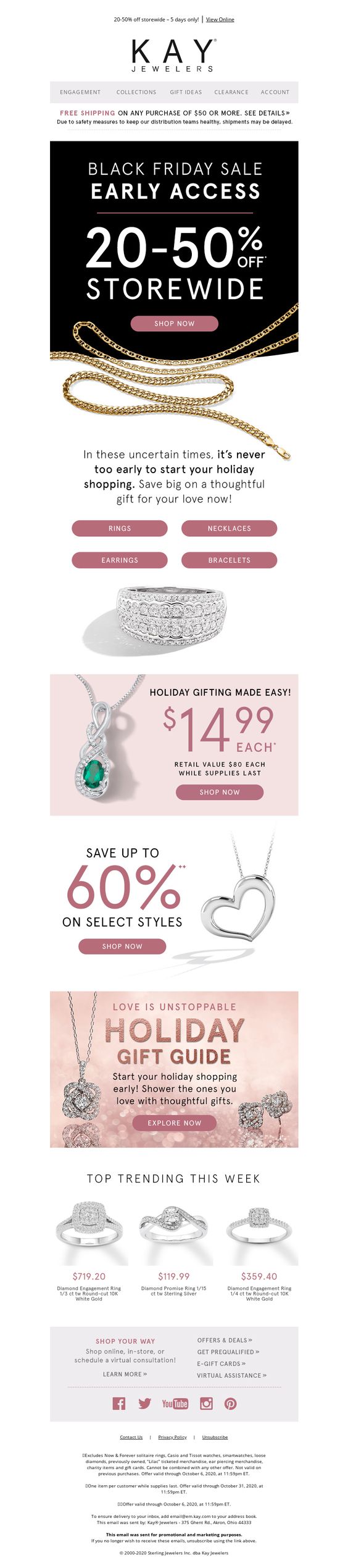
The easier the page is to scan, the more likely visitors stay and buy. Clutter sends them to a competitor’s tab.
- Use white space. Let the offer and CTA stand out without fighting for attention.
- Remove anything that doesn’t sell. If it adds no value, it is noise.
- Limit links. Keep shoppers on the offer, not wandering to other pages.
9. Don’t Forget the Thank-You Page
The buyer journey doesn’t end at checkout. Your thank-you page can turn a one-time buyer into a repeat customer.
Suggest a product that pairs with what they bought, invite them to your loyalty program, or give a code for their next order.
Keep Your Black Friday Page Live All Year
Many brands delete their Black Friday page after the sale and build a new one next year. That throws away the links and search rankings the page earned.
Instead, keep one permanent URL. After the sale, switch the page to “See you next year” with an email sign-up. Before the next sale, change it to “Black Friday is coming.”
Samsung, JB Hi-Fi and Culture Kings all keep their Black Friday pages live between sales this way, so the page is already ranking when shoppers start searching.
How WiserNotify Helps Convert Landing Page Visitors
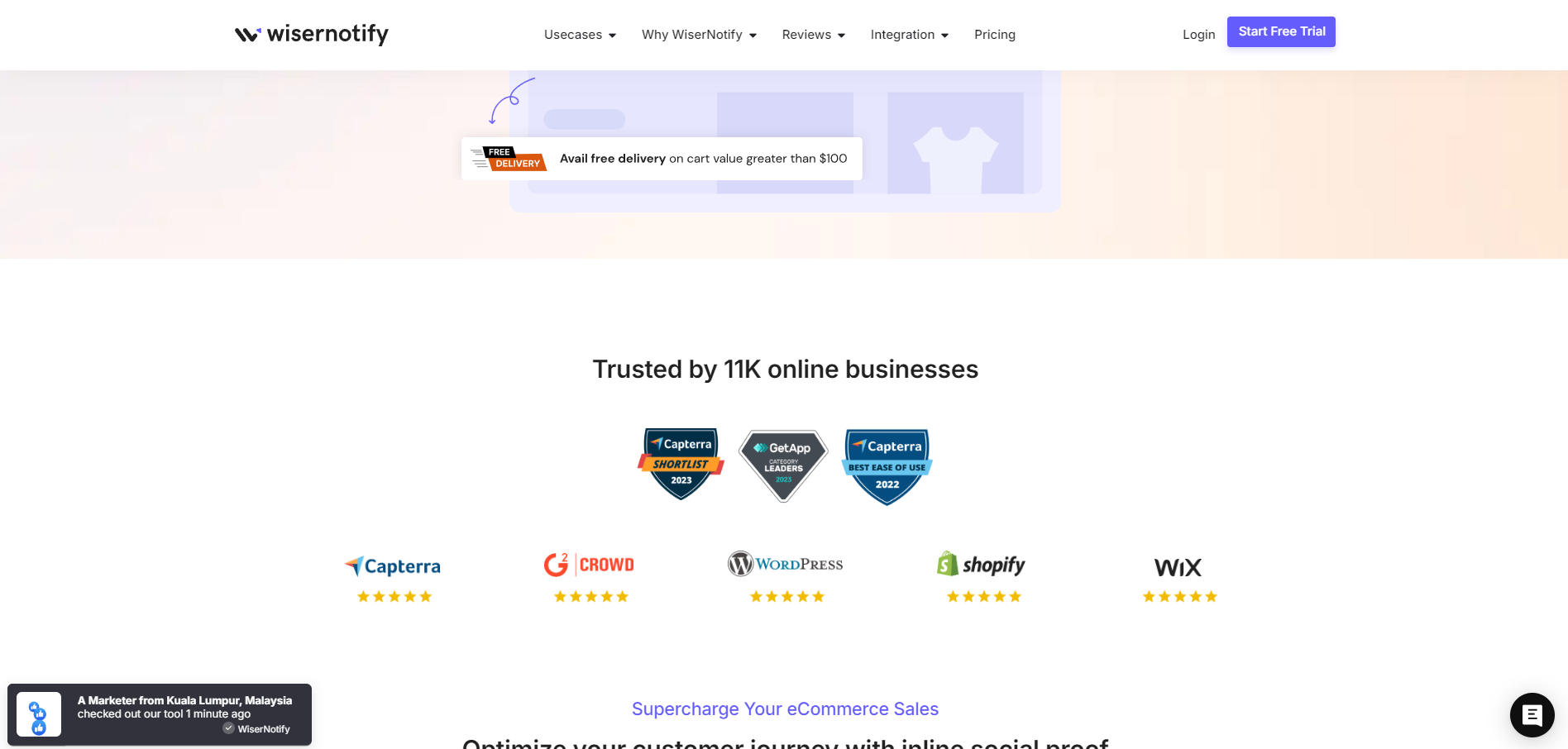
WiserNotify adds the social proof and urgency pieces of a Black Friday page without rebuilding it.
It shows real-time notifications like recent purchases, sign-ups and live visitor counts, plus countdown timers and stock alerts. Visitors see others buying, which makes them more confident to buy too.
Build trust: Show real-time purchases or sign-ups so visitors know others trust you.
Create urgency: Add a countdown or low-stock alert that shows time is running out.
Keep visitors engaged: Nudge them toward the next step, like buying or signing up.
Tools That Help You Build Black Friday Landing Pages
1. ConvertFlow
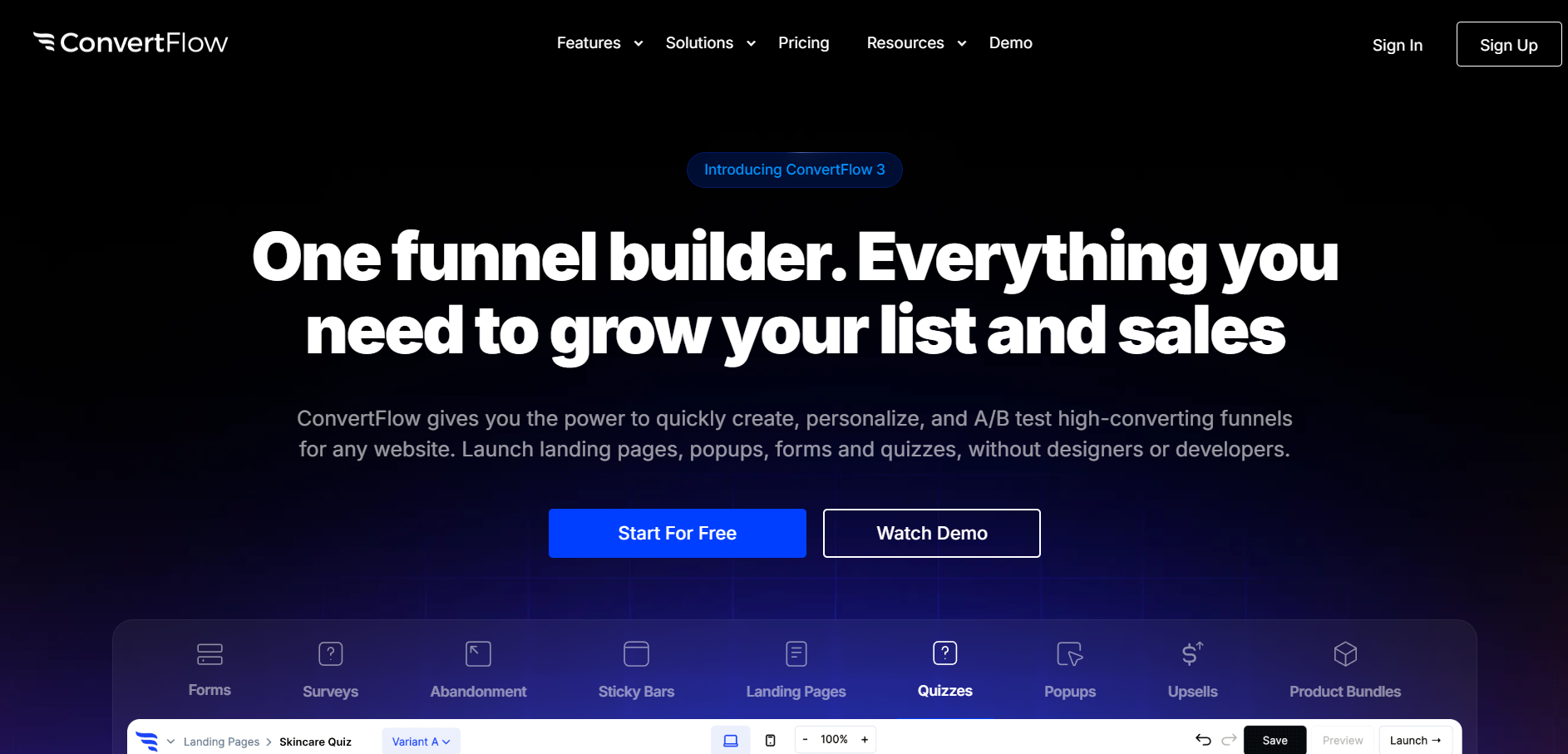
ConvertFlow offers ready-made Black Friday landing page templates, so you can start quickly.
The drag-and-drop editor needs no coding, templates are mobile responsive, and integrations help you collect and use visitor data.
2. Leadpages
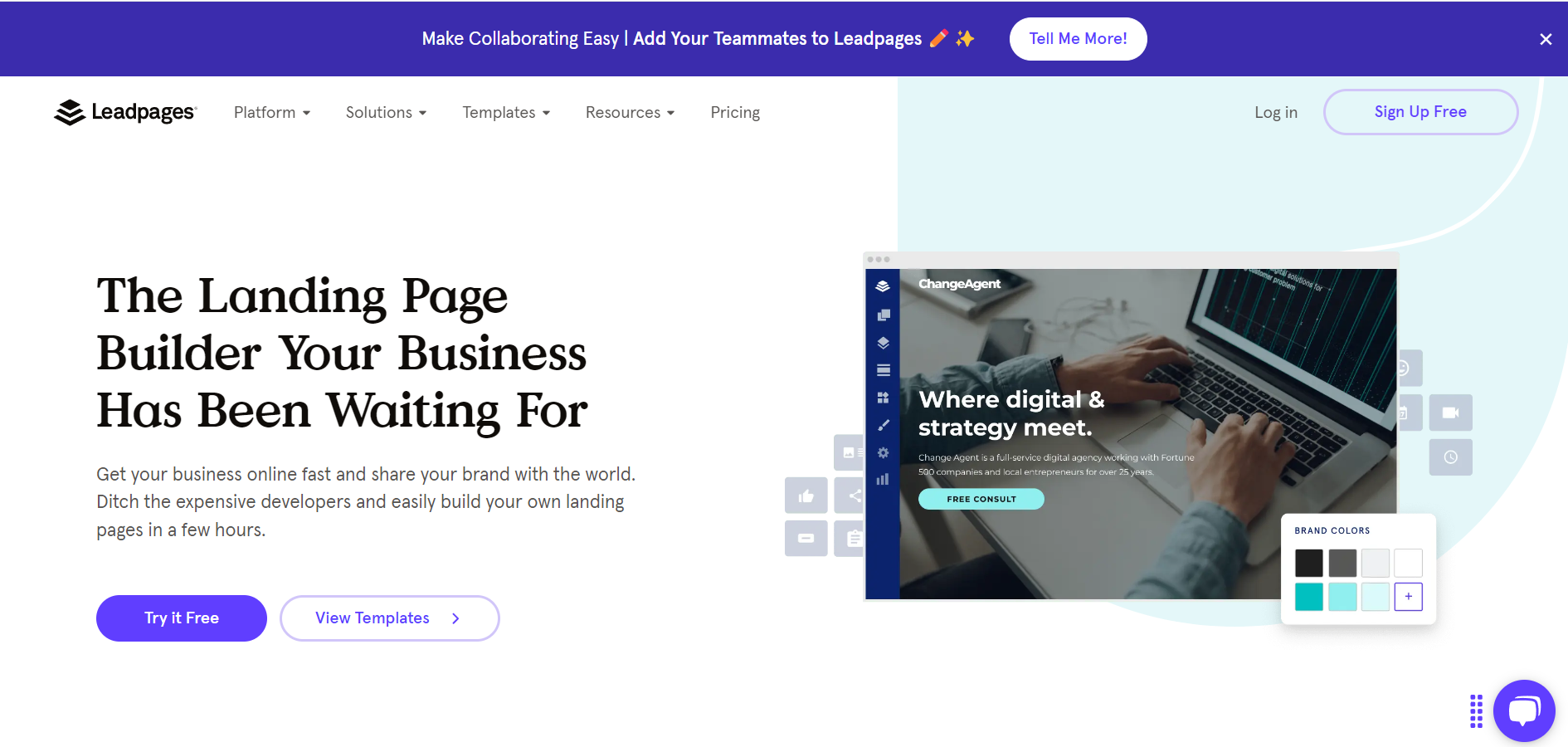
Leadpages has a wide range of templates designed for high-converting landing pages.
Its builder is easy to use and good for testing different page designs. You can also add countdown timers and rearrange sections with drag-and-drop.
3. SeedProd
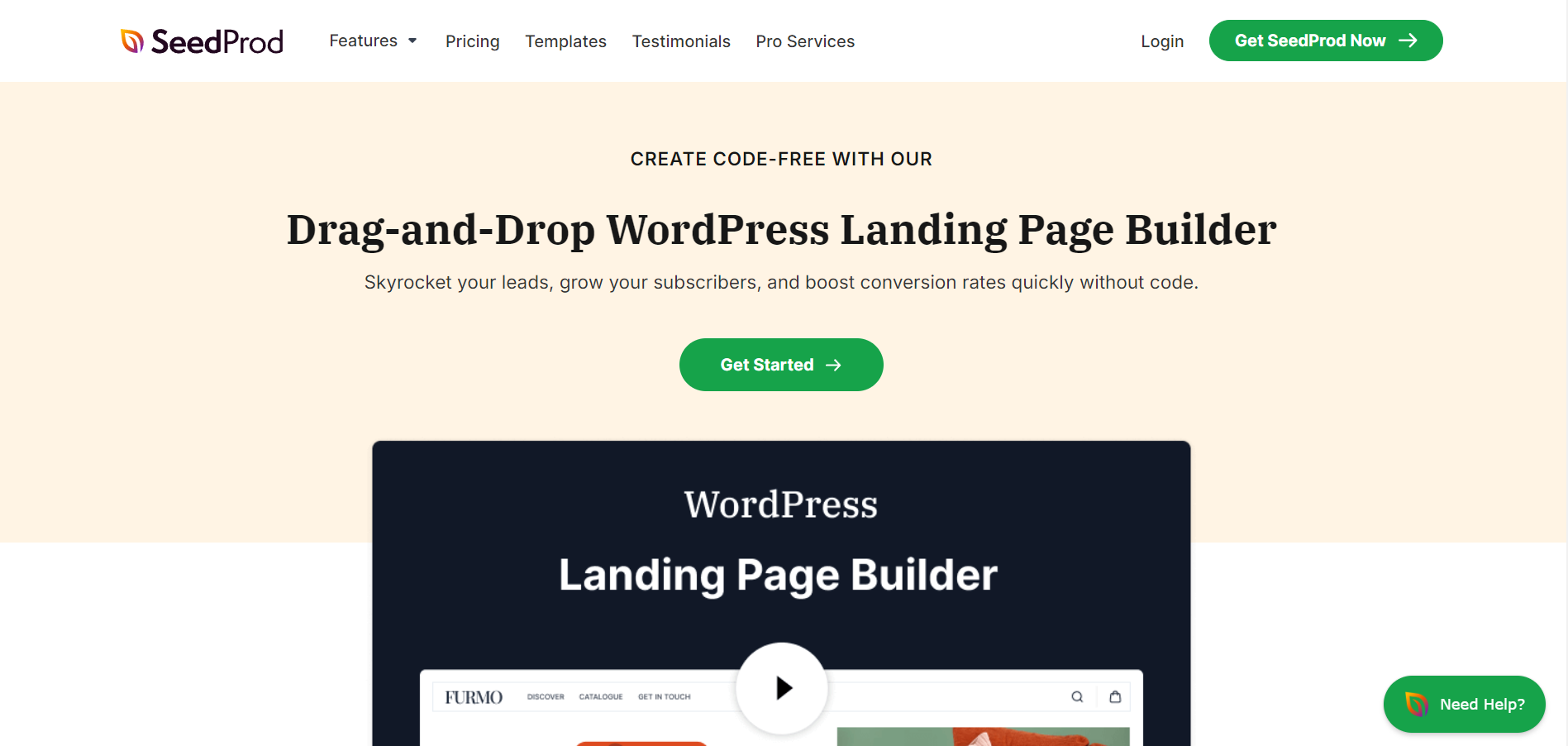
SeedProd is a WordPress landing page builder for building Black Friday pages without code.
Its drag-and-drop editor and sale templates get a page live fast. It connects with email marketing tools, form builders, Zapier and Google Analytics.
3 Landing Page Design Flaws That Kill Conversions
Even small flaws cost sales on the busiest shopping days of the year. These three are the most common.
1. Cluttered Design
Too many elements create visual noise and pull attention away from the offer. Remove anything that doesn’t support the sale, and make the key information the most visible thing on the page.
2. Buried Call to Action
Visitors who can’t find the CTA don’t convert. Put it above the fold, repeat it further down, and give it a color nothing else on the page uses.
3. Distracting Navigation
A full menu gives visitors an easy way out before they buy. Strip navigation to the essentials on sale pages so the only clear path is the offer.
Here is more: 9 Black Friday Mistakes to Avoid
Wrap Up
The best Black Friday landing pages are simple. One offer, a real deadline, and proof that other people are buying.
Build your page early, keep the URL live after the sale, and test it on a phone before anyone else sees it.
Frequently Asked Questions
What should a Black Friday landing page include?
One clear offer, a real countdown to when it ends, social proof near the CTA, and a single bold call to action.
When should I launch my Black Friday landing page?
Put a pre-sale version live a few weeks early to collect emails, then switch it to the full offer when the sale opens.
Should I use a countdown timer on my Black Friday page?
Yes, if the deadline is real. A timer that resets on every visit loses trust and can cost you sales.
Should I delete my Black Friday page after the sale?
No. Keep the same URL live and update it each year, so it keeps its links and rankings.

Krunal Vaghasiya is a marketing tech expert who boosts e-commerce conversion rates with automated social proof and FOMO strategies. He loves to keep posting insightful posts on online marketing software, marketing automations, and improving conversion rates.




 Capterra