
Landing Page Social Proof: 10 Types, Examples and Placement
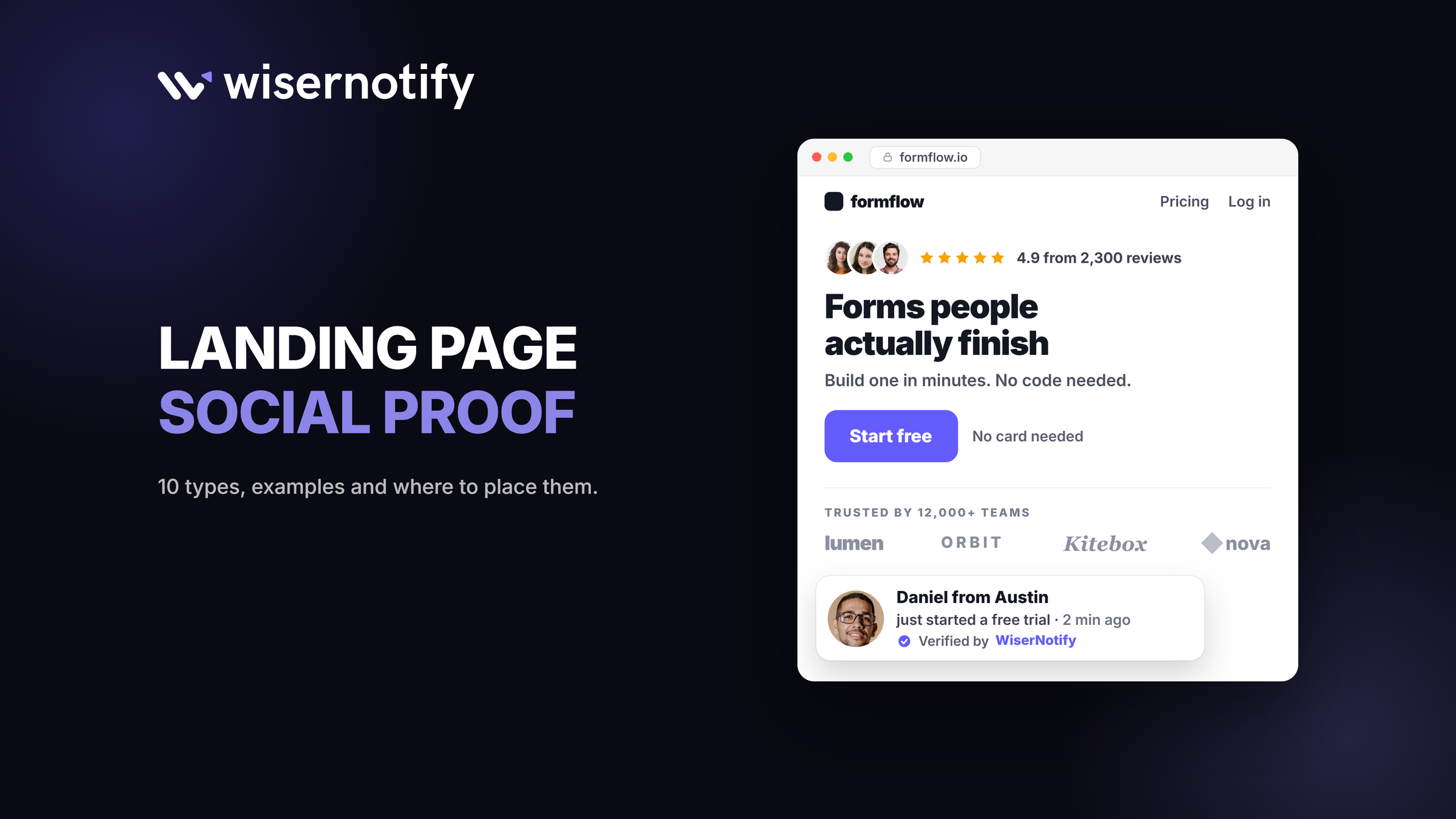
Landing page social proof is evidence that other people already chose you, like testimonials, customer logos, star ratings, user counts and live purchase notifications.
Put one strong proof point in the hero, ratings or a short quote right beside the CTA, and case studies after you explain the product. The closer the proof sits to the moment someone hesitates, the more it helps.
Below are the 10 types that work, real examples of each, a placement table and the rules you now have to follow.
Key takeaways
- Match the proof to the doubt: ratings near the button, security near payment, case studies near the price.
- Specific beats generic. A named customer with a result outperforms “Great product!”
- The first few reviews matter most. Proof counts more on expensive or unfamiliar offers.
- Every testimonial and live notification has to be real. The FTC rule now makes fakes a legal risk.

Boost Conversion Instantly
Add Social Proof & Urgency to your website
What Is Landing Page Social Proof?
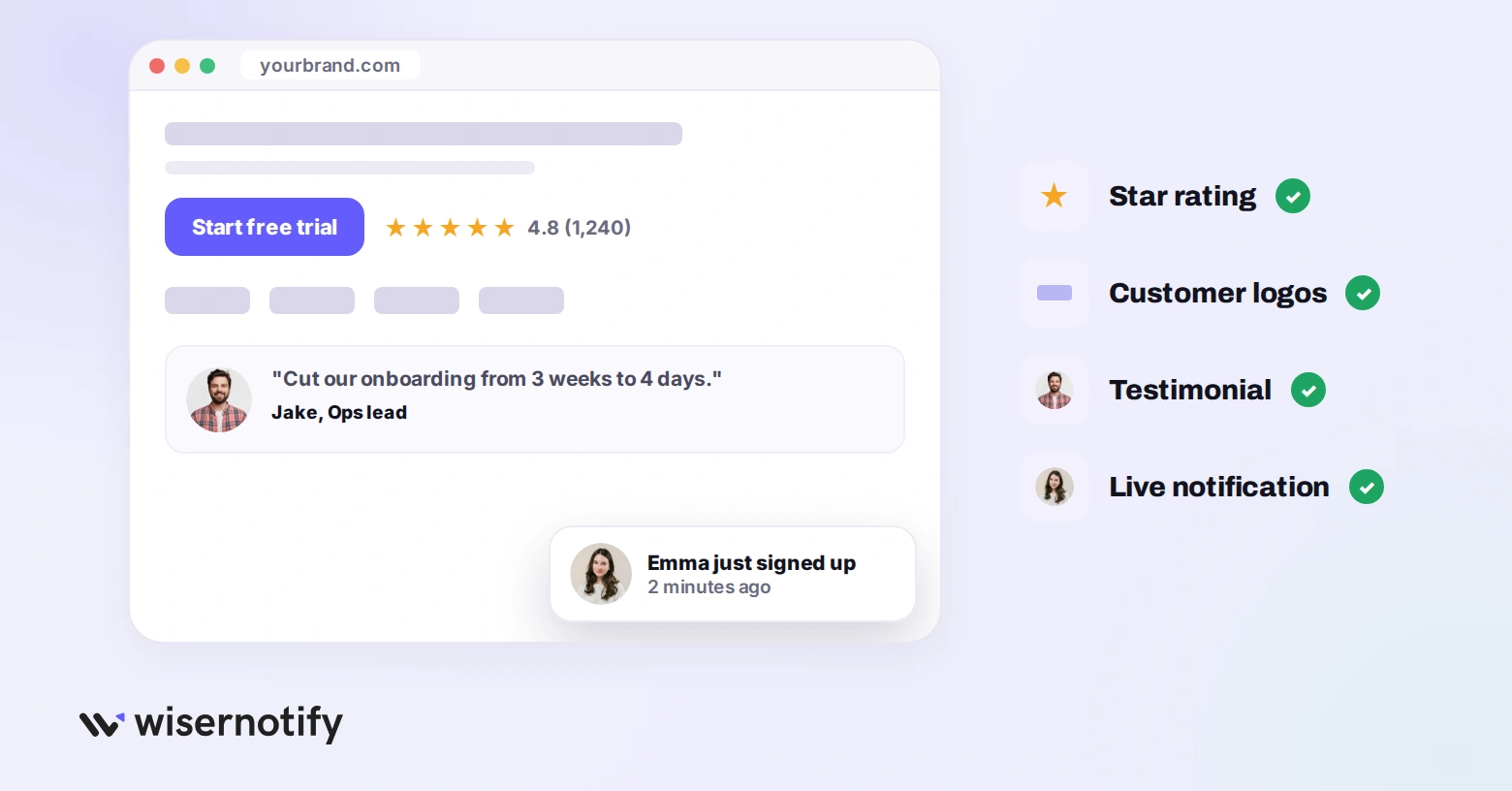
Landing page social proof is any evidence on the page that other people already chose you and were glad they did. Reviews, testimonials, customer logos, star ratings, user counts, awards, media mentions, security certifications and live activity notifications all qualify.
It works because buyers borrow other buyers’ judgment when they cannot test a claim themselves. Your copy says the product is good. Social proof says somebody with nothing to gain agrees.
Here is the full set at a glance, and how much work each one takes to put up.
| Type | What it proves | Effort to add |
|---|---|---|
| Customer testimonials | A named person got a result | Low |
| Case studies | How the result happened | High |
| Company logos | Serious buyers picked you | Low |
| Social media mentions | People talk about you unprompted | Low |
| Awards and analyst badges | A third party graded you | Medium |
| Customer counts and metrics | You operate at scale | Low |
| Trust and security signals | Paying you is safe | Medium |
| Live activity notifications | People are buying right now | Low |
| Star ratings and review counts | The crowd scored you | Low |
| Video testimonials | A real face said it out loud | High |
Why Social Proof Matters on a Landing Page
Think about the last time you bought from a brand you had never heard of. You checked reviews, looked for a familiar logo or hunted for a number that told you other people had done this before you.
A landing page has one job, to get the visitor to act.
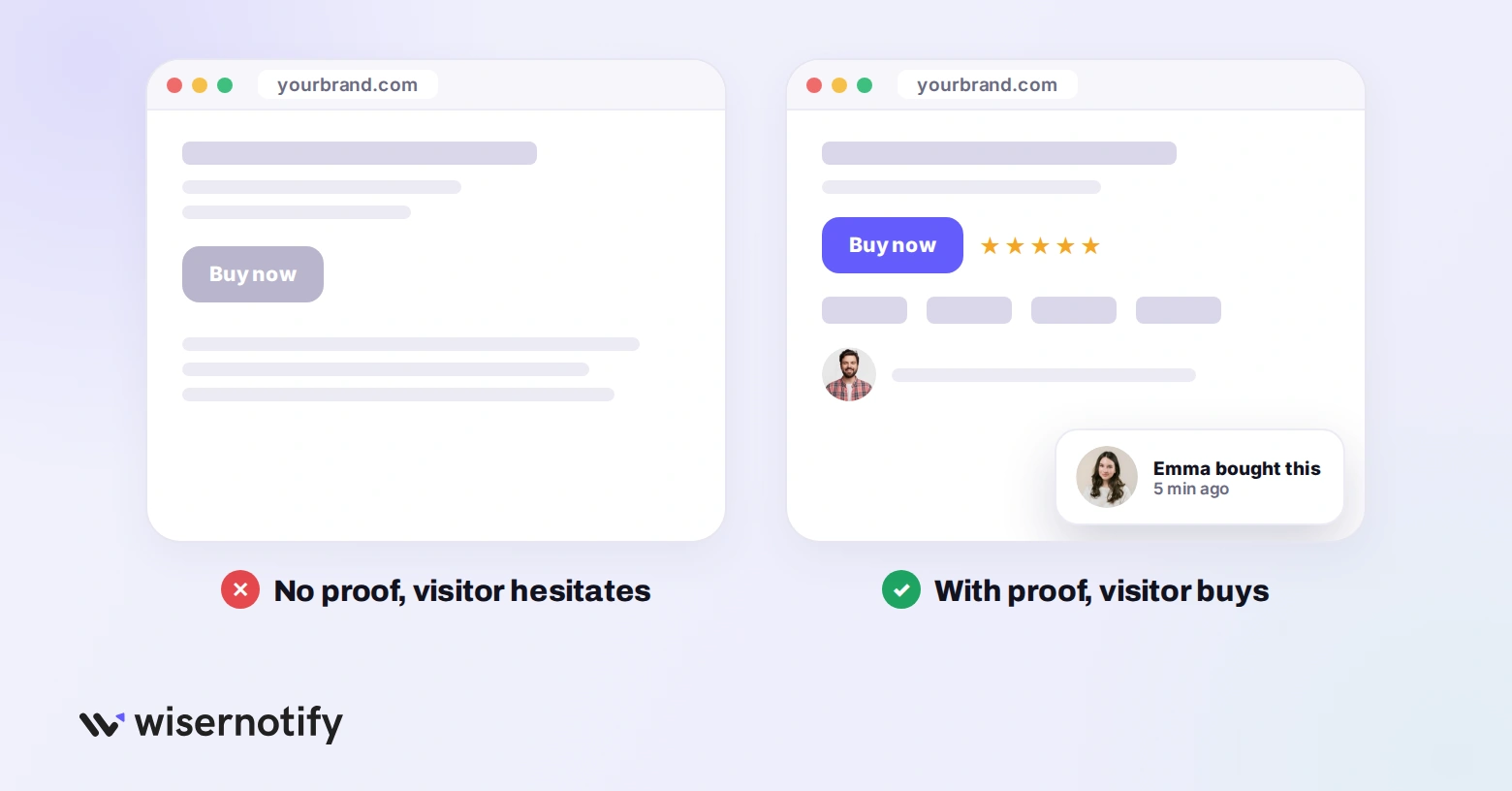
Strip the proof out and they are deciding on your word alone. Put it back and the page shifts from “trust me” to “look at what these people got.”
Research from Northwestern’s Spiegel Research Center found that purchase likelihood for a product with five reviews runs 270% higher than for the same product with none. Two details rarely survive the retelling.
The benefit flattens quickly past the first five reviews, and the lift was much bigger on expensive items than cheap ones.
So the first handful of reviews matter more than the next fifty, and proof matters most when price makes people nervous.
To see how your page compares, check what a good landing page conversion rate is.
10 Types of Social Proof for Landing Pages
Not every type fits every page. What works for a SaaS product will not always work for a coaching program, and what converts on an ecommerce page can fall flat on a B2B one.
Here are the 10 types, each with a real example.
1. Customer Testimonials
This is the most common type, and for good reason. When a real person says, “This product solved my problem,” it carries weight that no marketing copy can match.
The gap between weak and strong testimonials is big:
- Weak: “Great product! Would recommend.” No name, no problem, no result.
- Strong: “We switched from [Competitor] and cut onboarding from 3 weeks to 4 days.” A specific result and a named comparison.
FlutterFlow handles the framing well. Each quote sits under the logo of the customer’s employer, so you read the words from Wendy’s, Google and Atlassian rather than from four strangers.
The employer does half the persuading before you reach the sentence.

Quick tip: place your best testimonial above the fold, near your CTA. In an older VWO test, WikiJob added three short testimonials to a page and saw purchases rise 34%.
Build trust & FOMO
Highlight real-time activities like reviews, sales & sign-ups.

2. Case Studies and Success Stories
Testimonials tell visitors that something worked. Case studies show them how it worked.
If you sell a high-ticket product or a complex service, case studies often do the most persuading. They give buyers a story they can relate to: “This company had my problem, and here is how they fixed it.”
Fieldproxy, which sells field service software, leads with a named before and after rather than adjectives.
One customer’s invoice lag went from 30 days to same-day, and the page backs it with a count of field service teams using the product.

Keep case studies scannable on the landing page itself. Pull the key numbers into bold callouts and link to the full story for anyone who wants more depth.
3. Company Logos (Trust Bar)
A row of recognizable logos says big, successful companies trust you, so the visitor can too. It works especially well on B2B pages.
Tally puts its logo row right under the headline, with Notion, Make, Buy Me a Coffee, Rakuten and Glovo next to a count of more than 500,000 teams.

If your customers are smaller brands nobody will recognize, a logo bar does less. Pair it with your total customer count instead, so the quantity does the work.
4. Social Media Mentions
Posts people write about you without being asked are some of the most believable proof you can get.
Screen Studio leans on it heavily. The page embeds more than twenty-five customer posts from X, unedited, with the handles intact. Anyone suspicious can click through and read the original thread.
They pair it with a Product Hunt “#1 Product of the Year” badge and a logo row covering Stripe, Vercel, Google, Raycast, Adobe and Framer.

This format is hard to fake, because visitors can check every post. Encourage customers to share their experience with a branded hashtag, then embed the best posts on your page.
5. Awards and Recognition Badges
Awards are third-party validation. When G2, Capterra, TrustRadius or an industry body recognizes your product, it signals quality that no customer quote can.
We show our own awards and review badges on the WiserNotify site for the same reason: it says independent reviewers checked the claim, not just us.

Place award badges near pricing or the CTA. That is where visitors hesitate most, and a badge there can tip the decision.
6. Customer Data and Metrics
Big, specific numbers show scale without asking visitors to read a word of copy.
HubSpot puts “299,000+ customers in over 135 countries” directly under its hero, so the scale lands before you scroll.

Make the numbers specific. “Thousands of customers” is vague, while an exact figure feels counted rather than estimated. For more benchmarks to draw on, see these landing page statistics.
Also check: 6 Winning Social Proof Tactics to Boost Sales
7. Trust Badges and Security Signals
If your page takes payments or personal data, trust badges answer the unspoken question: “Is this safe?”
Calendly used to show GDPR, ISO 27001, PCI DSS and SOC 2 badges, as in this capture. It has since moved to a written security page that lists its controls, which is where many SaaS companies now put this proof.

Match the format to the buyer:
- Ecommerce checkouts: a row of payment and security badges next to the buy button.
- SaaS signups: compliance names (SOC 2, GDPR, HIPAA) near the form, with a link to a security page.
Build trust & FOMO
Highlight real-time activities like reviews, sales & sign-ups.

8. Real-Time Social Proof Notifications
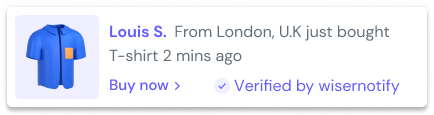
Live notifications are small messages that show activity as it happens. “Linda from New York bought the Knit Cardigan.” “31 shoppers browsing now.” “John left a five-star review ten minutes ago.”
They pull two levers at once: social proof, because other people are buying, and urgency, because it is happening right now. This is what WiserNotify does.

On the WiserNotify homepage you can watch it run on a demo storefront. A recent purchase slides in with a verified badge, and a live viewer count sits beside it.
An inline counter reads “88 sold in the last 24 hours” next to the add-to-cart button.
The inline version matters more than people expect. A floating popup competes with your page, while a counter under the price becomes part of it.
9. Star Ratings and Review Aggregates
Stars compress hundreds of opinions into something readable at a glance, which is why Amazon, Google and Yelp all use them.
Juro shows ratings from two platforms on its homepage, 4.8 on G2 and 4.9 on Capterra, above a logo wall that includes Deliveroo, Pfizer and Trustpilot.

Always show the review count beside the rating. A 4.8 from 3 reviews means little, while a 4.8 from 1,200 builds confidence. More numbers on this are in our online review statistics.
10. Video Testimonials
Video is the highest-trust format there is, and the hardest to fake. Viewers read tone, hesitation and body language in a way no block of text allows.
That is also why a slightly awkward clip often beats a polished, scripted one.

Testimonial.to shows how to use them well. Each customer video testimonial on its page displays its runtime, most under two minutes, inside a wall of text quotes and social posts.
Two or three good clips will outperform twenty average ones. If you only have budget for one premium asset, spend it here.
Build urgency
Add floating offers with countdown timer & coupon code.
Where to Place Social Proof on a Landing Page
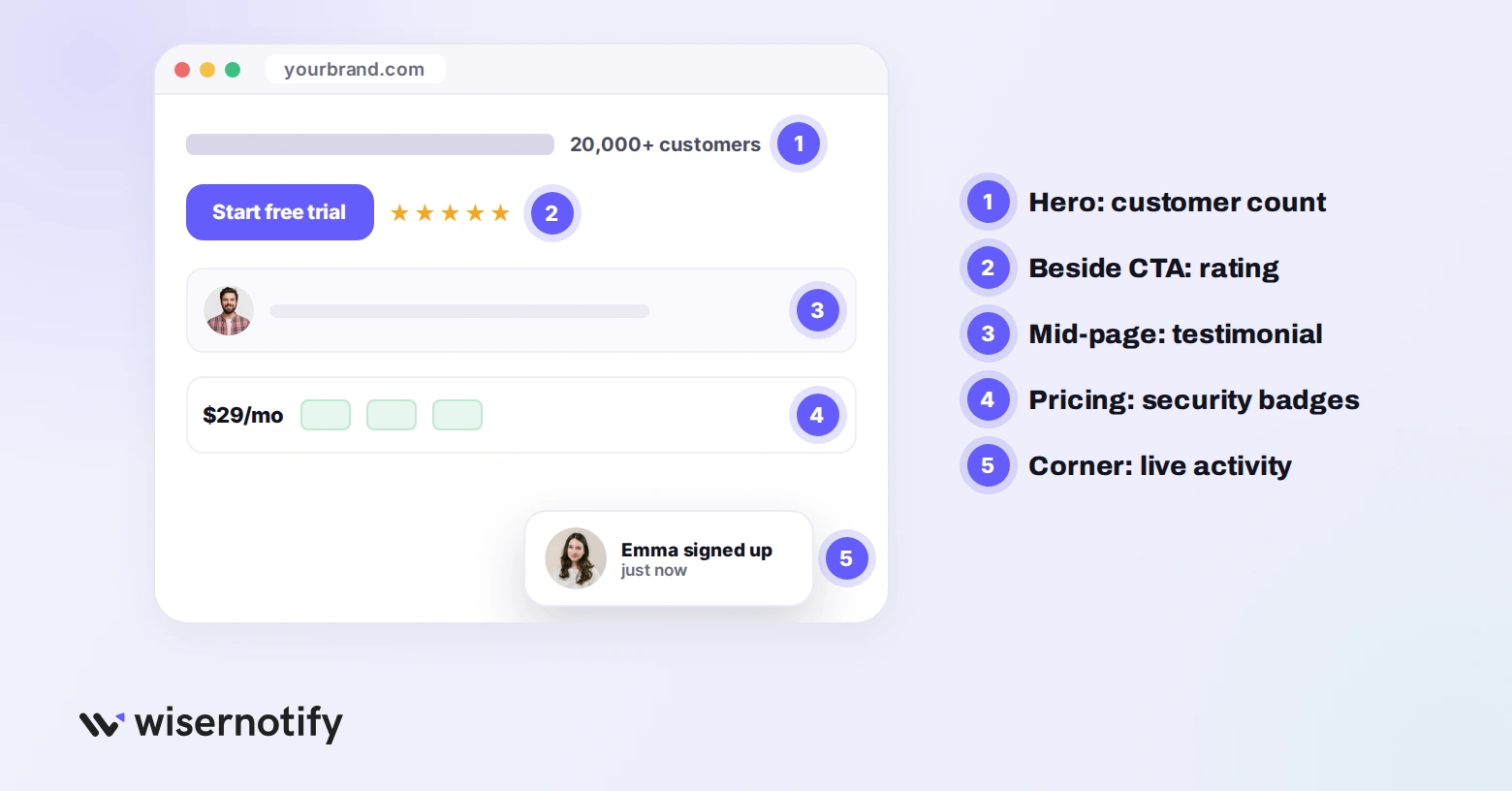
Placement matters as much as the proof itself. Put each type where the visitor’s matching doubt shows up.
| Proof type | Where it goes | What it fixes |
|---|---|---|
| One strong quote or a customer count | Hero, above the fold | “Is this legit?” on first glance |
| Star rating with review count | Right beside the CTA button | Last-second doubt before the click |
| Case studies and detailed testimonials | Mid-page, after features | “Will it work for someone like me?” |
| Security badges and compliance names | Near pricing, forms or checkout | Fear of paying or sharing data |
| Customer logos and awards | Below the hero or near the footer | “Do serious companies use this?” |
| Live purchase and visitor notifications | Corner of the page, or inline under the price | “Is anyone else buying this?” |
Also check: 15 Tips to Raise Landing Page Conversion Rates
Which Social Proof Fits Your Type of Offer
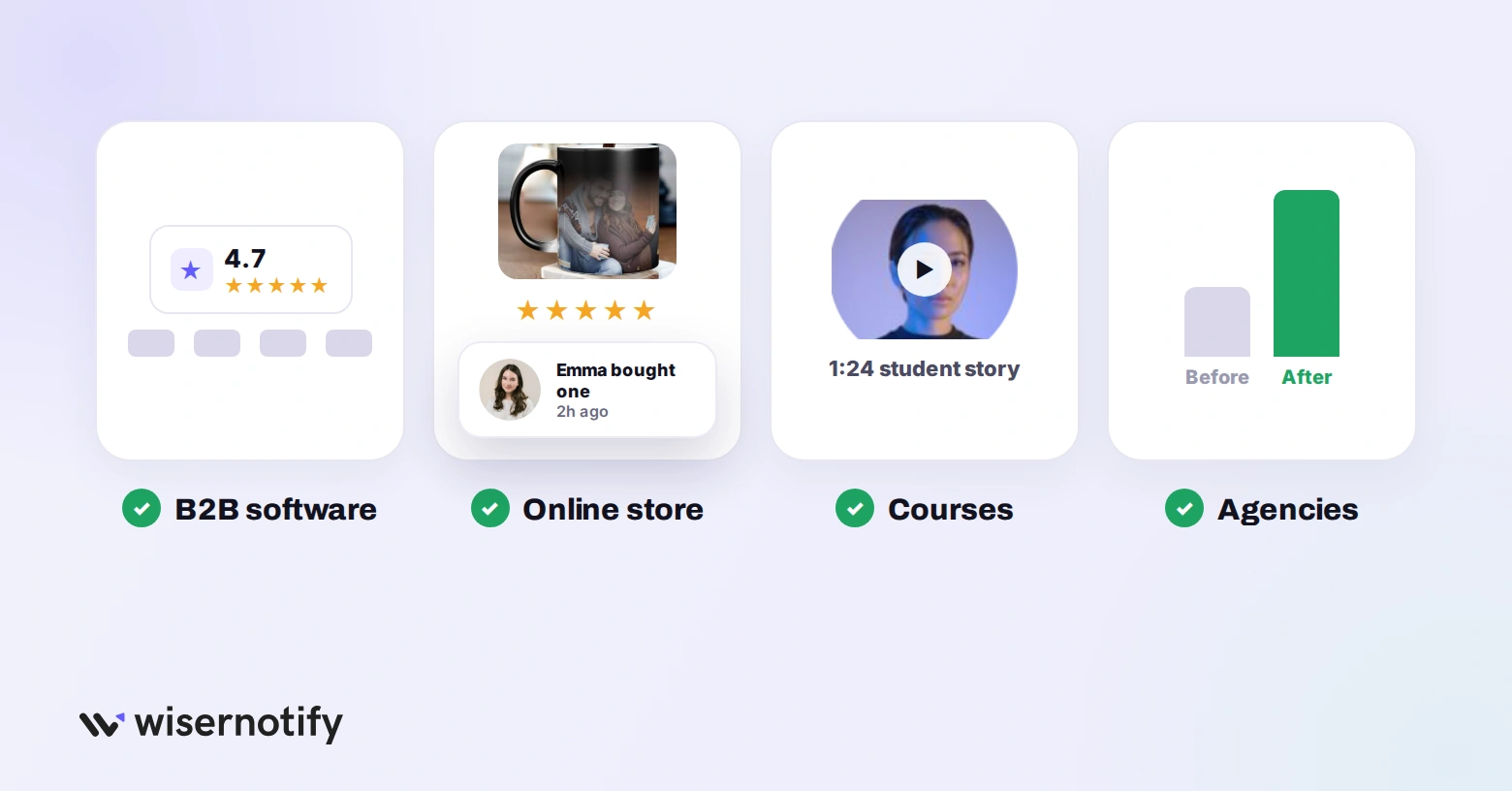
The right mix changes with what you sell and how nervous the buyer is. Use this as a starting point.
| You sell | Lead with | Back it with |
|---|---|---|
| B2B software | G2 or Capterra rating, enterprise logos | Case study with a payback number |
| Ecommerce products | Photo reviews, star ratings on the card | Purchase notifications, stock counters |
| Courses and coaching | Student outcome stories | Video clips, enrollment counts |
| Agencies and consulting | Before and after case studies | Named video testimonials |
| Healthcare and finance | Certifications and licenses | Experience-led quotes, no outcome claims |
| Marketplaces and booking | Live demand signals | Aggregate score with review volume |
How to Collect Social Proof for Your Landing Pages
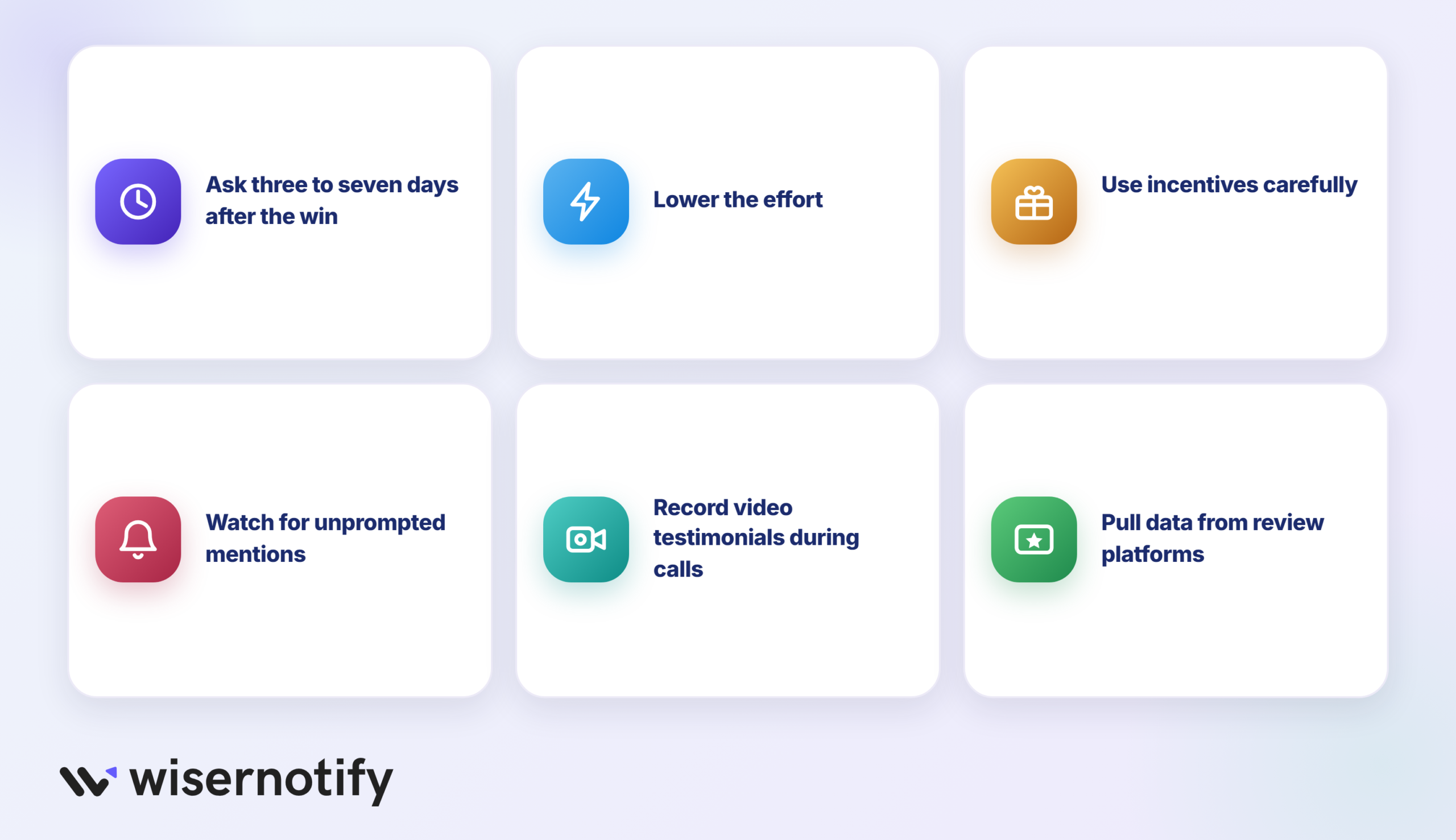
You cannot display social proof you do not have. Here is how to build a library from scratch.
- Ask three to seven days after the win: send the request while the result is fresh. One question and a direct link beats a form.
- Lower the effort: show an example of a helpful two-sentence review so people know what is enough.
- Use incentives carefully: a discount or giveaway entry lifts response rates, but never tie it to a positive review, and always disclose it.
- Watch for unprompted mentions: set up alerts for your brand name. Posts nobody asked for convert hardest and cost nothing.
- Record clips during calls: ask happy customers on success or demo calls for a 60-second video. Most say yes in the moment.
- Pull in review platform ratings: if you are on G2, Capterra, Trustpilot or Google, show those ratings on the page. Third-party scores feel more trustworthy than self-hosted ones.
For layout ideas, browse these social proof examples.
Boost Conversion Instantly
Add Social Proof & Urgency to your website
Social Proof Rules You Have to Follow in 2026
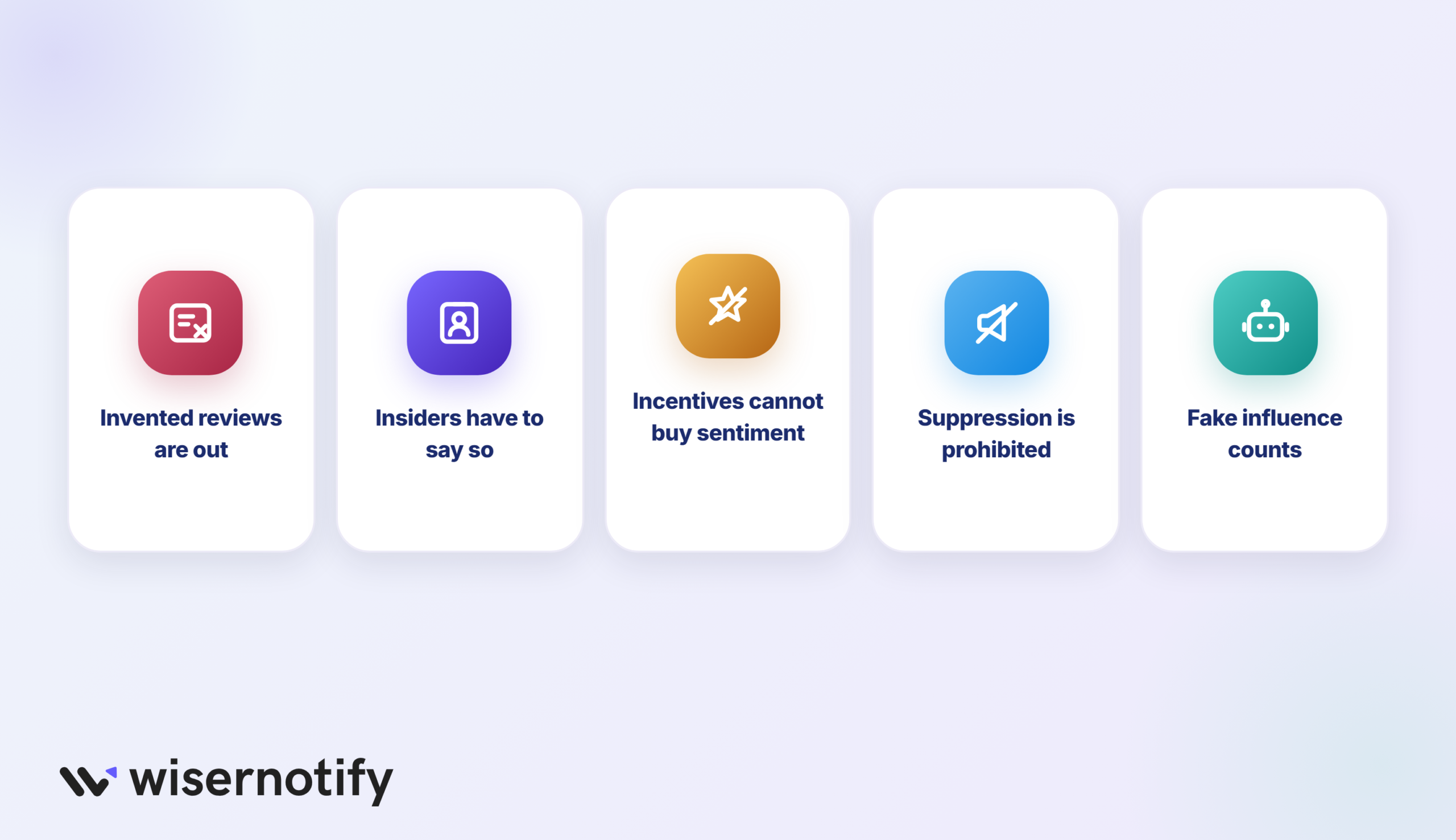
The FTC’s Rule on the Use of Consumer Reviews and Testimonials took effect on 21 October 2024. It applies to anything you put on a landing page, and courts can impose civil penalties for knowing violations.
Five things it covers that affect landing pages directly:
- Invented reviews are out: including reviews from people with no experience of the product and reviews generated by AI. Buying them counts too.
- Insiders have to say so: reviews from employees, founders or family need a clear, visible disclosure, not a footnote.
- Incentives cannot buy sentiment: you may offer something for a review, but not on the condition that it is positive.
- Suppression is prohibited: using threats or false accusations to get a negative review removed counts as deception.
- Fake influence counts: buying or selling fake followers and engagement falls under the same rule.
In practice, every testimonial needs to trace back to a real customer, and live notifications have to fire on real events.
Common Mistakes That Kill Your Social Proof
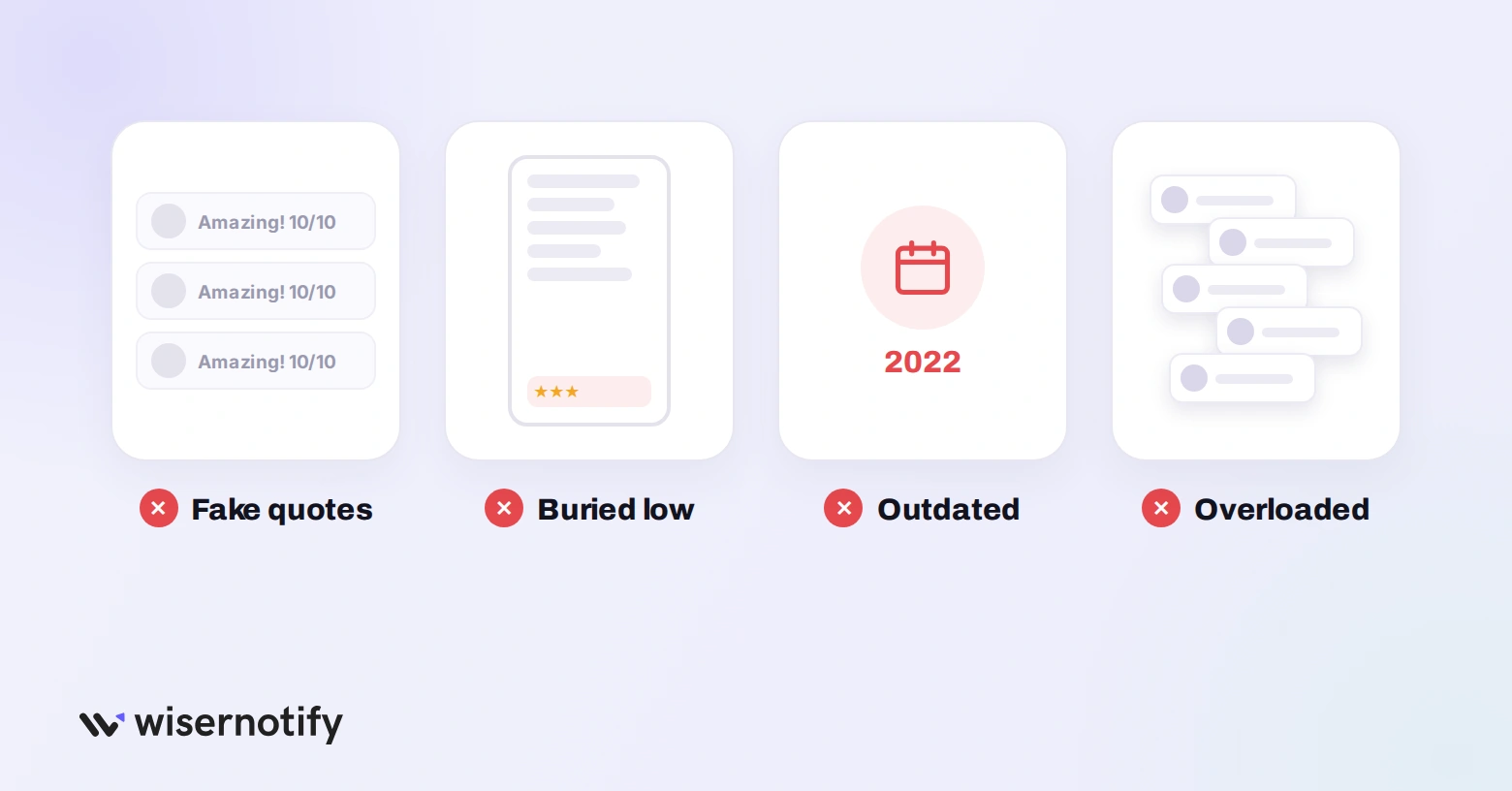
- Testimonials that sound manufactured: if every quote reads like the same copywriter wrote it, with no photo, name or detail, visitors notice. One honest, detailed review beats ten polished ones.
- Proof in the wrong spot: a testimonial carousel at the bottom of a long page is invisible if most visitors never scroll that far.
- Outdated numbers: a “Trusted by 500 customers” badge you outgrew years ago, or a newest testimonial from 2022, makes the page look abandoned.
- Small numbers up front: “Join 12 people who signed up this month” sounds lonely, not popular. Lead with quality until the count is impressive.
- Overloading the page: dozens of quotes, logos, badges and popups at once is noise. Pick three or four types and do them well.
- Ignoring mobile: carousels that break on phones, or popups covering the CTA on small screens, hurt more than they help.
Also check: 12 Best Social Proof Nudge Examples to Boost Conversions
How to Add Live Social Proof Without Coding
Testimonials, logos and ratings are content you place on the page. Live notifications, like recent purchases, visitor counts and new reviews, need data, and that is where WiserNotify comes in.
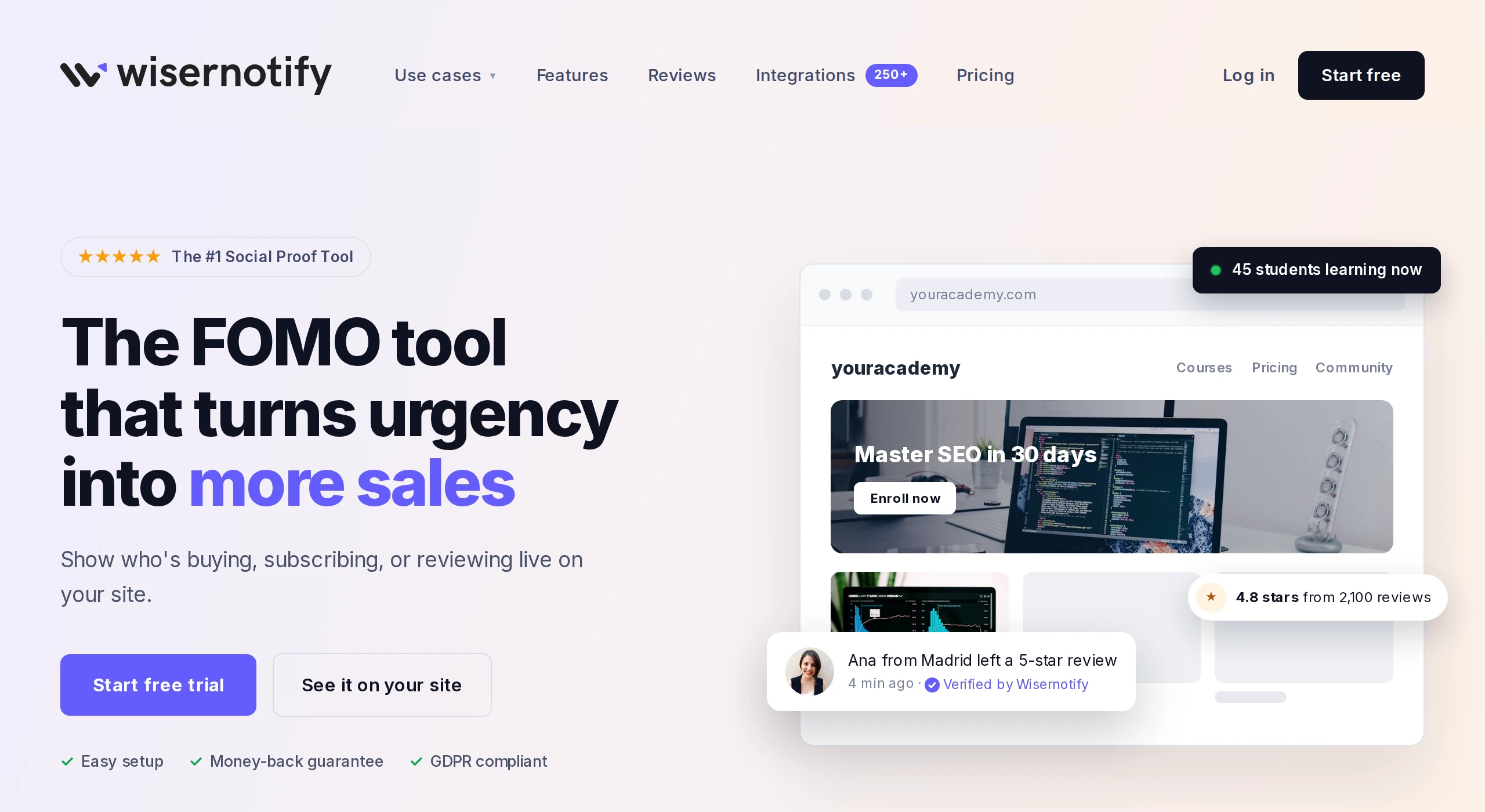
Here is how it works:
- Sign up and add the WiserNotify pixel to your landing page.
- Connect your store, form, review or CRM platform from 250+ integrations, including Shopify, WordPress, Wix and ClickFunnels.
- Pick a notification type, style it and choose which pages it shows on.
Unlike a static testimonial, the notifications update as new orders and reviews come in, so the page always shows recent activity.
If your page gets very little traffic, start with reviews or a customer count instead, since live counters need steady activity to look busy.
How to Measure If Your Social Proof Works
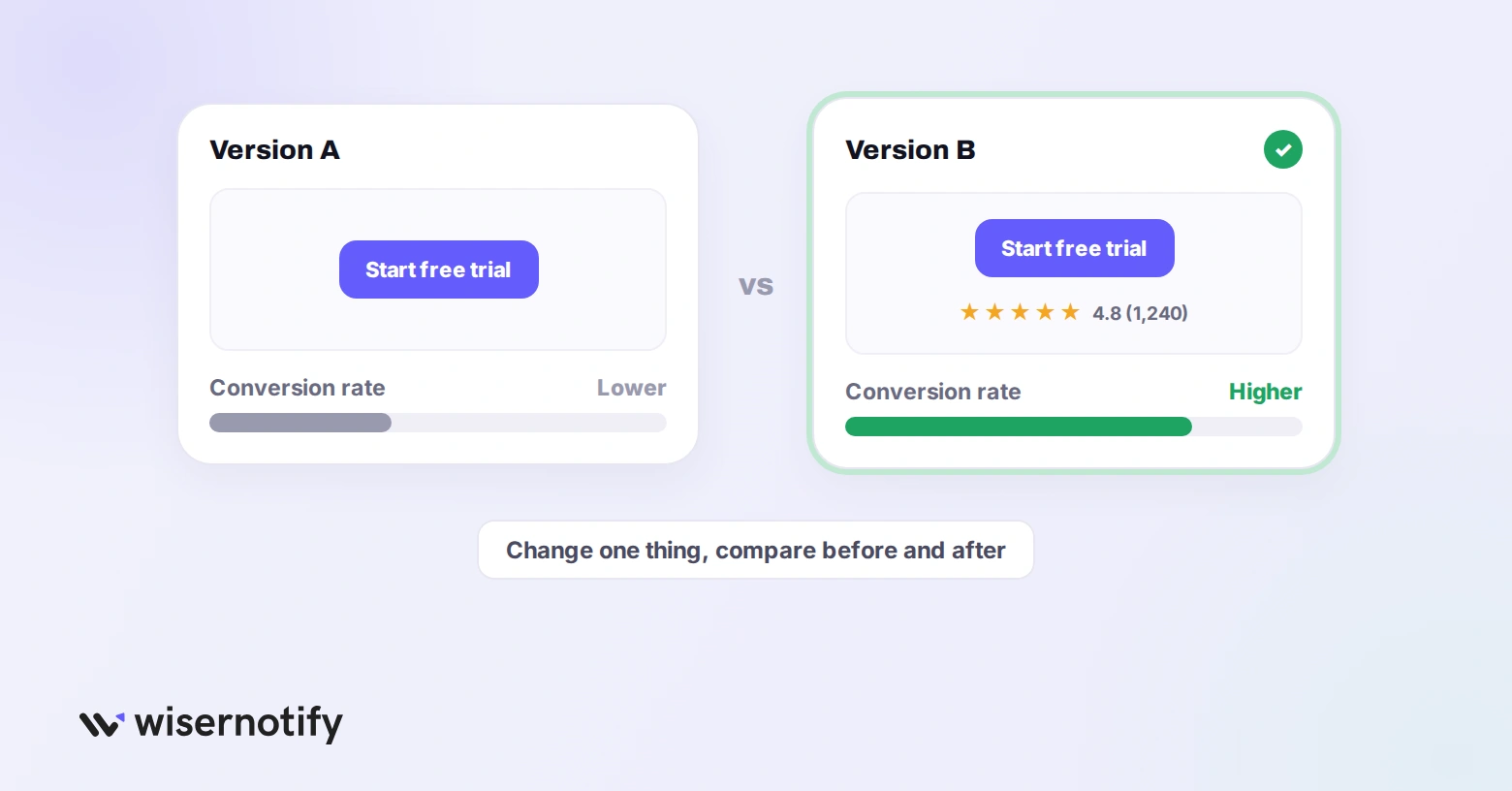
Do not guess. Change one thing, then compare conversion rate before and after.
- Format: text only vs. text with a photo vs. video. Video often converts best, but photos load faster.
- Placement: proof above the fold vs. below it. The answer depends on your audience and how complex the offer is.
- Type of proof: a customer count vs. a specific testimonial. Some audiences respond to scale, others to stories.
- Notification timing: test how often live popups appear. Too often feels spammy, too rarely and nobody sees them.
If you see a lift, keep going. If not, the problem is usually the type or placement, not social proof itself. A clear call to action next to the proof helps too.
Wrap Up
The best landing pages use three or four types of social proof, each placed where the visitor’s doubt shows up. A customer count in the hero, detailed testimonials mid-page, ratings and badges near the button, and live activity throughout.
Start with what you have today, even one strong testimonial, and put it next to your CTA. Try WiserNotify free for 7 days to add live social proof to your landing pages.
Boost Conversion Instantly
Add Social Proof & Urgency to your website
Frequently Asked Questions
How do you use social proof on landing pages?
Pick proof that answers the visitor’s doubt and place it there. Put a customer count in the hero, ratings beside the CTA and case studies after the features.
Where should social proof go on a landing page?
As close to the moment of hesitation as possible, usually right next to the CTA button and near pricing or forms.
What is a social proof section?
A block on a page that groups proof together, such as a logo bar, a testimonial row or a ratings strip.
How do I display social proof on my website?
Add testimonials, logos and ratings as page content, and use a tool like WiserNotify to show live purchase and review notifications.
Can I use incentives to get testimonials?
Yes, as long as you disclose them and do not require the review to be positive.

Krunal Vaghasiya is a marketing tech expert who boosts e-commerce conversion rates with automated social proof and FOMO strategies. He loves to keep posting insightful posts on online marketing software, marketing automations, and improving conversion rates.




 Capterra