
Ecwid Discount Coupons: Create and Show Offers (2026)
An Ecwid coupon does nothing until shoppers know it exists. You create the code under Marketing → Discount Coupons, then show it on the store so people see it before they reach the cart.
This guide covers both halves. The coupon lives in Ecwid. The display side uses a WiserNotify offer widget, a small panel that lists your current deals on the pages you pick.
If your store runs somewhere else, the guide to display offers on your website covers other platforms.
Create the Coupon in Ecwid First
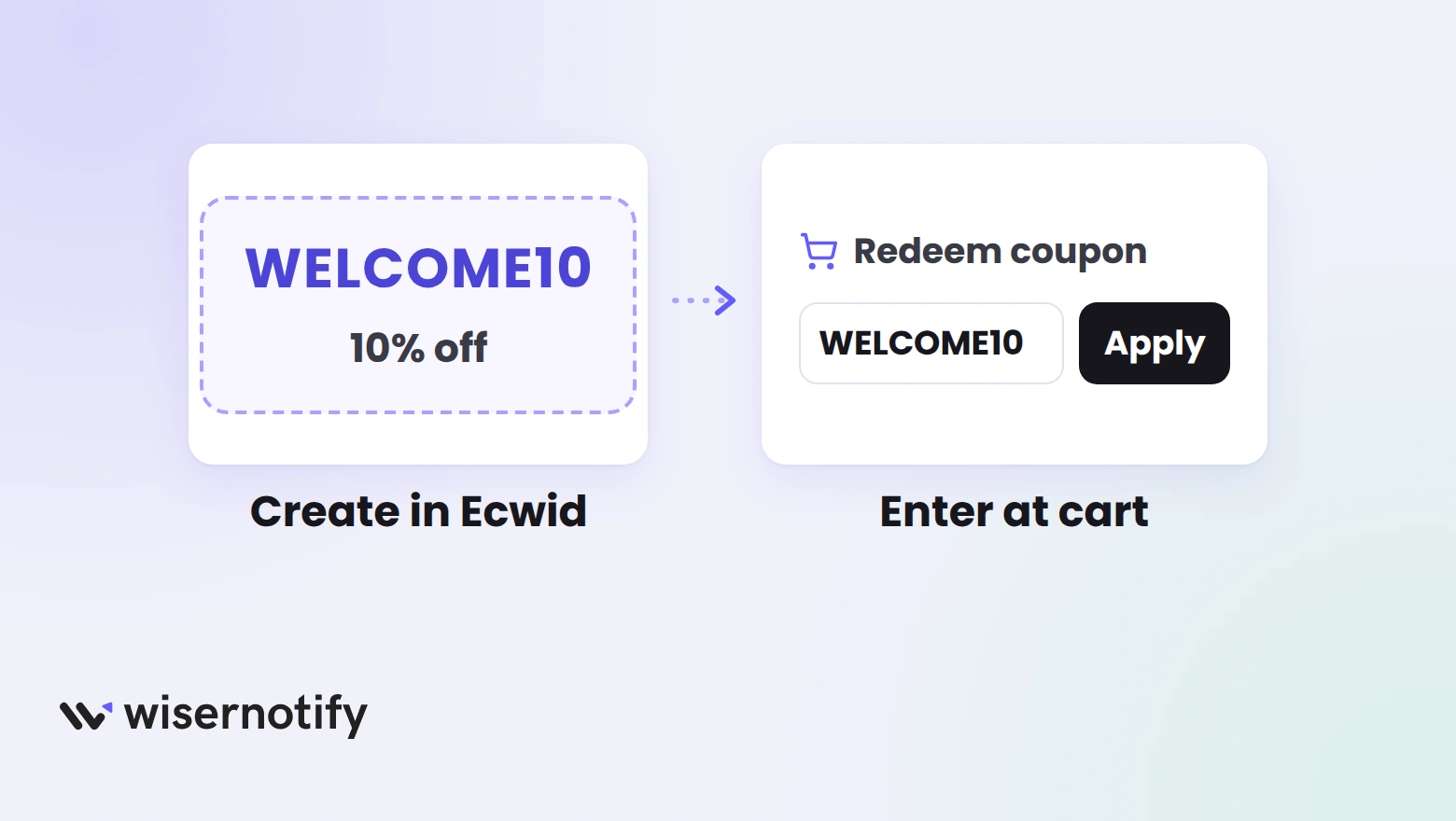
The widget shows the offer, but the discount itself is set up in Ecwid. Do this part before you build anything else.
- In your Ecwid admin, go to Marketing → Discount Coupons.
- Click Add New Coupon and enter a name and a code shoppers can type easily, such as WELCOME10.
- Pick the discount type: a percentage, a fixed amount, free shipping, or a discount plus free shipping.
- Set an end date and any usage limits.
- Restrict the coupon to certain products or categories if the deal isn’t storewide, then save it.
Shoppers enter the code on the cart page through the Redeem your coupon link, and Ecwid accepts one coupon per order. Write your offer text with both in mind.
How to Show the Offer on Your Ecwid Store
The display side has two parts. You add the WiserNotify pixel to Ecwid once, then build a Latest Offers widget that lists your deals.
Have these ready.
- An Ecwid store on Instant Site. If your store is embedded in WordPress, Wix or another site, add the pixel to that site instead.
- The coupon code from the section above.
- A WiserNotify account. Every plan opens with a 7-day free trial.
The video shows the widget setup from start to finish. It calls the widget Multiple offers, which the dashboard now lists as Latest Offers.
The written steps are in the Ecwid pixel guide and the Latest Offers widget doc.
Step 1: Copy the Pixel Code

- Sign in to WiserNotify and open the Install Pixel page.
- Click Copy Code.
Step 2: Open Ecwid’s SEO Settings
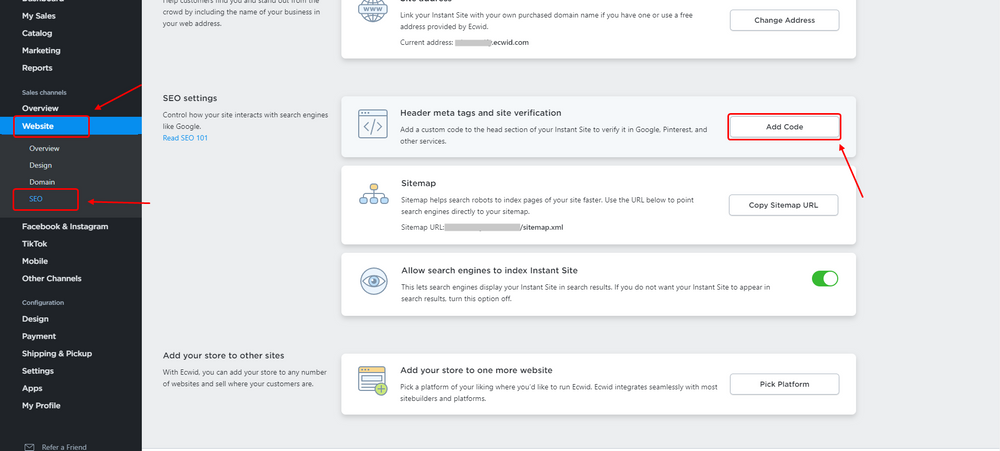
- In your Ecwid admin, go to Website, then SEO.
- Find Header meta tags and site verification.
- Click Add Code.
Step 3: Paste the Pixel and Save

- Paste the WiserNotify code into the box.
- Click Save.
Step 4: Verify the Pixel

- Open your Ecwid store once so the script loads.
- Back in WiserNotify, click Verify pixel installation.
- Look for the message saying your pixel code was detected.
Step 5: Open the Widgets Page
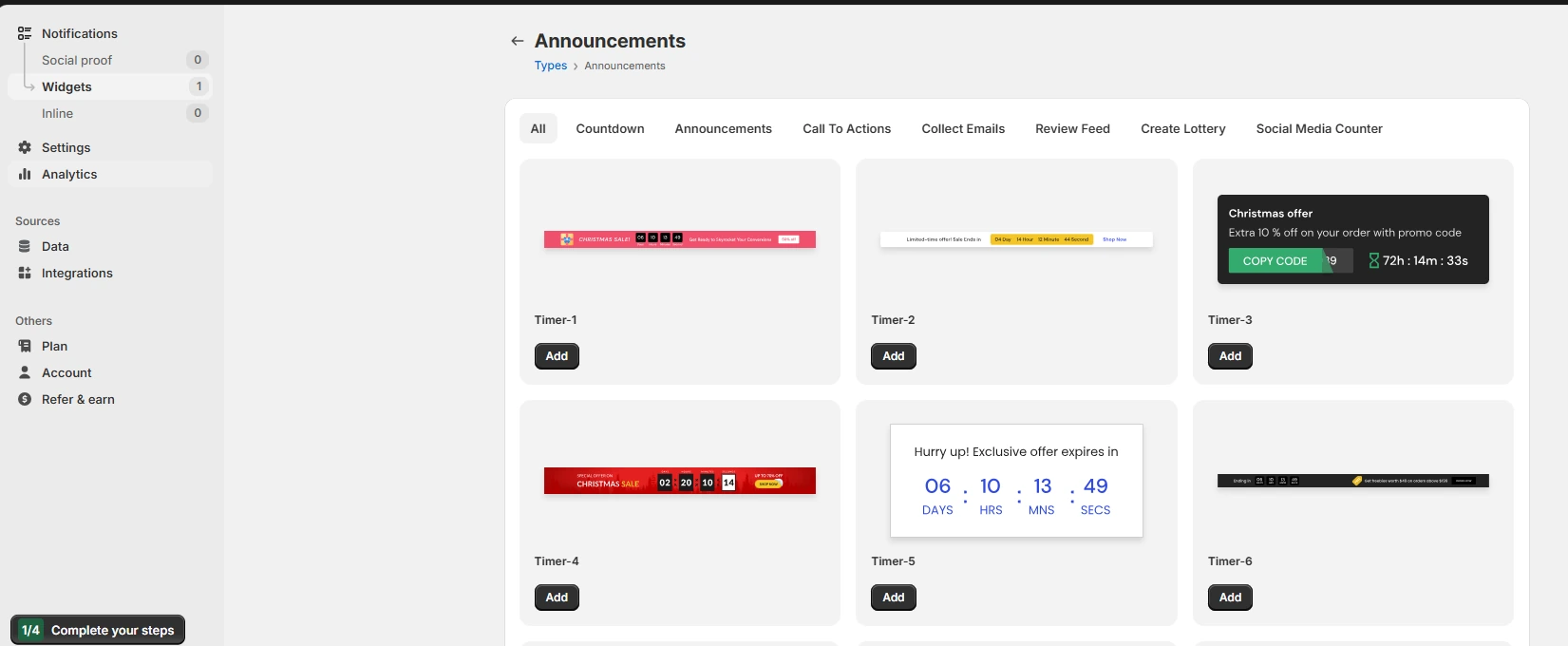
- Go to Notifications > Widgets.
- Click Add notification to see the widget types.
Step 6: Choose Latest Offers
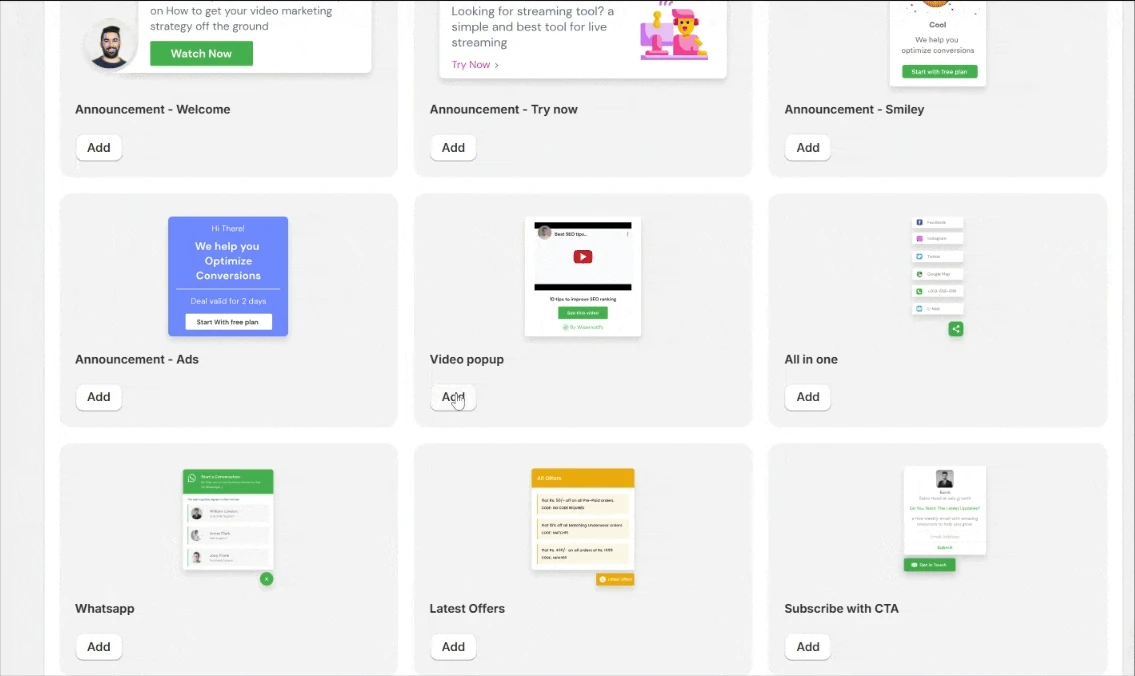
- Scroll the template list to Latest Offers and click Add.
- Name the widget, enter your store address, then click Create & customize.
Step 7: Add Your Offers

- In Add list, give each offer a title and a short description that includes the code, such as “10% off your first order” and “Use WELCOME10 in your cart.”
- Delete the sample offers you don’t need, or click Add item for more.
- In Text editor, set the panel heading, such as All offers.
- In Click actions, set the button text and link it to the products the coupon covers.
- In Timing control, set the expiry date to the coupon’s end date.
Step 8: Pick Pages and Publish

- Open the Display tab.
- Show the widget on all pages, or add URL conditions for the product and category pages the coupon covers.
- Use Advanced targeting options for UTM, referrer or returning visitor rules.
- Click Publish, then open your store in a private window to check the panel.
Build trust & FOMO
Highlight real-time activities like reviews, sales & sign-ups.

Ecwid Offer Ideas That Fit the Widget
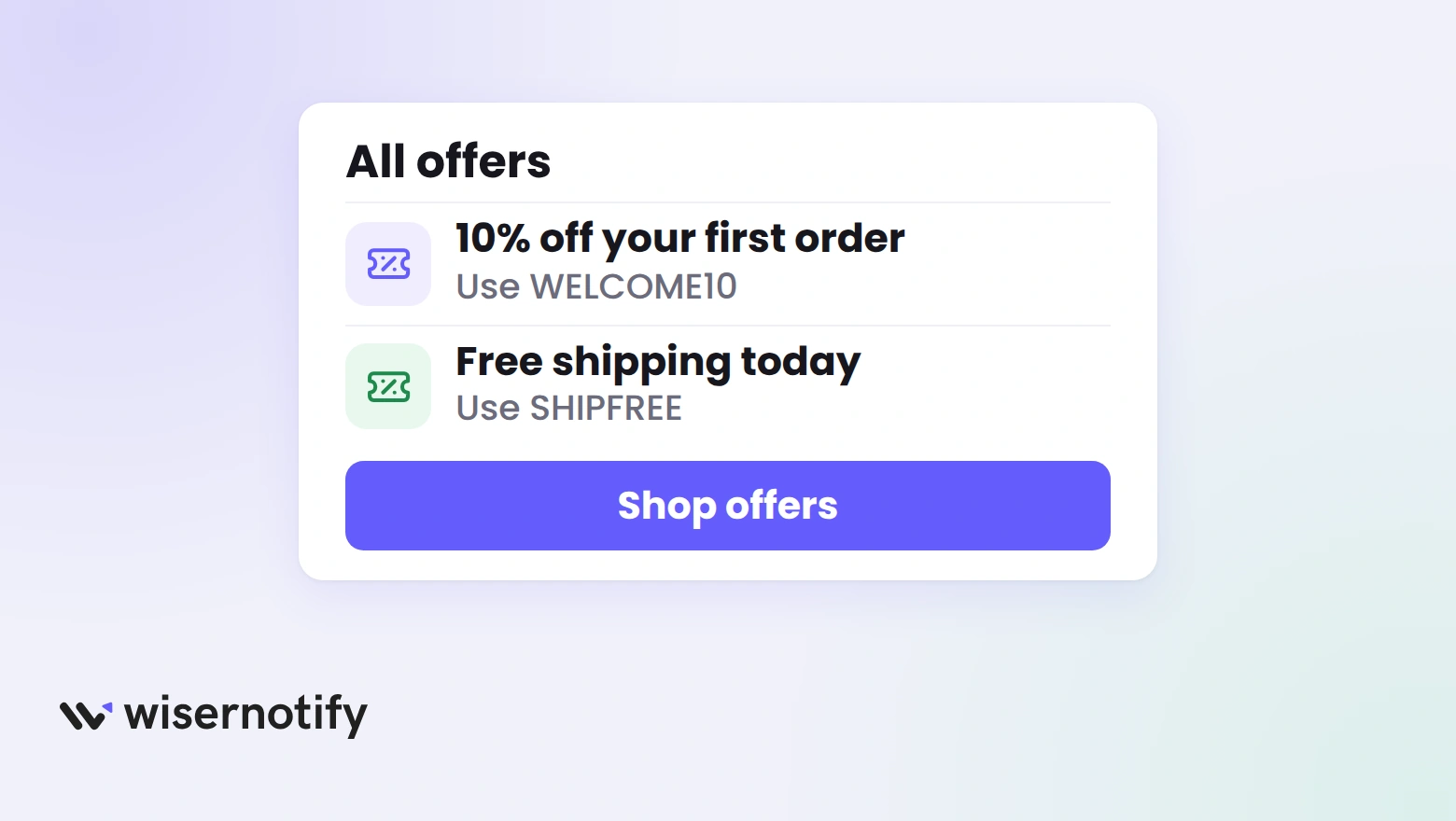
Each offer in the panel should match one coupon in Ecwid. These pairings cover most stores.
| Offer | Ecwid coupon setting | Widget text |
|---|---|---|
| First-order discount | Percentage discount | “10% off your first order with WELCOME10” |
| Free shipping | Free shipping type | “Free shipping today with SHIPFREE” |
| Category sale | Discount restricted to one category | “20% off all candles with GLOW20” |
| Fixed savings | Fixed amount discount | “$15 off your order with SAVE15” |
| Short sale | Any type with an end date | “Weekend sale, 25% off until Sunday” |
Say exactly what the code covers. “20% off everything” and “20% off candles” are different promises, and a shopper who finds out at the cart won’t trust the next offer.
For deals built on product sets rather than codes, these product bundling examples show other formats.
Where to Show Offers on Ecwid
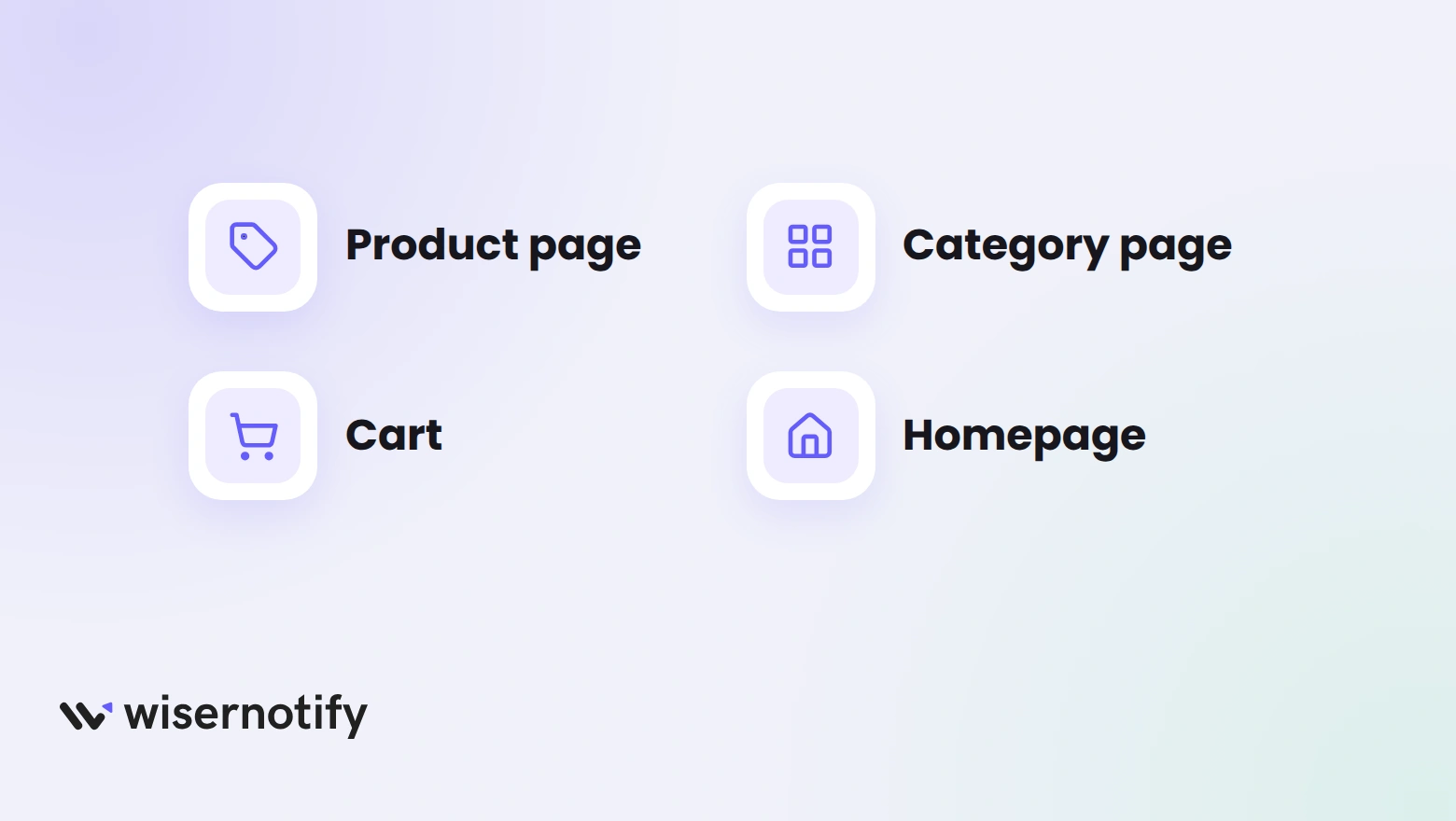
Put the offer on the page where the shopper is deciding, and only where the coupon applies.
- Product pages: the code sits next to the buying decision.
- Category pages: a category-only coupon should show only on that category’s URL.
- Cart page: a reminder of the code right where the Redeem your coupon link is.
- Homepage: storewide sales only, so nobody expects a discount that won’t apply.
A sale with an end date lands harder when shoppers can see the clock. Add a countdown timer to Ecwid for the same dates.

For shoppers who are about to leave, an exit popup in Ecwid can carry the same code one last time.
Build urgency
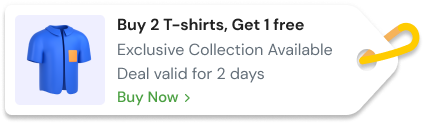
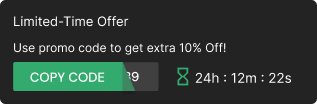
Add floating offers with countdown timer & coupon code.
Offer Widget Not Showing on Ecwid?
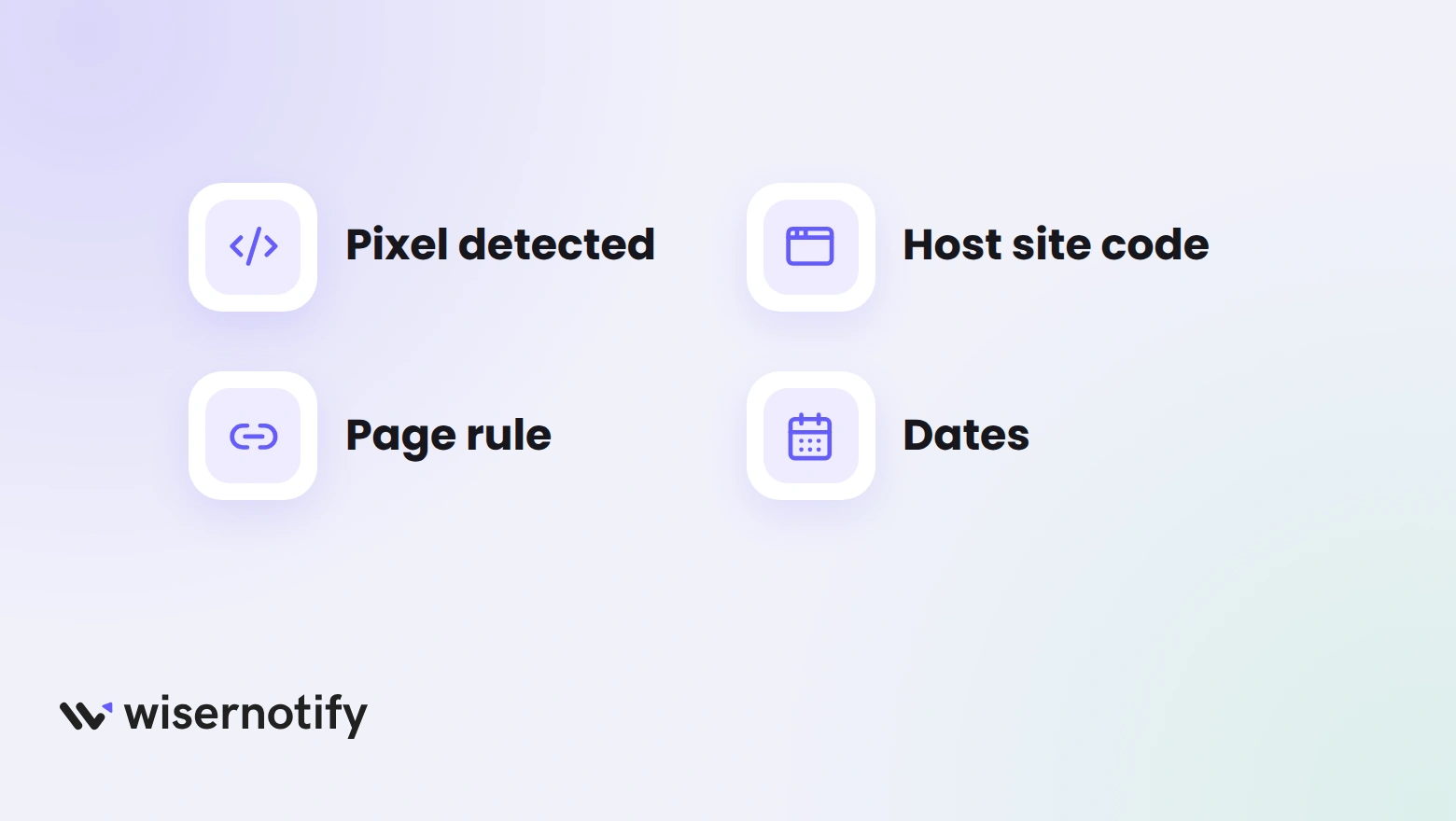
When the offer panel doesn’t appear on Ecwid, the cause is usually the pixel, a page rule or the widget’s dates. Check these in order.
- Pixel not detected: confirm the code saved under Website, then SEO, reload the store, and verify again.
- Embedded store: if Ecwid runs inside another site, the pixel has to be in that site’s head code.
- Page rule: a URL condition that doesn’t match hides the panel. Switch to All pages to test.
- Dates: an expiry date in the past, or a day not ticked in the schedule, keeps it hidden.
- Cache: test in a private window.
Still nothing? Run the troubleshoot option on the widget list page, then ask live chat to check your store.
Ecwid Offer Mistakes to Avoid
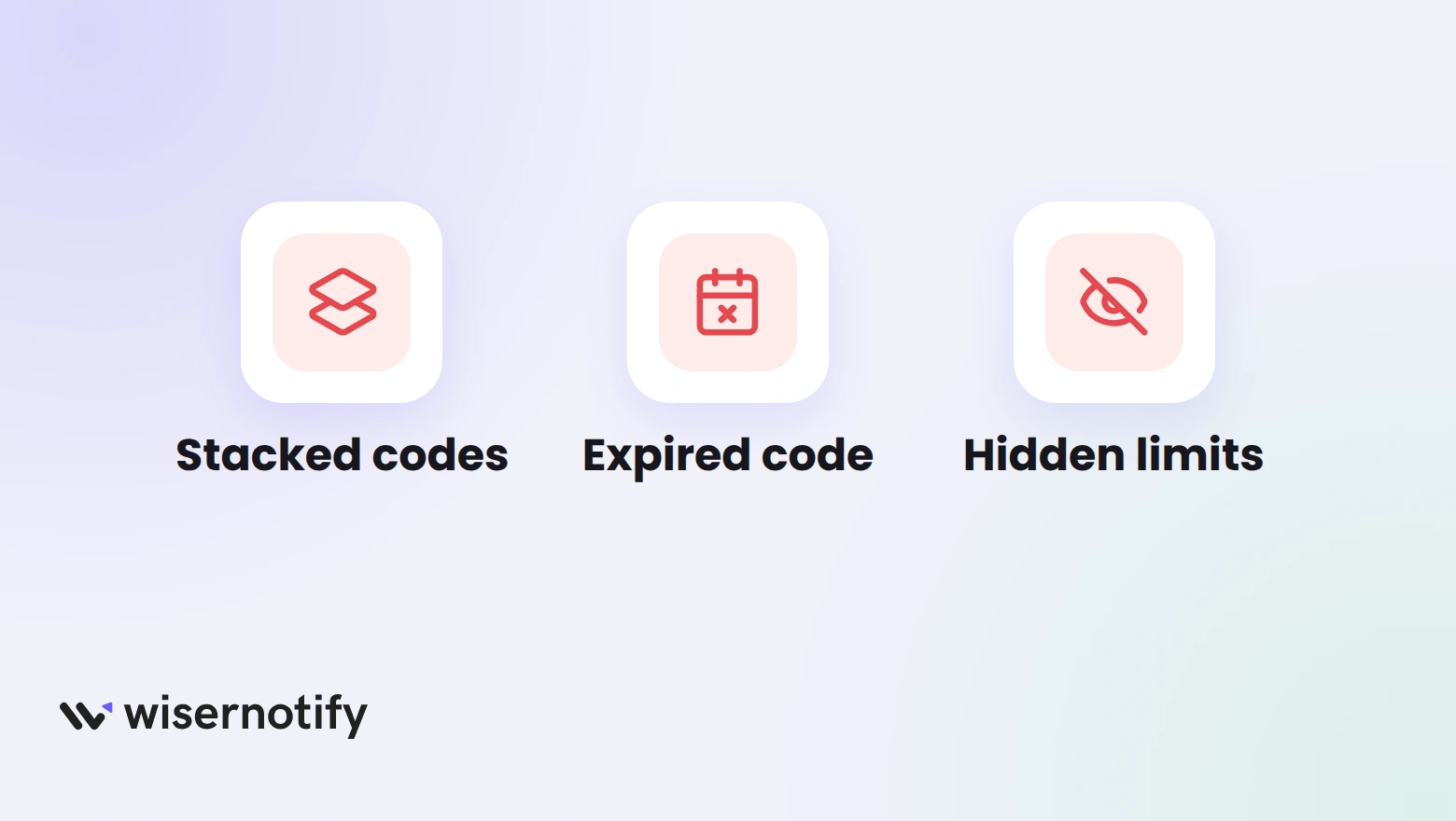
- Hinting that codes stack: Ecwid takes one coupon per order, so don’t list offers that only work together.
- A panel that outlives the coupon: an expired code in the widget feels like bait. Match the widget’s expiry date to the coupon’s.
- Untested codes: type the code into your own cart once before you publish.
- Hidden restrictions: if the coupon only covers one category, say so in the offer text.
- A crowded list: two or three offers are easy to scan. Ten look like noise.
Offers convert better next to proof that others are buying. A sales notification popup on Ecwid shows recent orders on the same pages.

Boost Conversion Instantly
Add Social Proof & Urgency to your website
Wrap Up
The coupon is the easy part. Getting shoppers to see it at the right moment is what turns a code into orders.
Set the coupon up in Ecwid, show it where it applies, and take it down the day it ends.
Related Post
Frequently Asked Questions
How do I create a coupon code in Ecwid?
Go to Marketing → Discount Coupons, click Add New Coupon, then set the code, discount type and end date before saving.
Can shoppers use more than one coupon in Ecwid?
No. Ecwid accepts one coupon per order, so each offer should work on its own.
Where do customers enter an Ecwid coupon code?
On the cart page, through the Redeem your coupon link.
How do I show an Ecwid coupon on my store?
Add the WiserNotify pixel under Website, then SEO, and create a Latest Offers widget with the code in the offer text.
Can the offer widget switch off when the coupon ends?
Yes. Set the same expiry date in the widget’s Timing control.
Does this work if my Ecwid store is embedded in another site?
Yes. Put the pixel in the host site’s head code instead of Ecwid’s SEO settings.

Krunal Vaghasiya is a marketing tech expert who boosts e-commerce conversion rates with automated social proof and FOMO strategies. He loves to keep posting insightful posts on online marketing software, marketing automations, and improving conversion rates.




 Capterra