
Yelp Reviews on Squarespace: Widget Setup (2026)

Yelp reviews on your Squarespace site show visitors that real customers rate you well. WiserNotify connects to your Yelp business and displays the reviews as a notification on the pages you choose, without code.
You paste one pixel into Squarespace Code Injection, connect Yelp with your business ID, and publish. Every step has a screenshot.
The 7-day free trial gives you time to see the reviews live before you pay.
How to Add Yelp Reviews to Squarespace
The video below shows how the review notification widget is built. The steps after it cover the Squarespace and Yelp parts, and the Squarespace guide has the full detail on the pixel install.
Step 1: Copy Your Pixel Code
- Sign up for WiserNotify and start the 7-day free trial, or log in if you already have an account.
- Open the Install Pixel page.
- Click Copy Code.

Step 2: Open Squarespace Settings
- Log in to Squarespace and edit your site.
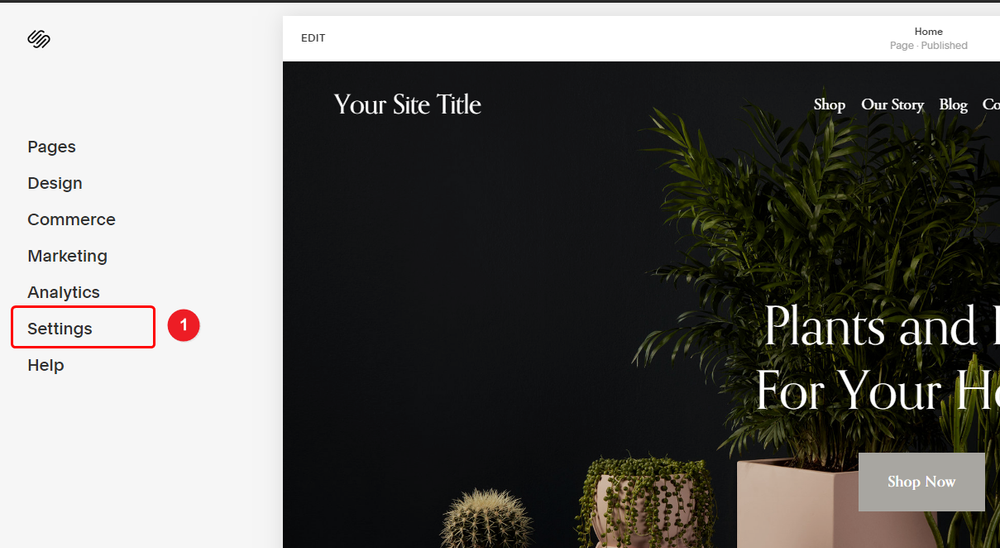
- Click Settings in the left sidebar.
Step 3: Open Code Injection
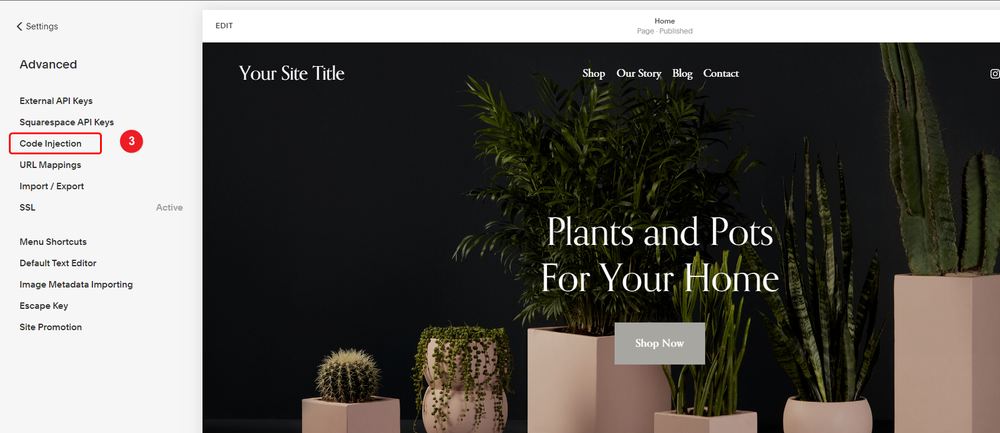
- Click Advanced in the Settings menu.
- Click Code injection.
Step 4: Paste the Pixel and Save
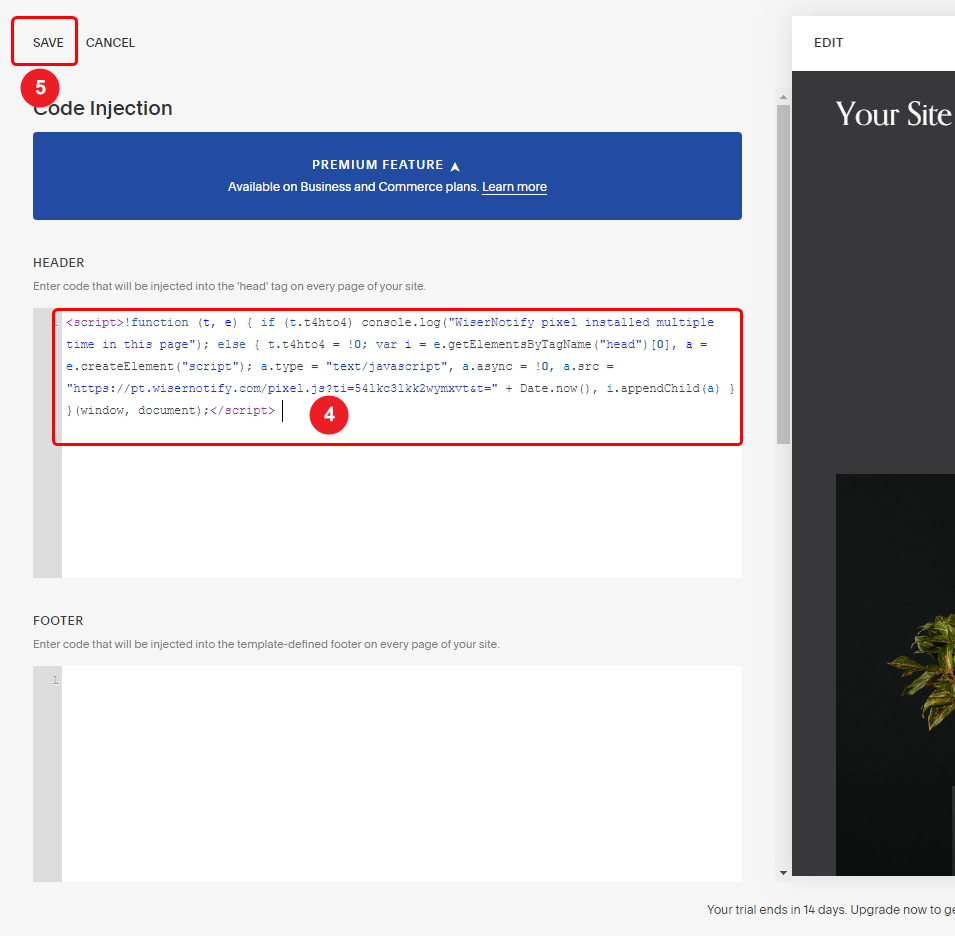
- Paste your pixel code into the Header box.
- Click Save in the top left corner.
Step 5: Verify the Install
- Reload your Squarespace site once.
- Go back to the WiserNotify Install Pixel page and click Verify pixel installation.
- A “Pixel Active” message means the pixel is working.

Step 6: Get Your Yelp Business ID
- In WiserNotify, go to Integrations and open Yelp.
- Click Integrate.
- Open your business page on Yelp and copy the ID at the end of the page URL.

Step 7: Connect Yelp to WiserNotify
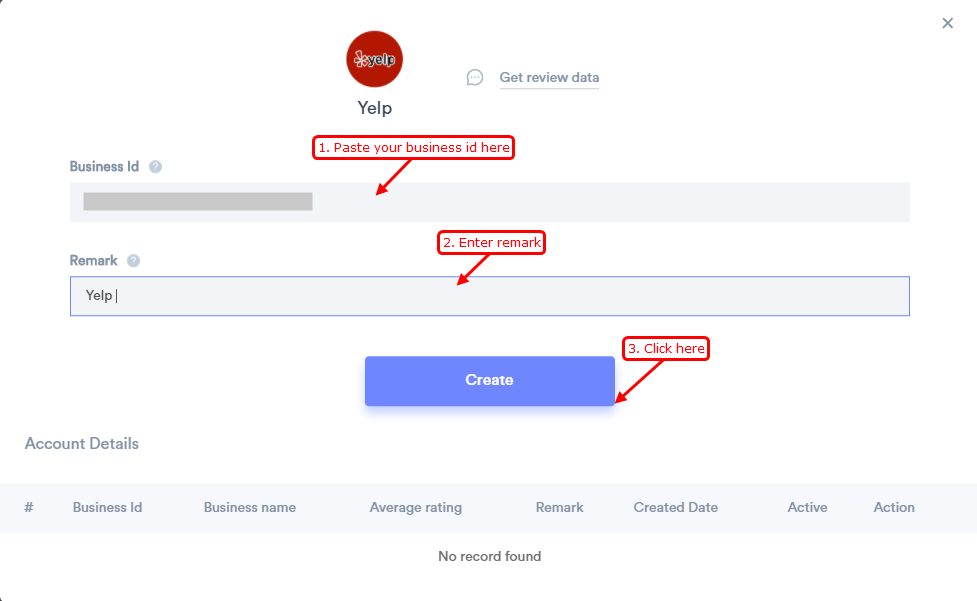
- Paste your business ID.
- Enter a remark, such as Yelp.
- Click Create.
- WiserNotify pulls your last 3 reviews, then adds new ones every day.
Step 8: Create the Review Notification
- Open Social Proof and pick Review.
- Click Add, enter a name and your Squarespace site URL, then click Create and Customize.
- In the Design tab, set the text, position, and style.
- In the Data source tab, select your Yelp connection.

Step 9: Set Display and Publish
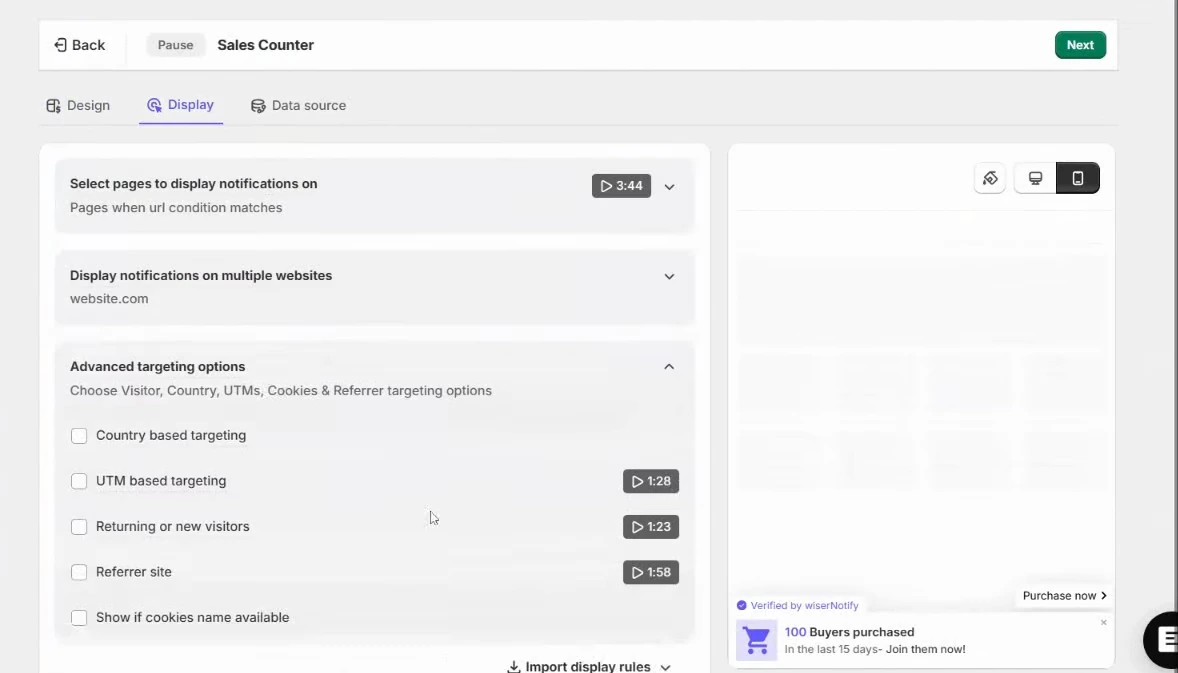
- In the Display tab, pick all pages or only pages whose URL matches a rule, such as your homepage or services page.
- Set how long the notification waits before it appears.
- Click Save, then Publish.
Step 10: Check It Live
- Open your Squarespace site in a private window.
- Wait a few seconds for the Yelp review to appear.

Pasted Review vs WiserNotify
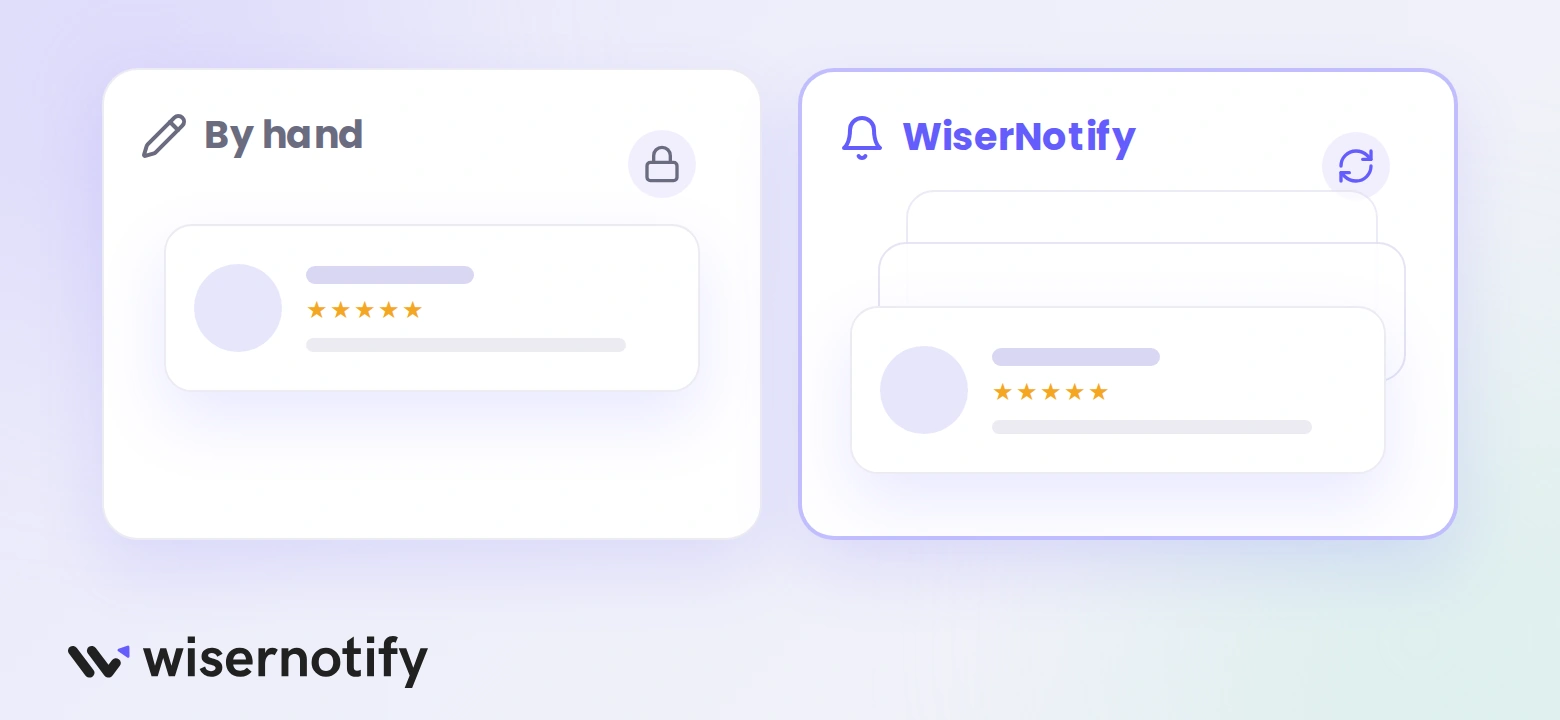
| Feature | Pasting a review by hand | WiserNotify |
|---|---|---|
| Updates | Stays the same until you change it | Adds your newest Yelp reviews every day |
| Reviews shown | One review at a time, picked by hand | Your connected Yelp reviews, filtered how you choose |
| Styling | Fixed look | Design tab for text, position, and style |
Code Injection or a Code Block on Squarespace
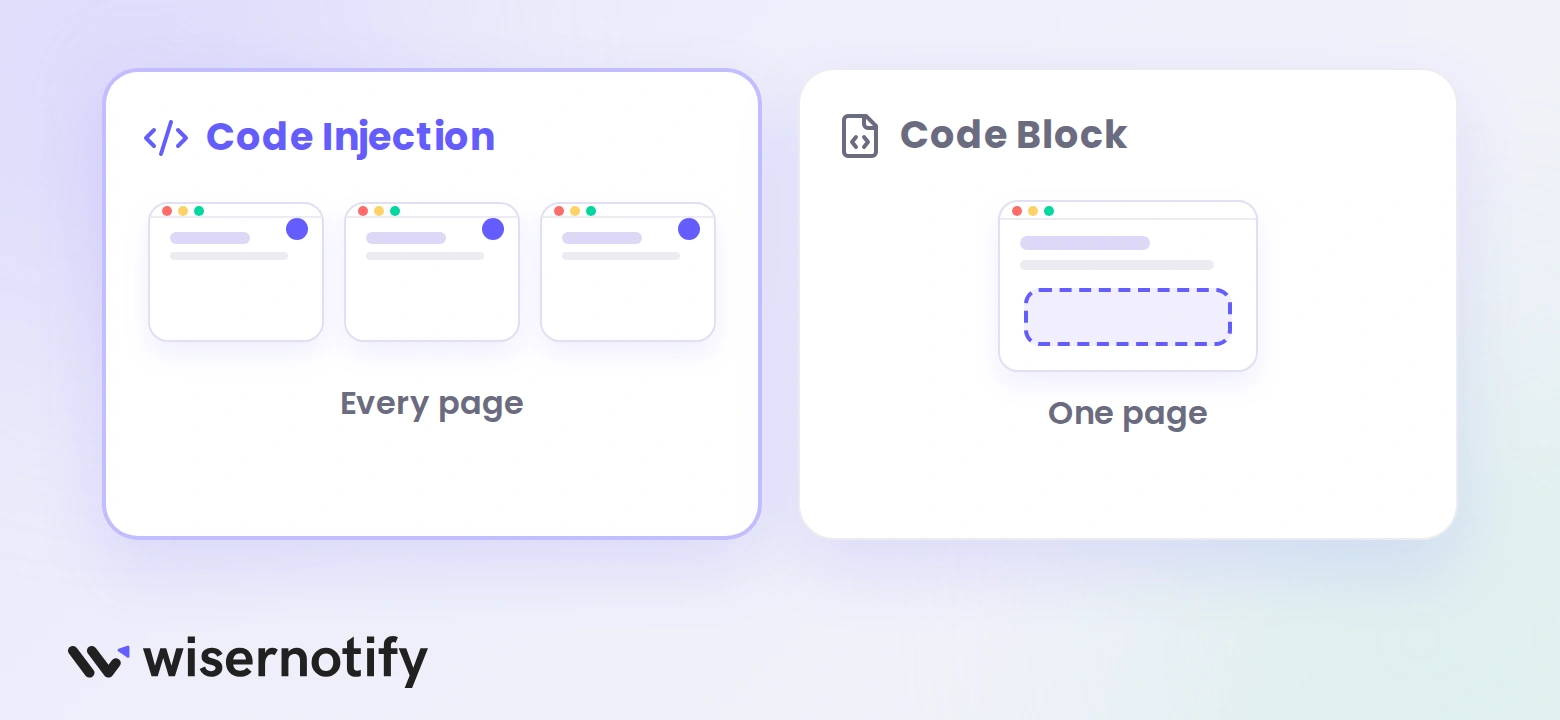
The pixel goes in Code Injection, which loads it on every page. The Display tab then decides which pages show the notification.
- Code Injection: use it for the pixel, and for the site-wide notification this guide builds.
- Code Block: use it only if you place widget code on one page. Set the block to HTML mode, because CSS or JavaScript mode shows the code as text.
- Plan: Code Injection and JavaScript in a Code Block need the Core plan or higher, or a legacy Business or Commerce plan.
Review Notification or Review Feed
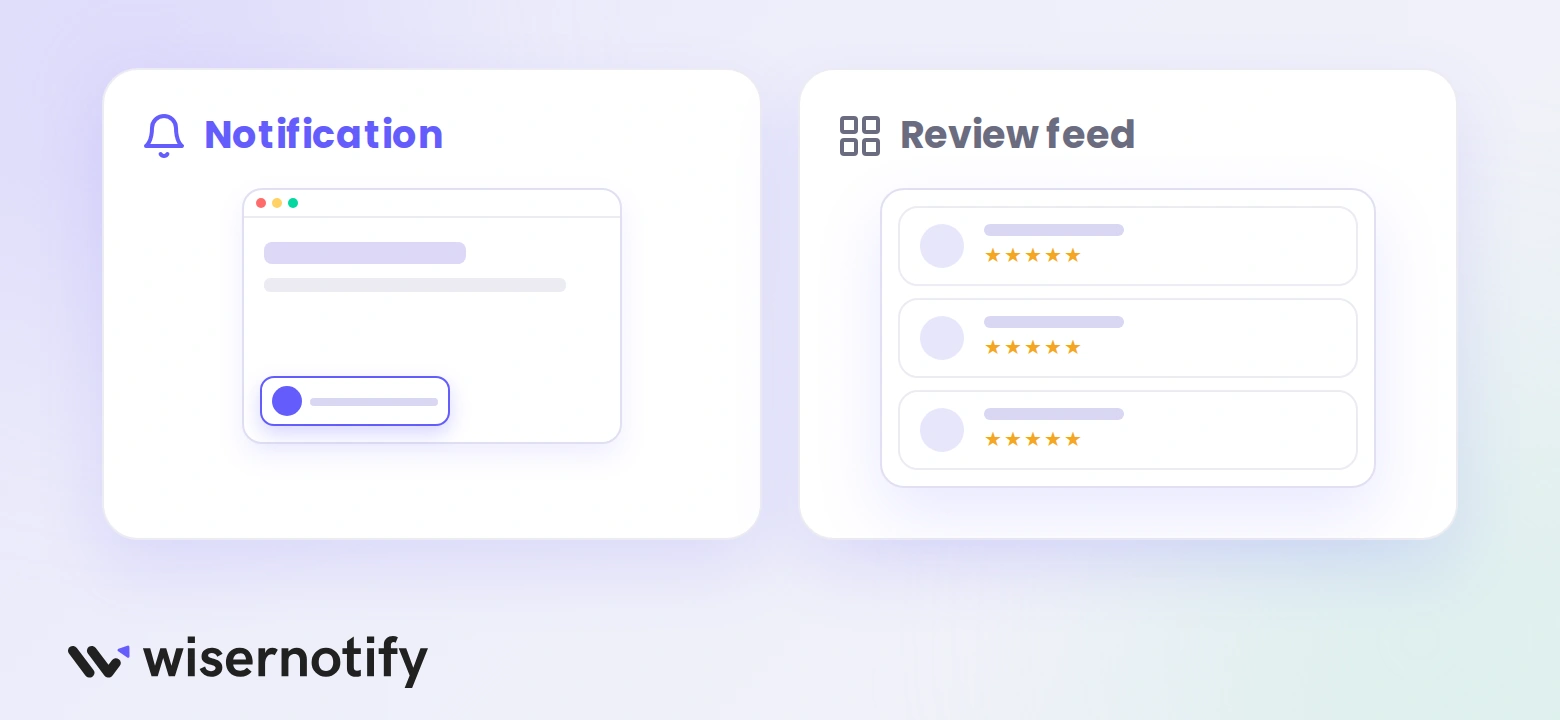
A review notification shows one Yelp review at a time as a small popup. A review feed is a widget that lists several reviews at once. Both use your Yelp connection as the data source.
For the feed, open Social Proof, pick Review Feed, and follow the review feed guide.
Where to Show Your Yelp Reviews
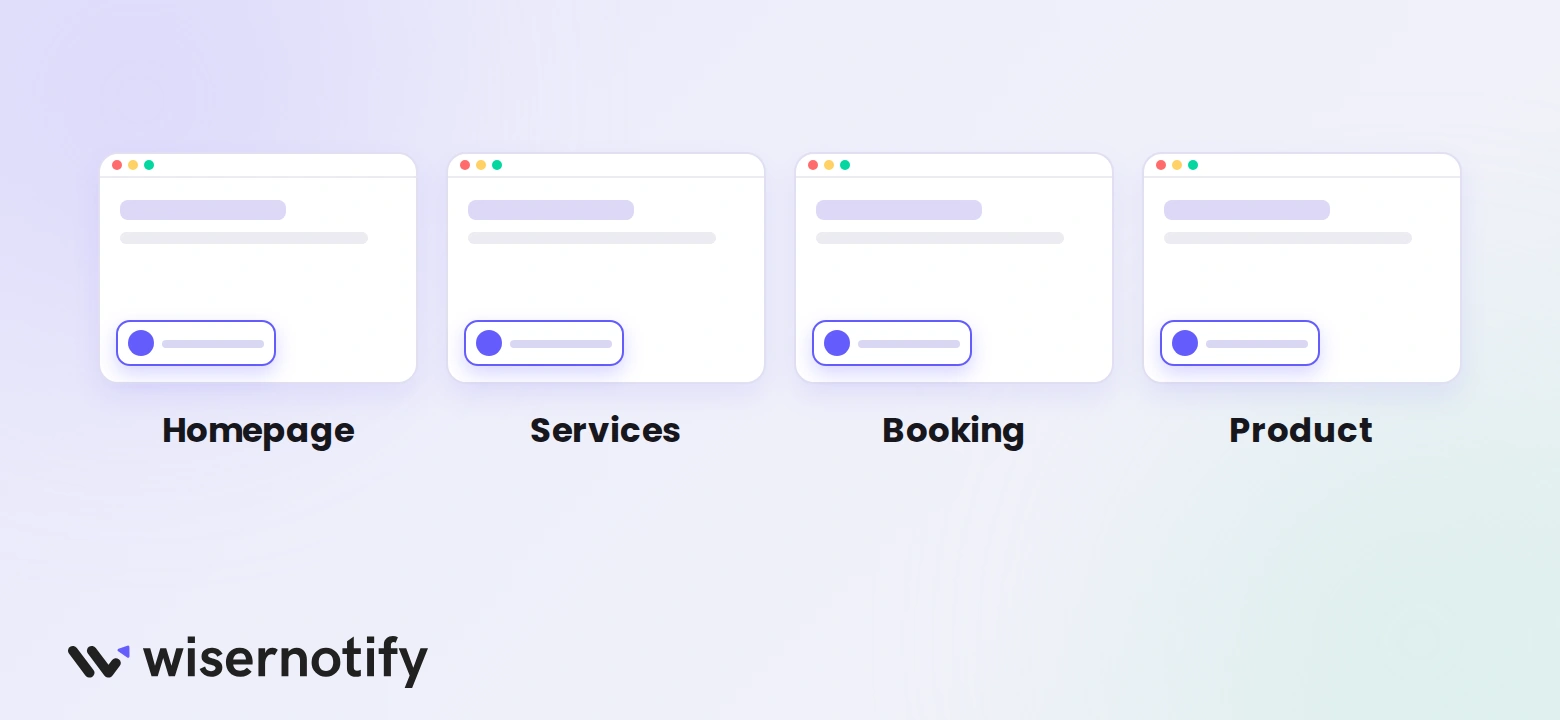
- Your homepage, so new visitors see proof first.
- Service or pricing pages, where people decide.
- Your booking or contact page, next to the form.
- Product pages, if you sell online.
Build trust & FOMO
Highlight real-time activities like reviews, sales & sign-ups.

Yelp Reviews Not Showing on Squarespace?
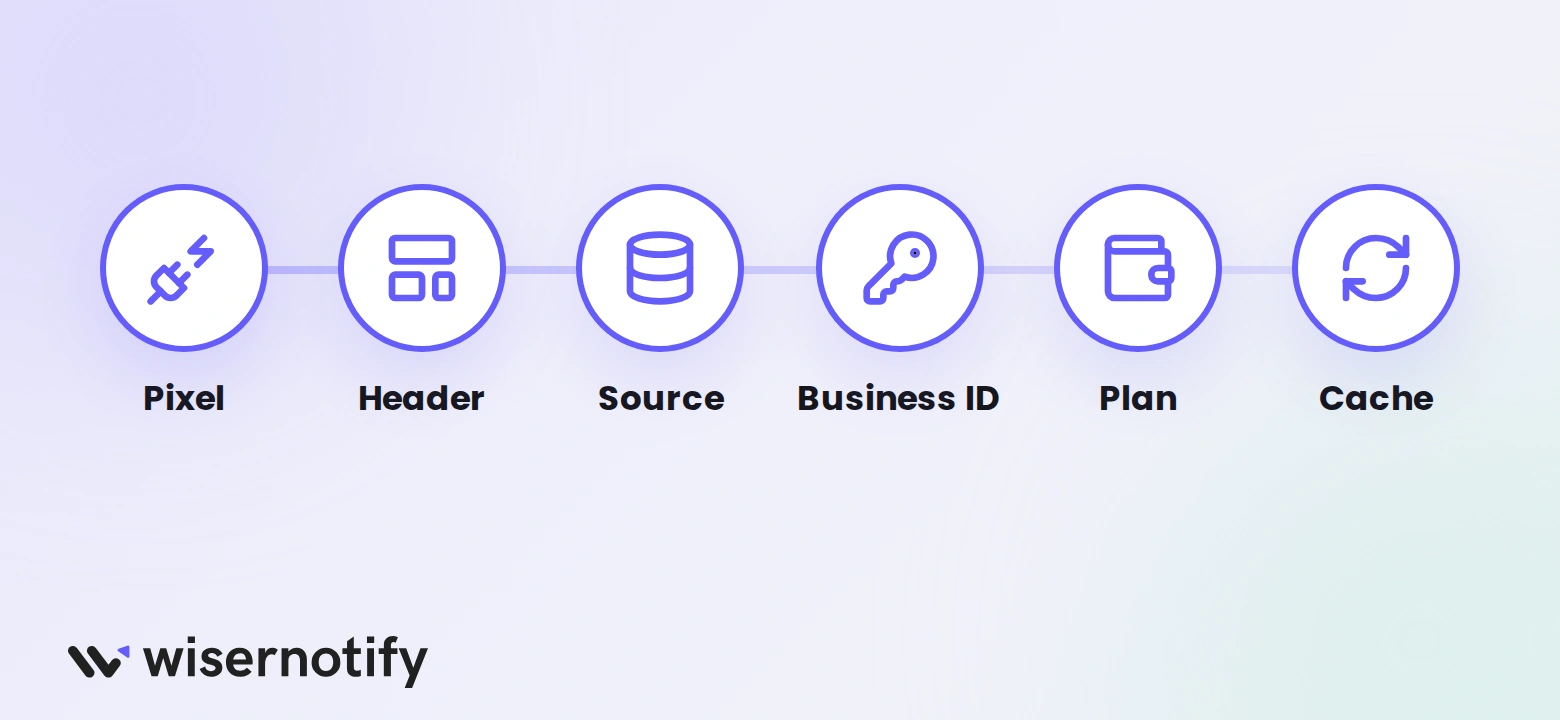
- Pixel not active: reload your site, then click Verify pixel installation again.
- Wrong box: the pixel goes in the Header box of Code Injection.
- No data source: select your Yelp connection in the notification’s Data source tab.
- Wrong business ID: copy the ID from the end of your Yelp business page URL, with nothing extra.
- Plan: Code Injection needs a Squarespace plan that allows custom code.
- Cache: check your site in a private window after any change.
Need a hand? See the Yelp connection guide or ask live chat.
Common Mistakes to Avoid
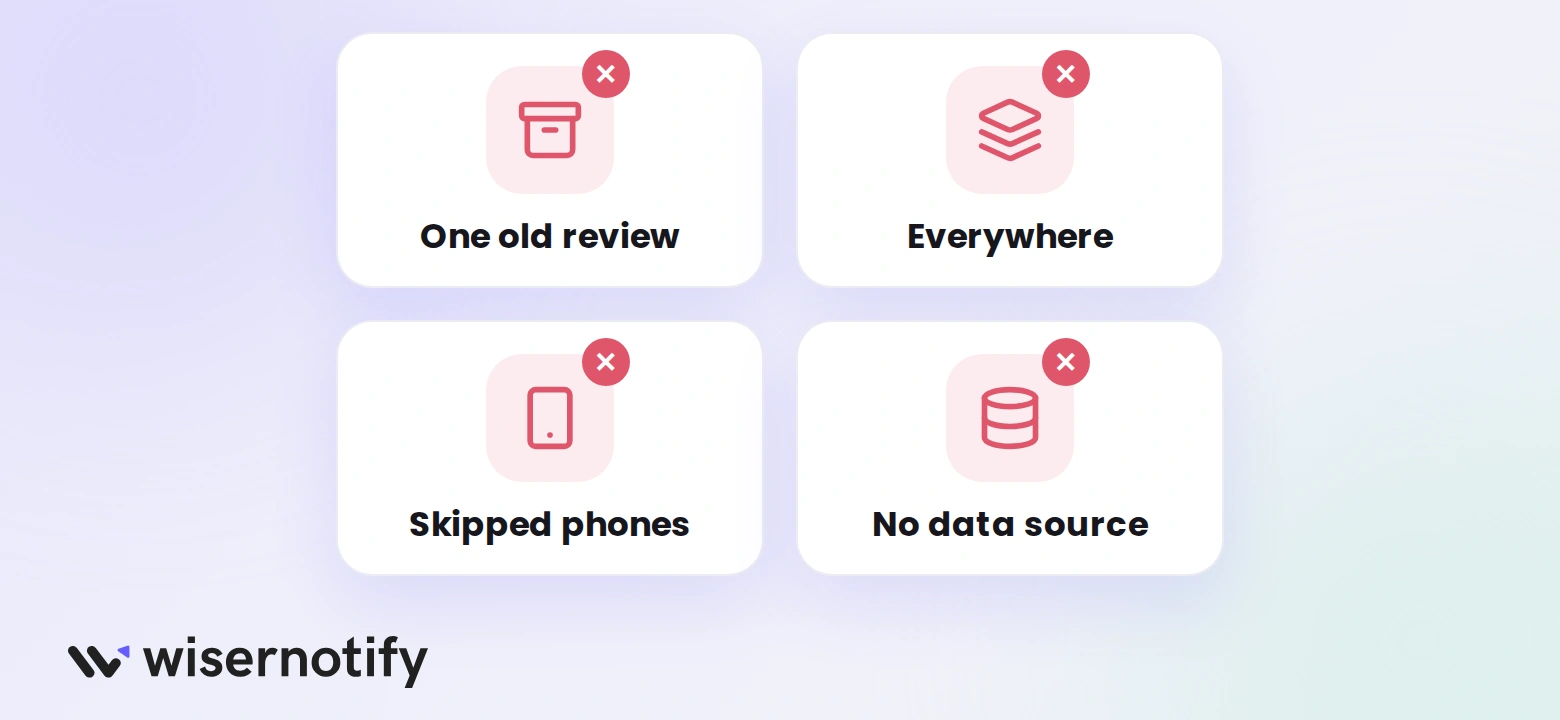
- Showing one old review: connect Yelp so new reviews appear on their own.
- Putting the notification everywhere: pick pages where a visitor is deciding.
- Skipping phones: check the notification on a small screen.
- Forgetting the data source: a notification with no Yelp source stays empty.
Wrap Up
Yelp reviews help visitors trust you before they contact you. Connect your Yelp business once, and new reviews reach your Squarespace site on their own.
Set your display pages, publish, and check the result in a private window.
Related Posts:
Frequently Asked Questions
How do I add Yelp reviews to Squarespace?
Install the WiserNotify pixel in Code Injection, connect Yelp with your business ID, then create and publish a review notification.
Where do I find my Yelp business ID?
It is the last part of your Yelp business page URL. Copy it with nothing extra.
Will new Yelp reviews show up automatically?
Yes. WiserNotify pulls your last 3 reviews first, then adds newly available reviews every day.
Do I need a paid Squarespace plan?
Code Injection needs a plan that allows custom code, such as Core or higher, or a legacy Business or Commerce plan.
Can I show Yelp reviews on only one page?
Yes. In the Display tab, choose pages where the URL matches your rule.

Krunal Vaghasiya is a marketing tech expert who boosts e-commerce conversion rates with automated social proof and FOMO strategies. He loves to keep posting insightful posts on online marketing software, marketing automations, and improving conversion rates.




 Capterra