
Review Analysis: How to Analyze Customer Reviews (2026)
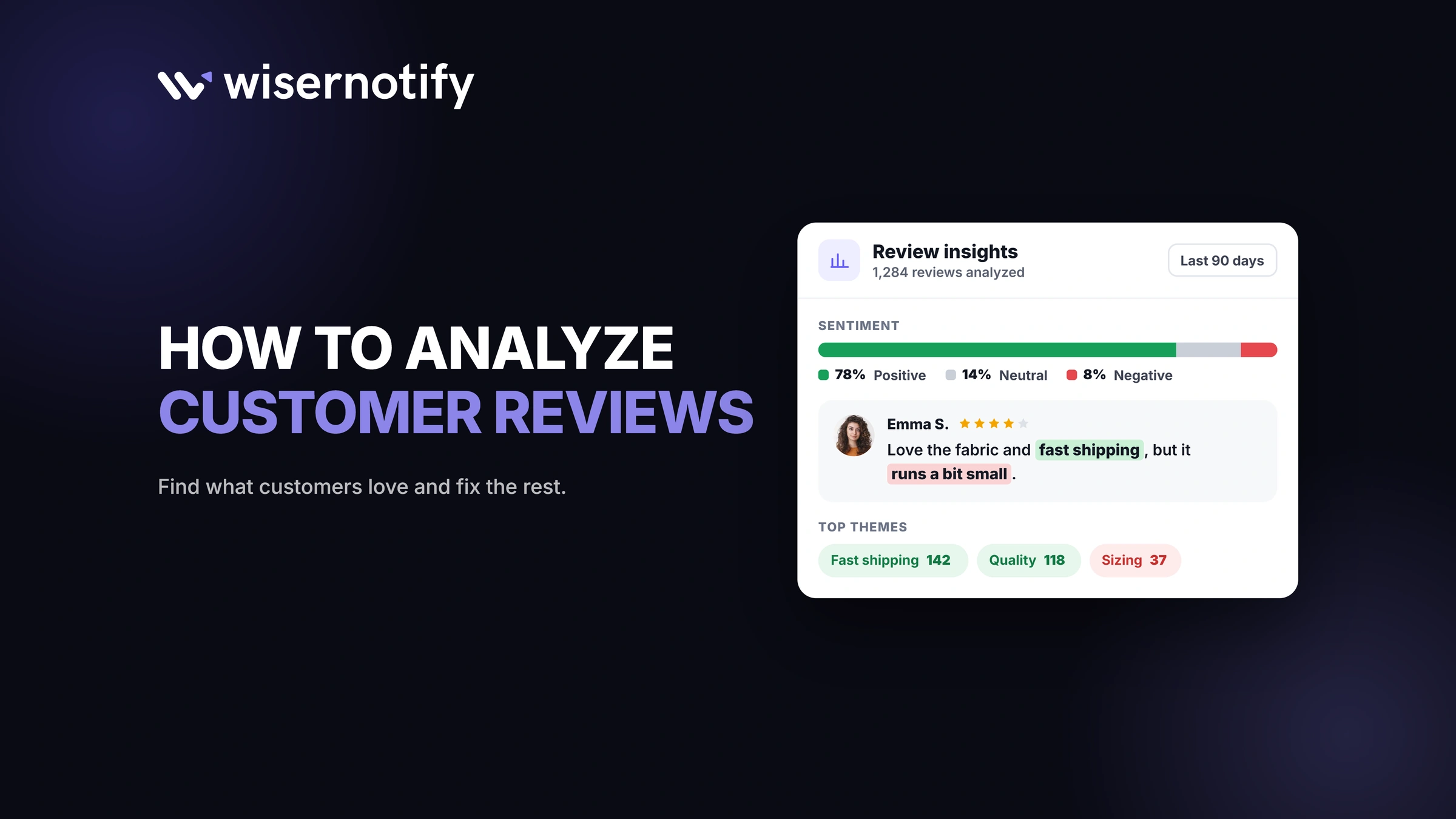
Review analysis is the process of reading customer reviews at scale to find what buyers like, what frustrates them, and how their feelings change over time.
It combines sentiment, topic, keyword, and rating analysis to turn scattered feedback into decisions about products, support, and marketing.
WiserReview does this automatically, with AI summaries, topic tags, and keyword highlights for every review you collect.
Key takeaways
- Good review analysis looks at sentiment, topics, keywords, star ratings, and what competitors’ customers say.
- The process runs in seven steps, from gathering reviews to acting on what they say.
- Two- to four-star reviews usually hold the most useful detail.
- AI can tag, summarize, and translate reviews in seconds, but someone still needs to act on the findings.
What Is Review Analysis?
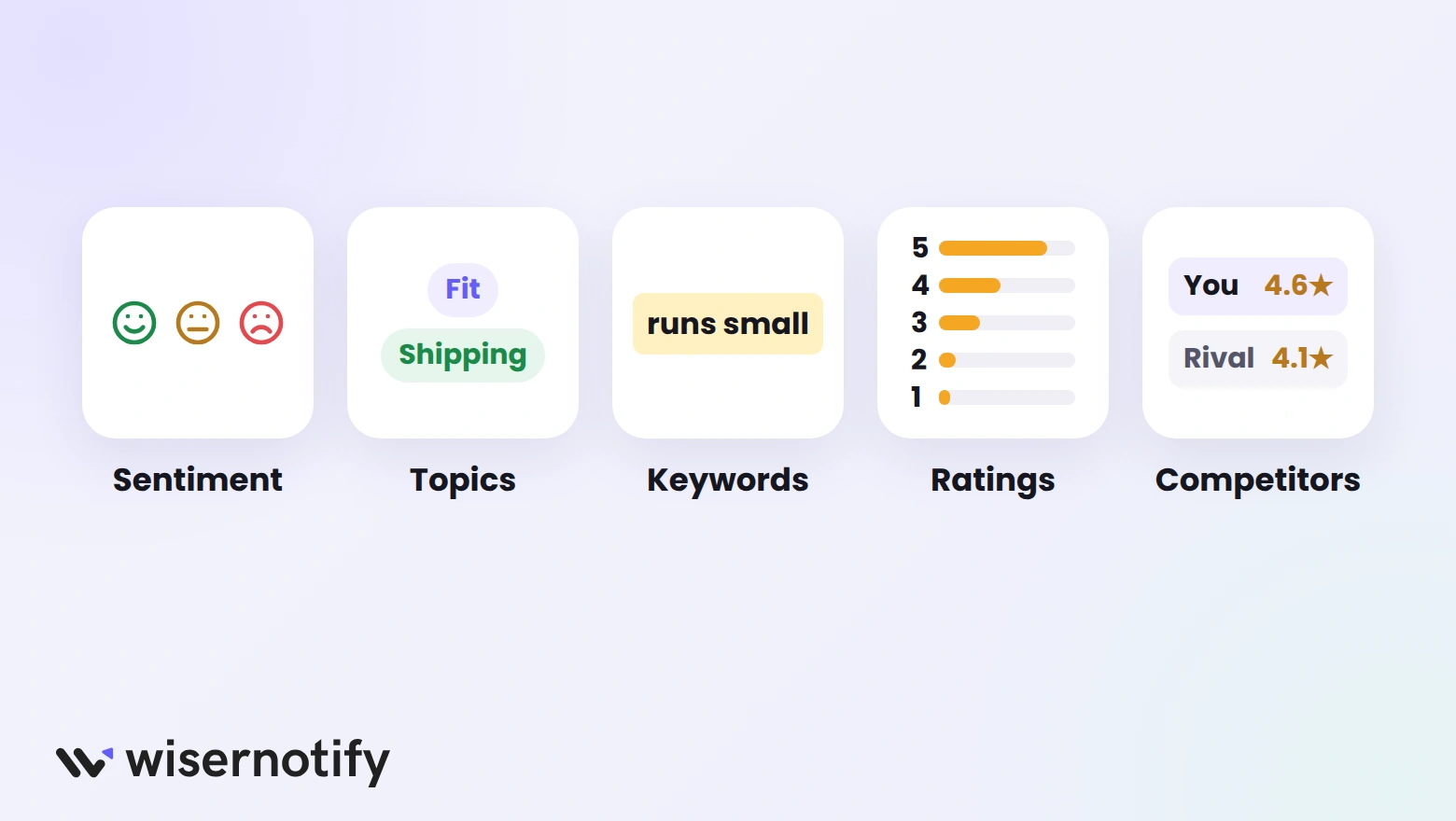
Review analysis looks past the average star rating to the words behind it. A 4.3 rating tells you customers are mostly happy. The reviews tell you why, and what would make them happier.
Most review analysis combines five methods:
| Method | What it answers | Example |
|---|---|---|
| Sentiment | How do customers feel? | 70% positive, 20% neutral, 10% negative |
| Topics | What are they talking about? | Fit, shipping, price, support |
| Keywords | Which words keep coming up? | “Runs small” in 40 reviews |
| Ratings | How are the stars spread? | More 3-star reviews after a redesign |
| Competitors | What do rivals’ customers say? | Complaints about a rival’s slow delivery |
Why Review Analysis Matters

Reviews are the most honest feedback you’ll get, and they arrive without you having to run a survey. Analyzing them helps you:
- Fix the right problems: recurring complaints show which issues cost you the most sales.
- Improve product pages: the words customers use make better copy than marketing language.
- Catch issues early: a spike in negative reviews after a change is an early warning.
- Back decisions with evidence: launch, drop, or change features based on what buyers say.
Reviews also shape buying decisions for new shoppers. These online review statistics show how much weight they carry.
How to Analyze Customer Reviews in 7 Steps
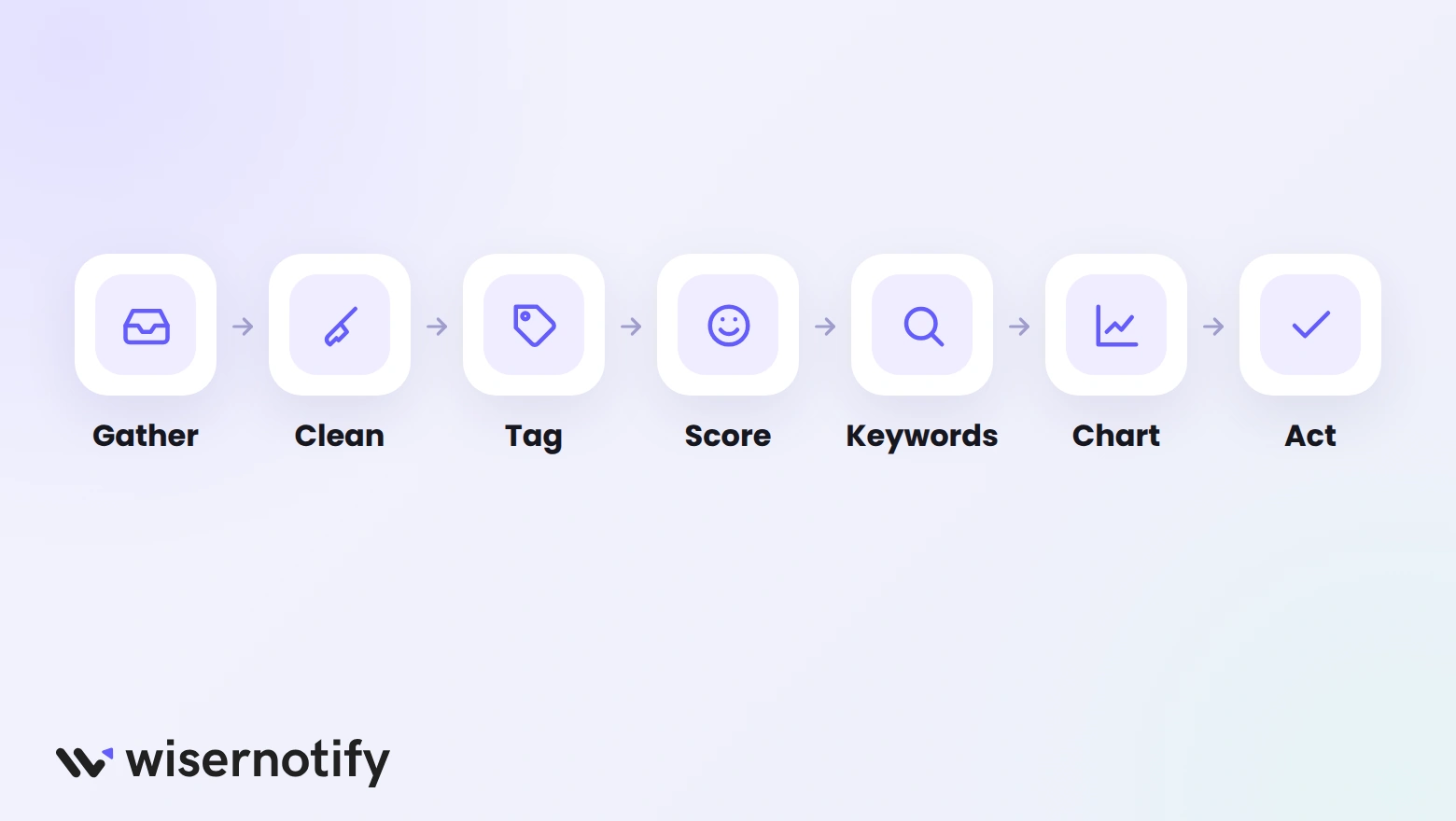
Follow these steps once a month, or right after a product, price, or shipping change.
Step 1: Gather Reviews in One Place
Pull every review into one list, so you see the full picture instead of one channel at a time. Collect from:
- Your store’s product pages
- Google Business Profile
- Marketplaces and app stores you sell on
- Social media comments and mentions
Record the date, star rating, product, and source for each review. If Google is a big source, here’s how to add Google reviews to your website too.
Step 2: Clean the Data
Messy data gives misleading results. Before you analyze anything, run through this checklist:
- Remove spam and obvious fake reviews.
- Delete duplicates posted on more than one channel.
- Drop star-only reviews with no text from the text analysis.
- Translate reviews in other languages into one language.
Step 3: Tag Reviews by Topic
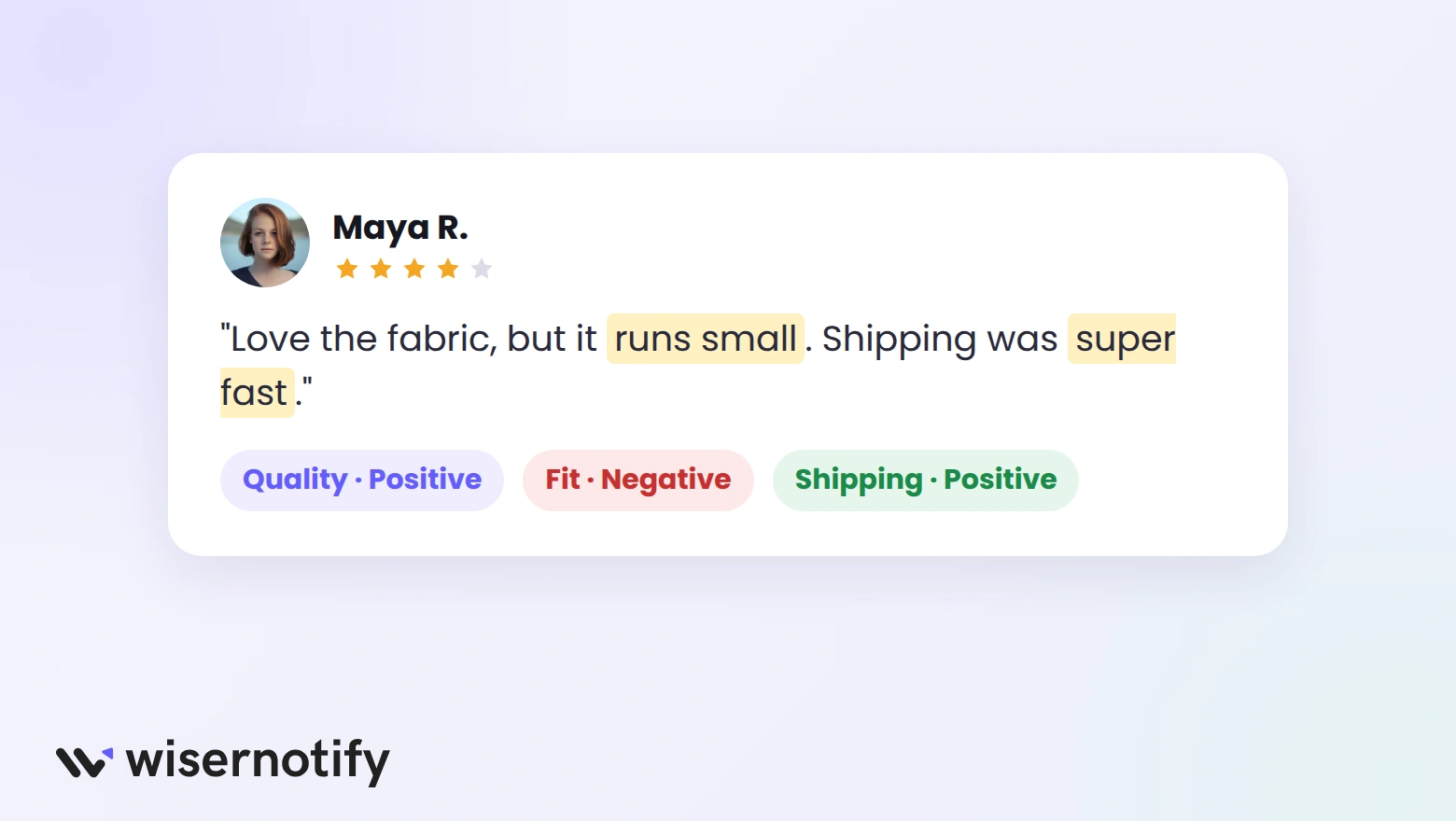
Give each review one or more topic tags, so you can study one theme at a time. Start with a short list and add topics as they appear:
| Topic | Phrases that signal it |
|---|---|
| Quality | “fell apart,” “well made,” “cheap material” |
| Fit or size | “runs small,” “true to size,” “too tight” |
| Shipping | “arrived late,” “fast delivery,” “damaged box” |
| Price | “worth it,” “overpriced,” “great value” |
| Support | “quick reply,” “no response,” “helpful team” |
Step 4: Score the Sentiment
Mark each topic inside a review as positive, neutral, or negative, not just the review as a whole. Mixed reviews are common, and scoring by topic keeps the detail.
For example, “Love the fabric, but it runs small” is positive on quality and negative on fit. Scored as one review, it would hide the fit problem.
Step 5: Find Recurring Keywords
Repeated phrases point to the issues worth fixing first. To find them:
- List the phrases that appear in more than a handful of reviews.
- Count how often each one shows up this month.
- Compare with last month to see which are rising.
- Flag any new phrase that appears after a product change.
Step 6: Chart the Results
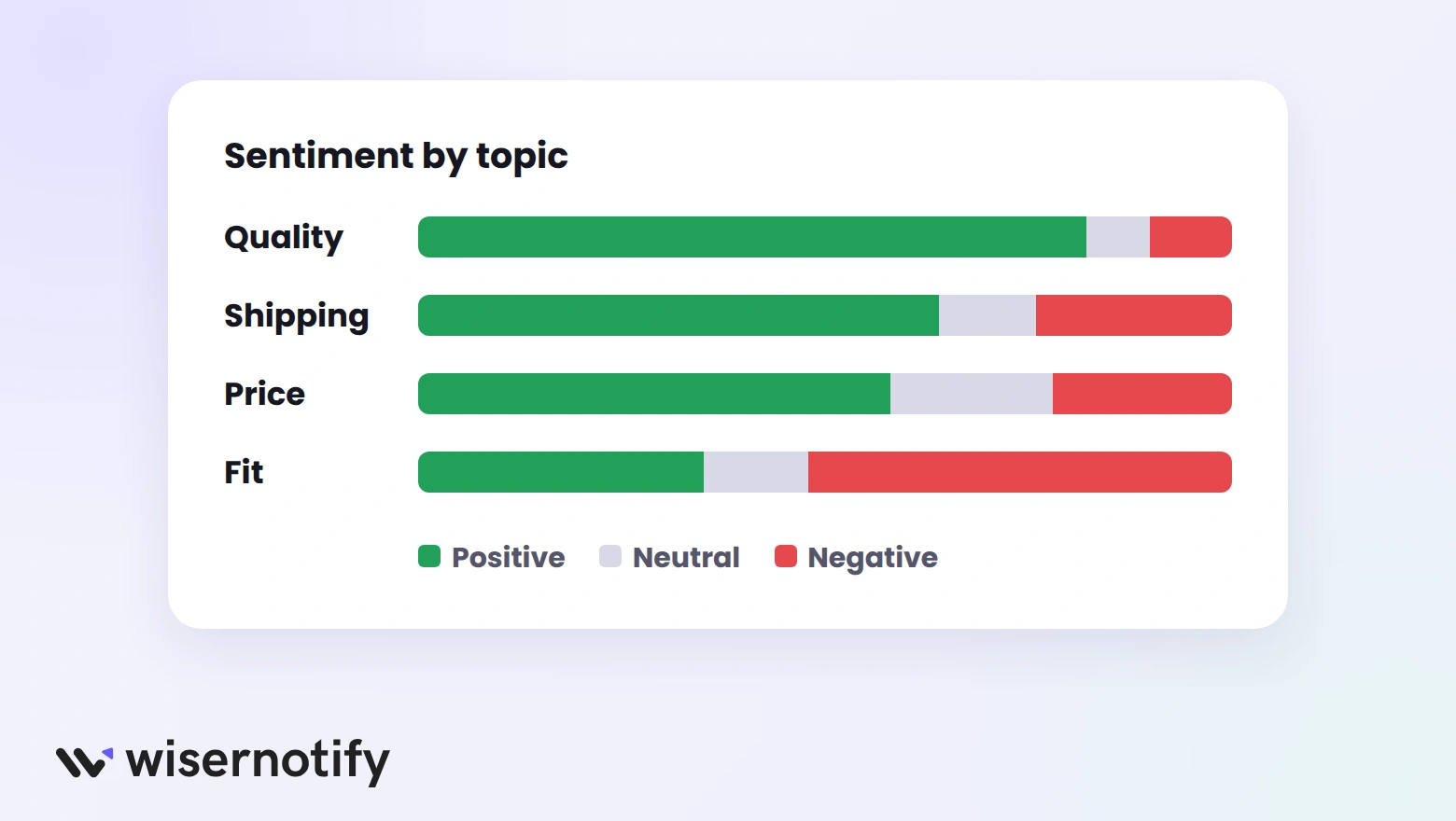
A chart shows in seconds what a spreadsheet hides. Three views cover most needs:
- Sentiment by topic: shows which topics drag your rating down.
- Rating spread over time: shows whether things are getting better or worse.
- Top keywords this month: shows what customers are talking about now.
Step 7: Act on What You Find
Analysis only pays off when someone acts on it. Pick the top two or three issues, give each an owner, and check next month’s reviews to see if the fix worked:
| Finding | Owner | Action |
|---|---|---|
| “Runs small” in many reviews | Product | Add a size note and update the size chart |
| Late delivery complaints rising | Operations | Review the carrier and update delivery times |
| “Great value” mentioned often | Marketing | Use the phrase on product pages and ads |
Build trust & FOMO
Highlight real-time activities like reviews, sales & sign-ups.

How WiserReview Helps With Review Analysis
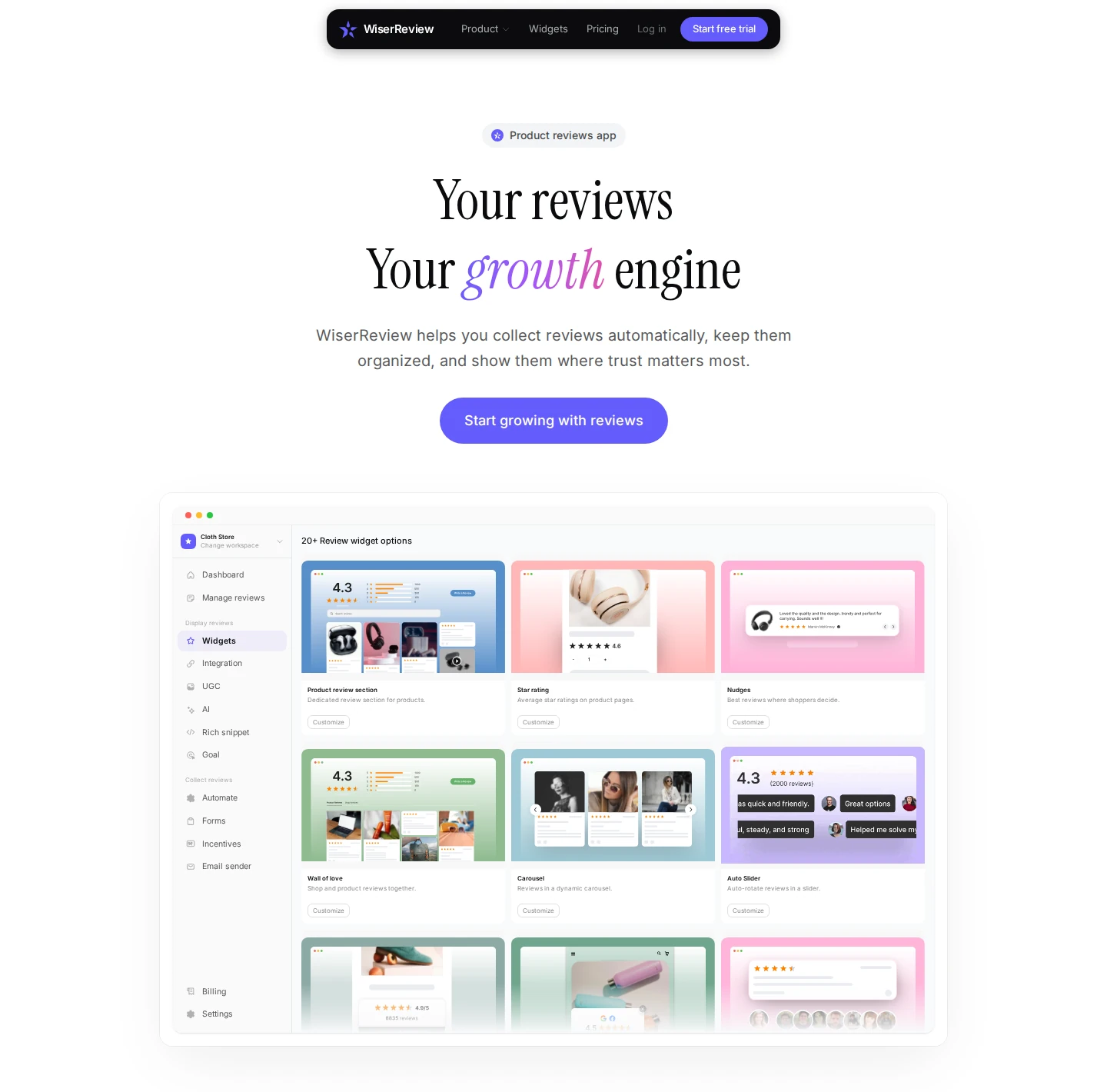
WiserReview collects, analyzes, and displays your reviews in one dashboard, and it handles most of the steps above for you:
| Step | What WiserReview does |
|---|---|
| Gather | Collects reviews automatically and imports existing ones |
| Clean | Holds spam and profanity for review and translates other languages |
| Tag | Groups reviews into topic tabs like Pricing or Support |
| Keywords | Highlights key phrases inside each review |
| Summarize | Writes an AI summary of what customers are saying |
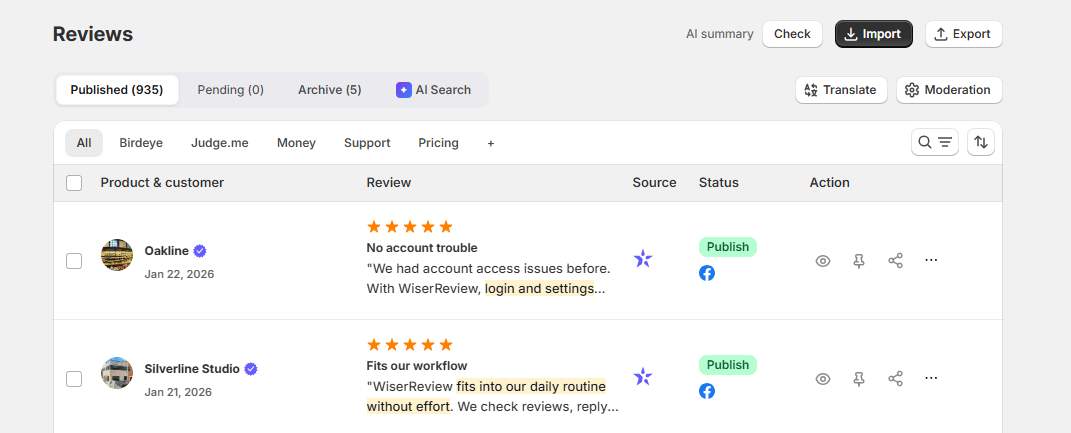
The Reviews dashboard puts every review in one view. Use AI Search to ask a question in plain words, such as “complaints about sizing,” and see the matching reviews.
You can also draft replies with AI and post them after a quick edit.
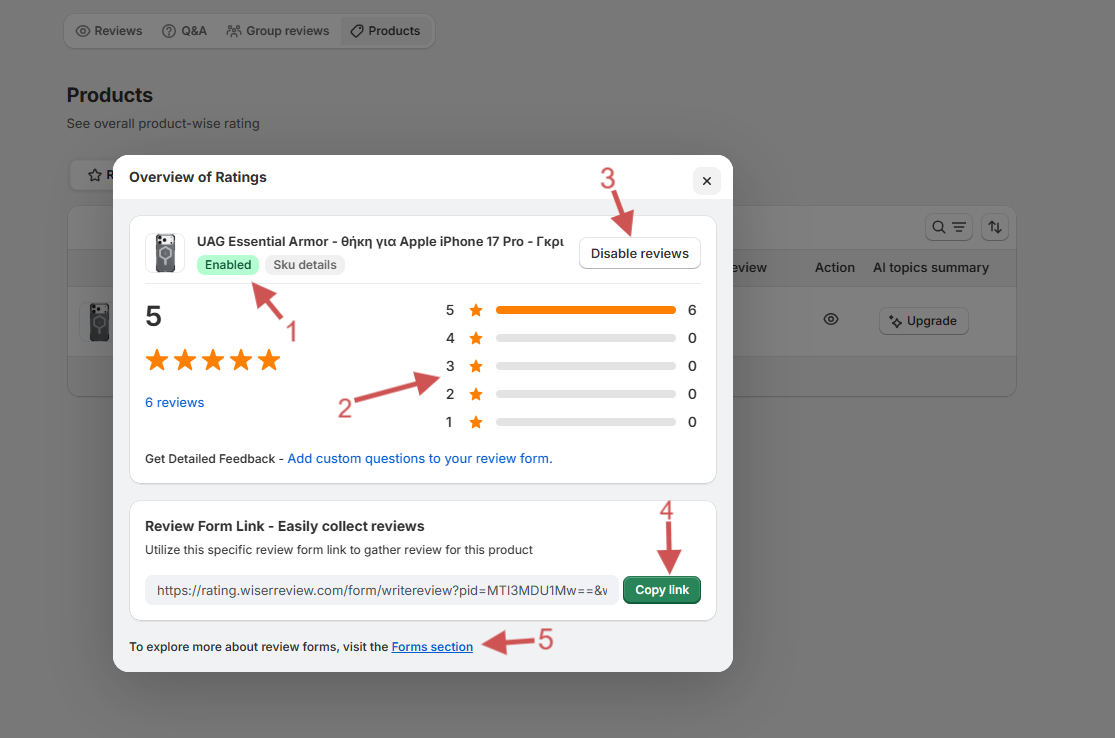
The Products view shows the rating spread for each product, so you can spot which items pull your average down. Sort by average rating or review count, then export reviews for deeper reporting.
Moderation is based on content only. Spam and profanity are held for review, while authentic reviews, positive or negative, publish automatically.
What to Look for in a Review Analysis Tool
Manual analysis works for a few dozen reviews. Past that, a tool saves hours. Look for these features:
- Automatic topic tagging: reviews sorted by theme without manual work.
- Sentiment by topic: not just one score per review.
- AI summaries: a quick read on what customers are saying this month.
- Keyword highlights and search: find every review that mentions a problem.
- Translation: analyze reviews from every market together.
- Export: take the data into your own reports.
- Collection built in: the more reviews you collect, the clearer the patterns.
7 Ways to Get More From Your Reviews

Once the analysis is running, these habits turn findings into results.
1. Read the 2- to 4-Star Reviews First
Five-star reviews are often short, and one-star reviews are often angry. The middle ratings explain what stopped a customer from being fully happy.
Try this: filter to 3-star reviews and note the first complaint in each. The top three repeats are your priority list.
2. Segment by Product and Market
A problem in one product version or country can disappear in your overall average. Split your reviews before drawing conclusions:
- By product and variant, such as color or size
- By country or region
- By source, such as your store versus Google
3. Track Sentiment After Every Change
Every redesign, price change, or new supplier shows up in reviews within a few weeks. Compare the month before and after to see whether the change helped or hurt.
Example: if fit complaints drop after you update the size chart, the fix worked. If they rise, roll it back.
4. Mine Your Competitors’ Reviews
Your competitors’ customers tell you what the market wants. Read their reviews for:
- Complaints you can solve, which become your selling points
- Praise you need to match to stay in the running
- Features customers ask for that nobody offers yet
5. Turn Customer Words Into Page Copy
Shoppers trust language that sounds like other buyers. If dozens of reviews say “soft but durable,” put that phrase in your product description and ads.
Try this: pull the five most common positive phrases for your best seller and test one in the headline.
6. Send Findings to the Right Team
Feedback only helps when it reaches the people who can fix it. Share a short monthly summary, split by owner:
- Shipping complaints to operations
- Sizing and quality issues to product
- Service complaints to support
These customer experience examples show what teams do with that feedback.
7. Show Your Best Reviews
Your analysis shows which reviews answer shoppers’ most common doubts. Put those near the price and Add to cart button, where buying decisions happen.
These positive review examples show the kind that work best, and here’s how to add reviews on your website.

Boost Conversion Instantly
Add Social Proof & Urgency to your website
Wrap Up
Review analysis is about finding the pattern behind the stars. Gather your reviews, tag them by topic and sentiment, and look for what keeps coming up.
Then act on the top issues, and check the next batch of reviews to see if it worked.
Frequently Asked Questions
What is review analysis?
Review analysis is the process of studying customer reviews to find patterns in sentiment, topics, keywords, and star ratings.
What is the difference between review analysis and sentiment analysis?
Sentiment analysis only measures whether a review is positive, neutral, or negative. Review analysis also looks at topics, keywords, and rating trends.
Can AI analyze customer reviews?
Yes. AI tools can tag topics, score sentiment, summarize themes, and translate reviews automatically, but people still decide what to change.
How often should you analyze reviews?
Review the summary monthly, and check right after any product, price, or shipping change.
Which reviews are most useful to analyze?
Two- to four-star reviews usually explain what customers would change, so they often hold the most useful detail.

Krunal Vaghasiya is a marketing tech expert who boosts e-commerce conversion rates with automated social proof and FOMO strategies. He loves to keep posting insightful posts on online marketing software, marketing automations, and improving conversion rates.




 Capterra