
12 Best WooCommerce Upsell Plugins for 2026 (Free and Paid)
WooCommerce ships with basic upsell and cross-sell fields, but they only show “You may also like” blocks on product and cart pages. There’s no order bump, no offer after payment, and no rule for who sees what.
Upsell plugins fill those gaps, and they work in very different spots. Some rebuild your checkout as a funnel, some add a checkbox offer before payment, and others sit on product pages with bundles and related items.
The 12 plugins below are grouped by where the offer shows up. Jump to the group that matches the spot you want to work on.
Which WooCommerce Upsell Plugin Fits Your Store?
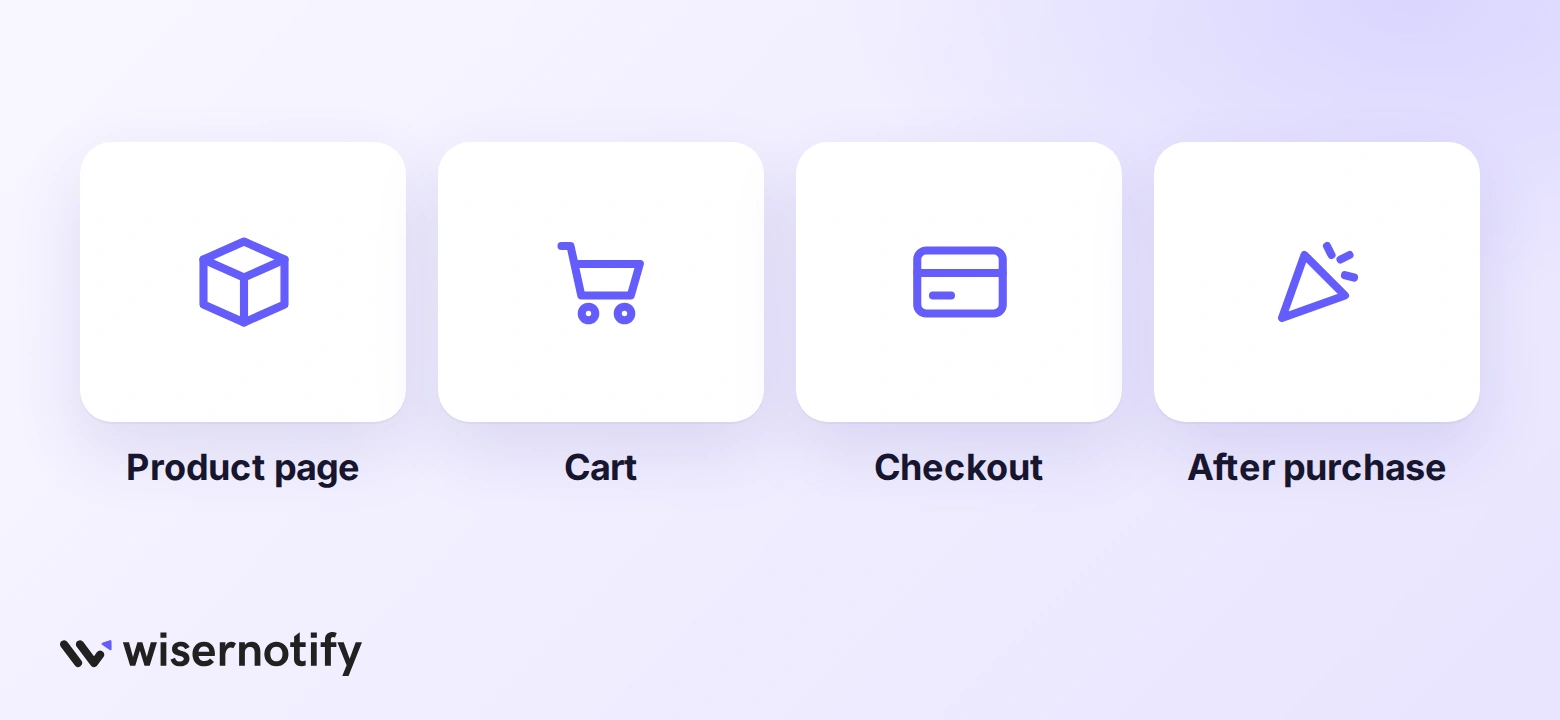 The right WooCommerce upsell plugin depends on where the offer appears. Funnel builders handle offers after payment, checkout plugins add order bumps, and product page plugins handle bundles and add-ons.
The table below sorts all 12 by that spot.
| Plugin | Where offers show | Free version | Best for |
|---|---|---|---|
| CartFlows | Checkout, after purchase | Yes | Custom checkout plus upsells |
| FunnelKit | Cart, checkout, after purchase | Yes | Funnels with email follow-ups |
| WPFunnels | Checkout, after purchase | Yes | Visual funnel mapping |
| Upsell Funnel Builder | Product, checkout, after purchase | Yes | Many offer types on a budget |
| UpsellWP | Product, cart, checkout, thank-you page | Yes | Upsells without a funnel builder |
| Upzell | Checkout | Yes | Low-cost checkout offers |
| Smart Offers | Product, cart, checkout, after purchase | No | BOGO, gifts, and rule-based offers |
| Products Suggestions | Cart | Yes, fully free | Simple cart cross-sells |
| WebToffee Product Recommendations | Product, shop, cart, checkout, order received | No | Automatic recommendations |
| WPC Frequently Bought Together | Product page | Yes | Amazon-style bundles |
| WebToffee Best Sellers | Product, shop, category | No | Best-seller badges and sliders |
| YITH Product Add-Ons | Product page | Yes | Paid extras like gift wrap |
If you’re still working out which offers to run, these upsell and cross-sell strategies cover the basics before you pick a tool.
Funnel Builders With One-Click Upsells
Funnel builders replace the standard WooCommerce checkout with pages you design. Their big draw is the one-click upsell after payment, where the buyer adds an item without typing card details again.
That one-click step only works with payment gateways the plugin supports, so check yours first. If you are weighing these against general-purpose tools, our roundup of WordPress funnel builders goes wider.
1. CartFlows: Best for Checkout Funnels
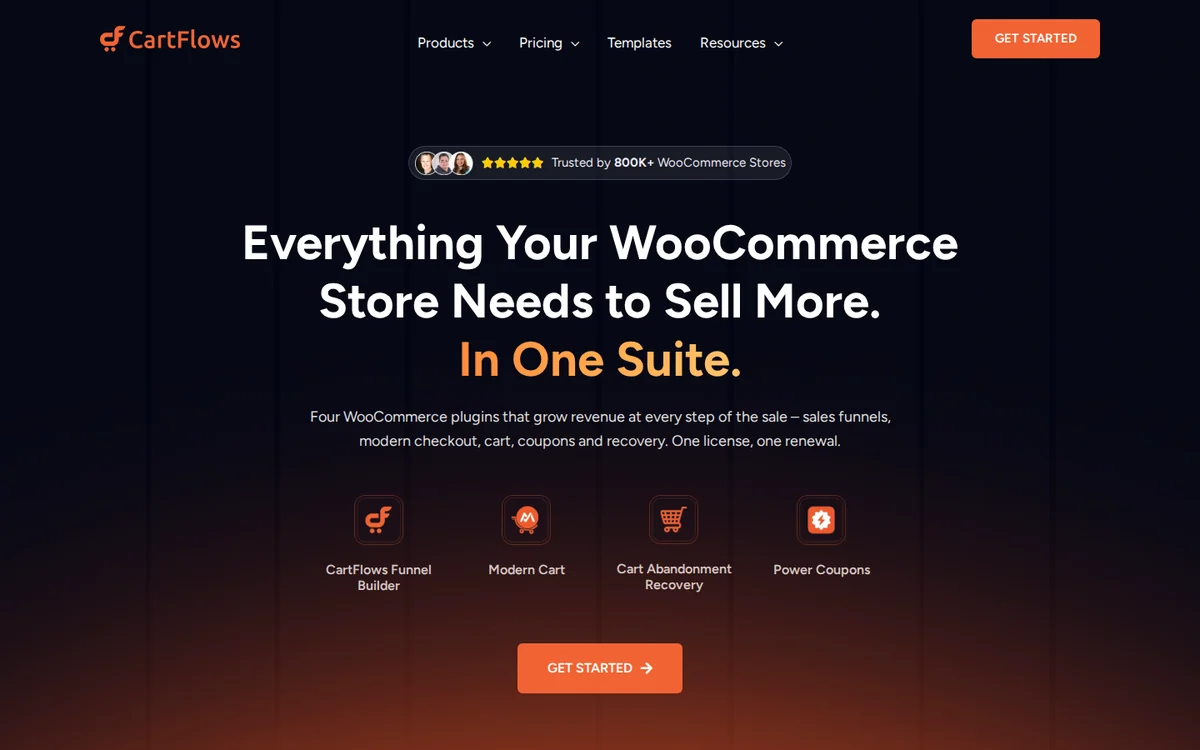 CartFlows has been around since 2018 and runs on more than 200,000 stores. It turns checkout into a funnel you build in your page builder, then adds offers before and after payment.
Because it’s so widely used, most themes and builders already work with it, which saves a lot of testing time.
- Custom checkout pages: design checkout in the page builder you already use.
- Order bumps: a checkbox offer that sits right above the pay button.
- One-click upsells and downsells: offers shown after payment, accepted in one click.
- A/B testing: split-test funnel steps on the paid plans.
Pricing: free on WordPress.org; Starter is $149/year for one site, with a lower first-year promo price.
Good fit: stores that want a new checkout and post-purchase offers from one tool.
Not a fit: stores that only want a related-products block on product pages.
2. FunnelKit: Best for Funnels + Email
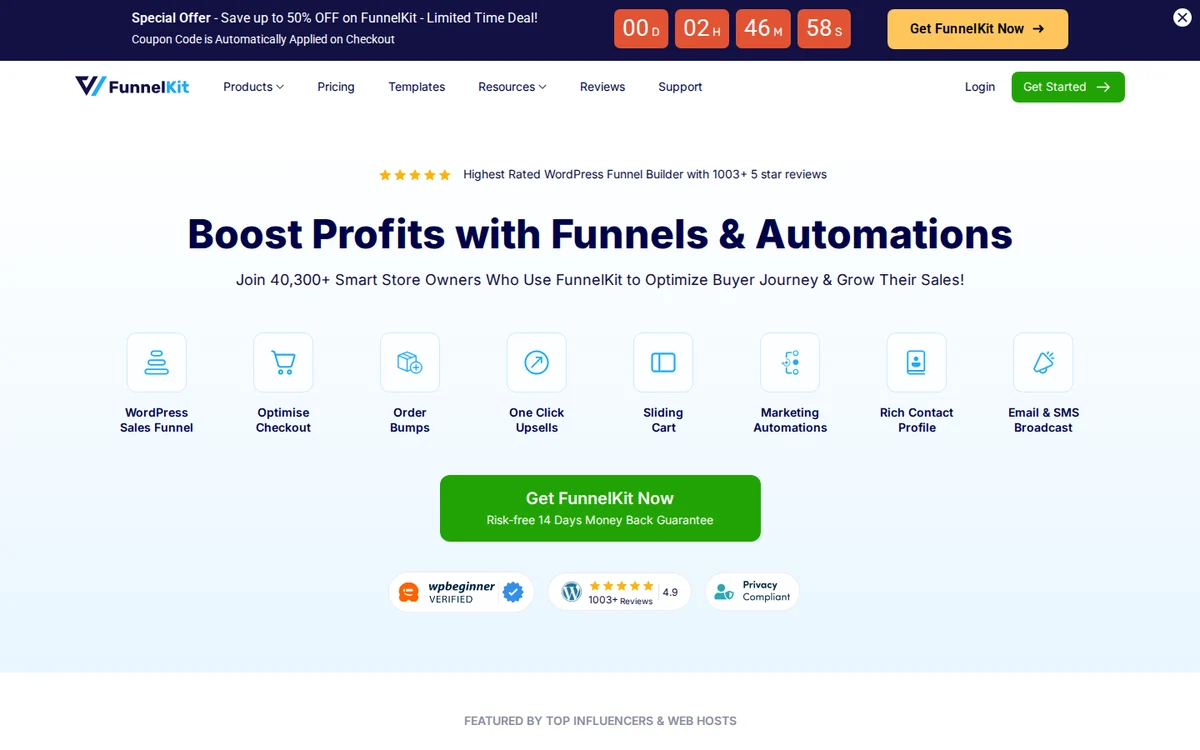 FunnelKit, once called WooFunnels, goes further than checkout. Next to funnels and offers, it has its own email automations, so you can send a follow-up offer after the order ships.
The free Funnel Builder covers checkout pages. Order bumps and one-click upsells live in the paid plans.
- Rule engine: show different upsells based on the products, cart value, or customer.
- Multiple order bumps: stack conditional bumps on one checkout.
- In-cart upsells: offer extras inside the cart before checkout starts.
- Gateway support: one-click upsells work with more than 15 gateways, including Stripe and PayPal.
Pricing: free Funnel Builder; upsells start on Plus, listed at $299/year for two sites and often sold on promo.
Good fit: stores that want funnels and email follow-ups in the same dashboard.
Not a fit: small stores that just need one cheap order bump.
3. WPFunnels: Best for Visual Funnels
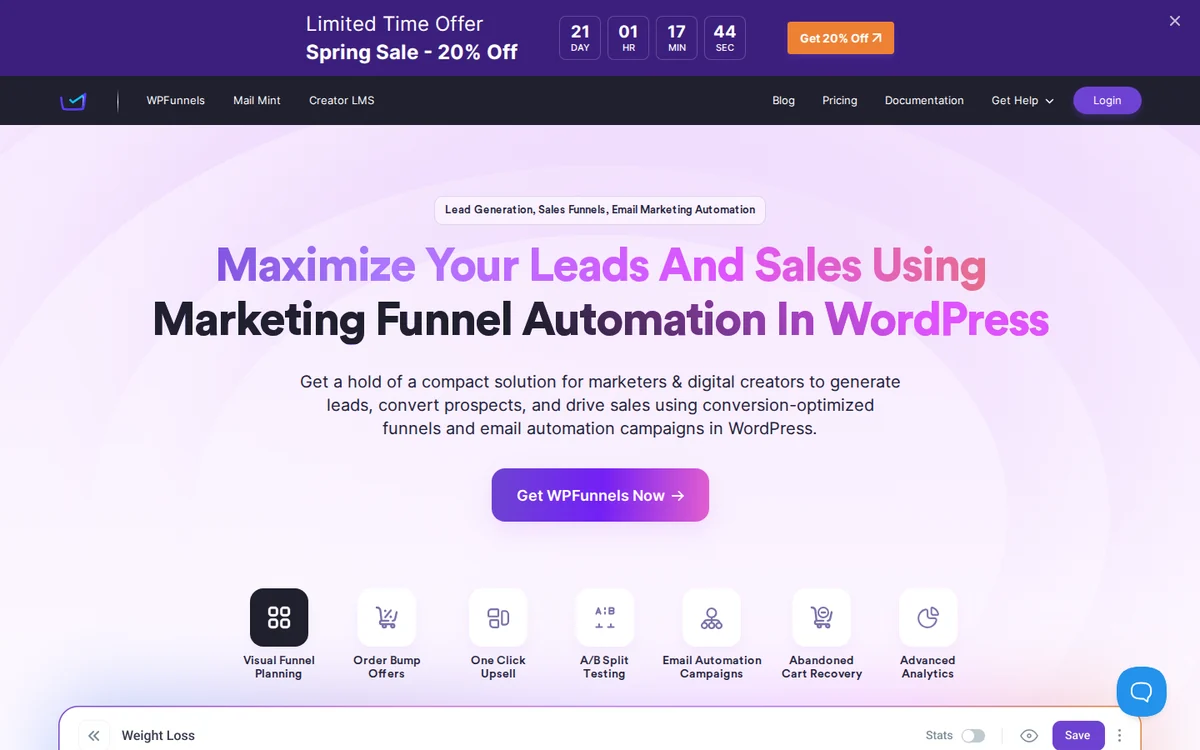 WPFunnels shows your whole funnel as a map. You drag steps like checkout, upsell, downsell, and thank-you page onto a canvas and connect them, which makes the flow easy to follow.
The free version builds funnels. Order bumps and one-click upsells come with the paid Starter plan.
- Visual canvas: see every step and the path between them on one screen.
- Order bumps: add a bump offer to any product’s checkout.
- One-click upsell and downsell: follow a declined offer with a cheaper one.
- Conditional steps: send buyers down different paths based on what they bought.
Pricing: free on WordPress.org; Starter lists at $129.99/year for one site and is often discounted.
Good fit: sellers who like to plan funnels visually.
Not a fit: stores happy with the default WooCommerce checkout.
4. Upsell Funnel Builder: Best Value
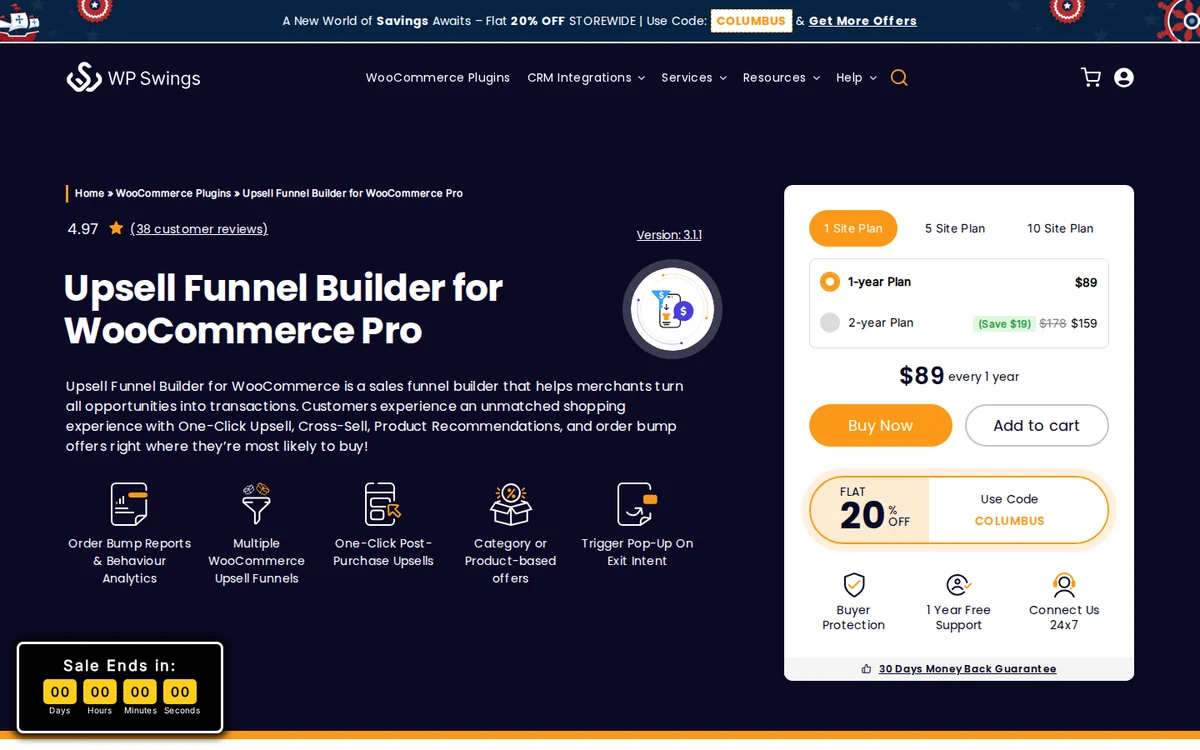 Upsell Funnel Builder for WooCommerce, by WP Swings, used to be called Upsell Order Bump Offer. WP Swings folded its separate One Click Upsell plugin into it, so a single install now covers bumps, post-purchase upsells, and popups.
It’s the budget pick among the funnel tools, with most offer types in the free version.
- Order bumps: one-click checkbox offers on the checkout page.
- Post-purchase upsells: offers on the thank-you page after payment.
- Exit-intent popups: catch shoppers about to leave with a last offer (Pro).
- Category-based offers: target a whole category instead of single products.
Pricing: free on WordPress.org; Pro is $89/year for one site.
Good fit: stores that want many offer types without paying for a funnel suite.
Not a fit: stores that want to redesign the checkout page itself.
Build urgency
Add floating offers with countdown timer & coupon code.

Checkout and Cart Upsell Plugins
These plugins keep the normal WooCommerce checkout and add offers to it. They’re quicker to set up than a funnel builder and lighter on the store.
Most offers here fire before payment, which is where a small add-on gets accepted most easily. Our guide to checkout conversion covers what else to fix on that page.
5. UpsellWP: Best Without a Funnel
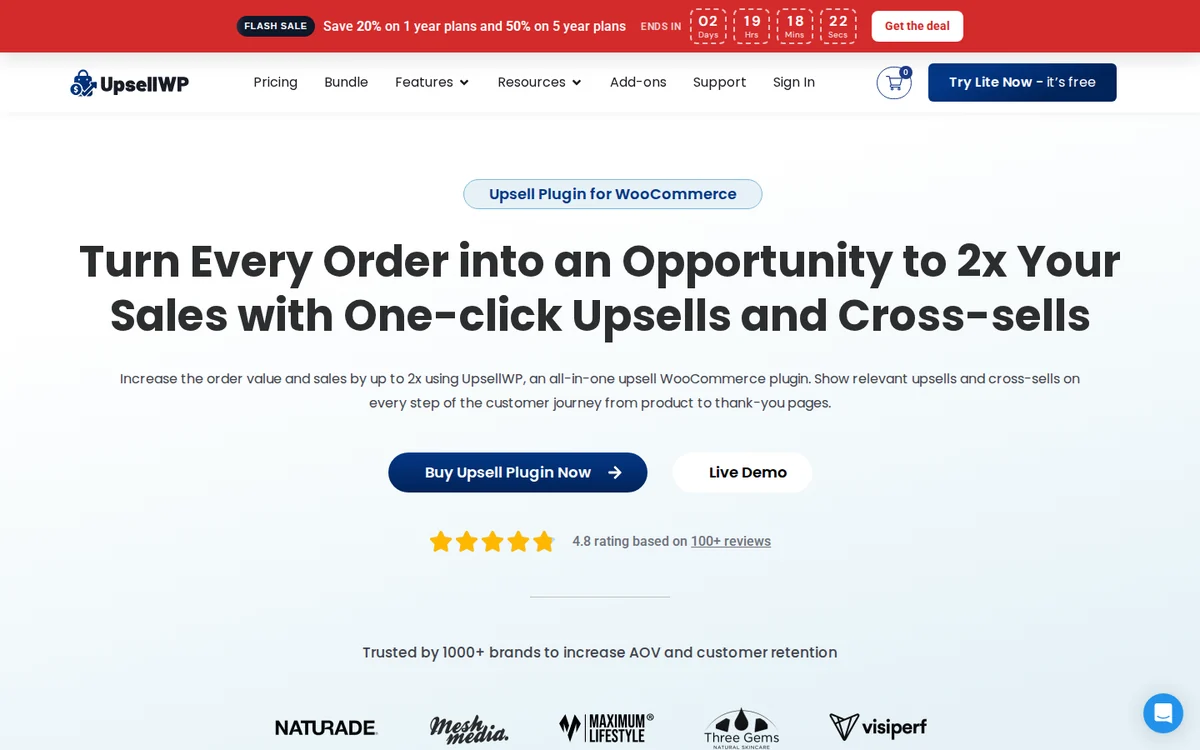
UpsellWP, by Flycart, was previously called Checkout Upsell for WooCommerce. It puts offers on the product, cart, checkout, and thank-you pages without asking you to build a funnel.
Offers can be targeted by cart contents or user role, so returning buyers and first-timers can see different deals.
- Checkout and cart upsells: suggest add-ons right where the order is placed.
- Next order coupons: hand out a coupon that brings the buyer back.
- Thank-you page upsells: one more offer once payment goes through.
- Double the Order: let buyers double the quantity at a discount.
Pricing: free on WordPress.org; Pro Starter is $75/year for one site.
Good fit: stores that want upsells but plan to keep the standard checkout.
Not a fit: stores that need a full funnel builder with custom pages.
6. Upzell: Best Low-Cost Checkout Bump
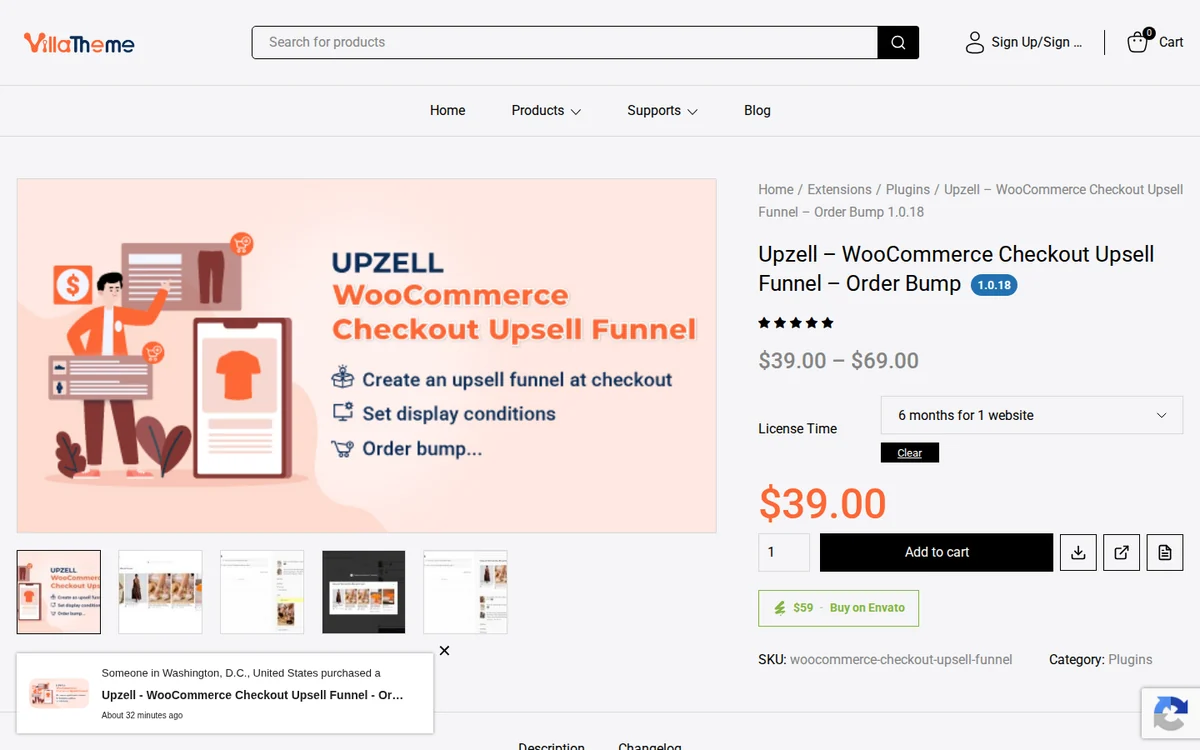 Upzell is VillaTheme’s checkout upsell funnel, previously listed as Checkout Upsell Funnel for WooCommerce. It shows suggestions in a popup, on the checkout page, or on a separate page before the order is placed.
A countdown timer can sit beside the offer to push a quick yes.
- Three display modes: popup, inline on checkout, or a redirect page.
- Order bump: a related product with its own background, title, and image.
- Countdown timer: a time limit on the suggested deal.
- Sales reports: totals and best-selling offer products.
Pricing: free on WordPress.org; premium is $39 for 12 months on one site.
Good fit: single-store owners who want checkout offers for very little.
Not a fit: stores that want offers after payment.
7. Smart Offers: Best for BOGO Deals
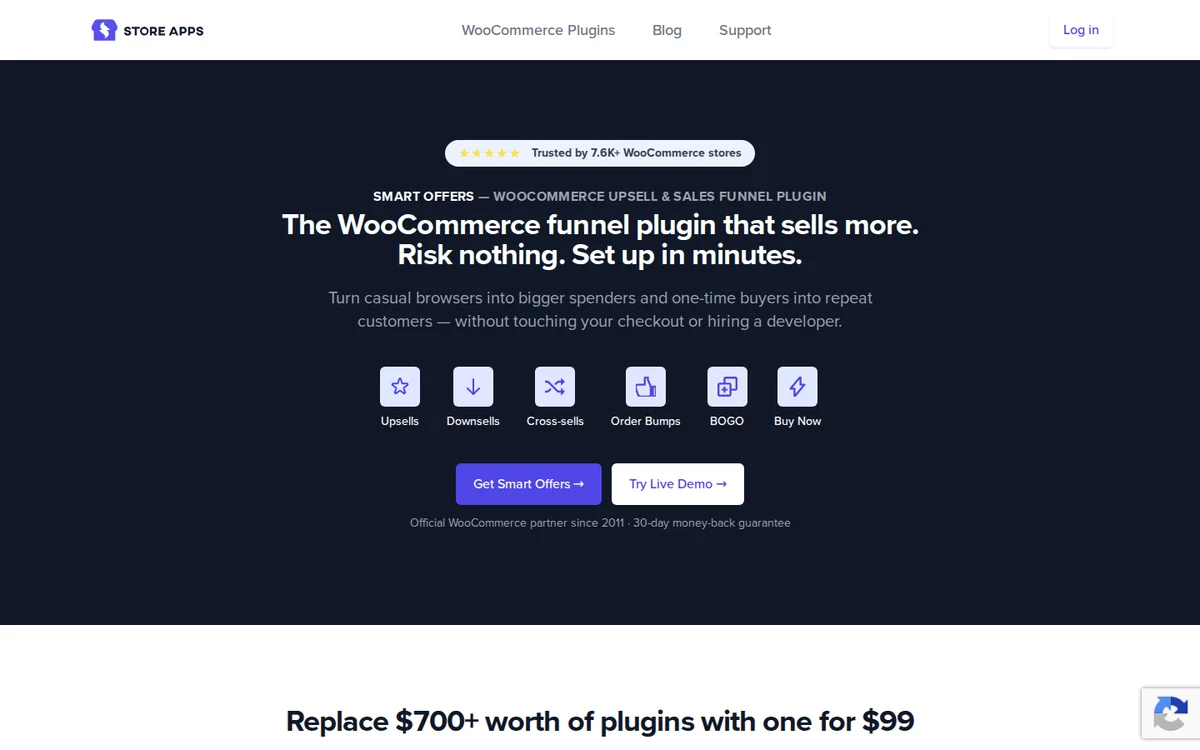 Smart Offers comes from StoreApps, an official WooCommerce partner since 2011. It handles upsells, downsells, bumps, BOGO deals, and free gifts with one set of rules.
There’s no free version, but it can replace two or three promo plugins at once. If you run limited-time offers often, the rules save a lot of setup.
- Conditional offers: trigger deals by cart total, product, or customer.
- BOGO and gifts: buy-one-get-one and free gift offers, built in.
- Upsell chains: follow a declined offer with a different one.
- Conversion tracking: see which offers get accepted, without an extra tool.
Pricing: $99/year for one site, or $249/year for five sites.
Good fit: stores that want BOGO, gifts, and upsells under one roof.
Not a fit: stores that want to start free.
8. Products Suggestions: Best Free Cart
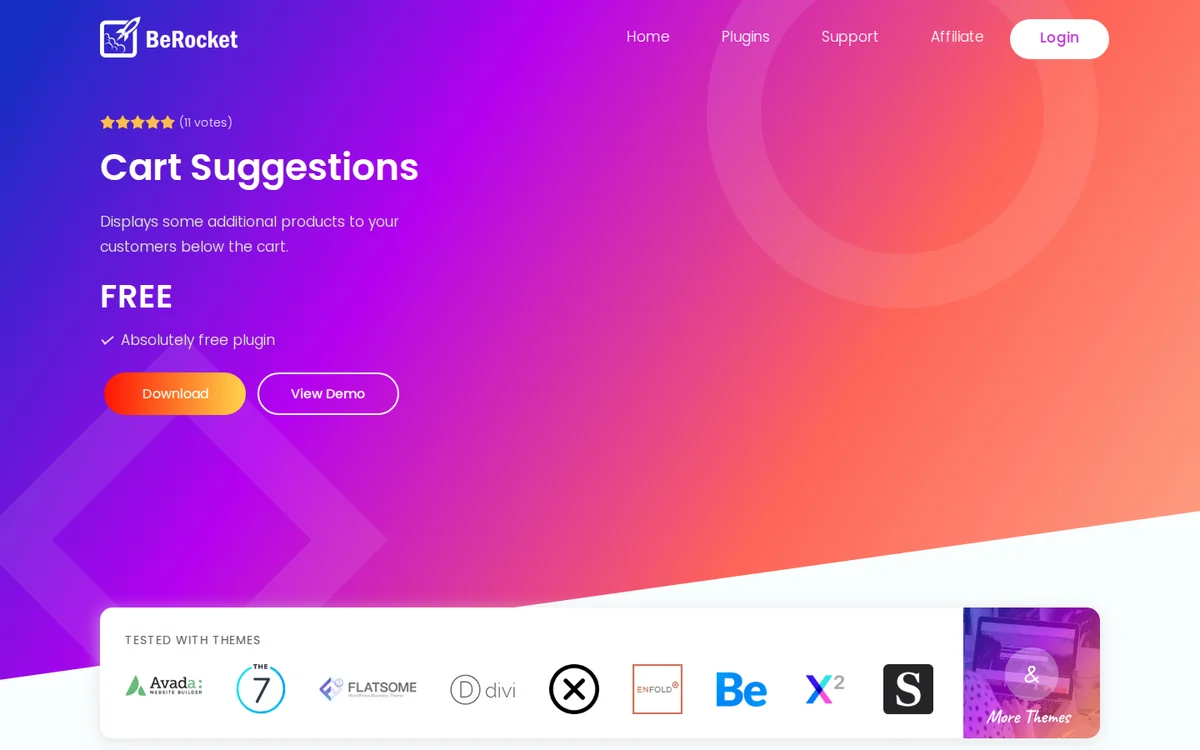 Products Suggestions for WooCommerce is a small, fully free plugin. It reads what’s in the cart and shows matching products under the cart table.
There’s no checkout or post-purchase offer here, just a tidy cart cross-sell that takes minutes to set up.
- Product-based suggestions: pick what to suggest for each product in the cart.
- Category-based suggestions: suggest items from the same categories.
- Default suggestions: a fallback list when nothing else matches.
- Count control: set how many suggestions appear.
Pricing: free.
Good fit: new stores that want cart cross-sells at no cost.
Not a fit: stores that need order bumps or one-click upsells.
Product Page Recommendations and Add-Ons
Product pages are where shoppers are still browsing, so bundles and related items land well here. For layout ideas, see these product recommendation examples from big stores.
9. WebToffee: Best Auto Recommendations
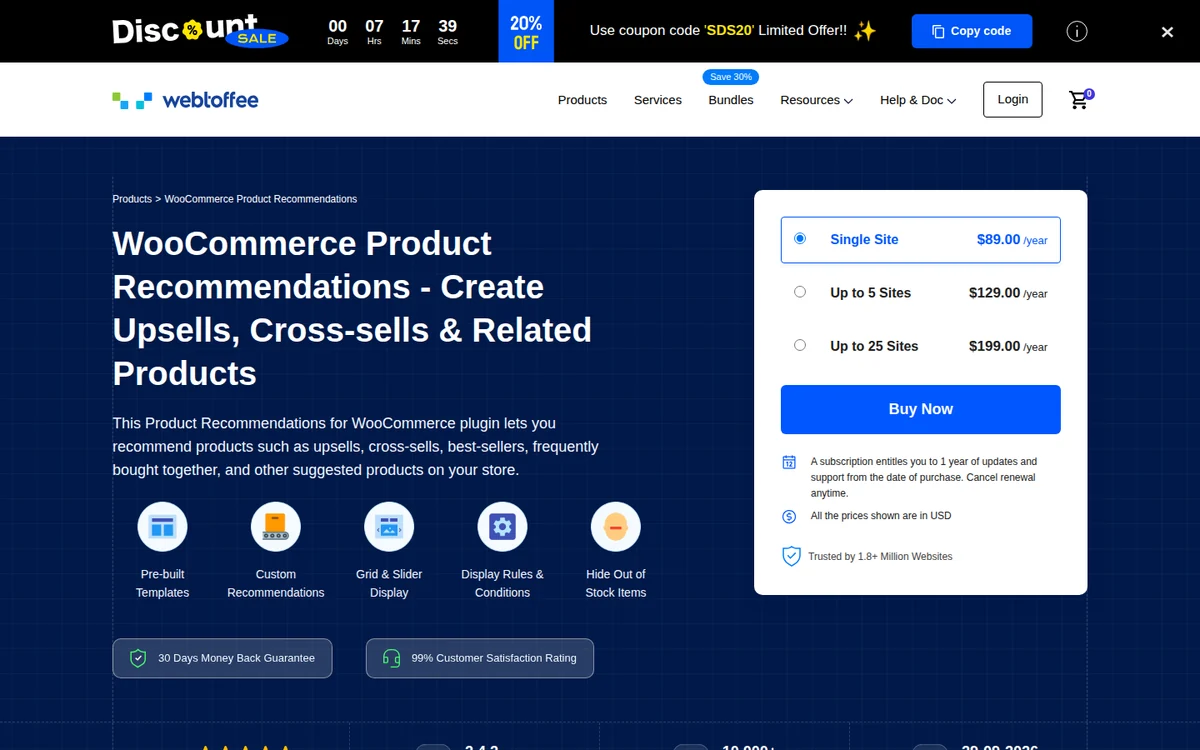 WebToffee Product Recommendations builds suggestions on its own from your catalog and orders. It places them on product, shop, category, cart, checkout, and order-received pages.
WebToffee retired its separate Frequently Bought Together plugin and now points those users here.
- Ready-made templates: related items, upsells, cross-sells, and best sellers.
- Custom rules: for example, suggest sale items when the cart passes a set value.
- Grid or slider: choose the layout for each placement.
- Stock filter: hide out-of-stock products from suggestions.
Pricing: $89/year for one site.
Good fit: catalogs too big to set suggestions by hand.
Not a fit: stores that want one-click offers after payment.
10. WPC Bought Together: Best Bundles
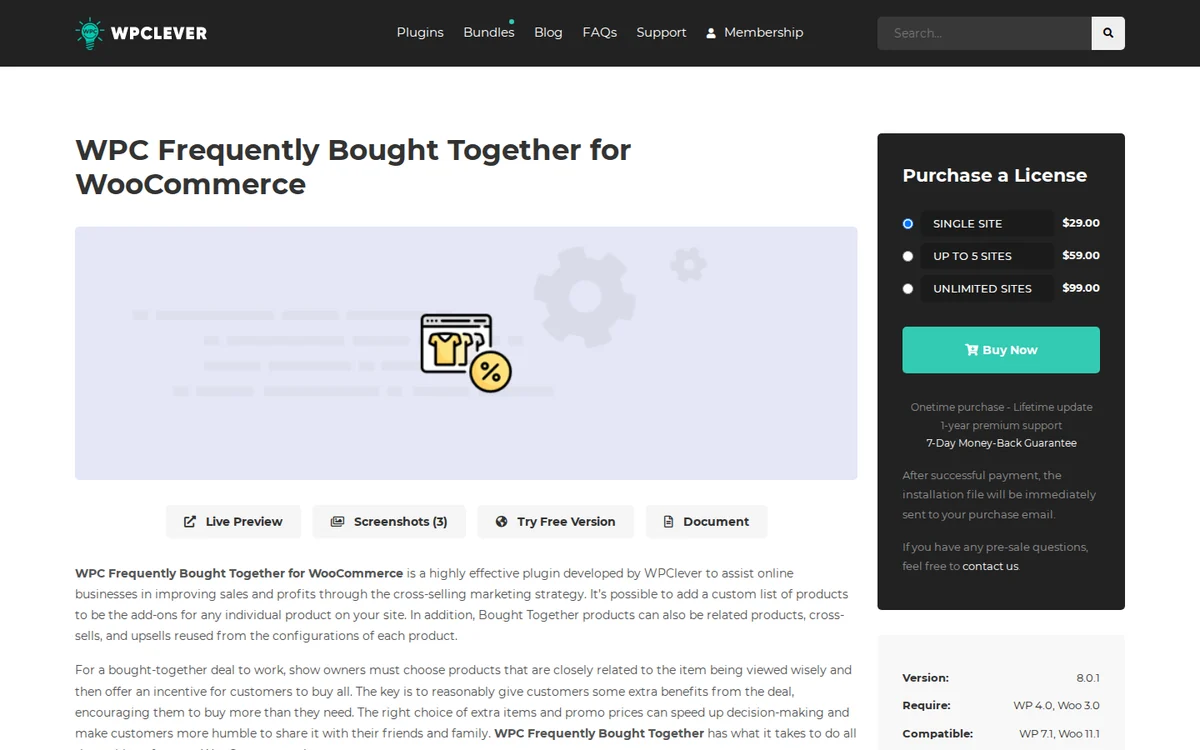 WPC Frequently Bought Together, by WPClever, adds the Amazon-style “bought together” block to product pages. Shoppers tick the extras they want and add the whole set with one button.
You can offer a discount on the set, which makes it a simple way to try product bundling.
- Per-product lists: choose the extras for each product.
- Reuse existing links: pull in related, upsell, or cross-sell products you set before.
- Bundle discount: lower the price when items are bought together.
- One-button add: the main product and its ticked extras go to the cart together.
Pricing: free on WordPress.org; premium is a one-time $29 for one site with lifetime updates.
Good fit: stores with natural add-ons, like cases for phones or socks for shoes.
Not a fit: stores that need offers at checkout.
11. WebToffee Best Sellers: Best Badges
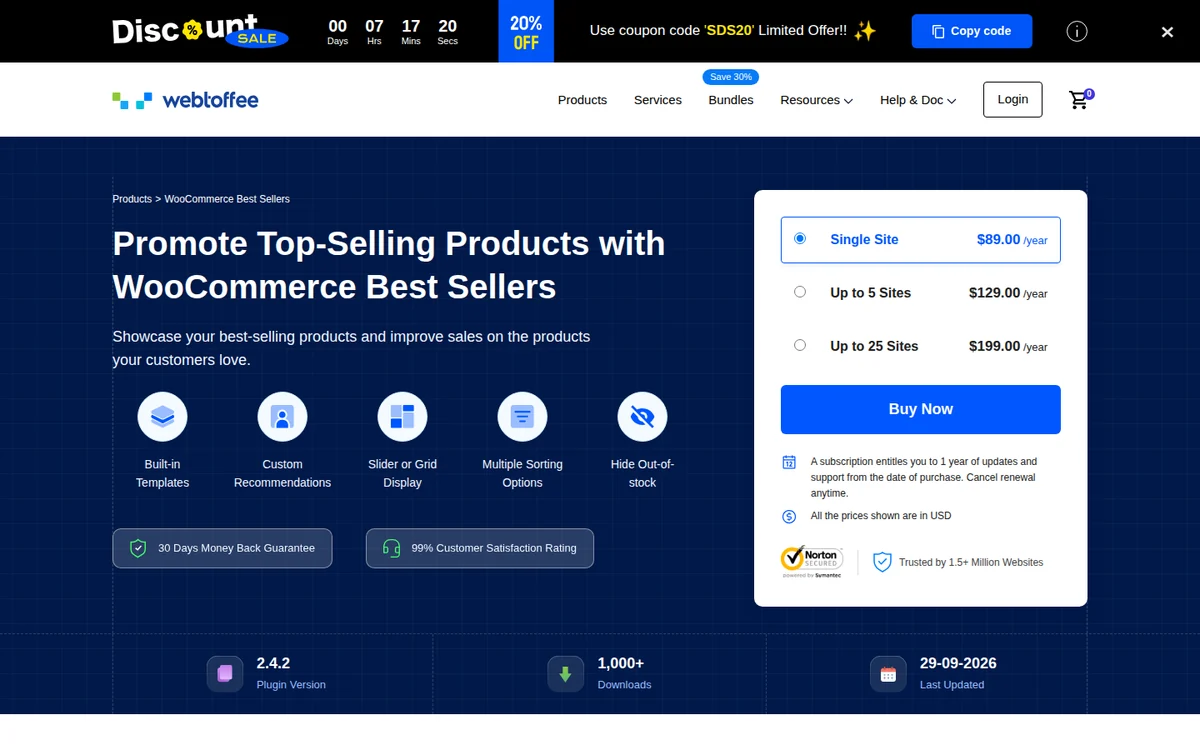 WebToffee Best Sellers puts your top products in front of shoppers with badges, sliders, and a best-sellers page. It ranks items by total sales or by sales in a period you pick.
Popularity is a quiet nudge, and this plugin shows it without any offer logic to manage.
- Best-seller badges: set the label text, color, and position on thumbnails.
- Custom seal image: upload your own best-seller seal.
- Sliders: add several best-seller sliders, one per category.
- Time window: rank by all-time sales or a recent period.
Pricing: $89/year for one site.
Good fit: stores where “most popular” helps people decide.
Not a fit: stores looking for discounts or bundles.
12. YITH Add-Ons: Best for Paid Extras
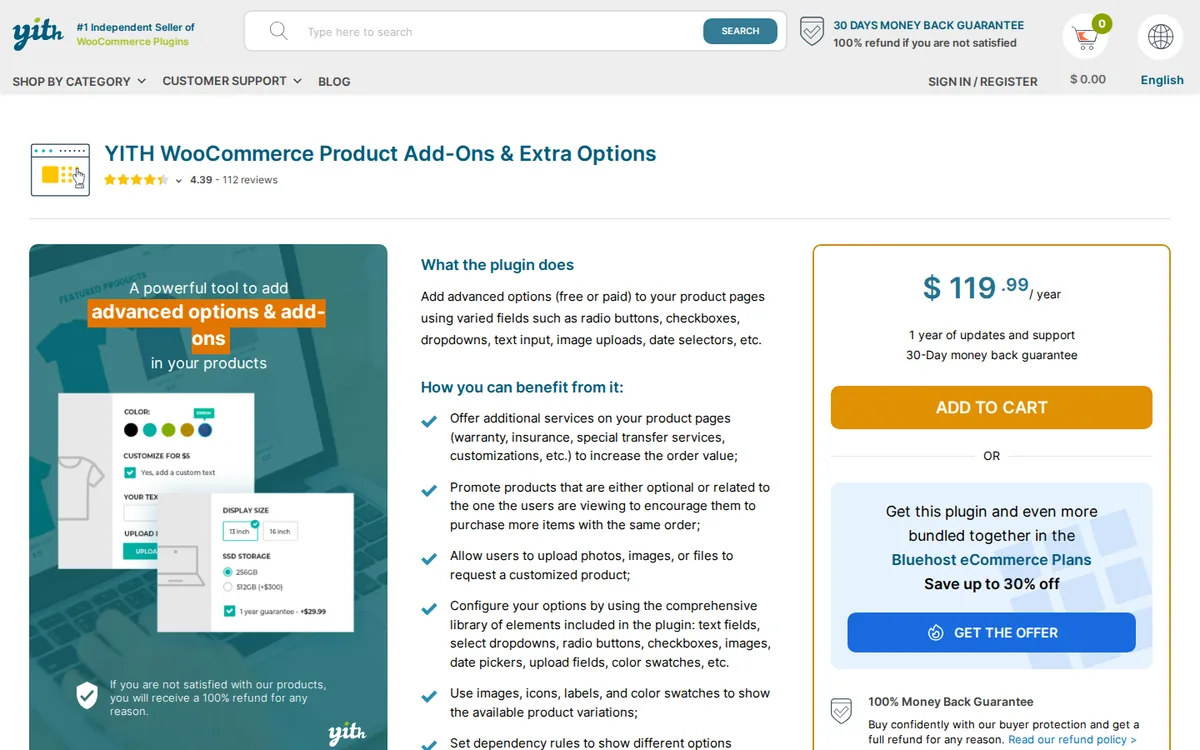 YITH WooCommerce Product Add-Ons & Extra Options sells extras on the product itself. Think gift wrap, engraving, a longer warranty, or custom text on a print.
Each option can carry its own price, so a $40 product can quietly become a $52 order.
- Option types: checkboxes, radio buttons, drop-downs, and text fields.
- Per-option pricing: charge for an option, give it free, or discount the product.
- Conditional display: show options only for certain products or variations.
- Styling: match colors, borders, and spacing to your theme.
Pricing: free on WordPress.org; premium is $119.99/year.
Good fit: stores that sell personalization or add-on services.
Not a fit: stores that want to suggest other products.
Build trust & FOMO
Highlight real-time activities like reviews, sales & sign-ups.
How Do You Choose a WooCommerce Upsell Plugin?
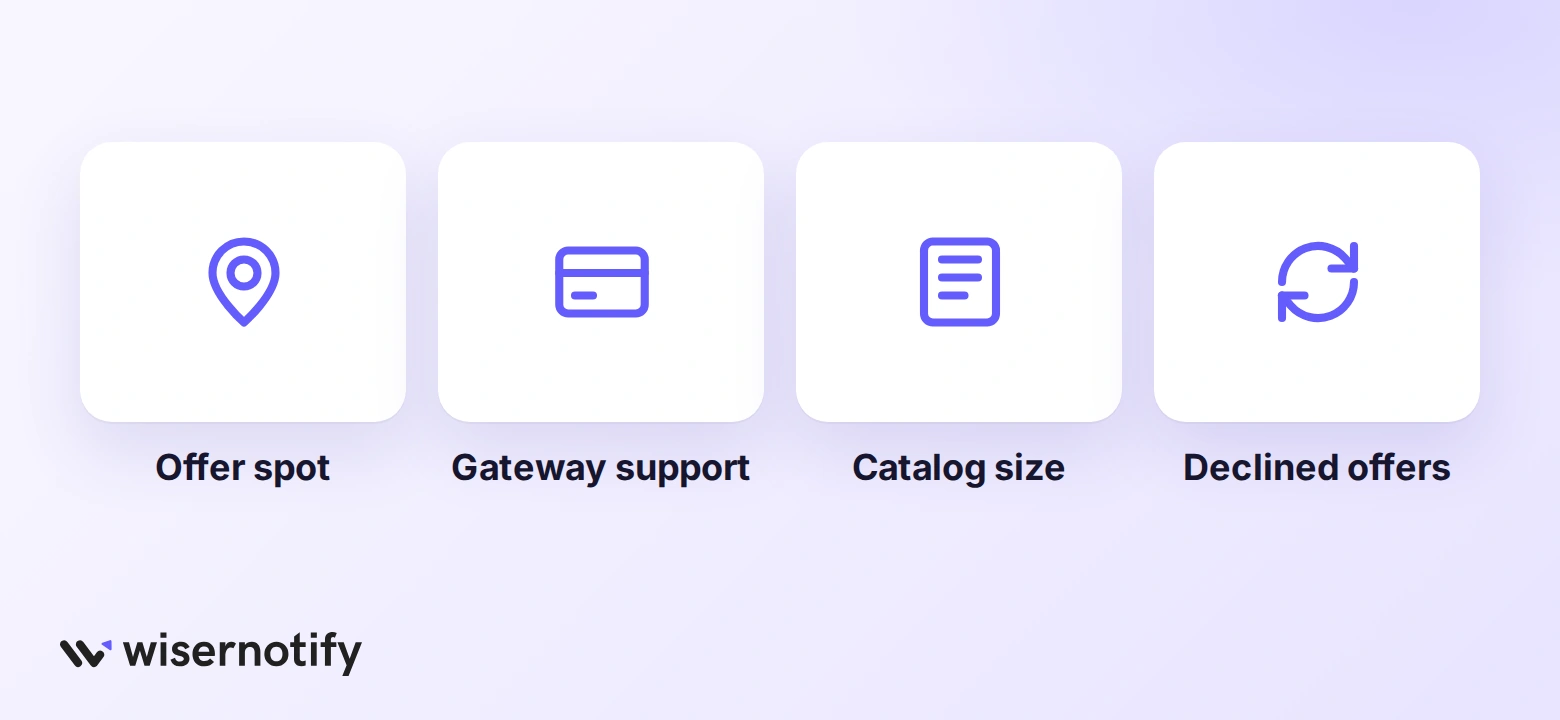 Choose a WooCommerce upsell plugin by the spot where the offer appears, the payment gateways it supports for one-click offers, and whether a free version covers the first offer.
A few questions sort the list quickly.
- Where should the offer appear? Product page tools, checkout tools, and funnel builders don’t overlap much. Pick the spot first.
- Does your gateway support one-click upsells? Post-purchase offers need it. Check the plugin’s gateway list before you buy.
- Do you need a new checkout? If not, a checkout plugin like UpsellWP or Upzell is less work than a funnel builder.
- How big is the catalog? Large catalogs need automatic suggestions. Small ones do fine with hand-picked offers.
- What happens when the offer is declined? Tools with downsells or offer chains recover some of those no’s.
One rule of thumb holds across every tool here. The add-on that sells is the one that answers “what else do I need to use this?” A lens cleaning kit next to a camera beats a second camera.
Switching From Another Upsell Plugin
Offers do not carry over between plugins, so rebuild them in the new tool before you deactivate the old one.
Keep the old plugin active for a day while you check that no shortcodes or blocks are left empty on the checkout and thank-you pages.
Setup Checklist for the First Offer
- Confirm your payment gateway is on the plugin’s one-click list, if you use post-purchase offers.
- Start with one offer on your best-selling product.
- Price the add-on well below the main product.
- Check the offer on a phone before you publish.
- Watch average order value for a few weeks before adding a second offer.
These ideas to increase WooCommerce sales help once the first offer is running.
Pair Upsells With Social Proof
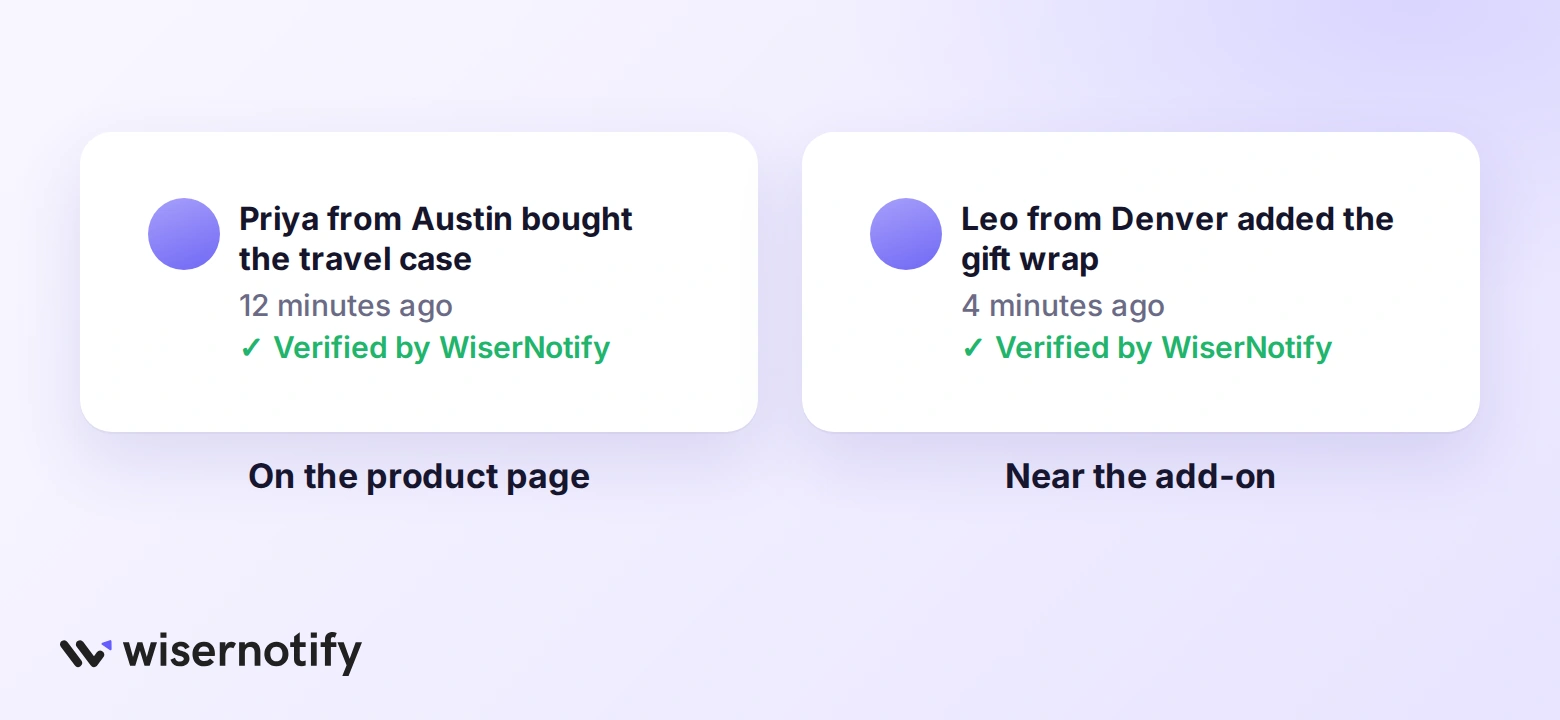 An upsell asks for a little more trust than the first purchase. Showing that other shoppers bought the same add-on makes that yes easier.
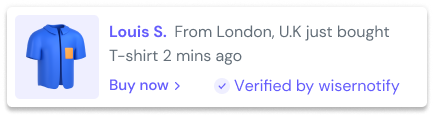
WiserNotify isn’t an upsell plugin, but it runs next to any of the tools above. It shows recent purchase notifications on WooCommerce pages, such as “Priya from Austin bought the travel case,” marked as verified.
Product reviews do the same job on the page itself. Our list of WooCommerce review plugins covers that side.
Build trust & FOMO
Highlight real-time activities like reviews, sales & sign-ups.
Wrap Up
The right upsell plugin depends less on features and more on where your shoppers hesitate. Fix that one spot first, whether it’s the product page, the cart, or the moment after payment.
Most of these tools have a free version. Test one offer this week and keep the plugin only if the order value moves.
Frequently Asked Questions
Does WooCommerce have built-in upsells?
Yes. Each product has upsell and cross-sell fields, but they only show suggestions, with no order bumps or post-purchase offers.
Is there a free WooCommerce upsell plugin?
Yes. CartFlows, UpsellWP, Upsell Funnel Builder, and Upzell all have free versions on WordPress.org.
What is an order bump in WooCommerce?
It’s a checkbox offer on the checkout page that adds a small item to the order before payment.
Do one-click upsells work with every payment gateway?
No. They need a gateway the plugin supports, such as Stripe or PayPal, so check the list first.
Can I use more than one upsell plugin?
Yes, if they work in different spots, like bundles on product pages and a bump at checkout. Avoid two that both add checkout offers.

Krunal Vaghasiya is a marketing tech expert who boosts e-commerce conversion rates with automated social proof and FOMO strategies. He loves to keep posting insightful posts on online marketing software, marketing automations, and improving conversion rates.




 Capterra