
WiserNotify vs ProveSource: Pricing and Features (2026)

Social proof tools show visitors that other people are buying, signing up or leaving reviews, usually through small popups such as sales popups.
WiserNotify and ProveSource both do this, and both set up with one pixel. They differ on price, how much you can restyle a popup, and what else you can add, such as countdown timers and announcement bars.
This guide compares the two side by side, with current pricing for both, so you can pick the one that fits your traffic and your goals.
WiserNotify vs ProveSource at a Glance
| Feature | WiserNotify | ProveSource |
|---|---|---|
| Starting price | Pro from $16/month (Basic is $59/year) | Paid from $29/month ($24 billed yearly) |
| Priced by | Visitors a month: 10,000 on the $16 plan | Monthly unique visitors: 20,000 on Starter |
| Free option | 7-day free trial | Free plan for 1,000 monthly unique visitors, with ProveSource branding |
| Notification types | Sales, signups, reviews, live visitors, countdown timers, announcement bars, video popups | Recent sales, signups, reviews, live visitors, counters, informational notes. Popups, bars and timers sit in a separate product, Boost |
| Design control | Text, position, animation and style in the editor, plus custom CSS on Pro | Icon, title color, text and link in the editor, markdown and HTML in messages, and custom CSS added to your own page |
| Display rules | Page rules plus UTM, cookies, referrer, country and new or returning visitors | Page rules, delays, once per session, random order and the visitor’s country |
| Integrations | 250+ tools and platforms | 100+ integrations |
| A/B testing | Built in on Pro and up, with goal tracking | No built-in A/B testing |
| Support | Live chat support | Live chat support on every plan |
| Best for | Stores, SaaS, course sellers and agencies that want timers, bars and testing | Small sites that want a free plan |
Build trust & FOMO
Highlight real-time activities like reviews, sales & sign-ups.


What Is WiserNotify?
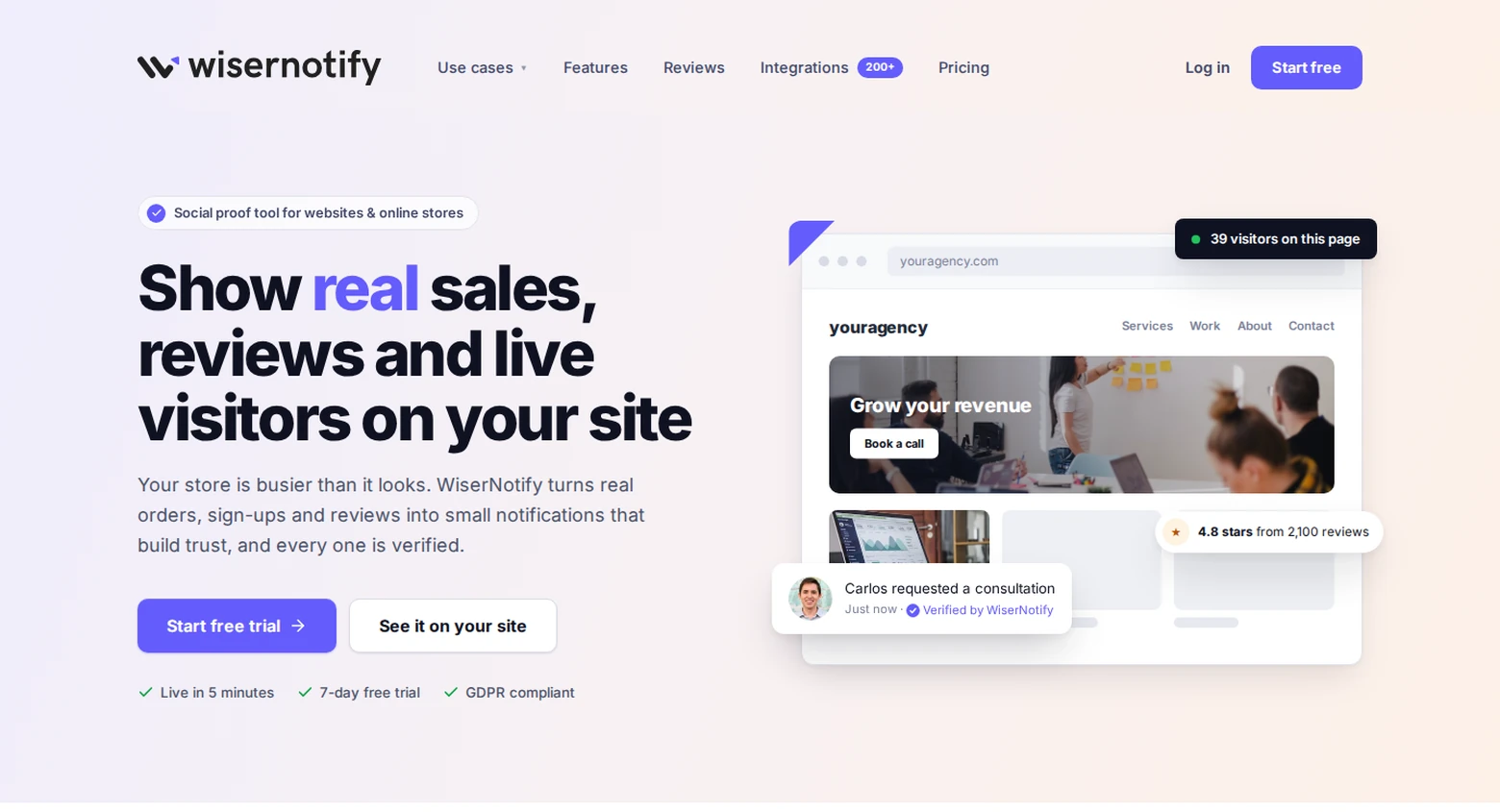
WiserNotify is a social proof and FOMO tool. It shows live visitor counts, purchases, reviews and signup alerts, and it runs countdown timers, announcement bars and video popups from the same dashboard.


- More popup types: signups, sales, reviews, counters, timers and bars, all on one pixel.
- Design control: change the text, position, animation and style of each notification. Custom CSS is included on Pro.
- Display rules: show different messages by page, referrer, UTM, country or new versus returning visitors.
- A/B testing: compare two versions of a notification and keep the winner, with goal tracking on Pro.
- 250+ integrations: Shopify, WordPress, WooCommerce, CRMs and form tools.
- Support: live chat on every plan.
Pricing is by visitors, not by how many notifications you show.
What Is ProveSource?

ProveSource is a social proof tool that shows recent activity on your site, such as purchases, signups and reviews. It runs at provesrc.com and works with most platforms through a pixel. It supports the usual social proof popup types.
Its notification types are Stream, Combo, Live Visitor and Review, plus counters and informational notes. An analytics page tracks impressions, clicks, CTR and goal conversions.
Popups, spin-the-wheel, announcement bars and countdown timers live in a separate product called ProveSource Boost. It has its own free plan and its own pricing.
Main Features:
- Notifications for recent sales, signups, reviews, counters and page visits
- Display rules for timing, delays, page targeting and once per session
- 100+ integrations, including Shopify, WooCommerce, Wix and Zapier
- More than 20 languages
Pros
- Free plan for 1,000 monthly unique visitors with every feature.
- Easy to set up with no coding.
- Live chat support on every plan.
- Analytics for clicks, CTR and goal conversions.
Cons
- The editor styles the icon, title color, text and link. Deeper changes need custom CSS on your own page.
- No built-in A/B testing.
- Plans are capped by monthly unique visitors, and new visitors stop seeing notifications over the cap.
- Popups, bars and timers need the separate Boost product.
Weighing other options? See these ProveSource alternatives.
ProveSource and WiserNotify Pricing
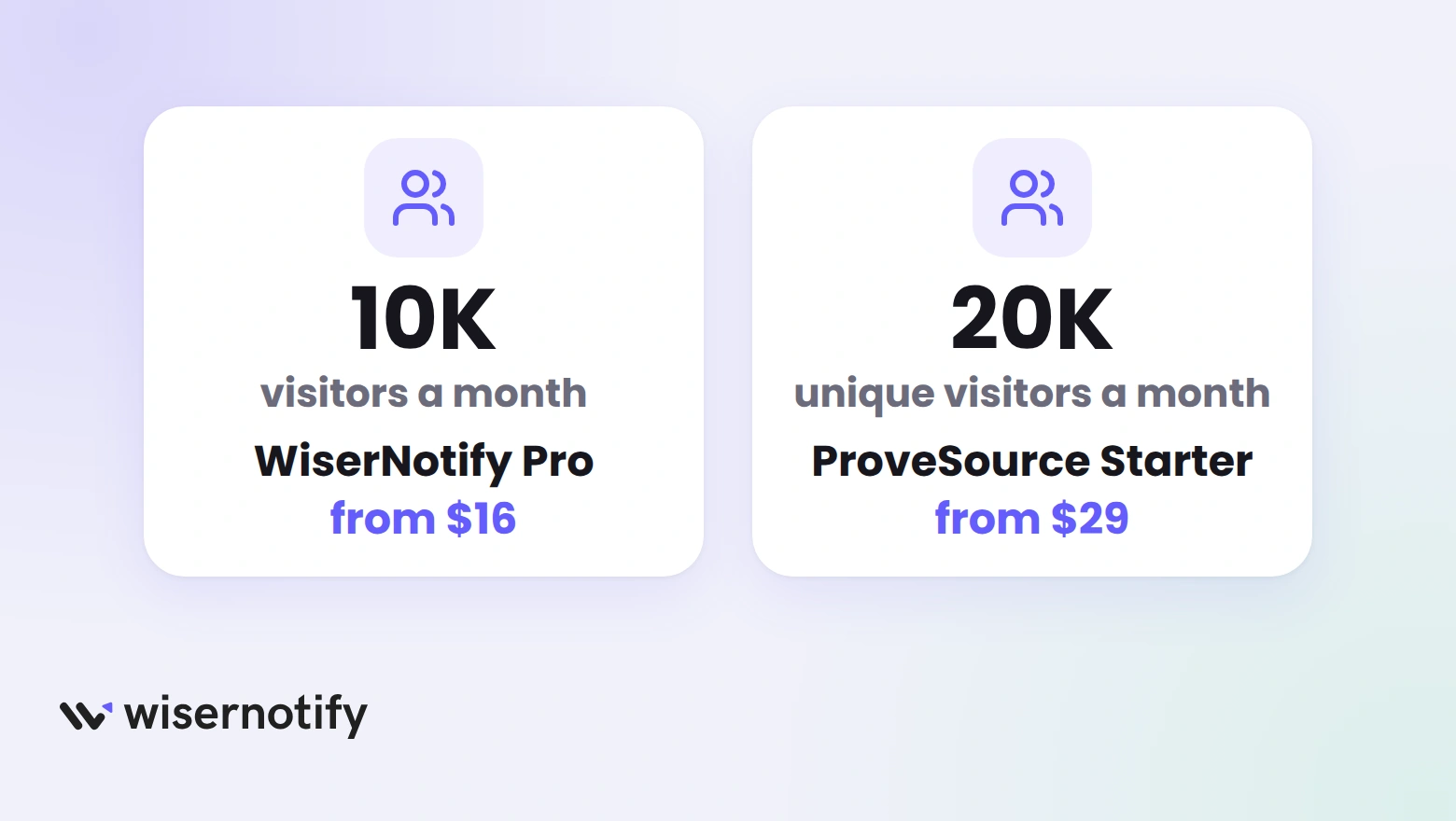
Both tools price by traffic, so the number that matters is how many visitors your site gets in a month.
- WiserNotify: every plan starts with a 7-day free trial. Basic is $59 a year for 5,000 visitors a month. Pro starts at $16 a month for 10,000 visitors and adds all premium templates, A/B testing, goal tracking, custom CSS and branding control. Growth starts at $65 a month for 100,000 visitors.
- ProveSource: a free plan covers 1,000 monthly unique visitors, with ProveSource branding. Starter is $29 a month, or $24 billed yearly, for 20,000. Growth is $54 a month, or $45 billed yearly, for 50,000. Larger plans go up to 500,000, and paid plans remove the branding.
Under 1,000 visitors a month, ProveSource costs nothing, while WiserNotify is paid after the trial. Above that, WiserNotify is cheaper at the entry tier, and ProveSource’s first paid plan covers twice the visitors.
If you go over the cap on ProveSource, it does not upgrade you. It stops showing notifications to new visitors until the next billing cycle.
WiserNotify or ProveSource: Which to Pick?
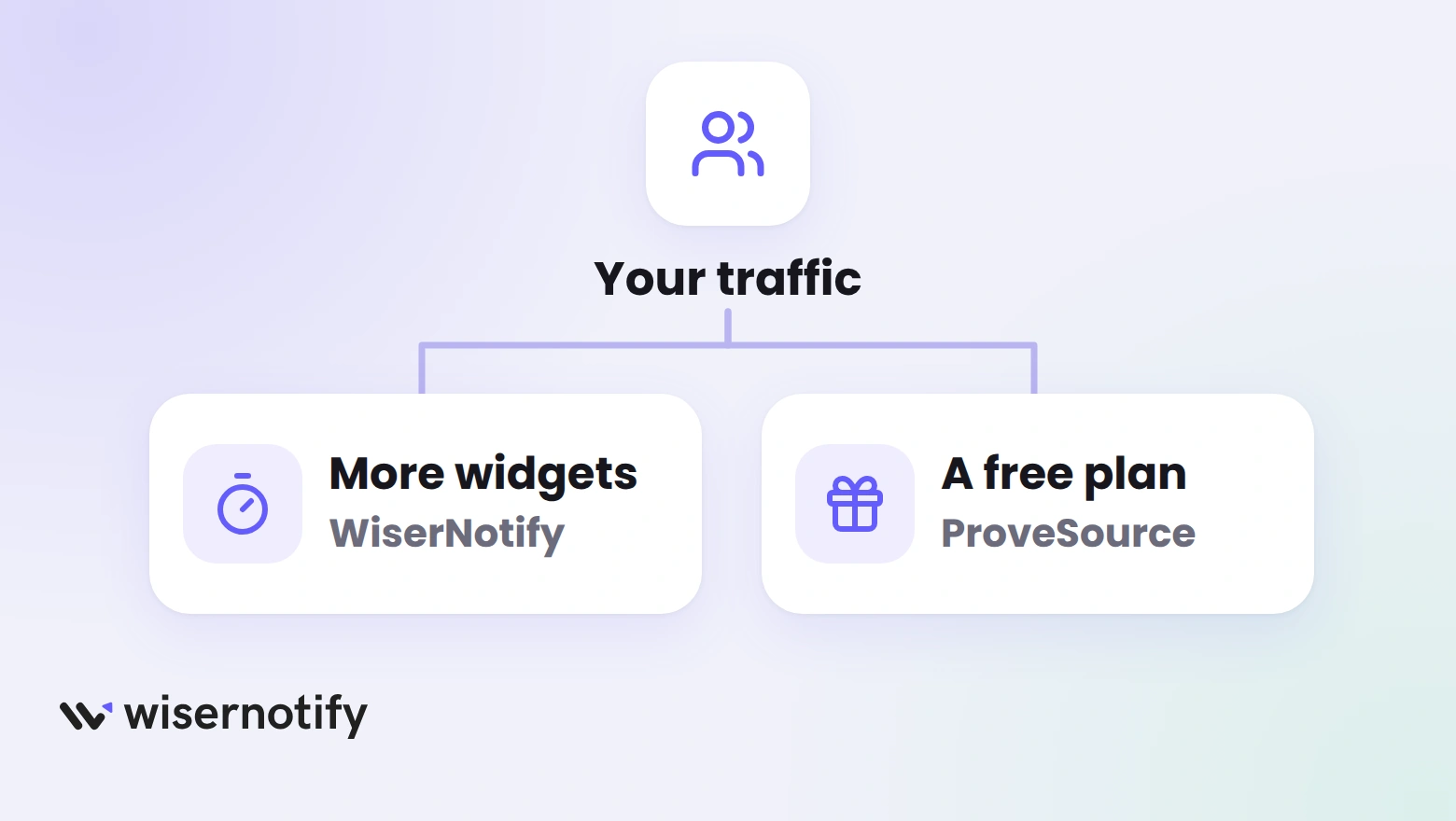
Use these four checks to decide. Each one maps to a row in the table above.
1. Pricing
WiserNotify is cheaper at the entry tier. ProveSource is cheaper at zero, with a free plan, and gives you more visitors on its first paid plan.
2. What You Can Show
WiserNotify shows signups, sales, reviews and counters, then adds countdown timers, announcement bars and video popups to the same dashboard.
You can also run A/B tests and target by page, source, country or visitor type.
ProveSource keeps its plans to notifications and analytics. Its popups, bars and timers sit in the separate Boost product.
3. Tools It Works With
WiserNotify connects with 250+ tools, including Shopify, WordPress and CRMs. ProveSource lists 100+ integrations, including Shopify, WooCommerce, Wix and Zapier.
4. Setup and Support
Both tools set up with a pixel and need no coding. Both include live chat support on every plan.
Pick WiserNotify if:
- You want notifications, timers and bars in one tool.
- You want A/B testing and goal tracking.
- You want more integrations and custom CSS on Pro.
- You run a store, SaaS, course or agency site.
Pick ProveSource if:
- Your site gets under 1,000 monthly unique visitors and you want a free plan.
- You only need notifications and analytics.
- You want 20,000 visitors on the first paid plan.
Build urgency
Add floating offers with countdown timer & coupon code.

Conclusion
WiserNotify and ProveSource both show real activity to build trust. WiserNotify costs less at the entry tier and adds timers, bars, A/B testing and more integrations.
ProveSource suits very small sites that want a free plan, and its first paid plan covers more visitors.
Match the tool to your traffic and to what you plan to add next. Both let you try before you pay, ProveSource through its free plan and WiserNotify through a 7-day trial.

Boost Conversion Instantly
Add Social Proof & Urgency to your website
Related Posts
Frequently Asked Questions
Which is cheaper, WiserNotify or ProveSource?
WiserNotify is cheaper at the entry tier, from $16 a month. ProveSource is cheaper for very small sites, because its free plan costs nothing.
What is the main difference between WiserNotify and ProveSource?
WiserNotify adds built-in A/B testing, timers, bars and more integrations to its notifications. ProveSource keeps its plans to notifications and analytics, with a separate Boost product for popups.
Which tool is better for beginners?
Both set up with a pixel and need no code. ProveSource’s free plan is the lower-risk start for a tiny site, and the 7-day WiserNotify trial lets you test timers and A/B tests.
Does ProveSource have a free plan?
Yes. Its free plan covers up to 1,000 monthly unique visitors and includes every feature. WiserNotify has a free trial, not a free plan.
Can I use both tools on Shopify and WordPress?
Yes. Both work with Shopify, WordPress and other platforms, and WiserNotify lists more integrations.

Krunal Vaghasiya is a marketing tech expert who boosts e-commerce conversion rates with automated social proof and FOMO strategies. He loves to keep posting insightful posts on online marketing software, marketing automations, and improving conversion rates.




 Capterra