
8 Best A/B Testing Tools for Websites (2026 Prices Compared)

For most founders, PostHog is the best A/B testing tool to start with: it’s free up to 1 million feature flag requests a month and includes product analytics.
If you want a no-code visual editor, GrowthBook’s free plan or Crazy Egg from $99 a month are the easiest options.
Below are 8 web A/B testing tools compared on price, free tier and visual editor, plus how to test your social proof notifications.
Best A/B Testing Tools at a Glance
| Tool | Price | Free tier | Visual editor | Best for |
|---|---|---|---|---|
| PostHog | Free up to 1M feature flag requests/mo, then usage-based | Yes | Basic, via toolbar | Founders who want testing plus product analytics |
| GrowthBook | Free for up to 3 users; Pro $40 per seat/mo | Yes | Yes | Small teams on a budget |
| Crazy Egg | From $99/mo (Plus, billed yearly) | No, trial only | Yes | Non-technical founders who also want heatmaps |
| Convert Experiences | From $299/mo billed yearly, metered by tested users | No, trial only | Yes | Growing stores that want a full testing tool |
| VWO | Quote only, 30-day trial | No | Yes | Teams that want testing, heatmaps and surveys in one |
| Optimizely | Quote only | No | Yes | Enterprise web and product teams |
| AB Tasty | Quote only | No | Yes | Mid-size ecommerce brands |
| Kameleoon | Quote only, free trial | No | Yes | Teams running web and server-side tests |
Free and Low-Cost A/B Testing Tools
These four are the best fit for founders and small teams watching their budget.
1. PostHog
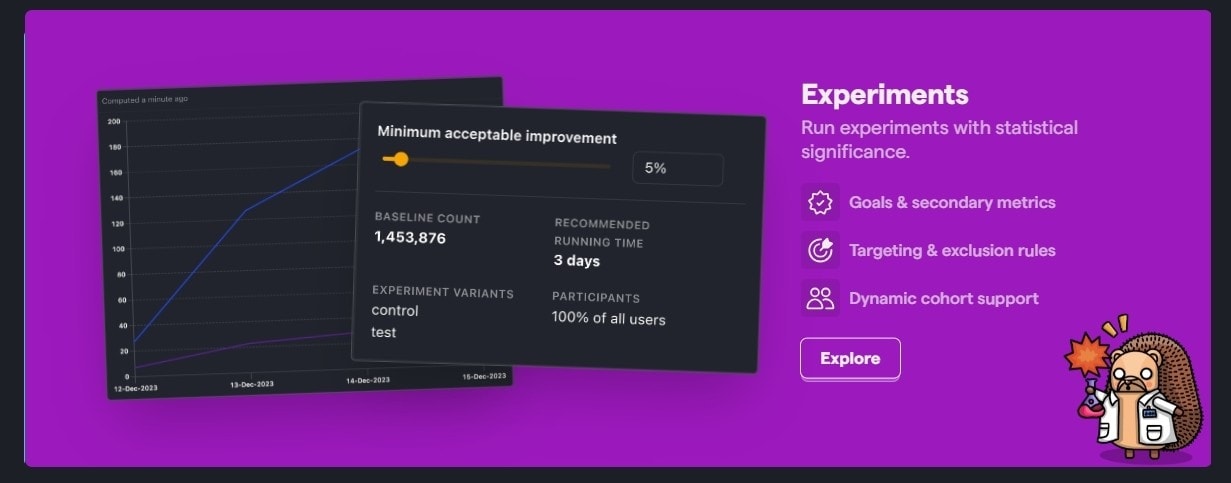
PostHog is an open-source product analytics platform with experiments built in. You get funnels, session replays and feature flags in the same tool, so you can see why a variant won, not just that it did.
Most tests are set up with a few lines of code, which suits technical founders. A toolbar handles simple no-code changes on web pages.
Key features:
- Experiments on feature flags: run A/B and multivariate tests on web or in-app features
- Built-in analytics: funnels, cohorts and session replays next to test results
- Open source: self-host or use the cloud version
Pricing: Free up to 1 million feature flag requests a month, then usage-based.
2. GrowthBook
GrowthBook is an open-source experimentation platform that connects to the data you already have, such as your warehouse or analytics tool.
It has a visual editor for no-code web tests, unlimited experiments and traffic on the free plan, and solid statistics for teams that want trustworthy results.
Key features:
- Visual editor: change copy, colors and layout without code
- Warehouse-native: reads results from your existing data
- Feature flags: roll out and test features safely
Pricing: Free for up to 3 users. Pro is $40 per seat a month.
3. Crazy Egg
Crazy Egg started as a heatmap tool and added A/B testing, which makes it a good pick for non-technical founders who want to see where visitors click and then test a fix.
Tests are built in a point-and-click editor, and heatmaps, scroll maps and recordings sit in the same dashboard.
Key features:
- Visual editor: edit page elements without code
- Heatmaps and recordings: find problems before you test
- Traffic splitting: send more traffic to winning variants
Pricing: A/B testing starts on the Plus plan at $99 a month, billed yearly only.
4. Convert Experiences
Convert is a full testing platform priced for growing businesses, with a visual editor, code editor and privacy-first data handling.
It suits stores and SaaS companies that have outgrown free tools and want A/B, split URL and multivariate tests with strong support.
Key features:
- Visual and code editors: build tests either way
- Advanced targeting: segment by audience, location or behavior
- Privacy-first: no third-party cookies by default
Pricing: Growth plan from $299 a month billed yearly ($399 monthly), metered by tested users.
Build trust & FOMO
Highlight real-time activities like reviews, sales & sign-ups.


Enterprise A/B Testing Platforms
These tools fit larger teams with high traffic and a dedicated testing budget.
5. VWO
VWO combines A/B testing with heatmaps, session recordings and on-page surveys, so research and testing happen in one place.
Its visual editor makes test creation simple, and targeting lets you show different variants to specific audience segments.
Key features:
- Multivariate testing: test several elements at once
- Behavioral targeting: show variants to specific segments
- Built-in research: heatmaps, recordings and surveys
Pricing: Quote only, with a 30-day free trial.
6. Optimizely
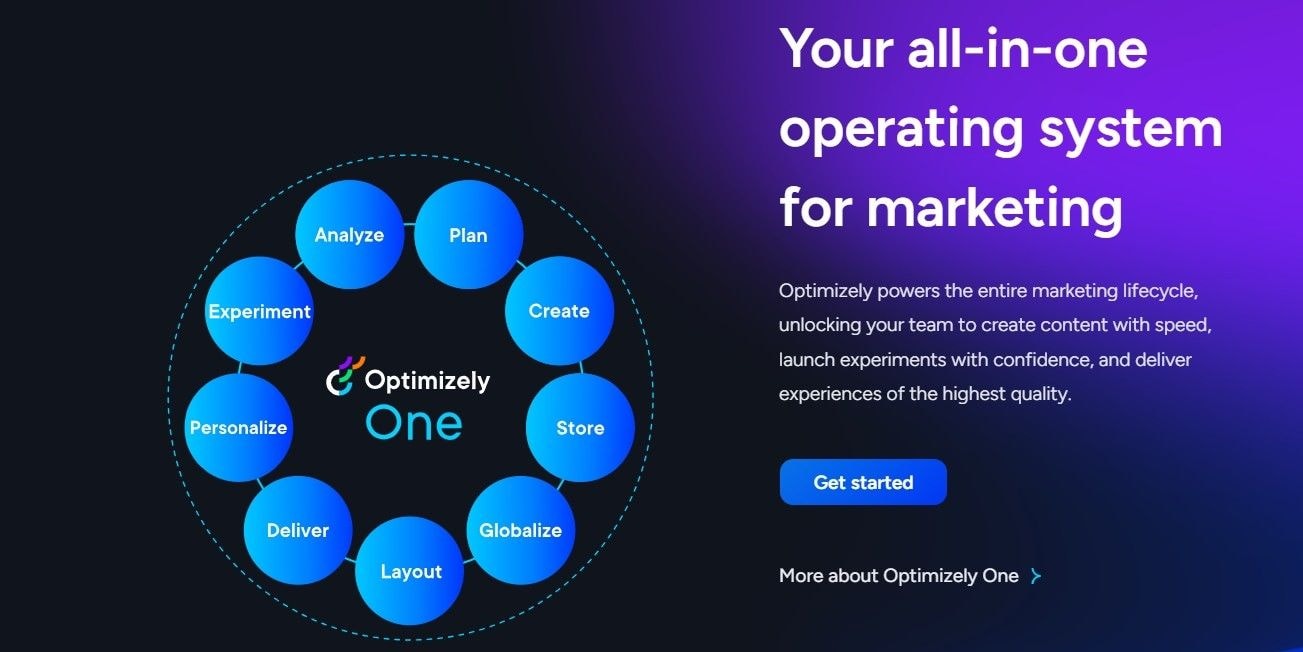
Optimizely is one of the best-known experimentation platforms, covering web tests, feature experiments and personalization.
It’s built for large teams that run many tests at once and need strict statistics and governance.
Key features:
- Web and feature experimentation: test pages and product features
- Stats engine: designed to reduce false winners
- Personalization: tailor experiences by audience
Pricing: Quote only.
7. AB Tasty
AB Tasty is an experimentation and personalization platform popular with mid-size ecommerce brands.
It pairs a visual editor with ready-made widgets like banners and countdowns, and an AI engine that helps target segments.
Key features:
- Visual editor and widgets: launch tests and on-site messages without code
- Personalization: show tailored content by segment
- Feature experimentation: test server-side and in-app features
Pricing: Quote only.
8. Kameleoon
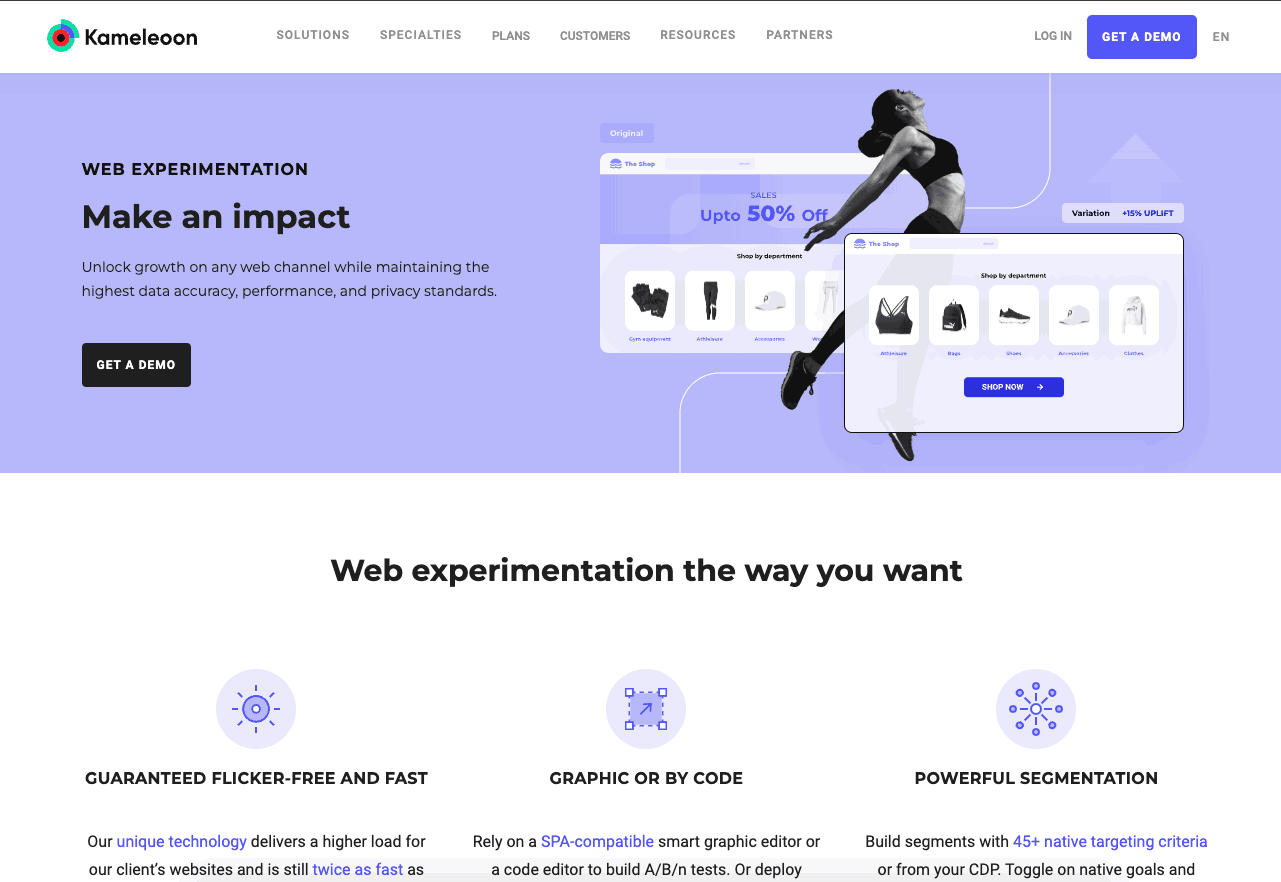
Kameleoon covers both web and server-side experimentation, so marketing and product teams can test in one platform.
It’s a good fit when tests go beyond page design into pricing, search or backend logic.
Key features:
- Web and full-stack testing: test pages and backend changes
- AI targeting: find segments likely to convert
- Personalization: tailor experiences in real time
Pricing: Quote only, with a free trial.
How to A/B Test Social Proof Notifications
Social proof popups are easy to test and often overlooked. With WiserNotify, you can test notification copy, CTA labels, icons, position, animation, colors and timing without a separate testing tool.
Step 1: Open A/B Test
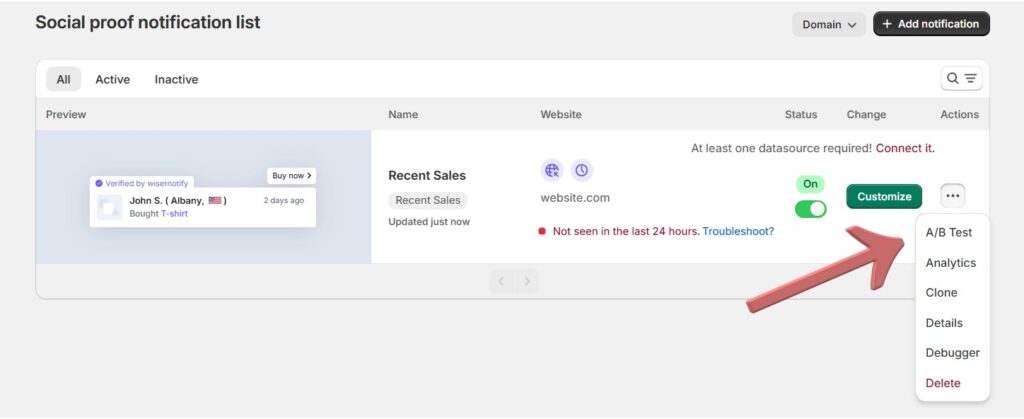
In your social proof notification list, click the three-dot menu next to the notification you want to test and choose A/B Test.
Step 2: Add a Variant
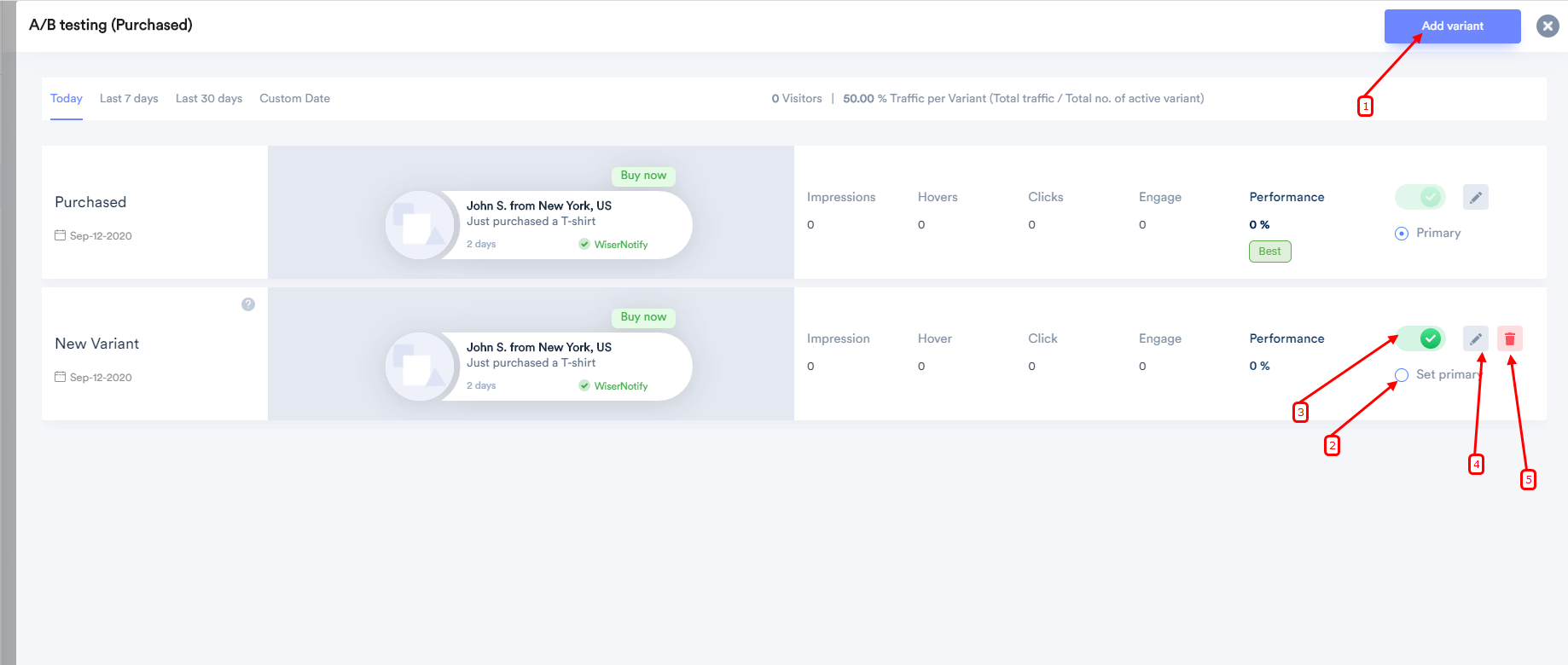
Click Add variant. The new variant is cloned from your current notification, so you only change what you want to test.
Each variant has its own controls: a toggle to start or pause it, Set primary, an edit icon and a delete icon.
Step 3: Change One Thing
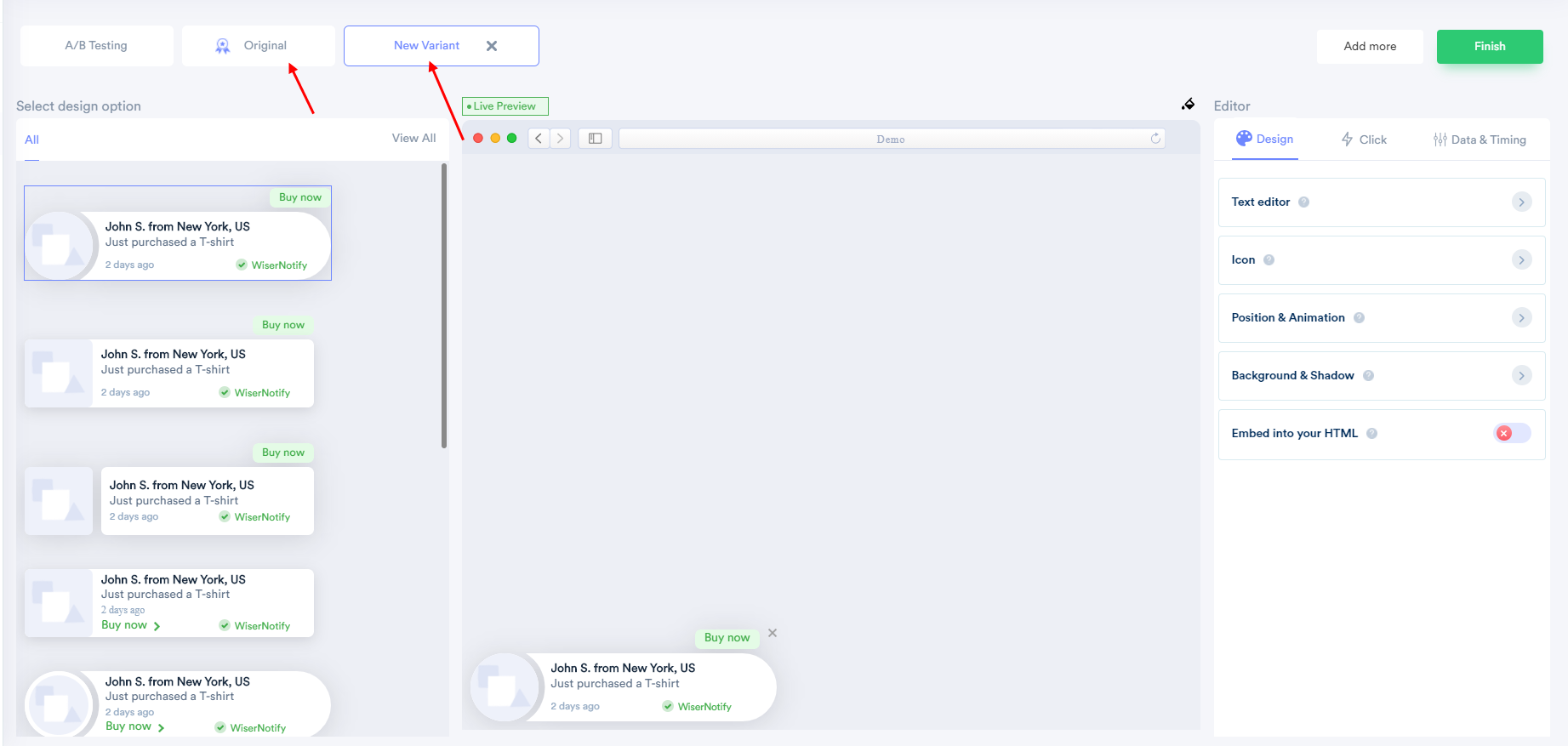
Click the edit icon to open the variant editor. Switch between the Original and New Variant tabs, then change one element, such as the template, text, icon, position or timing, and click Finish.
Keep it to one change, such as “12 people bought this today” versus “Sarah from Austin just bought this,” so you know what made the difference.
Step 4: Pick the Winner
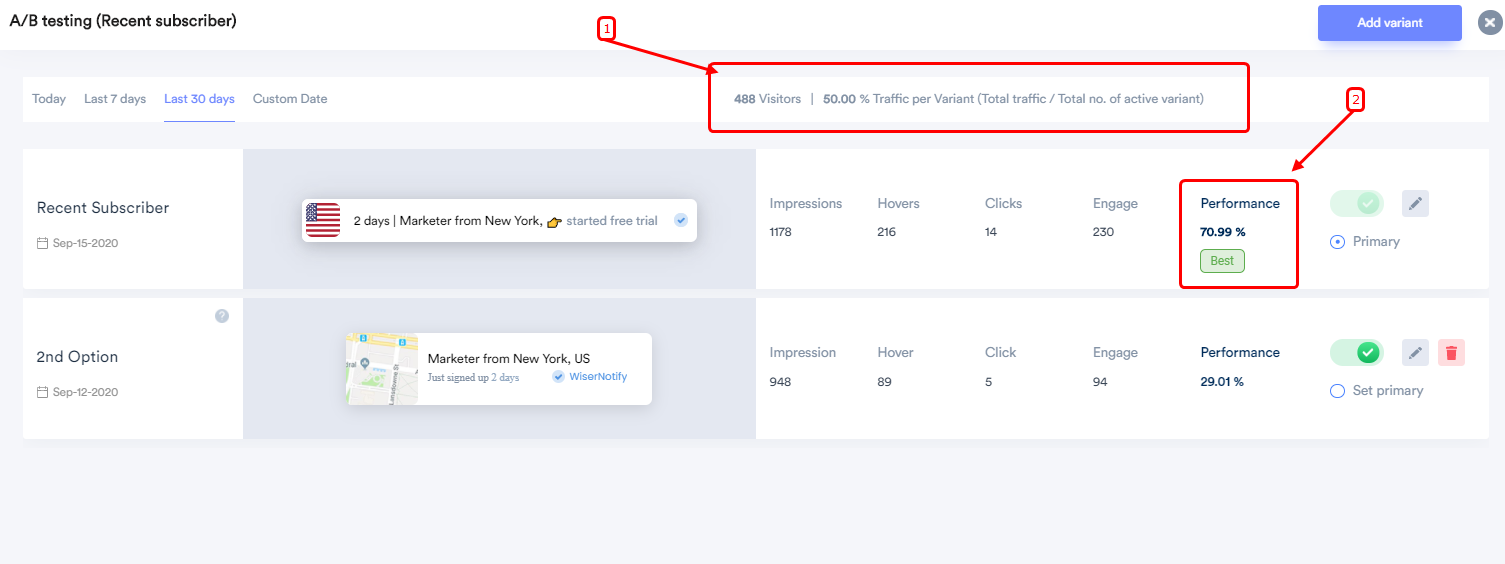
Traffic is split evenly between active variants, so each new visitor sees the next one in turn. The report shows visitors, impressions, hovers, clicks and engagement for each variant by day, week or month.
The variant with the highest engagement gets a Best tag. Set it as primary, then pause or delete the others. See our social proof examples for more test ideas.
How to Choose an A/B Testing Tool
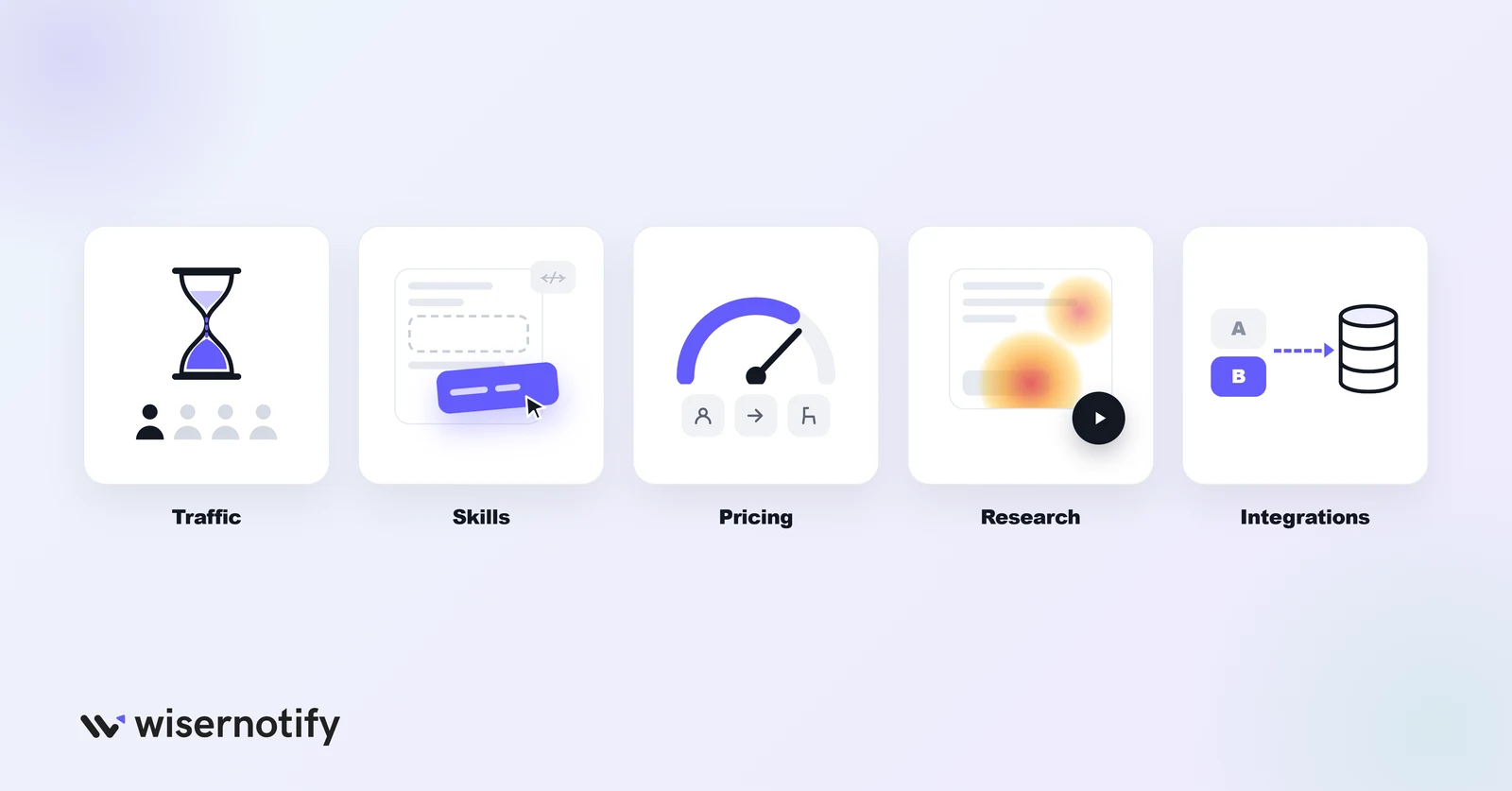
- Traffic: under a few thousand visitors a month, tests take a long time to reach a result. Start with a free tool and test big changes.
- Skills: choose a visual editor if nobody on the team writes code.
- Pricing meter: check whether you pay per tested user, per request or per seat, since costs grow differently.
- Research tools: heatmaps and recordings help you decide what to test first.
- Integrations: make sure results flow into your analytics or data warehouse.
Common A/B Testing Mistakes
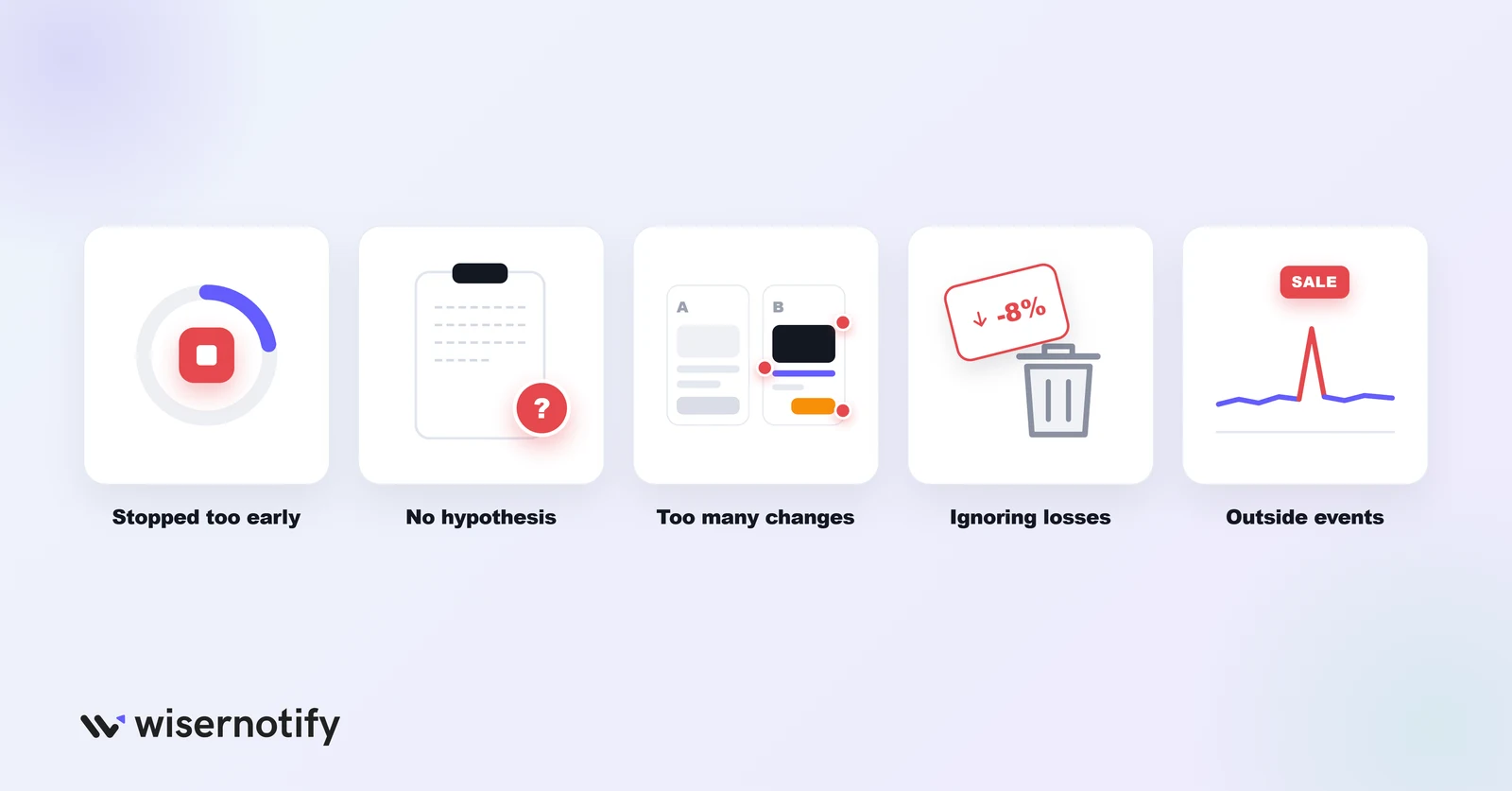
- Stopping tests too early. Wait until you reach the sample size your tool recommends.
- Testing without a hypothesis. Write down what you expect and why before you start.
- Changing too much at once. Test one main change so you know what caused the result.
- Ignoring losing tests. A loss still tells you what your visitors don’t want.
- Forgetting outside events. Sales, holidays and outages can skew results.
Also see: 50 Conversion Rate Optimization Tools to Choose From
Wrap Up
Start free with PostHog or GrowthBook, move to Crazy Egg or Convert when you want a friendlier editor or more support, and look at VWO or Optimizely once testing becomes a full-time job.
Whatever you pick, test one clear idea at a time and let each test run long enough to trust the result.
Frequently Asked Questions
What is the best free A/B testing tool?
PostHog and GrowthBook both have free plans. PostHog includes analytics, while GrowthBook adds a no-code visual editor.
Is VWO free?
No. VWO pricing is by quote, with a 30-day free trial.
How much traffic do I need for A/B testing?
Enough for each variant to reach a reliable sample. Low-traffic sites should test big changes and run tests longer.
Can I A/B test social proof notifications?
Yes. WiserNotify lets you add variants of a notification and shows which one gets the most engagement.
What's the difference between A/B and multivariate testing?
An A/B test compares two versions of one change, while a multivariate test changes several elements at once.

Krunal Vaghasiya is a marketing tech expert who boosts e-commerce conversion rates with automated social proof and FOMO strategies. He loves to keep posting insightful posts on online marketing software, marketing automations, and improving conversion rates.
Keep reading
All articles →
I Tested 10 Google Review Plugins for WordPress (2026)
I installed, connected, and tested every popular Google review plugin for WordPress over two weeks. Not quick demos. Real installs on staging sites, connected to actual Google Business Profiles with 50 to 200+ reviews. Most plugins do the same basic thing: pull your Google reviews and display them. But the differences in speed, customization, and …
Krunal Vaghasiya · May 22, 2025
10 Best Shopping Cart Abandonment Software to Boost Sales
Cart abandonment software is like a superhero for your store. These tools swoop in and save the day by helping you recover those abandoned carts and turn browsers into buyers. They do this by sending automated emails, displaying exit-intent popups with offers and sending personalized SMS to remind shoppers about their abandoned items. In this …
Krunal Vaghasiya · Oct 22, 2024
12 Best Heatmap Software & Tools in 2026 (Free & Paid)
Have you ever wondered where your website visitors are looking, clicking, or getting stuck? Trying to increase conversions but guessing what changes to make. You’re not alone. Many businesses face these challenges and the answer might be in the power of heatmaps. Heatmaps are like X-rays for your website, showing you the hidden patterns of …
Krunal Vaghasiya · Oct 22, 2024



 Capterra