
7 Best Shopify Low Stock Alert Apps (2026, Free & Paid)
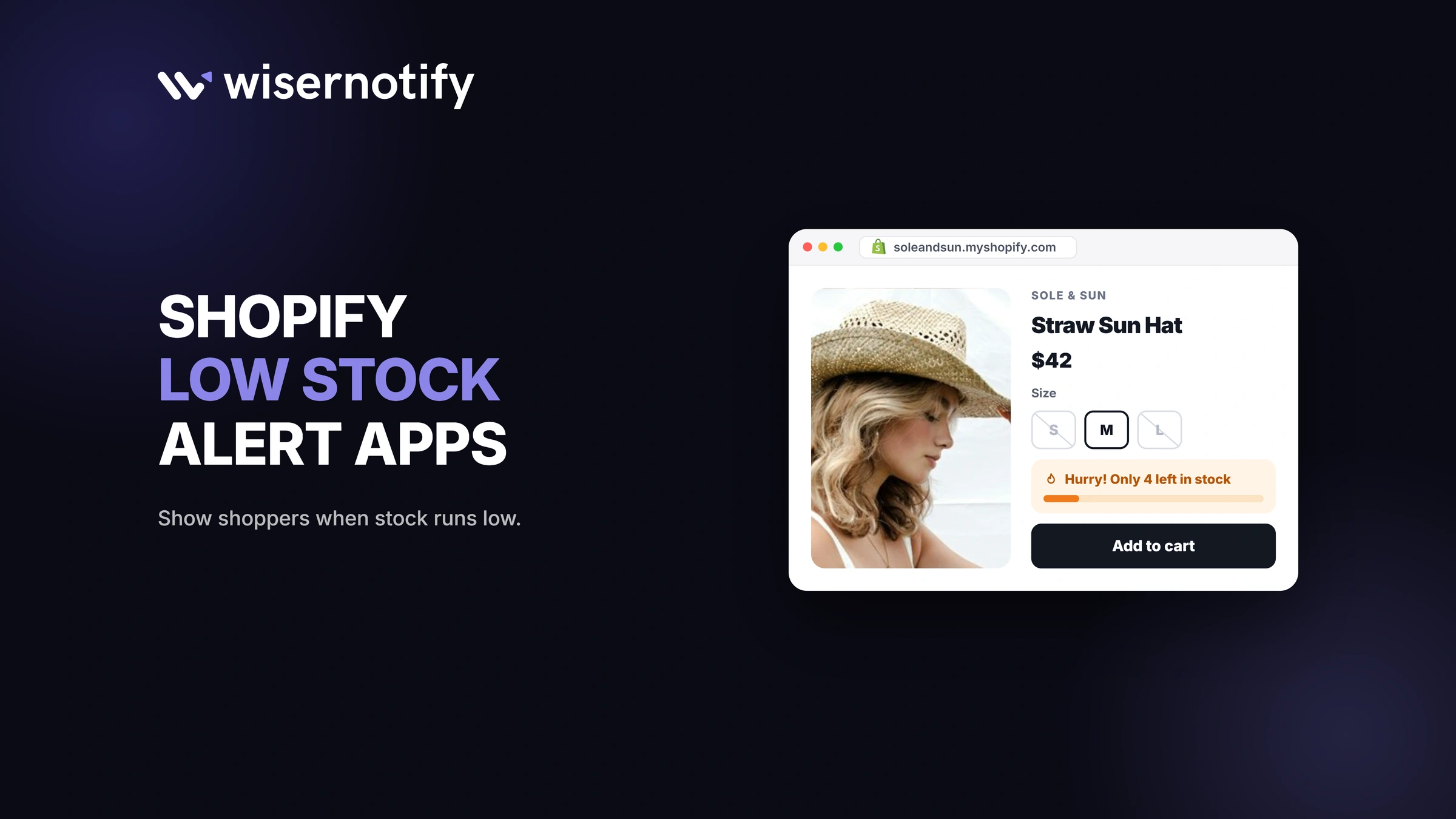
A Shopify low stock alert app either warns your team when stock runs low or shows shoppers how few items are left. Team alerts arrive by email or Slack, so you can reorder in time.
Shopper alerts appear on product pages as messages like “Only 3 left.” Bee Low Stock Alert and iAlert are the best free picks for team alerts, while WiserNotify, Notify Me!, Scarcity+, and Ultimate Scarcity Pro cover the shopper side.
Key takeaways
- Notify Me! is the only app here that covers both sides: restock signups for shoppers and inventory alerts for you on paid plans.
- Bee Low Stock Alert is the only one that also works out how much to reorder.
- Most stores run one app of each kind.
- Show “low stock” messages only when stock is low, or shoppers stop trusting them.
Build trust & FOMO
Highlight real-time activities like reviews, sales & sign-ups.


Shopify Low Stock Alert Apps Compared
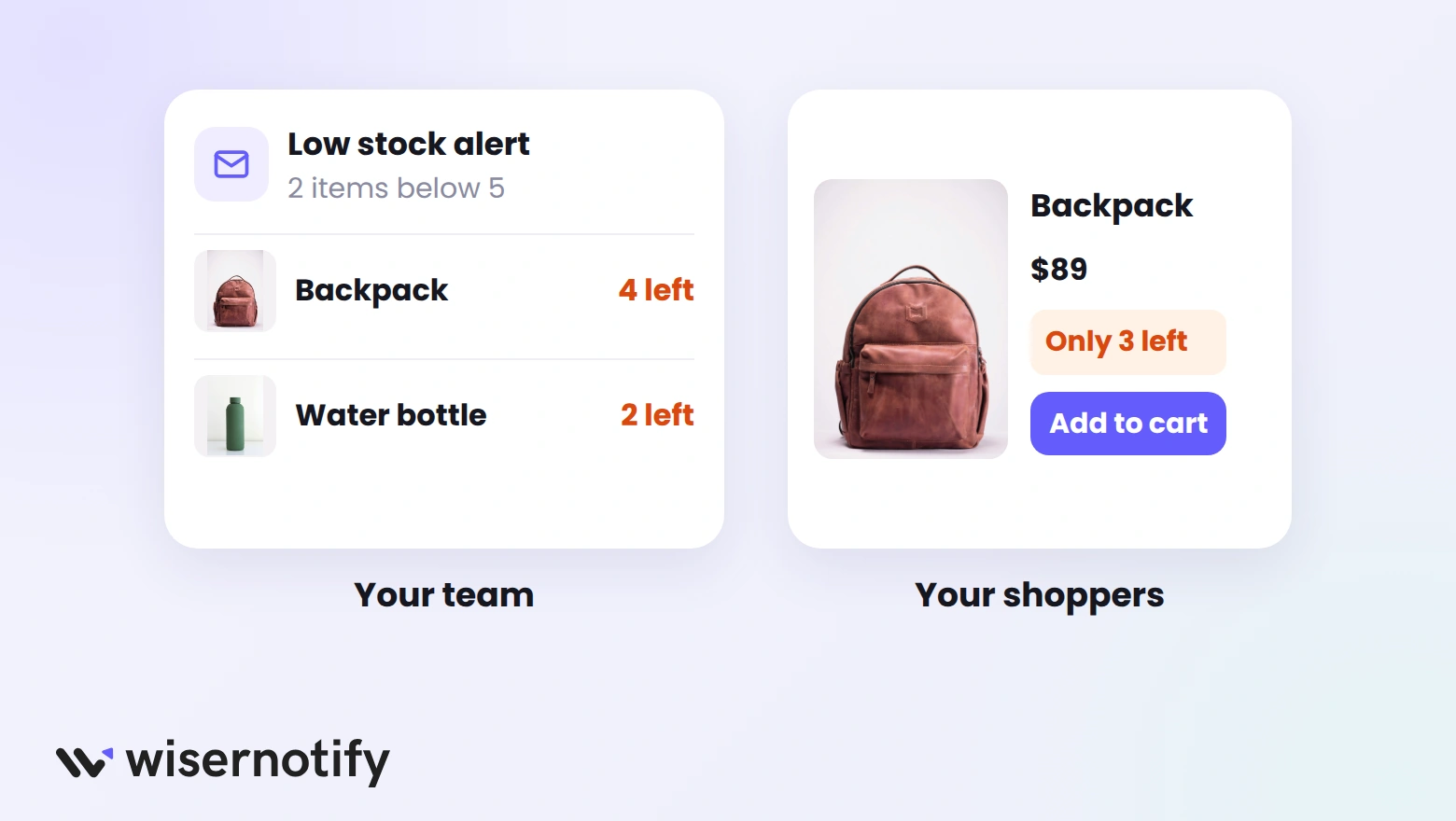
The second column shows who each app's alerts are for, your team or your shoppers.
| App | Who sees the alert | Price | Rating |
|---|---|---|---|
| Bee Low Stock Alert & Forecast | You and your suppliers | Free plan; paid from $5.99/month | 4.8 (130 reviews) |
| iAlert Low Stock Alert | You and your team | Free plan; paid from $2.99/month | 4.8 (97 reviews) |
| LSA Low Stock Alert | You and your team | From $5.99/month | 4.5 (32 reviews) |
| WiserNotify | Shoppers | From $5/month | 5.0 (10 reviews) |
| Notify Me! Back in Stock Alert | Shoppers and you | Free plan; paid from $9.90/month | 4.9 (3,874 reviews) |
| Scarcity+ Low Stock Counter | Shoppers | Free | No reviews yet |
| Ultimate Scarcity Pro | Shoppers | Free plan; Premium $8.99/month | 4.8 (14 reviews) |
Low Stock Alert Apps for Your Team
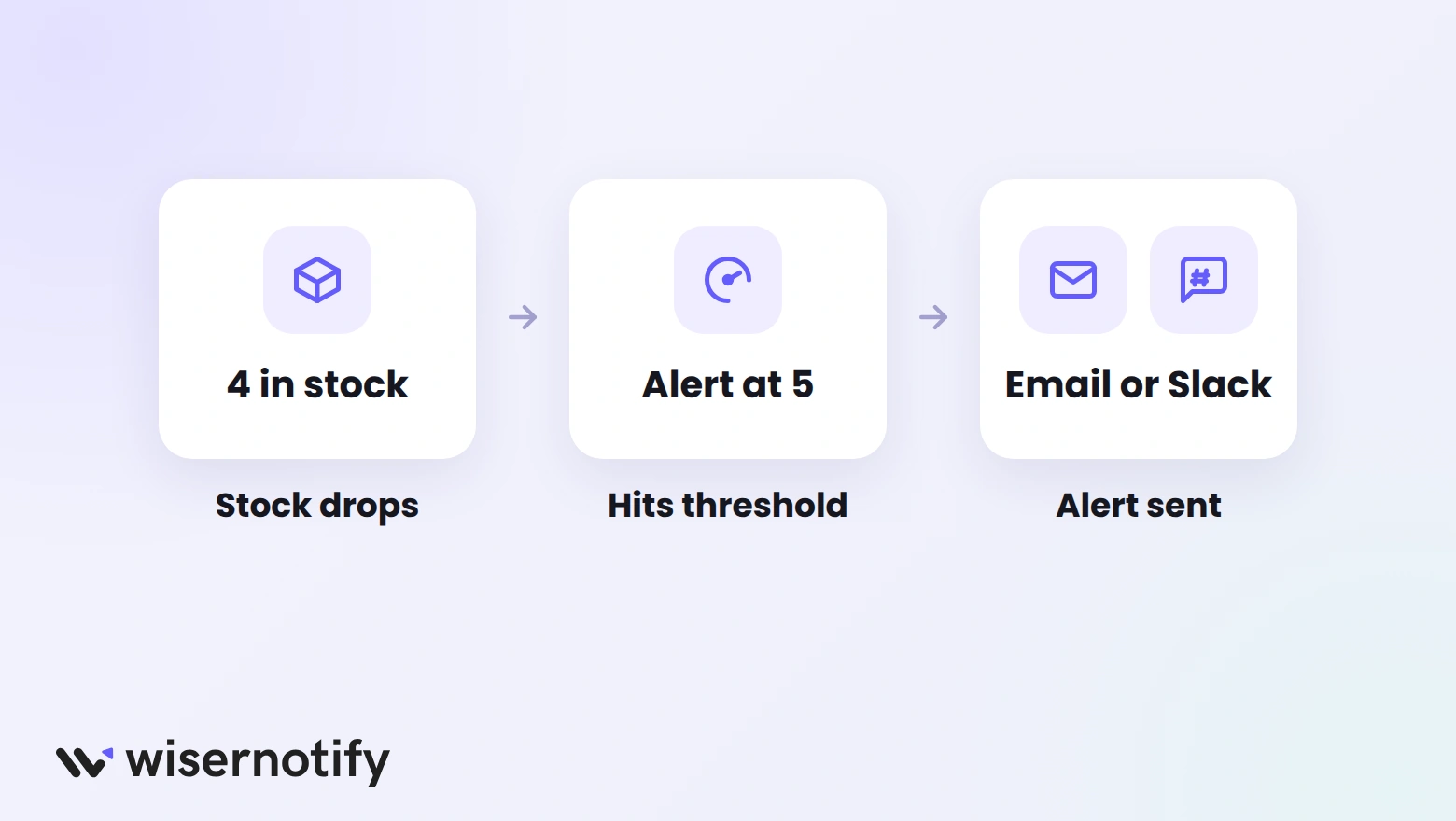
These apps keep you ahead of stockouts. Pair them with Shopify inventory management apps if you also need purchase orders or multi-channel stock sync.
1. Bee Low Stock Alert & Forecast
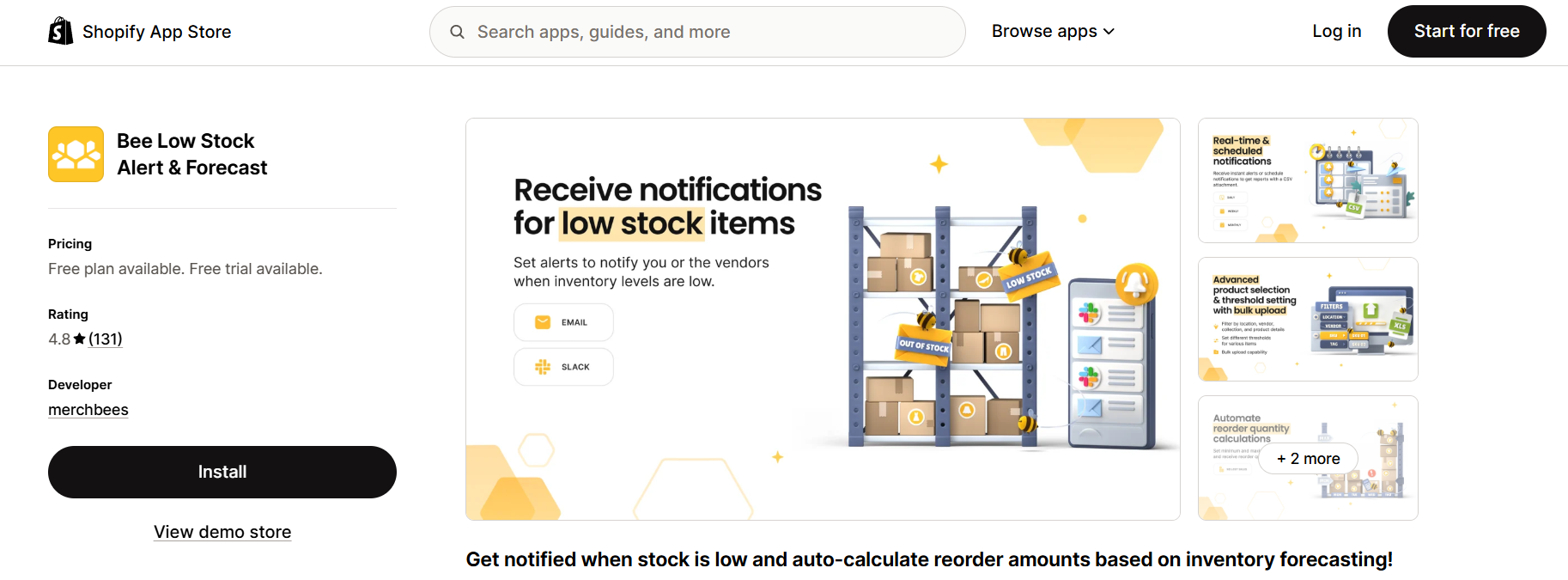
Bee Low Stock Alert & Forecast by Merchbees is built for stores that buy from several suppliers. It watches every SKU and flags the ones that need reordering.
You can set thresholds for single products, collections, vendors, locations, or SKUs, and upload them in bulk.
Low Stock and Vendor Notifications
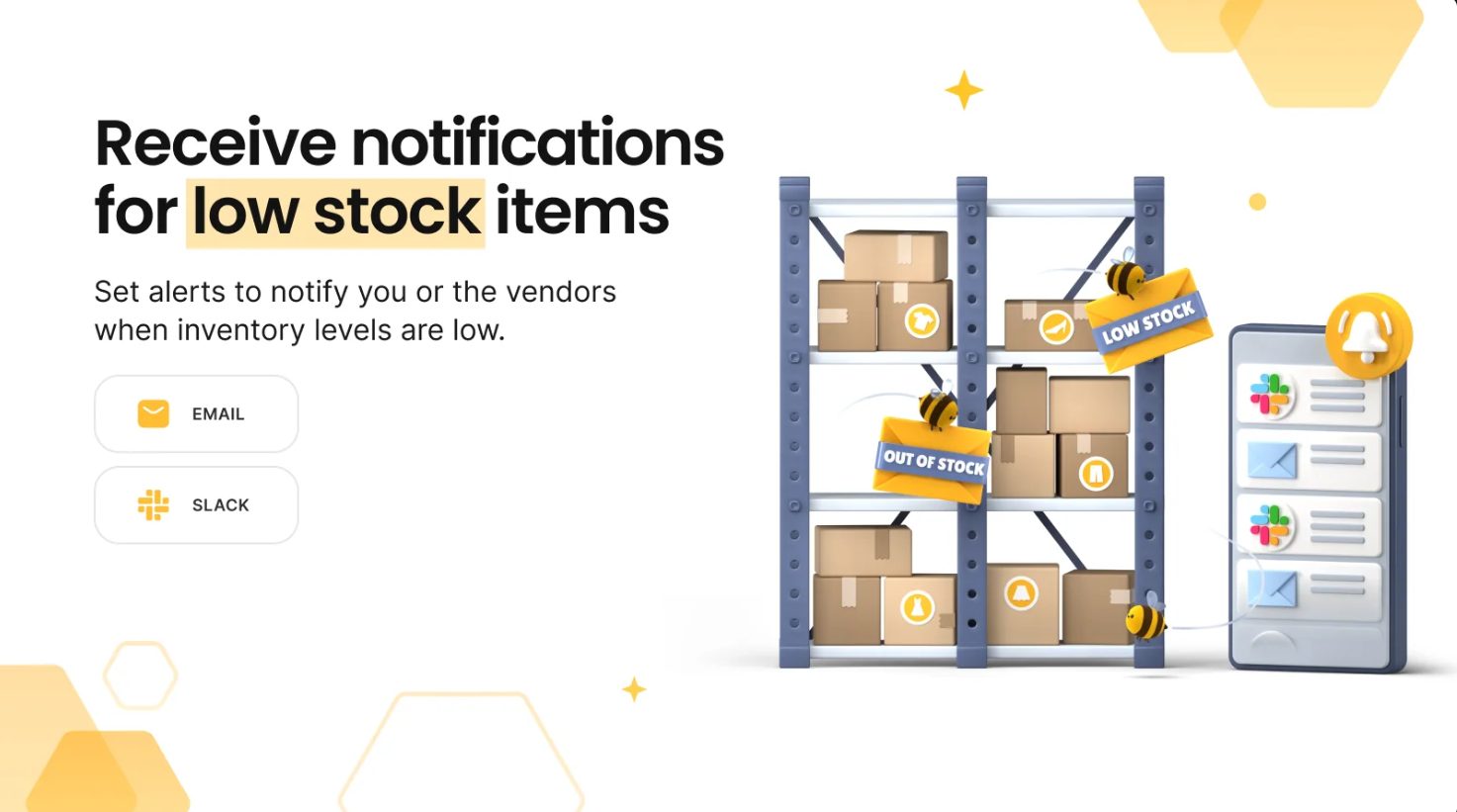
Sends low stock warnings to you and your suppliers by email or Slack, so the restock order goes out before the shelf is empty.
Instant and Scheduled Alerts
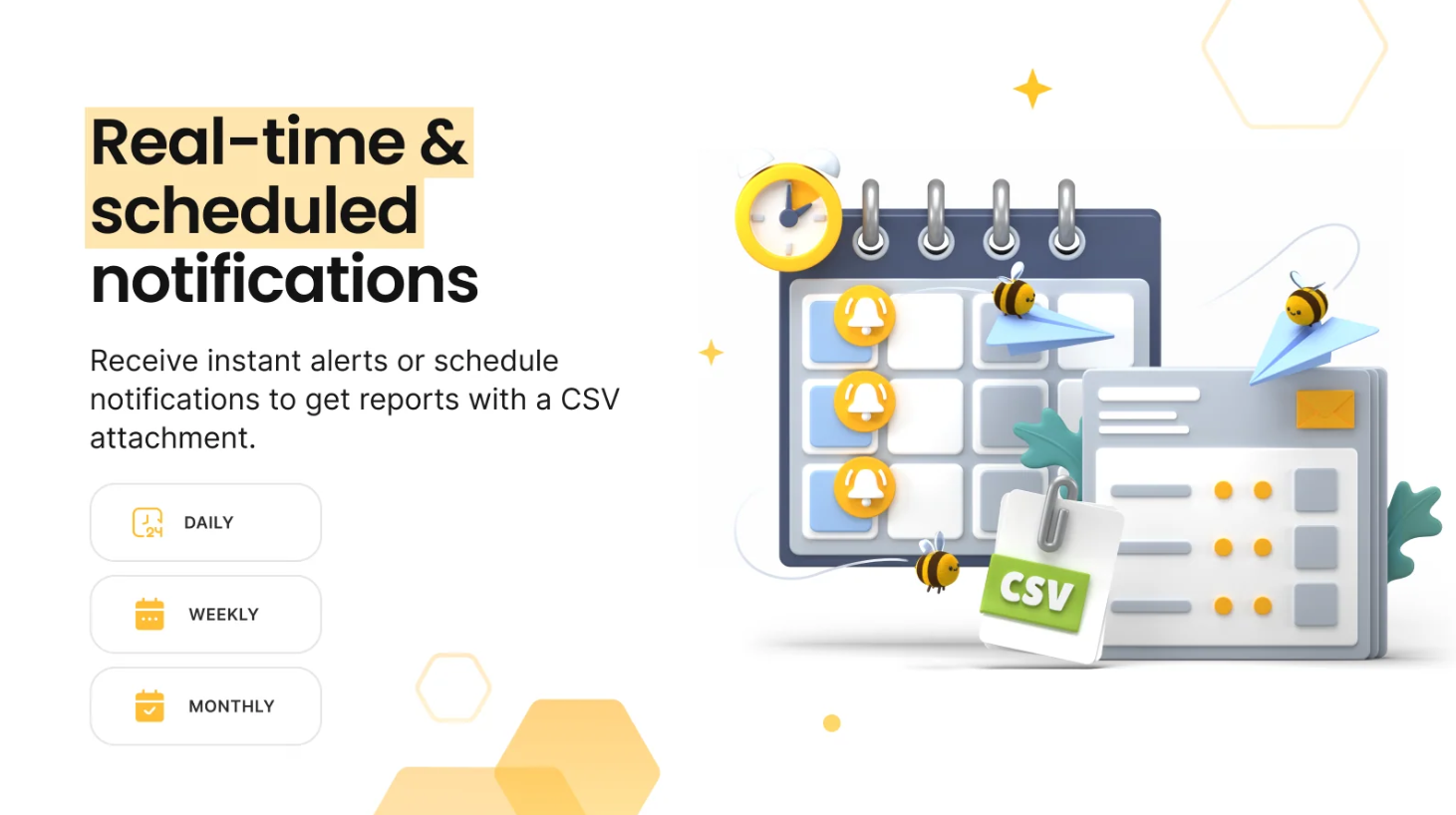
Choose real-time alerts or daily, weekly, and monthly summary reports.
Dynamic Forecasting and Thresholds
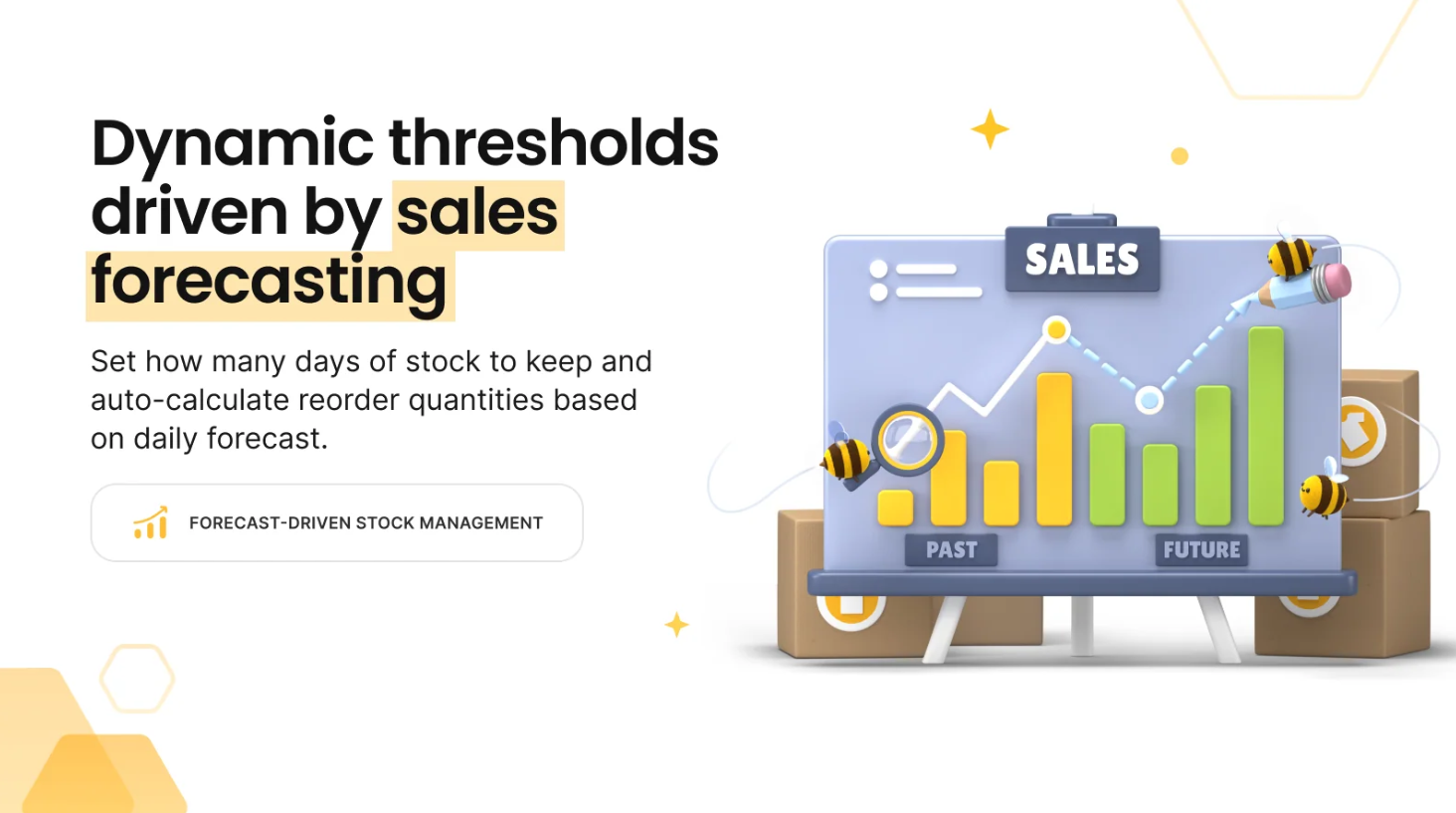
Sets thresholds from each product's sales velocity and the number of days of stock you want to keep, updated daily.
Automated Reorder Quantities
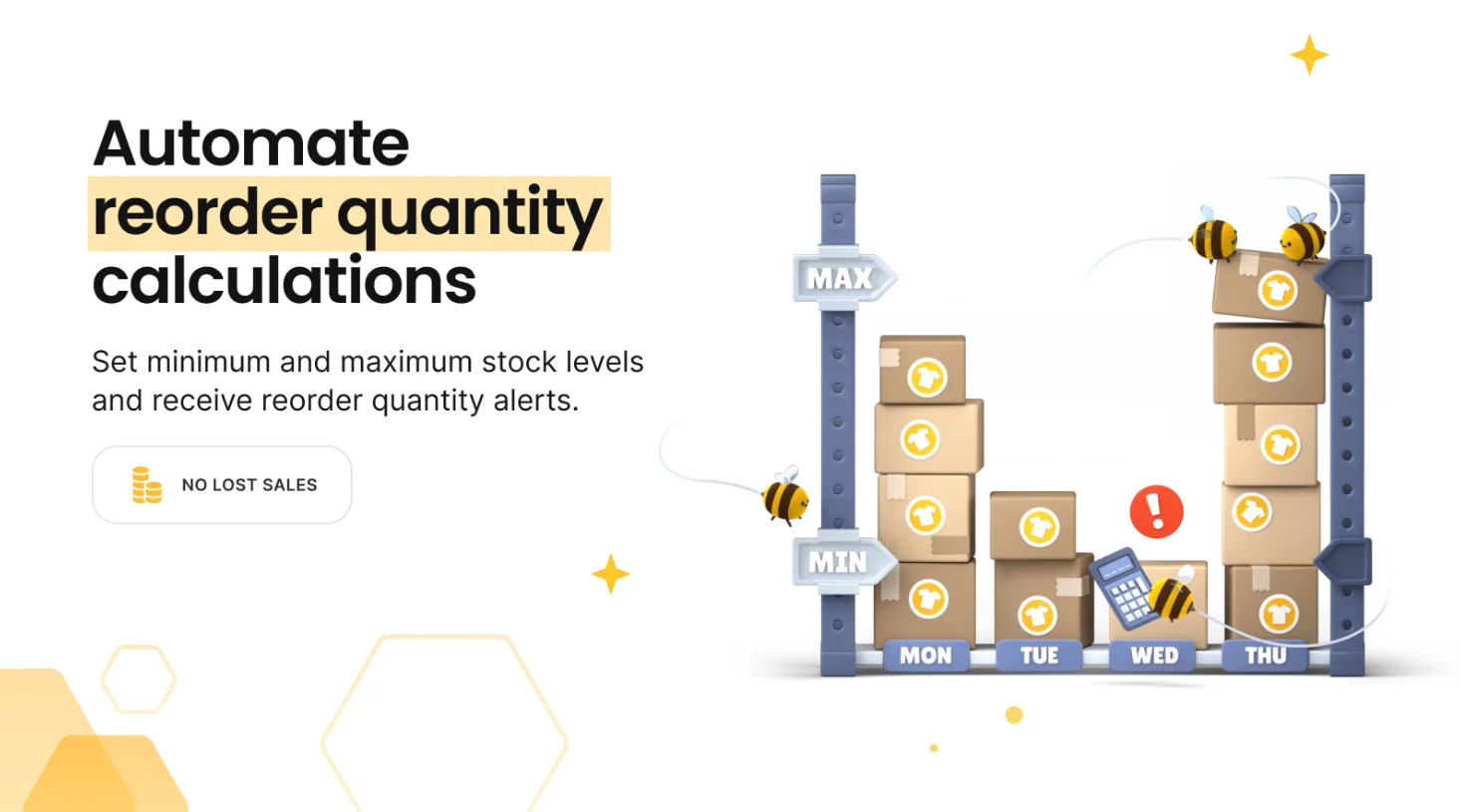
Set a maximum stock level, and the app works out the exact quantity to reorder.
Pricing: free for up to 250 SKUs with 1 scheduled alert; Professional is $5.99/month for 8,000 SKUs, and Slack plus reorder quantities start on Advanced at $11.99/month.
2. iAlert Low Stock Alert
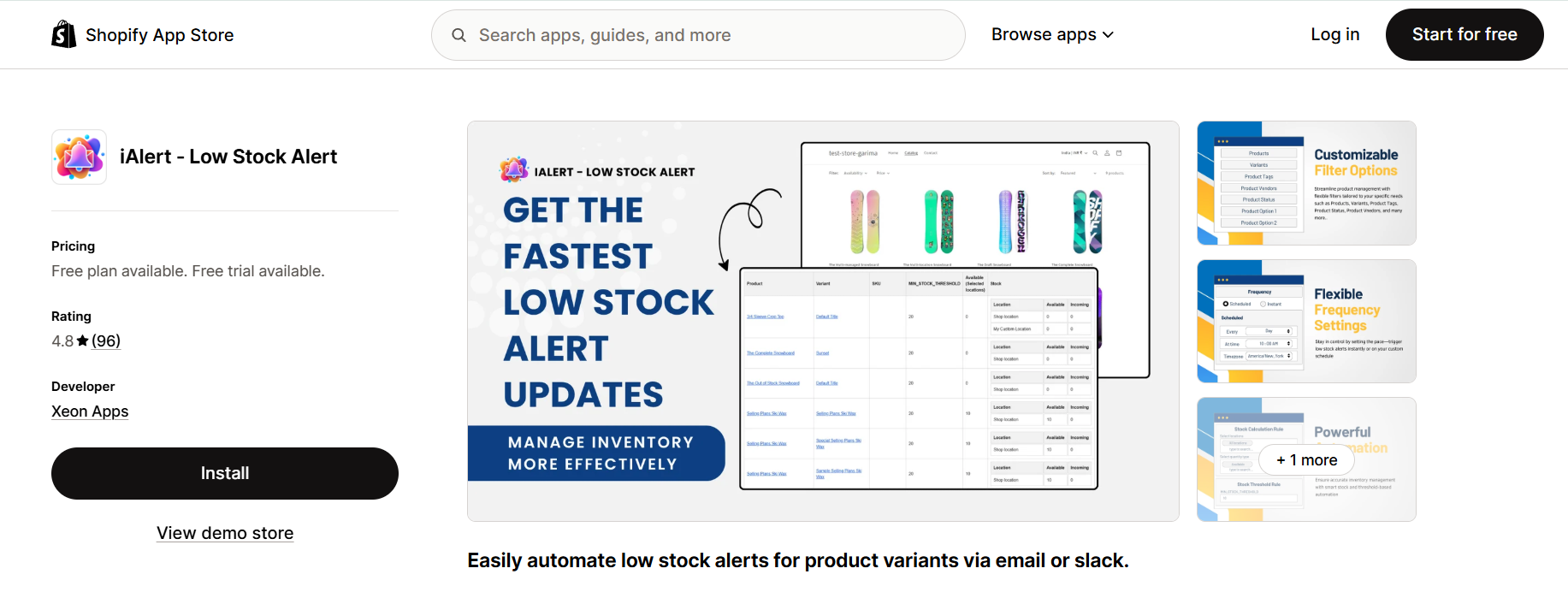
iAlert by Xeon Apps is a low-cost, rule-based alert app for stores with many variants.
You can set one threshold for the whole store or different thresholds for each product and variant.
Email and Slack Alerts
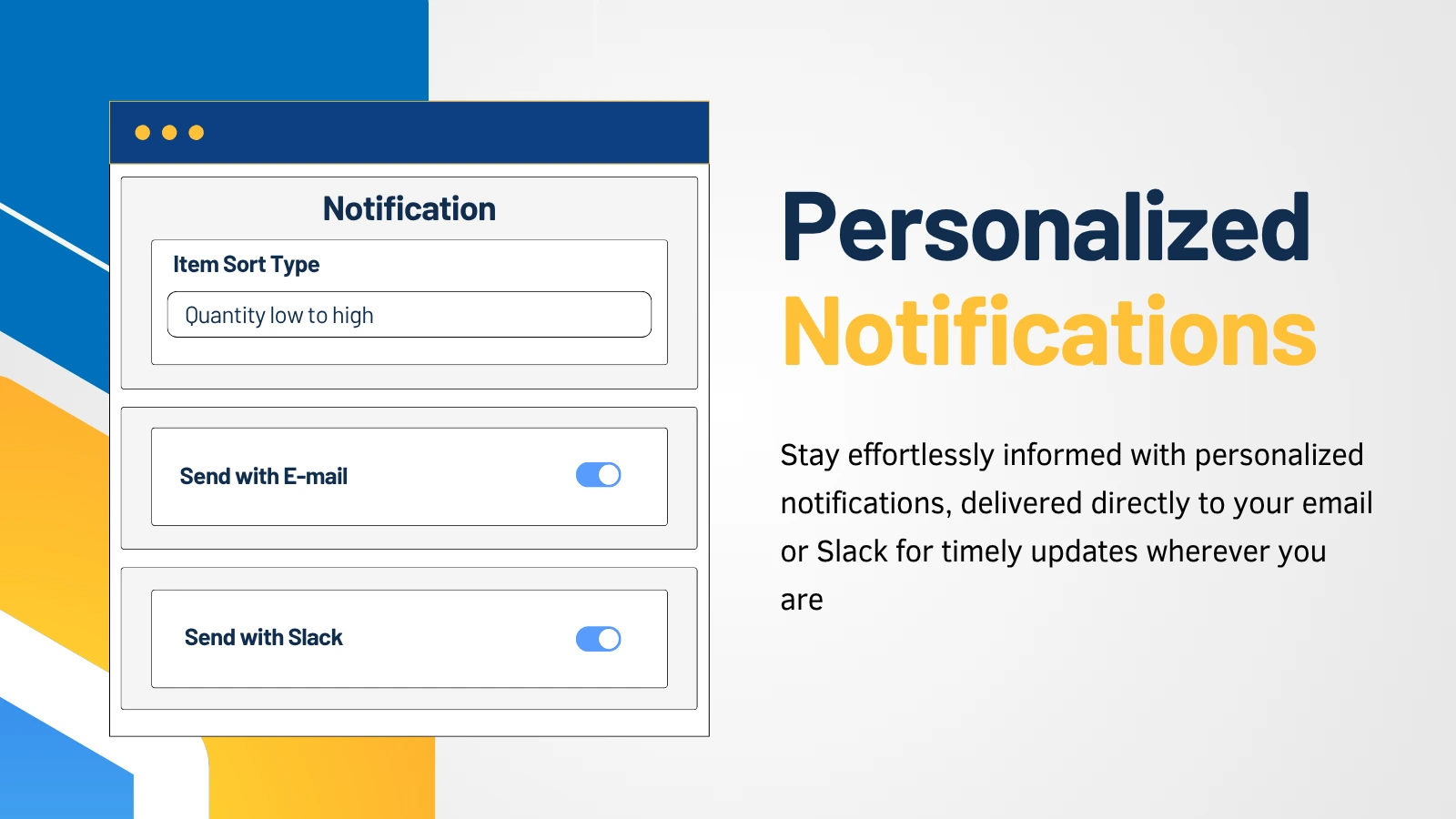
Sends each alert to the people who reorder, by email or straight into a Slack channel.
Instant or Scheduled Notifications
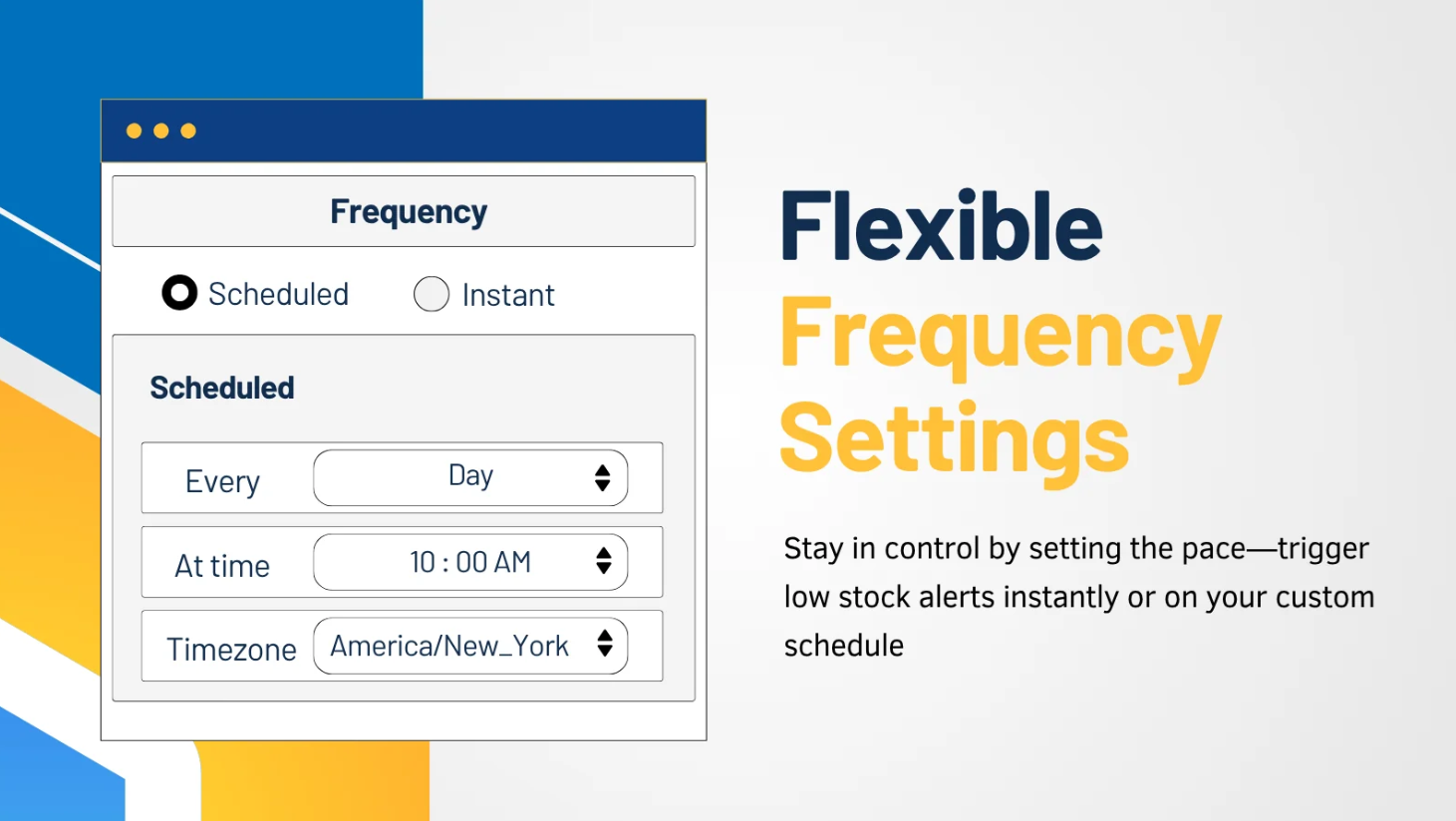
Create unlimited alerts that fire the moment stock drops or on a regular schedule.
Location-Based Rules
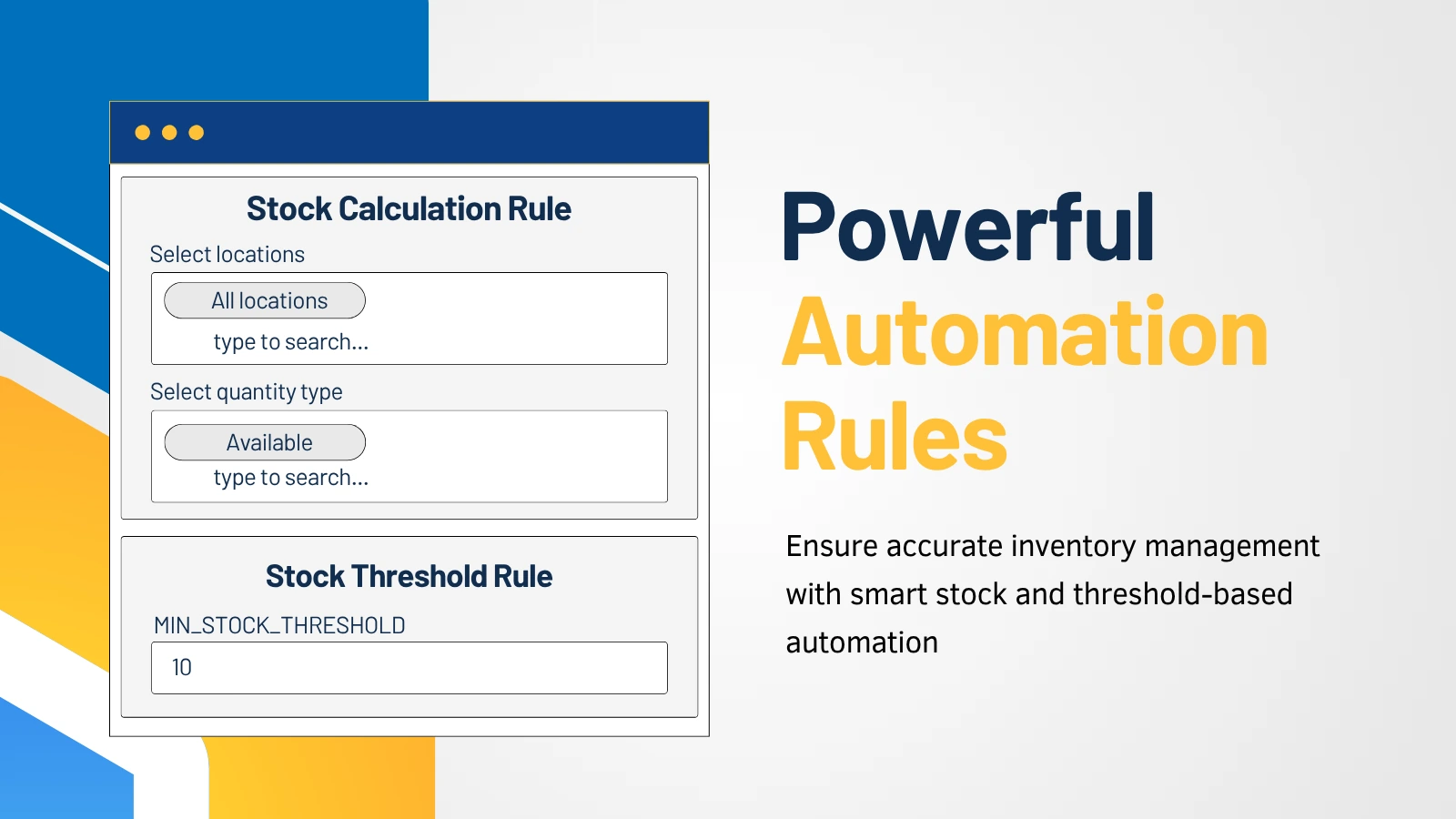
Sets rules and alerts by store location, and counts available, incoming, or other inventory quantities.
Advanced Filtering
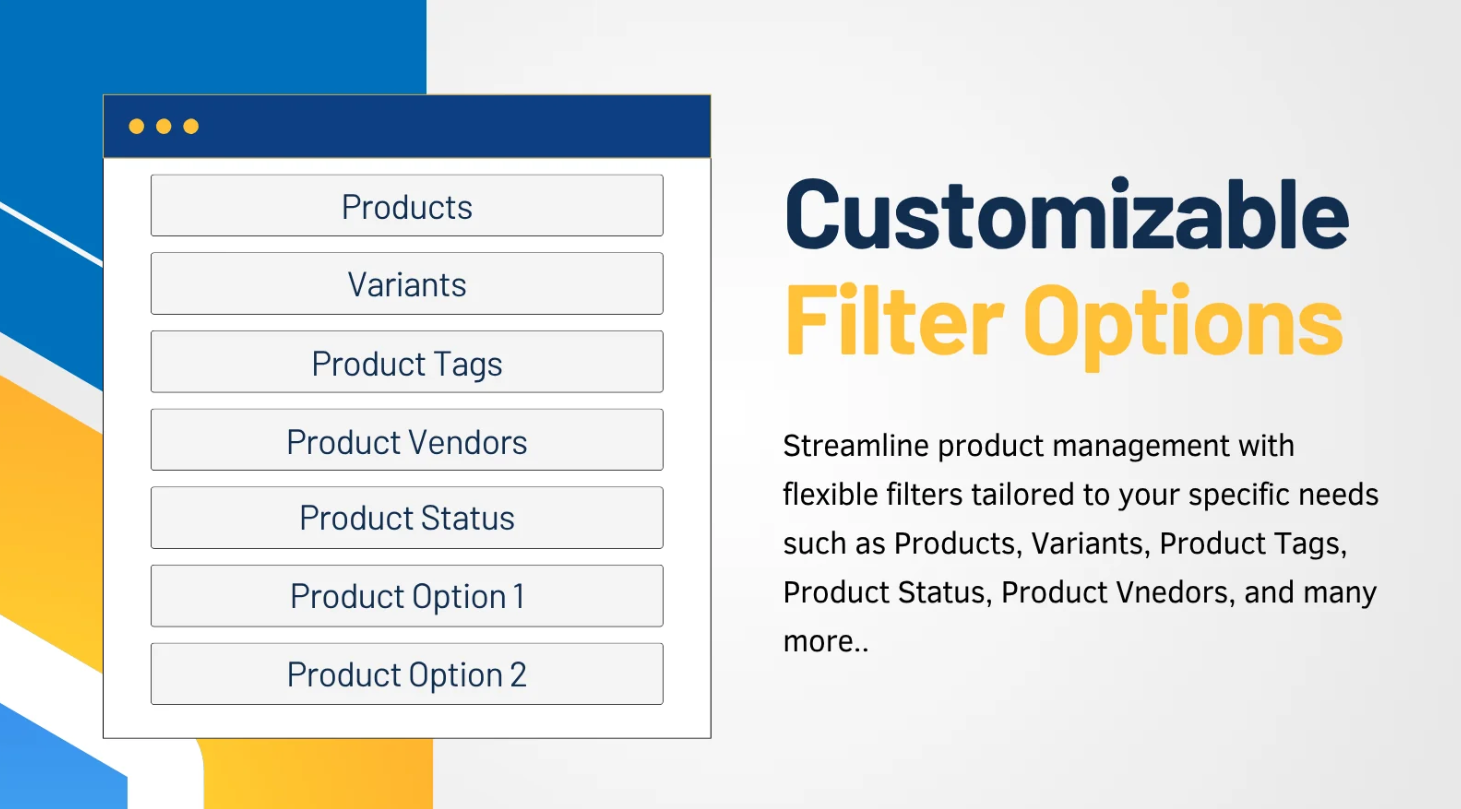
Filters items by tag, product, variant, status, and more, so each alert covers the right stock.
Pricing: free for up to 500 variants with 1 scheduled notifier; Basic is $2.99/month for 1,000 variants, up to $9.99/month for 100,000.
3. LSA Low Stock Alert
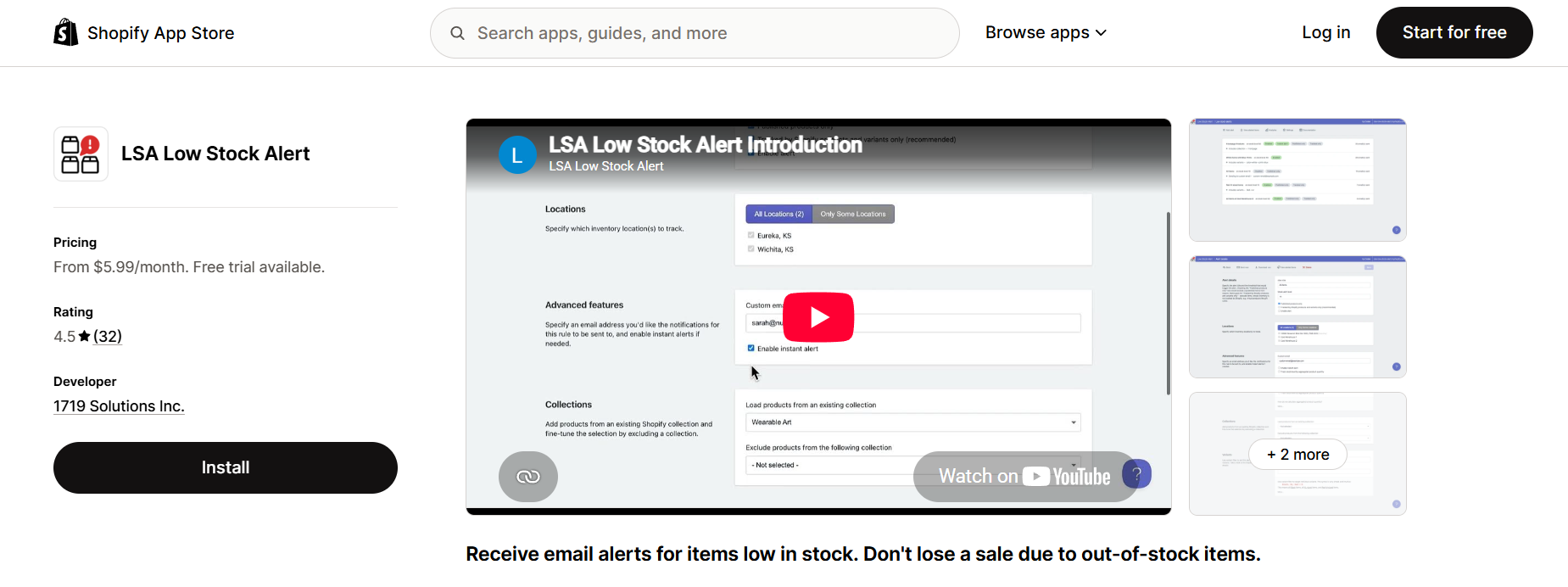
LSA Low Stock Alert by 1719 Solutions is a simple email-based option for stores that want one daily low stock report and nothing more.
- Daily email reports: every product below its stock level, with a CSV export.
- Instant alerts: an email as soon as an item drops below the threshold, on the Advanced plan.
- Product filters: by variant name, collection, or location.
- Multiple alerts: each with its own recipient email addresses.
Pricing: Starter is $5.99/month for 300 products, and instant alerts start on Advanced at $19.99/month, with a 14-day free trial.
Low Stock Alerts Shoppers See
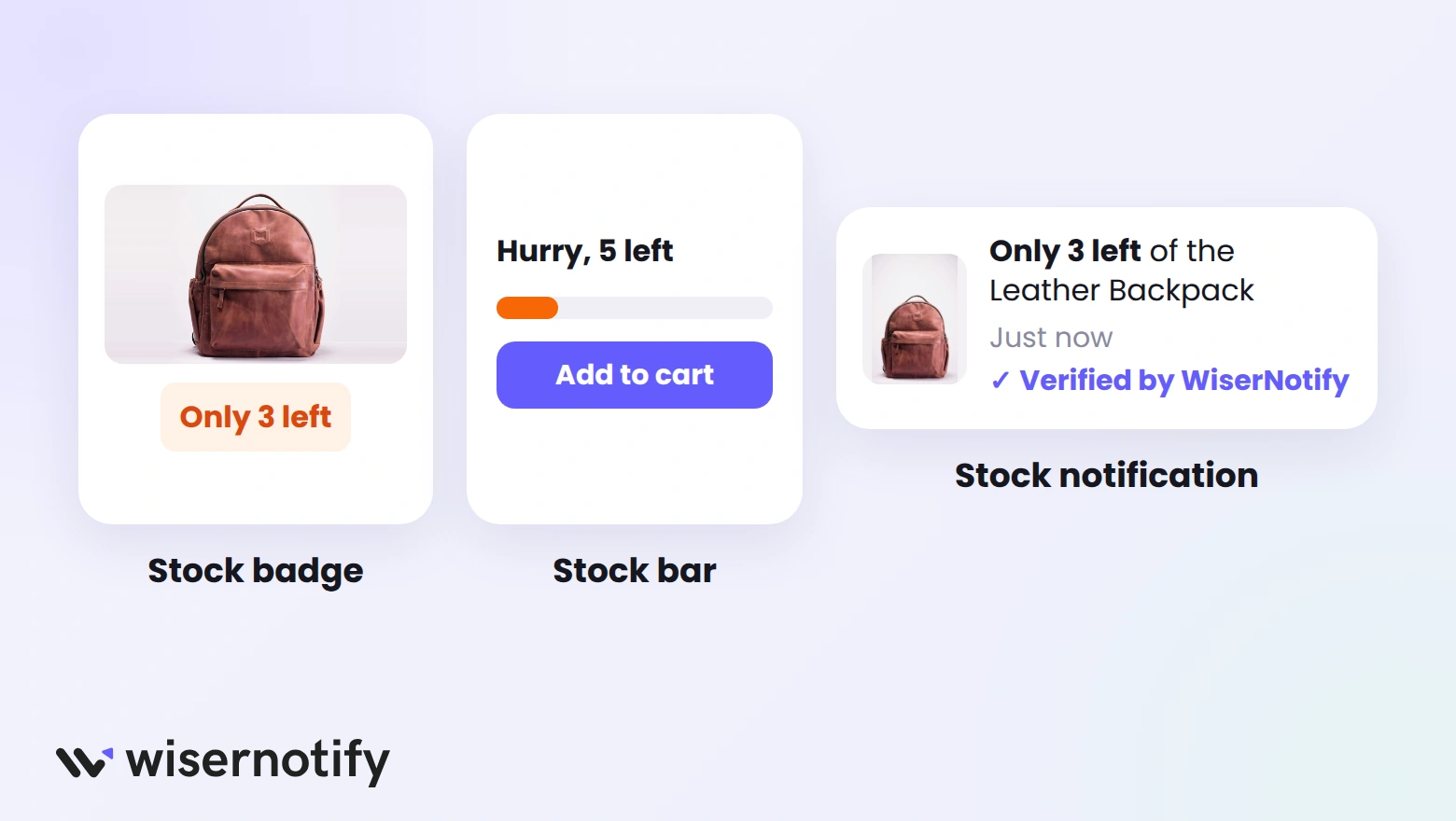
These apps show stock levels on your store to create urgency. Used honestly, a low stock message is one of the simplest forms of FOMO marketing.
4. WiserNotify
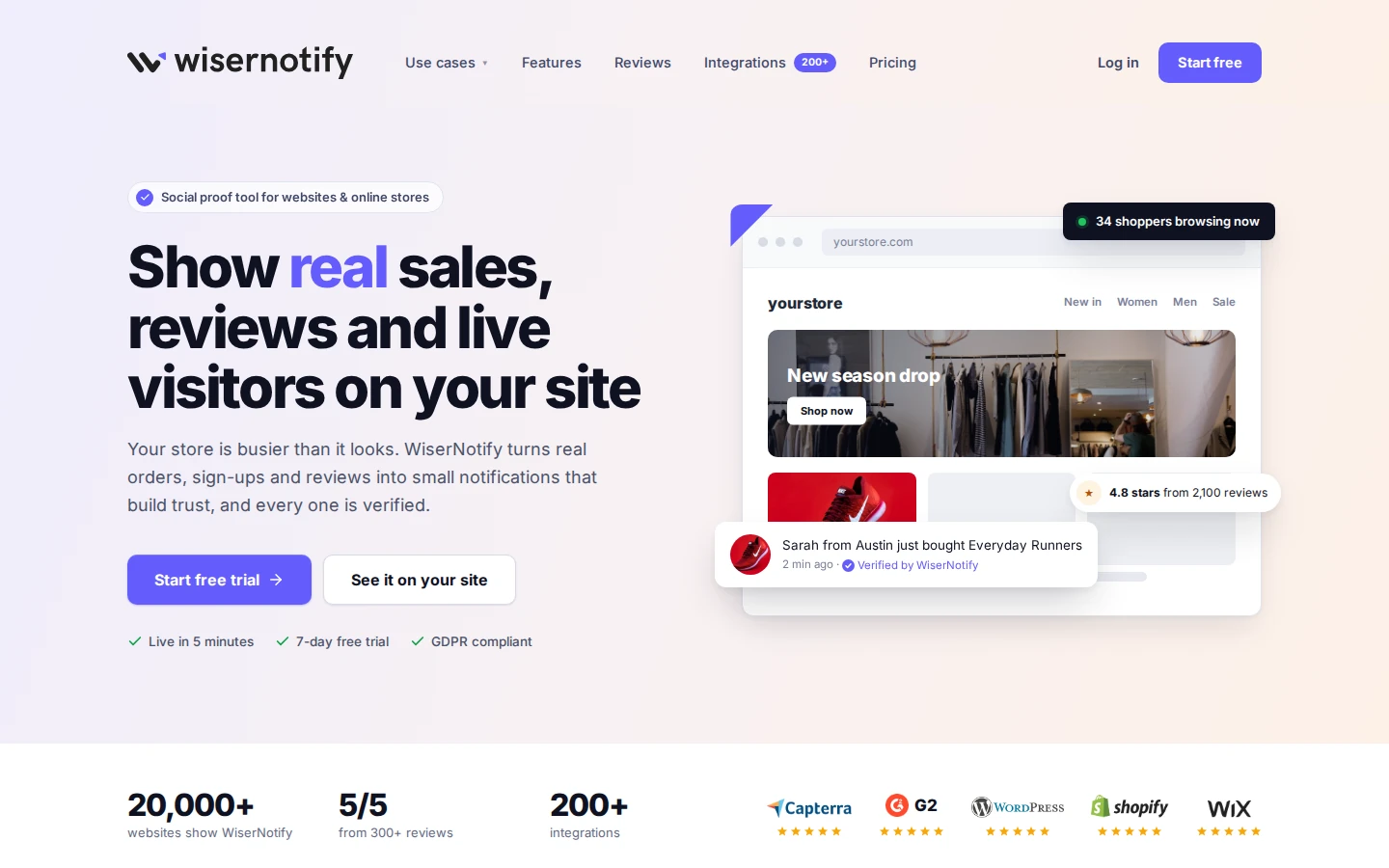
WiserNotify adds social proof and urgency notifications to your Shopify store. Its limited stock notification tells shoppers how many units of a product are left, such as “Only 3 items left!”
The same app shows recent sales, live visitor counts, and reviews, so a stock message can sit next to other proof on the product page.
Notification Design
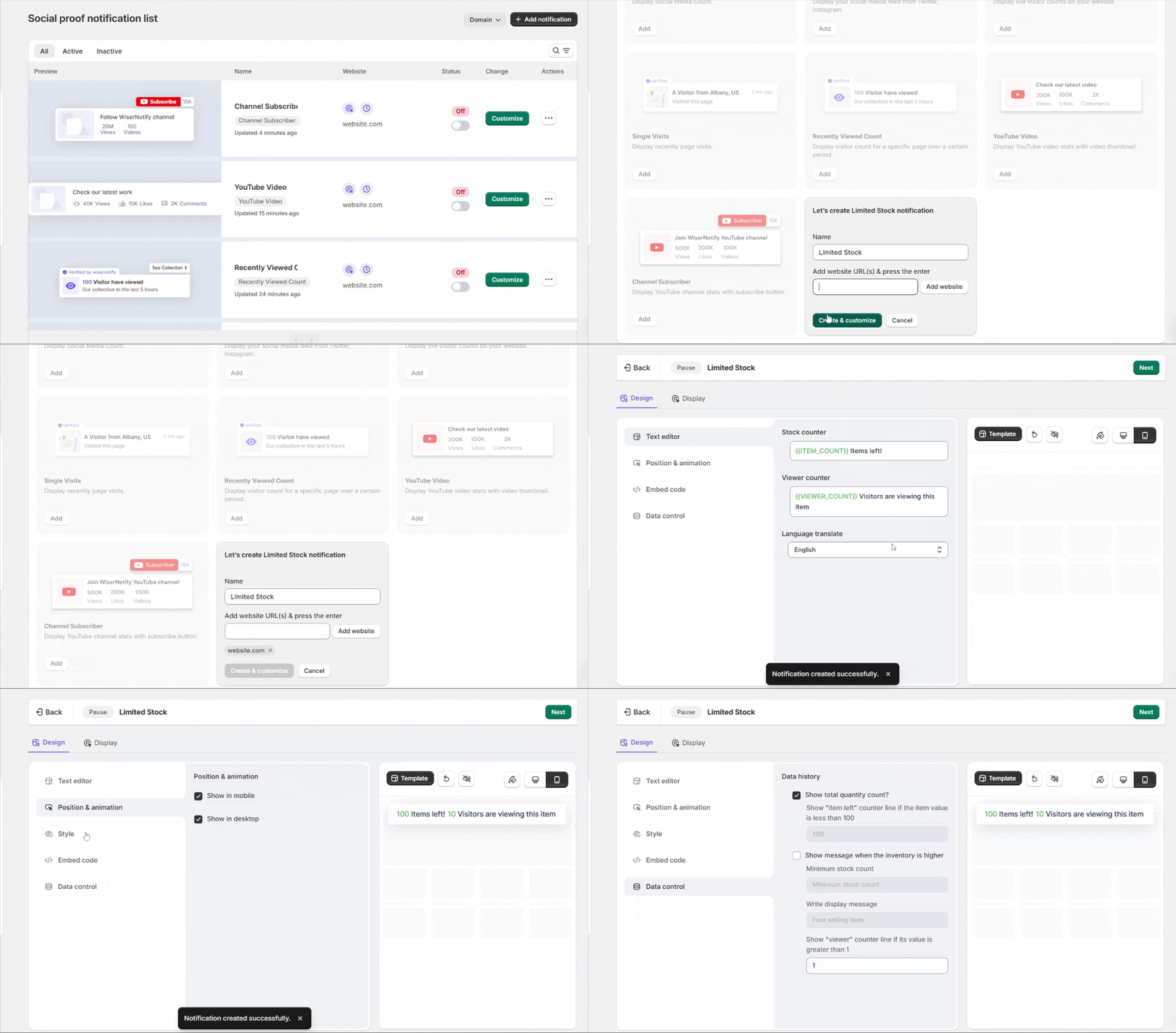
Edit the message with placeholders like {Product} and {Location}, then set the position, animation, colors, and size for desktop and mobile separately.
Stock and Page Settings
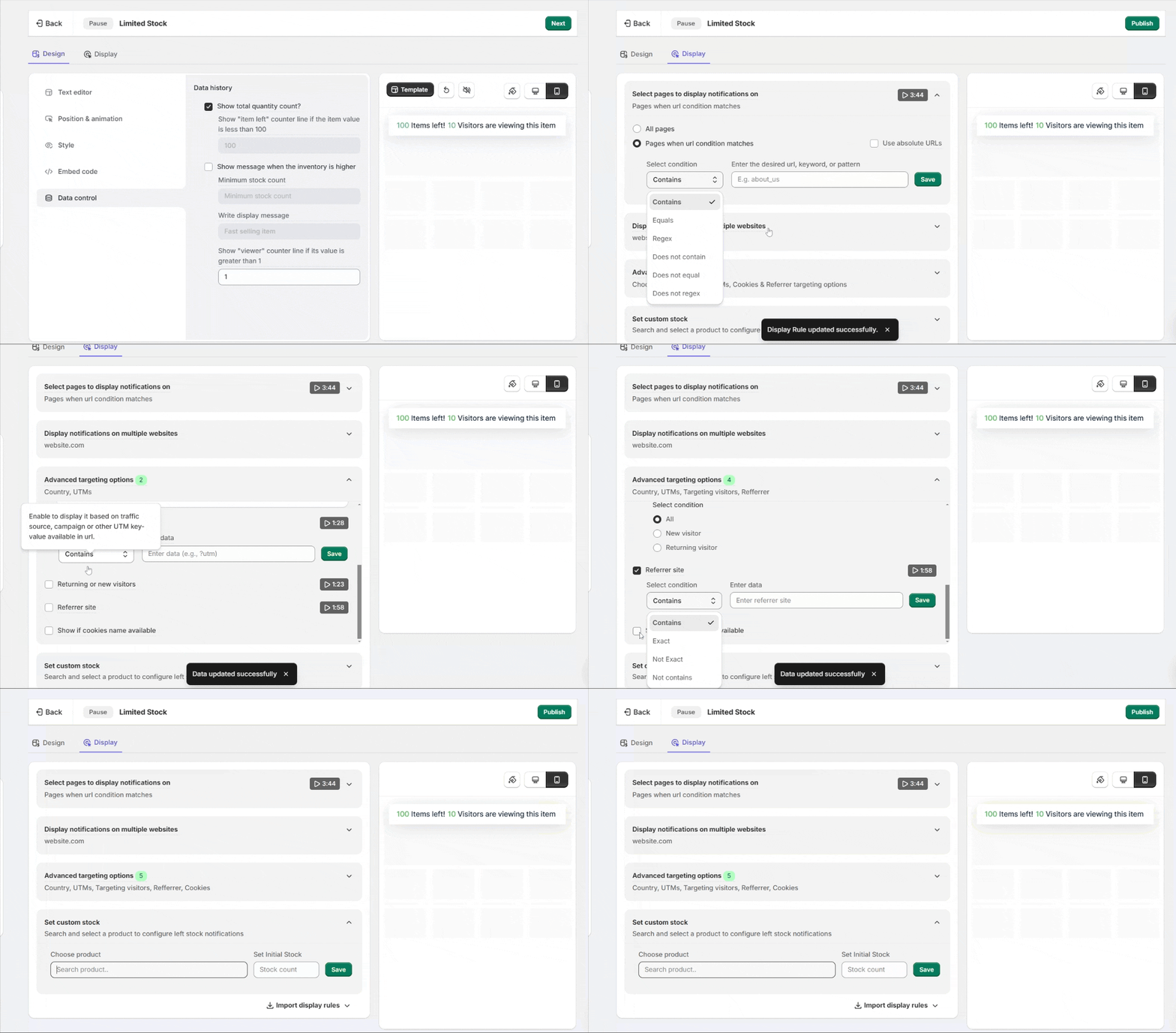
Pick a product and set the number of items the message shows as left. URL rules keep it to product or checkout pages.
- Visitor targeting: by country, UTM parameters, cookies, or referrer.
- Data control: how long each notification stays on screen, and skipping ones a visitor has already seen.
- Languages: notification text in 50+ languages.
- Analytics: clicks and conversions for each notification.
Countdown Timers
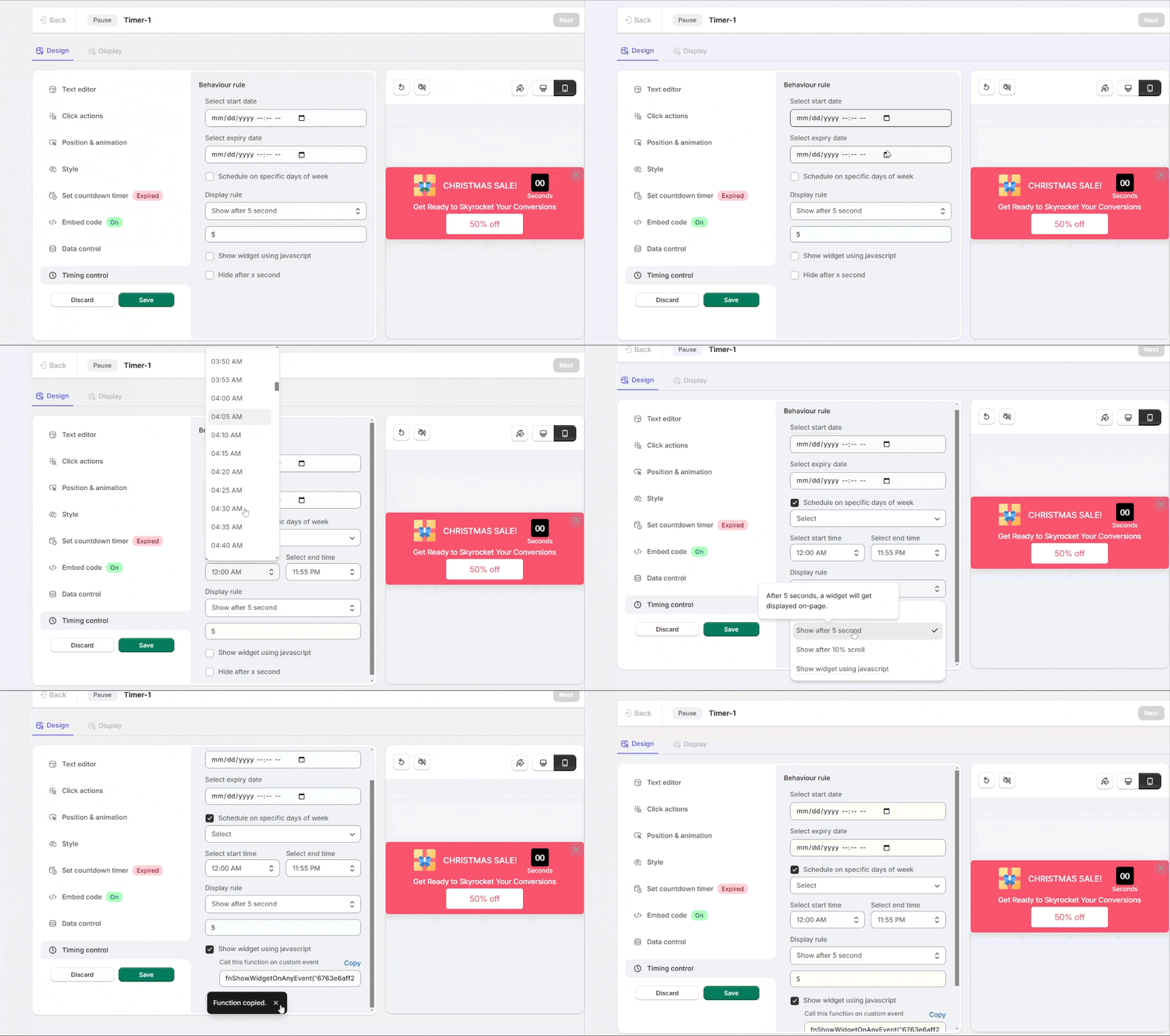
For sales and limited drops, a countdown timer widget adds a deadline, with start and end dates and display rules.
How to Set Up a Limited Stock Notification
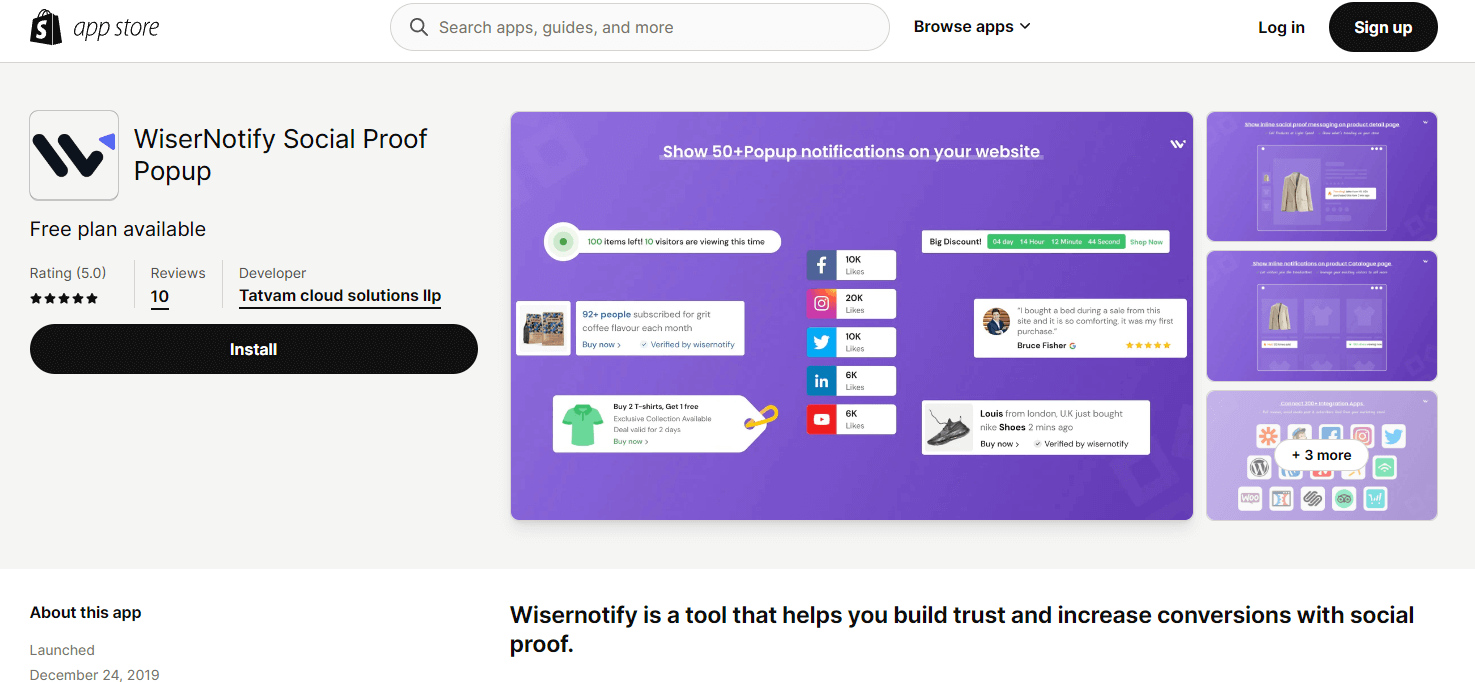
- Install WiserNotify from the Shopify App Store and log in to your dashboard.
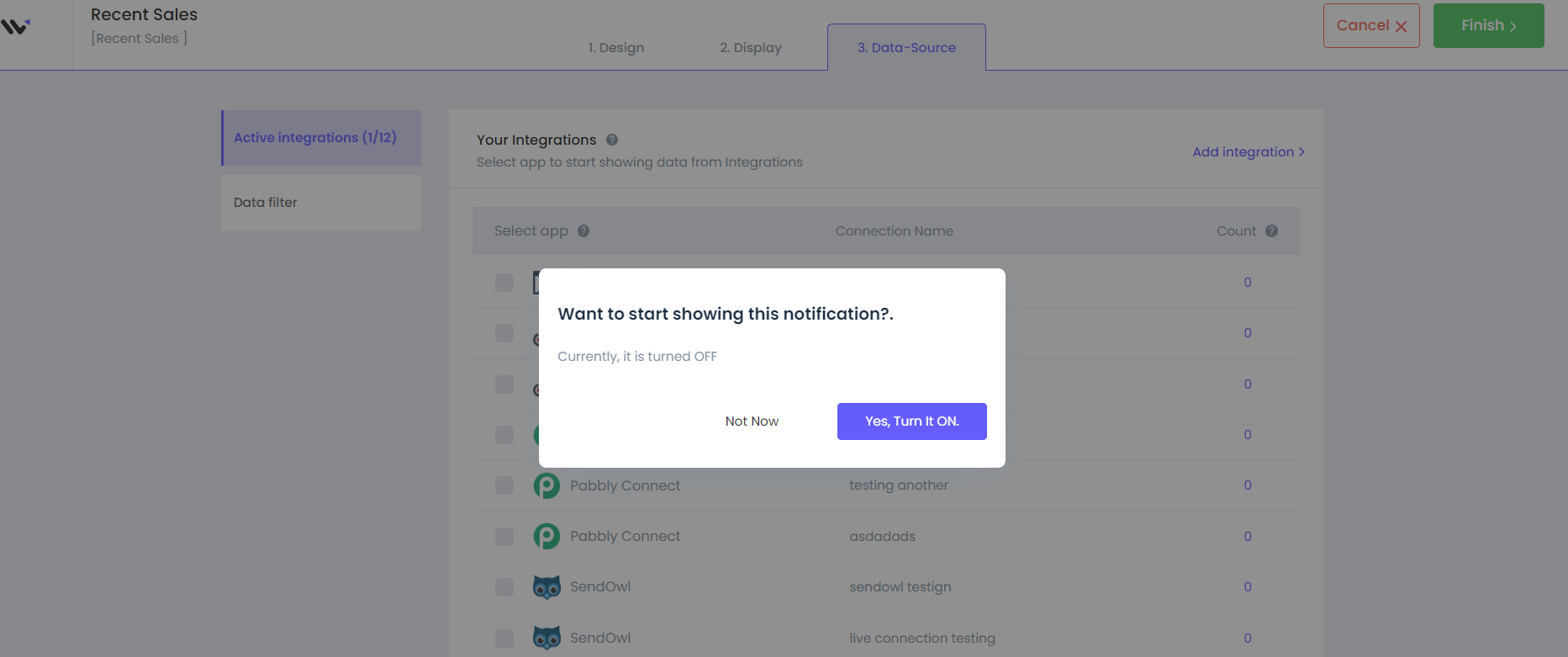
- Go to Social Proof, select Limited Stock, and click Add.
- In the Design section, edit the text, position, animation, and style.
- In the Display section, choose the pages, then use Set Custom Stock to pick a product and the number of items left.
- Click Save, then Publish.
Pricing: plans start at $59/year on wisernotify.com with a 7-day free trial; on the Shopify App Store, Pro starts at $5/month for 5,000 visitors.
Build urgency
Add floating offers with countdown timer & coupon code.
5. Notify Me! Back in Stock Alert
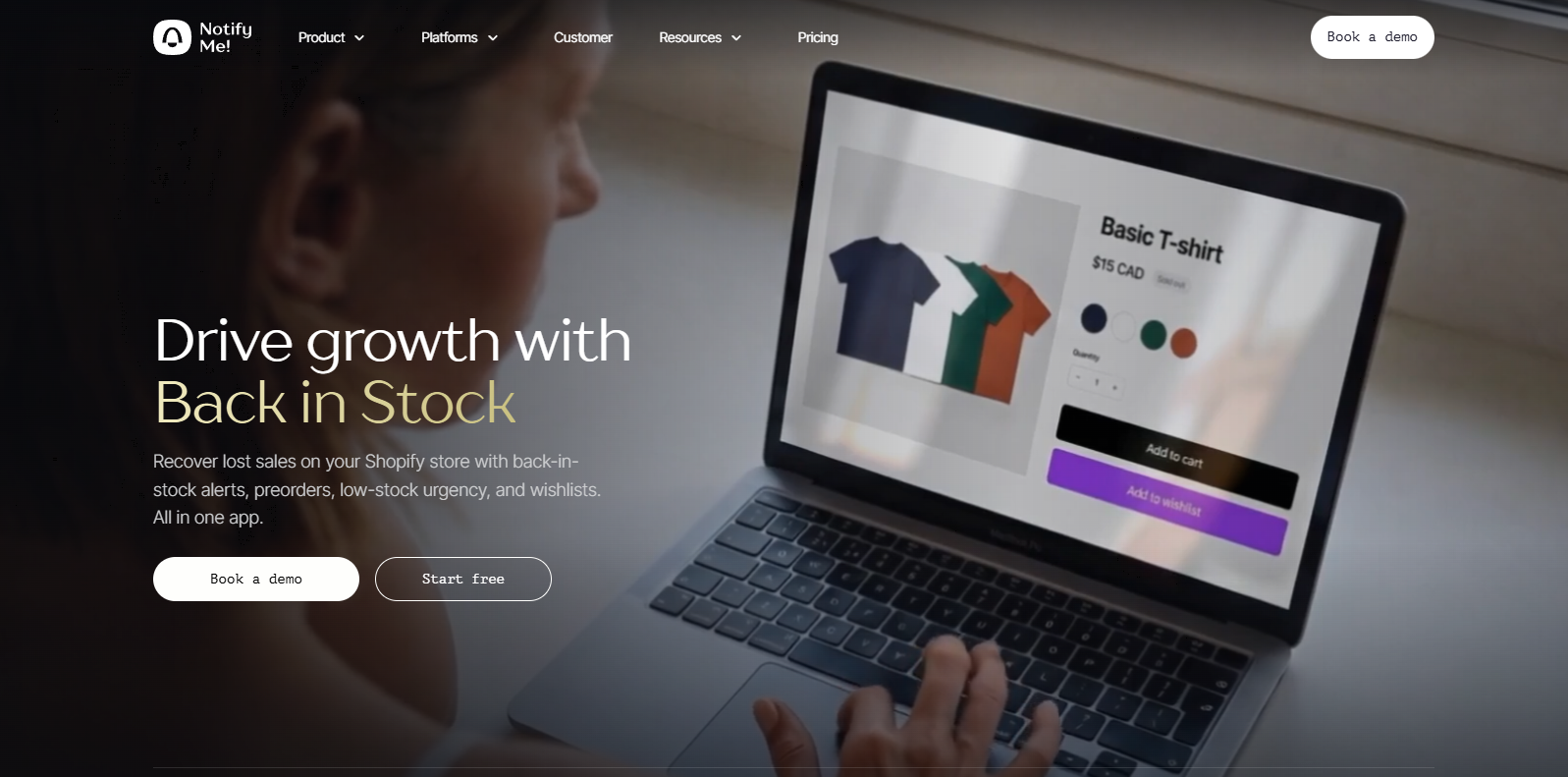
Notify Me! works on both sides of the store. Shoppers sign up for restock alerts, and on paid plans you get notified when your own stock runs low.
It connects with Klaviyo, Omnisend, Mailchimp, and Shopify Flow.
Back-in-Stock Alerts
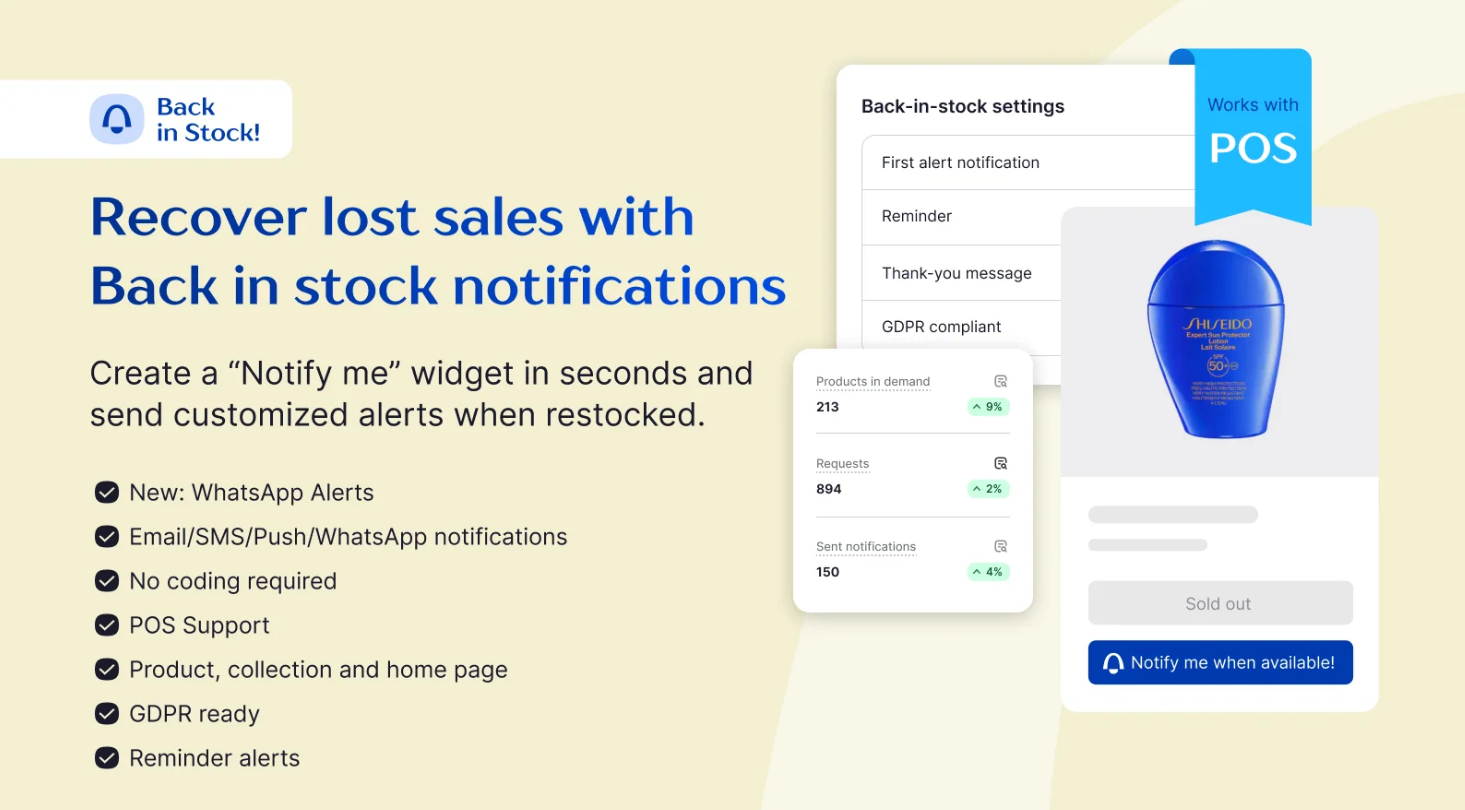
Sends restock alerts by email, SMS, or push as soon as a sold-out product or variant is back.
Preorders and Backorders
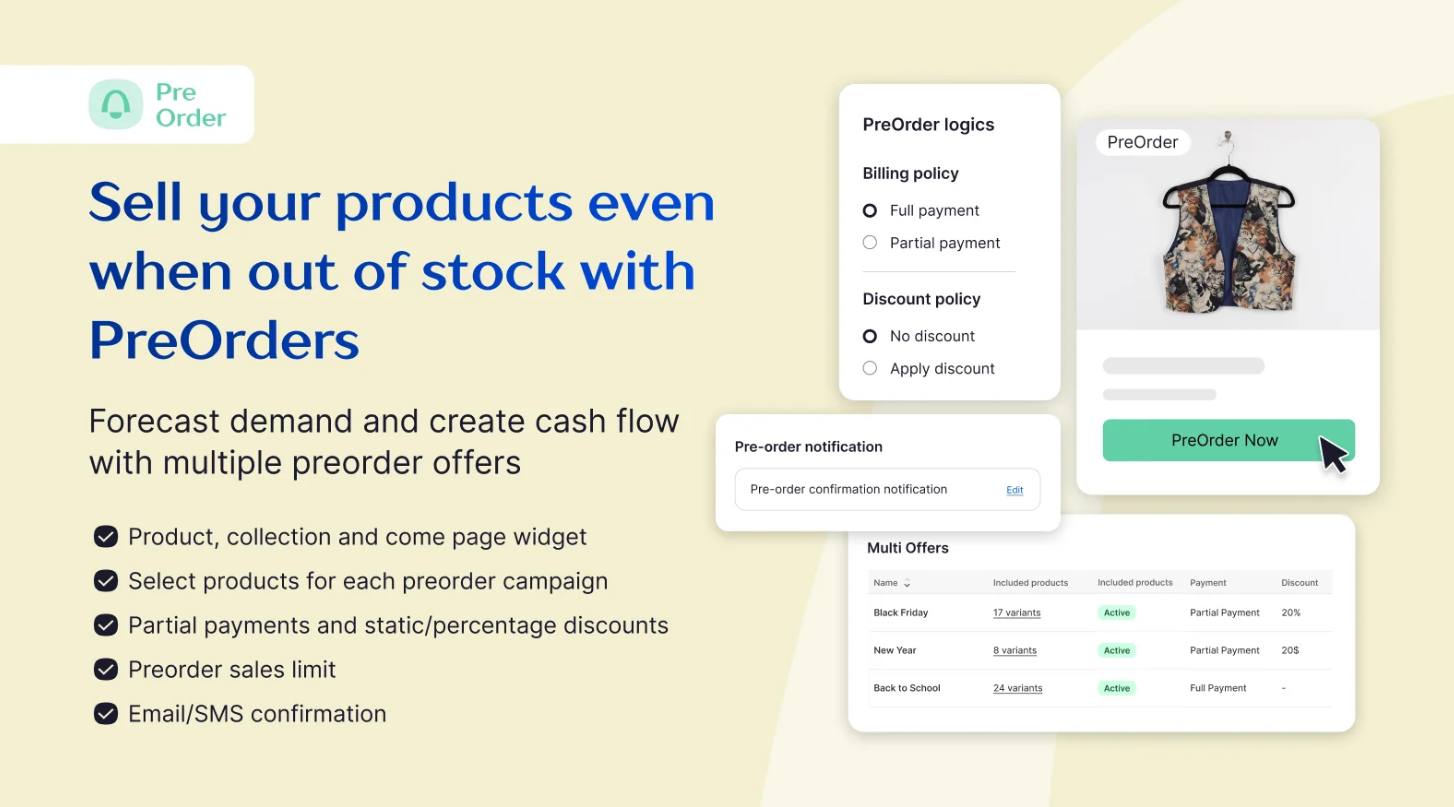
Takes D2C or B2B preorders with discounts, notes, and partial payments.
Low Stock Counter
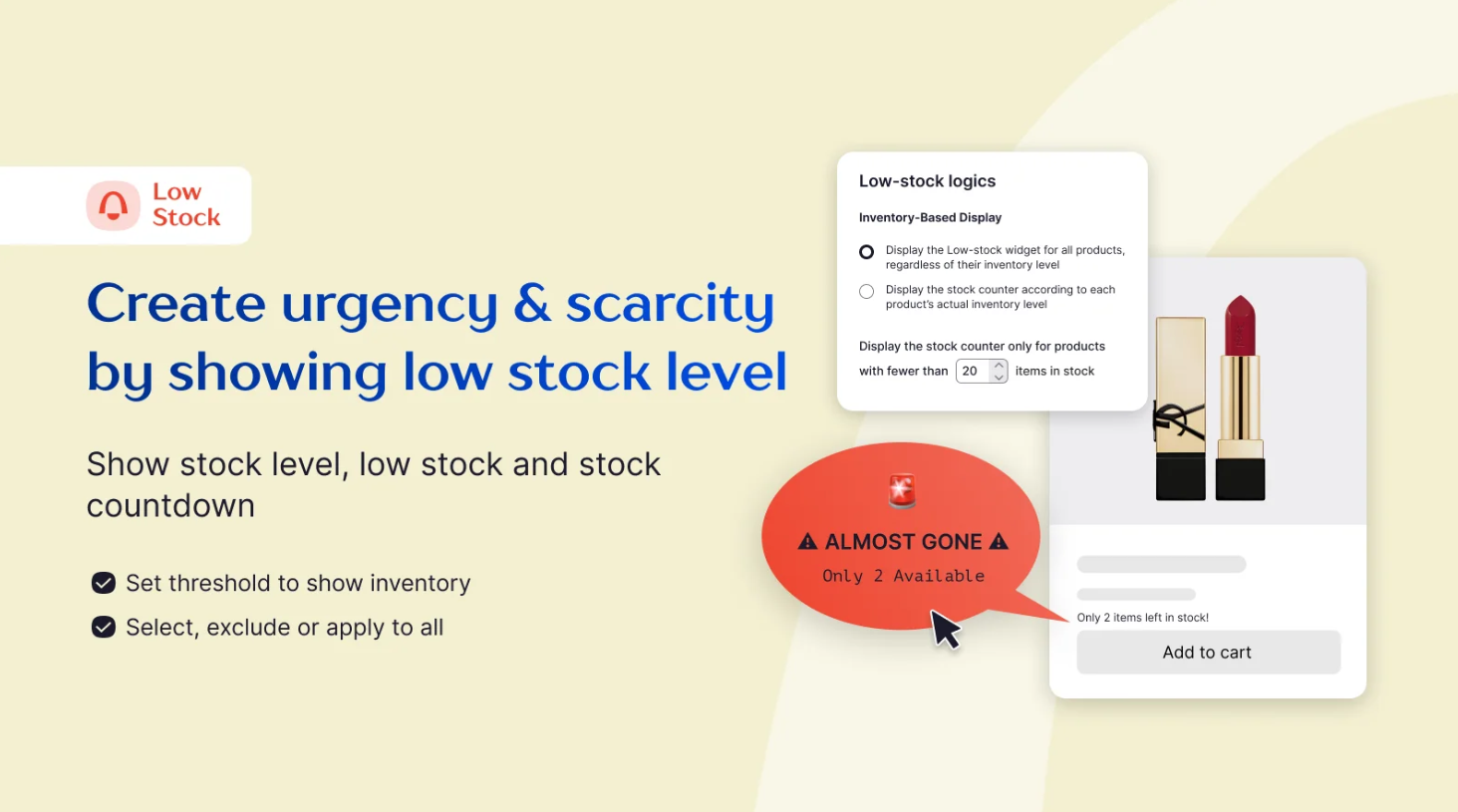
Shows an “only X left” counter on product pages, with a minimum inventory setting on paid plans.
Wishlists
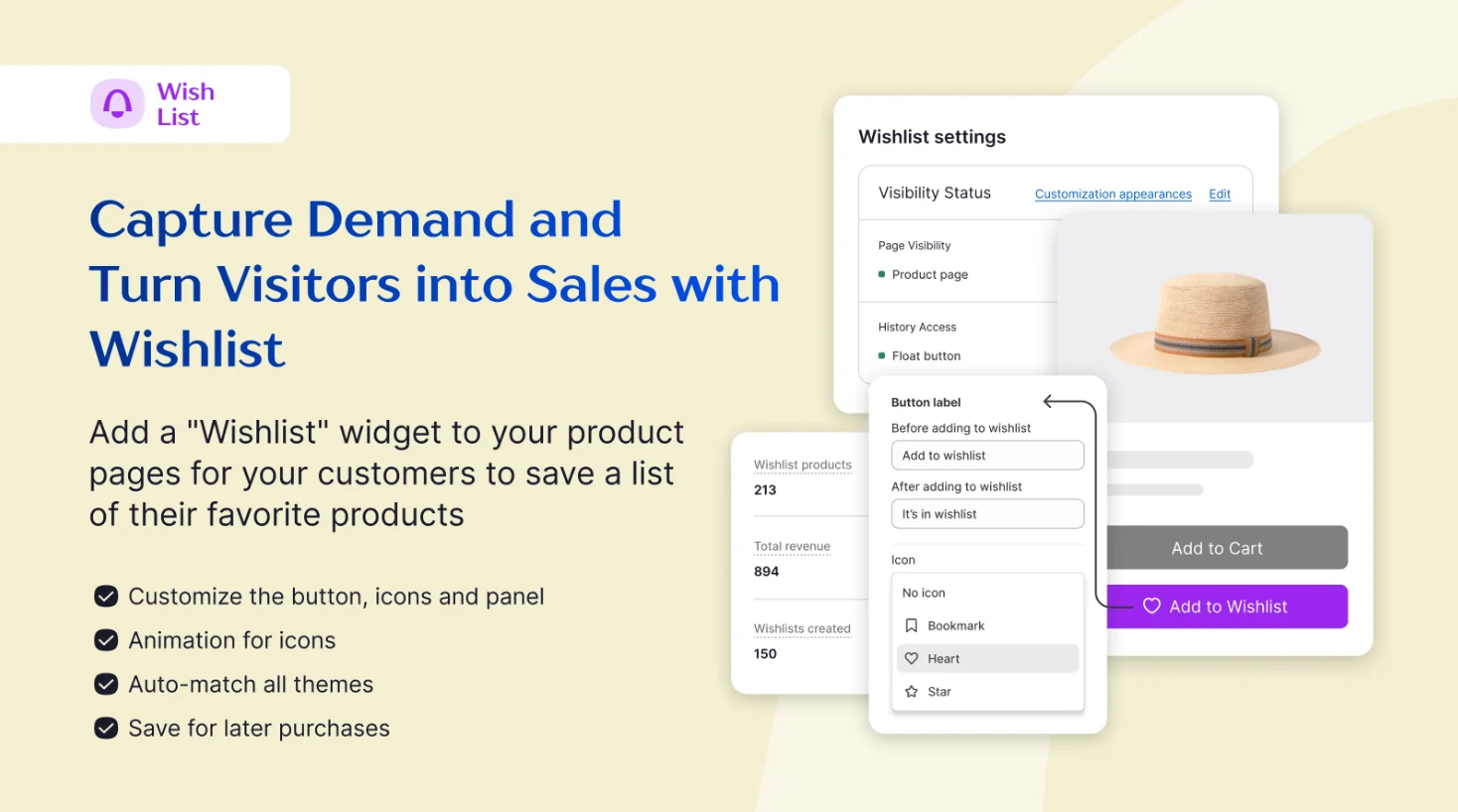
Lets shoppers save items, including guest wishlists, and come back to them later.
Pricing: the free Lite plan covers 10 restock alerts and 5 preorders; Kickstart is $9.90/month, and alerts for your own low stock start on Starter at $19.90/month.
6. Scarcity+ Low Stock Counter
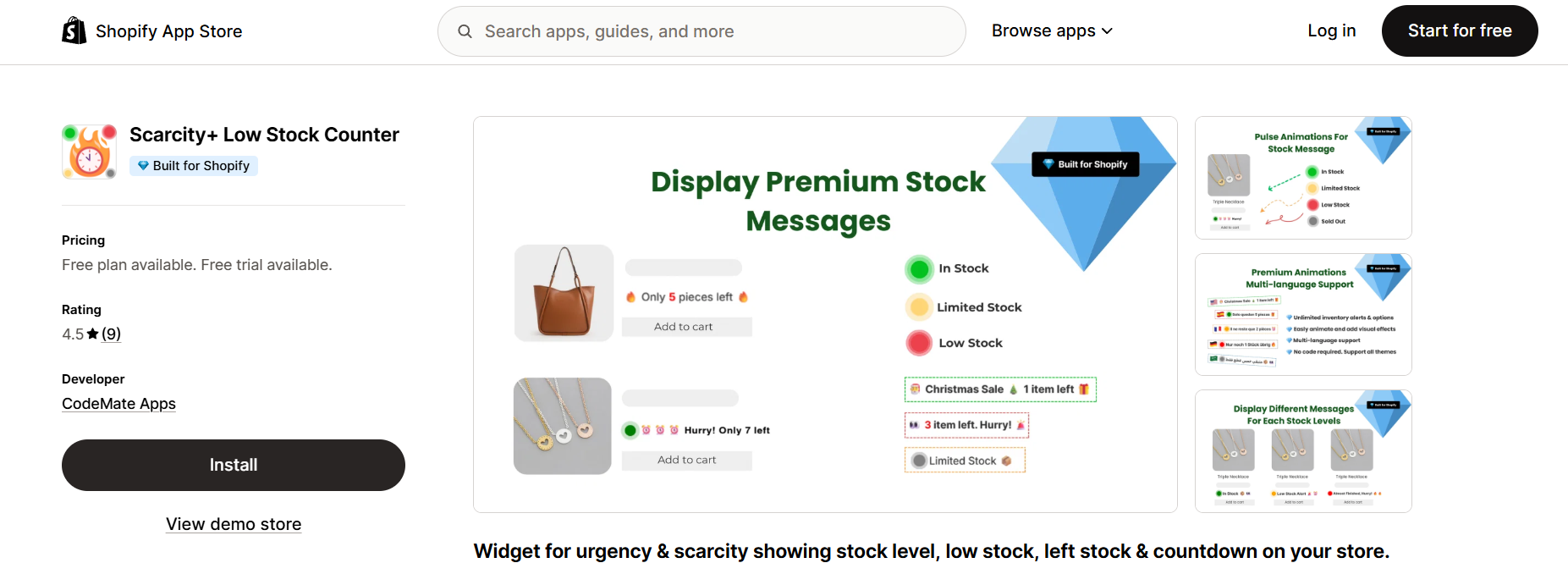
Scarcity+ Low Stock Counter shows a live stock count on product pages, styled with your own colors, fonts, and message. It doesn't change your real inventory.
Stock Level Messages
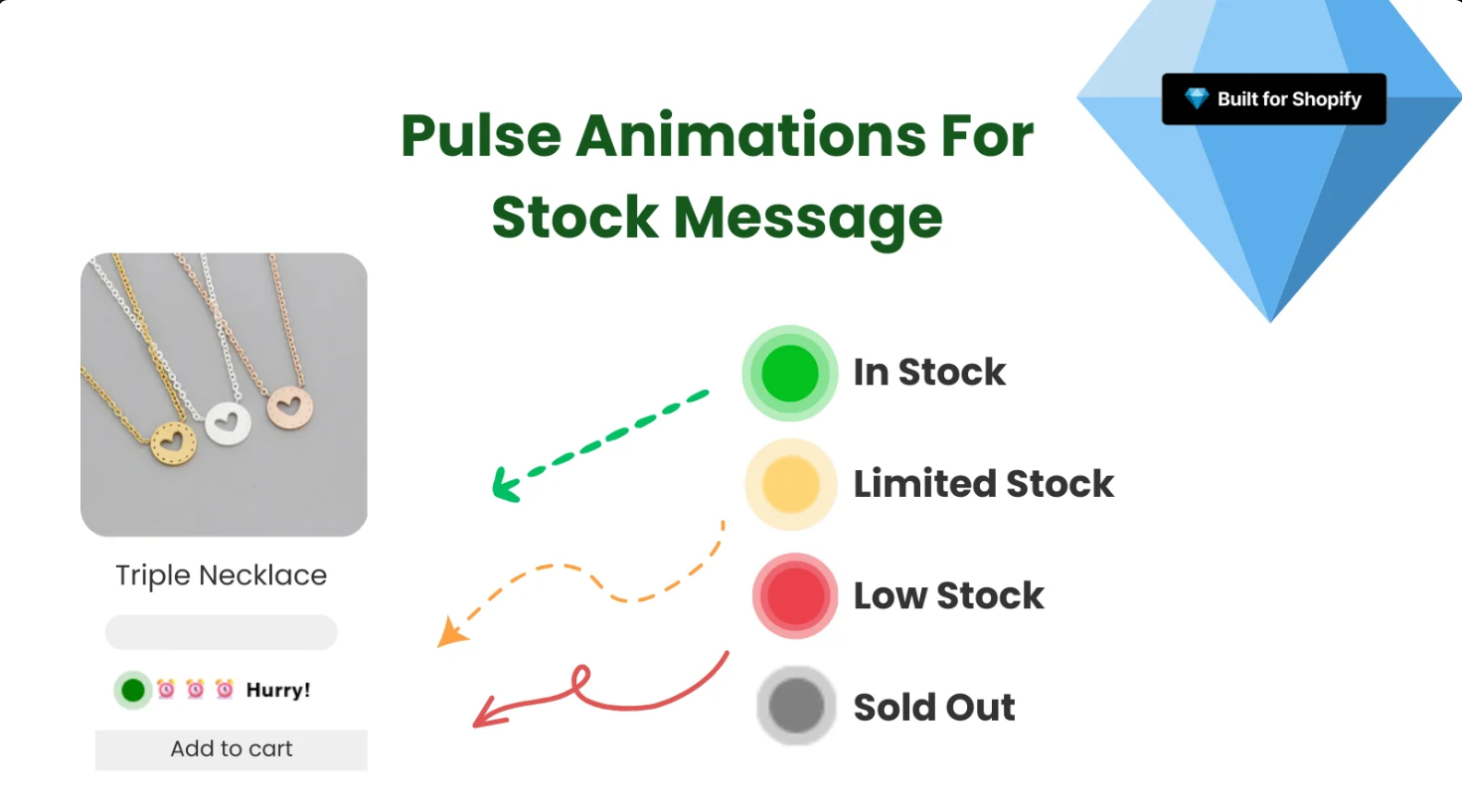
Shows different messages for in stock, limited stock, and low stock levels.
- Product targeting: specific products, collections, or the whole store.
- Blinking animation: an optional effect to draw the eye.
- Mobile-ready: counters adjust to small screens.
- No-code setup: live in a few minutes.
Pricing: free on the Shopify App Store. It has no reviews yet, so test it on a few products first.
Build trust & FOMO
Highlight real-time activities like reviews, sales & sign-ups.

7. Ultimate Scarcity Pro
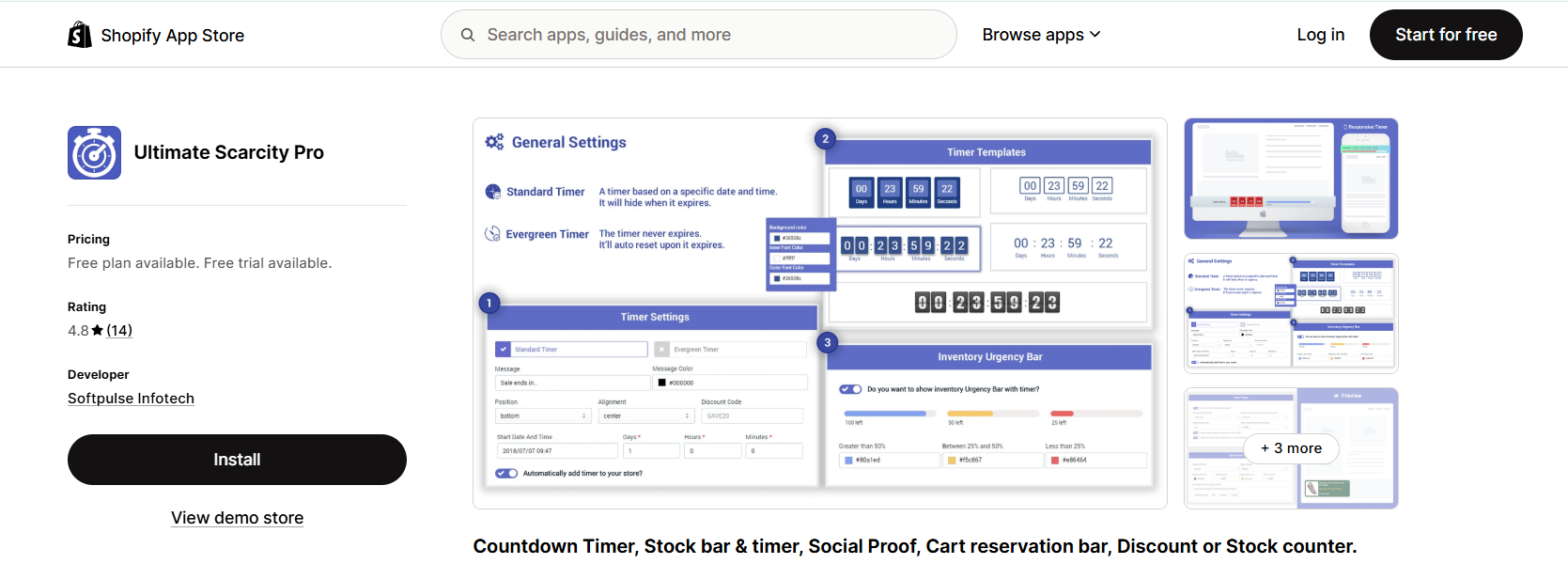
Ultimate Scarcity Pro by Softpulse Infotech bundles a stock bar with countdown timers, a cart reservation bar, and sales popups. It suits stores that want several urgency tools in one free app.
Widgets can appear at the top or bottom of the page, or below the add to cart button.
Countdown Timers
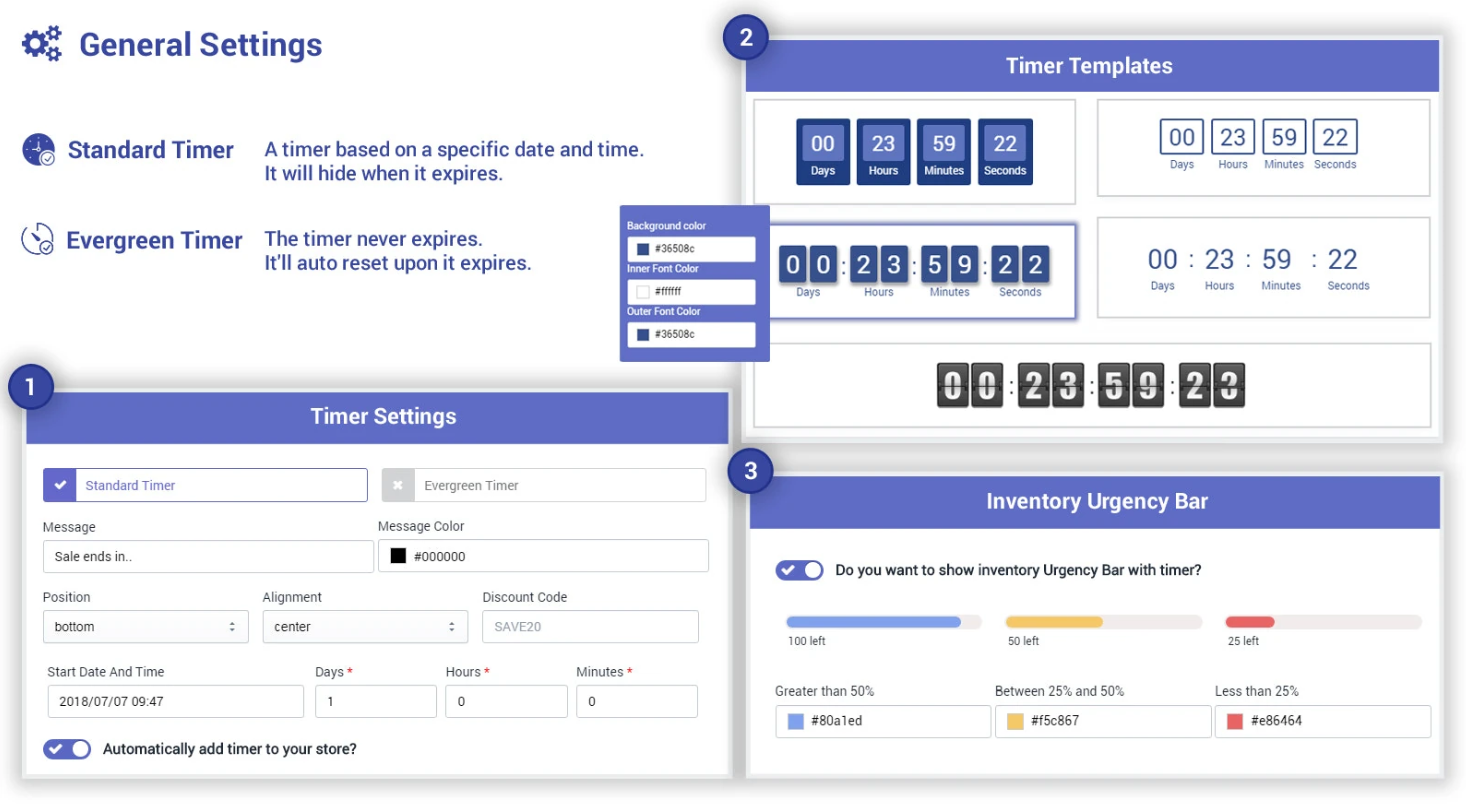
Several timer styles and templates, shown right away or after a delay.
Stock Bar and Timer
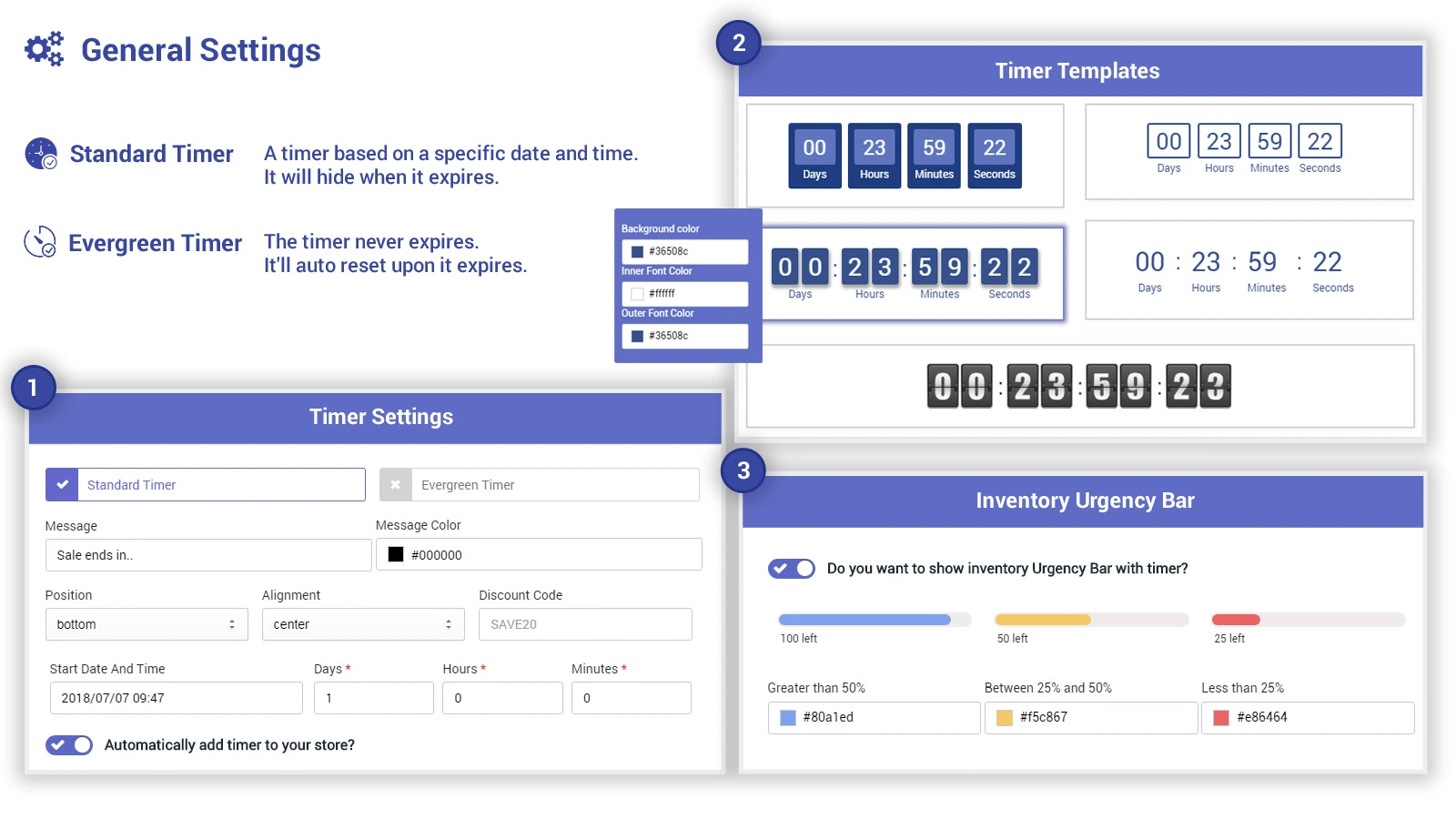
A customizable stock bar with font and color options to show how much is left.
Cart Reservation Bar
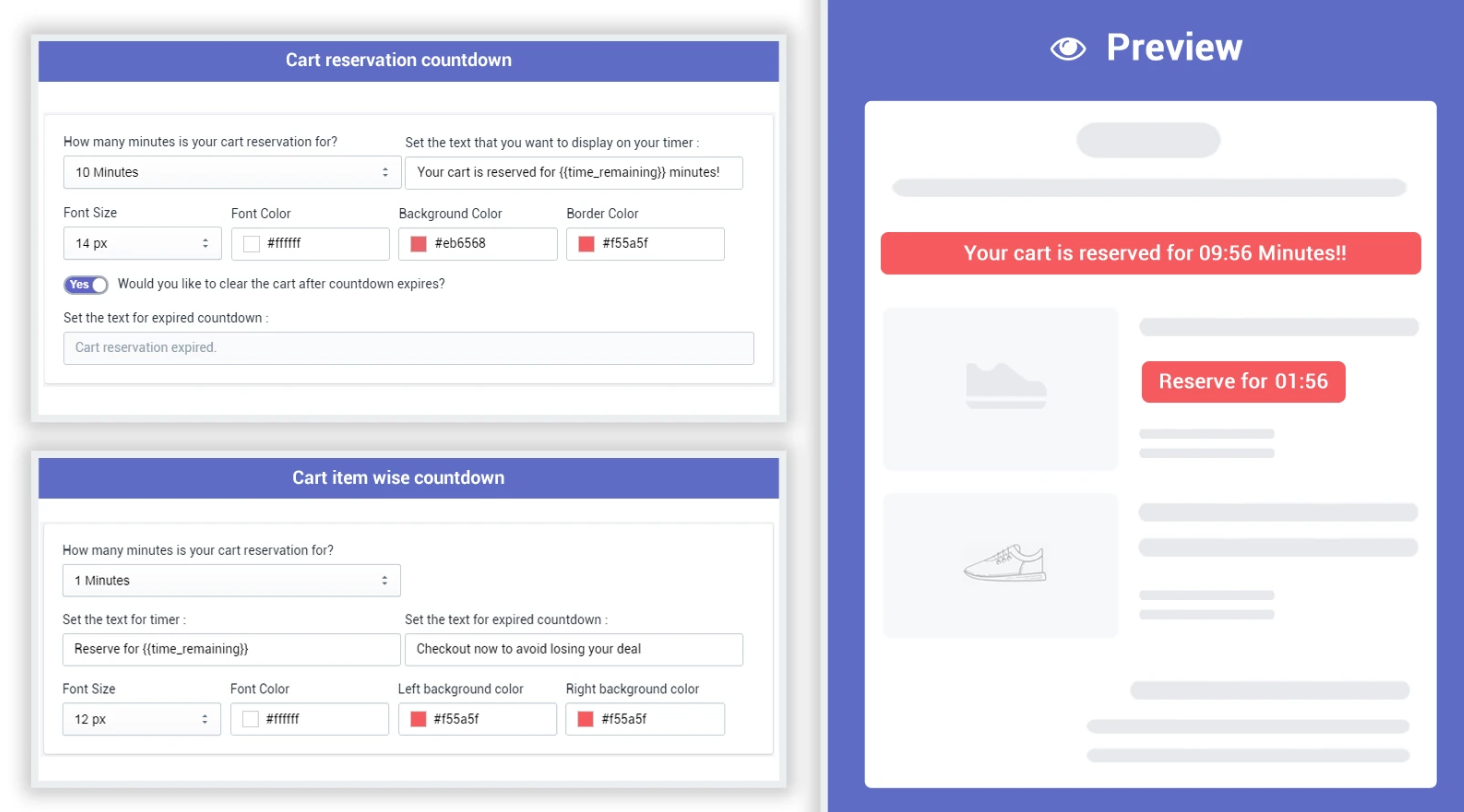
Shows a reservation timer and “stock running out” message on the cart page.
Pricing: the Standard plan is free; Premium is $8.99/month for premium templates, the “Order within / Get it by” block, and branding removal.
How to Choose a Low Stock Alert App
Start with the job you need done:
| If you need to… | Start with |
|---|---|
| Get emailed before products run out | Bee Low Stock Alert or iAlert (both free to start) |
| Know how much to reorder | Bee Low Stock Alert (Advanced plan) |
| Show “Only X left” on product pages | WiserNotify, Scarcity+, or Ultimate Scarcity Pro |
| Collect restock signups for sold-out items | Notify Me! |
| Add urgency plus sales popups and visitor counts | WiserNotify |
Pair stock messages with other social proof, like a Shopify sales popup, so the urgency feels earned.
Wrap Up
The right app depends on who needs the warning. If you keep running out before you reorder, start with a team alert. If shoppers hesitate on products that are close to selling out, add a stock message.
Start with a free plan, set sensible thresholds, and adjust once you see which products sell out first.
Frequently Asked Questions
What is a Shopify low stock alert?
It’s a notification when a product’s inventory drops below a level you set, either sent to your team or shown to shoppers as an “only X left” message.
Are there free Shopify low stock alert apps?
Yes. Bee Low Stock Alert and iAlert both have free plans for smaller catalogs.
What's the difference between low stock and back-in-stock alerts?
Low stock alerts fire before an item sells out, while back-in-stock alerts tell shoppers when a sold-out item returns.
Should low stock messages use real inventory?
Yes. Show them only when stock is low, or shoppers stop trusting them.
How do I choose a low stock threshold?
Set it to the units you sell during your supplier’s restock lead time, plus a small buffer.

Krunal Vaghasiya is a marketing tech expert who boosts e-commerce conversion rates with automated social proof and FOMO strategies. He loves to keep posting insightful posts on online marketing software, marketing automations, and improving conversion rates.




 Capterra