
When people search for a service, they almost always check reviews first.
For small businesses, online reviews are one of the most powerful ways to build trust and win new customers, often more effective than ads or discounts.
But getting reviews doesn’t happen automatically. Even happy customers won’t leave one unless you ask and make it easy.
In this blog, you’ll learn simple, proven ways to get more real reviews for your small business.
Whether you offer home services, grooming, repair, or consulting, these tips will help you collect feedback, improve your visibility, and grow your reputation step by step.
Get Reviews Without the Extra Work Using WiserReview
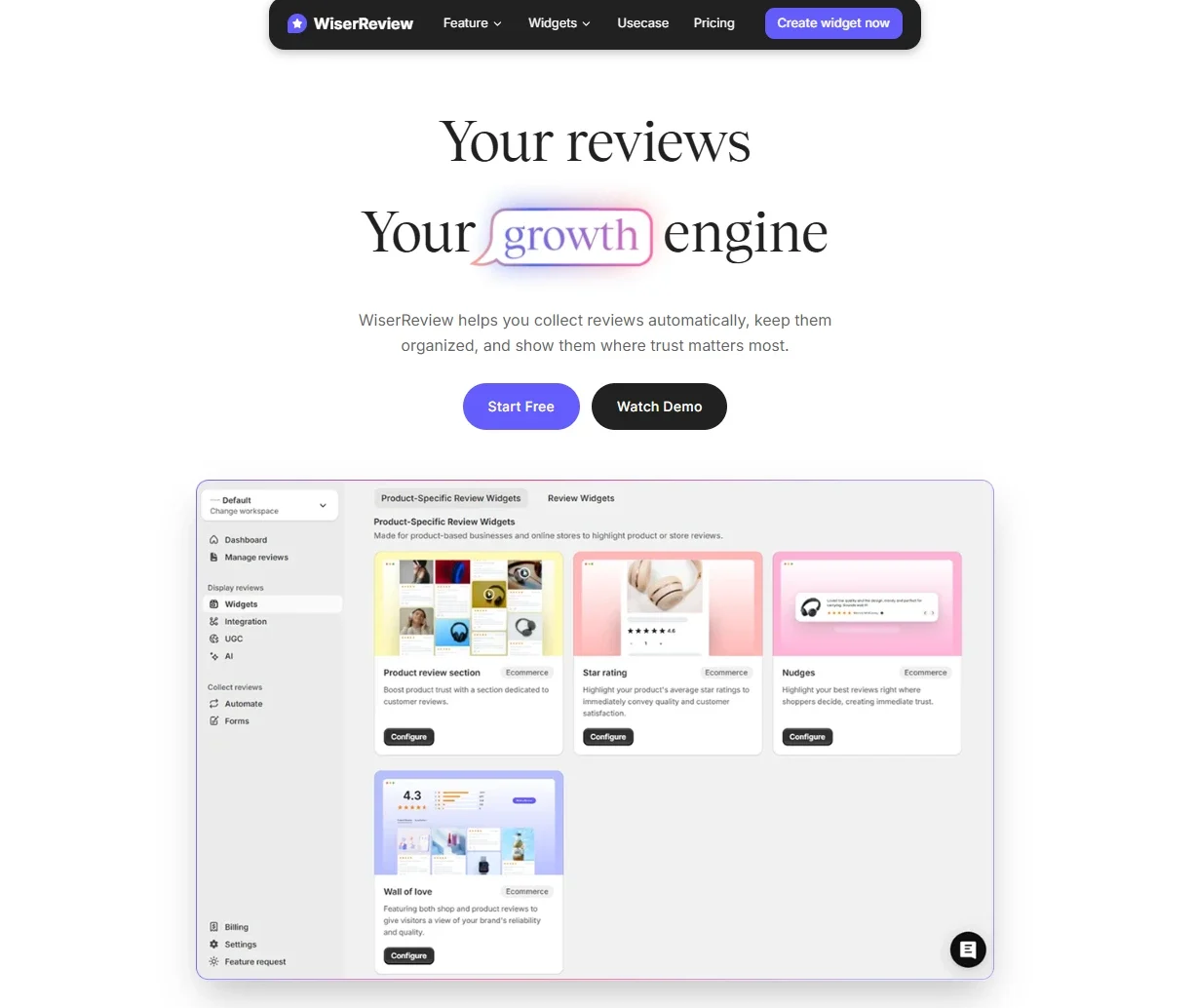
WiserReview makes it easy for small businesses to collect, manage, and display reviews without sending follow-ups or doing manual work. After a sale, you can send a review request through email, WhatsApp, or a direct link.
Customers can leave a review in seconds—no login or account needed. They can also add a photo or video, which makes the feedback more real and trustworthy.
You can show these reviews on your website using sliders, popups, or badges. Setup takes only a few minutes, and no coding is required.
WiserReview runs in the background while you focus on your business. It helps you get more reviews, build trust, and turn visitors into buyers.
How WiserReview Works – Step by Step
1. Sign Up for a WiserReview Account
Go to WiserReview and create an account.
You can start for free. No credit card is needed.
2. Connect Your Website or Store
Once you log in, WiserReview gives you a simple code to copy and paste into your site.
It works with:
WordPress
Shopify
Webflow
WooCommerce
Custom websites
You don’t need a developer. If you use a builder like Wix or Squarespace, there are setup options for that too.
3. Create a Review Form
Now set up the form your customers will use to leave reviews.
You can include:
Star rating
Comment box
Photo upload
Video upload
Optional fields (like product name or order ID)
You can use the default layout or change the colors and text to match your brand.
4. Send Review Requests
After each sale or service, send the review form to your customer.
You can send it through:
Email: Add it to your order confirmation or follow-up message
WhatsApp : Share it directly in a chat
Direct link: Copy and paste anywhere (DM, SMS, social media)
QR Code: Print and place it in-store or on product packaging
Customers don’t need to log in or download anything. They just click and submit.
5. Collect Reviews Automatically
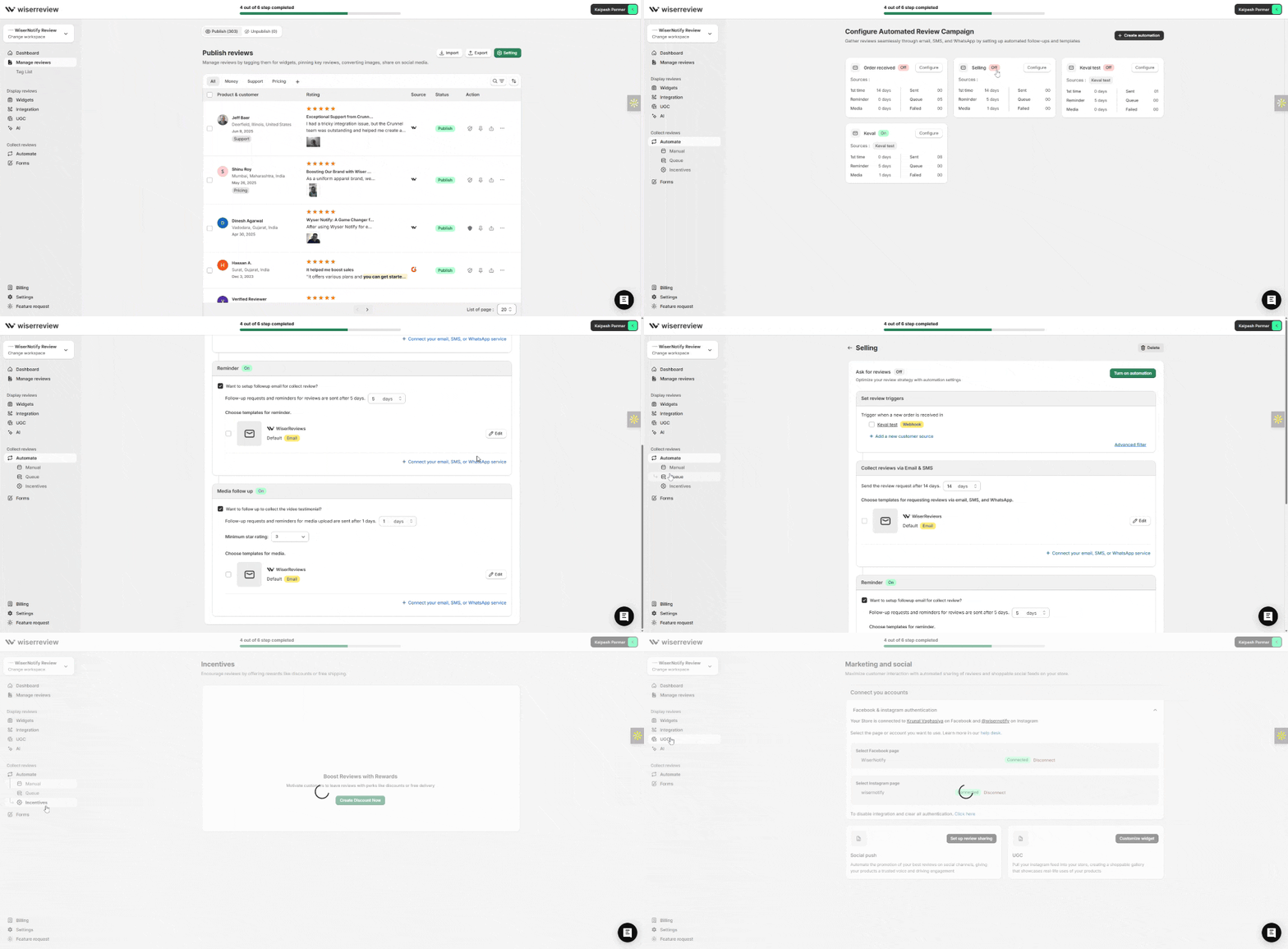
As customers complete the form, reviews appear in your WiserReview dashboard.
You’ll receive text, photo, or video feedback depending on what customers share.
6. Display Reviews on Your Website

Choose how to show your reviews:
Sliders: Scrollable reviews on product pages
Popups: Appear while visitors browse
Badges: Small icons showing total reviews or ratings
Carousels: Rotate reviews on your homepage
You control what shows, where it shows, and how it looks. You can change it anytime.
7. Manage Reviews

Inside the dashboard, you can manage reviews:
Approve or reject reviews before they go live
Filter reviews by product, rating, or keyword
Organize reviews using tags or categories
You stay in full control of what shows on your website.

Show Real Reviews That Build Trust
Collect and display photo, video, and text reviews with full design control.
Use WiserNotify to Show Customer Activity on Your Website

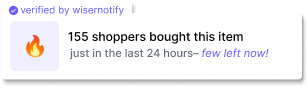
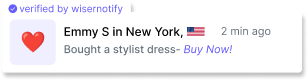
WiserNotify is the best social proof tool. It helps you show live popups on your site that highlight real actions, like reviews, purchases, or sign-ups. When someone leaves a review or buys a product, others can see it in real time.
This builds trust. New visitors feel more confident when they see other people interacting with your business.
You can choose where to place the popups, what to show, and when they appear. It takes just a few minutes to set up and doesn’t require any coding.
How WiserNotify Works – Step by Step
1. Sign Up for Free
Go to WiserNotify and create a free account. No credit card is needed to start.
2. Add WiserNotify to Your Website
You’ll get a small code snippet. Copy and paste it into your website.
It works with WordPress, Shopify, Webflow, Wix, and more.
Most setups take just a few minutes.
3. Choose What to Show
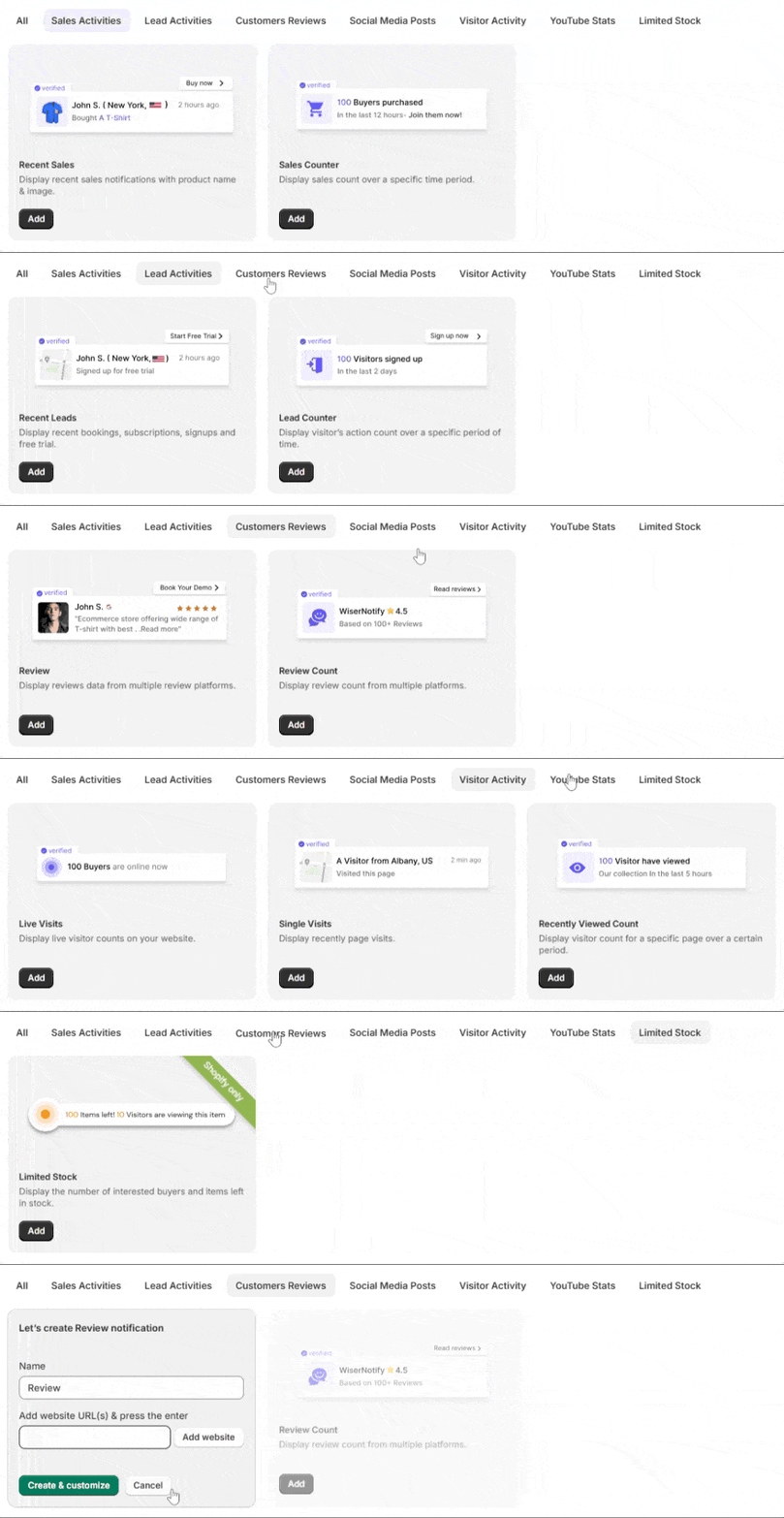
Pick what you want to display:
New reviews
Recent purchases
Customer sign-ups
Total reviews or activity count
4. Customize Your Popups
You can edit the message, colors, placement, and timing.
Make it match your website design and brand.
5. Set Display Rules
Control where and when popups show:
On specific pages (like homepage or product page)
After a delay or on scroll
Only during certain hours or days
6. Go Live
Once everything is set, turn on your notifications.
WiserNotify will start showing real customer actions on your website in real time.

Boost Conversion Instantly
Add Social Proof & Urgency to your website
How to Get More Reviews for Your Small Business
1. Ask Right After a Positive Interaction
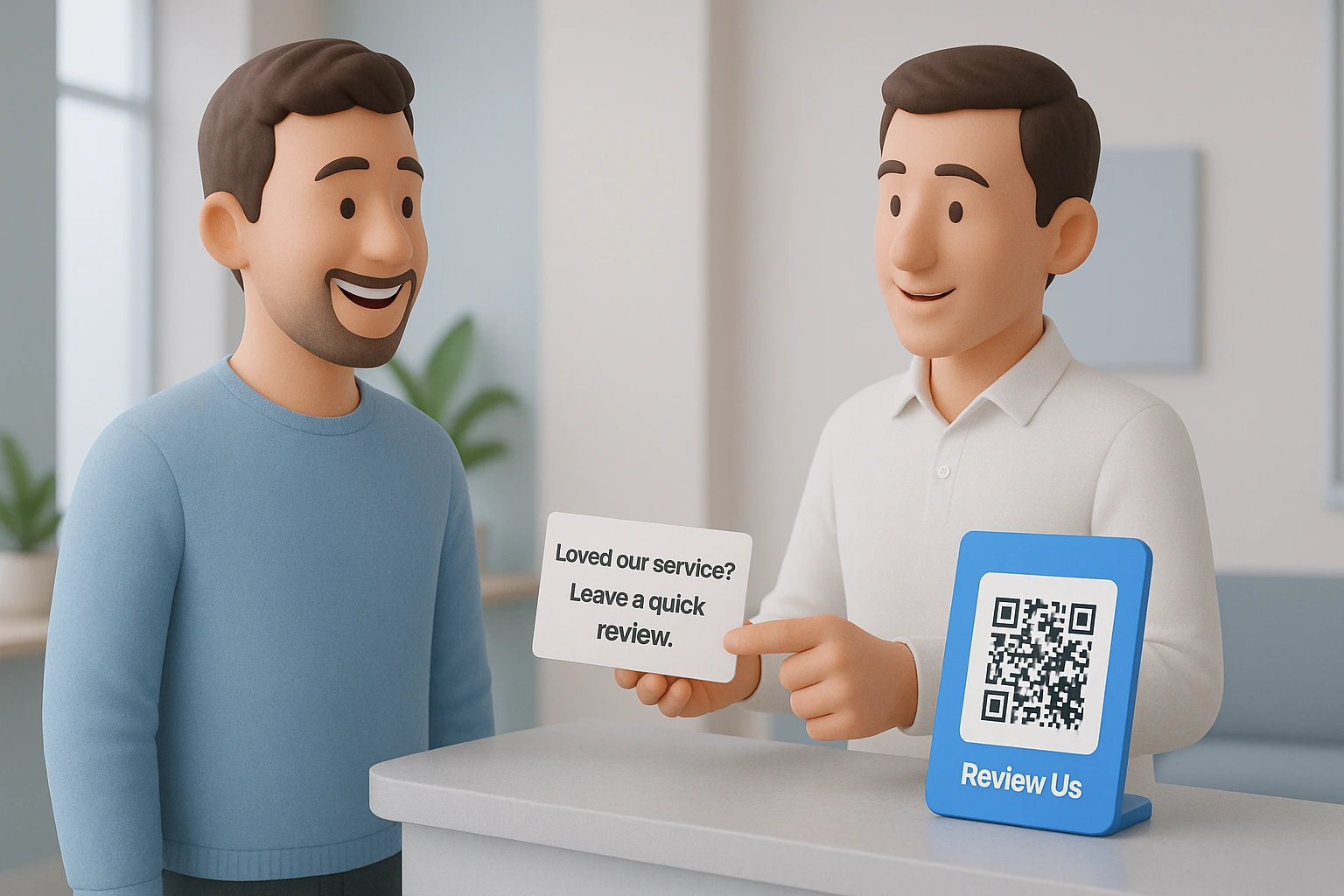
The best time to ask for a review is when the customer is clearly happy, and the service is still fresh in their mind.
Maybe they just said, “This looks great,” or “Thanks, that was super helpful.” That’s your moment.
Here’s how to ask naturally:
- In person: I’m glad you’re happy with everything! If you have a minute later, would you mind leaving us a quick review on Google? It really helps.
- By text or email: Thanks again for your visit today. If everything went well, we’d truly appreciate a short review here: [link]
The key is to keep it short, polite, and friendly. Don’t overthink it.
When people are satisfied, they’re more open to sharing their experience, especially if asked right away. If you wait too long, that positive feeling fades, and the chance often gets lost.
Tip: Have your review link or QR code ready so they don’t have to search for it. Make it easy, and more people will follow through.
2. Make It Easy to Leave a Review
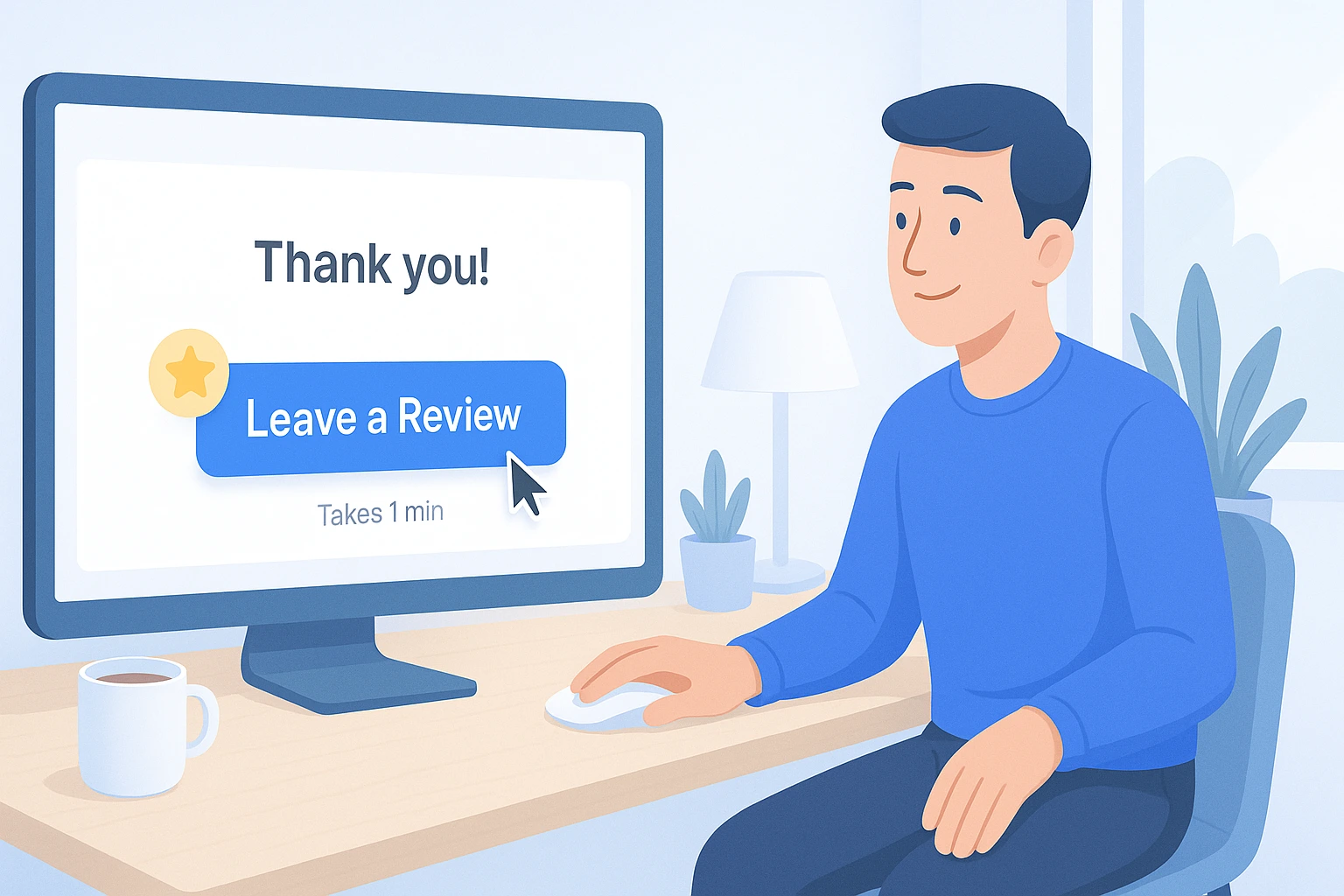
If you want more customers to leave reviews, the process has to be quick and simple. People are busy. Even if they loved your product or service, they won’t take the time if the steps are confusing or long.
Here’s what you can do:
- Share direct review links in your emails, texts, and chats. Don’t ask them to “go to Google and search your business.”
- Use QR codes at checkout, on receipts, or printed signs. A quick scan should take them straight to your review page.
- If you have a website, add a “Leave a Review” button that stands out on your homepage, thank-you page, or after-purchase confirmation page.
- Make sure the review form works well on mobile, as most people will do it from their phone.
- Tell them what to expect—let them know it only takes 1 minute.
The smoother the process, the more likely they’ll follow through. Simple tools and a clear ask can double your review count.
Build trust & FOMO
Highlight real-time activities like reviews, sales & sign-ups.

3. Use Email and SMS Follow-Ups
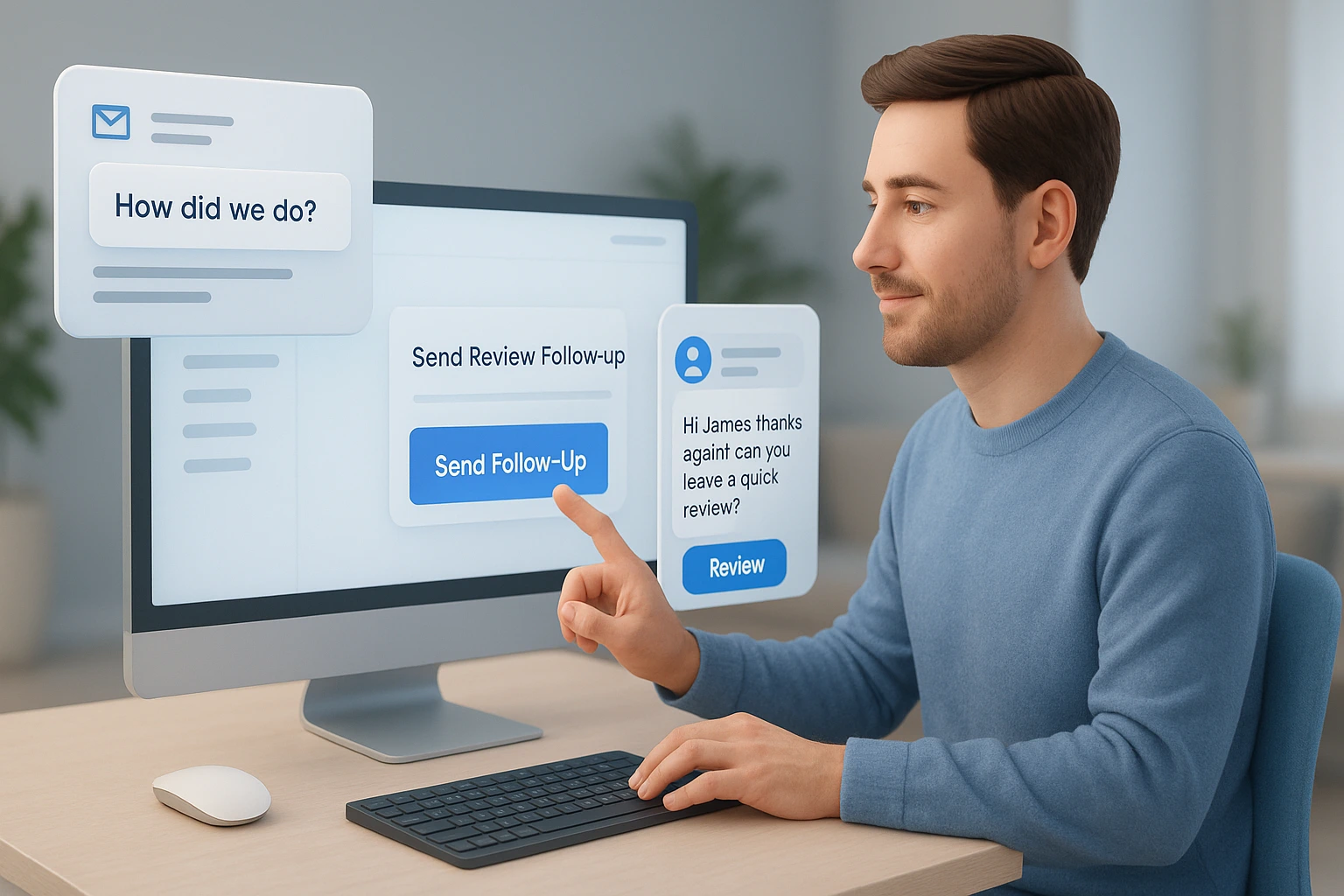
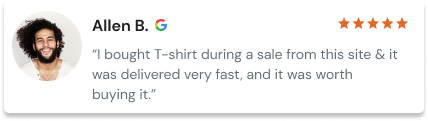
Most customers won’t leave a review unless you remind them. A friendly follow-up message can make all the difference. Email and SMS are both great tools to do this.
Here’s how to do it right:
-
- Send it within 24 to 48 hours after a purchase or service. That’s when the experience is still fresh.
- Keep the message short, personal, and polite. Use their name and mention the product or service they used.
- Include a direct link to your review page. Don’t make them search for it.
- In SMS, use plain text and keep it under 160 characters.
- In email, use a clear subject line like: “How did we do?” or “Got a minute?”
Here’s a simple example:
Hi [Name],
Thanks for choosing [Your Business]. We’d love to hear your feedback!
It only takes a minute: [Review Link]
Don’t spam or send too many reminders. One or two polite nudges are enough. When done right, follow-ups can turn silent customers into vocal supporters.
4. Offer a Small Incentive (If Allowed)
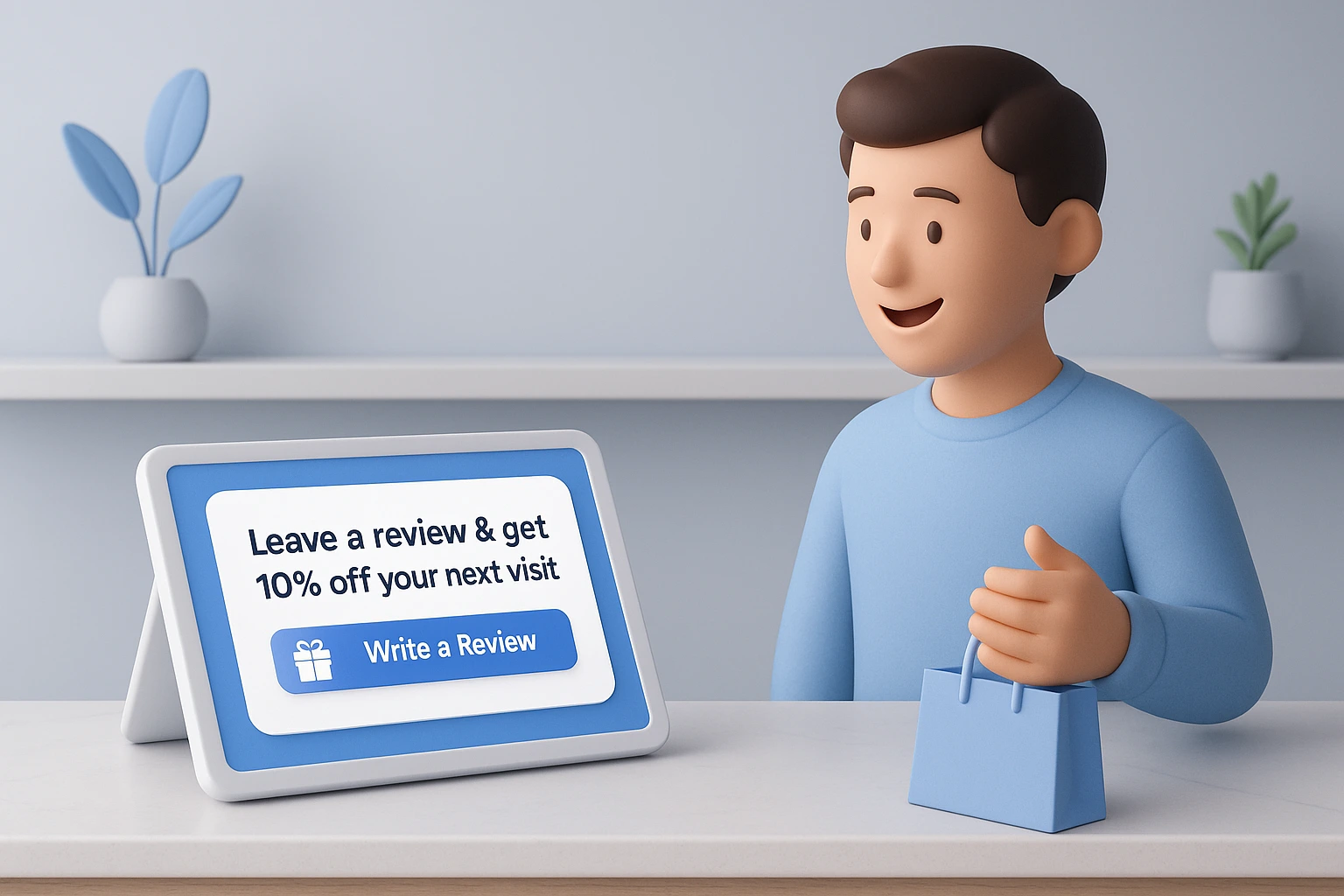
Giving a small reward can encourage more customers to leave a review. People are busy, and a little nudge often helps. If it’s allowed by the review platform and fits your business, try offering something simple and useful.
For example:
- A discount on their next order
- A freebie with their next purchase
- Entry into a small giveaway
- A loyalty point or cash credit
Make sure the reward doesn’t look like you’re “buying” reviews. Keep it clear that the review should be honest—good or bad. This keeps your business credible and the feedback real.
Add a quick line in your email or receipt: “Leave us a review and get 10% off your next visit!”
This small gesture can lead to a big jump in reviews.
Build trust & FOMO
Highlight real-time activities like reviews, sales & sign-ups.
5. Collect Reviews In-Person
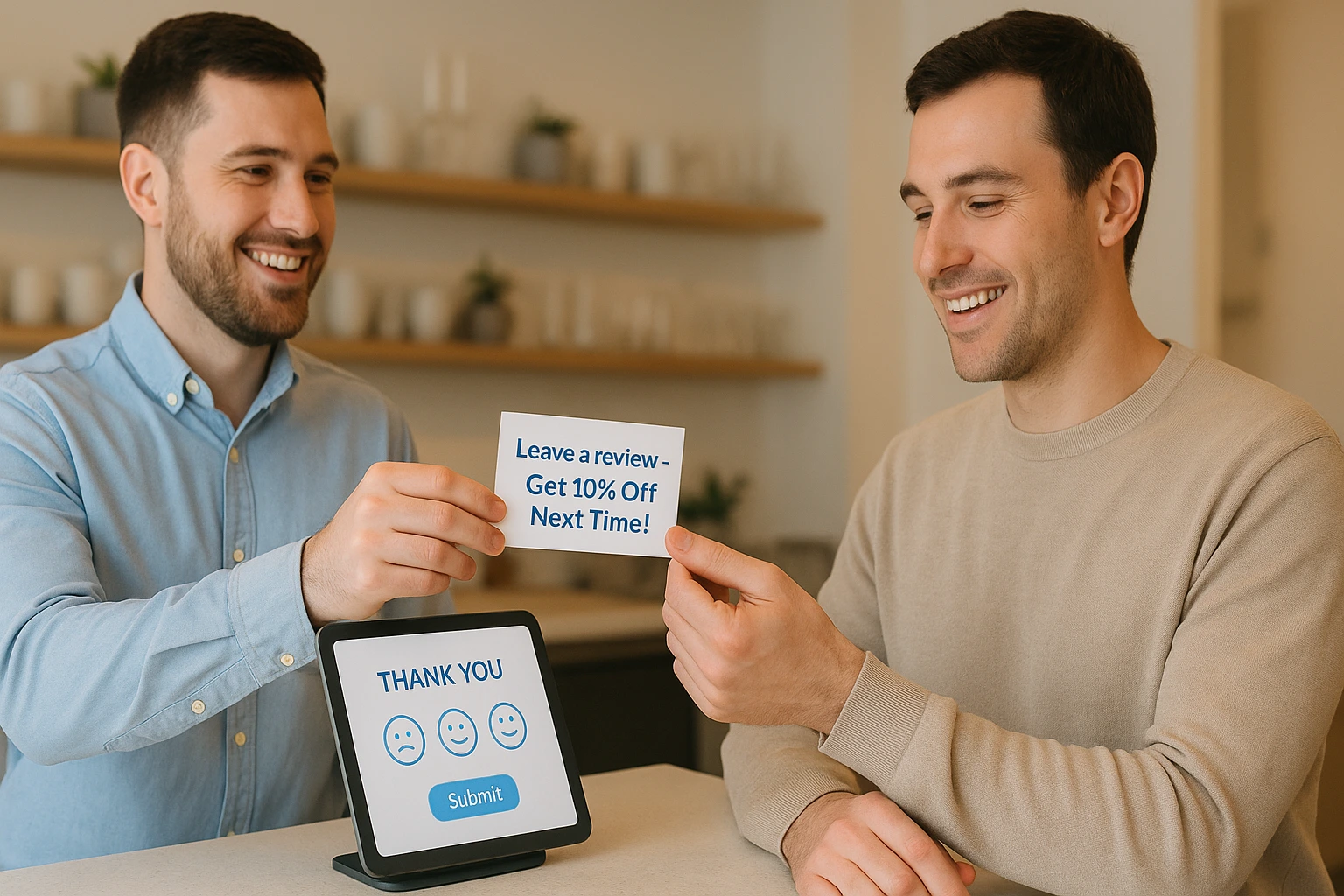
Giving a small reward can encourage more customers to leave a review. People are busy, and a little nudge often helps. If it’s allowed by the review platform and fits your business, try offering something simple and useful.
For example:
- A discount on their next order
- A freebie with their next purchase
- Entry into a small giveaway
- A loyalty point or cash credit
Make sure the reward doesn’t look like you’re “buying” reviews. Keep it clear that the review should be honest—good or bad. This keeps your business credible and the feedback real.
Add a quick line in your email or receipt: “Leave us a review and get 10% off your next visit!”
This small gesture can lead to a big jump in reviews.
6. Add Review Requests to Invoices or Receipts

One of the easiest ways to ask for a review is by adding a short message to your invoice or receipt. Your customer already expects this document, so it’s a natural place to make the ask without being pushy. If you use invoicing software, you can easily customize your invoices to include a short review request. The process can even be automated to keep communications consistent across all customers.
Keep the message short and friendly. For example:
“Happy with our service? Leave us a review – it only takes a minute!”
You can also include a clickable link or a QR code that takes them directly to your review page. This works well for both digital and printed receipts.
Why it works:
- Customers see it when the experience is still fresh
- It feels like a casual ask, not a sales push
- It doesn’t interrupt their experience
- It’s easy to track when automated in your invoicing system
This simple habit can bring in more reviews without needing extra tools or time.
7. Leverage Social Media and WhatsApp
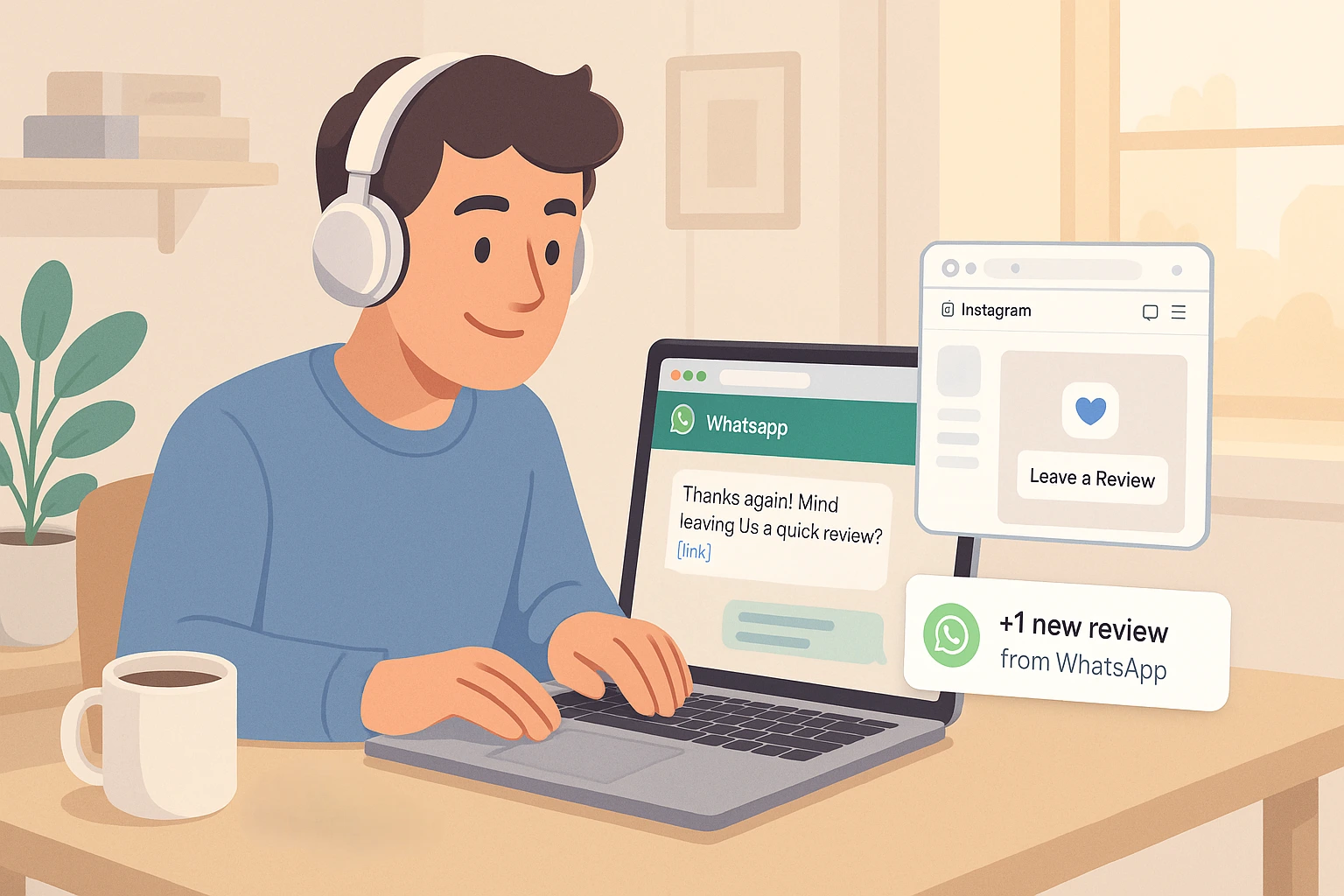
Your customers are already spending time on social media and WhatsApp. Use these channels to ask for reviews in a casual and personal way.
Post a story or feed update asking happy customers to drop a quick review. Add a direct link to your review page. Make it easy to click and write.
Example message for Instagram or Facebook:
“Loved our service? Help us grow by leaving a quick review! 🙌 [link]”
On WhatsApp, keep it short and friendly.
Example message: “Hey [Customer Name], thanks for choosing us! If you had a good experience, would you mind leaving a quick review? It helps us a lot 😊 [link]”
Why it works:
- It feels more personal than email
- You reach customers where they’re active
- It boosts response rate with direct links and casual tone
Don’t overdo it. Just a quick, polite message goes a long way.
Build trust & FOMO
Highlight real-time activities like reviews, sales & sign-ups.

Where to Collect Reviews
Google Business Profile
Google is one of the first places people check before choosing a business. That’s why your Google Business Profile is one of the most important spots to collect reviews.
When someone searches your business on Google or Maps, your star rating and reviews show up right away. This can strongly influence whether they contact or visit you.
How to collect reviews here:
- Share your Google review link in emails, texts, or on social media
- Add a review button on your website that leads to your Google page
- Ask happy customers right after a sale or service while the experience is still fresh
Why it matters:
- Builds trust quickly
- Boosts local search visibility
- Helps you stand out from nearby competitors
Make sure your profile is claimed, updated, and active. More reviews = more chances to win new customers.
Facebook Reviews
Facebook is still a major platform for local and small businesses. If your business page has reviews turned on, customers can rate you and write feedback that others can see when they visit your page.
Why Facebook reviews matter:
- Many people check business pages before making a decision
- Reviews are visible to a customer’s friends, which adds social trust
- It’s easy to collect and reply to reviews right inside your Facebook account
How to collect more Facebook reviews:
- Share your review link in posts, stories, or DMs
- Ask happy customers after a service to drop a quick review
- Pin a post at the top of your page with a call-to-action like:
“We’d love your feedback! Leave a review and help others discover us.”
Make sure your review tab is turned on in your page settings. Respond to reviews—even short ones—with a thank you. It shows you care and keeps your page active.
Industry Platforms
Every industry has trusted review sites where customers go to check credibility. These platforms matter just as much as Google or Facebook—sometimes even more—because they attract people already looking for businesses like yours.
For example:
- Tripadvisor for travel and hospitality
- Yelp for local services and restaurants
- G2 or Capterra for software and tools
- Houzz for home services and interior design
- Zocdoc for healthcare professionals
Being active on the right platform helps you reach serious buyers, not just casual browsers.
How to collect reviews on industry platforms:
- Share direct review links after a job is done
- Mention it in email follow-ups
- Add a badge or link to your website or email signature
Choose platforms where your target audience actually looks. A few solid reviews on the right site can be more powerful than many on a generic one.
Also see: 6 Easy Ways to Get More Reviews for Healthcare Website
On Your Website
Your website is one of the best places to collect and display reviews. Visitors already trust your site and are closer to making a decision. Showing real feedback here can give them the final push to buy or contact you.
Ways to collect reviews on your site:
- Add a simple review form to a thank-you page or order confirmation page
- Use a review widget that collects and displays feedback
- Share a short message like: “Tell us how we did. Your review helps others trust us.”
Benefits of collecting reviews on your site:
- Full control over how and where reviews show
- Helps with SEO if reviews include keywords
- Builds trust at the moment of decision
You can also collect photo or video reviews if your tool allows it. This adds extra impact and makes your reviews more believable.
Final Thoughts
Getting more reviews isn’t about luck — it’s about asking the right way, at the right time, and making it simple for your customers.
Whether you’re offering a home service, running a local shop, or consulting one-on-one, the steps are the same: ask after a good experience, follow up politely, offer a small thank-you if allowed, and always respond to feedback.
Start with one small change — like adding a review link to your follow-up messages — and build from there. Over time, your reviews will grow, so will your trust, and new customers will feel more confident choosing you.
Show Real Reviews That Build Trust
Collect and display photo, video, and text reviews with full design control.