
How to Get More Patient Reviews: 6 Ways That Work (2026)

To get more patient reviews, text patients within 24 to 48 hours of their visit with one direct link to your Google profile. Keep the message HIPAA-safe by thanking them for the visit without naming the treatment or condition.
Add an in-person ask at checkout and a QR code at the front desk, and reply to every review without confirming any patient details.
Below are six ways that work, a front desk script your staff can use today, and reply examples that stay within HIPAA.
- Timing: ask within 48 hours, while the visit is still fresh.
- Channel: a short text with one link gets more replies than a long email.
- Wording: never mention the reason for the visit in an ask or a reply.
- Consistency: ask every patient the same way, not only the happy ones.
Why Patient Reviews Matter for Clinics
Before booking, most patients check what others say about a provider. They look for signs that you listen, explain things clearly, and run on time.
- Local search: recent reviews help your practice show up in Google Maps and local results.
- Patient confidence: real experiences ease the worry that comes with a new provider.
- Bookings: the practice with better reviews often wins the appointment, even if it isn’t the closest.
How to Get More Patient Reviews
These six ways work for clinics, dental offices, and specialist practices. Start with the first two, then add the rest.
1. Train Staff to Ask at Checkout
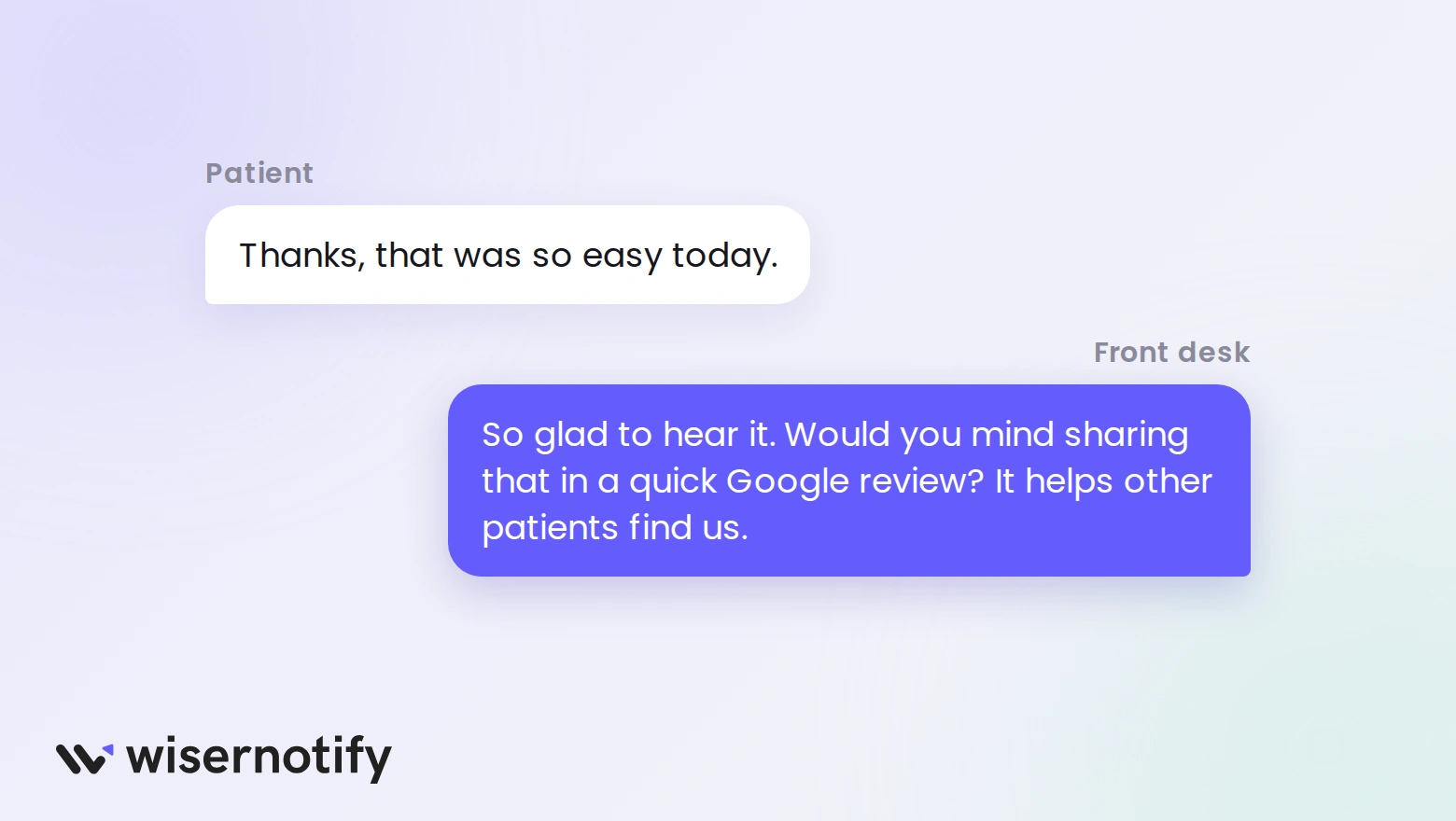
Your front desk sees patients at the end of the visit, when they’re most likely to say something kind. That’s the moment to ask.
Teach staff to listen for positive cues, like “thanks, that was easy,” and respond with a short, warm ask. The exact lines are in the staff script further down.
A personal ask from someone the patient just met works better than any automated email. Follow it up with the text in Way 3, so they have the link in hand.
2. Put One Review Link Everywhere
Patients won’t search for your profile. Give them one direct link to the place you want reviews, usually your Google Business Profile.
- Your website footer and contact page
- Appointment confirmation and follow-up pages
- The thank-you page after a telehealth visit
- Your patient portal and email signature
Pick one platform to focus on first. Splitting patients between Google, Healthgrades, and your own site slows down growth on all three.

Use a short or branded link, so it fits on appointment cards and looks safe to tap.
Build trust & FOMO
Highlight real-time activities like reviews, sales & sign-ups.


3. Text Patients Within 48 Hours
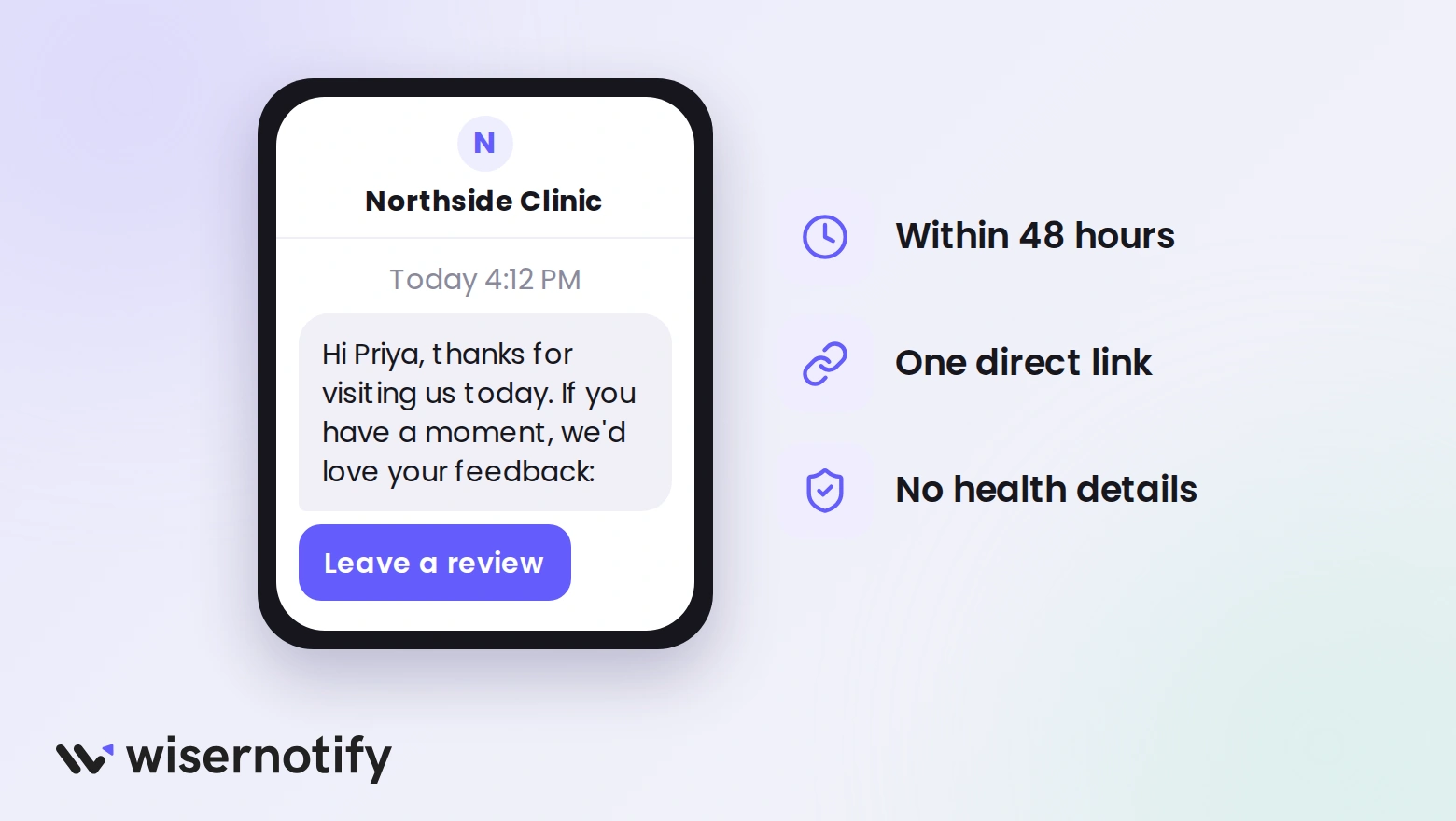
Send a short text within 24 to 48 hours of the visit. Thank them, include one link, and keep it to two lines.
“Hi [First name], thanks for visiting [Practice name] today. If you have a moment, we’d love your feedback here: [link]”
Leave out the doctor’s specialty, the treatment, and the reason for the visit. A text that says “after your knee scan” shares health details on a screen anyone might see.
Only text patients who agreed to receive messages from your practice.
4. Add a QR Code at the Front Desk
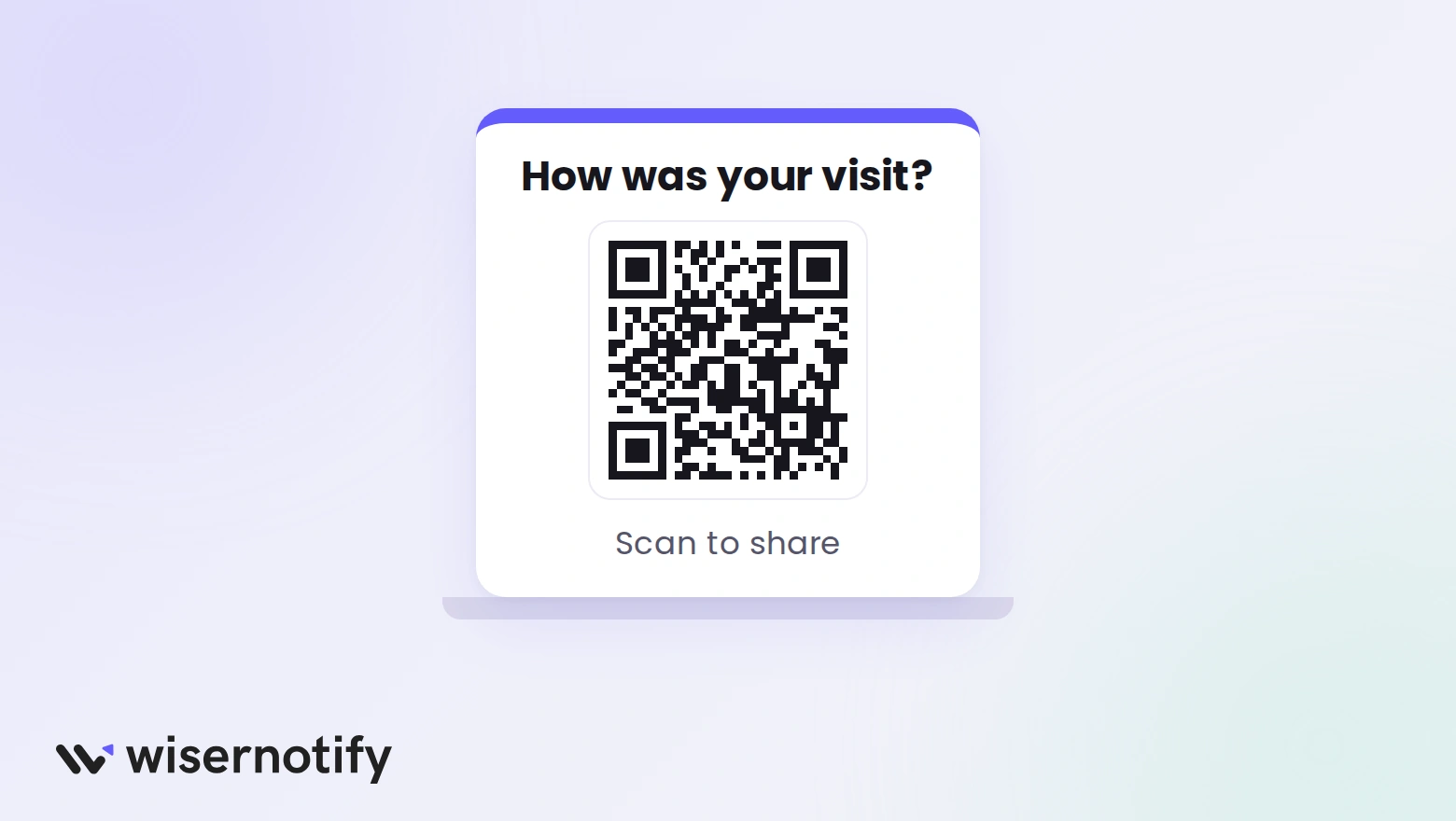
Place a QR code at the reception desk, in the waiting room, and near the exit. Patients scan it with their phone and land straight on your review page.
Add a short line next to it, like “How was your visit? Scan to share.” Here’s how to set up a Google review QR code.
Build trust & FOMO
Highlight real-time activities like reviews, sales & sign-ups.

5. Keep Every Ask HIPAA-Safe

Asking for a review is fine under HIPAA. Revealing health details in the ask, or in your reply, is where practices get into trouble.
- Do say: “Thanks for visiting us today.”
- Don’t say: “Thanks for coming in for your root canal.”
- Do: send the same request to every patient.
- Don’t: post patient photos or stories without written permission.
If you show reviews on your own website, approve each one first, so nothing with private details goes live.
6. Reply to Every Review Safely
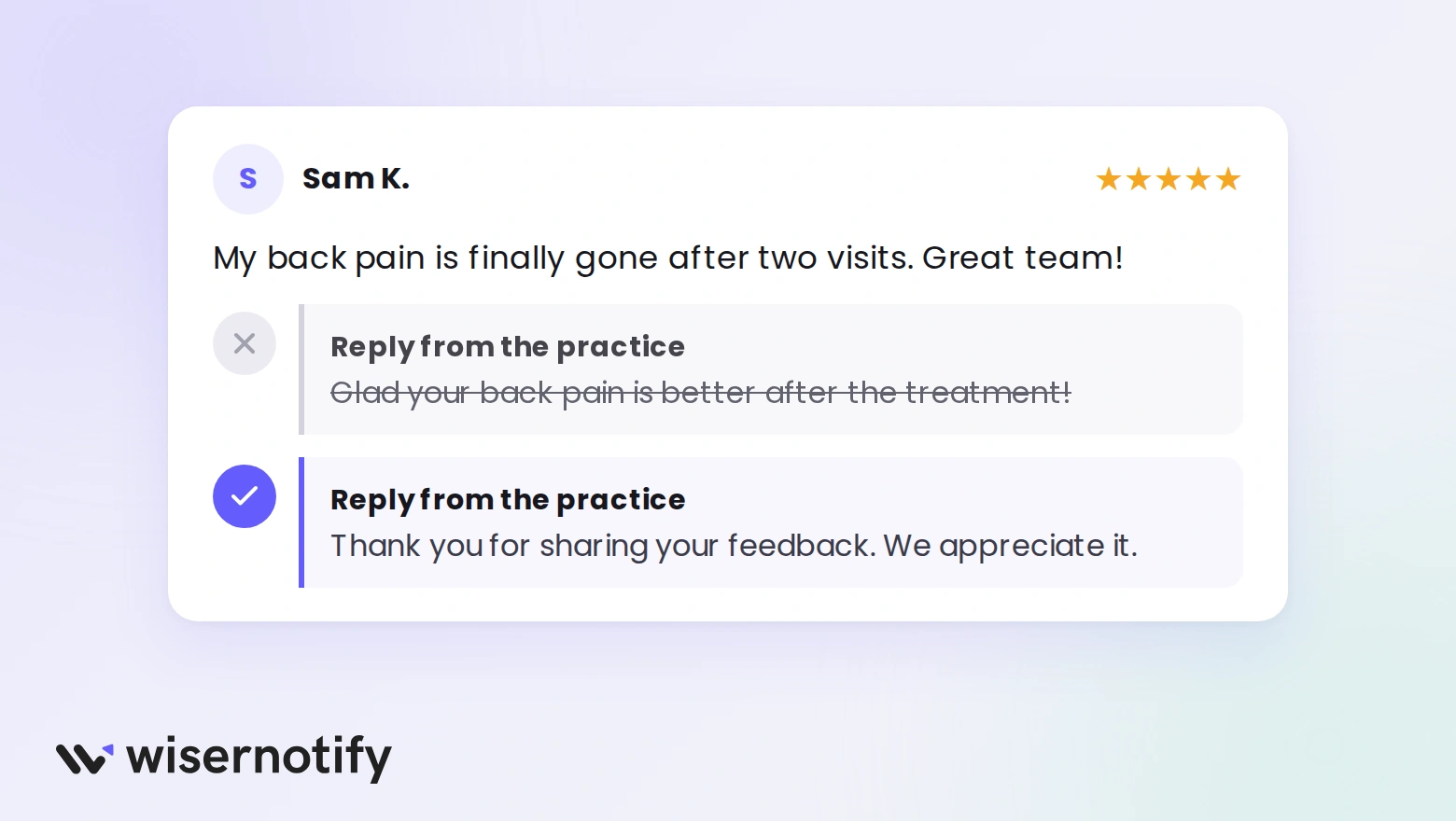
Replies show future patients that someone reads the feedback. The rule is simple: never confirm the reviewer is your patient, and never mention their care.
Positive review:
“Thank you for your kind words. We’re glad to hear you had a good experience with our team.”
Negative review:
“We’re sorry to hear this. Please call our office manager at [number], so we can understand what happened.”
Review that mentions a condition:
“Thank you for taking the time to share your feedback. We appreciate it.”
Even if the patient names their treatment, don’t repeat it. Federal regulators have settled cases with practices that revealed patient details in replies to online reviews. For more wording, see these Google review response examples.
Staff Ask Script for Your Front Desk
Print this and keep it at reception. Staff can change the words to fit their own voice, as long as the ask stays short and general.
When a patient says something positive:
“That’s so good to hear. Would you mind sharing that in a quick Google review? It helps other patients find us.”
At checkout, for every patient:
“We’ll send you a short text with a link to leave a review. It only takes a minute, and it helps us a lot.”
If the patient hesitates:
“No pressure at all. Just a line or two about the visit is plenty, and you don’t need to mention anything personal.”
What staff should never say:
- “Only leave a review if you’ll give us five stars.”
- “Mention how your treatment went.”
- “We’ll take something off your bill for a review.”
Show Patient Reviews on Your Website
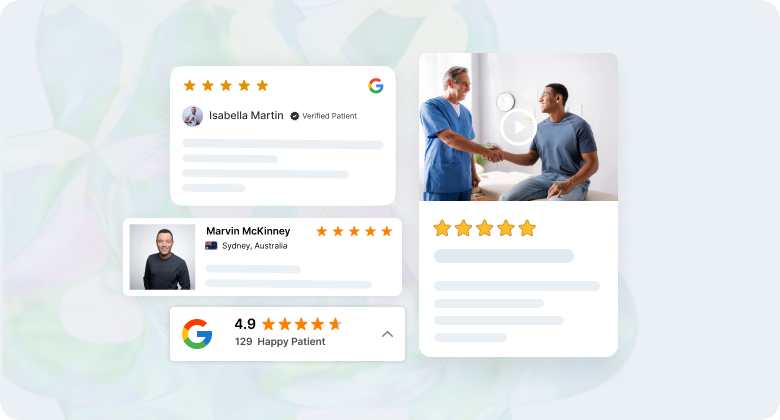
Reviews work hardest on the pages where patients decide to book.
- Booking page: a rating badge near the button reassures new patients.
- Doctor bios: two or three reviews about bedside manner help patients pick a provider.
- Service pages: general reviews about the visit, never about a specific condition.
- Homepage: a short carousel of recent reviews shows the practice is active.
Marked-up reviews can also help with star ratings in Google search results.
Where WiserReview Fits

WiserReview sends review requests by email or text after each appointment, with one link and a reminder for patients who don’t reply.
You approve every review before it shows on your site, then display it with a carousel, badge, or review wall. Plans start at $6.75 a month billed yearly, with a 7-day free trial.
Common Mistakes to Avoid
- Not asking at all: most happy patients won’t leave a review unless someone asks.
- Making it hard: if patients have to search for your profile, most give up. Always send a direct link.
- Ignoring negative reviews: a calm reply often matters more to readers than the review itself.
- Sharing health details: keep every ask and reply general, even when the patient isn’t.
- Buying or rewarding reviews: Google doesn’t allow incentives, and fake reviews can get removed or flagged.
Wrap Up
Patients trust what other patients say. The practices that get steady reviews simply ask every patient, at the right time, with one easy link.
Start with the front desk script and a 48-hour text, then build from there.

Get more patient reviews on autopilot
Send a review request after every appointment and show approved reviews on your site.
Frequently Asked Questions
When is the best time to ask a patient for a review?
Within 24 to 48 hours of the visit, while the experience is still fresh, ideally by a short text with one link.
Is it HIPAA-compliant to ask patients for reviews?
Yes, as long as the request doesn’t mention the treatment, condition, or reason for the visit.
Can a practice reply to a patient review?
Yes, but never confirm the person is a patient or mention their care. Keep replies general and move details offline.
Can we offer patients a reward for leaving a review?
No. Google doesn’t allow incentives for reviews, and rewards can make every review look less trustworthy.
How can a clinic get more Google reviews quickly?
Ask at checkout, follow up with a text link within 48 hours, and add a QR code at the front desk.

Krunal Vaghasiya is a marketing tech expert who boosts e-commerce conversion rates with automated social proof and FOMO strategies. He loves to keep posting insightful posts on online marketing software, marketing automations, and improving conversion rates.




 Capterra