
Understanding the General Section in Account Option
Updated Sep 4, 20261 min read
On this page · 4 sections
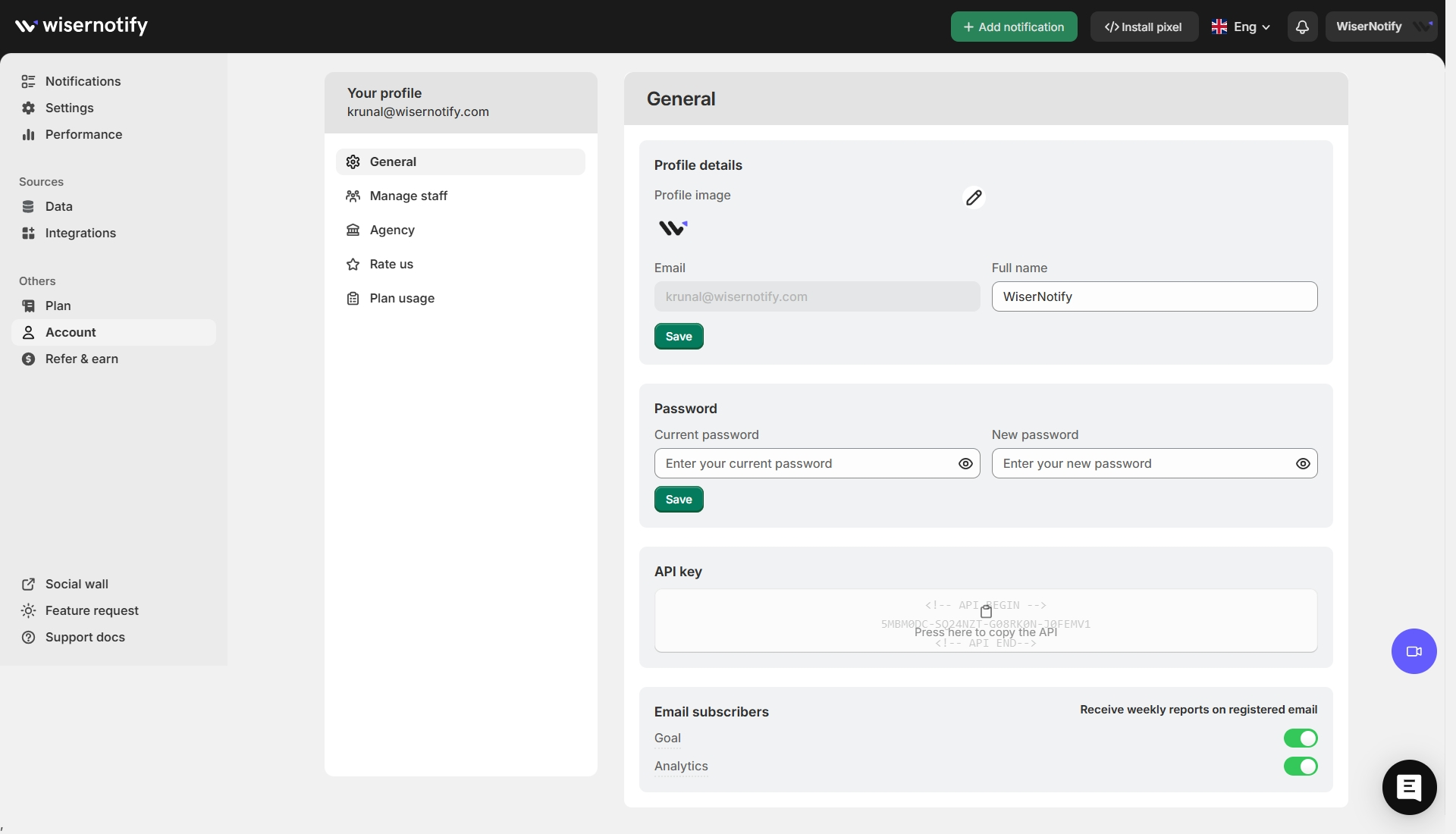
The General option in the Account section of WiserNotify allows users to manage their basic profile settings, including personal details, passwords, API keys, and email preferences. Below is a breakdown of the options available in this section:
1. Profile Details
- Users can view and update their full name.
- The registered email address is displayed but cannot be changed.
- Option to upload a profile image.
2. Password Management
- Users can change their password by entering the current password and setting a new one.
3. API Key
- Displays the API key, which integrates WiserNotify with other platforms.
- Users can copy the API key for authentication and integration purposes.
4. Email Subscribers & Reports
- Users can enable or disable weekly goal completion and analytics reports sent to their registered email.
This section provides essential controls for managing account security, integration, and notification preferences.
← PreviousManage Staff Option in the Account Section (WiserNotify)Next →How to show widget after x second
Related guides
Your account API Key & Quota history.Create an Account using Email id, Shopify store, Gmail id, Facebook login.Adding a payment method.
 Still stuck? We'll set it up with youLive chat or a free screen-share call, every day of the year.Chat with support



 Capterra