
17 Best WooCommerce Plugins I Actually Use (2026)
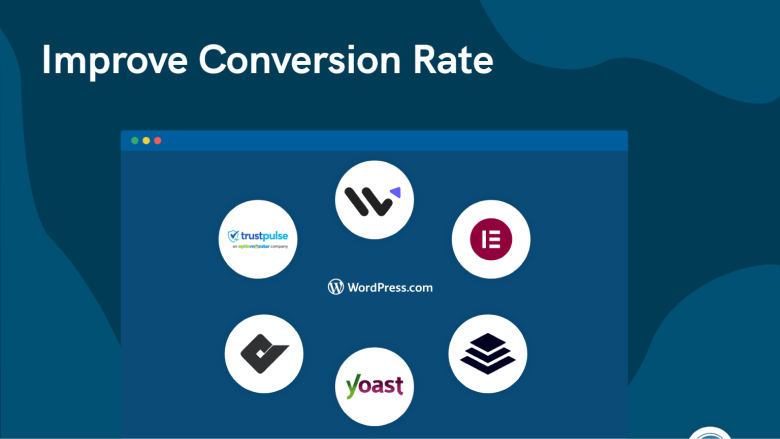
I’ve been running WooCommerce stores and helping 10,000+ businesses optimize theirs for over 5 years now.
And if there’s one thing I’ve learned, it’s this: the plugins you install matter more than the theme you pick.
WooCommerce out of the box is powerful. But it’s missing key pieces.
No built-in SEO optimization. No email marketing. No performance caching. No conversion tools. The right plugin stack fills those gaps.
The wrong plugin stack? It slows your site to a crawl, creates security holes, and costs you money every month for features you don’t need.
So I put together the 17 WooCommerce plugins I’d actually install on a store in 2026. Not 50. Not 30. Seventeen.
Because plugin bloat is real, and every plugin you add is code that can break, slow down, or conflict with something else.
I’ve ranked them from must-have (install on day one) to nice-to-have (add when your store needs it).
And I excluded plugins that haven’t been updated in 6 months, plugins with fewer than 10,000 active installs (unless they solve a unique problem), and plugins that duplicate functionality WooCommerce now handles natively.

Boost Conversion Instantly
Add Social Proof & Urgency to your website
Quick Comparison: 17 Best WooCommerce Plugins (2026)
| # | Plugin | Category | Priority | Free? |
|---|---|---|---|---|
| 1 | Rank Math | SEO | Must-have | Yes |
| 2 | Wordfence | Security | Must-have | Yes |
| 3 | WiserReview | Reviews & Social Proof | Must-have | Yes |
| 4 | WP Rocket | Performance | Must-have | No ($59/yr) |
| 5 | WP Mail SMTP | Email Deliverability | Must-have | Yes |
| 6 | MonsterInsights | Analytics | Must-have | Yes |
| 7 | WPForms | Forms | Must-have | Yes |
| 8 | WiserNotify | Social Proof & FOMO | Important | 7-day free trial |
| 9 | FunnelKit | Checkout & Funnels | Important | Yes (lite) |
| 10 | Omnisend | Email & SMS | Important | Yes |
| 11 | Elementor | Page Builder | Important | Yes |
| 12 | Advanced Coupons | Promotions | Important | Yes |
| 13 | YITH Wishlist | Wishlist | Nice-to-have | Yes |
| 14 | Mailchimp | Email Marketing | Nice-to-have | Yes (500) |
| 15 | WooCommerce Subscriptions | Recurring Revenue | Nice-to-have | No ($239/yr) |
| 16 | Flexible Shipping | Shipping | Nice-to-have | Yes |
| 17 | Booster | All-in-One | Nice-to-have | Yes |
Must-Have Plugins (Install on Day One)
These seven plugins form the foundation every WooCommerce store needs. Skip any of them, and you’re leaving performance, security, or revenue on the table.
1. Rank Math: Product SEO & Schema
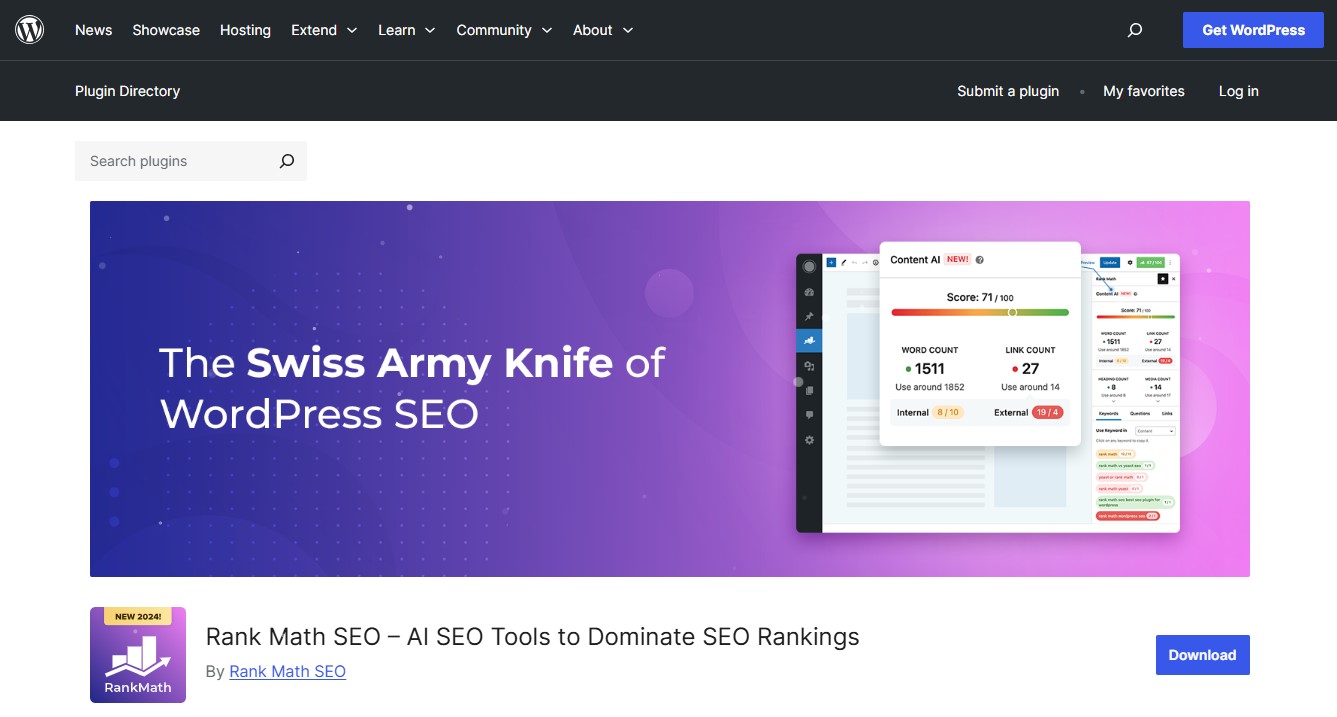
If your WooCommerce products can’t get found on Google, nothing else matters. Rank Math handles product schema markup, meta titles, XML sitemaps, redirects, and WooCommerce-specific metadata.
The free version includes features that Yoast charges for in its premium plan. That alone makes it worth trying.
The WooCommerce module adds product-specific structured data so your listings can appear as rich results in Google, which directly improves click-through rates.
I switched from Yoast to Rank Math about two years ago and haven’t looked back. The interface is cleaner, the setup wizard is genuinely helpful, and the SEO analysis is more actionable.
Pricing: Free. Pro starts at $6.99/month.
Best for: Every WooCommerce store. SEO isn’t optional.
2. Wordfence: Firewall & Malware Protection

WooCommerce stores process payments and store customer data. That makes security non-negotiable.
Wordfence is the most widely used WordPress security plugin, with a web application firewall, malware scanner, login security, and real-time threat detection.
The free version covers the essentials. The premium adds real-time firewall rules and country blocking, which matters if you’re getting targeted spam from specific regions.
I’ve seen stores get hacked because they skipped security plugins and relied on “my hosting handles that.” It doesn’t. Install Wordfence on day one.
Pricing: Free. Premium starts at $119/year.
Best for: Every WooCommerce store. This is table stakes.
Build urgency
Add floating offers with countdown timer & coupon code.

3. WiserReview: Product Reviews & Trust Building
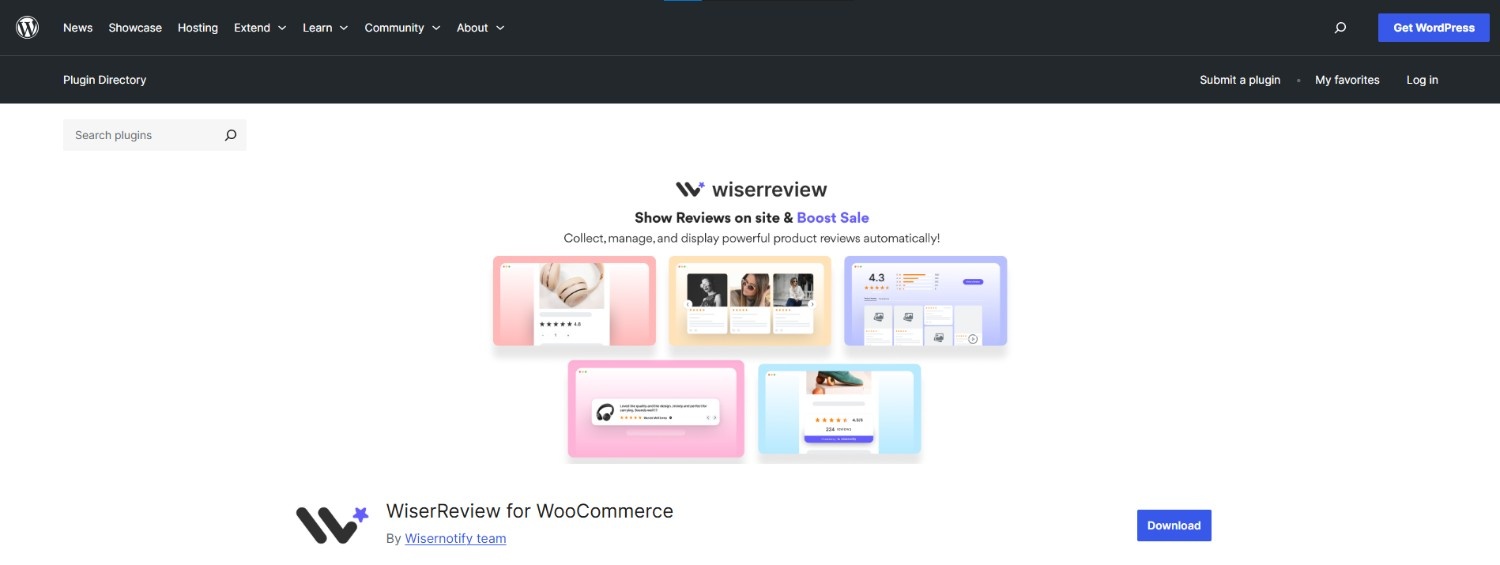
Full disclosure: WiserReview is our product. But here’s why it belongs in the must-have tier.
Products without reviews don’t sell. It’s that simple. I’ve watched hundreds of store owners struggle with the same pattern: decent traffic, good products, barely any conversions.
The missing piece is almost always reviews.
WiserReview handles the entire review lifecycle for WooCommerce stores. It sends automated review requests via email, SMS, or WhatsApp after purchase.
Customers can leave text, photo, and video reviews. You moderate and publish them using product-specific widgets that include schema markup for Google Rich Results.
The free plan gives you the essentials: up to 10 text reviews, 2 video reviews, 10 automated invitations per month, and a carousel widget to display them.
For stores just starting out, that’s enough to build the social proof that gets first-time buyers over the line.
Pricing: Free plan available. Paid plans from $9/month.
Best for: Every WooCommerce store. Products without reviews are products without trust.
Also see: I Tested 21 Review Management Software (Here Are the Top 5 for 2026)
4. WP Rocket: Caching & Speed Optimization
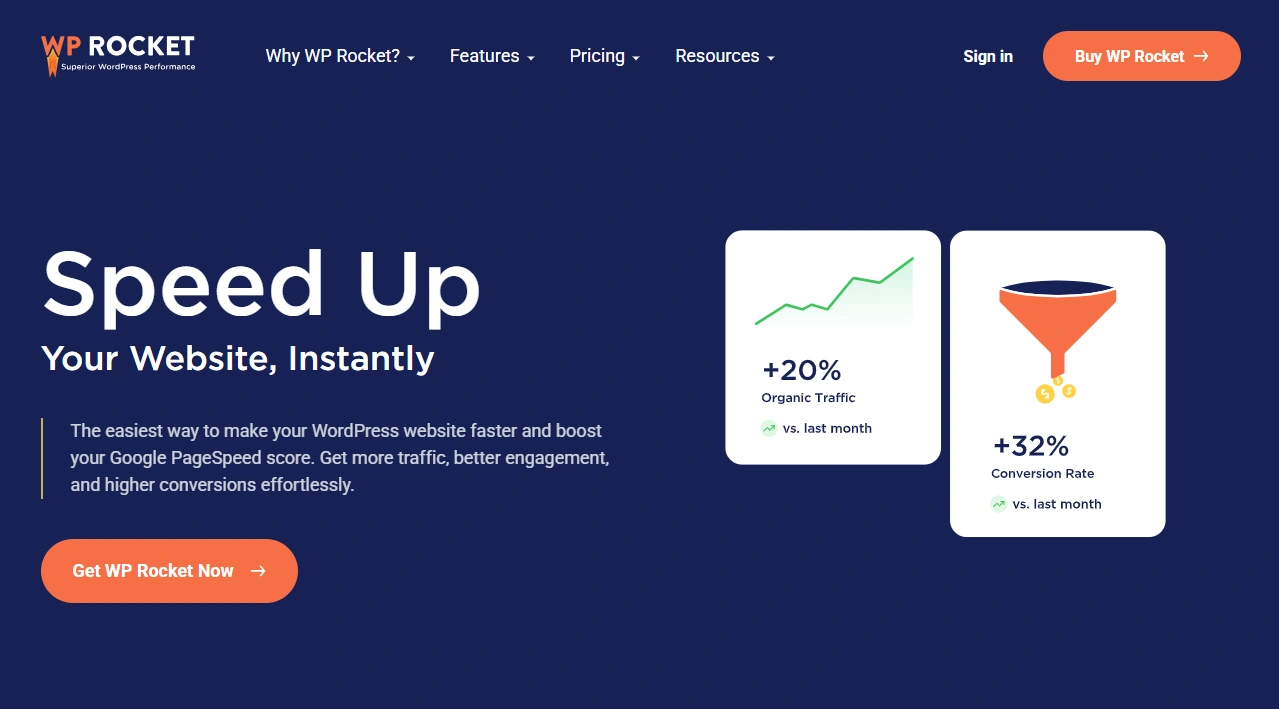
Page speed isn’t a nice-to-have in 2026. It’s a ranking factor. And shoppers leave stores that take more than three seconds to load.
WP Rocket handles page caching, file minification, lazy loading, database optimization, and CDN integration from a clean dashboard.
The key thing: it’s designed not to break your WooCommerce cart and checkout pages, which is a problem I’ve had with other caching plugins.
Stores switching from no optimization to WP Rocket often see load times drop by 50% or more. On a WooCommerce store with heavy traffic, that speed difference translates directly into revenue.
Pricing: From $59/year. No free plan.
Best for: Every WooCommerce store. The ROI on faster load times pays for itself many times over.
5. WP Mail SMTP: Fix Transactional Emails
WooCommerce stores live on transactional emails.
Order confirmations, shipping updates, password resets, and review requests. If those land in spam, your support volume goes up, and customer trust drops.
WordPress uses PHP mail by default, which has terrible deliverability. WP Mail SMTP fixes this by routing your emails through a proper SMTP service (Gmail, Outlook, SendGrid, Amazon SES, or others).
This is one of those “boring but critical” plugins. Install it, configure it once, and forget about it.
Pricing: Free. Pro from $49/year.
Best for: Every WooCommerce store. Broken order confirmation emails cost you trust.
Build trust & FOMO
Highlight real-time activities like reviews, sales & sign-ups.

6. MonsterInsights: GA4 Ecommerce Tracking
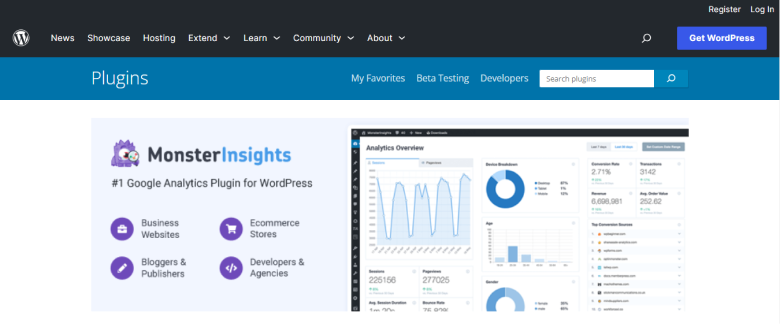
Google Analytics 4 is powerful, but the setup for WooCommerce ecommerce tracking is complicated.
MonsterInsights handles the entire GA4 integration with a few clicks: enhanced ecommerce tracking, checkout funnel reports, product performance data, and conversion rate metrics.
You can see which products drive the most revenue, where shoppers drop off in your funnel, and which traffic sources convert best. All from your WordPress dashboard, without touching any code.
Pricing: Free (lite). Pro starts at $99.60/year.
Best for: Store owners who want data without having to dig through raw GA4 reports.
7. WPForms: Contact Forms & Surveys
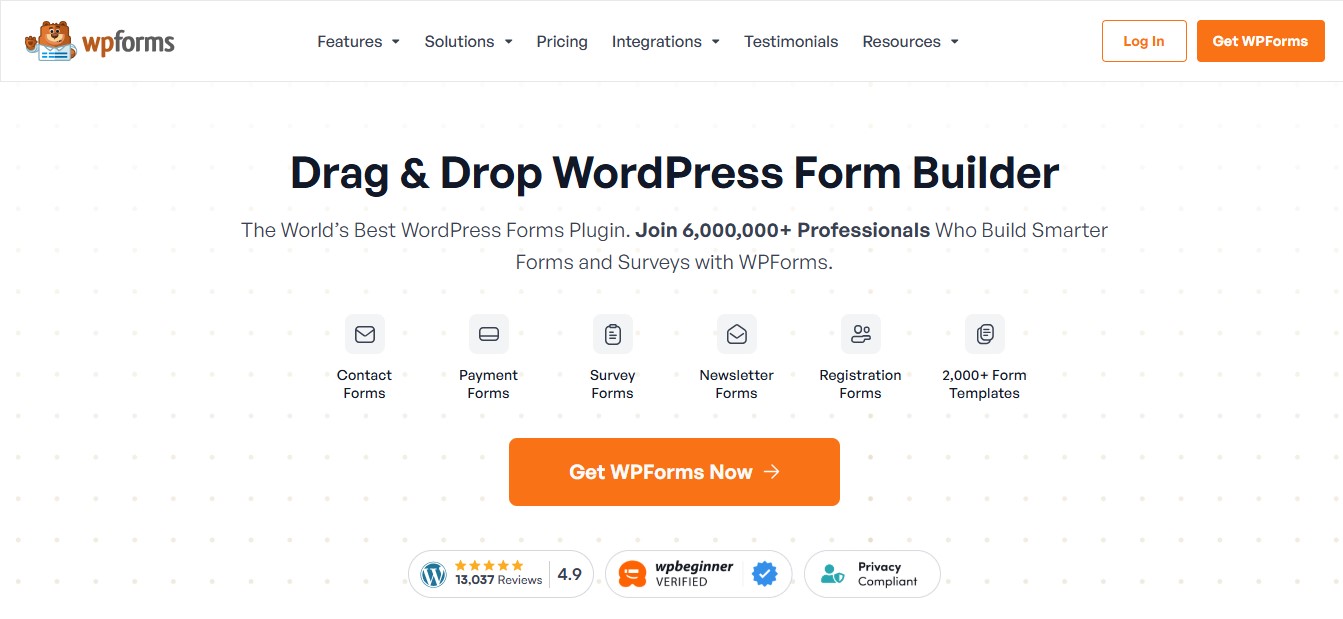
Every store needs a contact form. WPForms makes it painless with a drag-and-drop builder, pre-built templates, and WooCommerce integrations for things like post-purchase surveys, product inquiry forms, and support requests.
With over 6 million active installs, it’s the most popular form plugin for WordPress.
The free version handles basic contact forms. The paid version adds payment integrations, user registration forms, and conditional logic.
Pricing: Free (Lite). Pro from $49.50/year.
Best for: Every store. You need at least one contact form.
Also check: 6 Proven Tips to Increase WooCommerce Sales
Build trust & FOMO
Highlight real-time activities like reviews, sales & sign-ups.

Important Plugins (Add as You Grow)
These five plugins aren’t required on day one, but they become essential once your store starts getting consistent traffic and sales.
8. WiserNotify: Social Proof & FOMO Notifications
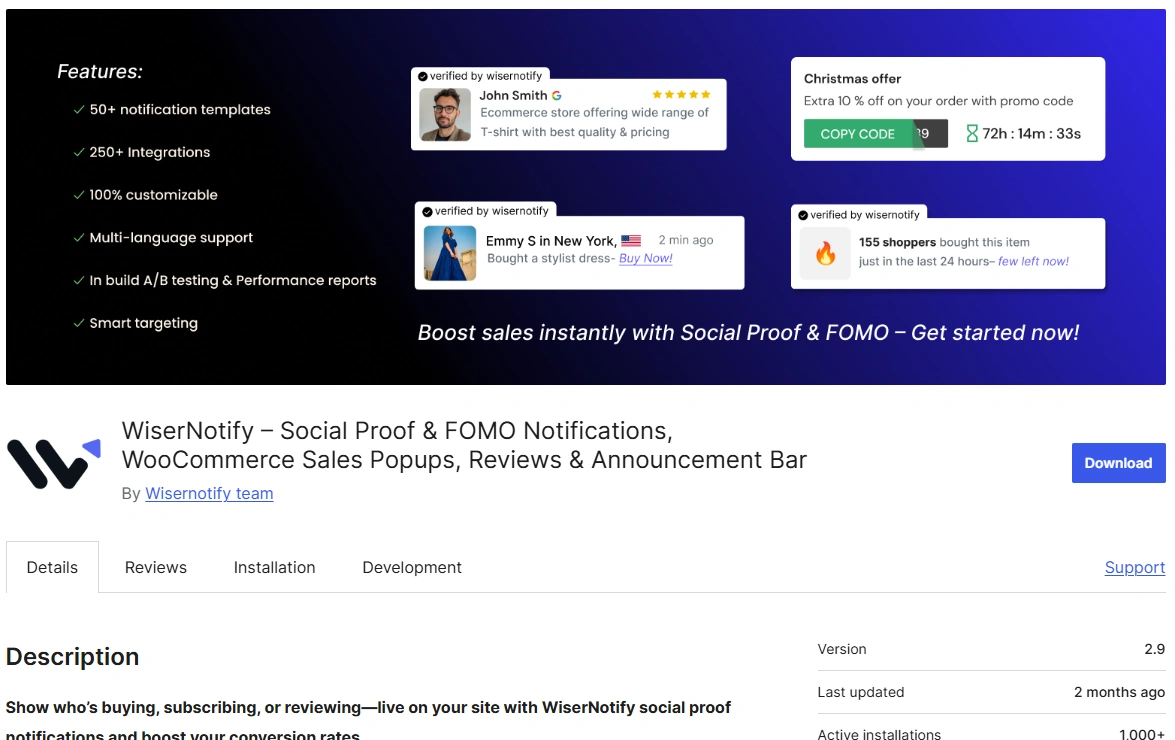
I’m biased here (it’s our product), so I’ll be upfront about that. But I built WiserNotify because I saw hundreds of WooCommerce stores struggling with the same problem: visitors browsing but not buying.
WiserNotify shows real-time social proof notifications on your store. Recent purchases, live visitor counts, review alerts, and signup activity.
These small popups create urgency and trust without being intrusive.
The plugin auto-syncs with your WooCommerce orders, so there’s no manual setup. You pick a template, customize the design to match your brand, and it runs.
I’ve seen stores get a 15-20% lift in conversions within the first week.
Pricing: 7-day free trial on all plans, plus 14-day money-back guarantee. Paid plans start at $16/month.
Best for: Any WooCommerce store that wants to build trust with sales popups and urgency widgets.
9. FunnelKit: Custom Checkout & Upsells
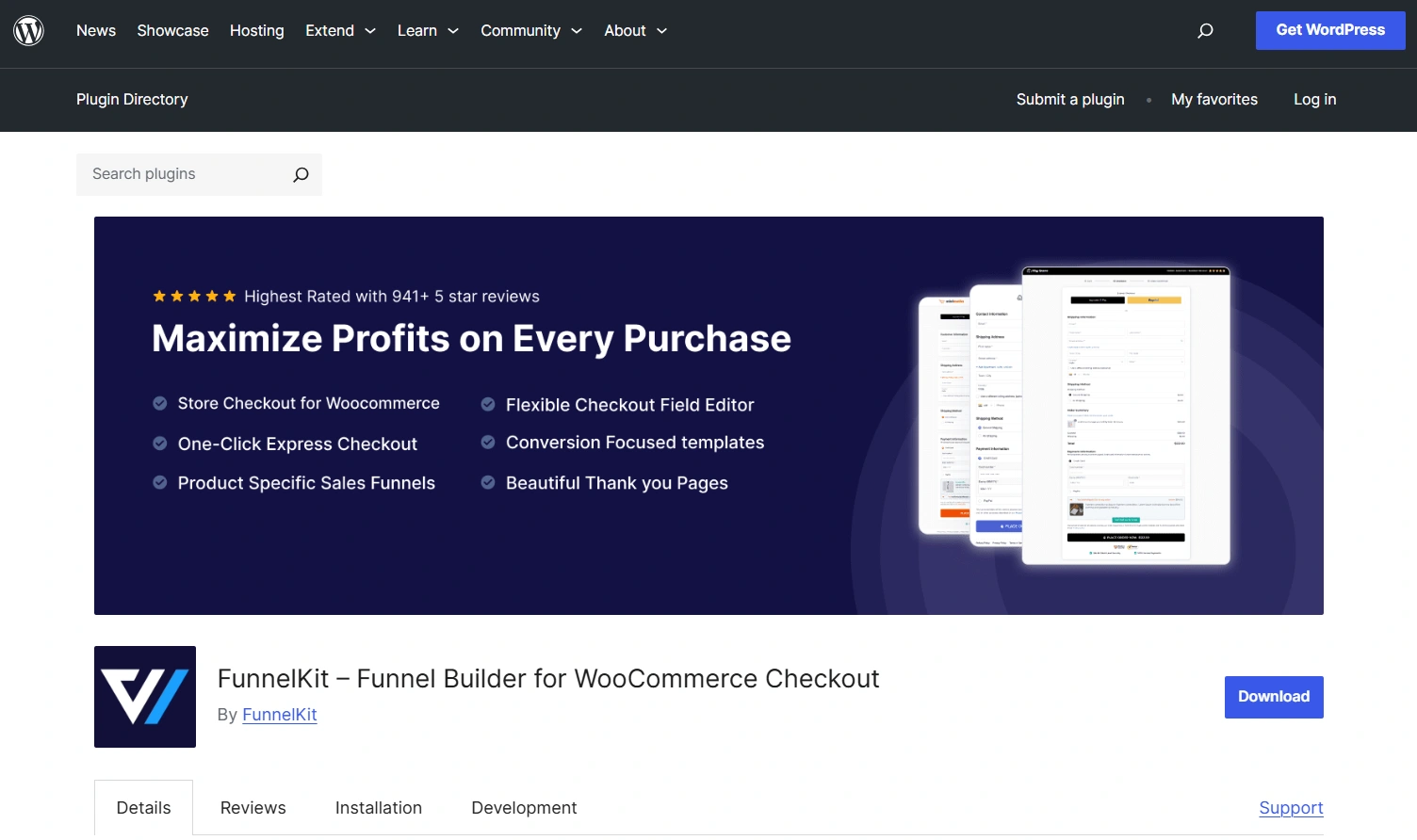
The default WooCommerce checkout is functional but not optimized for conversions. FunnelKit lets you build custom checkout pages, add order bumps, create one-click upsells, and run A/B tests on your checkout flow.
I’ve tested both FunnelKit and CartFlows. FunnelKit is more polished and has better built-in analytics. If you’re serious about optimizing your checkout, this is the one I’d start with.
The average cart abandonment rate is around 70%. A smoother checkout with strategic order bumps can recover a meaningful chunk of that lost revenue.
Pricing: Free lite version. Pro starts at $99.50/year.
Best for: Stores doing $10k+/month that want to increase average order value.
Also check: Top 5 WordPress Funnel Builders
Build trust & FOMO
Highlight real-time activities like reviews, sales & sign-ups.
10. Omnisend: Email & SMS Automation
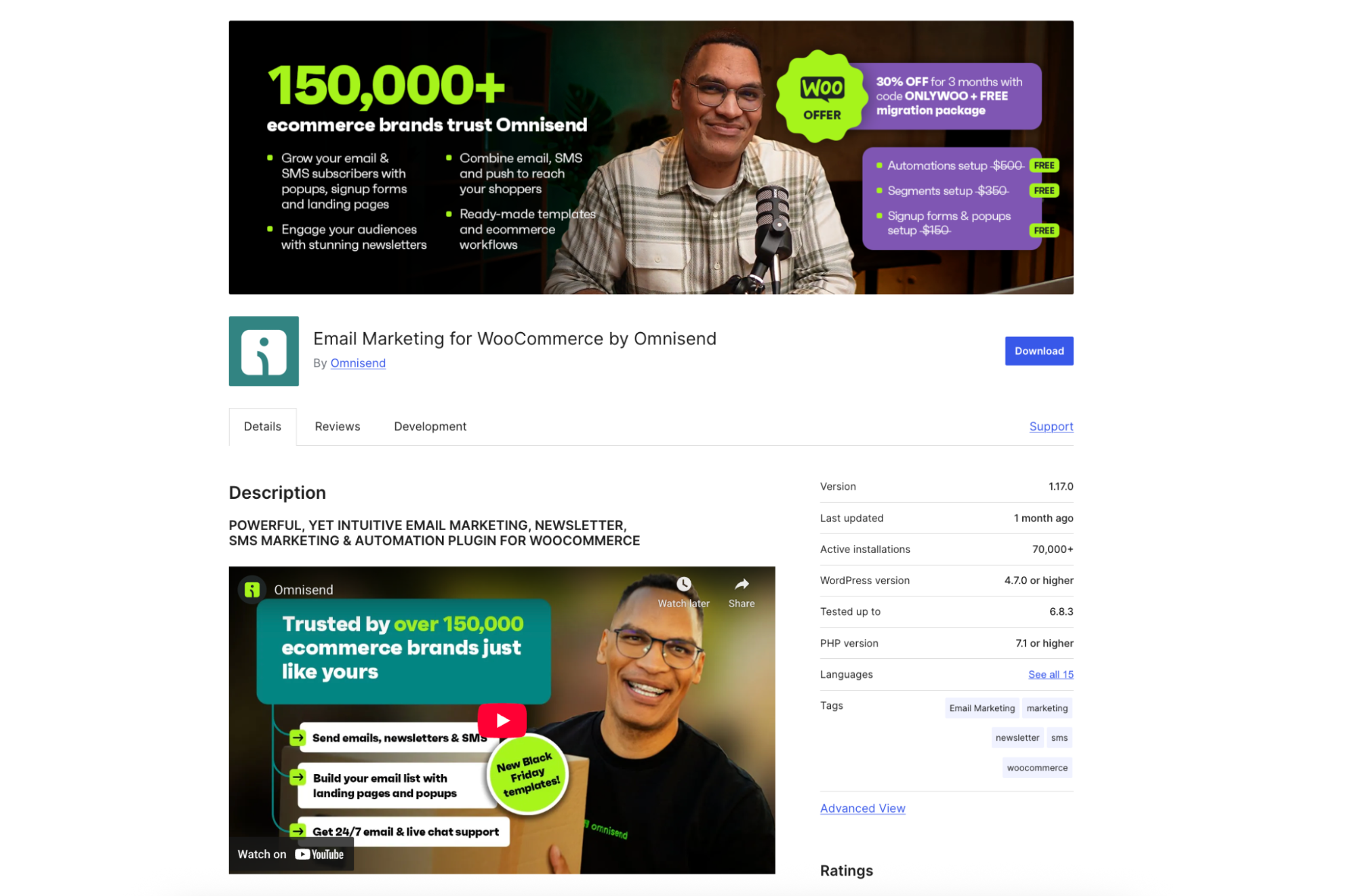
Omnisend is built specifically for ecommerce, and that focus shows. Every feature, from popup forms to email templates to automation workflows, is designed around the WooCommerce buying cycle.
The big selling point is behavior-based automation. Welcome series, cart abandonment, post-purchase follow-ups, and win-back campaigns.
You set them up once, and they run. I’ve seen well-configured Omnisend automations generate 20-30% of a store’s total revenue on autopilot.
They also handle SMS marketing from the same dashboard, which reduces tool sprawl.
Pricing: Free for up to 250 contacts. Standard starts at $16/month.
Best for: Growing stores that want email and SMS in one platform.
11. Elementor: Landing Pages & Product Pages

Elementor is the most popular WordPress page builder with nearly 5 million active installs. The free version gives you a fully functional drag-and-drop editor that works with almost all WooCommerce themes.
For store owners, the real value is building custom product landing pages, sales pages, and campaign-specific layouts without touching code. The Pro version adds WooCommerce-specific widgets for products, cart, checkout, and my account pages.
Pricing: Free. Pro starts at $59/year.
Best for: Stores that want custom page designs without hiring a developer.
12. Advanced Coupons: BOGO, Cart Conditions & Loyalty
WooCommerce’s built-in coupon system is basic. Advanced Coupons extends this with BOGO deals, cart-condition rules, scheduled coupons, URL-applied coupons, loyalty programs, and gift cards.
The cart conditions feature alone is worth it. You can set rules like “apply 15% off only when cart total exceeds $100 and contains items from the Accessories category.” That level of targeting turns generic discounts into strategic promotions.
Pricing: Free version available. Premium from $59.50/year.
Best for: Stores running regular promotions or loyalty programs.
Build trust & FOMO
Highlight real-time activities like reviews, sales & sign-ups.

Nice-to-Have Plugins (Add When You Need Them)
These plugins solve specific problems. Not every store needs them, but if yours does, they’re the best in their category.
13. YITH WooCommerce Wishlist
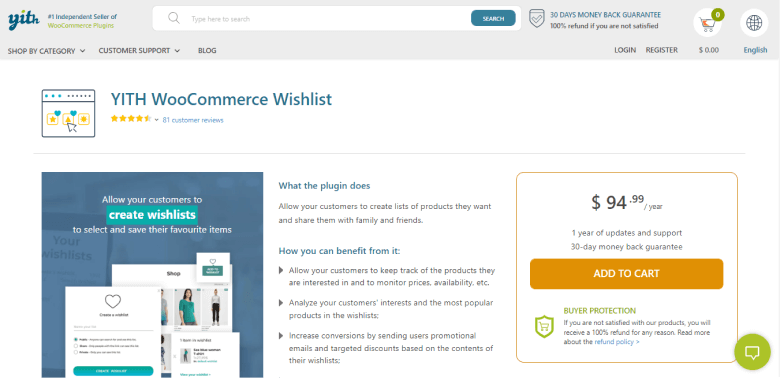
Wishlists keep visitors coming back. A saved product is a reminder to buy later. YITH WooCommerce Wishlist has over 70,000 active installs. Customers can create multiple wishlists, share them on social media, and organize products by category.
You get insights into which products are most wishlisted, which helps with inventory planning and promotional targeting.
Pricing: Free. Premium from $94.99/year.
Best for: Fashion, home goods, and gift-oriented stores.
14. Mailchimp for WooCommerce
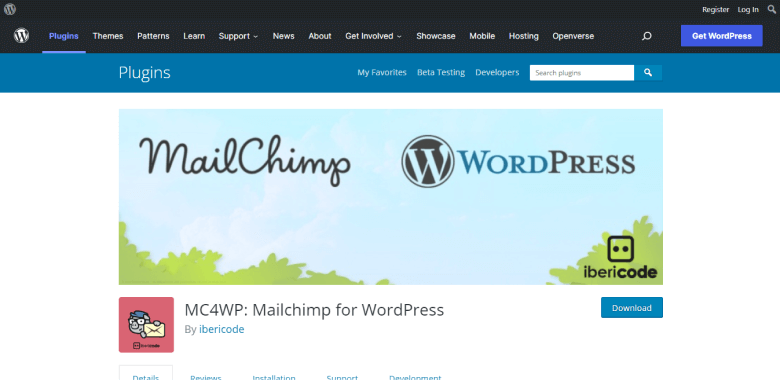
If you’re just starting out and need basic email marketing, Mailchimp is still a solid choice. It’s free for up to 500 subscribers, the templates are decent, and the WooCommerce integration syncs your customer data automatically.
It’s not as sophisticated as Omnisend for ecommerce-specific automation. But for newsletter-stage stores that need signup forms and basic campaigns, Mailchimp gets the job done without the learning curve.
Pricing: Free up to 500 contacts. Paid plans from $13/month.
Best for: New stores with small email lists that aren’t yet ready for Omnisend.
15. WooCommerce Subscriptions
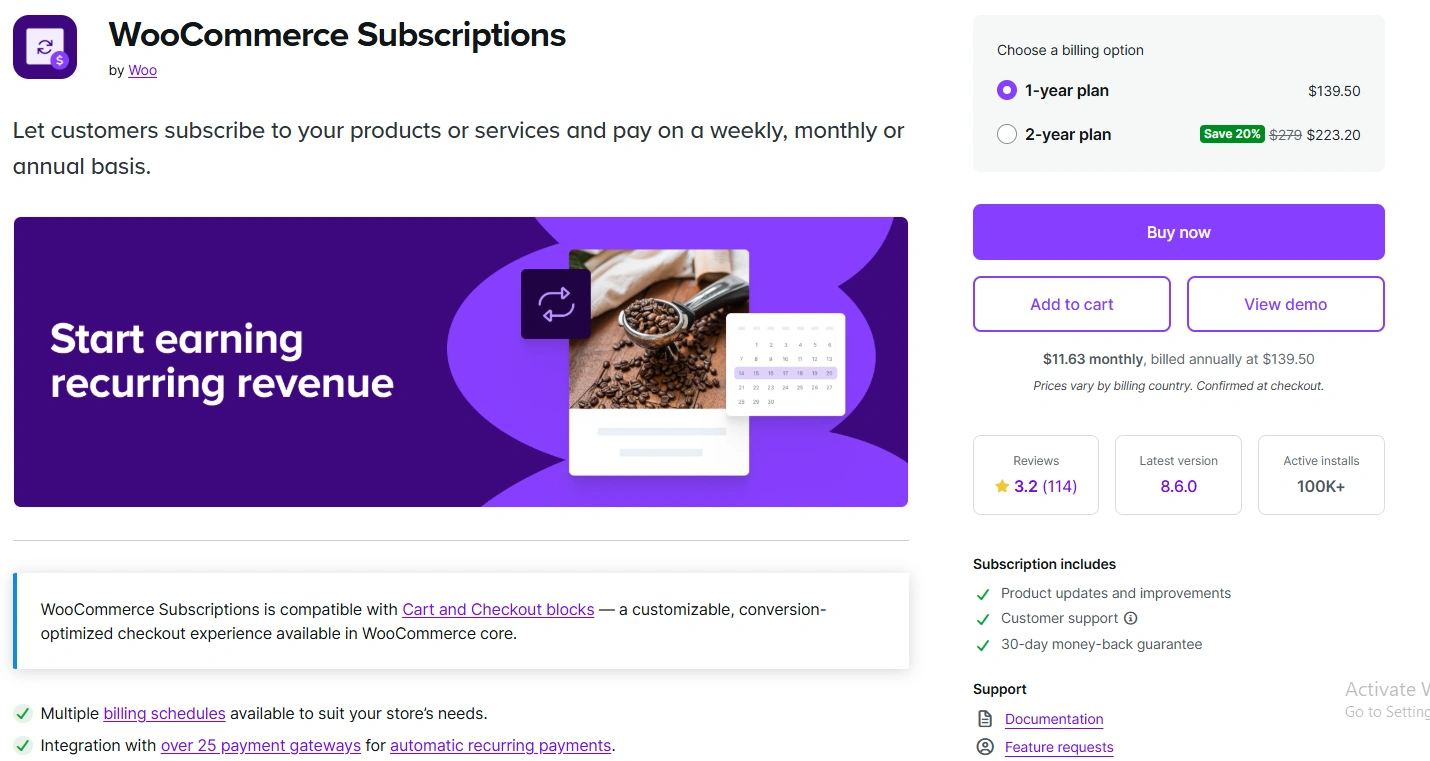
If you sell anything that makes sense as a recurring purchase (consumables, memberships, software, subscription boxes), this plugin is essential.
It handles recurring billing, subscriber management, automatic renewals, and integrates with all major payment gateways.
The pricing ($139/year) isn’t cheap, but subscription revenue is the most predictable revenue model in ecommerce. One well-executed subscription product can transform your cash flow.
Pricing: $139/year. No free version.
Best for: Stores selling consumables, memberships, or digital subscriptions.
16. Flexible Shipping: Custom Shipping Rules
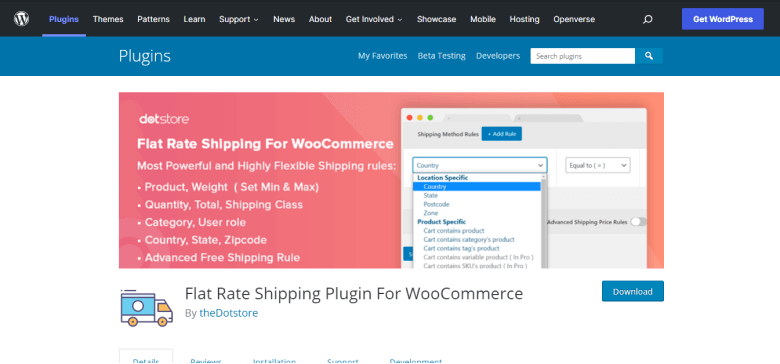
WooCommerce’s built-in shipping options are limited. Flexible Shipping lets you create custom shipping rules based on weight, cart total, item count, destination, product category, or any combination of these.
It also integrates with major carriers to calculate real-time rates and generate labels. If you’re shipping physical products and need more control than “flat rate” or “free shipping over $50,” this is the plugin.
Pricing: Free. Premium from $89/year.
Best for: Stores with complex shipping requirements or multiple product types.
Build urgency
Add floating offers with countdown timer & coupon code.
17. Booster for WooCommerce: 100+ Modules
Booster is the Swiss Army knife of WooCommerce plugins. Over 100 modules covering multi-currency, PDF invoices, custom pricing rules, product input fields, checkout customization, and payment gateway options.
The beauty is that you only enable the modules you need. Everything else stays off. That keeps your store lightweight, which matters when you’re running a lean plugin stack.
I wouldn’t recommend Booster as a replacement for dedicated plugins in critical categories (use Rank Math for SEO, not Booster’s SEO module).
But for the smaller functionality gaps that don’t justify a standalone plugin, Booster fills them well.
Pricing: Free. Plus from $14.99/month.
Best for: Stores that need multi-currency support, custom invoicing, or niche features without adding five separate plugins.
Also check: 11 Best WooCommerce Upsell Plugins
How to Choose the Right WooCommerce Plugins
With thousands of WooCommerce plugins available, it’s tempting to install everything that looks useful. Don’t.
Here’s the approach I recommend after setting up plugin stacks for hundreds of stores:
Start with the must-haves. Every store needs SEO (Rank Math), security (Wordfence), reviews (WiserReview), performance (WP Rocket), email deliverability (WP Mail SMTP), analytics (MonsterInsights), and a contact form (WPForms). Install these first before anything else.
Add based on your business model. Selling physical products? Add Flexible Shipping. Running subscriptions? Add WooCommerce Subscriptions. Need email marketing? Pick Omnisend or Mailchimp based on your list size. Selling digital products? FunnelKit might matter more than shipping plugins.
Test performance after every install. Run a Google PageSpeed test before and after installing each plugin. If a plugin drops your score significantly, look for a lighter alternative. I’ve seen single plugins add 2+ seconds to load time. That’s the difference between making and losing a sale.
Check update frequency. Plugins that haven’t been updated in 6+ months are a security risk. Check the “Last Updated” date and the compatibility tag before installing anything. An abandoned plugin is a ticking time bomb in a store that processes payments.
Read 1-star reviews, not 5-star reviews. The 5-star reviews tell you what works. The 1-star reviews tell you what breaks. Look for patterns in the complaints. If multiple people report the same conflict or performance issue, pay attention.
My Recommended Starter Stack
If you’re building a WooCommerce store from scratch, here’s the exact plugin stack I’d install on day one:
Rank Math (SEO) + Wordfence (security) + WiserReview (reviews) + WP Rocket (speed) + WP Mail SMTP (email delivery) + MonsterInsights (analytics) + WPForms (contact forms).
That’s seven plugins. They cover every critical function. Add more only when your store’s specific needs demand it.
For a growing store doing $10k+/month, I’d add: WiserNotify (social proof), FunnelKit (checkout optimization), Omnisend (email/SMS marketing), and Advanced Coupons (promotions).
That takes you to eleven plugins total, which is a lean and powerful stack.
Boost Conversion Instantly
Add Social Proof & Urgency to your website
Common Plugin Mistakes to Avoid
Installing too many plugins. More plugins mean slower load times, more potential conflicts, and more things to update. Aim for fewer than 20 active plugins in total. If you’re north of 30, it’s time to audit.
Using multiple plugins for the same job. Two SEO plugins will conflict. Two caching plugins will conflict. Two security plugins will conflict. Pick one per category and commit to it.
Ignoring updates. Outdated plugins are the number one cause of WordPress security breaches. Set a weekly reminder to check for updates, or enable auto-updates for plugins you trust.
Choosing based on features alone. A plugin with 200 features that slows your site by 2 seconds is worse than a plugin with 20 features that loads in 50ms. Performance matters more than feature count for ecommerce.
Conclusion
The best WooCommerce plugin stack isn’t the biggest. It’s the one where every plugin earns its place.
Start with the seven must-haves (SEO, security, reviews, speed, email delivery, analytics, forms).
Then add the important plugins as your store grows. Save the nice-to-haves for when a specific business need demands them.
Your WooCommerce store doesn’t need 40 plugins. It needs 15-20 good ones, properly configured and regularly updated.

Krunal Vaghasiya is a marketing tech expert who boosts e-commerce conversion rates with automated social proof and FOMO strategies. He loves to keep posting insightful posts on online marketing software, marketing automations, and improving conversion rates.




 Capterra