
I Tested 12 VideoAsk Alternatives (Here’s What Works in 2026)

VideoAsk is a clever tool. I’ll give it that. Async video conversations, interactive funnels, browser-based recording. On paper, it checks a lot of boxes.
But here’s what I keep hearing from businesses that switch: the video minute limits hit faster than expected, custom branding costs extra, and the integrations don’t always talk to the tools they’re already using.
At $50/month for the Growth plan, that’s a tough pill when half the features feel locked behind another tier.
I’ve gone through 12 tools that solve what VideoAsk solves, some better for testimonials, some built for sales outreach, some for async hiring conversations. I’ll tell you what I actually found, including where each one falls short.
Quick Comparison: 12 VideoAsk Alternatives
| Tool | Best For | Starting Price | Free Plan | Rating |
|---|---|---|---|---|
| WiserReview | Video review collection + display | $9/mo | Yes | 4.7/5 |
| Testimonial Hero | Done-for-you B2B video testimonials | $5,700 | No | 4.9/5 |
| ServiceBell | Real-time sales video chat | $2,000/mo | No | 4.7/5 |
| Vocal Video | Marketing teams, testimonials | $69/mo | Yes | 4.6/5 |
| Vidmonials | B2B and SaaS social proof | $49/mo | No | 4.6/5 |
| StoryPrompt | Community and async feedback | $39/mo | Yes | 4.7/5 |
| BombBomb | Sales, real estate, email video | $33/mo | No | 4.5/5 |
| Boast.io | Testimonial collection, agencies | $50/mo | No | 4.6/5 |
| VideoPeel | UGC video at scale | $9.99/mo | No | 4.5/5 |
| Bonjoro | Personal video outreach, onboarding | $15/mo | No | 4.7/5 |
| Dubb | Video sales campaigns | $59/mo | No | 4.6/5 |
| SendSpark | Sales and customer success teams | $45/mo | Yes | 4.7/5 |
Why Businesses Switch from VideoAsk
VideoAsk’s core limitation isn’t the product itself. It’s the pricing model. You pay by video minutes, which means every response your customer records eats into your plan.
A free account gives you 20 minutes a month. That’s fewer than four 5-minute responses.
The other complaints I hear regularly: custom branding is locked behind the Growth tier ($50/month), the integrations feel narrow for teams using less common CRMs, and the interface is designed around the video funnel use case, which doesn’t match every workflow.
If you need video testimonials specifically, WiserReview or Vocal Video will serve you better. If you need async video conversations, StoryPrompt is more flexible. Sales teams tend to land on BombBomb or Dubb. Here’s the full breakdown.
Also check: 37 Video Testimonial Statistics for 2026
12 Best VideoAsk Alternatives in 2026
1. WiserReview
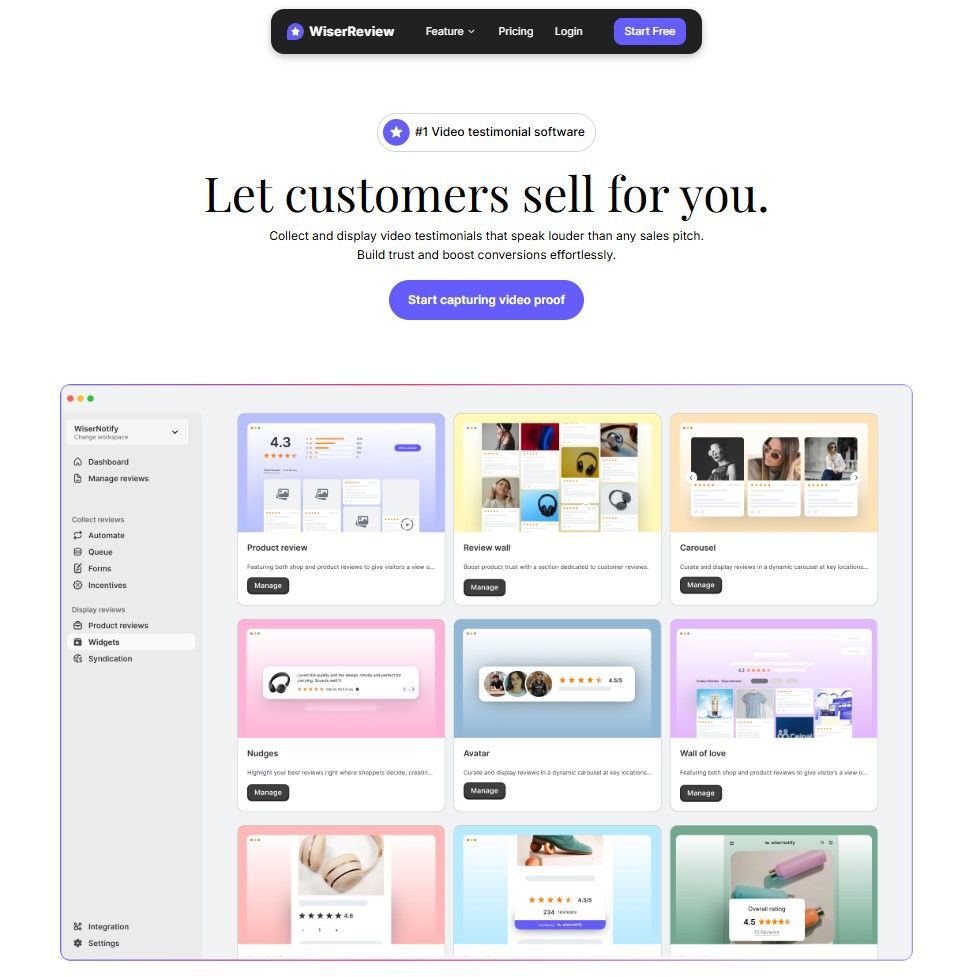
Best for: Ecommerce brands and businesses that want to collect video and photo reviews, display them on their site, and automate the whole process.
VideoAsk is built for interactive video funnels. WiserReview is built for review collection and display. Different use cases.
But for anyone using VideoAsk primarily to collect customer video testimonials and show them on a website, WiserReview does it better and for less money.
What they do right

The automation is the biggest win. You set your triggers once (order delivered, service completed, 30 days post-purchase) and review requests go out automatically via email, WhatsApp, or a shareable link. No manual chasing. No copy-pasting customer emails into a form.

Video collection is browser-based. Customers record directly from their phone or desktop without downloading anything.
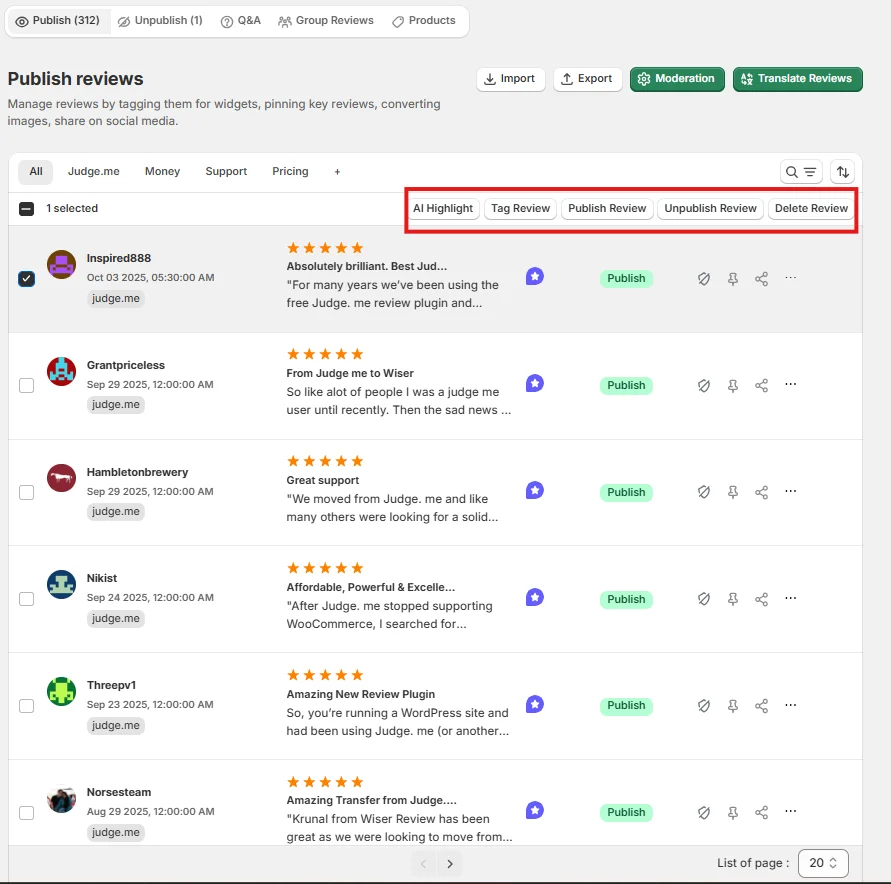
The videos land in your dashboard, you approve or filter them, and they go live on your site in whatever display format you want: carousel, popup, grid, badge, wall.
- The AI features save real time, too. Smart spam filtering catches garbage before it reaches you. The AI auto-reply drafts responses in your brand voice.
- AI topic tagging groups reviews by theme so you can spot what customers love or hate without reading every single one. And AI search means you can type “delivery complaints” and find those reviews instantly instead of scrolling through hundreds.

The display review widget library covers every placement: carousels, auto-rotating sliders, pop-up badges near buy buttons, star rating badges under CTAs, full review walls, and floating sidebars.
You filter which reviews appear in each widget by rating, tag, product, or keyword, so the right review shows in the right place automatically.
- VideoAsk charges by video minutes. WiserReview doesn’t. That alone matters a lot once your review volume scales up.
Steal this
Set up a post-purchase WhatsApp sequence that fires 7 days after delivery. Run it alongside your email request, not instead of it. In our experience working with brands, WhatsApp gets 2-3x the response rate of email alone. For international customers, especially, it’s the channel they actually use.
Where it doesn’t fit: If you need interactive multi-step video conversations, hiring video screens, or async video FAQs on a website, VideoAsk or StoryPrompt handles that better. WiserReview is purpose-built for review collection and display.
Integrations: Shopify, WooCommerce, BigCommerce, Wix, Webflow, Klaviyo, WhatsApp, and more.
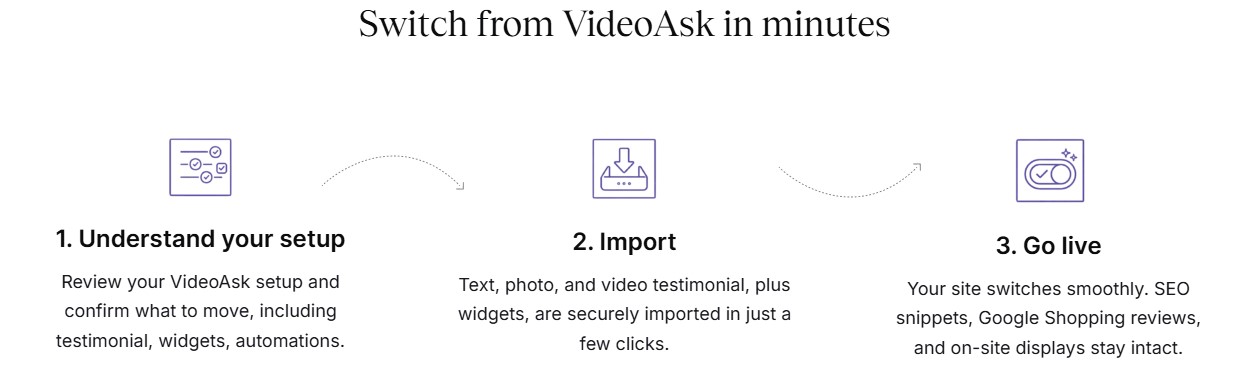
Pricing: Free plan available. Pro starts at $9/month.
Rating: 4.7/5
All your reviews in one place
2. Testimonial Hero

Best for: B2B companies that need polished, production-quality video testimonials and don’t want to handle the process themselves.
Testimonial Hero isn’t software. It’s a done-for-you service. They interview your customers, handle the filming (remote or on-site), edit the footage, and deliver a finished video you can drop straight into sales decks, landing pages, or paid ads.
The starting price is $5,700. That’s not a typo. But for enterprise B2B companies where a single customer testimonial could influence a six-figure deal, the math works.
What they do right
The output quality is genuinely different from anything you’d get with a DIY tool. These look like broadcast commercials.
Customers are coached, lighting is handled, and the editing makes even an awkward speaker sound confident. For high-stakes pitches, that production quality carries real weight.
Steal this
Use Testimonial Hero for your top 3-5 customer stories and build a case study library around them.
A single well-produced video per major use case or industry vertical can do more for enterprise sales than a hundred generic text quotes. The ROI from one closed deal usually covers the production cost many times over.
Pricing: Starts at $5,700 per project.
Rating: 4.9/5
3. ServiceBell

Best for: SaaS and B2B sales teams that want to engage high-intent website visitors in real time through live video chat.
ServiceBell sits on your website and lets sales reps jump into a live video conversation with visitors who are actively browsing key pages.
Think of it as replacing “can I help you?” with an actual face on screen. The rep sees who’s on the site, segments by company or intent, and can initiate a call in seconds.
At $2,000/month, it’s clearly an enterprise play. But for SaaS companies where a single enterprise demo converts to $50k+ ARR, one conversation can pay for months of the tool.
What they do right
The visitor routing is smart. You can set rules so only high-fit leads (by company size, location, or page visited) trigger an alert to your reps.
That means your best people aren’t wasting time on window shoppers. They’re talking to the accounts that actually matter.
Steal this
Put ServiceBell on your pricing page specifically, and nowhere else to start. Visitors who reach pricing are the most qualified people on your site.
Catching them live at that exact moment, before they leave to compare competitors, is where you’ll get the highest-value conversations.
Pricing: Starts at $2,000/month.
Rating: 4.7/5
Also check: 57 UGC Statistics for 2026: Trust, Conversions, and Growth Data

All your reviews in one place
Collect reviews, manage every response, and display them where they matter most.
4. Vocal Video
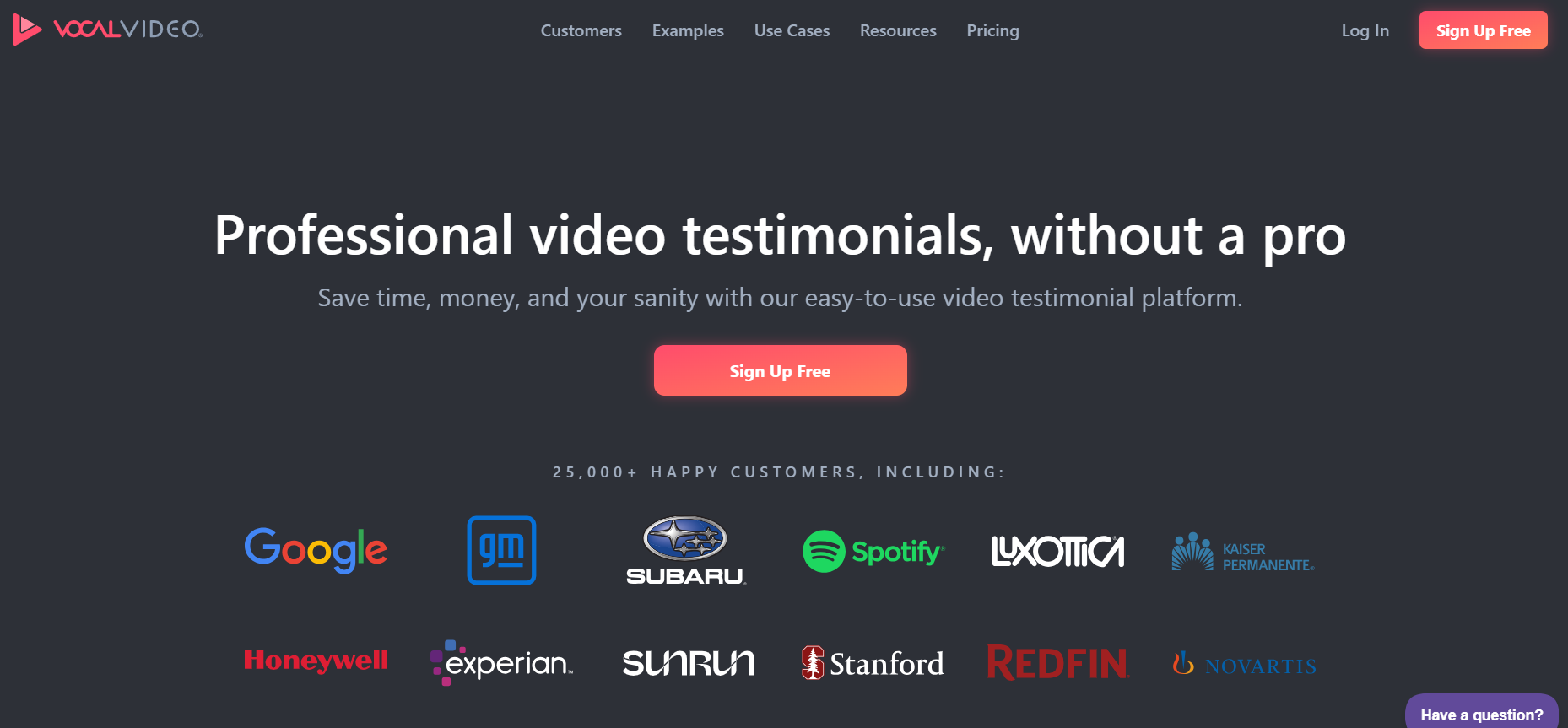
Best for: Marketing and customer success teams that want to collect video testimonials and turn them into polished, shareable content without a production team.
Vocal Video sits between a DIY tool and a done-for-you service.
You send customers a collection link, they record on their own device, and Vocal Video automatically stitches the clips together with your branding, transitions, and captions. The output looks designed without you doing any design work.
At $69/month, it’s more expensive than WiserReview but cheaper than Testimonial Hero. The sweet spot is marketing teams that need volume and polish without a production budget.
What they do right
The auto-editing is the standout feature. Most video testimonial tools give you raw footage and leave you to deal with it. Vocal Video applies templates, adds intros, captions, and logos automatically. You get a ready-to-publish video without touching editing software.
Steal this
Run a quarterly “customer spotlight” campaign using Vocal Video.
Pick 3-5 customers in different use cases or industries, send them a collection link with guided prompts, and publish the finished videos as a series across LinkedIn, your homepage, and email. Consistent cadence builds more authority than one-off testimonials.
Integrations: Zapier, HubSpot, Salesforce, Slack.
Pricing: Free plan available. Paid plans from $69/month.
Rating: 4.6/5
5. Vidmonials
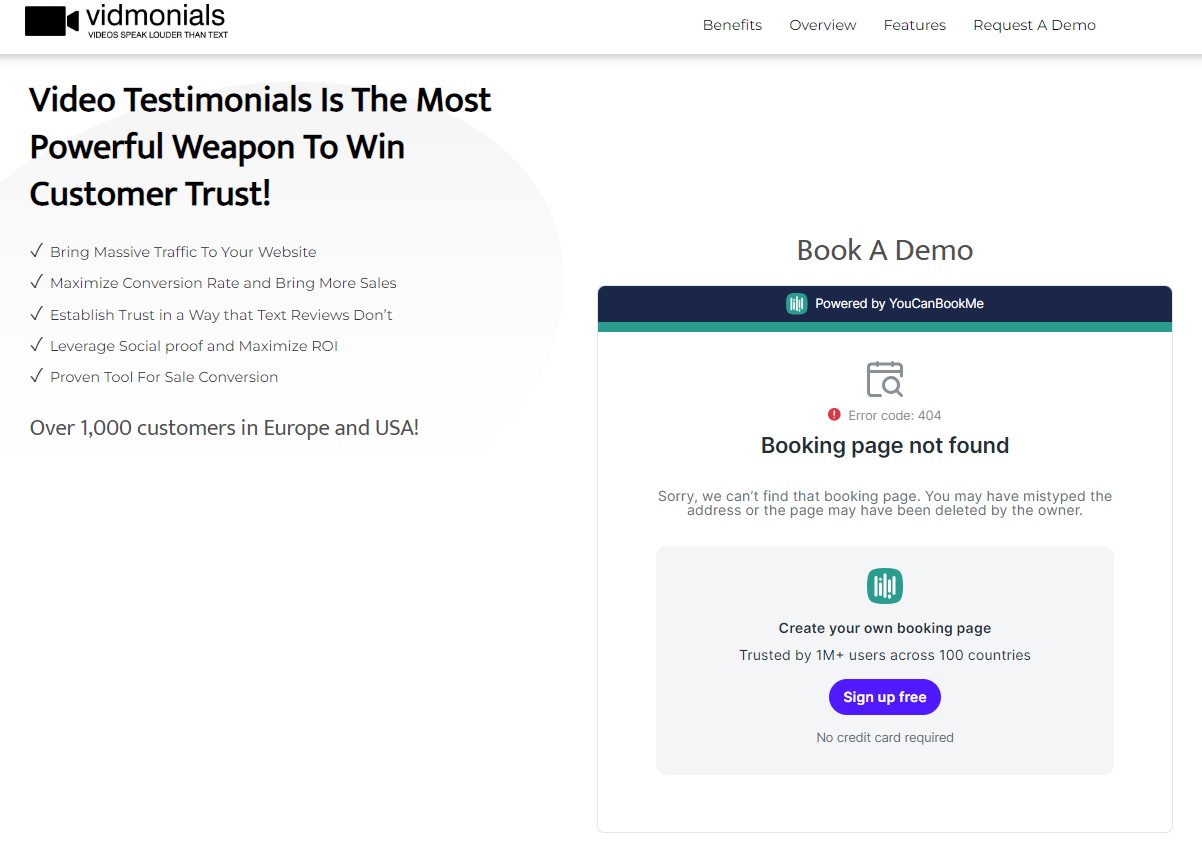
Best for: B2B companies, SaaS businesses, and ecommerce brands that want to collect authentic video testimonials and use them as conversion tools.
Vidmonials keeps the process simple. You send a one-click video testimonial request, the customer records and submits, and the testimonial goes into your library. From there you can host it, embed it on landing pages, or add it to a widget on your site.
It doesn’t have the AI features of WiserReview or the auto-editing of Vocal Video. But the core collection and display workflow is clean and reliable.
What they do right
The automated follow-up sequence is well built. You set up a reminder chain, and Vidmonials sends nudges to customers who didn’t respond to the first request. In practice, follow-up reminders at day 3 and day 7 significantly increase response rates without feeling aggressive.
Steal this
Create different Vidmonials request templates for different customer segments.
The message you send to an enterprise customer who’s been with you 2 years should sound different from the one going to a 30-day trial user.
Personalized context in the request drives better response rates than a generic, meaningful “can you leave a review?” email.
Pricing: Pro plan starts at $49/month.
Rating: 4.6/5
All your reviews in one place
6. StoryPrompt

Best for: Brands, coaches, and community builders who want structured async video conversations without requiring participants to be live at the same time.
StoryPrompt is the closest thing to VideoAsk on this list in terms of how it works. You set up a prompt, the respondent records a video reply, and the conversation builds asynchronously.
It’s great for gathering structured community feedback, async team check-ins, or customer story content where you want real answers rather than polished testimonials.
The free plan is genuinely usable, which puts it ahead of VideoAsk’s 20-minute cap for budget-constrained teams.
What they do right
The branded landing pages look sharp without any design work. You set your logo and colors, and StoryPrompt generates a clean page where participants land, read the prompt, and record.
The low friction for respondents (no account required, works on any device) keeps completion rates high.
Steal this
Use StoryPrompt for customer discovery instead of testimonials. Send prompts like “what was your biggest challenge before finding us?” or “walk me through how you use our product on a typical day.”
The video responses give you customer language you can use directly in your copy, ads, and onboarding flows. It’s cheaper than hiring a UX researcher and faster than running focus groups.
Integrations: CRM platforms, calendar tools, Zapier.
Pricing: Free plan available. Paid plans from $39/month.
Rating: 4.7/5
7. BombBomb
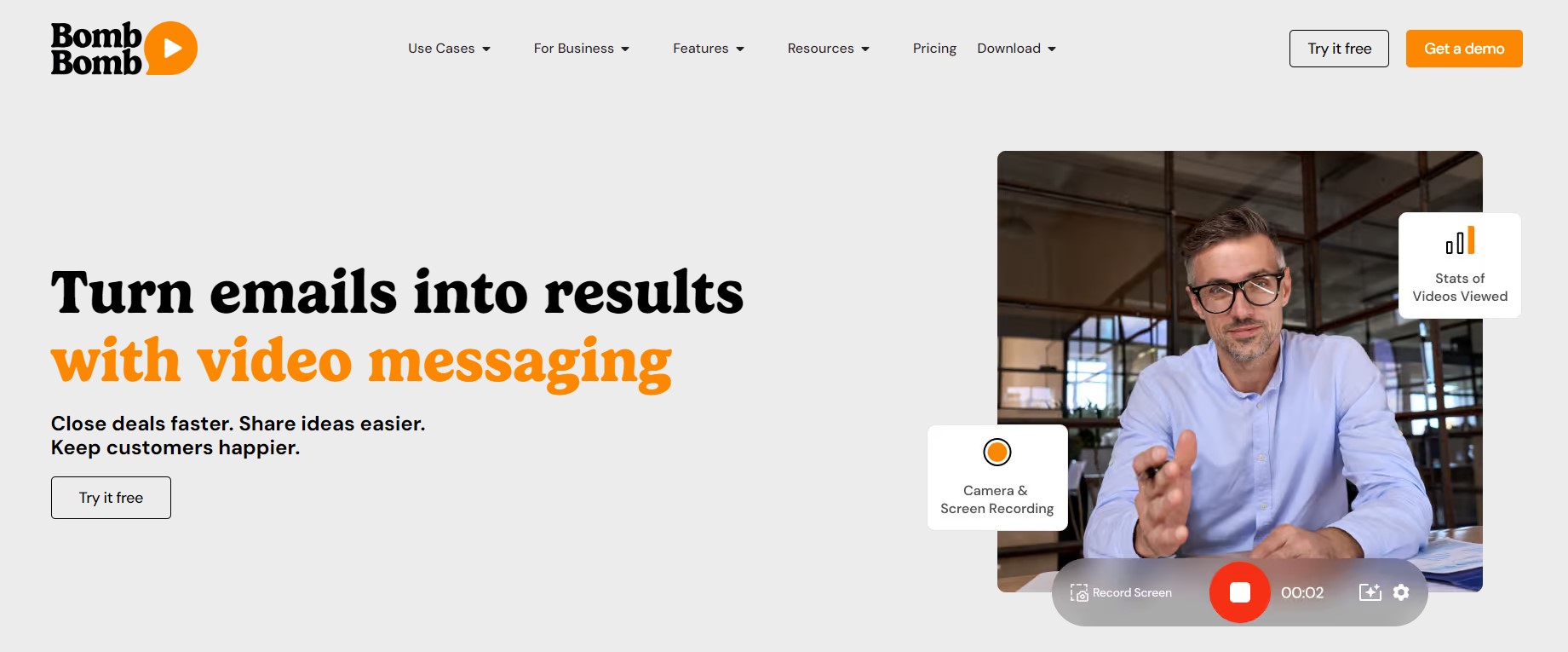
Best for: Sales teams, real estate agents, and customer success reps who want to replace cold emails with personalized video messages that actually get watched.
BombBomb is built around one insight: video gets more replies than text. You record a quick video from your webcam or phone, attach it to an email or text, and BombBomb tells you when the recipient opened it and how much they watched.
For sales and follow-up workflows, that kind of real-time signal changes how you prioritize your outreach.
What they do right
The Gmail and Outlook integrations are genuinely seamless. You record a video straight from your inbox without switching tabs.
For reps who live in email all day, that frictionless workflow is what makes BombBomb actually stick as a habit rather than becoming another tool that gets used twice and forgotten.
Steal this
Use BombBomb for your first touchpoint after a demo, not the demo itself. Send a 60-second video recapping the three things you covered and the specific next step.
A personalized video follow-up after a call gets opened at dramatically higher rates than a text email that looks like every other follow-up in their inbox.
Integrations: Gmail, Outlook, Salesforce, HubSpot, and most major CRMs.
Pricing: Starts at $33/month.
Rating: 4.5/5
All your reviews in one place
Collect reviews, manage every response, and display them where they matter most.
8. Boast.io

Best for: Businesses that want a clean, straightforward way to collect video and text testimonials via branded forms and embed them on a website.
Boast keeps it simple. You build a testimonial request form, share a link with your customers, and they submit video or text feedback.
The form is branded, the process is friction-free, and the testimonials land in your Boast dashboard where you can approve and embed them.
It’s not the most feature-rich tool on this list. But it doesn’t try to be. If your core need is collecting and displaying testimonials without complexity, Boast handles it well.
What they do right
The automated email and SMS follow-up sequence is solid. You can configure it to send up to three reminders to customers who received the request but didn’t submit. That persistence, without feeling spammy, often doubles the number of testimonials you collect from any given campaign.
Steal this
Build your Boast testimonial request into your project completion workflow. The moment a job is marked done in your system, trigger a Boast request via Zapier.
Clients are most willing to share genuine feedback within 48 hours of a great experience. Waiting a week drops your response rate significantly.
Integrations: Zapier, HubSpot, basic website embeds.
Pricing: Starts at $50/month.
Rating: 4.6/5
9. VideoPeel
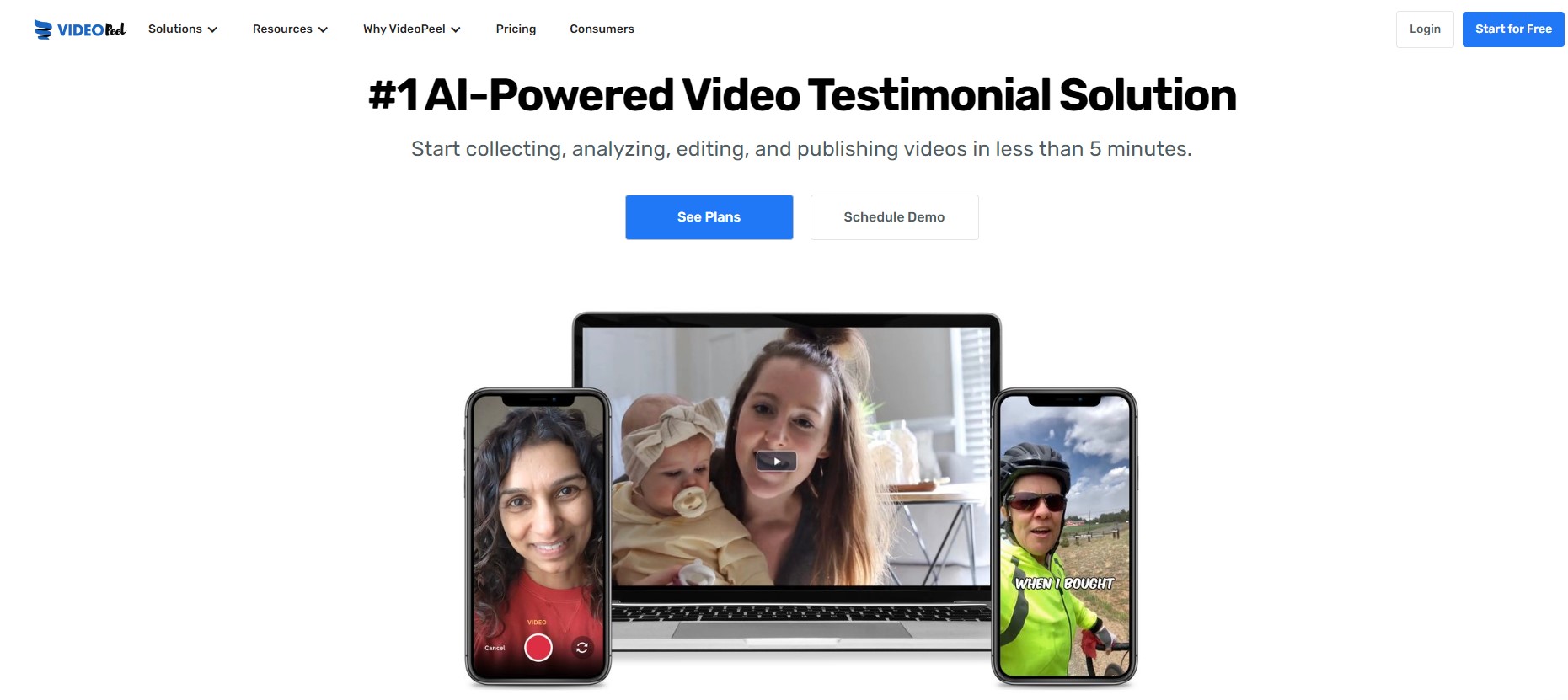
Best for: Ecommerce brands and marketers that need to collect user-generated video content at scale without expensive production.
VideoPeel is built for volume. You create branded video request pages, share them via links or QR codes, and customers record their own footage directly.
VideoPeel handles consent forms, organizes the clips, and makes it easy to download or embed the videos wherever you need them.
At $9.99/month, it’s the most affordable tool on this list. The tradeoff is that it’s more of a collection tool than a full review management platform. You’re getting raw footage and basic organization, not AI features or sophisticated display widgets.
What they do right
QR codes for video collection are underused by most brands. VideoPeel makes them easy to generate and deploy. Put a QR code on your packaging, in your post-purchase inserts, or on a card inside every shipment. Customers scan, record, and submit without ever opening an email. For physical product brands, this is a high-ROI channel that most competitors don’t fully use.
Steal this
Pair VideoPeel with your existing email request flow as a secondary channel. In your review request email, include a QR code option for customers who prefer video over typing.
Some customers who’d never write a paragraph will happily talk for 30 seconds on camera. You’re capturing responses from a segment that text-only tools miss entirely.
Pricing: Starts at $9.99/month.
Rating: 4.5/5
Also check: 45 Online Review Statistics 2026: Consumer Trends & Data
All your reviews in one place
10. Bonjoro

Best for: SaaS businesses, coaches, and ecommerce brands that want to build stronger customer relationships through personalized one-to-one video messages.
Bonjoro is different from most tools on this list. It’s not about collecting testimonials from customers. It’s about sending personal videos to customers at key moments: right after they sign up, when they hit a milestone, when they churn, or when you want to re-engage them.
The mobile app makes this practical. Reps get a notification when a new customer signs up, they record a 30-second welcome video on their phone, and it arrives in the customer’s inbox within minutes.
That kind of personal touch at scale builds retention and referrals better than any automated drip sequence.
What they do right
The CRM integration triggers work well. When a deal closes in HubSpot or a subscription starts in Stripe, Bonjoro queues that person for a video message.
You don’t need to manually monitor who needs a video. The workflow handles the routing and you just show up and record.
Steal this
Send a Bonjoro video to every churned customer within 24 hours of cancellation.
Not a scripted pitch. A genuine 45-second message acknowledging the decision and asking what you could have done better. Most won’t respond. But some will reply with feedback that’s worth more than a hundred survey responses. And a few will come back.
Integrations: HubSpot, Intercom, Mailchimp, Stripe, Zapier.
Pricing: Starts at $15/month.
Rating: 4.7/5
11. Dubb
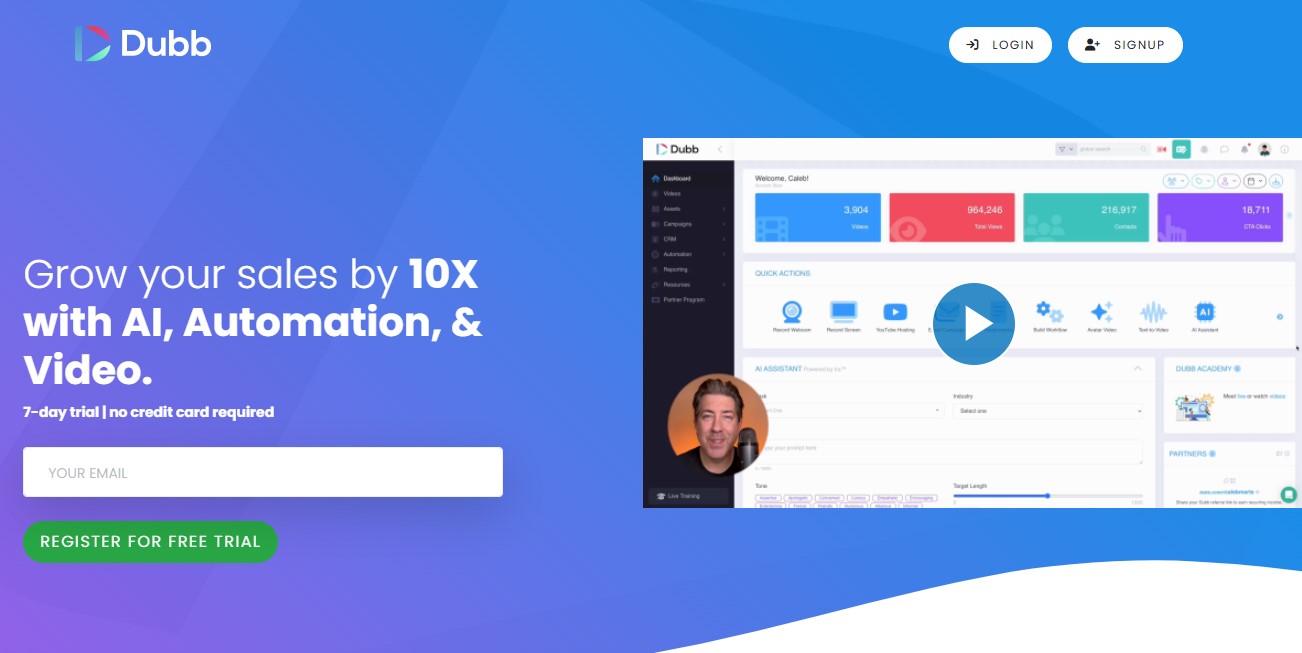
Best for: Sales professionals and marketers who want to use video across every stage of their pipeline, from cold outreach to proposal follow-ups.
Dubb is the most feature-complete sales video tool on this list.
Screen plus webcam recording, video email campaigns, built-in call-to-action buttons, lead tracking, CRM sync, analytics showing who watched what and for how long. It’s designed to turn video into a measurable sales channel, not just a “nice touch.”
At $59/month it’s not the cheapest option. But for sales teams where video is a core part of the outreach strategy rather than an occasional experiment, the depth of features justifies the price.
What they do right
The call-to-action buttons inside the video player are genuinely effective.
Instead of a viewer finishing your video and going back to their inbox to find your calendar link, you put the “Book a Meeting” button right inside the video.
One click, no hunting. The conversion rate on video CTAs versus email links is meaningfully higher.
Steal this
Use Dubb’s analytics to qualify leads before your follow-up call. If someone watched your proposal video for 4 minutes out of 5, they’re engaged.
If they watched 15 seconds and dropped off, the pitch didn’t land. Adjust your follow-up message based on what they actually watched, not just whether they “opened” an email.
Integrations: Gmail, Outlook, Salesforce, HubSpot, Zapier.
Pricing: Starts at $59/month.
Rating: 4.6/5
12. SendSpark
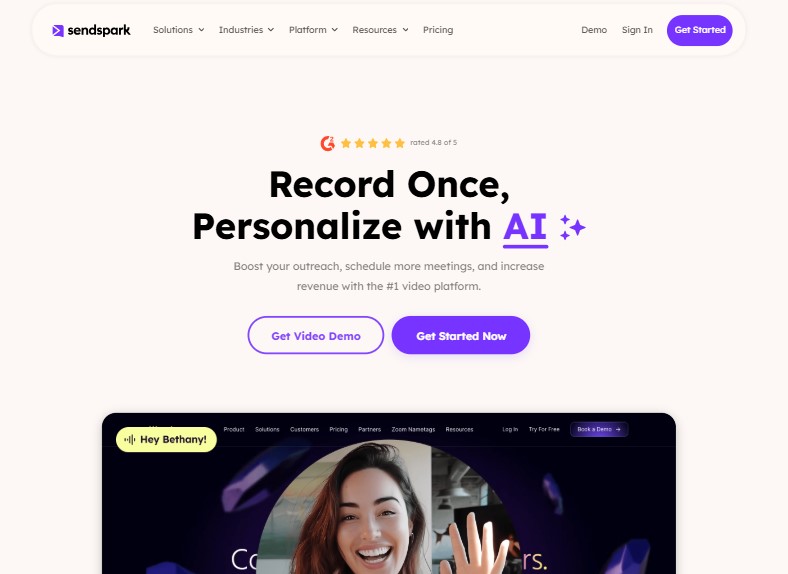
Best for: Sales reps and customer success teams that want to scale personalized video outreach without recording a unique video for every single contact.
SendSpark’s standout feature is dynamic personalization. You record one video once, and SendSpark inserts each recipient’s name, company logo, or website into the video automatically. Every person gets a video that feels like it was made just for them, but you only recorded it once.
For teams doing high-volume outreach who need video to feel personal without it consuming hours of recording time, SendSpark solves a real problem that BombBomb and Dubb don’t.
What they do right
The video landing pages are clean and conversion-focused. Each video gets its own branded page with a CTA button, and you can customize the page per campaign. Recipients land on something that looks like a proper marketing page, not a bare video player link.
Steal this
Use SendSpark for cold outreach sequences where personalization matters but volume makes individual recording impractical.
Record a core video for each target industry or role, then let SendSpark handle name and company personalization. You get 80% of the benefit of a personal video at 10% of the time cost.
Integrations: Gmail, Outreach, Salesloft, HubSpot, Zapier.
Pricing: Free plan available. Pro starts at $45/month.
Rating: 4.7/5
All your reviews in one place
Collect reviews, manage every response, and display them where they matter most.
Common Mistakes When Switching from VideoAsk
Picking a tool for the wrong use case. VideoAsk alternatives aren’t interchangeable. WiserReview is for review collection. BombBomb is for sales outreach. StoryPrompt is for async conversations. Pick based on what you actually need, not on which tool has the best marketing page.
Not exporting your existing video responses. VideoAsk lets you download your collected videos. Do this before you cancel. Once you lose access, you lose those customer responses permanently. Back up everything first.
Underestimating setup time. Most tools advertise “5-minute setup.” Realistically, setting up automation triggers, request templates, branding, and integrations takes a few hours. Plan for it rather than expecting to be live the same day you sign up.
Ignoring response rates. The best video tool is the one your customers actually respond to. If your completion rates are under 15%, the problem is usually the request copy or timing, not the tool itself. Test your messaging before blaming the platform.
Skipping the mobile test. Most of your customers will respond on the phone. Record a test video on your own mobile device before sending requests to customers. Some tools look great on desktop and have clunky mobile recording experiences that kill response rates.
How to Choose the Right VideoAsk Alternative
The right choice depends entirely on what you were actually using VideoAsk for:
You need video testimonials from customers to display on your website and product pages: WiserReview or Vocal Video. WiserReview if you want automation, AI features, and display widgets at a low price. Vocal Video if you want auto-edited, publication-ready content.
You need async video conversations where respondents answer structured prompts at their own pace: StoryPrompt is the closest VideoAsk replacement with a better free tier.
You need live video engagement with website visitors in real time: ServiceBell, if your budget supports it.
You need a personalized video for sales outreach: BombBomb for email-focused teams. Dubb if you want deeper analytics and CTA buttons inside the player. SendSpark if you need personalization at volume without recording individual videos.
You need a done-for-you, production-quality Testimonial Hero. Not cheap, but nothing else on this list delivers the same output.
Before you commit to anything, check two things: does it integrate with the tools you already use, and can you test the recording experience on mobile yourself? Those two filters eliminate most bad choices before you spend time on a full evaluation.
Also check: 50+ Testimonial Statistics Every Marketer Must Know in 2026
Wrapping Up
VideoAsk works. But it’s not the only tool that works, and for specific use cases, it’s not the best one.
If you’re using video primarily to collect and display customer reviews, you don’t need VideoAsk’s funnel-building features and you don’t need to pay for its video minute limits. WiserReview handles collection, moderation, and display at a fraction of the price.
If sales video is your priority, BombBomb or Dubb will integrate better with your CRM and give you the tracking data you need. If you want async conversations with your community, StoryPrompt is worth a serious look.
Pick the tool that matches your actual use case. Set it up properly. And don’t let perfect be the enemy of done. The tool you ship with beats the one you’re still evaluating in three months.
Frequently Asked Questions
Why do businesses look for a VideoAsk alternative?
VideoAsk’s pricing scales by video minutes, which gets expensive fast. Custom branding is locked behind higher tiers, integrations feel limited for some CRM setups, and the interface is built around video funnels rather than general testimonial collection or sales outreach workflows.
What is the best free VideoAsk alternative?
StoryPrompt and WiserReview both offer free plans. StoryPrompt is the closest match to VideoAsk’s async conversation format. WiserReview is the better pick if your goal is collecting and displaying customer video reviews on a website.
Can I collect video testimonials without technical setup?
Yes. Tools like WiserReview, Vocal Video, and Boast.io let customers record directly in their browser without downloading an app. Setup takes a few hours for automations and branding, but no coding is required.
Which VideoAsk alternative is best for sales teams?
BombBomb is the best fit for email-heavy sales teams who want video in their inbox workflow. Dubb is better if you need deeper analytics and CTAs inside the video player. SendSpark works best for high-volume outreach where dynamic personalization matters.
Will switching from VideoAsk affect my existing responses?
VideoAsk lets you export your collected videos before you cancel. Download everything first. Most new platforms let you re-upload those videos manually, though you may need to rebuild any automated funnel flows from scratch.

Krunal Vaghasiya is a marketing tech expert who boosts e-commerce conversion rates with automated social proof and FOMO strategies. He loves to keep posting insightful posts on online marketing software, marketing automations, and improving conversion rates.




 Capterra