
11 Best Shopify Reporting Apps for 2026 (Compared)
For most stores, Report Pundit or Better Reports is the best Shopify reporting app, since both build custom reports from any store data and send them on a schedule.
If you care most about profit, TrueProfit or Lifetimely are the better fit.
Here is how they compare, then a closer look at each one.
Key takeaways
- Custom report builders suit stores that live in spreadsheets and need scheduled exports.
- Profit analytics apps suit stores running paid ads that need true net profit, not just revenue.
- Most apps price by your Shopify plan or monthly orders, so check which tier fits your store.
Shopify Reporting Apps Compared
| App | Starting price | Best for | Export formats |
|---|---|---|---|
| Data Export IO | $12/month | Scheduled custom exports | Sheets, Excel, CSV, JSON |
| Report Pundit | Free plan | Custom reports on a budget | Excel, CSV, PDF, Sheets, Slack |
| Nexus by Omniconvert | Free beta plan | RFM segments and ad planning | In-app dashboards |
| Better Reports | $19.90/month | Deep custom reports with setup help | PDF, Excel, CSV, Sheets |
| Easy Reports | $4.99/month | AI-built reports, low cost | Email, Sheets, Slack, Teams, SFTP |
| Report Toaster | Free plan | Pre-built reports for smaller stores | PDF, CSV, Excel |
| TrueProfit | $35/month | Real-time net profit | Dashboard, email reports |
| EZ Exporter | $29.95/month | Automated exports to other systems | CSV, Excel, FTP, Sheets |
| Lifetimely | Free plan | LTV, cohorts and P&L | Dashboards, custom reports |
| Polar Analytics | $750/month | Larger brands with many data sources | Dashboards, BI connectors |
| TrendSeam | Free plan | Simple sales and customer trends | Customer export |
1. Data Export IO

Data Export IO, formerly Data Export Reports, turns any store data into ready-made or custom reports. It covers sales, inventory, shipping, fulfillment, payouts, tax, refunds and customers.
You can add formulas, pull in metafields and line item properties, and save reports to rerun later.
The team will also set up reports for you if you are short on time. It holds a 5.0 rating from over 2,000 reviews.
- Pre-built templates: editable reports for every store operation.
- Custom fields: any field from the store API, with calculations.
- Scheduling: send reports in the format and destination you choose.
- Free report setup: the support team builds reports on request.
Pricing: from $12/month on the Basic Shopify plan, rising to $50/month for Shopify Plus stores, with a 15-day free trial.
2. Report Pundit

Report Pundit by Estore Automate starts you with 150+ pre-built reports for sales, tax, payouts, profit, fulfillment, POS and inventory. You can refine them with filters, calculated columns and custom metrics, and pull data from metafields and tags.
It handles multiple stores and currencies. With a 5.0 rating from over 2,000 reviews, it is one of the most trusted reporting apps on the store.
- Pre-built reports: 150+ templates to start from.
- Custom reports: unlimited, with calculated and API fields.
- Sharing: export or schedule to Excel, CSV, PDF, Slack and Google Sheets.
- Multi-store: combined reporting across stores and markets.
Pricing: free for stores under 1,000 lifetime orders, then $9, $19 or $35/month depending on your Shopify plan.
Build trust & FOMO
Highlight real-time activities like reviews, sales & sign-ups.


3. Nexus by Omniconvert

Nexus is the new name for Reveal by Omniconvert. It has moved from classic reporting toward an AI growth tool that joins store, ad and analytics data.
Each morning it gives a short brief on what changed and ranks opportunities by true profit. Its free beta plan still covers the core dashboard, retention tracking and RFM segments.
- eCommerce dashboard: trends and retention in one view.
- RFM segmentation: group customers by recency, frequency and spend to improve customer lifetime value.
- Daily brief: what moved, why, and the top action for the day.
- Profit ranking: products and campaigns sorted by true profit, not ROAS.
Pricing: free beta plan; Scale is $299/month and Enterprise $599/month.
4. Better Reports

Better Reports lets you explore every data point in your store, including tags, metafields and attributes. Merchants often compare it to an Excel pivot table.
It supports POS data, multiple stores and multiple currencies. Its biggest draw is a free custom report service, where the team builds reports for you.
- Built-in reports: sales, payments, inventory, customers and payouts.
- Custom metrics: fields, formulas and chart visuals.
- Report service: the team builds custom reports at no extra cost.
- Scheduling: automatic delivery by email or to Google Sheets.
Pricing: from $19.90/month on the Basic Shopify plan, with higher tiers for larger plans and a 14-day free trial.
5. Easy Reports

Easy Reports and Data Export builds custom reports across orders, products, customers and inventory.
You can also describe a report in plain English and let AI build it. Reports run daily, weekly or monthly and go straight to the tools your team already uses.
- AI report builder: describe what you need and generate it.
- Custom reports: choose any fields, filters and structure.
- Scheduling: daily, weekly or monthly runs.
- Delivery: email, Google Sheets, Slack, Teams, Zapier, Make or SFTP.
Pricing: $4.99, $9.99 or $19.99/month depending on your Shopify plan, all features included, with a 7-day free trial.
6. Report Toaster
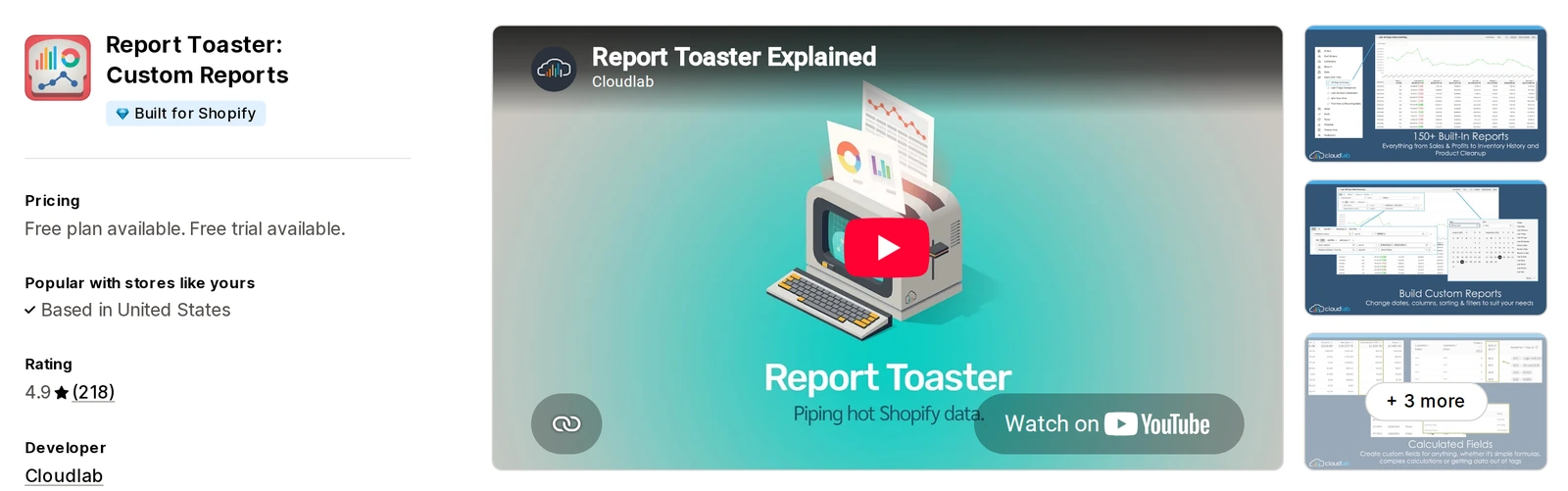
Report Toaster by Cloudlab gives you 150+ ready reports to customize and save. It adds useful extras like inventory history and comparison reports.
An AI report builder and calculated fields help you track things like inventory aging. It is Built for Shopify and rated 4.9.
- Pre-built reports: 130 to 150+ templates depending on plan.
- Exports: download as PDF or CSV, or open in Excel.
- Scheduling: automatic delivery by email, SMS or Slack.
- Shared links: live report links for staff or partners.
Pricing: free plan with 90 days of order history for Basic and Grow stores; paid plans from $18/month.
7. TrueProfit
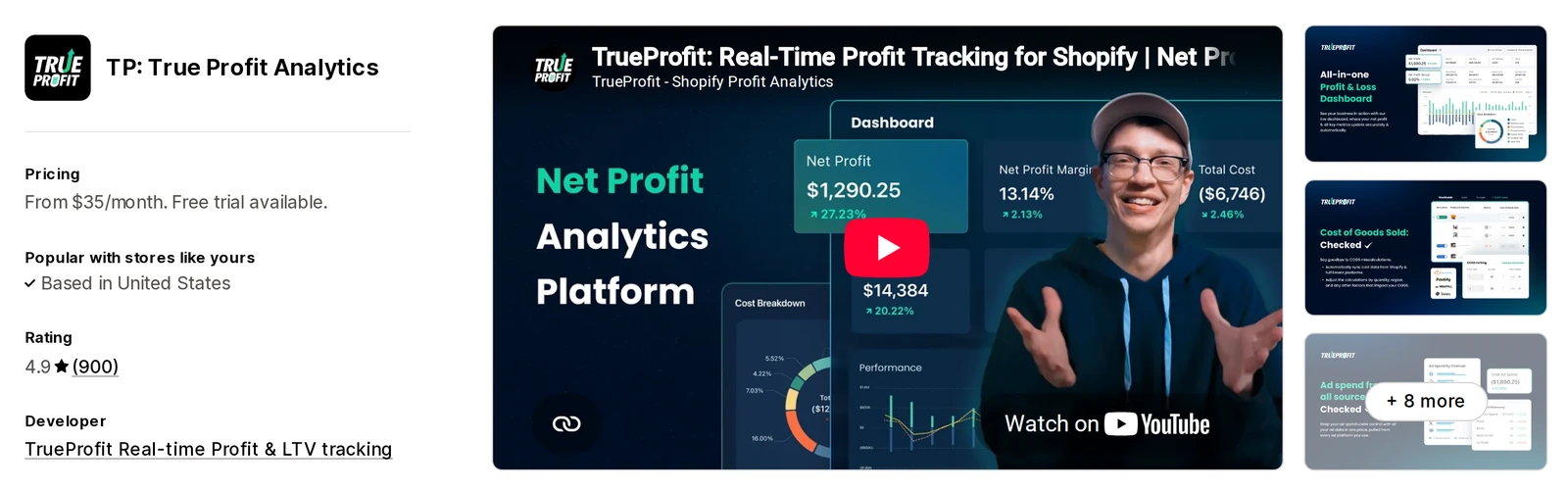
TrueProfit focuses on one number, net profit, in real time. It pulls in product costs, shipping, fees, taxes and ad spend so you see what each order earns.
It is a strong pick for stores running paid ads across several channels. It holds a 4.9 rating from about 900 reviews.
- Profit dashboard: live net profit after every cost.
- Cost tracking: COGS, shipping, transaction fees and custom costs.
- Ad sync: Facebook, Google, TikTok, Bing, Snapchat and Amazon.
- Reports: P&L, product-level profit and customer LTV.
Pricing: from $35/month for 300 orders/month, with a small fee per extra order and a 14-day free trial.
8. EZ Exporter

EZ Exporter is built for sending Shopify data to other systems on a schedule.
It exports orders, products, customers, returns, metafields and even UTM data to a custom CSV or Excel file. It suits stores that feed accounting, warehouse or BI tools.
- Custom exports: choose exactly which fields go in each file.
- Calculated fields: totals, conversions and formulas during export.
- Frequent schedules: exports as often as every 15 minutes.
- Destinations: email, FTP, SFTP, Dropbox, Google Drive and Google Sheets.
Pricing: $29.95, $49.95 or $149.95/month based on the number of export templates, with a 7-day free trial.
9. Lifetimely
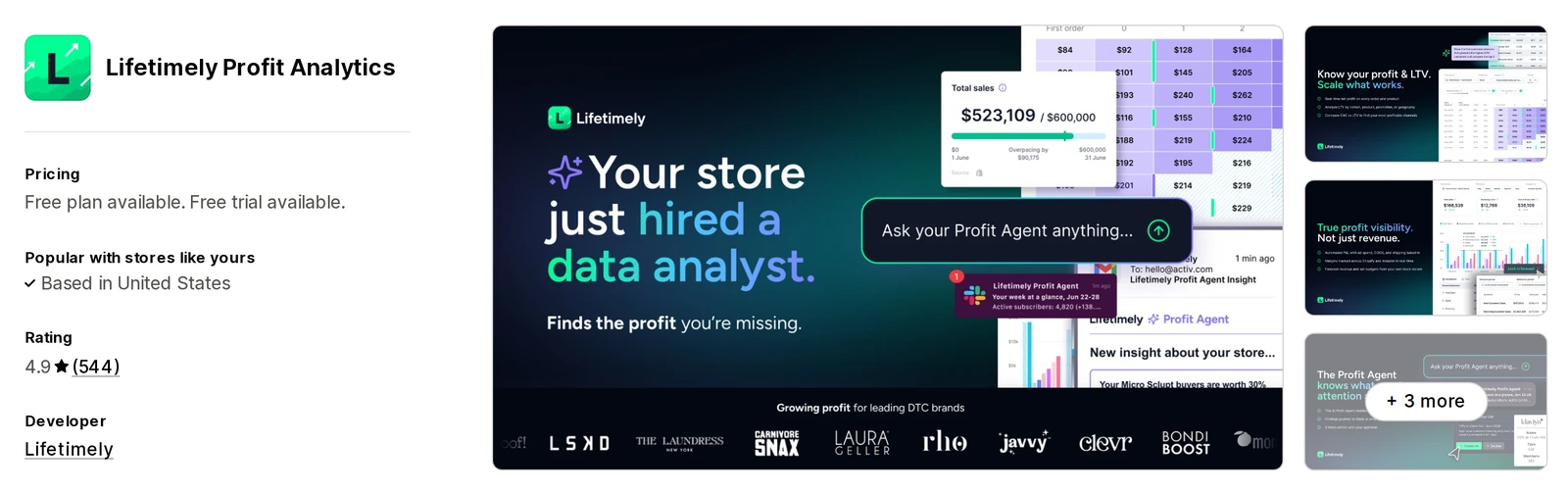
Lifetimely combines profit and customer data into P&L, CAC and LTV reports. It is known for cohort analysis, which shows how much each group of customers spends over time.
An AI profit agent answers questions about your numbers. Its free plan is one of the most generous here.
- Daily P&L: profit and loss updated every day.
- Cohorts and LTV: repeat purchase and lifetime value by customer group.
- Predictive LTV: estimates future value of new customers.
- Custom dashboards: marketing and net profit metrics in one place.
Pricing: free plan; paid plans from $49/month for up to 500 orders/month.
10. Polar Analytics
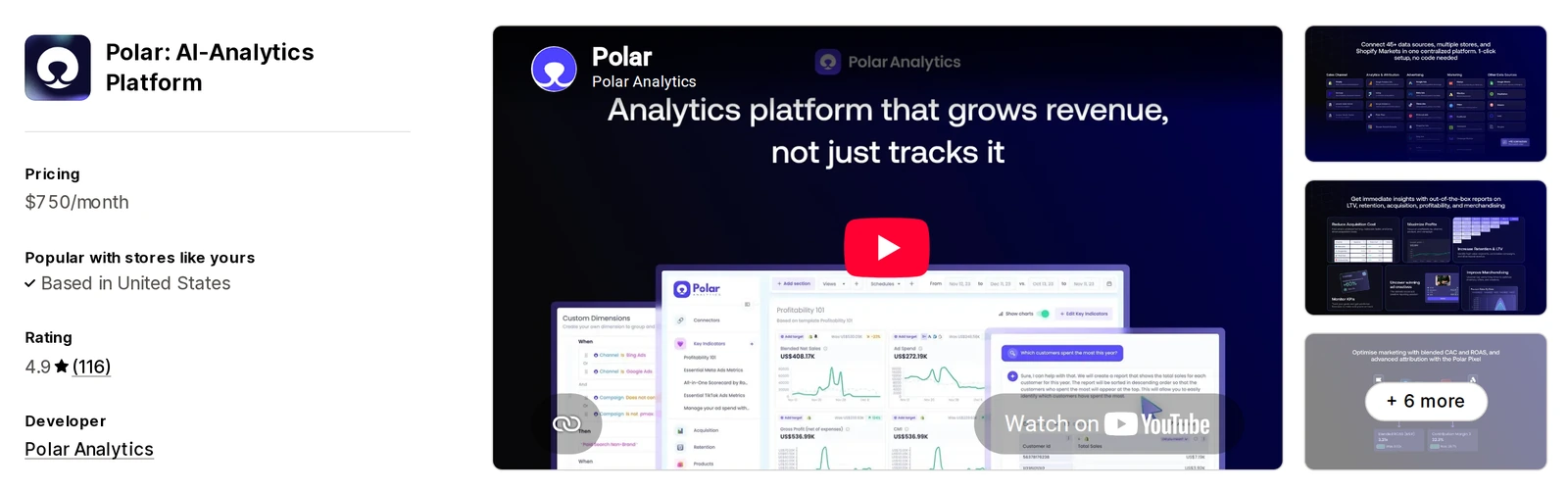
Polar Analytics is a full business intelligence platform for bigger brands. It joins 45+ data sources, including ads, email and your store, into one dashboard.
You can track profit, blended CAC, ROAS, MER, cohorts and product performance. It is the priciest option here, so it fits brands with larger budgets and several channels.
- Data connectors: 45+ sources in one place.
- Acquisition metrics: ad spend, blended CAC, ROAS and MER.
- Retention: LTV and cohort reports.
- Klaviyo audiences: send segments back to your email tool.
Pricing: from $750/month, based on online GMV, with discounts on annual terms.
11. TrendSeam Sales Reporting

TrendSeam keeps things simple for merchants who do not want complex analytics.
It shows year-over-year sales, best and slowest sellers, and who your customers are and where they buy. It has few reviews so far, so test the free plan before paying.
- Year-over-year reports: growth and seasonal trends.
- Product insights: top sellers and slow movers for inventory management.
- Customer analytics: loyal buyers and where customers are located.
- Segments: customer groups for targeted campaigns.
Pricing: free dashboard plan; paid plans from $29/month for up to 500 orders/month.
How to Choose a Shopify Reporting App
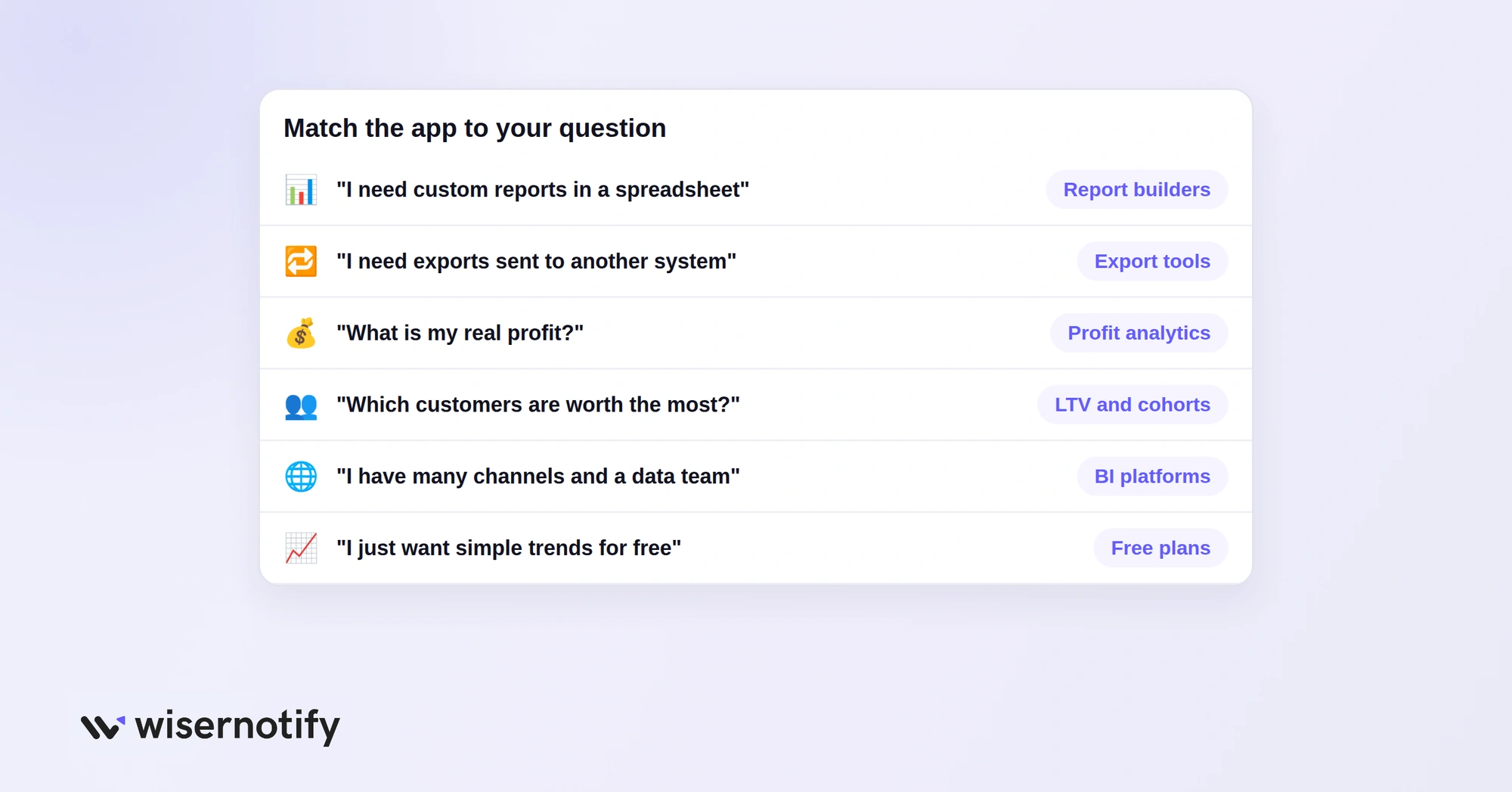
Pick based on the question you most need answered:
- “I need custom reports in a spreadsheet”: Report Pundit, Better Reports or Data Export IO.
- “I need exports sent to another system”: EZ Exporter or Easy Reports.
- “What is my real profit?”: TrueProfit or Lifetimely.
- “Which customers are worth the most?”: Lifetimely or Nexus.
- “I have many channels and a data team”: Polar Analytics.
- “I just want simple trends for free”: Report Toaster or TrendSeam.
Also check whether the price is based on your Shopify plan or your monthly orders, since that decides what you pay as you grow.
How to Automate Shopify Reports
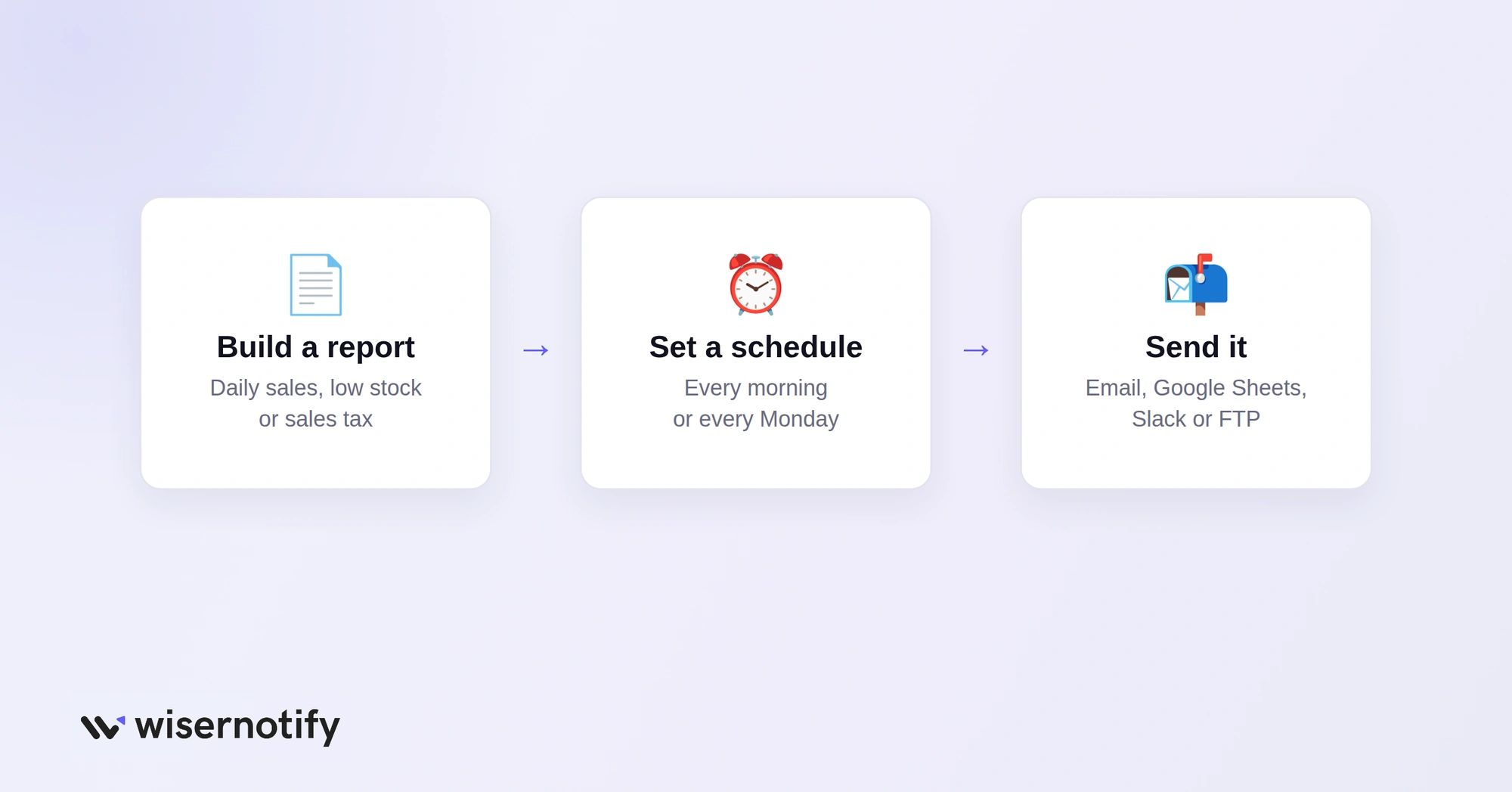
Shopify’s built-in analytics is fine for a quick look, but most stores want reports that arrive on their own. A reporting app handles this in three steps:
- Build or pick a report, such as daily sales, low stock or sales tax.
- Set a schedule, such as every morning, every Monday or the first of the month.
- Choose where it goes, such as email, Google Sheets, Slack or an FTP folder.
Report Pundit, Better Reports, Data Export IO, Easy Reports and Report Toaster all support scheduled reports. EZ Exporter can run exports as often as every 15 minutes.
Wrap Up
The right reporting app depends on what you need to see. Custom report builders answer “what happened,” and profit tools answer “did we make money.”
Start with a free plan or trial, build the two or three reports you check most, and schedule them so the numbers come to you. Once you know your numbers, focus on lifting average order value and conversions.

Boost Conversion Instantly
Add Social Proof & Urgency to your website
Frequently Asked Questions
What is the best Shopify reporting app?
Report Pundit and Better Reports suit most stores for custom reports. TrueProfit and Lifetimely are better for profit tracking.
Are there free Shopify reporting apps?
Yes. Report Pundit, Report Toaster, Lifetimely and TrendSeam all have free plans with some limits.
Where are reports in Shopify?
Open Analytics in your Shopify admin, then Reports, to see the built-in sales, order and customer reports.
How do I automate Shopify reports?
Use a reporting app to build the report, set a schedule, and send it to email, Google Sheets or Slack.
Is Google Analytics better than Shopify Analytics?
They do different jobs. Shopify shows store sales and orders, while Google Analytics shows traffic and marketing across your whole site.

Krunal Vaghasiya is a marketing tech expert who boosts e-commerce conversion rates with automated social proof and FOMO strategies. He loves to keep posting insightful posts on online marketing software, marketing automations, and improving conversion rates.




 Capterra