

I’ve spent the last few months testing both Moz Local and BrightLocal for managing business listings, tracking local rankings, and monitoring reviews across multiple client locations.
Here’s my honest take: BrightLocal is the better tool for most businesses. It gives you more control, deeper analytics, and stronger reporting.
Moz Local is simpler and cheaper, which makes it a solid pick if you just need basic listing management and don’t want to think too hard about local SEO.
But the “right” choice depends entirely on what you need. So let me break down exactly where each tool wins, where it falls short, and who should pick what.
Also check: I Tested 21 Review Management Software (Here Are the Top 5 for 2026)
Quick Verdict: Moz Local vs BrightLocal
If you’re short on time, here’s the bottom line.
Choose BrightLocal if: you’re an agency managing multiple clients, you need detailed local rank tracking by keyword and zip code, you want citation building with manual control, or you need white-label reporting.
Choose Moz Local if: you’re a single-location business that just wants accurate listings across Google, Facebook, and Apple Maps without spending hours on setup. It’s cheaper and simpler.
Neither tool is great for review collection. Both monitor reviews, but neither helps you actively collect new ones with automated requests, custom forms, or incentive workflows. That’s a different category entirely (more on that later).
Now, let me get into the details.
What Is Moz Local?
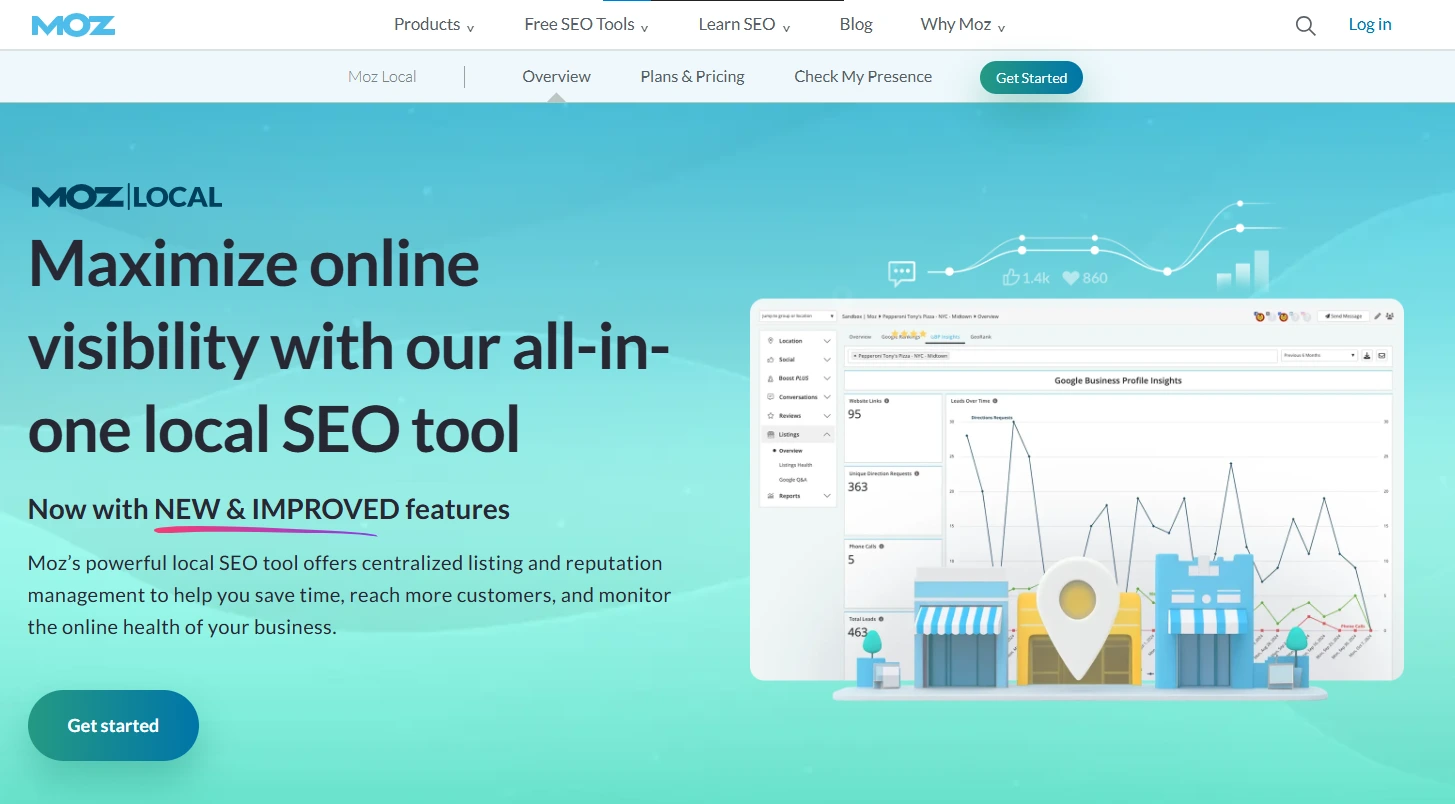
Moz Local is a listing management tool from Moz, the company best known for its SEO software suite (Moz Pro, Domain Authority, Link Explorer).
Moz Local focuses specifically on keeping your business information accurate and consistent across online directories.
The core idea is simple. You enter your business name, address, and phone number (NAP data) once, and Moz Local pushes it out to Google, Facebook, Apple Maps, Bing, and dozens of other directories through data aggregator partnerships.
It also handles duplicate listing detection, review alerts, and basic social posting to Google and Facebook.
Moz Local starts at $16/month per location (Lite plan) and goes up to $33/month per location (Elite plan).
The Lite plan covers listing distribution and basic monitoring. The Preferred and Elite plans add review response, sentiment analysis, social posting, competitor analysis, and advanced reporting.
For a small business with one or two locations that just wants consistent NAP data across the web, Moz Local is genuinely useful.
It’s not trying to be an all-in-one local SEO platform. It’s focused, affordable, and easy to use.

Boost Conversion Instantly
Add Social Proof & Urgency to your website
What Is BrightLocal?
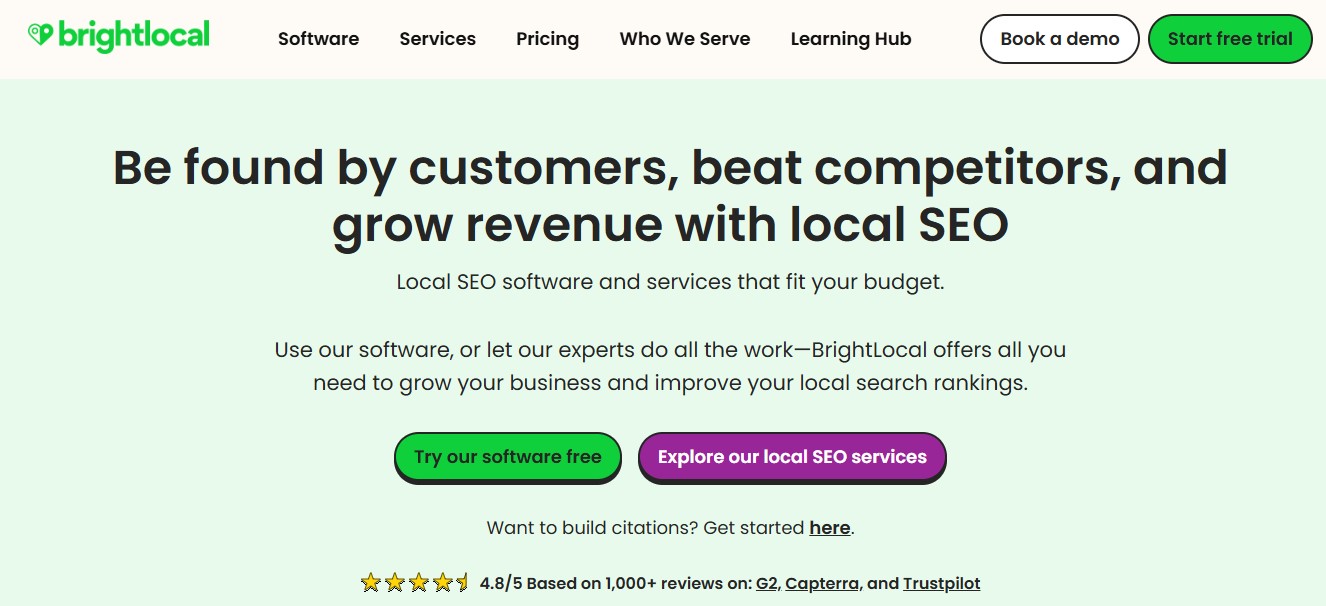
BrightLocal is a comprehensive local SEO platform built for agencies and businesses seeking deep control over their local search performance. It goes well beyond listing management.
Where Moz Local automates listings through data aggregators, BrightLocal gives you hands-on control.
You can build citations manually, track local search rankings by keyword, device, and geographic area, run local SEO audits, optimize your Google Business Profile, and generate white-label reports for clients.
BrightLocal pricing starts at $29/month (Track plan) and goes up to $44/month (Grow plan). Citation building is pay-as-you-go, starting at $2 per site.
Unlike Moz Local, BrightLocal pricing isn’t per-location for the base tools, which makes it significantly more cost-effective for multi-location businesses.
If you’re an agency or a business with multiple locations that needs to track rankings, manage citations, and report on local SEO performance, BrightLocal is the more complete solution.
Moz Local vs BrightLocal: Feature Comparison
| Feature | Moz Local | BrightLocal |
|---|---|---|
| Listing Management | Automated via data aggregators (90+ directories) | Manual citation building + listing management |
| Duplicate Detection | Yes, automated | Yes, through citation tracker |
| Local Rank Tracking | Basic (GeoRank) | Advanced (by keyword, zip code, device) |
| Review Monitoring | Yes, with alerts | Yes, with sentiment analysis |
| Review Response | Preferred plan and above | Grow plan only |
| Local SEO Audit | No | Yes, comprehensive |
| GBP Optimization | Basic sync | Full audit and optimization tools |
| White-Label Reports | Elite plan only | All plans |
| Social Posting | Google, Facebook, Instagram, LinkedIn, TikTok | No built-in social tools |
| Competitor Analysis | Preferred plan and above | All plans |
| Starting Price | $16/mo per location | $29/mo (not per-location) |
| Best For | Small businesses, simple listing sync | Agencies, multi-location brands, SEO pros |
Listing Management: How They Handle Business Directories
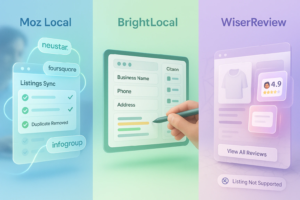
This is where the two tools take fundamentally different approaches.
Moz Local uses data aggregator partnerships (Foursquare is the primary one) to automatically push your business data to directories.
You enter your information once, and Moz distributes it to 90+ sites. When you update something, the change propagates across the network.
The upside: it’s hands-off. The downside: you’re dependent on how fast those aggregators push updates.
Some directories update within days, others take weeks. And you don’t get granular control over individual listings.
BrightLocal takes a more manual approach. Its Citation Builder service submits your information directly to directories, and its Citation Tracker monitors your existing listings for accuracy.
You have full visibility into which directories have your listing, which ones are wrong, and which ones are missing.
For a single-location pizza shop? Moz Local’s automated approach is perfectly fine. For an agency managing 50 client locations that need precise control? BrightLocal is the clear winner.
Boost Conversion Instantly
Add Social Proof & Urgency to your website
Local Rank Tracking: Where BrightLocal Pulls Ahead
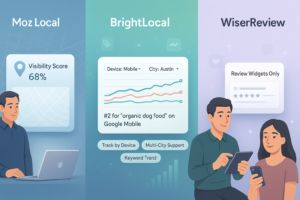
This is BrightLocal’s biggest advantage, and it’s not close.
BrightLocal’s Local Rank Tracker lets you track keyword rankings across specific locations down to the zip code level.
You can see how you rank on Google Search, Google Maps, and Bing, segmented by desktop and mobile.
You can track rankings in multiple cities simultaneously and compare your performance against local competitors.
Moz Local’s GeoRank shows you where your business appears in map pack results across a geographic area.
It’s visual and helpful for understanding your local visibility, but it’s not a full keyword rank tracker. You can’t track specific keywords over time or segment by device.
If tracking “plumber near me” rankings across 15 zip codes is important to your business, BrightLocal is the only viable option.
Review Monitoring and Reputation Management

Both tools offer review monitoring, but with different levels of depth.
Moz Local aggregates reviews from Google, Facebook, and other platforms into a single dashboard.
You get alerts for new reviews and can respond to them directly from the Preferred plan ($24/month) and above. The sentiment analysis feature helps you spot trends in customer feedback.
BrightLocal offers similar review tracking with the Reputation Manager tool. It monitors reviews across Google, Facebook, Yelp, and other platforms.
Sentiment analysis and review response are included in the Grow plan ($44/month). BrightLocal also provides review generation tools that help you request reviews from customers via email.
Here’s the honest truth: neither tool excels at review collection.
They both monitor existing reviews well enough, but if your main goal is to actively collect more customer reviews, display them on your website, and build social proof, you’ll need a dedicated review management platform.
Also check: 8 Best Google Review Management Software
Dashboard and Reporting
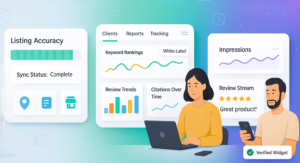
Moz Local’s dashboard is clean and straightforward. You see your listing health score, review alerts, and social posting tools in one place.
It’s designed for business owners who want a quick overview without getting overwhelmed by data. The reporting is basic but clear.
BrightLocal’s dashboard is more complex but far more powerful. You get detailed reports on local rankings, citation health, Google Business Profile performance, and review trends.
The white-label reporting feature (available on all plans) is a huge advantage for agencies that need to send branded reports to clients.
If you’re running an agency and need to justify your local SEO work to clients with professional reports, BrightLocal is the only choice.
If you’re a business owner who just wants to check that your listings are healthy, Moz Local’s simplicity is a plus.
Pricing: Moz Local vs BrightLocal (2026)
| Plan | Moz Local | BrightLocal |
|---|---|---|
| Entry Level | Lite: $16/mo per location | Track: $29/mo |
| Mid Tier | Preferred: $24/mo per location | Manage: $36/mo |
| Top Tier | Elite: $33/mo per location | Grow: $44/mo |
| Per-Location Pricing | Yes (all plans) | No (flat monthly rate) |
| Citation Building | Included in subscription | Pay-as-you-go ($2/site) |
| Free Trial | Yes | 14-day free trial |
Here’s where it gets interesting. Moz Local looks cheaper at first glance ($16 vs $29), but the per-location pricing changes the math fast.
If you manage 5 locations on Moz Local’s Preferred plan, you’re paying $120/month. BrightLocal’s Manage plan covers all those locations for $36/month.
For a single location, Moz Local is genuinely cheaper. For anything beyond that, BrightLocal’s flat-rate pricing is significantly more cost-effective.
Boost Conversion Instantly
Add Social Proof & Urgency to your website
Moz Local: Pros and Cons
What I like:
Automated listing distribution saves time. You set it up once, and Moz handles the rest across 90+ directories.
Clean, simple dashboard that doesn’t overwhelm. Ideal for business owners who aren’t SEO experts.
Social posting features (Google, Facebook, Instagram, LinkedIn, TikTok) are a nice bonus that BrightLocal doesn’t offer.
Affordable for single-location businesses at $16/month.
What I don’t like:
Per-location pricing gets expensive fast for multi-location businesses.
Local rank tracking is basic. GeoRank is visual but lacks keyword-level tracking.
No local SEO audit tools. You can’t identify technical issues hurting your local search performance.
Listing updates through aggregators can be slow (weeks, not days).
Review response requires the $24/month Preferred plan.
BrightLocal: Pros and Cons
What I like:
Comprehensive local rank tracking by keyword, zip code, and device. Best in class.
White-label reporting on all plans. Huge for agencies.
Citation Tracker gives you full visibility and control over your listing health.
Local SEO audit identifies technical issues and optimization opportunities.
Flat monthly pricing (not per-location) makes it affordable for multi-location businesses.
What I don’t like:
Citation building is pay-as-you-go, which adds cost on top of the subscription.
No built-in social posting tools. You’ll need a separate tool for that.
The dashboard has a learning curve. New users might feel overwhelmed initially.
Review response only available on the Grow plan ($44/month).
Who Should Choose Moz Local?
Moz Local makes the most sense for:
Single-location small businesses that want consistent listings across major directories without a complicated setup. If you run a dental clinic, restaurant, or law firm and just need your NAP data accurate everywhere, Moz Local handles that well for $16/month.
Business owners who aren’t SEO experts. The simple dashboard and automated approach mean you spend minutes, not hours, on listing management.
Businesses that also need social posting. Moz Local’s built-in social media scheduling to Google, Facebook, Instagram, LinkedIn, and TikTok is a genuine value-add that BrightLocal lacks.
Who Should Choose BrightLocal?
BrightLocal is the better fit for:
Agencies managing multiple client locations. Flat pricing, white-label reports, and deep analytics make it the go-to for local SEO agencies. Managing 20 clients on Moz Local would cost a fortune.
Multi-location brands that need to track rankings, monitor reviews, and manage citations across dozens of locations from one dashboard.
SEO professionals who need granular rank tracking, local SEO audits, and Google Business Profile optimization tools. BrightLocal is a full local SEO platform, not just a listing tool.
Anyone who needs detailed reporting. If you need to prove ROI to a client or boss with professional reports, BrightLocal’s reporting suite is far ahead.
What About Review Management?
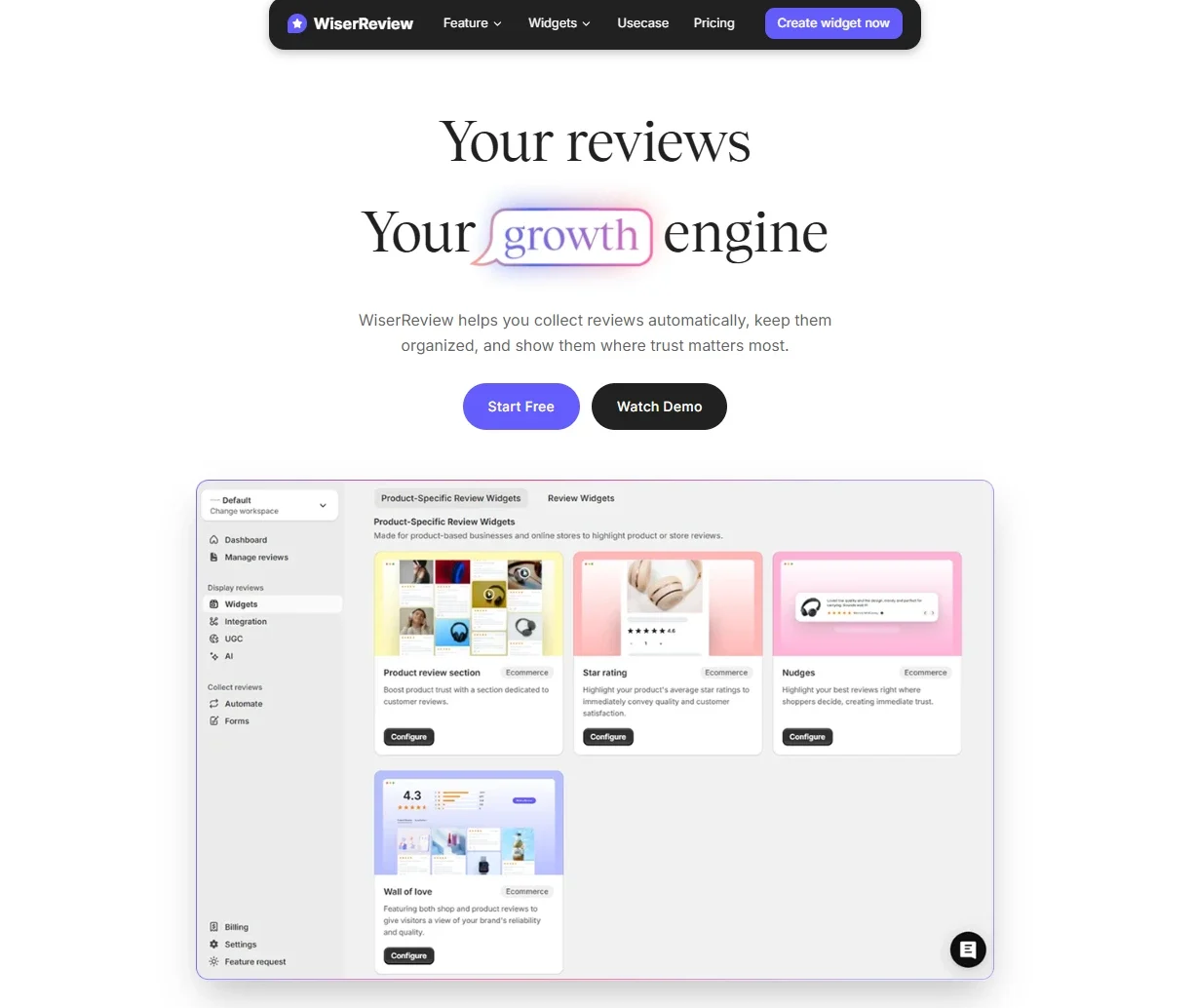
Both Moz Local and BrightLocal monitor reviews. But neither is built for actively collecting them.
If your goal is to get more Google reviews, automate review request emails, collect photo and video testimonials, and display them on your website with widgets, you need a dedicated review management tool.
WiserReview handles this side of things. You can send automated review requests via email, WhatsApp, or SMS after customer interactions.
The platform collects text, photo, and video reviews through branded, mobile-friendly forms.
You can moderate, tag, and publish the best reviews directly on your site using review widgets, floating popups, or trust badges.
It’s a different category than Moz Local or BrightLocal, but for many businesses, review collection matters just as much as listing management.
The two work best together: use a local SEO tool (Moz Local or BrightLocal) for listings and rankings, and a review tool (like WiserReview) to collect and showcase customer feedback.
Final Verdict: Which Local SEO Tool Should You Pick?
After testing both tools across multiple client accounts, here’s my straightforward recommendation.
Pick Moz Local if you’re a single-location business that wants a simple, affordable way to keep your listings accurate. It’s $16/month, it works, and you won’t spend more than 10 minutes on it each month. The social posting features are a bonus.
Pick BrightLocal if you need anything beyond basic listing management. The local rank tracking, citation tools, SEO audits, and reporting capabilities make it a stronger platform for anyone serious about local SEO. The flat pricing model makes it significantly cheaper for multi-location businesses and agencies.
Pair either tool with a dedicated review platform if collecting and showcasing customer reviews is part of your growth strategy. Neither Moz Local nor BrightLocal is strong enough on the review collection side to handle that on its own.
The best local SEO strategy isn’t about picking one tool. It’s about using the right tools for each piece: listings, rankings, and reviews.
Boost Conversion Instantly
Add Social Proof & Urgency to your website


