
How to Get More Google Reviews: 3 Steps and 7 Proven Ways
The best way to get more Google reviews is simple. Get your review link, ask every customer at the moment they are happiest, and reply to every review you get.
Most customers will leave a review when you ask them directly and make it easy. The hard part is asking every time, not just when you remember.
This guide covers the three steps, seven ways to get more reviews, how many you need, and the Google rules that keep your reviews safe.
Key takeaways
- Your Google review link is free and takes two minutes to find in your Business Profile.
- Timing matters more than wording. Ask right after a good experience.
- Aim for at least 20 recent reviews, since many shoppers skip businesses with fewer.
- Never pay for reviews, offer rewards for them, or only ask happy customers.

Show Real Reviews That Build Trust
Collect and display photo, video, and text reviews with full design control.
Why Google Reviews Matter
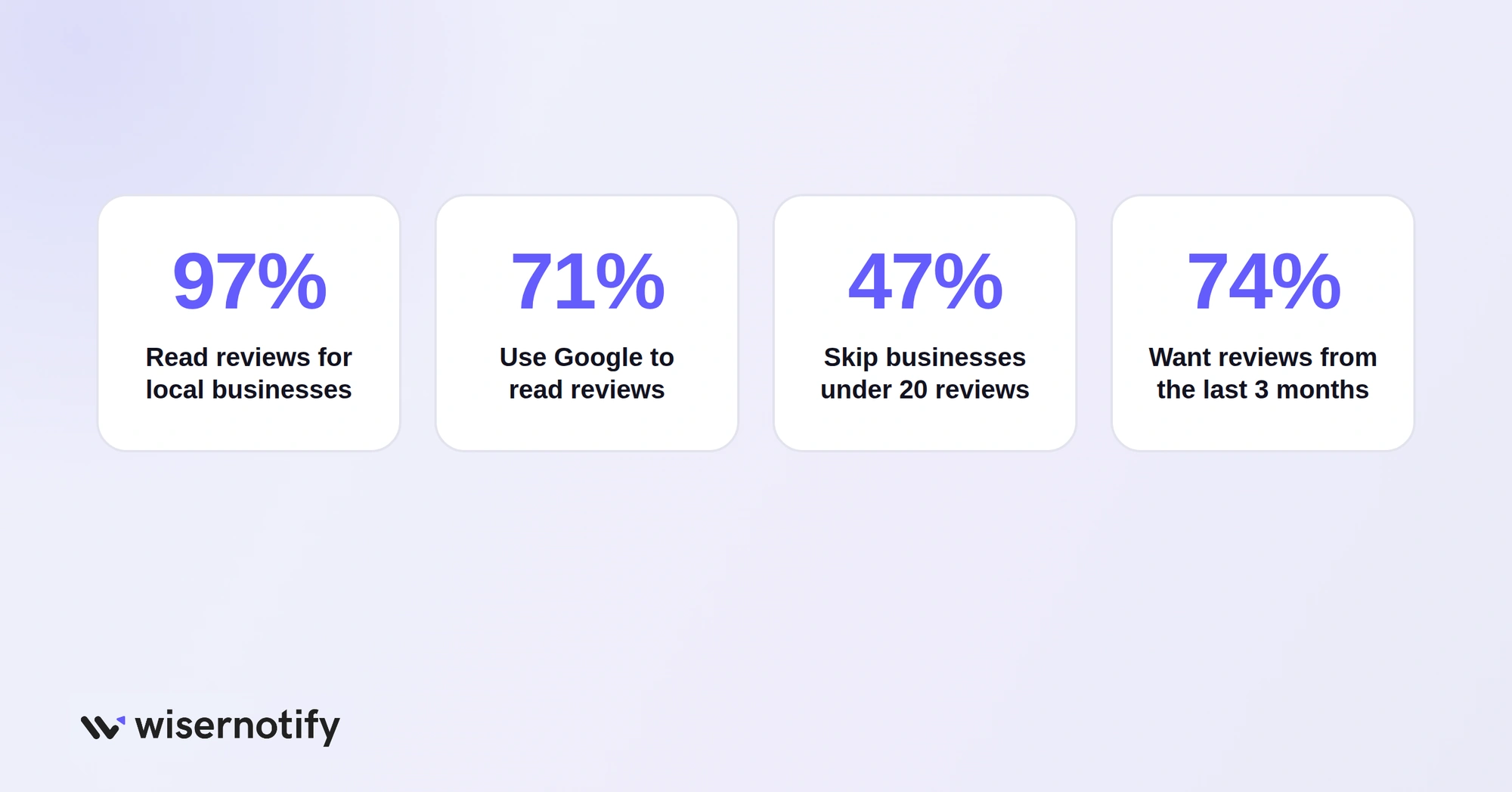
Google is where most people check a business before they call, visit or buy. Nearly all consumers read reviews for local businesses, and most of them read those reviews on Google.
Reviews also shape where you appear. Review count, rating and recency all feed into how Google ranks businesses in the map pack. See the full numbers in our Google review statistics.
How to Get Google Reviews in 3 Steps
Step 1: Get Your Review Link
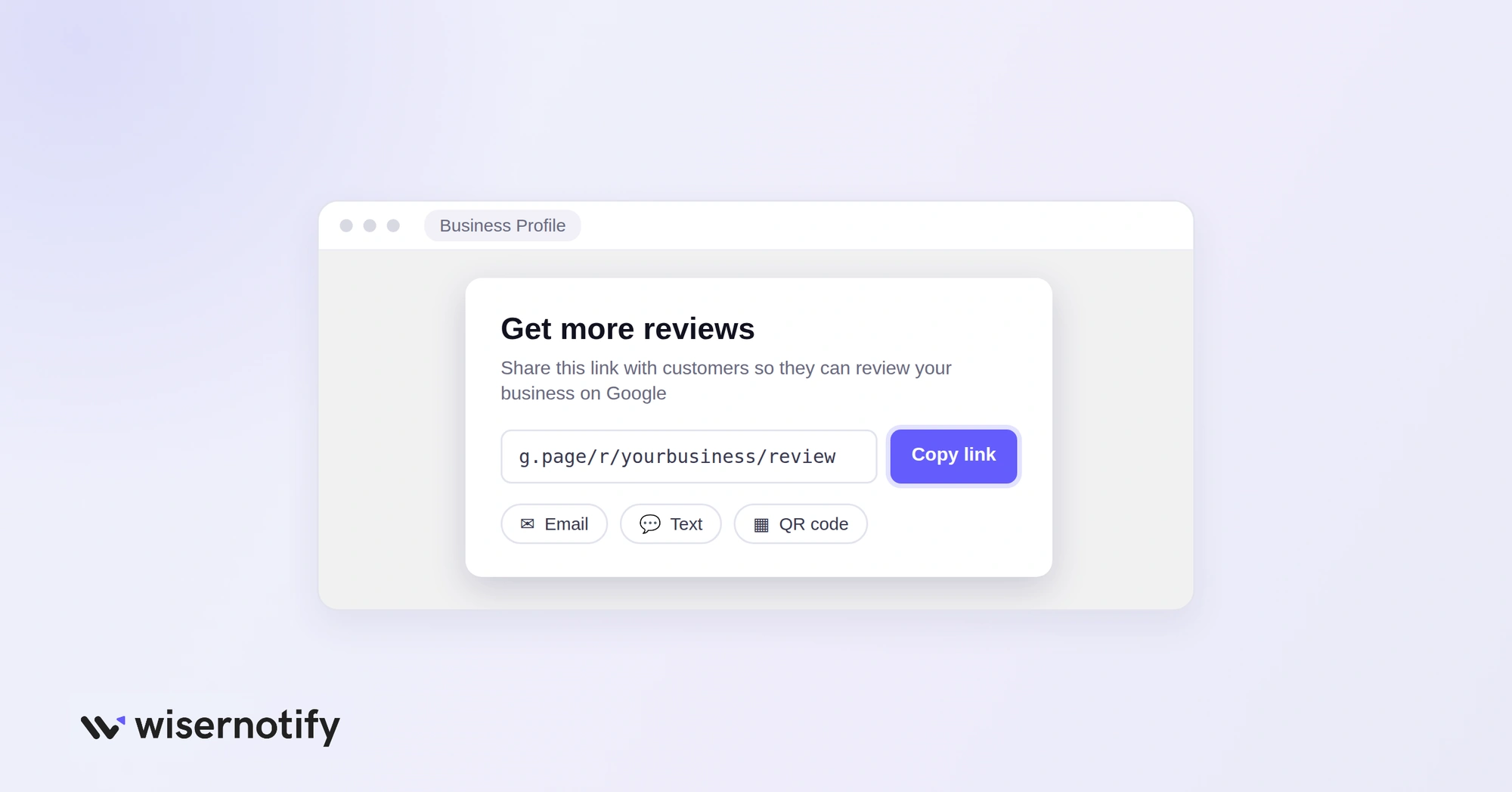
Your review link lives in your Google Business Profile:
- Sign in to the Google account that manages your profile.
- Search your business name on Google.
- Select Read reviews, then Get more reviews.
- Copy the short link, or download the QR code from the same screen.
Step 2: Ask at the Right Moment
Send the link when the customer is happiest. The best moment depends on your business:
- Online store: two to three days after delivery.
- Service business: right after the job is done.
- Restaurant or shop: at checkout or on the receipt.
- Appointments: the same day, while the visit is fresh.
Keep the message short, use the customer’s name, and put the link in the first line.
Step 3: Respond to Every Review
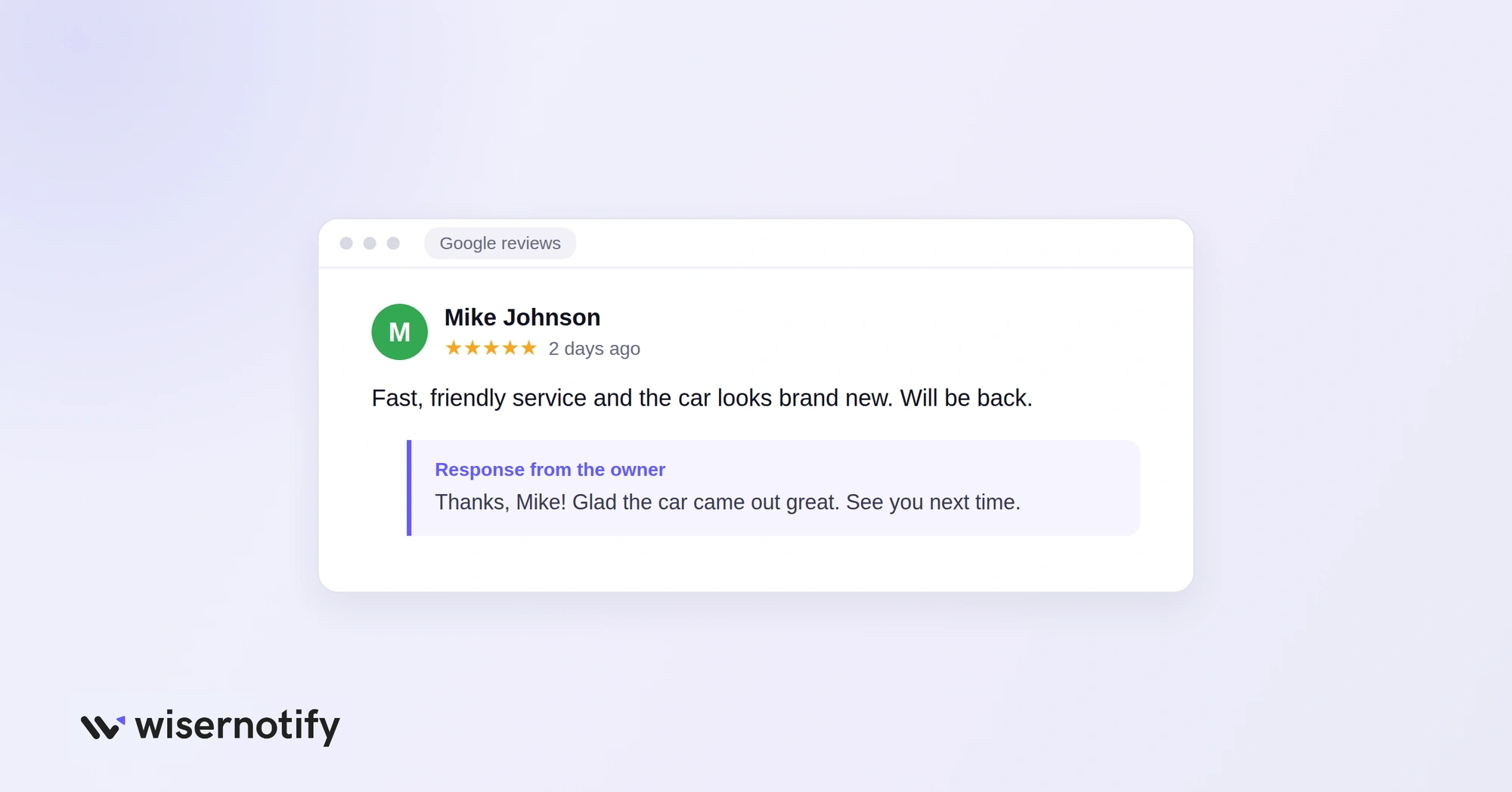
Replies show future customers that someone is listening, and they make people more willing to leave a review of their own.
- Positive reviews: thank the customer by name and mention something specific they said.
- Negative reviews: apologize, explain the fix, and offer to continue the conversation privately.
- Timing: reply within a few days, and within 24 hours for complaints.
For ready-to-use replies, see our Google review response examples.
What to Say When You Ask for a Review
Short, personal messages get the most replies. Use these as a starting point and add your own details.
Email after a purchase
Hi Sarah, thanks for your order. If you are happy with it, would you leave us a quick Google review? It takes a minute and helps other shoppers find us. [review link]
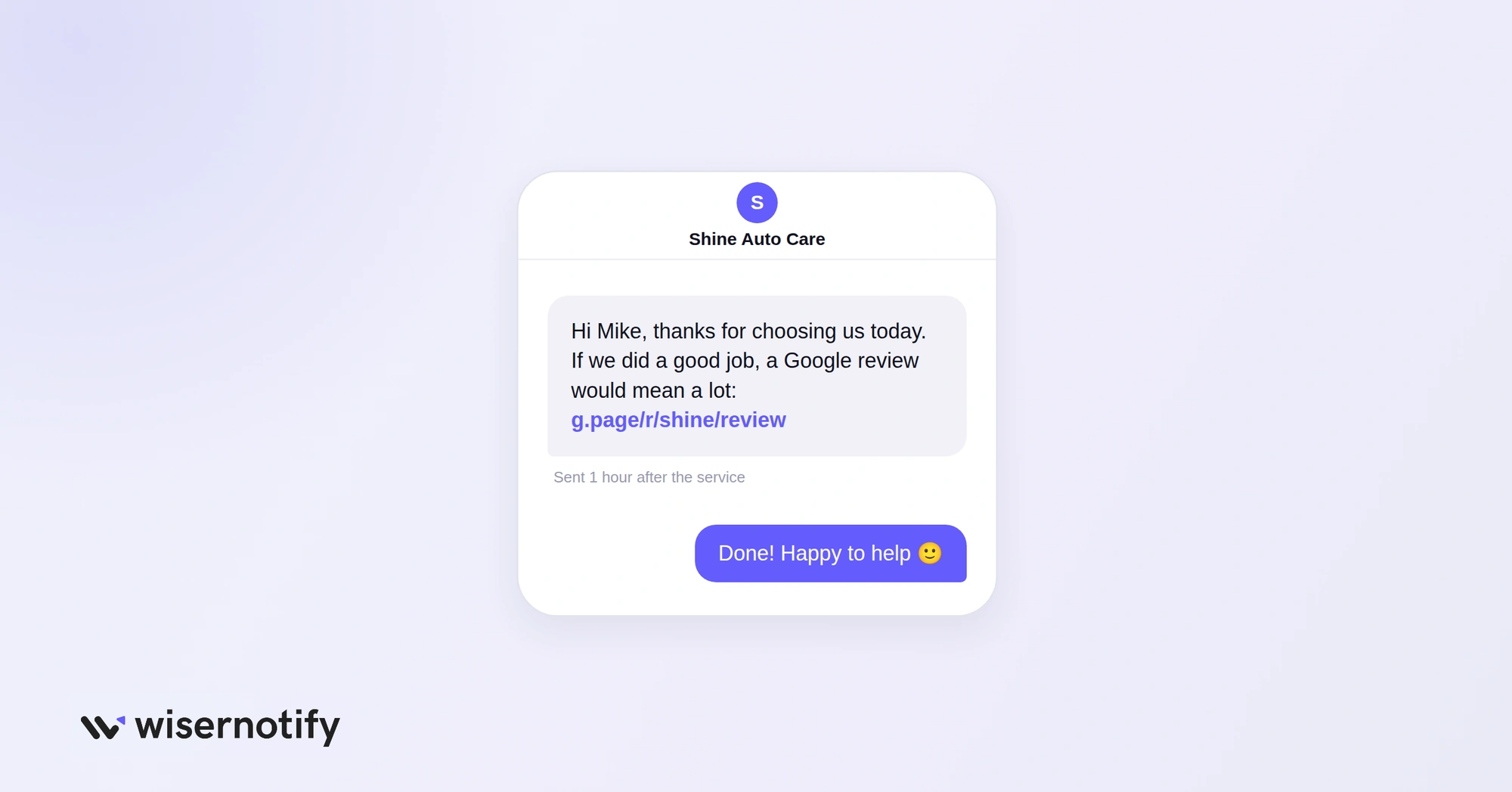
Text after a service
Hi Mike, thanks for choosing us today. If we did a good job, a Google review would mean a lot: [review link]
In person
Glad you liked it. If you have a minute, scanning this code takes you straight to our Google reviews.
Ask once, follow up once, and then stop. More reminders than that tend to annoy people.
7 Ways to Get More Google Reviews
1. Ask After Every Order or Visit
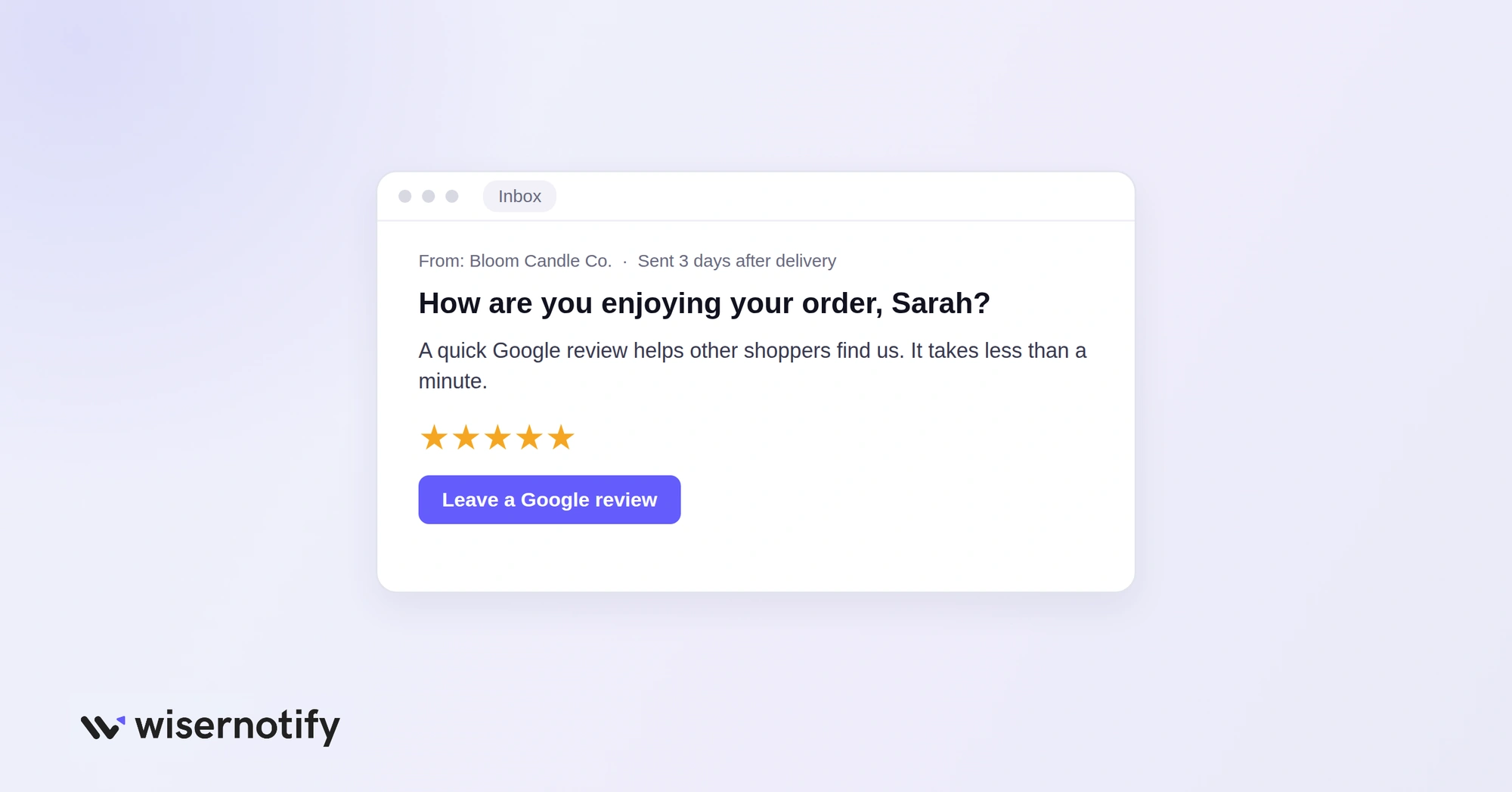
The biggest reason businesses have few reviews is that they forget to ask. Make the request part of every order or appointment so no customer is skipped.
- Send it by email or text, not both at once.
- Put your review link in a clear button near the top.
- Send one polite reminder a few days later, then stop.
2. Put Your Link Where Customers Already Look
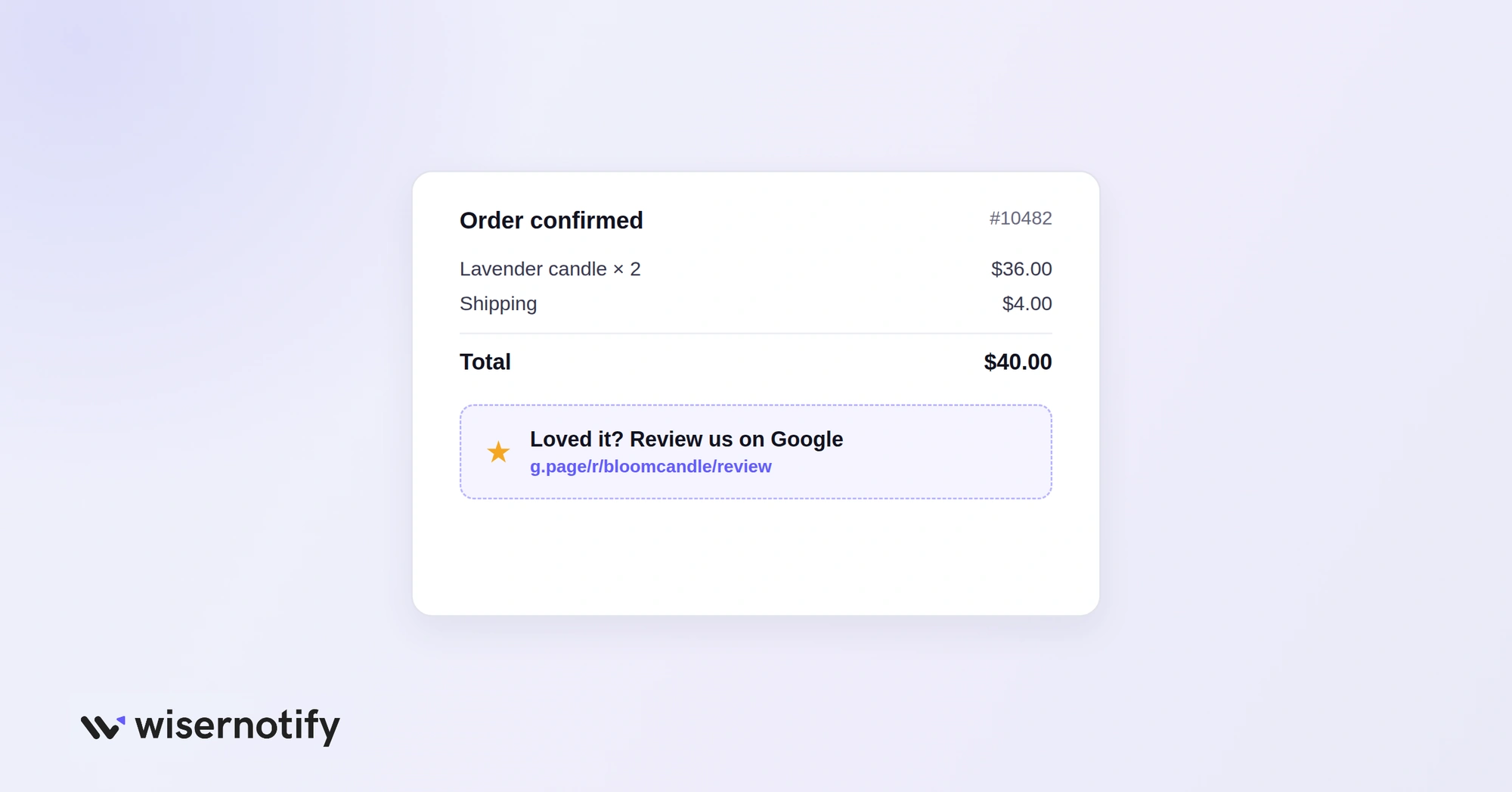
A customer who has just paid is already looking at your brand, so one more tap is easy. Add your review link to:
- Order confirmation and shipping emails
- Invoices and receipts
- Your email signature
- The thank-you page after checkout
3. Use QR Codes In Person
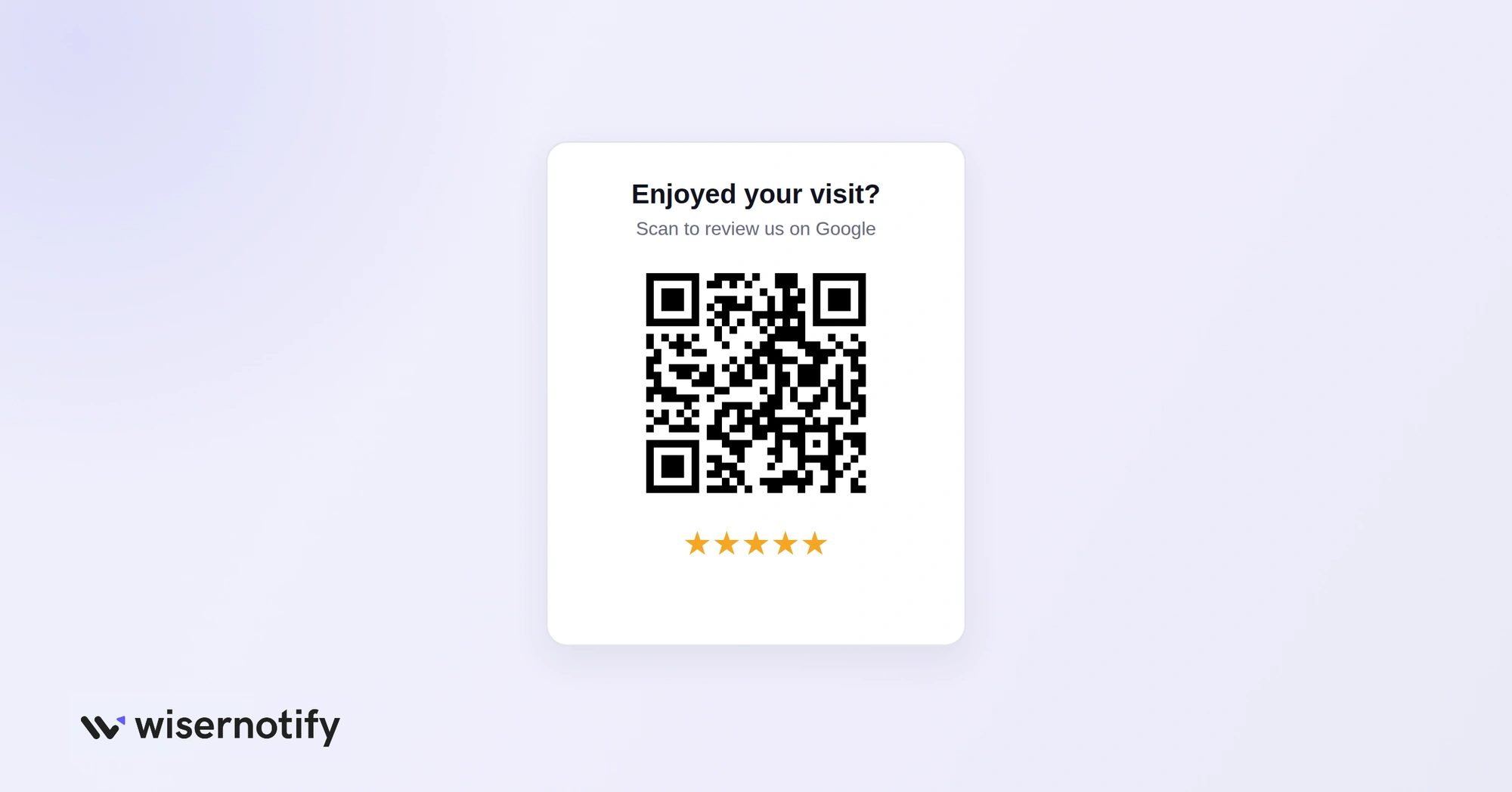
Walk-in customers rarely remember to review you later. A QR code lets them do it while they are still there. Good places for it:
- The checkout counter or reception desk
- Printed receipts and invoices
- Product packaging and inserts
- Table cards, menus and waiting areas
Our guide to creating a Google review QR code walks through each step.
4. Show Reviews on Your Website
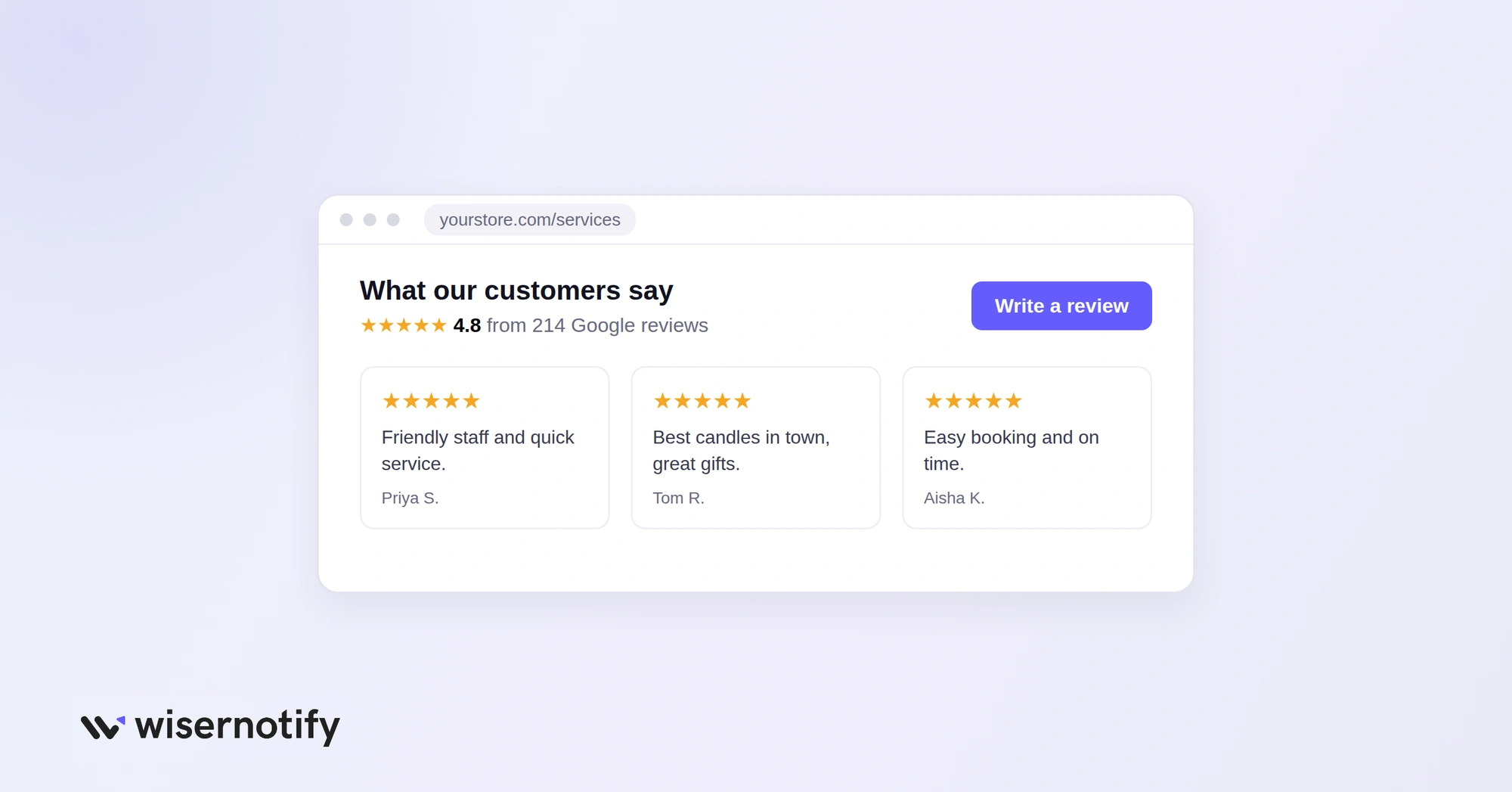
Visitors who see other customers’ reviews are more likely to write their own. Show your latest Google reviews on:
- Product and service pages
- Your homepage, near the top
- The checkout or booking page
Add a clear “Write a review” button next to them so the next step is obvious.
Learn how to add Google reviews to your website.
5. Reply Fast, Even to Bad Reviews
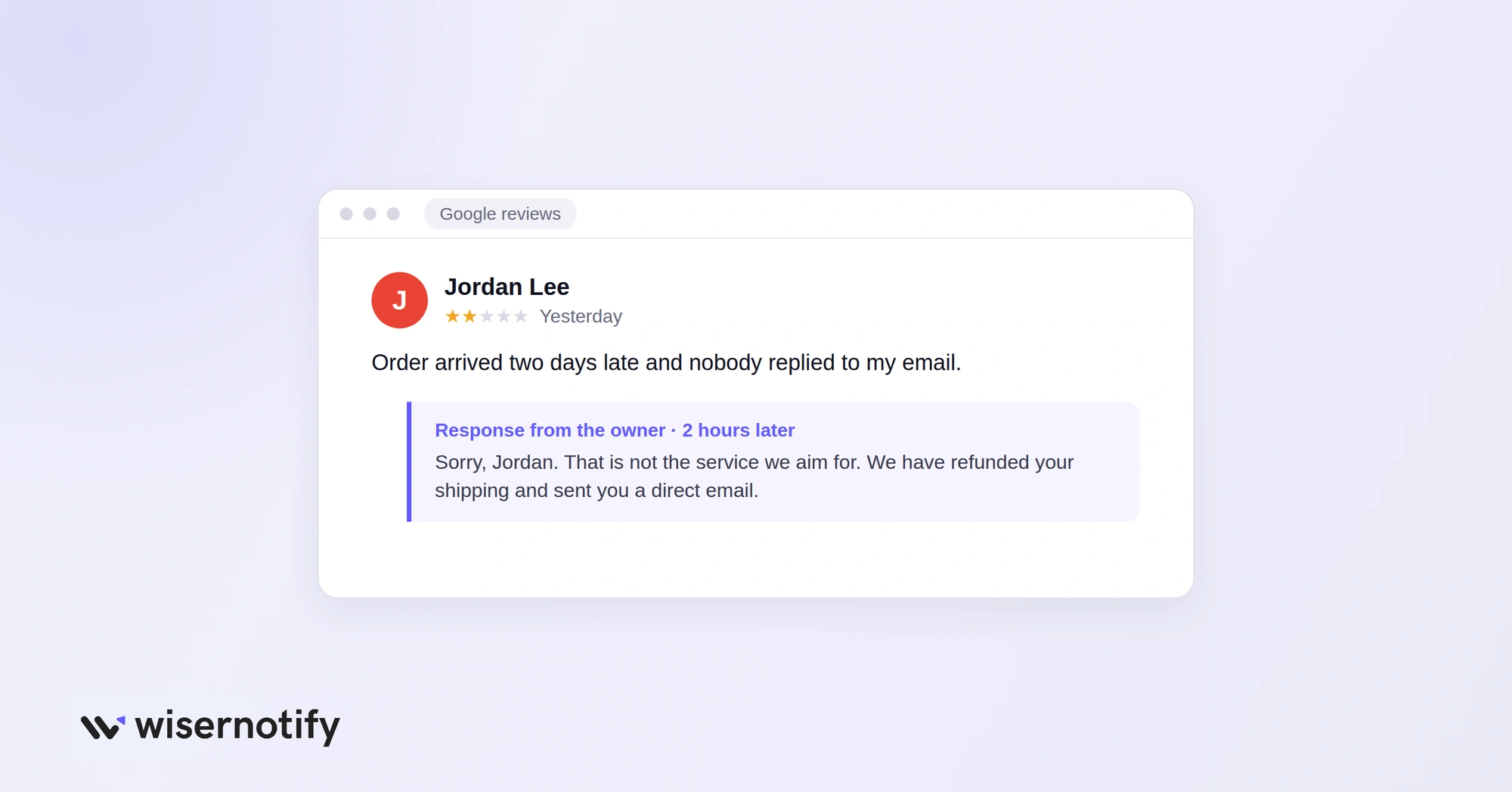
Most customers expect a reply, and many expect it within a week. A quick, calm answer to a bad review shows future customers that you fix problems. When you reply to a complaint:
- Thank the customer and apologize once.
- Say what you did to fix it.
- Give a way to reach you directly.
- Keep it short and never argue.
6. Share Your Best Reviews
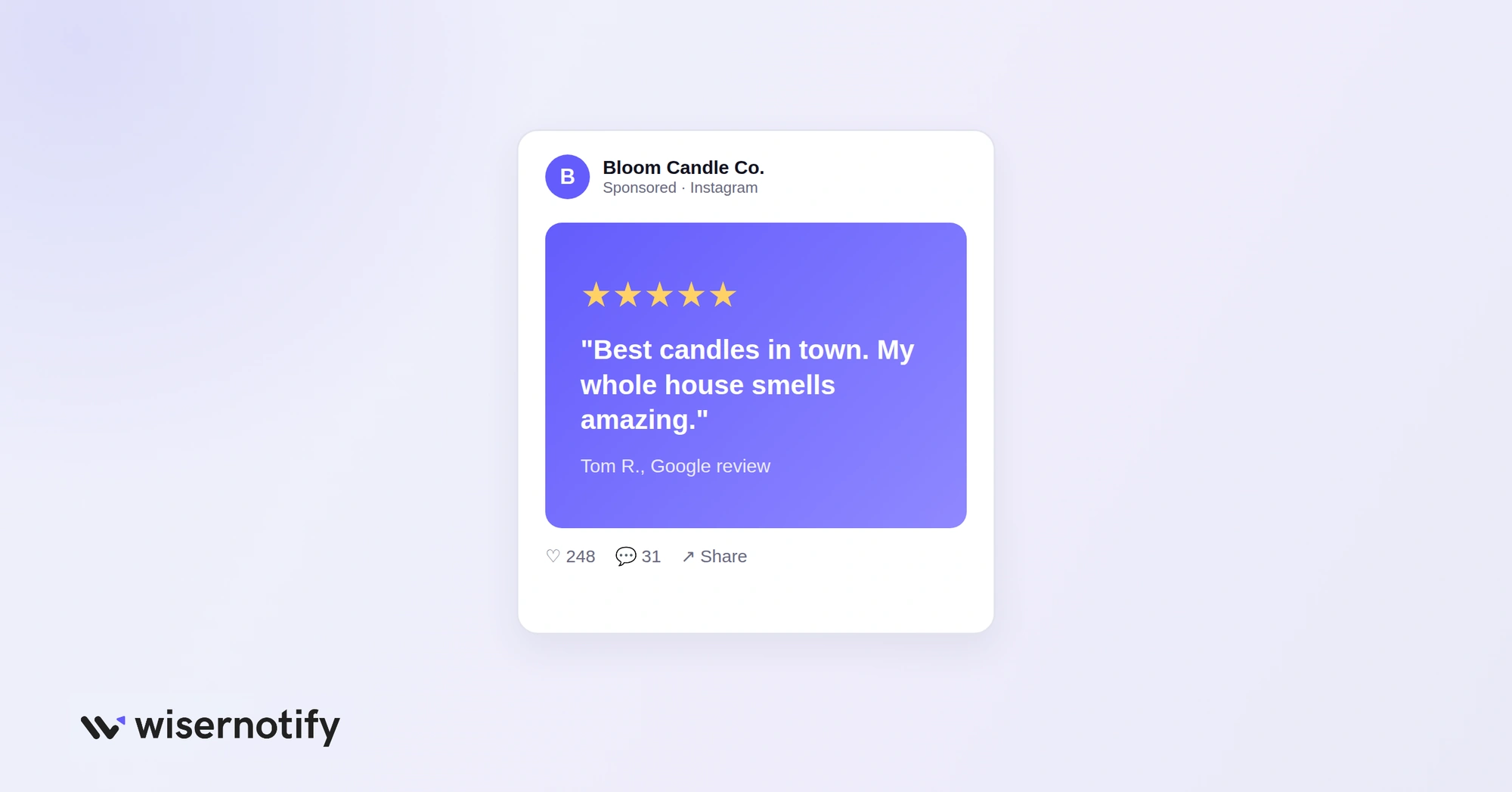
Each share reminds your audience that reviews matter to you and invites new ones. Good places to share your best reviews:
- Social media posts and stories
- Email newsletters
- Landing pages and ads
Ask the customer before you feature their name and photo.
7. Train Your Team to Ask
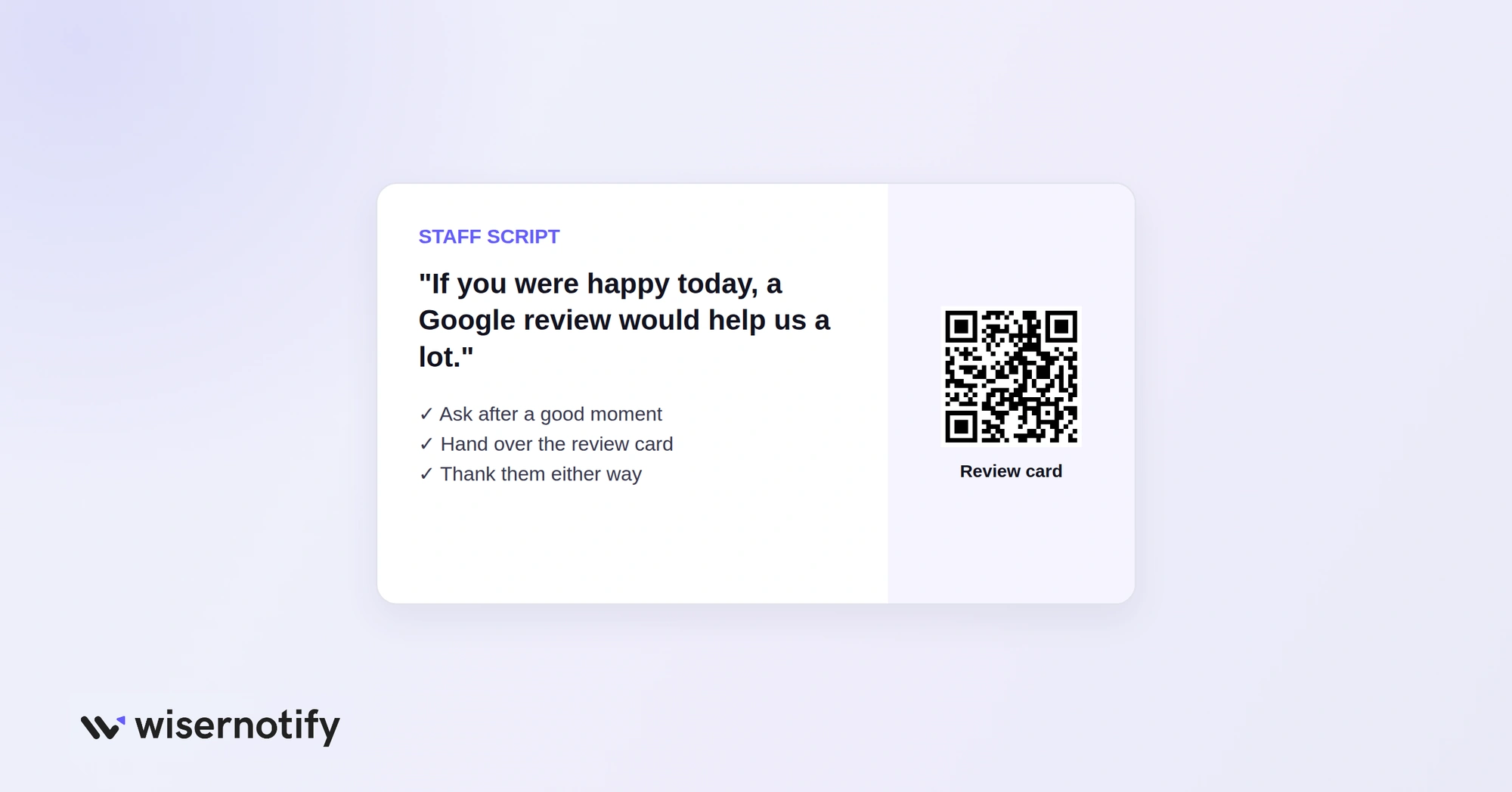
Staff who talk to customers every day are your best review source. Set them up with:
- One simple line, such as “If you were happy today, a Google review would help us a lot.”
- A review card or QR code to hand over.
- A clear rule to ask every customer, not only the happy ones.
How Google Calculates Your Star Rating
Your star rating is the average of all the ratings on your Business Profile, shown to one decimal place. A few things shape it:
- Every review counts: each new rating moves the average, so a steady flow of good reviews slowly lifts a low score.
- Removed reviews: Google deletes reviews that break its policies, such as fake or off-topic ones.
- Sudden spikes: a burst of reviews in a short time can be flagged and filtered.
- Replies: they do not change your rating, but they change how shoppers read it.
How Many Google Reviews Do You Need?
There is no fixed number, but these three targets cover what most shoppers look for:
- Count: at least 20 reviews, since almost half of consumers skip businesses with fewer.
- Recency: new reviews every month, since most consumers only care about the last three months.
- Rating: four stars or higher, the cutoff for around two in three consumers.
Google Review Rules to Follow
Breaking Google’s rules can get reviews removed or your profile restricted. Stay safe with these rules:
- Never buy reviews. Paid reviews break Google’s policy, and the US FTC can fine businesses for fake reviews.
- No incentives for Google reviews. Do not offer discounts, gifts or entries in exchange for a review.
- Do not filter who you ask. Sending only happy customers to Google, known as review gating, is not allowed.
- No reviews from staff or family. Google can detect them and remove them.
Wrap Up
Getting more Google reviews comes down to one habit: asking every customer at the right moment with a link that makes it easy.
Set that up once, reply to what comes in, and your review count and rating will keep growing on their own.
All your Google reviews in one place
Collect Google reviews, manage every response, and display them where they matter most.
Frequently Asked Questions
How do I get my Google review link?
Search your business on Google while signed in, select Read reviews, then Get more reviews, and copy the link.
How can I get Google reviews fast?
Send your review link to recent customers by email or text and add a QR code at checkout.
Can I offer a discount for a Google review?
No. Google does not allow incentives of any kind in exchange for reviews.
Is it legal to buy Google reviews?
No. Buying reviews breaks Google’s policy, and the US FTC can fine businesses for fake reviews.
How many Google reviews should a business have?
Aim for at least 20 recent reviews, then keep adding new ones every month.

Krunal Vaghasiya is a marketing tech expert who boosts e-commerce conversion rates with automated social proof and FOMO strategies. He loves to keep posting insightful posts on online marketing software, marketing automations, and improving conversion rates.




 Capterra