
Limited Seats Available: 10 Messages to Copy (2026)
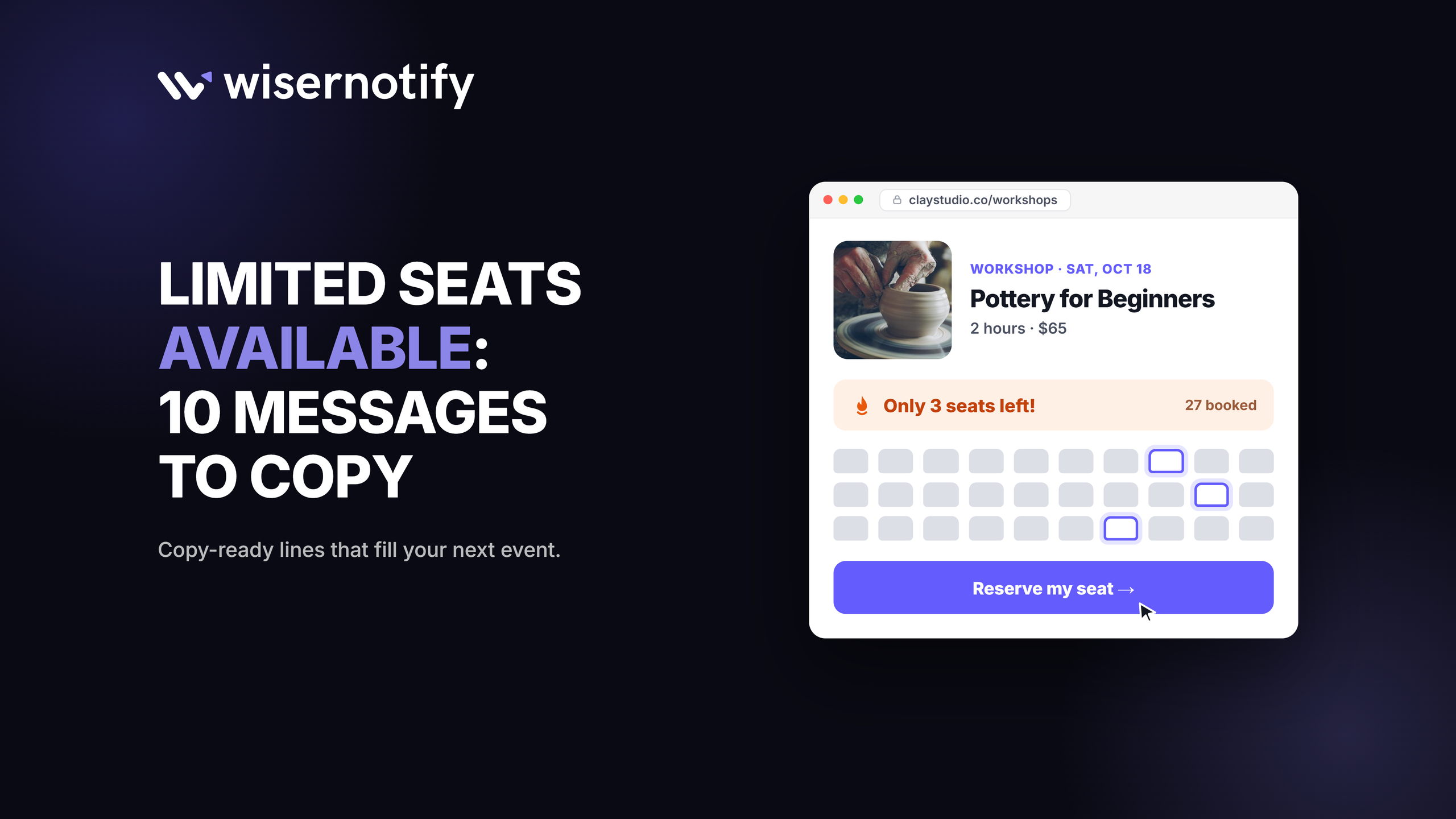
A “limited seats available” message tells people that only a fixed number of spots remain for a webinar, class, event, or program.
It works because a real limit makes waiting feel risky, so people sign up now instead of later. The best versions name the event, give the exact number left, and end with one clear button.
Below are 10 ready-to-use messages, how to write your own, and where to show them so they fill seats without feeling pushy.
Key takeaways
- Say exactly how many seats are left and for which date. “Only 6 seats left for Thursday” beats “Limited seats available.”
- Use the message only when the limit is real, and update the count as seats fill.
- Put it where people decide: the registration page, the email subject line, and an on-site notification.
- Pair the seat count with a deadline or social proof, but keep one clear call to action.
What Does “Limited Seats Available” Mean?
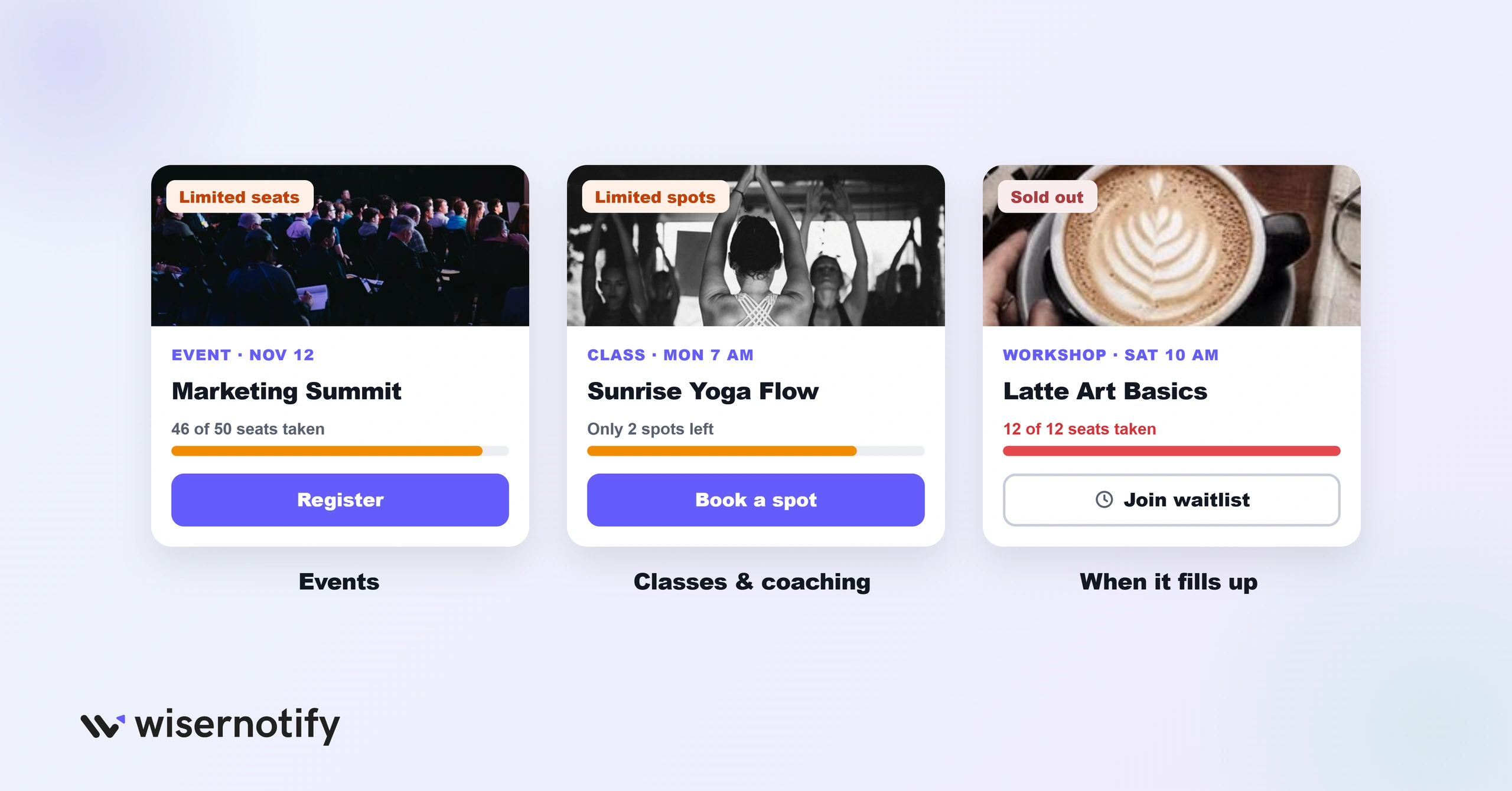
It means the event or offer has a capped number of places and most of them may already be taken. Once the seats are gone, registration closes or moves to a waitlist.
You’ll see the same idea phrased as limited seating, limited spots, limited slots, or limited spaces. “Limited seats” is the most common wording for events, while “limited spots” suits classes and coaching.
10 Limited Seats Available Messages to Copy
Swap in your own numbers, dates, and event names. Each message is short enough for a banner, a subject line, or a notification.
| Context | Message | Best channel |
|---|---|---|
| Webinar | Only 14 seats left for Thursday’s live session. Save yours now. | Registration page banner |
| Workshop | 12 of 20 seats taken for Saturday’s workshop. Grab one before it fills. | On-site notification |
| Course cohort | Cohort 3 is capped at 30 students. 7 spots remain. | Email subject line |
| Coaching calls | I’m opening 5 coaching slots this month. 2 are still open. | Social post or DM |
| Conference | Early-bird seats are almost gone. 40 left at this price. | Landing page hero |
| Fitness class | Tomorrow’s 7 am class has 3 mats left. Book now. | SMS or app push |
| Dinner or tasting event | Only 8 tables left for Friday night. Reserve yours. | Email and booking page |
| Tour or trip | 4 seats left on the June 12 departure. | Product page badge |
| Product demo | Live demo is limited to 25 people so we can take questions. 9 seats left. | Email invite |
| Beta program | We’re adding 50 beta testers. 11 spots remain. | In-app message |
For more ways to write urgent copy, see our guide on how to create urgency in sales.
Why Limited Seats Messages Work
- Scarcity. People value what they might miss. A visible cap turns “I’ll sign up later” into “I’ll sign up now,” the same pull behind FOMO marketing.
- Loss aversion. Missing out on a seat feels worse than the small effort of registering. Our guide to loss aversion marketing explains why.
- Quality signal. A small group suggests more attention, better access to the host, and a better experience.
- A reason to act today. Without a limit, most people put off a decision they could make any time.
Build trust & FOMO
Highlight real-time activities like reviews, sales & sign-ups.


How to Use Limited Seating Messages Effectively
1. Be Specific

Name the event, the date, and the number left. “3 spots left in Saturday’s beginner yoga class” tells the reader exactly what they could miss.
Match the wording to the audience. A coaching program can sound personal, while a conference can be short and direct.
2. Show Live Seat Counts
A number that changes as people book is far more believable than a static banner. Update it automatically from your booking system or registration tool.
Live counts also reassure visitors that other people are signing up right now.
3. Pair It With a Deadline
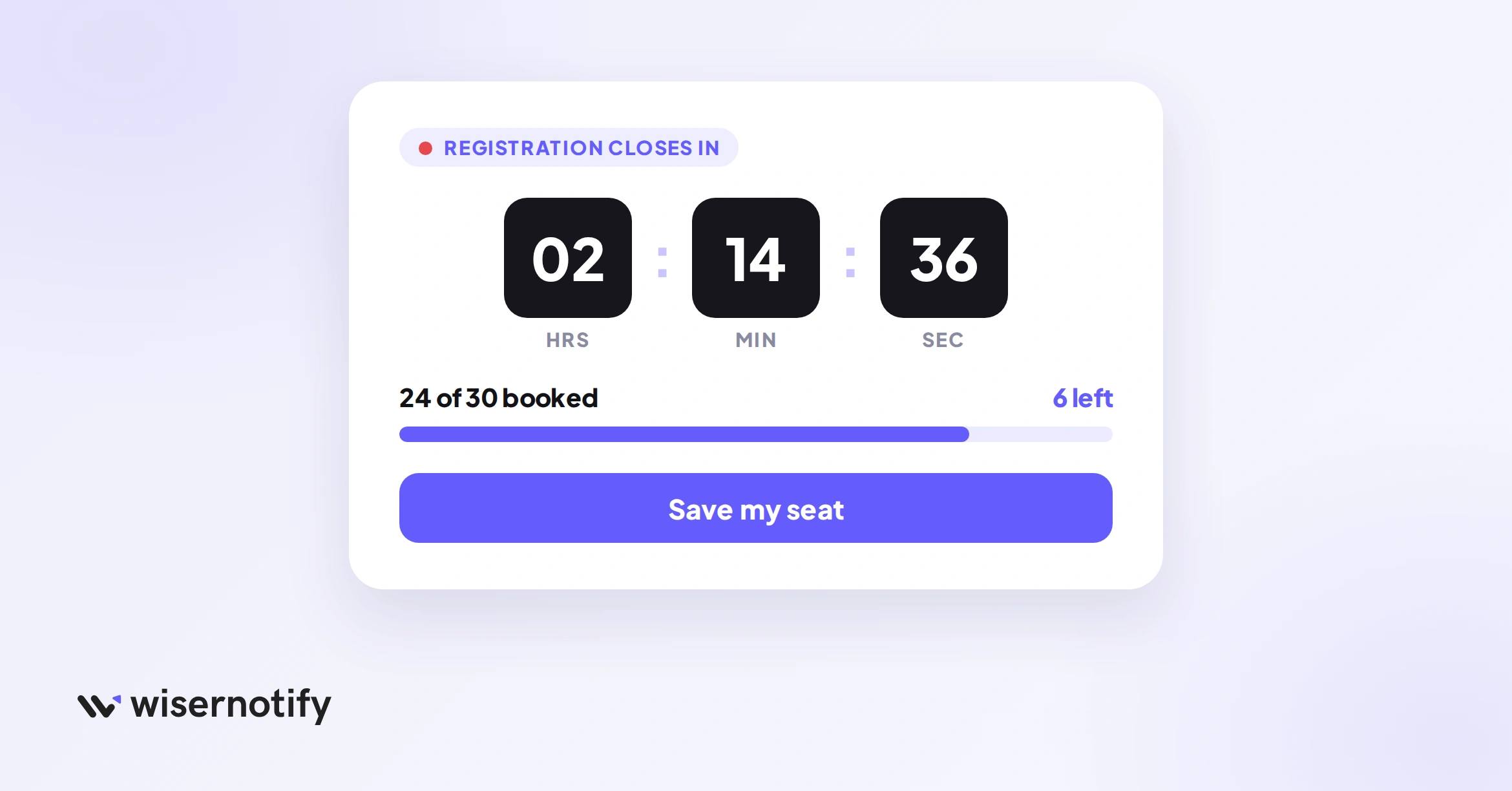
A seat count plus a closing date gives two reasons to act. A countdown timer on the registration page works well for webinars and launches.
4. Be Honest About Availability
Only use the message when the limit is real. Fake scarcity gets noticed, damages trust, and regulators such as the FTC treat false scarcity claims as a deceptive practice.
When seats sell out, say so and offer a waitlist or the next date.
5. Add Social Proof
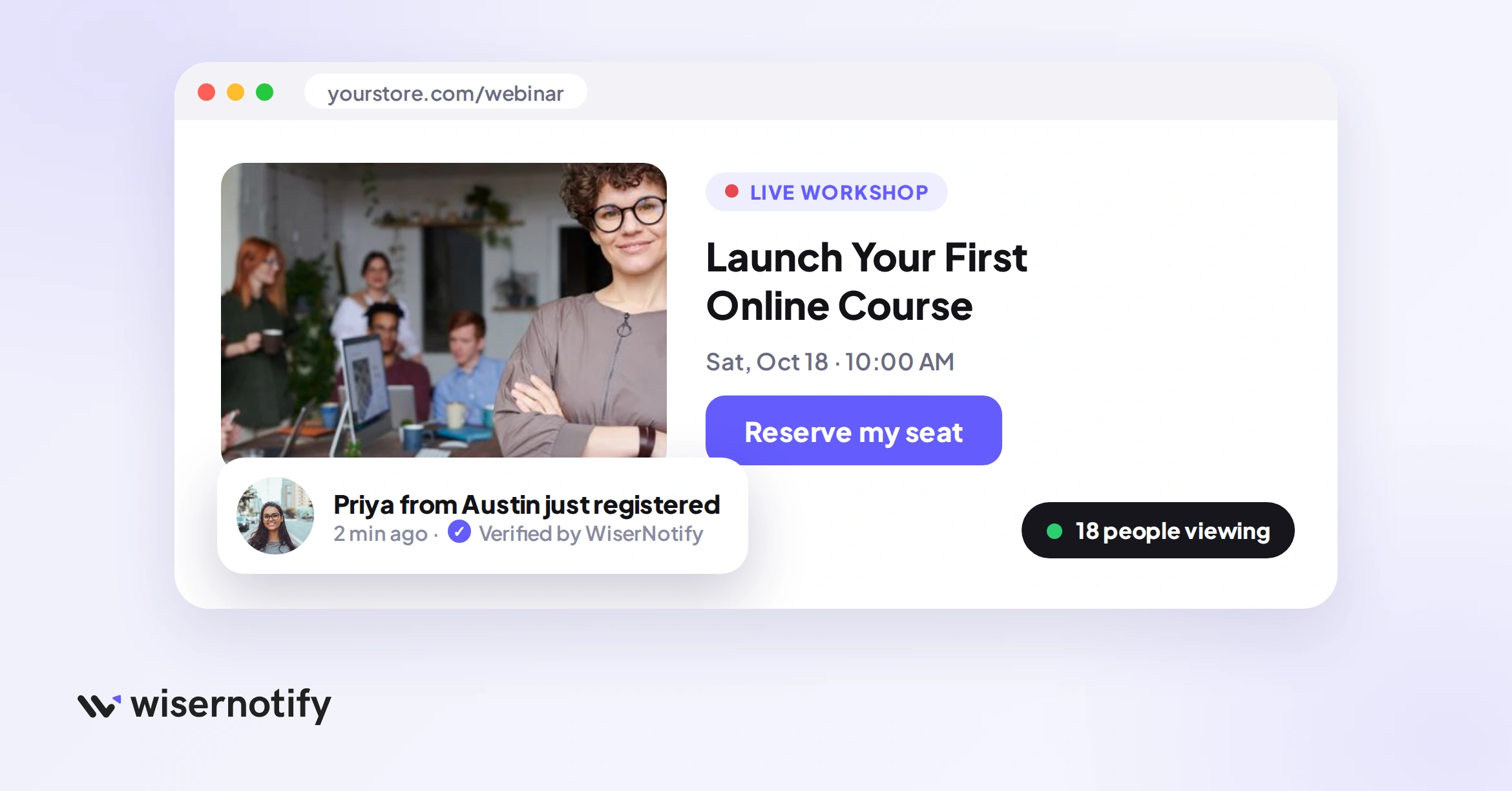
Show who else is joining. A line like “38 people registered this week” or a recent signup notification makes the limit feel earned. These social proof examples show more formats.
6. Follow Up Automatically
Send a reminder when seats drop below a threshold, such as “Only 5 seats left,” to people who visited but didn’t register. Keep these emails short and link straight to the signup form.
7. Test Your Wording
Try “seats” versus “spots,” the exact number versus a percentage, and a banner versus a notification. Keep the version that brings more signups.
8. Use One Clear Call to Action
End every message with a single button, such as “Save my seat” or “Reserve now.” Take people straight to a short form, not a page that makes them hunt for the signup.
Show Live Seat Counts With WiserNotify
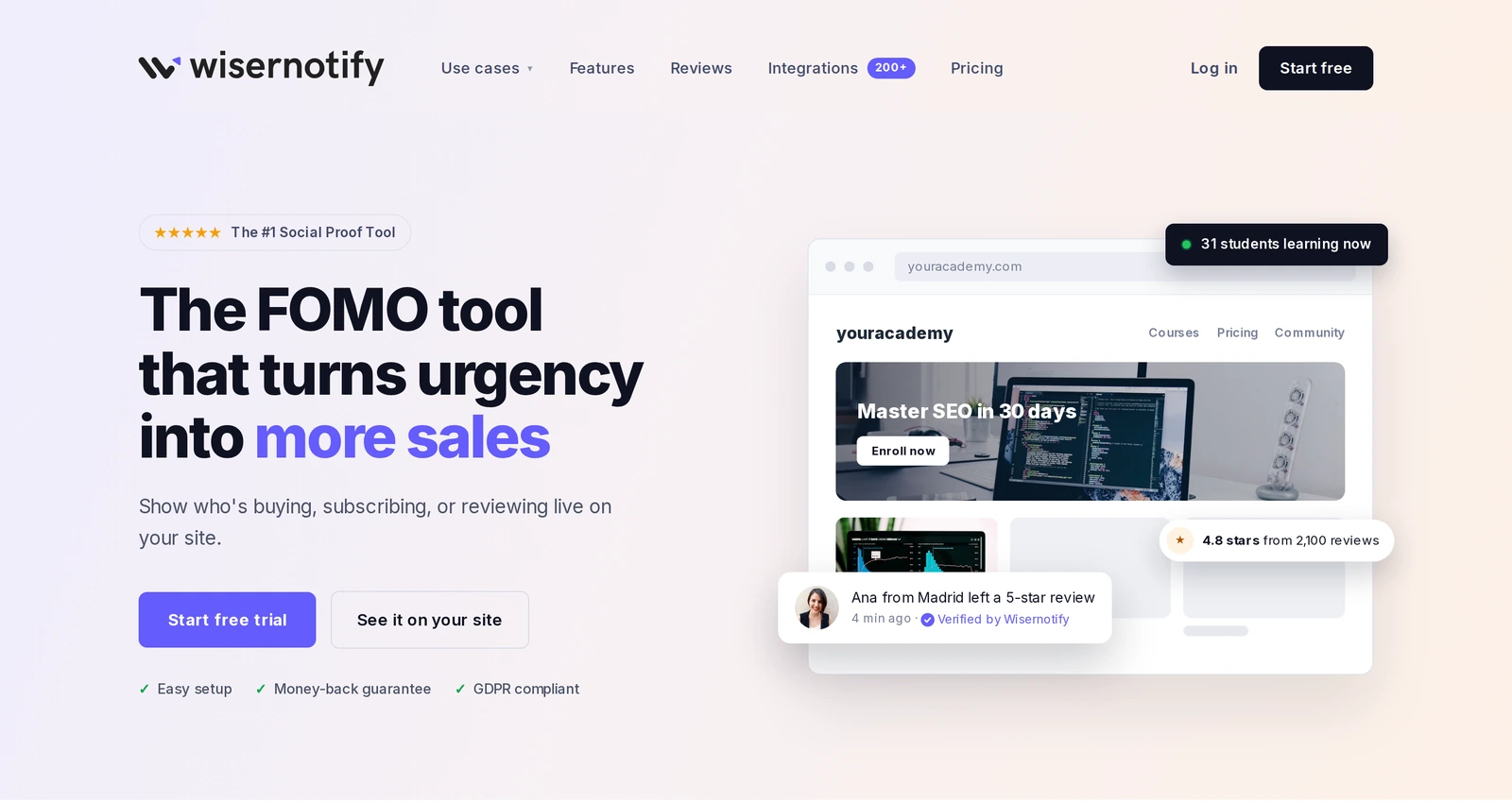
WiserNotify shows small notifications on your registration or landing page, such as recent signups, live visitor counts, and urgency messages.
For limited seats, connect your form or booking tool and show signups as they happen, alongside a message like “Only 9 seats left.” Visitors see both the cap and the people filling it.
Setup takes a few minutes. Add the WiserNotify pixel to your site, create a notification, and choose the pages where it appears.
Build urgency
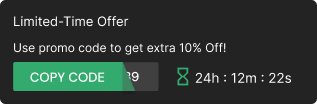
Add floating offers with countdown timer & coupon code.
Other Tools That Help Fill Limited Seats
HubSpot
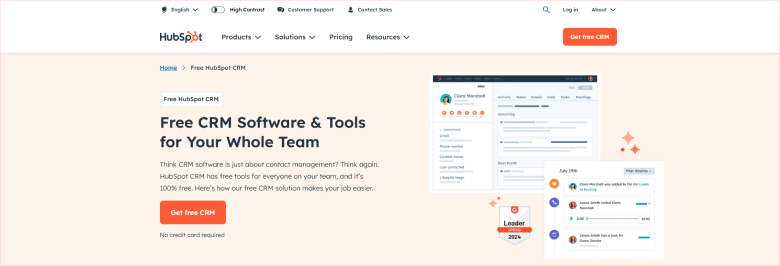
HubSpot handles email follow-ups. Use it to send “seats are filling” reminders to people who opened your invite or visited the registration page but didn’t sign up.
Eventbrite
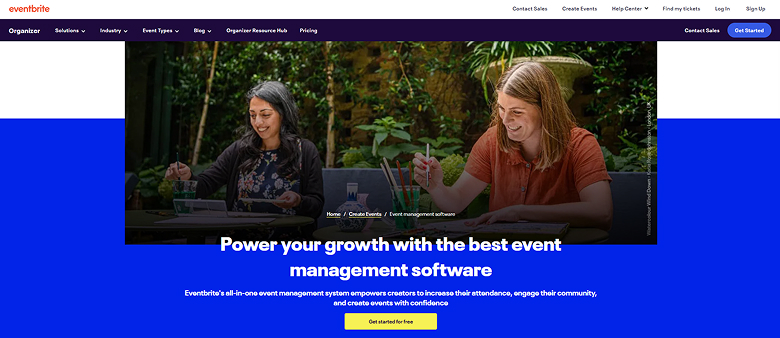
Eventbrite manages ticket caps and waitlists for in-person and online events. Set the capacity once and it closes registration when seats run out, so your “limited seats” message always stays true.
Mistakes to Avoid
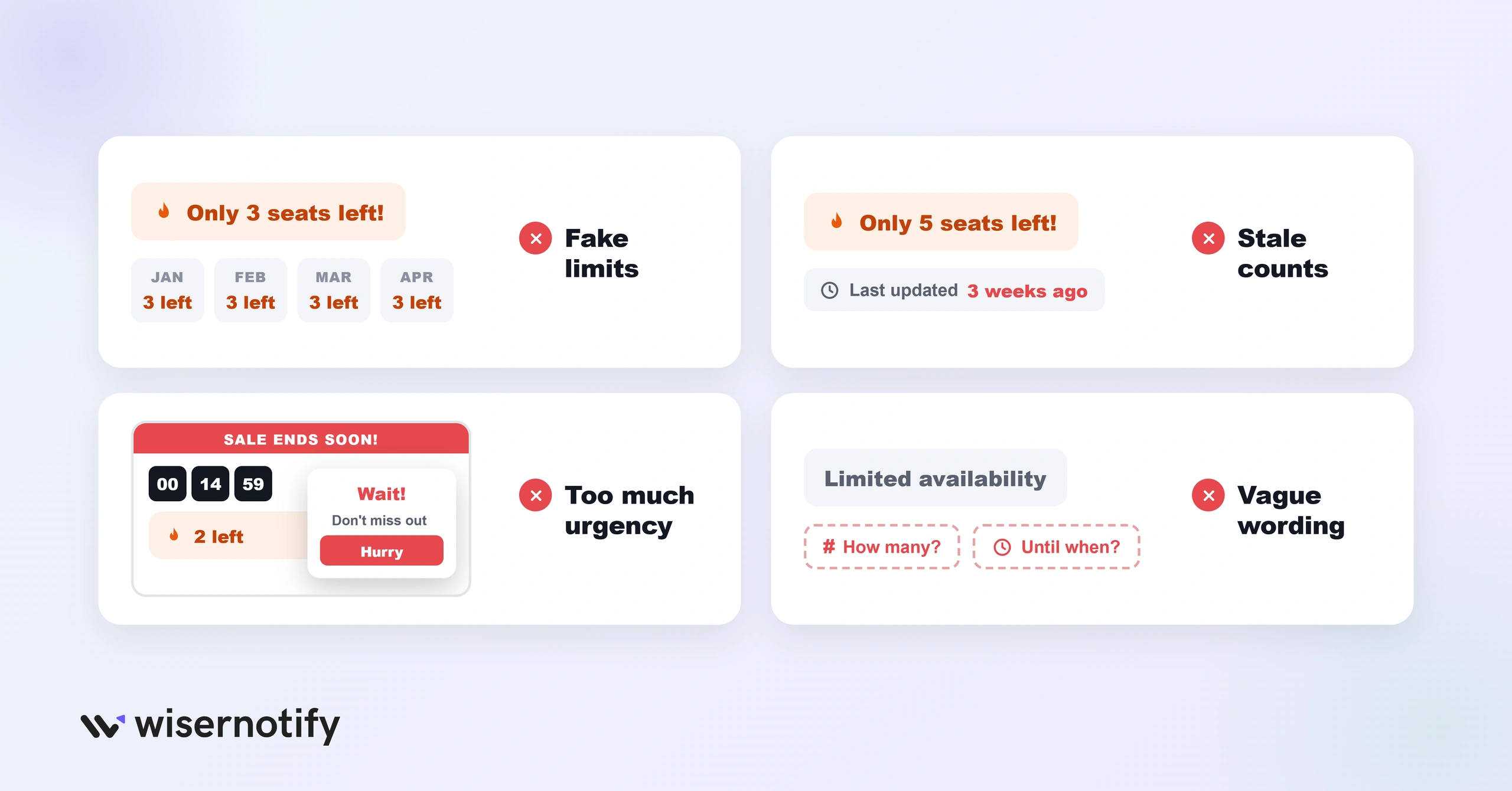
- Fake limits. If seats never run out, people stop believing you.
- Stale counts. A banner that says “5 left” for three weeks looks fake. Update it or remove it.
- Too much urgency. A timer, a seat count, a popup, and a red banner all at once feels pushy. Pick two.
- Vague wording. “Limited availability” without a number or date gives no reason to act today.
For more real-world inspiration, browse these FOMO marketing examples.
Wrap Up
A limited seats message works when the limit is real, the number is specific, and the next step is obvious.
Pick a message from the table, add your own numbers and date, and show it where people decide to register.
Frequently Asked Questions
What does limited seats available mean?
It means the event or offer has a capped number of places, and registration closes or moves to a waitlist once they’re gone.
Is it limited seat or limited seats?
“Limited seats” is the usual form, since it refers to several seats. Use “limited seat” only when a single seat is left.
How do you write a limited seats message?
Name the event and date, give the exact number left, and end with one button, for example “Only 6 seats left for Thursday. Save yours.”
Can I say limited seats if the event isn't full?
No. Only use it when the limit is real, since fake scarcity damages trust and can be treated as a deceptive practice.
What is the difference between limited seats and limited spots?
They mean the same thing. “Seats” fits events and webinars, while “spots” or “slots” fits classes, coaching, and appointments.

Krunal Vaghasiya is a marketing tech expert who boosts e-commerce conversion rates with automated social proof and FOMO strategies. He loves to keep posting insightful posts on online marketing software, marketing automations, and improving conversion rates.




 Capterra