
How to Calculate Conversion Rate (Formula + Examples)
As a marketer, you’re likely familiar with the question, “What is your conversion rate?” during online advertising campaigns.
While some perceive conversion rate calculation as complex, it’s a straightforward formula essential for measuring the performance of your advertising efforts.
In today’s fast-paced sales world, understanding and accurately calculating your conversion rate is crucial—it’s key to unlocking your business’s potential and driving growth.
In this article, we’ll cover everything you need to know about conversion rates: what they are, how to calculate them accurately, and different optimization strategies.
P.S. If you don’t want to do the math, here is a free conversion rate calculator we’ve built to effortlessly calculate your conversions.
How to Calculate Conversion Rate
Every conversion rate uses one formula. Only the top and bottom numbers change depending on what you track.
Conversion rate = (Number of conversions ÷ Total visitors) × 100
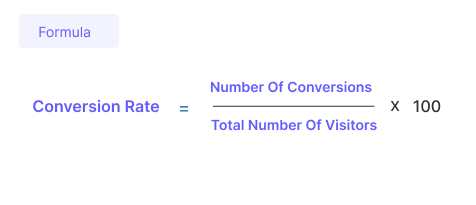
Here’s a quick example. Your store had 4,000 sessions last month, and 72 of them ended in an order. 72 ÷ 4,000 = 0.018. Multiply by 100 and your conversion rate is 1.8%.
To get a number you can compare month after month, follow these four steps.
Step 1: Define one conversion
Pick the single action you’re measuring. A purchase, a demo booking, a trial start, a newsletter sign-up.
Don’t lump different goals into one rate. If you track three actions, calculate three rates.
Step 2: Choose your denominator
This is the step most people skip, and it’s why two reports on one site can show different rates.
- Sessions: Best for stores and checkout reporting. Shopify and most ecommerce benchmarks divide by sessions.
- Users: Best for sign-ups, trials, and lead forms, where one person converts once.
- Ad clicks: Use for paid campaigns. Google Ads divides conversions by ad interactions.
- Leads: Use for sales conversion rate, where you track how many leads become customers.
Whichever you pick, stick with it. Switching from users to sessions halfway through a year makes your rate look like it dropped when nothing changed.
Step 3: Use the same date range
Pull conversions and visitors from the exact window you’re measuring. A 30-day period is a good default. Low-traffic sites should use 60 to 90 days so a few orders don’t swing the rate.
For seasonal businesses, compare against the same month last year, not last month.
Step 4: Divide and multiply by 100
Divide conversions by your denominator, multiply by 100, and round to two decimals.
Then split the result by device and traffic source. A 2% sitewide rate can hide a 3.5% desktop rate and a 1.2% mobile rate, and those need different fixes..
Formulas for Each Type of Conversion
Different goals need slightly different formulas. Here are the eight conversion types most websites track, each with its formula and a worked example.
Below are several key types of conversions:
1. Macro Conversions
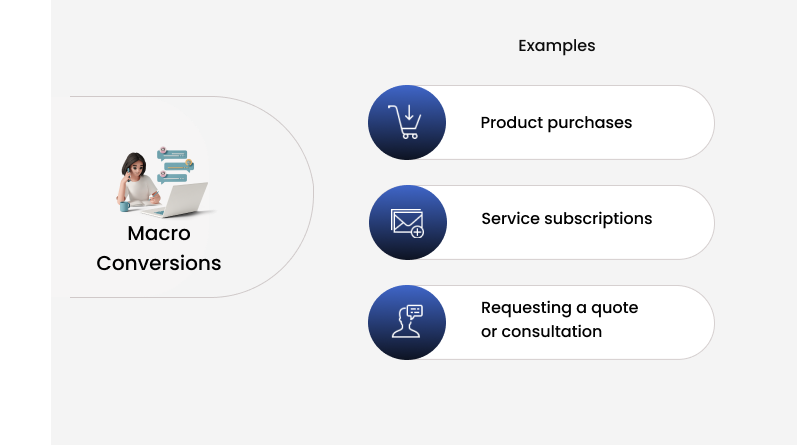
These are the primary objectives of a website or campaign, often directly related to revenue.
Formula: Macro conversion rate = (Main goal completions ÷ Sessions) × 100
Examples include:
- Product purchases
- Service subscriptions
- Requesting a quote or consultation
2. Micro Conversions
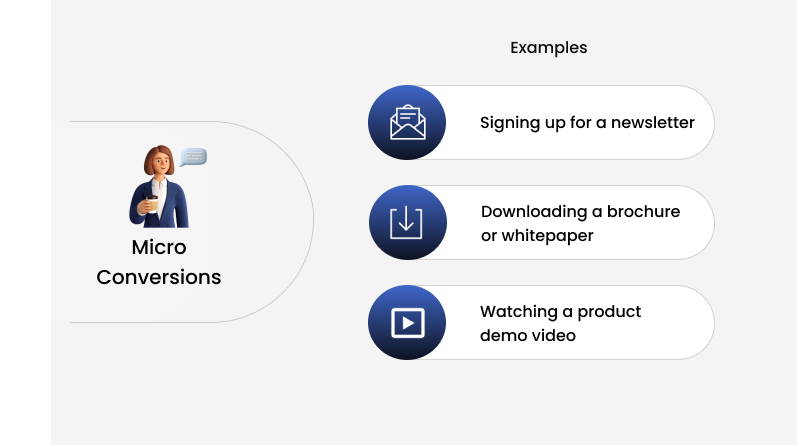
These are smaller actions that lead toward a macro conversion, indicating user engagement and interest.
Formula: Micro conversion rate = (Micro actions ÷ Sessions) × 100
Examples include:
- Signing up for a newsletter
- Downloading a brochure or whitepaper
- Watching a product demo video
A healthy micro rate next to a weak macro rate tells you people are interested but something later in the funnel is stopping them.
Also see: 11 Actionable Ways to Boost Micro Conversions (+Examples)
3. Lead Generation Conversions
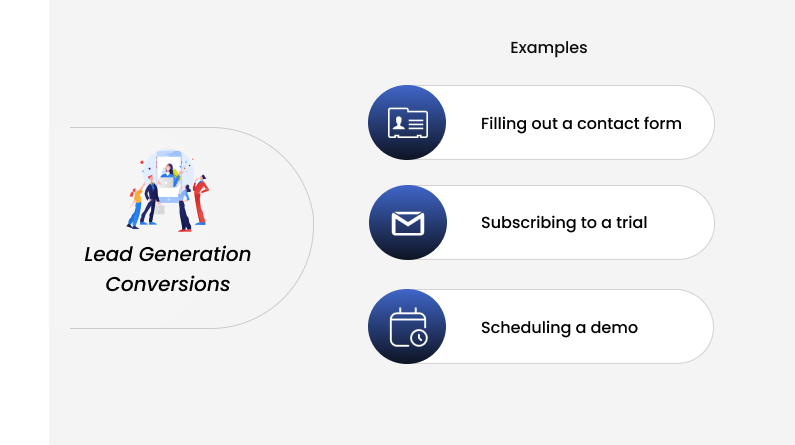
Specifically for businesses that rely on generating leads to eventually close sales.
This includes actions such as:
- Filling out a contact form
- Subscribing to a trial
- Scheduling a demo
Formula: Lead conversion rate = (Leads ÷ Visitors) × 100
Example: 150 form fills from 5,000 visitors is a 3% lead conversion rate.
4. E-commerce Conversions
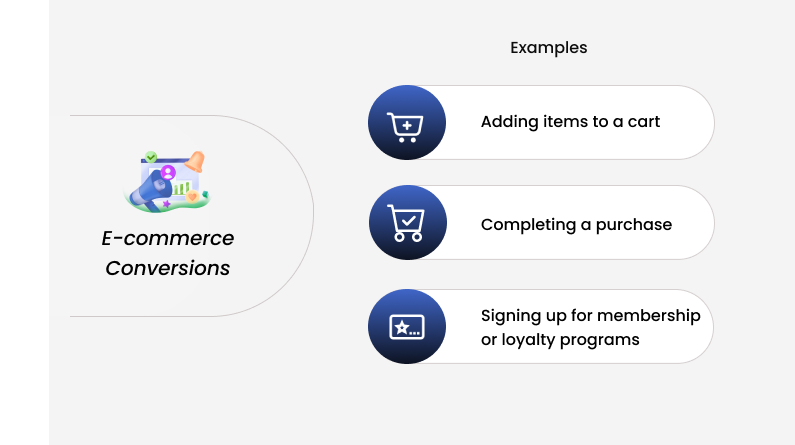
Relevant for online retail and e-commerce sites, focusing on:
- Adding items to a cart
- Completing a purchase
- Signing up for membership or loyalty programs
Formula: Ecommerce conversion rate = (Orders ÷ Sessions) × 100
Example: 54 orders from 3,000 sessions is a 1.8% ecommerce conversion rate.
Track the add-to-cart rate too. If 270 of those 3,000 sessions added something to the cart, that’s 9%. Only 54 of those 270 carts became orders, so four in five carts were left behind.
5. Content Conversions
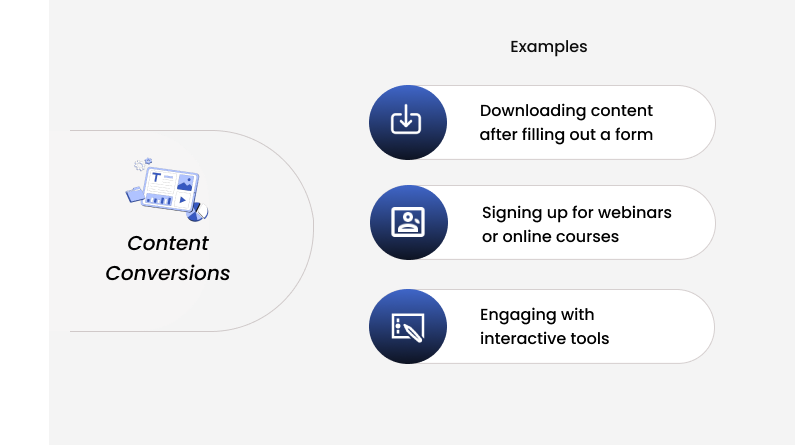
These conversions are focused on engaging users with content, suitable for content-driven sites like blogs or educational platforms.
Formula: Content conversion rate = (Downloads or sign-ups ÷ Visitors to that page) × 100
Examples include:
- Downloading content after filling out a form
- Signing up for webinars or online courses
- Engaging with interactive tools
6. Social Media Conversions
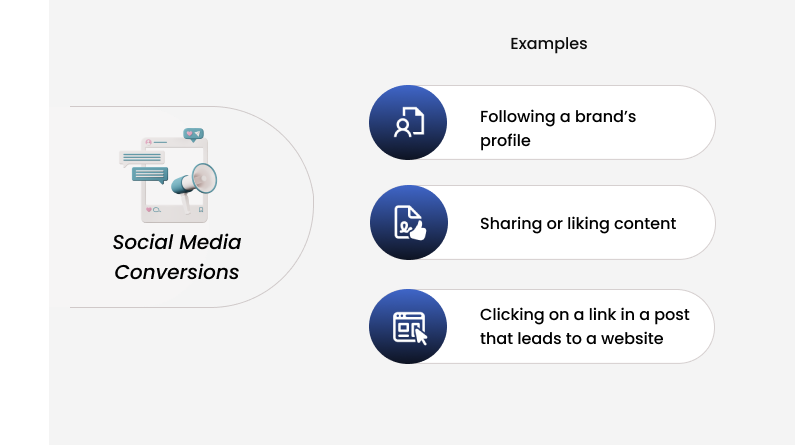
Conversions that happen on social media platforms, including:
- Following a brand’s profile
- Sharing or liking content
- Clicking on a link in a post that leads to a website
Formula: Social conversion rate = (Site conversions from social ÷ Link clicks from social) × 100
Example: 18 purchases from 900 link clicks is a 2% social conversion rate.
7. Event Conversions
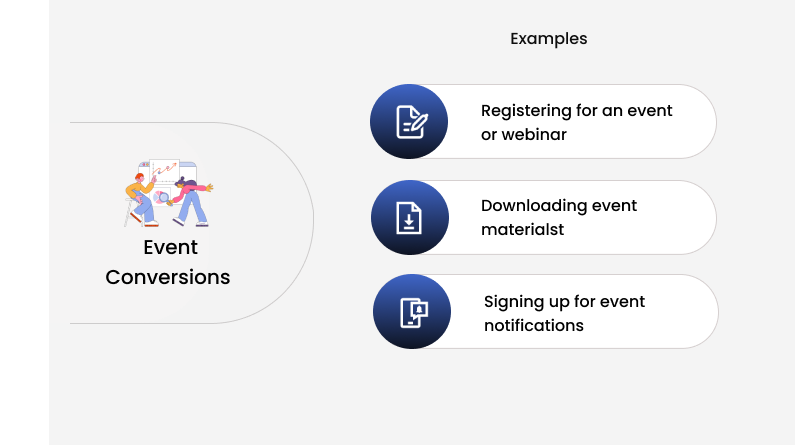
For businesses that host or participate in events, conversions might include:
- Registering for an event or webinar
- Downloading event materials
- Signing up for event notifications
Formula: Registration rate = (Registrations ÷ Event page visitors) × 100
Example: 210 registrations from 3,500 page visitors is a 6% registration rate. If 84 of those people show up, your attendance rate is 40% (84 ÷ 210 × 100).
8. Subscription Conversions
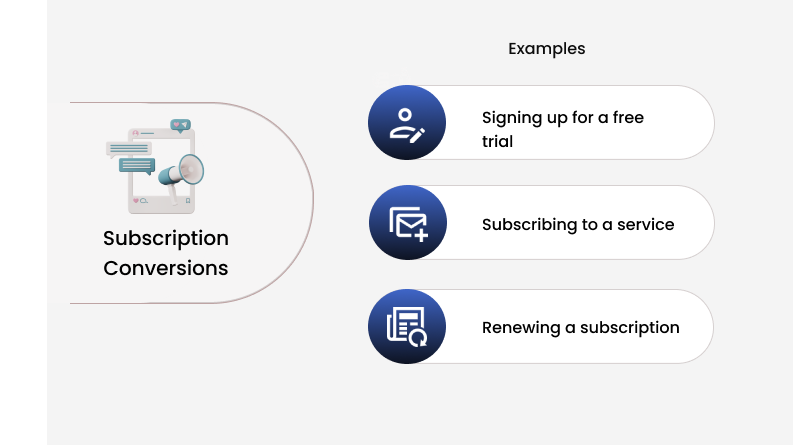
Relevant for businesses that offer digital subscriptions or services.
Actions include:
- Signing up for a free trial
- Subscribing to a service (monthly, yearly)
- Renewing a subscription
Formula: Trial-to-paid rate = (Paid subscribers ÷ Trial starts) × 100
Example: 45 paying customers from 300 trial starts is a 15% trial-to-paid rate.
Build trust & FOMO
Highlight real-time activities like reviews, sales & sign-ups.


How to Do It in Excel or Google Sheets
If you report monthly, a simple sheet saves you from redoing the math each month. The formula works identically in Excel and Google Sheets.
| A: Month | B: Sessions | C: Orders | D: Conversion rate (=C2/B2) |
|---|---|---|---|
| January | 8,000 | 128 | 1.60% |
| February | 7,500 | 150 | 2.00% |
| March | 9,000 | 162 | 1.80% |
Type “=C2/B2” in cell D2, then format the cell as a percentage. In Excel, click the % button on the Home tab. In Google Sheets, go to Format, then Number, then Percent.
Drag the formula down to fill the rest of the column. If some rows might have zero sessions, use “=IFERROR(C2/B2,0)” so you don’t get a #DIV/0! error.
Conversion Rate vs CTR, CPC, CPA and CPL
These metrics sit side by side in most ad reports, so they get mixed up a lot. Conversion rate and CTR are percentages of people. The other three are dollars per result.
| Metric | What it tells you | Formula | Example |
|---|---|---|---|
| Conversion rate (CVR) | Share of visitors who complete your goal | Conversions ÷ Visitors × 100 | 60 ÷ 2,000 = 3% |
| Click-through rate (CTR) | Share of people who click after seeing an ad or email | Clicks ÷ Impressions × 100 | 150 ÷ 10,000 = 1.5% |
| Click conversion rate | Share of ad clicks that convert | Conversions ÷ Clicks × 100 | 30 ÷ 600 = 5% |
| Cost per click (CPC) | Average cost of one ad click | Ad spend ÷ Clicks | $900 ÷ 600 = $1.50 |
| Cost per action (CPA), also called cost per conversion | Cost of one conversion | Ad spend ÷ Conversion | $900 ÷ 30 = $30 |
| Cost per lead (CPL) | Cost of one lead | Ad spend ÷ Leads | $900 ÷ 45 = $20 |
One thing to remember. CPC always means cost per click. The cost of one conversion is CPA, which some platforms label “cost per conversion” or “cost per result.”
Tracking Tools and How Each One Counts
If GA4, Shopify, and your ad account never agree on your conversion rate, that’s normal. Each tool divides by something different.
| Tool | What it calls it | How it’s calculated | Watch for |
|---|---|---|---|
| Google Analytics 4 | Session key event rate, User key event rate | Sessions (or users) with a key event ÷ all sessions (or users) | Pick one key event in the metric dropdown, or GA4 blends every key event into one rate |
| Shopify Analytics | Conversion rate | Sessions that completed checkout ÷ all sessions | Filter out bot traffic, and check the funnel for add to cart and reached checkout |
| Google Ads | Conv. rate | Conversions ÷ ad interactions | Can go over 100% if you count “Every” conversion or track several actions |
| Meta Ads Manager | No default column | Build a custom metric: results ÷ link clicks (or landing page views) | Uses its own attribution window, so totals rarely match GA4 |
| Microsoft Clarity | Funnels | Share of visitors who move from one funnel step to the next | Free, and links each drop-off step to session recordings |
| Contentsquare (Hotjar) | Funnels, heatmaps, recordings | Shows where people drop off, not only the rate | Hotjar’s tools now live inside Contentsquare, and a free plan is still offered |
| Mixpanel | Funnel conversion | Users who finish the last step ÷ users who started step one | User-based, and only counts steps finished inside the conversion window you set |
| Crazy Egg | A/B test results | Conversions ÷ visitors, per page version | Best for comparing two versions of one page, not sitewide reporting |
A quick note on GA4. Google renamed conversions to key events in March 2024. Key events you share with Google Ads still show up there as conversions.
My advice is to pick one tool as your source of truth for each rate and report from it each month. For store orders, that’s usually your ecommerce platform.
Also See: 10 Best Conversion Rate Optimization Tools I Use in 2026
Mistakes That Skew Your Number
Most bad conversion rates are counting problems, not marketing problems. Check these before you change anything on your site.
- Mixing sessions and users: Say 1,000 people made 1,600 sessions and 40 orders. That’s 4% by users but 2.5% by sessions. Both are right, but you can’t compare one to the other.
- Counting every conversion: When an ad platform counts every conversion, one click can record several. That’s how rates pass 100%. Count one conversion per click for leads.
- Blending traffic sources: Paid search converting at 4% and social at under 1% average out to a sitewide rate that describes neither. Calculate each source on its own.
- Letting bots into the count: Bots made up more than half of all web traffic in 2025. The ones that load your pages inflate sessions and drag your rate down. Filter bot traffic and exclude your own team’s visits.
- Taking numbers from two tools: Store orders divided by GA4 sessions gives a false rate, because GA4 misses some visitors who decline cookies. Pull the top and bottom numbers from the same tool.
- Comparing uneven periods: A 28-day February against a 31-day March, or Black Friday week against a normal week, tells you nothing. Compare like with like.
- Mixing up percent and percentage points: Going from 2% to 3% is a 1 percentage point gain, but a 50% lift. Say which one you mean in reports.
- Calling a winner too early: Five conversions against three isn’t a trend. Check significance first using the methods in our A/B testing statistics guide.
How to Improve Your Conversion Rate?

Conversion Rate is mainly used to analyze advertising campaign performance and make changes to improve results.
It’s also known as conversion rate optimization (CRO), which helps you understand why you’re not getting campaign results and how to fix the problem.
A/B Testing
A/B testing is the most preferred way to analyze the performance of your marketing campaigns and find real insights. With A/B Testing, you can compare two advertising campaigns and find which one works better.
Once you’ve set up two marketing campaigns and run ads for the same results but with different audiences, websites, and elements, then you need to consider these elements in A/B Testing:
1. Define your conversion goal (e.g., sales, sign-ups).
2. Identify where and why potential customers are leaving.
3. List required changes to improve campaign performance.
4. Implement A/B testing with the proposed changes.
5. Set a duration for the A/B test to achieve desired results.
6. Analyze the results and adjust strategies accordingly.
Social Proof Notifications
Visitors hesitate when they can’t tell if anyone else trusts you. Social proof notifications fix that by showing real activity, like recent purchases, sign-ups, and reviews, while people browse.
They work on ecommerce stores, SaaS sites, and landing pages. Seeing that others just bought or signed up nudges visitors to follow.
WiserNotify connects with 200+ platforms, including CRMs, landing page builders, and email tools, and pulls in that activity automatically.
Its dashboard also tracks views, clicks, and conversions for each notification. So you can measure the lift with the formula from this guide instead of guessing.
With WiserNotify, you can display different notifications on your website and increase your conversion rate.
You can create a free account on WiserNotify and connect with 200+ platforms to display social proof notifications and increase your conversion rate.
Optimize Website/Landing Page
Your landing page has one job, which is to get the visitor to take one action. Give each page a single clear call to action and cut anything that pulls attention away from it.
Speed matters more than most people think. In 2026 store data, every extra 100 milliseconds of load time cost about 3.5% of conversions.
Keep forms short, too. Every extra field is one more reason to leave.
Fix Checkout Friction
Surprise costs at checkout are still the top reason shoppers walk away. Check your checkout for these common problems:
- Too few payment options
- Extra costs that only show up at the last step
- Forced account creation before paying
- Slow loading speed
- A payment page that doesn’t look secure
- Captcha requests before visitors can check out
- Low-quality product photos
- Buttons with poor color contrast
- Unreadable fonts
- Shipping and return details that are hard to find
- Broken or wrong links on buttons
Email Marketing
Most visitors won’t buy on their first visit. Email brings them back, and returning visitors convert at a much higher rate than new ones.
Automated emails bring in most of the results. Welcome series, abandoned cart reminders, and browse follow-ups convert far better than one-off newsletters, as the benchmark table above shows.
Email marketing is not a one-shot game. Set up the flows once, then test subject lines and offers just like you test pages.

Boost Conversion Instantly
Add Social Proof & Urgency to your website
Conclusion
Conversion rate is an essential metric many businesses use to analyze advertising campaign performance and take action to improve results.
Calculating conversion rate is simple. Divide conversions by visitors and multiply by 100.
What makes the number useful is counting the same way every time. One goal, one denominator, one date range, split by device and traffic source.
Once you trust your rate, work on moving it. For a quick win, try WiserNotify for free, add social proof notifications to your site, and measure the change with this formula.
Frequently Asked Questions
What is a good conversion rate?
Most online stores convert about 2% of their sessions, based on 2026 industry benchmarks. B2B and lead generation sites vary more, so your own month-over-month trend is the better yardstick.
How do you calculate conversion rate from ad clicks?
Divide the number of conversions by the number of ad clicks, then multiply by 100. That’s the same way Google Ads works out its conversion rate.
What is the difference between conversion rate and CTR?
CTR shows how many people click after seeing an ad or email, while conversion rate shows how many visitors complete your goal once they arrive. A campaign can have a strong CTR and a weak conversion rate when the landing page doesn’t match the ad.
Why is my conversion rate different in GA4 and Shopify?
Each tool counts differently. Shopify divides completed checkouts by all sessions, while GA4 uses its own key events and misses visitors who decline cookies, so pick one tool as your source of truth.

Krunal Vaghasiya is a marketing tech expert who boosts e-commerce conversion rates with automated social proof and FOMO strategies. He loves to keep posting insightful posts on online marketing software, marketing automations, and improving conversion rates.




 Capterra