
11 Housecall Pro Alternatives for Every Crew Size (2026)
Jobber is the best Housecall Pro alternative for most small crews, ServiceTitan for large HVAC and plumbing shops, ServiceM8 or Zenbooker for solo operators, and GorillaDesk for route-based trades. WiserReview replaces only Housecall Pro’s review tools.
Housecall Pro is field service management software for home service businesses. It handles scheduling, dispatch, estimates, invoicing, payments, and review requests in one app. The eleven tools below replace all of it or one part of it.
This guide is for the owner who runs the crew and signs the software bill. Each tool gets its price, the unit that makes the bill grow, and the kind of business it fits.
Which Housecall Pro alternative fits you?
The right Housecall Pro alternative depends on crew size and trade. Solo operators need a cheap job cap, small crews need simple per-user plans, growing trades need automation, and large shops need per-technician platforms built for office staff.
- Best for most small crews: Jobber, from $29 a month billed yearly for one user.
- Best for replacing Housecall Pro’s review tools: WiserReview, from $6.75 a month billed yearly.
- Best free start for a solo operator: ServiceM8, free for 30 jobs a month.
- Best budget pick for a team of five: Kickserv, $60 a month for five users.
- Best for phone-heavy businesses: Workiz, quote-only with a 7-day trial.
- Best for set plan tiers with reviews built in: Service Fusion, quote-only.
- Best for custom workflows: FieldPulse, seat-based and quote-only.
- Best for large residential and commercial shops: ServiceTitan, priced per technician.
- Best for established multi-truck HVAC and plumbing: FieldEdge, quote-only.
- Best for pest, lawn, and pool routes: GorillaDesk, from $49 a month per route.
- Best for booking-led cleaning businesses: Zenbooker, from $29 a month.
Why owners look beyond Housecall Pro
Owners leave Housecall Pro for three reasons: the price climbs as the team grows, the plan they need is hard to see upfront, and the app is built for service calls rather than long construction jobs or fixed routes.
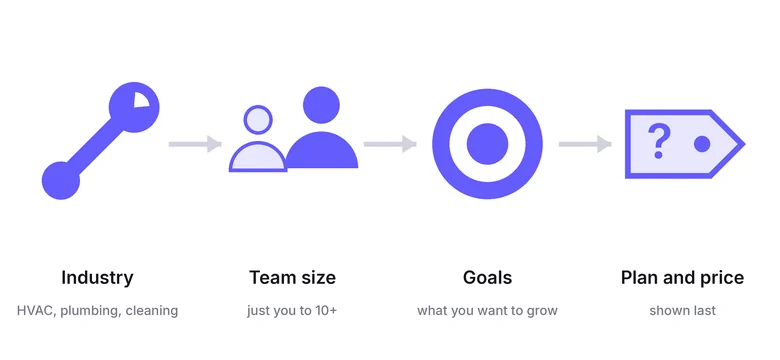
Housecall Pro no longer lists plan prices on its pricing page. You answer questions about your trade, team size, and goals, and the plan appears at the end, after a 14-day free trial offer.
That is fine if you know you will stay. It makes comparison shopping slow, which is why the list below names a price wherever one is public.
The app is broad. It covers scheduling, dispatch, GPS, payments, financing, and review management in one place. Crews that only use part of it often pay for features they never open.
Housecall Pro does include review requests. If reviews are the main gap, dedicated review management software can sit next to any tool on this list.
The 11 alternatives compared side by side
| Tool | Built for | What you pay for | Public price | Free start | Watch out for |
|---|---|---|---|---|---|
| Jobber | Solo pros and small crews | Users | Yes | Free trial | Intro prices end after 12 months |
| WiserReview | Replacing Housecall Pro’s review tools | Review requests per month | Yes | 7-day trial | Reviews only, no scheduling or dispatch |
| ServiceM8 | Solo operators and small teams | Jobs per month | Yes | Free plan, 14-day trial | Busy months can outgrow the job cap |
| Kickserv | Small teams on a budget | User bundles | Yes | 30-day trial | Reviews only on the Scale plan |
| Workiz | Growing trades that live on the phone | Plan tier and automations | No | 7-day trial | AI answering is sold separately |
| Service Fusion | Growing trades that want set pricing tiers | Plan tier | No | Demo | Technician reviews start on Plus |
| FieldPulse | Growing teams that need custom workflows | Seats on a contract | No | Demo | Seats are bought upfront for the term |
| ServiceTitan | Large HVAC, plumbing, and electrical shops | Technicians | No | Demo | Built for teams with office staff |
| FieldEdge | Established multi-truck shops | Plan tier | No | Demo | Advanced dispatch starts on Premier |
| GorillaDesk | Pest, lawn, and pool routes | Routes | Yes | Free trial | Basic routing caps at 25 stops |
| Zenbooker | Booking-led cleaning and home services | Service areas | Yes | 14-day trial | Lighter on job costing and inventory |
Prices, plans, and trials checked on September 22, 2026, on each vendor’s own pricing page.
How much do Housecall Pro alternatives cost?
Housecall Pro alternatives cost from $0 on ServiceM8’s free plan to $349 a month on its top tier, with Jobber from $29, GorillaDesk from $49, and Kickserv from $60. ServiceTitan, FieldEdge, FieldPulse, Workiz, and Service Fusion quote per business.
Five of the eleven now hide prices behind a demo or a quote form. That is the biggest change in this category over the past year.
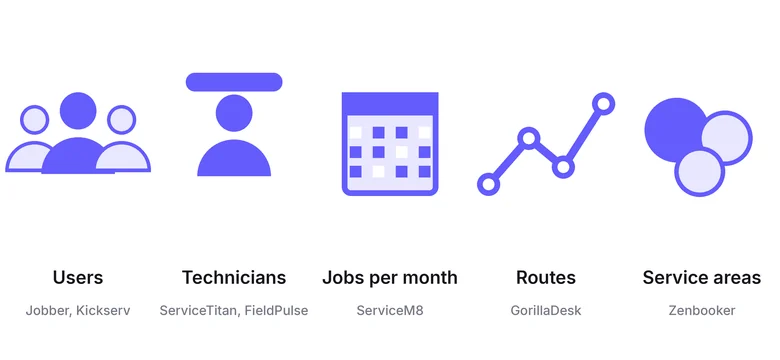
The meter matters more than the sticker price, so estimate your own number first.
- Users: Jobber prices per user and Kickserv sells user bundles of 5, 10, and 20.
- Technicians or seats: ServiceTitan prices per technician and FieldPulse sells seats for a contract term.
- Jobs per month: ServiceM8 caps jobs, from 30 on the free plan to 1,500+ on Premium Plus.
- Routes: GorillaDesk prices by the number of routes you run.
- Service areas: Zenbooker prices by territory, from 2 to 96.
A cheap plan that meters the wrong thing costs more than a pricier plan that meters the right one.
Best for solo operators and small crews
Jobber, ServiceM8, and Kickserv publish their prices and let you start without a sales call. They suit owner-operators and crews of up to about ten people.
WiserReview sits second because it replaces the review part of Housecall Pro for crews that keep their current scheduling tool.
1. Jobber: Best for most small crews
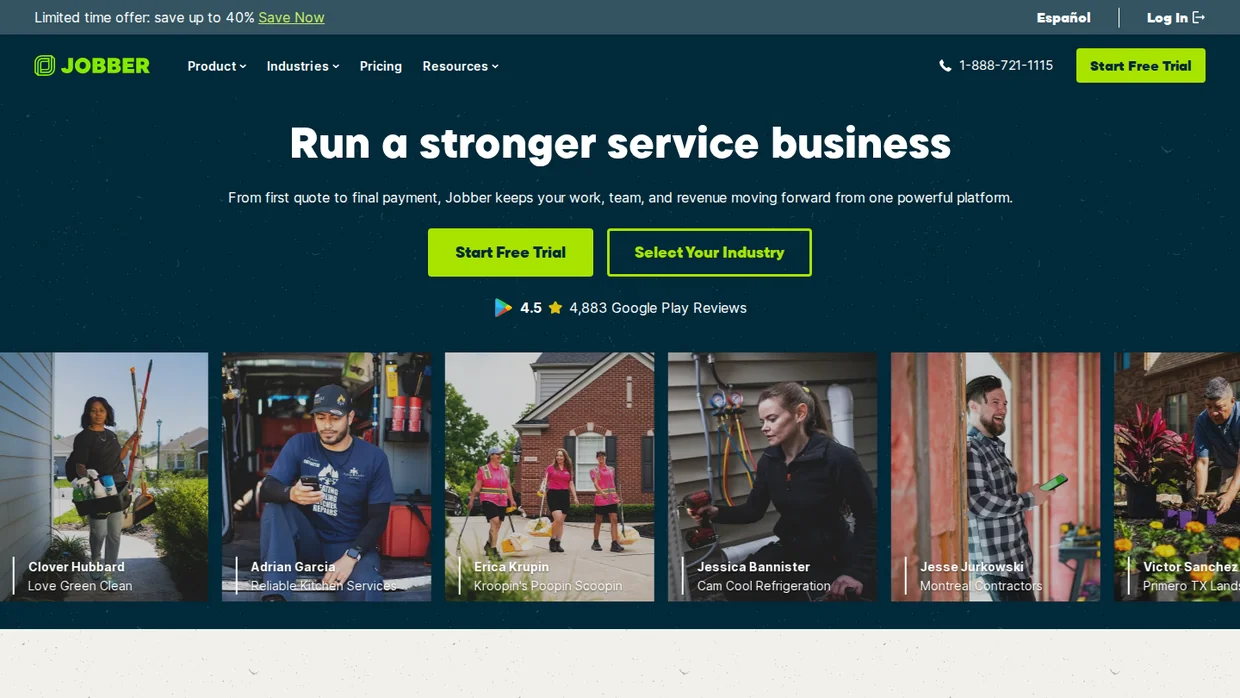
Jobber is the closest like-for-like swap for Housecall Pro. It covers quotes, scheduling, invoicing, payments, and a client portal, and the plans read the same way Housecall Pro’s used to.
The pricing is clear but layered. Jobber lists a monthly price, a lower yearly price, and a first-year promotional price that runs until September 30, 2026.
Connect adds automated reminders and automatic payment collection, which is where most crews save office time. Grow adds job costing, two-way texting, and custom automations.
Key features
- Online booking and job scheduling.
- Quotes with photos, optional line items, and reviews on Grow.
- Automated client reminders and payment collection on Connect.
- QuickBooks Online sync and time tracking.
- A simple website builder included on Core.
Pricing Core $29 a month, Connect $99, Grow $149, billed yearly for one user ($49, $139, and $199 monthly), metered by users.
A promotional rate of $21, $70, and $105 a month for the first 12 months ends September 30, 2026.
- Good fit when you run a crew of one to ten and want a Housecall Pro swap without a sales call.
- Not a fit if you need per-technician commission tracking and heavy inventory, which suit ServiceTitan or FieldEdge better.
2. WiserReview: Best for reviews only
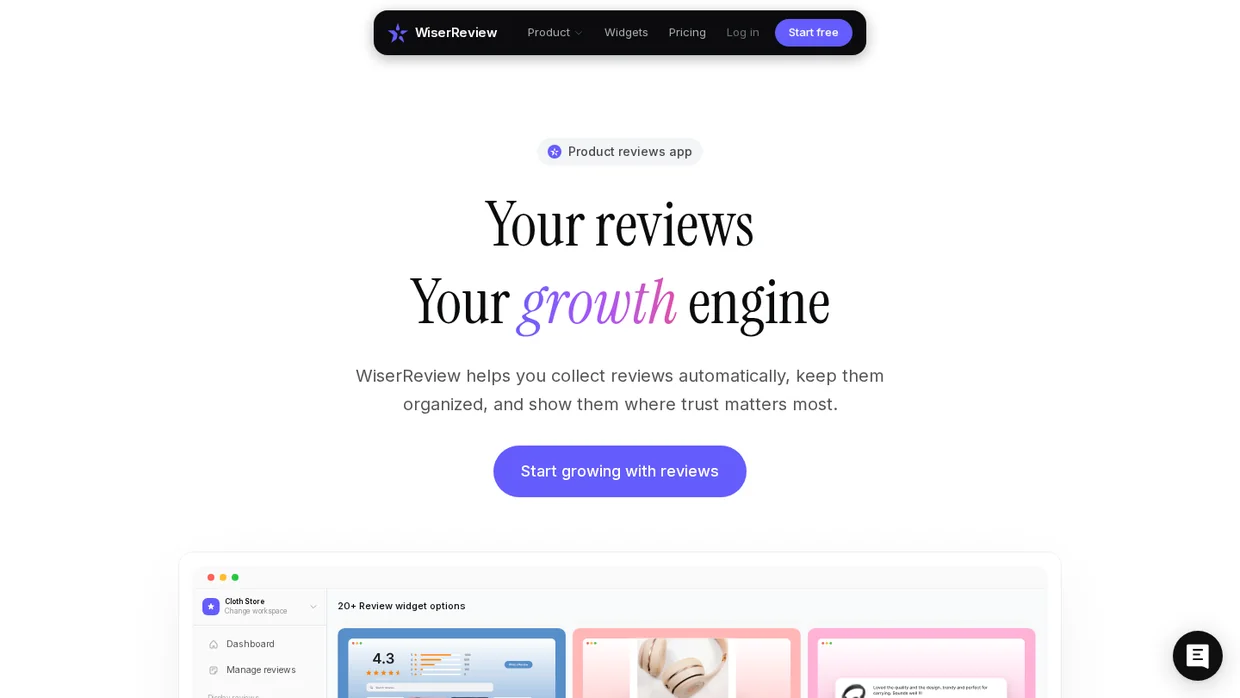
WiserReview is not field service software. It replaces one part of Housecall Pro, the review requests, and goes further on that part than an all-in-one app does.
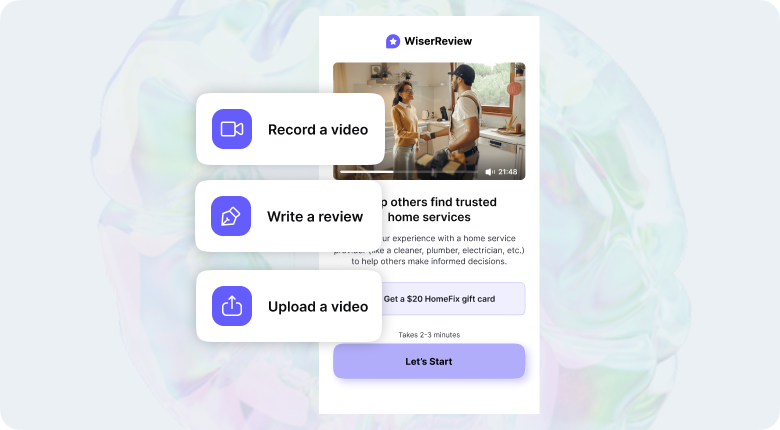
After a job, it sends a review request by email, or by SMS and WhatsApp through Zapier, and a QR code works for customers on site. Reviews come back as text, photo, or video.
Keep your scheduling tool and add the review layer on top. Any field service app that works with Zapier or sends a webhook can trigger the request when a job closes.
Key features
- Review requests by email, SMS, WhatsApp, and QR code.
- Photo and video reviews that suit before-and-after work.
- AI replies to Google reviews from one dashboard.
- 18+ widgets to show reviews on your website.
- Zapier and webhook triggers from the tools you already use.
Pricing From $6.75 a month billed yearly ($81 a year) for 100 review requests a month, with higher tiers for more requests, 7-day free trial, metered by review requests per month.
- Good fit when your field service app already runs the jobs and reviews are the gap, or you want photo and video reviews on your website.
- Not a fit if you need scheduling, dispatch, or invoicing, since WiserReview does none of that.
3. ServiceM8: Best for a free start
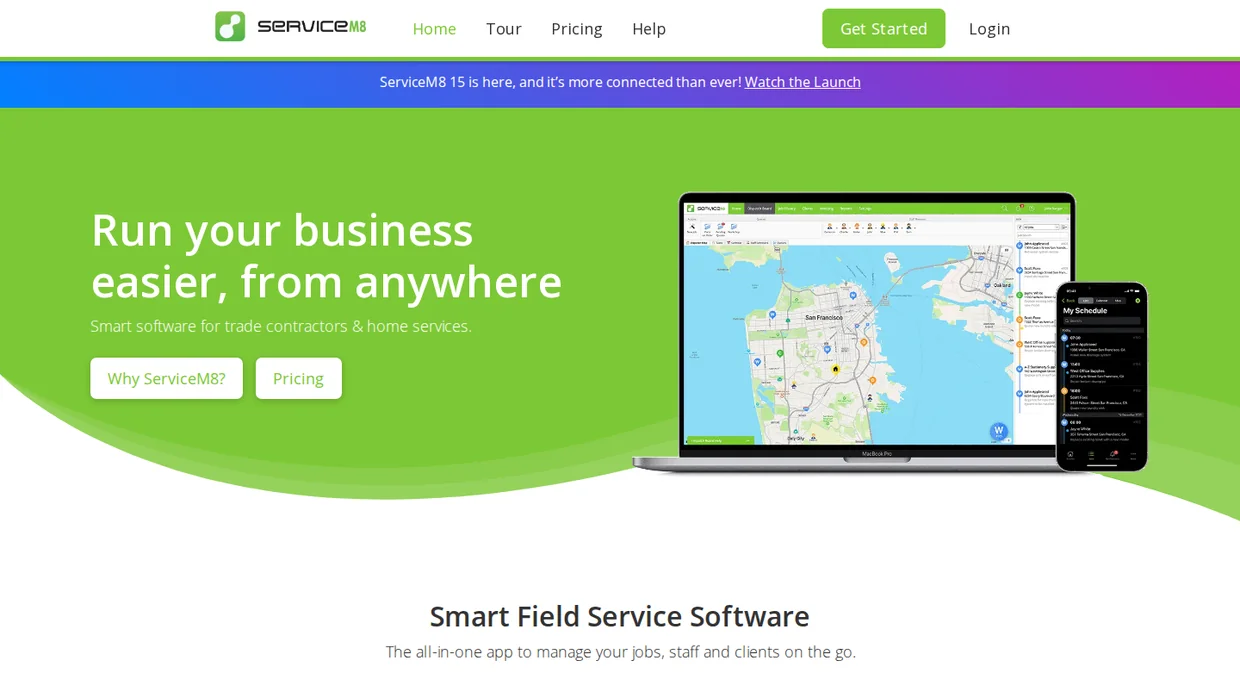
ServiceM8 prices by jobs, not people. Every paid plan includes unlimited users, so a crew of six pays the same as a crew of two if the job count stays the same.
The free plan covers one user and 30 jobs a month. You can earn bonus jobs by taking card payments through ServiceM8, which suits a solo operator who bills on site.
If you go over your job cap, ServiceM8 lets you keep creating jobs for seven more days before it asks you to upgrade.
Key features
- Quotes, jobs, invoices, and client management.
- AI helpers for writing job notes and quotes.
- Recurring jobs for maintenance visits.
- Call recording and transcripts, available on all plans from $19 a month.
- Unlimited users on every paid plan.
Pricing Free for 1 user and 30 jobs a month, Starter $29 (50 jobs), Growing $79 (150 jobs), Premium $149 (500 jobs), Premium Plus $349 (1,500+ jobs), 14-day free trial, metered by jobs per month.
- Good fit when you are solo or growing a small crew and want to add people without adding cost.
- Not a fit if you run many small jobs a day, where the job cap climbs faster than the team.
4. Kickserv: Best budget pick
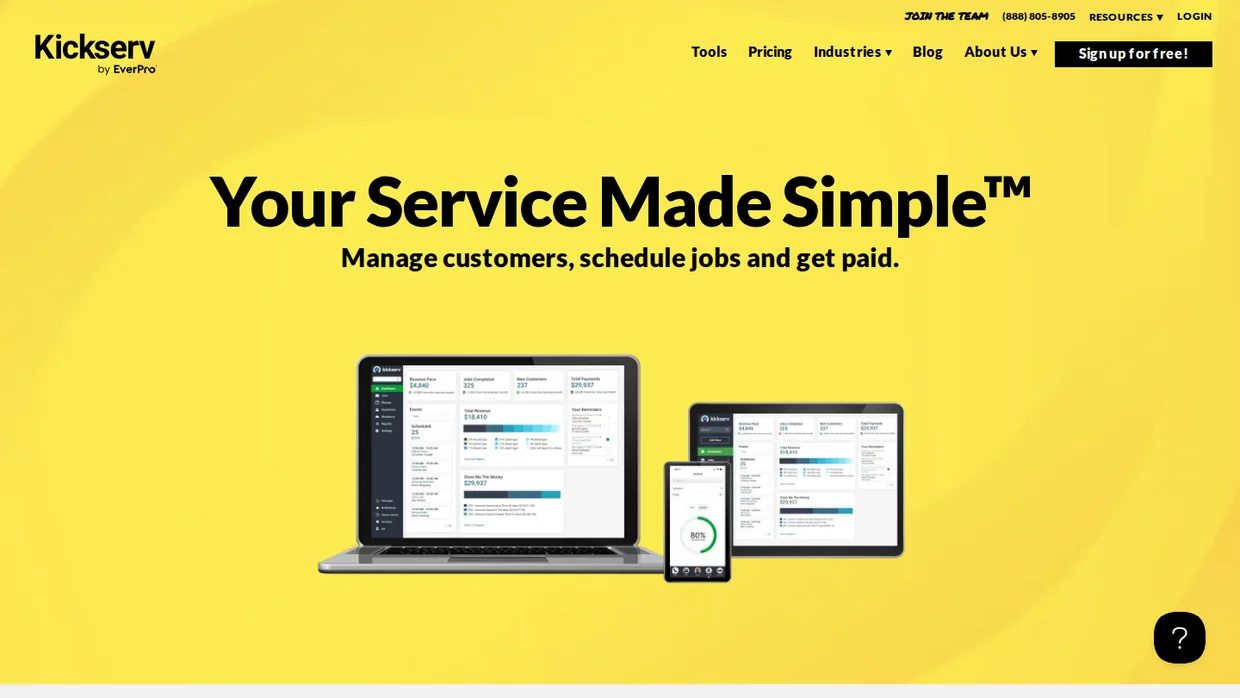
Kickserv sells users in bundles. Start covers five users, Run covers ten, and Scale covers twenty, so the price per person drops as you fill each bundle.
Kickserv also offers Kickback, a 5% discount on the monthly fee if you process a minimum amount of online payments through it each month.
Kickserv is owned by EverPro, the same company behind Service Fusion. The two target different sizes, with Kickserv at the budget end.
Key features
- Embeddable contact form that turns website visitors into requests, doing part of what lead generation tools do.
- Automated email and text reminders.
- Over 20 business reports.
- Time and expense tracking with QuickBooks Online sync.
- Dispatch mapping and GPS check-ins on Run.
Pricing Start $60 a month (5 users), Run $119 (10 users), Scale $199 (20 users), 20% off with yearly billing, 30-day free trial, metered by user bundles.
- Good fit when you have a team of five to twenty and want the lowest cost per user.
- Not a fit if you need review requests on a small plan, since reviews arrive only on Scale.
Build trust & FOMO
Highlight real-time activities like reviews, sales & sign-ups.


Best for growing trade businesses
These three suit businesses with a dispatcher or office manager and several trucks. All three moved to quote-based pricing, so expect a demo before a number.
5. Workiz: Best for phone-led work
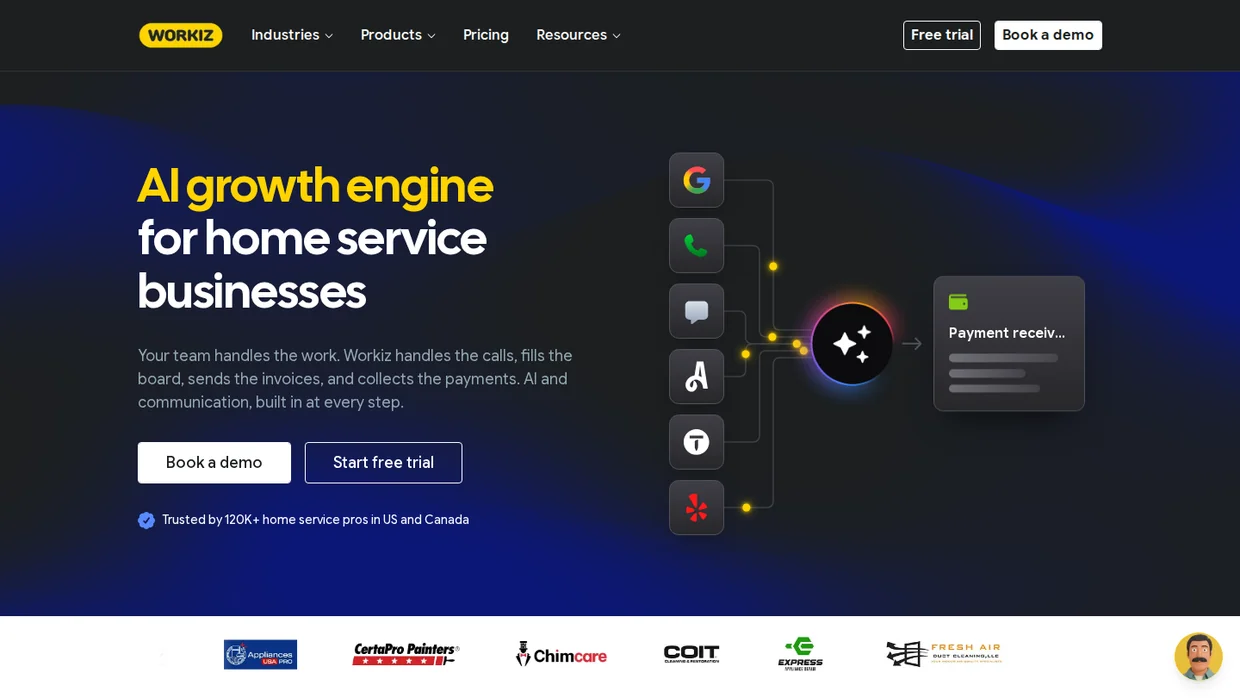
Workiz is built around the phone. Its Genius add-ons handle calls, texts, and email in one place, and Genius Answering can pick up calls when the office is busy.
The plans differ mainly by automation count. Standard includes 5 automations, Pro 10, and Ultimate 30, along with service plans, inventory, and franchise management on the top tier.
Workiz no longer shows plan prices. The FAQ says a yearly plan saves $400 or more against monthly billing.
Key features
- Scheduling, jobs, estimates, and invoices.
- Genius Phone with call masking and a free 10DLC registration.
- Genius Leads and AI scheduling on Pro.
- Service plans, inventory, and multi-day jobs on Ultimate.
- QuickBooks integration and subcontractor management.
Pricing Quote only across Standard, Pro, and Ultimate, metered by plan tier and automation count, 7-day free trial, Genius Answering sold separately.
- Good fit when most of your work starts with a phone call and missed calls cost you jobs.
- Not a fit if you want a published price before you talk to anyone.
6. Service Fusion: Best with reviews
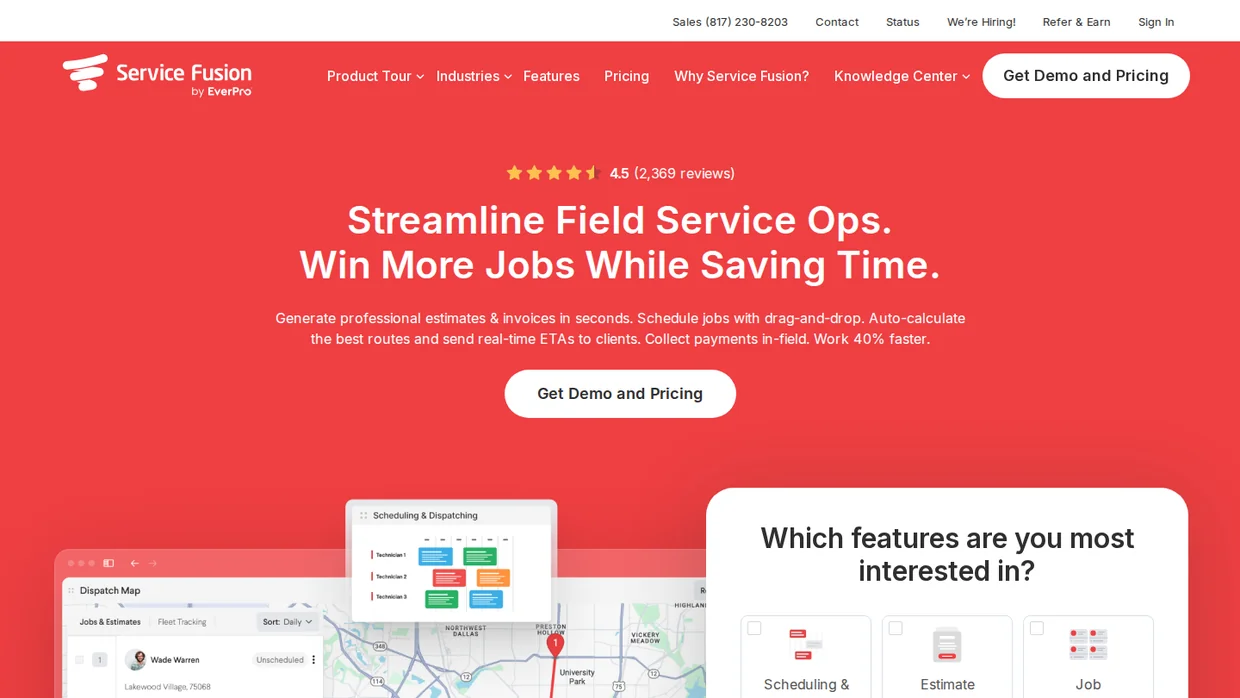
Service Fusion keeps its plans simple. Starter covers scheduling, dispatch, invoicing, and QuickBooks, Plus adds inventory and job costing, and Pro adds eSignatures and a customer portal.
Company reviews come with every plan, and Plus and Pro add reviews tied to individual technicians. Reviews that name the tech who did the work tend to read as more believable, which our online review statistics explain.
Like Kickserv, Service Fusion is part of EverPro.
Key features
- Customer management, estimates, and jobs.
- Drag-and-drop scheduling and route planning.
- Job photo uploads, inventory, and job costing on Plus.
- Customer web portal and recurring invoicing on Pro.
- Company reviews on every plan, technician reviews on Plus and Pro.
Pricing Quote only across Starter, Plus, and Pro, metered by plan tier, demo required.
- Good fit when you want reviews and job costing inside the same tool as dispatch.
- Not a fit if you need a self-serve trial before any sales conversation.
7. FieldPulse: Best for custom workflows
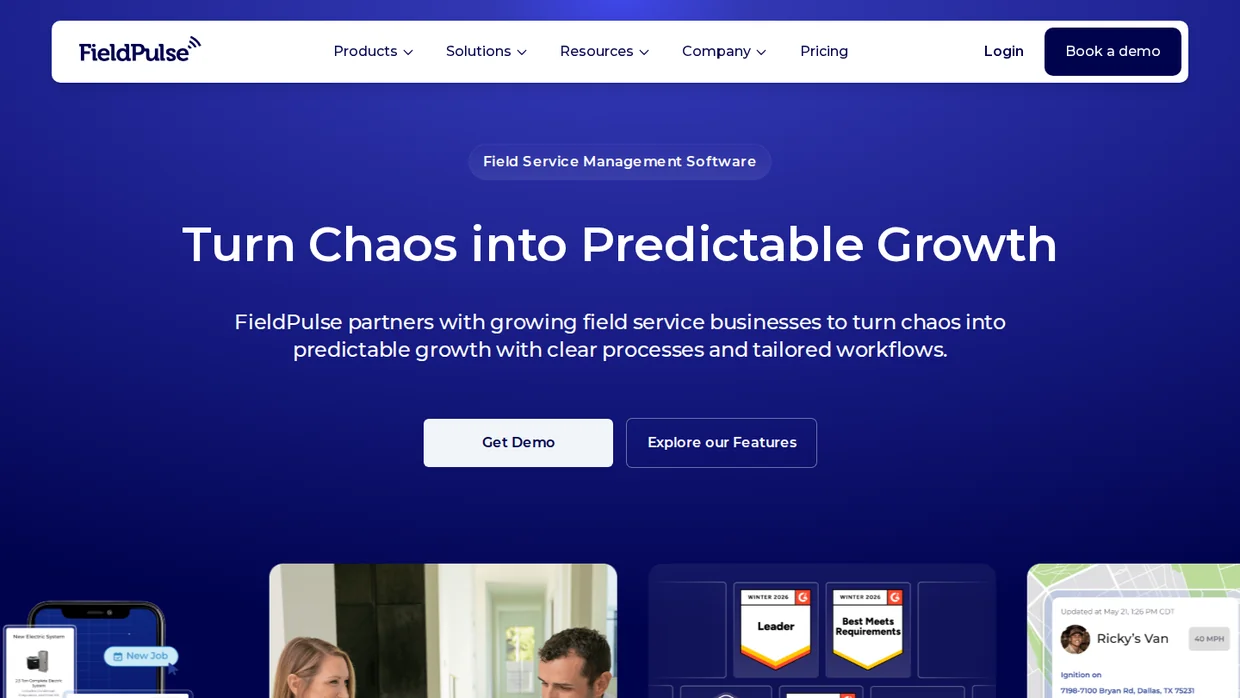
FieldPulse is built for teams that want the software to follow their process. ClearPath guides technicians through each job stage so required details get collected every time.
Pricing is seat-based. You buy a set number of seats for the contract term, and the rate depends on what each seat can access.
Operator AI answers after-hours or overflow calls and books jobs straight into the schedule. FieldPulse also handles setup, migration, and training with a US-based support team.
Key features
- ClearPath job stages for consistent field work.
- Custom pricebooks for sales on site.
- Digital forms instead of paperwork.
- Fleet monitoring from one dashboard.
- Operator AI for after-hours calls and booking.
Pricing Quote only, metered by seats bought for the contract term, demo required.
- Good fit when you have a defined process and want every tech to follow it.
- Not a fit if you want month-to-month billing with no seat commitment.
Build trust & FOMO
Highlight real-time activities like reviews, sales & sign-ups.

Best for large HVAC and plumbing shops
These two assume office staff, several trucks, and service agreements that renew every year. Both sell through demos.
8. ServiceTitan: Best for large shops
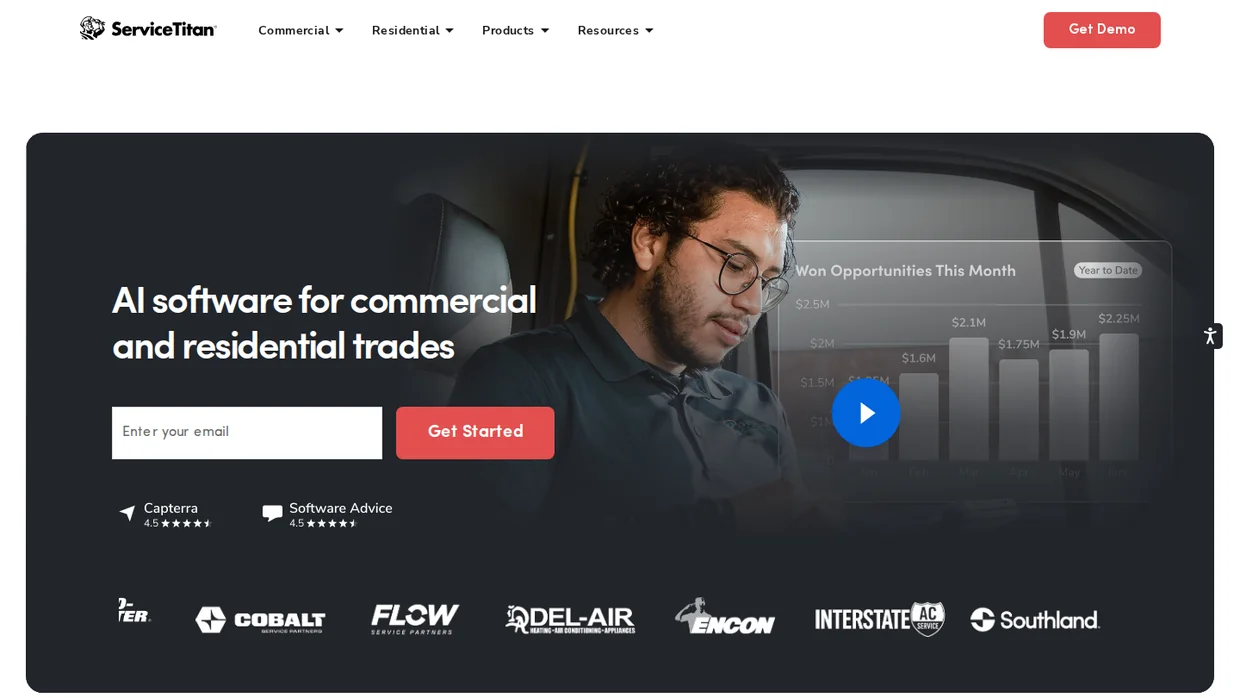
ServiceTitan is built for the biggest shops in this category. It covers residential and commercial trades, construction job costing, pay apps, and change orders, which Housecall Pro does not attempt.
Pricing is per technician across three packages, Starter, Essentials, and The Works. The demo form asks whether you have at least one full-time office employee, which tells you who it is built for.
Service agreements are central. ServiceTitan tracks renewals and memberships so a one-time install turns into repeat revenue, the same idea behind customer retention analytics.
Key features
- Drag-and-drop dispatch board.
- Real-time job costing for service and construction.
- Service agreements and memberships.
- Call booking on The Works package.
- 70+ pre-built integrations, including Sage and Viewpoint Spectrum.
Pricing Quote only across Starter, Essentials, and The Works, metered by technicians, demo required.
- Good fit when you run several trucks with office staff and service agreements.
- Not a fit for a solo operator or a crew without an office manager.
9. FieldEdge: Best for multi-truck shops
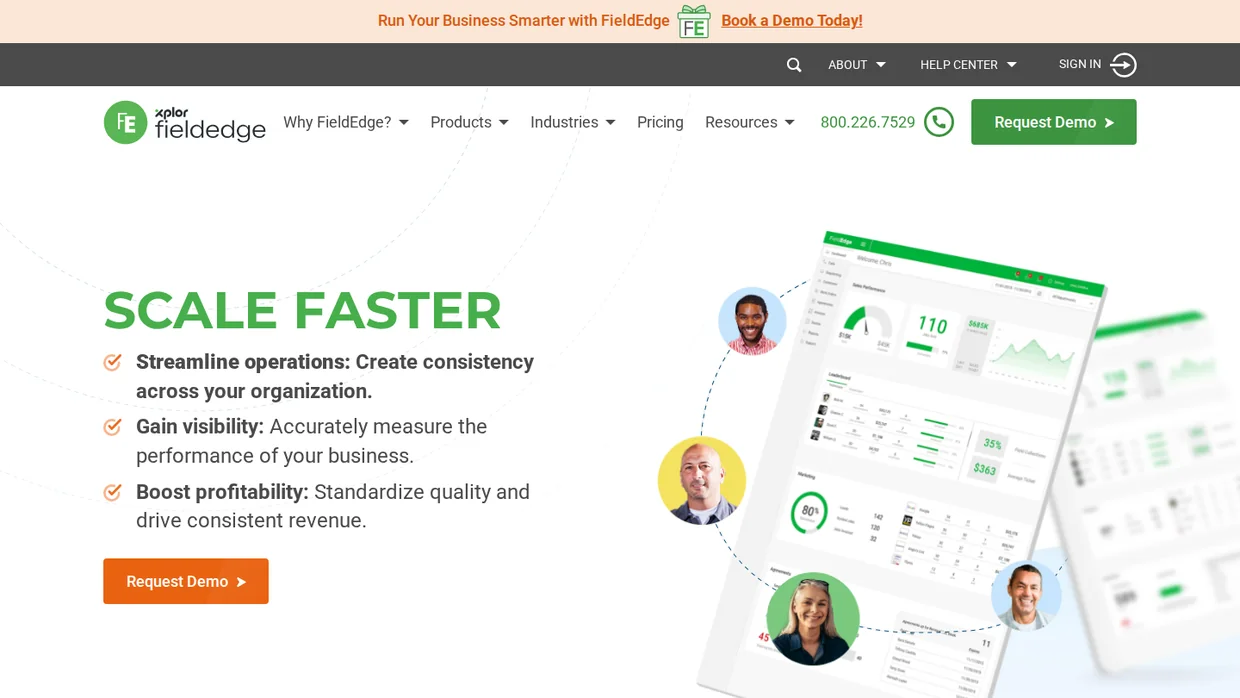
FieldEdge targets HVAC, plumbing, and electrical companies that have outgrown simpler apps but do not need ServiceTitan’s construction tools.
Select covers dispatch, booking, quotes, and flat-rate pricebooks. Premier adds advanced dispatch, multi-option quotes, and advanced service agreements, and Elite adds call recording, Proposal Pro, and warehouse inventory.
FieldEdge is part of Xplor, which appears in its logo.
Key features
- Dispatching and call booking.
- Flat-rate pricebook and basic agreements on Select.
- Multi-option quotes and advanced service agreements on Premier.
- Performance and commission tracking from Premier.
- Outbound call recording and warehouse inventory on Elite.
Pricing Quote only across Select, Premier, and Elite, metered by plan tier, demo required.
- Good fit when you run an established multi-truck HVAC or plumbing shop and want flat-rate pricing.
- Not a fit if you only need scheduling and invoicing for a small crew.
Best for route and booking-led businesses
These two fit businesses whose work is shaped by a route or an online booking, not a service call.
10. GorillaDesk: Best for route trades
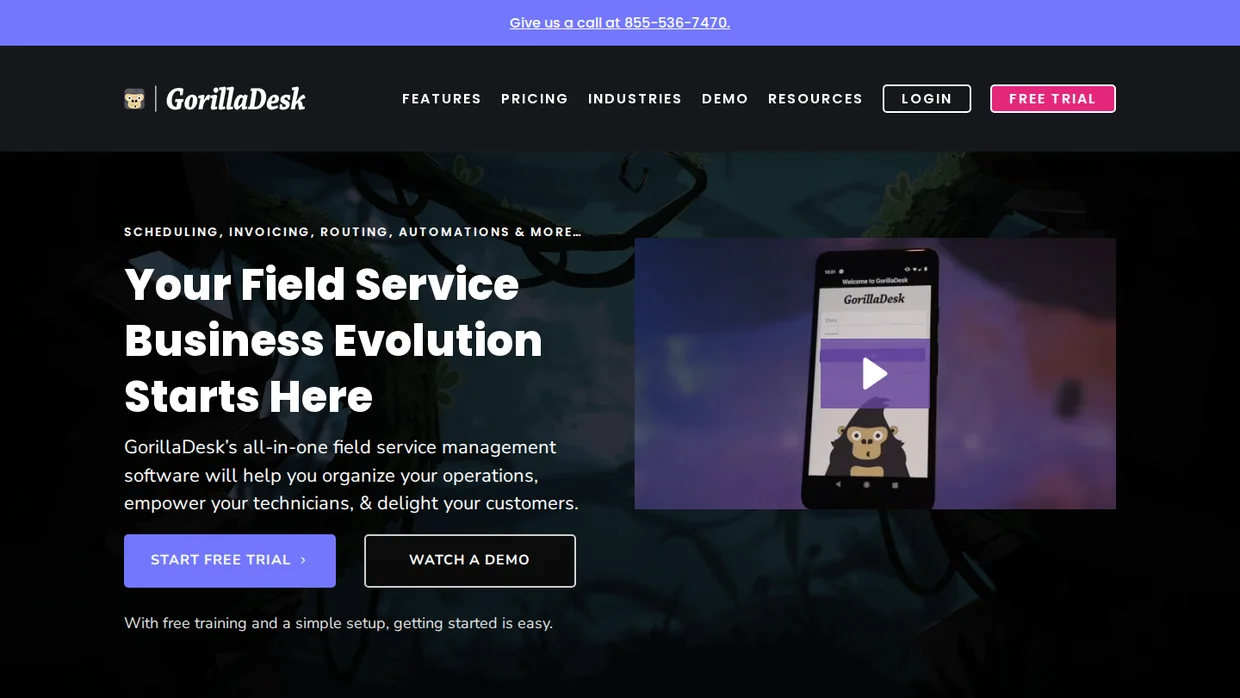
GorillaDesk is built for recurring route work. Pest control, lawn care, and pool service run the same stops on a schedule, and GorillaDesk prices by how many routes you run.
Every plan includes unlimited admin users and mobile devices. Basic routing handles up to 25 stops, and Pro adds routing with a drive matrix, online booking, and review generation.
GorillaDesk has no setup fees or contracts and offers free data migration and training.
Key features
- Job and customer mapping with basic routing.
- Automated emails and SMS.
- Online booking and a customer portal on Pro.
- Review generation on Pro.
- QuickBooks Online sync and GPS tracking on Pro.
Pricing Basic $49 a month, Pro $99, Growth $149, billed yearly for one route, metered by routes, free trial.
- Good fit when you run recurring routes and want pricing tied to routes, not people.
- Not a fit if your work is one-off service calls with no regular route.
11. Zenbooker: Best for online booking
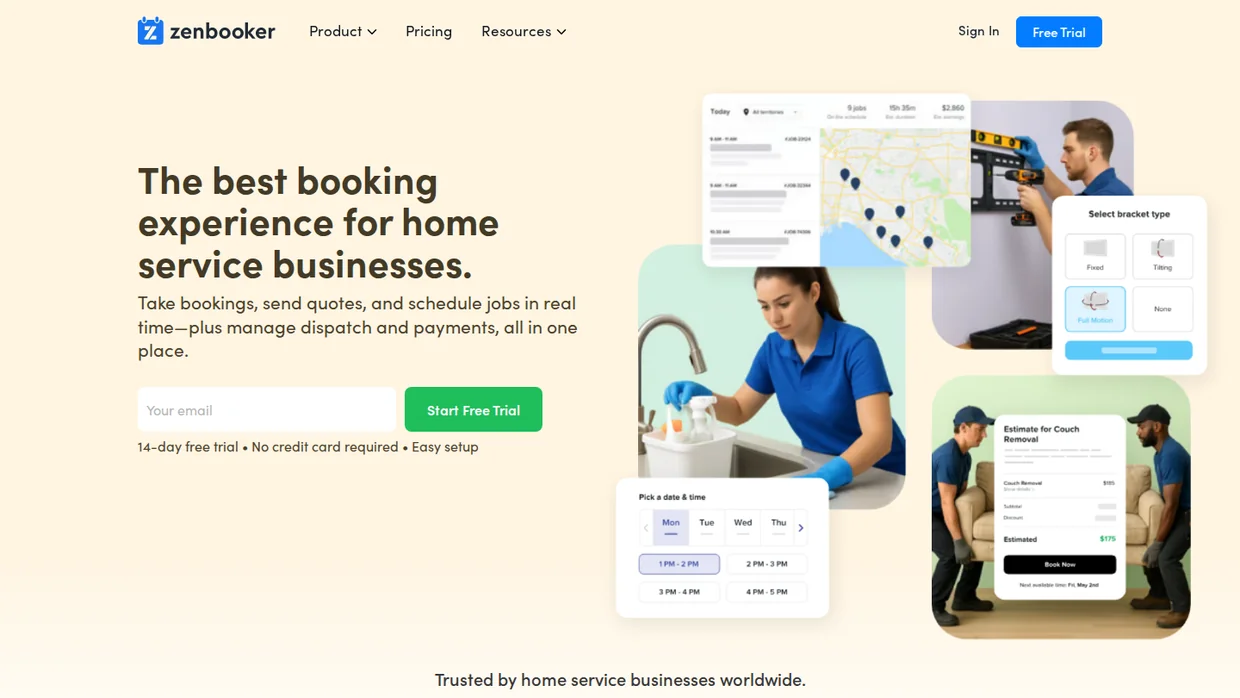
Zenbooker starts from the booking page. Customers see a price and book a one-off or recurring visit online, and the job lands in the schedule and the provider’s app.
Every plan includes unlimited bookings and unlimited team members. You pay by service territory, from 2 on Standard to 96 on National.
It suits cleaning, handyman, and mobile service businesses that win most work online. Pair it with a good booking widget for website placement to lift that share.
Key features
- Booking page and widgets with visible prices.
- Quote and service requests.
- Stripe payments, invoices, and receipts.
- Reminders before the job and follow-ups after.
- A website builder and hosting on every plan.
Pricing Standard $29 a month (2 territories), Professional $79 (8), Enterprise $149 (36), National $259 (96), 14-day free trial, metered by service areas.
- Good fit when most of your jobs start as online bookings.
- Not a fit if you need job costing, inventory, or multi-day project tracking.
Build trust & FOMO
Highlight real-time activities like reviews, sales & sign-ups.

Add reviews and social proof to your site
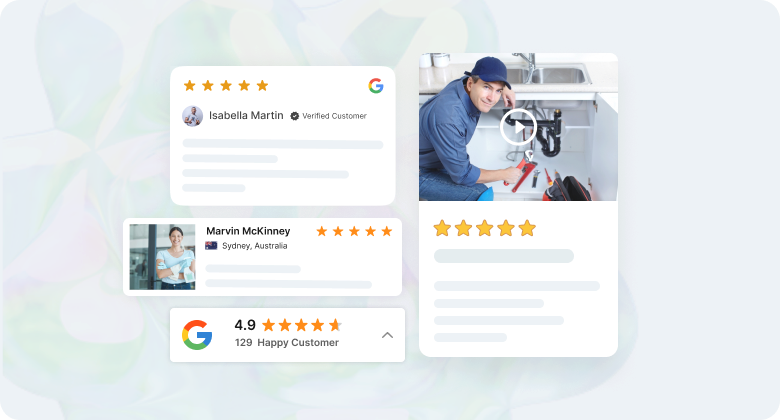
Switching field service software does not change what a new customer sees on your website. A homeowner comparing three plumbers looks for reviews and signs that other people booked you recently.
Review tools vary across this list. Service Fusion includes company reviews on every plan, GorillaDesk adds review generation on Pro, and Kickserv includes reviews on Scale. WiserReview, second on the list, covers the rest.
A google review link in the post-job text is the fastest way to start.
WiserNotify shows recent bookings and reviews as small notifications on your booking page, such as a customer in your area booking a deep clean that morning.
It runs next to any tool above and starts at $16 a month, with a 7-day free trial.
Disclosure, WiserReview and WiserNotify are our products. WiserReview is ranked because it replaces Housecall Pro’s review tools. WiserNotify is not ranked because it replaces no part of Housecall Pro.
Your software runs the job. Your website still has to win it.
Build trust & FOMO
Highlight real-time activities like reviews, sales & sign-ups.

How to switch from Housecall Pro
Most switches take a few weeks. The work is moving data and habits, not learning buttons.
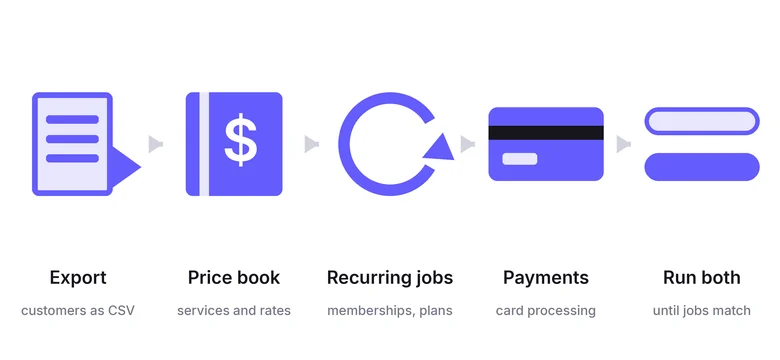
Export your customer list
Pull customers, addresses, and job history out of Housecall Pro before you cancel. Check what your plan exports for invoices and notes.
Rebuild your price book
Recreate services, flat rates, and materials in the new tool. This is the step that takes longest for HVAC and plumbing shops.
Move recurring jobs
Re-enter maintenance plans, memberships, and recurring visits first, so nothing due next month falls through.
Reconnect payments
Set up card processing and deposits in the new tool, and tell repeat customers where the next invoice will come from.
Run both for a short overlap
Keep Housecall Pro active until the new schedule matches reality. GorillaDesk and FieldPulse both include migration help, so ask every vendor what they move for you.
How to choose a Housecall Pro alternative
Start with crew size, then check the meter and your trade. Four checks catch most bad picks.
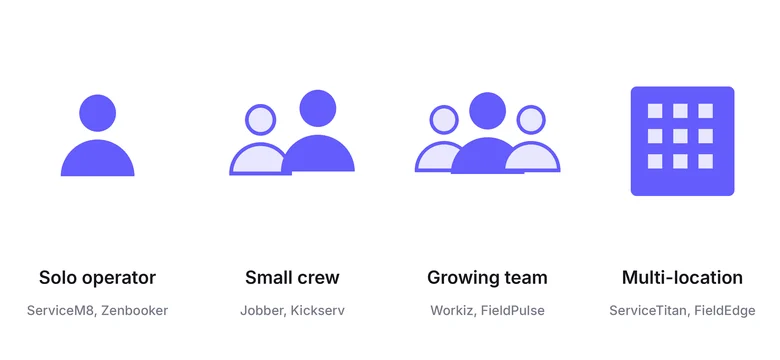
Match the tool to your crew size
Solo operators fit ServiceM8 or Zenbooker. Small crews fit Jobber or Kickserv. Growing teams fit Workiz, Service Fusion, or FieldPulse, and multi-location shops fit ServiceTitan or FieldEdge.
Match the tool to your trade
Route trades need GorillaDesk-style routing. Booking-led cleaning needs Zenbooker. Commercial and construction work needs ServiceTitan’s job costing.
Price the meter, not the plan name
Count users, technicians, jobs per month, routes, or territories, whichever the tool charges on. Then compare yearly costs.
Trial before demo when you can
Jobber, ServiceM8, Kickserv, GorillaDesk, and Zenbooker let you test on real jobs. Book demos for the quote-only tools only after you know what you need.
- What unit does the tool charge on, and what is your monthly number?
- Is the listed price monthly, yearly, or a first-year promotion?
- Which plan unlocks the feature you left Housecall Pro for?
- What will the vendor migrate for you, and at what cost?
Wrap Up
Housecall Pro alternatives split by crew size and trade. Pick the group that matches your business, then compare the meters inside it.
For most small crews, Jobber is the closest swap, and ServiceM8 is the cheapest way to start. Large HVAC and plumbing shops choose between ServiceTitan and FieldEdge.
Route trades belong on GorillaDesk and booking-led cleaners on Zenbooker. If reviews are the only gap, WiserReview fixes that part without a full switch.
Whichever you pick, move your customers and recurring jobs first, and keep your website ready to win the next booking.
Frequently Asked Questions
What is the best Housecall Pro alternative?
Jobber is the closest swap for most small crews. ServiceTitan suits large HVAC and plumbing shops, and ServiceM8 is the cheapest start for a solo operator.
Is there a free Housecall Pro alternative?
ServiceM8 has a free plan for one user and 30 jobs a month. Most other tools offer a free trial instead of a free plan.
Which Housecall Pro competitor is cheapest for a small team?
Kickserv covers five users for $60 a month, and ServiceM8 includes unlimited users on paid plans priced by job count.
Is ServiceTitan better than Housecall Pro?
ServiceTitan fits larger shops with office staff, service agreements, and commercial or construction work. Smaller crews usually find Housecall Pro or Jobber simpler to run.
Is Jobber cheaper than Housecall Pro?
Jobber publishes its prices, starting at $29 a month billed yearly for one user. Housecall Pro now shows a plan only after a short questionnaire, so compare quotes for your team size.
What is the best Housecall Pro alternative for pest control or lawn care?
GorillaDesk is built for recurring route work and prices by the number of routes you run.
How long does it take to switch from Housecall Pro?
Most switches take a few weeks. Export customers first, rebuild the price book, move recurring jobs, and run both tools until the schedules match.
Does Housecall Pro have review management?
Yes, review requests are part of Housecall Pro. If reviews are all you need, WiserReview replaces that part without a full switch.

Krunal Vaghasiya is a marketing tech expert who boosts e-commerce conversion rates with automated social proof and FOMO strategies. He loves to keep posting insightful posts on online marketing software, marketing automations, and improving conversion rates.




 Capterra