
How to Get More Reviews for Your Salon (10 Ways)
A salon lives or dies on its Google rating. Someone new to the area searches, sees a 4.9 with two hundred reviews next to a 4.3 with eleven, and books the first one without thinking about it.
The awkward part is that happy clients almost never leave a review on their own. They tell you in the chair, they tip, they rebook, and then they go home and forget.
Everything below is about closing that gap: how to ask, when to ask, and what to do with what comes back.
Why Salon Reviews Matter More Than in Most Businesses
- People are trusting you with how they look. A bad haircut takes months to grow out. That raises the bar for proof before anyone books.
- Local search is the whole funnel. Most salon bookings start with a map search, and the map ranks partly on review count and rating.
- Individual stylists get named. A review that says who did the work brings that person repeat clients and tells you who to promote.
- Recency counts. A rating built on reviews from three years ago reads as a salon that used to be good.
How to Get More Reviews for Your Salon
Ten that work in a salon specifically, roughly in order of how much difference they make.
1. Ask in the chair, before they pay
The moment a client says they love it is the moment to ask. Not later that evening by email, when the feeling has faded and they are cooking dinner.
Say it plainly. “If you are happy with it, would you mind leaving us a Google review? It helps us more than you would think.” Most people say yes. The ones who say yes in person are far likelier to follow through.
2. Send the link while they are still in the car
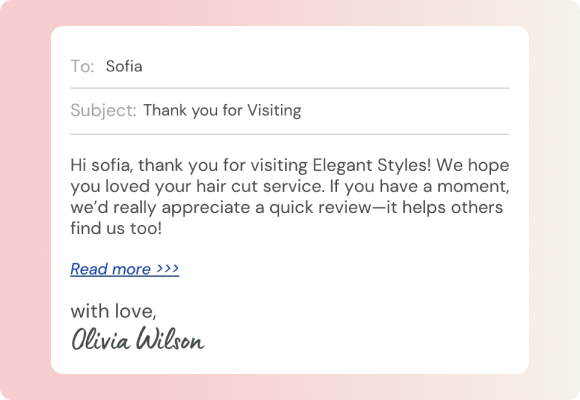
A text sent within an hour of the appointment lands while the result is fresh and they are still pleased with it. Wait until tomorrow and you are competing with everything else in their day.
Keep it to one line and one link:
Hi [name], lovely to see you today. If you have a minute, a quick Google review would mean a lot: [link]
Send it from a number they recognise, and only to people who gave you a mobile for that purpose.
3. Put a Google review QR code on the front desk
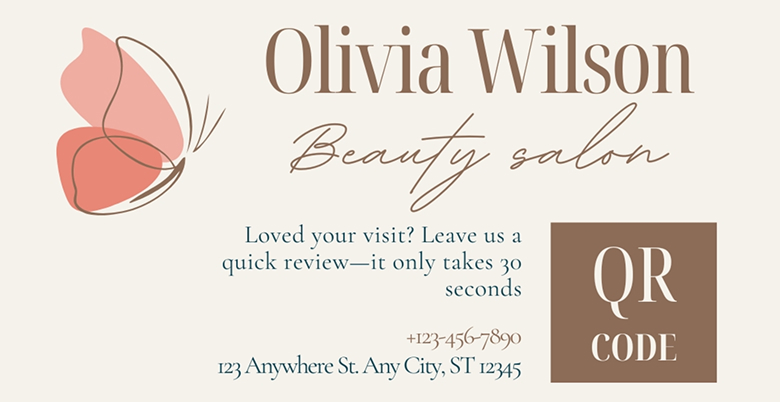
A small card at the desk with a QR code that opens your Google review form removes every step between wanting to help and doing it.
Print it, laminate it, and prop it next to the card machine. It costs almost nothing and catches the clients who would never open a text.
Our guide to the Google review QR code covers how to generate one.
4. Give your stylists one line to say
Most stylists feel awkward asking, so they do not. Give them a sentence to use and permission to use it, and the awkwardness goes.
Three things that help:
- One agreed line everyone uses, so nobody has to improvise.
- A rule about when, such as while the client is checking the back in the mirror.
- Visible numbers, so the team sees the rating move and knows it worked.
Do not tie it to commission. That turns a genuine ask into a sales pitch and clients can hear the difference.
5. Add a review link to your booking confirmation
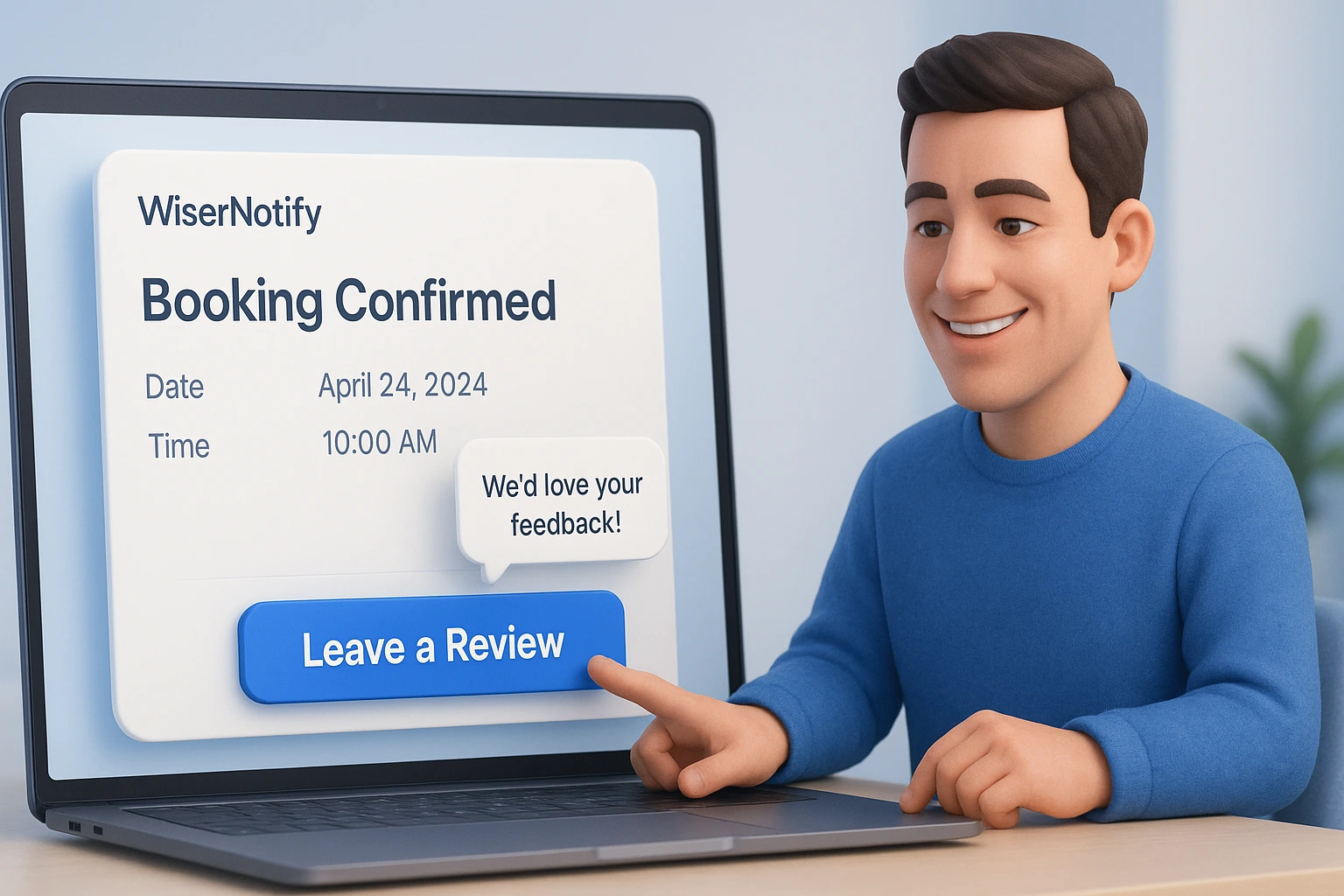
Every booking system sends a confirmation and a follow-up. Both are opened at high rates, and most salons waste the space.
Put the review link in the post-appointment message rather than the confirmation. Before the appointment there is nothing to review.
6. Work through your regulars one by one
The client who has been coming for four years has never left a review, because nobody has ever asked her.
Go through your books, pick the twenty people you see most, and ask each one personally. It is the fastest way to add reviews from people who mean every word, and it takes an afternoon.
7. Run a monthly draw instead of paying per review
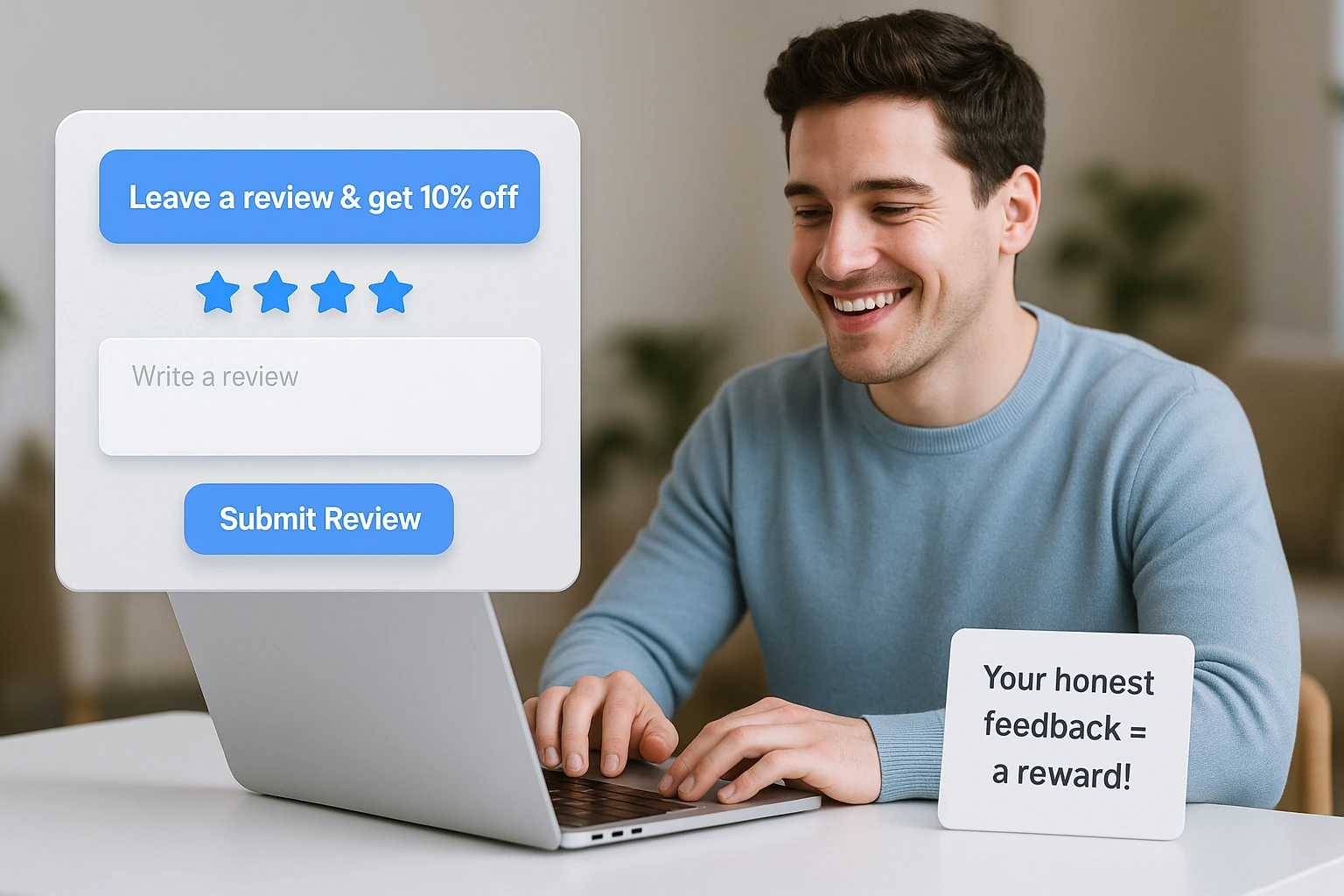
An incentive lifts response rates and is also where salons get into trouble.
- Fine: entry into a monthly draw for anyone who leaves a review, loyalty points, a small discount next visit.
- Not fine: anything that pays out only for a five star rating.
Google’s policy prohibits incentivised reviews outright, and its early 2026 update tightened enforcement. Reward the act, never the score, and check your platform’s terms before you run anything.
8. Answer the one star reviews in public
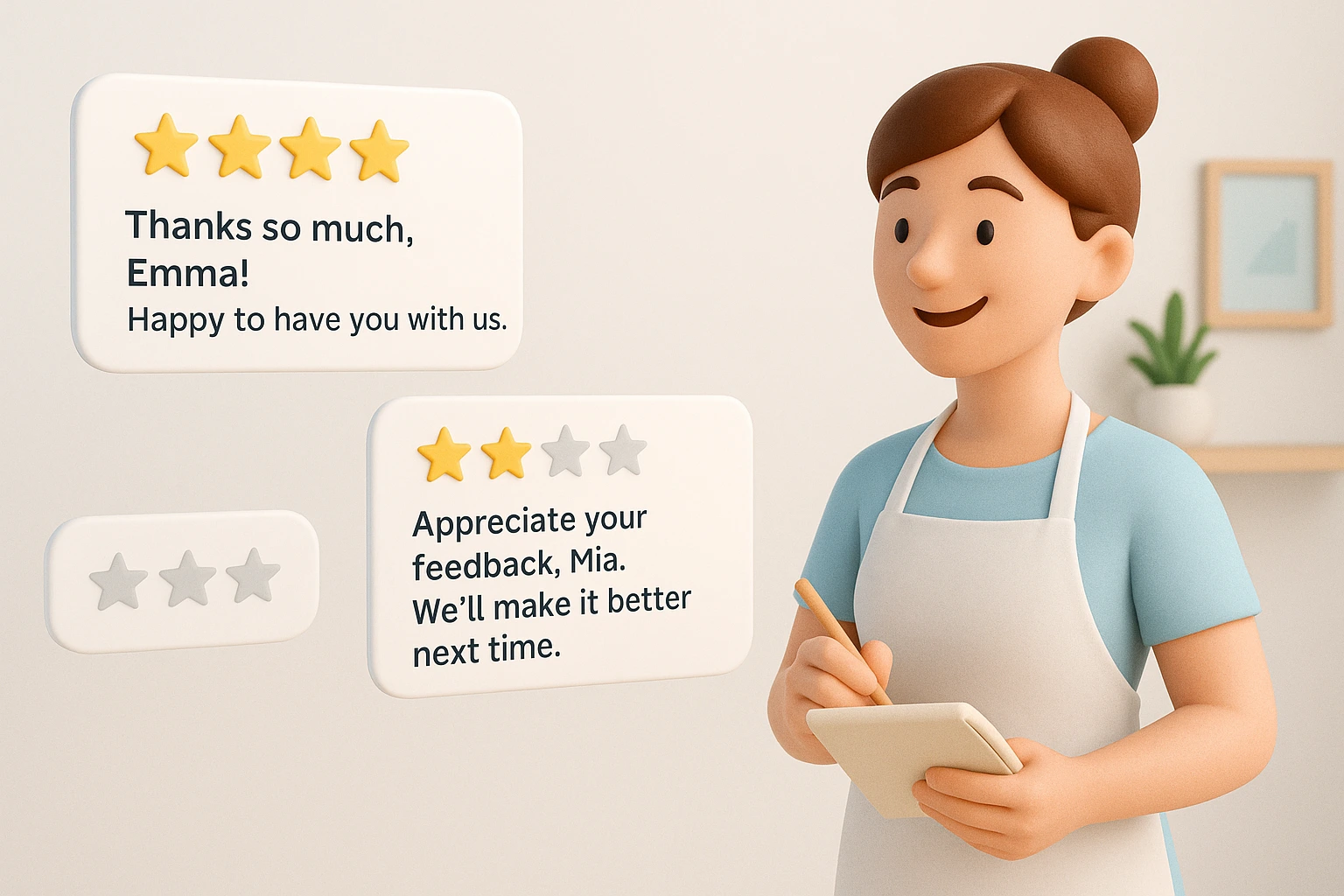
A complaint answered well does more for a prospective client than another five star review. It shows someone is paying attention.
Keep replies short, take it offline, and do not argue. “Sorry that happened, please call the salon and we will sort it” is enough. Everyone reading knows the difference between a defensive owner and a reasonable one.
There is more on handling these in our guide to responding to negative reviews.
9. Use the mirror and the basin as advertising space
A small framed card at the basin, on the mirror, or by the coat rack. Clients spend a lot of time sitting with nothing to do, and that is the cheapest advertising space you own.
Keep it to a QR code and five words. Anything longer gets ignored.
10. Put your Google rating on your booking page
A salon website with no reviews on it signals that nobody bothered. One with a live wall of them tells the next client that leaving one is normal.
Pull your Google reviews onto the site rather than retyping them, so the rating stays current on its own. Our guide to adding reviews to your website walks through the options.
How to Integrate Client Reviews From Yelp or Google With a Salon CRM
Most salons run a booking system that already knows who came in, what they had done and when. That is everything you need to ask at the right moment, and almost nobody connects it.
Three ways to join them up, from least to most work:
- A native integration. Some booking platforms have review tools built in or an app store with one. Check there before building anything.
- Zapier or a similar connector. Appointment marked complete in your booking system triggers a review request. No developer needed, and it handles the timing for you.
- A review platform that imports both. Pulls your existing Yelp and Google reviews into one dashboard and sends new requests from the same place.
Whichever route, the trigger to use is appointment completed, not appointment booked. Booking-based triggers fire before anyone has sat in the chair.
One thing worth knowing: reviews imported from Yelp or Google stay on those platforms. Importing them lets you display and reply in one place, but it does not move the review or the rating.
How to Choose a Review Tool for Your Salon
What to look for, in rough order of importance for a salon rather than a shop:
- It sends by text. Salon clients are not at a desk. Email-only tools miss most of them.
- It connects to your booking system. Otherwise someone is exporting spreadsheets every week and will stop after a fortnight.
- It handles individual stylists. If you want reviews naming who did the work, the tool has to know who did the work.
- It generates a QR code. For the desk card, the mirror, the loyalty card.
- It shows Google and Yelp together. Most salons have reviews split across at least two platforms.
A generic ecommerce review app will do half of this. Anything built for appointments will do the rest.
WiserReview covers the list above: requests by email, SMS, WhatsApp or QR code, triggered on appointment status, with Google and Yelp reviews imported into one dashboard.
Salon Online Reputation: What to Watch
Collecting reviews is half of it. The other half is what people find when they go looking.
- Claim every listing. Google Business Profile first, then Yelp, Facebook, Treatwell or whatever books in your area. An unclaimed listing still shows reviews you cannot reply to.
- Keep the details identical everywhere. Same name, same address format, same hours. Inconsistency hurts local ranking and confuses people.
- Watch for reviews of the wrong salon. Common with chains and similar names, and you can request removal.
- Post photos regularly. Profiles with recent images get more attention in the map pack, and your team’s work is the content.
- Check the rating monthly. Not daily. A single bad review looks like a crisis on the day and like nothing across a quarter.
If your listings are spread across Yelp, Google and a booking platform, pulling them into one dashboard saves the weekly hunt.
Turning Salon Reviews Into Bookings With WiserNotify
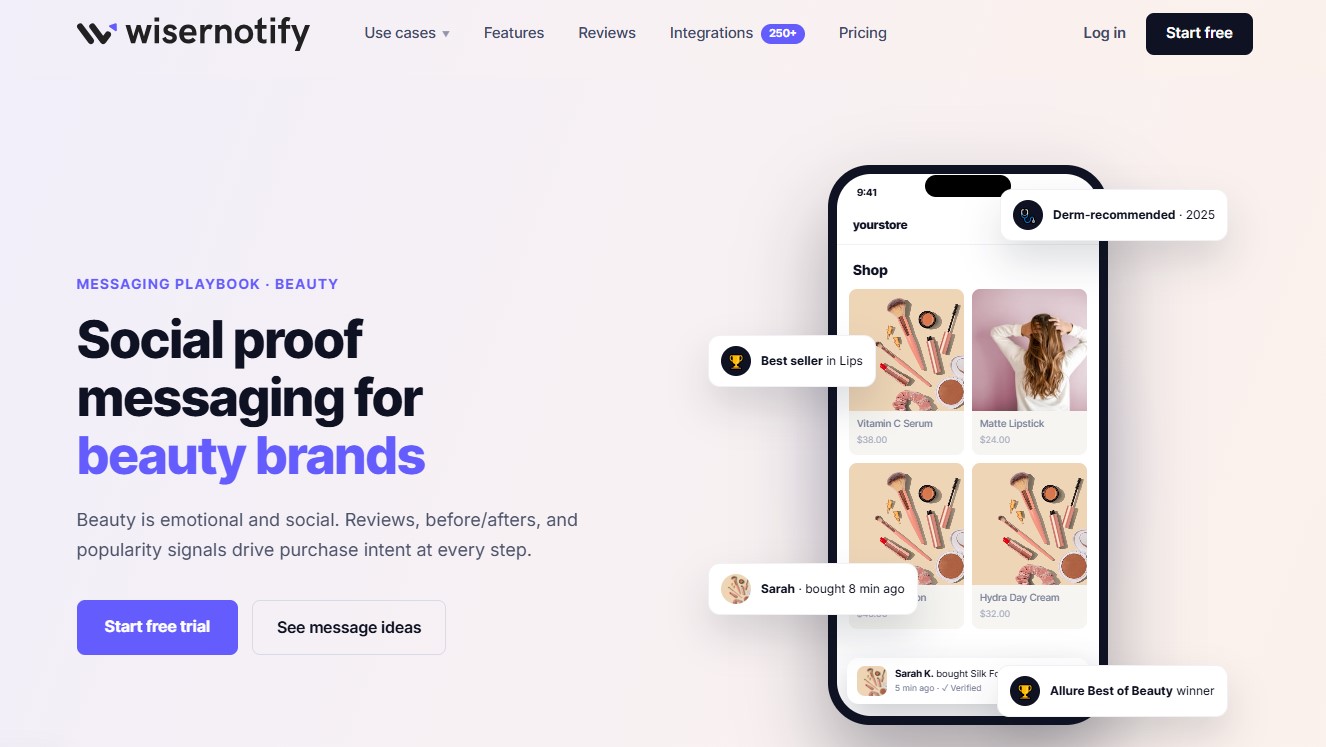
A review wall waits to be found. Most people booking a salon never scroll that far.
WiserNotify puts the proof in front of them instead, as small messages that appear while they are looking at your prices.
What a salon can run:
- Recent bookings. Pulled from Calendly, Acuity and other scheduling tools. “Cut and colour booked 11 minutes ago.”
- Review notifications. Your Google and Facebook reviews, synced in and shown in the corner.
- Photo review carousels. Your work is visual, so show it.
- Live visitor count. The online version of a full waiting room.
- Countdown timers. For real deadlines only, like a cancellation slot.
- Announcement bars. New stylist, new treatment, holiday hours.
- Video popups. A thirty second clip of a treatment does more than a paragraph.
Two ways to show any of them: floating popups that slide in over the page, or inline embeds that sit next to your booking button and match your fonts.
Put popularity signals on the services page, stylist reviews on stylist pages, and a viewer count on the booking form.
Setup is one script tag or a one-click app on WordPress, Wix, and Shopify. Fifty-plus designs, built-in A/B testing, and Zapier or a webhook for anything that does not integrate directly.
If you sell retail products online too, the beauty messaging playbook covers the product page side.
Wrap Up
Ask in the chair while they are happy, send the link within the hour, and put a QR code by the card machine. Those three cover most of it.
Then reply to everything that comes in, good or bad, and put the results somewhere clients will see them.
Also check: How to ask for reviews, with examples
Related Guides
- How to get more reviews for a dental clinic
- How to get more reviews for a cleaning company
- How to add Facebook reviews to your website
- How to get more reviews for a fashion brand
Frequently Asked Questions
How can I ask customers to leave a review for my beauty salon?
You can ask in person after the service, send a follow-up message, or share a simple review link through WhatsApp, SMS, or email.
What is the best time to request a review from a salon client?
Right after their appointment when the experience is still fresh works best.
How can I display reviews on my salon website?
Use tools like WiserReview to collect and show reviews as sliders, badges, or popups without coding.
Do customer reviews help bring in new clients?
Yes. Reviews build trust. New clients often check them before booking an appointment.
Can I collect photo or video reviews from clients?
Yes. Some tools like Wiserreview let you request and display photo or video reviews along with text.

Krunal Vaghasiya is a marketing tech expert who boosts e-commerce conversion rates with automated social proof and FOMO strategies. He loves to keep posting insightful posts on online marketing software, marketing automations, and improving conversion rates.




 Capterra