
Add Airbnb Reviews to Kartra to Win Buyer Trust
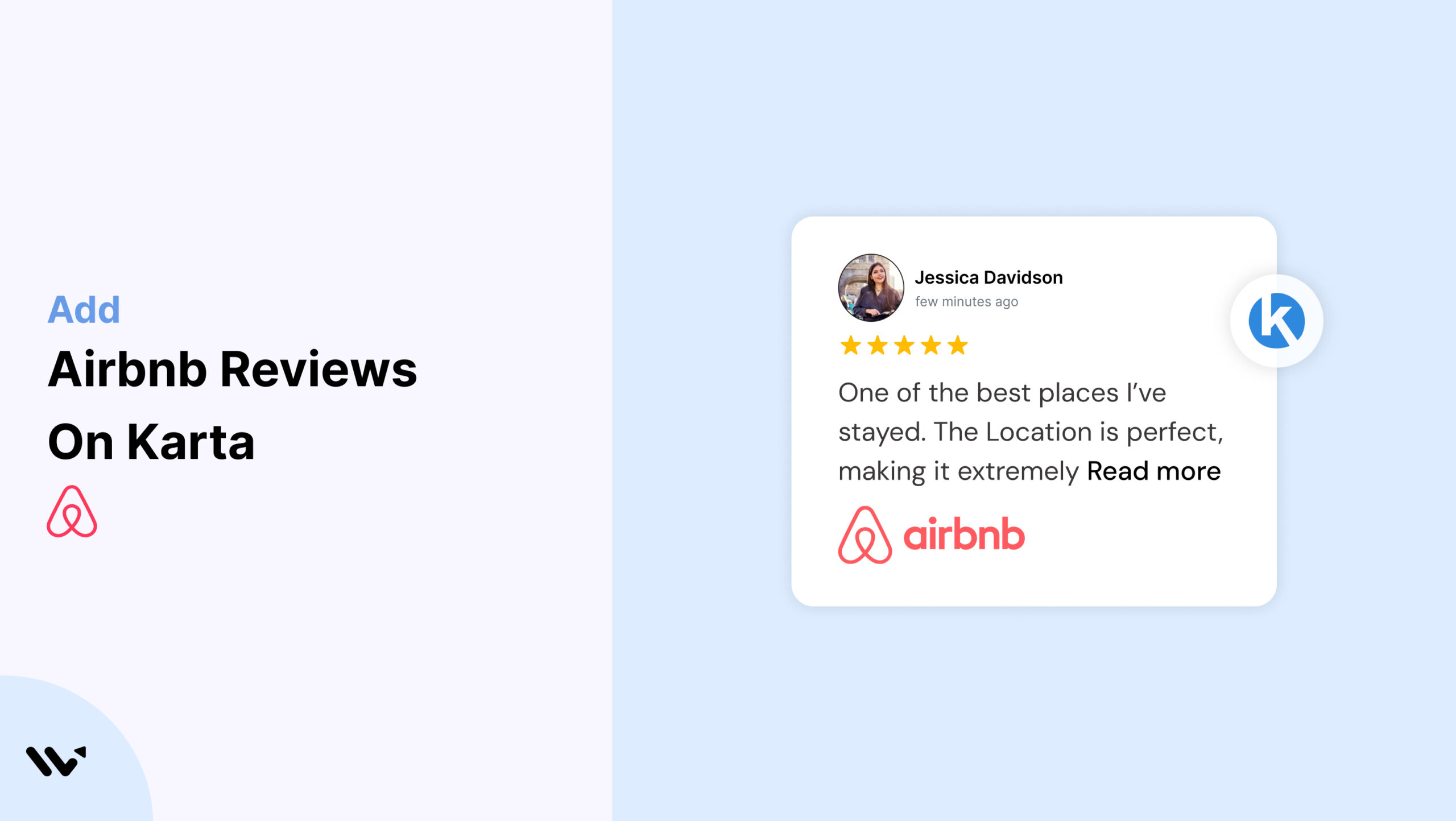
Kartra is a powerful funnel builder and marketing suite, but if you’re using it to promote an Airbnb listing or hospitality service, the real driver of conversions is trust.
Adding Airbnb Reviews to your Kartra pages gives visitors the confidence to click, book, or inquire. With Wisernotify, you can embed real guest feedback quickly, without needing to code.
Why Add Airbnb Reviews on Kartra?
Kartra helps you design functional, high-converting pages. Airbnb Reviews back your offer with social proof that seals the deal.
Support Conversion with Credibility: Airbnb Reviews show that your offer delivers on its promise. This helps overcome visitor hesitation at every funnel stage.
Boost Lead Magnet and Checkout Performance: Testimonials near opt-in forms and payment buttons build trust where it matters most, increasing conversions.
Keep Pages Dynamic: Wisernotify’s widgets bring real-time feedback to static funnels, improving time on page and engagement.
How to Add Airbnb Reviews on Kartra


How to Embed Airbnb Reviews on Kartra
After creating your Wisernotify widget, follow these steps:
- Copy the Wisernotify embed code.
- Open your Kartra dashboard and select the page or funnel you want to edit.
- Click Edit to launch the Kartra Page Builder.
- Drag a “Custom Code” element into your layout.
- Paste the Wisernotify code into the code editor.
- Save and Publish the page.
Your reviews will now appear where you placed the widget.
Best Practices for Showcasing Airbnb Reviews on Kartra
Position Reviews by Decision Points
- Place your Airbnb Reviews widget directly above or below your key CTAs, such as “Book Now” or “Claim Offer.” This placement gives visitors the confidence to act at the moment of decision.
Keep Design Lightweight
- Choose a Wisernotify widget that matches Kartra’s sleek, mobile-first structure. Avoid bulky layouts and keep the review section simple and fast-loading.
Highlight Trust-Focused Feedback
- Select testimonials that emphasize trust-building topics such as safety, communication, and overall guest satisfaction. These resonate most with new visitors.
Preview Across Devices
- Always use Kartra’s preview function to test the review section across mobile, tablet, and desktop. Fine-tune margins and spacing for consistency.
Common Mistakes to Avoid When Adding Airbnb Reviews to Kartra
Using the Wrong Element Type
Avoid pasting the code into regular text or headline blocks—they won’t render HTML. Always use the Custom Code block to embed Wisernotify widgets.
Not Aligning Widget Style with Page Design
If the review section looks out of place, it can reduce trust. Use Wisernotify’s styling tools to sync fonts and colors with your Kartra design.
Skipping Mobile Testing
Widgets that appear fine on desktop may break layout on smaller screens. Always preview the review section on mobile and adjust padding accordingly.
Forgetting to Save and Publish
Kartra changes aren’t live until saved and published. Double-check your live page to ensure your Airbnb Reviews appear as intended.
Wrap-Up
Kartra gives you the tools to launch and sell. Wisernotify provides the trust your audience needs to convert.
Embed Airbnb Reviews in minutes, and let real guests sell your offer for you.
Use Wisernotify to add Airbnb Reviews to your Kartra pages and turn social proof into sales.
Related guides
Frequently Asked Questions
Can I show Airbnb reviews directly on my Kartra landing page?
Yes, you can use third-party tools like WiserNotify or embed codes to display Airbnb reviews on Kartra pages without any coding knowledge.
Do I need a plugin to show Airbnb reviews in Kartra?
No, Kartra doesn’t use plugins like WordPress. You can embed reviews using an HTML block with a review widget code.
Is it possible to update Airbnb reviews on Kartra automatically?
Yes, if you use a tool that supports live syncing or automation, your Kartra page can display the latest Airbnb reviews without manual updates.
Will adding Airbnb reviews slow down my Kartra page?
If done using a lightweight widget or embed code, it won’t affect your page speed significantly.
Why should I add Airbnb reviews to my Kartra page?
Showing Airbnb reviews builds trust and helps potential guests see real experiences from past customers, which can increase your booking conversions.

Krunal Vaghasiya is a marketing tech expert who boosts e-commerce conversion rates with automated social proof and FOMO strategies. He loves to keep posting insightful posts on online marketing software, marketing automations, and improving conversion rates.




 Capterra