
12 Best WordPress Membership Plugins (Free & Paid, 2026)
For most paid membership sites, MemberPress covers content restriction, recurring billing, and courses in one plugin. Paid Memberships Pro has the most complete free version, and WooCommerce stores usually add WooCommerce Memberships so members and products share one checkout.
The right pick depends on what you sell. Below, 12 plugins are grouped by job, with what each does well, what it costs, and where it falls short.
WordPress Membership Plugins Compared
| Plugin | Free version | Courses | Drip content | Best for |
|---|---|---|---|---|
| MemberPress | No | Built in | Yes | Paid memberships plus courses |
| Paid Memberships Pro | Yes | Add-on | Free add-on | Free start, room to grow |
| MemberMouse | No | Built in | Yes | Upsells and one-click buys |
| WishList Member | No | Built in | Yes | Many levels on one site |
| Simple Membership | Yes | No | No | Free paid memberships |
| WP-Members | Yes | No | No | Free members-only content |
| Ultimate Member | Yes | No | No | Communities and profiles |
| s2Member | Yes | No | Pro only | One-time payment |
| WooCommerce Memberships | No | No | Yes | WooCommerce stores |
| LearnDash | No | Full LMS | Yes | Course-first businesses |
| Kadence Memberships | Yes | No | Pro only | Sites built on Kadence |
| aMember Pro | No | No | Yes | Memberships across several sites |
How to Choose a Membership Plugin
A WordPress membership plugin locks content behind levels, takes payments, and manages member accounts. Most do all three, so the real differences come down to a few questions.
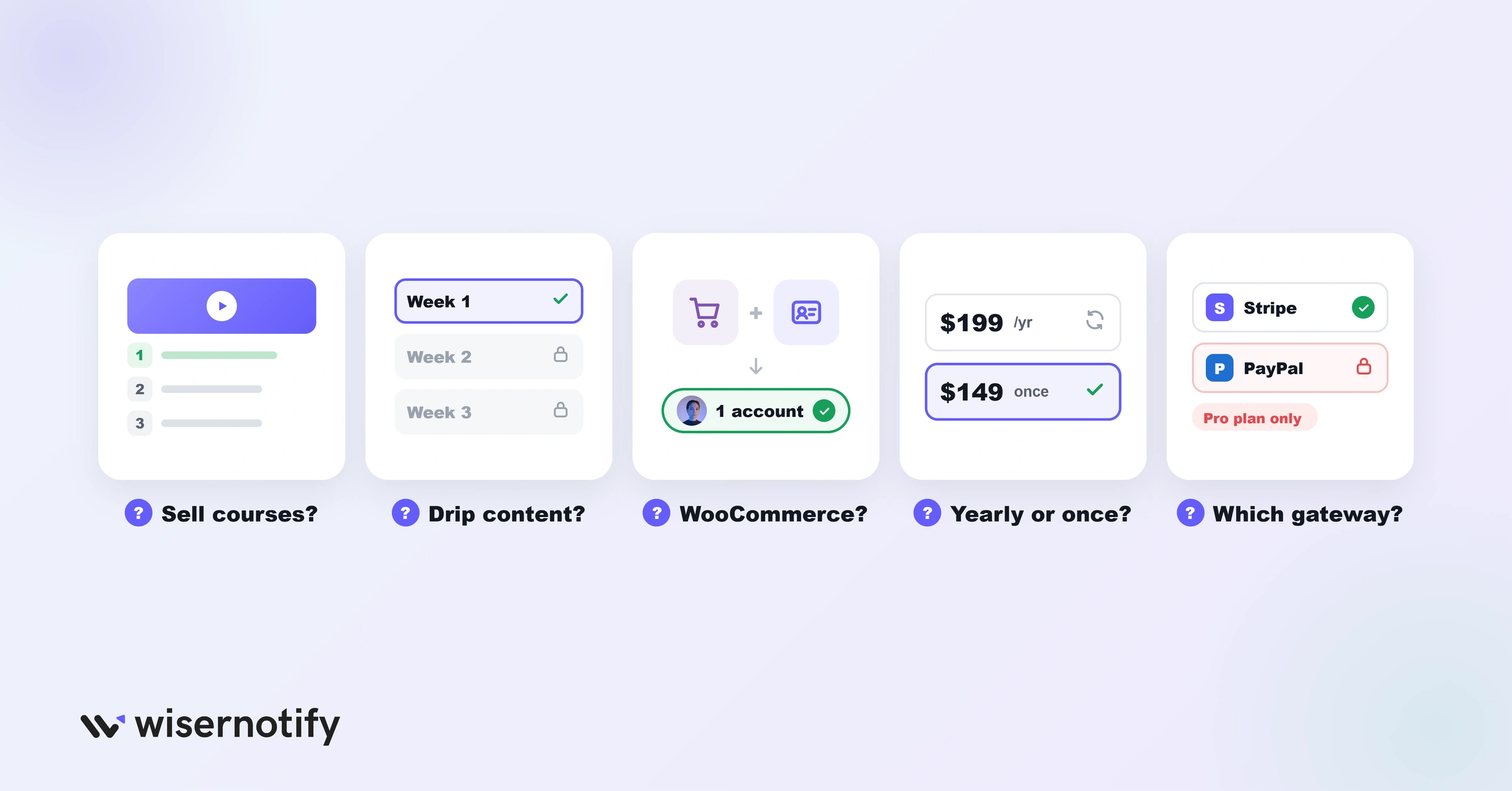
- Do you sell courses? MemberPress, MemberMouse, and WishList Member have course tools built in. Others need an add-on or a separate LMS like LearnDash.
- Do you need drip content? Releasing lessons on a schedule keeps members subscribed longer, but some free plugins leave it out.
- Do you run a WooCommerce store? If so, a plugin that shares your store’s checkout saves members from two separate accounts.
- Annual or one-time? Most charge yearly. s2Member Pro and aMember Pro sell one-time licenses.
- Which payment gateways? Check that Stripe or PayPal subscriptions work in the plan you pick, since some lock them to higher tiers.
A member is worth more the longer they stay, so it helps to know your numbers. This guide to customer lifetime value shows how to work it out.
Build trust & FOMO
Highlight real-time activities like reviews, sales & sign-ups.


All-in-One Membership Plugins
These four handle levels, payments, content rules, and courses from one dashboard. They cost more, but you won’t need to stack add-ons.
If recurring revenue is the goal, these ways to increase subscription sales apply to any of them.
1. MemberPress
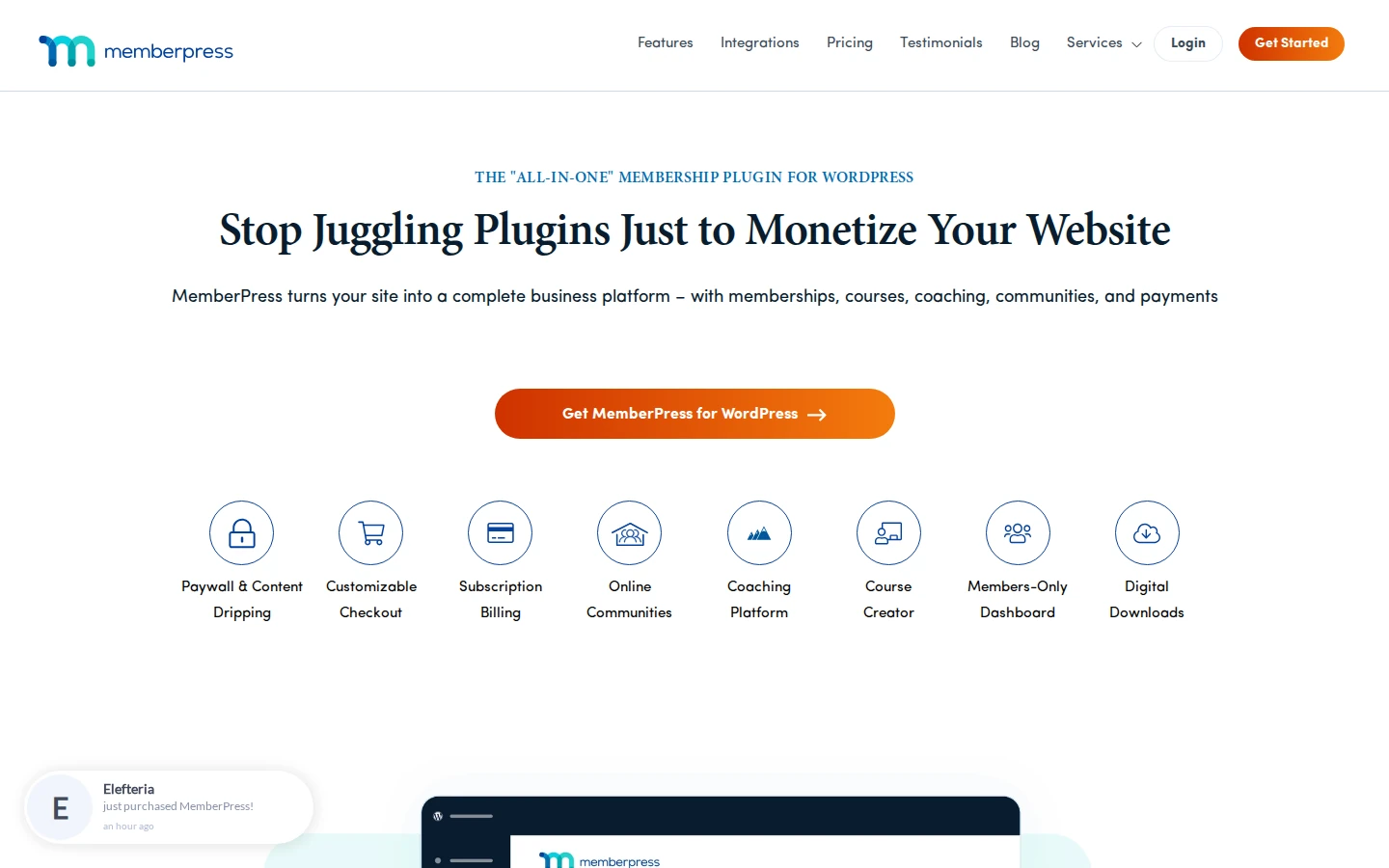
MemberPress turns a WordPress site into a paid membership business with memberships, courses, coaching, and digital downloads under one plugin.
Setup is guided, content rules cover pages, posts, categories, and files, and its course builder works without a separate LMS.
- Paywall and dripping: lock content by level and release it on a schedule.
- Course builder: lessons, quizzes, and progress tracking inside WordPress.
- Customizable checkout: one-page checkout with coupons and upsells.
- Members-only dashboard: members manage billing and access themselves.
- Integrations: connects to common email tools and page builders.
Pricing: Launch costs $199.50 for the first year (promo, normally $399) and adds transaction fees; Growth ($349.50 first year) drops the fees and adds advanced course features.
Good fit: creators selling memberships and courses together. Not a fit: anyone who needs a free tier to start.
2. Paid Memberships Pro
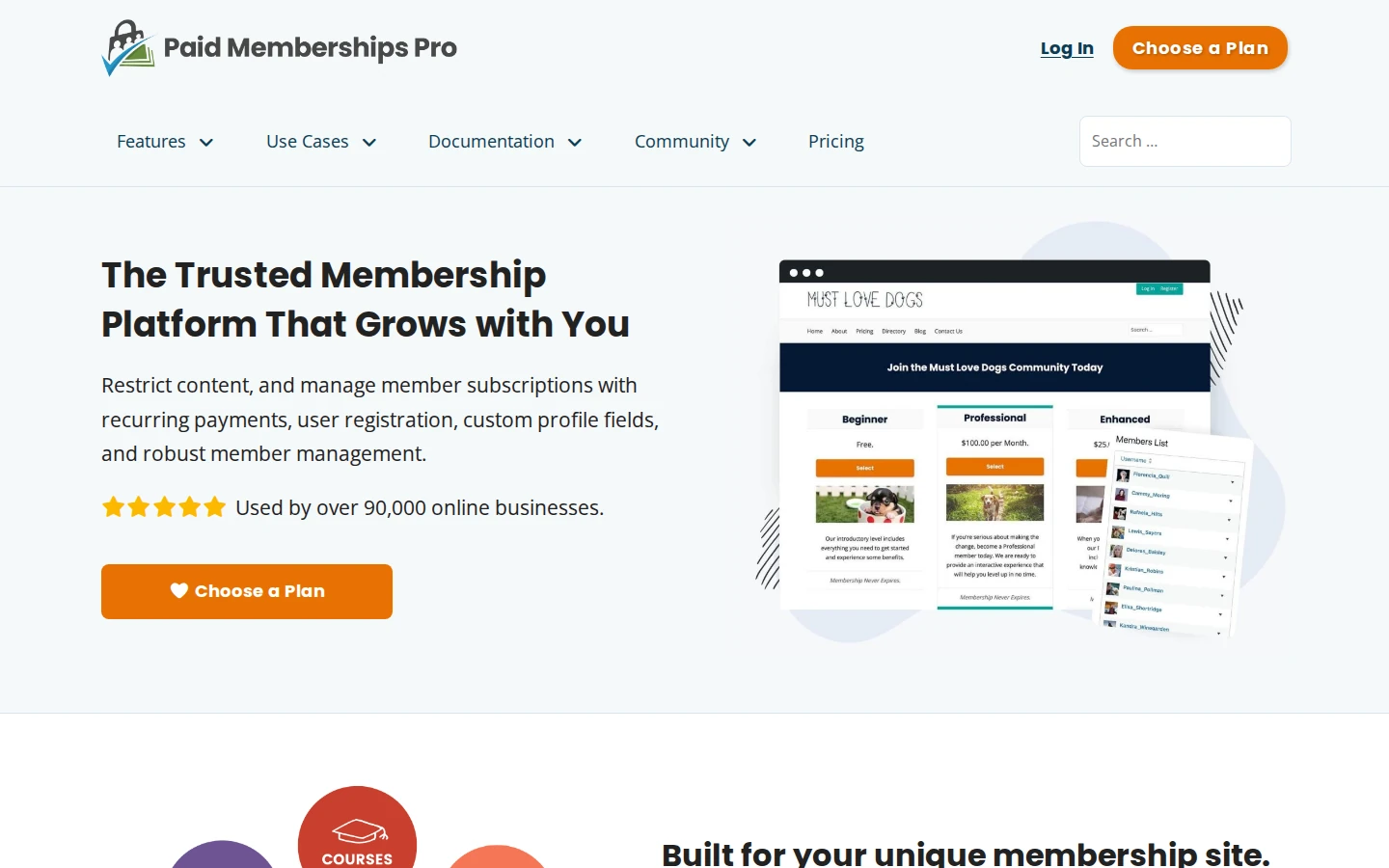
Paid Memberships Pro is an open-source membership platform with a free core that handles levels, recurring payments, registration, and content restriction.
It left the WordPress.org directory in 2024, so you now download the free plugin from its own site. Paid plans unlock premium add-ons and support.
- Free core: unlimited levels and recurring billing at no cost.
- Series add-on: a free add-on drips posts and pages on a schedule.
- Courses add-on: turns members-only content into structured courses.
- Custom profile fields: collect extra member details at checkout.
- Hosted option: managed hosting plans if you’d rather not run WordPress yourself.
Pricing: the core plugin is free; Standard costs $499 per year (or $49 a month) for one site with all premium add-ons and support.
Good fit: anyone who wants to start free and add features later. Not a fit: people who want everything in one install without choosing add-ons.
3. MemberMouse
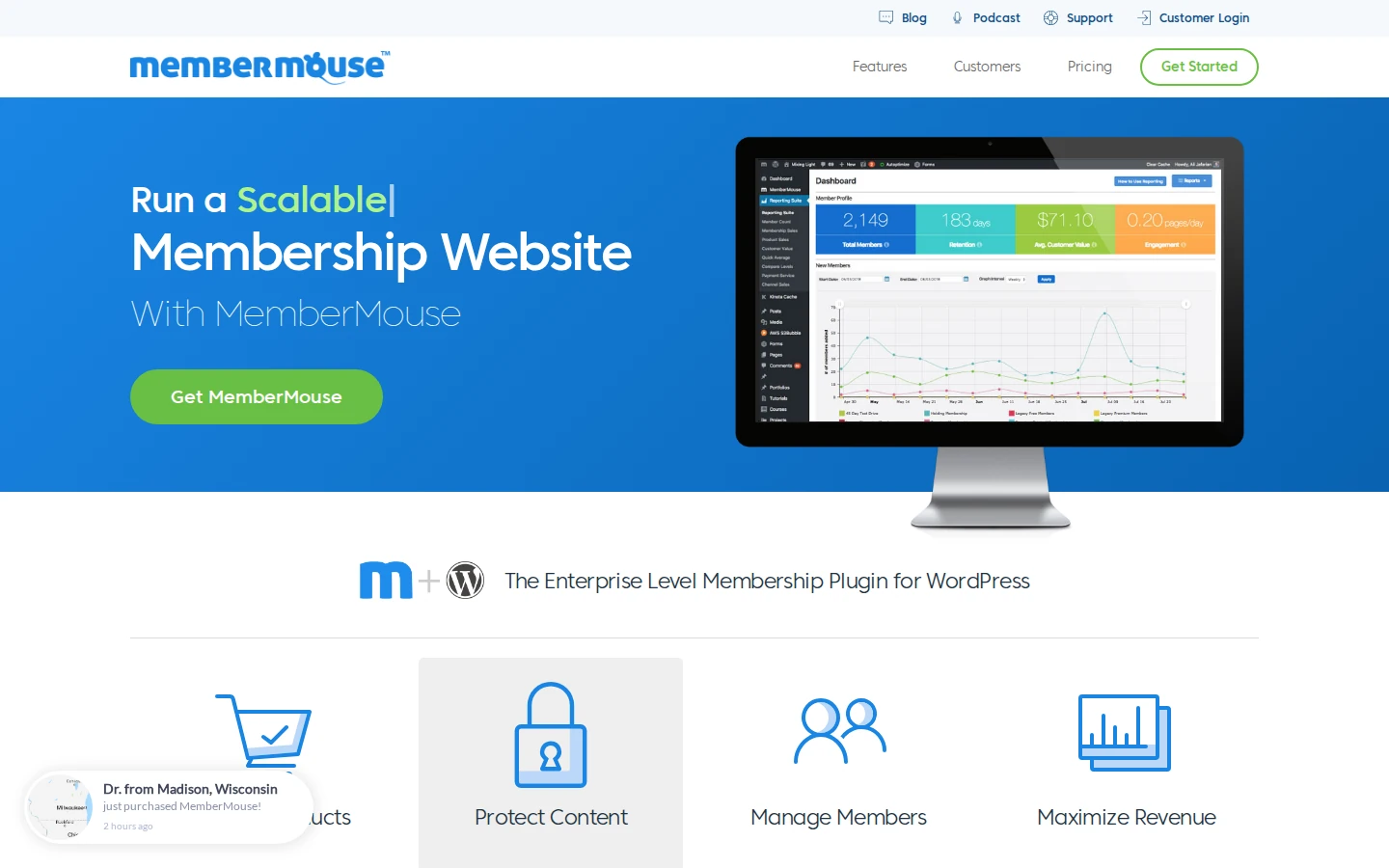
MemberMouse is a WordPress membership plugin built around selling, with one-click upsells, gifting, and its own course add-on.
Its strength is the checkout. Members can buy add-ons with one click after their first purchase, which suits businesses that sell more than one product.
- One-click purchases and upsells: sell extras without a second checkout.
- Courses for MemberMouse: course delivery included from the first plan.
- Drip scheduling: release content over time by member level.
- Coupons and gifting: let members buy access for someone else.
- Email integrations: connects to ConvertKit, Drip, ActiveCampaign, and Zapier.
Pricing: Basic costs $149.50 for the first year (promo, normally $299) with Stripe; PayPal and Braintree start on Plus.
Good fit: businesses with several products to upsell. Not a fit: anyone who needs PayPal on the cheapest plan.
4. WishList Member
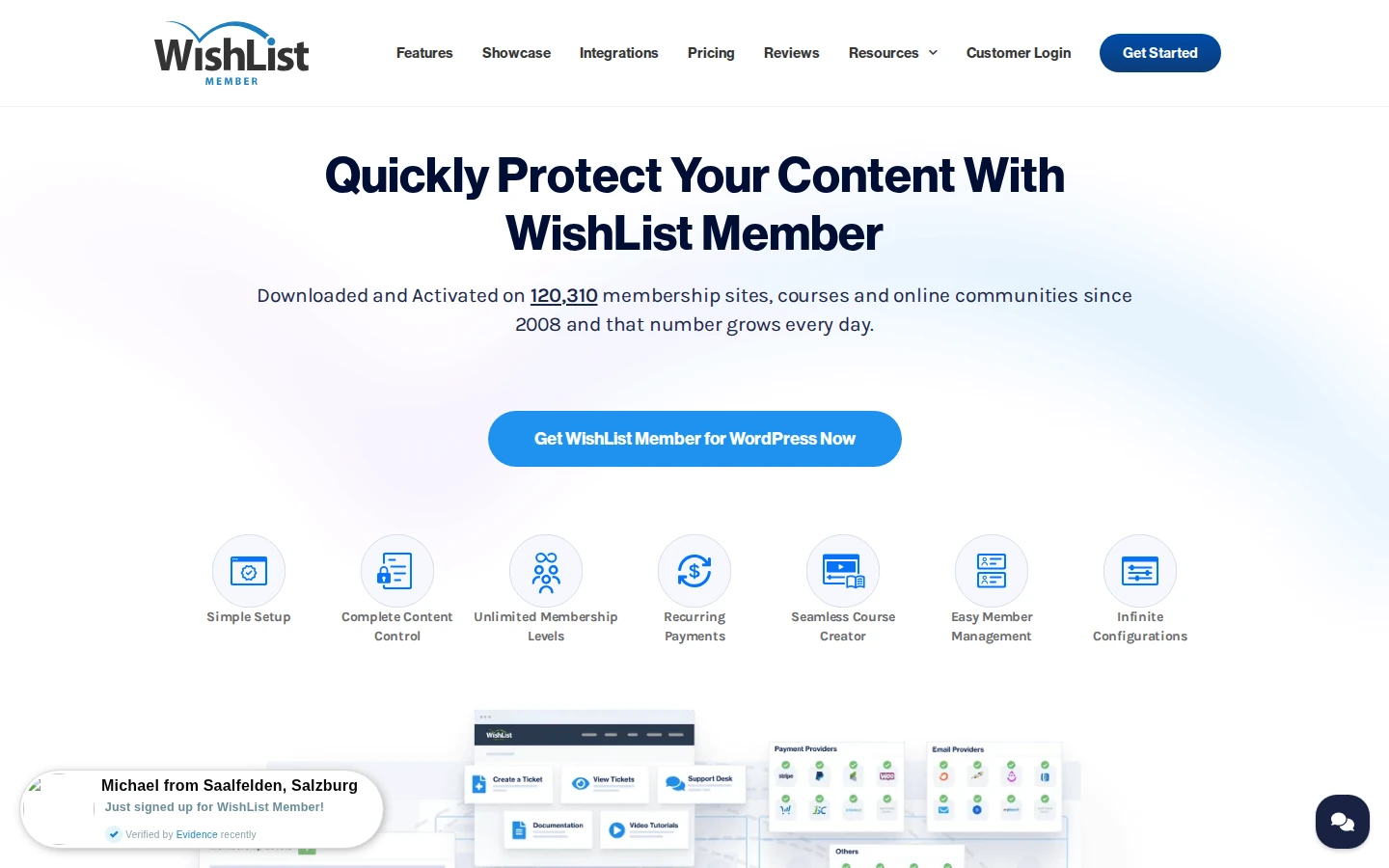
WishList Member has run membership sites since 2008 and focuses on flexible access, with unlimited levels that members can hold at the same time.
Content control is detailed. You can drip posts, schedule them for a set date, and archive old content so only members from a given period see it.
- Unlimited levels: members can belong to several levels at once.
- Drip and schedule: release content by membership age or on fixed dates.
- Course creation: build courses directly or connect LearnDash, TutorLMS, or LifterLMS.
- Pay per post: sell single posts without a full membership.
- Integrations: payment, email, and page builder connections, plus Zapier.
Pricing: Basic costs $149.50 for the first year (promo, normally $299) for one site.
Good fit: sites with many overlapping access levels. Not a fit: beginners who want the simplest possible setup.
Best Free Membership Plugins
These four can run a membership site at no cost. Each has paid extensions, but the free version covers the basics.
If you offer a free level first, these tips to increase free trial conversion help turn it into paying members.
5. Simple Membership
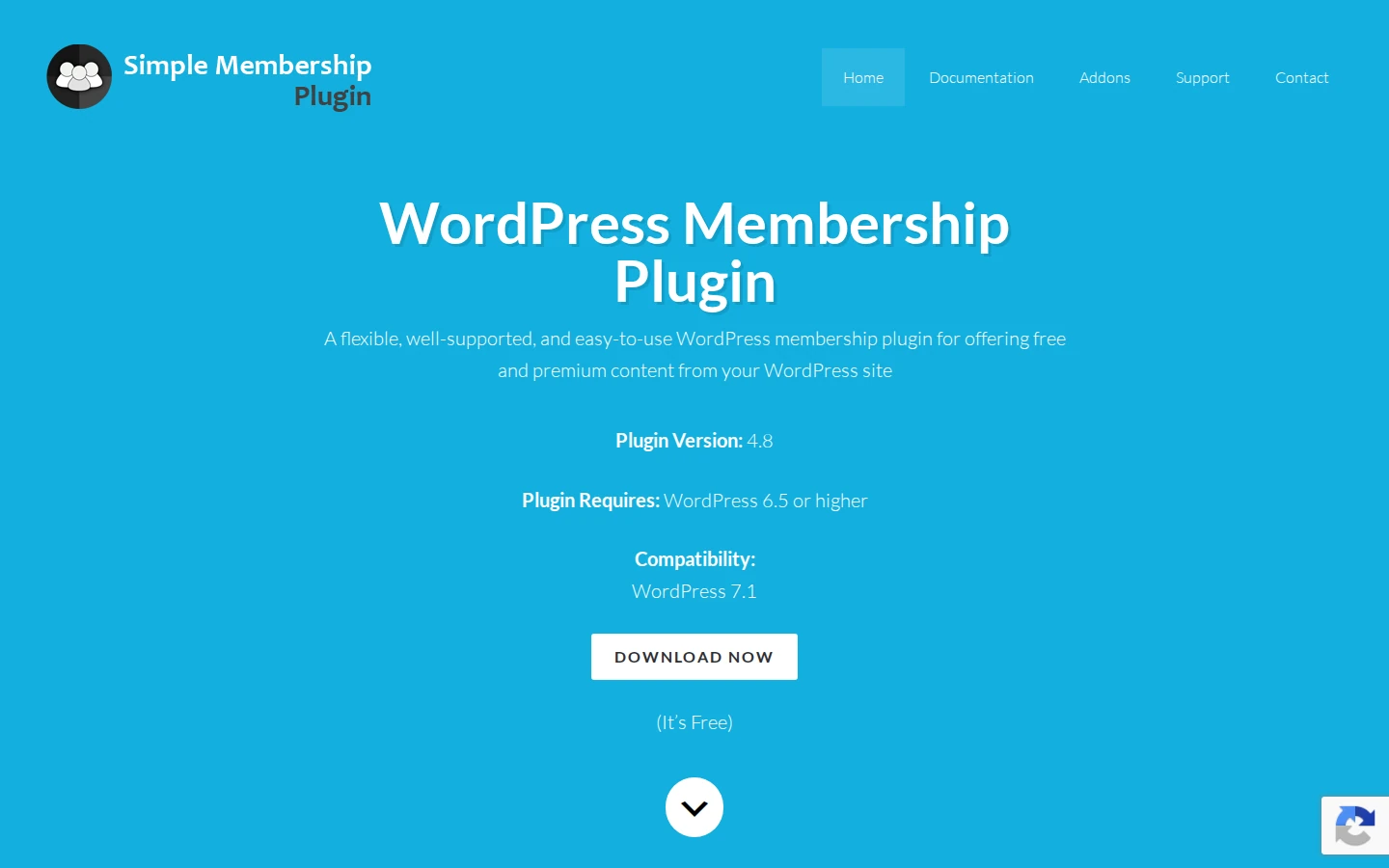
Simple Membership is a free plugin for running free and paid memberships, used on more than 40,000 WordPress sites.
Unlike many free options, it takes payments without an add-on. Members can pay once or on a recurring plan, and you approve or manage them from one screen.
- Built-in payments: PayPal, Stripe, and Braintree in the free plugin.
- Recurring billing: subscription payments through PayPal and Stripe.
- Unlimited levels: free and paid levels with their own access rules.
- Manual approval: review new members before they get in.
Pricing: free, with optional paid add-ons.
Good fit: small sites that want paid memberships for free. Not a fit: course sellers who need drip content.
6. WP-Members
WP-Members is one of the longest-running free membership plugins, active on more than 50,000 sites. It focuses on restricting content to registered users.
The free plugin handles registration, login, and hidden content. Payments and extras like download protection come from paid extensions.
- Content restriction: hide posts, pages, and custom post types from visitors.
- Custom registration: build your own sign-up fields.
- Manual approval: approve each new member before access.
- Extensions: PayPal subscriptions, Mailchimp, and download protection.
Pricing: free; extensions start at $49 per year each, or $125 per year for the Pro Bundle.
Good fit: sites gating content for registered users. Not a fit: anyone who wants payments without add-ons.
7. Ultimate Member
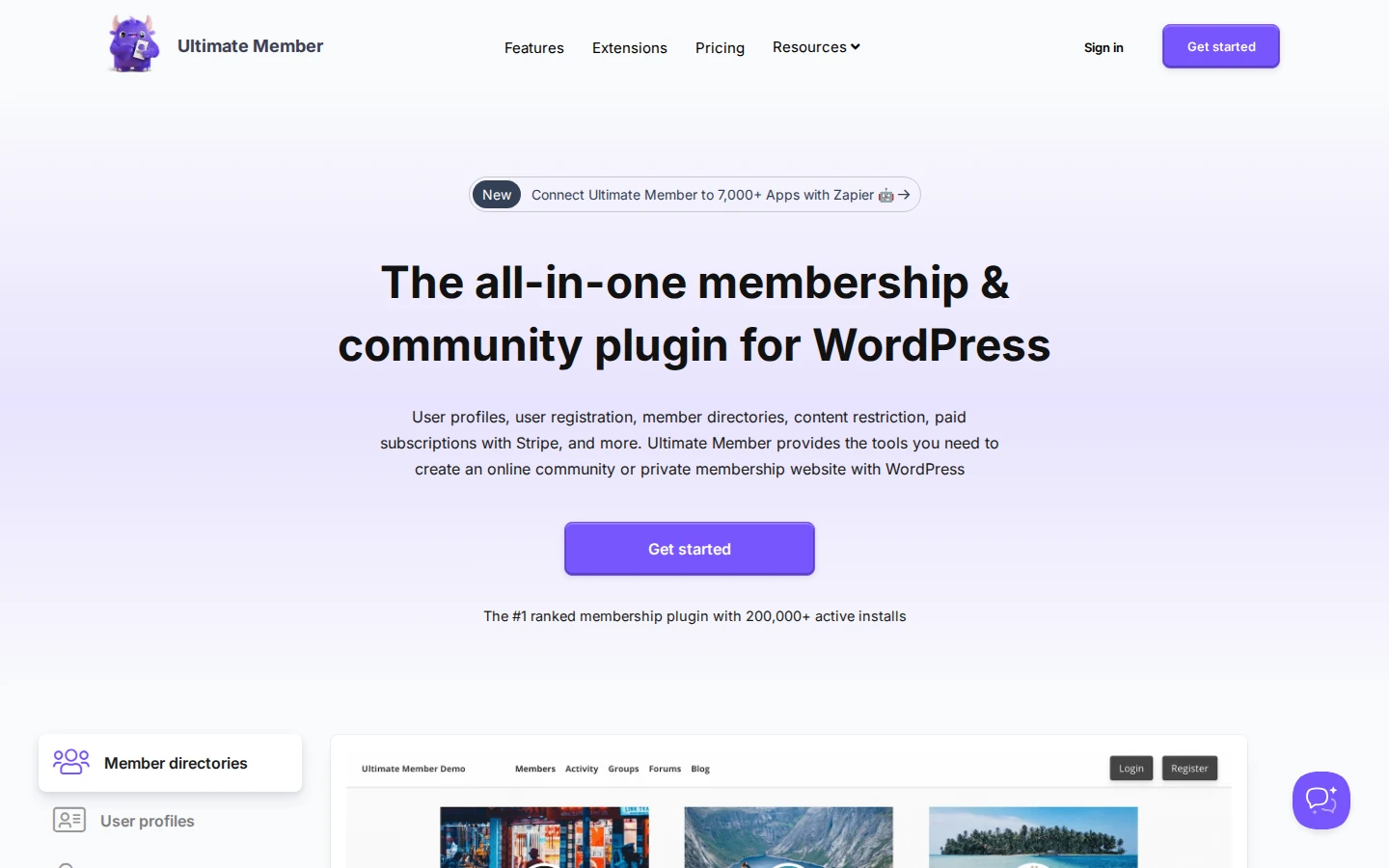
Ultimate Member is a free community plugin with user profiles, member directories, and content restriction, active on more than 200,000 sites.
It’s built for communities first. Paid memberships come through its Stripe extension, which is part of the paid plans.
- User profiles: public member profiles with custom fields.
- Member directories: searchable lists of members.
- Content restriction: limit pages and posts by role.
- Stripe extension: sell subscriptions on paid plans.
Pricing: free core; Standard costs $276 per year for one site with 21 extensions.
Good fit: communities and member directories. Not a fit: paywalled content businesses on a zero budget.
8. s2Member
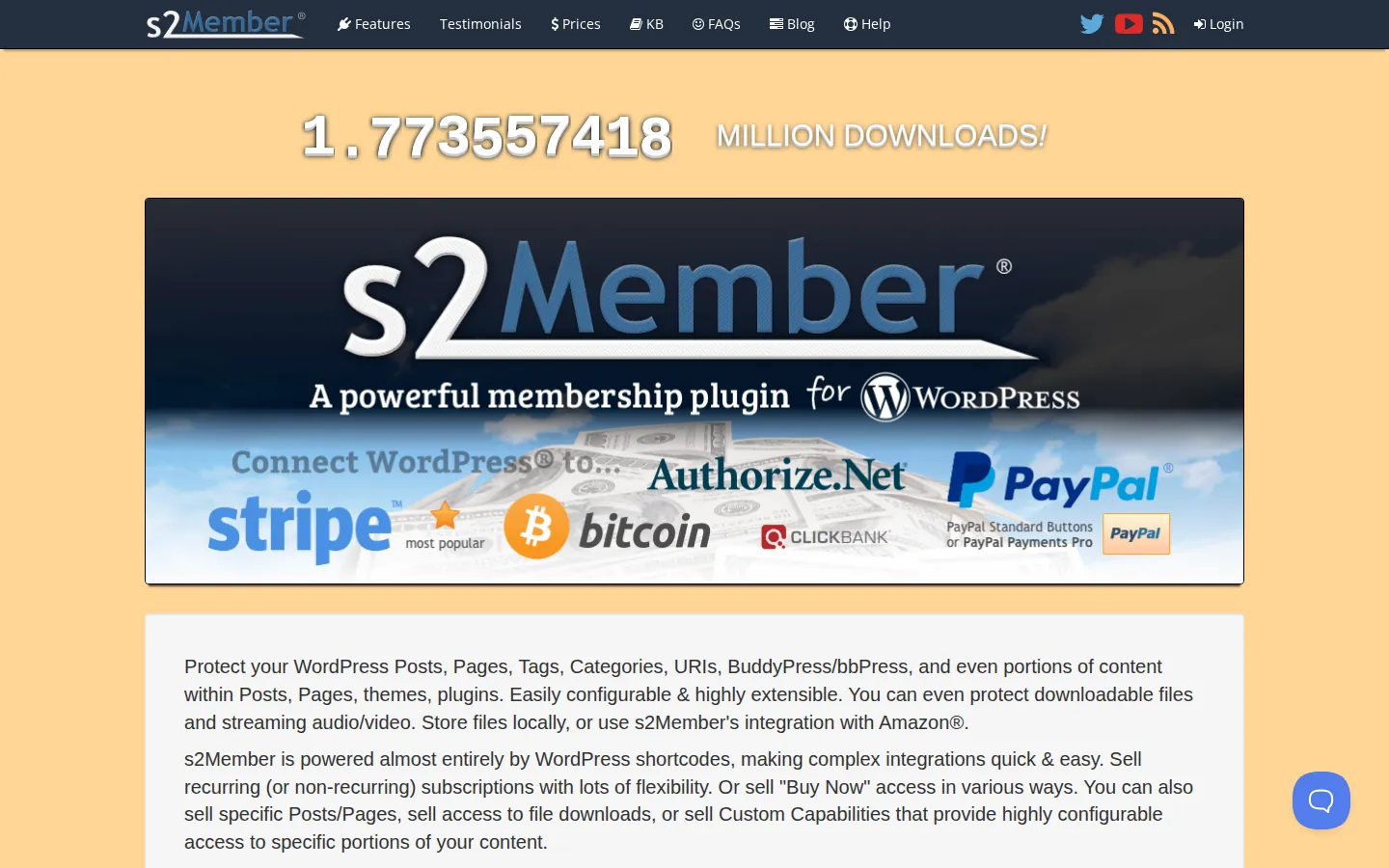
s2Member is a free membership plugin that’s still updated in 2026, with a paid Pro version sold as a one-time purchase.
The free version protects content and takes PayPal payments. Pro adds content dripping, Stripe, and on-site checkout forms.
- Content protection: posts, pages, categories, and files.
- Shortcodes: fine control over what each level sees.
- Pro dripping: scheduled release of member content.
- Pro gateways: Stripe, PayPal Pro, Authorize.Net, and ClickBank.
Pricing: free; Pro costs $89 one-time for one site or $189 for unlimited sites, with lifetime updates.
Good fit: anyone who prefers paying once. Not a fit: beginners who want a modern, guided setup.
For WooCommerce Stores and Course Sellers
These two serve a specific setup: a WooCommerce store adding memberships, or a business where the course is the product.
9. WooCommerce Memberships
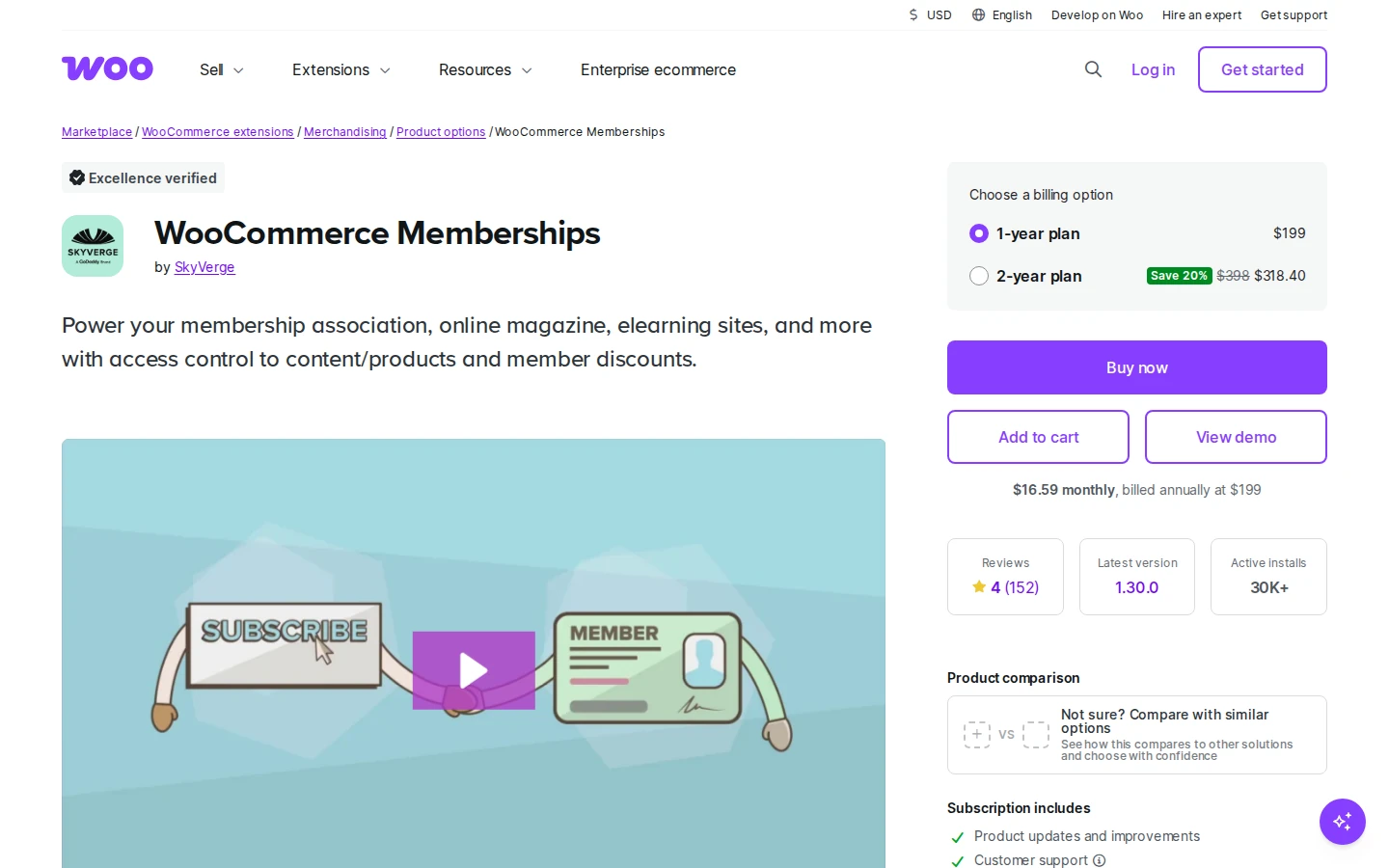
WooCommerce Memberships adds membership plans to a WooCommerce store, so members and products share one checkout and one account.
Plans can include member-only products, discounts, and content. It handles access, while recurring billing needs WooCommerce Subscriptions, sold separately.
For the rest of your store setup, see our picks of WordPress ecommerce plugins.
- Member discounts: automatic pricing for members on store products.
- Restricted products: sell items only members can see or buy.
- Drip content: release content and products over time.
- One account: orders and membership live in the same customer profile.
Pricing: $199 per year for one site; WooCommerce Subscriptions for recurring billing is a separate purchase.
Good fit: WooCommerce stores adding a paid club. Not a fit: sites without WooCommerce.
10. LearnDash

LearnDash is a learning management system rather than a membership plugin, but many course businesses use it in place of one.
Courses, quizzes, certificates, and drip-fed lessons are its core. You can sell courses one at a time or as subscriptions, or pair it with a membership plugin for broader access rules.
Coaches weighing WordPress against hosted tools can compare these website platforms for coaching businesses.
- Course builder: drag-and-drop lessons, topics, and quizzes.
- Drip-fed lessons: unlock lessons on a schedule.
- Certificates and badges: reward learners who finish.
- Groups: sell and manage seats for teams.
Pricing: Essentials costs $259 per year; group selling and advanced grading start on Pro.
Good fit: businesses where the course is the main product. Not a fit: sites selling articles or downloads without lessons.
Build trust & FOMO
Highlight real-time activities like reviews, sales & sign-ups.

Bundled and Self-Hosted Options
The last two are packaged differently: one inside a site-builder bundle, the other as standalone software.
11. Kadence Memberships
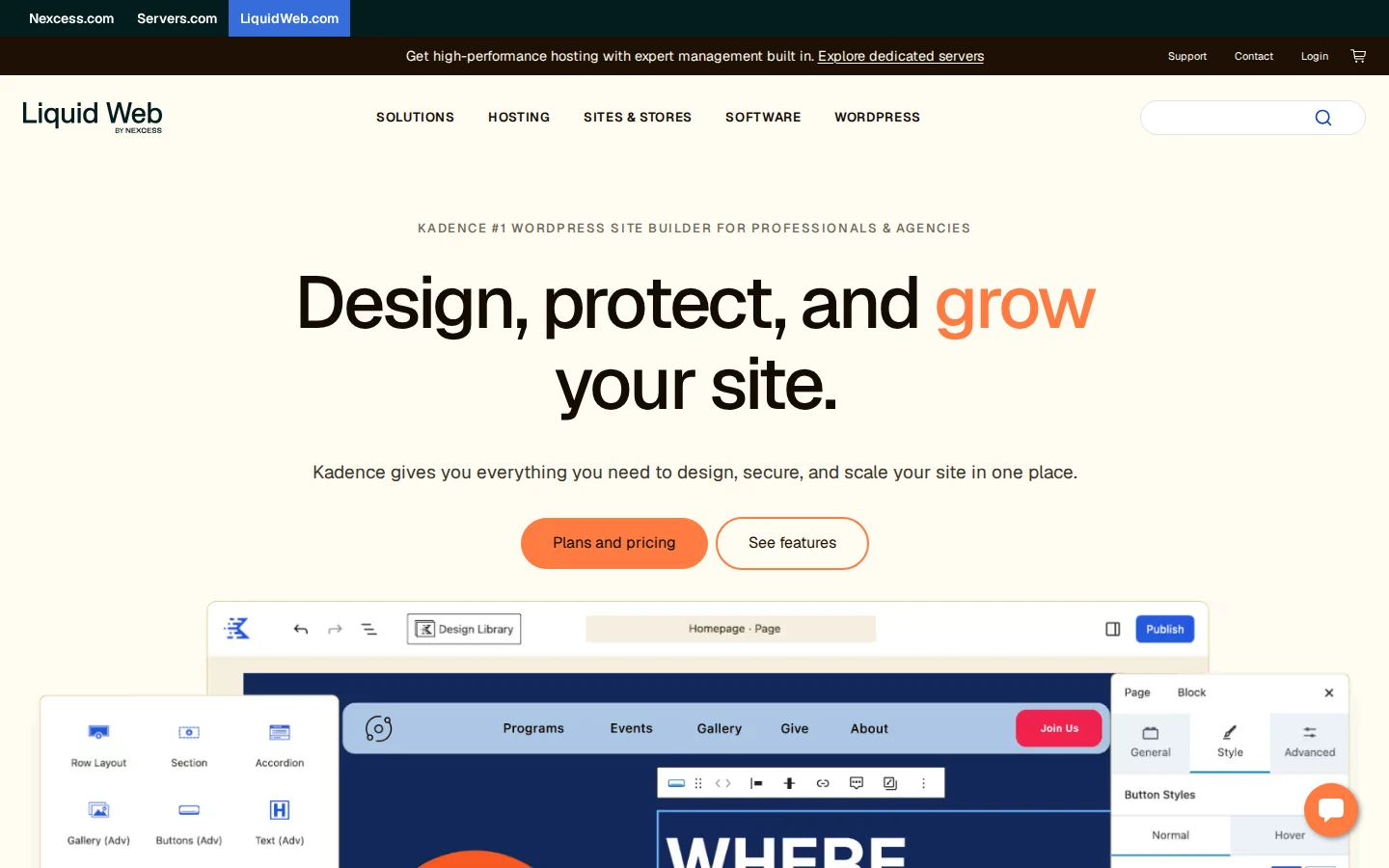
Kadence Memberships is the new name for Restrict Content Pro. Its owner, Liquid Web, folded it into the Kadence product line, and it’s no longer sold on its own.
The free plugin restricts content and takes Stripe payments. Drip content, group accounts, and other pro features come with the Kadence Pro bundle.
- Free Stripe payments: collect membership fees in the free version.
- Block-level restriction: hide single blocks, not just whole pages.
- Pro drip content: release content on a schedule.
- Group accounts: sell one membership to a whole team.
Pricing: free plugin; pro features come in Kadence Pro at $299 per year per site, which also includes the Kadence theme tools.
Good fit: sites already built with Kadence. Not a fit: anyone who only wants a membership plugin.
12. aMember Pro
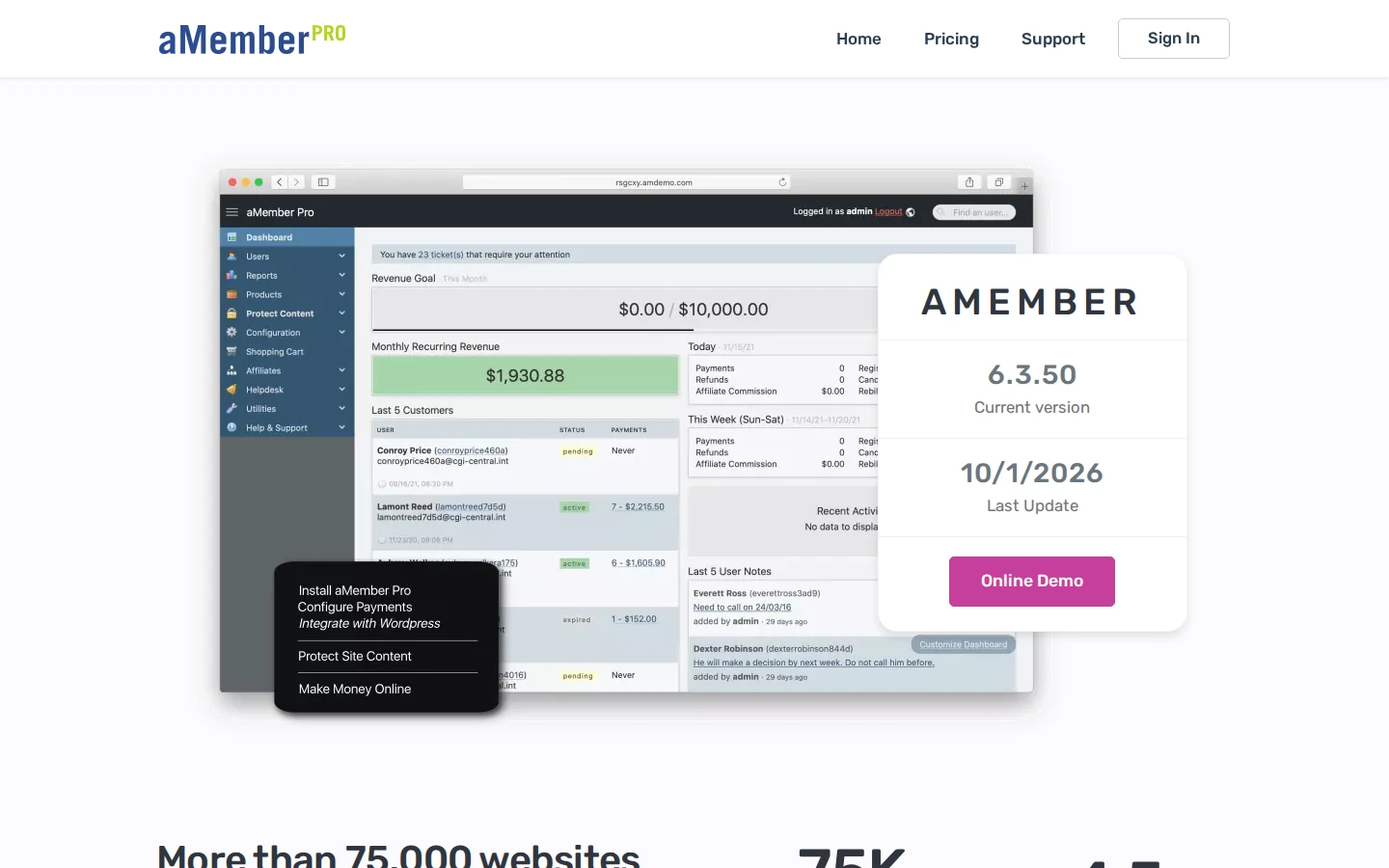
aMember Pro is standalone membership software that installs next to WordPress and connects to it through a plugin, rather than living inside WordPress itself.
That setup lets one aMember install control memberships across several sites, forums, and scripts. It was last updated in 2026 and sells a one-time license.
- Multi-site access: one membership unlocks content across connected sites.
- Drip content: release protected content over time.
- Built-in affiliate program: pay partners for referrals.
- Many payment systems: wide choice of gateways and processors.
Pricing: $149 one-time for one installation with six months of updates and support.
Good fit: businesses with members across more than one site. Not a fit: anyone who wants everything inside the WordPress dashboard.
Grow Member Sign-Ups With Social Proof

A membership plugin runs your site, but it won’t convince a visitor to join. WiserNotify shows recent sign-ups, course purchases, and reviews as small notifications on your sales pages.
It works alongside any plugin on this list. The Online Dog Trainer, for example, runs WiserNotify review notifications on its course pages.
For more ideas, these social proof examples show how other sites build trust before checkout.
Build trust & FOMO
Highlight real-time activities like reviews, sales & sign-ups.

Wrap Up
Start with what you sell. Courses point you toward an all-in-one plugin or LearnDash, a WooCommerce store points you to WooCommerce Memberships, and a tight budget points you to a free plugin.
Pick one, set up a single level, and get your first members in before adding more features.
Discover Other WordPress Plugins to Boost Your Marketing Strategy
- Best WordPress Lead Generation Plugins
- Best WordPress Landing Page Plugins
- Best WordPress LMS Plugins
- Best WordPress Social Proof Plugins
Frequently Asked Questions
What is the best WordPress membership plugin?
MemberPress suits most sites that sell memberships and courses together, since both are built into one plugin.
What is the best free membership plugin for WordPress?
Paid Memberships Pro has the most complete free core, while Simple Membership takes PayPal and Stripe payments for free out of the box.
Is Paid Memberships Pro still free?
Yes. The core plugin is still free, but since 2024 you download it from the Paid Memberships Pro website instead of the WordPress.org directory.
What happened to Restrict Content Pro?
Restrict Content Pro is now called Kadence Memberships. The free plugin remains, and pro features come with the Kadence Pro bundle.
Is there a WordPress membership plugin with a lifetime license?
Yes. s2Member Pro and aMember Pro both sell one-time licenses, starting at $89 for s2Member Pro on one site.
Can I sell courses with a membership plugin?
Yes. MemberPress, MemberMouse, and WishList Member include course tools, and the others can pair with an LMS like LearnDash.

Krunal Vaghasiya is a marketing tech expert who boosts e-commerce conversion rates with automated social proof and FOMO strategies. He loves to keep posting insightful posts on online marketing software, marketing automations, and improving conversion rates.




 Capterra