
Ecommerce Gamification: 4 Tactics to Ship This Week (2026)
The four ecommerce gamification tactics worth shipping first are a free-shipping progress bar, a spin-to-win email capture, milestone counters, and a streak discount. Each one can be live on a small store inside a week.
Ecommerce gamification is any game mechanic, a progress bar, a spin wheel, a counter, a streak, that gives a shopper a small reason to take the next step. No loyalty app or points economy required.
This guide is for the store doing forty orders a day, not the brand with a loyalty team. Each tactic below is a widget or an app setting, not a project.
Key takeaways
- Four tactics, each shippable in a day: a free-shipping progress bar, a spin-to-win email capture, milestone counters, and a streak discount.
- Unexpected shipping cost is the single largest reason carts are abandoned. A progress bar turns that cost into a target.
- More than half of consumers say they would share information more readily through a game or quiz than a plain form.
- Gamify one point in the journey at a time. Five mechanics on one page is noise, not play.
- Measure each tactic against the two weeks before it, on one page, before rolling it out.
What Gamification Means for a Small Store
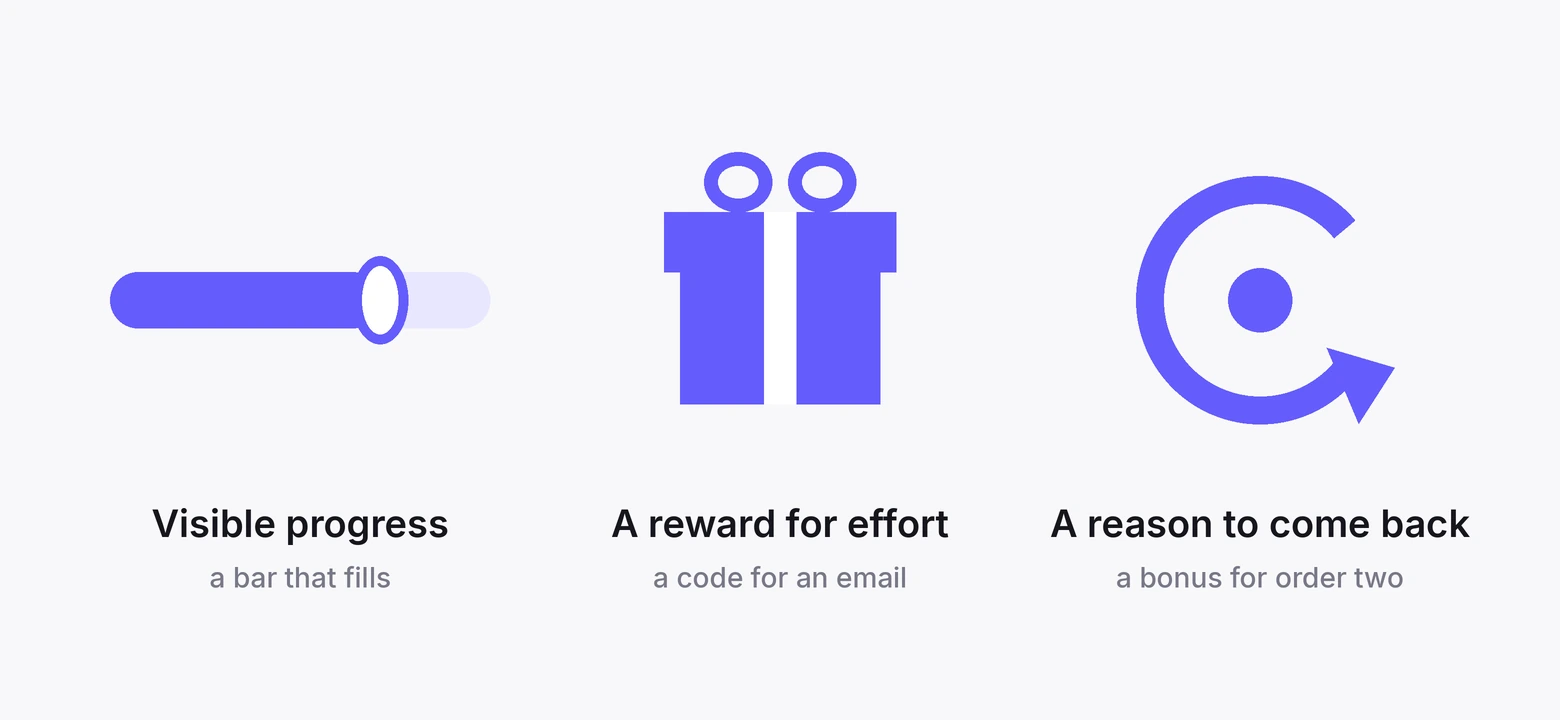
Strip the word back and it means borrowing three things from games. Visible progress, a reward for effort, and a reason to come back.
On a store, visible progress is a bar that fills as the cart grows. A reward for effort is a discount code for handing over an email.
A reason to come back is a bonus that only exists if you buy again this month.
None of that needs badges, leaderboards, or an avatar. Those belong to apps with millions of users and a retention team.
For a store, the mechanic is the point and the theme is optional.
The test for any gamified element is simple. Does the shopper know, without reading instructions, what they get and what they have to do?
If it needs a FAQ, it is not a game, it is a program.
Where to Gamify the Customer Journey
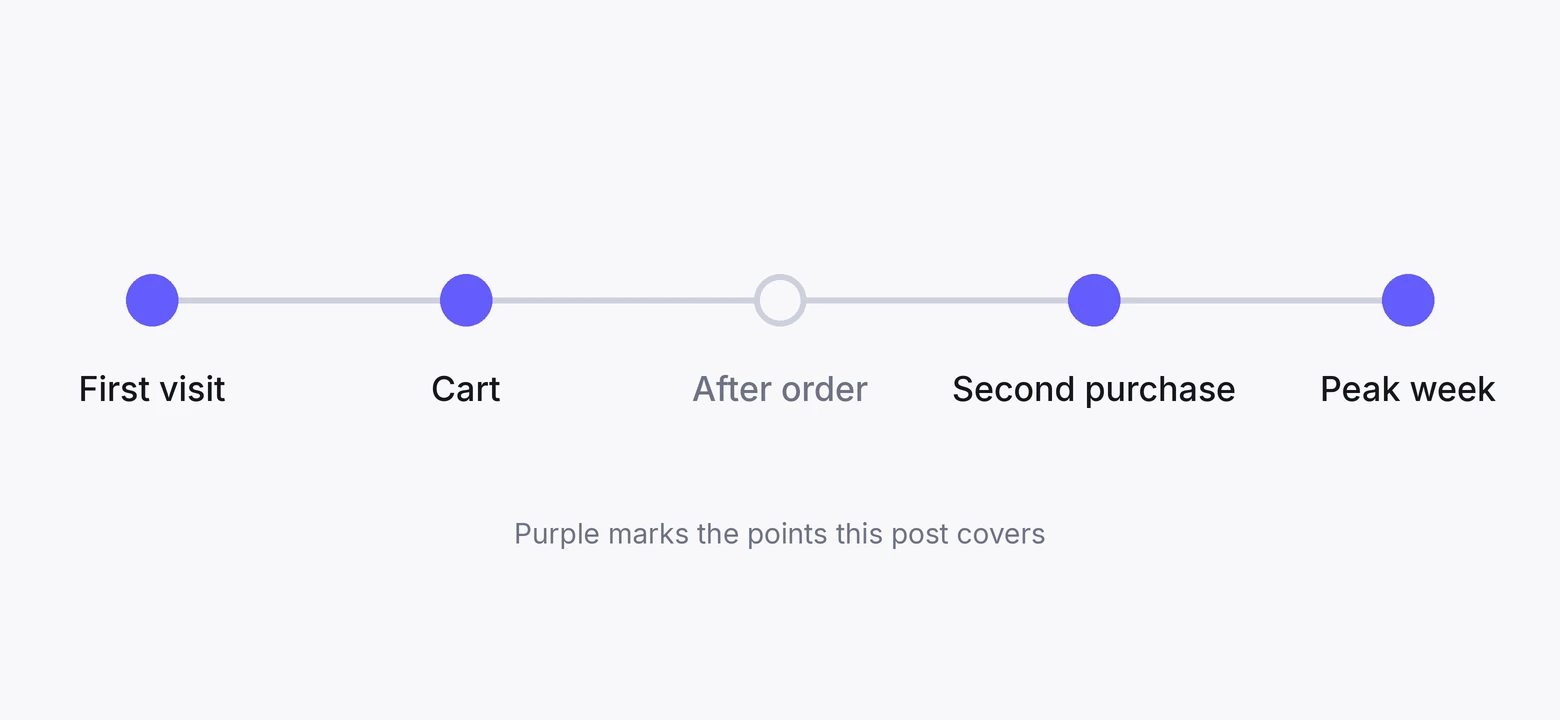
A shopper meets your store at five points, and each one supports a different mechanic. Pick one point to start. The tactics in the next section map onto these.
1. First visit
The visitor has never bought and has no reason to give you anything. A small reward for a small action works here.
A spin wheel or a scratch card that trades a discount for an email address is the classic, and it is the classic because it converts.
Keep the ask to one field and make the reward immediate. A code that lands on the screen beats a code that arrives by email an hour later.
2. Cart and checkout
The shopper has committed to something and is deciding how much. Progress mechanics belong here.
A bar showing how far they are from free shipping, a message showing how close they are to a gift threshold, a countdown on a cart-level offer.
This is the point where gamification does the most measurable work. The number it moves is order value, and order value is on the dashboard the next morning.
It is also where cart abandonment happens, so the two problems share a fix.
3. After the order
The customer has paid and is at their most willing to do you a favour. Ask for the review now, and attach a small reward to it. Points, a code for next time, or entry into a monthly draw.
Do not make the reward conditional on a positive review. It breaks review platform rules, and it is the kind of thing that ends up in a screenshot.
4. The second purchase
This is where streaks and milestones live. A bonus for buying twice in thirty days, a bigger one for three months running, a visible counter of how many orders until the next tier.
Most stores lose customers between order one and order two. A streak gives the customer a reason to close that gap that is not another discount email.
5. Seasonal peaks
During a sale, the whole store is already a game. Countdowns, limited stock, tiered spend rewards, and live counters of how many people bought today all work harder in a peak week.
That is what FOMO marketing is built on, and a peak week is when it earns the most.
The risk is stacking. One countdown, one counter, one offer. Three of each and the page reads as desperate.
4 Tactics to Ship This Week
Each tactic below names the mechanic, the number behind it, the journey point it belongs to, and how to run it. Two run on WiserNotify directly. Two need a store app, with WiserNotify carrying the visible layer.
1. Free-shipping progress bar
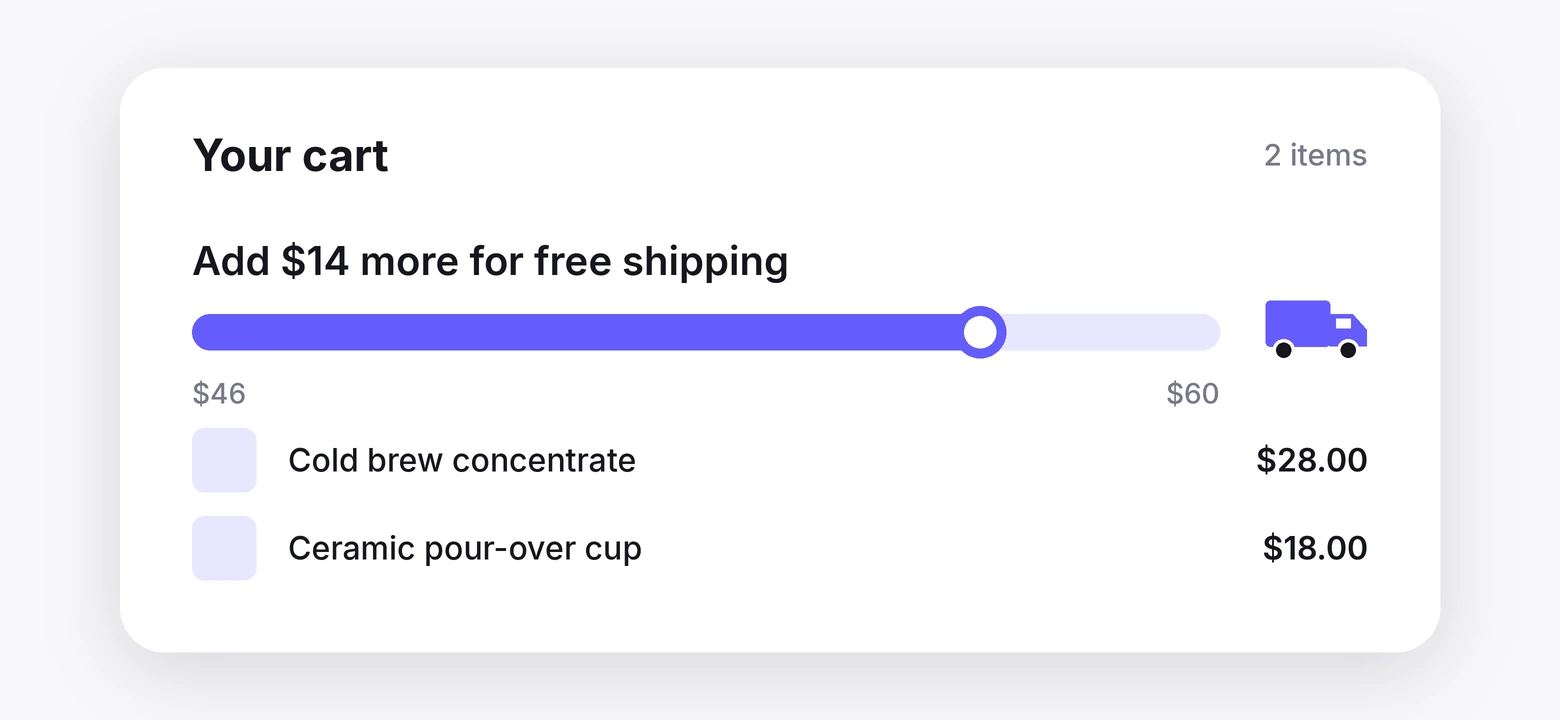
Journey point: cart and checkout.
The number behind it is the biggest one in ecommerce. Four in ten abandoned carts trace back to a cost the shopper did not expect at checkout, and shipping is the cost they mean.
A progress bar flips that. Instead of a surprise fee at the end, the shopper sees “Add $14 more for free shipping” from the moment the first item goes in.
The threshold becomes a target, and the shopper who was going to spend $46 spends $62.
How to run it. The bar itself, the one that fills as the cart total changes, is a store-level feature. Search your platform’s app store for a free shipping bar and pick one that reads the live cart.
On Shopify and WooCommerce there are several, most with a free tier.
Then put the threshold where visitors see it before they reach the cart. WiserNotify’s announcement bar pins “Free shipping on orders over $60” to the top of every product page.
During a sale, the countdown timer runs a deadline on the same offer.
Set the threshold at roughly 20 to 30% above your current average order. Too close and everyone already qualifies. Too far and nobody stretches for it.
2. Spin-to-win email capture
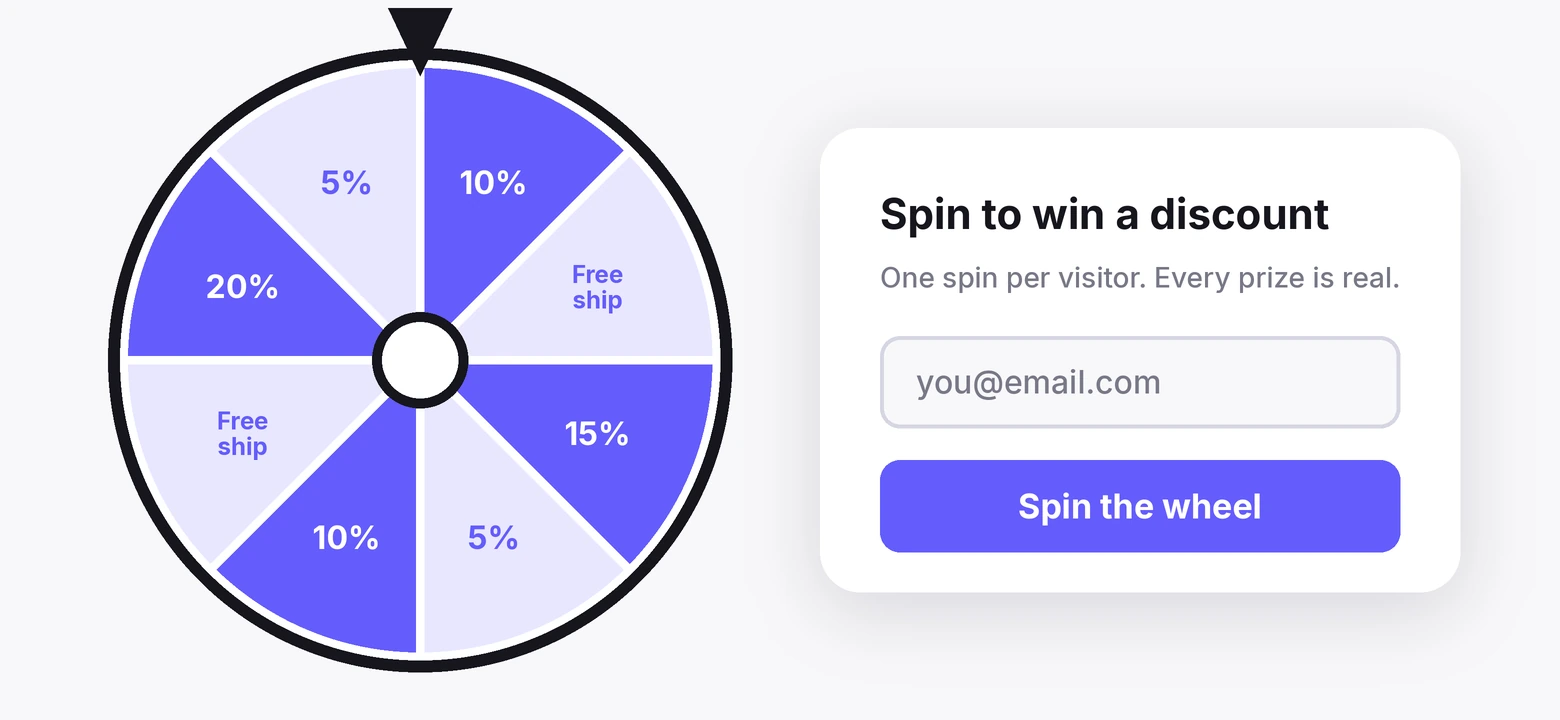
Journey point: first visit.
A spin wheel is a form with a game wrapped around it. The shopper enters an email, spins, and wins a discount.
The reason it beats a plain popup is not the wheel. It is the sense that the reward was earned.
The number behind it comes from a 2026 loyalty survey. 55% of consumers say they would be more likely to share information if it were collected through a game or quiz.
That is the mechanic doing its job before the discount even matters.
How to run it. The wheel is a popup app on your platform. Set it to show once per visitor, after fifteen seconds or on exit intent, never on page load.
These exit intent popup examples show how that timing looks on a live store.
Cap the best prize at something you can afford to give to everyone who lands on it.
Then let visitors see other people winning. WiserNotify’s sign-up notifications show “Priya from Austin just claimed 15% off” in the corner of the page, which turns a solo popup into a visible event.
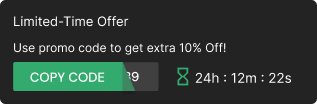
The coupon widget then delivers the code on screen, so nobody has to check their inbox to use it.
Do not spin fake wins. Every segment on the wheel should be a real outcome. A wheel where every spin lands on the same 10% gets found out in a day.
Build urgency
Add floating offers with countdown timer & coupon code.

3. Milestone counters
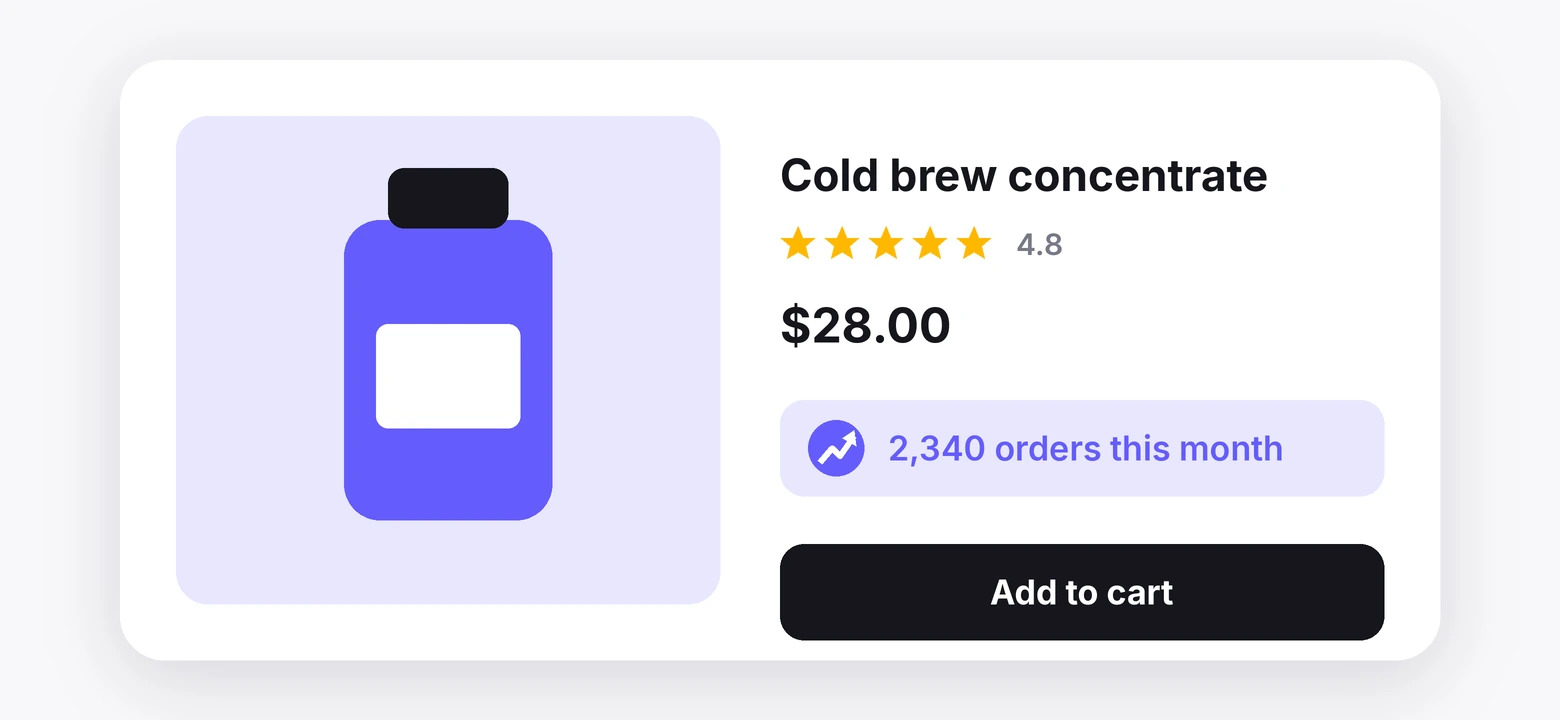
Journey point: product pages, all the time.
A counter is gamification for the visitor rather than the customer. “2,340 orders this month.” “412 five-star reviews.” “38 people viewing this now.”
It shows the shopper where they sit in a crowd, and a crowd is reassuring. It is the simplest of the social proof examples and one of the few that updates itself.
The number behind it is a review count. 47% of consumers will not use a business that has fewer than 20 reviews.
That makes twenty the first milestone worth displaying, and every hundred after it a reason to update the counter.
How to run it. This one is native. WiserNotify’s live sales counter pulls order totals from your store and shows them as a running number.
The review counter does the same with your review platform. The live-visitor widget shows how many people are on the page right now.
Set a threshold below which the counter stays hidden. “3 orders this month” is worse than nothing. Show it once the number does the work on its own.
One counter per page. Sales count on product pages, review count near the reviews, visitor count on the collection page. Three counters stacked on one screen cancel each other out.
Build trust & FOMO
Highlight real-time activities like reviews, sales & sign-ups.

4. Streak discounts
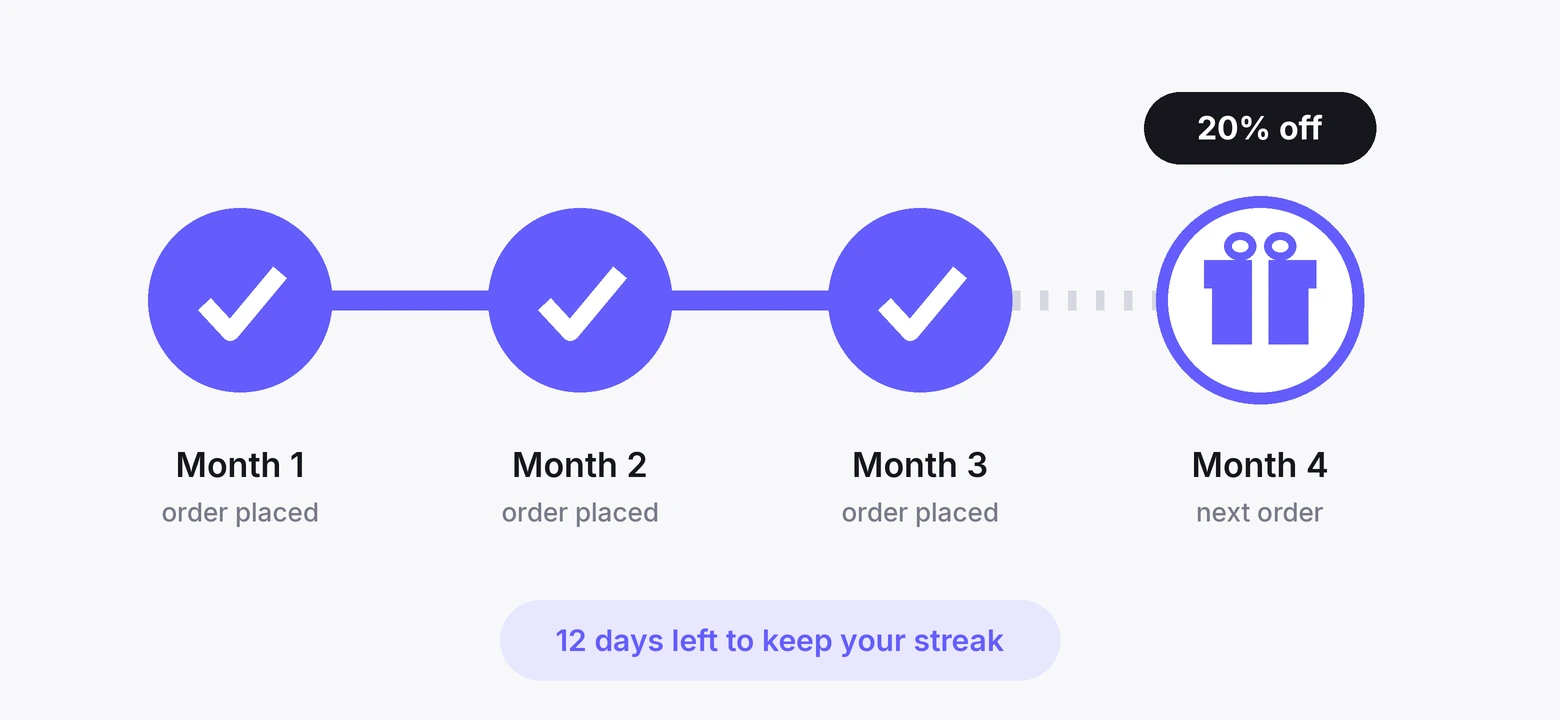
Journey point: the second purchase.
A streak rewards buying again within a window. Order twice in thirty days and the second order ships free. Order three months running and the fourth carries 20% off.
The reward grows with the streak and resets if the streak breaks.
It is the lightest form of a loyalty program, and the loyalty numbers hold for it. In the same 2026 survey, 83% of program owners who measure return reported a positive one.
They put the program’s revenue at 5.2 times its cost.
How to run it. The streak logic sits in a loyalty app. Smile.io runs a free plan on Shopify and handles the rules, the tracking, and the reward issue. LoyaltyLion is the other standard pick.
Both let you define a streak as a rule rather than a points balance, which is the simpler version to explain.
WiserNotify carries the visible layer. A countdown timer on the account page shows the days left to keep the streak alive, and the coupon widget shows the reward the moment they qualify.
Keep the window realistic for what you sell. A thirty-day streak works for coffee. It does not work for mattresses.
Build trust & FOMO
Highlight real-time activities like reviews, sales & sign-ups.
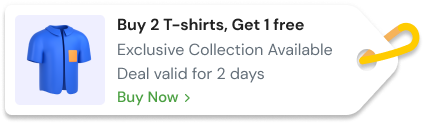
What Nike, Sephora and Starbucks Do the Same
The big programs run the same mechanics at scale. Each one below maps to a tactic above, minus the results figures that have been circulating with no source behind them.
1. Nike Run Club and the daily ring

The screen shows a daily goal ring at 3,172 of 3,500 and the line “3 goals in a row starts a streak.” That is tactic 1 and tactic 4 on one screen.
A progress bar toward a target, and a streak that rewards showing up again. The store version is a shipping-threshold bar and a second-order bonus.
2. Sephora and the visible redemption

Five hundred points becomes ten dollars off, shown at the moment the customer is about to pay, with a one-tap “apply in basket.”
The mechanic is a milestone with an immediate, visible reward. The store version is a counter that ticks toward a threshold and a coupon widget that appears once it is crossed.
3. Starbucks and stars per dollar

Two stars per dollar when you preload a card, one when you pay another way. The mechanic is a reward rate the customer can see and compare, which nudges the behaviour the brand wants.
The store version is a streak rule with a visibly bigger reward for the behaviour you want repeated.
How to Measure Whether It Worked
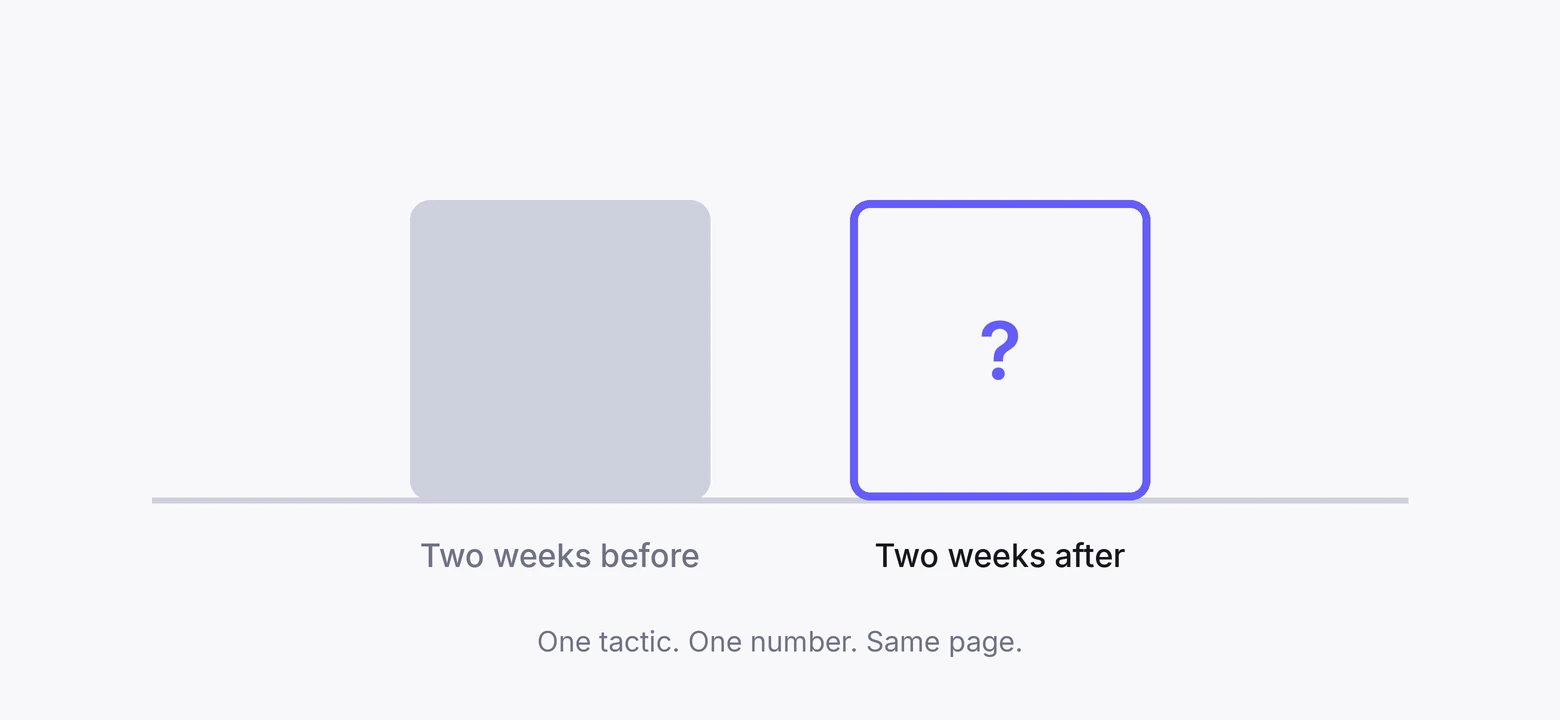
Each tactic moves one number. Measure that number and nothing else, or you will end up crediting the spin wheel for a sale the progress bar made.
| Tactic | The one number | Compare against |
|---|---|---|
| Free-shipping bar | Average order value | Same two weeks before launch |
| Spin-to-win | Email capture rate per visitor | Your previous popup or form |
| Milestone counter | Product page conversion rate | A/B split, counter on and off |
| Streak discount | Second-order rate within the window | Same cohort, previous quarter |
Run one tactic for two weeks, or until a few hundred orders have passed through the page it touches, whichever comes first.
Then decide, then start the next.
The counters are the easiest to test cleanly. WiserNotify splits them natively, so half your visitors see the number and half do not, on the same page over the same two weeks.
The dashboard reports conversion for each. Our A/B testing statistics cover how much traffic a fair test needs.
Where Gamification Backfires
The mechanics are simple. The ways to misuse them are simple too, and each one costs more than it earns.
Stacking. A spin wheel, a countdown, a progress bar, and two counters on one product page is not gamification. It is a carnival, and shoppers close the tab.
Fake numbers. A counter that never changes, a wheel that always lands on the same prize, a timer that resets on refresh. Each one teaches the visitor that nothing on your site means anything.
Rewards you cannot afford. A wheel segment offering 40% off is a loss on every spin that lands there. Price the reward as if everyone will win it, because most of them eventually do.
Rules nobody can follow. If the streak needs a paragraph to explain, it will not be followed. One sentence or it is too complicated.
Running it forever. A mechanic that never changes stops being noticed. Swap the reward, move the threshold, or rest it for a month and bring it back, the same rotation that keeps limited-time offers working.
Build trust & FOMO
Highlight real-time activities like reviews, sales & sign-ups.

Wrap Up
Gamification on a small store is four widgets and one loyalty rule, not a program. A bar that fills, a wheel that pays, a counter that climbs, and a bonus for coming back.
Put each one at the point in the journey where it belongs, keep the numbers real, and measure one thing at a time.
The stores that get value from this are not the ones with the most mechanics. They are the ones where every mechanic on the page is doing a job.
Frequently Asked Questions
What does ecommerce gamification mean for a small store?
Any game mechanic that gives a shopper a small reason to take the next step. A progress bar, a spin wheel, a visible counter, or a streak bonus. None of it needs a points program to work.
Where should I set a free-shipping threshold?
Roughly 20 to 30% above your current average order. Too close and most carts already qualify. Too far and nobody stretches to reach it.
Does a spin-to-win popup hurt a brand?
Not when the wins are real and the wheel shows once per visitor. It backfires when every spin lands on the same prize or it fires on page load before the shopper has seen anything.
How many counters should a product page show?
One per page. A sales count on product pages, a review count next to the reviews, a live visitor count on collection pages. Stacking them on one screen cancels the effect.
How long should a streak discount window be?
Match it to how often people naturally rebuy what you sell. Thirty days works for consumables. For anything bought once a year, a streak makes no sense and a milestone bonus works better.
How do I know if gamification is working?
One tactic, one number, two weeks. Compare average order value for the shipping bar, capture rate for the wheel, conversion rate for a counter, and second-order rate for a streak.

Krunal Vaghasiya is a marketing tech expert who boosts e-commerce conversion rates with automated social proof and FOMO strategies. He loves to keep posting insightful posts on online marketing software, marketing automations, and improving conversion rates.




 Capterra