
Discount Strategies: 6 Types, When to Use Each (2026)

The best discount strategy matches the offer to the goal. Use a first-order discount to win new buyers, free shipping or bundles to raise order value, limited-time codes to clear stock, and member-only deals to keep regulars.
Check the margin first. On a 40% margin, a 20% discount needs twice the sales just to earn the same profit.
Below are the six discount types, when to use each, how much you can afford to give and how to show offers so people use them.
Key takeaways
- Pick the goal first, then the discount. Each type does one job well.
- Work out the break-even lift before you launch. Deep discounts on thin margins lose money.
- Offers only work if people see them. Put them in front of shoppers at the moment they hesitate.
- Test one offer against another and track completed orders, not clicks.

Boost Conversion Instantly
Add Social Proof & Urgency to your website
Do Discounts Increase Sales?
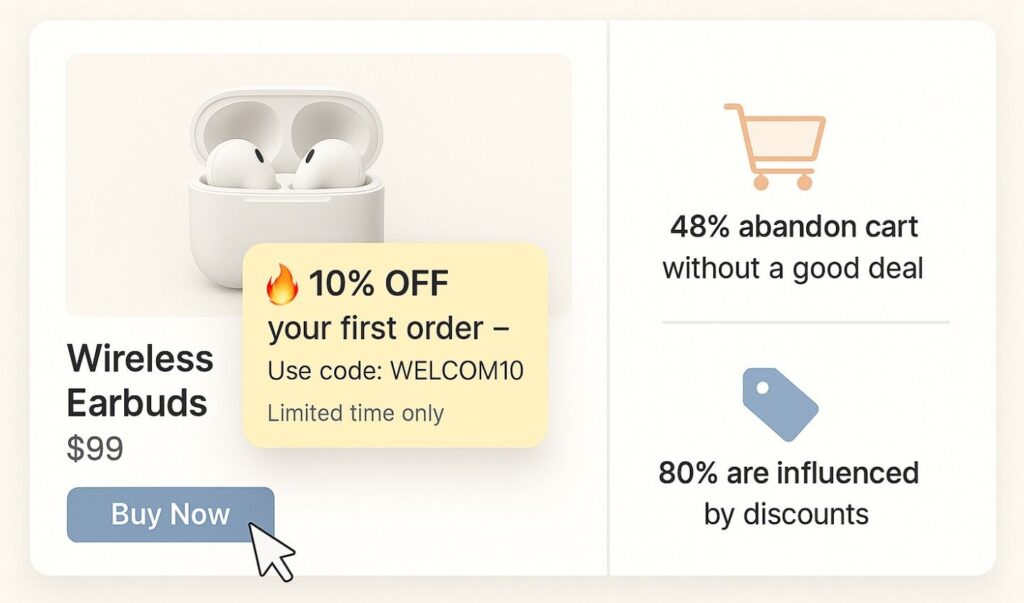
Yes, when they answer a real hesitation. A discount gives an undecided shopper a reason to buy now instead of later, and price is one of the main things people compare before checkout.
Extra costs like shipping are the top reason shoppers abandon checkout in Baymard’s research, which is why free shipping thresholds work so well.
Here is what the right discount can do:
- Convert first-time visitors: a welcome offer gives new shoppers a reason to trust a store they have never bought from.
- Raise order value: “buy more, save more” deals and free shipping thresholds push bigger carts.
- Recover hesitant buyers: a well-timed offer can bring back someone about to leave.
- Clear slow stock: markdowns move items that are taking up space and cash.
- Keep regulars coming back: member-only deals and early access reward loyalty.
Used badly, discounts train shoppers to wait for the next sale and eat into margin. The rest of this guide is about avoiding that.
6 Types of Discounts and When to Use Them
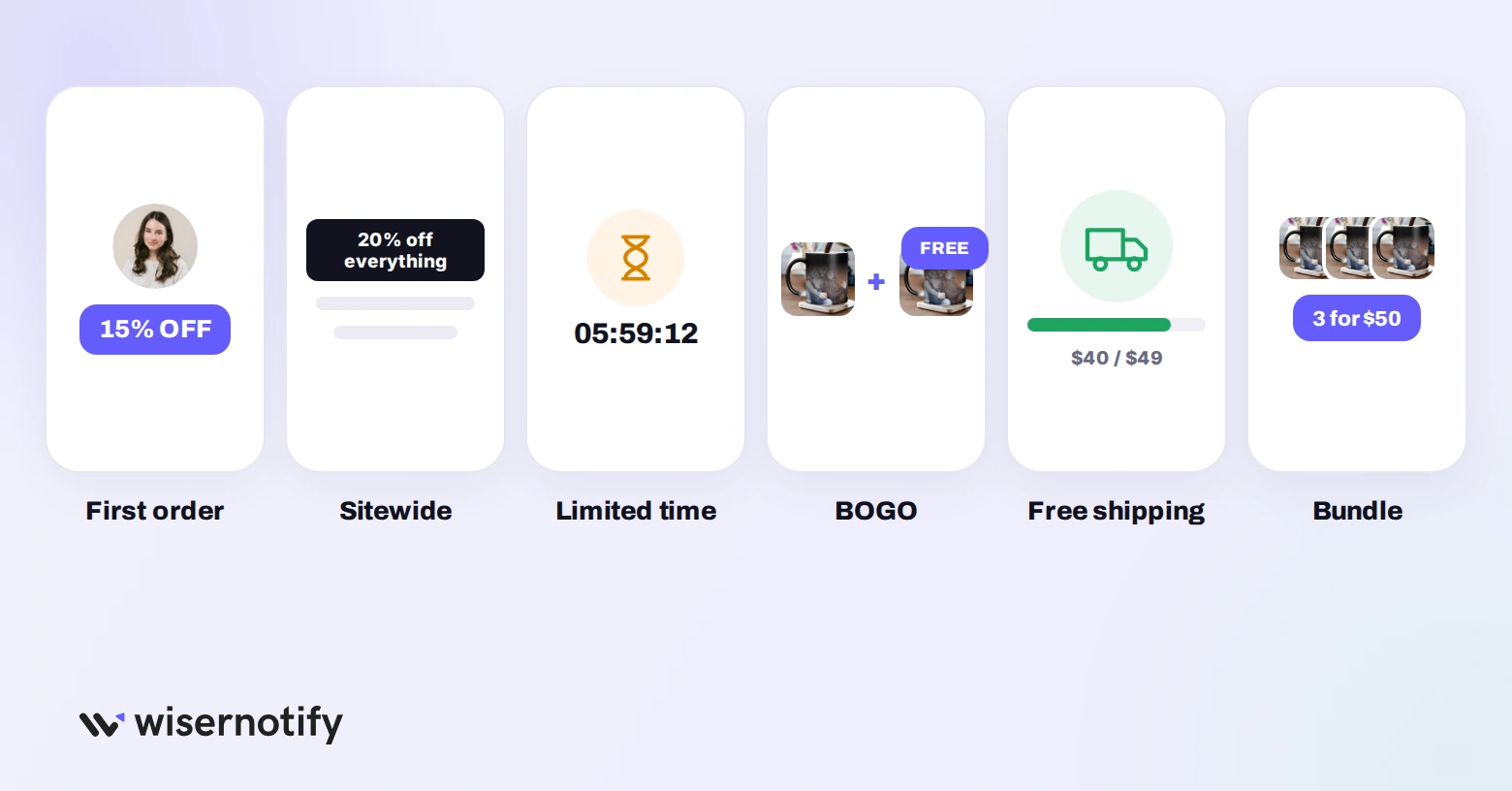
Each discount type does a different job. Here they are side by side, then one by one.
| Discount type | Best for | When to use it | Margin risk | WiserNotify widget |
|---|---|---|---|---|
| First-order discount | Winning new buyers | Year-round, for first-time visitors | Low (one use per customer) | Popup or CTA widget |
| Sitewide sale | Traffic and quick decisions | Big events and seasonal sales | High (every order discounted) | Announcement bar |
| Limited-time coupon | Clearing stock, urgency | Short campaigns with a real deadline | Medium | Countdown timer |
| Buy one, get one | Moving more units | Overstock and low-cost items | Medium to high | Recent sales notification |
| Free shipping threshold | Raising order value | Always on, above a cart value | Low if the threshold is right | Announcement bar |
| Bundle offer | Bigger carts, related items | Products bought together | Low to medium | Recent sales notification |
1. First-Order Discounts
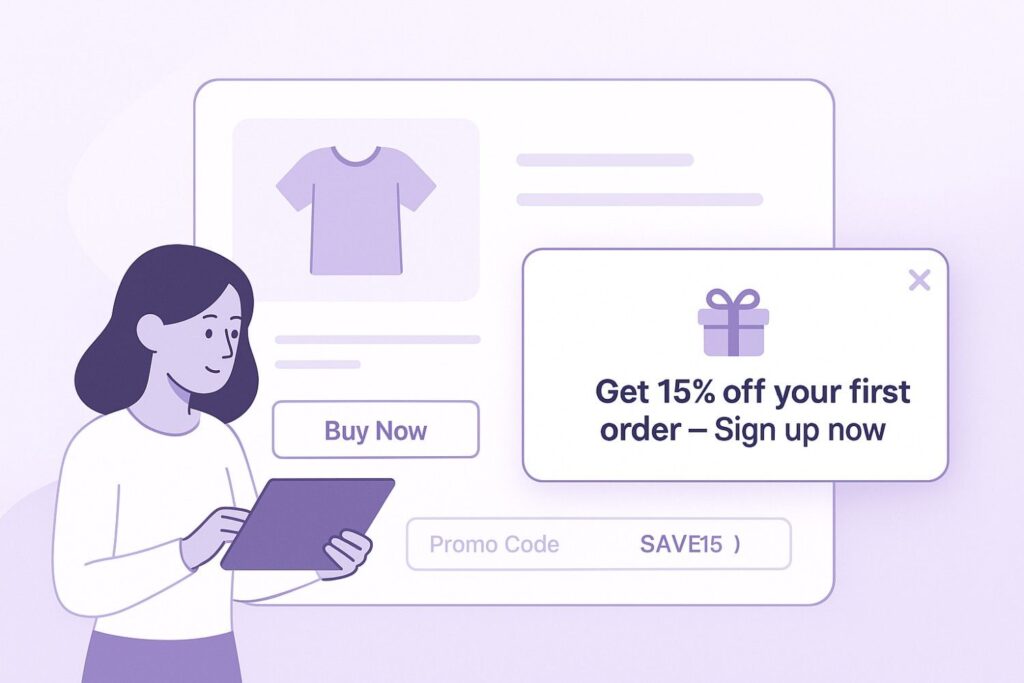
A first-order discount turns new visitors into buyers. Show a message like “Sign up and get 15% off your first order” in a popup or CTA widget with WiserNotify.
Make the code easy to apply at checkout and limit it to one use per customer. It also grows your email list, so the offer pays for itself over later orders.
2. Sitewide Sales
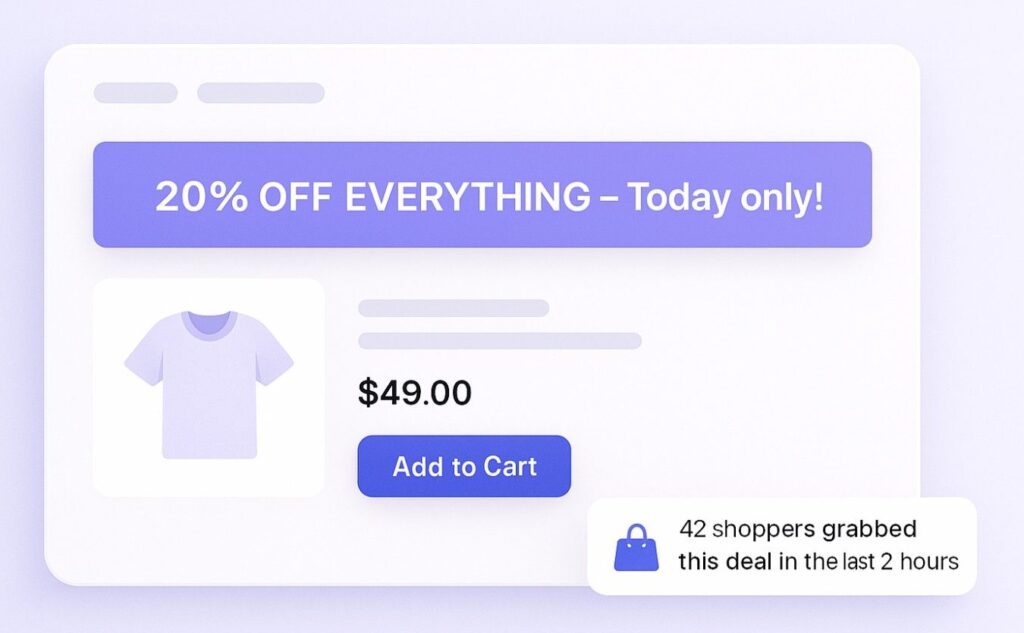
Sitewide sales grab attention fast. Use an announcement bar to show offers like “20% off everything, today only.”
They suit seasonal campaigns and big events like Black Friday. Because every order is discounted, keep them short and rare.
WiserNotify can show live activity during the sale, such as how many people are shopping it or how much stock is left.
3. Limited-Time Coupons
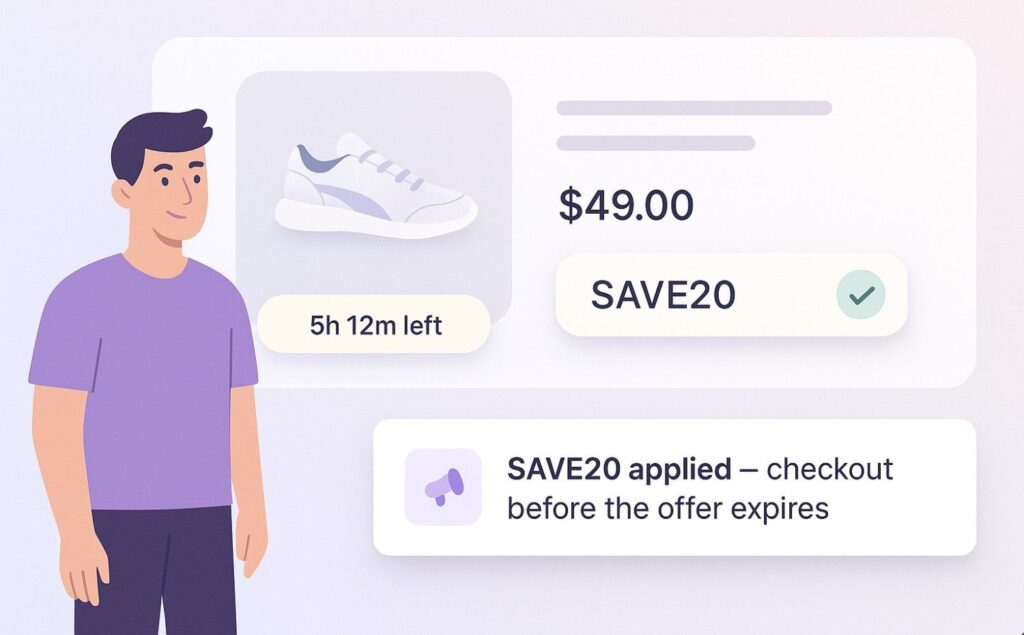
A deadline makes people act. Codes like “SAVE20, expires in 6 hours” push shoppers to buy now instead of saving the tab for later.
Add a countdown timer at checkout or on product pages so the deadline stays visible. Only use deadlines that are real; a timer that resets on every visit erodes trust.
4. Buy One, Get One (BOGO)
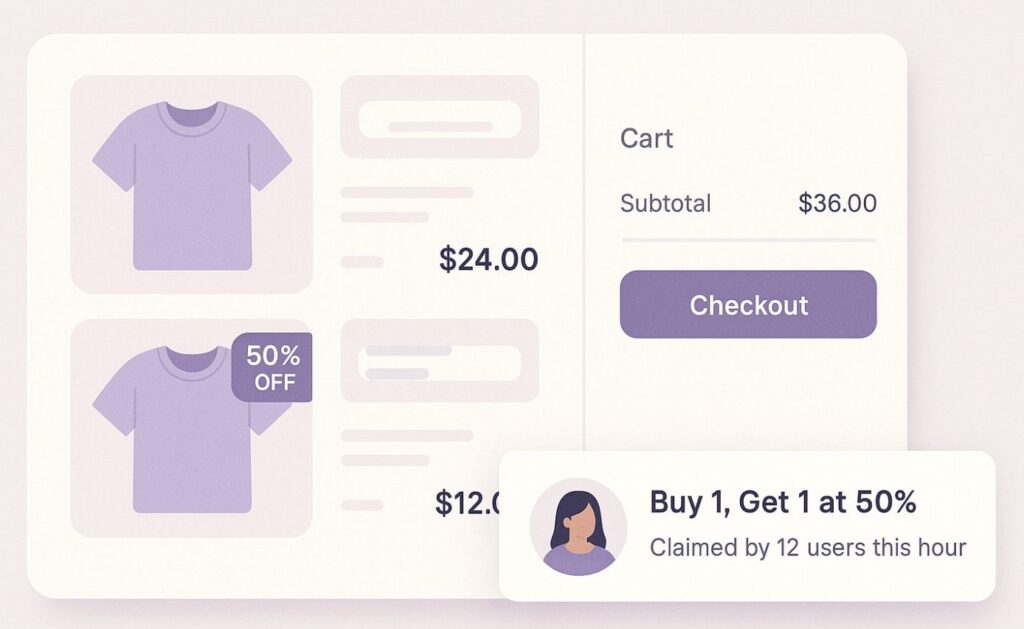
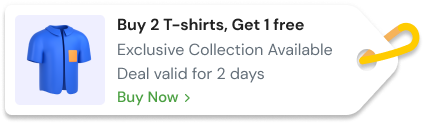
BOGO offers suit fashion, accessories and everyday items like t-shirts or bags. “Buy one, get one 50% off” or “Buy 2, get 1 free” makes customers add more without overthinking the price.
Pair it with a WiserNotify notification showing others buying the same deal, so the offer feels popular rather than desperate.
5. Free Shipping Offers
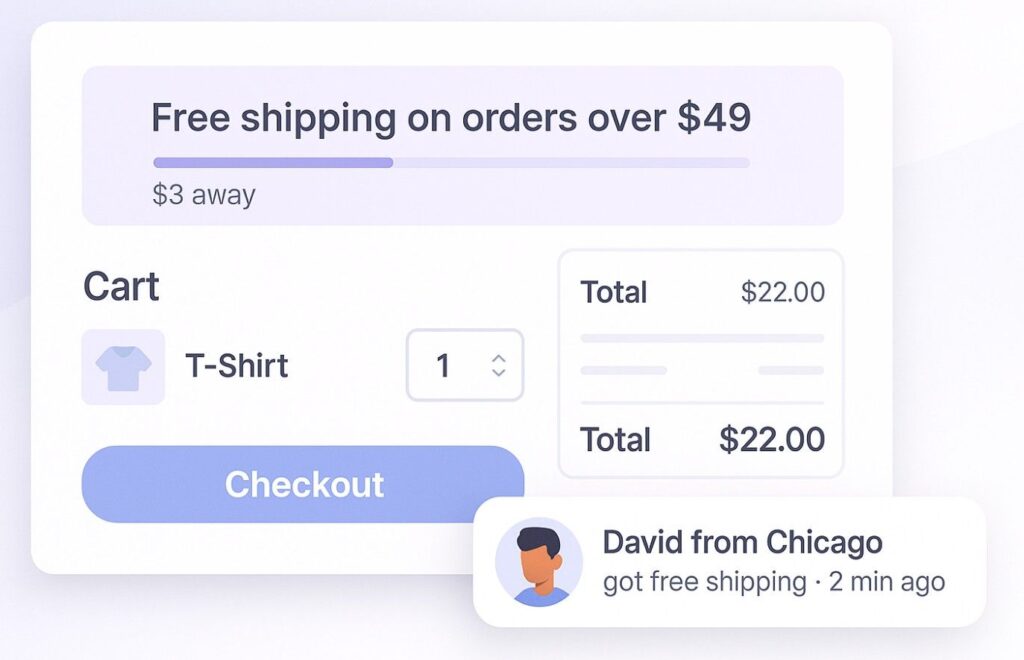
Free shipping removes the cost that most often stops a checkout. “Free shipping on orders over $49” also nudges shoppers to add one more item.
Set the threshold a little above your average order value, and show it across the site and in the cart so nobody is surprised at checkout.
6. Bundle Offers
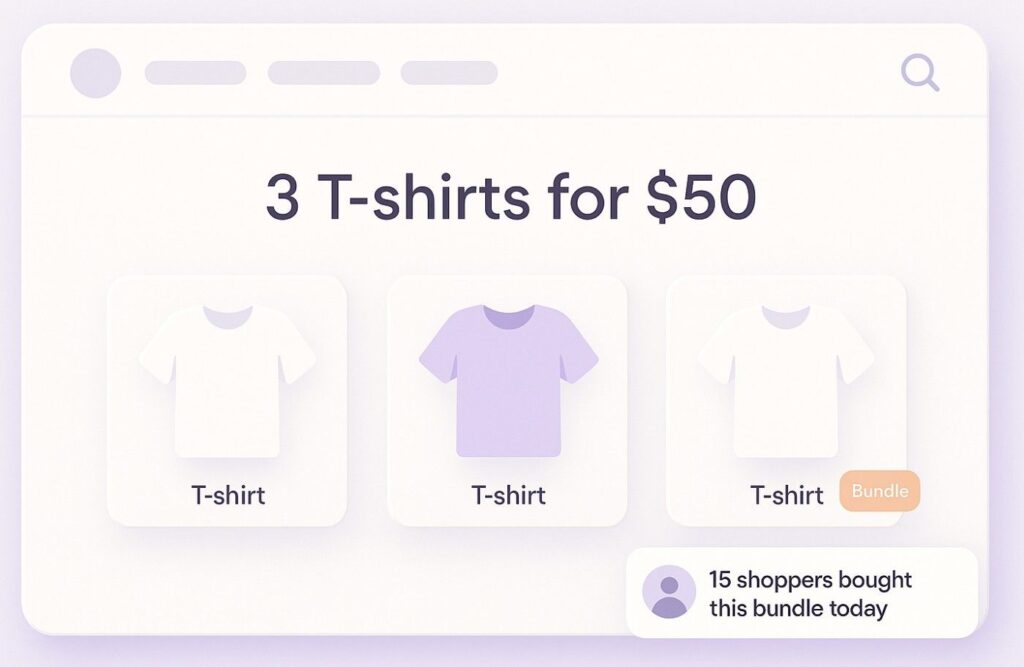
Bundles work when customers want more than one item. Offers like “Buy 3 and save 20%” or “3 t-shirts for $50” do well in apparel and accessories.
You raise order size, and the customer gets more for their money. A WiserNotify notification showing how many people bought the bundle recently adds momentum.
Build trust & FOMO
Highlight real-time activities like reviews, sales & sign-ups.

How Much Discount Can You Afford?
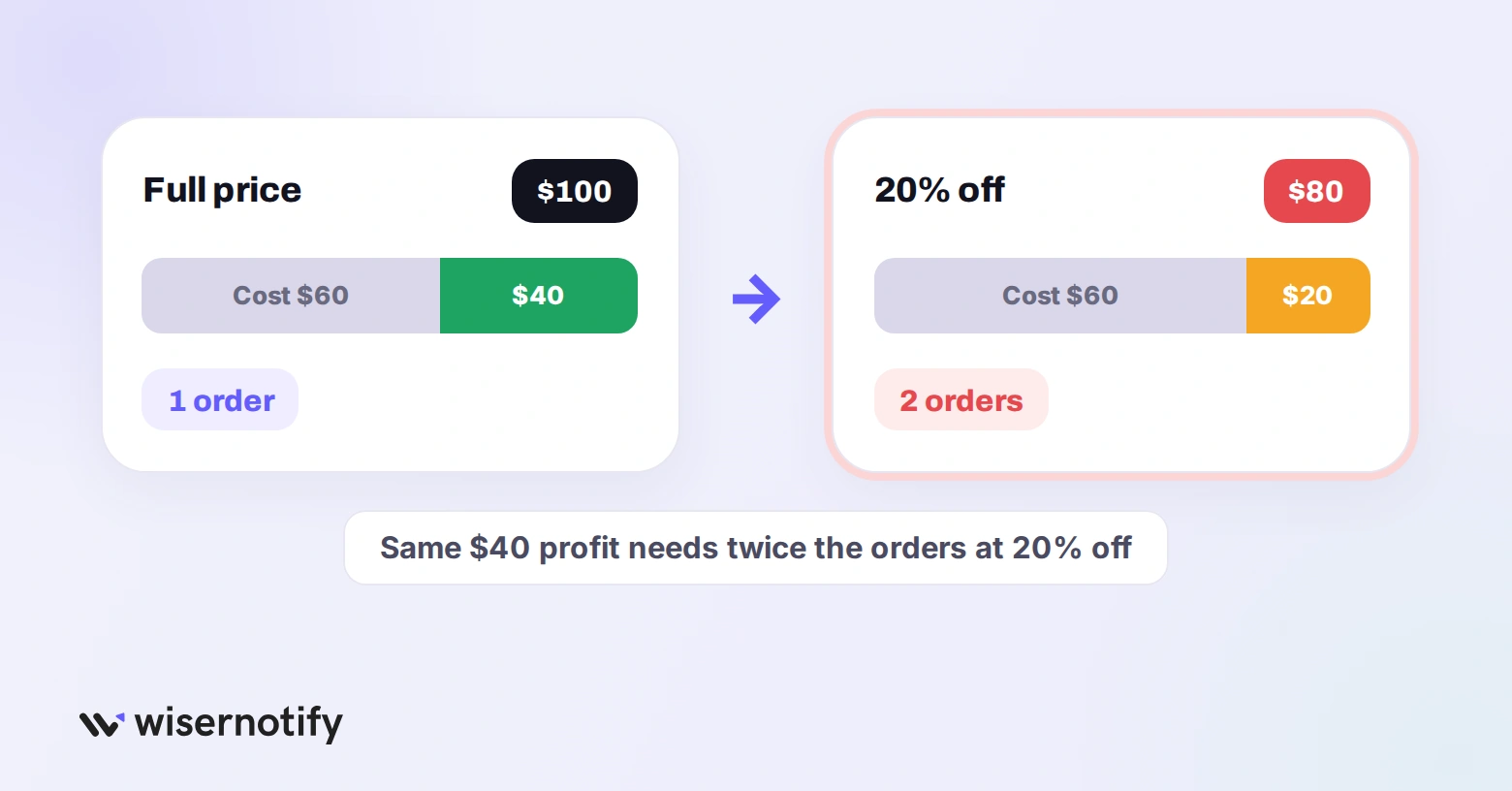
A discount cuts your profit on every order, so you need more orders just to stand still. The extra sales you need to earn the same gross profit is:
Required sales lift = discount ÷ (margin − discount)
For example, on a 40% margin, a 20% discount needs 20 ÷ (40 − 20) = 100% more sales to break even.
| Your gross margin | 10% discount | 20% discount | 30% discount |
|---|---|---|---|
| 30% | +50% sales needed | +200% sales needed | No profit left on any order |
| 40% | +33% sales needed | +100% sales needed | +300% sales needed |
| 50% | +25% sales needed | +67% sales needed | +150% sales needed |
| 60% | +20% sales needed | +50% sales needed | +100% sales needed |
Deep discounts only make sense on high-margin products, or when the goal is something other than profit, like clearing stock or winning a customer who will buy again.
To weigh a first-order discount against what a customer is worth over time, see customer lifetime value.
Discount Strategies That Work
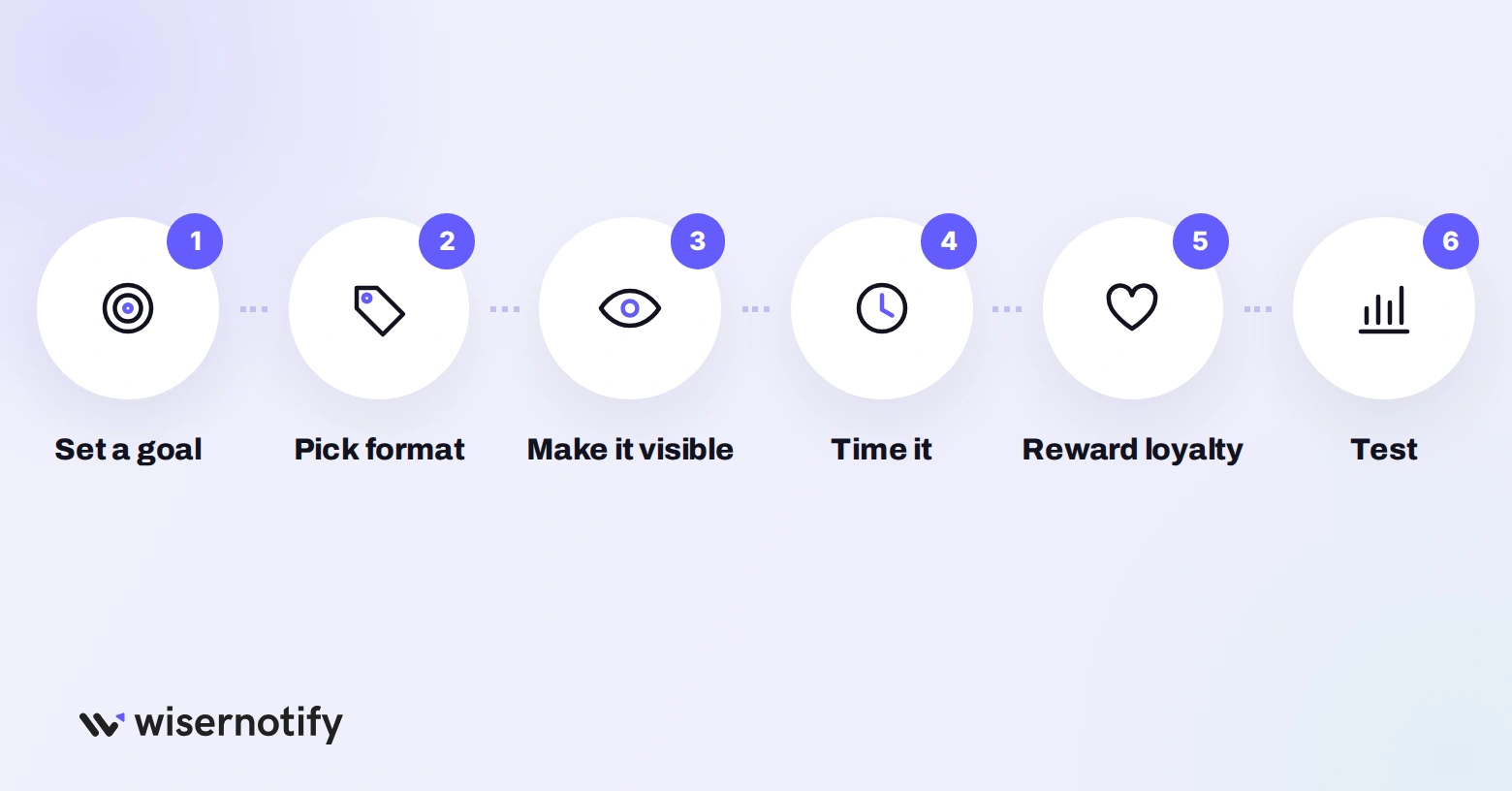
Here is a simple way to build a discount strategy that works.
1. Set a Clear Goal
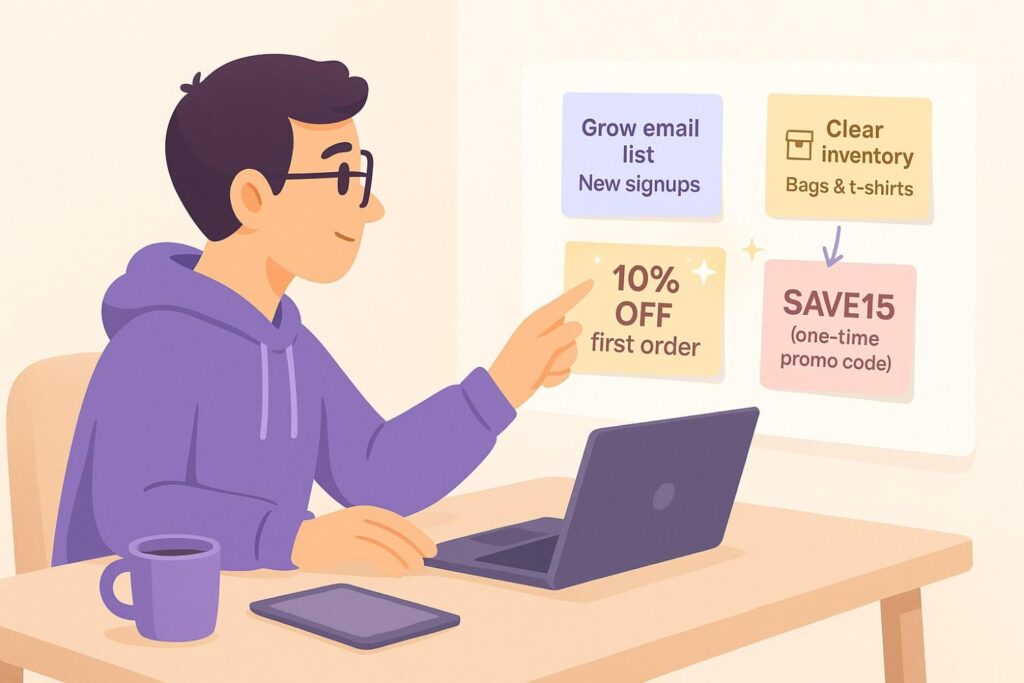
Before offering any discount, decide what it is for:
- New buyers: a one-use first-order code or welcome offer.
- Bigger orders: free shipping thresholds, bundles or “buy more, save more”.
- Old stock: markdowns or a short flash sale on those items only.
- Loyalty: member-only deals or early access.
A clear goal keeps the offer focused and easy to measure.
2. Pick the Right Format
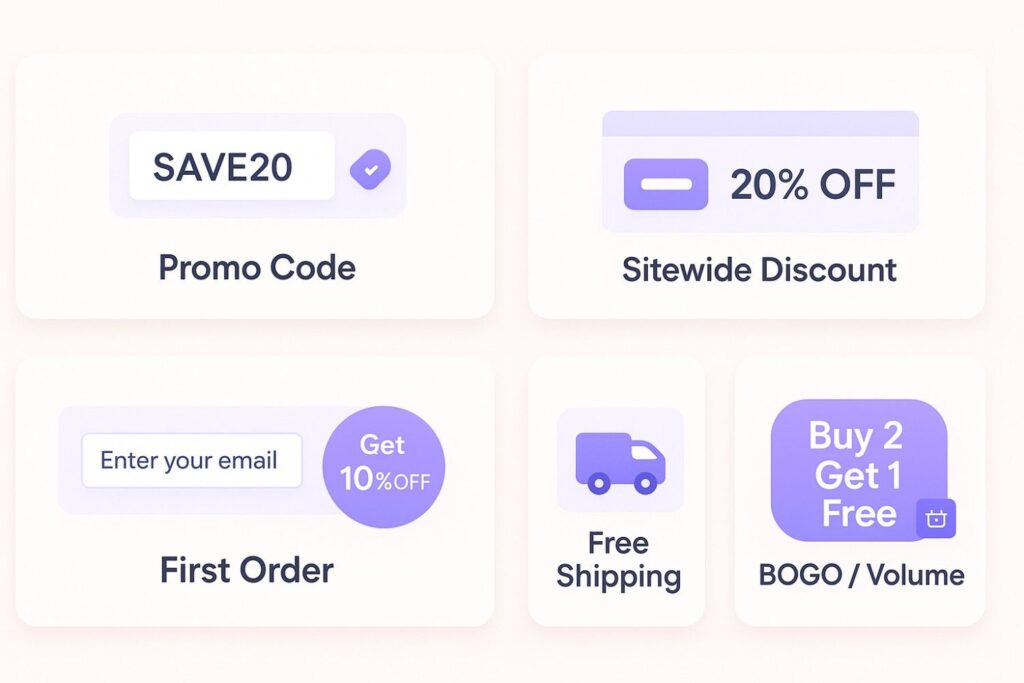
How the discount is delivered matters as much as the amount:
- Promo codes: shoppers enter a code like “SAVE20” at checkout. Familiar and easy to track by channel.
- Automatic discounts: applied without a code. Smoother on mobile, and nobody leaves to hunt for a coupon.
- Sitewide discounts: one flat discount across the store, best for major sale days.
- Volume discounts: “15% off orders over $100” or “Buy 2, get 1 free” to grow cart value.
3. Make the Offer Easy to Spot and Use
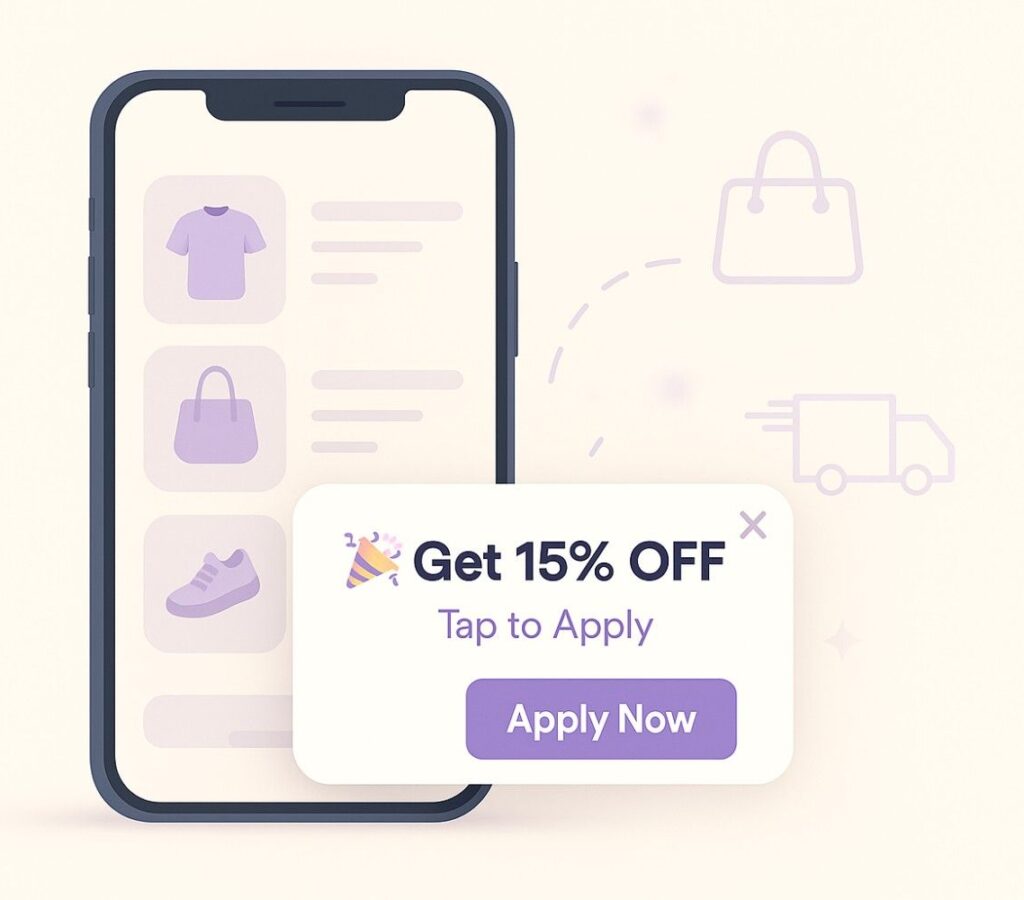
If shoppers do not see your offer, it does not matter how good it is. Show it on the homepage, product pages and cart with a bar, banner or popup.
Keep the message short and direct:
- “Click here to apply your 15% off coupon”
- “Use SAVE10 to get $10 off today’s order”
4. Time the Offer Right
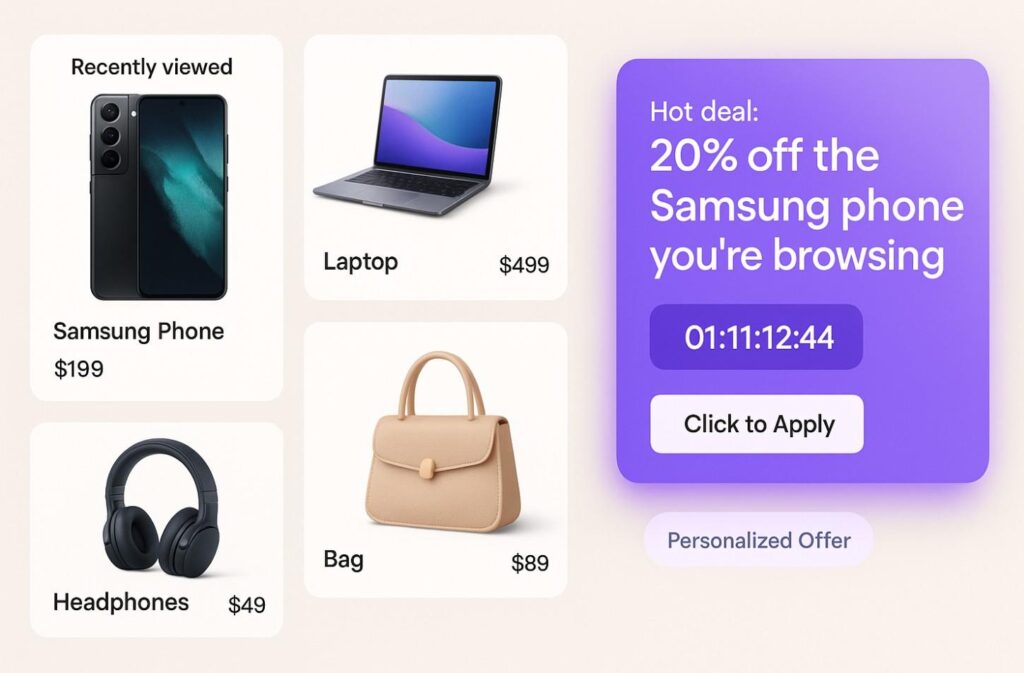
The same offer works better at the right moment. A few rules:
- Do not interrupt on arrival: show a welcome popup after a few seconds of browsing or some scrolling, not the instant the page loads.
- Use exit intent for last chances: a small offer when someone moves to leave can save the visit.
- Match the page: show deals on the products the visitor is already looking at, not random items.
- Give real deadlines: a time limit tied to an actual sale end date adds urgency without misleading anyone.
5. Reward Repeat Buyers
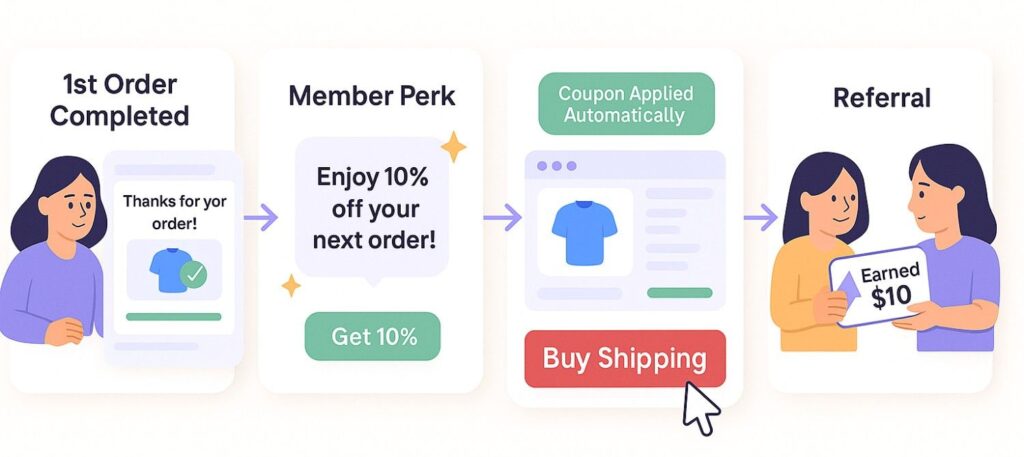
Your best customers already trust you, so reward them rather than waiting for them to drift.
Offer member-only deals, early access to sales, or rewards for frequent orders, sent by email or app notification. Loyal buyers who feel looked after buy more often and tell others.
6. Test and Learn What Works
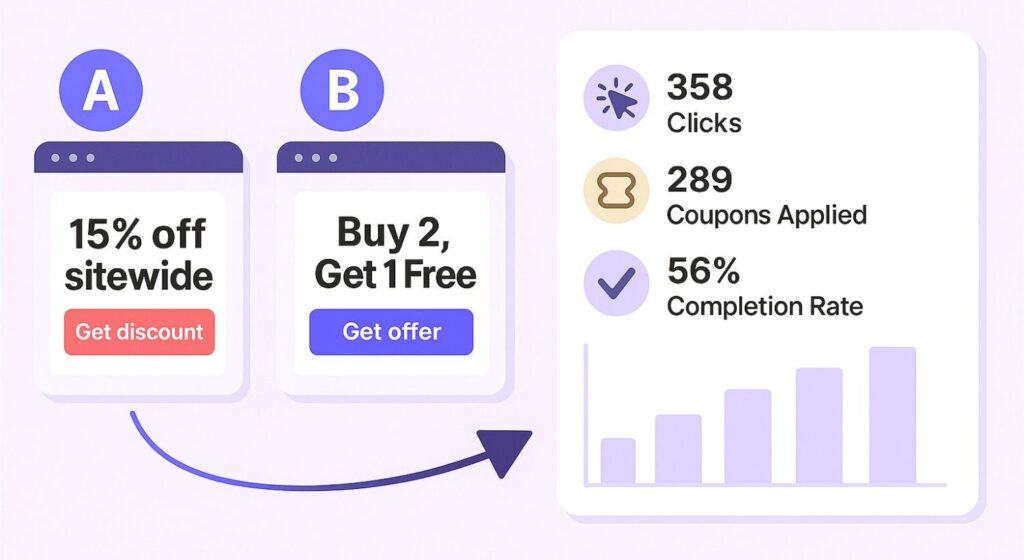
Not every discount performs the same. Use A/B testing to compare one offer with another.
Track the numbers that matter:
- How many people saw and clicked the offer
- How many applied the code
- How many completed the order, and at what margin
You might find “15% off sitewide” beats “Buy 2, get 1 free” for your audience, or that free shipping brings more orders than any code.
How WiserNotify Helps You Show Discounts
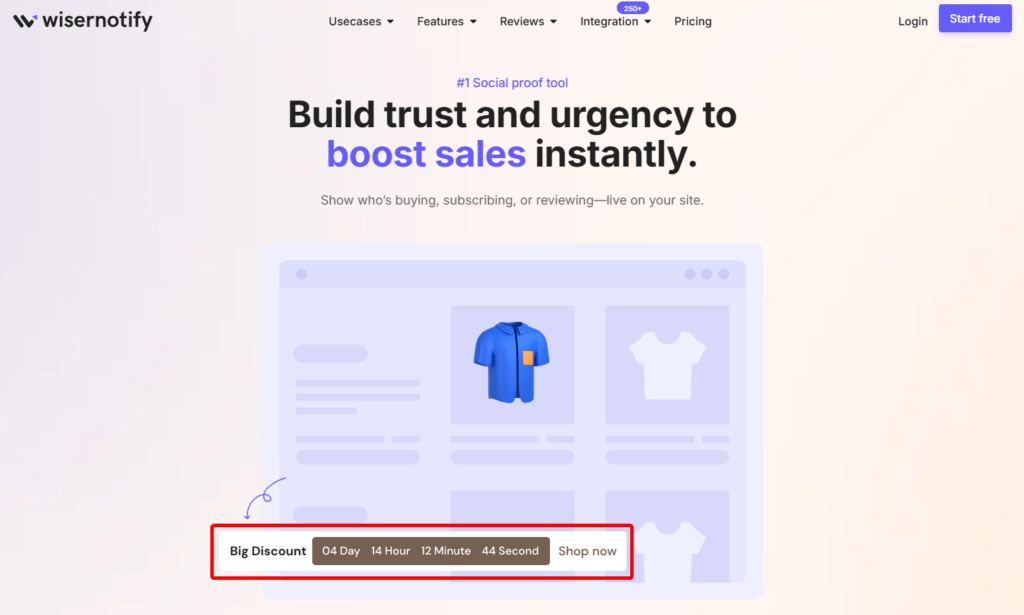
WiserNotify puts your offers in front of shoppers with social proof and urgency widgets. It shows recent purchases, countdown timers and deal announcements, so offers get seen and used.
It is quick to set up, supports multiple languages and has a 7-day free trial.
1. Build Trust With Social Proof
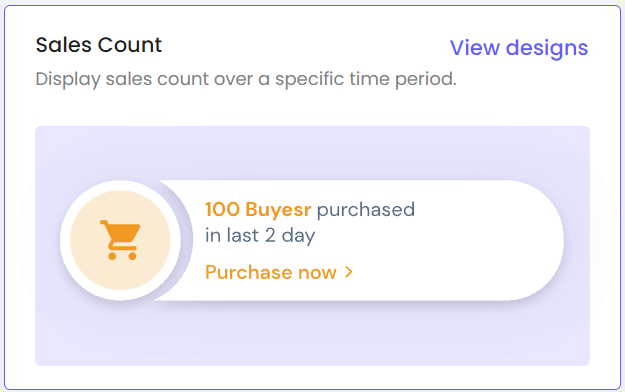
New visitors wonder whether others are buying and whether the deal is real. Social proof answers that.
WiserNotify shows live notifications like:
- “Alex from Chicago just used a promo code”
- “12 shoppers viewed this deal in the last 10 minutes”
- “Sarah bought the canvas tote 5 minutes ago”
These small messages show people are actively shopping and saving, which gives new visitors the confidence to finish their order.
2. Create Urgency With Countdown Timers
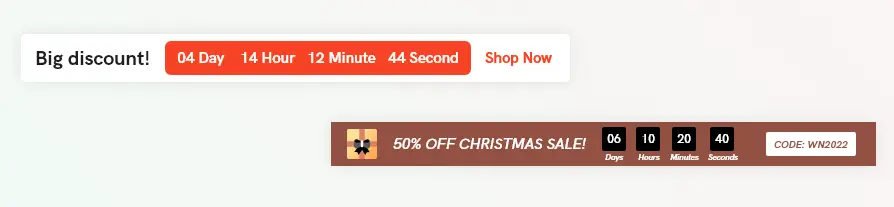
Shoppers put off buying all the time, and many never come back. A countdown timer gives the offer a visible deadline.
Set up messages like:
- “Only 1 hour left to use your coupon”
- “Sale ends in 3 hours”
- “Limited-time offer on select items ends soon”
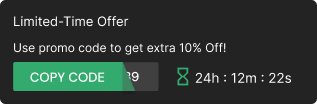
Timers work best during flash sales, holiday events or any sale promotion with a real end date. Place them on the product page, at checkout or in a floating bar.
Build urgency
Add floating offers with countdown timer & coupon code.
3. Announce Your Latest Deals

Many shoppers never notice a deal buried on one page. An announcement puts it in front of them while they browse.
Show deal alerts like:
- “New: 20% off your first order”
- “Free shipping on orders above $49”
- “Buy 2 t-shirts, get 1 free, until midnight”
Set rules so each message shows to the right people, such as new visitors, cart abandoners or repeat buyers. Because it runs automatically, you do not have to edit your site for every new campaign.
4. Add a CTA Widget
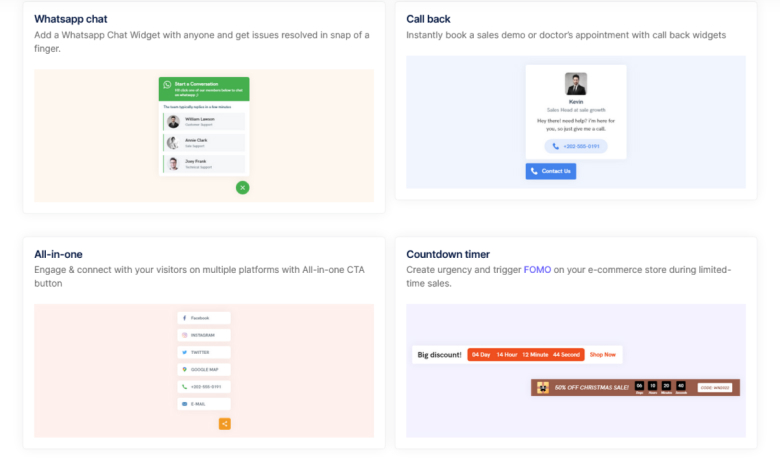
Every offer needs a clear next step. WiserNotify’s CTA widgets pair the discount with a message and a button, such as:
- “Apply promo code now”
- “Sign up and save 10%”
- “See all deals”
- “Add to cart and save”
Place them on product pages, near the cart button or on exit intent, and link them to a deals page or straight to checkout. They match your brand, so they feel like part of the page.
Wrap Up
A good discount strategy starts with the goal, checks the margin and makes the offer impossible to miss. Use first-order deals for new buyers, thresholds and bundles for bigger carts, and real deadlines for urgency.
Test one offer at a time and keep the ones that grow completed orders, not just clicks.
Boost Conversion Instantly
Add Social Proof & Urgency to your website
Frequently Asked Questions
How do you give a discount?
Create a code or automatic discount in your store settings, decide who it applies to and for how long, then show it clearly with a banner, popup or announcement bar.
What is the best time to show a popup discount?
After the visitor has browsed for a few seconds or scrolled part of the page, or when they move to leave. Avoid showing it the instant the page loads.
How much discount should I offer?
Enough to change the decision without wiping out your margin. Work out the break-even sales lift for your margin before you launch.
Do discounts hurt your brand?
Constant sitewide sales can train shoppers to wait for a deal. Targeted, time-limited offers avoid that.

Krunal Vaghasiya is a marketing tech expert who boosts e-commerce conversion rates with automated social proof and FOMO strategies. He loves to keep posting insightful posts on online marketing software, marketing automations, and improving conversion rates.




 Capterra