
How to Add a Live Visitor Counter to BigCommerce (2026)
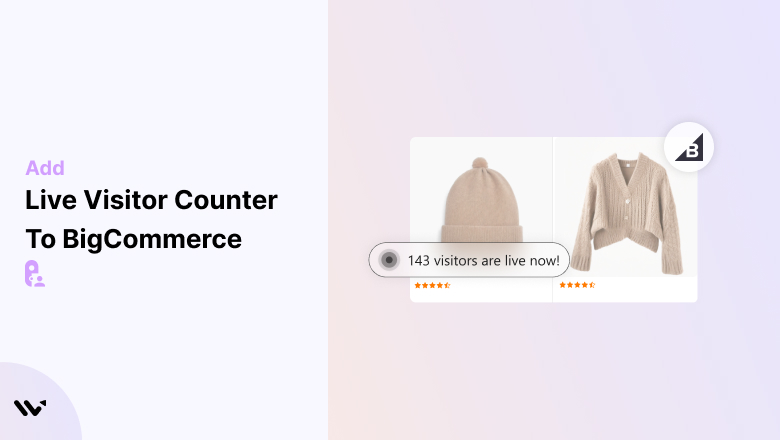
BigCommerce already tracks visitors for you. Open Analytics, then Overview, and Visits shows total visits for your date range.
To show a live count to shoppers, add the WiserNotify pixel, paste the inline code into your product template, and publish the live visitor notification.
These are two different jobs. Analytics tells you how many people visited. A counter tells shoppers how many people are looking right now.
The steps below cover the counter, with a screenshot for each.
Visitor Tracking or a Visitor Counter?
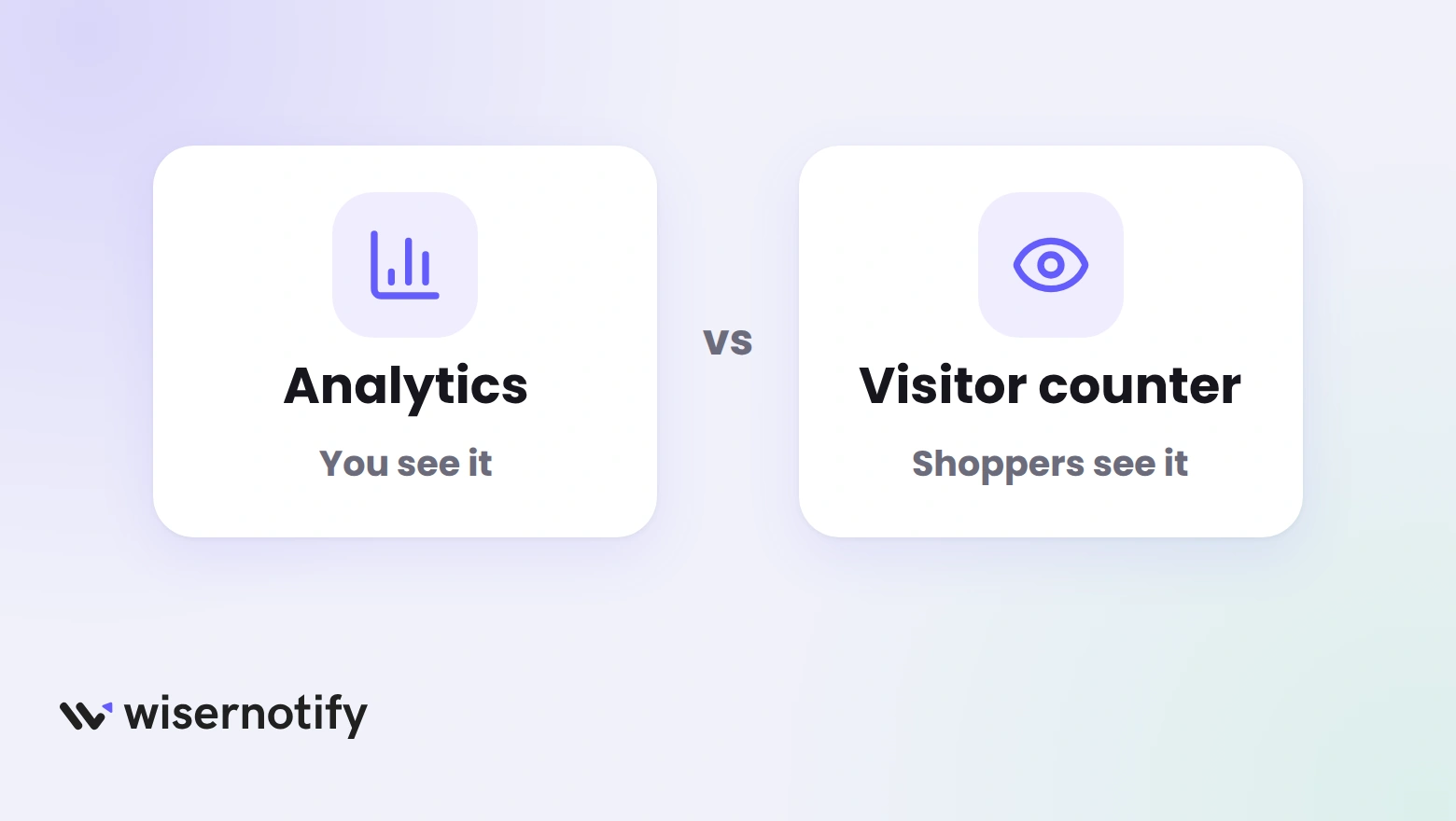
People search for visitor tracking on BigCommerce and mean one of two things. Here is where each lives.
- BigCommerce Analytics: go to Analytics, then Overview. Visits counts total visits, not unique visitors, and Top visits by origin shows where they came from. Your user account needs the Store Overview Report permission, as the BigCommerce Store Overview guide explains.
- Google Analytics 4: for deeper reports, go to Settings, then Data solutions. Click Connect beside Google Analytics 4 and paste your Google tag.
- Visitor counter: a line on your product page that shoppers read, such as 100 shoppers are checking. This guide builds it with WiserNotify.
Build trust & FOMO
Highlight real-time activities like reviews, sales & sign-ups.


How to Add a Live Visitor Counter to BigCommerce
The video shows the counter being built in the WiserNotify dashboard. The steps after it cover the BigCommerce parts too.
Step 1: Copy Your Pixel Code

- Sign up for WiserNotify and start the 7-day free trial, or log in if you already have an account.
- Open the Install Pixel page.
- Click Copy code.
Step 2: Add It in Script Manager
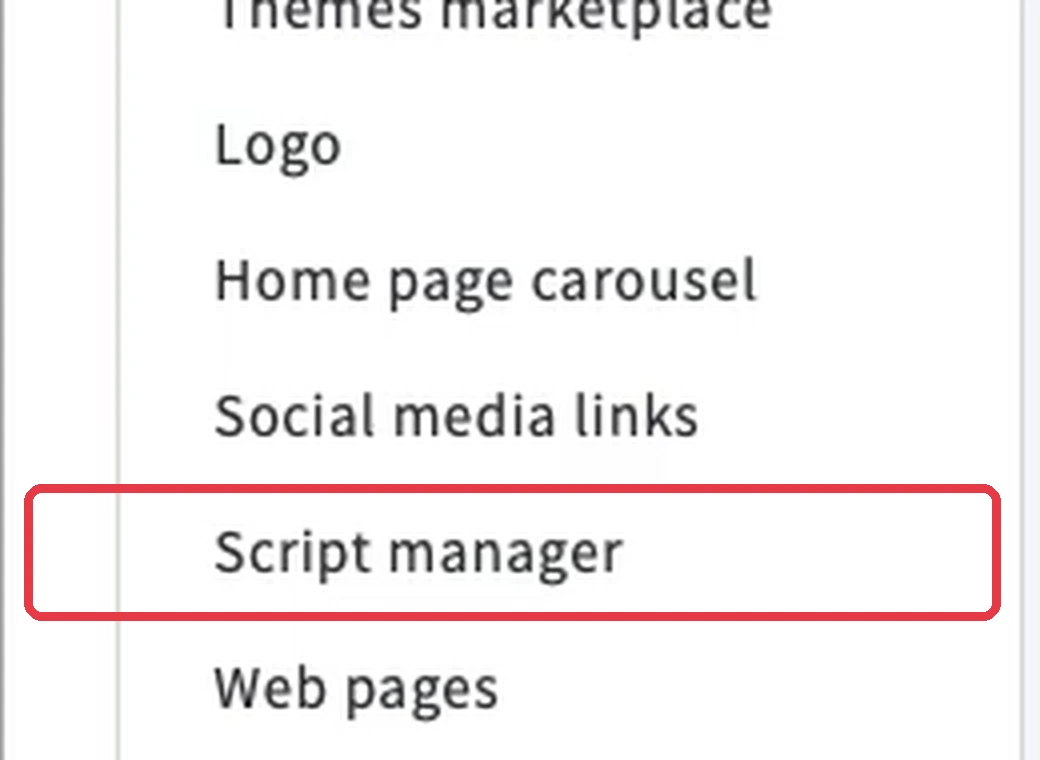
- Log in to your BigCommerce control panel.
- Go to Storefront, then Script Manager.
- Click Create a Script and name it WiserNotify.
- Set Location on page to Footer and the pages to All pages.
- Pick a script category that matches your cookie banner, and set Script type to Script.
- Paste the pixel into Script contents and click Save.
If you cannot find Script Manager under Storefront, open Channel Manager and click Scripts. Script Manager works with Stencil themes.
Step 3: Verify the Pixel

- Wait about a minute, since BigCommerce caches new scripts for a short time.
- Open your storefront once so the pixel loads.
- Go back to the Install Pixel page in WiserNotify.
- Click Verify pixel installation.
Step 4: Open Inline Social Proof

- Log in to WiserNotify and open the Dashboard.
- Click Inline social proof, then Explore.
Step 5: Pick the Placement

- Choose between Product detail page and Collection page.
- Start with the product detail page, since that is where a shopper weighs the buy.
You can add the collection page later with the same steps.
Step 6: Copy the Installation Code

- In the Product detail page section, click Install now.
- Click Copy code.
Each placement has its own code. The product page block will not work on the collection page, so copy them separately.
Step 7: Open Your Theme Files
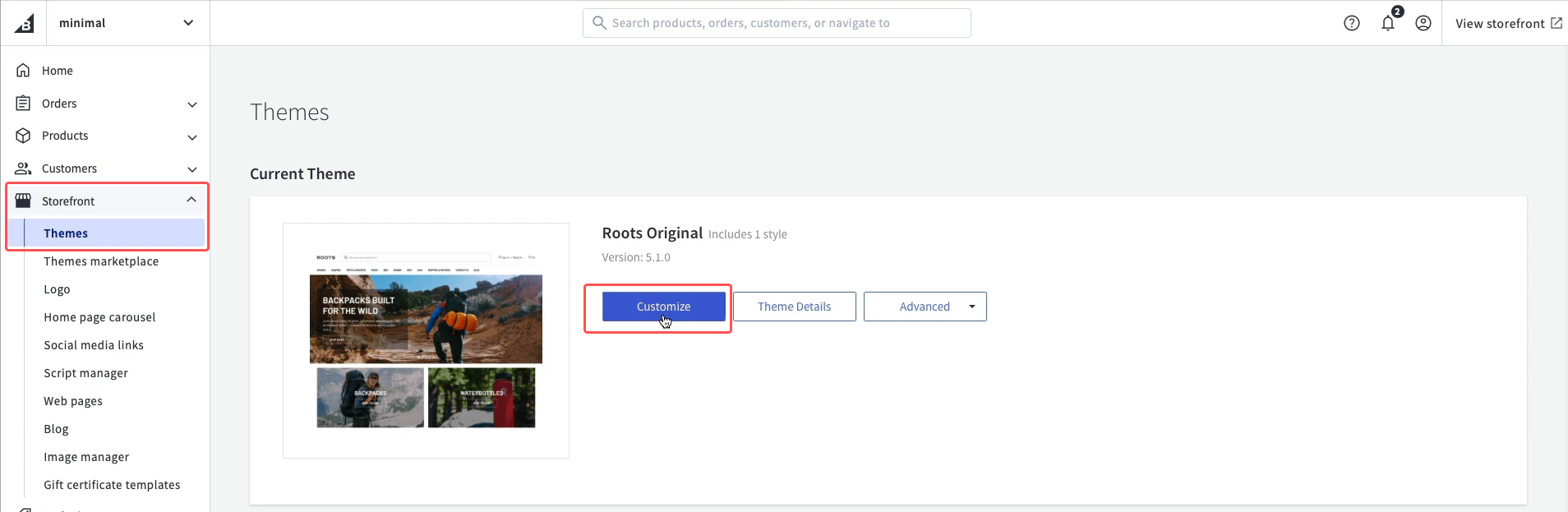
- In your BigCommerce control panel, go to Storefront, then My Themes.
- Click Advanced and choose Make a copy of your theme.
- Find the copy, open its three-dot menu and click Edit Theme Files.
Editing a copy keeps your live store safe while you test. BigCommerce support does not help with theme code, so keep the copy until the counter works.
Step 8: Paste the Code in the Template
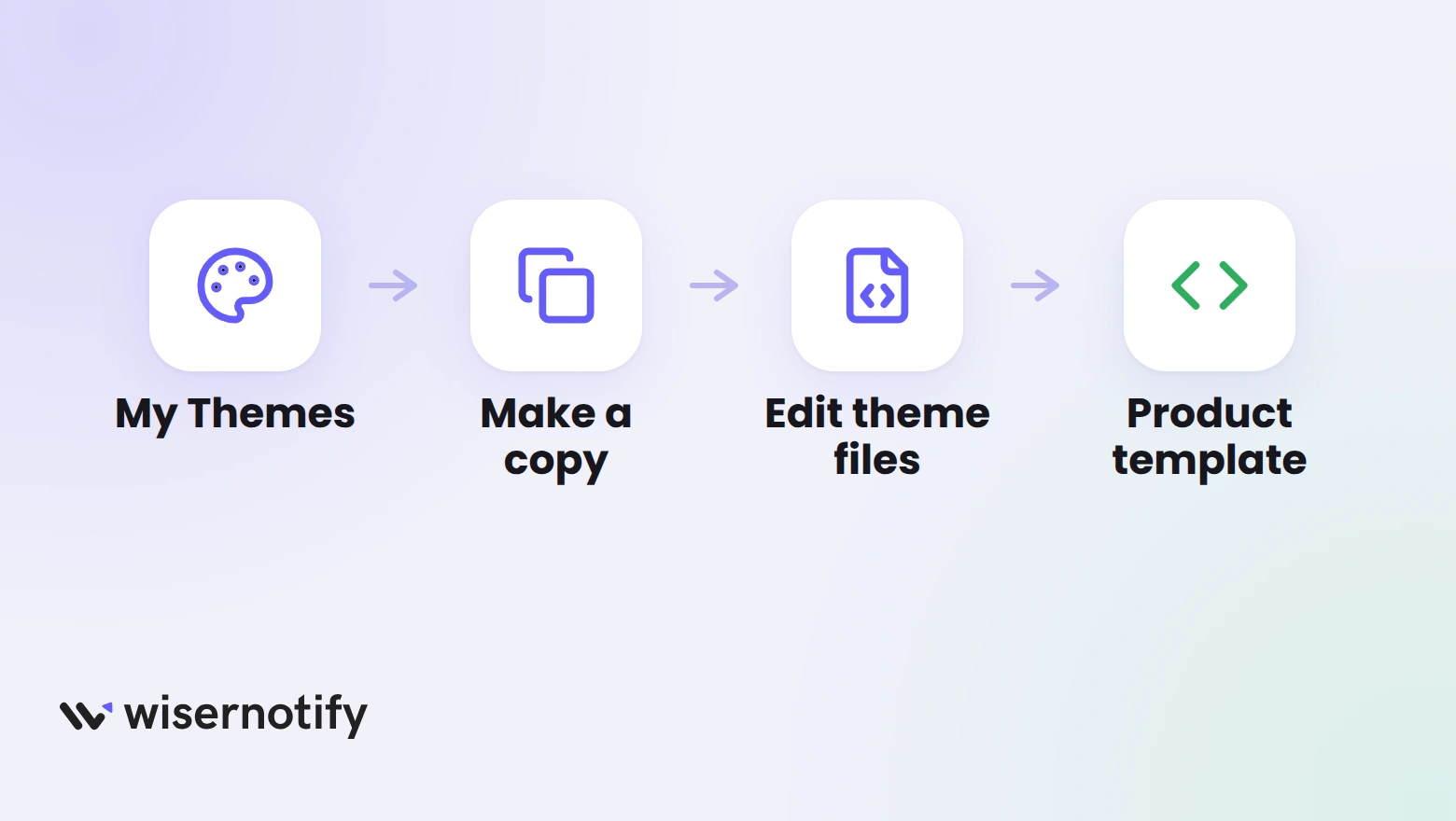
- In the file list, open templates, then components, then products, then product-view.html.
- Some themes use templates, then pages, then product.html for the product page. Use whichever holds your product details.
- Paste the code below the product description, or near the price and the Add to Cart button.
- Click Save, then go back to My Themes and apply the edited copy when you are ready.
Step 9: Create the Notification

- In the Product detail page section, add your BigCommerce store address.
- Find Live Visitor, Detail Page in the list.
- Click Customize.
Step 10: Write the Text and Style It

- In Text editor, write a line like 100 Shoppers are checking. A line reads better than a bare number, since it says what the figure means.
- In Position and animation, pick the animation for mobile and desktop.
- In Style, match the shape, colors and size to your BigCommerce theme.
- Use Preview to see it in place before anything goes live.
Step 11: Set Pages and Publish
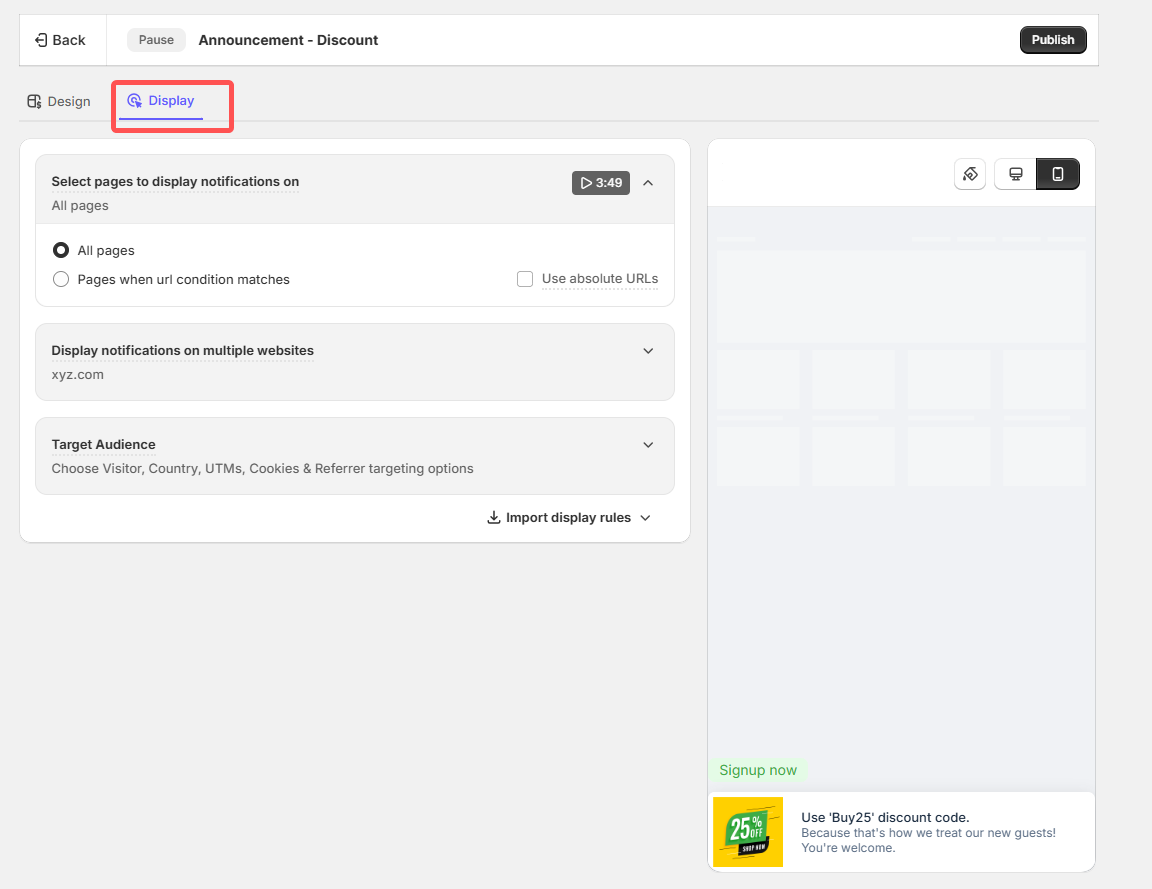
- Open the Display tab.
- Choose specific pages, or keep all pages.
- Use Advanced targeting if you want to narrow it by location, UTM source, cookie or referrer.
- Click Save, then Publish.
- Open a product page in a private window and wait a few seconds for the count to appear.
The live visitor inline notification doc covers every design and display option.
Build trust & FOMO
Highlight real-time activities like reviews, sales & sign-ups.

Live Visitor Counter Examples

A food brand’s product page puts the count under the quantity picker, right above Add to Cart. The count sits where the shopper is deciding.

On the collection page, each product tile carries its own count. Shoppers can see which products are getting attention before they click through.
Where to Show the Counter on BigCommerce
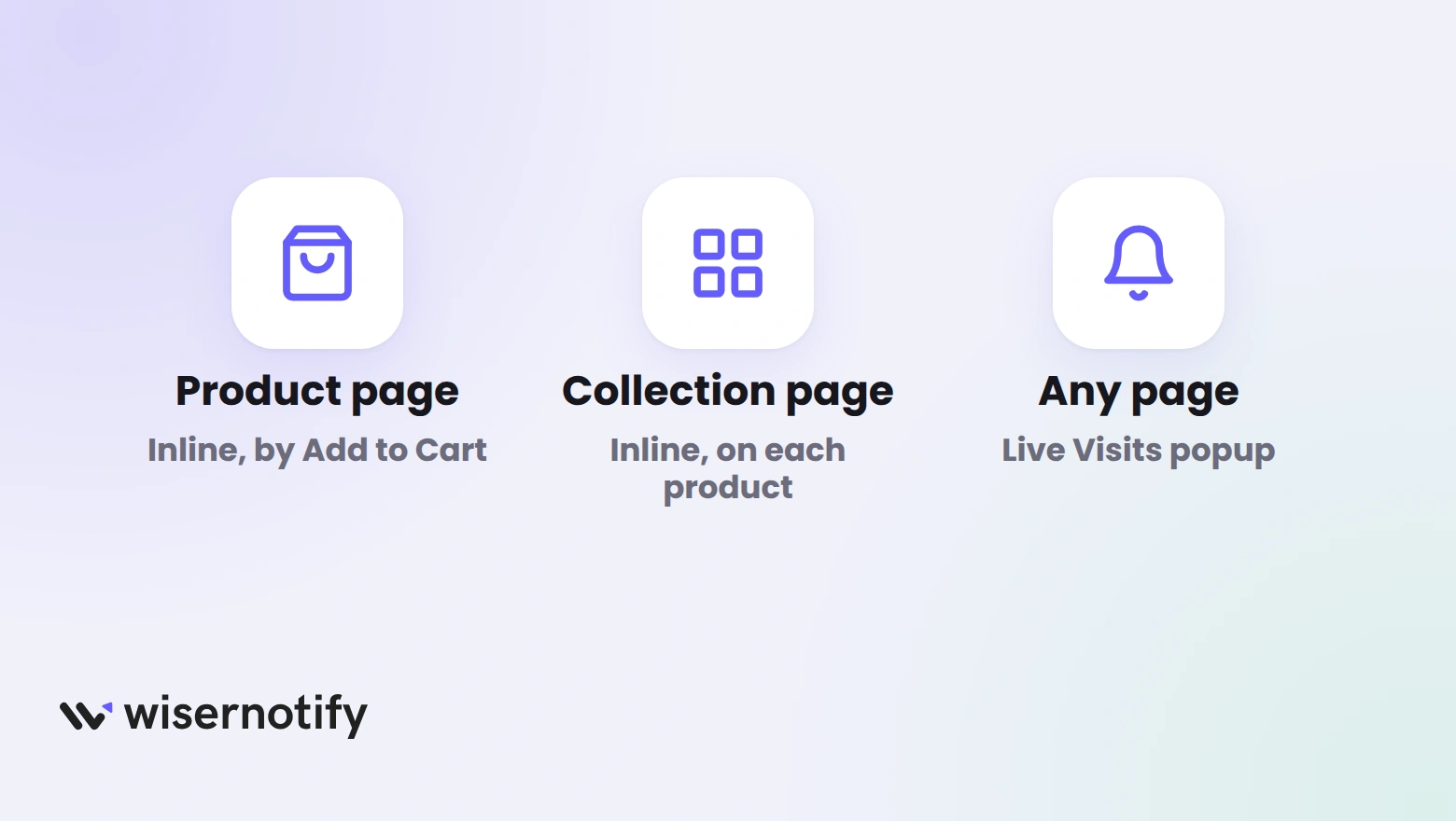
- Product pages: the count sits beside the price and the Add to Cart button, where the buy decision happens.
- Collection pages: a count on each tile points shoppers to the products getting attention.
- Any page: a floating Live Visits notification works on pages where you cannot paste a block. This guide to adding a visitor counter to any website covers it.
Show Recent Sales Too With the BigCommerce App
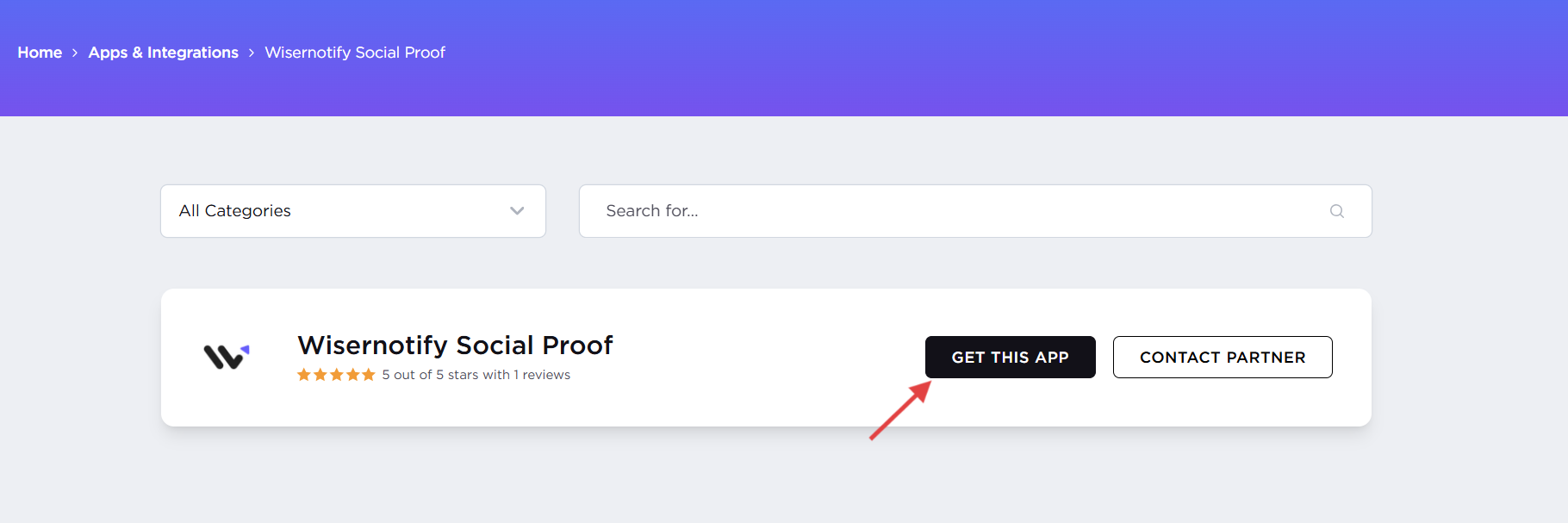
The counter needs only the pixel. To also show recent sales from your BigCommerce orders, install the WiserNotify app from the BigCommerce App Marketplace and click Get this app.
Then finish the connection in WiserNotify. Our guide to adding a sold counter to BigCommerce shows the sales side.
Visitor Counter Not Showing on BigCommerce?
- Script settings: in Script Manager, check that the location is Footer, the pages are All pages and the script is enabled.
- Cookie banner: a script in a category visitors decline stays hidden. Pick a category that matches your cookie settings.
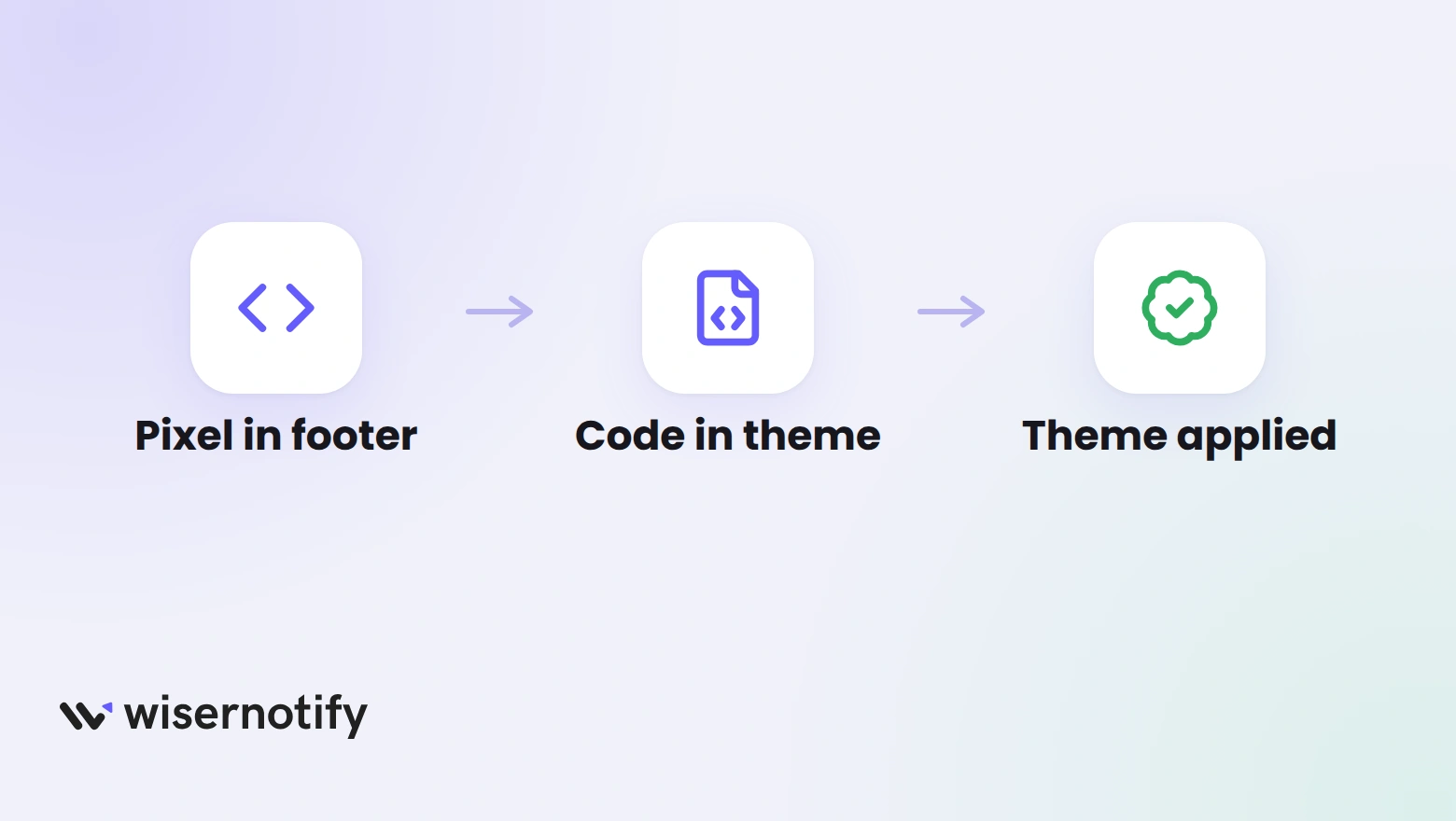
- Theme not applied: if you edited a copy, apply that copy from My Themes, or the live theme never gets the code.
- Wrong template: the product block belongs in the product template. A collection page needs its own block.
- Pixel not detected: open your storefront once, then click Verify pixel installation again.
- Notification not published: saving is not enough. Click Publish.
- Cached page: BigCommerce caches hard, so wait a minute and check in a private window.
Best Practices for a Visitor Counter
- Show real numbers: a counter shoppers can trust beats a bigger one they doubt.
- Put it near the decision: beside the price or the Add to Cart button works best.
- Use it on popular products: trending items have the traffic to make the count credible.
- Keep the design simple: match your theme so the line is read, not skipped.
- Write a clear line: 100 Shoppers are checking says more than a bare number.
- Check it on mobile: make sure it fits on a phone without covering the button.
- Track results: compare conversions on pages with the counter before and after it goes live.
- Do not overuse it: put it on key products and campaigns, not every page.

Boost Conversion Instantly
Add Social Proof & Urgency to your website
Wrap Up
BigCommerce Analytics tells you how many people visited. A visitor counter tells shoppers they are not alone on the page.
Start with the product page, then add the collection page once you see how shoppers respond.
Related Posts
Frequently Asked Questions
Does BigCommerce show visitor numbers?
Yes, to you. Analytics, then Overview, reports total visits for your date range. A visitor counter shows a number to shoppers on the page.
How do I track visitors on BigCommerce?
Open Analytics, then Overview, for visits and where they came from. For deeper reports, connect Google Analytics 4 under Settings, then Data solutions.
How do I show a live visitor count to shoppers?
Add the WiserNotify pixel in Script Manager, paste the product page code into your theme, and publish the live visitor notification.
Will a visitor counter slow down my store?
It loads through one small script, so the impact is small. Test your product page speed before and after you publish.
Can I change how the counter looks?
Yes. Edit the text, position, colors and size in the Design tab, and preview it before you publish.

Krunal Vaghasiya is a marketing tech expert who boosts e-commerce conversion rates with automated social proof and FOMO strategies. He loves to keep posting insightful posts on online marketing software, marketing automations, and improving conversion rates.




 Capterra