
The Fastest Way to Display Reviews on Builderall
 Krunal Vaghasiya|May 19, 2025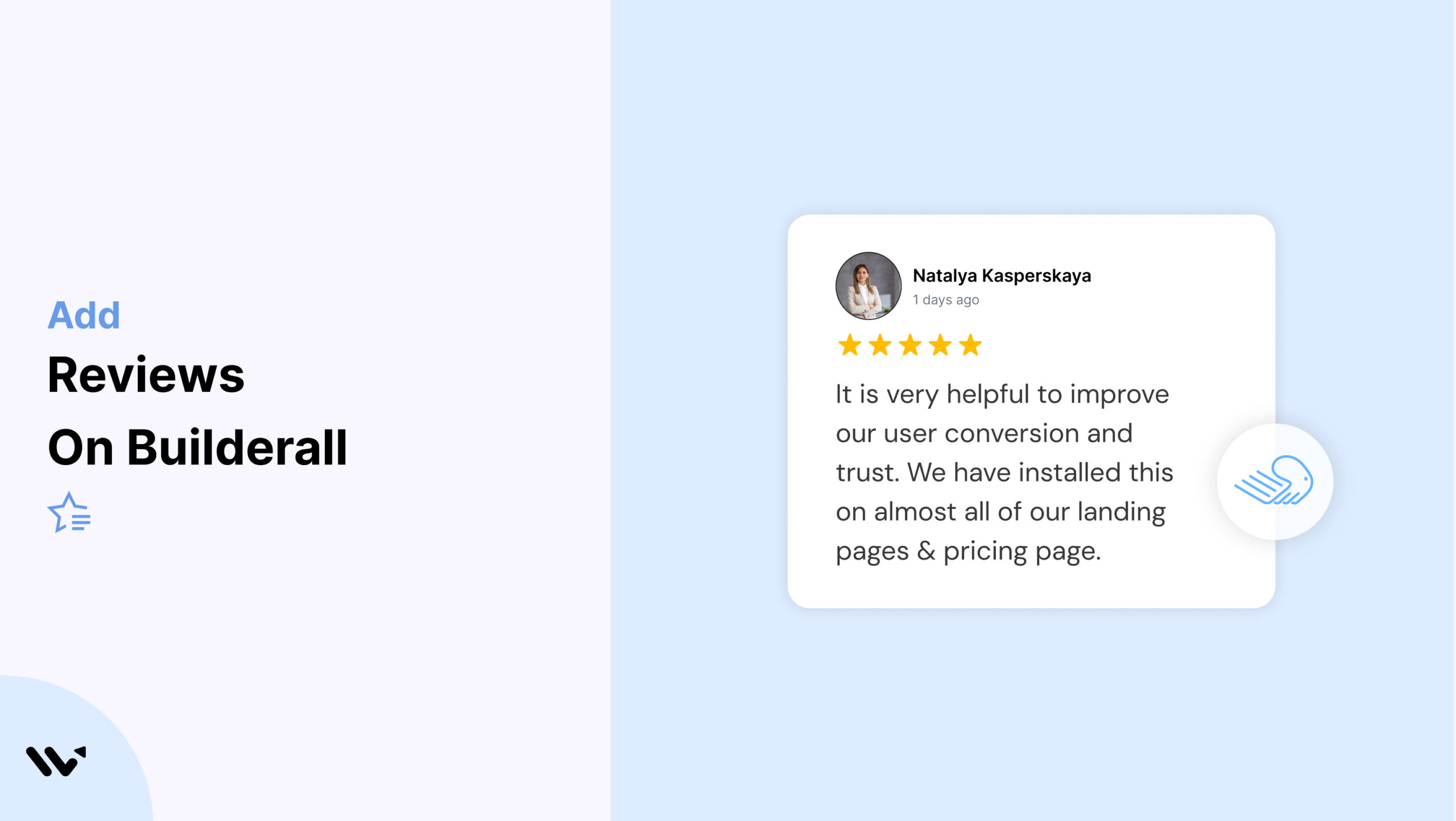
Builderall provides a wide array of tools to build sales funnels, websites, and membership portals, but it lacks native functionality for displaying dynamic customer testimonials.
This creates a gap in trust-building that can affect conversions and credibility.
WiserReviews enables you to embed highly customizable, responsive review widgets such as sliders, floating badges, and popups within Builderall pages using simple embed codes.
These widgets are optimized for performance and engagement across funnels and websites.
In this blog, Learn how to embed WiserReviews into Builderall, strategically showcase reviews for trust, and avoid integration pitfalls that hinder credibility.
Why Add Reviews on Builderall?
Support Conversions with Real-Time Social Proof: WiserReviews allows you to place testimonials close to checkout buttons or signup forms, helping reduce buyer hesitation and increasing sales.
Embed Contextual Reviews Based on Page or Funnel Step: Use tagging to serve relevant testimonials for each product, lead magnet, or funnel stage within Builderall.
Boost SEO Visibility with Rich Snippets: With WiserReviews’ schema support, review stars can appear in Google results, driving higher organic traffic and trust.

All your reviews in one place
Collect reviews, manage every response, and display them where they matter most.
What Makes WiserReviews’ Reviews Special?
WiserReviews is perfect for Builderall users because it offers no-code HTML embed options that are fully responsive, fast-loading, and visually adaptable to your site design.
The platform also supports automation post-transaction, advanced filtering with tags, and review formats that include video, photo, or carousel giving Builderall pages the credibility edge they need.
How to Add Reviews on Builderall


How to Embed Reviews on Builderall
1. Open your Builderall editor and select the page or funnel step.
2. Drag an “HTML” or “Embed” widget into the desired section.
3. Paste the WiserReviews code inside the widget.
4. Save and preview to ensure proper display.
Related Post: How to Add Reviews to Your Website in Minutes
Best Practices for Showcasing Reviews on Builderall
Here are a few smart ways to show customer reviews that actually build trust and help boost sales.
Make sure they’re easy to see and feel real to your visitors.
1. Position Reviews Near CTAs or Form Submissions
Place WiserReviews testimonials next to key CTAs like sign-up forms, opt-ins, or purchase buttons to ensure they reinforce user confidence at the exact moment of decision.
Avoid hiding testimonials at the bottom; keep them front and center where they can influence behavior.
2. Customize Testimonials by Funnel Type or Audience
Use tags in WiserReviews to filter testimonials for different pages or audiences. For example, show one widget for digital products, another for service offers.
This makes each testimonial relevant and aligned with the visitor’s expectations and funnel stage.
3. Use Lightweight, Mobile-Responsive Widgets
Always choose formats that don’t overload the page like carousels or floating badges.
Preview them across desktop, tablet, and mobile. This ensures consistency in user experience, speed, and visual harmony within your Builderall layout.
Different Types of Review Examples





All your reviews in one place
Collect reviews, manage every response, and display them where they matter most.
Common Mistakes to Avoid When Adding Reviews to Builderall
Here are some common mistakes people make when adding reviews to Builderall.
Fixing these can help you build more trust and keep visitors interested.
1. Embedding Reviews Below the Fold
If testimonials are hidden under long content sections, users might never see them.
Position at least one review above the fold or right after your product or service pitch to maximize impact and drive decisions with visible proof.
2. Using the Same Generic Widget on All Pages
Repetition lowers authenticity. If every funnel or page uses the same review widget, visitors may think testimonials are staged.
Use WiserReviews tags to deliver targeted feedback tied to the specific offering featured on the page.
3. Neglecting Design Alignment with Page Aesthetics
Testimonial widgets should blend with your existing color palette, fonts, and design structure. Mismatched elements can distract or appear untrustworthy.
Take advantage of WiserReviews’ styling options to maintain a polished, branded look throughout your site.
Types of Reviews You Can Add on Builderall
How to Add Google Reviews to Builderall
How to Add Testimonials to Builderall
How to Add Facebook Reviews to Builderall
How to Add Capterra Reviews to Builderall
How to Add Amazon Reviews to Builderall
Wrap-Up
WiserReviews empowers Builderall users to enhance every funnel and page with dynamic social proof.
By embedding responsive, targeted reviews, you increase trust, drive conversions, and improve overall user engagement.
Ready to elevate your Builderall projects with real customer voices? Start using WiserReviews today and make every testimonial count.
Krunal Vaghasiya is a marketing tech expert who boosts e-commerce conversion rates with automated social proof and FOMO strategies. He loves to keep posting insightful posts on online marketing software, marketing automations, and improving conversion rates.




 Capterra