

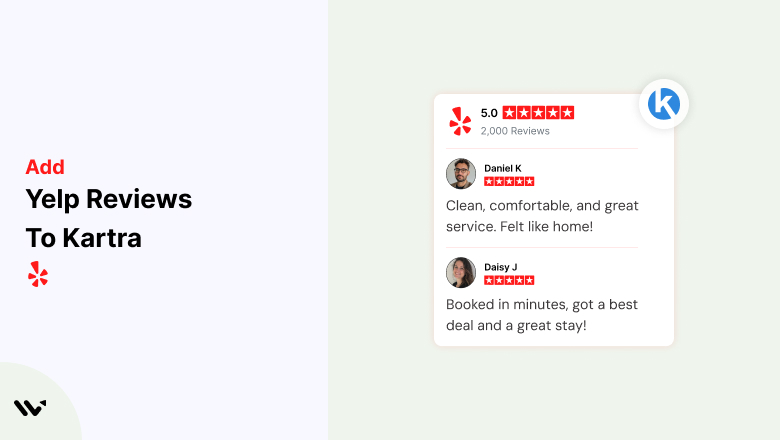

Building trust and credibility is essential for converting visitors into customers. One of the best ways to do this is by showcasing real customer reviews from Yelp.
Integrating Yelp reviews into Kartra can help businesses increase engagement, improve conversions, and enhance user experience.
In this guide, we will walk you through the step-by-step process of embedding Yelp reviews into Kartra using Wisernotify.
Why Add Yelp Reviews to Kartra?
Boost Trust and Social Proof: Yelp reviews are authentic and can influence buying decisions. Adding them to your Kartra pages reassures visitors about your brand’s credibility.
Increase Conversions: Displaying positive customer feedback helps reduce hesitation and encourages potential customers to take action.
Enhance User Engagement: Real customer testimonials create an interactive and engaging experience, making visitors stay longer on your site.
Improve SEO and Brand Reputation: Yelp reviews contribute to local SEO rankings and reinforce your brand’s reputation when displayed on your Kartra pages.
How to Add Yelp Reviews to Kartra


How to Embed Yelp Reviews on Kartra
1. Sign Up for Wisernotify
- Visit Wisernotify and create an account.
- Connect your Yelp account to Wisernotify.
2. Create a Yelp Review Widget
- In the Wisernotify dashboard, navigate to “Widgets.”
- Select “Yelp Reviews” as the source.
- Customize the widget’s design to match your Kartra branding.
- Generate the embed code.
3. Add the Widget to Kartra
- Log in to your Kartra account.
- Select the page where you want to add Yelp reviews.
- Click on “Sections” and add a “Custom Code” block.
- Paste the Wisernotify-generated embed code.
- Save and preview the page to ensure the reviews appear correctly.
Best Practices for Showcasing Yelp Reviews on Kartra
Select the Most Impactful Reviews
- Choose reviews that highlight the best aspects of your product or service.
Place Reviews Near Key Conversion Points
- Position them close to CTAs, signup forms, or pricing sections to reinforce credibility.
- Include them in testimonial sections to create a seamless user experience.
Match Design with Your Brand
- Customize the review widget’s colors, fonts, and layout to ensure a cohesive look with your Kartra page.
Leverage User Photos and Names
- Displaying real customer names and photos (if permitted) adds authenticity and increases trust.
Common Mistakes to Avoid When Adding Yelp Reviews to Kartra
Overloading the Page with Too Many Reviews
- Adding excessive reviews can clutter the page and distract from the main CTA. Showcase only the best ones.
Ignoring Mobile Responsiveness
- Ensure that the reviews display correctly on mobile devices for a seamless user experience.
Using Unverified or Generic Reviews
- Only use real, verified Yelp reviews to maintain credibility and authenticity.
Wrap-Up
Integrating Yelp reviews into Kartra is a powerful way to build trust, increase engagement, and drive conversions. By using Wisernotify, you can seamlessly embed customer testimonials onto your Kartra pages.
Follow the steps and best practices outlined in this guide to maximize the impact of your Yelp reviews on your marketing efforts. Start showcasing Yelp reviews on your Kartra pages today and watch your conversions grow!
Related Posts:


