
7 Best Website Personalization Tools for 2026 (By Budget)

Website personalization means changing what each visitor sees, like offers, messages or product suggestions, based on who they are and what they do on your site. By budget, start with WiserNotify ($59 a year) or OptiMonk (free to $19 a month), move up to Personyze or Recombee, and use CleverTap or Demandbase for enterprise.
Below are 7 website personalization tools with checked prices, a comparison table, and how to pick one for your site.
Build trust & FOMO
Highlight real-time activities like reviews, sales & sign-ups.


What Is Website Personalization?
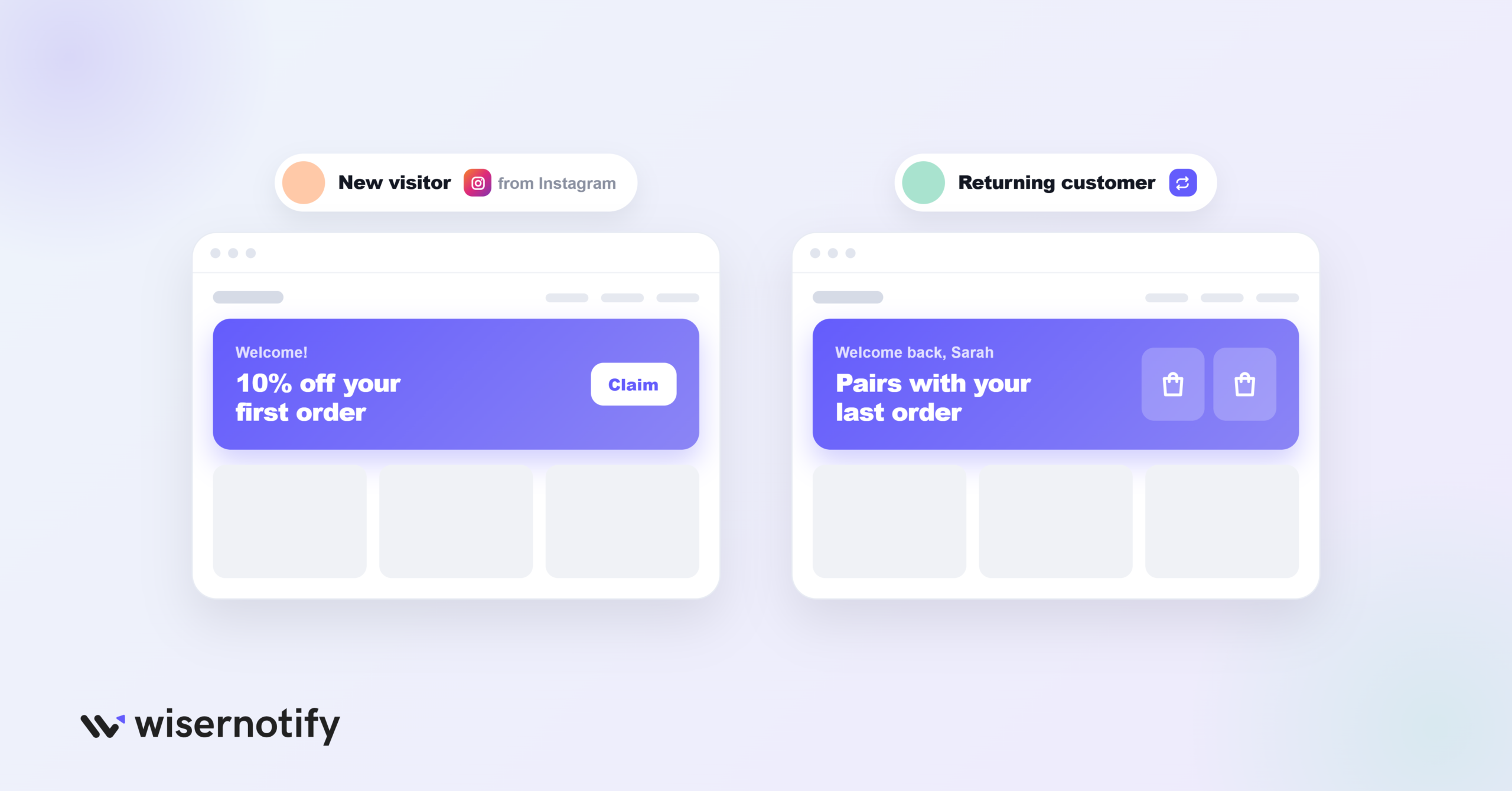
Website personalization is showing different content to different visitors based on data like location, device, traffic source, browsing history or past purchases.
A first-time visitor from Instagram might see a welcome offer, while a returning customer sees products related to their last order. The page is the same; the message fits the person.
It matters because a message that fits the visitor is easier to act on. Relevant offers and proof lead more people to buy, sign up or book a call.
Common Types of Website Personalization
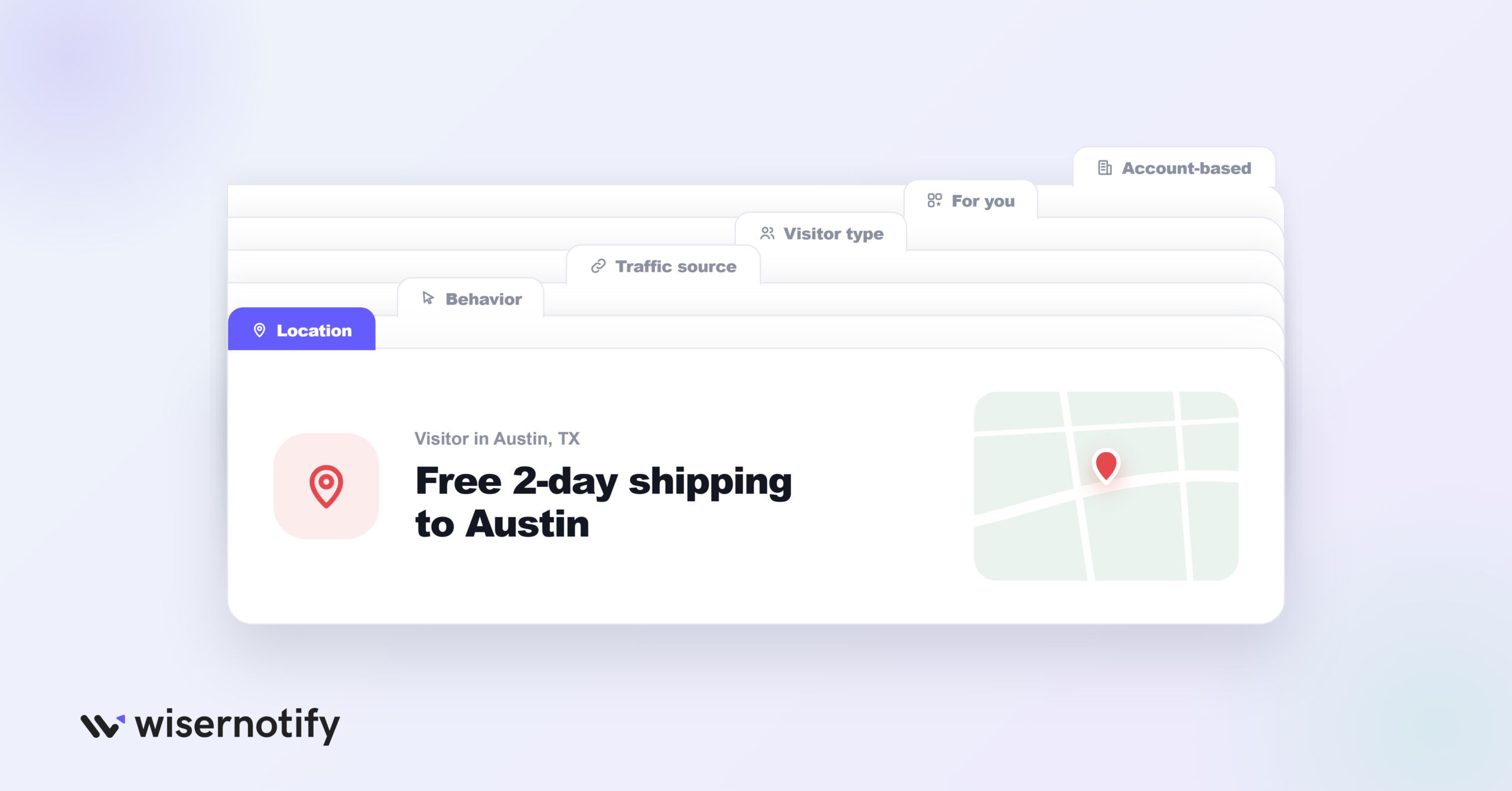
- Location: local currency, shipping info or city-specific offers.
- Behavior: messages based on pages viewed, time on site or cart contents.
- Traffic source: matching the landing page to the ad or email that brought the visitor.
- Visitor type: different messages for new and returning visitors.
- Product recommendations: items based on browsing or purchase history.
- Account-based: B2B pages tailored to the visitor’s company.
Website Personalization Tools Compared
| Tool | Entry price | Personalization type | Best for |
|---|---|---|---|
| WiserNotify | $59/year (Basic) | Social proof notifications with targeting rules | Small stores, SaaS, course sellers |
| OptiMonk | Free, then $19/mo | Personalized popups and on-site messages | Ecommerce stores |
| Personyze | Free up to 5,000 pageviews | Content, landing pages, A/B tests | Mid-size sites that want full personalization |
| Recombee | Free, then $99/mo | AI product and content recommendations | Stores and media sites with a developer |
| Mutiny | Free, then $50/mo | AI-built account-based pages | B2B sales and marketing teams |
| CleverTap | $85/mo | Multi-channel messages by segment | Apps and large brands |
| Demandbase | Quote only | Account-based website personalization | Enterprise B2B |
Prices are entry-level public prices, per month unless noted.
What Is the Best Personalization Platform?
The best platform depends on what you want to personalize and your budget.
- Social proof and targeted notifications: WiserNotify
- Personalized popups and on-site messages: OptiMonk
- Full on-site personalization with A/B testing: Personyze
- Product and content recommendations: Recombee
- B2B account-based pages: Mutiny or Demandbase
- App and multi-channel engagement: CleverTap
Here’s each tool in detail.
1. WiserNotify
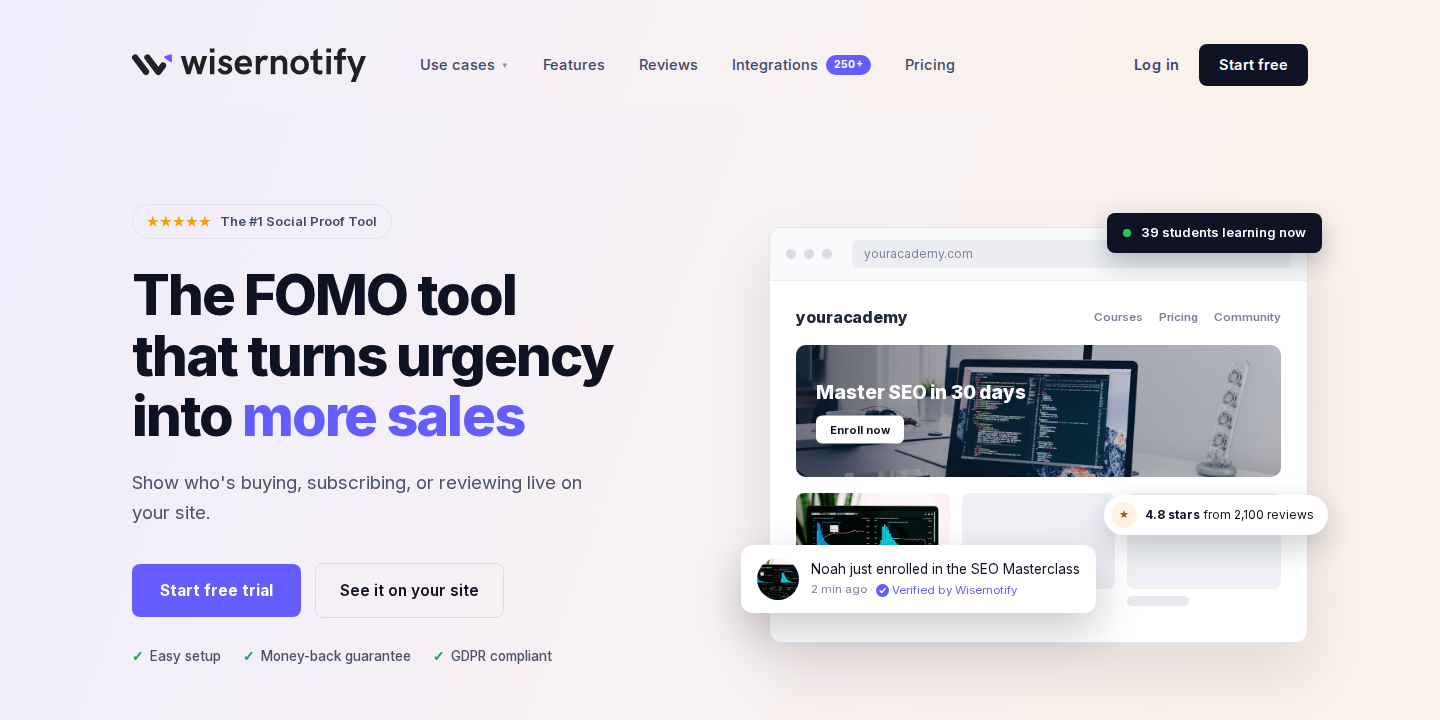
WiserNotify shows social proof notifications, like recent sales, live visitor counts, reviews and countdown timers, and lets you decide who sees each one.
Display rules target notifications by URL, referrer, country or city, device and visitor behavior.
A shopper from the UK on a product page can see recent UK orders, while a mobile visitor on your pricing page sees a sign-up count.
It’s the simplest way to personalize the proof on your site without rebuilding pages.
What you can personalize:
- Recent sales and sign-up notifications by page, location or device
- Live visitor counts on selected products
- Countdown timers and announcement bars for specific campaigns
- Inline social proof near buttons and forms
Pricing: Basic $59 a year for 5,000 visitors a month, Pro from $16 a month with A/B testing, 7-day free trial.
2. OptiMonk
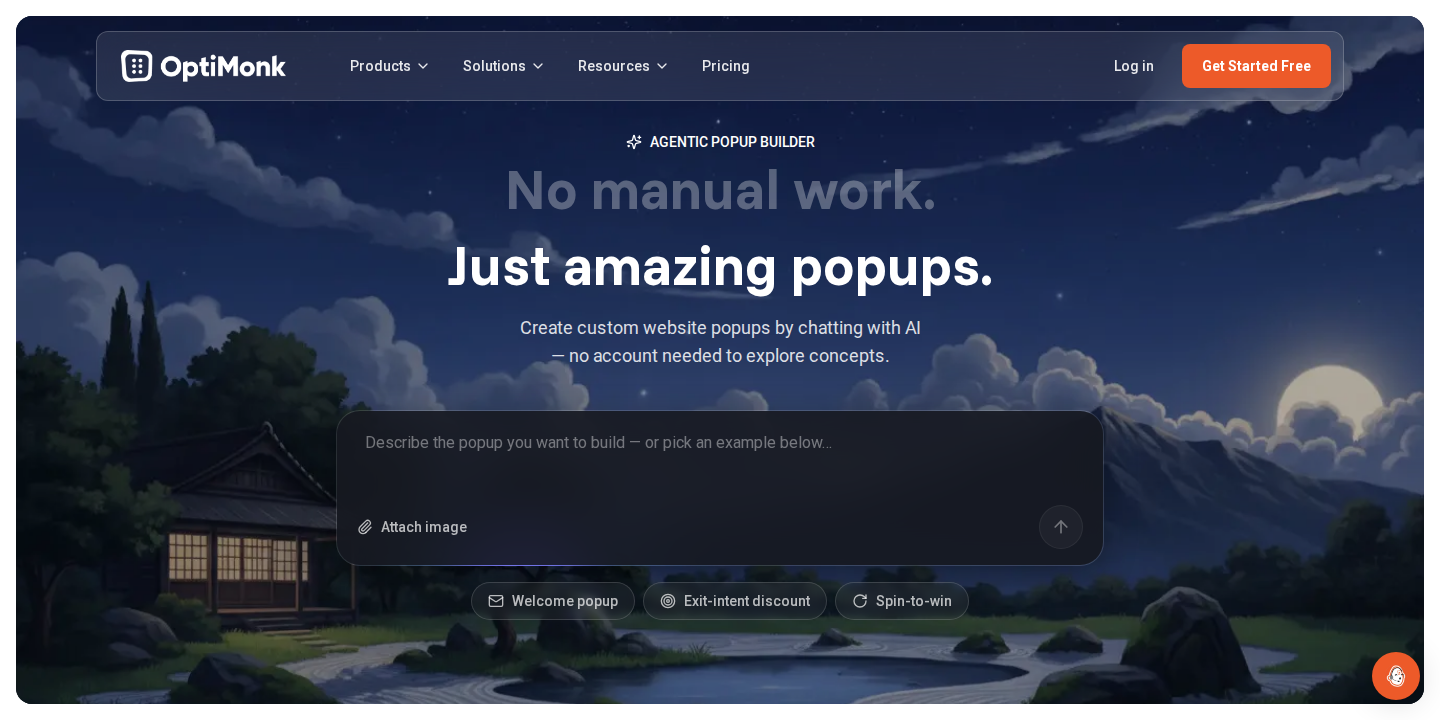
OptiMonk builds popups, sticky bars and embedded messages that change based on who the visitor is and what they’re doing.
It targets by traffic source, cart value, visitor type and behavior, and includes A/B testing and AI-written variations for ecommerce stores.
What you can personalize:
- Popups and exit-intent offers by segment
- Headlines and messages by traffic source
- Cart-value and product-based offers
Pricing: Free for 10,000 pageviews a month, Essential from $19 a month billed yearly for 20,000 pageviews.
3. Personyze
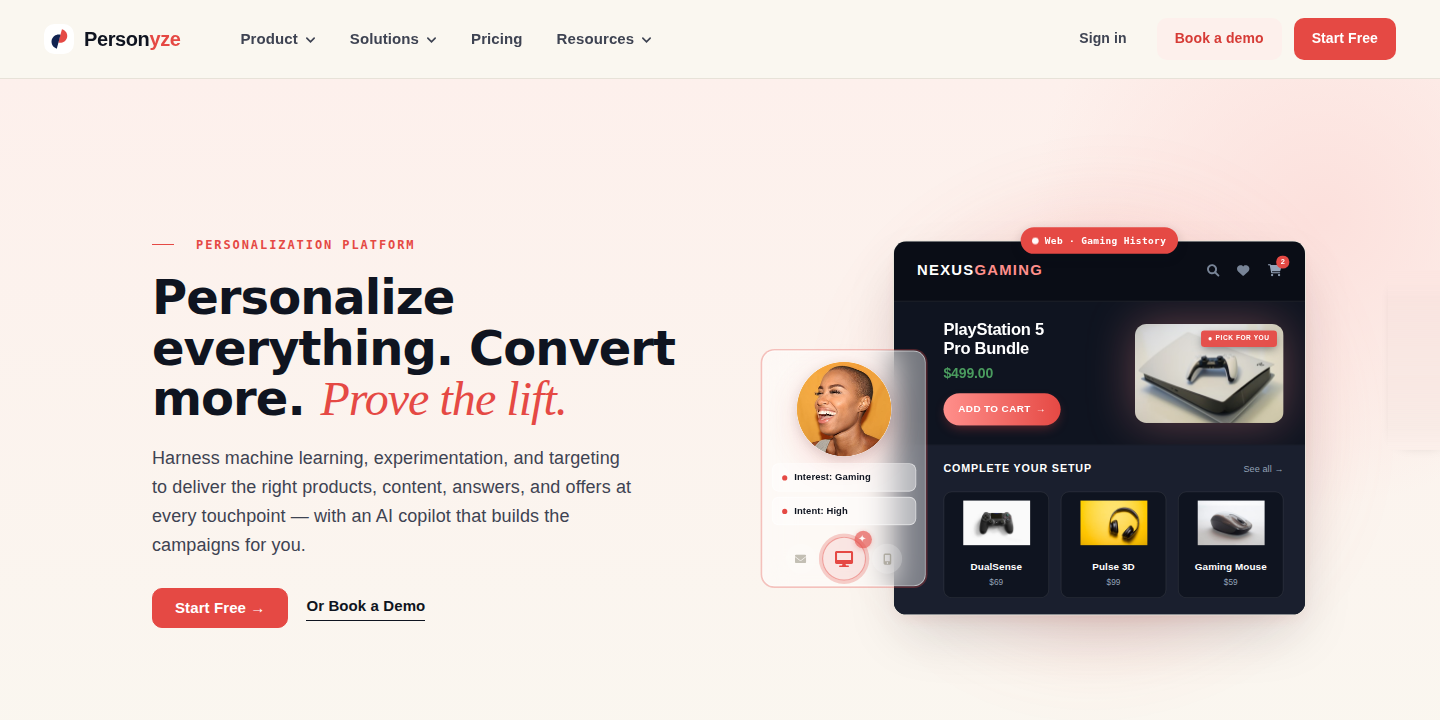
Personyze is a full website personalization platform. It tailors content, landing pages, banners and recommendations using 70+ visitor attributes, including behavior, source, location and CRM data.
A/B testing, dynamic landing pages and account-based targeting are included on every plan, which is rare at its price.
What you can personalize:
- Headlines, images and CTAs by segment
- Dynamic landing pages by source or campaign
- Banners, popups and product recommendations
Pricing: Free for 5,000 pageviews a month, with paid tiers priced by monthly pageviews.
4. Recombee
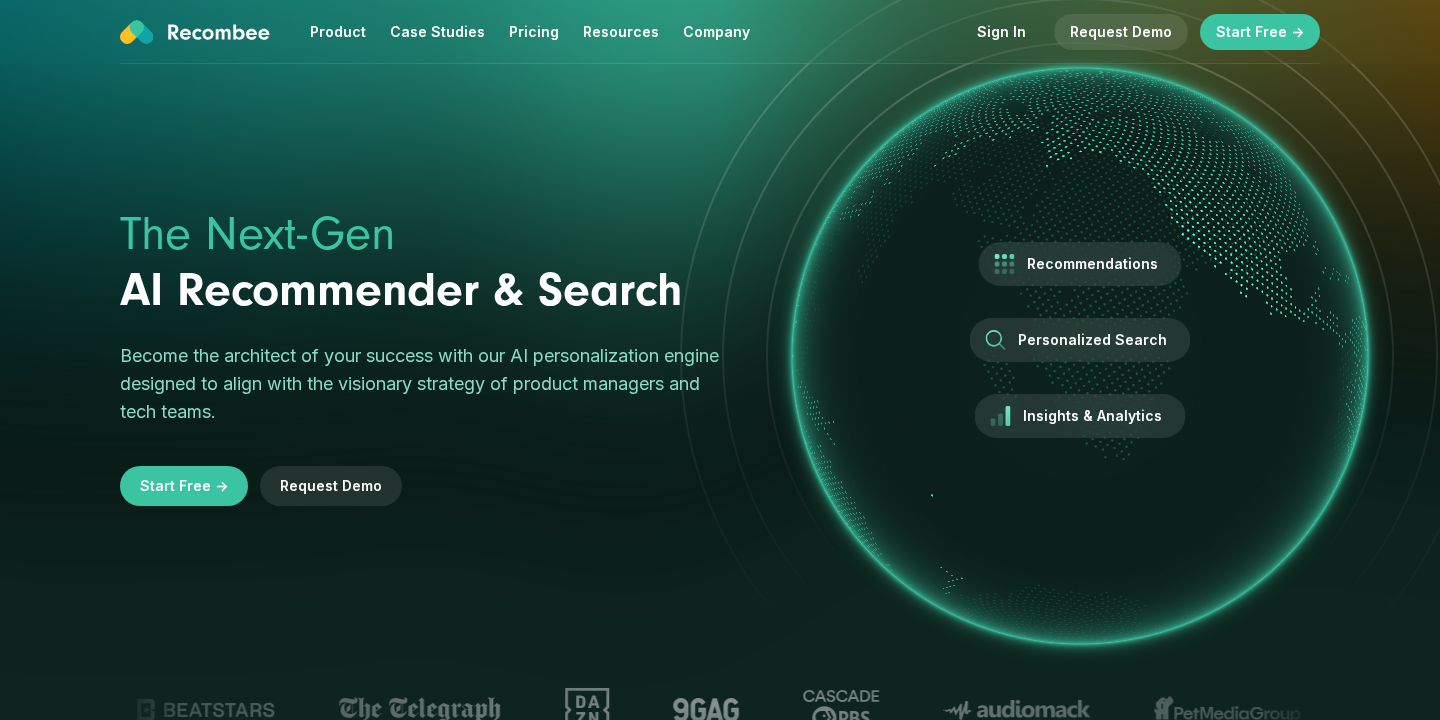
Recombee is an AI recommendation engine. It suggests products, articles or videos to each visitor based on their behavior and similar users.
It connects through an API, so it suits stores and media sites with a developer who can place recommendations on the page.
What you can personalize:
- Product recommendations on product, cart and home pages
- Content recommendations for articles and videos
- Personalized search results
Pricing: Free plan available, Standard from $99 a month.
5. Mutiny
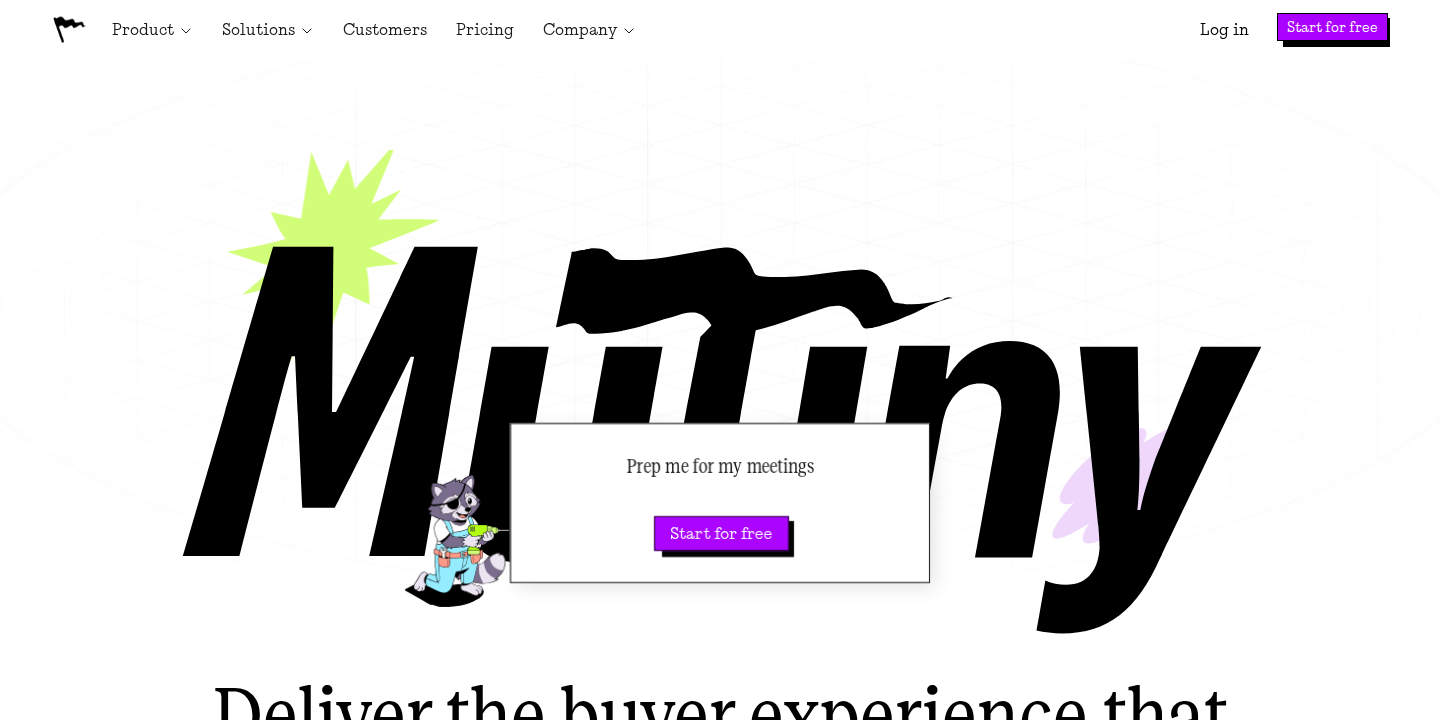
Mutiny has shifted toward AI-built, account-specific pages for B2B sales and marketing teams. You create personalized microsites, landing pages and follow-up assets for target accounts.
It suits B2B teams running account-based marketing more than ecommerce stores.
What you can personalize:
- Landing pages and microsites for target accounts
- Sales follow-up and proposal pages
- Account-level messaging and analytics
Pricing: Free for up to 5 team members, Business from $50 a month, Enterprise from $40,000 a year.
6. CleverTap
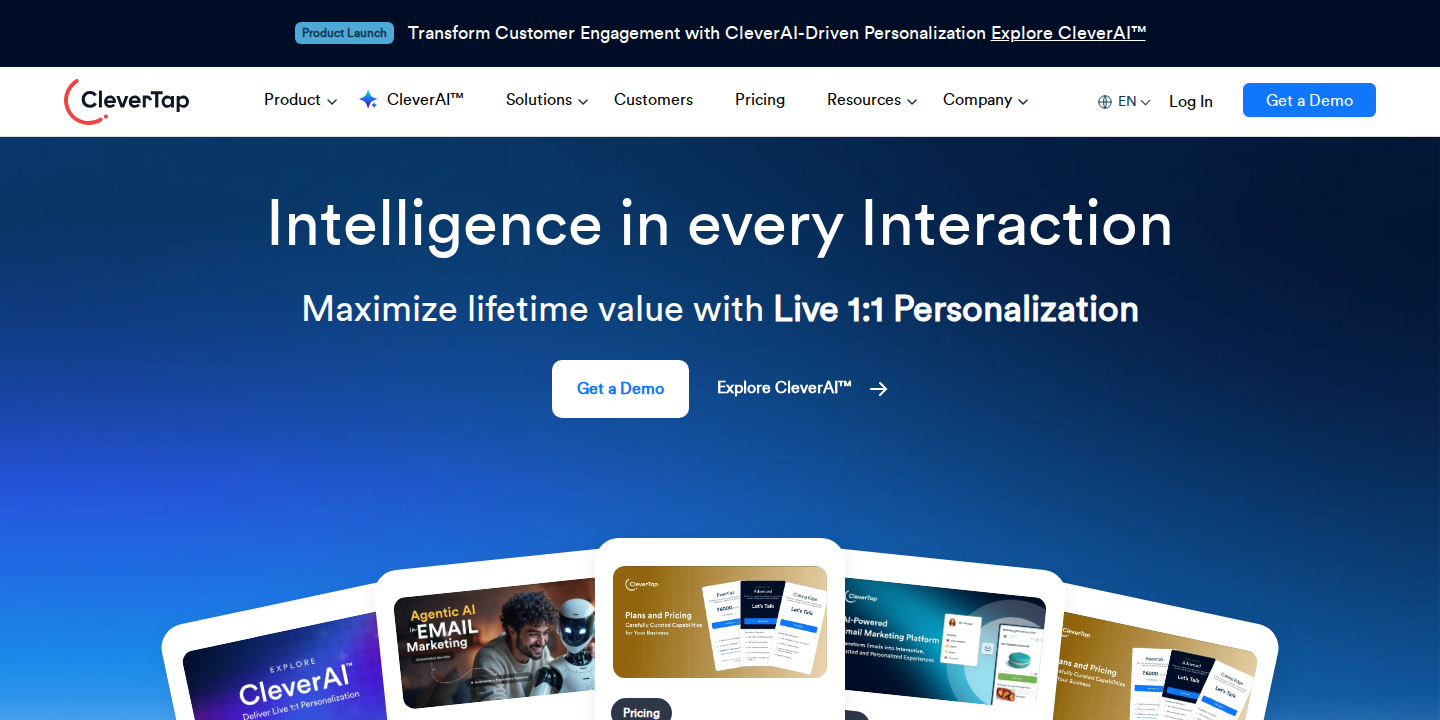
CleverTap is an engagement platform for apps and websites. It segments users by behavior and personalizes messages across web, app, push, email and SMS.
It fits apps and large brands with many active users, not small stores.
What you can personalize:
- In-app and on-site messages by segment
- Push, email and SMS journeys
- Offers based on customer journey behavior
Pricing: Core from $85 a month for up to 5,000 monthly active users.
Build trust & FOMO
Highlight real-time activities like reviews, sales & sign-ups.

7. Demandbase
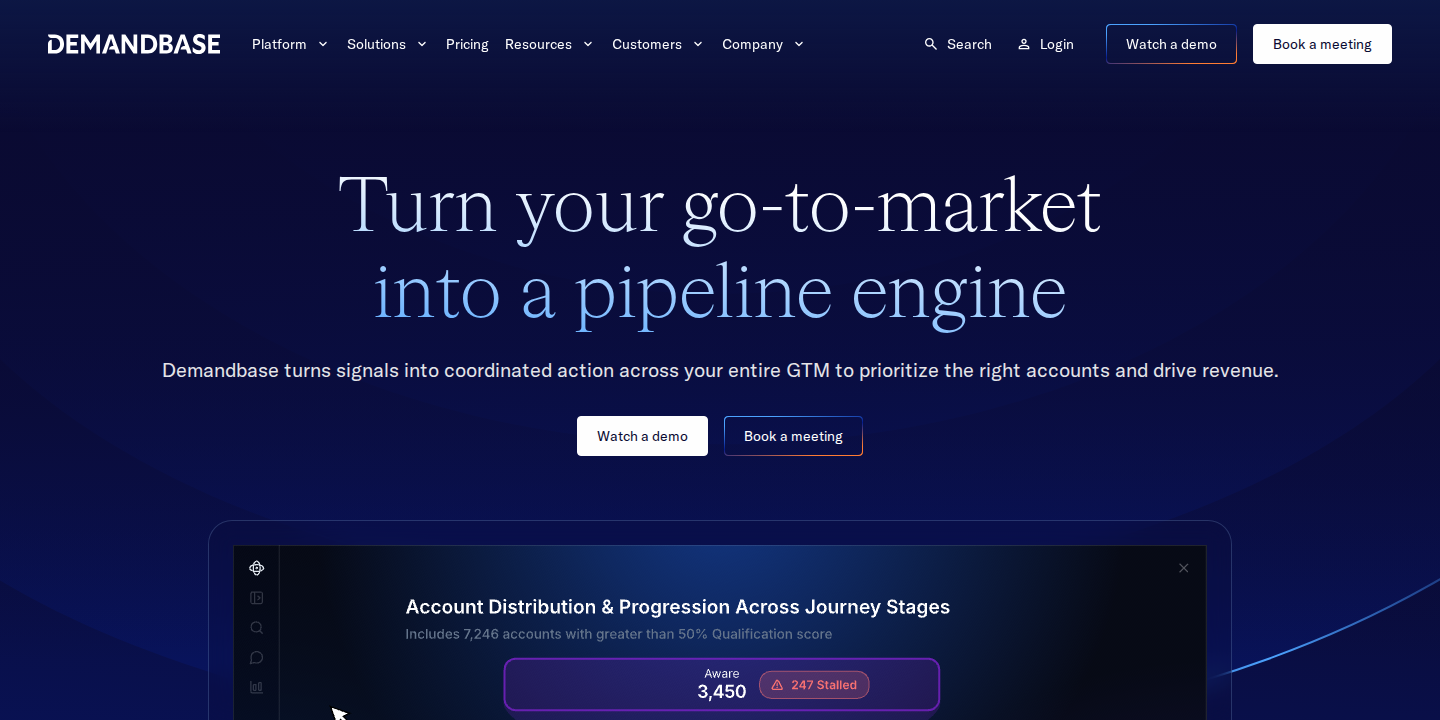
Demandbase is an account-based marketing platform for B2B enterprises. It identifies which companies visit your site and personalizes pages for target accounts.
It’s the heaviest option here, suited to enterprise sales teams with large target account lists.
What you can personalize:
- Website content by visiting company and industry
- Account-specific offers and CTAs
- Ads and journeys for target accounts
Pricing: Custom quote only.
How to Choose a Website Personalization Tool
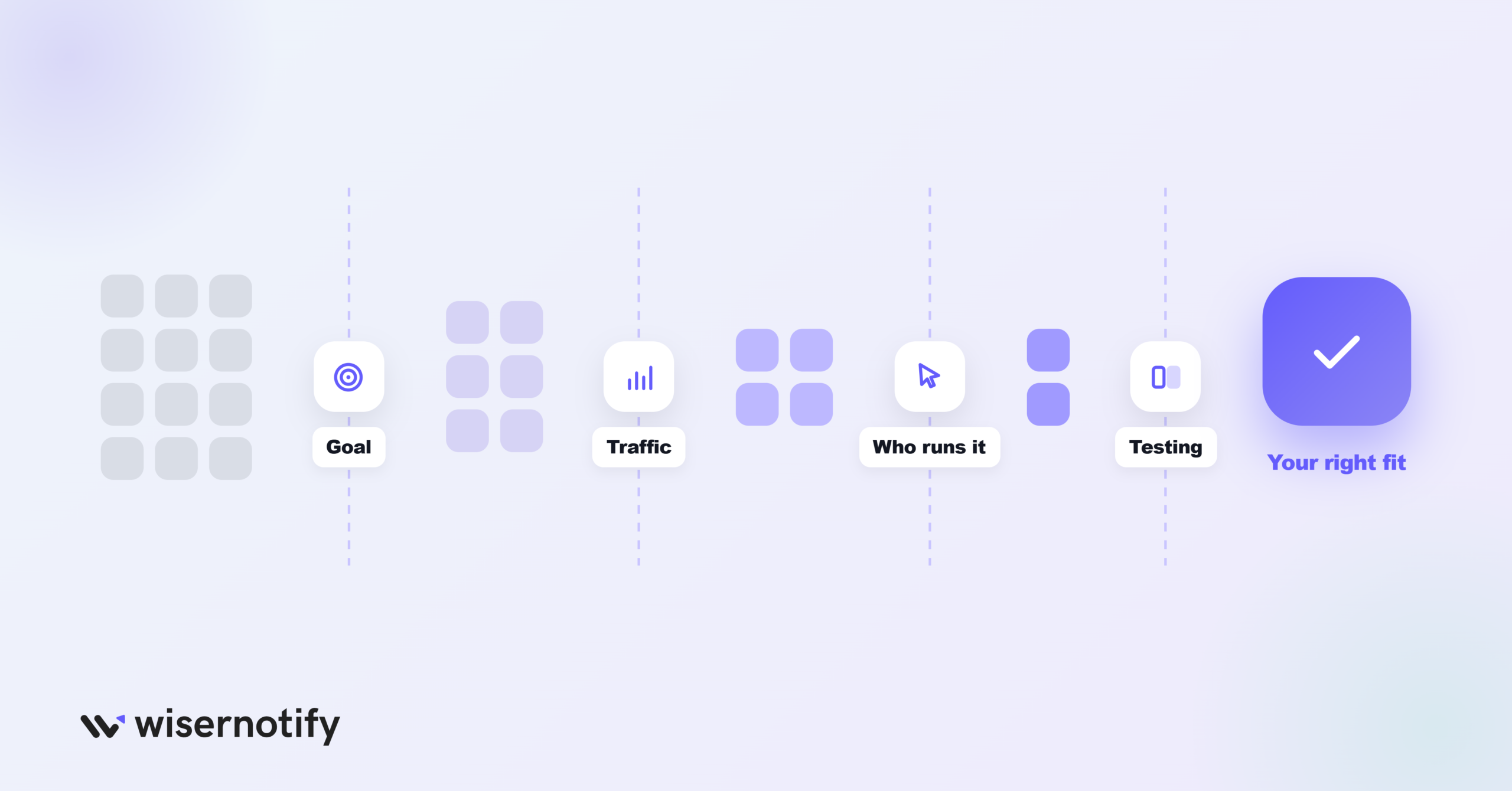
- Start with the goal. More trust, more signups, bigger baskets and B2B pipeline each point to a different tool.
- Match your traffic. Pageview-based plans stay cheap for small sites; enterprise tools only pay off with large audiences.
- Check who can run it. WiserNotify, OptiMonk and Personyze are no-code. Recombee needs a developer.
- Look for built-in testing. Personalization only helps if you can measure it against a control.
Build trust & FOMO
Highlight real-time activities like reviews, sales & sign-ups.

How to Get Started With Website Personalization
Step 1: Pick One Goal
Choose one result, like more first orders or more demo bookings, and one page where it happens.
Step 2: Use the Data You Have
Start with signals every site has: location, device, traffic source, new or returning visitor, and pages viewed.
Step 3: Build a Few Segments
Two or three segments are enough to start, such as new visitors, returning visitors and cart abandoners.
Step 4: Change One Thing Per Segment
Swap one headline, offer or proof message for each segment, like product recommendations for returning shoppers.
Step 5: Test Against a Control
Run each change as an A/B test and keep only what beats the default page.
Common Personalization Mistakes
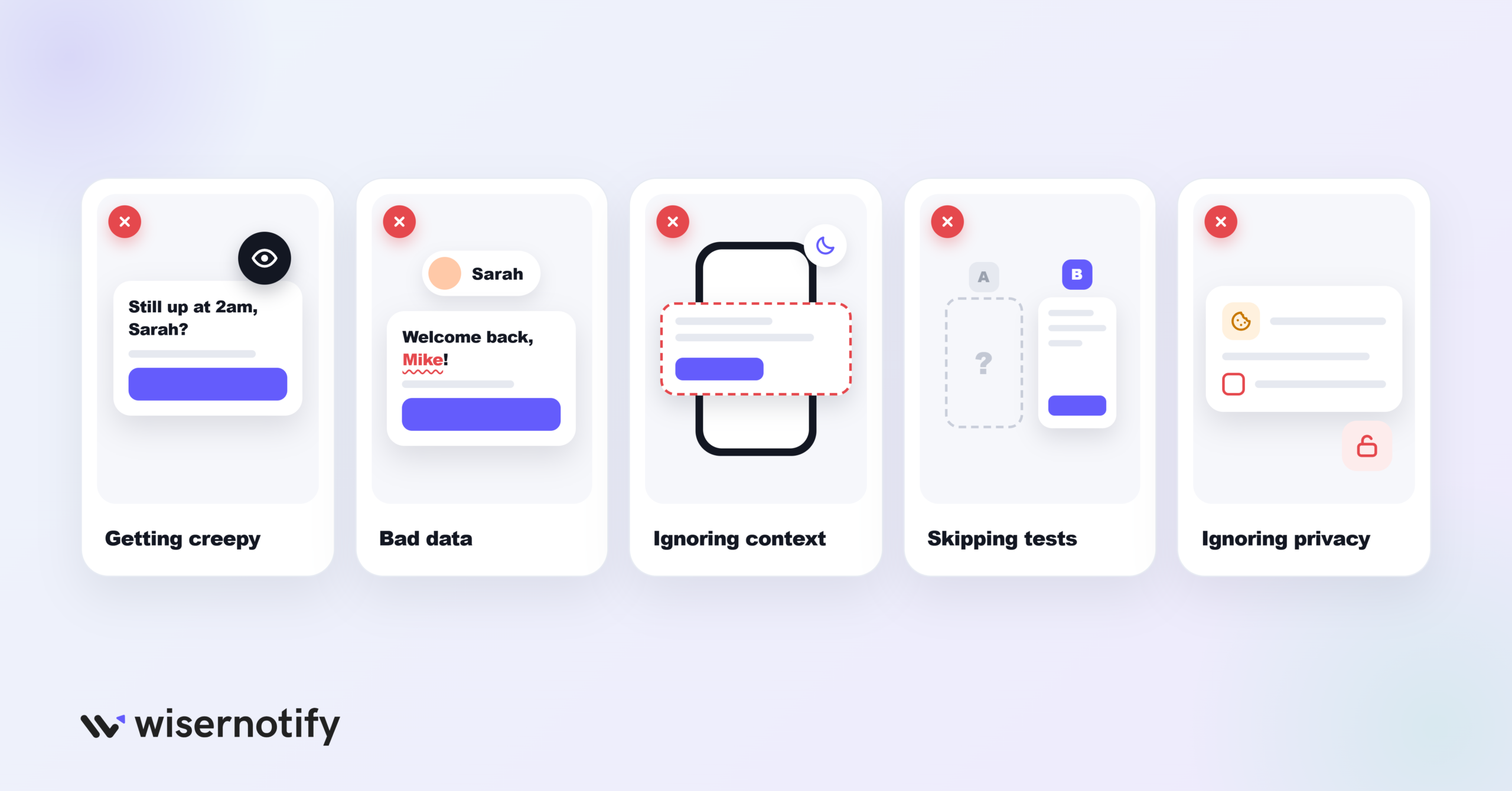
- Getting creepy. Using too much personal data makes visitors uneasy. Keep it helpful, not invasive.
- Bad data. Outdated or wrong data leads to irrelevant offers.
- Ignoring context. Device, location and time of day change what a visitor needs.
- Skipping tests. Without a control group, you can’t tell if personalization helped.
- Ignoring privacy. Follow consent rules and be clear about what data you use.
Also check: Ultimate Guide to Personalized Marketing in Ecommerce

Boost Conversion Instantly
Add Social Proof & Urgency to your website
Wrap Up
Website personalization works best when it starts small: one goal, a few segments and one change per segment, tested against a control.
Pick the tool that matches what you want to personalize and the traffic you have, and add more once the first test pays off.
Frequently Asked Questions
What is website personalization?
Showing different content, offers or messages to each visitor based on data like location, device, traffic source and behavior.
What is the best website personalization tool for small businesses?
WiserNotify and OptiMonk are the easiest starting points, with no-code setup and plans from $59 a year or $19 a month.
Is website personalization worth it?
Yes, when it’s tested. Start with one goal and one segment, and keep only the changes that beat your default page.
What data do I need to personalize a website?
Start with what every site has: location, device, traffic source, new or returning visitor and pages viewed.
Does personalization hurt privacy?
It can if you overreach. Use consented data, stay relevant rather than invasive, and be clear about what you collect.

Krunal Vaghasiya is a marketing tech expert who boosts e-commerce conversion rates with automated social proof and FOMO strategies. He loves to keep posting insightful posts on online marketing software, marketing automations, and improving conversion rates.
Keep reading
All articles →
I Tested 10 Google Review Plugins for WordPress (2026)
I installed, connected, and tested every popular Google review plugin for WordPress over two weeks. Not quick demos. Real installs on staging sites, connected to actual Google Business Profiles with 50 to 200+ reviews. Most plugins do the same basic thing: pull your Google reviews and display them. But the differences in speed, customization, and …
Krunal Vaghasiya · May 22, 2025
10 Best Shopping Cart Abandonment Software to Boost Sales
Cart abandonment software is like a superhero for your store. These tools swoop in and save the day by helping you recover those abandoned carts and turn browsers into buyers. They do this by sending automated emails, displaying exit-intent popups with offers and sending personalized SMS to remind shoppers about their abandoned items. In this …
Krunal Vaghasiya · Oct 22, 2024
12 Best Heatmap Software & Tools in 2026 (Free & Paid)
Have you ever wondered where your website visitors are looking, clicking, or getting stuck? Trying to increase conversions but guessing what changes to make. You’re not alone. Many businesses face these challenges and the answer might be in the power of heatmaps. Heatmaps are like X-rays for your website, showing you the hidden patterns of …
Krunal Vaghasiya · Oct 22, 2024



 Capterra