
11 Best Upselling and Cross-Selling Strategies in 2026
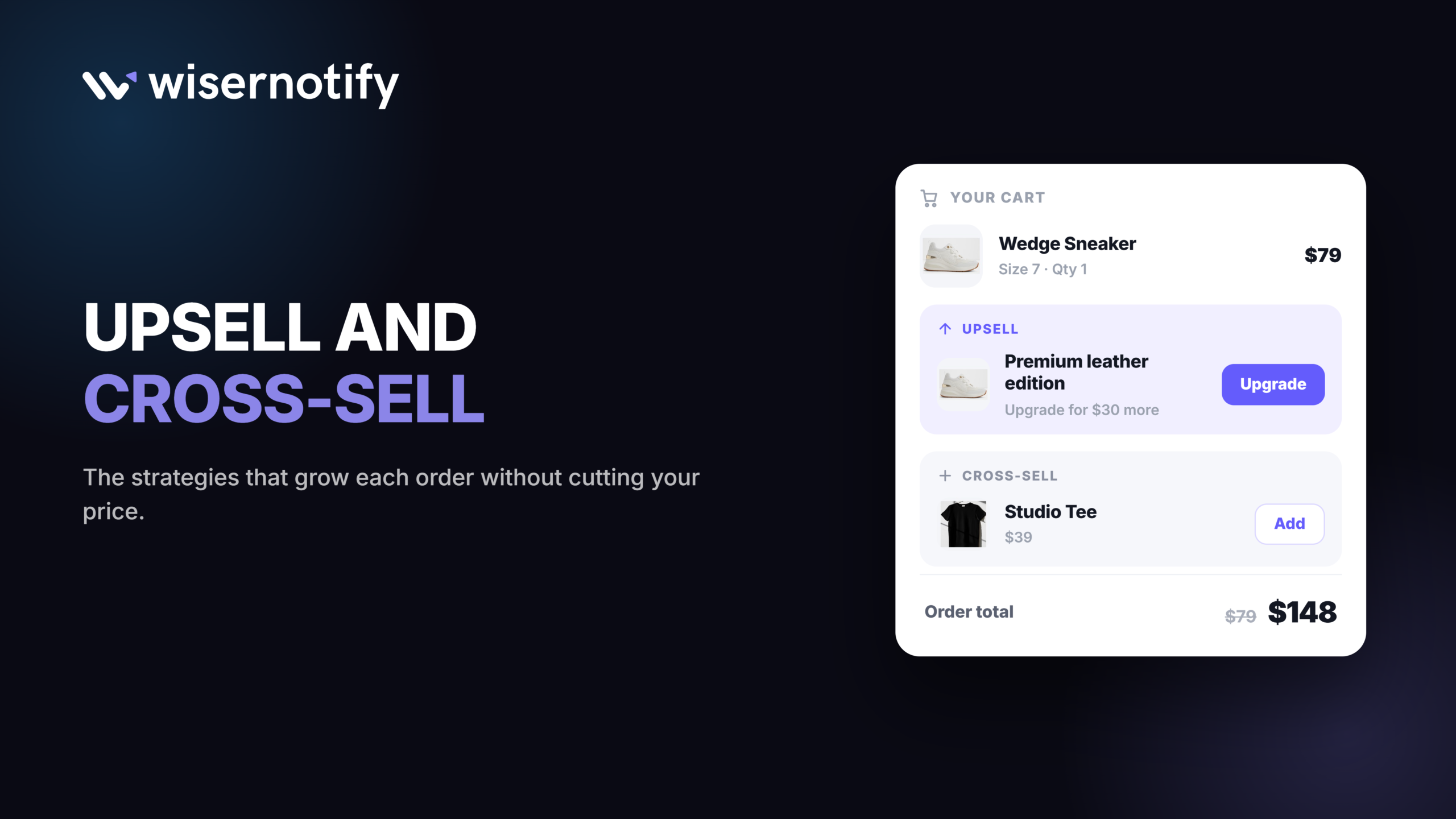
Upselling and cross-selling are the fastest way to grow revenue from people who already trust you. No new traffic, no new ad spend, just a better offer at the right moment.
Done well, they do not feel like a sales pitch. A relevant upgrade or a useful add-on can make the purchase better, not just bigger.
This guide covers 11 upsell and cross-sell strategies you can copy, 5 real brand examples, and the mistakes that turn a helpful suggestion into a pushy one.
Why These Strategies Matter
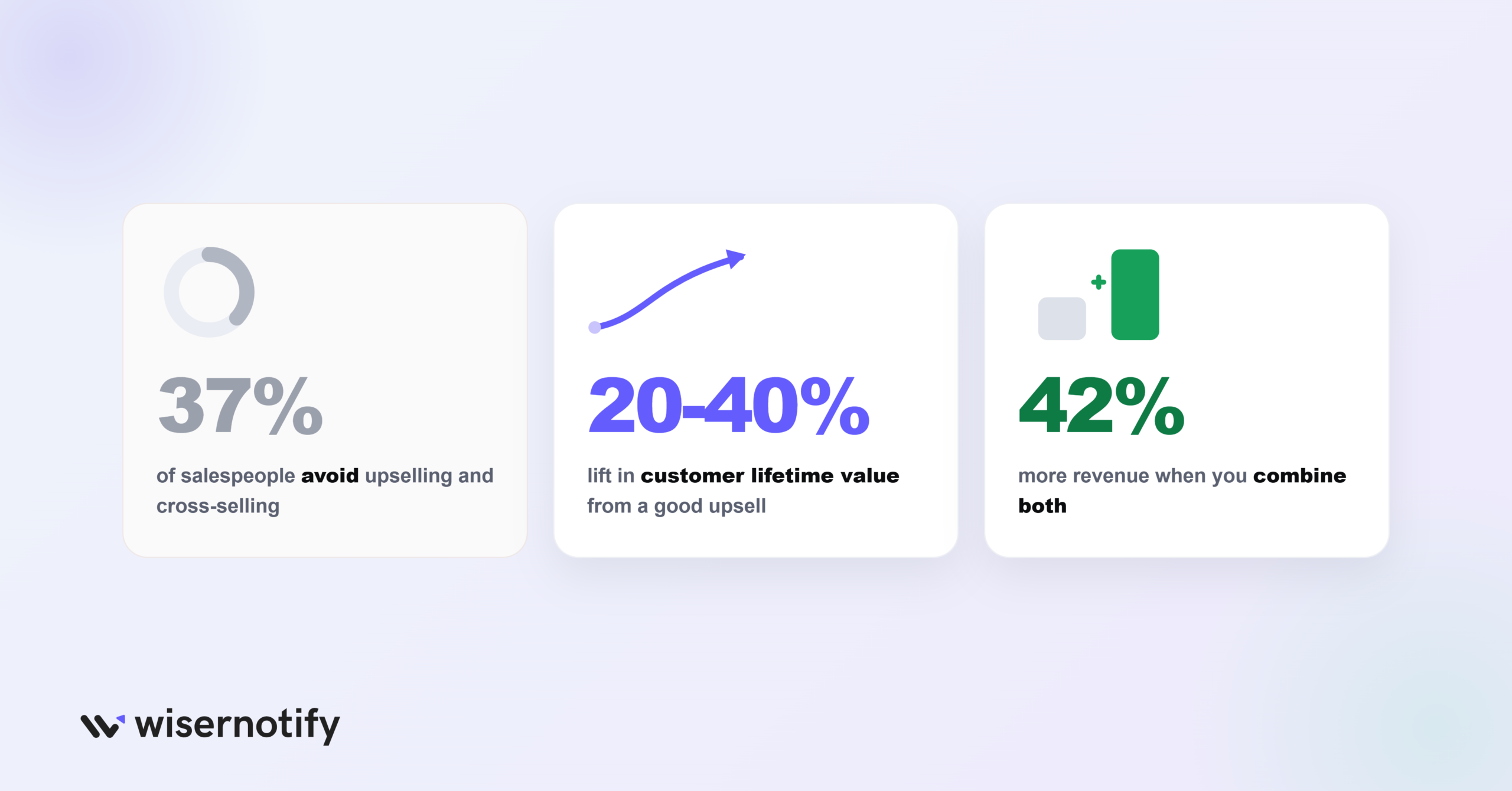
37% of salespeople say they avoid upselling and cross-selling, even though both work.
A good upsell can raise a customer’s lifetime value by 20% to 40%.
Businesses that combine upselling and cross-selling for existing customers see up to 42% more revenue.
Both tactics grow revenue from people who already said yes once, which is cheaper and faster than finding a new customer.
They lift revenue without new traffic
A higher-value plan or one more item in the cart raises your average order value on the same number of visitors.
They build trust when the offer fits
A relevant recommendation shows the customer you understand what they need, not just what you want to sell. That trust is what builds real customer lifetime value over time.
You already have the data for it
Past orders and browsing history are enough to make a suggestion feel personal instead of random.
What Is Upselling vs Cross-Selling?
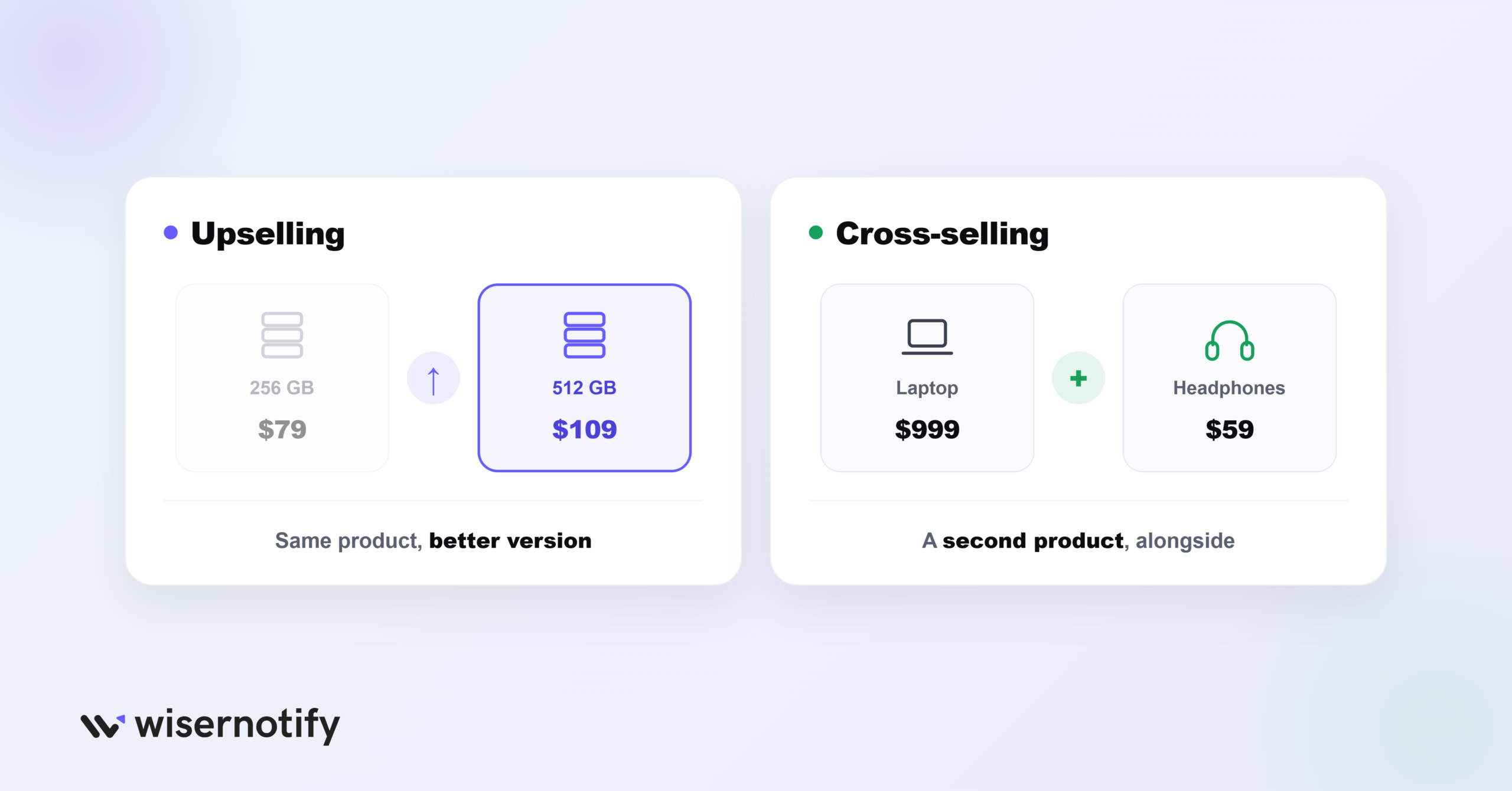
Upselling means moving a customer to a better version of the product they already picked, like a bigger storage tier or a higher plan. It usually shows up on the product page or at checkout, right where they are deciding. Done badly, it can feel like a price push instead of a real upgrade.
Cross-selling means adding a second, related product next to the one they picked, like a case next to a new laptop. It usually shows up on the product page, in the cart, or in a follow-up email after the sale. Done badly, it can feel like clutter instead of a helpful add-on.
Both grow the order. Upselling changes what is in it, cross-selling adds to it.
Build trust & FOMO
Highlight real-time activities like reviews, sales & sign-ups.


When to Use Each One
The right moment depends on where the customer is in their decision, not on what is easiest for you to pitch.
| Stage | What Works Best | Why |
|---|---|---|
| Product page | Upselling | The customer is still comparing options, so a clear upgrade path helps them choose |
| Cart and checkout | Both, one or two offers max | The customer is committed to buying, and too many choices can stall the sale |
| Post-purchase and email | Cross-selling | The purchase is done, so a related item feels like a helpful next step, not a pressure tactic |
6 Upselling Strategies That Work
1. Show Reviews for the Premium Option
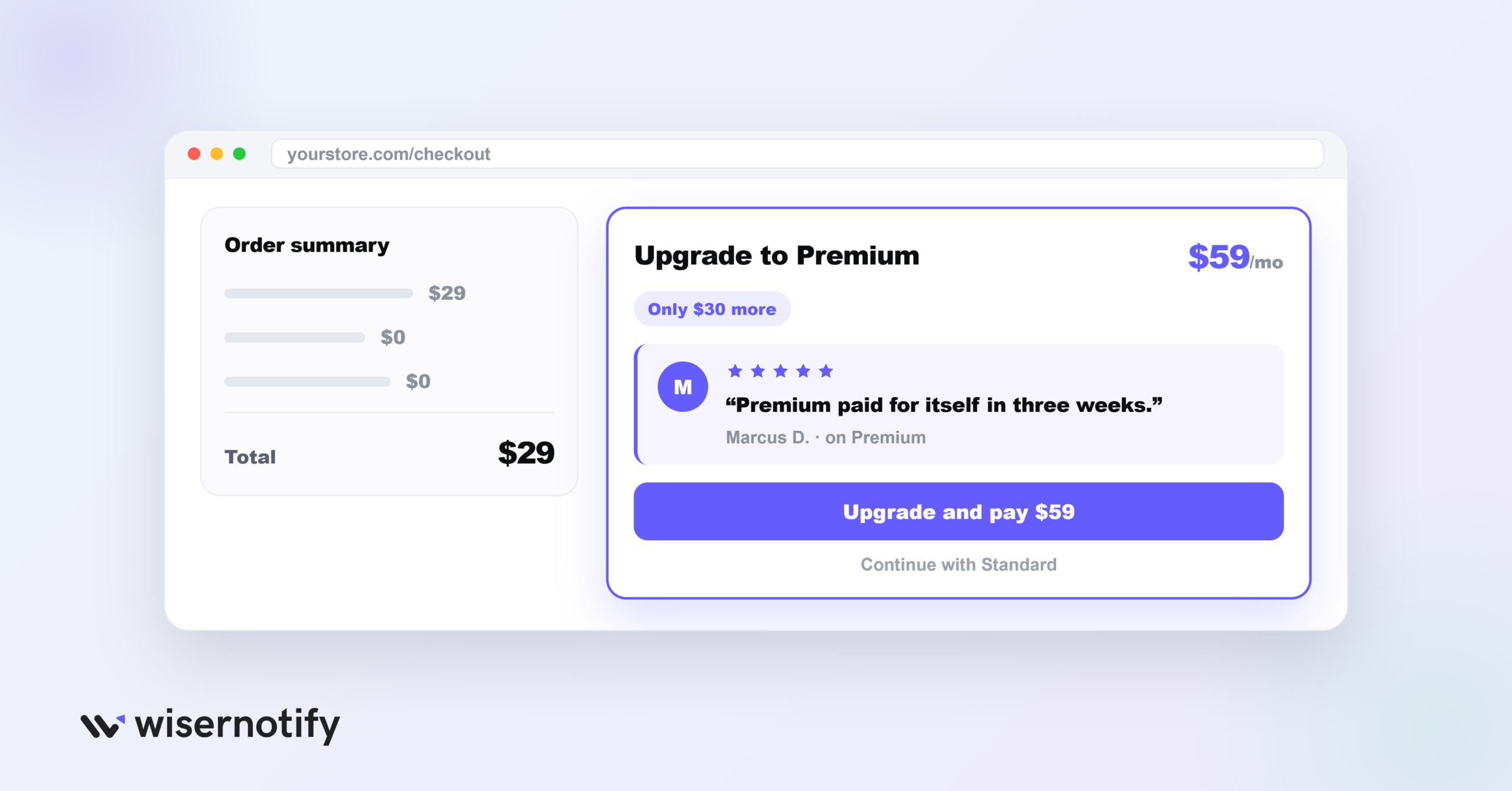
A customer deciding whether to upgrade wants proof someone else was glad they did.
Put real reviews right next to the premium option, not buried on a separate page.
- Show reviews on the pricing page, the checkout step, and in a follow-up email
- Mix formats: written reviews, star ratings, and a short video testimonial
- Pick reviews that mention the specific upgrade, not the product in general
Pro tip: segment which review you show by what the visitor already looked at. Someone who viewed the premium page twice trusts a peer review more than a first-time visitor does, so save your strongest testimonial for the returning browser.
Build trust & FOMO
Highlight real-time activities like reviews, sales & sign-ups.

2. Bundle Products at a Discount
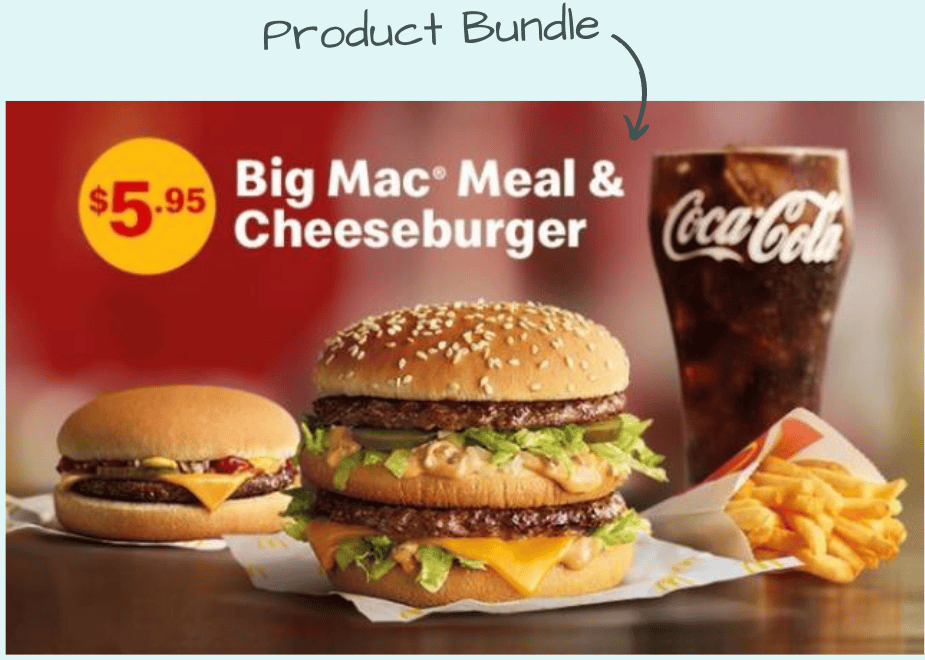
Pairing related products into one discounted bundle grows the order while still feeling like a deal to the buyer.
- Pick items that already belong together, like a camera with a lens and a case
- State the savings in plain numbers, such as “save 15% when you buy all three”
- Try seasonal or themed bundles built around holidays or specific needs
Pro tip: anchor the discount against your highest-priced item, not spread it evenly. Ten dollars off a forty-dollar item looks generous. The same ten dollars spread across three items barely registers.
3. Lead With the Value, Not the Price
Customers upgrade when they understand what they get, not when they see a bigger number.
- Explain what changes for them, like “save two hours a week with automated reports”
- Name the specific problem the upgrade solves instead of listing specs
- Back the claim with a short testimonial or case study
Pro tip: this uses loss aversion. People feel losing something more strongly than they feel gaining the same thing, so “you’ll lose priority support” on a downgrade page often out-converts “get priority support” on an upgrade page.
4. Compare Options Side by Side
A simple table does more to sell an upgrade than a paragraph of features ever will.
| Feature | Basic Plan | Premium Plan |
|---|---|---|
| Storage | 5 GB | 50 GB |
| Customer Support | Standard Email | 24/7 Priority Chat |
| Price | $9.99/month | $19.99/month |
- Put the comparison near the decision point, not lower on the page
- Keep the table to 3 or 4 rows so it stays easy to scan
- For physical goods, a side-by-side photo works the same way
Pro tip: this uses the anchoring effect. Whatever price a customer sees first becomes the reference point for every price after it. List your highest tier on the left, not the middle, so the mid-tier price looks reasonable by comparison instead of expensive.
5. Time the Offer Right
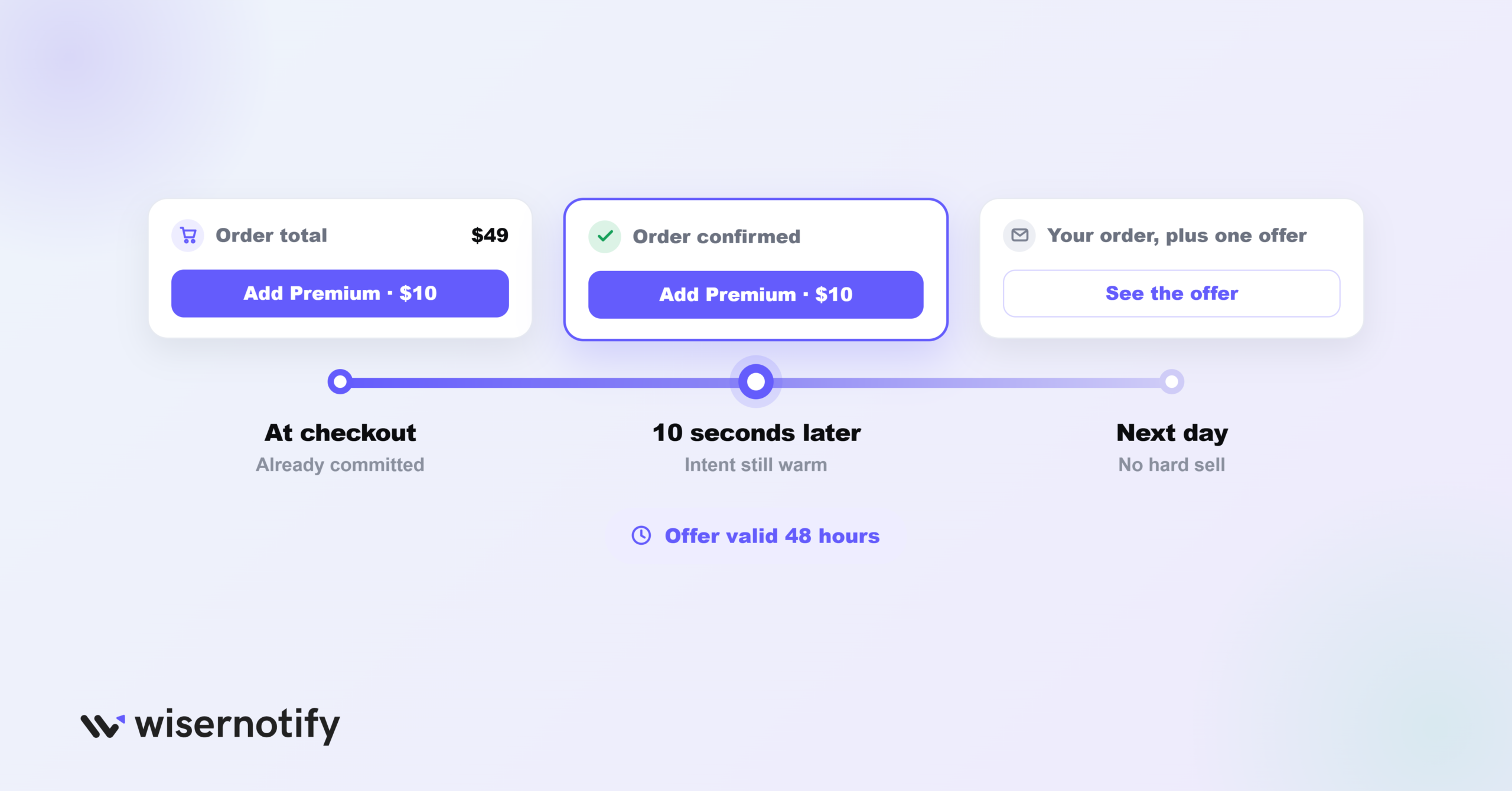
How soon you show an upsell after purchase matters more than most stores realize.
- Fire it within the first 10 seconds after checkout, while the confirmation page is still loading
- If that window passes, a follow-up email beats a hard sell days later
- Give the follow-up a short, real window, such as “offer valid for 48 hours”
Pro tip: test the exact delay before showing a post-purchase upsell. The 10-second window usually beats waiting for a follow-up email, because buying intent is still warm and has not had time to cool off.
6. Make the Upsell Part of Checkout
Checkout is the moment a customer is most ready to buy, which makes it the best place to offer one more step up.
- Offer the next tier up at a small discount for upgrading right then, such as “Complete your order with Premium, only $10 more”
- Frame it as a limited time offer, tied to that checkout session
- Add a quick visual comparison so the extra value is obvious at a glance
Pro tip: cap it at one offer per checkout. A/B tests on checkout upsells consistently show that a second offer adds friction and drags down overall conversion by more than the extra revenue is worth.
5 Cross-Selling Strategies That Work
7. Recommend Items Right After Purchase
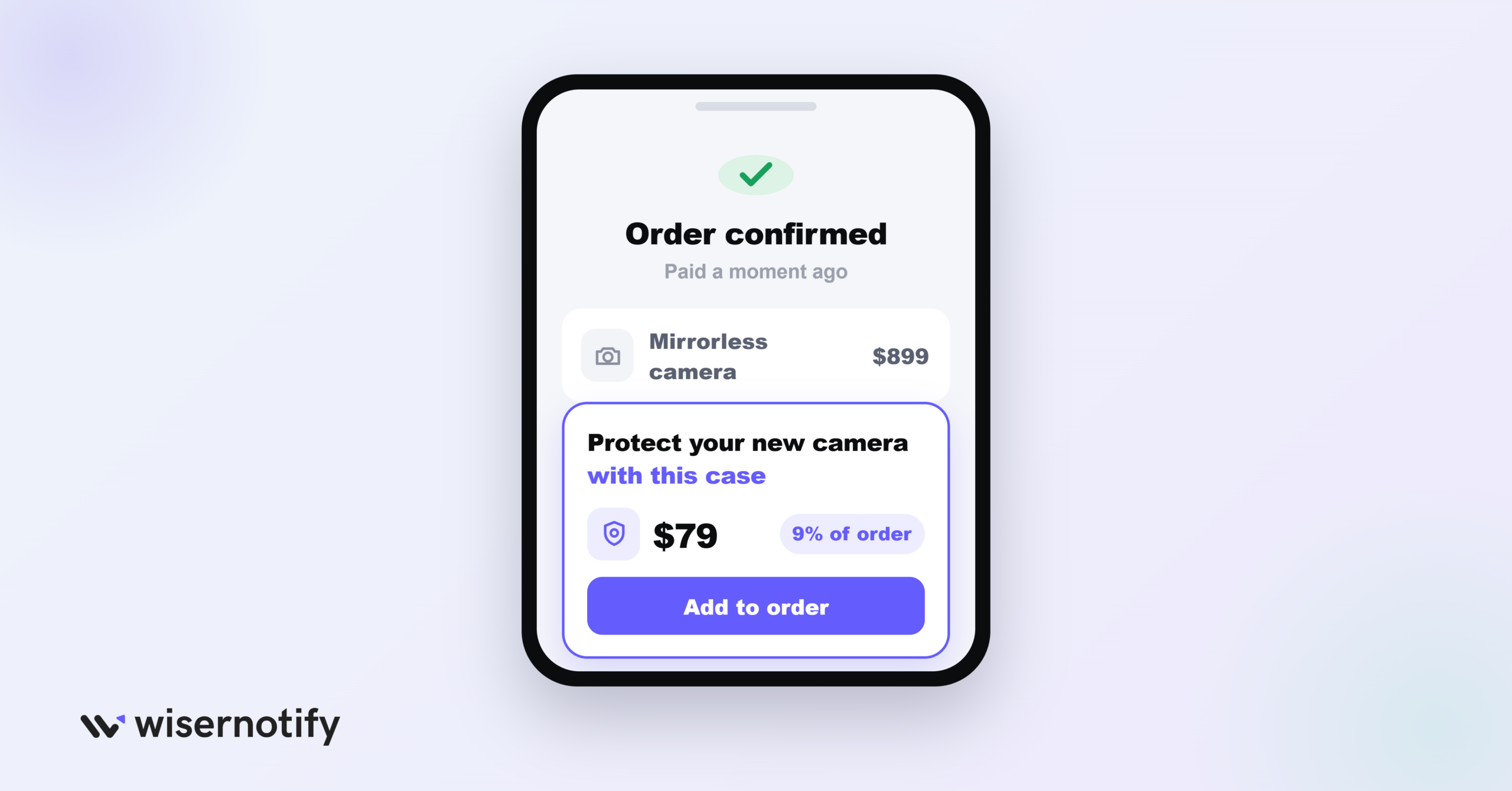
The moment right after checkout is a good time to suggest one more thing, because the customer is still thinking about their new purchase.
- Suggest something they likely need anyway, like a case or an extra memory card
- Tie the suggestion to what they just bought: “Protect your new camera with this case”
- Keep it to one clear add-on, not a list of options
Pro tip: keep the add-on price under 20% of the original order. Above that threshold, acceptance rates drop off fast, because the add-on starts to feel like a second purchase decision instead of a small extra.
8. Build Ready-Made Bundles or Sets
A themed set removes the guesswork of finding items that go together, which makes the purchase decision faster.
- Group items that naturally belong together into one named set
- Give the set a clear theme, like a starter kit or a seasonal edition
- A bundle can seem like better value even without a discount, since it looks complete
Pro tip: name the bundle around the outcome, not the contents. “Beginner Starter Kit” converts better than “3-Item Bundle,” because it answers whether the set is right for this customer before they read a single line item.
9. Make Adding Items a One-Click Job
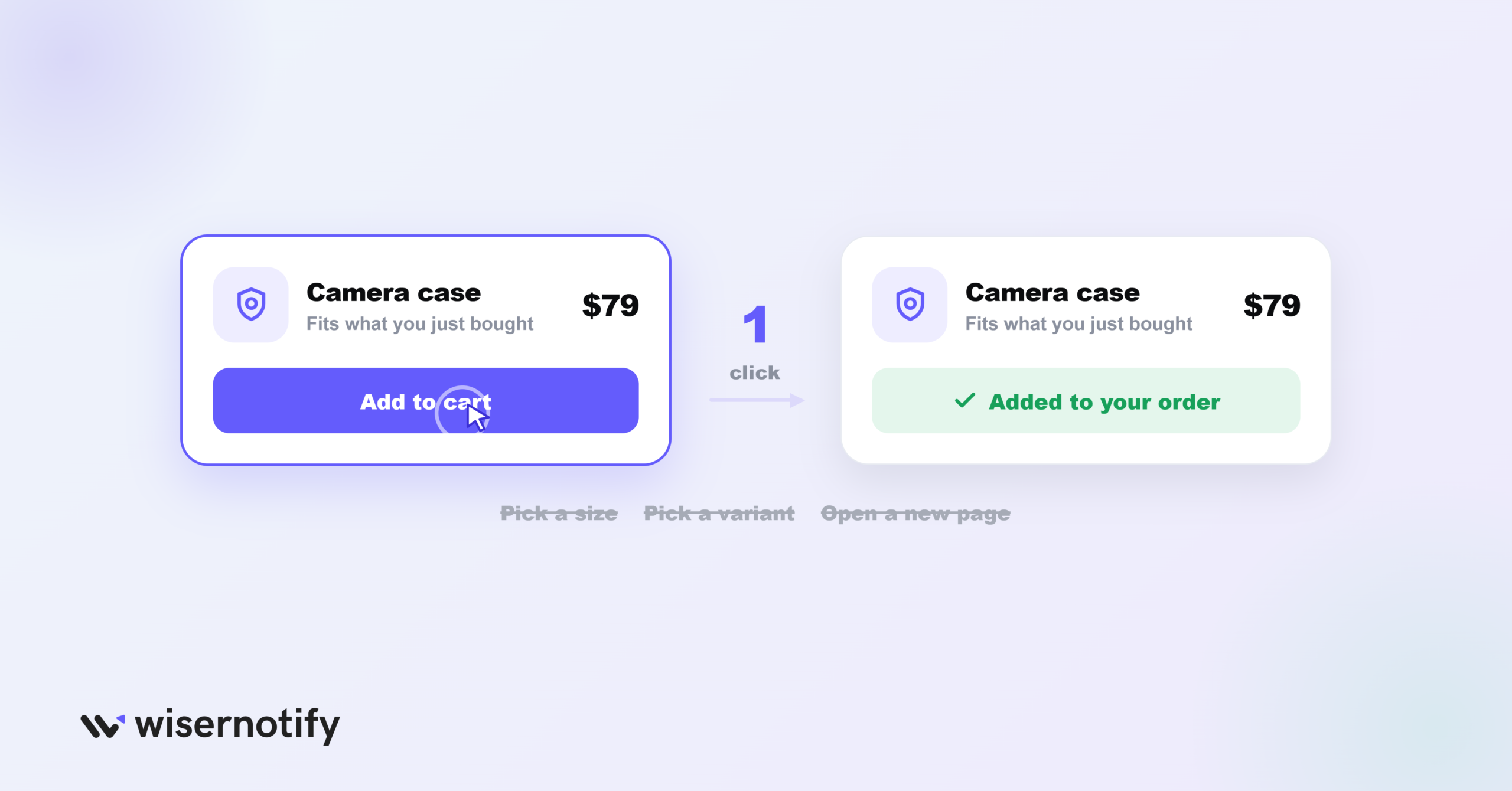
Fewer steps means more customers say yes.
- Add a simple “add to cart” button right next to the suggestion
- Skip extra steps like size or variant selection where you can
- Keep the customer on the same page instead of sending them elsewhere
Pro tip: track the add-to-cart rate on the suggestion separately from final checkout conversion. A high add rate paired with a low final conversion usually means the price is the real blocker, not the number of steps.
10. Use Location to Personalize Suggestions
What a customer needs can depend on where they are, and a suggestion that fits their location feels more useful than a generic one.
- A zip code or rough location is enough, nothing more invasive
- Match the suggestion to local context, like weather or regional taste
- Example: a beach-town order might respond better to a seafood special than a random upsell
Pro tip: location works best paired with a real reason, like weather or local stock, not location alone. A suggestion based only on geography with no visible logic behind it tends to feel intrusive rather than helpful.
11. Show What Other Customers Bought Too
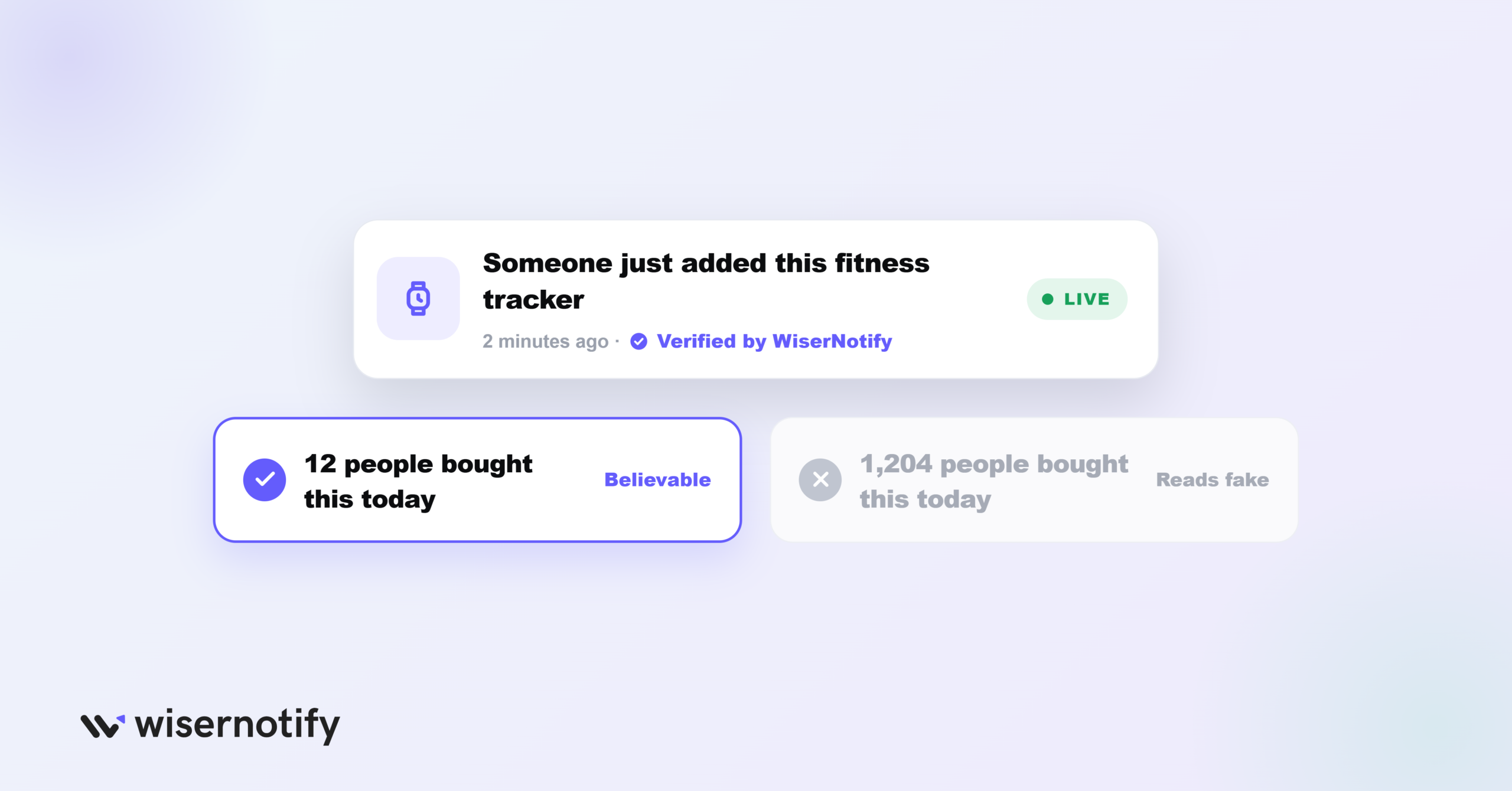
Seeing what other people added to their cart gives a hesitant customer a reason to trust the suggestion.
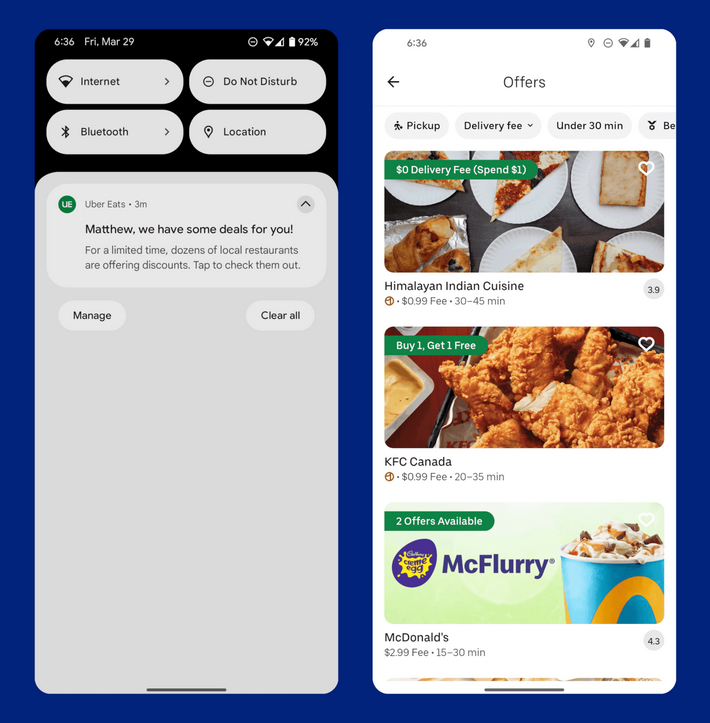
WiserNotify can show this kind of real-time activity on your site automatically, without you writing the copy by hand.
- Show live notes like “Someone just added this fitness tracker”
- Highlight items that are trending across your store right now
- Keep the message short and specific, not a generic “popular items” banner
Pro tip: real numbers lose credibility past a certain size. “12 people bought this today” builds trust. “1,204 people bought this today” reads as inflated even when it is accurate, so round realistic counts and let the big numbers live in your stats page, not your notifications.
Build trust & FOMO
Highlight real-time activities like reviews, sales & sign-ups.

5 Real Upsell and Cross-Sell Examples From Real Brands
1. MR PORTER: New Arrivals as an Upsell
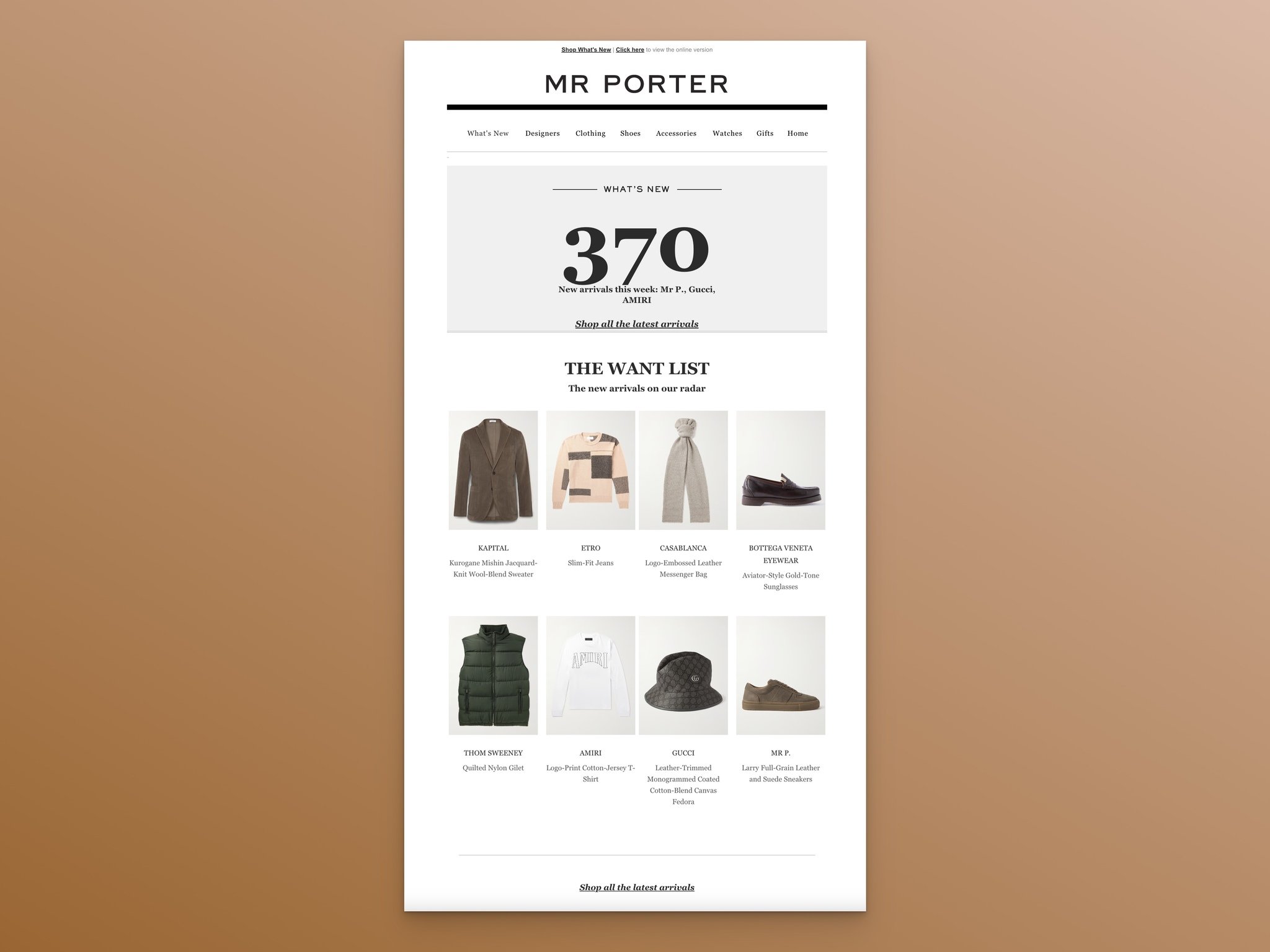
MR PORTER puts fresh stock front and center on its homepage instead of burying it in a category page.
A customer who came for one thing sees a newer, often pricier option before they even reach checkout. It comes across as discovery, not a pitch.
2. Amazon: Today’s Deals That Nudge an Upgrade
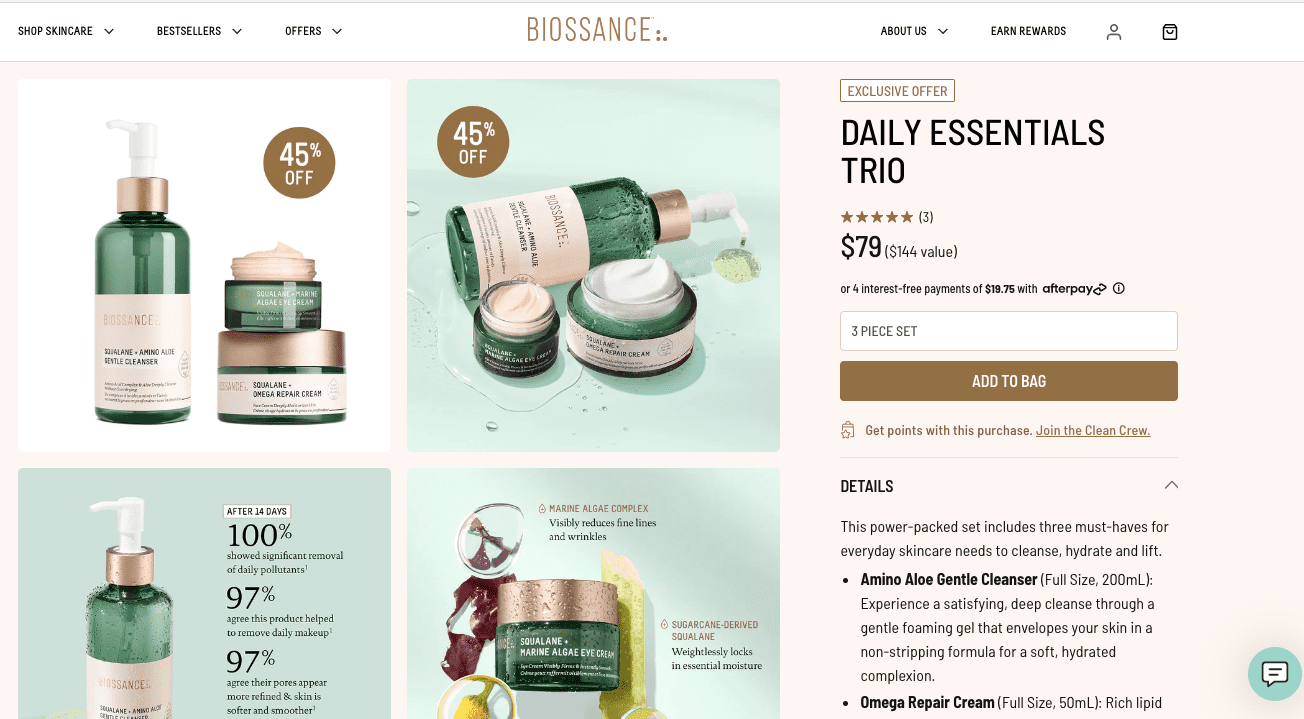
Amazon’s Today’s Deals section features a different premium product every day, giving shoppers a reason to look at something they were not planning to buy.
Because the deal changes daily, regular visitors have a reason to check back often.
3. Walmart’s “Customers Also Viewed”
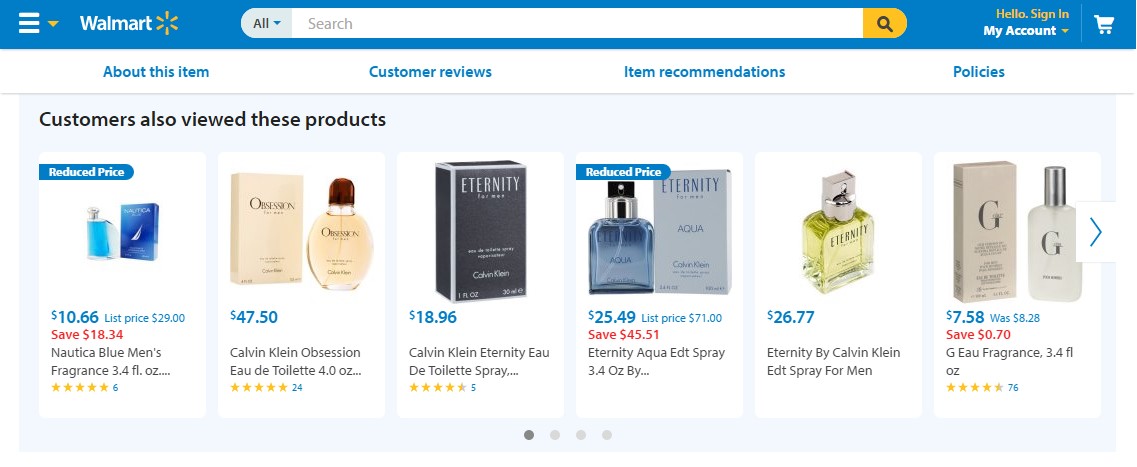
Walmart shows “Customers Also Viewed” on product pages to point shoppers toward similar, sometimes higher-value items.
The suggestion is built from real browsing data, so it feels like it came from other shoppers instead of the store.
4. Amazon’s “Customers Also Bought” in Action
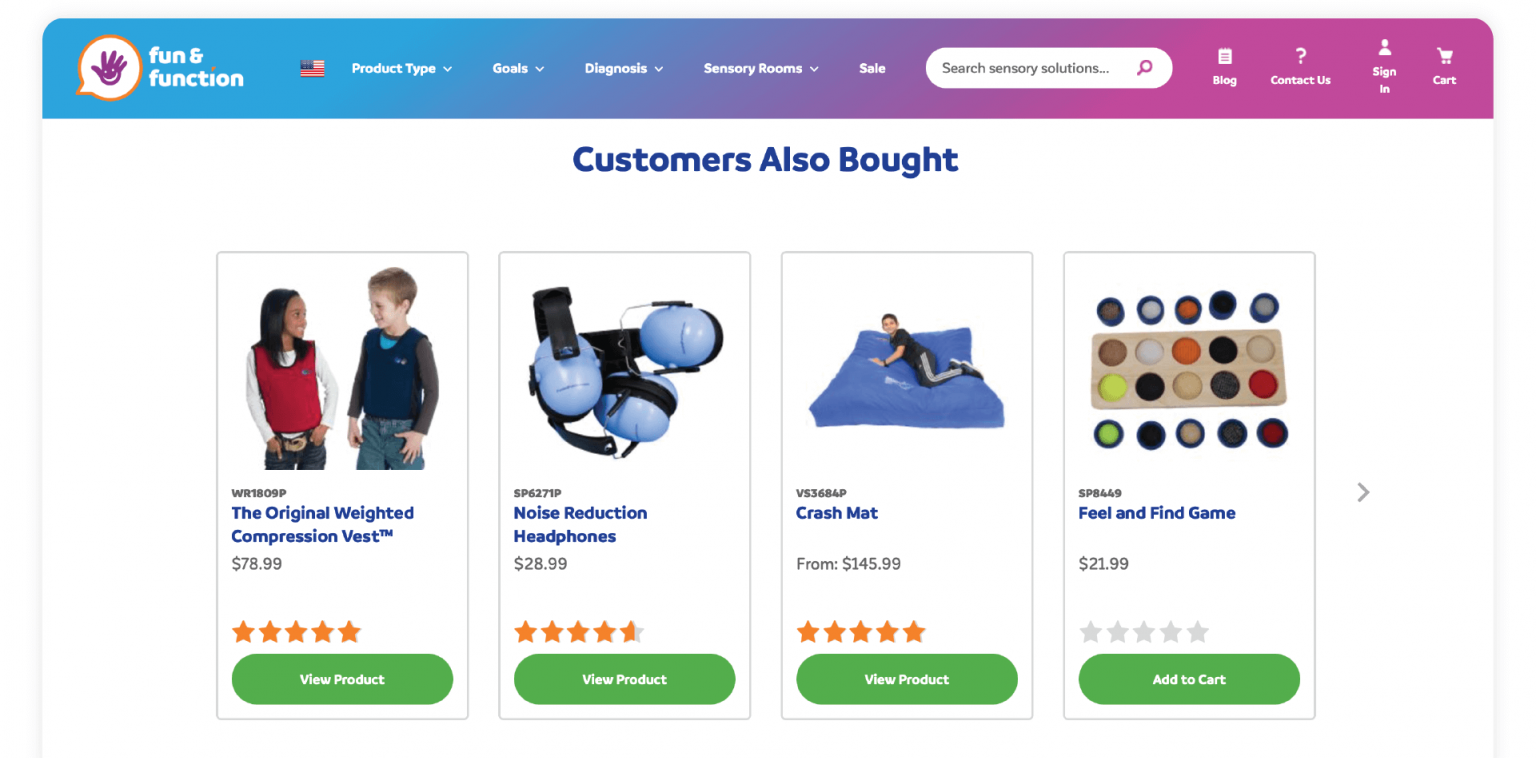
Amazon’s “Customers also bought” suggestions show what people actually bought together, which is why they convert so well.
A laptop buyer seeing a mouse or a bag in this slot makes an easy, obvious add. It builds trust through real buying behavior, which is its own form of social proof.
5. Apple: Pairing Products That Belong Together
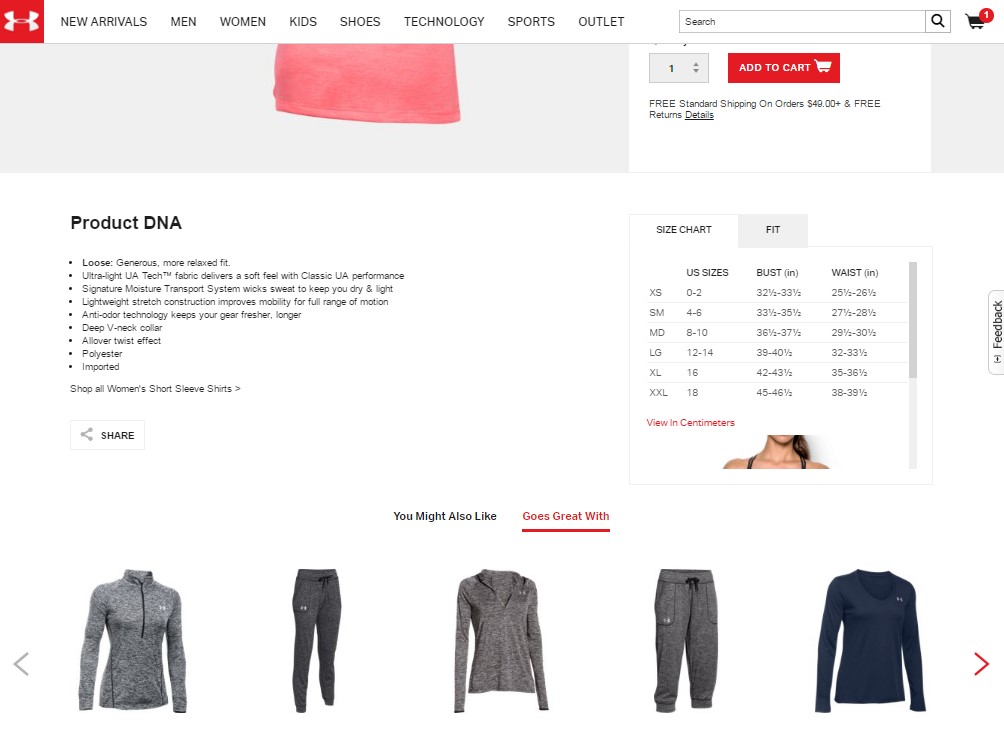
Apple pairs a case or a set of AirPods with every new iPhone at checkout. A phone case next to a phone is such an obvious pairing that it barely feels like selling.
This works best when the second item is actually useful with the first one, not just related by category.
Common Mistakes to Avoid
- Offering too many choices: more than one or two options at a time can cause choice paralysis, and the customer buys nothing instead of picking one
- Suggesting something unrelated: a kitchen item offered after someone buys a laptop breaks trust fast, so every suggestion should connect clearly to what they are buying
- Using fake urgency: a countdown timer or a “limited stock” claim that is not true works once, and customers remember being misled
- Interrupting the wrong moment: an upsell popup the second someone lands on a product page feels pushy, so let them look around first
- Ignoring what the data shows: guessing which upsells work instead of testing them means you keep running offers that quietly lose sales
Shopify Upsell Apps
On Shopify, every strategy above is a widget an app places for you. Five worth starting with, with the entry price and where the offer appears, checked on the App Store in September 2026. Each one scales with order volume or upsell revenue, so the entry price is the floor.
| App | Price from | Where the offer shows |
|---|---|---|
| ReConvert (Upsell.com) | $4.99/month | Cart, checkout, post-purchase, thank-you page |
| Zipify OneClickUpsell | $8/month | Product page, checkout, post-purchase |
| Frequently Bought Together (Code Black Belt) | $14.99/month | Product page bundles, cart |
| AfterSell (Rokt) | $34.99/month | Post-purchase, thank-you page, checkout (Shopify Plus) |
| Honeycomb Upsell & Cross Sell | Free plan; $54.99/month paid | Product page, cart, post-purchase, thank-you page |
Pick by placement, not by feature count. If your best moment is after payment, a post-purchase app is enough; if it is the product page, a bundle widget does more.
Running a WooCommerce store instead? These WooCommerce upsell plugins cover order bumps, one-click upsells, and product page bundles.
Wrap Up
Upselling and cross-selling both come down to getting more from customers you already have, either by improving what they picked or adding something useful next to it.
Start with one strategy from this guide, place it where the customer is already deciding, and keep every offer relevant and honest.
That combination, done consistently, is what turns a single sale into a customer who keeps coming back.

Boost Conversion Instantly
Add Social Proof & Urgency to your website
Frequently Asked Questions
What is the difference between upselling and cross-selling?
Upselling encourages customers to buy a higher-value product, while cross-selling suggests complementary items to their initial purchase.
How can I increase sales using upselling and cross-selling?
Use personalized product suggestions, bundle offers, and time-limited discounts to encourage customers to purchase more.
Why are upselling and cross-selling important?
They boost revenue, enhance customer satisfaction, and improve average order value while fostering customer loyalty.
How do AI tools help in upselling and cross-selling?
AI-powered tools analyze customer data and offer personalized product suggestions, improving the relevance and effectiveness of your strategy.

Krunal Vaghasiya is a marketing tech expert who boosts e-commerce conversion rates with automated social proof and FOMO strategies. He loves to keep posting insightful posts on online marketing software, marketing automations, and improving conversion rates.




 Capterra