
10 Best Conversion Rate Optimization Tools I Use in 2026

The best conversion rate optimization tools cover four jobs: tracking (Google Analytics 4), behavior research (Microsoft Clarity or Hotjar), testing (VWO or Zoho PageSense), and trust at the moment of decision (WiserReview and WiserNotify). Most sites need one tool per job, not all ten.
Conversion rate optimization tools help you turn more visitors into customers. They show where people get stuck, let you test a better version of the page, and give visitors the trust they need to buy.
Below are the 10 tools I use in 2026, grouped by job, with key features and current pricing for each, plus stacks for every budget.

Boost Conversion Instantly
Add Social Proof & Urgency to your website
What Are Conversion Rate Optimization Tools?
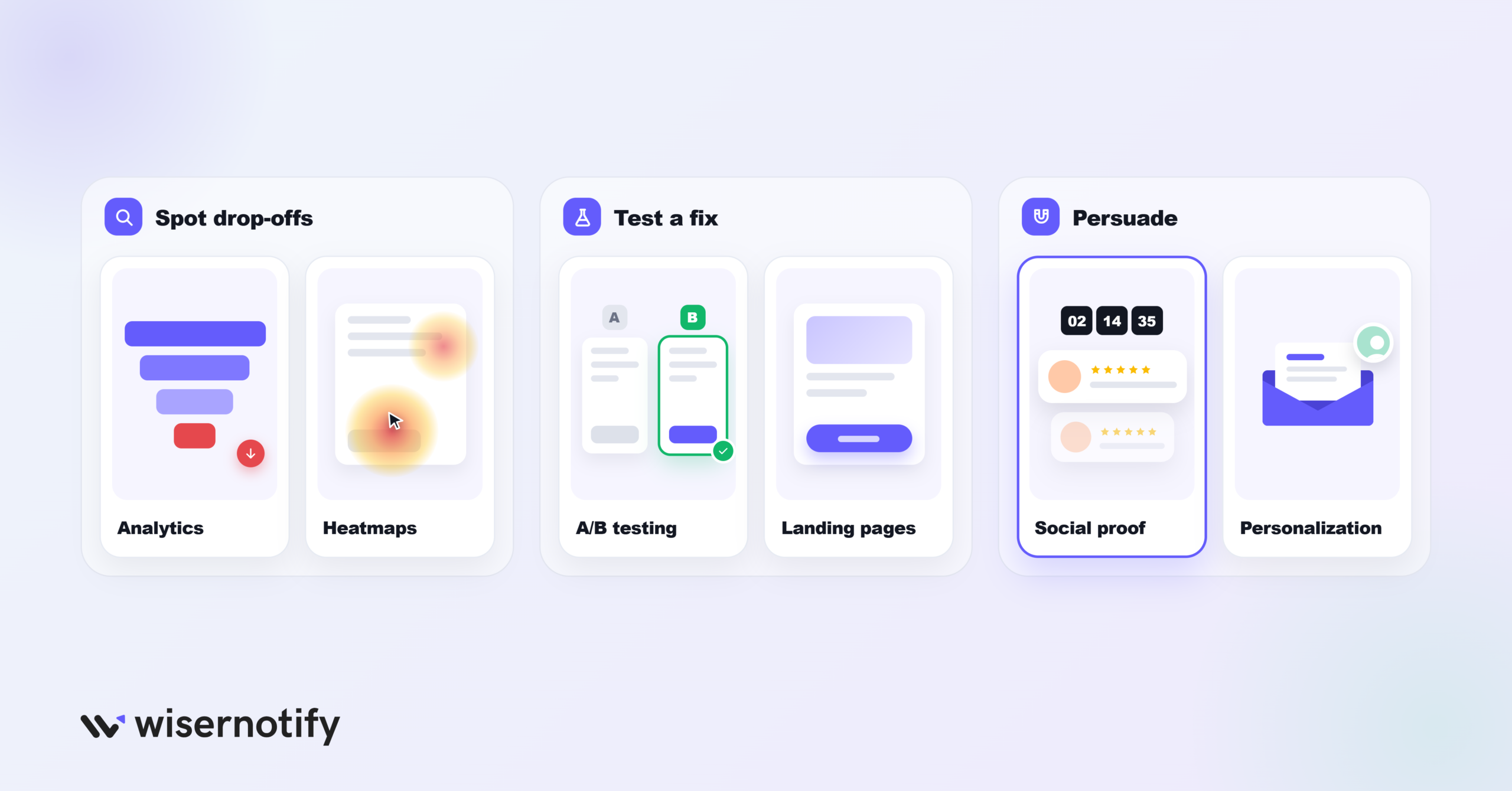
Conversion rate optimization tools are software that helps more of your visitors take a desired action, like buying, signing up or booking a demo.
They work in one of three ways. They show you where visitors drop off, they let you test a fix, or they persuade visitors at the moment of decision.
Most CRO stacks mix these tool types:
- Analytics tools track conversions, funnels and traffic sources
- Heatmap and session recording tools show how people click, scroll and hesitate
- A/B testing tools compare two versions of a page to find the winner
- Landing page builders help you launch fast, focused pages
- Social proof and urgency tools build trust with reviews, live activity and timers
- Personalization and email tools tailor messages to each visitor or customer
Quick Comparison: CRO Tools
| Tool | Best for | What it does | Pricing |
|---|---|---|---|
| Tier 1: Testing, funnels and lifecycle | |||
| VWO (Wingify) | Structured A/B testing | A/B, split URL, multivariate and server-side tests | 30-day free trial, then custom quote |
| FlexiFunnels | Landing pages and funnels | AI page builder, checkout, upsells and page tests | From $38/mo |
| Hotjar (Contentsquare) | Seeing why visitors don’t convert | Heatmaps, session replay and on-site surveys | Free plan; Growth from $49/mo |
| Klaviyo | Converting visitors later | Cart and browse abandonment flows by email and SMS | Free plan; Email from $20/mo |
| Zoho PageSense | Budget testing and research | Heatmaps, funnels, A/B testing and personalization | Free plan; testing from $29.42/mo billed yearly |
| Tier 2: Trust and engagement | |||
| WiserReview | Reviews on product and landing pages | Review requests, photo and video reviews, review widgets | 7-day trial; from $6.75/mo billed yearly |
| WiserNotify | Real-time social proof and urgency | Recent sales, live visitors, countdown timers | 7-day trial; Basic $59/yr, Pro $16/mo |
| CleverTap | 1:1 personalization for apps | AI next-best-message across app, web and messaging | From $85/mo, 30-day trial |
| Tier 3: Diagnostics | |||
| Google Analytics 4 | Conversion tracking and funnels | Event tracking, funnel explorations, attribution | Free |
| Microsoft Clarity | Free behavior insight | Recordings, heatmaps, rage and dead click detection | Free |
To understand CRO before picking tools, this video is a good place to start. Tools only work with the right strategy behind them.
Tier 1: Testing, Funnels and Lifecycle Tools
These tools change what visitors see and when they see it: the page itself, the test running on it, and the follow-up after they leave.
If you want measurable lifts in conversion rate, start here.
1. VWO (Wingify)
- Category: A/B testing and experimentation
- Best for: Growth teams running ongoing tests on high-traffic sites
- Ease of use: Intermediate
VWO has been one of the best-known A/B testing tools for over a decade. It merged with AB Tasty earlier in 2026, and in September the combined company launched under one brand, Wingify.
Existing VWO contracts and data carry over. You get one suite covering testing, personalization, behavior analytics and feature rollouts.
I like it because research and testing sit in one place. You spot a problem in a heatmap, then build the test without switching tools. It’s built for teams with steady traffic, not a brand-new store.
Key features
A/B, split URL, and multivariate testing
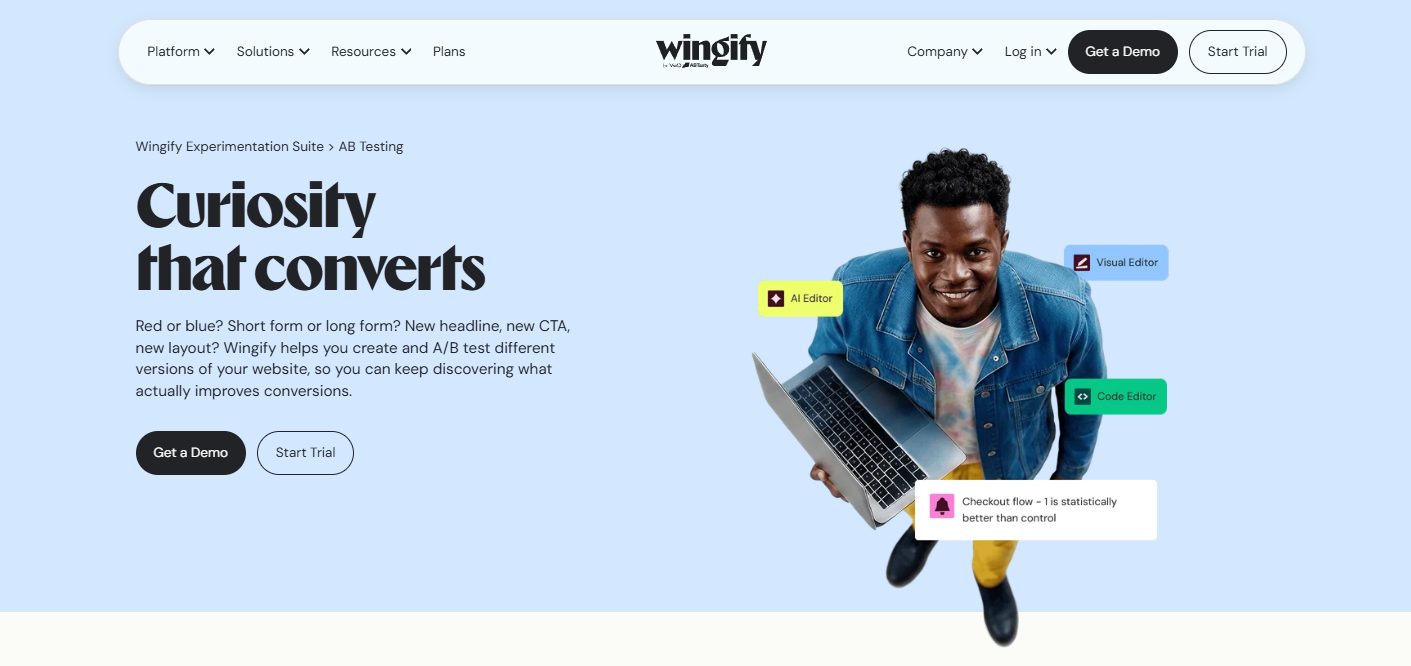
Build variations in a visual editor or with code. Run them client-side for marketing pages or server-side for pricing and checkout logic.
VWO Feature Experimentation
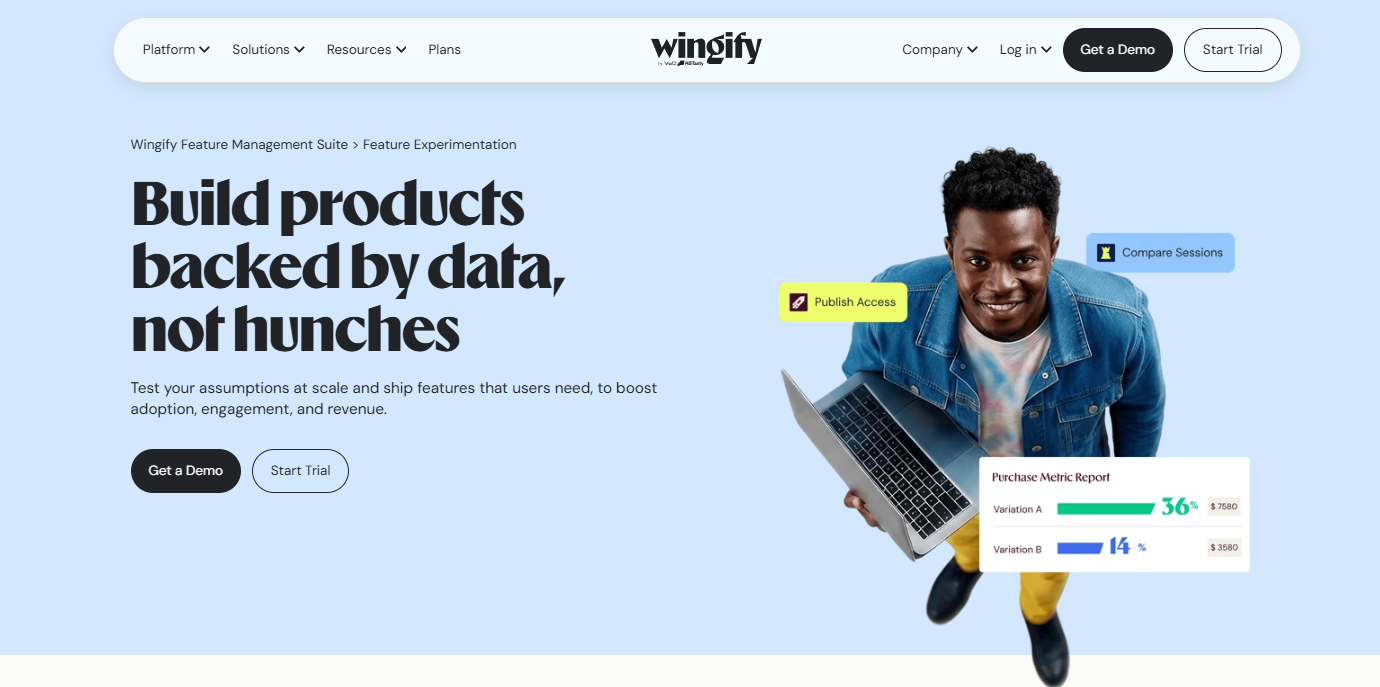
Manage progressive feature rollouts, feature flags and server-side tests for product teams.
VWO Personalization
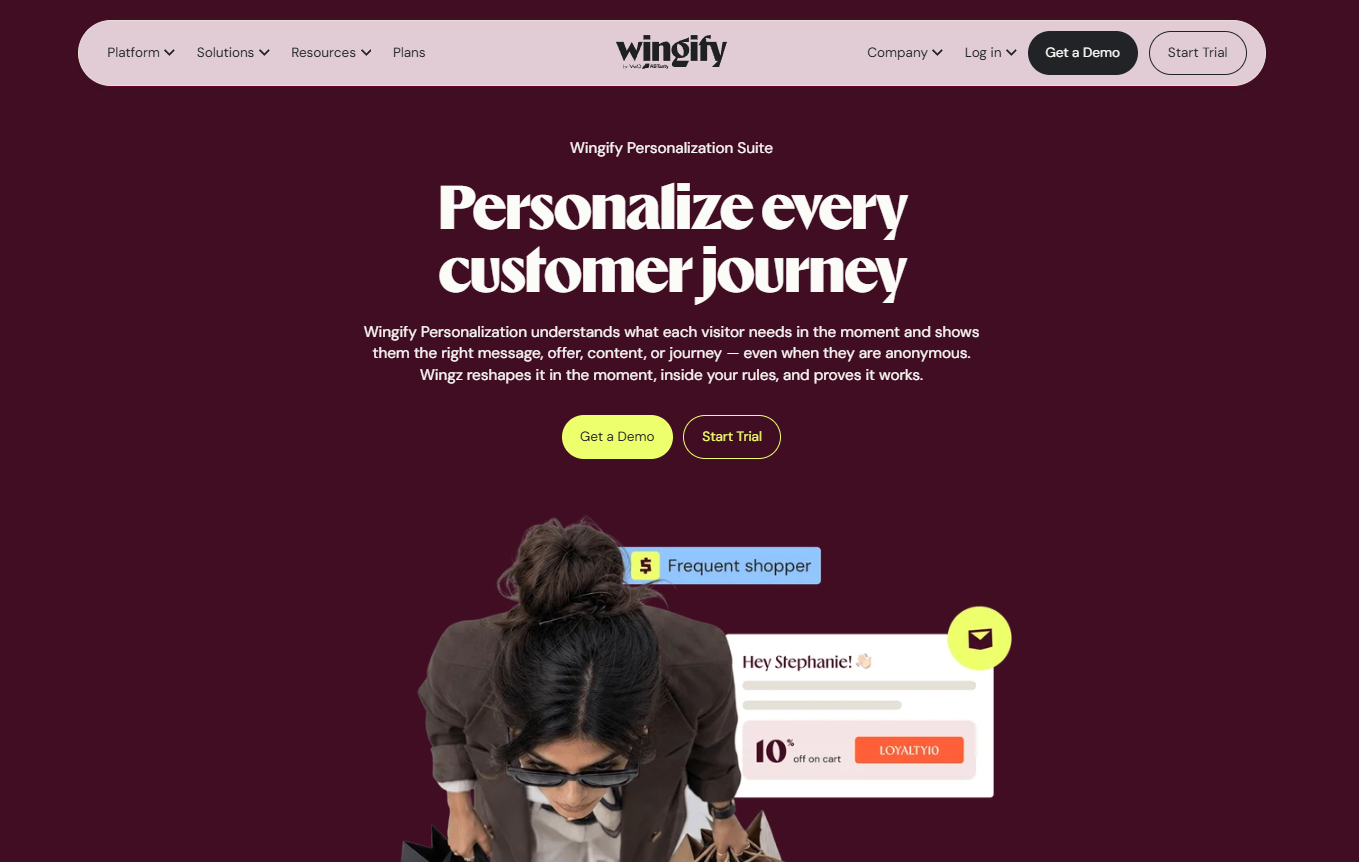
Show different content to segments based on behavior, source or location. Useful when one page serves very different audiences.
Wingz AI
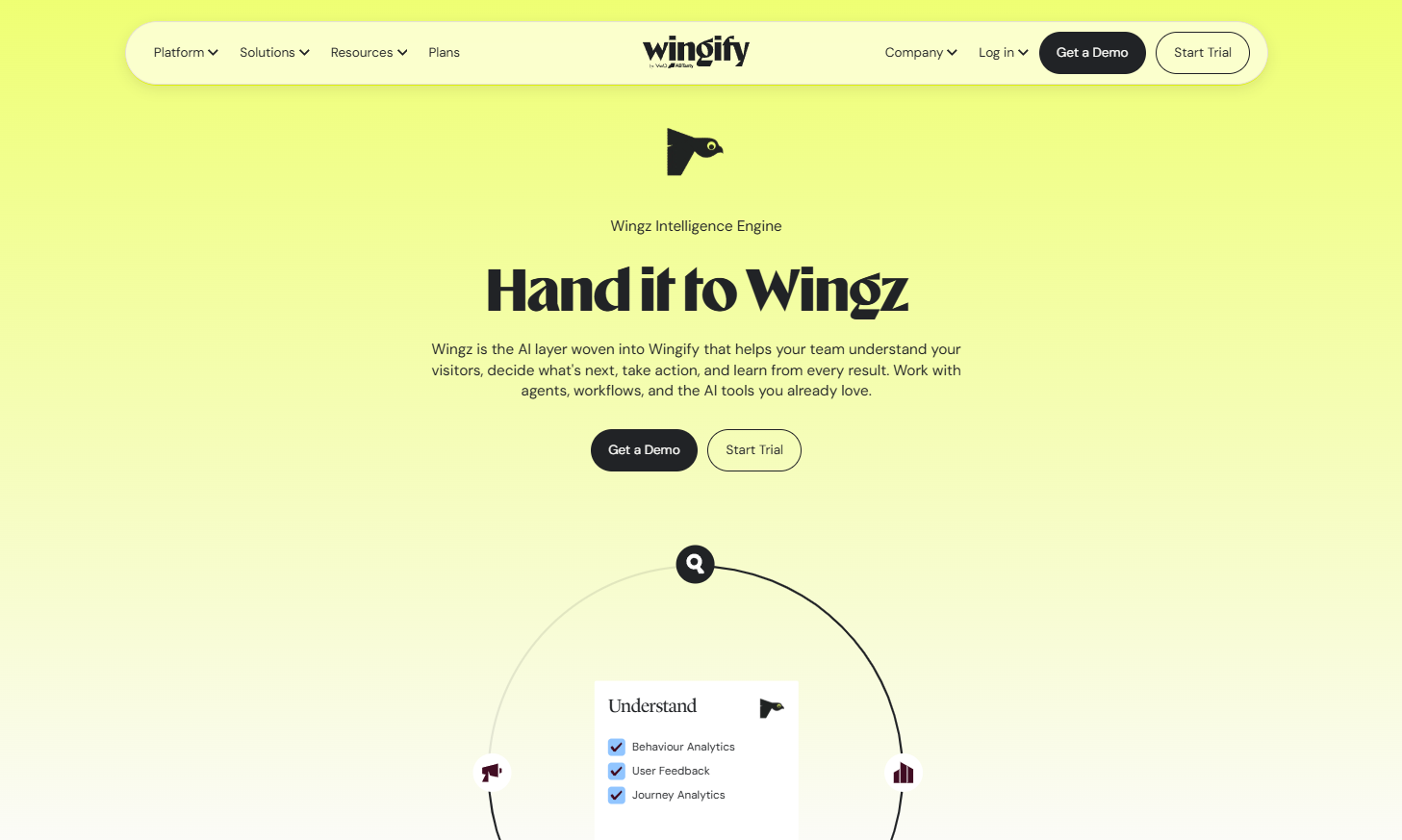
The built-in AI suggests test ideas from your own data and explains results in plain language. It also checks targeting and traffic splits before a test goes live.
Pricing: 30-day free trial with all features and no card, then Growth, Pro and Enterprise tiers quoted by traffic and modules.
2. FlexiFunnels
- Category: Funnel builder and landing page optimization
- Best for: Building landing pages and funnels fast
- Ease of use: Beginner to intermediate
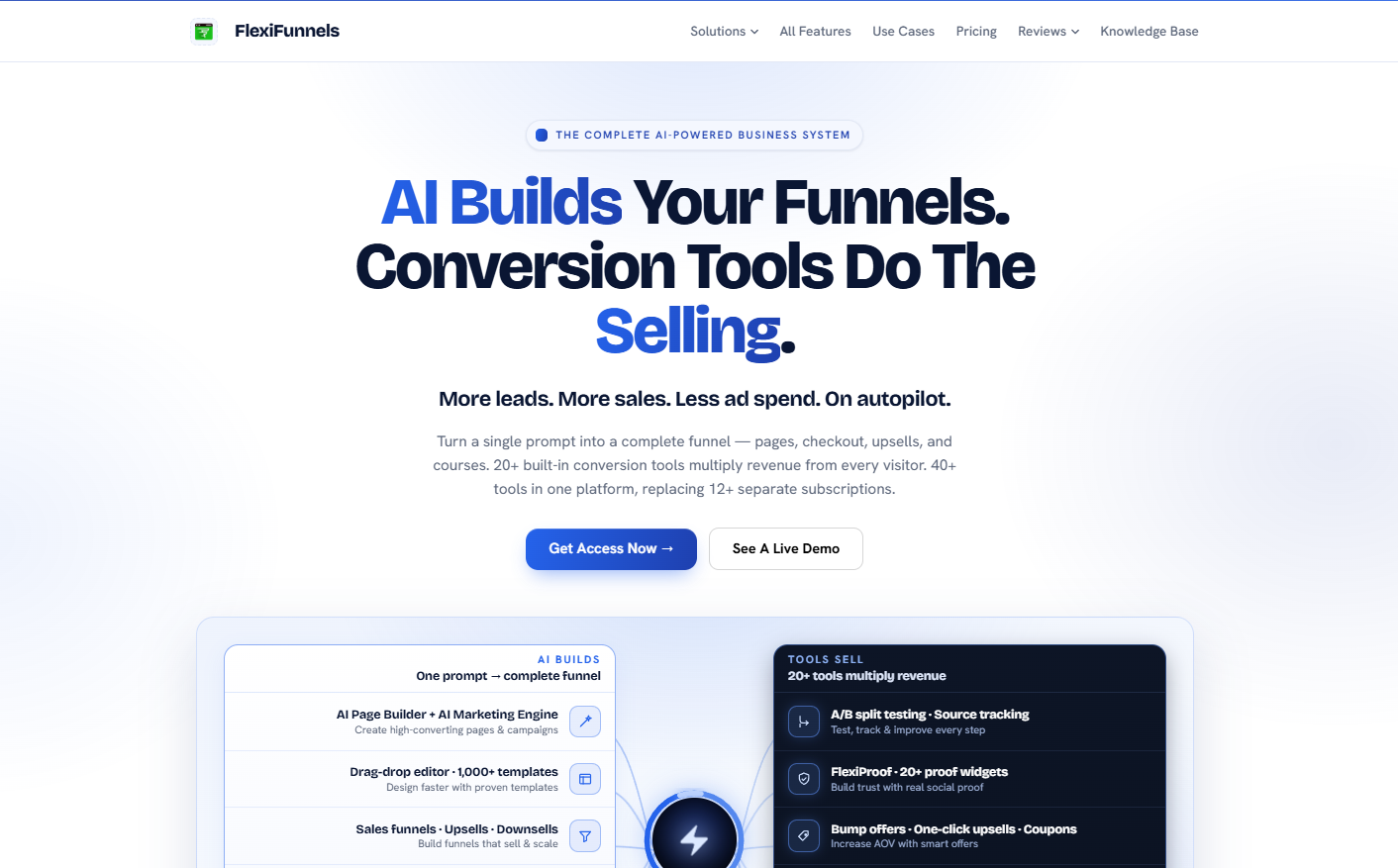
If your traffic is fine but sales aren’t, the problem is often the landing page. FlexiFunnels puts pages, checkout and upsells in one builder.
Its AI page builder creates a full page from a prompt. You then edit it in a drag-and-drop editor and test it without extra tools.
Order bumps, one-click upsells, exit popups and countdown timers are built in. For small teams, that replaces 3 or 4 separate subscriptions.
This 48-minute video covers the basics of building funnels that convert.
Key features
AI page builder
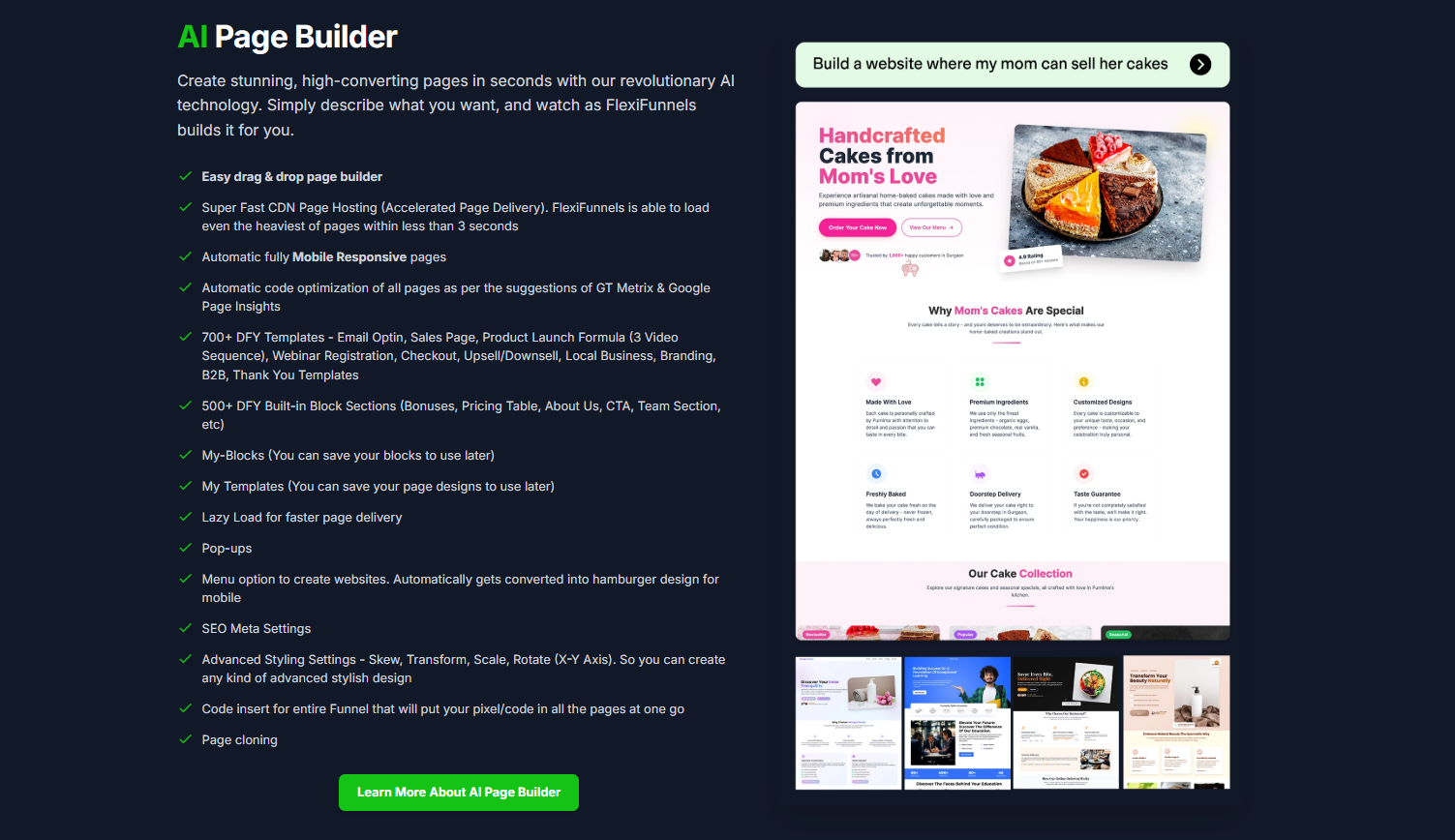
Describe your offer and get a ready landing page or funnel in minutes. You then fine-tune the copy and design yourself.
Checkouts
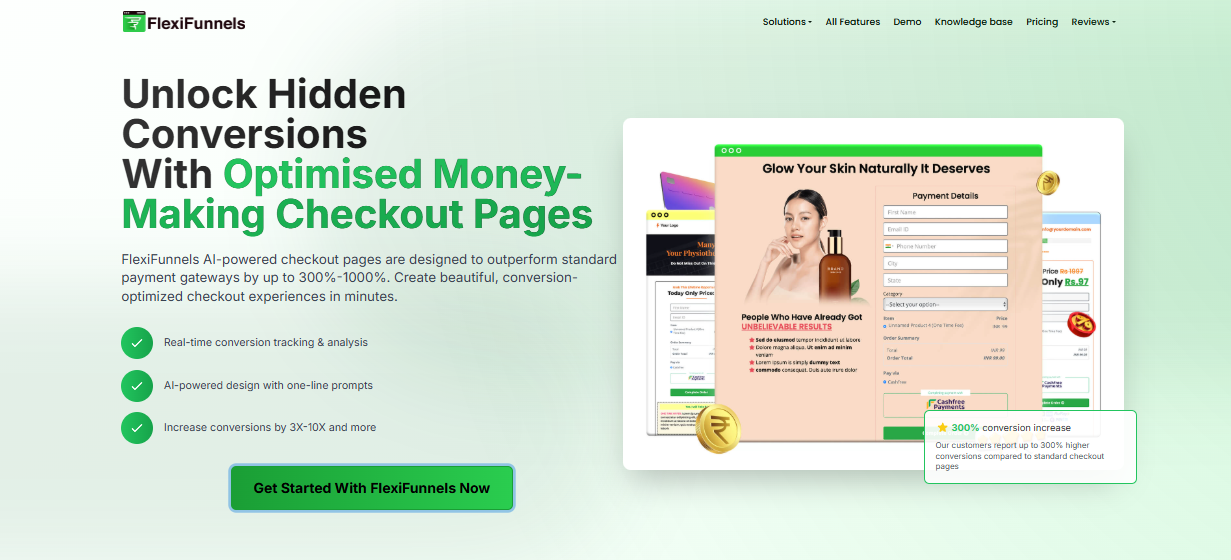
Set up one-click checkouts, bump offers, subscription payment plans and custom coupons.
Cart abandonment recovery
Run automated email follow-ups for shoppers who don’t finish checkout.
Order bumps and one-click upsells
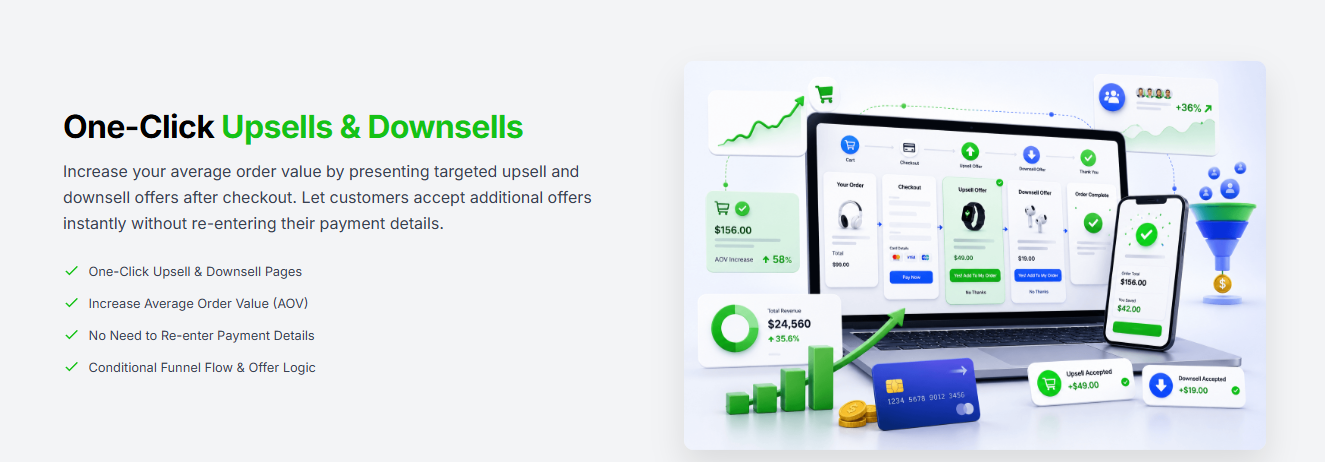
Add offers at checkout and right after purchase, the fastest way to raise average order value.
Pricing: Professional is $38/mo ($447/yr) for 100,000 visits and 50 funnels, Premium is $59/mo ($697/yr) for 300,000 visits and 200 funnels, with a 14-day trial and a 1% transaction fee.
3. Hotjar (Contentsquare)
- Category: Heatmaps, recordings and surveys
- Best for: Teams that want behavior data plus direct visitor feedback
- Ease of use: Beginner to intermediate
Hotjar is one of the best-known heatmap tools, and it’s now part of Contentsquare. The easy setup Hotjar users liked is still the starting point.
Where it beats Clarity is feedback. On-site surveys and feedback widgets let visitors tell you why they didn’t buy, in their own words.
Pair the “what they did” from recordings with the “why” from surveys, and you’ll write much better test ideas.
Key features
Heatmaps
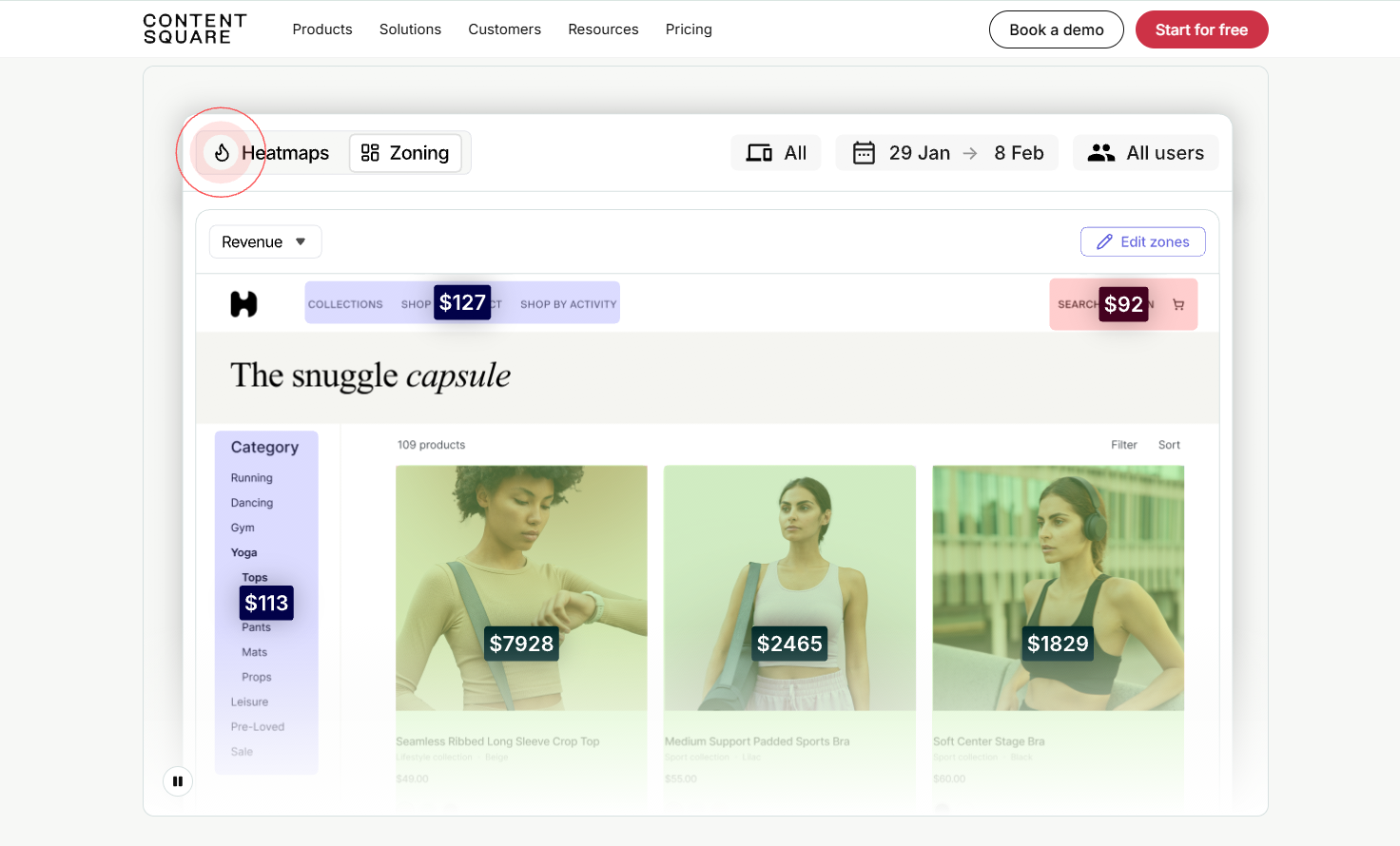
Click, move, scroll and attention maps for every page. Spot content people skip and buttons they miss.
Session replay
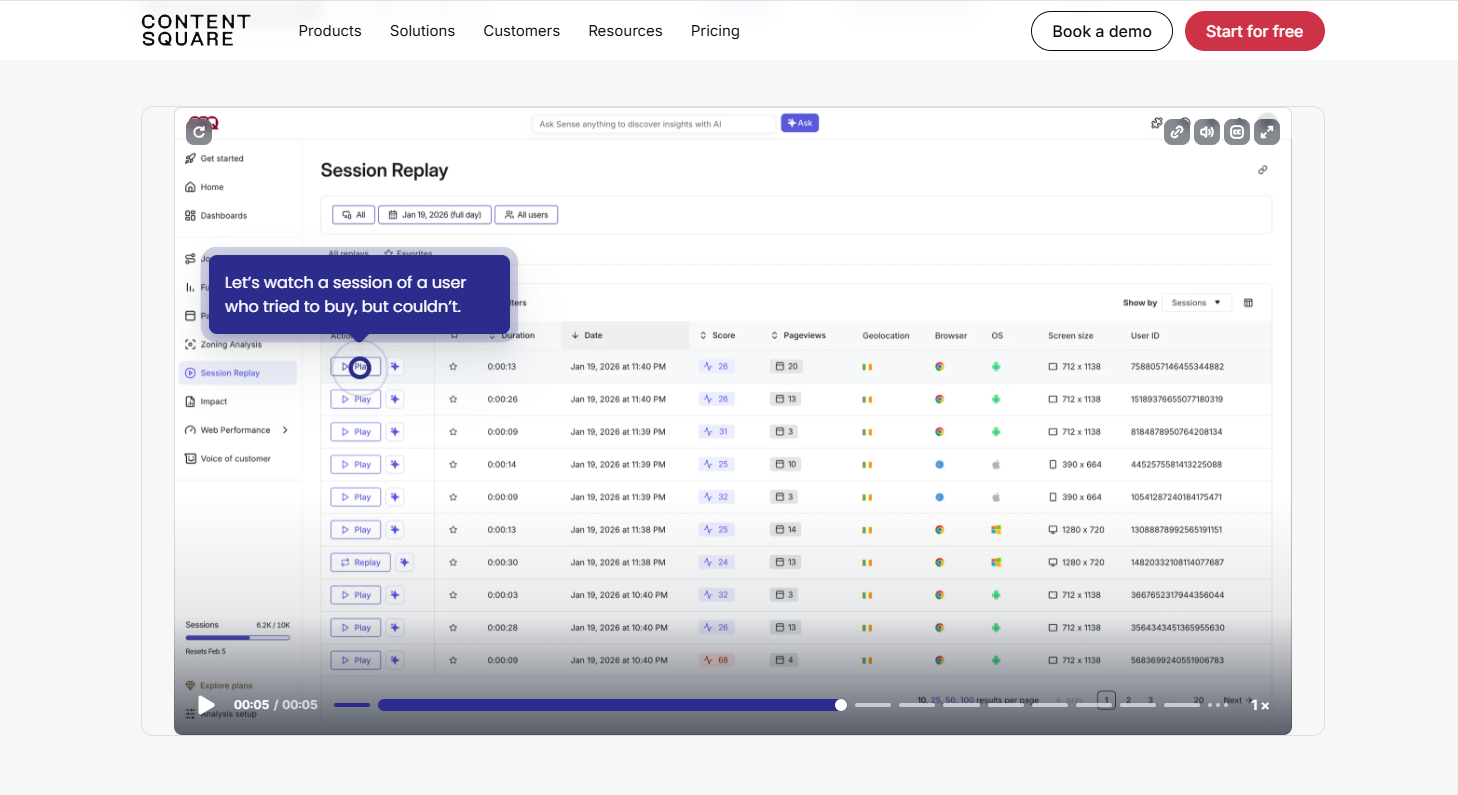
Watch real sessions with filters for frustration and errors, and jump to the moments that matter.
Surveys and feedback
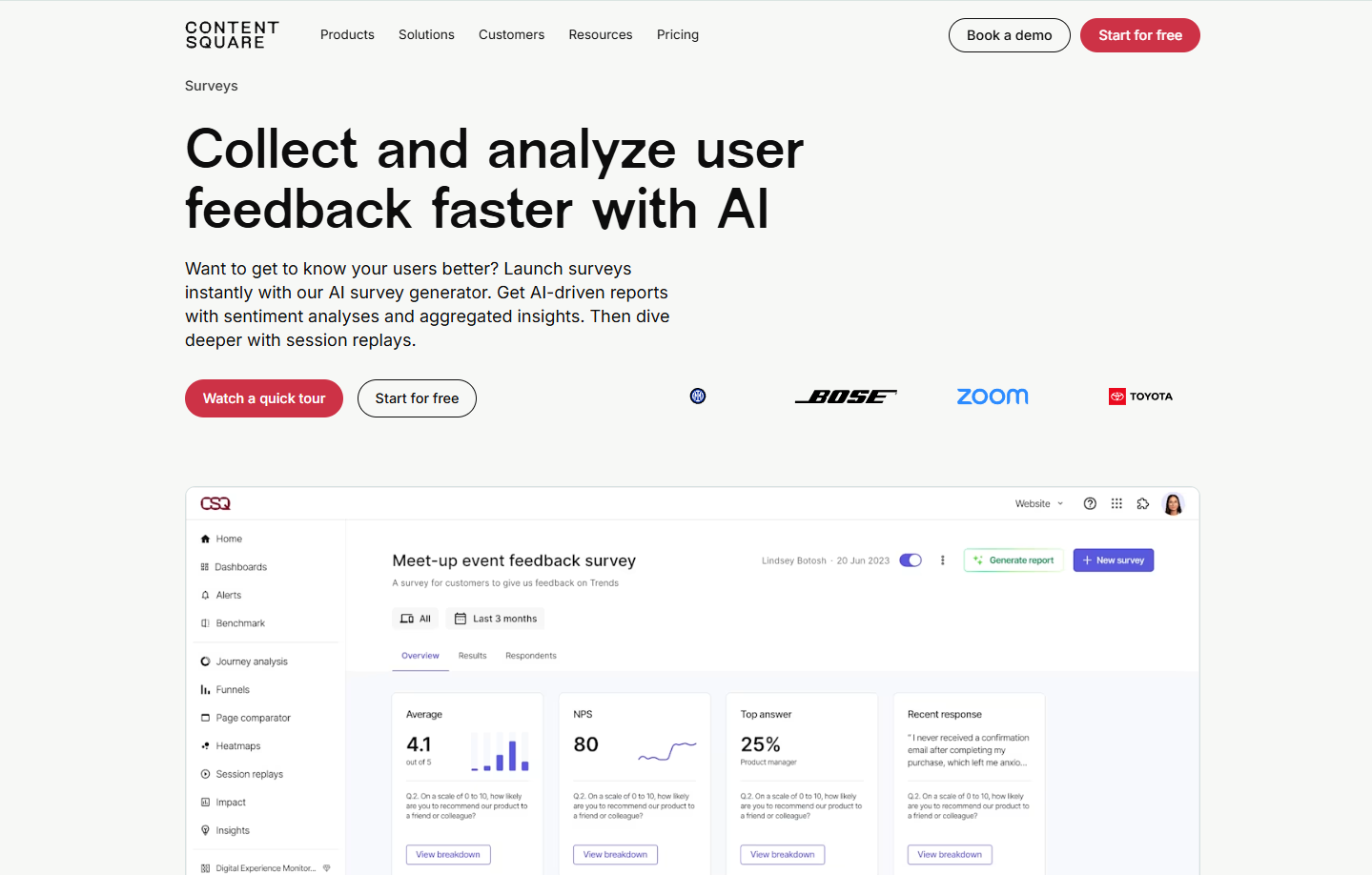
Ask visitors questions on the page or after they leave. Real answers beat guessing.
Sense AI
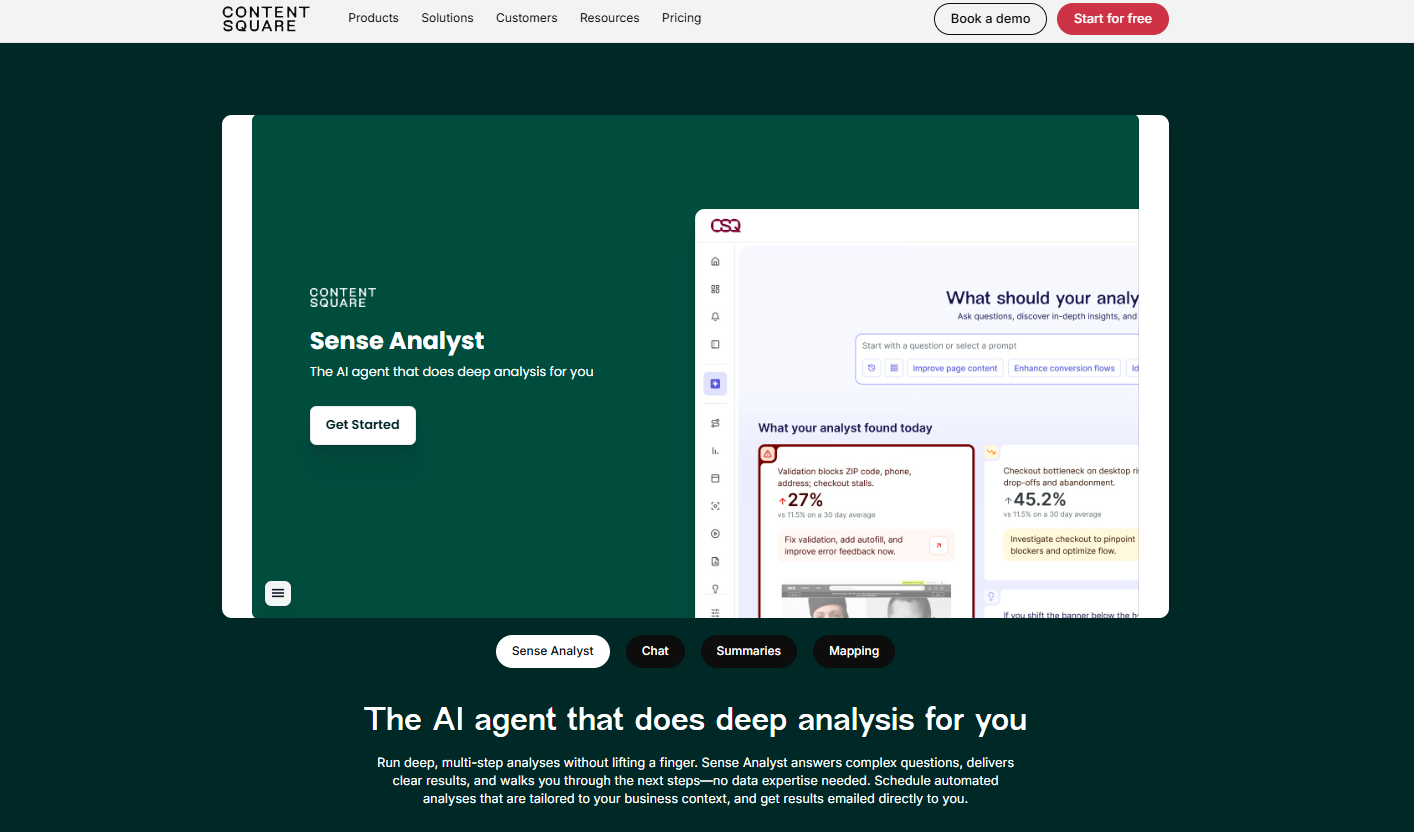
AI summaries of heatmaps and recordings, plus Sense Chat to ask questions about your data in plain language.
Pricing: Free plan with limited replays, then Growth from $49/mo, or $39/mo billed yearly, for 7,000 sessions.
Here’s more: 12 Actionable Tactics to Increase Checkout Conversion Rates
4. Klaviyo
- Category: Email, SMS and marketing automation
- Best for: Ecommerce and subscription brands that want to win back lost sales
- Ease of use: Intermediate
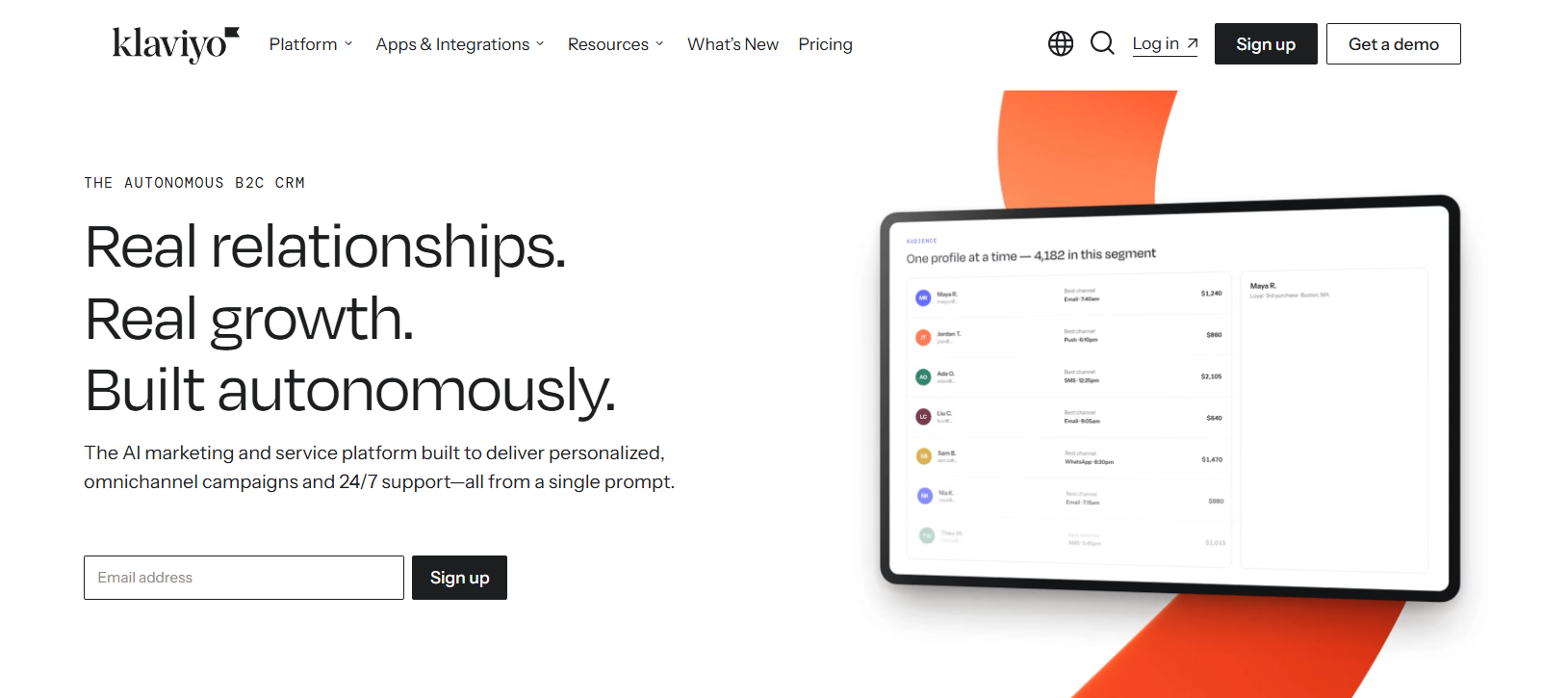
Most visitors won’t buy on their first visit. Klaviyo is how you convert them later.
It connects to your store, tracks what each person browsed or left in their cart, and sends the right email or SMS at the right time. Cart and browse abandonment flows bring in revenue on autopilot.
In 2026, Klaviyo moved to a build-your-own plan. You pick modules for marketing, analytics, service and AI, which adds flexibility but makes the bill harder to predict.
Key features
Automated flows
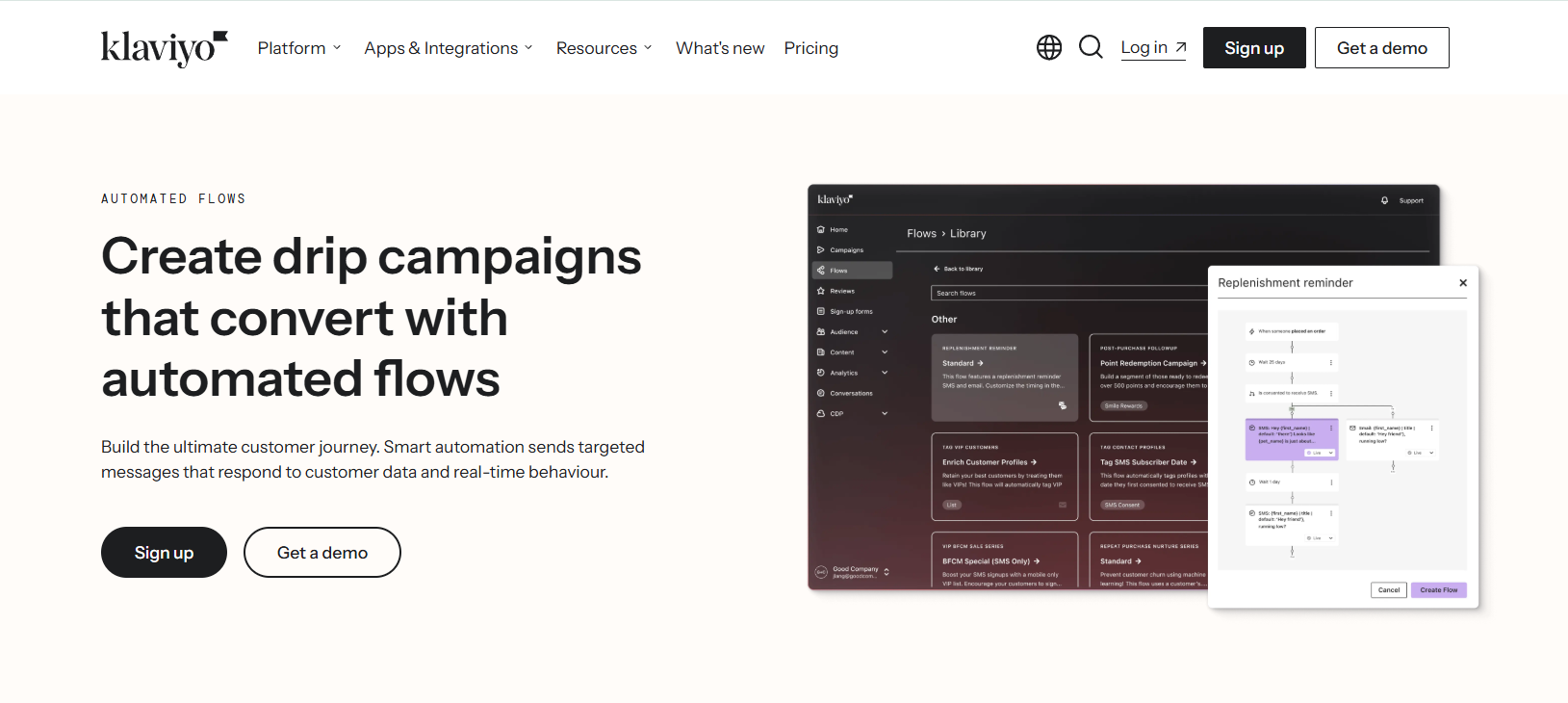
Welcome, browse abandonment, cart abandonment, post-purchase and review request flows, each triggered by real customer behavior.
Predictive analytics
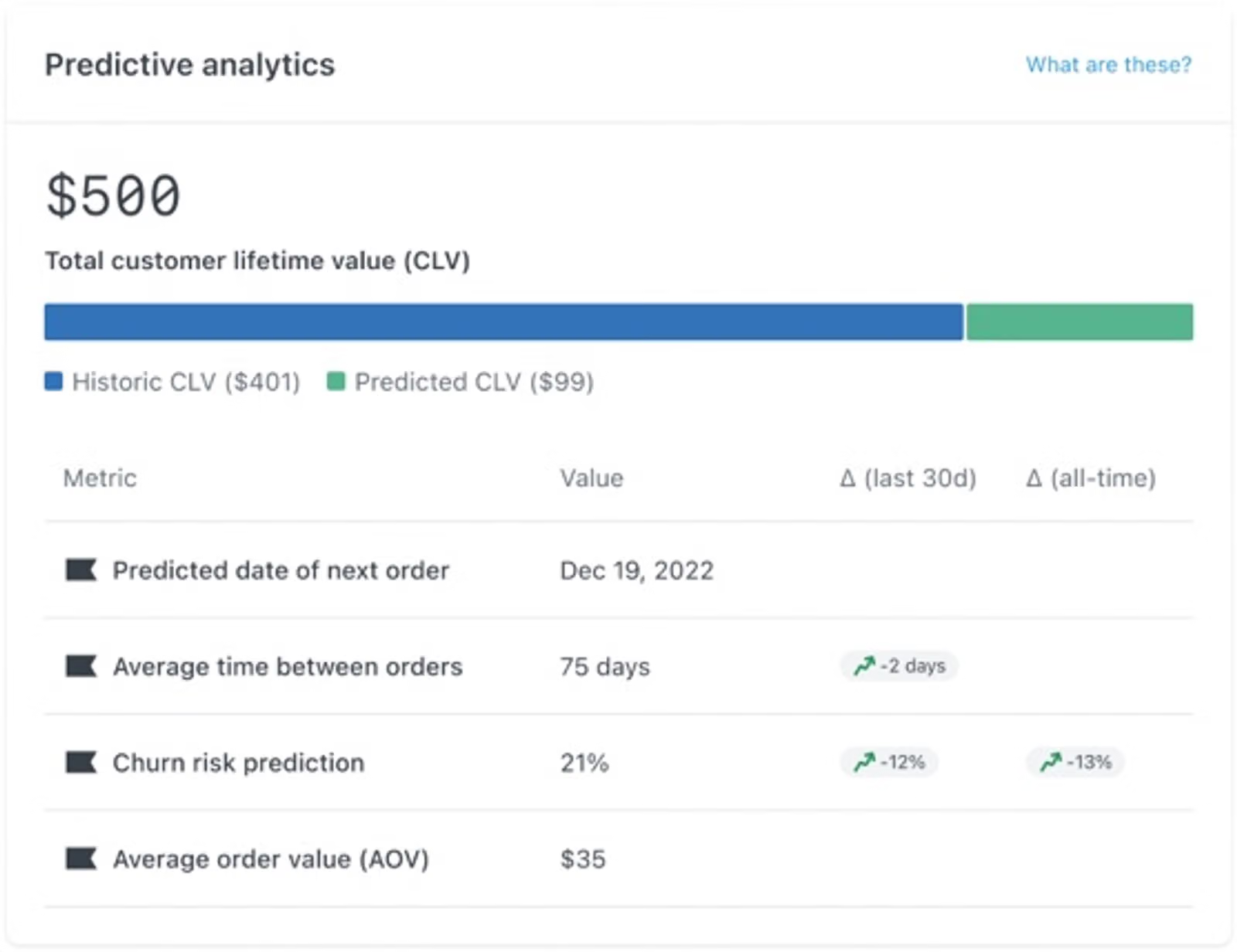
See each customer’s predicted lifetime value and next order date. Use it to target your best buyers and save at-risk ones.
Email and SMS/RCS
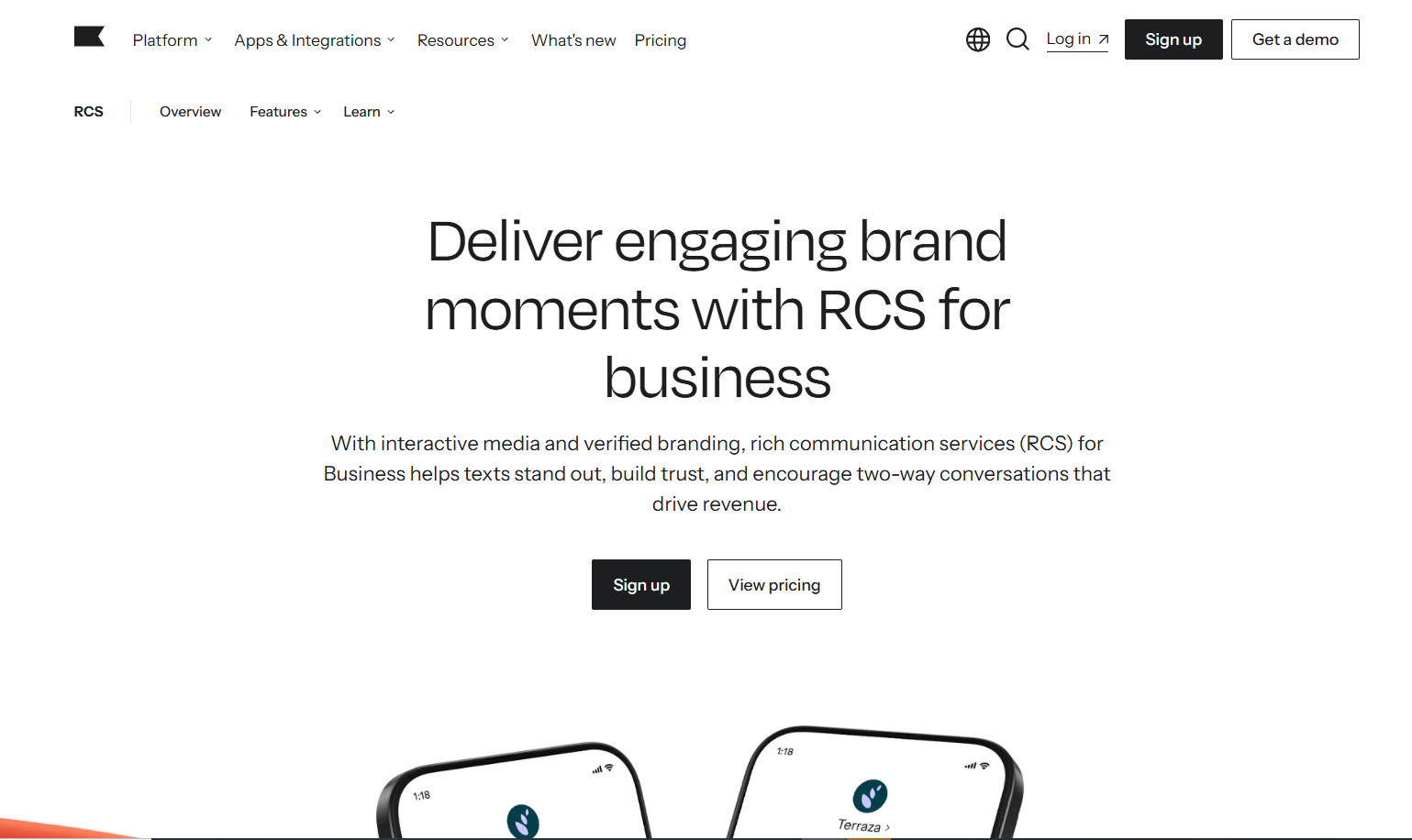
Send one-off campaigns or build journeys across email, SMS, mobile push and WhatsApp.
Composer (AI)
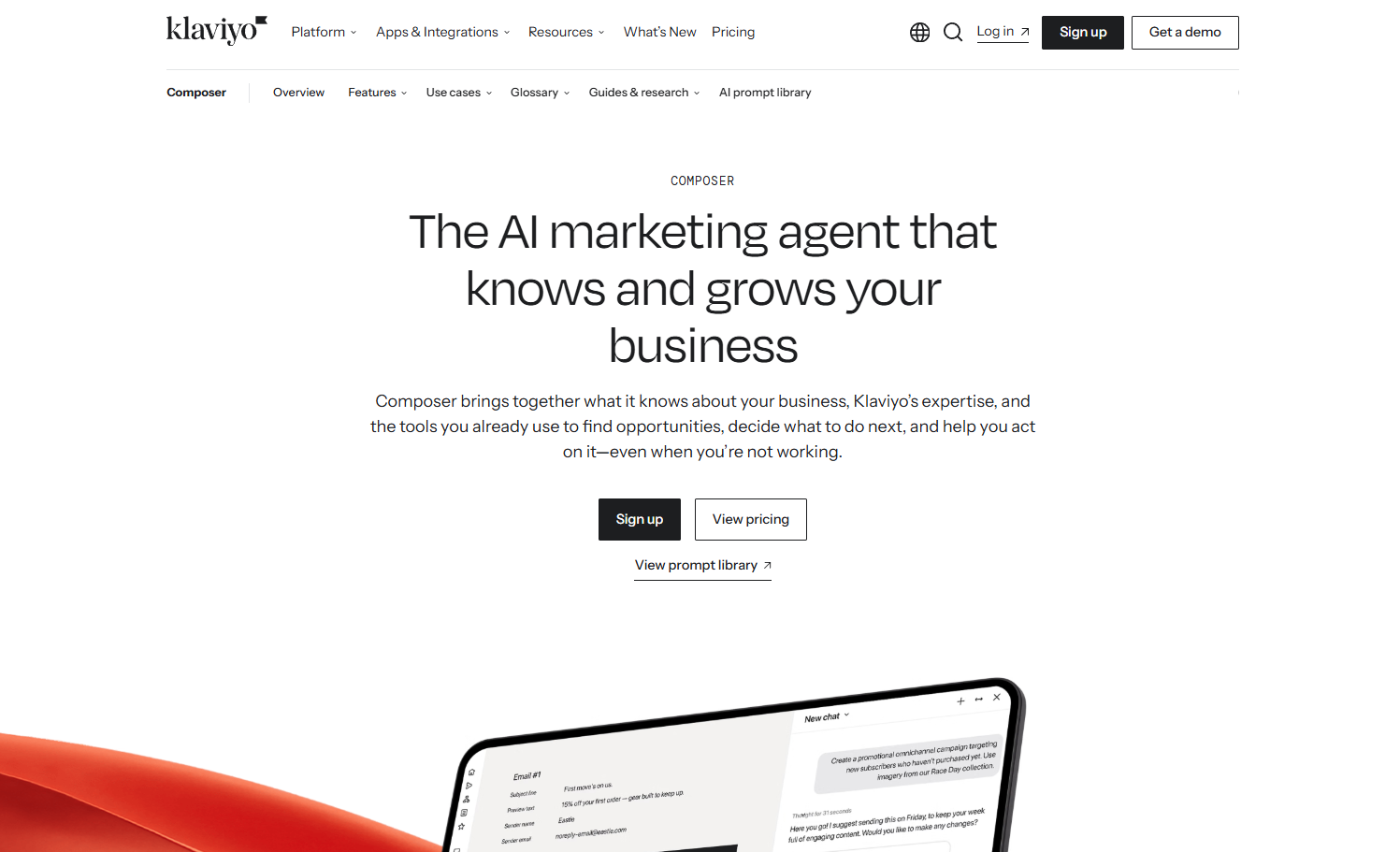
Describe a campaign or flow and Composer builds it for you. It can also audit existing flows for gaps.
Pricing: Free for up to 250 active profiles and 500 email sends a month, then Email from $20/mo, Email + SMS from $35/mo, and Composer AI as a $20/mo add-on.
5. Zoho PageSense
- Category: Testing and optimization
- Best for: Small and mid-size teams that want research and testing in one budget tool
- Ease of use: Intermediate
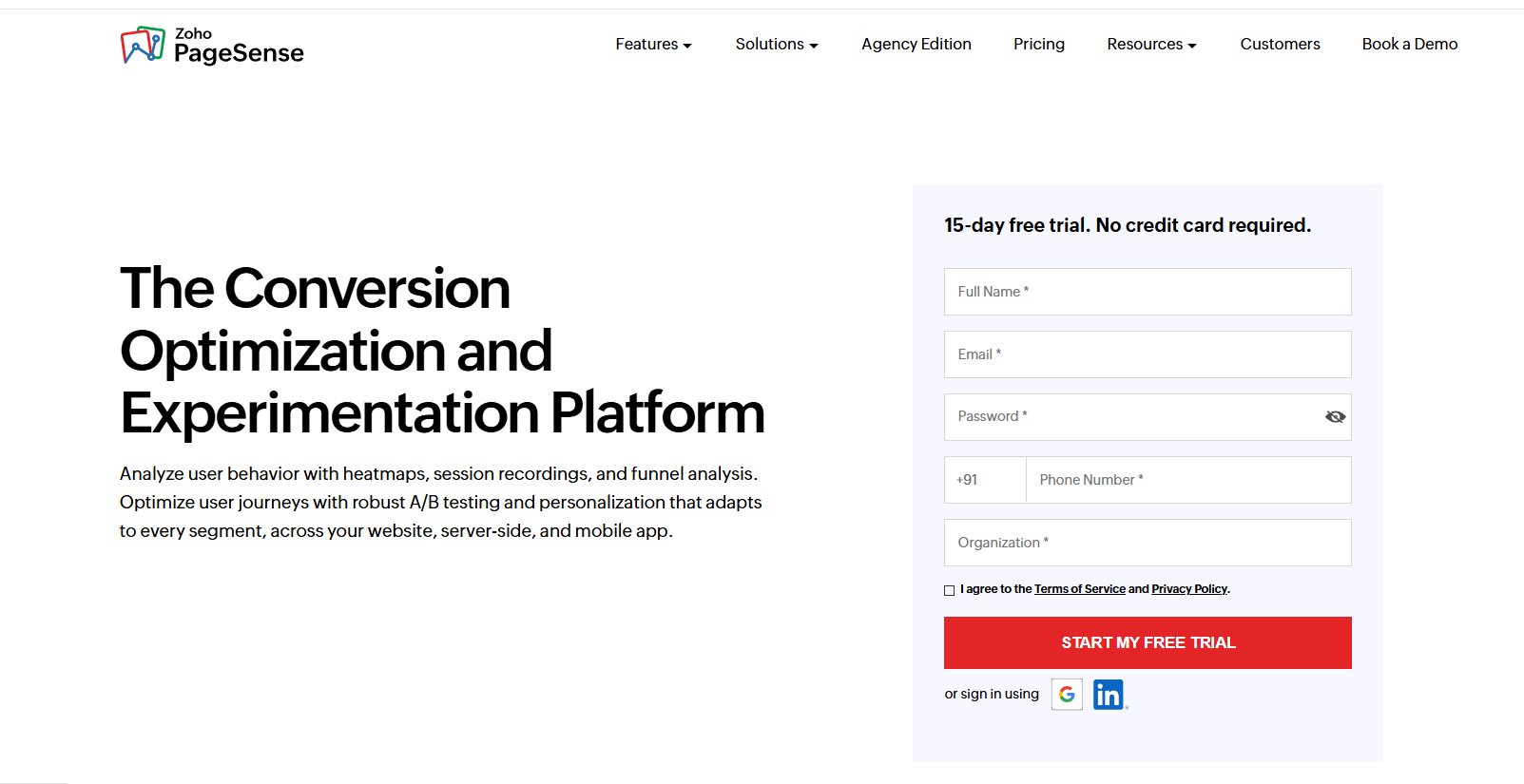
Zoho PageSense is one of the most underrated CRO tools. It combines heatmaps, session recordings, funnels and form analytics with A/B testing and personalization.
The catch in 2026 is that A/B testing sits only in the Enterprise plan. The cheaper Professional plan is a research and engagement tool, not a testing tool.
Even so, Enterprise costs far less than most testing platforms, and it connects neatly with Zoho CRM and Zoho Forms.
Server-side testing avoids the page flicker that slows front-end tests, and multi-armed bandit testing shifts traffic to the winning version while the test runs.
Key features
A/B and split URL testing
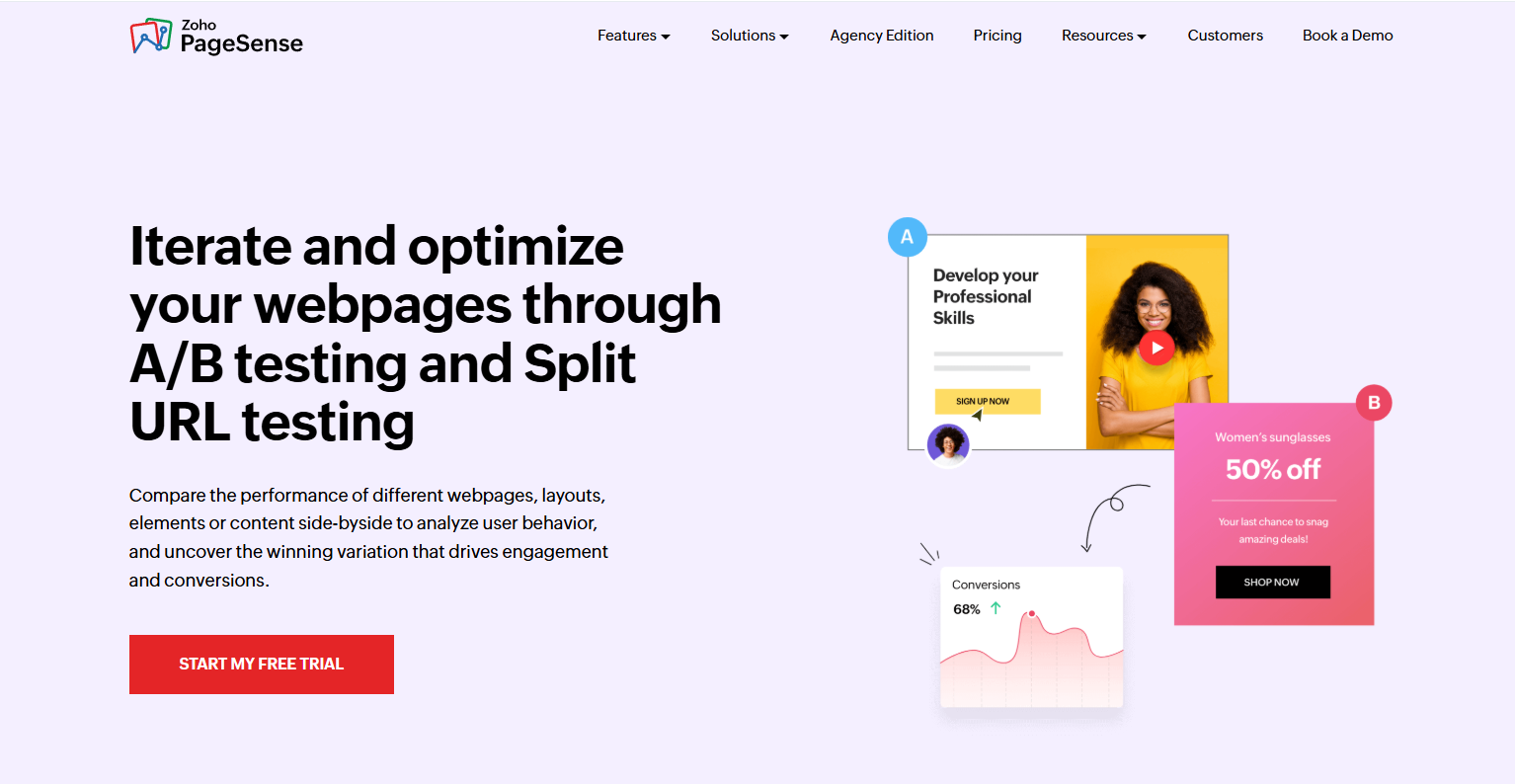
Compare page variations or separate URLs with Bayesian or Frequentist statistics to see which design converts better.
Multi-armed bandit testing
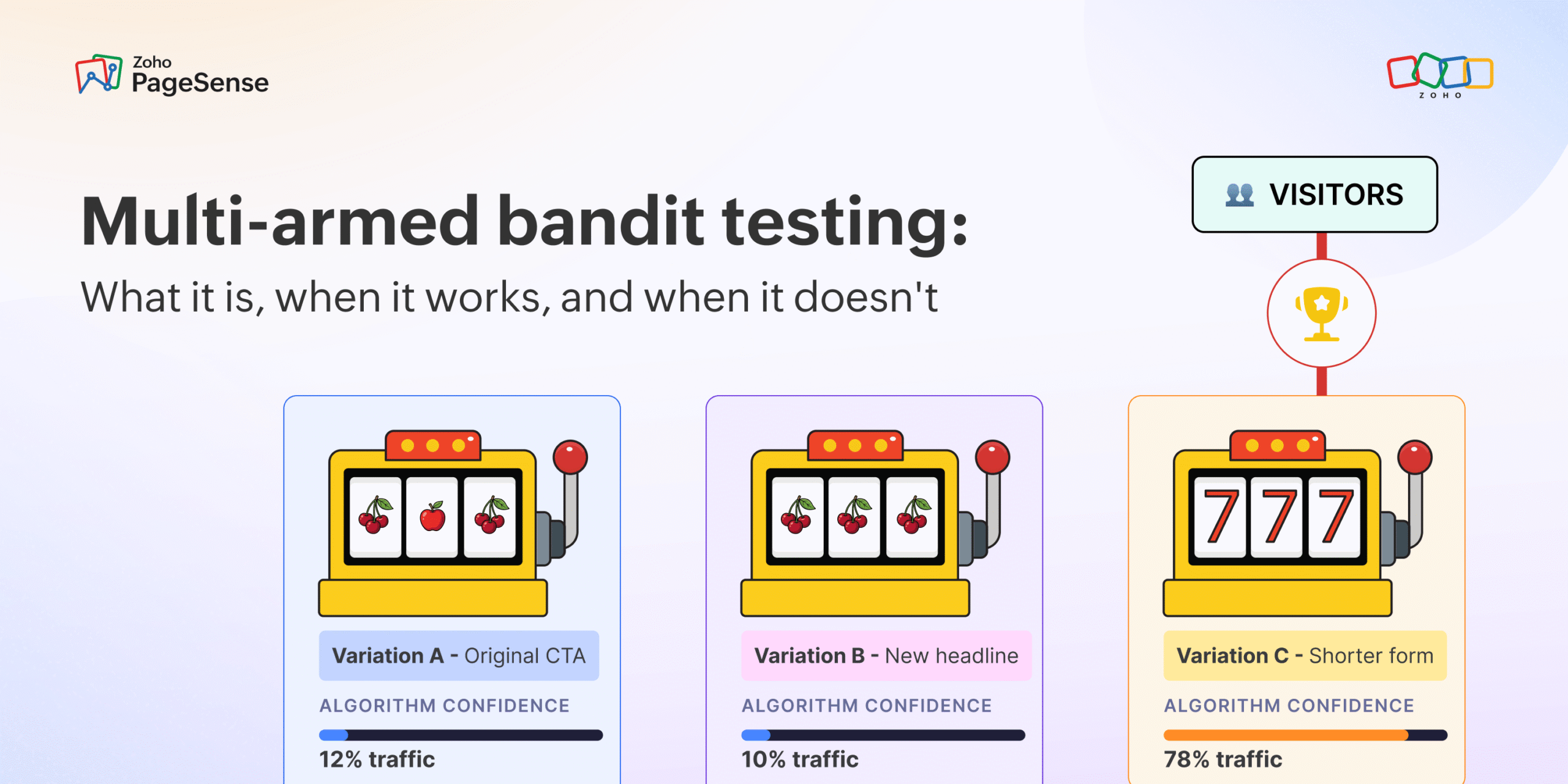
Automatically shift live traffic toward the best-performing version while the test is still running.
Server-side and full-stack testing
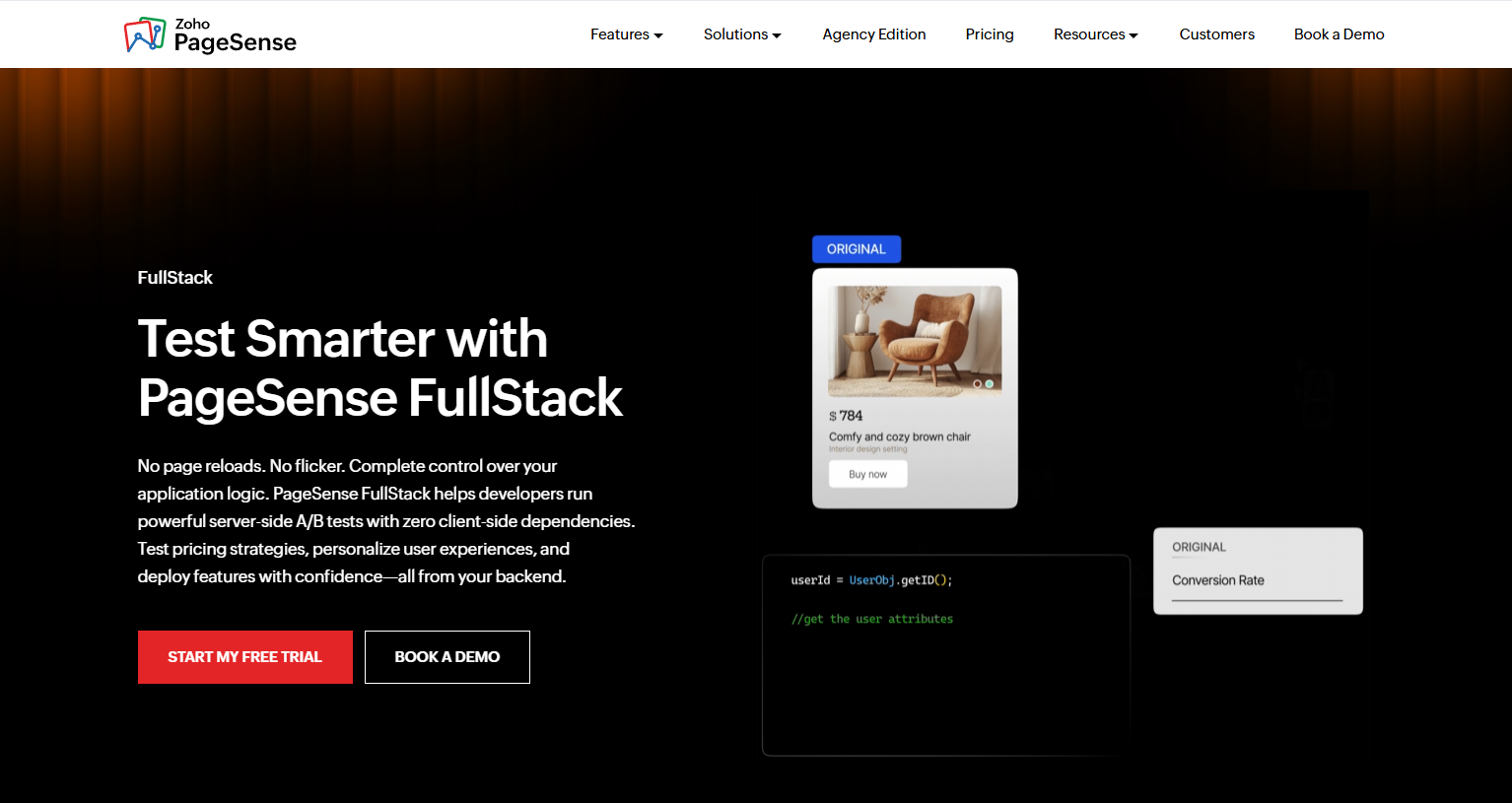
Test backend workflows, pricing logic and app behavior before the page loads.
Personalization
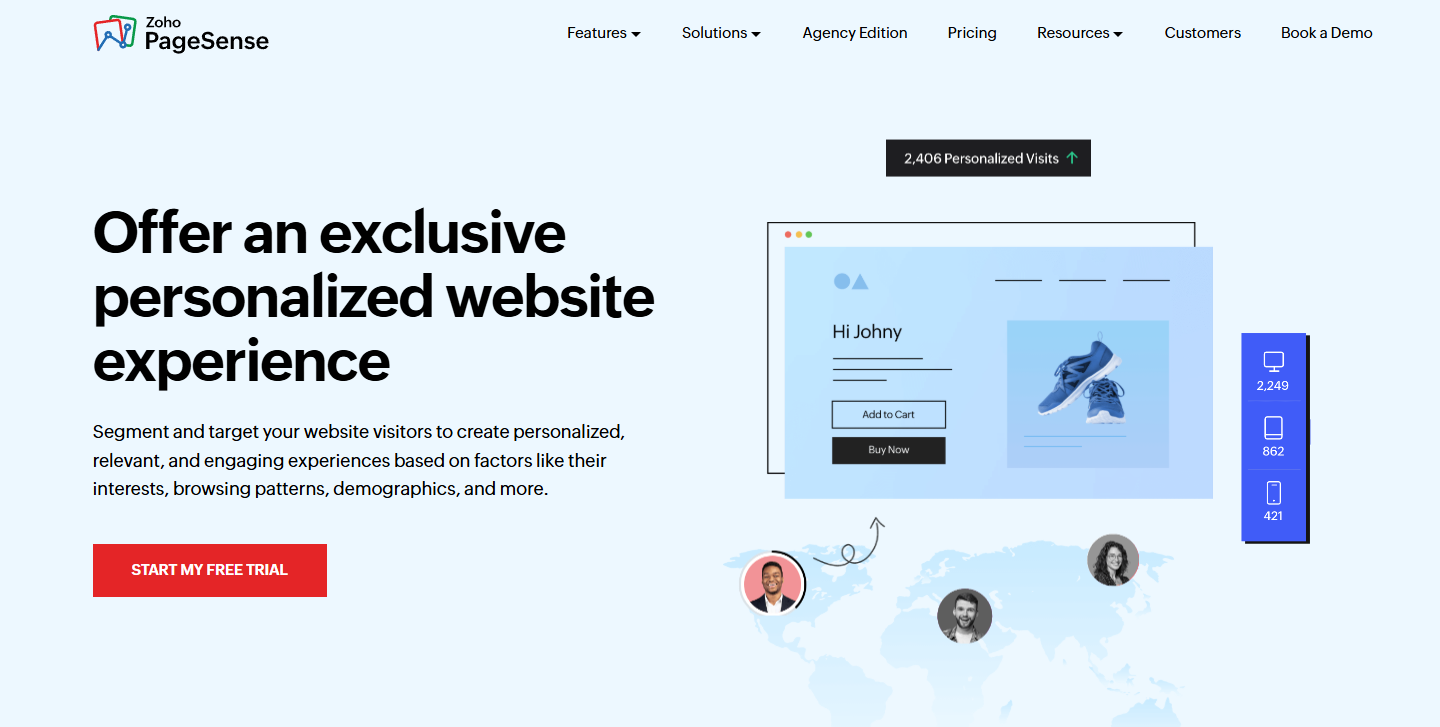
Show custom content based on location, referral source, browsing history or custom segments.
Pricing: Free for up to 5,000 tracked users a month, Professional from $12/mo billed yearly for 10,000 users, and Enterprise, which adds A/B testing, from $29.42/mo billed yearly.
Tier 2: Trust and Engagement Tools
These tools don’t change your page layout. They change how confident a visitor feels when they reach the buy button.
If Tier 1 fixes the page, Tier 2 gives visitors a reason to trust it.
6. WiserReview

- Category: Reviews and user-generated content
- Best for: Stores and service businesses that need more reviews on product and landing pages
- Ease of use: Beginner to intermediate
WiserReview is a review management platform, and reviews are the first thing most shoppers check before they buy.
It automates the whole loop. Customers get a review request after purchase, and their text, photo and video reviews show up on your site in widgets you control.
It works with Shopify, WooCommerce, BigCommerce, Wix, Squarespace and custom stores, and review schema helps your star ratings show in Google.
Key features
Automated review requests
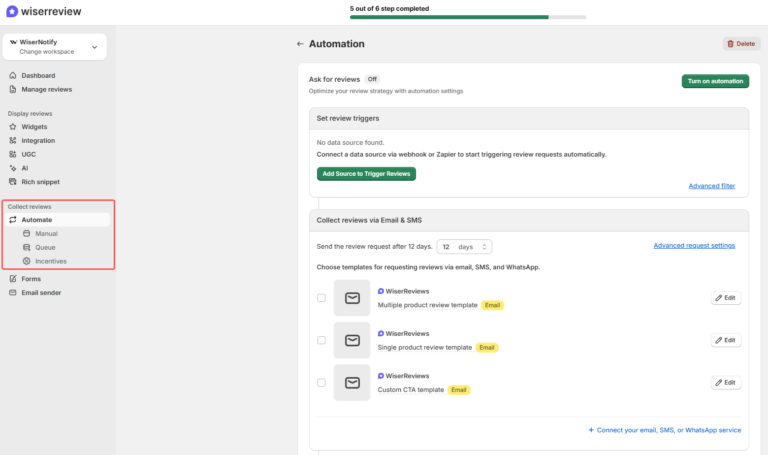
Ask for reviews by email, WhatsApp, QR code or a shareable link, with reminders sent automatically.
Photo and video reviews

Customers can upload images and short videos with their review. Visual proof persuades better than text alone.
Review widgets and walls
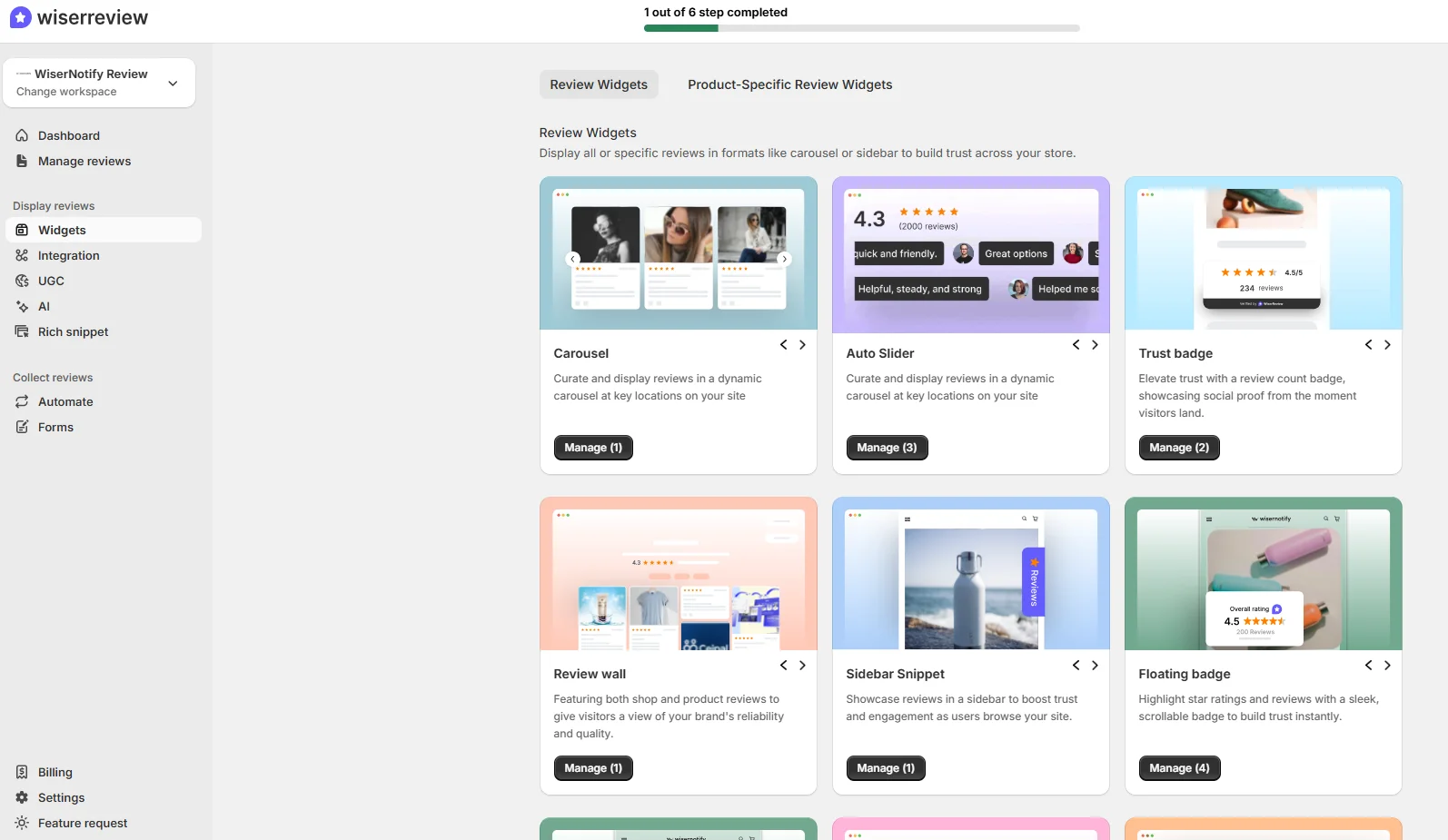
Show reviews as carousels, floating badges or full review walls, each matched to your site design.
SEO rich snippets
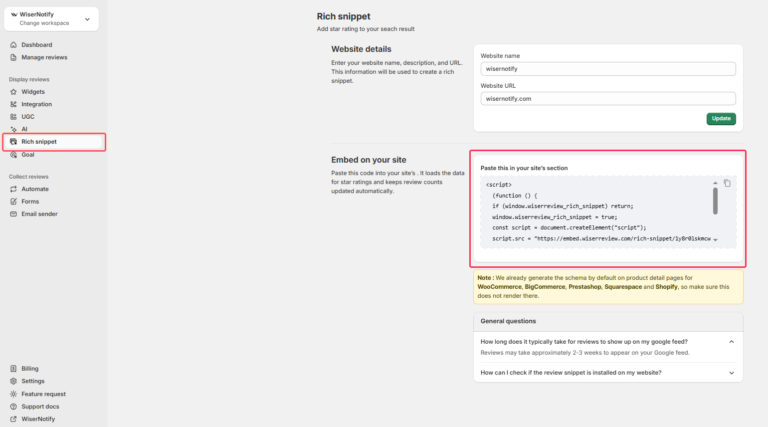
Review schema helps star ratings show in search results, which can lift clicks from Google.
AI summaries and insights
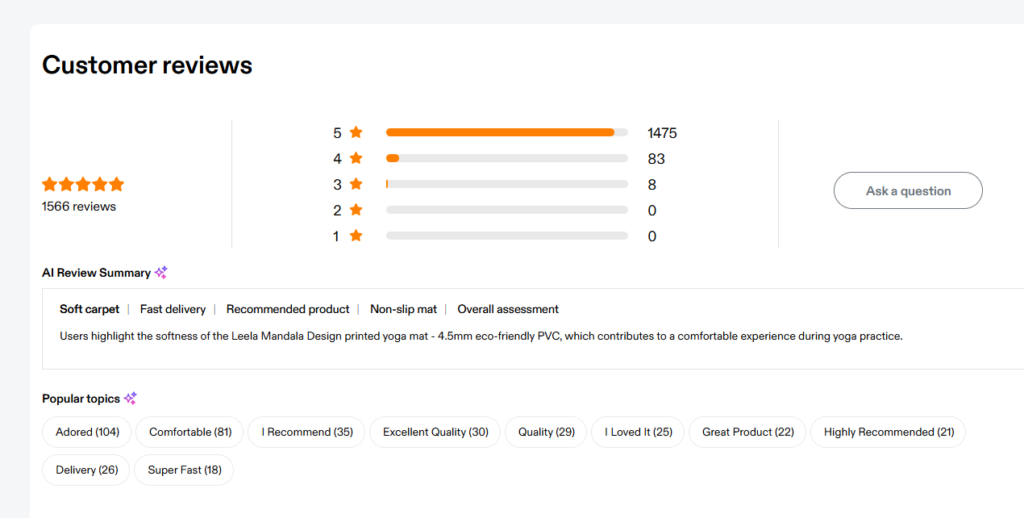
Pro + AI turns hundreds of reviews into short summaries and topics, so you see what customers love and complain about at a glance.
Pricing: Starter is $81/yr ($6.75/mo, yearly only) for 100 review requests a month, Pro is $19/mo or $14.25/mo billed yearly, and Pro + AI is $31/mo or $23.25/mo billed yearly, with a 7-day free trial.
Explore more: 5 Best Review Management Software, Tested (2026)

All your reviews in one place
Collect reviews, manage every response, and display them where they matter most.
7. WiserNotify
- Category: Real-time social proof
- Best for: Ecommerce, SaaS and course sellers that want urgency and trust on key pages
- Ease of use: Beginner
WiserNotify looks simple, and that’s the point.
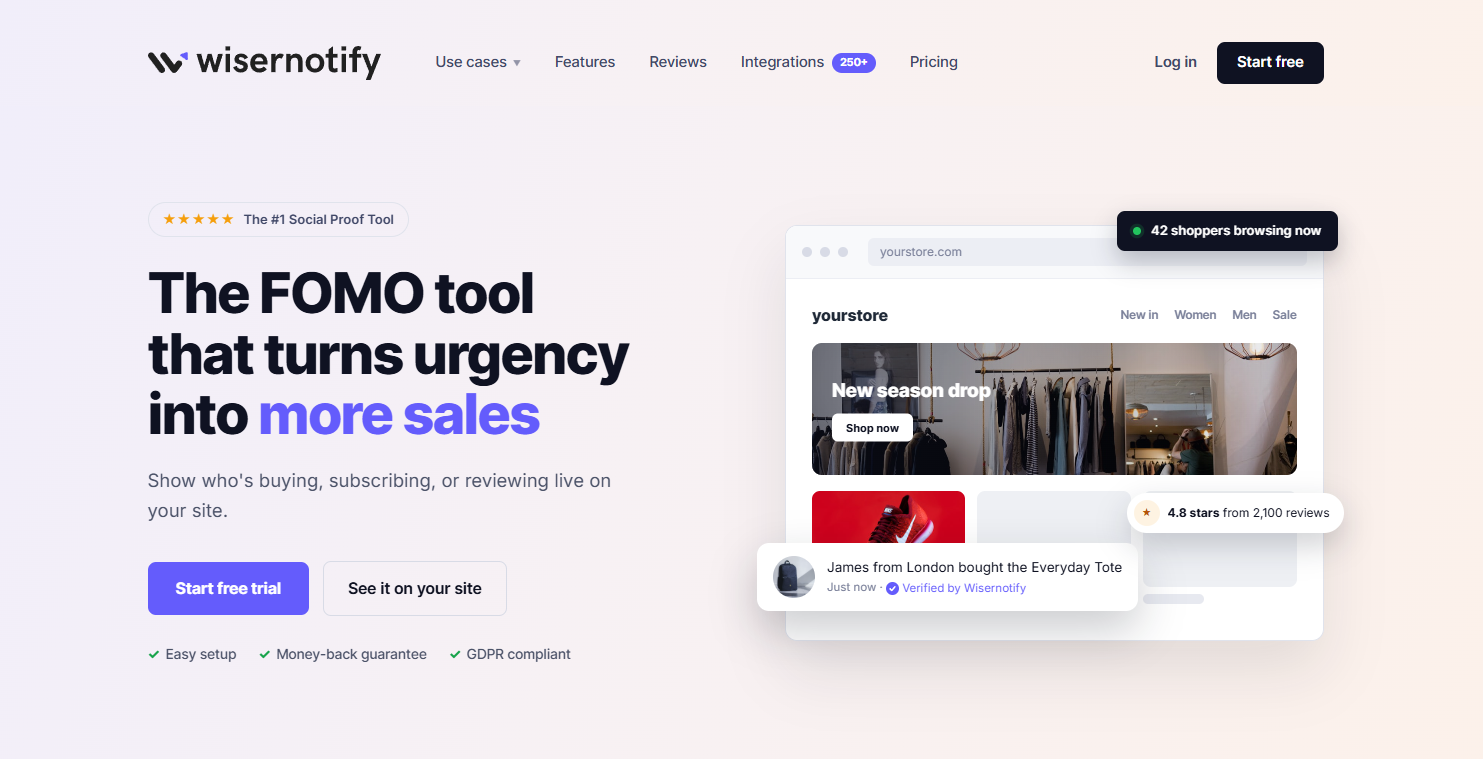
It shows real-time activity on your site, like recent purchases, sign-ups, live visitor counts and reviews. That small signal tells new visitors that others trust you.
It installs with one pixel and works with 250+ platforms. The key is restraint: two or three well-timed notifications work better than a popup every few seconds.
Recent sales and sign-up notifications
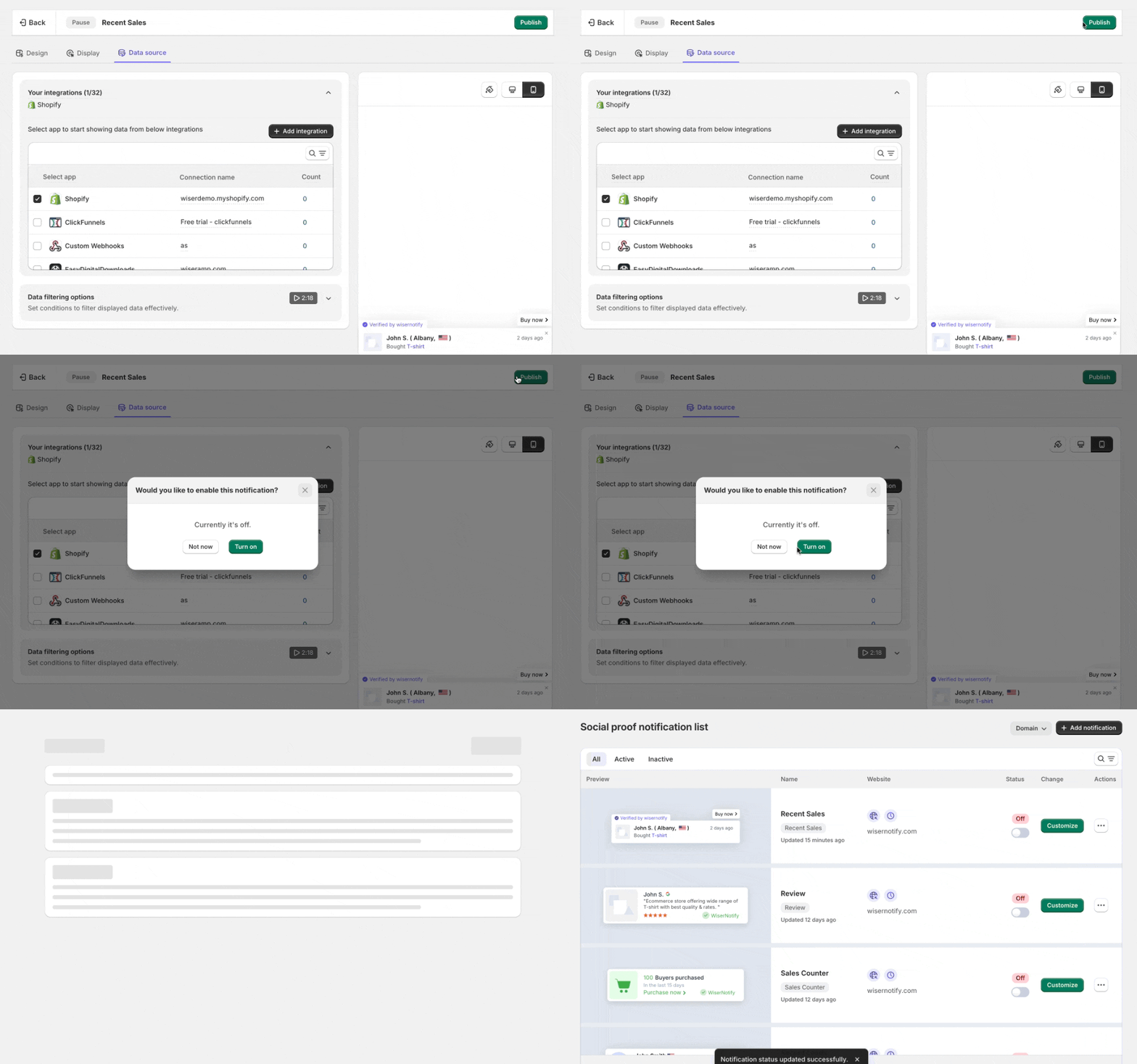
Show who just bought or signed up, pulled from your store or forms, so visitors see real proof as they decide.
Live visitor counters
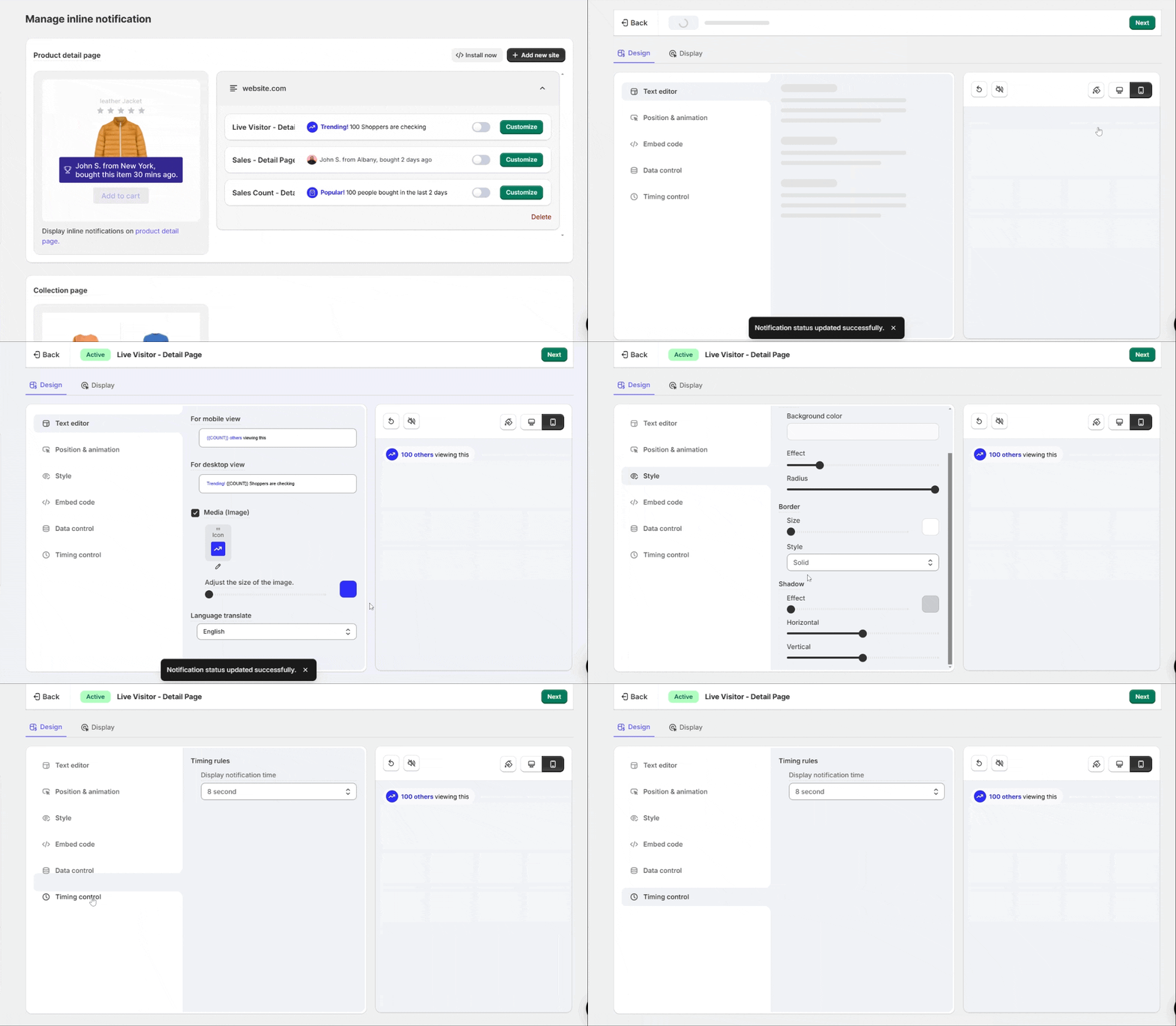
Show how many people are viewing a page or product right now. It adds urgency without fake scarcity.
Countdown timers and urgency widgets
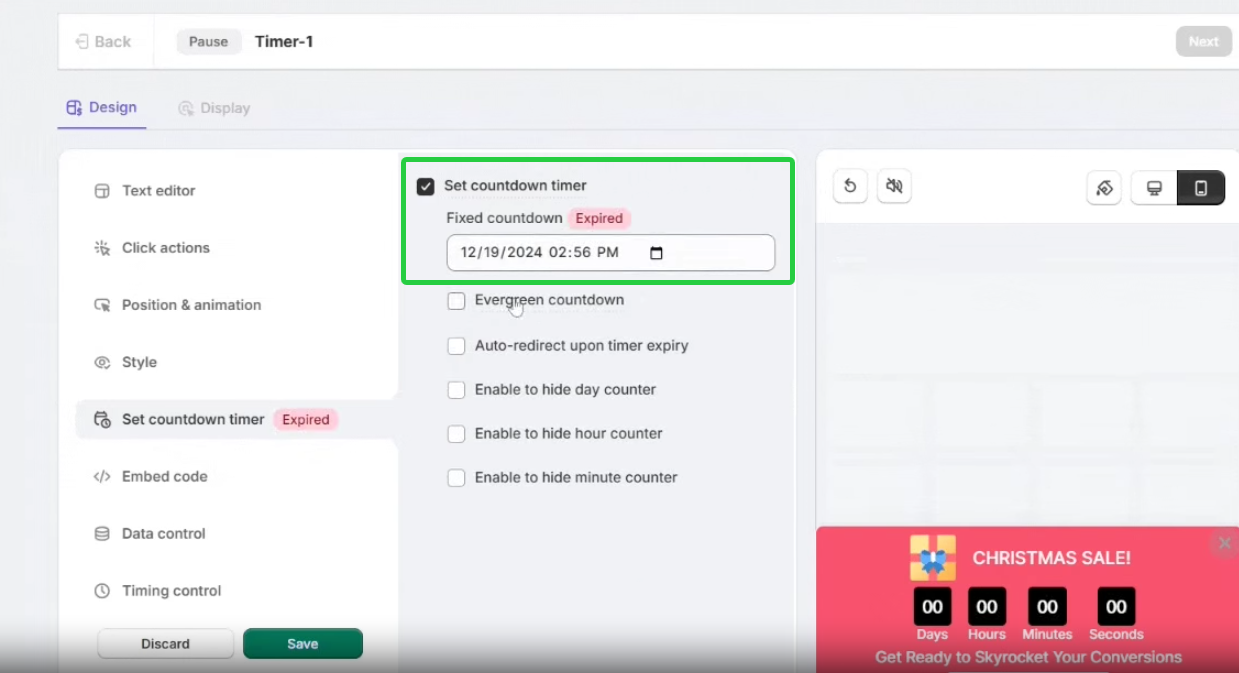
Add fixed or evergreen timers to offers and launches. A clear deadline gives visitors a reason to act today.
Review and inline social proof
Pull in reviews from Google, G2, Capterra and more. Growth plans add inline messages near buttons and forms.
A/B testing and goal tracking
Test placement, timing and message style on Pro plans, and see which notifications lead to conversions.
Pricing: Basic is $59/yr for 5,000 visitors a month (yearly only), Pro is $16/mo or $128/yr for 10,000 visitors, and Growth is $65/mo or $520/yr for 100,000 visitors, with a 7-day free trial and a 14-day money-back guarantee.
Build trust & FOMO
Highlight real-time activities like reviews, sales & sign-ups.


8. CleverTap
- Category: Personalization and omnichannel engagement
- Best for: Apps and large brands with high traffic and complex audiences
- Ease of use: Advanced
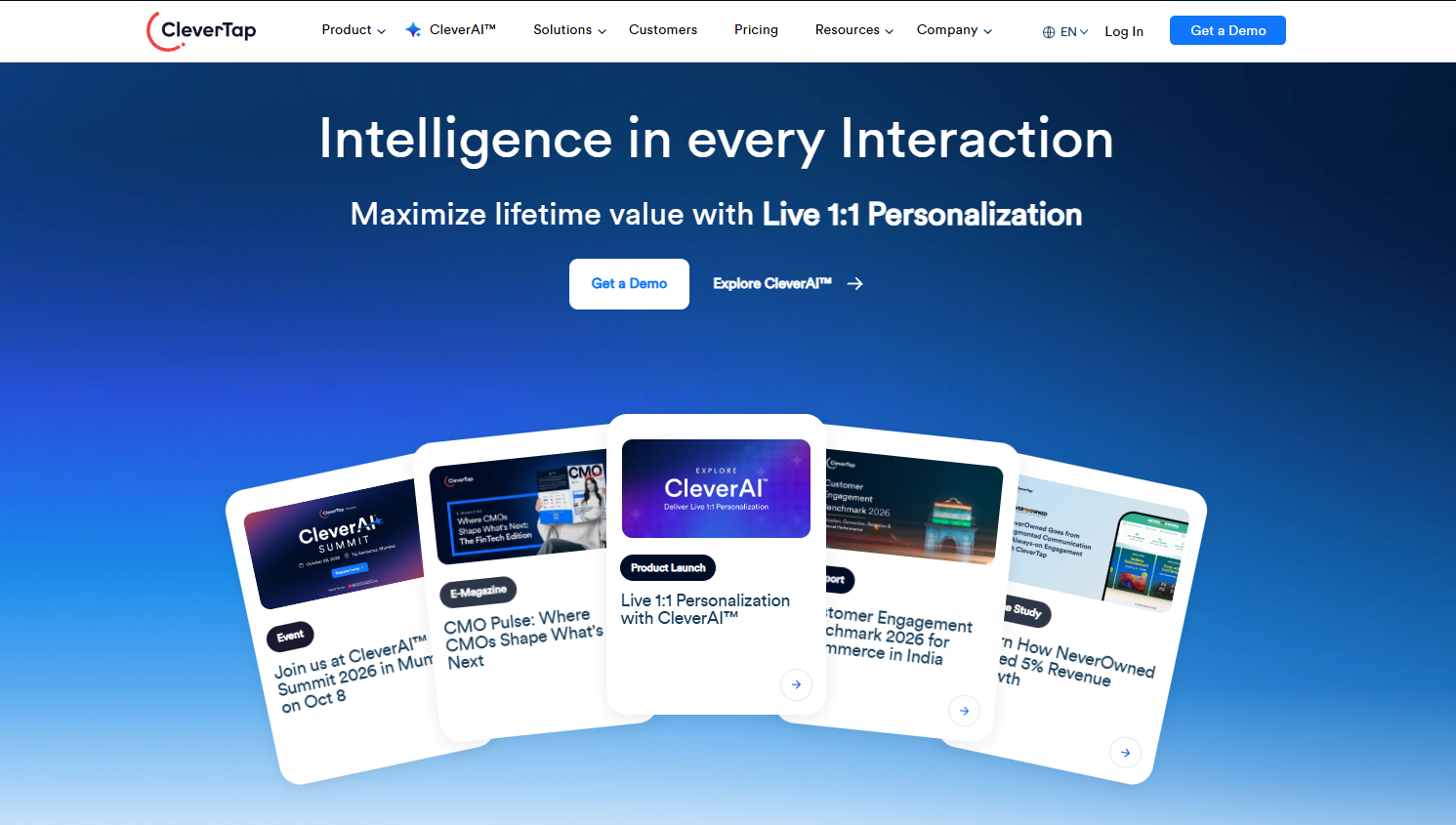
CleverTap isn’t for beginners. But for 1:1 personalization across app, web and messaging, it’s one of the strongest options.
Its AI decides which message, offer or channel each user should get next, and learns from how users respond.
It shines for mobile apps, fintech and media brands with millions of users. For a small store, it’s more than you need.
Key features
CleverAI decisioning
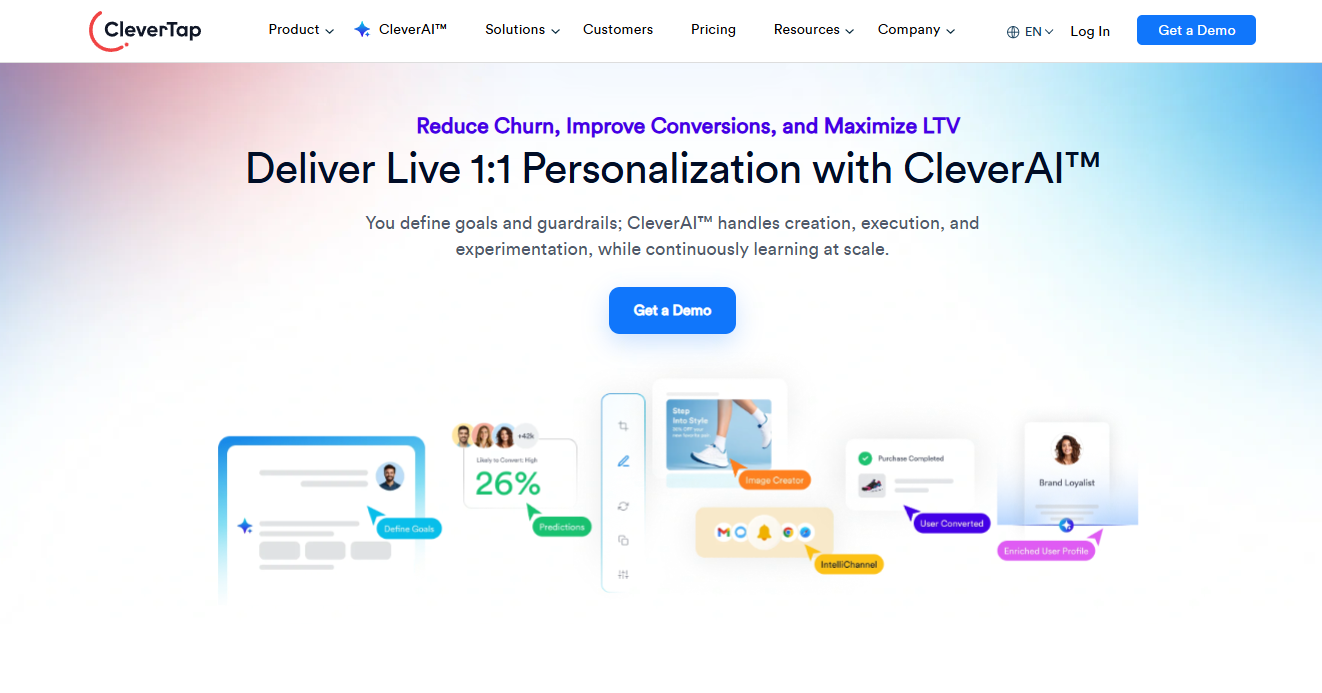
AI picks the next best message or offer for each user in real time.
Customer data and analytics
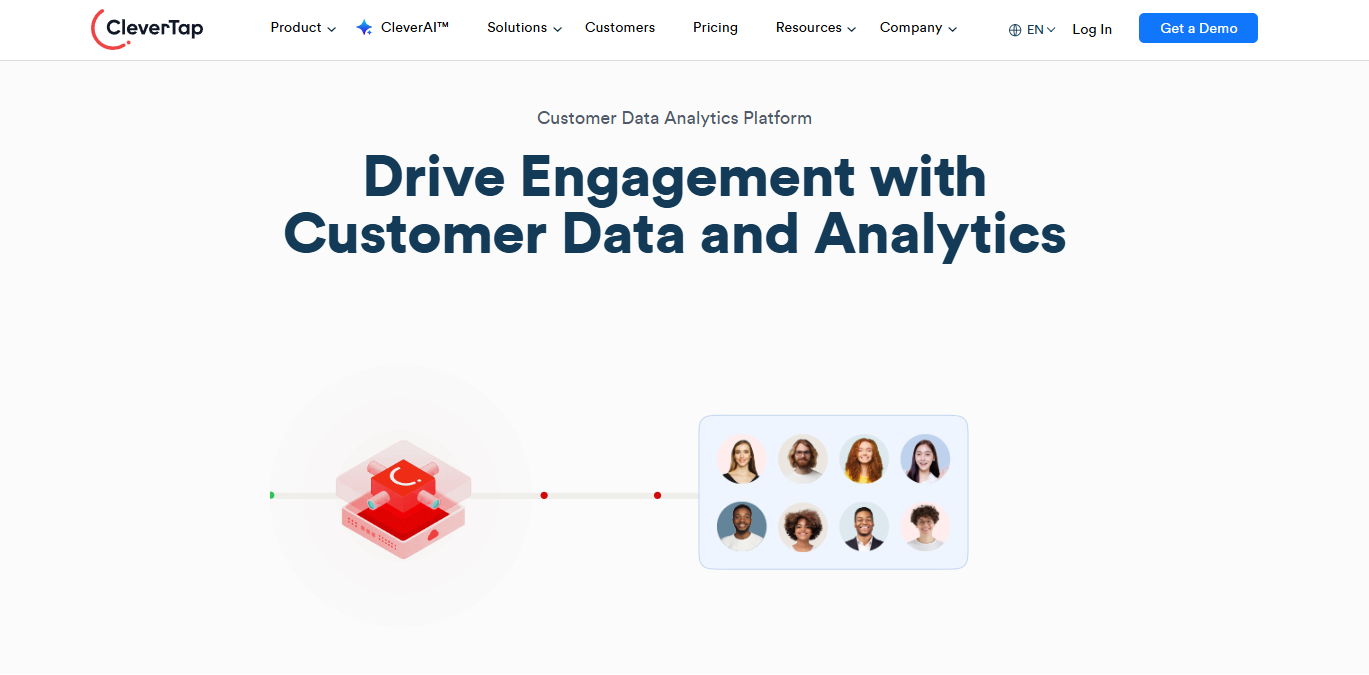
Real-time tracking through SDKs and APIs feeds funnel, cohort and trend analysis.
Audience segmentation
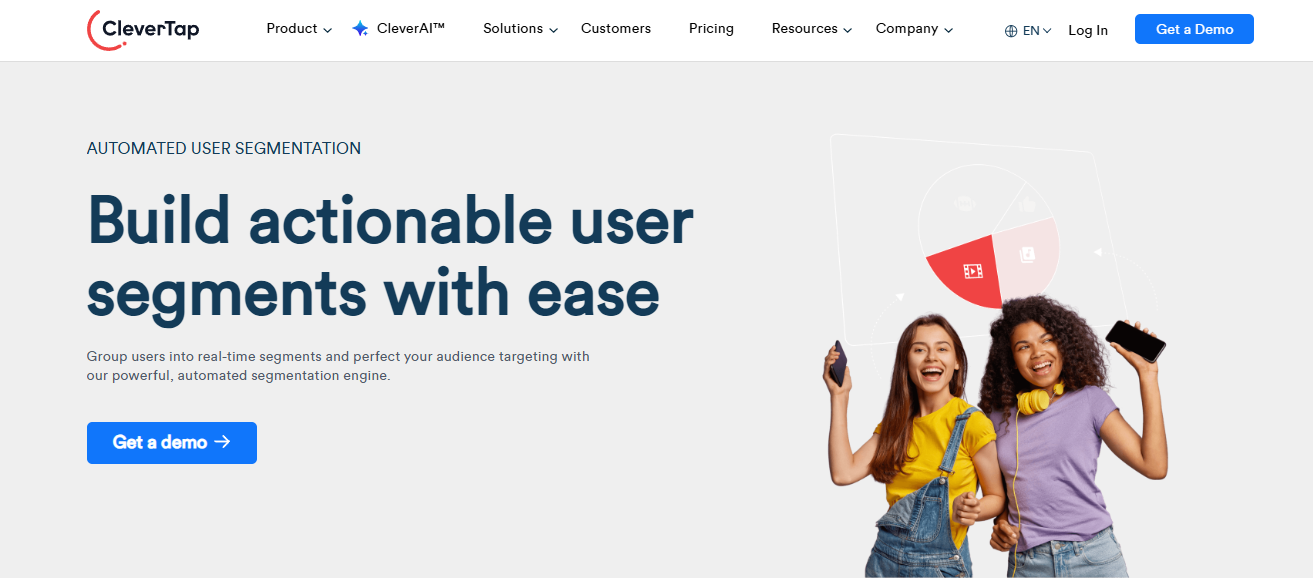
Group users into live cohorts based on properties, actions or past behavior.
Journey orchestration
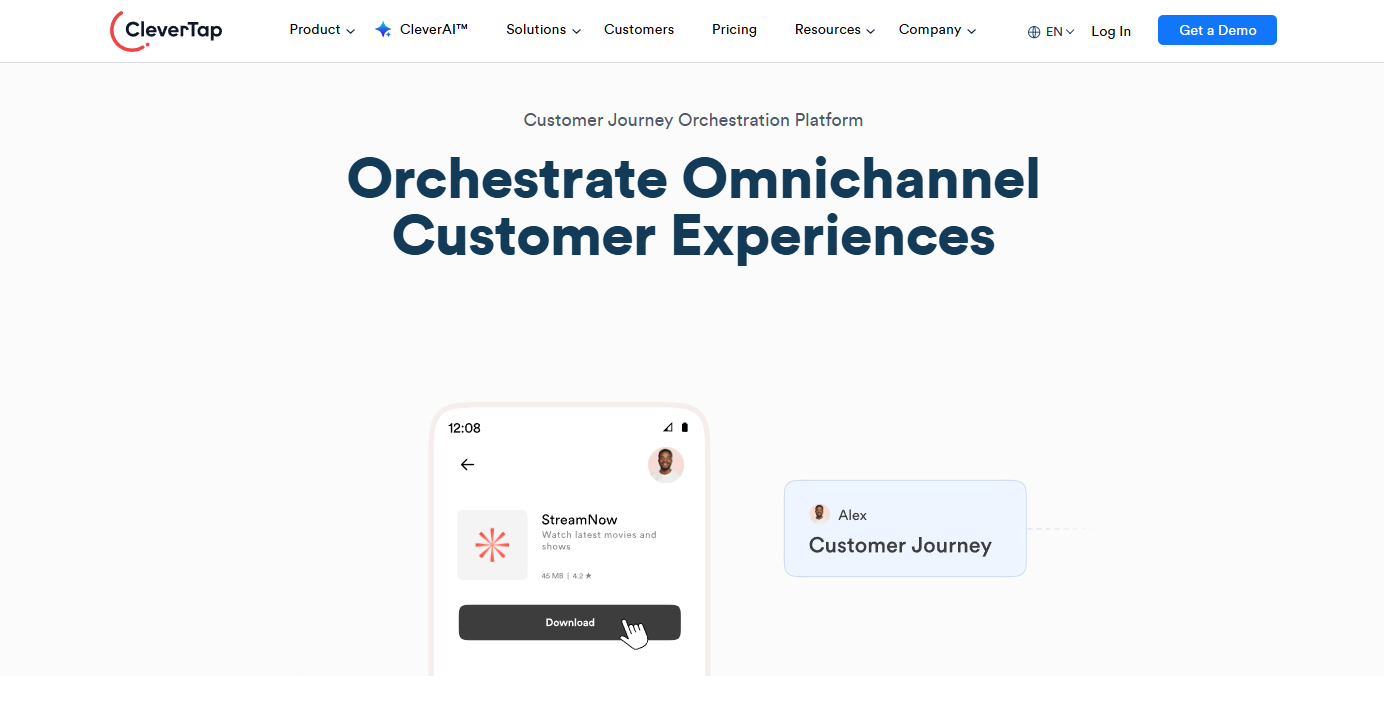
A visual workflow builder automates multi-channel campaigns with triggers, conditions and delays.
Pricing: Core from $85/mo for up to 5,000 monthly active users with a 30-day free trial, and Pro and Ultimate quoted by monthly active users.
Tier 3: Diagnostic and Insight Tools
These tools don’t change conversions on their own. They show you where the problems are, so every other tool is aimed at the right page.
Without diagnostics, you’re guessing.
9. Google Analytics 4

- Category: Analytics and attribution
- Best for: Every website that needs reliable conversion tracking
- Ease of use: Intermediate to advanced
Without proper tracking, CRO is guesswork. Google Analytics 4 is the base of most conversion tracking setups.
It tracks key events like purchases, sign-ups and form submissions, and shows which channels, pages and devices convert. Funnel reports show where people drop out.
The hard part is setup. With privacy rules and cookie limits, you need Consent Mode v2, clean event tracking and Google Tag Manager to trust the numbers.
Key features
Event-based tracking
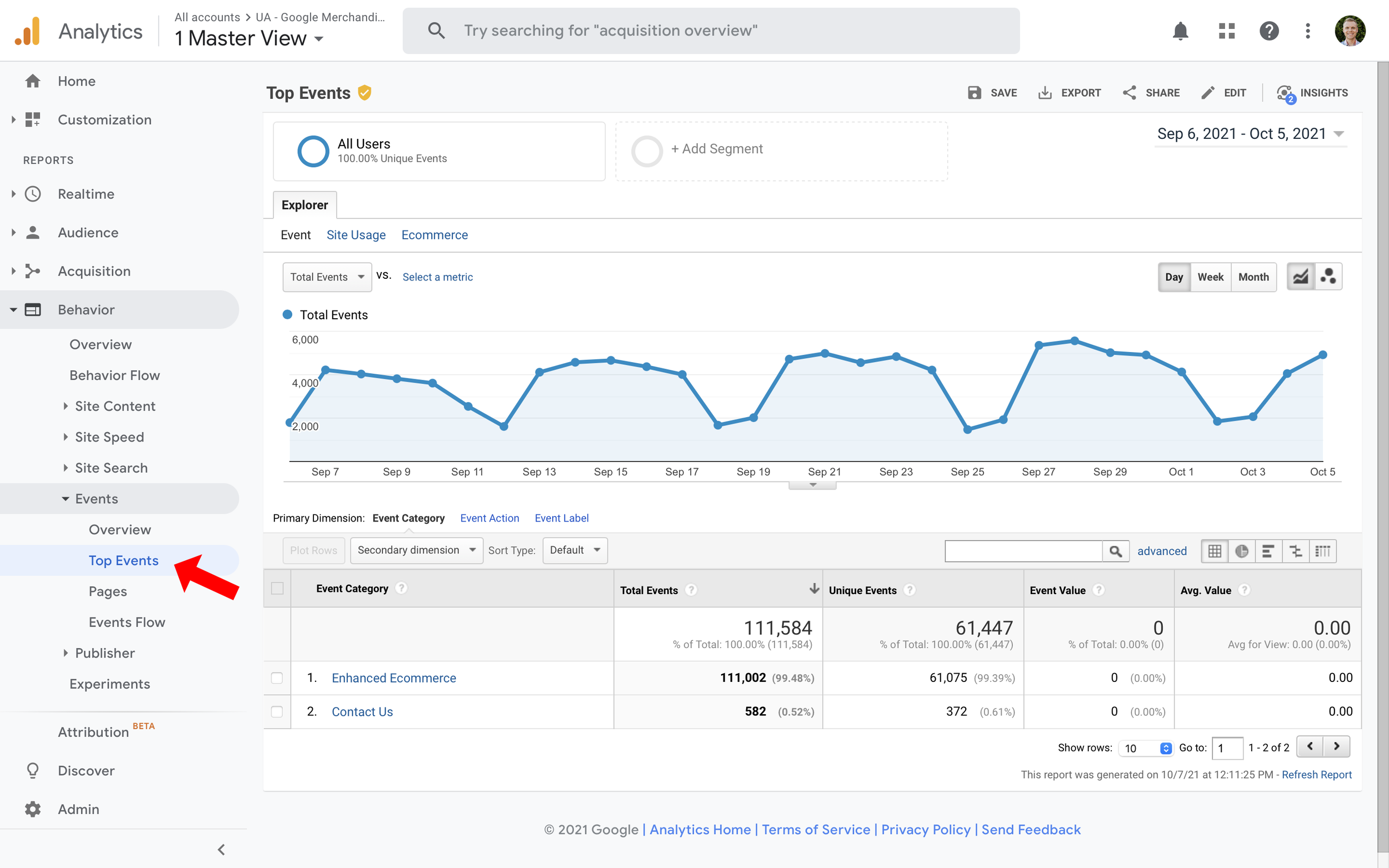
Every interaction, like clicks, scrolls and video plays, is recorded as an event rather than a page view.
Cross-platform analysis
Website and app data flow into one property, so you can map the full customer journey.
Funnel explorations
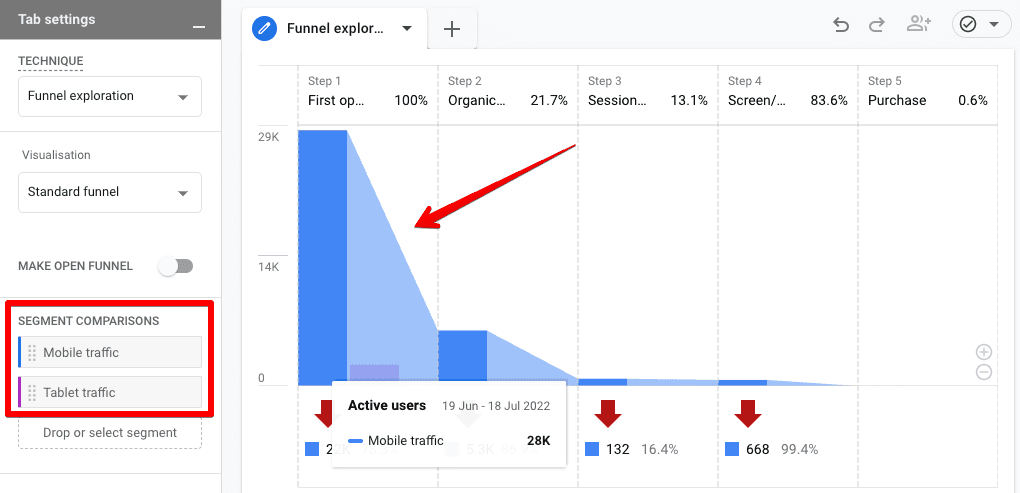
Build step-by-step funnels to find the exact drop-off point, and compare segments like mobile and desktop.
Ask Advisor (AI)
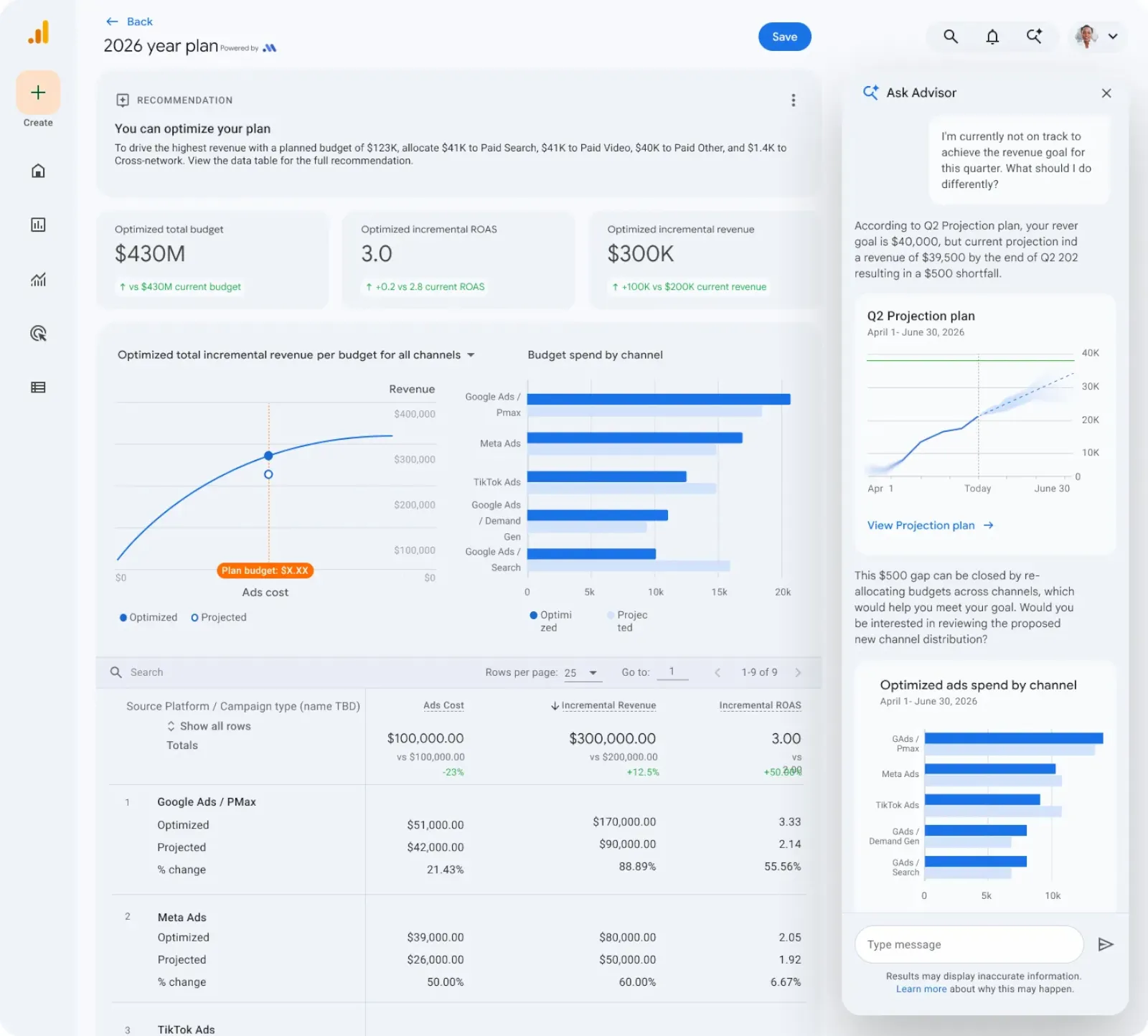
Ask questions in plain English and get answers from your data.
Pricing: GA4 is free, and GA4 360 is custom enterprise pricing with higher limits and an SLA.
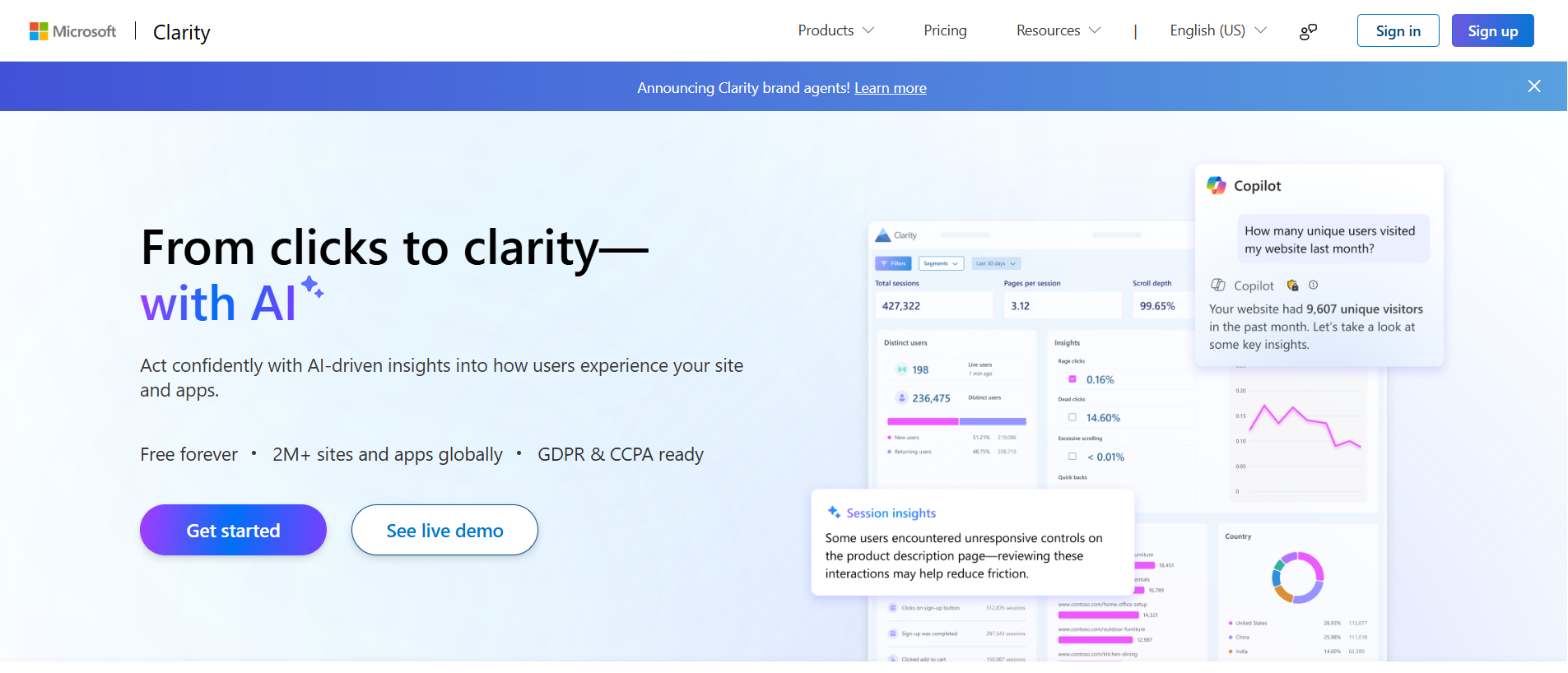
10. Microsoft Clarity
- Category: Heatmaps and session recordings
- Best for: Anyone who wants behavior insights without paying
- Ease of use: Beginner
If GA4 tells you what is happening, Clarity shows you why, and it costs nothing.
Most recording tools charge by sessions. Clarity gives you heatmaps, recordings and AI summaries free, with no paid tier at all.
I use it on every site I work on. The first thing I check is rage clicks on mobile, because that’s where friction usually hides.
Key features
Session recordings
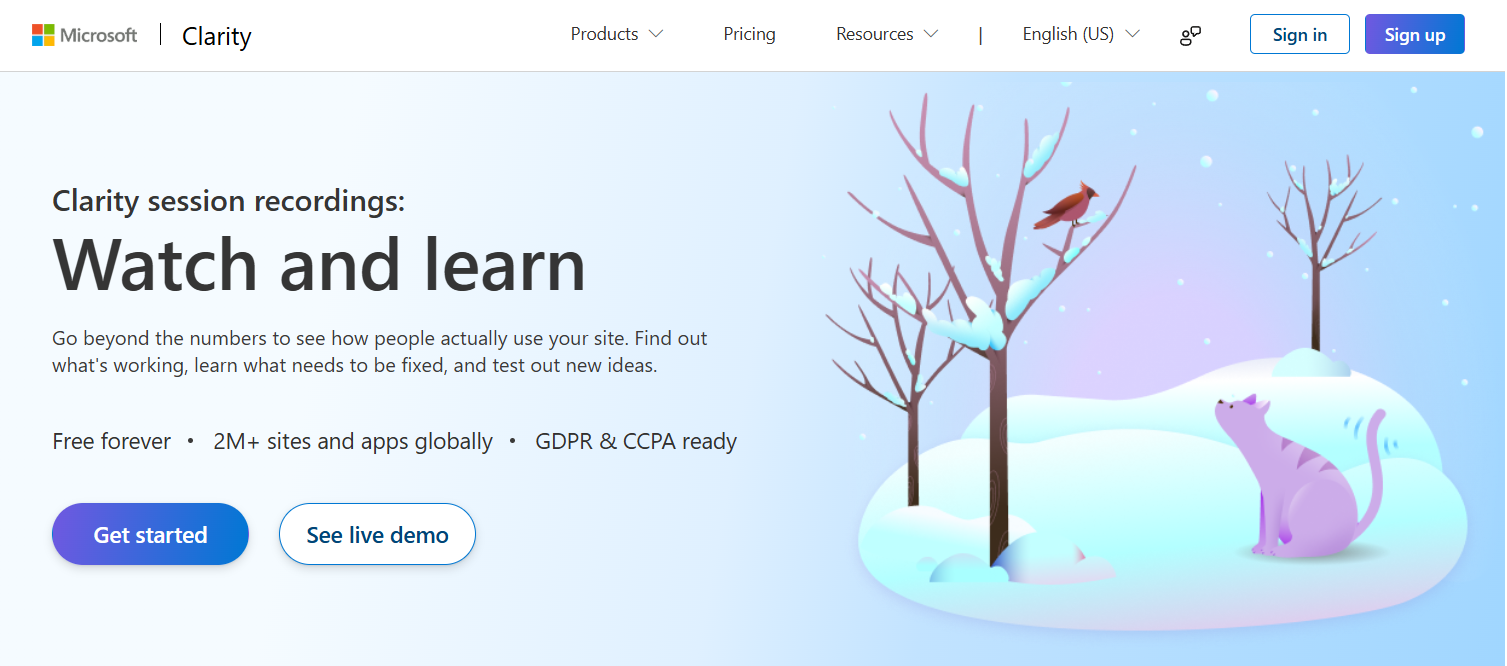
Watch replays of real visits to see where people get stuck or confused.
Heatmaps
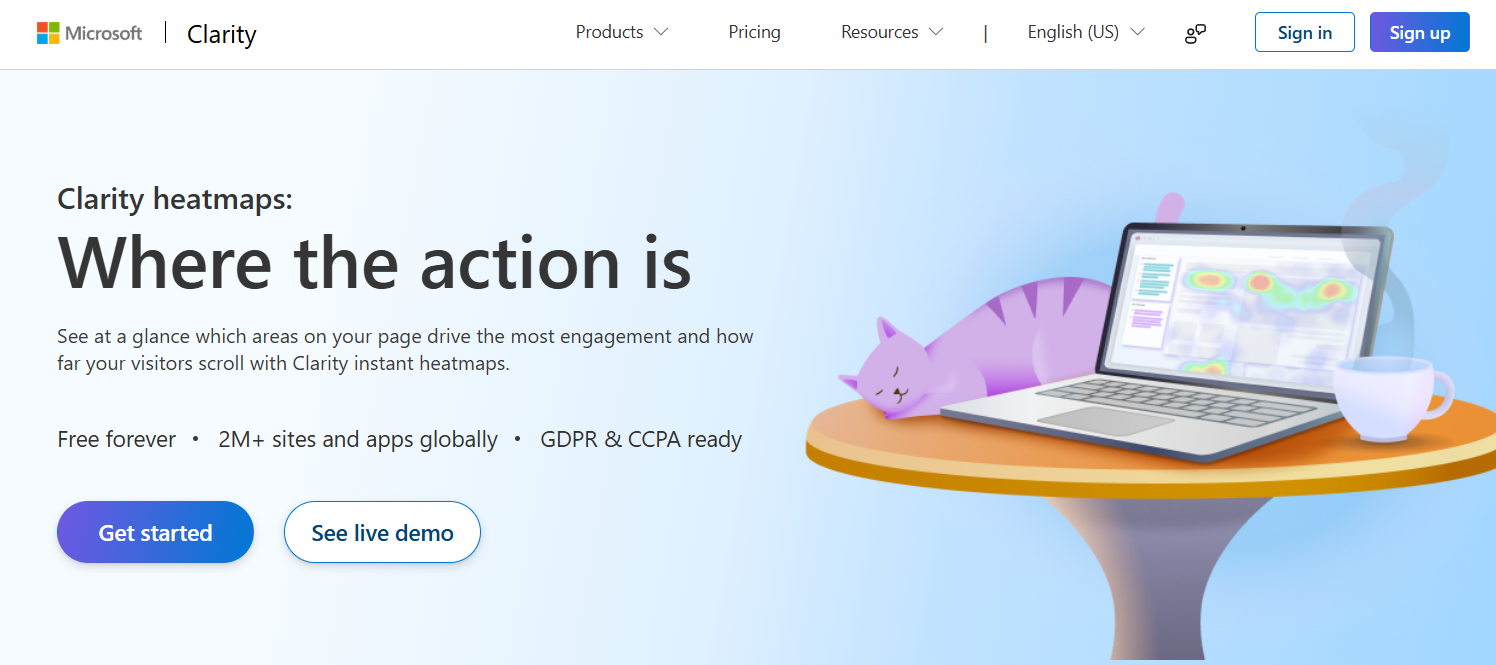
Click maps, scroll maps and area maps show behavior across all visitors at once.
Frustration signals
Rage clicks (repeated fast clicks) and dead clicks (clicks on things that don’t respond) are flagged automatically.
Clarity Copilot
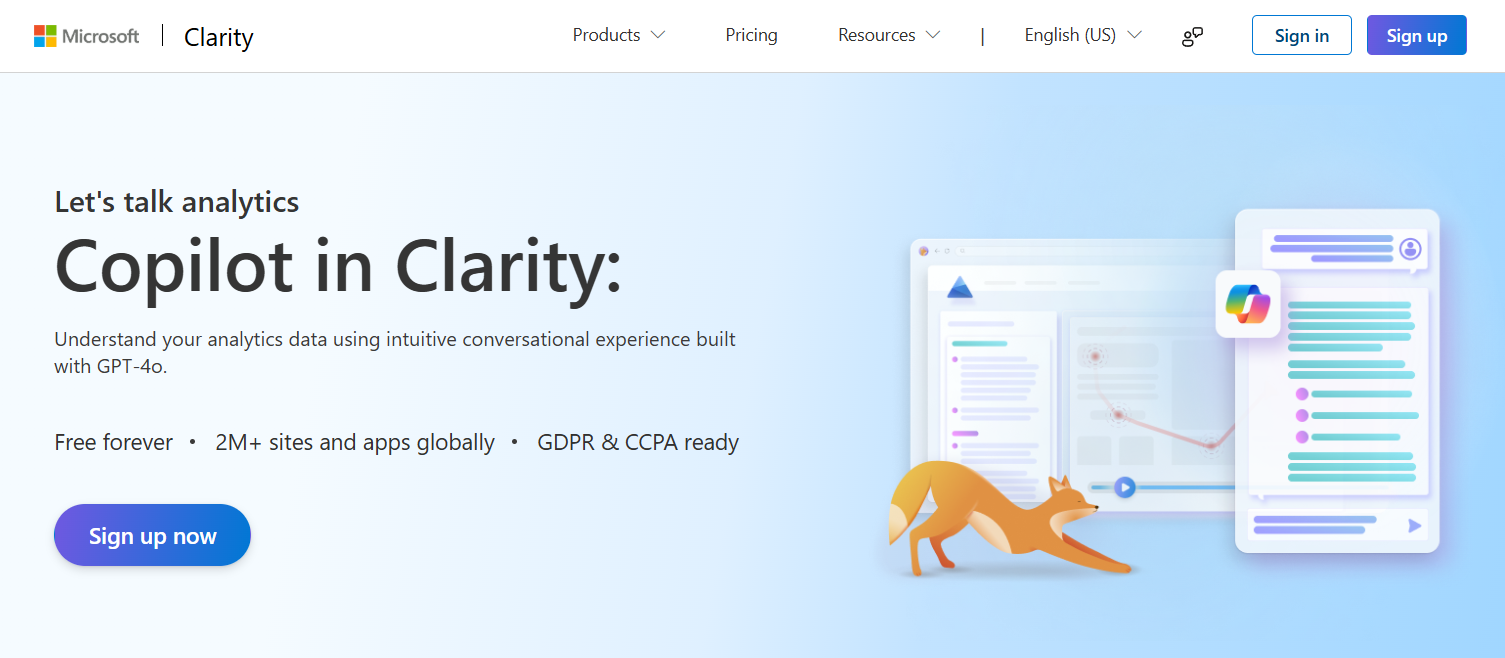
Built-in AI summarizes hundreds of recordings and heatmaps into plain-language findings.
Pricing: Free forever, with unlimited projects and up to 100,000 recorded sessions per project per day.
Build a CRO Stack for Your Budget
You don’t need all 10 tools. Here’s how to combine them based on what you can spend.
Free Stack
- Google Analytics 4 for conversion tracking
- Microsoft Clarity for heatmaps and recordings
- Zoho PageSense Free or the Contentsquare free plan for funnels and extra research
- Klaviyo Free for your first abandoned cart flow
This covers research and follow-up. The one thing missing is A/B testing.
Under $100 a Month
- Everything in the free stack
- FlexiFunnels ($38/mo) for landing pages with built-in testing
- WiserNotify Pro ($16/mo) for social proof and urgency
- WiserReview Pro ($19/mo) for reviews on product and landing pages
Growth Team Stack
- VWO (Wingify) for serious testing and personalization
- Hotjar (Contentsquare) for surveys and deeper behavior data
- Klaviyo paid plans for email and SMS at scale
- CleverTap if you run an app or have millions of users
Where to Start With CRO Tools
If you’re overwhelmed, start simple and go in this order.
Step 1: Fix Tracking
Set up Google Analytics 4, Google Tag Manager, event tracking and clear conversion goals. If your data is broken, nothing else matters.
Step 2: Watch Real Visitors
Install Clarity or Hotjar and watch recordings of your top pages. Note where people hesitate, rage-click or leave.
Step 3: Test Your Landing Pages
Use VWO or Zoho PageSense to test headlines, CTAs, forms and hero sections, starting with your highest-traffic pages.
Step 4: Add Social Proof
Install WiserReview to collect and show reviews, then add WiserNotify for real-time sales and urgency near the buy button.
Step 5: Layer Personalization
Once you have traffic and data, add lifecycle and personalization tools like Klaviyo or CleverTap. Don’t start with advanced segmentation before you have volume.
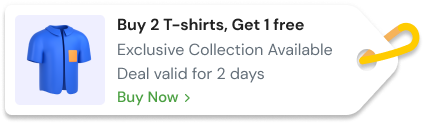
Build trust & FOMO
Highlight real-time activities like reviews, sales & sign-ups.
Final Thoughts
CRO tools don’t raise conversions on their own. Tracking tells you where the problem is, research tells you why, testing proves the fix, and trust tools help visitors say yes.
Start with the free stack, fix what the data shows, and add paid tools only when a specific problem calls for one.
Frequently Asked Questions
What are conversion rate optimization tools?
Software that helps more visitors take a desired action, by showing where they drop off, testing fixes, or building trust at the moment of decision.
What is the best free CRO tool?
Microsoft Clarity for heatmaps and recordings, paired with Google Analytics 4 for conversion tracking. Both are free.
Which CRO tool is best for A/B testing?
VWO suits high-traffic teams running ongoing tests, while Zoho PageSense Enterprise is a lower-cost option for smaller teams.
How many CRO tools do I need?
Usually one per job: tracking, behavior research, testing and trust. Four well-chosen tools beat ten overlapping ones.
Do social proof tools improve conversion rate?
They can, by showing real reviews and recent activity near the buy button. Test placement and keep notifications to a few well-timed ones.

Krunal Vaghasiya is a marketing tech expert who boosts e-commerce conversion rates with automated social proof and FOMO strategies. He loves to keep posting insightful posts on online marketing software, marketing automations, and improving conversion rates.




 Capterra