
Callback widget on Swipe Pages to get more leads
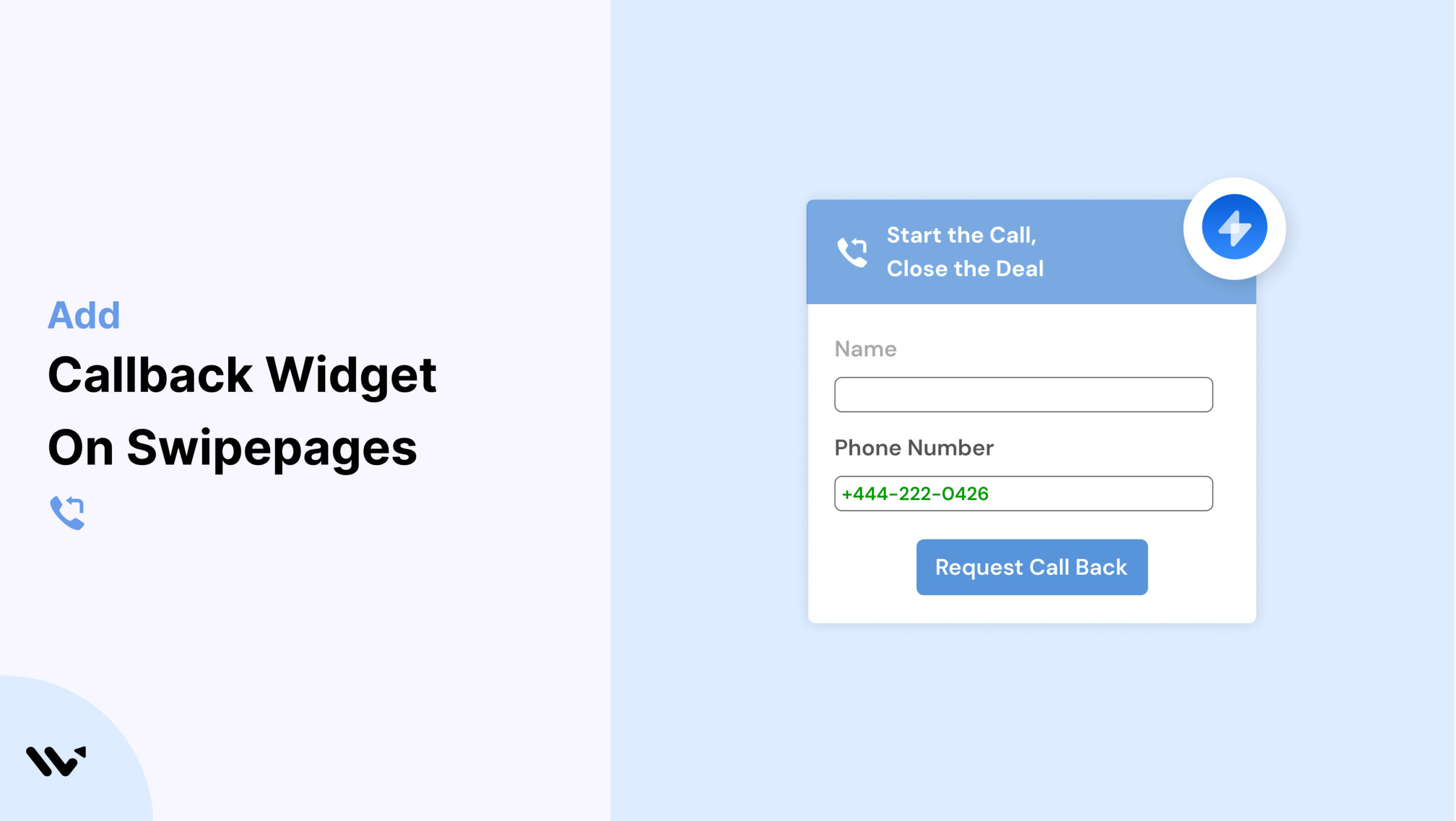
Swipe Pages is a powerful landing page builder designed for speed and conversions. But what happens when a visitor has questions that your copy can’t answer? Without a quick way to connect, those leads might slip away.
That’s where a Callback widget helps. Wisernotify makes it easy to embed a Callback widget on your Swipe Pages landing pages so visitors can request a call—boosting engagement and trust.
Why Add a Callback Widget on Swipe Pages?
Here’s why Callback widgets are a game-changer for Swipe Pages:
Boost Conversion Rates: Wisernotify users see up to 25% more conversions.
Instant Connection: Let visitors talk to you in real time.
Lead Generation: Collect phone numbers to follow up on interest.
Build Trust: A direct communication option improves credibility.
Quick Integration: Use Swipe Pages’ custom HTML feature to embed the widget.
Best for:
- Paid ad landing pages
- Consultation services
- High-intent lead funnels
How to Add Callback Widget on Swipe Pages

3 Best Callback Widget Examples


Callback Widget Tips for Swipe Pages
Here’s how to make your Callback widget more effective on Swipe Pages:
Place Near Primary CTAs: Add next to form submissions or booking sections.
Keep Branding Consistent: Style the widget to match your Swipe Pages design.
Responsive Design: Ensure the widget displays properly on mobile and tablets.
Use Smart Triggers: Show the widget on scroll, exit intent, or after a few seconds.
Clear CTAs: Use phrases like “Talk to an Expert” or “Need Help Deciding?”
Connect to CRM: Route captured data into your CRM or autoresponder.
Callback Widget Mistakes to Avoid on Swipe Pages
Avoid these common issues for better performance:
Obstructive Placement: Don’t cover key buttons or form fields.
Generic Text: Customize CTAs to match your offer.
No Mobile Testing: Check responsiveness on all screen sizes.
Slow Callback Times: Set alerts to respond quickly.
Not Tracking Results: Use Wisernotify’s analytics for ongoing optimization.
Wrap-Up
Adding a Callback widget to Swipe Pages with Wisernotify helps you capture more leads, answer questions faster, and convert more visitors.
Start using Wisernotify today and make every Swipe Pages landing page more interactive and conversion-ready.
Related guides
Setting up a callback widget on another platform? Here are the related guides:
Frequently Asked Questions
How do I add a Callback widget to Swipe Pages?
You can embed the Wisernotify Callback widget by adding the widget script into a custom HTML block on your Swipe Pages landing page.
Is the Callback widget compatible with all Swipe Pages templates?
Yes, Wisernotify’s widget integrates smoothly with all Swipe Pages templates and does not interfere with the layout or design.
Can I customize the widget to match my Swipe Pages branding?
Absolutely. You can change the widget’s colors, text, and placement to align perfectly with your page’s look and feel.
Will the widget work on mobile devices?
Yes, the Callback widget is fully responsive and ensures optimal performance on smartphones and tablets.
Can I track the performance of the Callback widget?
Yes, Wisernotify includes built-in analytics that allow you to monitor callback requests, interaction rates, and conversion performance.

Krunal Vaghasiya is a marketing tech expert who boosts e-commerce conversion rates with automated social proof and FOMO strategies. He loves to keep posting insightful posts on online marketing software, marketing automations, and improving conversion rates.




 Capterra