
Landing Page Best Practices to Maximize Your Offers
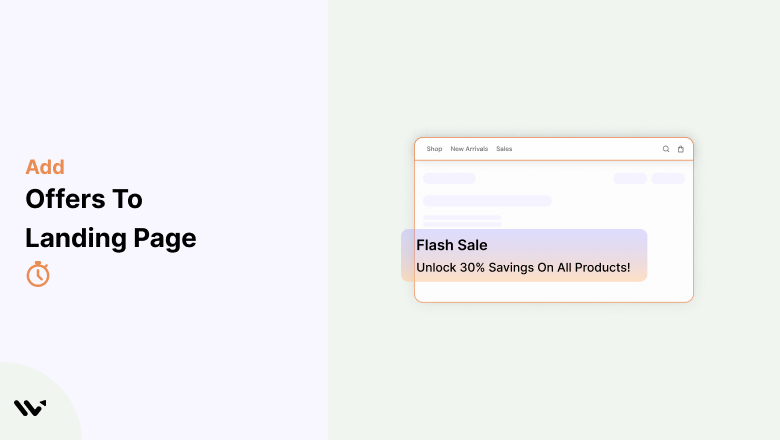
Your landing page is where visitors decide whether to take action or leave. The best way to make them stay and convert is to make them an irresistible offer!
Landing pages are designed for one thing: conversions. While a compelling headline and persuasive copy are essential, adding targeted offers can be the key to maximizing your conversion rate.
They offer work because they tap into psychology, create a sense of urgency, and provide added value to your potential customers.
But not all offers are created equal. You need strategically placed, well-optimized offers that align with your business goals and speak directly to your target audience.
Let’s explore how you can do it effectively! 🚀
In this detailed guide, you’ll discover:
Why offers work so well on landing pages
The different types of offers that drive action
The best practices for implementing offers effectively
The tools to optimize and enhance your landing page offers
Common mistakes to avoid
Answers to frequently asked questions (FAQs) to help you determine the best approach for your landing page
Why Offers Work on Landing Pages
When people land on your page, they’re usually in the research or decision-making stage. They might be interested in what you offer, but hesitant to take the next step.
That’s where a compelling offer can bridge the gap, making it easier for visitors to commit.
But why do offers work so well? Let’s break it down.
➲ Offers Deliver Instant Value
When visitors land on your page, they want to know what’s in it for them. A special offer, such as a discount or a freebie, immediately gives them a reason to stay.
Highlighting savings or exclusive perks in your hero section makes your offer stand out.
➲ Offers Make Decisions Simple and Stress-Free
People hesitate before making a purchase because they’re unsure. A discount, free trial, or money-back guarantee removes doubt.
When the value is clear, it’s easier for visitors to take action.
➲ Time-Sensitive Offers Turn Interest into Action
A limited-time offer encourages visitors to act fast. A countdown timer or a deal with an expiration date adds urgency.
People who feel they might miss out are more likely to buy now.
➲ Offers Build Trust and Strengthen Customer Bonds
A good offer isn’t just about making a sale—it builds trust. A welcome discount, an exclusive deal, or a bonus gift shows customers that you value them.
This creates loyalty and keeps them coming back.
➲ Offers Turn Visitors into Future Buyers
Not everyone buys on their first visit. A pop-up offering a discount or a freebie helps capture leads for later.
With email marketing tools, you can follow up and turn them into future customers.
Types of Offers You Can Add That Make Visitors Take Action
Adding the right offer to your landing page turns browsers into buyers. People love getting value, whether it’s a discount, a freebie, or a special deal.
Done right, offers create urgency, build trust, and help visitors feel confident in their choices.
1. Discounts & Coupons
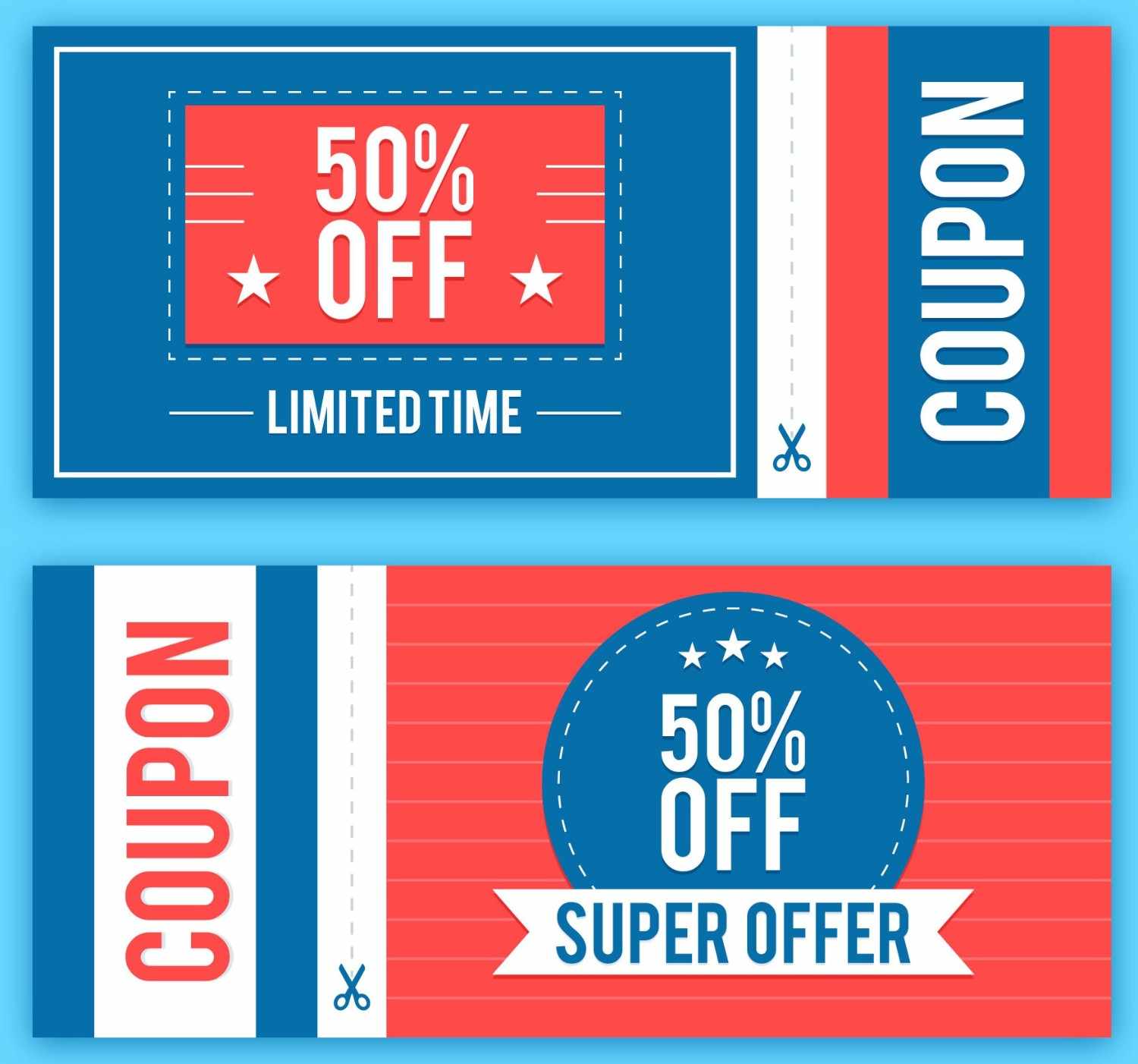
Everyone loves saving money. A small discount or a limited-time coupon can be just the push someone needs to make a purchase.
There are different ways you can structure your discount:
- Percentage-based discounts (e.g., “Get 50% Off Your First Order”)
- Flat-rate discounts (e.g., “Save $20 on Orders Over $100”)

To make discounts even more powerful, consider adding a time limit to create urgency. Phrases like “Today Only” or “Offer Ends Soon” can encourage quicker action.
2. Free Trials & Demos
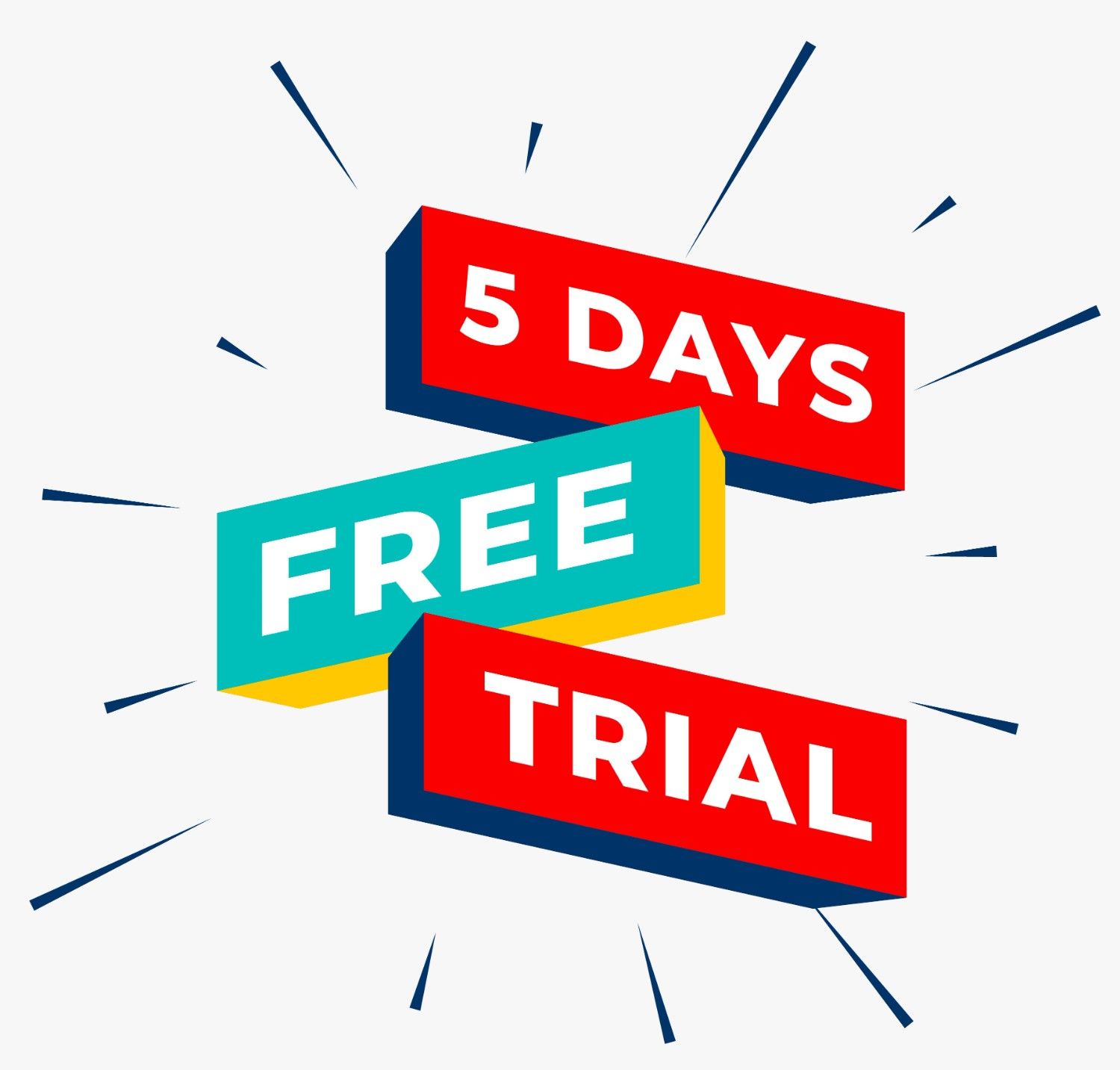
For businesses offering software, subscriptions, or digital services, free trials and live demos are a fantastic way to let potential customers experience what you offer before they commit.
When people can see the value firsthand, they’re much more likely to convert.
Drive more sales by featuring an irresistible offer on your landing page, making it impossible for visitors to leave without taking action.
Ways to offer free trials and demos:
- Limited-time free trials (e.g., “Try our premium plan free for 5 days”)
- Product demos (e.g., “Book a live demo and see how it works”)
- Freemium model (e.g., “Start for free, upgrade anytime”)
Free trials work best when they don’t require a credit card upfront. If someone has to enter their payment details before trying your service, they may hesitate.
3. Freebies & Downloadable Resources
Offering a free resource in exchange for an email sign-up is a great strategy for building an email list or capturing leads.
People are more likely to share their contact details if they feel like they’re getting something valuable in return.
Popular types of freebies:
- Ebooks & guides (e.g., “Download our Ultimate SEO Guide for free”)
- Templates & checklists (e.g., “Grab our Social Media Content Calendar”)
- Exclusive video content (e.g., “Watch our free training on digital marketing”)
Make sure your freebie is relevant to your audience. If you offer a downloadable guide, it should help solve a problem they actually care about.
4. Buy One, Get One (BOGO) Deals
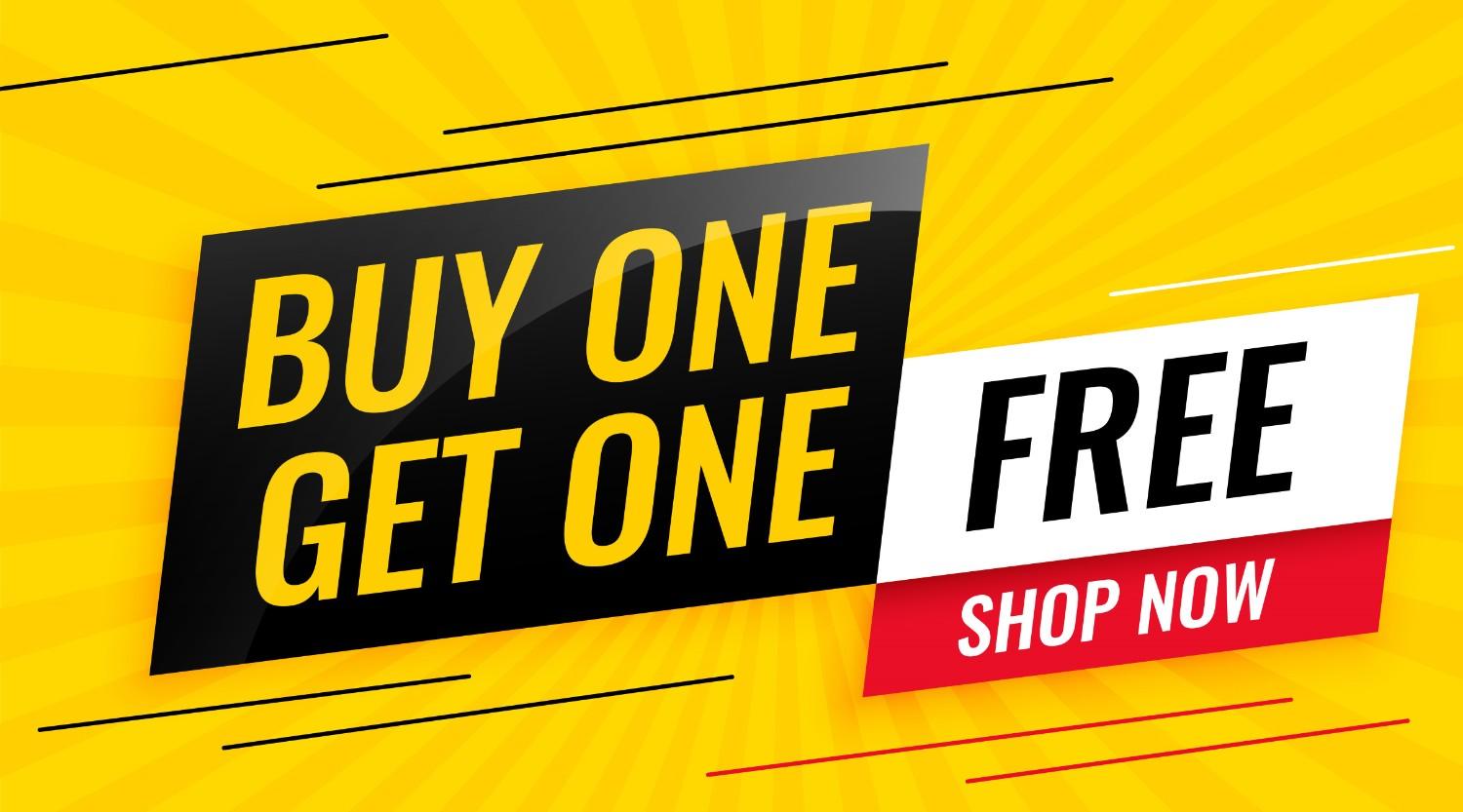
BOGO deals are a win-win for both businesses and customers. They encourage people to buy and increase the average order value.
Boost trust and sales by integrating a clear, high-value offer into your landing page experience.
BOGO deals can be structured in different ways:
- Buy One, Get One Free (e.g., “Buy a pair of shoes, get another FREE”)
- Buy More, Save More (e.g., “Buy 3, Get 1 Free”)
- Gift with Purchase (e.g., “Buy a laptop, get a free wireless mouse”)
These offers work especially well in fashion, beauty, and eCommerce industries, where customers appreciate getting an extra item for free.
5. Limited-Time Offers
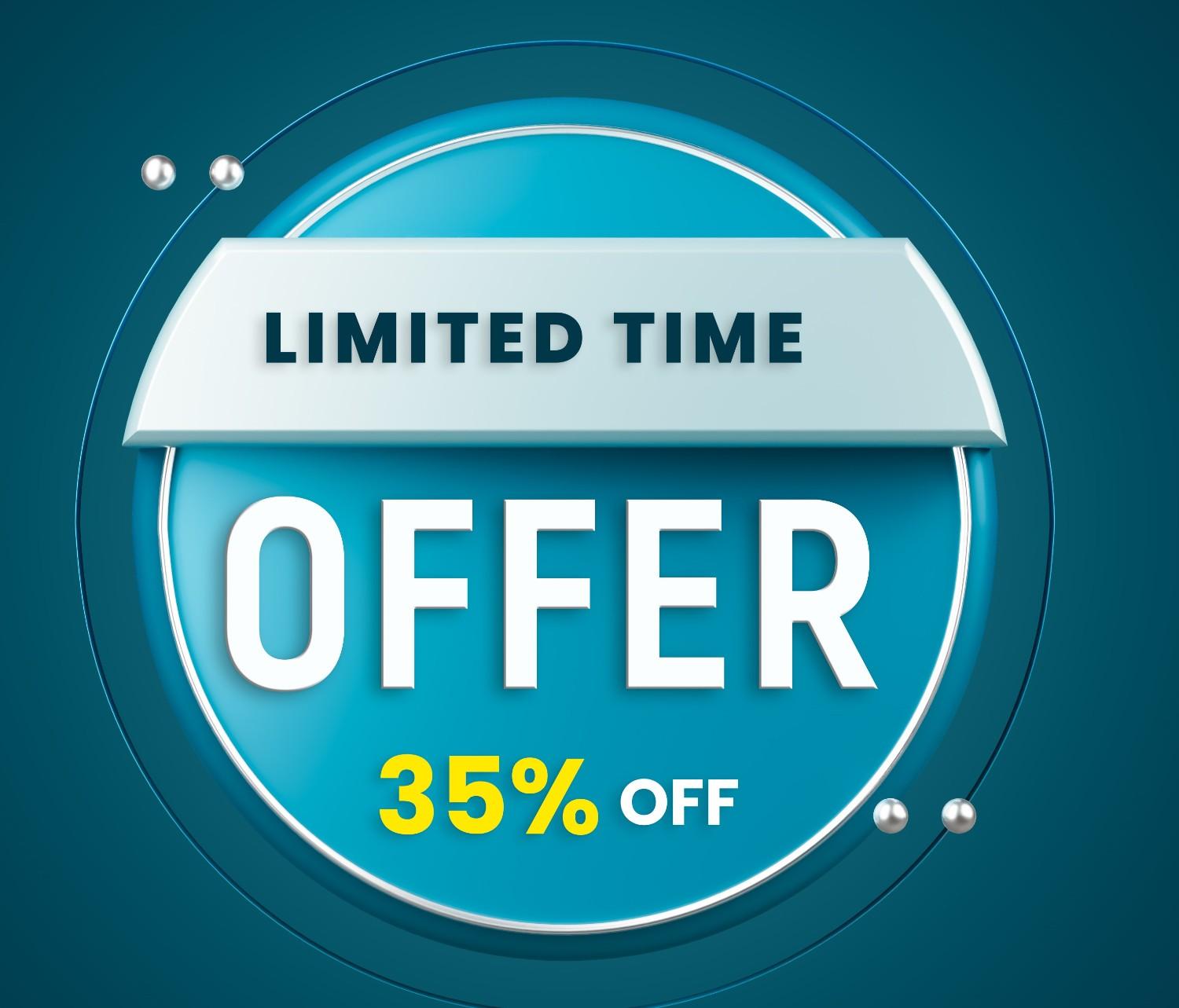
Creating a sense of urgency is one of the most effective ways to motivate visitors to take action. A limited-time offer makes people feel like they must act before they miss out.
Types of limited-time offers:
- Flash sales (e.g., “Get 35% off – Today Only”)
- Seasonal promotions (e.g., “Black Friday Sale – 50% Off Sitewide”)
- Limited stock deals (e.g., “Only 10 spots left – Enroll now”)
Adding a countdown timer to your landing page can make these offers feel even more urgent.
6. Free Shipping & Bonus Perks
Sometimes, the best way to encourage a sale isn’t with a discount—it’s by removing extra costs. High shipping fees can often deter buyers, so offering free shipping can be a great incentive.
Other bonus perks can also increase conversions, such as:
- Extended warranties (e.g., “Get a 2-year extended warranty for free”)
- Surprise gifts (e.g., “Receive a free sample with every purchase”)
- Priority support (e.g., “Join today and get VIP customer support”)
You can set a minimum order value to qualify for free shipping to increase your average order size.
How to Implement Offers on a Landing Page
Adding offers to landing pages is one of the most effective ways to capture attention, increase conversions, and drive more sales. Whether it’s a limited-time discount, free shipping, or an exclusive deal, a well-placed offer can persuade visitors to take action faster.
With WiserNotify, you can easily create and display an offer widget on your landing page to engage visitors immediately. No technical skills are required—just a few simple steps to customize your offer and launch it live.
Follow this step-by-step guide to set up your landing page offer and maximize your sales today!
1. First, log in to your WiserNotify account to get started.
2. Navigate to the Create Widget section in your dashboard.

3. Browse through the available templates and choose Latest Offer.
4. Customize Your Offer
- Add a title, description, and promotional text (e.g., “Enjoy 20% Off – Limited Time!”).
- Include a strong Call-to-Action (CTA) like “Grab Deal” or “Shop Now”.
5. Personalize the Design
- Adjust the font, colors, and background to align with your brand.
- Upload images, icons, or logos to enhance the look.
- Preview the widget before moving forward.
6. Save & Configure Display Settings
- Define when and where the widget will be shown.
- Target specific pages (e.g., homepage, landing page).

- Set rules based on visitor location, time spent on-site, or behavior.
- Use the preview option to check how the widget appears. Now, publish it to make it live on your website.
Best Practices for Adding Offers on Landing Pages
Integrating offers into your landing page is a powerful way to boost conversions, but you must implement them strategically to achieve the best results.
Here are the best practices to ensure your offers drive maximum sales and engagement:
Present Your Offer with Clarity and Impact
Your offer should be easy to understand and instantly appealing. Use concise, action-driven language that highlights the benefits.
Use Strong CTA Buttons
Your CTA should stand out and guide visitors toward taking action. Use persuasive phrases like:
✅ “Claim Your Discount Now”
✅ “Start Your Free Trial Today”
✅ “Grab This Limited-Time Offer”
Ensure your CTA button is visually striking with a contrasting color that catches the eye.
Speed Up Purchase Decisions
Limited-time deals or exclusive bonuses push visitors to act quickly. Phrases like “Offer Ends Soon” or “Only a Few Spots Left” can create FOMO (Fear of Missing Out) and encourage immediate action.
Keep It Visually Engaging
A cluttered landing page can distract visitors from your offer. Make your offer the focal point with high-quality images, bold headlines, and clean design elements. A well-designed layout enhances readability and drives conversions.
Optimize for Mobile Users
Most users browse on mobile devices, so ensure your landing page and offers look great on all screen sizes. Buttons should be easy to tap, and content should be readable without zooming in.
A/B Test Your Offers
What works for one audience may not work for another. Run A/B tests on different offers, CTAs, or designs to see which version converts better. Testing helps refine your strategy for maximum impact.
Also see: How To Display Offers On a Website Using the Offer Widget
Common Mistakes to Avoid
Adding an offer to your landing page is a great way to boost sales, but small mistakes can cause visitors to hesitate or leave. Here are five key mistakes to avoid:
Making the Offer Hard to Find
- If visitors have to scroll or search for the offer, they might not see it at all. Place it front and center, use bold text or contrasting colors, and make sure it’s clear immediately.
Using a Weak or Confusing Call-to-Action (CTA)
- A CTA like “Click Here” or “Learn More” doesn’t tell visitors what they’re getting. Instead, use direct and action-oriented text like “Claim Your Discount Now” or “Get Your Deal Instantly.”
Not Creating Urgency
- If visitors feel they can come back later, they might not take action at all. To create a sense of urgency, use phrases like “Offer Ends Soon” or “Only a Few Spots Left.” A countdown timer can also help.
Making the Process Too Complicated
- Visitors may give up if your offer has too many steps or conditions. Keep it simple—make the offer easy to understand and easy to claim without requiring too much effort.
Conclusion
A great offer can turn visitors into customers—it’s as simple as that. Whether it’s a discount, a bundle, or a time-limited deal, the key is to make it clear, valuable, and easy to claim.
Trust signals, strong messaging, and a seamless experience all boost conversions. Keep testing, refining, and giving your audience a reason to act now. Small changes can lead to big results!
Frequently Asked Questions
Why should I add offers to my landing page?
Adding offers to your landing page increases engagement, builds trust, and drives conversions by creating urgency. Special deals, discounts, or limited-time offers encourage visitors to take immediate action instead of leaving your page without converting.
What types of offers work best for landing pages?
The best offers depend on your business type, but high-converting options include:
- Limited-time discounts (e.g., “Get 20% off today only”)
- Exclusive bonuses (e.g., “Free eBook with purchase”)
- Bundle deals (e.g., “Buy one, get one 50% off”)
- Risk-free trials (e.g., “Try for 7 days, no credit card required”)
How do I make my offer stand out?
Use bold headlines, countdown timers, and eye-catching CTA buttons to highlight your offer. Keep the messaging clear, showcase benefits, and add social proof (e.g., reviews, testimonials) to reinforce trust.
Where should I place the offer on my landing page?
The best placement is:
- Above the fold (visible without scrolling)
- Next to the CTA button
- Within an exit-intent popup (if a visitor tries to leave)
- Inside a sticky banner for ongoing visibility
How do I track the success of my landing page offers?
Monitor key metrics like conversion rate, click-through rate (CTR), and bounce rate in Google Analytics or heatmap tools. A/B test different offers to see what resonates best with your audience.

Krunal Vaghasiya is a marketing tech expert who boosts e-commerce conversion rates with automated social proof and FOMO strategies. He loves to keep posting insightful posts on online marketing software, marketing automations, and improving conversion rates.




 Capterra