
Want More Sales? Add Google Reviews to LearnWorlds in 5 Minutes
 Krunal Vaghasiya|Dec 19, 2024
LearnWorlds is a fantastic platform for creating and selling online courses, but even the most informative and well-structured courses can struggle to gain enrollments without trust signals. Building credibility is essential for turning visitors into learners.
Potential students may hesitate to enroll in your courses if they don’t see proof of your reliability or expertise. Without visible social proof like Google Reviews, visitors may leave your site without taking action.
Embedding Google Reviews on your LearnWorlds site enhances trust, builds credibility, and increases course enrollments by showcasing authentic feedback from satisfied learners.
Why Add Google Reviews to LearnWorlds?
Google Reviews are an essential tool for building trust and driving enrollments. Here’s why they’re invaluable for your LearnWorlds site:
1. Builds Credibility Instantly
- Authenticity: Google Reviews come from verified users, making them highly trustworthy.
- Reassurance: Displaying positive reviews reassures potential students about the quality of your courses.
2. Boosts Enrollment Rates
- Social Proof: Reviews validate your expertise and encourage visitors to take action.
- Addresses Hesitations: Genuine feedback helps alleviate concerns and builds confidence in your offerings.
3. Improves SEO Performance
- Search Visibility: User-generated content like reviews enhances your site’s ranking in search engine results.
- Rich Snippets: Star ratings in search results improve click-through rates and drive traffic.
4. Increases Engagement
- Interactive Content: Reviews encourage visitors to explore your site further.
- Customer Loyalty: Highlighting positive feedback fosters trust and repeat enrollments.

All your Google reviews in one place
Collect Google reviews, manage every response, and display them where they matter most.
How to Add Google Reviews to LearnWorlds

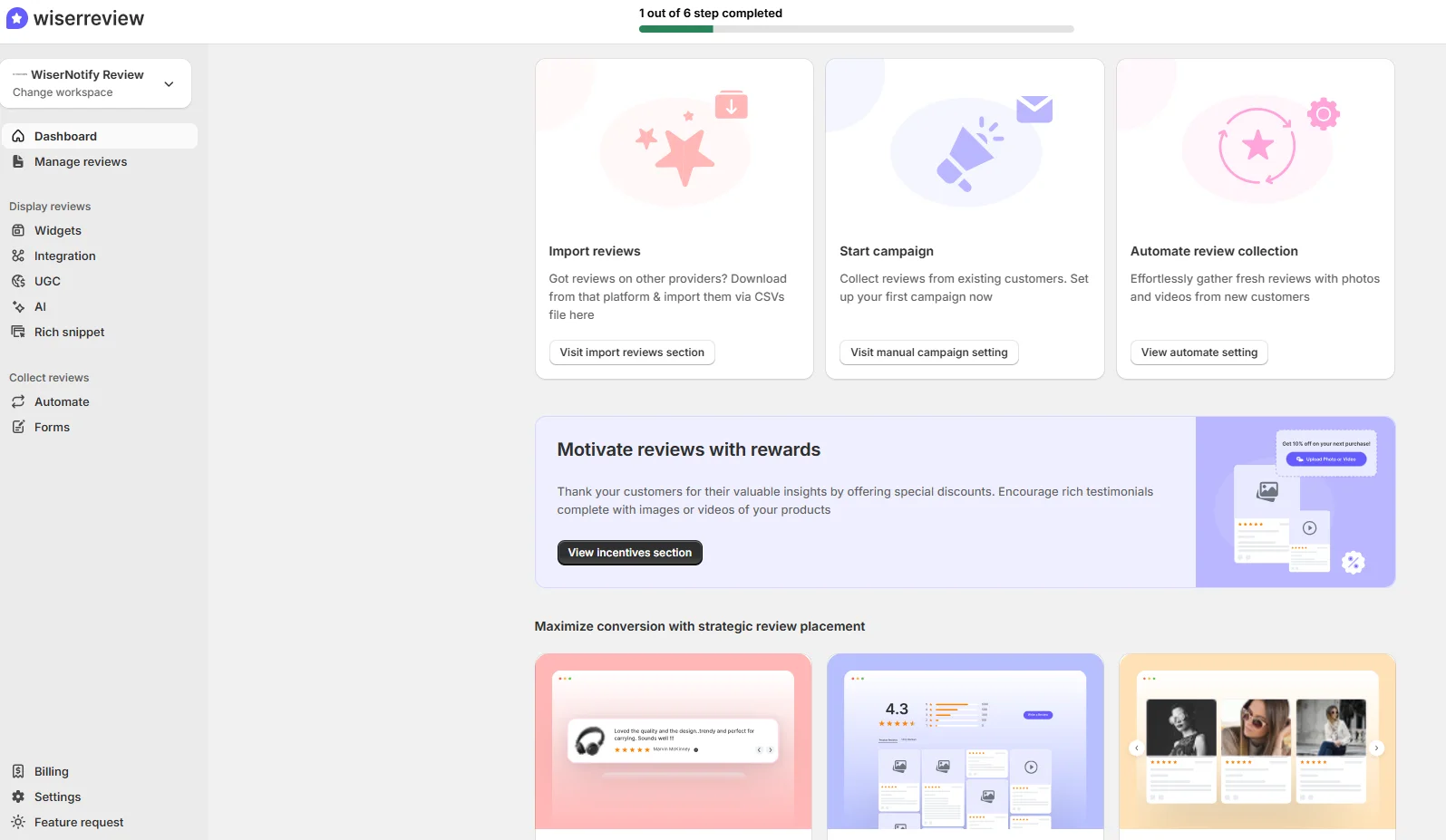


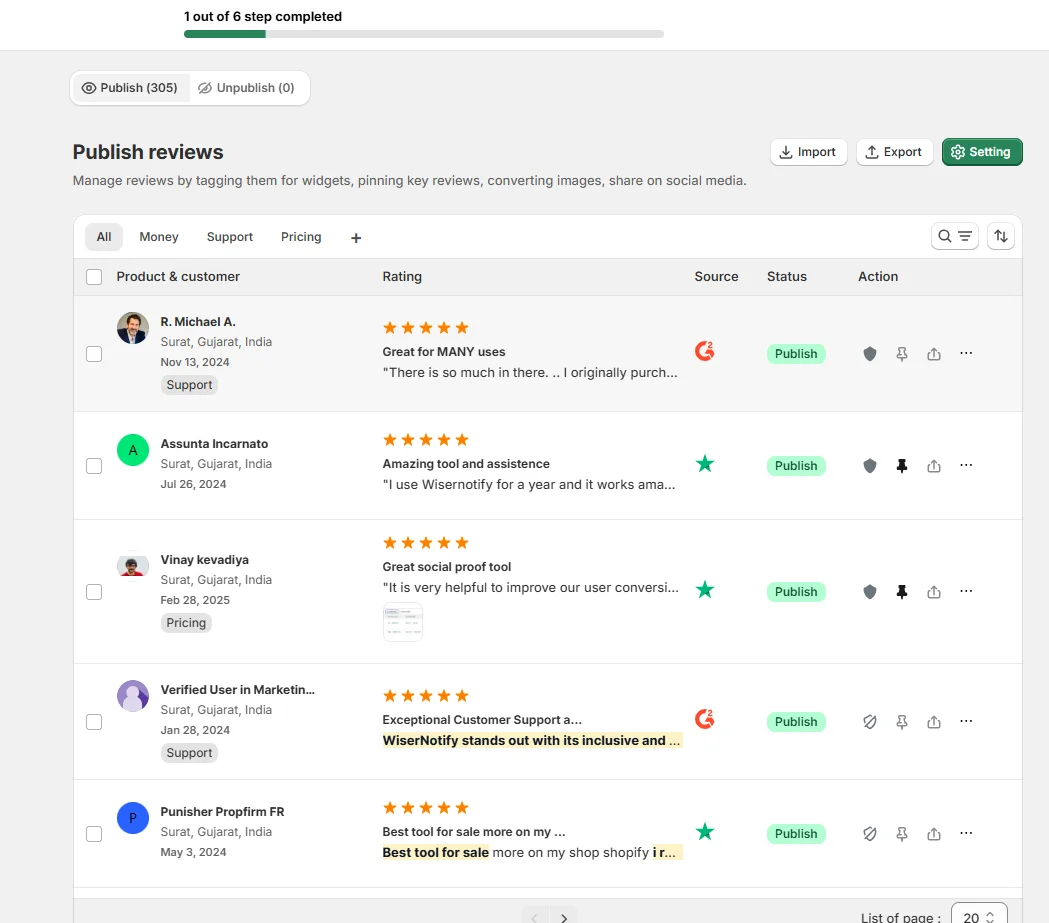

Embed Google Reviews on LearnWorlds
Adding Google Reviews to LearnWorlds can be done using widgets or custom HTML. Here’s how:
Steps to Embed Google Reviews on LearnWorlds
- Choose a Review Widget: Use tools like Elfsight, EmbedSocial, or Wisernotify to generate a Google Reviews widget.
- Generate Embed Code: Connect your Google My Business account, customize the widget, and generate the embed code.
- Add Code to LearnWorlds:
- Log in to your LearnWorlds admin dashboard.
- Navigate to “Site Builder” and select the page where you want to add reviews.
- Add an “HTML/Embed” block to the desired section.
- Paste the embed code into the block.
- Save and Test: Save your changes and preview the page to ensure the reviews display correctly.
Best Places to Show Google Reviews on LearnWorlds Websites
Strategic placement of Google Reviews ensures maximum visibility and impact. Here are the best locations:
1. Homepage
- Why: The homepage is often the first point of contact for visitors.
- How: Use a slider or grid to showcase top reviews prominently above the fold.
- Example: Highlight testimonials that emphasize the success and satisfaction of your learners.
2. Course Pages
- Why: Visitors evaluating specific courses benefit from relevant feedback.
- How: Embed reviews below course descriptions or near “Enroll Now” buttons.
- Tip: Use filters to display reviews related to the specific course.
3. Checkout Page
- Why: Visitors on the checkout page may experience hesitation before completing their purchase.
- How: Add a concise widget summarizing positive reviews near the checkout button to build confidence.
4. Footer Section
- Why: The footer appears across all pages, providing consistent visibility for reviews.
- How: Include a snippet of top reviews with a link to “Read All Reviews.”
5. About Us Page
- Why: This page is ideal for building trust by sharing your brand’s story and values.
- How: Highlight reviews that align with your mission and commitment to learner success.
Other Ways to Add Google Reviews to LearnWorlds
If embedding widgets isn’t suitable, consider these alternative methods:
1. Static Screenshots
How:
- Capture screenshots of standout Google Reviews.
- Upload them as images in a “Testimonials” section or page.
Pros:
- Quick and simple to implement.
- Highlights specific customer feedback effectively.
Cons:
- Static and requires manual updates.
- No SEO benefits from screenshots.
2. Using Review Widgets or Apps
Recommended Tools:
- Elfsight Google Reviews Widget: Provides customizable displays for reviews.
- EmbedSocial for LearnWorlds: Syncs directly with Google My Business reviews.
- Wisernotify: Displays dynamic, real-time reviews.
Pros:
- Dynamic updates keep reviews fresh.
- Easy integration with LearnWorlds platform.
Cons:
- Subscription fees may apply.
- Relies on external services.
3. API Integration
How:
- Use Google’s Places API to fetch and display reviews dynamically.
Pros:
- Fully customizable and real-time updates.
- Seamlessly integrates with LearnWorlds advanced features.
Cons:
- Requires developer expertise.
- Potential costs for API usage.
All your Google reviews in one place
Collect Google reviews, manage every response, and display them where they matter most.
3 Google Review Mistakes on LearnWorlds Websites
Avoid these common mistakes to ensure your Google Reviews strategy is effective:
1. Ignoring Negative Reviews
- Impact: Omitting or ignoring negative feedback may appear disingenuous.
- Solution: Respond professionally to criticisms and showcase a balanced mix of reviews.
2. Overloading the Page with Too Many Reviews
- Impact: An excessive number of reviews can overwhelm visitors and clutter your design.
- Solution: Display the most relevant and impactful reviews for clarity.
3. Using Fake Reviews
- Impact: Inauthentic reviews damage credibility and can lead to penalties from Google.
- Solution: Encourage genuine feedback from real customers to maintain trust.
Wrap Up
Adding Google Reviews to your LearnWorlds website is a powerful way to build trust, enhance engagement, and increase course enrollments.
By embedding reviews strategically and leveraging the right tools, you can create an authentic and compelling online learning experience.
Start showcasing your Google Reviews today to elevate your LearnWorlds site’s credibility and performance.
Related Posts:
Krunal Vaghasiya is a marketing tech expert who boosts e-commerce conversion rates with automated social proof and FOMO strategies. He loves to keep posting insightful posts on online marketing software, marketing automations, and improving conversion rates.




 Capterra