


Google reviews show how customers view your business. These online reviews help people decide if they want to buy from you.
More reviews mean more trust and better rankings in local search. Positive reviews build your reputation and increase sales.
But managing reviews on multiple Google business profiles is hard. WiserReview makes it easy.
TL;DR
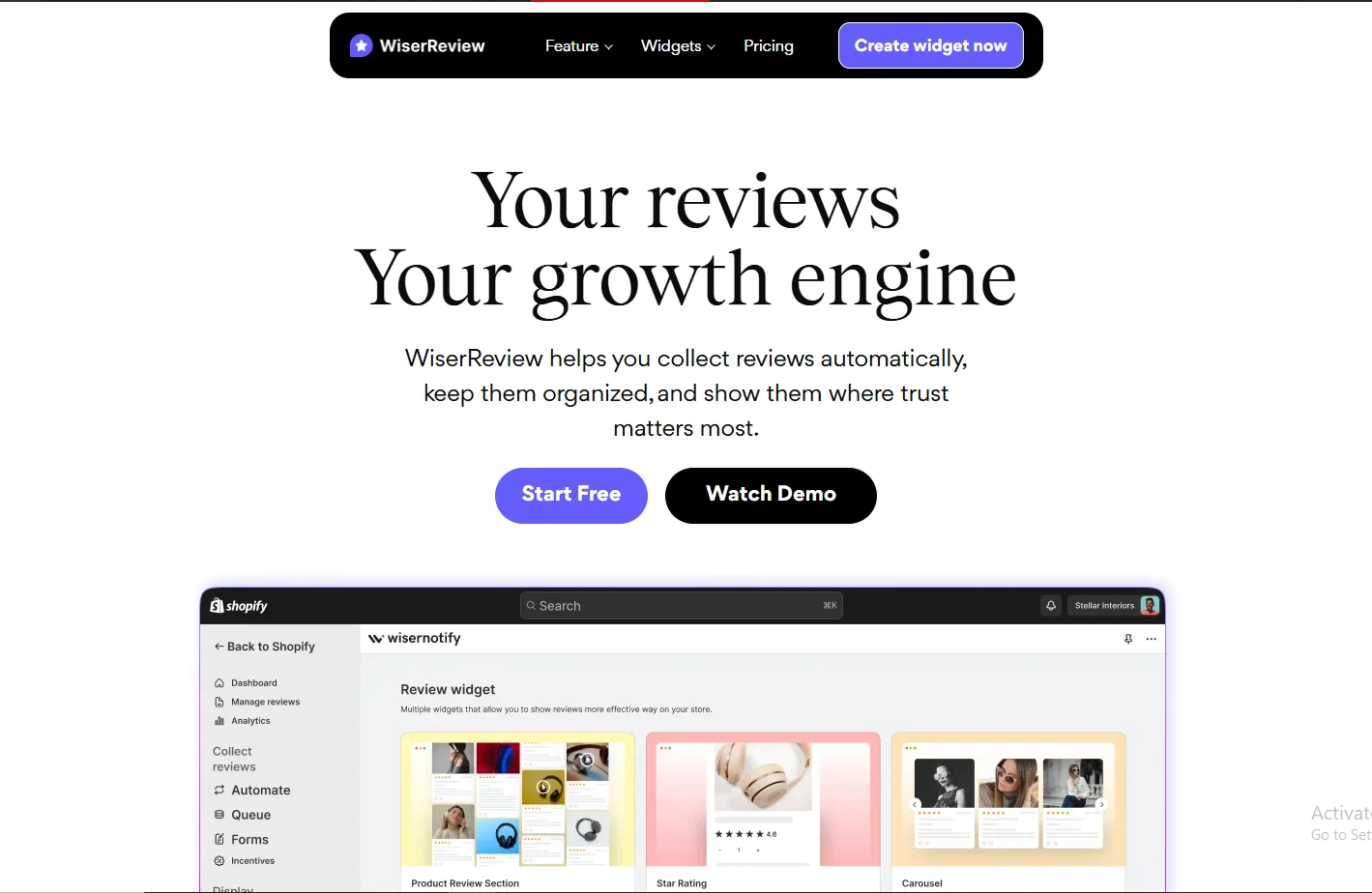
WiserReview helps you collect, manage, and respond to Google reviews using AI.
Connect your Google business account, automate review requests, and monitor customer feedback. Use filters, tags, and widgets to analyze and display reviews.
Respond fast, remove fake reviews, and improve your online reputation across multiple business profiles.

All your Google reviews in one place
Collect Google reviews, manage every response, and display them where they matter most.
Why Google Reviews Matter
Google reviews appear in Google Maps and Google Search. They show next to your business name and business listing.
This is often the first thing potential customers see. Your Google business profile collects customer feedback.
It shapes your online reputation and affects local search results.
Real reviews build trust. More positive reviews lead to more clicks and sales. One bad review can hurt your brand image and push away customers.
You should:
Ask happy customers to leave reviews on your Google reviews page
Reply quickly to negative feedback and dissatisfied customers
Report fake Google reviews that break review policies
Check reviews daily across all your Google business accounts
Use valuable feedback to fix issues and improve service
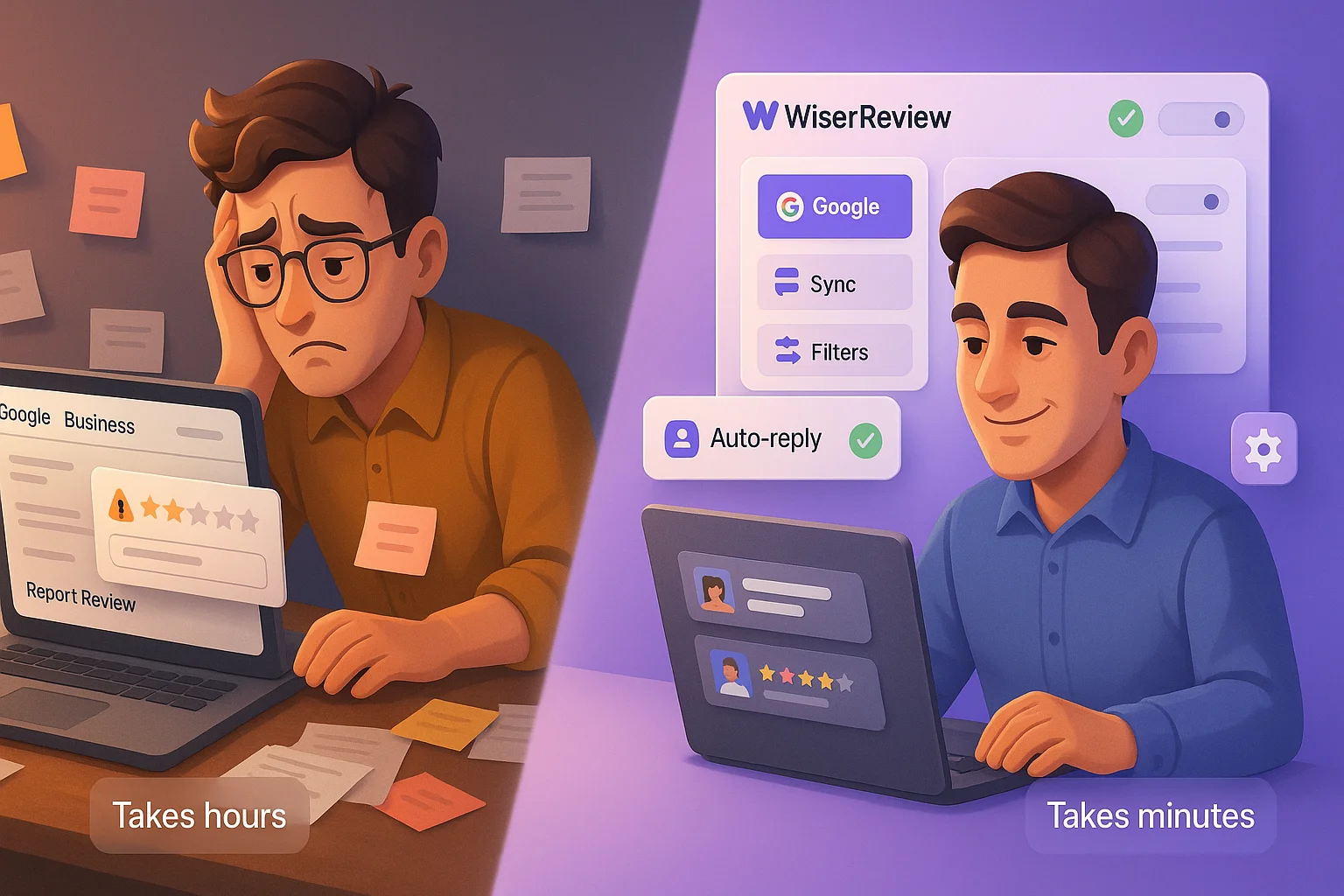
Doing this manually takes time. WiserReview helps you manage Google reviews quickly and easily.
Must read: 8 Key benefits of Google reviews for local businesses
Connect Your Google Business Account
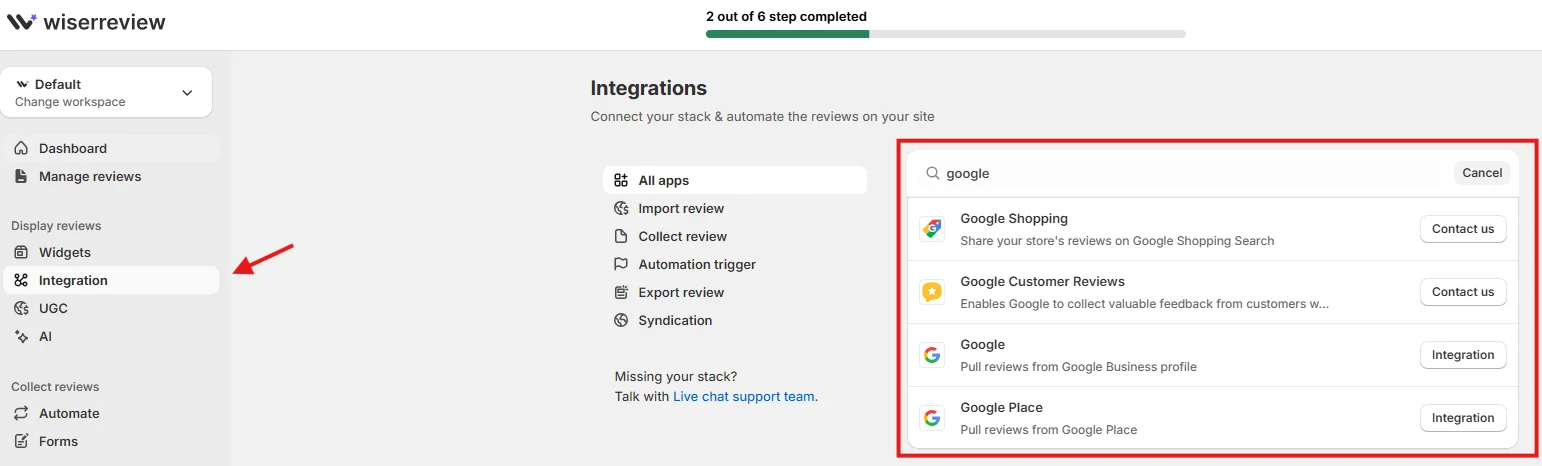
Go to the Integrations Module in WiserReview.
Select Google. Connect your Google business account. WiserReview will pull in all your Google reviews and sync them automatically.
You can:
See all the reviews from all your locations in one dashboard
Manage multiple Google business profiles from a centralized dashboard
Reply to Google reviews without switching tabs
Get alerts for new reviews across your business profile
Automate Review Requests
Use the Automate Module to send review requests. Set it to trigger after a purchase or service is complete. Choose email or WhatsApp.
Include a direct link to your Google reviews page.
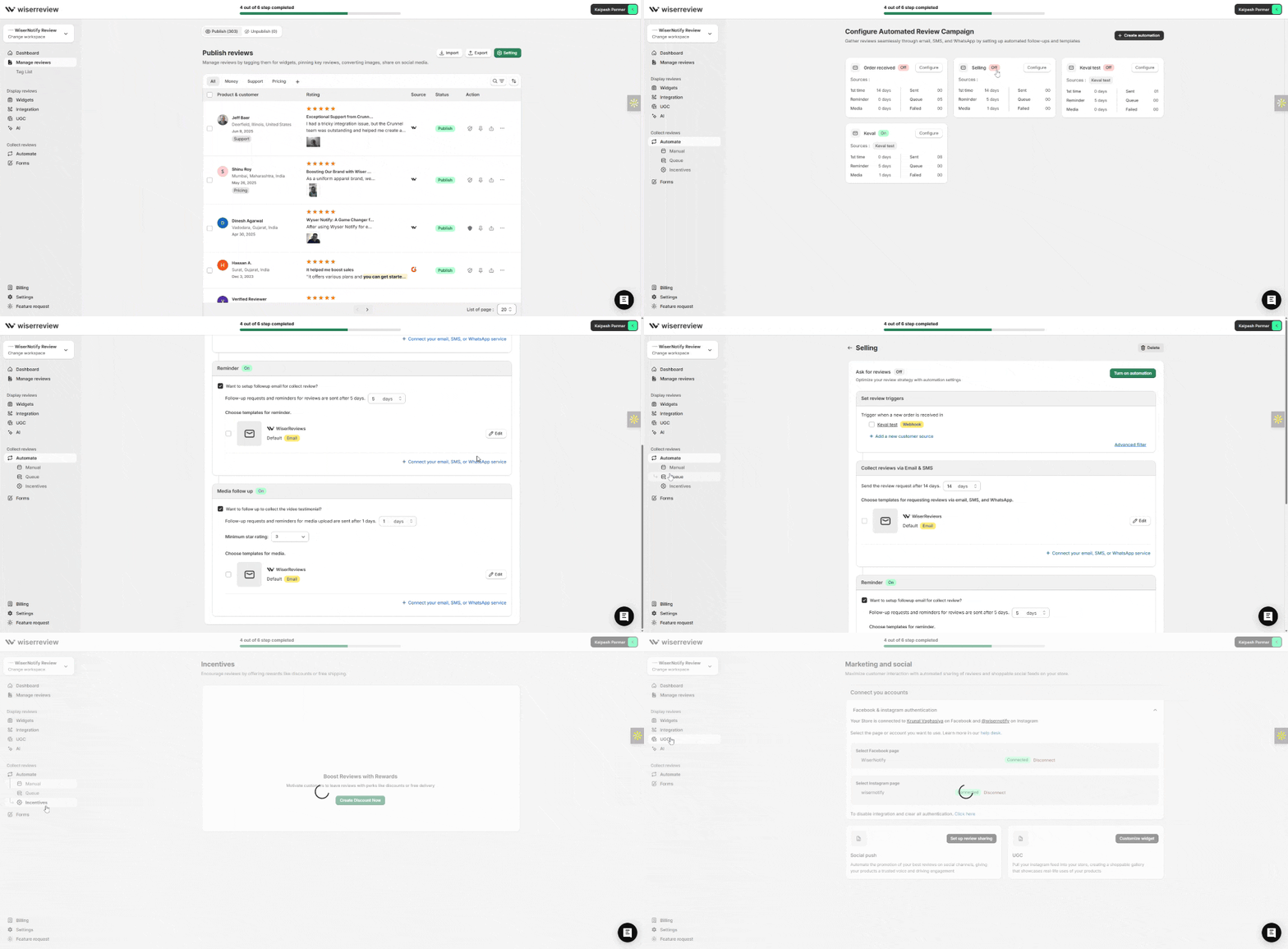
Automation helps you:
Catch negative feedback early
Collect legitimate reviews regularly
Avoid manually soliciting reviews every time
Filter and Moderate Reviews
The Moderation Filters Module lets you sort and filter reviews.
Flag reviews with profanity, hate speech, or low ratings. Focus first on negative feedback and inappropriate reviews.
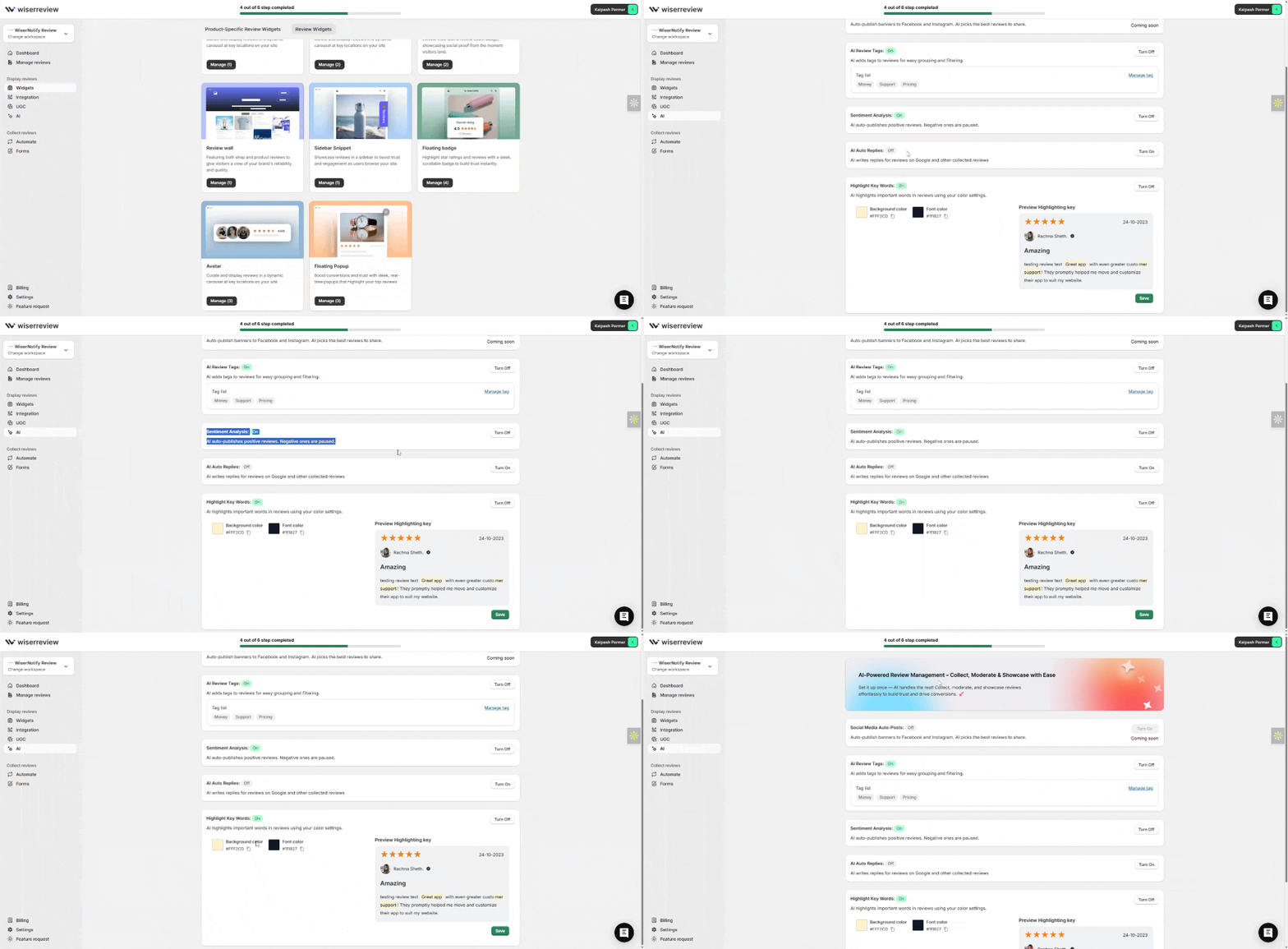
This keeps your review section clean and protects your brand reputation.
Tag and Categorize Customer Feedback
Use the Tag List Module to label reviews by category. Add tags like “pricing”, “staff”, “support”, or “delay”.
Grouping reviews helps you analyze reviews faster and find issues.

This is useful for businesses operating in multiple locations or tracking common concerns.
Display Reviews on Your Website
Go to the Widgets Section. Pick a display type: Carousel, Floating Popup, or Review Wall. Filter reviews by star rating or keywords.
Copy and paste the widget code onto your website.

This builds trust and helps convert more visitors into buyers.
Respond Promptly to Build Trust
Use the Manage Reviews Module to reply to all your Google reviews. Use templates to respond professionally.
Focus on serious complaints. Move the conversation offline when needed.

Responding fast helps maintain your online reputation and shows good customer engagement.
Review Insights for Business Growth

WiserReview’s dashboard shows:
How many new reviews you get over time
Review sentiment trends across all your locations
Which locations get the most negative reviews
Use this data to improve your business performance and deliver a better customer experience.
All your Google reviews in one place
Collect Google reviews, manage every response, and display them where they matter most.
Final Tips
- Ask every satisfied customer to leave reviews
- Share positive review highlights on your site and social channels
- Monitor reviews every day to stay ahead
- Edit review replies to match your brand tone
- Train your team to manage reviews and respond to customer concerns
- Use review management tools to simplify the process
WiserReview helps you collect, analyze, and manage Google reviews. It supports businesses with one location or many.
You get better control over customer reviews, your online visibility, and your business’s reputation.
Start using WiserReview today. Get more reviews. Manage Google reviews smarter. Improve your local search rankings. Build trust with potential customers. Grow your business faster.


