



Squarespace stores need reviews to build trust and increase sales.
Review extensions help store owners collect customer feedback, automate review requests, and display ratings on product pages.
These tools show real customer experiences and help visitors feel confident before they buy.
Why Squarespace Stores Need Review Extensions?

Squarespace stores need review extensions because reviews directly affect buying decisions.
Squarespace stores increase conversion rates by up to 30% when they display customer reviews on product pages.
92% of shoppers read online reviews before making a purchase, and 88% trust them as much as personal recommendations.
Stores with recent reviews see up to 15% higher checkout completion than stores without visible feedback.
Review extensions help stores automatically collect reviews, display fresh ratings, and turn visitor trust into sales.
1. WiserReview – Best Squarespace Reviews Plugin

WiserReview is the best review extension built to help Squarespace store owners manage every part of the review process.
From collecting customer feedback to automating requests, moderating responses, and displaying reviews on product pages, it provides the tools needed to build trust and boost conversions.
Collect Reviews

Collecting reviews in different formats helps Squarespace merchants show authentic customer voices.
WiserReview allows stores to gather reviews directly on-site and also retain value from past reviews collected on other platforms.
- Gather text, photo, and video reviews directly from customers
- Import existing reviews from Google, Facebook, or other platforms
- Add verified buyer tags to highlight authentic feedback
- Offer simple forms so customers can leave reviews anytime
Automated Review Requests

Manually asking for reviews can be time-consuming. WiserReview solves this by automating the process, allowing businesses to maintain a steady stream of fresh feedback with minimal effort.
- Send automated review request emails after a purchase
- Use SMS to request reviews for faster responses
- Schedule follow-ups to capture reviews from customers who didn’t respond initially
- Provide coupon codes or discounts as incentives to increase response rates
Smart Moderate

Not every review is helpful or genuine. WiserReview gives store owners complete control over which reviews are shown, ensuring the review section builds credibility rather than raising doubts.
- Approve or reject reviews through a central dashboard
- Block spam and fake reviews automatically
- Highlight verified reviews to build trust
- Manage negative reviews by responding directly to customers
Display Reviews

How reviews appear on your Squarespace site is just as important as collecting them.
WiserReview offers flexible layouts and tools to ensure reviews align with the store’s branding while boosting visibility in search engines.
- Add customizable review widgets, including carousels, pop-ups, and review walls.
- Display star ratings and testimonials on product pages and service pages
- Enable schema markup so ratings appear in Google search results
WiserReview pricing (for Squarespace)
- Free plan available
- Paid plans start $9/mo

Show Real Reviews That Build Trust
Collect and display photo, video, and text reviews with complete design control.
2. HelpfulCrowd
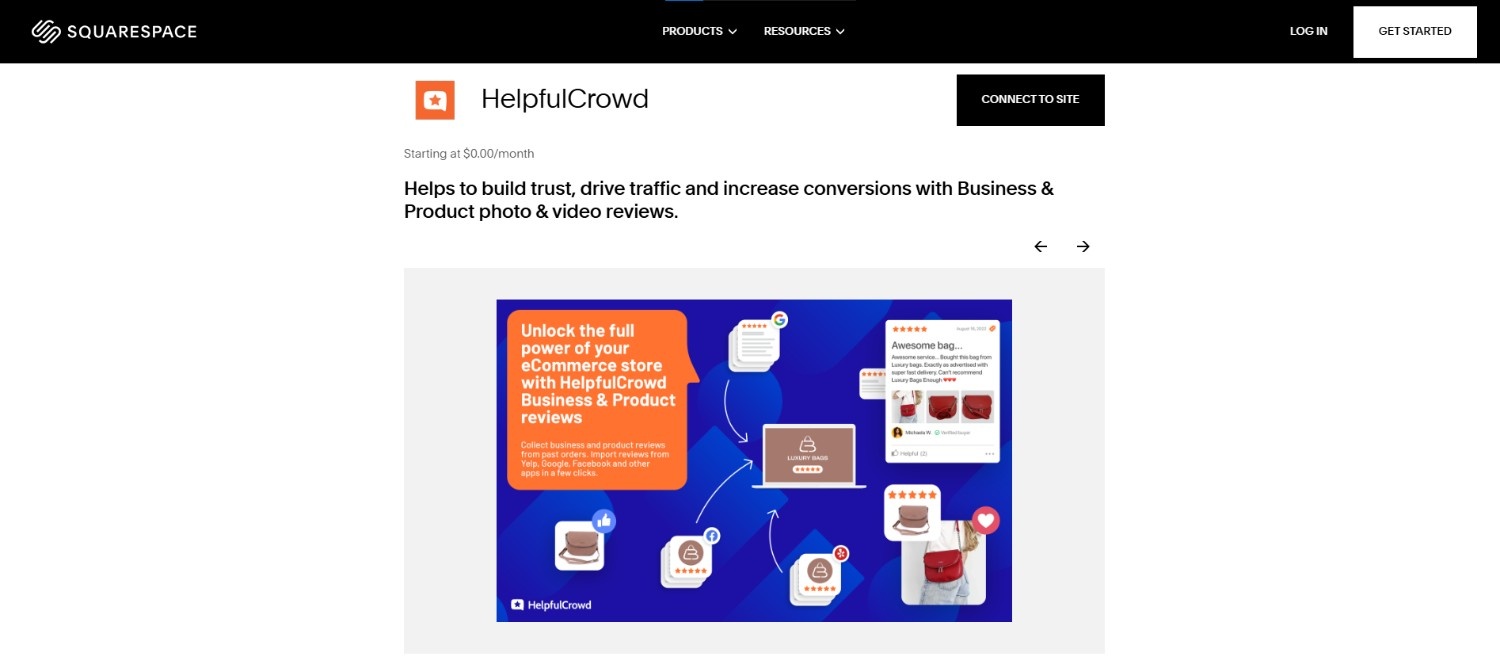
HelpfulCrowd is a Squarespace review extension that helps stores collect and showcase customer feedback in different formats.
It supports text, photo, and video reviews, providing product and service pages with additional social proof.
Automated review requests make it easier to maintain a steady stream of feedback without manual processing.
Store owners can also import reviews from Google, Facebook, and other platforms, manage them in a central dashboard, and respond directly to customers.
Features:
- Collect text, photo, and video reviews
- Automated review requests via email
- Import existing reviews from other platforms
- Manage and respond to reviews from one dashboard
- Display ratings and testimonials across product pages or sidebars
- Customizable layouts with SEO-friendly design
HelpfulCrowd pricing
- Free plan available
- Paid plans start around $7.50/mo
3. Wiremo

Wiremo is one of the most popular Squarespace review extensions for ecommerce stores that want a steady stream of customer feedback.
It allows you to collect and display reviews directly on your Squarespace site, making it easier to build trust and increase sales.
With automated review requests, Wiremo helps you request reviews from customers at the right time.
Main Features of Wiremo:
- Collect text, photo, and video reviews from customers
- Send automated review requests by email to boost response rates
- Import existing reviews from other platforms for quick setup
- Customize layouts and styles to match your Squarespace site branding
- Display reviews on product pages, service pages, or in the site sidebar
- Manage reviews, ratings, and responses from a simple dashboard
- Enable SEO features so testimonials and ratings show in Google search results
Wiremo pricing
- No free plan
- Paid plans start around $19.99/mo
4. Delighted
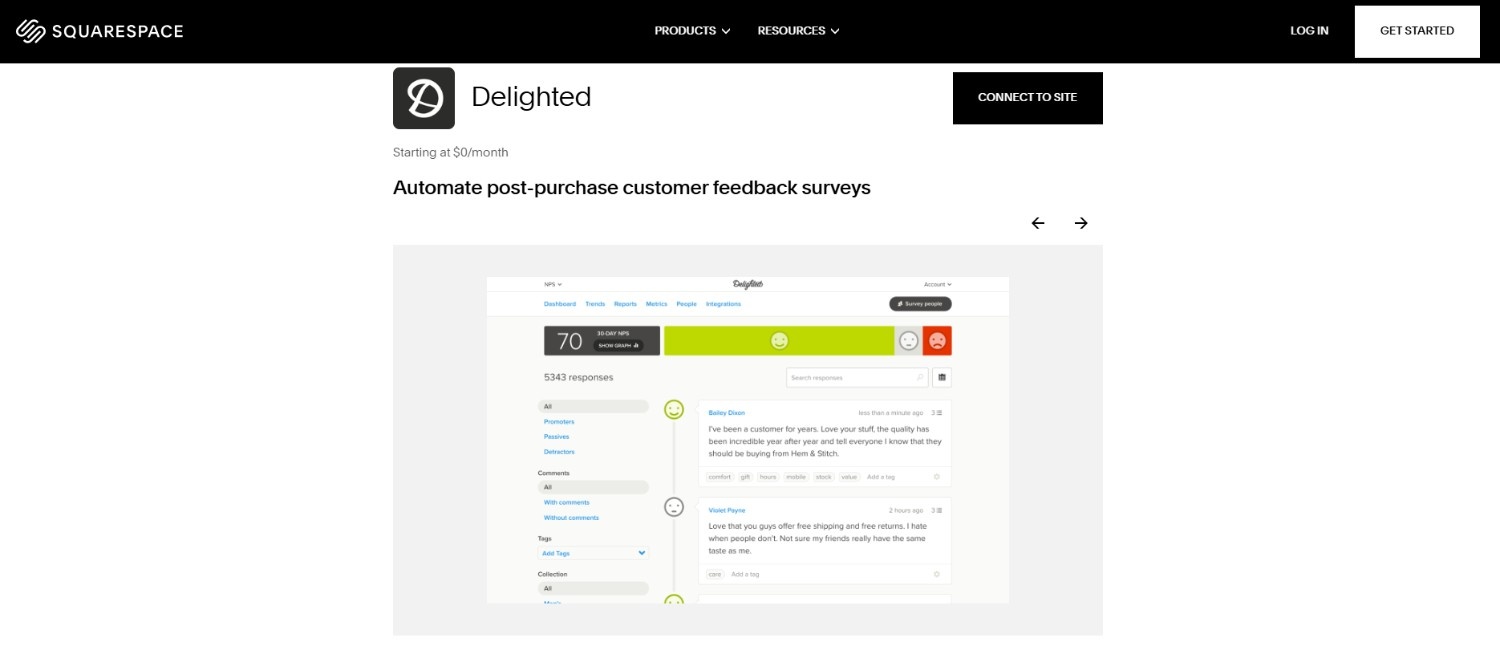
Delighted is a feedback and review extension that helps Squarespace stores collect quick responses from customers without making the process time-consuming.
It focuses on creating a steady stream of feedback through automated review requests sent by email, web links, or other channels.
This makes it easy for ecommerce stores and service-based businesses to highlight authentic testimonials and track customer satisfaction.
Key Features of Delighted:
- Send automated review requests by email or link to capture feedback anytime
- Collect ratings, testimonials, and comments directly from customers
- Simple dashboard to manage responses and track overall customer satisfaction
- Integrates with Squarespace sites and other platforms for added value
- Customizable review section layouts to match your site branding
Delighted pricing
- Free plan available
- Paid plans start around $19/mo
How to Pick the Best Squarespace Review Plugin

Store owners should select a Squarespace review plugin based on their specific needs.
- The plugin should collect reviews automatically after each purchase.
- The tool should display ratings and testimonials on product pages.
- The plugin should import reviews from Google or Facebook.
- The dashboard should let owners approve, hide, or respond to reviews.
- Pricing should reflect store size and order volume.
Conclusion
Squarespace review plugins help stores turn feedback into sales. The right plugin collects reviews, shows proof, and builds buyer confidence.
Store owners should choose a tool that fits volume, budget, and growth plans. A strong review setup improves trust, conversions, and long-term revenue.
Show Real Reviews That Build Trust
Collect and display photo, video, and text reviews with complete design control.


