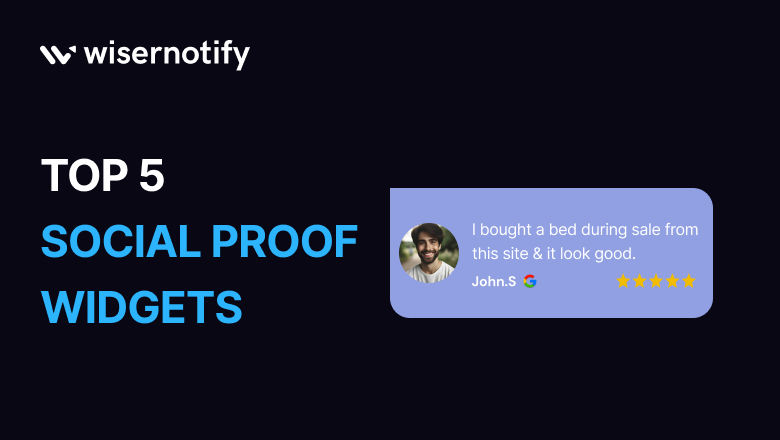

Customers trust other customers more than they trust brands.
Nielsen research shows that 92% of people trust peer recommendations over advertising.
When visitors see real buying activity, reviews, and sign-ups, they feel confident.
In this guide, you will see five social proof widgets that build trust and increase conversions.
What Are Social Proof Widgets?
Social proof widgets show real customer actions on your website. These widgets display purchases, reviews, sign-ups, ratings, or subscriber counts.
Platforms like Shopify and WooCommerce support these widgets through apps and plugins.
People follow other people. When visitors see others buy, review, or join, they feel confident. This behavior increases trust.
Benefits of Social Proof Widgets
Social proof widgets:
- Build trust with new visitors
- Reduce hesitation before checkout
- Create urgency through real activity
- Increase conversions and sales
When you show real customer activity, visitors feel safe. When visitors feel safe, they take action.
5 Best Social Proof Widgets
These five social proof widgets build trust fast and push visitors to take action. Each one shows real customer activity and increases conversions.
1. Live Visitor Count

A live visitor counter shows how many people view a product or page in real time.
This widget sends three strong signals:
- Other people view this product right now
- The store has active traffic
- The product attracts attention
When visitors see active interest, they feel urgency. Many sites, such as Cookd, use this tactic to increase product sales.

2. Recent Sign-ups

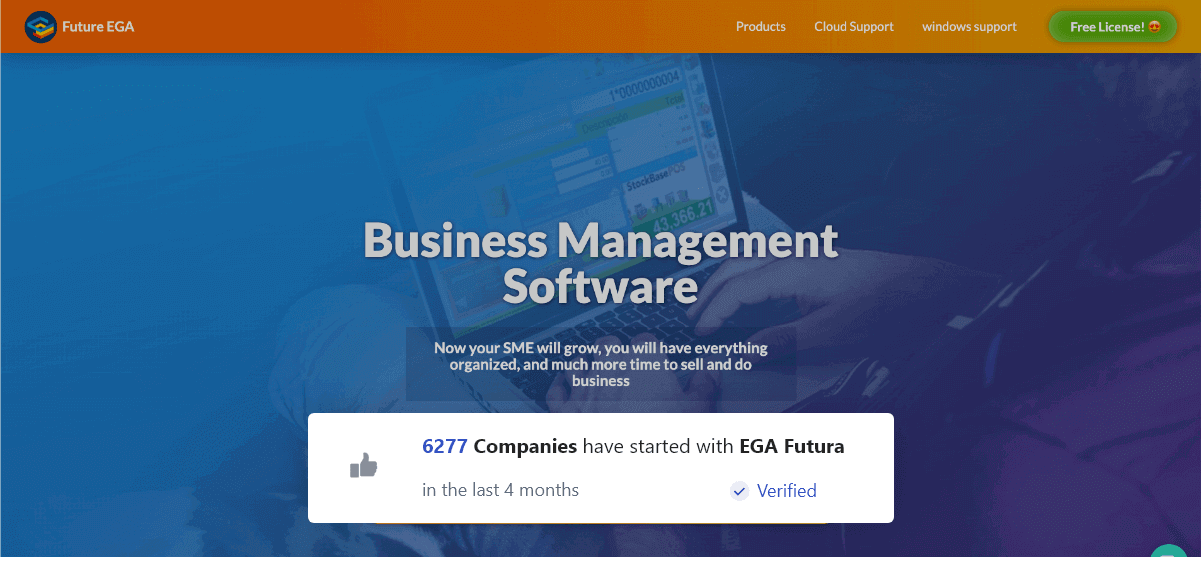
A recent sign-up widget shows the names or locations of new subscribers in real time.
This widget proves that people join your list. It shows steady growth. It makes visitors feel part of a group.
When prospects see frequent sign-ups, they trust your brand more.
Email tools like Mailchimp often integrate with these notifications to display subscriber activity.
This widget works well for SaaS brands, course creators, and ecommerce stores that want more leads.
3. Review/Testimonials Widgets
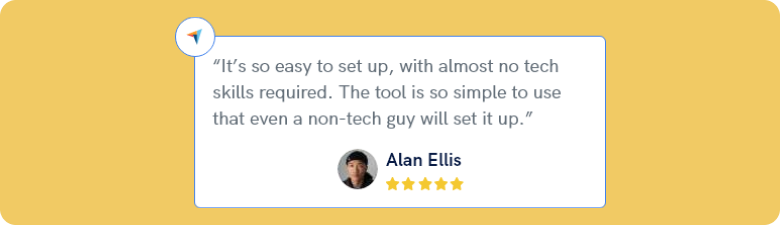
Review widgets display ratings, testimonials, and feedback from real customers.
Customers trust reviews more than brand claims. Platforms like Google Reviews, Facebook, and Trustpilot provide strong public validation.
When you embed these reviews on product pages, you:
- Build credibility
- Reduce buyer hesitation
- Increase purchase confidence
Authority bias drives this effect. People trust opinions from platforms they already use.

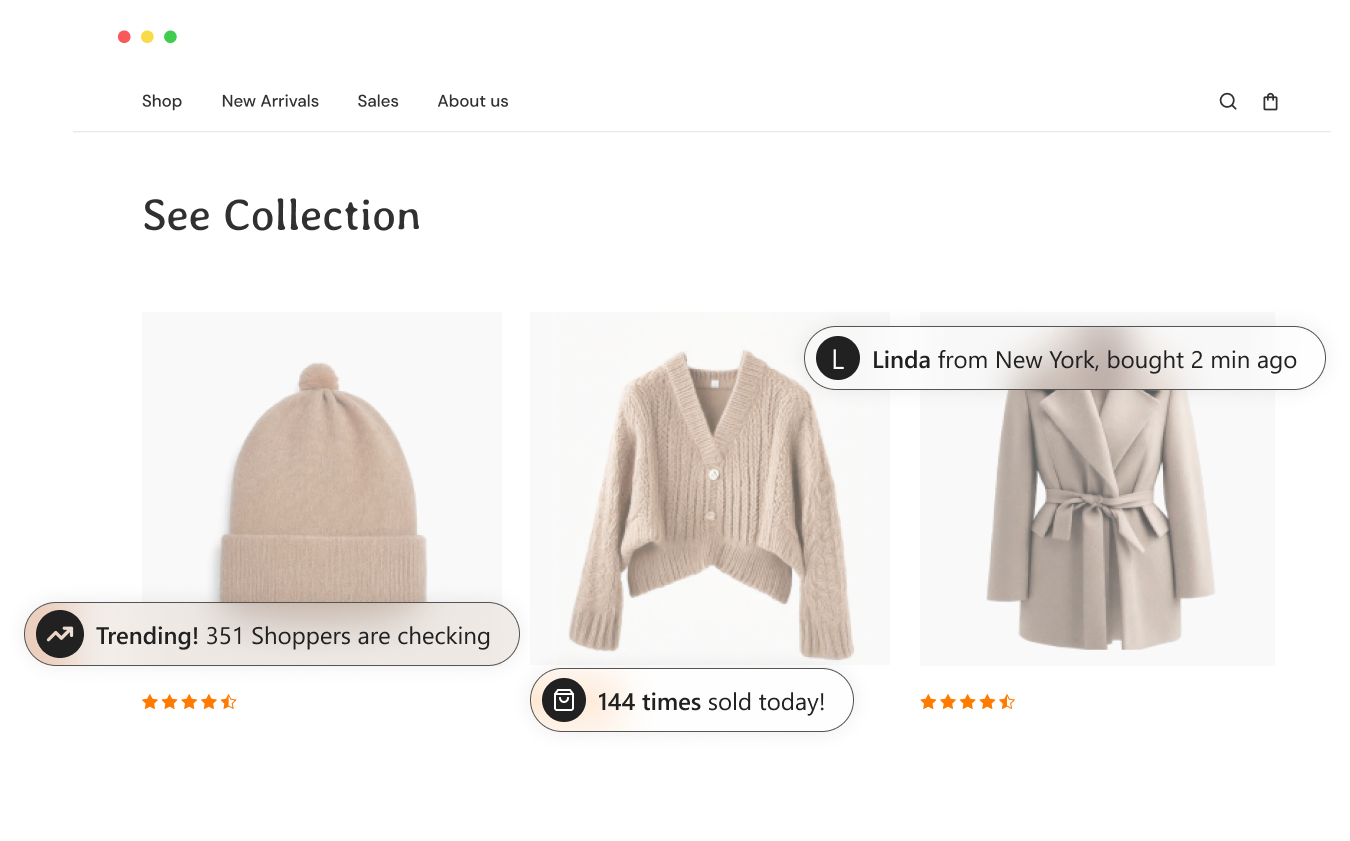
4. Sales Popups Notifications

Sales popups show recent purchases in real time.
Examples include:
- “John from Texas bought this 5 minutes ago.”
- “Sarah purchased the Pro Plan.”
These notifications show active demand. They create urgency. They remind visitors that others already made a decision.
Many ecommerce brands on BigCommerce and Shopify use sales notifications to increase checkout conversions.
When visitors see consistent purchases, they feel more confident making purchases.
5. YouTube Subscriber Count

A YouTube subscriber widget shows your total subscriber number.
If your site displays “400K subscribers,” visitors immediately see authority. Large numbers signal popularity and trust.
Creators who build audiences on YouTube use subscriber counts as public validation. This number positions the creator as a leader in their niche.
Visitors trust brands with large followings. That trust increases engagement and conversions.
How to Create a Social Proof Widget
You can create social proof widgets in many ways. AI tools make setup easier, but the main question remains: which widget increases trust and conversions?
- You should test your widgets.
- You should measure their impact.
- You should use a tool that tracks performance.
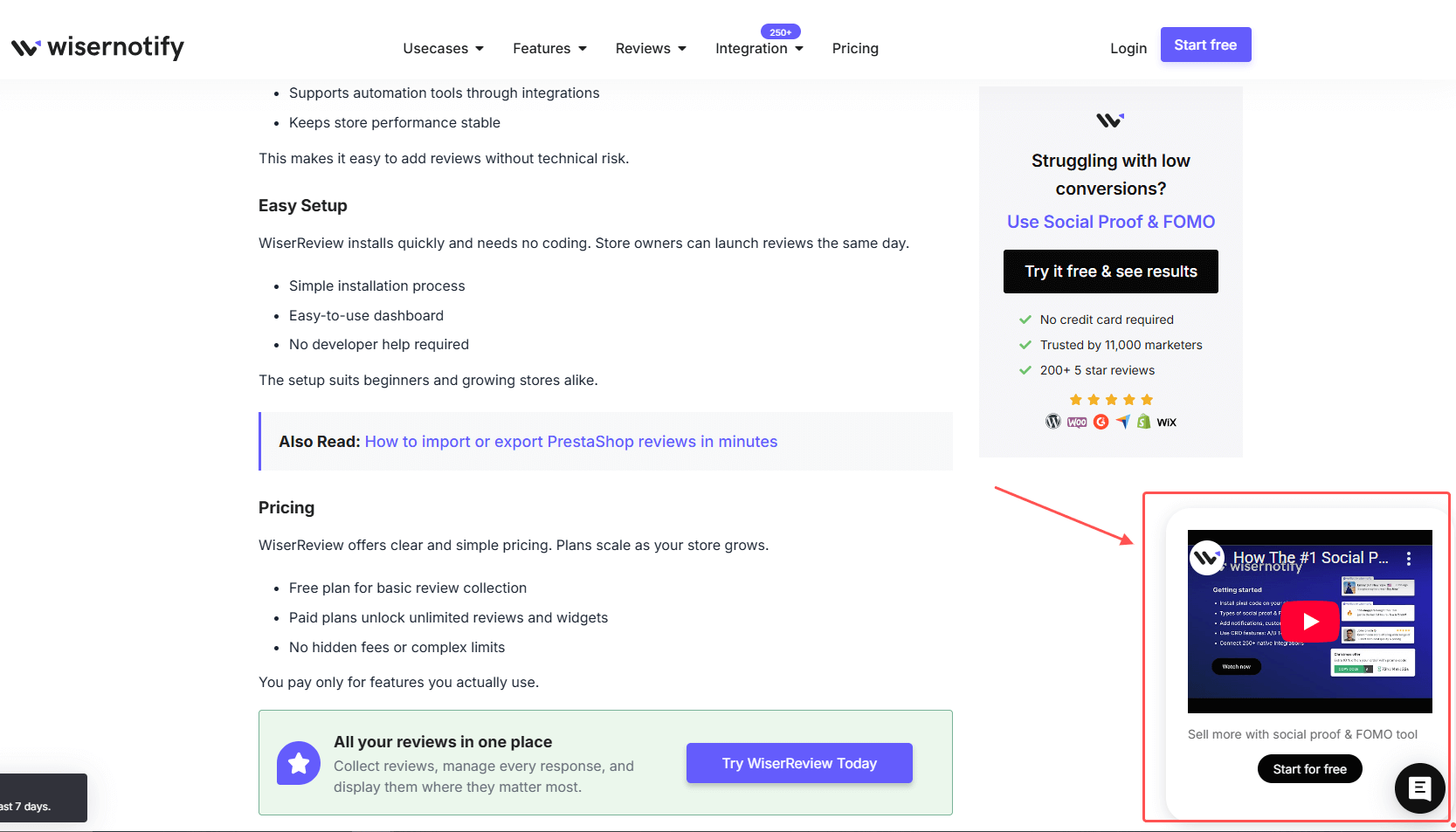
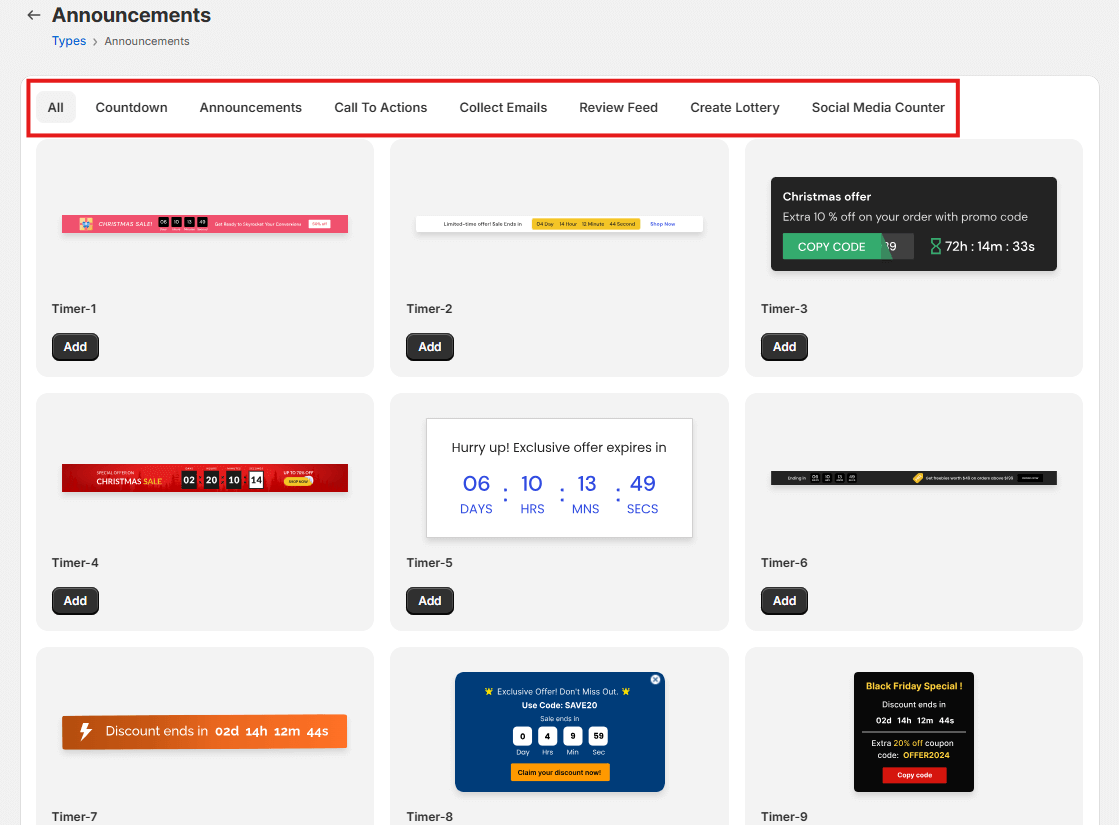
Tools like WiserNotify help you build and manage social proof widgets on a single dashboard. After you sign up, you can access your dashboard and choose a widget based on your goal.
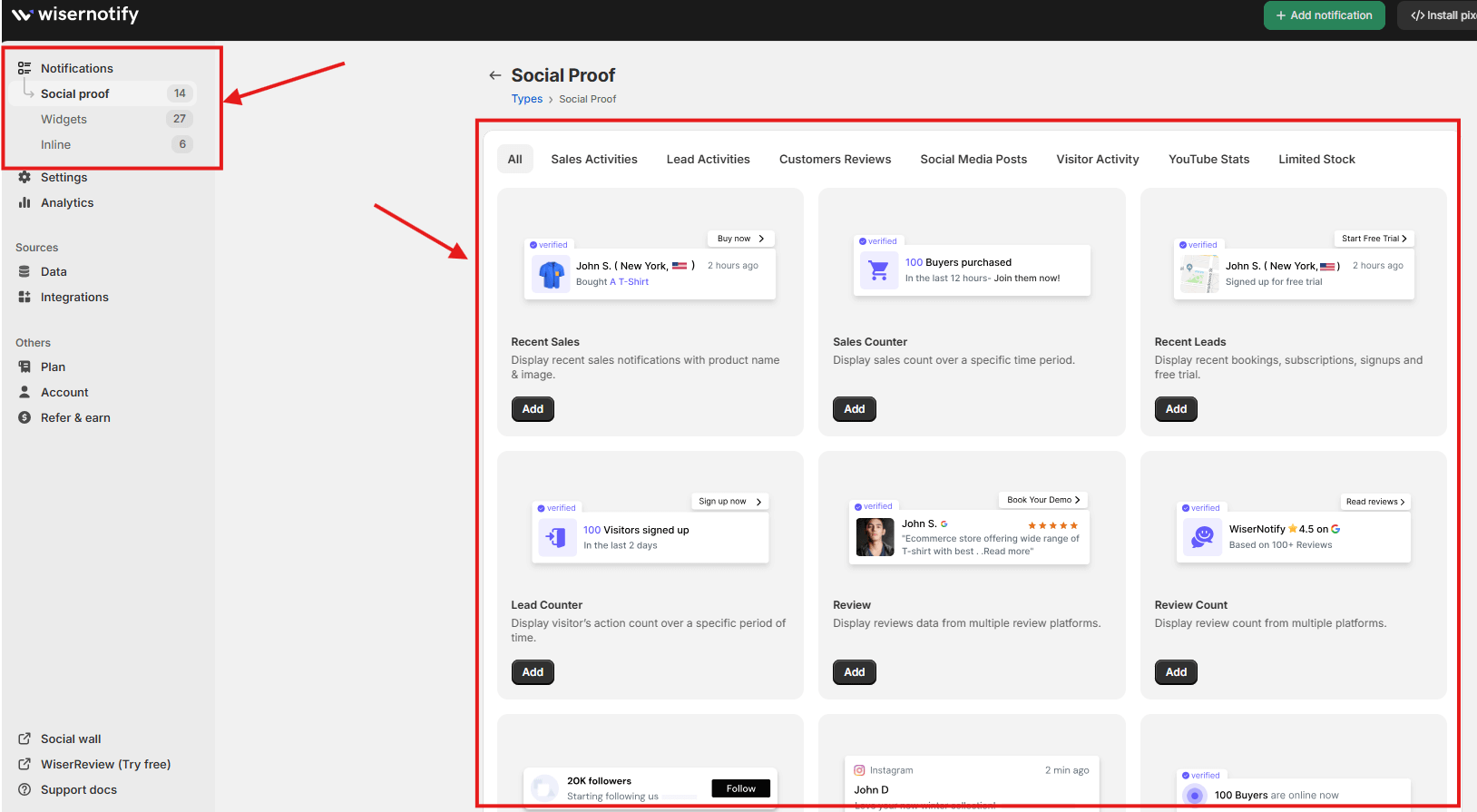
If you want to increase product page conversions, consider adding a live visitor counter or a sales notification widget. You can then customize the design to match your brand style.
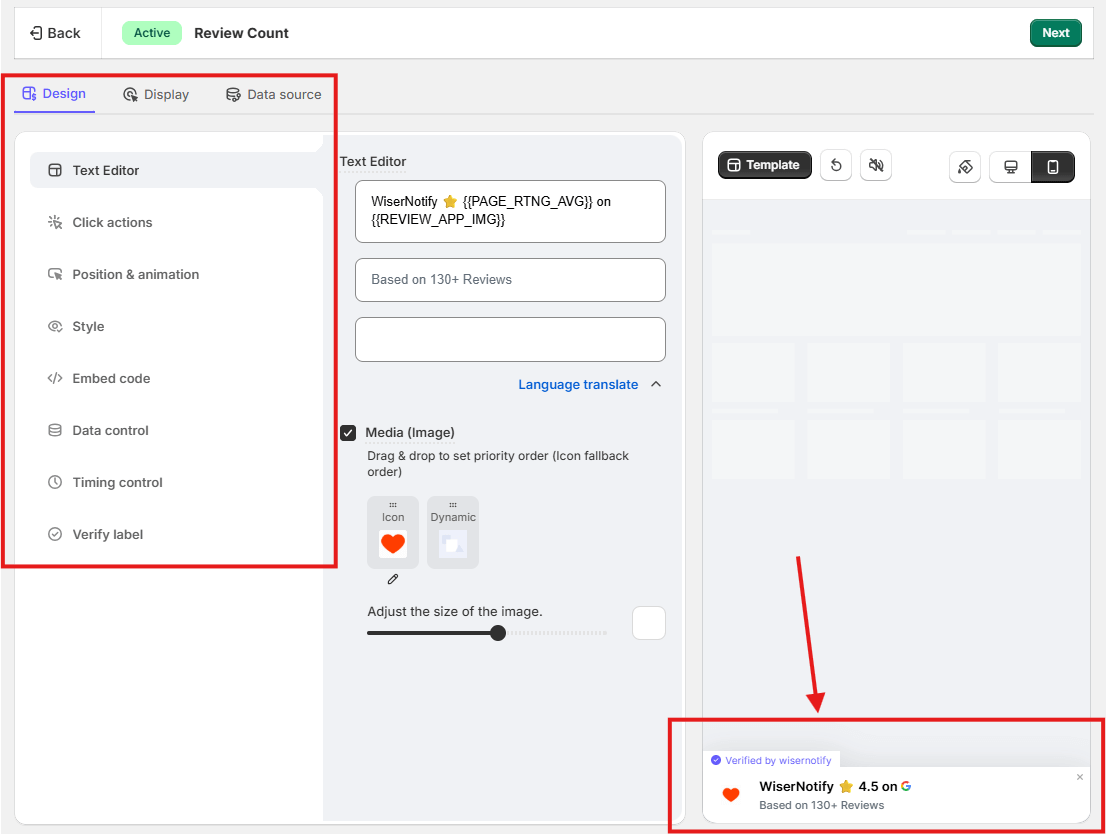
Many tools offer many widget options. Too many options can confuse you. You should always ask one clear question: Why am I seeing this notification?
If your goal is to build trust, use reviews or recent sales. If your goal is to promote a new offer, use announcement widgets. Each widget serves a specific purpose.
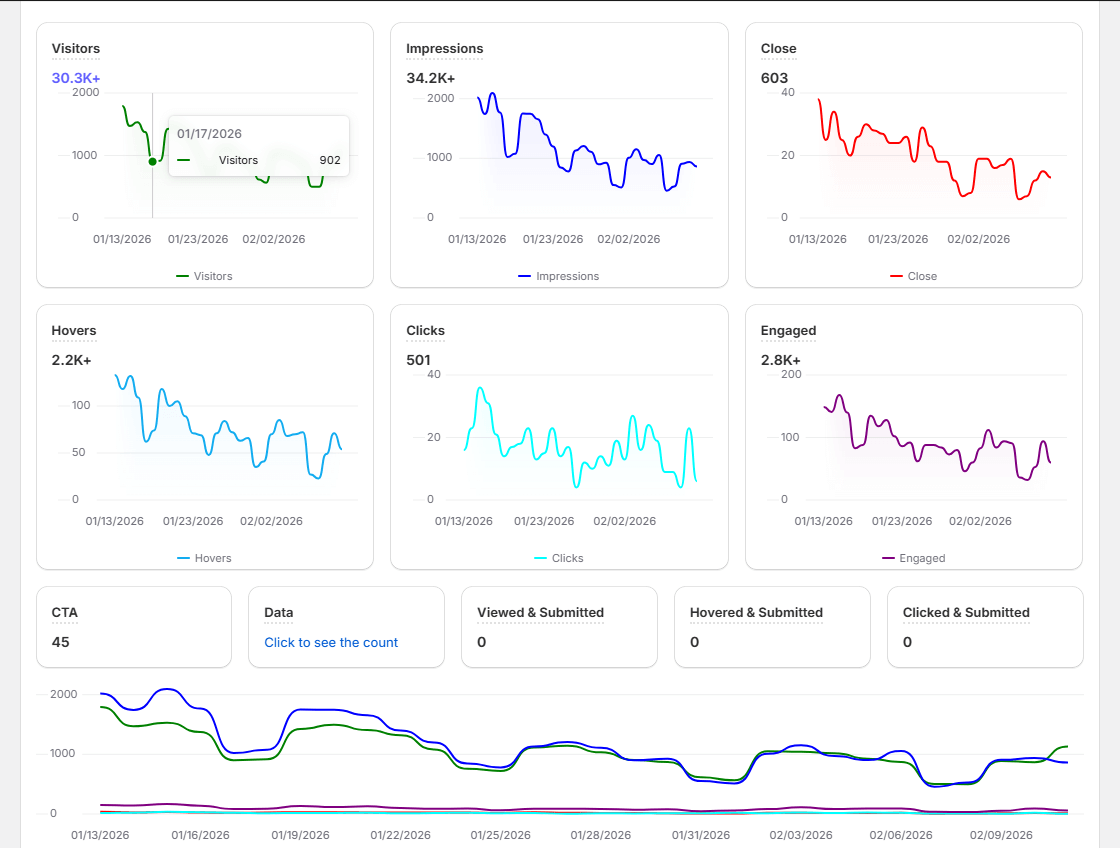
After you publish the widget, you must track performance. You should check impressions, clicks, and user interactions. Data shows whether the widget works.
When you test and measure properly, you can improve results and increase conversions.