
How to Get More Reviews for Your Travel Agency (11 Ways)

Someone books a trip on your site, goes away, has a great time, and comes home. You never hear from them again.
That is the whole problem. There is no counter to lean on and no one handing them a card at the end. The only contact you have is an email address and maybe a phone number, and by the time your review request lands they are back at work with two hundred unread messages and a suitcase in the hall.
So the trip fades, and the review never gets written. Below is how to fix that without a shop or a sales team.
Why Reviews Decide More in Travel Than in Most Businesses
- Nobody can try it first. A holiday is a promise about a place your customer has never been. Other people’s accounts are the only real evidence they have.
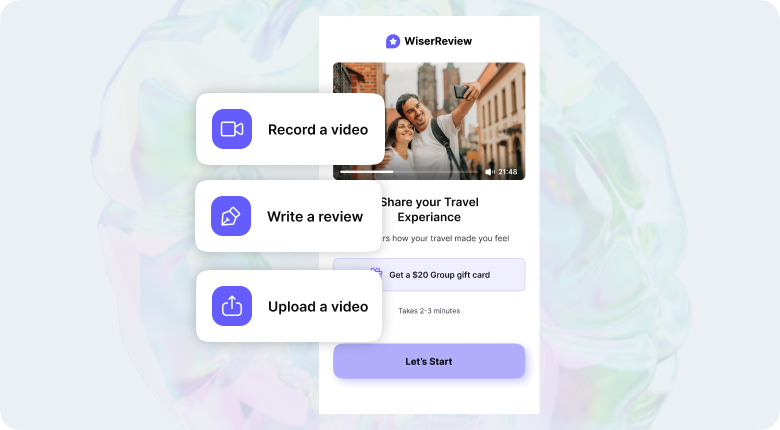
- It is a big spend, once a year. Nobody gets good at judging trips, so they lean on people who went last season.
- You are up against the giants. Booking.com and Expedia sit on the same results page with tens of thousands of reviews. You will not beat that on volume, but their reviews are generic and yours can be specific.
- Old reviews stop being true. A hotel changes hands, a guide leaves, a route closes. Anything from three years ago describes a trip that no longer exists.
Build trust & FOMO
Highlight real-time activities like reviews, sales & sign-ups.


How to Get More Reviews for Your Travel Agency
Eleven that work for an online travel business, roughly in the order they make a difference.
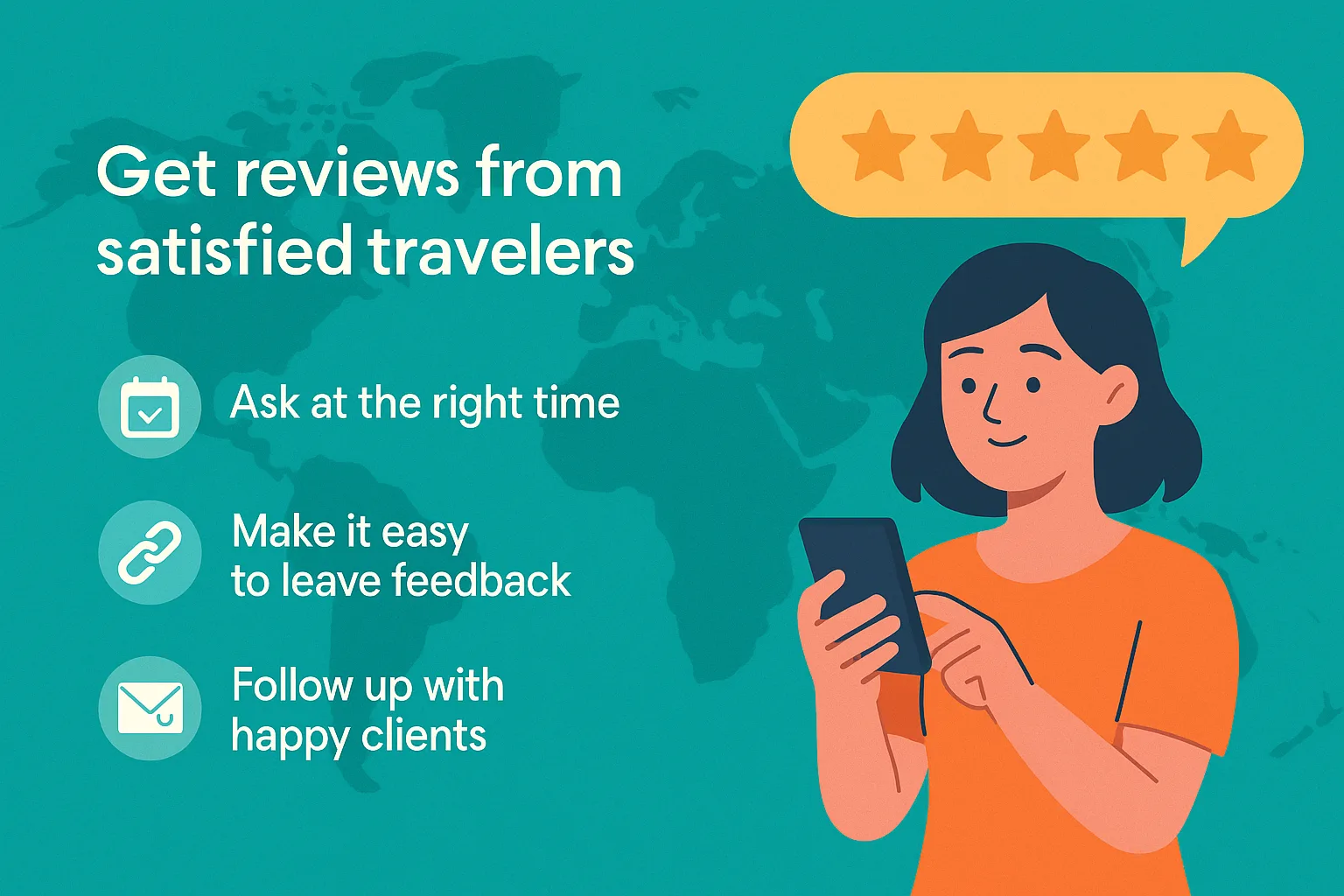
1. Ask customers while they are still on the trip
Almost every travel site waits until the trip is over. That is the worst possible moment.
The high point of a holiday is somewhere in the middle of it. A short message on day four, while they are still in the place they saved up for, catches them feeling exactly the way you want them to feel. The same message ten days later reaches someone doing laundry.
If mid-trip feels like an intrusion, send it the morning after they land. What does not work is waiting a week.
2. Go back through the bookings you already have
If your page shows three reviews, nobody wants to be the fourth. Waiting for new bookings to fix that takes months.
Pull last year’s bookings, pick the trips that clearly went well, and email those customers one at a time. Name the trip: “you went to Sri Lanka with us in March” gets replies, a mass email does not.
Expect around a third to do it. That is usually enough to get the page past looking neglected, and everything below works better once it is.
3. Send the request from a person, not from noreply
This is the online version of being asked in person. A request from Priya, who put the itinerary together, is a different thing from one from bookings@.
Use a real name in the from field and a real reply address. Sign off with whoever handled the booking. It costs nothing and it changes the response rate more than any wording you could write.
4. Ask one easy question first
“Leave us a review” is homework. “How was Kerala?” is a question, and people answer questions.
Put a one-click rating in the email, five stars they can tap without leaving their inbox. The ones who tap four or five get taken straight to Google. The ones who tap lower get a reply box instead, so you hear about it privately rather than publicly.
For the ones who write something back, ask if you can put their own words on your site. Most say yes, because you have removed the hard part.
5. Send one link to one platform

Give someone four options and you get nothing. Pick one per customer.
- Google for most people, because that is where they search your name and where the rating shows next to it.
- TripAdvisor if you sell tours or trips, since that is still where people research.
- Trustpilot if you sell packages and want a brand rating on your own site.
Rotate across customers rather than asking each one for all three.
One easy win most travel sites miss: a customer who left a glowing review on Viator or GetYourGuide, or on the hotel’s own page, has almost certainly never been asked for one on yours. Those reviews are sitting under someone else’s name.
6. Ask for video while they are still at the destination
A person on camera talking about somewhere they loved is the hardest thing to fake and the best content you will ever get for free.
The reason nobody gets video is that they ask afterwards, when the customer is home and the moment has gone. Ask on the last morning instead. Thirty seconds on a phone, in the place itself, is less effort than writing a paragraph. Our guide to product review videos covers the ask.
7. Use the booking emails customers already open
Your booking confirmation, your final itinerary and your e-ticket get opened over and over. Most travel sites put nothing in them.
Add one line and a link at the bottom of the post-trip email, and a QR code on the itinerary PDF if you send one. It costs nothing and it sits where they are already looking. You can make one with a Google review QR code tool.
Build trust & FOMO
Highlight real-time activities like reviews, sales & sign-ups.

8. Let your booking system do the asking
Doing this by hand lasts about a fortnight. Trigger it off the return date instead, with a delay you set by trip length, and leave out anyone who raised a complaint so you can deal with that separately.
Automated does not have to mean robotic. Pull the destination, the dates and the name of whoever handled the booking into the message. A generic “thanks for booking with us” gets ignored by people who spent an hour choosing.
One reminder five days later, worded differently, is fine. Two is where they unsubscribe.
9. Answer everything, especially the trips that went wrong
Half of what goes wrong in travel is not your fault. Strikes, weather, a hotel that overbooked. The review still lands on you.
Reply with what you did about it, not whose fault it was. Everyone reading is working out whether you pick up the phone when a flight is cancelled, and that matters more to them than another five stars. There is more on this in our guide to bad reviews for products.
10. Reward the review, never the rating
A prize draw for anyone who leaves one is fine. Credit against their next booking is fine.
Paying for a good rating is not, and it is where travel sites get caught. Google bans incentivised reviews outright, TripAdvisor takes them down, and in the US the FTC now fines companies for fake reviews and for hiding real ones. Reward the act, never the score.
11. Show reviews next to the price on your trip pages
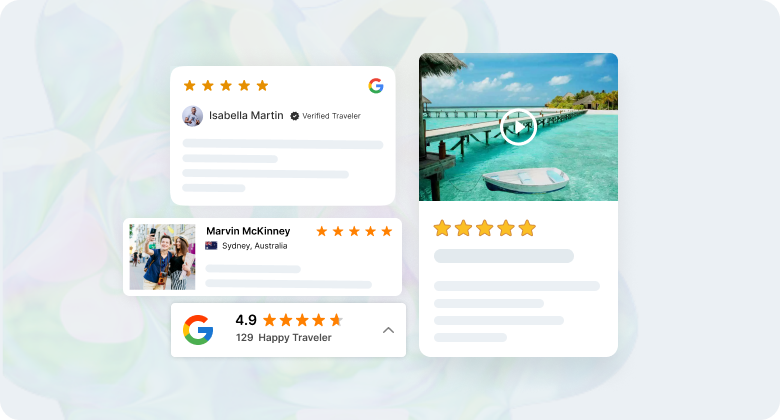
Reviews sitting in a dashboard do nothing at all. On the trip page, beside the price and the dates, they answer the question at the exact moment someone is asking it.
Show the destination and month with each one. “Lovely trip, thank you” is worth little. “Ten days in Kerala in February, and the guide made it” tells the next person something they can use.
Your reviews end up scattered, though. Some on Google, some on TripAdvisor, a few sitting in your inbox because the customer replied to the email instead.
WiserReview pulls those into one place, sends the requests on a return-date trigger, and keeps the trip-page widget current on its own.
Whatever you use, watch the rate rather than the total. If fewer than one in ten customers leaves a review, the problem is when you are asking, not who you are selling to.

All your reviews in one place
Collect reviews, manage every response, and display them where they matter most.
How WiserNotify Helps Travel Agencies Get More Bookings
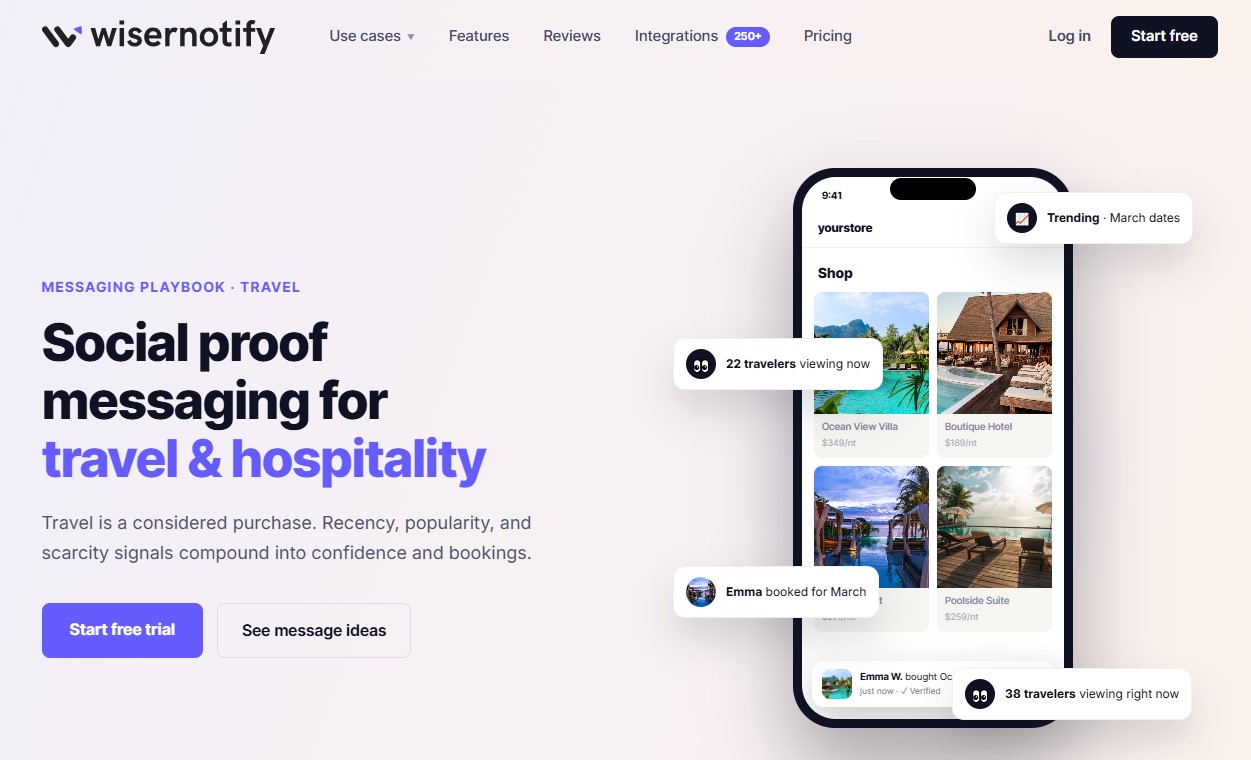
Someone planning a trip has ten tabs open. Yours is one of them, and the tabs that get closed are the ones that look quiet.
WiserNotify reads what is happening on your site and in your booking system, and shows it while they are still on the page.
- Recent bookings. “Emma booked the Ocean View Villa”, so the trips that are selling look like it.
- Recency signals. “Last booked 12 minutes ago” beats a running total, because people want to know the demand is now.
- Live viewers. How many people are looking at that stay or departure right now.
- Real availability. Pulled from your PMS or booking engine, so “only 2 rooms left for March” is true, not a tactic.
- Guest reviews. Google and Facebook ratings pulled in on their own instead of retyped.
- Reassurance at checkout. Free cancellation up to 48 hours, ATOL or ABTA cover, what the deposit commits them to.
Run them as popups over the page or built into it beside the booking button. Two things matter more here than in other industries: the widgets are sized for phones, where most trip planning happens, and the messages run in several languages if you sell across borders.
Every number comes from your own data, so a quiet week looks like a quiet week. The travel messaging playbook shows each one on a real booking page.
Build trust & FOMO
Highlight real-time activities like reviews, sales & sign-ups.

Wrap Up
Ask while they are still away, send it from a person rather than noreply, and give them one link to one place. Those three fix most of it.
Then answer everything that comes in, put the reviews beside the price on every trip page, and let the booking system handle the asking.
Also check: How to ask for reviews, with examples
Related Guides
- How to get more reviews for your salon
- How to get more reviews for a dental clinic
- How to get more reviews for a small business
- How to add a reviews page on your website
Frequently Asked Questions
When is the best time to ask a client for a review?
While they are still on the trip, or the morning after they get home. Waiting a week means competing with unpacking, laundry and a backlog at work.
Why do clients say yes on the phone but never leave a review?
Usually the timing, not the clients. Asking after the trip has faded, sending from a generic email address, or offering four platforms at once all cut response sharply.
Which review platform matters most for a travel agency?
Google first, since that is where people search for you by name. Add TripAdvisor if you run tours, Trustpilot for packages. Ask each client for one only.
How do I get video reviews from travel clients?
Ask during the trip rather than after it. A thirty-second clip filmed on the last morning, in the place itself, takes less effort than writing a review.
What should I do about a bad review for something outside my control?
Reply with what you did about it, not whose fault it was. Readers are judging how you handle problems, which matters more than the original complaint.

Krunal Vaghasiya is a marketing tech expert who boosts e-commerce conversion rates with automated social proof and FOMO strategies. He loves to keep posting insightful posts on online marketing software, marketing automations, and improving conversion rates.




 Capterra