
Get More Fitness Client Reviews Without Asking Twice
Running an online fitness business means standing out in a crowded, competitive space. No matter how great your workouts or results are, if people can’t see proof, they move on. That proof? It’s in the reviews.
Client reviews are more than nice words — they’re social proof that builds trust, increases conversions, and fuels your growth. The more reviews you have, the more confident new visitors feel about signing up.
In this post, we’ll show you smart, easy ways to get more authentic reviews from your fitness clients — and turn those reviews into a powerful marketing engine.

Why Reviews Are Crucial for Online Fitness Businesses
In the online fitness world, trust is the dealbreaker. Potential clients can’t walk into your gym, see the vibe, or talk to your members. All they have are your words — and the words of others.
- Reviews Build Trust Instantly
In the fitness industry, trust is everything—especially online. When potential clients read honest feedback from real people, your program feels credible. It’s proof that your training actually delivers results. - Social Proof Drives Conversions
Before signing up, most people want to know if your workouts work, if your support is solid, and if others like them have seen results. Reviews answer all of that without you saying a word. - Reviews Improve SEO and Visibility
Google loves fresh, relevant content. Regular reviews help rank your site, especially for local or niche fitness search terms. They also boost credibility on platforms like Google Business, Facebook, or Trustpilot. - They Help You Improve Your Programs
Not all reviews will be glowing—and that’s a good thing. Constructive feedback helps you identify what to improve, refine your offers, and better serve your audience. - They Reduce Buyer Hesitation
When someone is on the fence, a good review can tip them over. Real stories from real clients can remove doubt and answer unspoken objections.
Collect, Manage, and Display Fitness Client Reviews with WiserReview

WiserReview helps fitness coaches and gym owners collect real client feedback without chasing people for reviews.
Just share a link, email, or WhatsApp message—clients can leave a photo, video, or text review in seconds.
You can show those reviews on your website using sliders, popups, or badges. No coding is needed, and setup takes only a few minutes.
Reviews are sorted automatically by rating or keyword, so visitors see your best results first.
It’s a simple way to build trust, increase sign-ups, and let your results speak for themselves.
How WiserReview Works – Step by Step
Step 1: Create Your Account
Go to WiserReview and sign up.
You can start with the free plan and upgrade later if needed.
No credit card is required to begin testing.
Step 2: Connect Your Website
Once logged in, link WiserReview to your website. It works with:
WordPress
Webflow
Wix
Shopify
Custom websites (with a simple copy-paste widget code)
No developer needed. If you’re using a landing page tool or fitness booking platform, you can still embed review displays using HTML blocks.
Step 3: Set Up a Review Form
Create a review form for your clients. You can choose from ready-made templates or build your own with:
Client name field
Star rating
Text feedback
Photo upload
Video upload
Customize it with your logo, colors, and thank-you message.
Step 4: Collect and Share the Review Link

Send the review form to your clients using channels they already use:
Email – after a session, class, or program
WhatsApp – with a direct message and pre-written text
Direct Link – shared in DMs or added to your link-in-bio
QR Code – print it on posters, business cards, or gym walls
Clients click and submit a review in seconds. No login or signup is needed.
Step 5: Manage Reviews

All reviews land on your dashboard. You can:
Approve or reject reviews
Sort by rating, date, or keyword
Tag them by service (e.g., weight loss program, strength class)
Respond to reviews if needed
WiserReview automatically sorts using smart filters, so you don’t have to do it manually.
Step 6: Display Reviews on Your Website

Choose how and where to show reviews on your site. WiserReview lets you display them as:
Sliders on home or sales pages
Popups that appear while someone browses
Badges placed on sidebars or below testimonials
Carousels for longer pages or service breakdowns
You control the design and placement. No code needed, copy and paste.
Step 7: Keep It Running
Once set up, WiserReview runs in the background. As you train more clients and send out review links, new reviews will continue to come in.
You maintain control over what appears on your site. Your best reviews build trust, and your social proof grows without extra work.

Show Real Reviews That Build Trust
Collect and display photo, video, and text reviews with full design control.
Turn Reviews into Real Social Proof With WiserNotify

WiserNotify helps you turn every client review into live proof that others trust your fitness program.
Once a review is submitted, you can show it instantly on your website as a popup, slider, or notification—right when new visitors are deciding to sign up.
You can highlight reviews from personal training clients, class attendees, or program members.
These small moments build trust and show that people just like them are getting results.
You don’t need to update anything manually. WiserNotify pulls your latest reviews and displays them in real-time, helping you turn site visits into bookings without a word.

Boost Conversion Instantly
Add Social Proof & Urgency to your website
How WiserNotify Works – Step by Step
Step 1: Sign Up and Connect Your Website
Create a free account on WiserNotify.
Add a small code snippet to your website (or use plugin options for platforms like WordPress, Webflow, or Shopify). This takes less than 2 minutes.
Step 2: Choose a Social Proof Notification Type
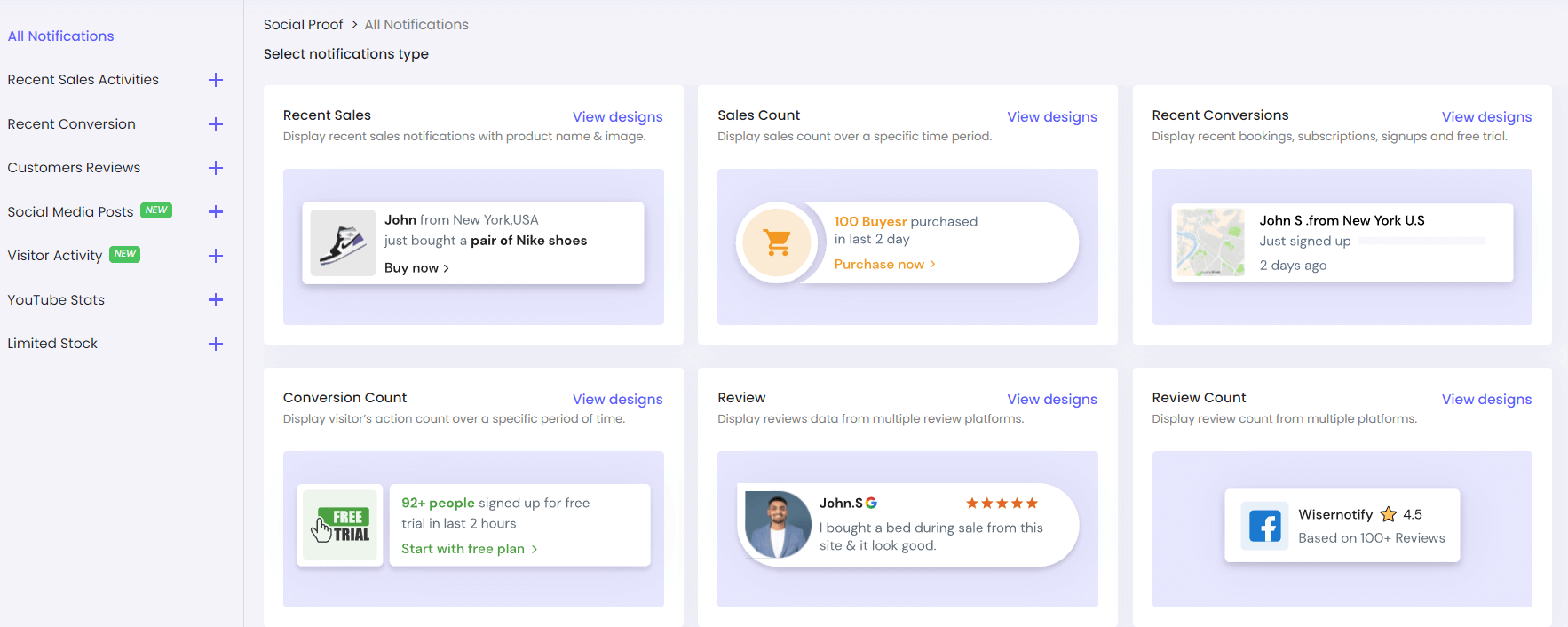
Pick the type of pop-up you want to show:
Recent review
New booking
New sign-up
Total reviews count
Video/photo testimonial
You can mix and match based on what fits your goal.
Step 3: Link Your Review Source
Connect WiserNotify to your review tool. You can:
Sync directly with WiserReview
Pull in reviews from Google, Facebook, or other sources
Add manual reviews if needed
WiserNotify will automatically fetch and keep the data up to date.
Step 4: Customize the Design
Edit the text, colors, layout, and timing of the popup.
You can match your brand style or fitness theme in a few clicks—no design skills needed.
Step 5: Control When and Where It Shows
Set rules for where and when popups appear:
Only show on your pricing page or landing page
Hide from logged-in members
Delay by 10 seconds or show after scroll
This keeps it targeted and avoids distractions.
Step 6: Publish and Go Live
Click publish. The social proof pop-ups will start showing on your website in real-time.
As new reviews are received, WiserNotify will display them automatically—no manual updates are required.
Here’s a short video that shows how to install the pixel and add social proof on a website. It’s a simple process and takes about 1–2 minutes:
6 Easy Ways to Get More Reviews for an Online Fitness Site
Here are seven proven strategies to help you grow your online fitness business.
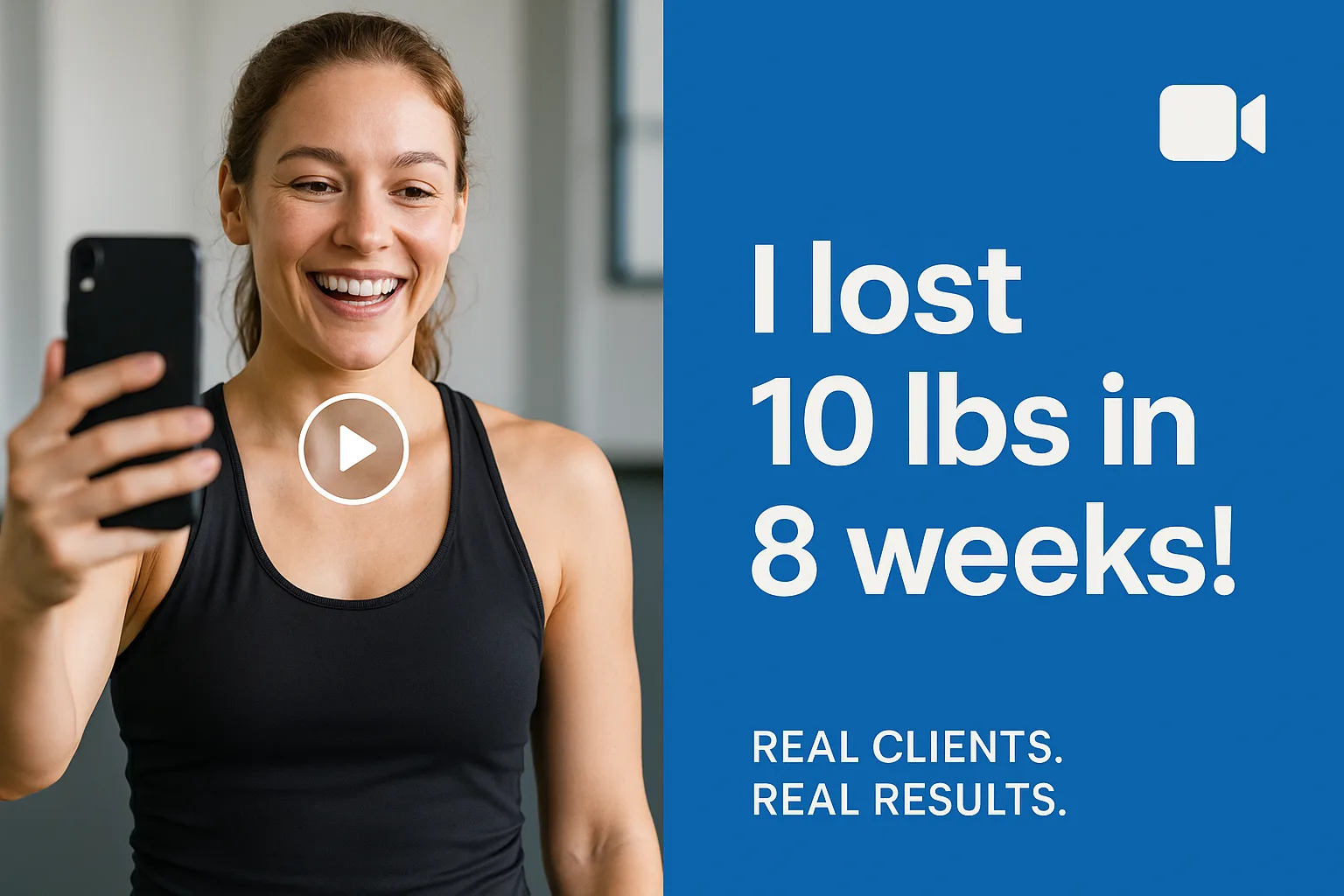
1. Use Video Testimonials to Supercharge Trust
Text reviews are good, but video testimonials are better. When potential clients see real people talking about their fitness journey, it builds instant credibility and emotional connection. It’s not just about the words; it’s about energy, tone, and authenticity.
How to collect video testimonials easily:
Ask during high points in the client journey—after a visible transformation, goal achieved, or great check-in
Keep it short and guided. Send 2–3 simple prompts like:
- What was your goal when you started?
- What changed after following the program?
- Would you recommend this to others?
-
Use tools like Loom, Vocal Video, or simply Google Forms with video upload
Where to use them:
- Feature clips on your homepage, sales pages, or landing pages
- Create a “Client Wins” or “Success Stories” section
- Repurpose on social media to build momentum and trust
Add subtitles and keep it raw—don’t over-edit. Real beats polished.
Video testimonials boost sign-ups and motivate current clients to share their stories, creating a loop of trust and proof that keeps building over time.
2. Use Automation to Your Advantage
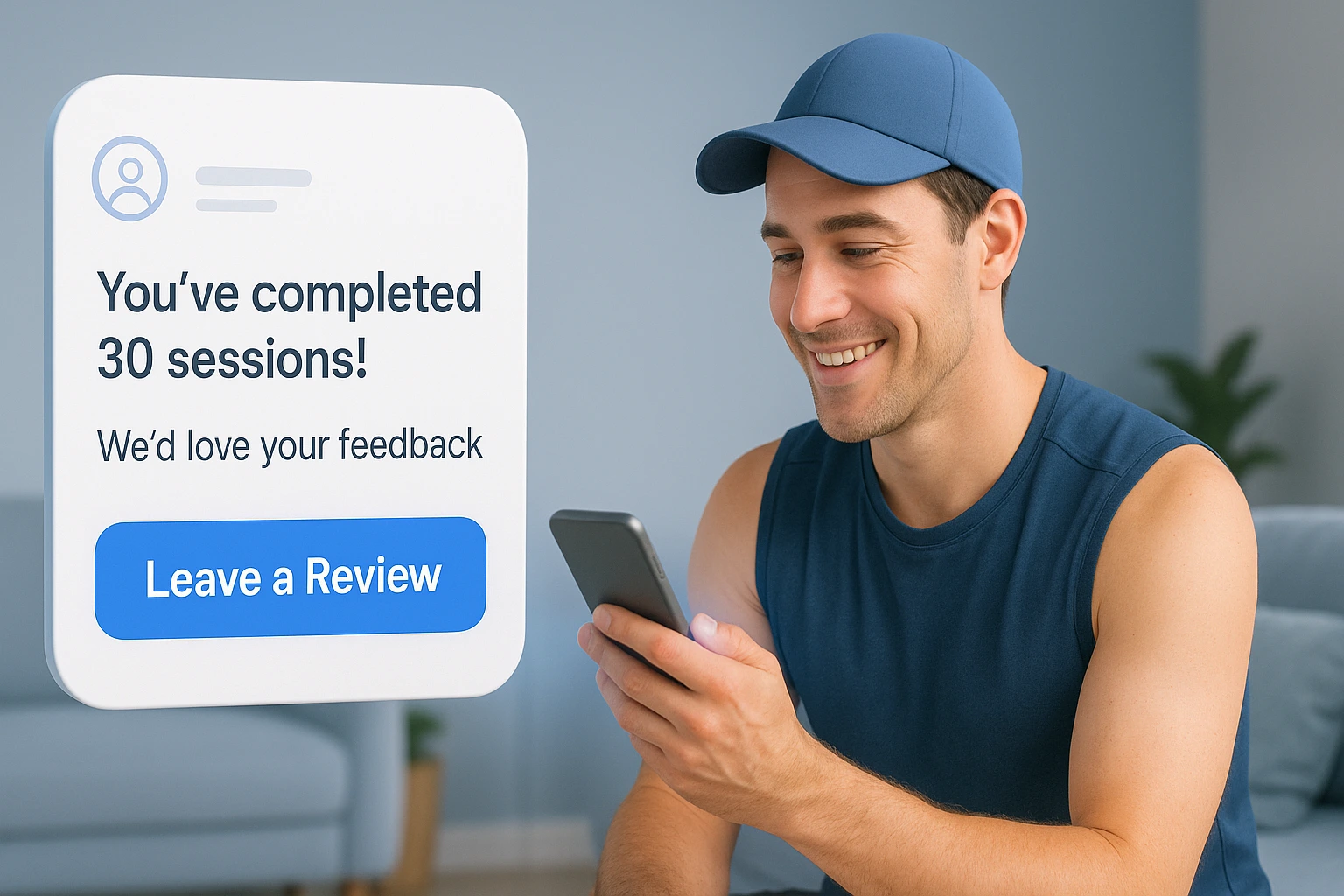
Manually chasing clients for reviews is exhausting — and easy to forget. But with the right tools, you can ask once and let automation do the rest.
Here’s how to set it up:
- Use email or SMS follow-ups. Schedule automated messages to go out at key moments — like after a client completes a program, hits a milestone, or logs a certain number of workouts. Tools like Mailchimp, ActiveCampaign, or fitness platforms like Trainerize and PT Distinction make this simple.
- Personalize the message. Include their name, progress (“You’ve completed 30 sessions!”), and a thank-you note. It feels thoughtful even though it’s automated.
- Add one-click review links. Drop direct links to your Google reviews, Facebook page, or testimonial form right in the message. No searching, no friction.
- Follow up once — and only once. If they don’t respond to the first ask, send a friendly reminder a few days later. That’s it. Keep it respectful.
Example message:
Hey [Name], congrats on crushing your program! I’d love it if you could leave a quick review to help others find the same results. It only takes a minute — here’s the link.
Automation doesn’t just save time — it gets more results. Set it up once, and let it run in the background while you focus on coaching.
Related Post: Automate Google reviews to save time and boost reputation
3. Incentivize Reviews Ethically
You don’t have to beg for reviews, but a little extra motivation can go a long way. The key is to offer value without compromising authenticity.
Here’s how to do it right:
- Offer small, fitness-relevant rewards. Think: a free bonus workout, a healthy recipe pack, a branded water bottle, or early access to your next program. Keep it meaningful, not flashy.
- Run a monthly giveaway. Everyone who leaves a review that month is entered to win a prize, such as a one—on—one coaching session or a merch bundle. This adds excitement without pressuring anyone.
- Recognize your reviewers publicly. Give shoutouts on social media or in your private community group. Clients love being seen — and others will want to join in.
- Be clear: reviews should be honest. Say something like: We appreciate your honest feedback — the good, the great, and what we can improve. Your voice helps us grow and helps others choose confidently.
What to avoid:
- Don’t buy fake reviews.
- Don’t ask for only 5-star feedback.
- Don’t bribe people — give optional, low-pressure rewards that make the process fun.
Incentives should be a thank-you, not a transaction. When done right, they motivate people to share their story without compromising trust.
Build trust & FOMO
Highlight real-time activities like reviews, sales & sign-ups.

4. Ask at the Right Time
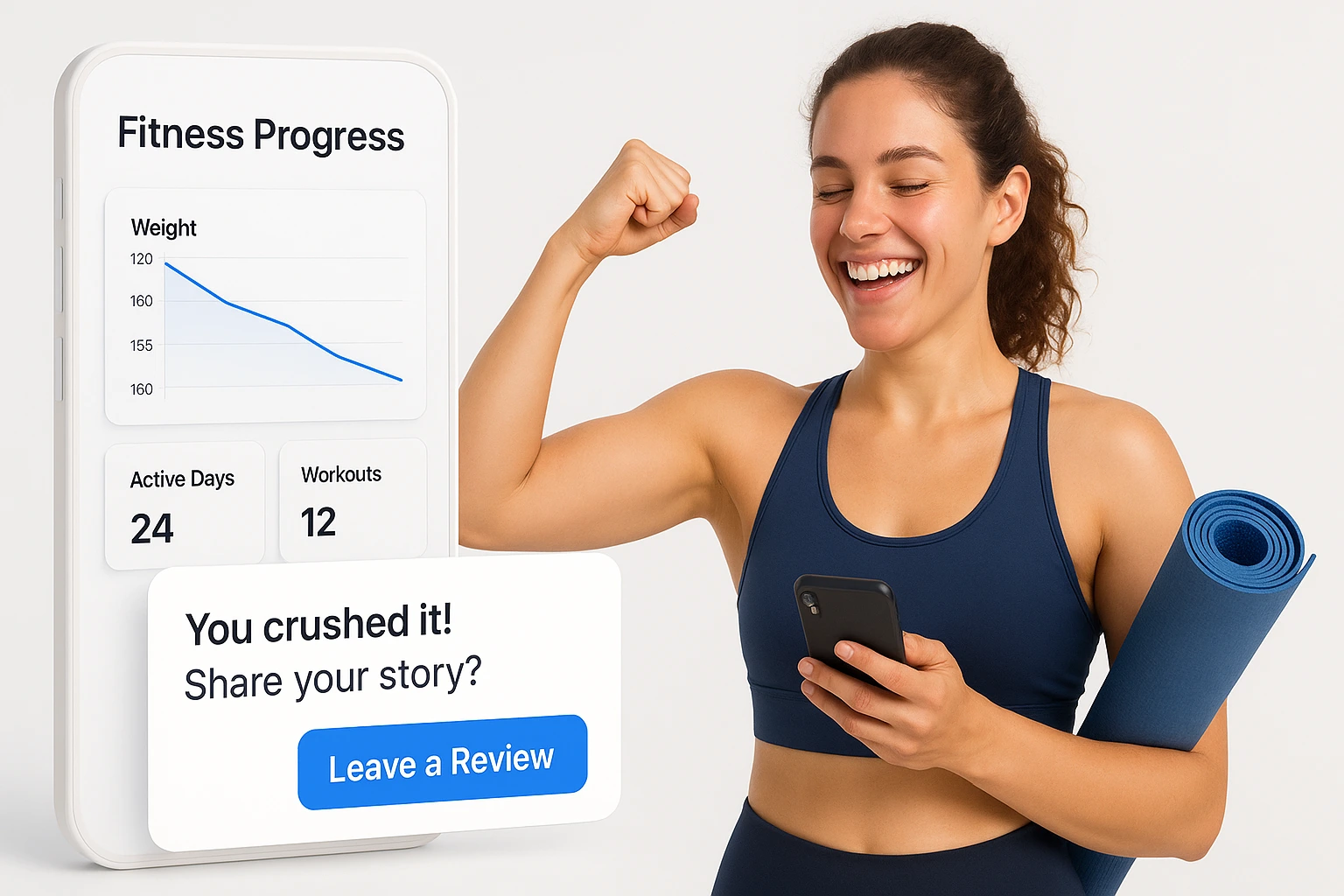
Getting reviews isn’t just about what you ask — it’s about when you ask. Catch your clients in the right moment, and you won’t need to ask twice.
The best time to ask for a review is when your client is:
- Feeling accomplished — after hitting a goal like weight loss, strength gains, or consistency streaks
- Praising you — in a check-in, message, or comment (“This program changed my life!”)
- Finishing a program or challenge — when they’re reflecting on progress and feel proud
Strike while motivation and emotion are high. That’s when people are most likely to want to share their story — and give you a glowing review without hesitation.

Use fitness tracking tools or your client management system to flag milestones, so you know exactly when to reach out.
Ask with energy, gratitude, and ease. For example:
You’ve crushed this program — seriously impressive. If you’re open to it, I’d love a quick review about your experience. Your story could inspire someone else to get started.
Right timing turns review requests from a chore into a celebration. Use it.
5. Make It Super Easy to Leave a Review
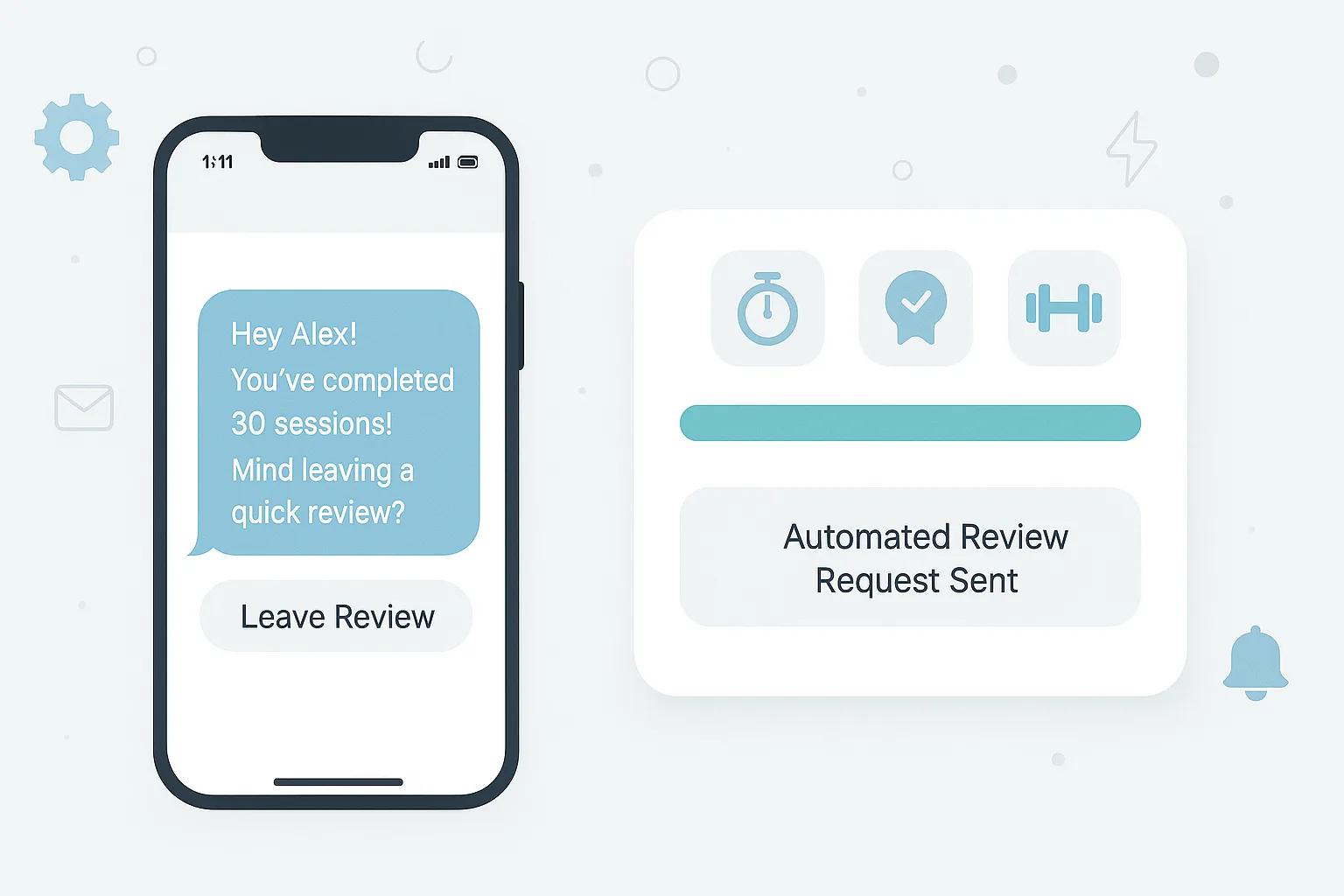
Even satisfied clients won’t leave a review if the process feels confusing or time-consuming. The easier it is, the more likely they’ll follow through—especially on mobile.
Start by sharing a direct review link. Whether you’re using Google, Facebook, or your website, make sure clients don’t have to search or click around. Include the link in your thank-you email, progress updates, or post-program message.
You can also add a review button inside your member dashboard or app. Label it clearly—something simple like “Share Your Experience” works best.
If you send physical materials like workout guides or thank-you cards, add a QR code that leads straight to your review page. This works well for hybrid or printed coaching offers.
Keep your ask simple, your link easy to click, and the steps minimal. One clear path = more reviews, without the need for follow-ups.
6. Ask on Social Media (and Encourage Shares)
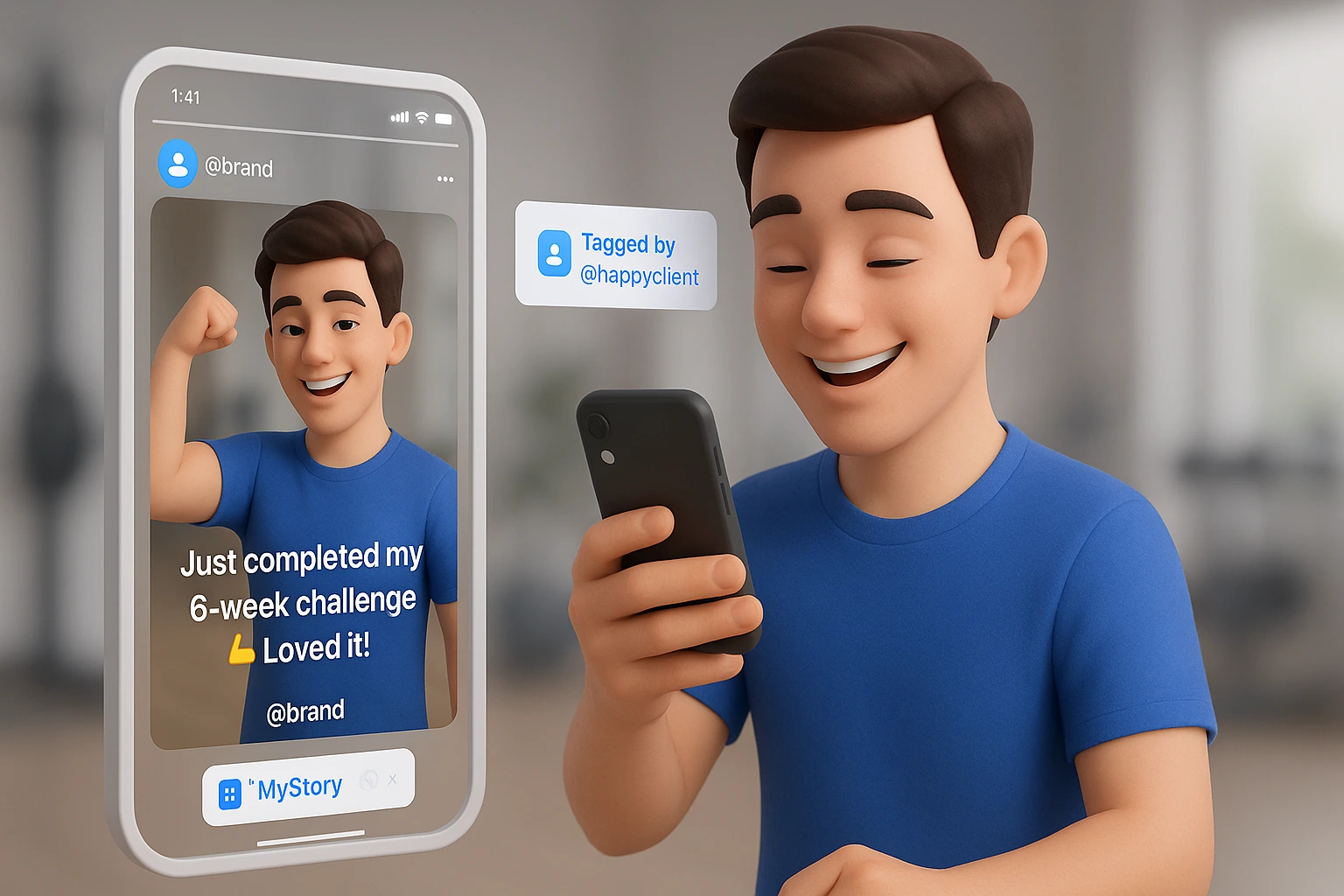
Your clients are already active on platforms like Instagram, Facebook, and TikTok—so meet them where they are. Social media is one of the easiest ways to collect reviews and amplify them.
Start by posting a friendly reminder:
“Have you tried our program? We’d love to hear what you think! Drop a quick review here [link].”
Use an eye-catching visual and keep the caption short and casual.
You can also share client shout-outs, progress stories, or transformation posts and invite others to share their own experiences. When clients see their peers being featured, they often feel encouraged to join in.
Another smart tactic is to run a share campaign:
Ask clients to share their fitness journey in their stories or posts and tag your page. Repost them to show appreciation and build social proof at the same time.
Reviews don’t always need to be formal. A story highlight, a tagged reel, or a comment under your post can carry just as much weight as a written review on your site.
Encouraging social shares helps build trust, reach new audiences, and reminds current clients to speak up—all without directly asking them twice.
Conclusion
Getting more reviews for your online fitness site doesn’t have to be complicated or awkward.
When you focus on key moments—like client wins, program completions, and progress milestones—you create natural openings for feedback.
And when the review process is quick and easy, more clients will take action without needing reminders.
Start small. Pick one or two strategies from this list and add them to your current workflow.
Over time, you’ll build a steady flow of genuine reviews that boost trust and help attract new clients to your fitness programs.
Real words from real people will always be more potent than sales copy. Let your happy clients speak for you.
Show Real Reviews That Build Trust
Collect and display photo, video, and text reviews with full design control.
Related guides
Growing reviews for a different type of business? These related guides can help:
- 7 Proven Ways to Collect Reviews for Your Online Coaching
- Get More Reviews for Your Beauty Salon Easily
- How to Get More Reviews for Cleaning Company
- How to Get More Dental Reviews on Google for Your Clinic
- Simple Ways to Collect Reviews from Happy Event Clients
Frequently Asked Questions
How can I collect reviews without constantly following up?
You can use tools like WiserReview to send review requests automatically by email, WhatsApp, or link—right after a session or program ends.
Can clients leave video or photo reviews easily?
Yes. With WiserReview, clients can submit photo or video reviews directly through a simple form—no login or app needed.
Where should I show reviews on my website?
You can show reviews on your homepage, service pages, or landing pages using sliders, popups, or badges to build trust where it matters.
Do I need coding skills to set this up?
No. WiserReview and WiserNotify are no-code tools. You can set them up with simple copy-paste steps.
How does social proof help my fitness business grow?
When people see others sharing real feedback, they’re more likely to trust you and sign up. Live review popups can increase sign-ups and build credibility fast.

Krunal Vaghasiya is a marketing tech expert who boosts e-commerce conversion rates with automated social proof and FOMO strategies. He loves to keep posting insightful posts on online marketing software, marketing automations, and improving conversion rates.




 Capterra