

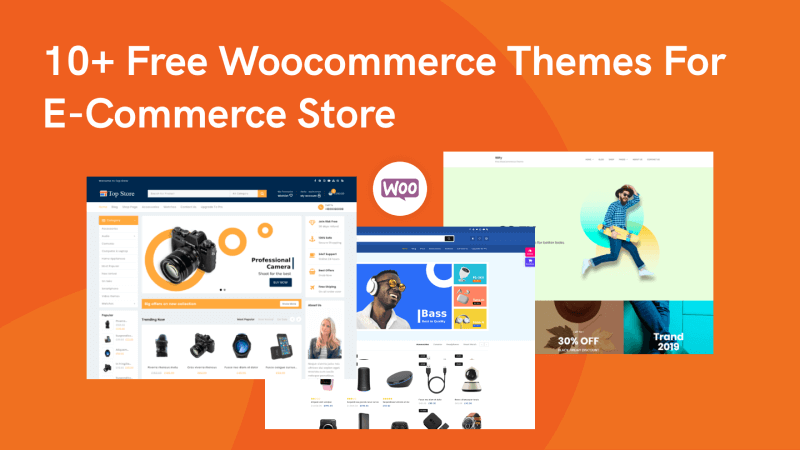
I’ve built over 20 WooCommerce stores for clients and tested dozens of free themes in the process.
Some look great in the demo but fall apart once you add real products. Others are lightweight and fast, but so limited you’ll hit a wall within a week.
This list cuts through the noise. I’ve picked 16 free WooCommerce themes that are genuinely worth installing in 2026.
Each one is actively maintained, WooCommerce-compatible, mobile-responsive, and fast enough to score well on Google PageSpeed.
If you’re searching for a free WooCommerce theme, a free WooCommerce template, or the best free ecommerce theme for WordPress, this list covers all of them.
Whether you’re launching a fashion boutique, electronics store, or a general ecommerce shop, there’s a theme here that fits.
Also check: 15 Free WooCommerce Plugins to Improve Conversion Rate

Boost Conversion Instantly
Add Social Proof & Urgency to your website
What to Look for in a Free WooCommerce Theme
Before picking a theme, here are the six things I check every time:
WooCommerce compatibility. Not every WordPress theme works well with WooCommerce. The theme should explicitly state WooCommerce support and render product pages, cart, and checkout correctly out of the box.
Mobile responsiveness. Over 60% of ecommerce traffic comes from mobile devices. Load the theme demo on your phone before installing. If the product grid, navigation, or checkout feels clunky on mobile, skip it.
Page speed. A slow theme kills conversions. Test the demo with Google PageSpeed Insights. You want a score above 80 on mobile. Lightweight themes with clean code (like Astra, Botiga, and Blocksy) consistently score highest.
Customization options. Can you change colors, fonts, header layout, and footer design without writing CSS? The best free WooCommerce themes include a visual customizer or work with drag-and-drop page builders like Elementor or the WordPress block editor.
Regular updates. Check when the theme was last updated on WordPress.org. If it hasn’t been updated in 12+ months, it may have compatibility issues with the latest WordPress and WooCommerce versions. Active development is non-negotiable.
Plugin compatibility. Your theme needs to work with essential WordPress plugins: SEO plugins, social proof tools like WiserNotify, caching plugins, and form builders. Themes built on WordPress standards (not proprietary frameworks) tend to have the fewest conflicts.
16 Best Free WooCommerce Themes (2026)
1. Qi Theme

Qi is a feature-rich, multipurpose theme with over 100 demo configurations, including several specifically designed for ecommerce stores.
It supports Elementor page builder, so you can customize layouts without touching code.
Best for: Fashion stores, lifestyle brands, and anyone who wants maximum design flexibility from a free theme.
Key features: 100+ starter sites, Elementor compatibility, beautiful product gallery layouts, SEO-optimized code, retina-ready displays.
The theme loads fast despite its feature density, making it a strong all-rounder for WooCommerce stores of any size.
2. Shopstar
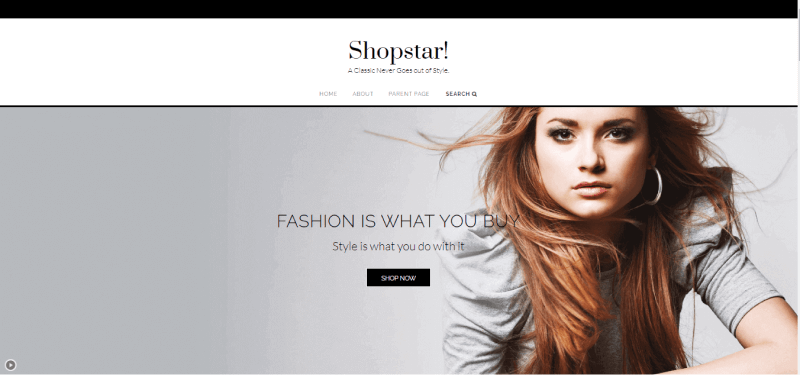
Shopstar combines an ecommerce marketplace and a fashion blog into one clean design.
Its clutter-free layout puts your products front and center without distractions.
Best for: Online boutiques and fashion ecommerce stores that want a minimalist, elegant look.
Key features: WooCommerce-ready, SiteOrigin Page Builder-compatible, recent posts widget, clean typography, and a design that balances the storefront with blog content. Simple to set up for beginners.
3. Buzz Ecommerce
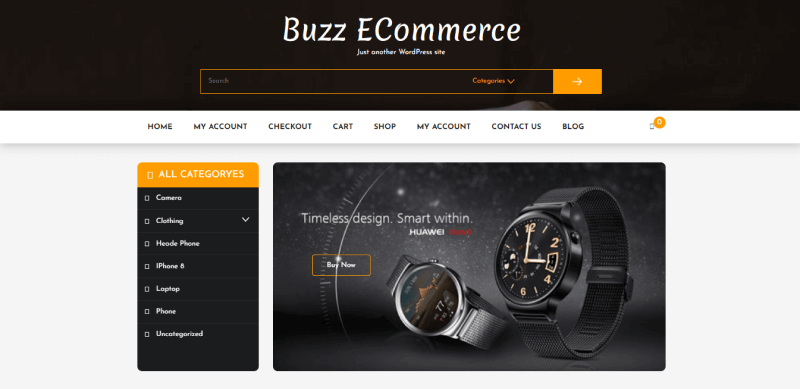
Buzz Ecommerce offers a visually striking design with extensive customization options.
The drag-and-drop customizer means you can build your store without any coding knowledge.
Best for: Electronics stores, jewelry shops, and general ecommerce sites that need a flexible, eye-catching design.
Key features: Drag-and-drop customizer, cross-browser compatibility, responsive design, WooCommerce integration, and the ability to modify every component of the theme layout.
4. Botiga
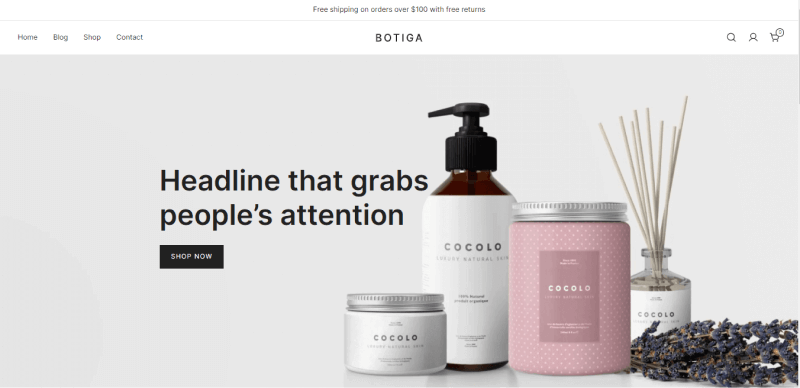
Botiga is one of the most popular free WooCommerce themes in 2026, and for good reason.
It’s clean, fast, and gives you more control over your shop design than most premium themes.
Three product gallery layouts, multiple cart styles, and customizable checkout pages come included in the free version.
Best for: Beauty products, cosmetics, skincare brands, and any store that values clean, modern design with strong WooCommerce customization.
Key features: Multiple header and footer designs, advanced typography options, scroll-to-top button, product search bar, responsive on all devices, and one of the best free theme customizers available. Scores 90+ on PageSpeed consistently.
5. Big Store
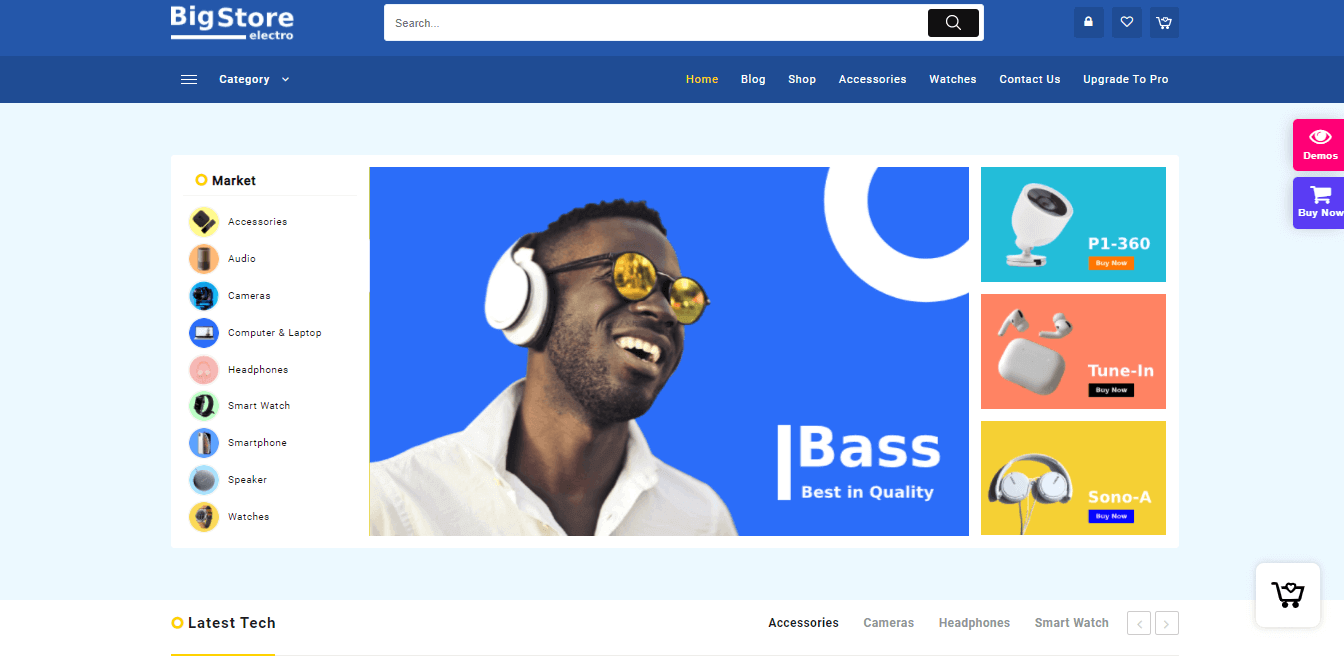
Big Store is a comprehensive free ecommerce WordPress theme that integrates tightly with WooCommerce.
It includes one-click sample template imports to speed up the setup process.
Best for: Multi-category stores selling gadgets, furniture, groceries, home appliances, or any store with a large product catalog.
Key features: AJAX-powered search, product quick view, sticky headers, sustainable product filters, multiple header and footer combinations, color and background options, and shop page settings.
A solid choice for stores that need department-store-style layouts.
6. Zigcy Cosmetics
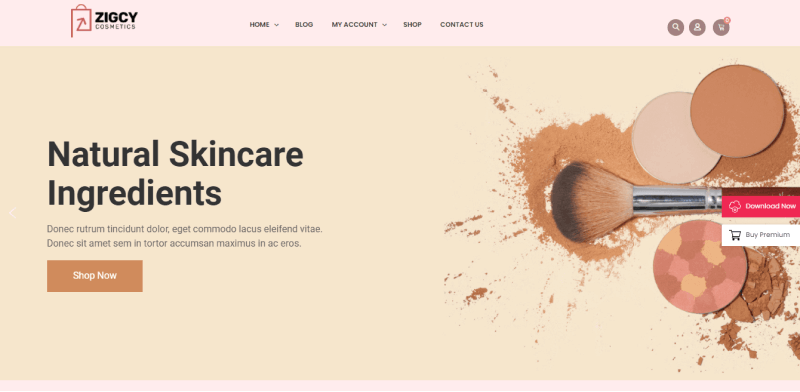
Zigcy Cosmetics is a free, modern WooCommerce theme built specifically for beauty and cosmetics businesses.
It comes packed with WooCommerce features that you’d normally find only in paid themes.
Best for: Cosmetics shops, beauty product stores, health and wellness brands, and boutique businesses in the beauty category.
Key features: Multiple header layouts, a slider layout, a sidebar category menu with homepage products, several product display layouts, a mobile-friendly design, SEO-optimized code, and fast load times.
Boost Conversion Instantly
Add Social Proof & Urgency to your website
7. Bingle
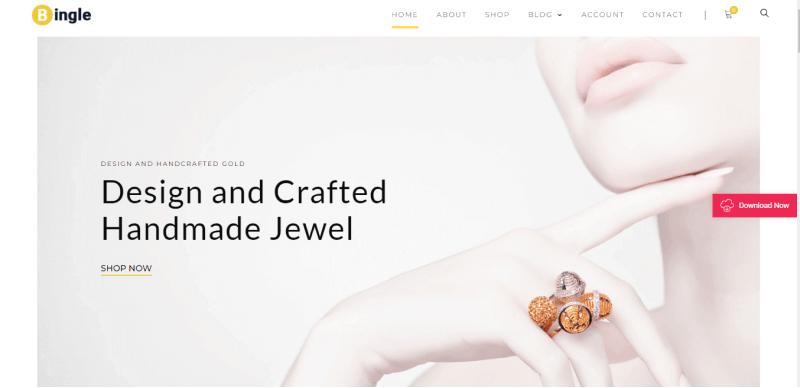
Bingle is a responsive WordPress WooCommerce theme with a clean, professional appearance.
With 10+ demo templates and compatibility with all major page builders, it’s easy to quickly get a polished store up and running.
Best for: Jewelry stores, accessories shops, and any ecommerce business that wants a classy, elegant storefront.
Key features: 10+ demo templates, drag-and-drop interface, extensive font settings, multiple header and footer designs, attractive product page layouts with CTA spots, best-seller sections, and organized sidebars.
8. SparkleStore
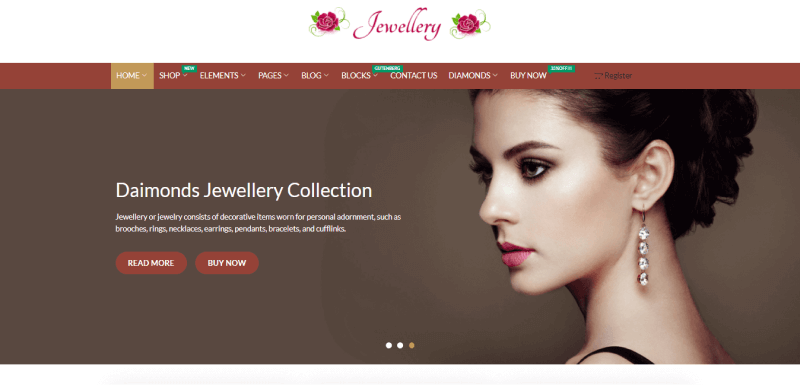
SparkleStore is a sleek, highly customizable WooCommerce theme with advanced features that punch above its weight class for a free theme.
It adapts to any industry niche through its robust customization options.
Best for: Any ecommerce niche. SparkleStore’s flexibility makes it suitable for electronics, clothing, accessories, home goods, and more.
Key features: One-click demo data import, customizer-based theme options, page builder-friendly design, individual page and post layout options, WooCommerce compatibility, and a straightforward UI that doesn’t overwhelm beginners.
9. WS Sport
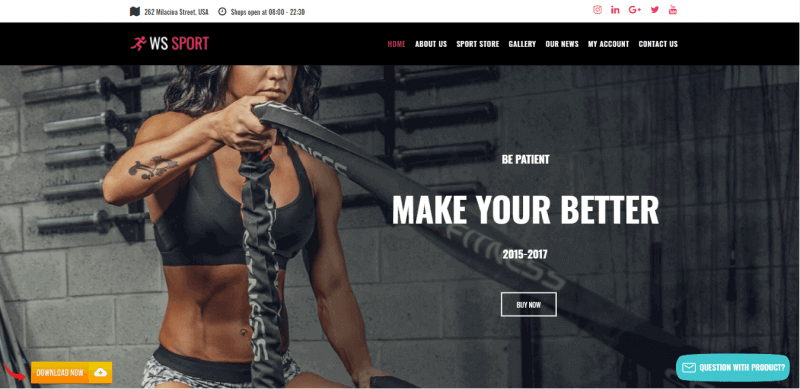
WS Sport is a free WordPress theme designed for fitness equipment, sports gear, and athletic product stores.
It provides a professional layout that showcases physical products effectively.
Best for: Sports equipment stores, fitness brands, gym gear shops, and outdoor recreation product businesses.
Key features: WooCommerce integration, high-quality image showcasing, professional layout designed for physical product businesses, and a design that emphasizes product photography and clear navigation.
10. 99fy
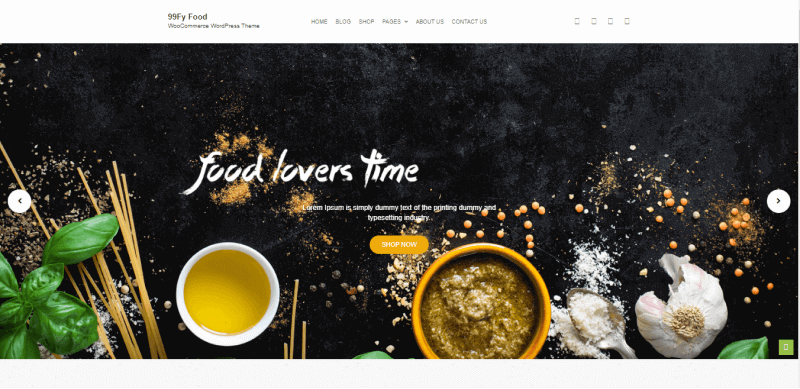
99fy delivers a comprehensive WooCommerce experience with cross-browser optimization and SEO-friendly code.
It includes social networking integration and multiple custom add-ons that extend its functionality.
Best for: General ecommerce stores, grocery shops, and any business that needs a well-rounded free theme with strong out-of-the-box features.
Key features: Cross-browser optimized, SEO-friendly, social media integration with custom icons, GDPR compliance support, multiple inner pages, wishlist functionality, and a versatile design system.
11. Top Store
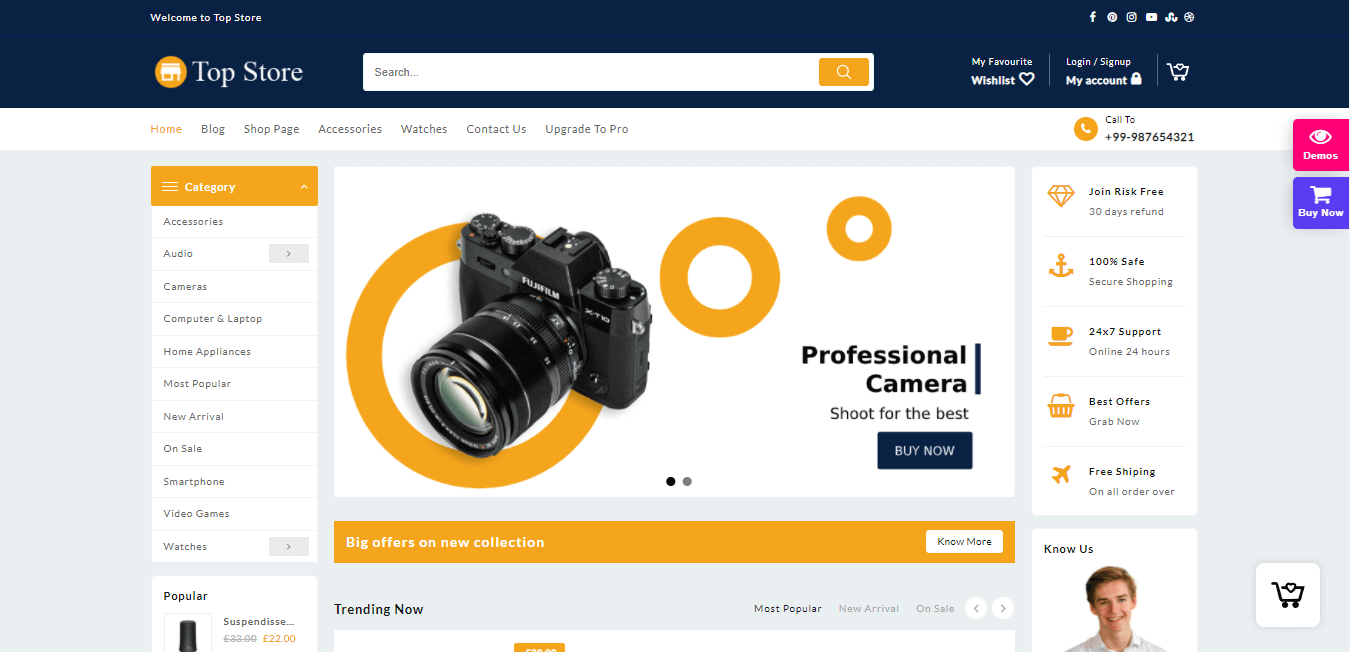
Top Store is a clean, well-organized WooCommerce theme that works well for multi-product ecommerce sites.
Its layout is designed to handle large inventories without feeling cluttered, making product discovery intuitive for shoppers.
Best for: Large product catalog stores, department-style ecommerce sites, and businesses selling across multiple categories.
Key features: Clean grid layouts, WooCommerce product filtering, responsive design, customizer-based options, and a structured layout that scales well with growing product libraries.
12. Astra
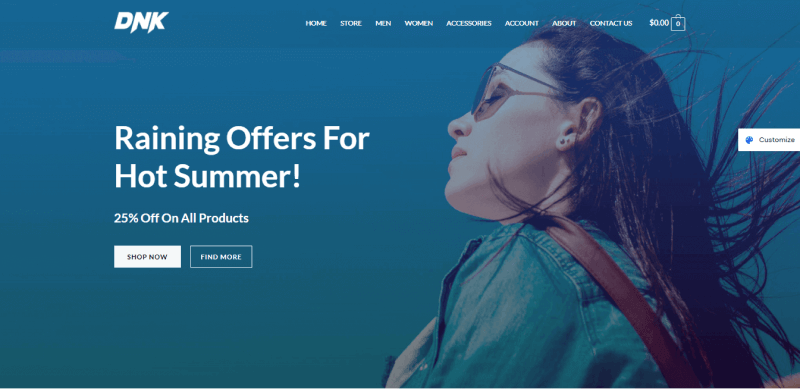
Astra is one of the most popular WordPress themes of all time, with over 2.4 million downloads and 5,400+ five-star ratings.
It’s lightweight (under 50KB), loads in under half a second, and integrates seamlessly with WooCommerce.
Best for: Any ecommerce store that prioritizes speed and flexibility. Astra works with Elementor, Beaver Builder, and the WordPress block editor, making it the most versatile free WooCommerce theme available.
Key features: Pre-built ecommerce starter sites, one-click import, full WooCommerce support, customizable product catalog layouts, mega menu support, transparent header options, and the fastest load times of any free theme on this list.
The free version covers the basics, while Astra Pro unlocks advanced WooCommerce features.
13. Rife Free
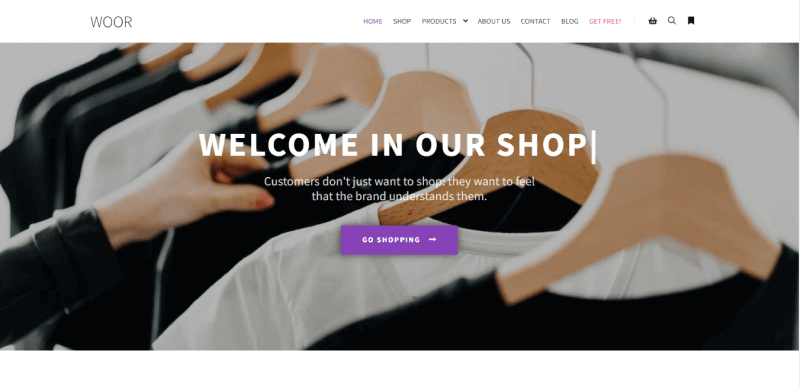
Rife Free is a creative, portfolio-style theme that doubles as a WooCommerce store.
It’s ideal for businesses that need to showcase both their work and their products on the same site.
Best for: Creative businesses, photographers selling prints, designers selling merchandise, and artisans who need a portfolio plus a shop.
Key features: Portfolio layouts, WooCommerce support, Elementor compatibility, beautiful typography, full-width image sections, and a design that blends creative expression with ecommerce functionality.
14. eStore
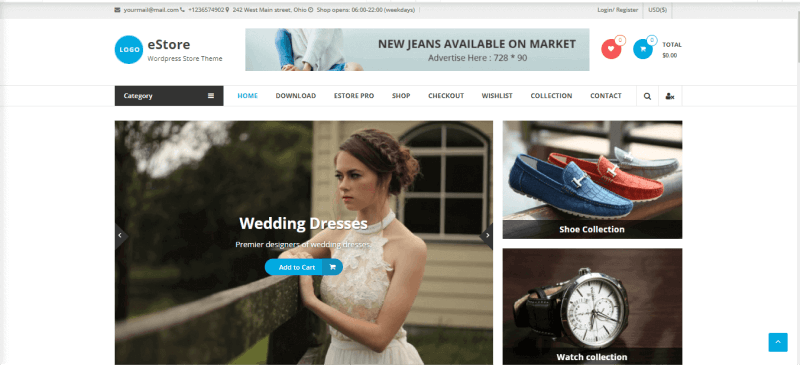
eStore is a feature-rich, free WooCommerce theme that rivals many premium options.
Built-in custom widgets let you create a professional storefront without extra plugins, and the clean design puts product images front and center.
Best for: General ecommerce stores that want a premium look without paying for a premium theme. Works well for clothing, accessories, and home goods.
Key features: Custom ecommerce widgets, product slider, category showcase, promotional banner areas, WooCommerce integration, responsive layout, and a polished design that looks professional from the first install.
15. Storevilla
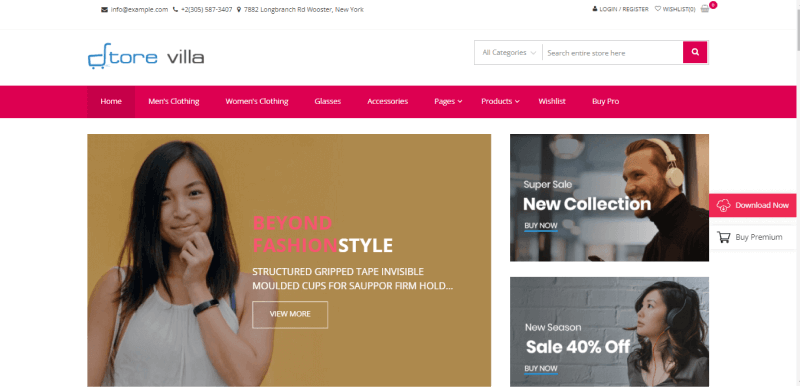
Storevilla is a purpose-built WooCommerce theme with a traditional ecommerce layout: featured product slider, category sections, product grids, and promotional banners.
It’s designed to feel like a familiar online shopping experience.
Best for: Traditional retail-style online stores, multi-product businesses, and store owners who want a conventional ecommerce layout that customers instantly understand.
Key features: Product slider, category showcase sections, WooCommerce deep integration, promotional banner areas, sidebar product widgets, and a layout that follows established ecommerce UX patterns.
16. Blocksy
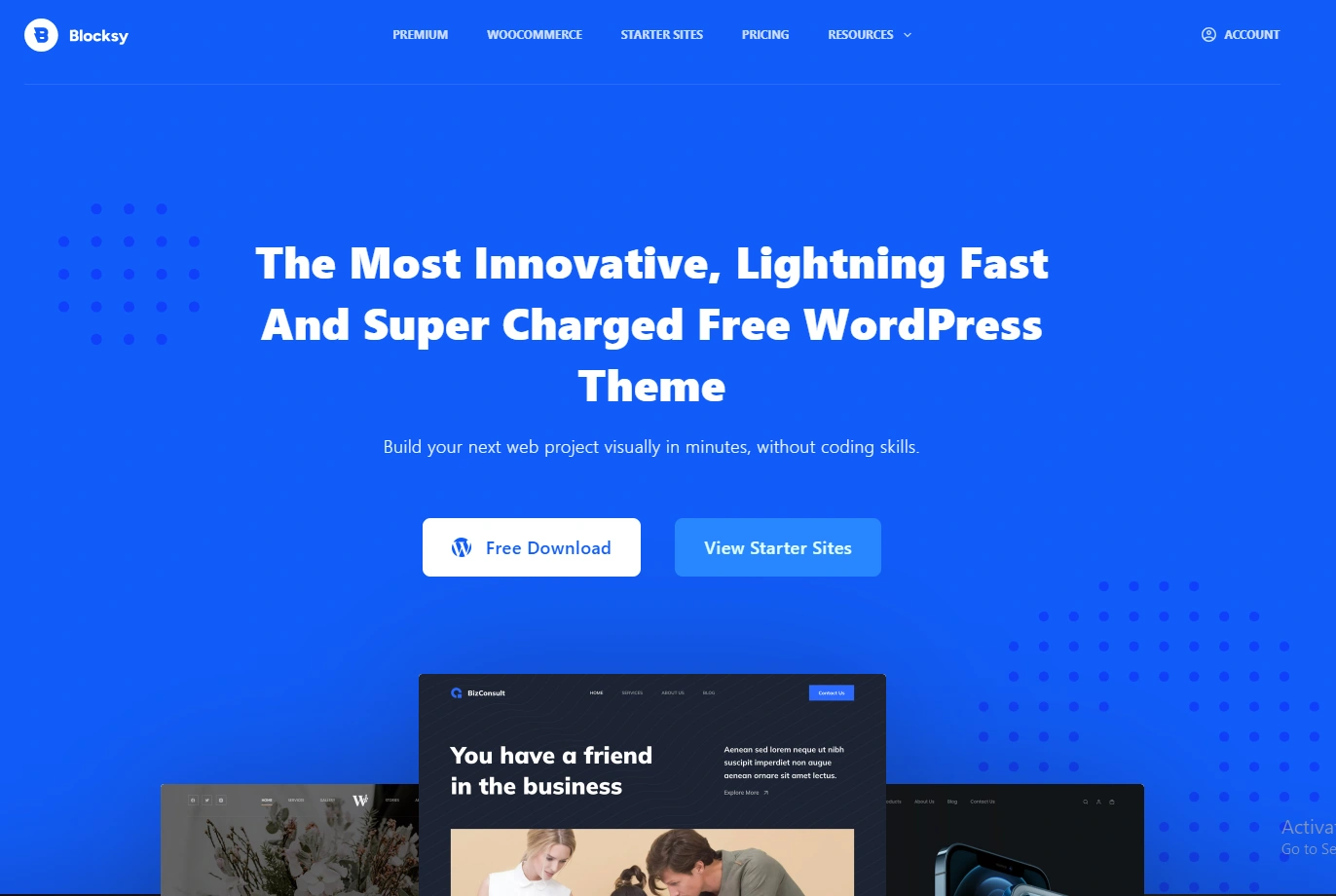
Blocksy is one of the best free WordPress themes released in recent years, and its WooCommerce integration is outstanding.
Built from scratch for the WordPress block editor and Full Site Editing, it offers a modern approach to store design without requiring a third-party page builder.
Best for: Store owners who want a modern, block-editor-native theme with deep WooCommerce customization. Excellent for any ecommerce niche.
Key features: Product quick view, instant add-to-cart, four gallery styles, header and footer builder, dark mode support, GDPR compliance, built-in schema markup, and one of the fastest free themes available. Scores 95+ on PageSpeed. Works with Elementor, Beaver Builder, and Gutenberg.
Boost Conversion Instantly
Add Social Proof & Urgency to your website
Free vs. Premium WooCommerce Themes: Do You Need to Pay?
For most new stores, a free WooCommerce theme is the right starting point.
Themes like Astra, Botiga, and Blocksy offer enough customization, speed, and WooCommerce features to build a professional-looking store that converts.
You’ll find these consistently ranked among the top WordPress ecommerce themes’ free options, and they also serve as excellent WooCommerce templates free of charge.
Premium themes make sense when you need advanced features like built-in product quick view, mega menus, custom checkout layouts, or dedicated ecommerce page builders.
They also typically include priority support and more frequent updates.
My recommendation: start with a free theme from this list. If you hit a limitation that’s costing you sales (like a checkout flow you can’t customize or a product layout that doesn’t fit your catalog), then consider upgrading to the premium version of the same theme.
Most themes on this list (Astra, Botiga, Blocksy, Qi) offer premium upgrades that add WooCommerce-specific features.
How to Install a Free WooCommerce Theme
Installing a WooCommerce theme takes about 5 minutes:
Step 1: Log in to your WordPress dashboard, then go to Appearance> Themes.
Step 2: Click “Add New Theme” and search for the theme name (for example, “Botiga” or “Astra”).
Step 3: Click “Install” then “Activate” on the theme you want.
Step 4: Most themes will prompt you to import a starter site or demo content. Follow the setup wizard to get a pre-designed store layout.
Step 5: Go to Appearance, then Customize to adjust colors, fonts, header layout, and WooCommerce-specific settings like product grid columns, cart style, and checkout layout.
Step 6: Install conversion-boosting tools like social proof notifications, urgency widgets, and review displays to maximize sales from your new store design.
Wrapping Up
The best free WooCommerce theme for your store depends on what you’re selling and how much customization you need.
For maximum speed and flexibility, Astra and Blocksy are hard to beat.
For the best built-in WooCommerce customization, Botiga leads the pack. For fashion and lifestyle brands, Qi and Shopstar deliver the most polished designs.
Start with one theme, import the demo content, add your products, and launch.
You can always switch later if your needs change. The most important thing isn’t which theme you pick.
It’s getting your store live and selling.


