
7 Best Facebook Review Plugins for WordPress (2026)

For online stores, WiserReview is the pick because it imports your Facebook reviews and also collects new ones.
Agencies get the most from Trustindex, whose top plan covers unlimited client companies. On a budget, WP Review Slider costs $29 a year, and Trustindex has a free version.
Below are 7 plugins that show Facebook reviews on WordPress, with what each one does well and where it falls short.
Quick Overview: Best Facebook Review Plugins

| Plugin | Best for | Free option | Paid from |
|---|---|---|---|
| WiserReview | Stores that collect and show reviews | 7-day free trial | $6.75/month billed yearly (up to 100 orders a month) |
| WiserNotify | Facebook review pop-up notifications | 7-day free trial | $59/year (Basic), Pro from $16/month |
| Trustindex | Design variety and agencies | Free version (10 reviews) | $65/year for 1 company |
| Tagembed | Reviews plus social feeds | Free plan | Shown after sign-up |
| RichPlugins Reviews Widgets | One feed from several review sites | Free plugin | $85/year for 1 site |
| WP Review Slider | Budget sites and multi-site setups | Free version | $29/year for 1 site |
| WP Social Ninja | Reviews, social feeds, and chat in one | Free version | $89/year for 1 site (promo $71) |
Prices checked on October 8, 2026, from each vendor's pricing page.
1. WiserReview: Collect and Display Reviews

WiserReview collects, manages, and displays customer reviews, including Facebook reviews, on your WordPress site.
Connect your Facebook business page once, and new reviews sync into WiserReview automatically. You can then show them as sliders, popups, badges, or carousels without code.
You can also collect new reviews through links, email, WhatsApp, or QR codes, so your review count keeps growing.
Main Features:
Facebook Review Sync: Pulls in new Facebook reviews from the pages you pick, automatically
Photo and Video Reviews: Lets customers add visuals to their feedback
Smart Sorting: Show top reviews by rating, date, or keyword
Multiple Display Styles: Use sliders, badges, popups, or carousels
Review Requests: Send review links through WhatsApp, email, or QR code
Works with Any WordPress Theme: Responsive widgets that fit your layout
Google Reviews Support: Show reviews from several platforms in one place
Pros
- Clean, responsive widget layouts that match your theme
- Central dashboard to manage all reviews
- Collect reviews directly through a custom form
- Imports reviews from many sources, not just Facebook
Cons
- Not a WordPress.org plugin, so you add it with an embed code or the WooCommerce integration
- Imported Facebook reviews aren't sent to Google Shopping product ratings
Who It's Best For
Ecommerce sites, service businesses, and agencies that want to automate review collection and display.
It also fits if you want Facebook reviews alongside reviews from other platforms in one place.

Show Real Reviews That Build Trust
Collect and display photo, video, and text reviews with complete design control.
2. WiserNotify: Facebook Review Pop-Ups
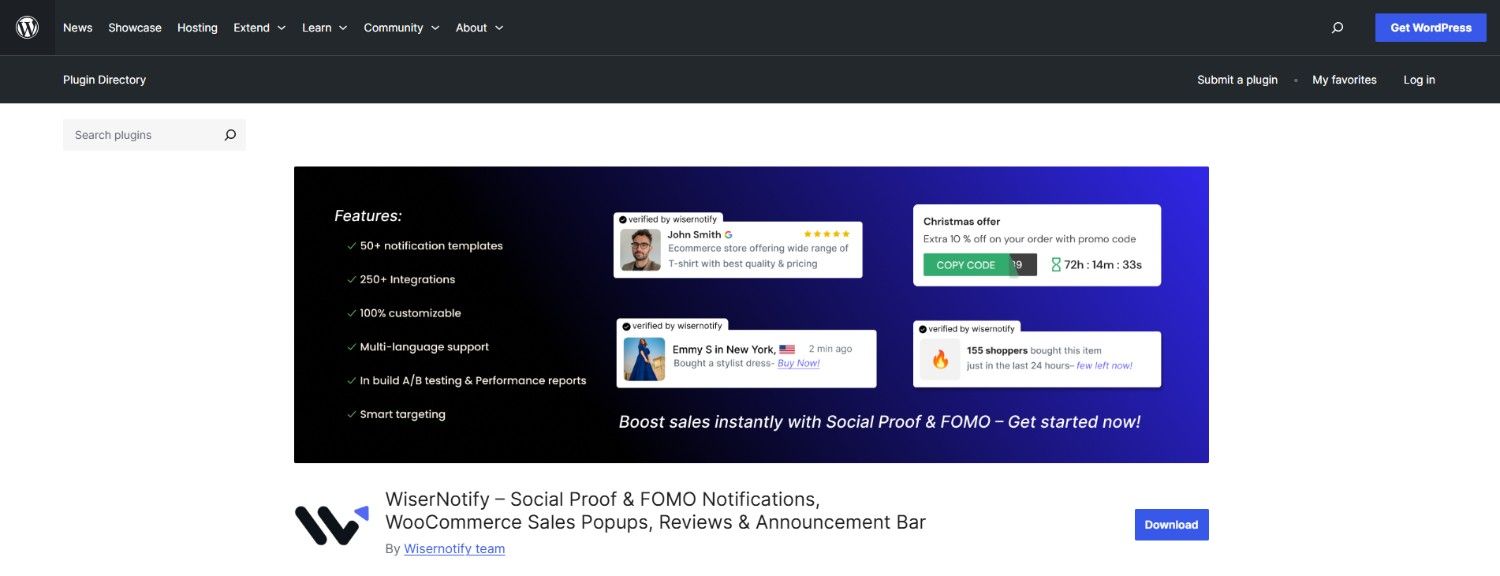
WiserNotify shows your Facebook reviews as small social proof notifications on your WordPress site.
You connect your Facebook business page, and WiserNotify pulls in your page reviews and like count. It refreshes that data every week and shows it in review or follower notifications.
Key Features
Connects to your Facebook business page with a Facebook login
Shows reviews in pop-up notifications on the pages you choose
Can also show your Facebook like count in a follower counter
Display rules by page, device, and visitor type
Integrates with 250+ marketing tools
Pros
- Easy to set up with the WordPress plugin
- Clean, modern notification designs
- Flexible rules for where and when reviews appear
- Combines Facebook reviews with sales and signup notifications
Cons
- Shows reviews as small pop-ups, not a full review wall
- Facebook data refreshes weekly, not instantly
Who It's Best For
Small and mid-sized businesses, stores, coaches, and agencies that already get steady Facebook reviews and want them in front of visitors without manual work.

Boost Conversion Instantly
Add Social Proof & Urgency to your website
3. Widgets for Reviews & Recommendations
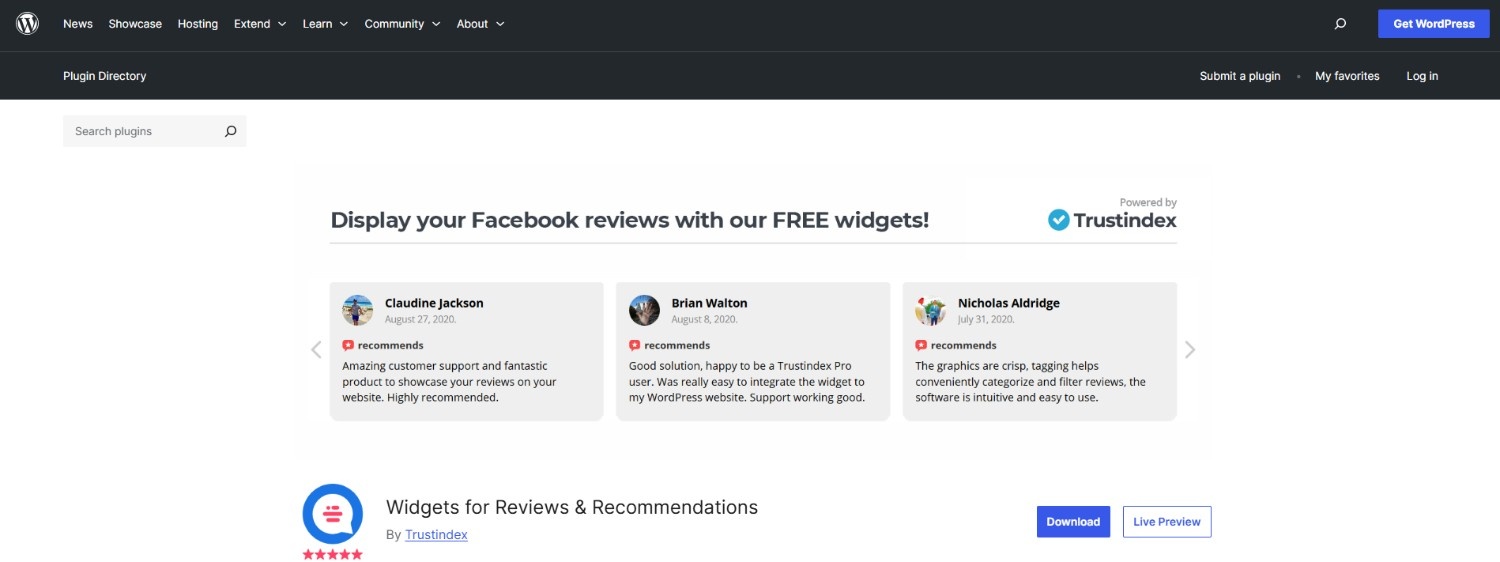
Widgets for Reviews & Recommendations by Trustindex is a WordPress plugin that lets you show Facebook reviews on your site.
It offers 40+ widget layouts and 25+ pre-designed styles, so it's easy to match your site's look.
Key Features
- Display up to 10 Facebook reviews and recommendations on the free version
- Choose from 40+ widget layouts and 25+ styles
- Filter reviews by rating
- Anonymize reviewer names
- Shortcode support for easy placement
- Works with page builders like Elementor and Divi
Pros
- Simple setup
- Wide range of design options
- Supports multiple languages
- Top plan covers unlimited companies, which suits agencies
Cons
- Free version shows only 10 reviews
- Paid plans are billed per company, so costs rise with each business you add
Who It's Best For
Owners who want a free start, and agencies managing reviews for many client companies.
Build trust & FOMO
Highlight real-time activities like reviews, sales & sign-ups.


4. Tagembed: Reviews Plus Social Feeds
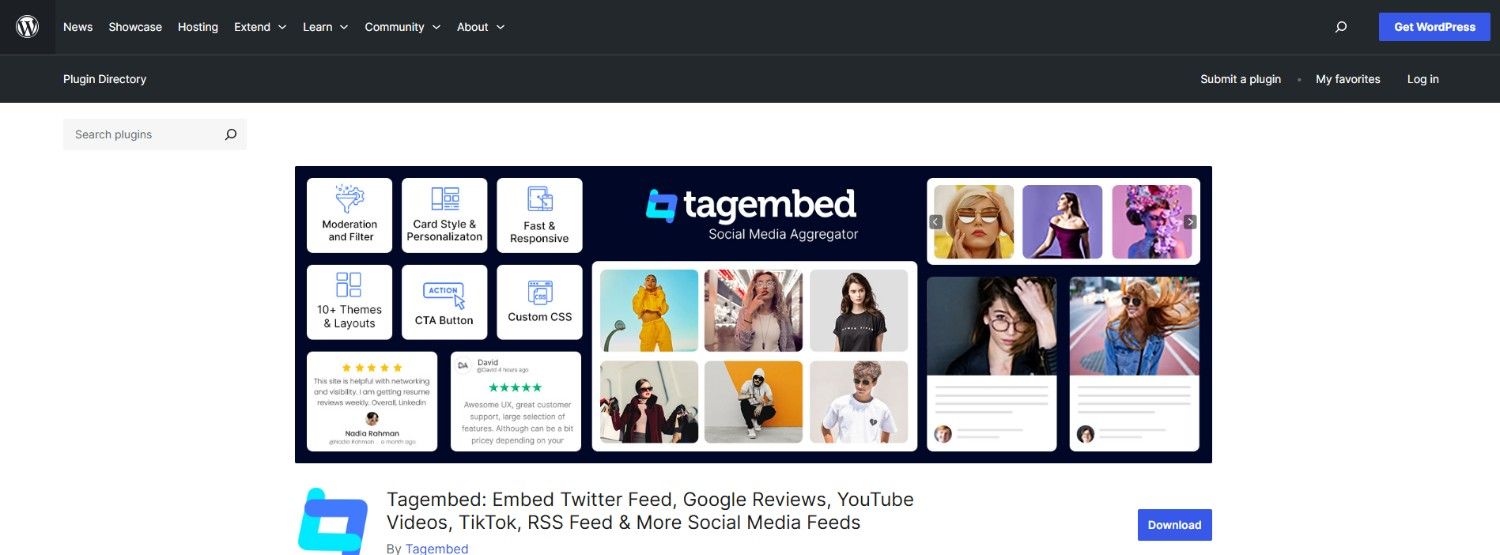
Tagembed is a WordPress plugin that shows Facebook reviews along with social media feeds on your site.
It pulls reviews from your Facebook page and lets you style them to match your site.
Key Features
- Pulls in Facebook reviews automatically
- Carousel, grid, and other display styles
- Filter reviews by rating or content
- Shortcodes for easy placement
- Also supports Google, Yelp, Airbnb, Amazon, and more
- Social feeds from Instagram, Facebook, YouTube, and TikTok
Pros
- Simple setup with no coding needed
- Customizable layouts to fit your site
- Fits into Elementor layouts
- Combines reviews and social feeds from many sources
Cons
- Paid pricing isn't public; you see it after signing up
- Built mainly as a social feed tool, so review features are less deep
Who It's Best For
Businesses that want Facebook reviews and social media feeds from one plugin.
5. RichPlugins Reviews Widgets
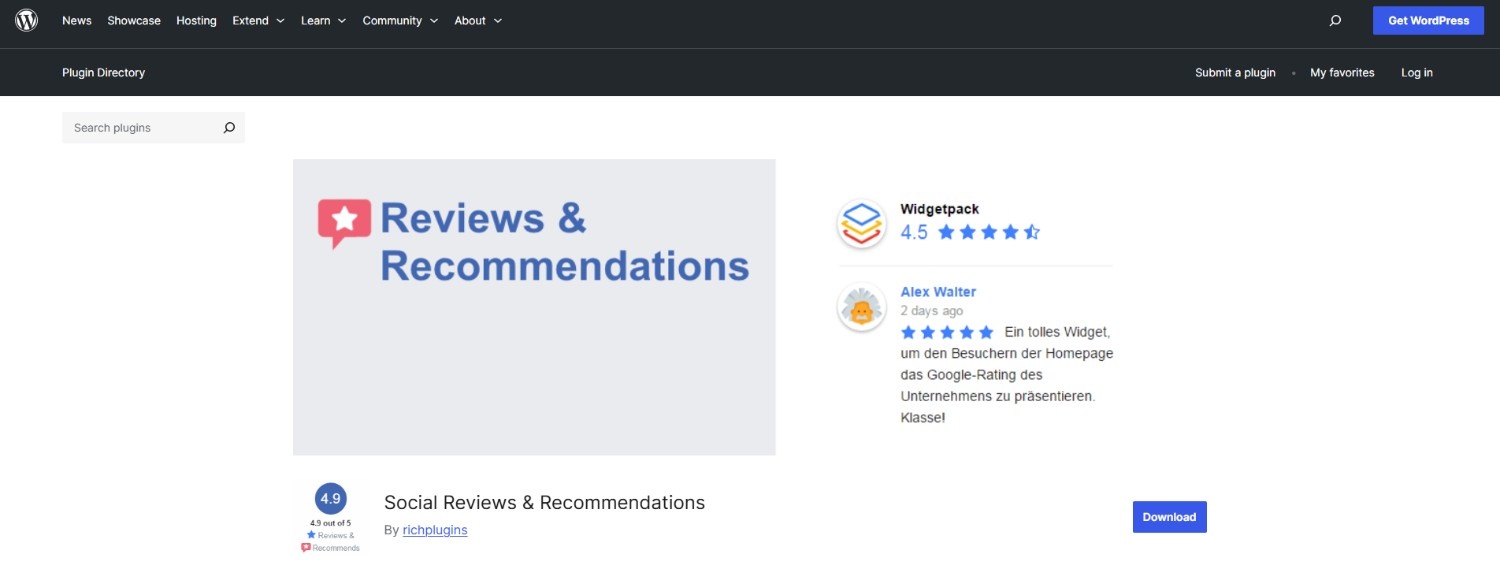
This plugin from RichPlugins, formerly called Social Reviews & Recommendations, shows your Facebook recommendations in one feed with reviews from Google, TripAdvisor, and Yelp.
You connect your Facebook page and pick how the reviews appear.
Key Features
- Combines Facebook, Google, TripAdvisor, and Yelp reviews in one feed
- Shows all your Facebook reviews on the free plugin
- Multiple widget layouts and shortcodes
- Supports page builders like Gutenberg, Elementor, and Divi
- "Read more" links for long reviews
- Paid bundle adds a JavaScript code for non-WordPress pages
Pros
- Easy to set up
- One feed for several review platforms
- Customizable display options
- Reviews render in your page HTML, so search engines can read them
Cons
- Merging several locations and ratings needs the paid bundle
- Paid licenses are priced per site
Who It's Best For
Local businesses with reviews spread across Facebook, Google, TripAdvisor, and Yelp.
6. WP Review Slider
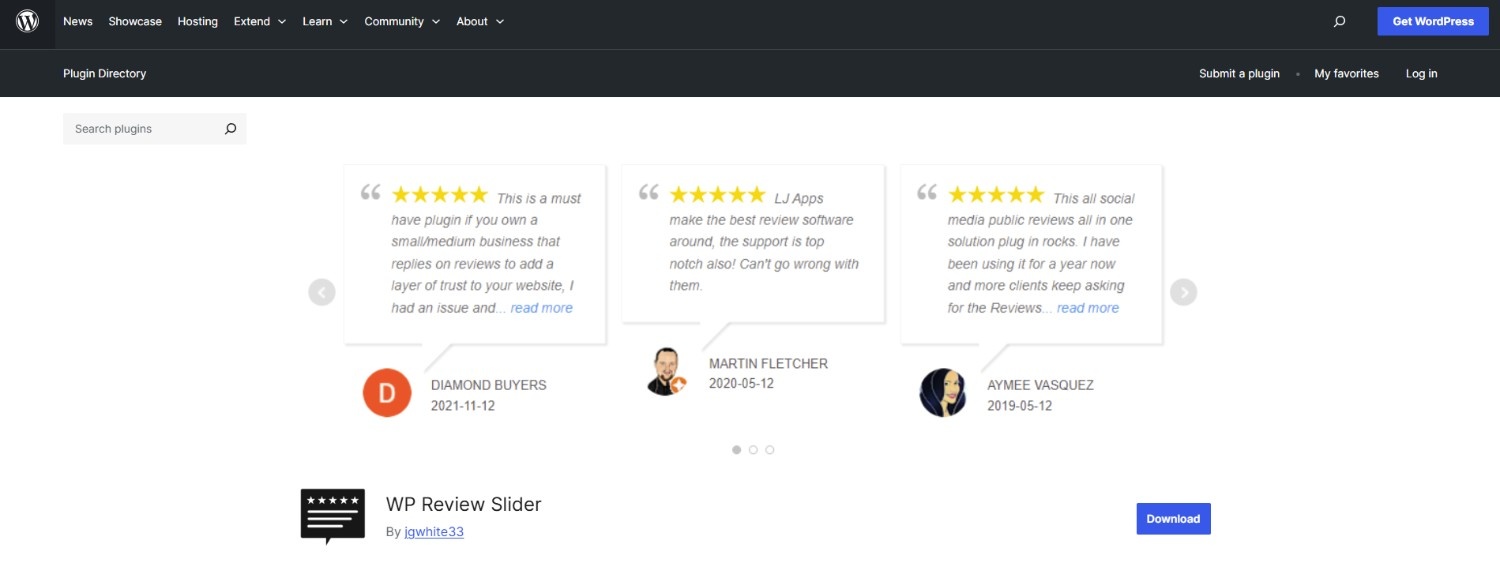
WP Review Slider shows Facebook reviews in a card-style slider or grid. It pulls Facebook Page reviews and recommendations and lets you place them anywhere on your WordPress site.
Key Features
- Imports Facebook reviews and recommendations
- Slider, grid, and floating layouts
- Star ratings and review dates
- Customizable colors, text, and layout
- Shortcode support for easy placement
- Pro version pulls from 110+ review sites
Pros
- Easy to use with shortcodes
- Reviews are saved to your site, so pages don't call Facebook on every load
- Lots of styling control without coding
- Agency license covers up to 50 sites
Cons
- The free version has fewer layout controls
- Most other review sites need the Pro version
Who It's Best For
Small businesses, local shops, and freelancers building client sites on a budget.
7. WP Social Ninja: Reviews, Feeds, and Chat
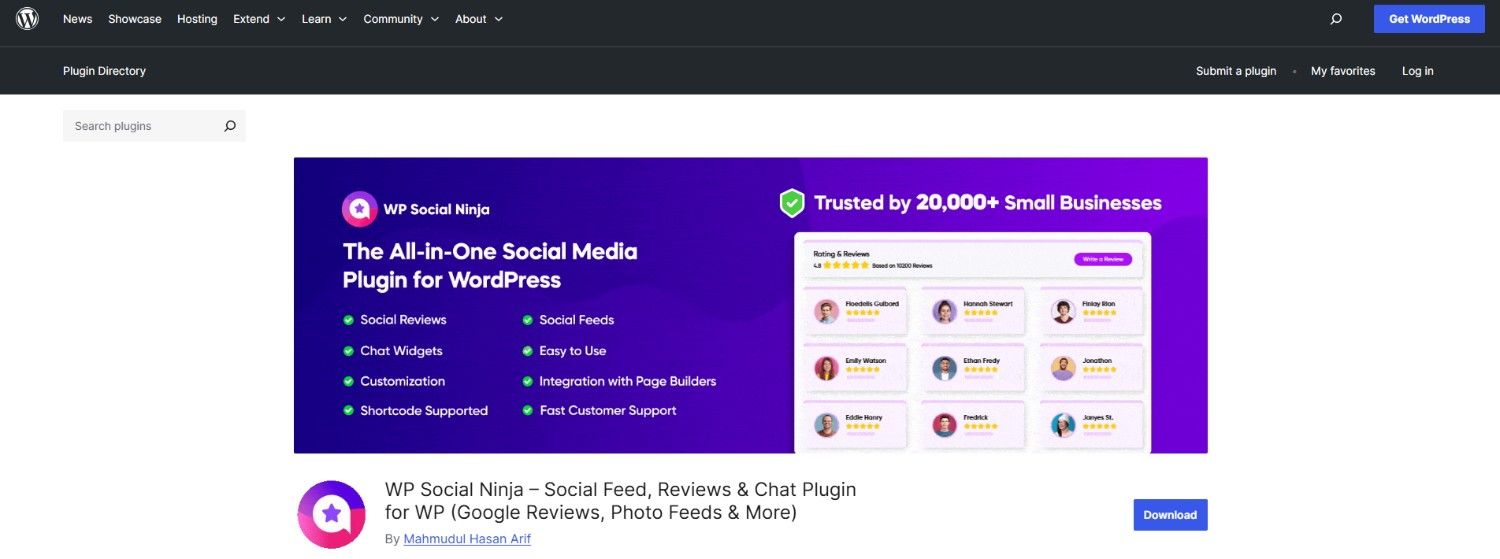
WP Social Ninja is an all-in-one social plugin for WordPress.
It shows Facebook reviews on your site along with social feeds, testimonials, and chat widgets from 30+ platforms.
Key Features
- Import and show Facebook reviews in a customizable layout
- Filter reviews by rating, keywords, or date
- Combine reviews from Facebook, Google, Yelp, and WooCommerce
- Add manual testimonials
- Show reviews as notification popups
- Shortcode support for placing reviews anywhere
Pros
- Clean interface and easy to use
- Many layout options
- Includes reviews, social feeds, and chat in one plugin
- Large user base on WordPress.org
Cons
- Many features require the paid version
- Can feel like too much if you only need reviews
Who It's Best For
Businesses and agencies that would rather run one social plugin than three separate ones.
How to Choose Facebook Review WordPress Plugins

Collection or display only: Most plugins only show reviews you already have. If you want more reviews, pick a tool that also sends review requests.
Recommendations, not stars: Facebook now shows recommendations instead of star ratings. Check how a plugin displays them so the widget doesn't look empty.
Design control: Look for layouts, fonts, colors, and spacing you can change, so reviews match your site.
Auto-review sync: The plugin should pull new Facebook reviews on its own, so your site stays current.
Mobile-friendly: Reviews should read clearly on phones, where most of your visitors are.
Pricing model: Some plugins charge per site, others per company or by order volume. Match the model to how many sites you run.
Fast performance: Prefer plugins that store reviews locally or load asynchronously, so your pages stay fast.
For a broader list, see these WordPress review plugins, or follow the steps to add Facebook reviews to WordPress.
Conclusion
Facebook reviews help turn WordPress visitors into customers.
Pick the plugin that matches your setup, whether that's one store, many client sites, or a tight budget. Add it once, and let real customer feedback do the work.
Frequently Asked Questions
Can I show Facebook reviews on WordPress without coding?
Yes. Most plugins connect to your Facebook page and display reviews automatically, with no code needed.
Is there a free Facebook review plugin for WordPress?
Yes. Trustindex, WP Review Slider, RichPlugins, and WP Social Ninja all have free versions on WordPress.org.
Will Facebook review plugins slow down my website?
Not if set up well. Plugins that store reviews locally or load asynchronously keep pages fast.
Can I control which Facebook reviews appear on my site?
Yes. Most plugins let you filter or hide reviews, though Facebook now shows recommendations instead of star ratings.
Can I show Facebook reviews on product pages and landing pages?
Yes. Most plugins support shortcodes or widgets, so you can place reviews anywhere on your site.

Krunal Vaghasiya is a marketing tech expert who boosts e-commerce conversion rates with automated social proof and FOMO strategies. He loves to keep posting insightful posts on online marketing software, marketing automations, and improving conversion rates.




 Capterra