
Ecommerce Trust: 7 Ways to Earn Shopper Trust (2026)
Ecommerce trust is a shopper’s confidence that your store is legitimate, safe to pay, and honest about what it sells. When that confidence is missing, visitors leave before checkout.
You earn it with proof from other buyers, clear policies and prices, visible security, an easy checkout, and fast human support. The seven ways below cover each one.
Key takeaways
- First-time visitors decide on trust quickly, using what they can check on the page: reviews, prices, policies, and security.
- Reviews now count twice, once on your product pages and again when shoppers ask AI assistants about your brand.
- Most trust fixes are cheap, like a visible return policy, full pricing before checkout, guest checkout, and a phone number.
What Is Ecommerce Trust and Why Does It Matter?
Ecommerce trust is the belief that an online store will take payment safely, ship what it shows, and fix problems fairly.
Without it, even strong products stall at checkout. First-time visitors can’t hold the product or meet the owner, so they judge the store by the signals on the page.
One missing signal, like hidden fees or no contact details, can end the visit. Our online shopping stats show how often that hesitation costs the sale.
Trust now reaches beyond your own site. When shoppers ask an AI assistant whether a brand is worth buying from, 57% of the sources cited are reviews and other third-party proof.
Your own pages are a much smaller share of those answers.
So the reviews you collect shape how new buyers see you twice, on your product pages and in AI answers about your store. Reviews on Google and other third-party sites matter for the same reason.
| Trust signal | What it tells the shopper | Where it belongs |
|---|---|---|
| Reviews and live activity | Other people bought and were happy | Product pages, homepage, checkout |
| Return policy and full pricing | No surprises after I pay | Next to the price and the cart button |
| HTTPS and trust seals | My card details are safe here | Cart and checkout |
| Fast, simple checkout | This store works like a serious business | Every step from cart to confirmation |
| Trials and guarantees | I can back out if it’s wrong | Product pages and offer banners |
| Original photos and video | The product looks like this in person | Product galleries |
| Reachable support | Someone will help if something breaks | Header, footer, contact page |
1. Show Social Proof and Reputation
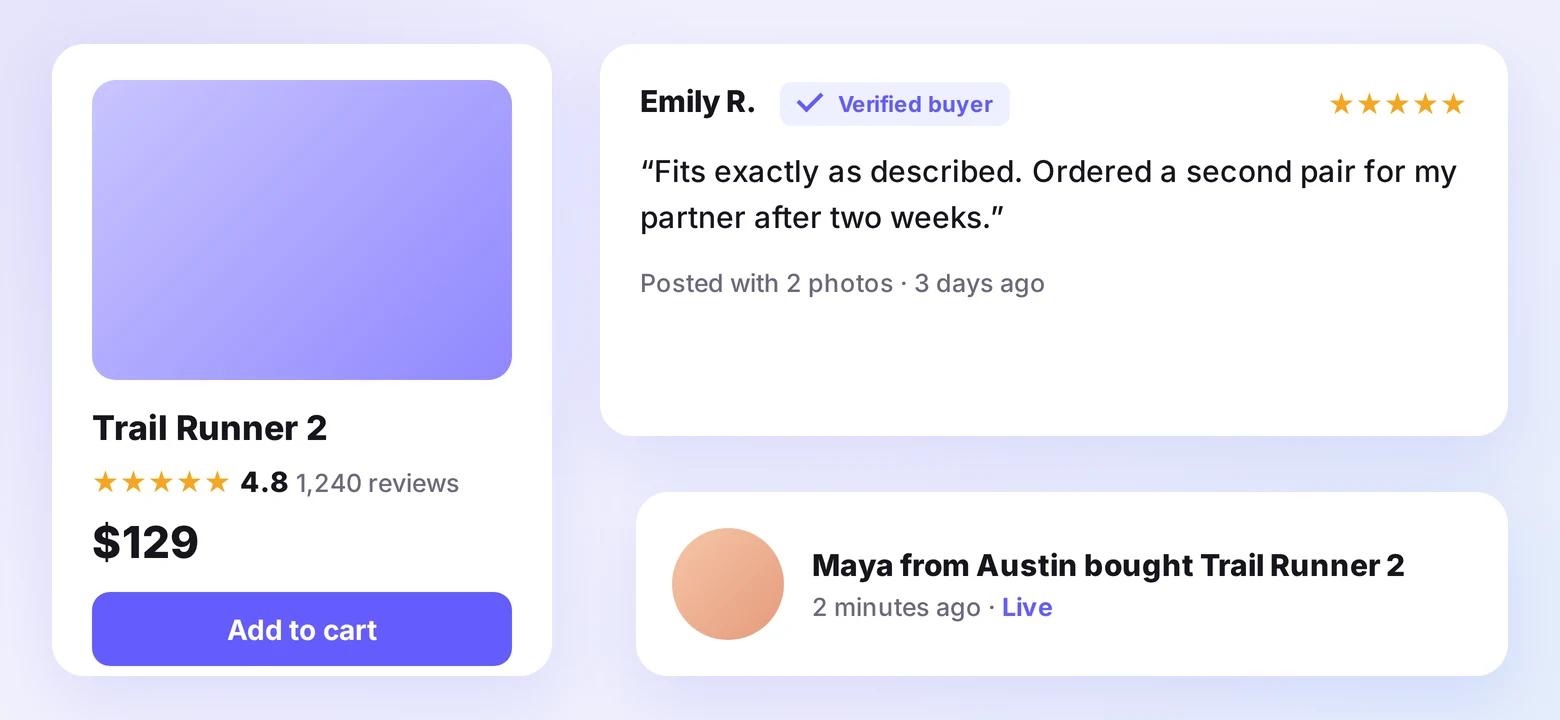
Social proof shows a new visitor that other people already bought from you and came back happy. It’s the fastest trust signal a store can add, because it borrows confidence from past buyers.
Customer reviews and ratings
Reviews carry more weight than anything you write about yourself, and our online review statistics show how many shoppers check them first. Add star ratings and written feedback on your product pages so the proof sits where shoppers decide.
Steady proof needs a steady supply. WiserReview, for example, requests reviews after each order by email, SMS, WhatsApp, or QR code, collects photos and video, and marks each one with a verified buyer label.
- Ask a specific question in each request, like fit, durability, or ease of setup, to get detailed answers.
- Show the average rating next to the product title, where it’s seen before the price.
- Reply to critical reviews in public. A calm, helpful reply reassures shoppers more than a perfect score.
- Keep review text on the page as plain text, not only inside a pop-up, so search engines and AI assistants can read it.
For ideas on what strong feedback looks like, browse these positive review examples.
Testimonials and press logos
Testimonials tell a story a shopper can see themselves in. Pair a customer’s name and photo with one specific result, like a problem the product solved.
Rotate testimonial widgets on product and checkout pages, and add logos of any media outlets that have featured your store. Keep both current, since an old quote or a dead logo raises doubt.
Live sales and signup notifications
Static reviews show that people bought at some point. Live notifications show people buying now, which answers the “is anyone else shopping here?” doubt on a first visit.
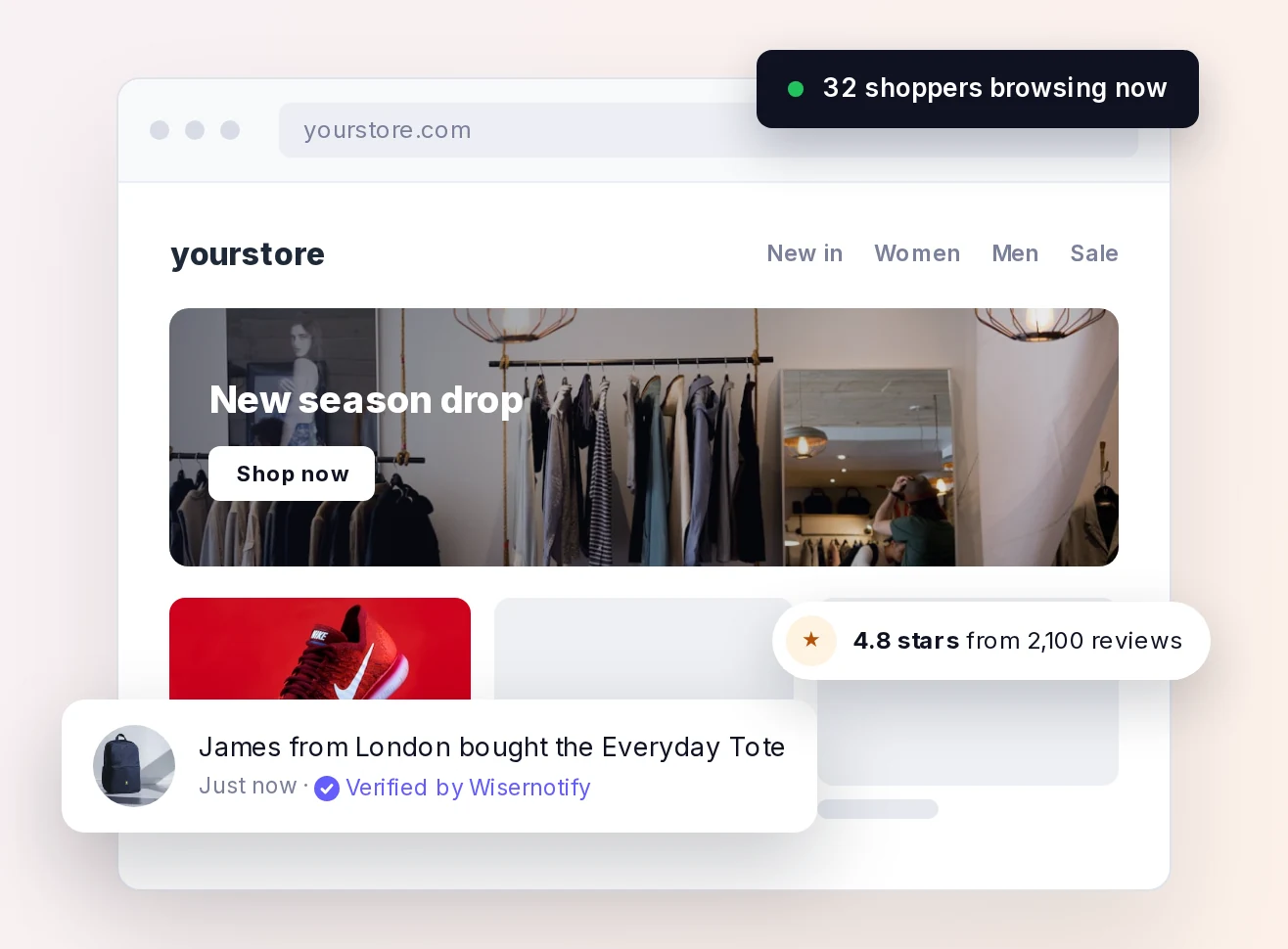
WiserNotify shows recent purchases, signups, reviews, and live visitor counts as small notifications on your pages. WiserNotify connects to Shopify, WooCommerce, BigCommerce, and 250+ other tools, so the activity it shows comes from your own store.
Show one type of notification per page and keep it clear of the cart button. A handful of honest, current signals builds more trust than a constant stream.
Build trust & FOMO
Highlight real-time activities like reviews, sales & sign-ups.


2. Be Upfront About Policies and Pricing
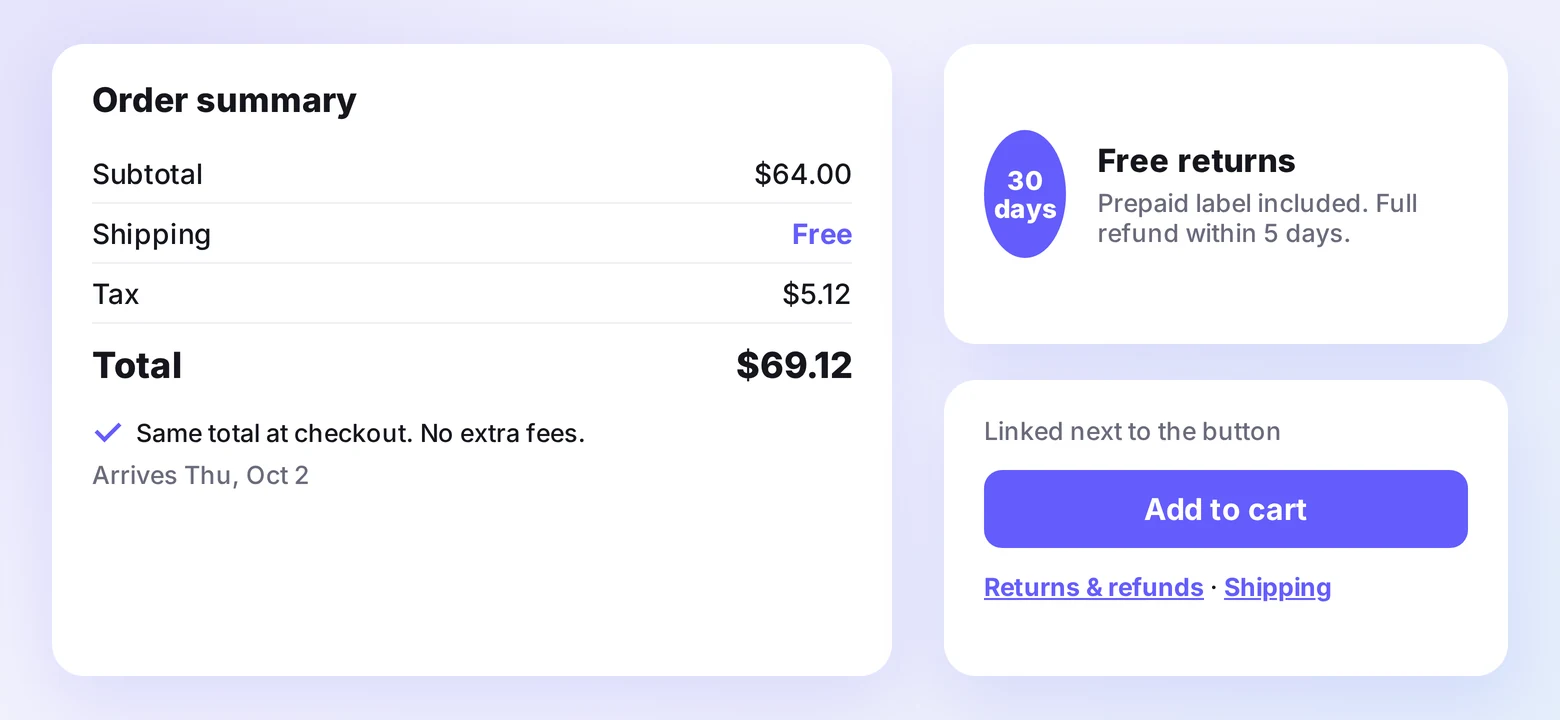
Transparency removes the fear of a hidden catch. Shoppers who can see the total price, the return terms, and who runs the store are far more willing to pay.
Clear return and refund policies
The fear of getting stuck with the wrong item stops many first orders. A clear, fair return policy lowers that fear before it turns into an abandoned cart.
- State the return window in days and whether return shipping is free.
- Write the policy in plain language, without legal filler.
- Link to it right next to the “Add to cart” button, not only in the footer.
Full pricing before checkout
Nothing breaks trust like a surprise charge on the last step. Show taxes, shipping, and fees in the cart summary before the shopper reaches checkout.
Add delivery estimates and short microcopy near the price, like “includes shipping” or “duties calculated at checkout,” so the number never changes unexpectedly.
Accurate product details
A product that arrives different from its page breaks trust for good. List exact sizes, materials, weights, and what’s in the box, and show the product from every angle.
When a detail is uncertain, say so. “Colors may vary slightly on screen” sets a fair expectation and heads off a return.
A human About page
Shoppers want to know who they’re buying from. An About page with your origin story, team photos, and the values behind your decisions turns an unknown store into a known business.
Keep it specific. A founder’s photo and one honest paragraph about why the store exists do more than a long mission statement.
3. Make Security and Privacy Visible
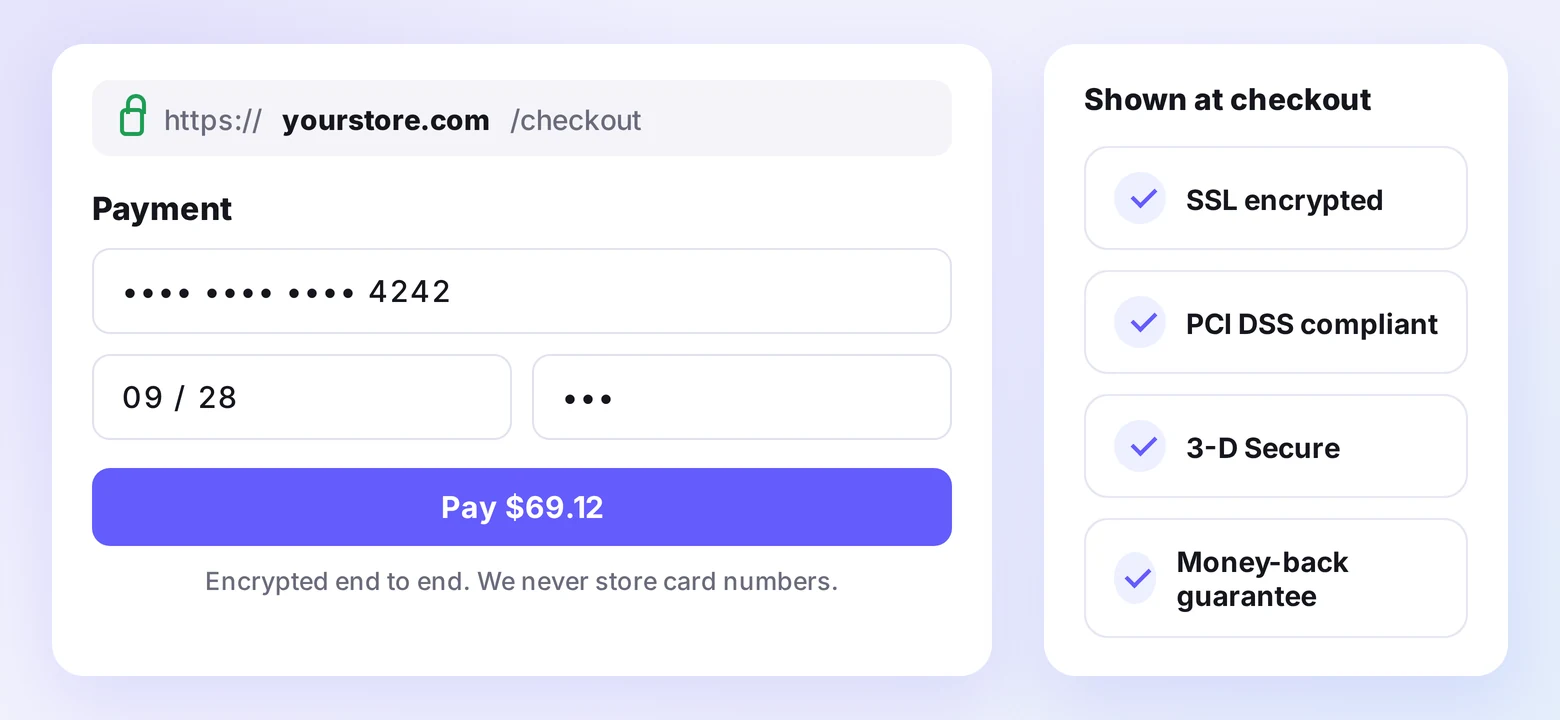
Buyers hand over card details and addresses to a site they may have found minutes ago. Visible security answers the unspoken question of whether that data is safe.
HTTPS, trust seals, secure checkout
Every page of your store should load over HTTPS to protect against common network threats. Browsers flag sites without it, and that warning ends most visits.
Place recognizable seals near the cart and payment step, such as PCI compliance, PayPal, or your payment provider’s badge. Our guide to the best trust badges covers which ones shoppers recognize and where they work best.
A privacy policy people can read
Your privacy policy is also a trust signal. Explain what you collect, why you collect it, and how you protect it, in short sentences a shopper can scan.
Consent choices that mean something
Give shoppers control over email signups and cookies. Use clear opt-in forms and a cookie banner with a visible way to decline, not a single “Accept All” button.
Respecting a “no” tells shoppers you’ll respect their data after they buy, too.
4. Make Buying Quick and Easy
Smooth stores feel like well-run businesses. Every broken link, slow page, or confusing step makes a shopper wonder what else might go wrong.
Checkout is where trust gets tested hardest. Setting aside people who were only browsing, these are the most common reasons shoppers give for leaving a checkout:
| Why shoppers abandon checkout | Share | Fix |
|---|---|---|
| Extra costs too high (shipping, tax, fees) | 40% | Show full pricing before checkout (way 2) |
| Didn’t trust the site with card details | 19% | HTTPS, known payment badges (way 3) |
| Site wanted an account | 18% | Guest checkout |
| Checkout too long or complicated | 17% | Fewer fields and steps |
| Site had errors or crashed | 17% | Fast, tested pages |
| Return policy wasn’t satisfactory | 13% | Clear, fair return terms (way 2) |
Most of these are design problems you can fix. Here’s how to improve the online shopping experience end to end.
A fast, uncluttered site
Slow pages look neglected, especially on mobile. Test your key pages with Google PageSpeed Insights and fix the biggest delays first, usually oversized images and heavy apps.
- Clean layouts with one clear action per page
- Mobile-first design and tap-friendly buttons
- Simple navigation that matches how shoppers search
Guest checkout and fewer steps
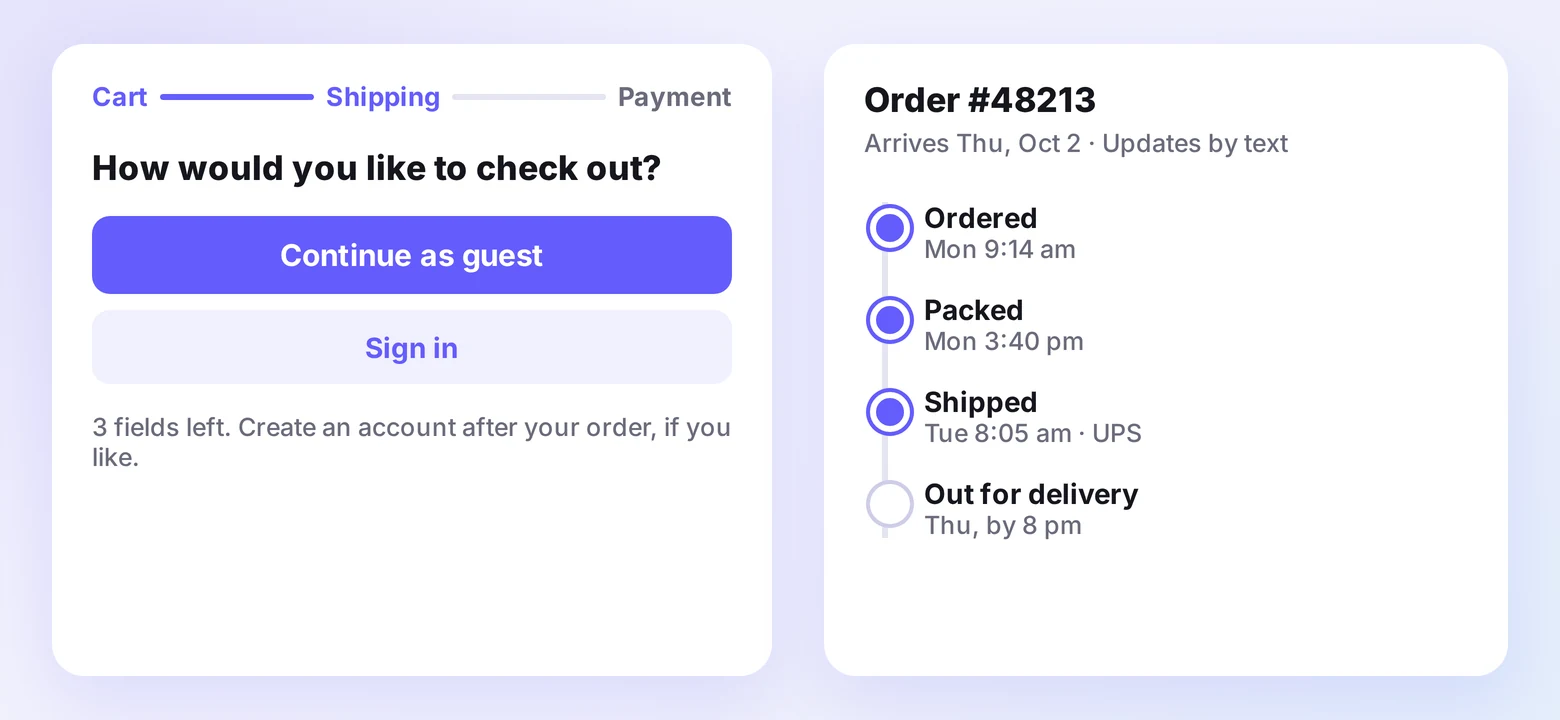
Forced account creation turns buyers away at the final step. Make the account optional and ask for it after the order instead.
- Guest checkout as the default path
- Saved payment options like Shop Pay, Apple Pay, or PayPal, shown as express checkout buttons above the form
- A progress indicator on multi-step checkouts
Clear shipping and tracking
State delivery dates, handling time, and the carrier before purchase. Then keep buyers informed with automated tracking emails or texts and an order-status page they can check anytime.
Silence after payment is where doubt grows. Regular updates keep a first order from feeling like a gamble.
5. Lower the Risk With Try-Before-You-Buy
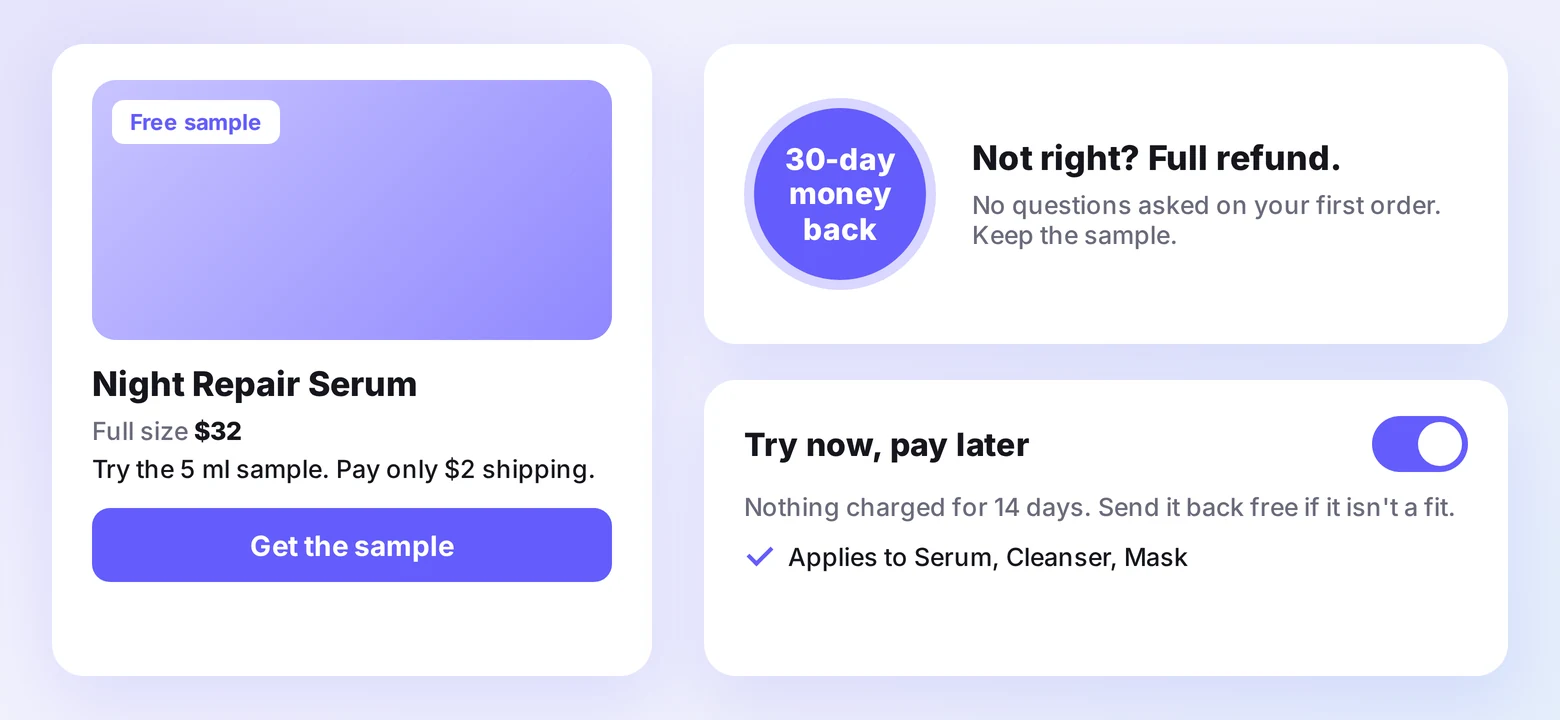
Risk reversal moves the risk from the shopper to you. When a buyer knows they can test the product or get their money back, the purchase stops feeling like a leap.
Trials, samples, and guarantees
Pick the model that fits your margins and product:
- Risk-free trials with a set return window
- Low-cost samples, like a travel size for the price of shipping
- Money-back or satisfaction guarantees on the first order
- Try-now, pay-later checkout options
Start with one product line
You don’t need to offer trials on everything at once. Start with one product line, track return rates, and adjust the terms before rolling the offer out wider.
If returns grow faster than your team can handle, a third-party logistics partner can take on the processing so the promise stays easy to keep.
Build trust & FOMO
Highlight real-time activities like reviews, sales & sign-ups.
6. Use Original Photos and Product Video
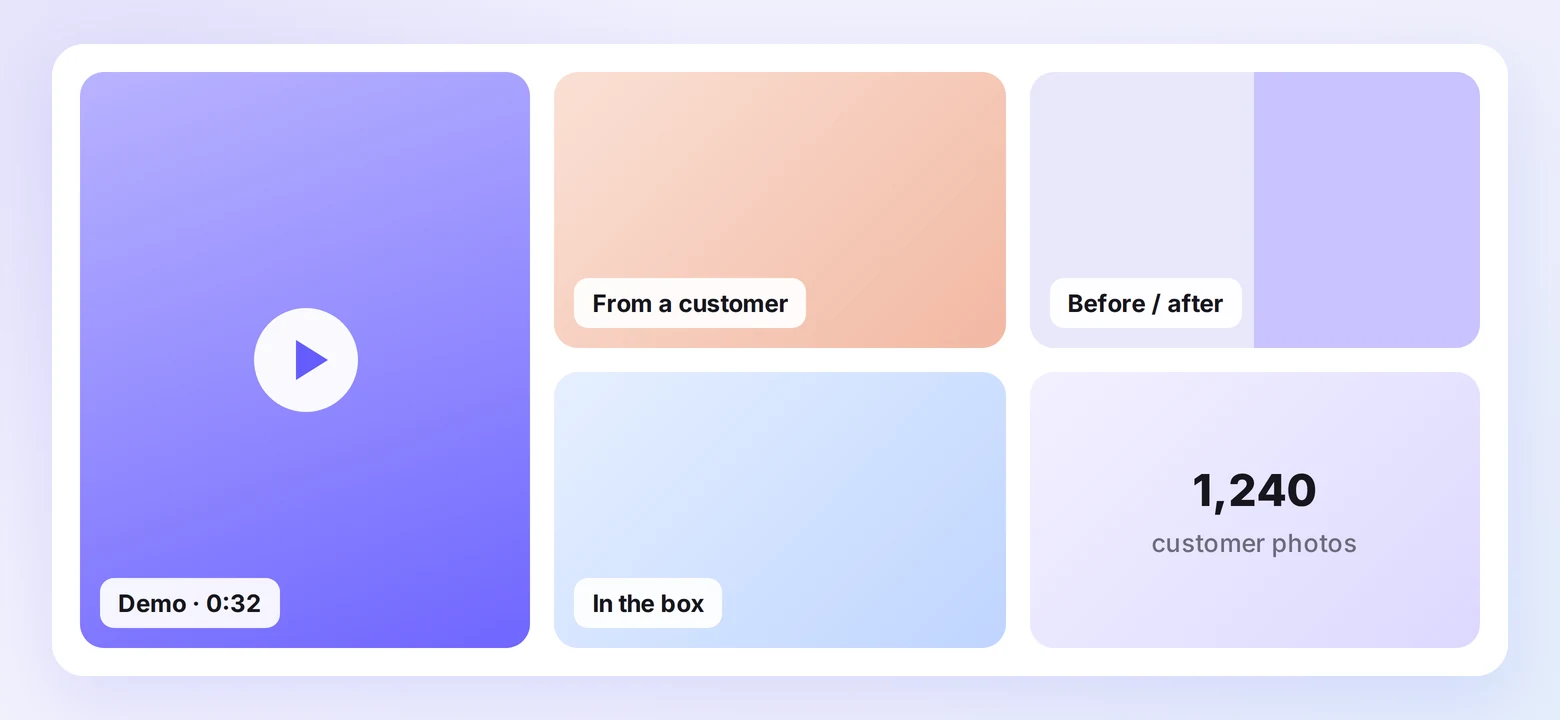
Shoppers believe what they can see. Original images and short videos show the product as it arrives, which closes the gap between the photo and the box on the doorstep.
Product videos and demos
Short demos answer questions copy can’t. Show the product’s size and scale, how it works, how it’s assembled, and the result it delivers.
Place short videos in the product gallery, where shoppers already look for detail.
Original photos over stock
Stock photos look generic, and generic looks untrustworthy. Use photos of your product in everyday settings, plus images from customers.
- User-generated content from buyers
- Behind-the-scenes shots of your team or workshop
- Before-and-after results where the product changes something visible
- Unboxing photos that show the packaging
Use one consistent style across your site and social profiles so the brand looks the same everywhere a shopper finds you.
7. Offer Fast, Human Customer Service
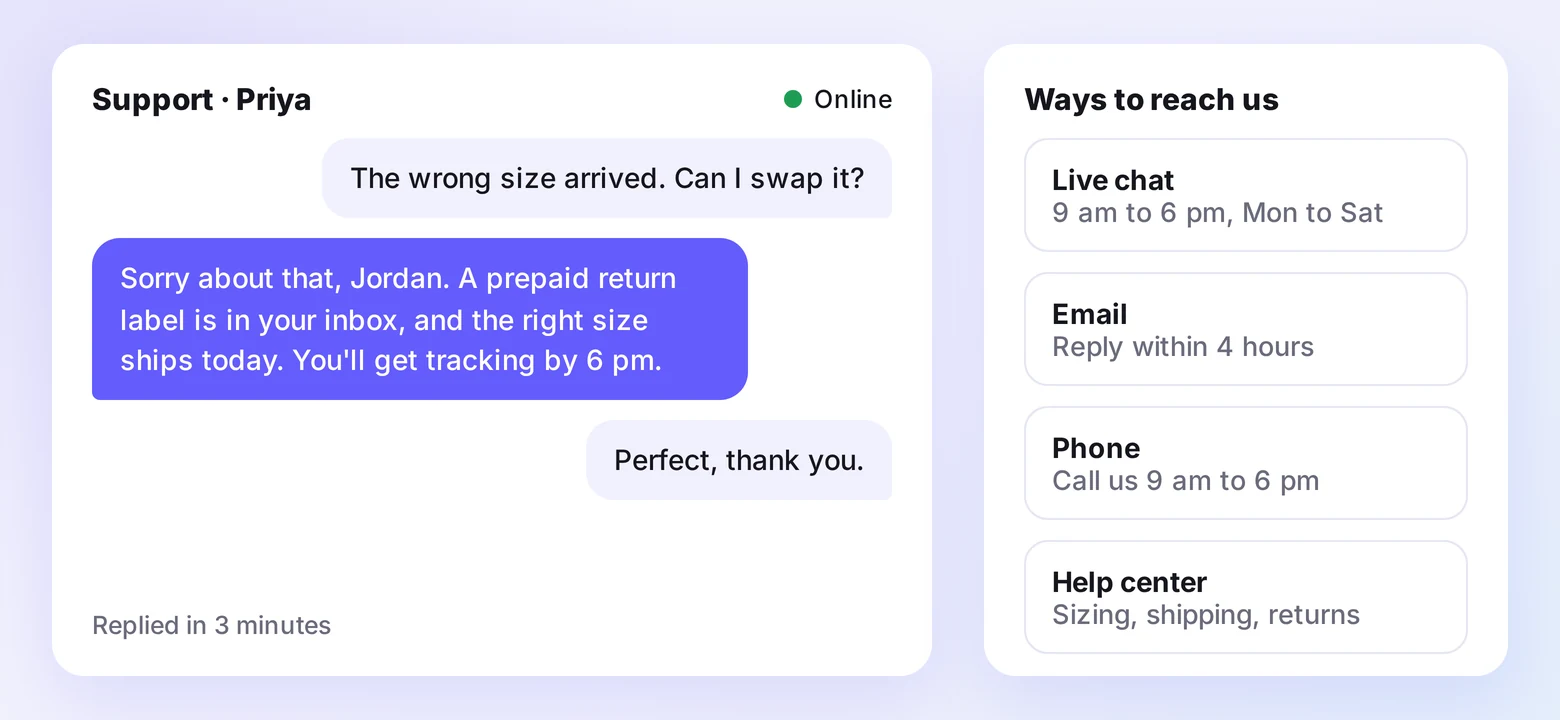
Support is where trust gets tested. How fast and how kindly you answer a problem decides whether a buyer orders again or warns others away.
Support on the channels shoppers use
Offer help where your customers already are, and make every option easy to find:
- Live chat answered by people during business hours
- Email support with a stated reply time
- A phone number with clear hours
- A searchable help center for common questions
Listing a phone number reassures shoppers even if they never call. The number alone signals a reachable business behind the store.
For higher-priced products, a click-to-call callback widget keeps that number one tap away on every page, with the name of the person who will answer.
Empathy and clear timelines
When a customer reports a problem, acknowledge it, say what happens next and by when, and follow up once it’s fixed.
Templates keep replies fast, but personalize every message. Shoppers can tell when they’re getting a copy-paste answer.
Remember returning customers
Returning buyers want to feel known. Use order history to recommend related products, send birthday or milestone offers, and reward repeat orders with loyalty perks.
Wrap Up
Trust is built from small signals that add up. Proof from past buyers, prices that don’t change, visible security, and a reachable team each remove one reason to leave.
Start with the signal your store is missing most, fix it, and watch how first-time visitors respond before moving to the next.

Boost Conversion Instantly
Add Social Proof & Urgency to your website
Frequently Asked Questions
What makes an online store look untrustworthy?
Missing contact details, prices that change at checkout, no reviews, and stock photos are the most common red flags. Broken links and an outdated design add to the doubt.
What review features increase trust on an ecommerce site?
Photo and video reviews, verified buyer labels, and public replies to critical reviews do the most. Filters that let shoppers find reviews from people like them add to it.
What tools help an online store build customer trust?
A review app to collect and display reviews, social proof notifications for live activity, and recognizable payment badges at checkout cover the basics. Add live chat once order volume grows.
Should I show negative reviews on my store?
Yes. A mix of ratings looks more believable than a wall of five stars, and a calm public reply shows buyers how you handle problems.
Does a phone number on my website build trust?
Yes. A visible phone number shows a reachable business behind the store, even for shoppers who never call, so list your hours next to it.

Krunal Vaghasiya is a marketing tech expert who boosts e-commerce conversion rates with automated social proof and FOMO strategies. He loves to keep posting insightful posts on online marketing software, marketing automations, and improving conversion rates.




 Capterra