
Callback widget on Weebly to get more leads
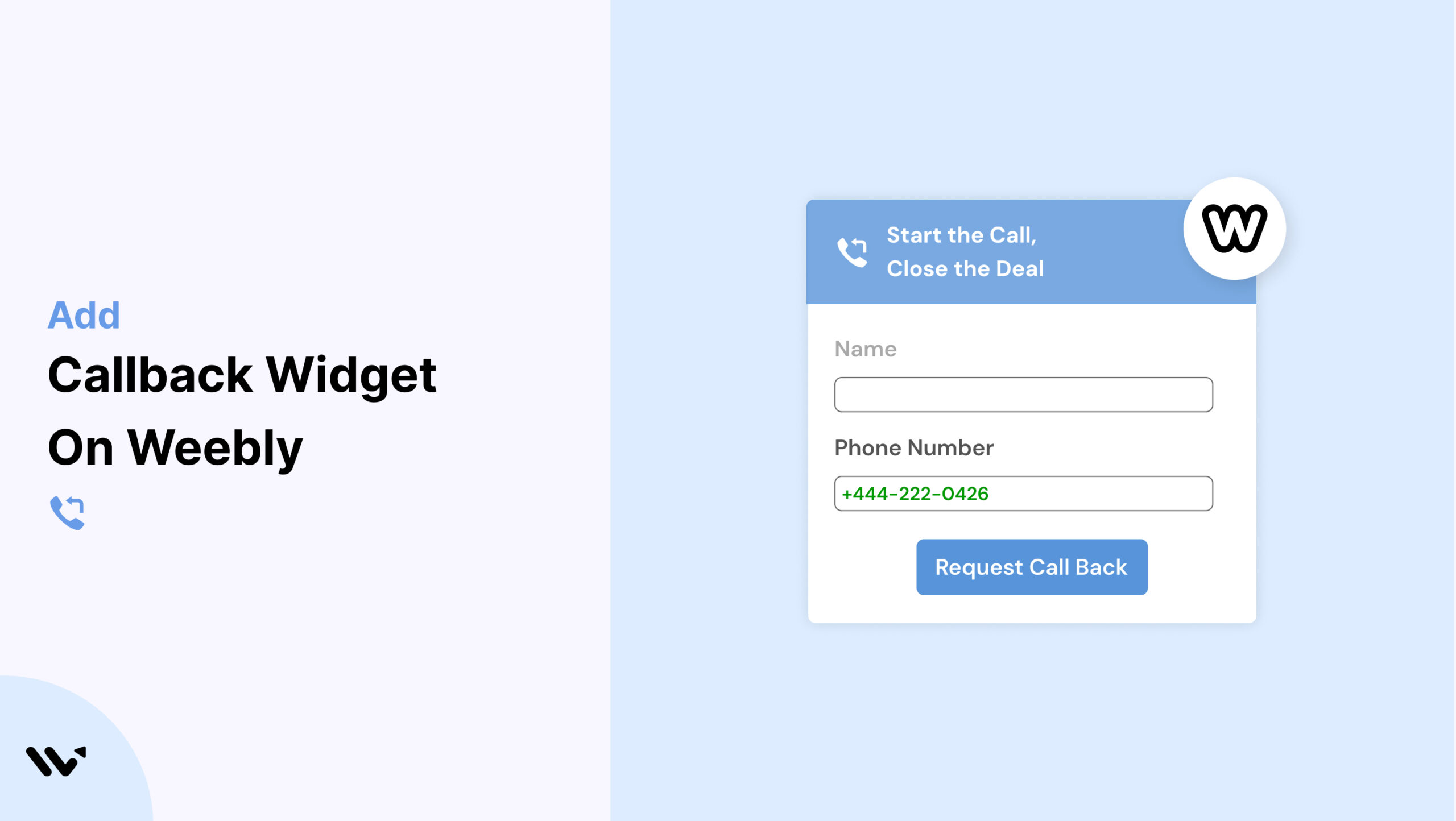
Weebly is a beginner-friendly website builder perfect for small businesses, portfolios, and local service providers. But one area where Weebly sites often fall short is in offering real-time engagement. Without a direct communication option, visitors may leave without asking important questions.
That’s where a Callback widget can help. With Wisernotify, you can easily embed a Callback widget on your Weebly site to let users request a phone call, boosting engagement, trust, and conversions.
Why Add a Callback Widget on Weebly?
Here’s how a Callback widget benefits your Weebly website:
Boost Conversions: Wisernotify users see up to 25% more conversions with real-time communication.
Instant Support: Let visitors request a call and get immediate help.
Lead Capture: Collect phone numbers for follow-ups.
Build Trust: Personal interaction increases credibility.
Easy Integration: Use Weebly’s Embed Code element for quick setup.
Perfect for:
- Local service providers
- Freelancers and coaches
- Small ecommerce shops
How to Add Callback Widget on Weebly

3 Best Callback Widget Examples


Callback Widget Tips for Weebly
Use these tips to make your Callback widget effective on Weebly:
Placement: Add to home, contact, and product pages.
Design Match: Customize colors and fonts to match your site.
Responsive Display: Ensure it works smoothly on all devices.
Behavioral Triggers: Use scroll, exit intent, or time delays.
Clear CTAs: Try “Want to Talk?” or “Need Help with a Purchase?”
Automate Follow-Up: Connect with CRM or email workflows.
Callback Widget Mistakes to Avoid on Weebly
Avoid these pitfalls for best results:
Poor Placement: Don’t block navigation or CTAs.
Inconsistent Design: Make sure widget aligns visually with your brand.
No Mobile Testing: Always preview on phones and tablets.
Slow Response Times: Be ready to respond promptly to calls.
Ignoring Data: Use Wisernotify analytics to refine timing and targeting.
Wrap-Up
Adding a Callback widget to your Weebly site with Wisernotify gives visitors an easy way to reach out, improving trust and conversions.
Try Wisernotify today and make your Weebly site more interactive and support-ready.
Related guides
Setting up a callback widget on another platform? Here are the related guides:
Frequently Asked Questions
How do I add a Callback widget to my Weebly site?
You can embed the Wisernotify Callback widget by dragging an Embed Code element onto your Weebly page and pasting the widget code provided by Wisernotify.
Will the Callback widget work with all Weebly themes?
Yes, Wisernotify’s widget is compatible with all Weebly themes and integrates seamlessly into any page layout.
Can I customize the Callback widget to match my Weebly design?
Absolutely. You can adjust the widget’s color, text, and position to match your website’s branding and style.
Is the Callback widget responsive on mobile devices in Weebly?
Yes, the widget is fully responsive and functions properly across smartphones, tablets, and desktops.
Can I track the performance of the Callback widget on Weebly?
Yes, Wisernotify includes analytics tools to help you monitor callback requests, user engagement, and conversion performance.

Krunal Vaghasiya is a marketing tech expert who boosts e-commerce conversion rates with automated social proof and FOMO strategies. He loves to keep posting insightful posts on online marketing software, marketing automations, and improving conversion rates.




 Capterra